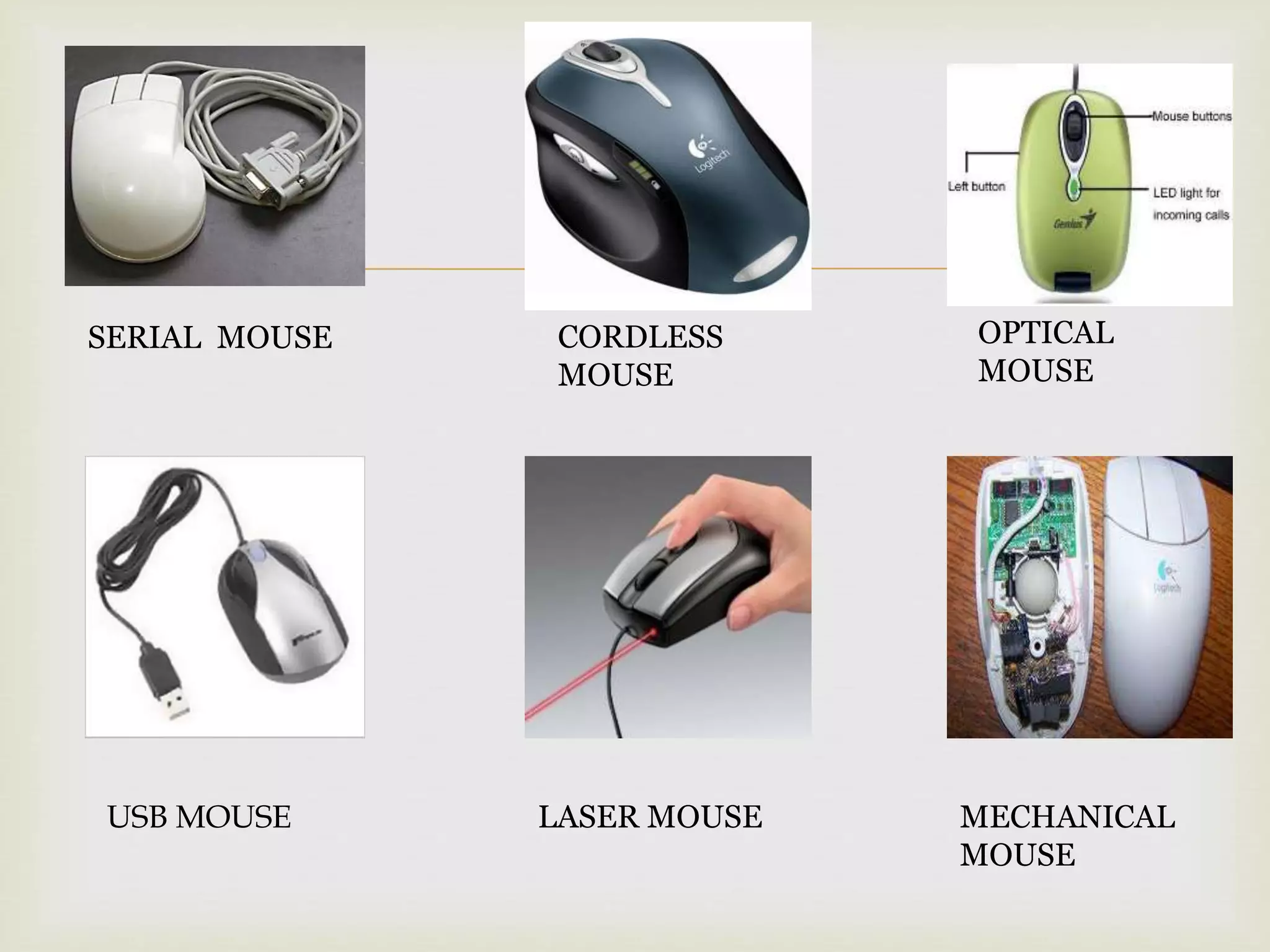
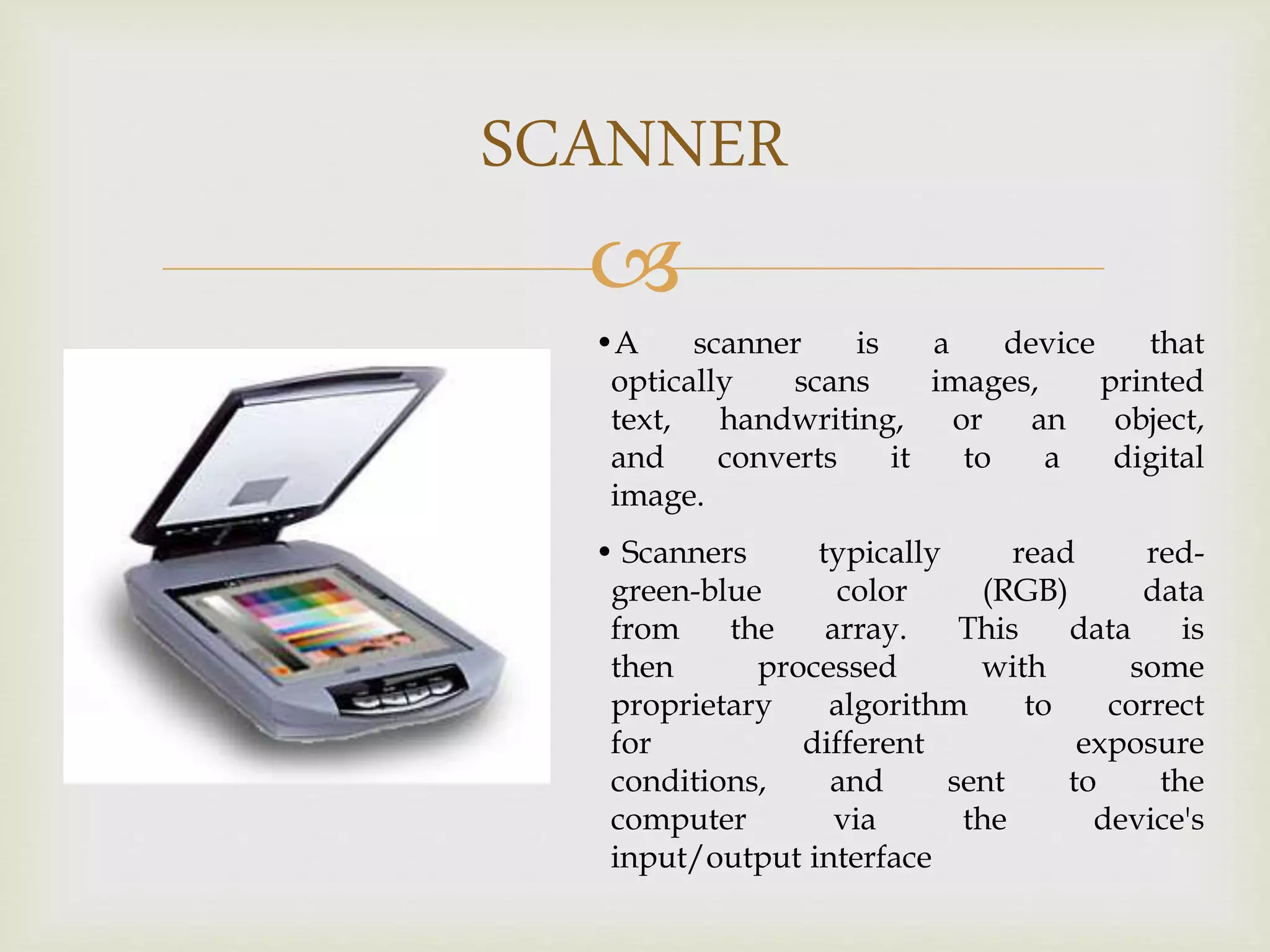
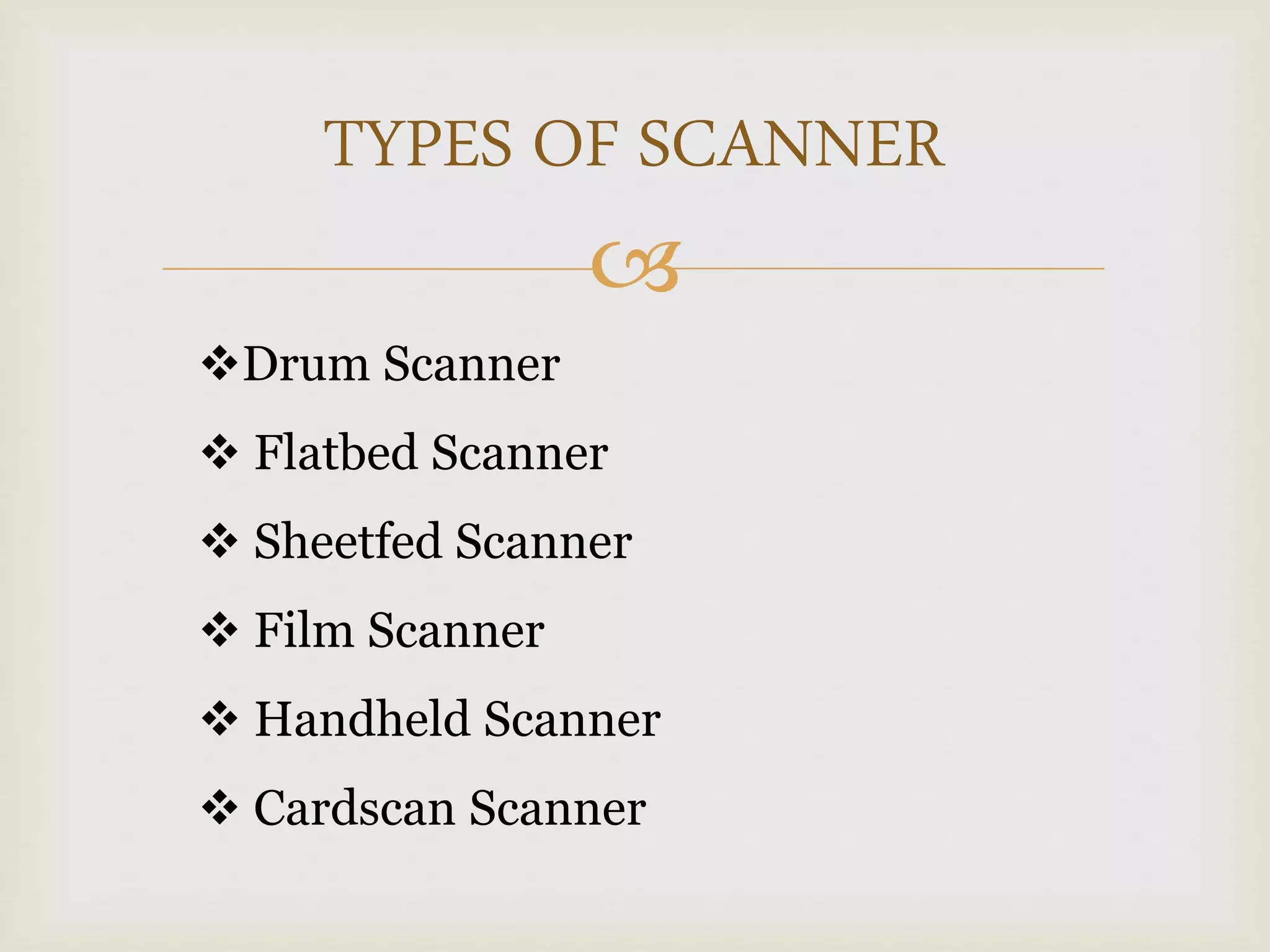
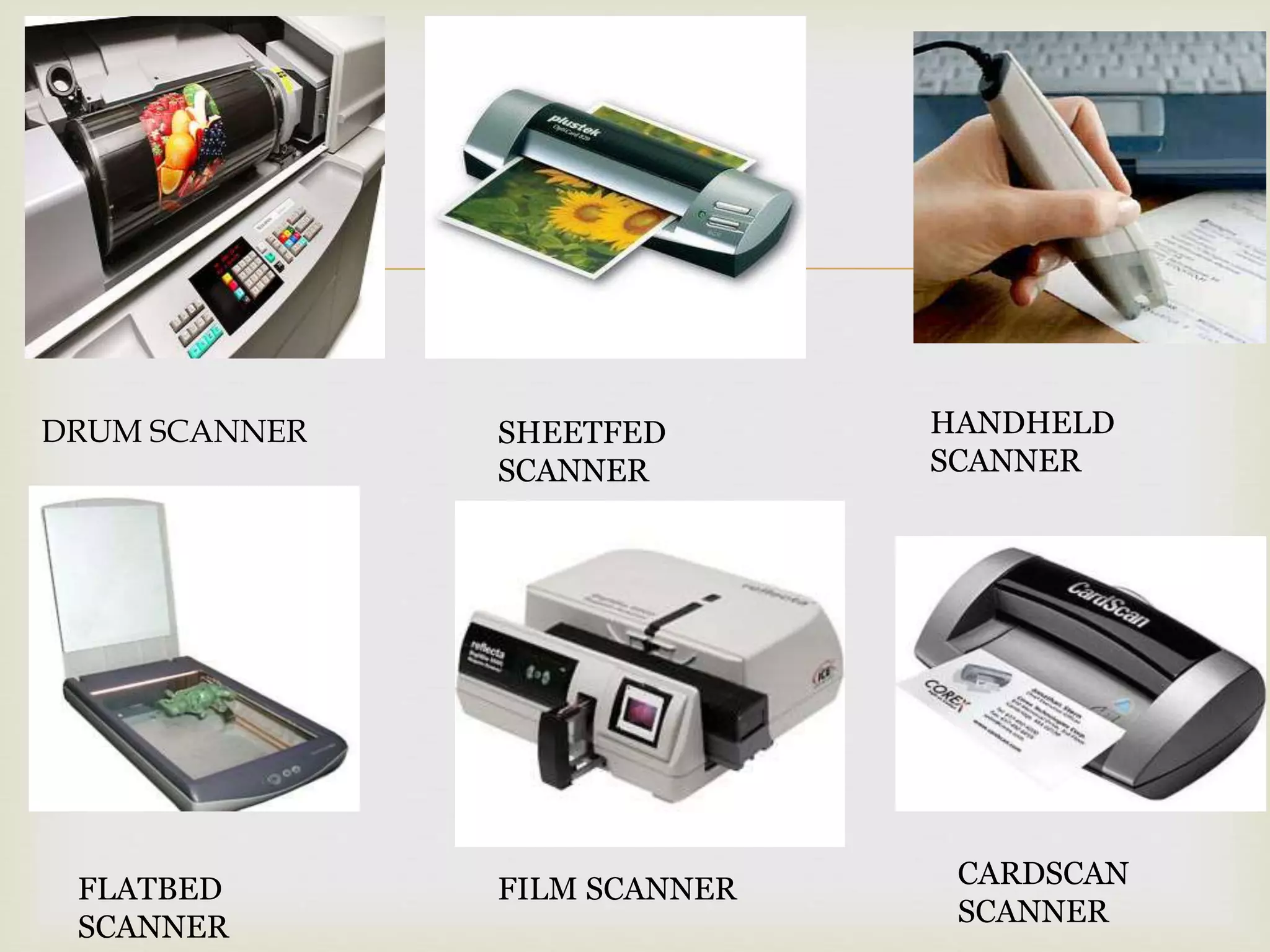
This document discusses various input devices used in computers. It describes keyboards, mice, scanners and biometrics as common input devices. For keyboards, it mentions standard and non-standard keyboards. For mice, it provides details on types like serial, USB, cordless, laser, optical and mechanical mice. It also describes different types of scanners like drum, flatbed, sheetfed, film, handheld and cardscan scanners. Finally, it lists biometrics devices such as face, hand, finger, retina and voice scanners.
PROJECT ON :-INPUT DEVICES
NAME :- AKHIL SETHIYA
CRO NUMBER :- CRO05****3
THE INSTITUTE OF CHARTERED
ACCOUNTANTS OF INDIA(ICAI)
2.
This isto certify that AKHIL SETHIYA 0f IPCC has
satisfactory carried on his project report for
INFORMATION TECHNOLOGY PRACTICAL
EXAMINATION .
The project work on communication was performed
and done by the candidate himself under supervision
of IT Department.
His approach to the project was sincere and
satisfactory.
His keen interest, sincere efforts and constant
persuasion during the project helps him in project
completion.
CERTIFICATE
3.
I amvery thankful to our ITT faculties “Mrs. Shweta Nyati” for
providing me an opportunity to work on this project and for
giving their blessings and encouragement.
It is a matter of great pride and pleasure to express our
indebtedness and warm gratitude to our IT staff for their keen
interest, unceasing assistance and constructive at every step of
this project work.
I am also thankful to The Institute of Chartered Accountants of
India (ICAI) for including the project work in syllabus. I thank
them all for their simulating efforts.
I have gained a lot of knowledge during those 100 hours of
training. Your confidence in me has made this training
successful.
ACKNOWLEGEMENT
4.
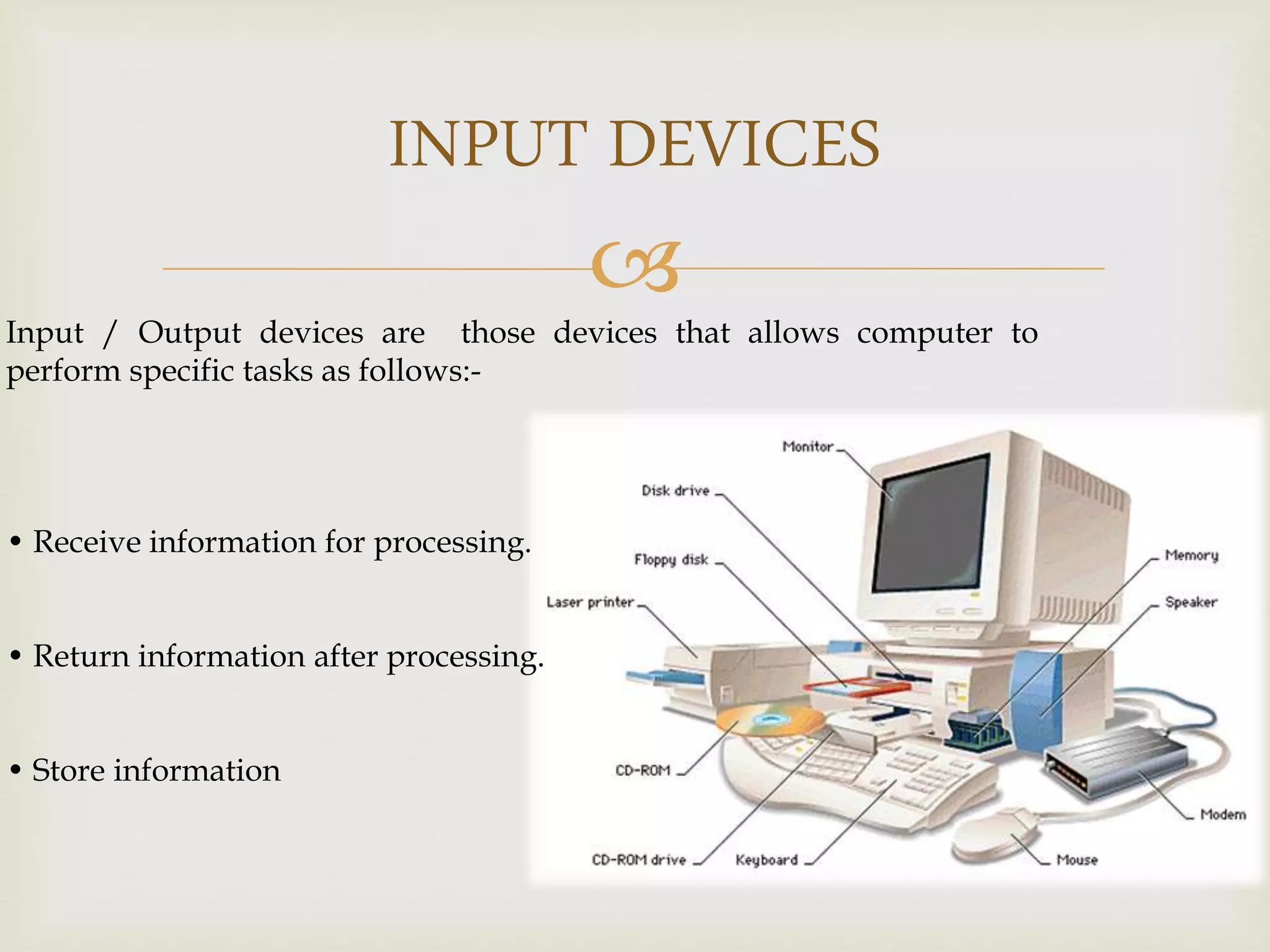
INPUT DEVICES
Input /Output devices are those devices that allows computer to
perform specific tasks as follows:-
• Receive information for processing.
• Return information after processing.
• Store information
5.
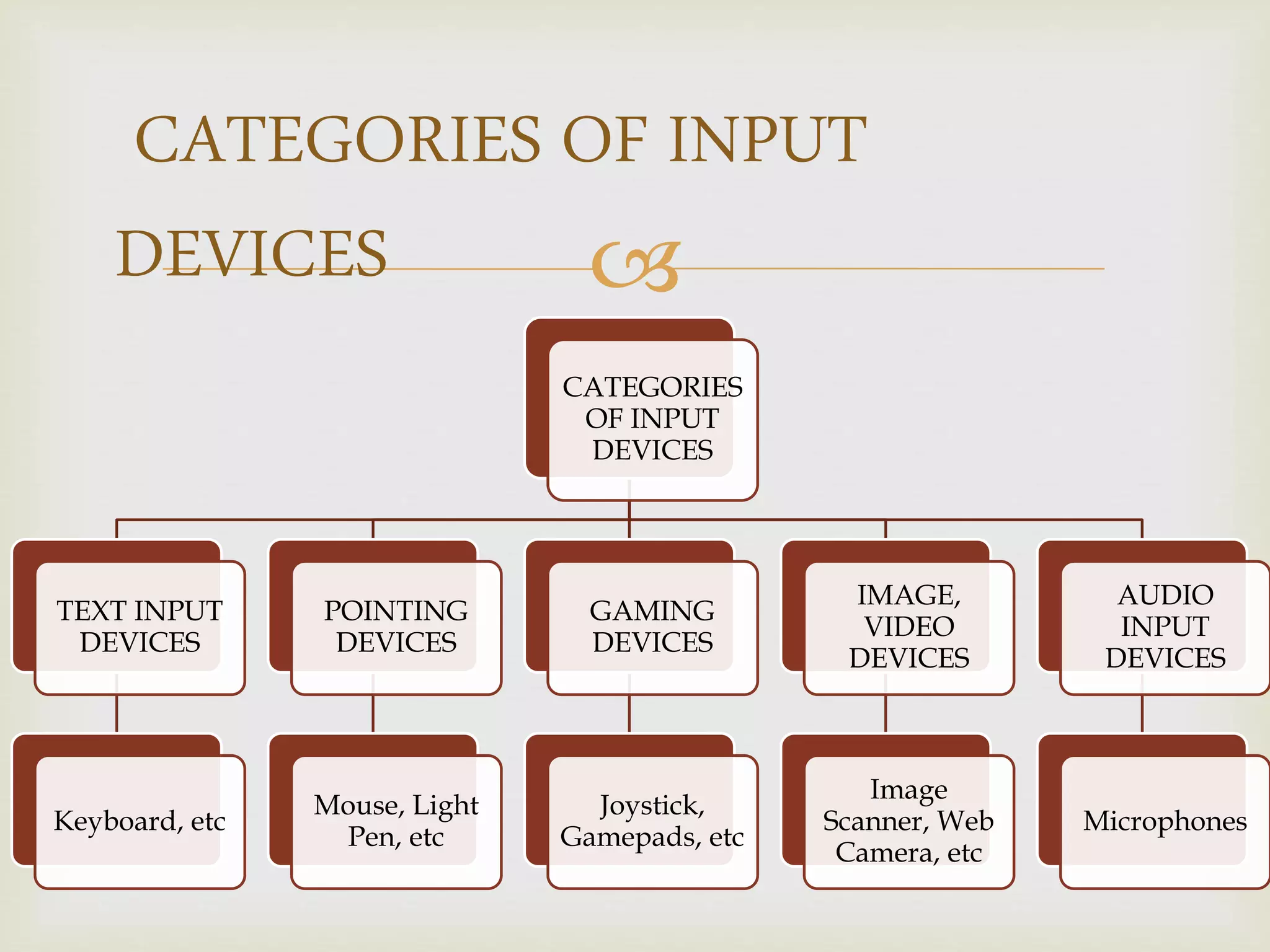
CATEGORIES
OF INPUT
DEVICES
TEXT INPUT
DEVICES
Keyboard,etc
POINTING
DEVICES
Mouse, Light
Pen, etc
GAMING
DEVICES
Joystick,
Gamepads, etc
IMAGE,
VIDEO
DEVICES
Image
Scanner, Web
Camera, etc
AUDIO
INPUT
DEVICES
Microphones
CATEGORIES OF INPUT
DEVICES
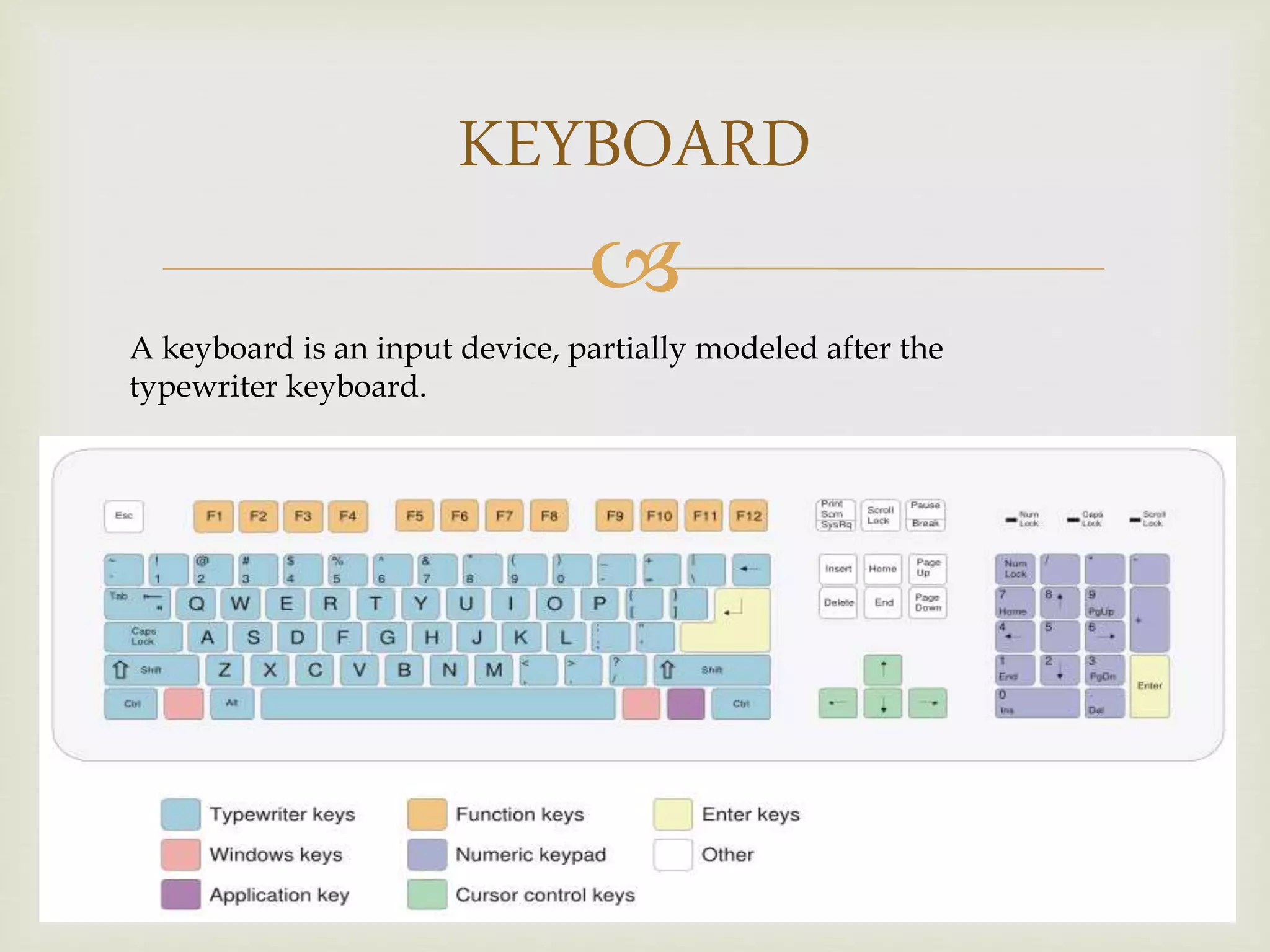
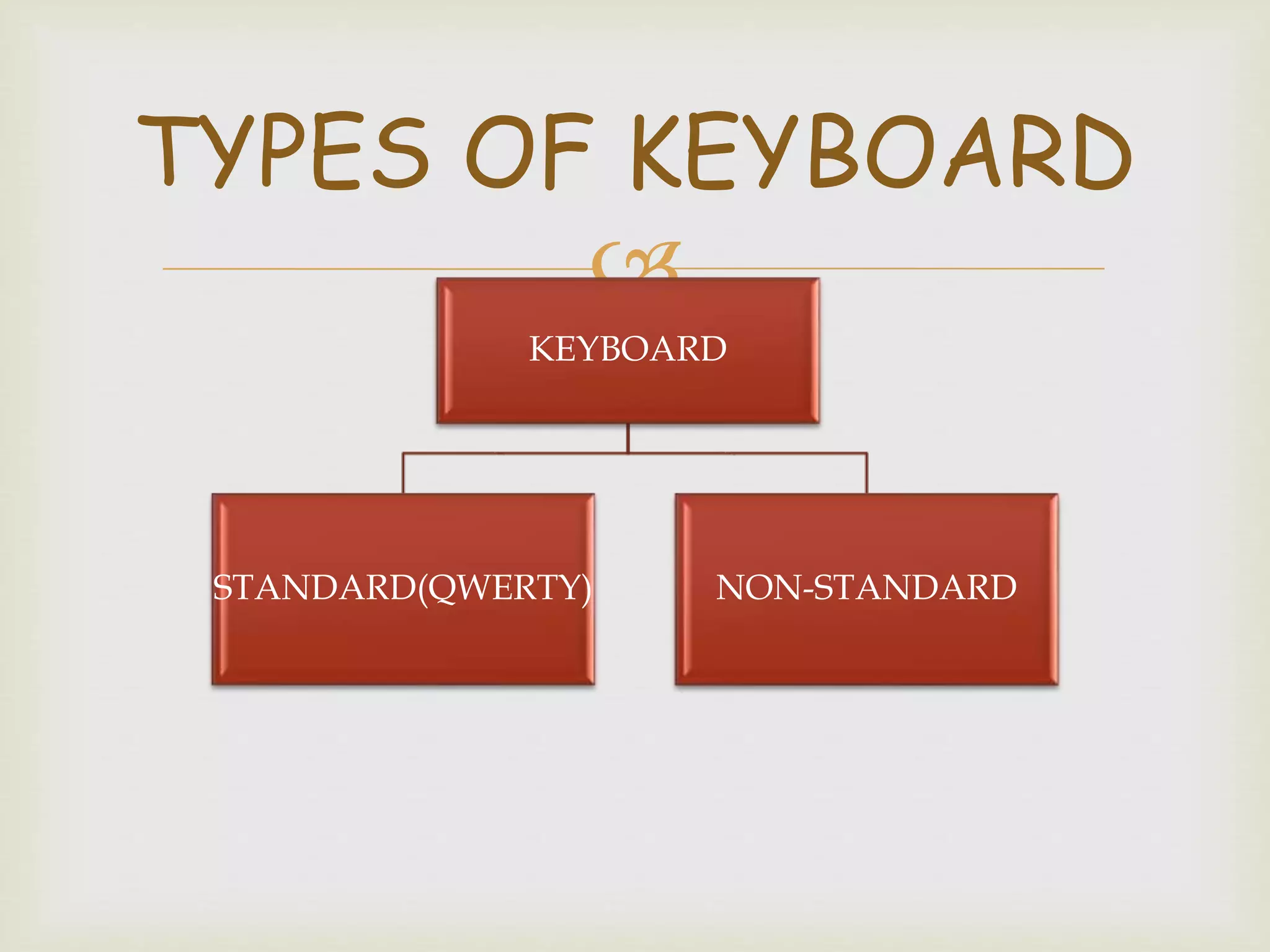
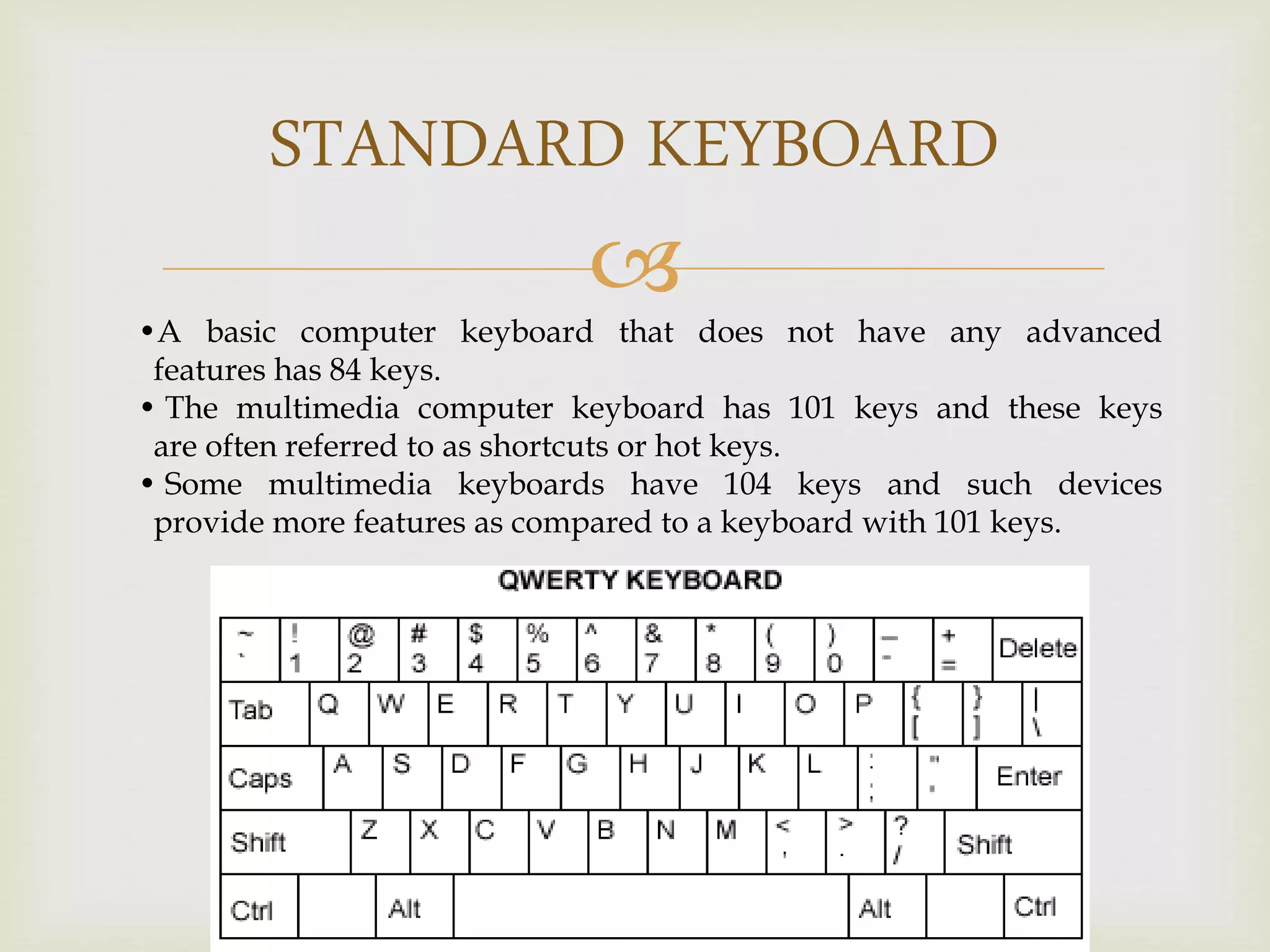
STANDARD KEYBOARD
•A basiccomputer keyboard that does not have any advanced
features has 84 keys.
• The multimedia computer keyboard has 101 keys and these keys
are often referred to as shortcuts or hot keys.
• Some multimedia keyboards have 104 keys and such devices
provide more features as compared to a keyboard with 101 keys.
11.
NON-STANDARD KEYBOARD
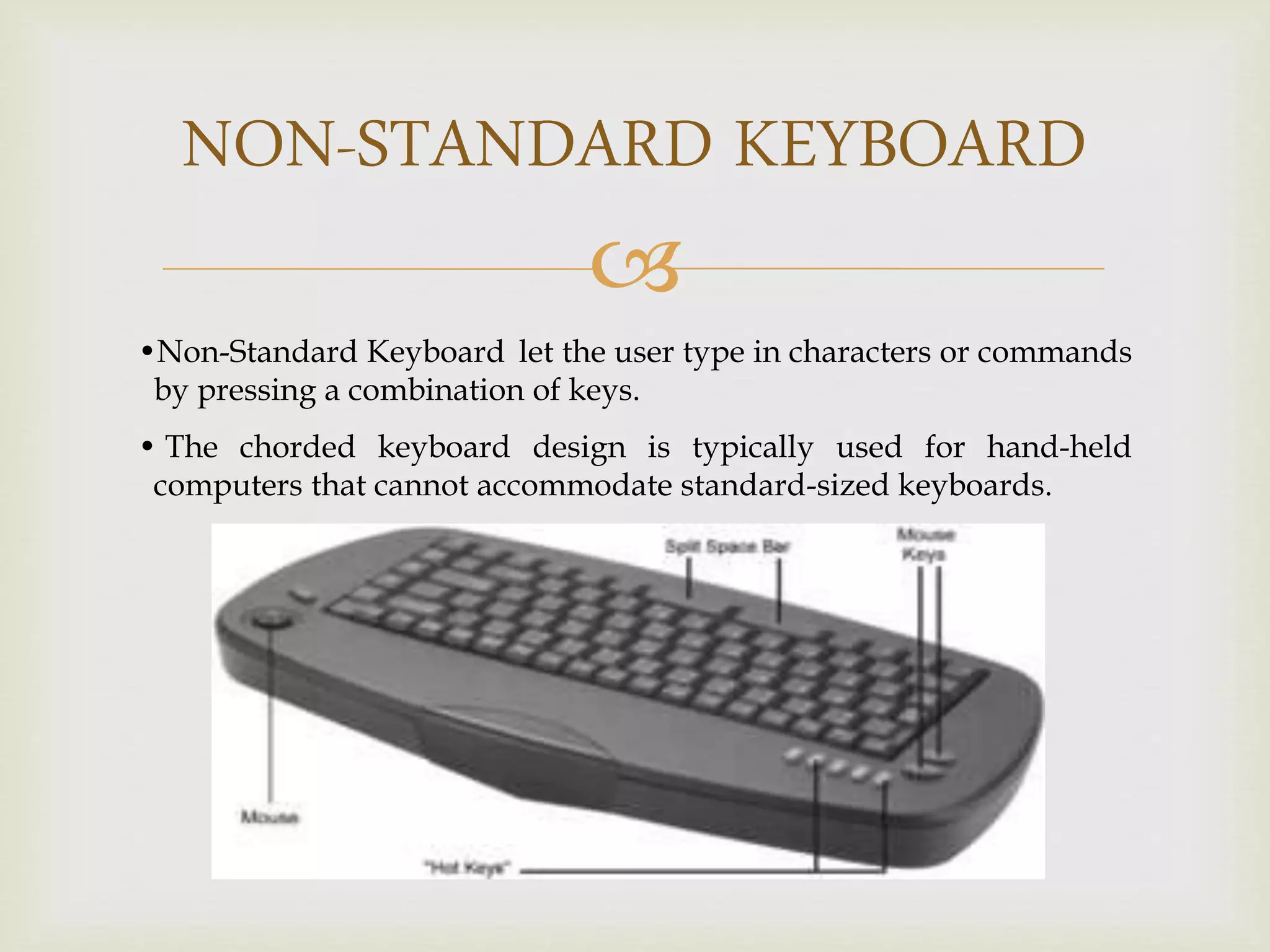
•Non-Standard Keyboardlet the user type in characters or commands
by pressing a combination of keys.
• The chorded keyboard design is typically used for hand-held
computers that cannot accommodate standard-sized keyboards.
12.
MOUSE
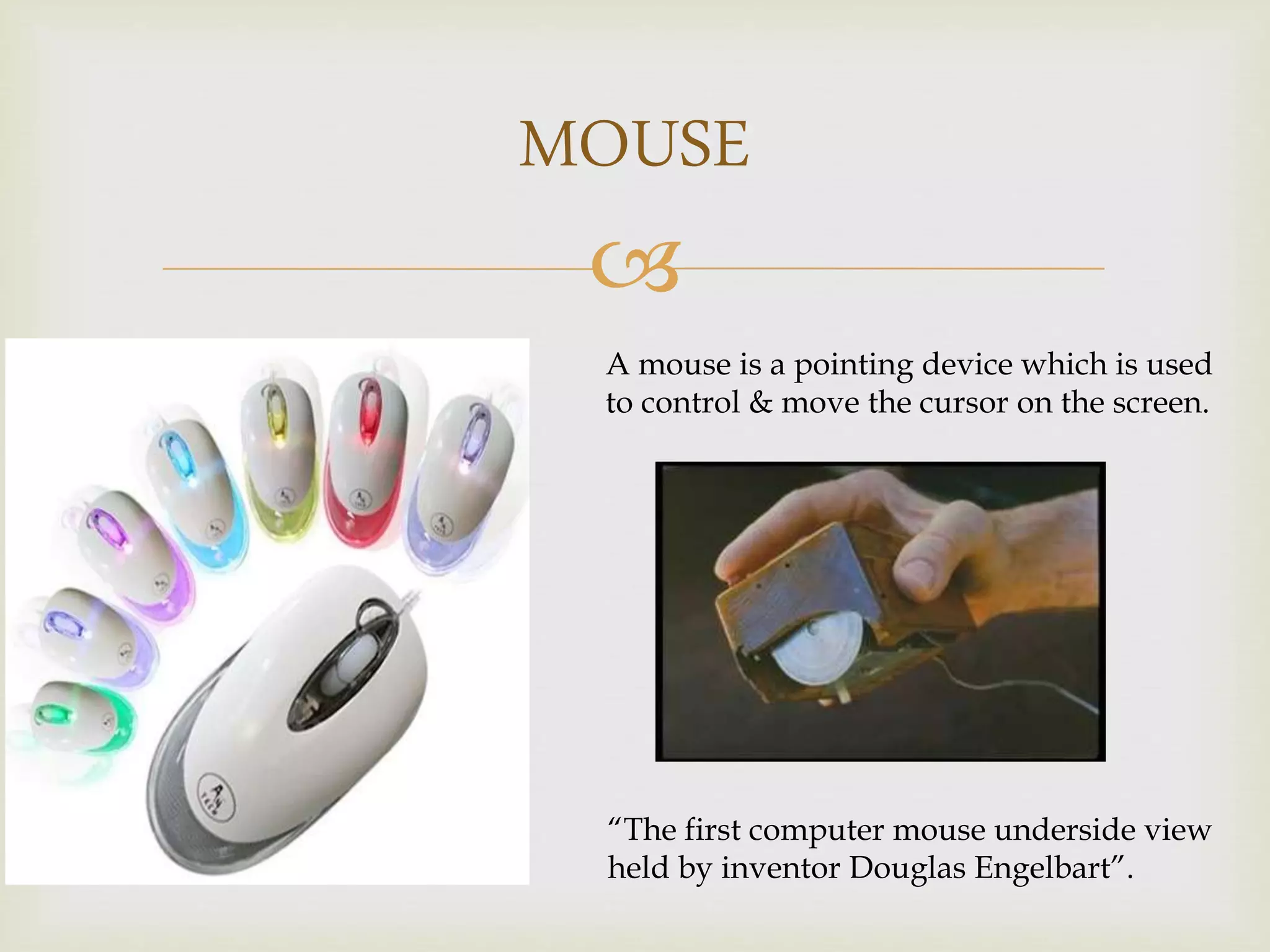
A mouse isa pointing device which is used
to control & move the cursor on the screen.
“The first computer mouse underside view
held by inventor Douglas Engelbart”.
13.
MOUSE BUTTONS
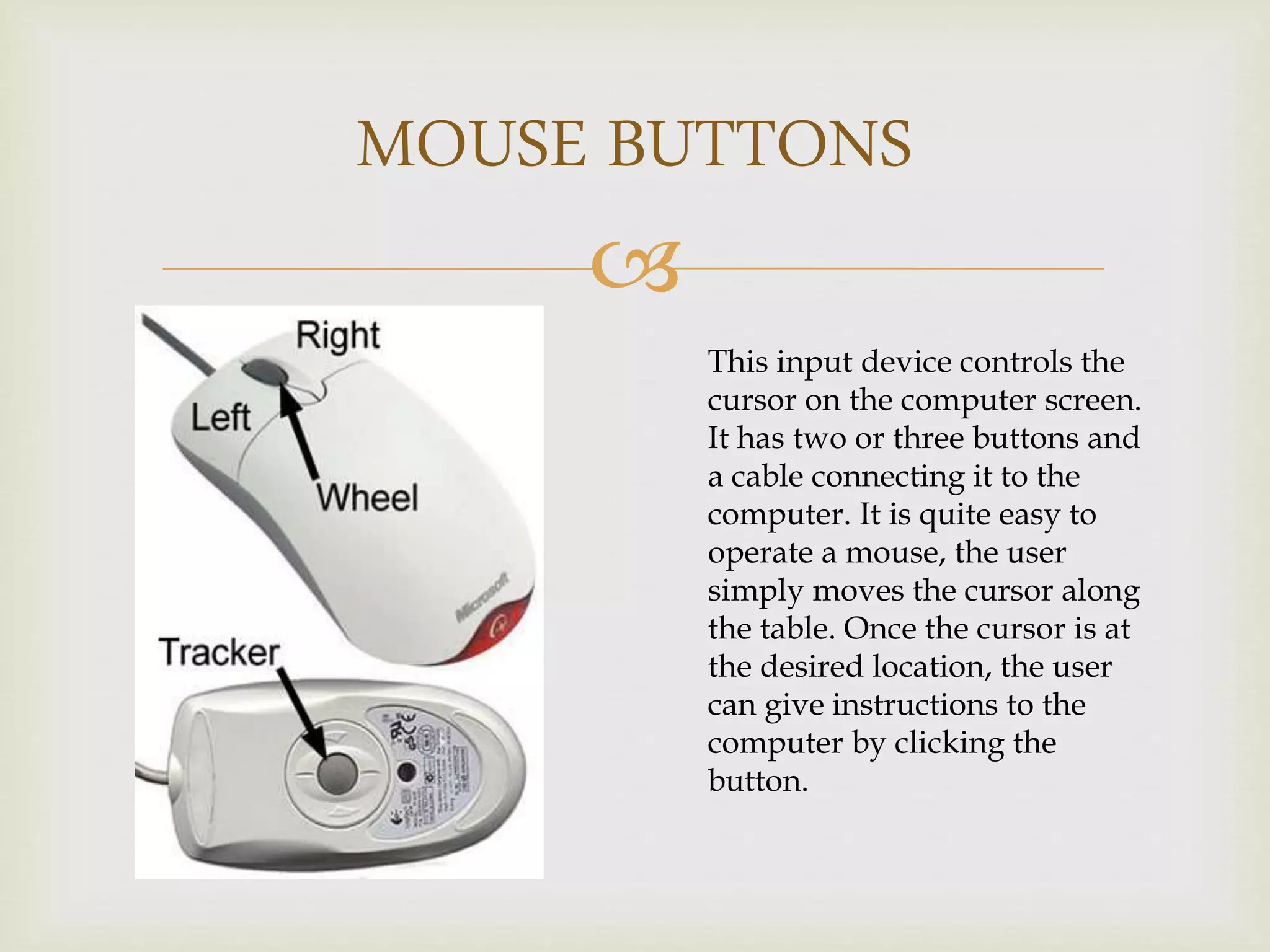
This inputdevice controls the
cursor on the computer screen.
It has two or three buttons and
a cable connecting it to the
computer. It is quite easy to
operate a mouse, the user
simply moves the cursor along
the table. Once the cursor is at
the desired location, the user
can give instructions to the
computer by clicking the
button.
SCANNER
•A scanner isa device that
optically scans images, printed
text, handwriting, or an object,
and converts it to a digital
image.
• Scanners typically read red-
green-blue color (RGB) data
from the array. This data is
then processed with some
proprietary algorithm to correct
for different exposure
conditions, and sent to the
computer via the device's
input/output interface
17.
TYPES OF SCANNER
DrumScanner
Flatbed Scanner
Sheetfed Scanner
Film Scanner
Handheld Scanner
Cardscan Scanner
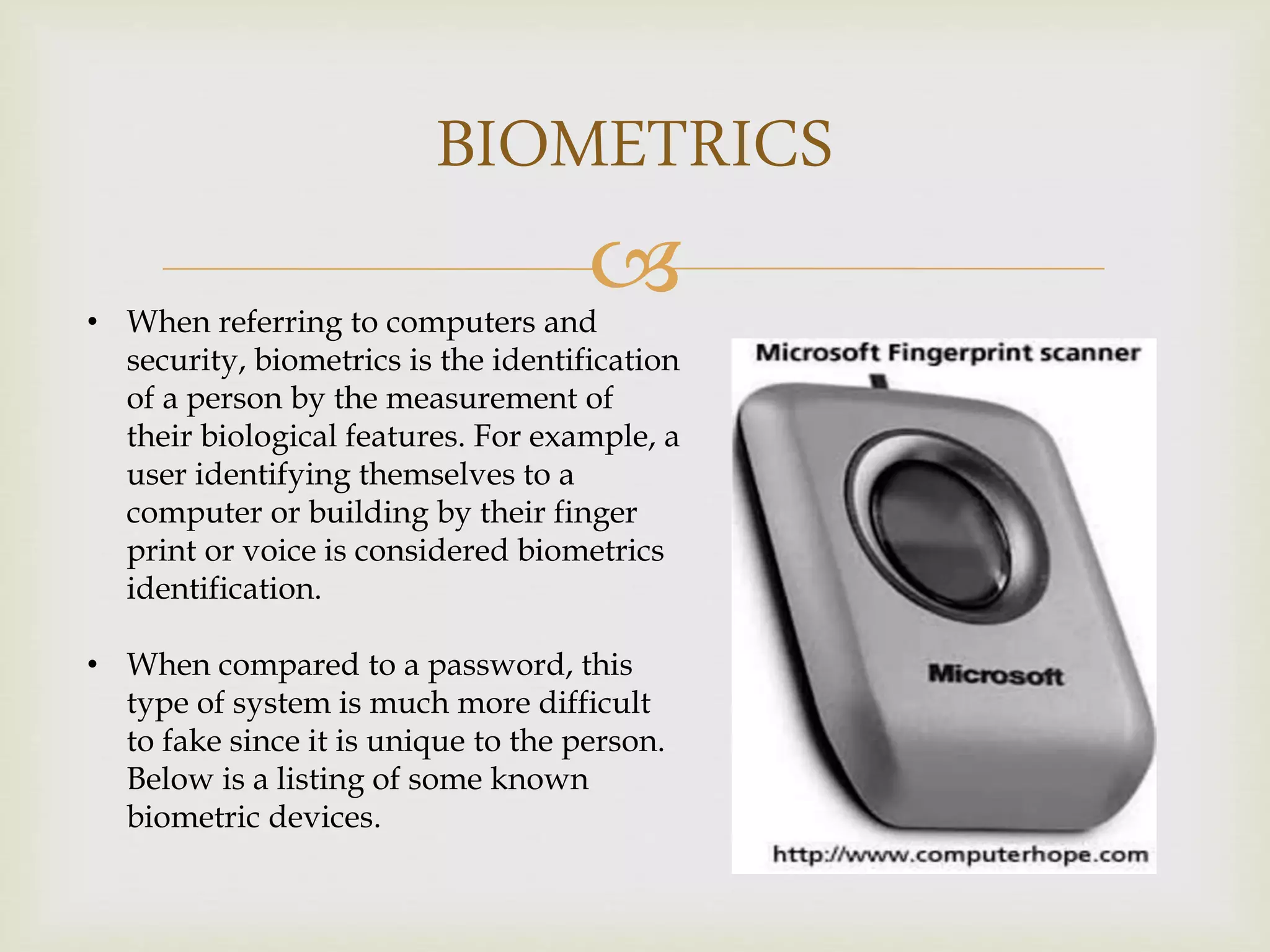
BIOMETRICS
• When referringto computers and
security, biometrics is the identification
of a person by the measurement of
their biological features. For example, a
user identifying themselves to a
computer or building by their finger
print or voice is considered biometrics
identification.
• When compared to a password, this
type of system is much more difficult
to fake since it is unique to the person.
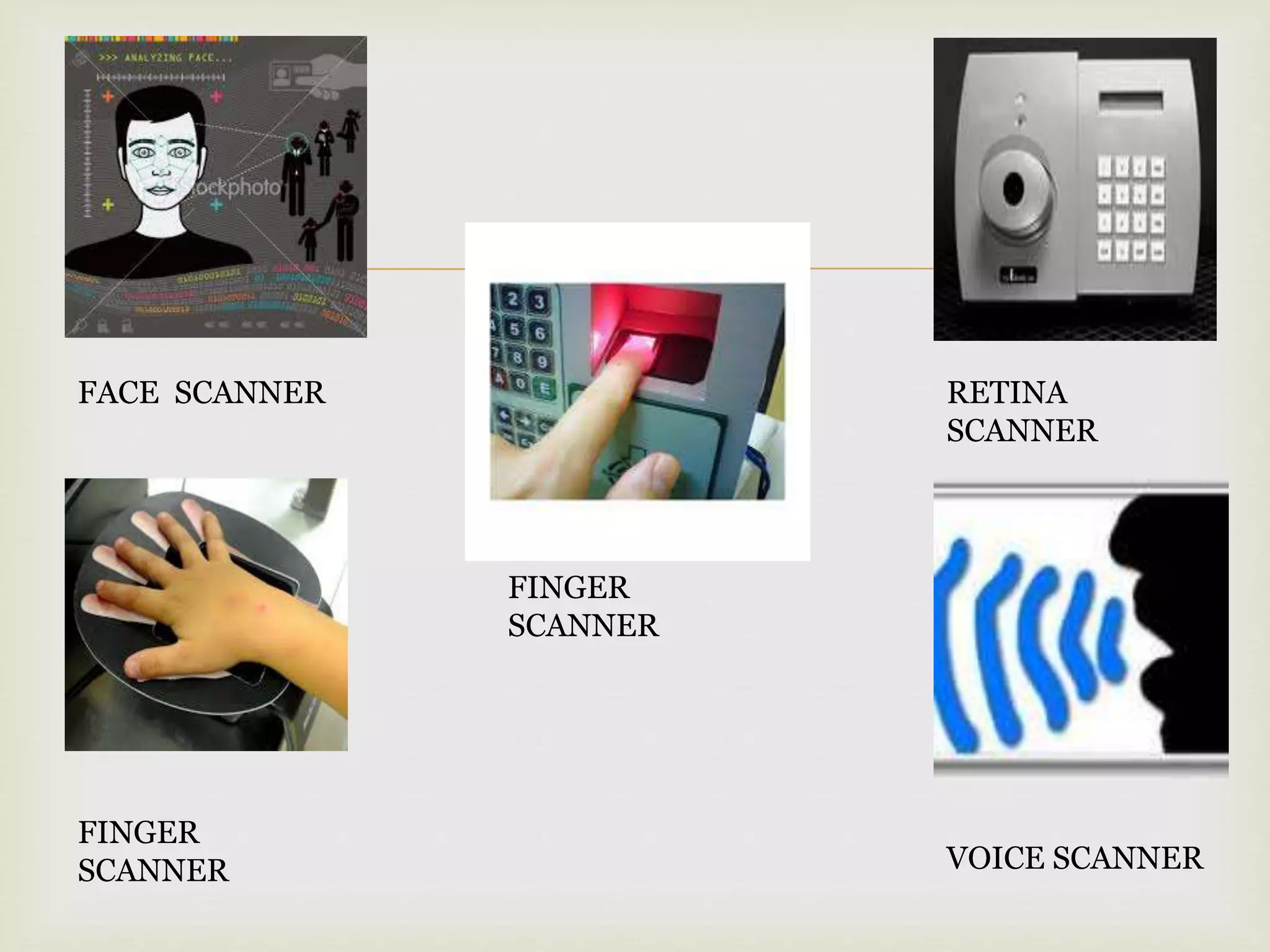
Below is a listing of some known
biometric devices.