Richard Erwin  Developer Tools Technical Specialist Microsoft UK
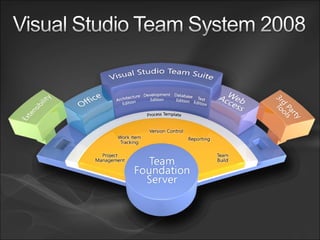
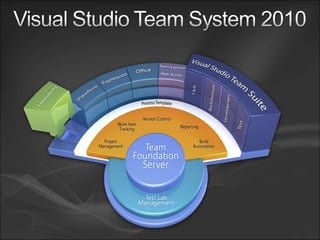
Agenda What is Visual Studio Team System? What’s Coming In VSTS 2010
Team System? What is Visual Studio
Microsoft’s Application Lifecycle Management Solution (ALM) The administration and control of an application from inception to its demise. It embraces requirements management, system design, software development and configuration management and implies an integrated set of tools for developing and controlling the project. Computer Desktop Encyclopedia copyright ©1981-2008
Business Ideas Successfully. ALM is about ensuring are turned into software
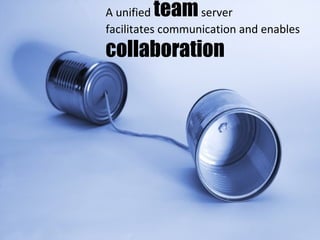
A unified  team  server facilitates communication and enables collaboration
Integrated process guidance helps the team deliver predictable results
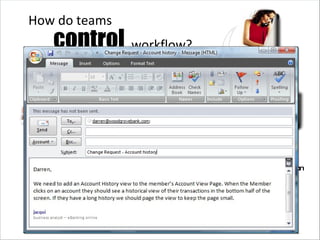
control   How do teams workflow? Business Analyst Project Manager Dev Team Test Operations Change Requests Use Case Non Functional Requirements Bugs Tasks Production Errors Deployment Requirements
Work item tracking provides efficient  and flexible team workflow     management.
A  quality-centric  toolset integrated throughout development reduce  cost helps overall project
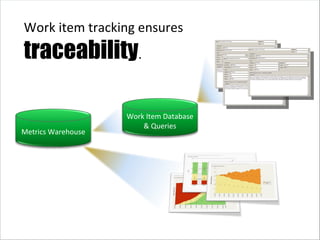
Work item tracking ensures traceability . Metrics Warehouse Work Item Database & Queries
business intelligence enables  real-time decision making Comprehensive
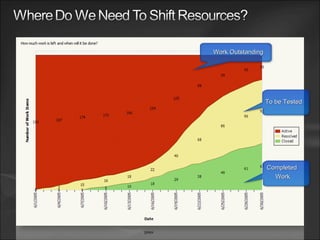
Completed  Work Work  Outstanding To be Tested
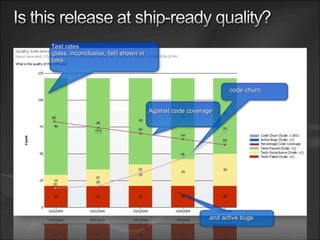
Test rates (pass, inconclusive, fail) shown in bars Against code coverage code churn and active bugs
 
 
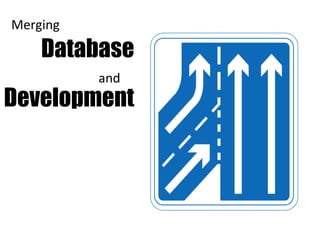
Database Development Merging and
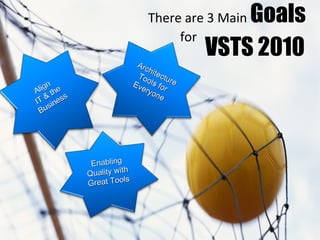
VSTS 2010 There are 3 Main  Goals   for Align  IT & the Business Architecture Tools for Everyone Enabling Quality with Great Tools
IT Business Align and the
Hierarchal Work Items Improved Excel-based Agile planning tools High fidelity integration with Microsoft Project Server Cross project dashboard and reporting Simpler reporting
 
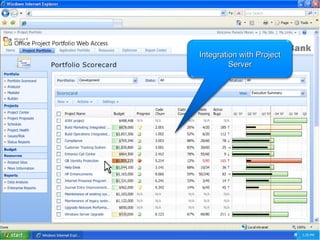
Integration with Project Server
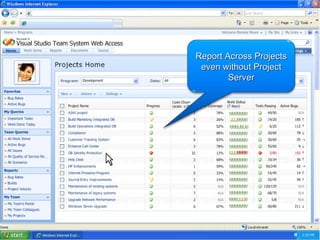
Report Across Projects even without Project Server
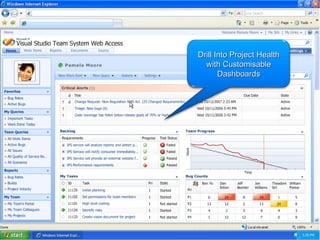
Drill Into Project Health with Customisable Dashboards
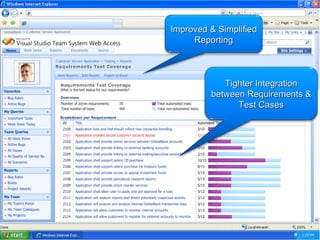
Ensure smooth build handoffs and high quality builds HIDDEN Improved & Simplified Reporting Tighter Integration between Requirements & Test Cases
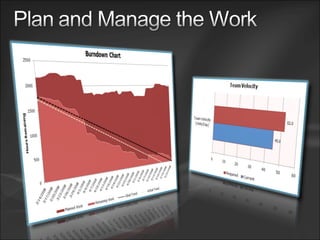
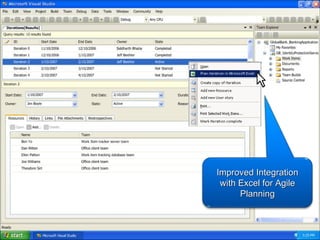
Improved Integration with Excel for Agile Planning
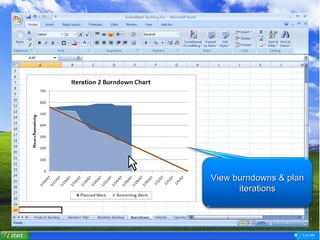
View burndowns & plan iterations
Architecture Everyone Tools for
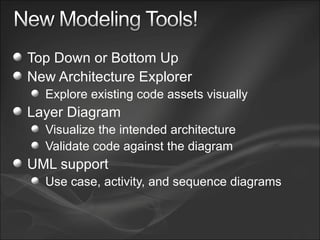
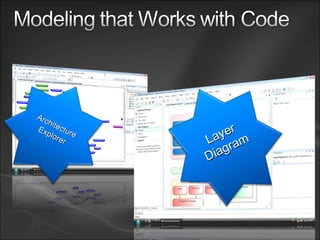
Top Down or Bottom Up New Architecture Explorer Explore existing code assets visually Layer Diagram Visualize the intended architecture Validate code against the diagram UML support Use case, activity, and sequence diagrams
Layer Diagram Architecture   Explorer
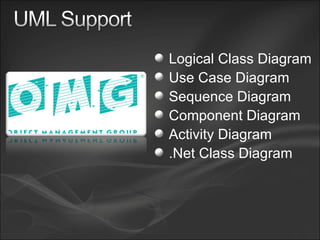
Logical Class Diagram Use Case Diagram Sequence Diagram Component Diagram Activity Diagram .Net Class Diagram
Enabling Quality Tools with great
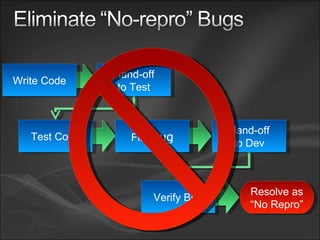
File  Bug Resolve as “ No Repro” Hand-off to Test Test Code Hand-off to Dev Verify Bug Write Code
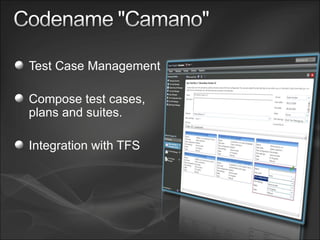
Test Case Management Compose test cases, plans and suites. Integration with TFS
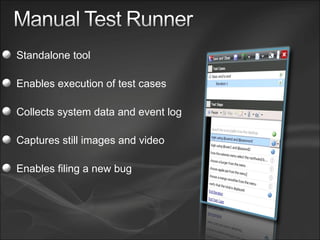
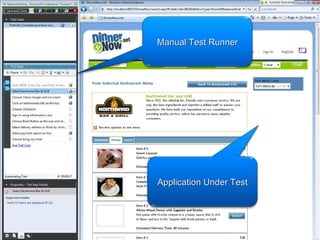
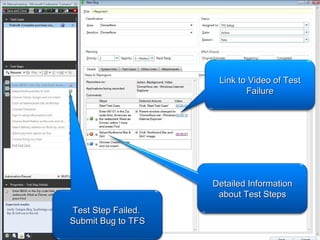
Standalone tool Enables execution of test cases Collects system data and event log Captures still images and video Enables filing a new bug
Manual Test Runner Application Under Test
Test Step Failed.  Submit Bug to TFS Detailed Information about Test Steps Link to Video of Test Failure
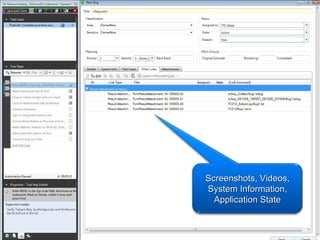
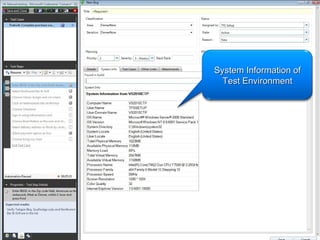
System Information of Test Environment
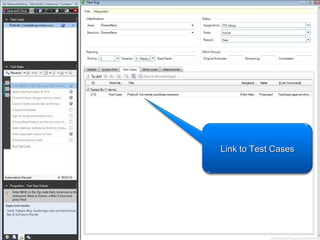
Link to Test Cases
Screenshots, Videos, System Information, Application State
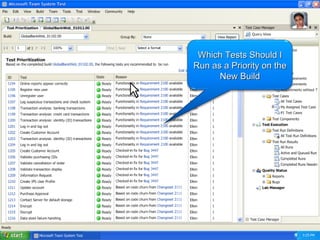
Right   Tests Choose the
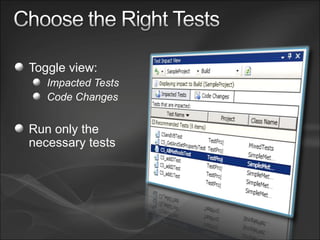
Toggle view: Impacted Tests Code Changes Run only the necessary tests
Which Tests Should I Run as a Priority on the New Build
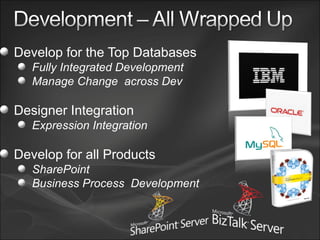
Development All Wrapped up
Develop for the Top Databases Fully Integrated Development Manage Change  across Dev Designer Integration Expression Integration Develop for all Products SharePoint Business Process  Development
Making Parallel Development Simpler More features are Branch aware Work Items Annotate Etc...
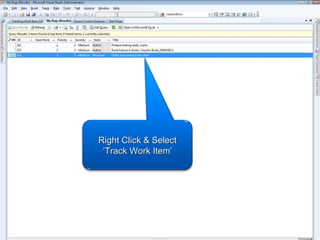
Right Click & Select ‘Track Work Item’
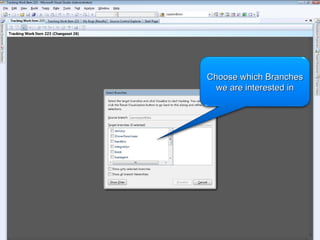
Choose which Branches we are interested in
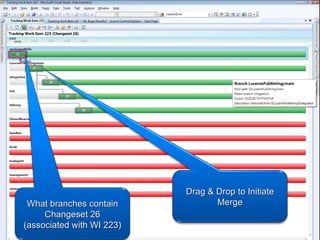
What branches contain Changeset 26 (associated with WI 223) Drag & Drop to Initiate Merge
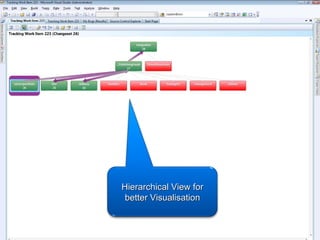
Hierarchical View for better Visualisation
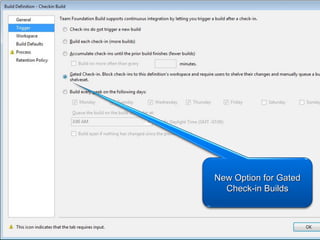
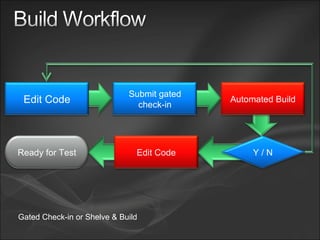
New Option for Gated Check-in Builds
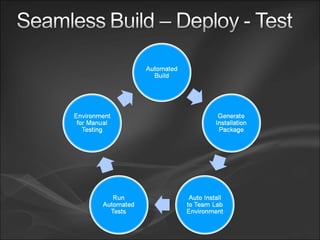
Gated Check-in or Shelve & Build Edit Code Submit gated check-in Automated Build Edit Code Y / N Ready for Test
Test Lab Management
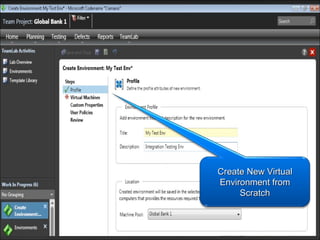
Create New Virtual Environment from Scratch
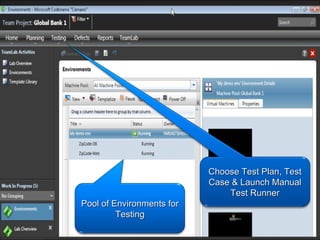
Pool of Environments for Testing Choose Test Plan, Test Case & Launch Manual Test Runner
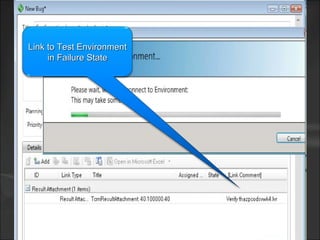
Link to Test Environment in Failure State
 
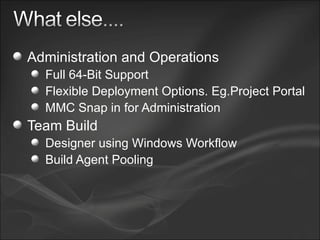
Administration and Operations Full 64-Bit Support Flexible Deployment Options. Eg.Project Portal  MMC Snap in for Administration Team Build  Designer using Windows Workflow Build Agent Pooling
 
http://blogs.msdn.com/ukvsts

Visual Studio Team System 2010