

Getting Started
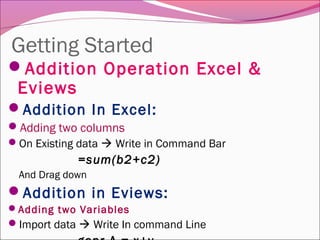
Addition Operation Excel &
Eviews
Addition In Excel:
Adding two columns
On Existing data  Write in Command Bar
=sum(b2+c2)
And Drag down
Addition in Eviews:
Adding two Variables
Import data  Write In command Line
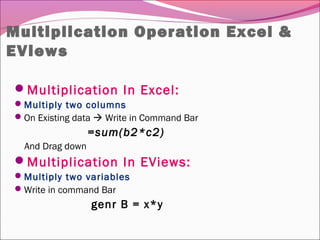
Multiplication Operation Excel &
EViews
Multiplication In Excel:
Multiply two columns
On Existing data  Write in Command Bar
=sum(b2*c2)
And Drag down
Multiplication In EViews:
Multiply two variables
Write in command Bar
genr B = x*y
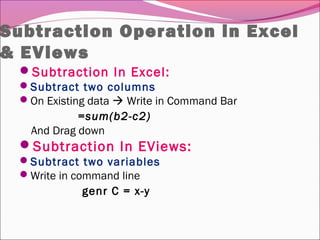
Subtraction Operation in Excel
& EViews
Subtraction In Excel:
Subtract two columns
On Existing data  Write in Command Bar
=sum(b2-c2)
And Drag down
Subtraction In EViews:
Subtract two variables
Write in command line
genr C = x-y
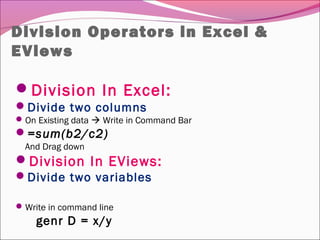
Division Operators in Excel &
EViews
Division In Excel:
Divide two columns
On Existing data  Write in Command Bar
=sum(b2/c2)
And Drag down
Division In EViews:
Divide two variables
Write in command line
genr D = x/y
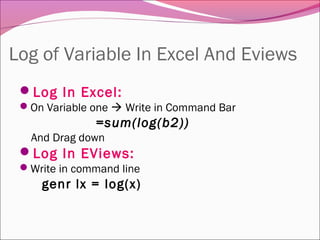
Log of Variable In Excel And Eviews
Log In Excel:
On Variable one  Write in Command Bar
=sum(log(b2))
And Drag down
Log In EViews:
Write in command line
genr lx = log(x)
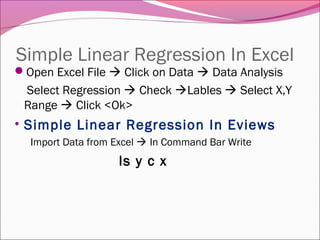
Simple Linear Regression In Excel
Open Excel File  Click on Data  Data Analysis
Select Regression  Check Lables  Select X,Y
Range  Click <Ok>
• Simple Linear Regression In Eviews
Import Data from Excel  In Command Bar Write
ls y c x
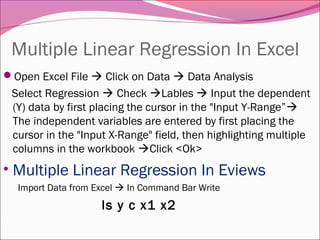
Multiple Linear Regression In Excel
Open Excel File  Click on Data  Data Analysis
Select Regression  Check Lables  Input the dependent
(Y) data by first placing the cursor in the "Input Y-Range”
The independent variables are entered by first placing the
cursor in the "Input X-Range" field, then highlighting multiple
columns in the workbook Click <Ok>
• Multiple Linear Regression In Eviews
Import Data from Excel  In Command Bar Write
ls y c x1 x2
The end
Thank you!
The end
Thank you!

Mathematical Operation In Excel and Eviews

  • 2.
    Getting Started Addition OperationExcel & Eviews Addition In Excel: Adding two columns On Existing data  Write in Command Bar =sum(b2+c2) And Drag down Addition in Eviews: Adding two Variables Import data  Write In command Line
  • 3.
    Multiplication Operation Excel& EViews Multiplication In Excel: Multiply two columns On Existing data  Write in Command Bar =sum(b2*c2) And Drag down Multiplication In EViews: Multiply two variables Write in command Bar genr B = x*y
  • 4.
    Subtraction Operation inExcel & EViews Subtraction In Excel: Subtract two columns On Existing data  Write in Command Bar =sum(b2-c2) And Drag down Subtraction In EViews: Subtract two variables Write in command line genr C = x-y
  • 5.
    Division Operators inExcel & EViews Division In Excel: Divide two columns On Existing data  Write in Command Bar =sum(b2/c2) And Drag down Division In EViews: Divide two variables Write in command line genr D = x/y
  • 6.
    Log of VariableIn Excel And Eviews Log In Excel: On Variable one  Write in Command Bar =sum(log(b2)) And Drag down Log In EViews: Write in command line genr lx = log(x)
  • 7.
    Simple Linear RegressionIn Excel Open Excel File  Click on Data  Data Analysis Select Regression  Check Lables  Select X,Y Range  Click <Ok> • Simple Linear Regression In Eviews Import Data from Excel  In Command Bar Write ls y c x
  • 8.
    Multiple Linear RegressionIn Excel Open Excel File  Click on Data  Data Analysis Select Regression  Check Lables  Input the dependent (Y) data by first placing the cursor in the "Input Y-Range” The independent variables are entered by first placing the cursor in the "Input X-Range" field, then highlighting multiple columns in the workbook Click <Ok> • Multiple Linear Regression In Eviews Import Data from Excel  In Command Bar Write ls y c x1 x2
  • 9.
  • 10.