Self-Service Data Integration with
Power Query
Stéphane Fréchette
Who am I?
My name is Stéphane Fréchette
SQL Server MVP | Data & Business Intelligence Solutions Architect | Consultant |
Speaker | Big Data | NoSQL | Data Science. Drums, good food and fine wine.
Founder @TEDxGatineau
I have a passion for architecting, designing and building solutions that matter.
Twitter: @sfrechette
Blog: stephanefrechette.com
Email: stephanefrechette@ukubu.com
SQLSaturday Boston #364
Topics
 What is Power Query?
 Who should use Power Query?
 Power BI Designer...
 Sources, Transformations and Destinations - “ETL”
 Power Query Formula Language (M)
 Demos
 Resources
 Q&A
SQLSaturday Boston #364
Self-Service Data Integration
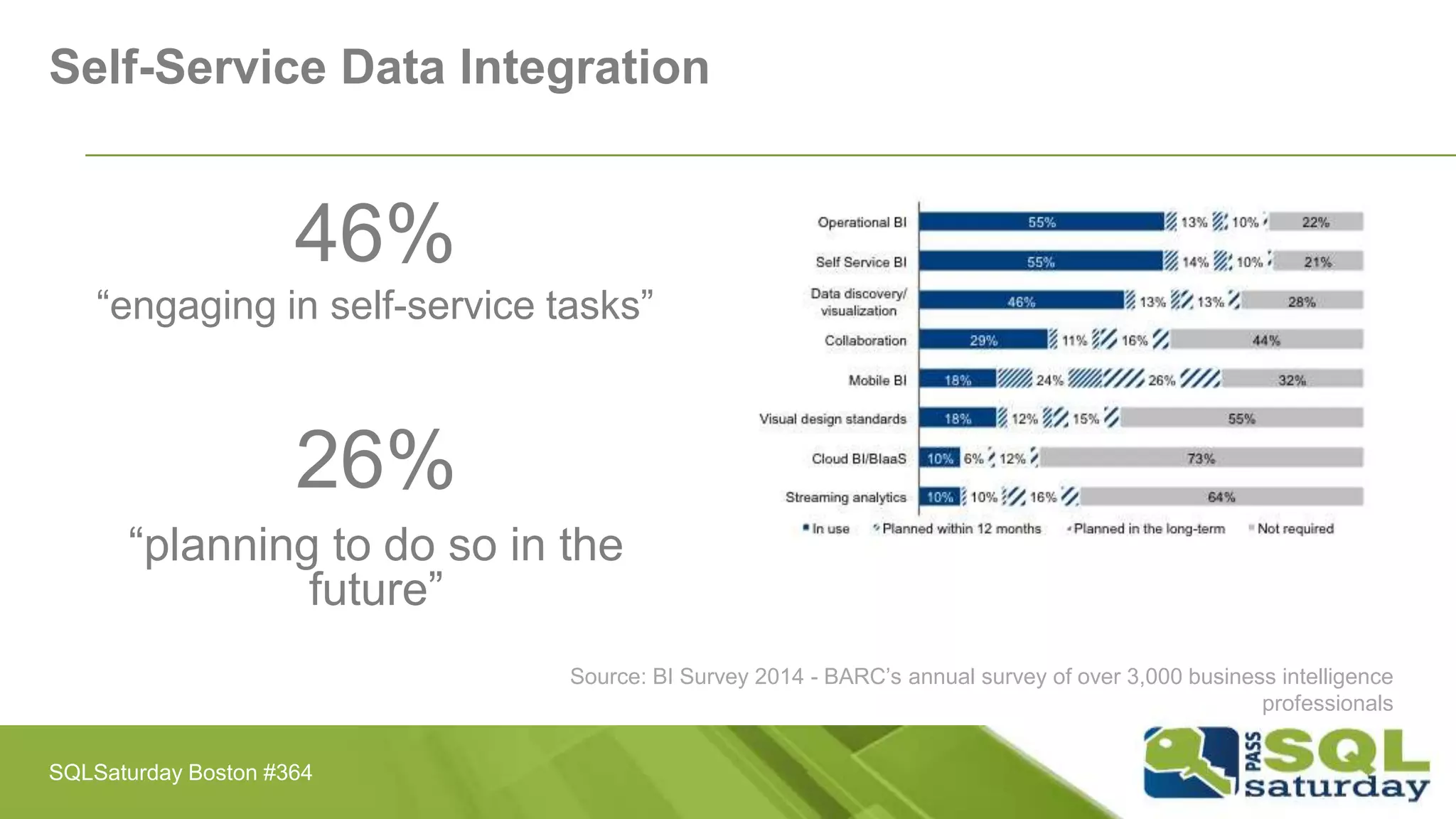
46%
“engaging in self-service tasks”
26%
“planning to do so in the
future”
Source: BI Survey 2014 - BARC’s annual survey of over 3,000 business intelligence
professionals
SQLSaturday Boston #364
Challenges with Data Discovery
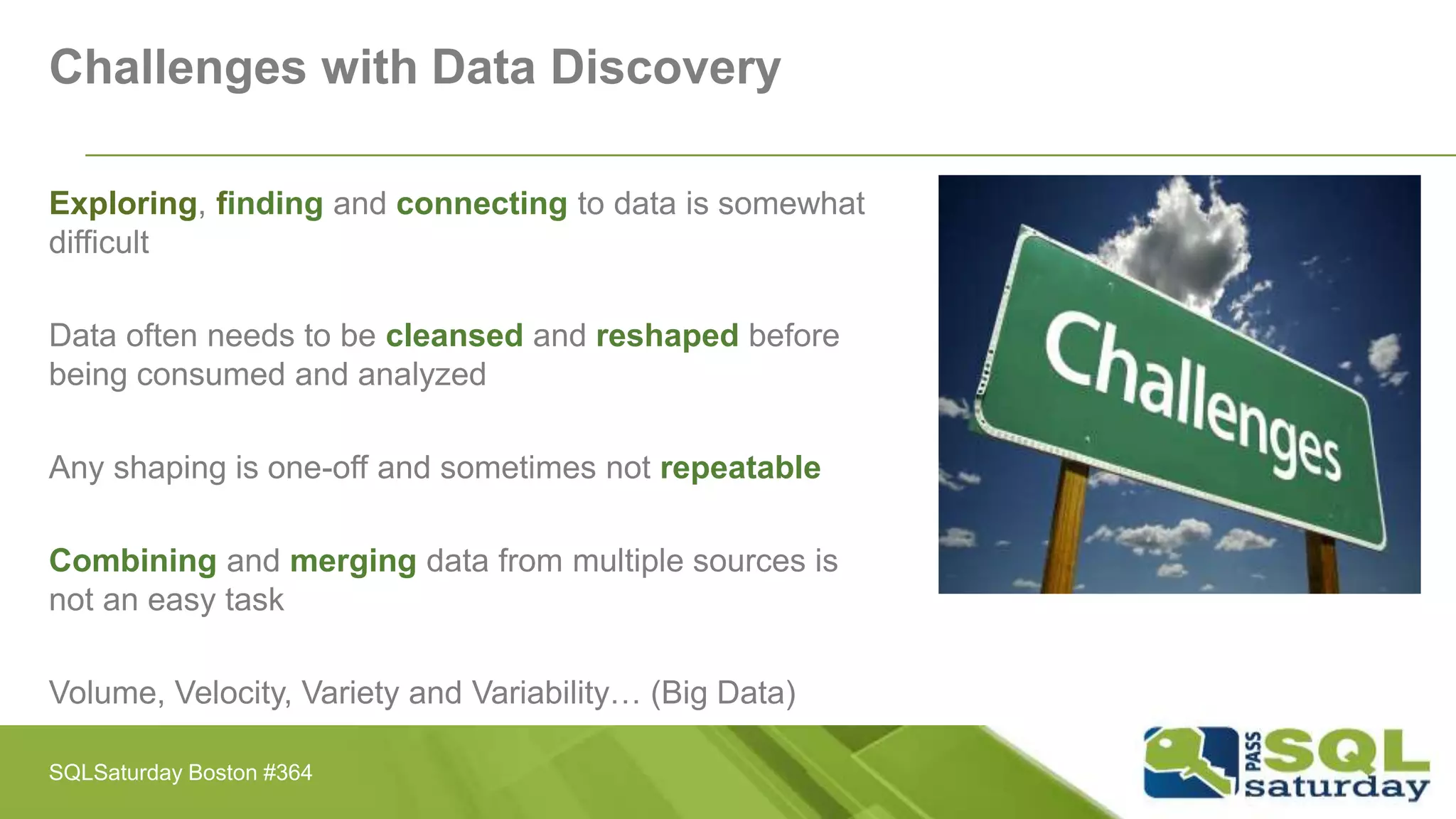
Exploring, finding and connecting to data is somewhat
difficult
Data often needs to be cleansed and reshaped before
being consumed and analyzed
Any shaping is one-off and sometimes not repeatable
Combining and merging data from multiple sources is
not an easy task
Volume, Velocity, Variety and Variability… (Big Data)
SQLSaturday Boston #364
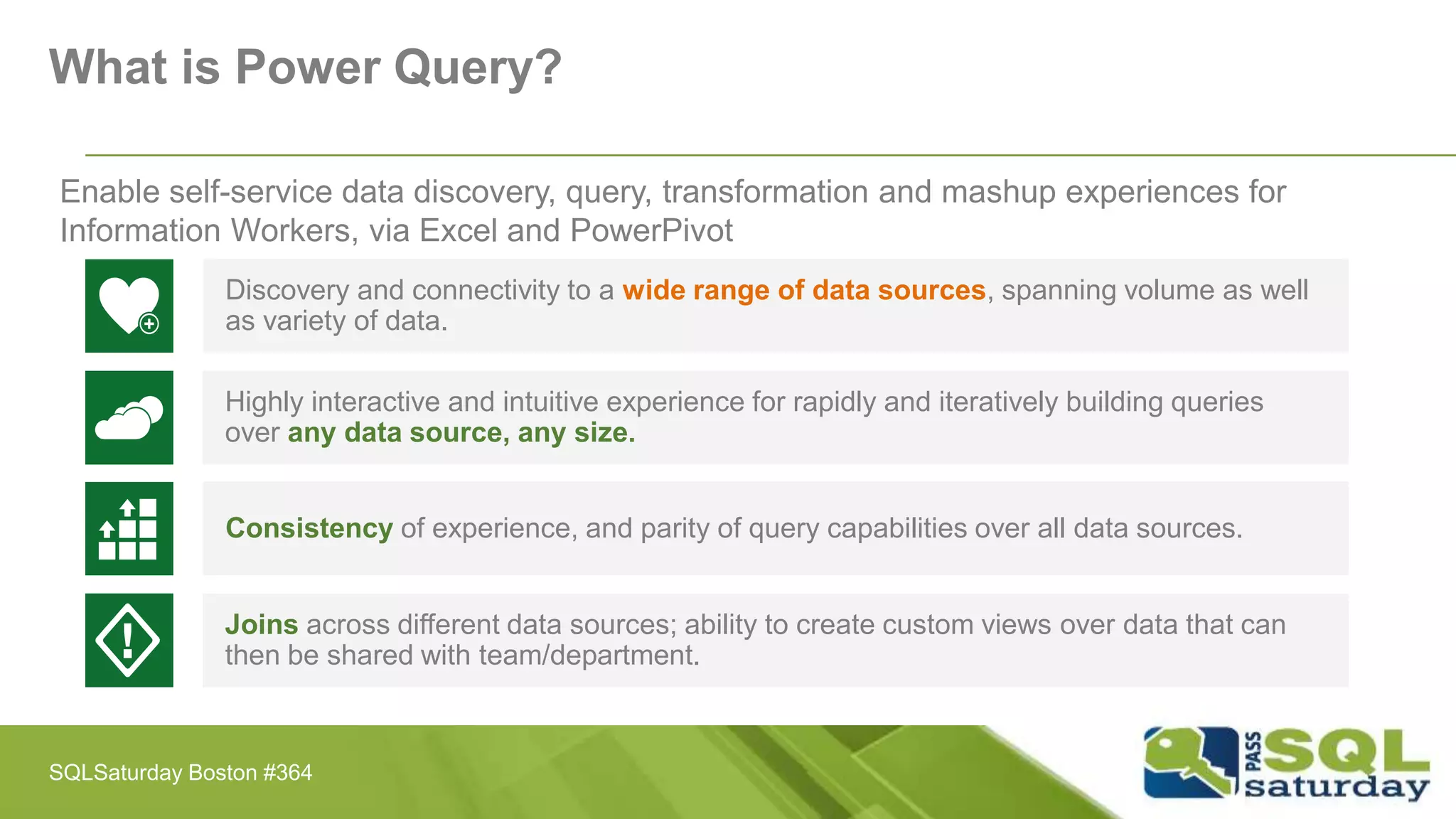
Enable self-service data discovery, query, transformation and mashup experiences for
Information Workers, via Excel and PowerPivot
Discovery and connectivity to a wide range of data sources, spanning volume as well
as variety of data.
Highly interactive and intuitive experience for rapidly and iteratively building queries
over any data source, any size.
Consistency of experience, and parity of query capabilities over all data sources.
Joins across different data sources; ability to create custom views over data that can
then be shared with team/department.
What is Power Query?
SQLSaturday Boston #364
What is Power Query?
Discover, combine, and refine Big Data, small data, and
any data!
 An Excel add-in for Excel 2010 and Excel 2013
 Identify and import external data
 Discover relevant data by using search
 Combine and transform multiple data sources
 Power Query Language M
SQLSaturday Boston #364
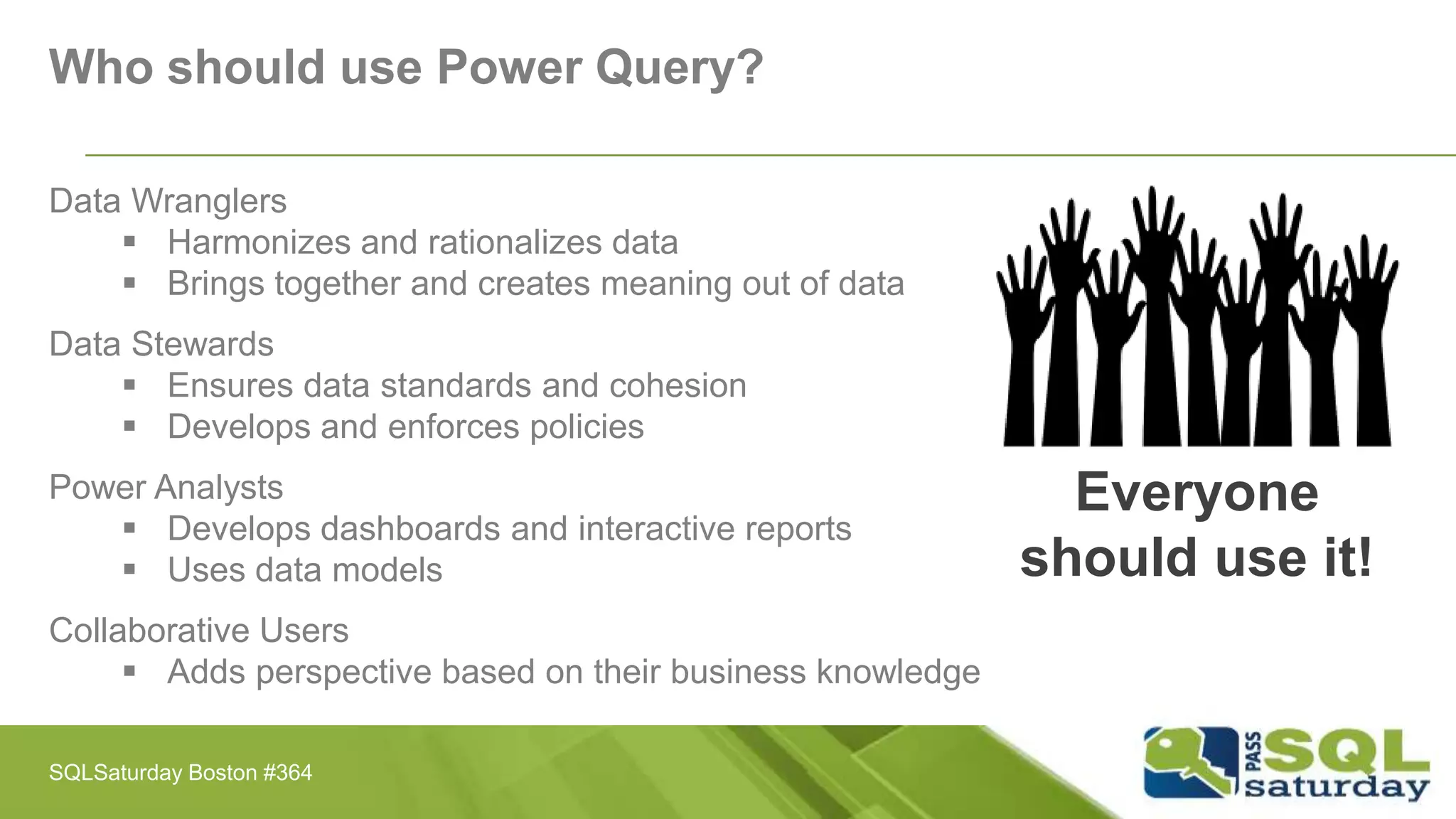
Who should use Power Query?
Data Wranglers
 Harmonizes and rationalizes data
 Brings together and creates meaning out of data
Data Stewards
 Ensures data standards and cohesion
 Develops and enforces policies
Power Analysts
 Develops dashboards and interactive reports
 Uses data models
Collaborative Users
 Adds perspective based on their business knowledge
Everyone
should use it!
SQLSaturday Boston #364
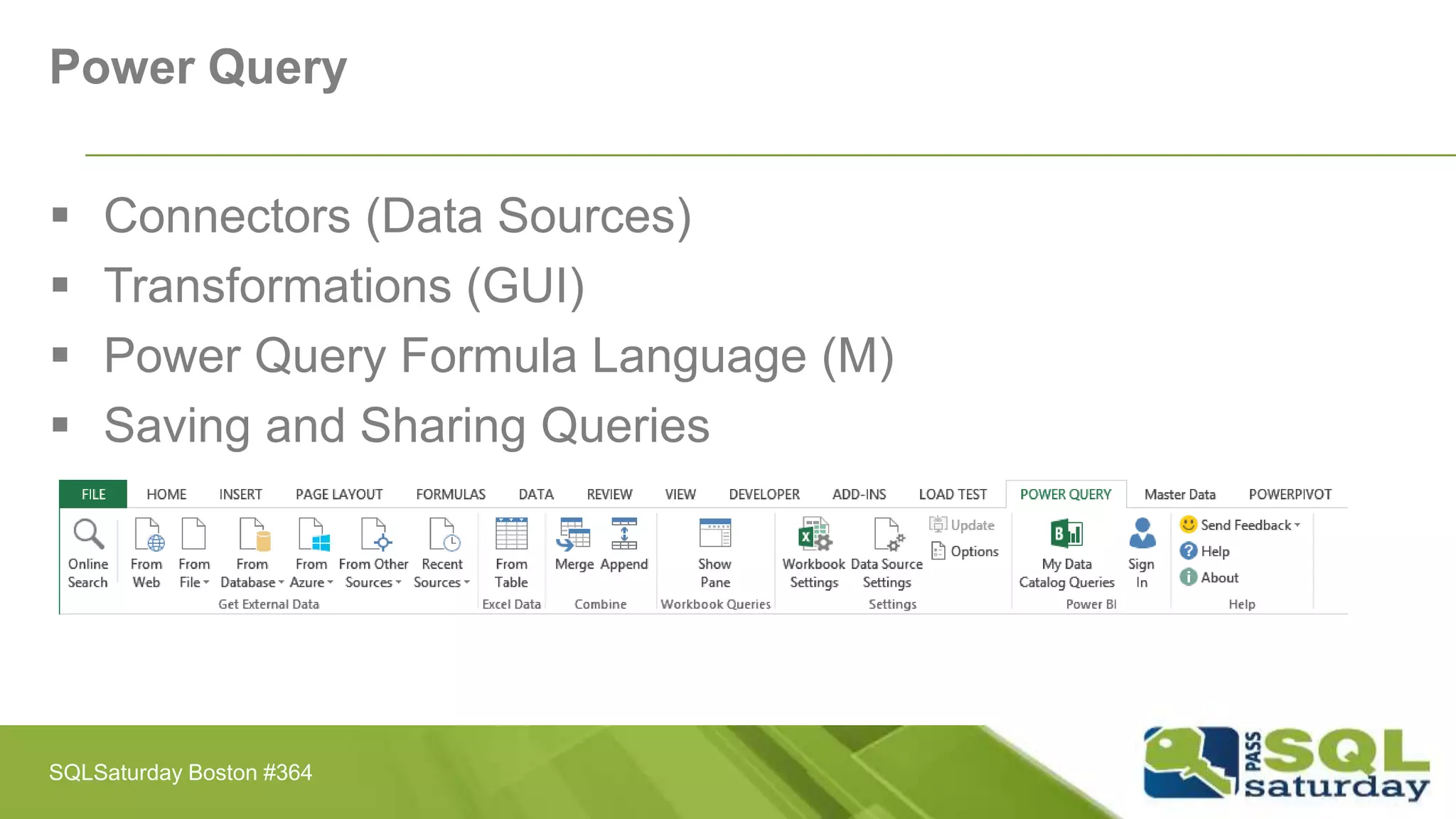
Power Query
 Connectors (Data Sources)
 Transformations (GUI)
 Power Query Formula Language (M)
 Saving and Sharing Queries
SQLSaturday Boston #364
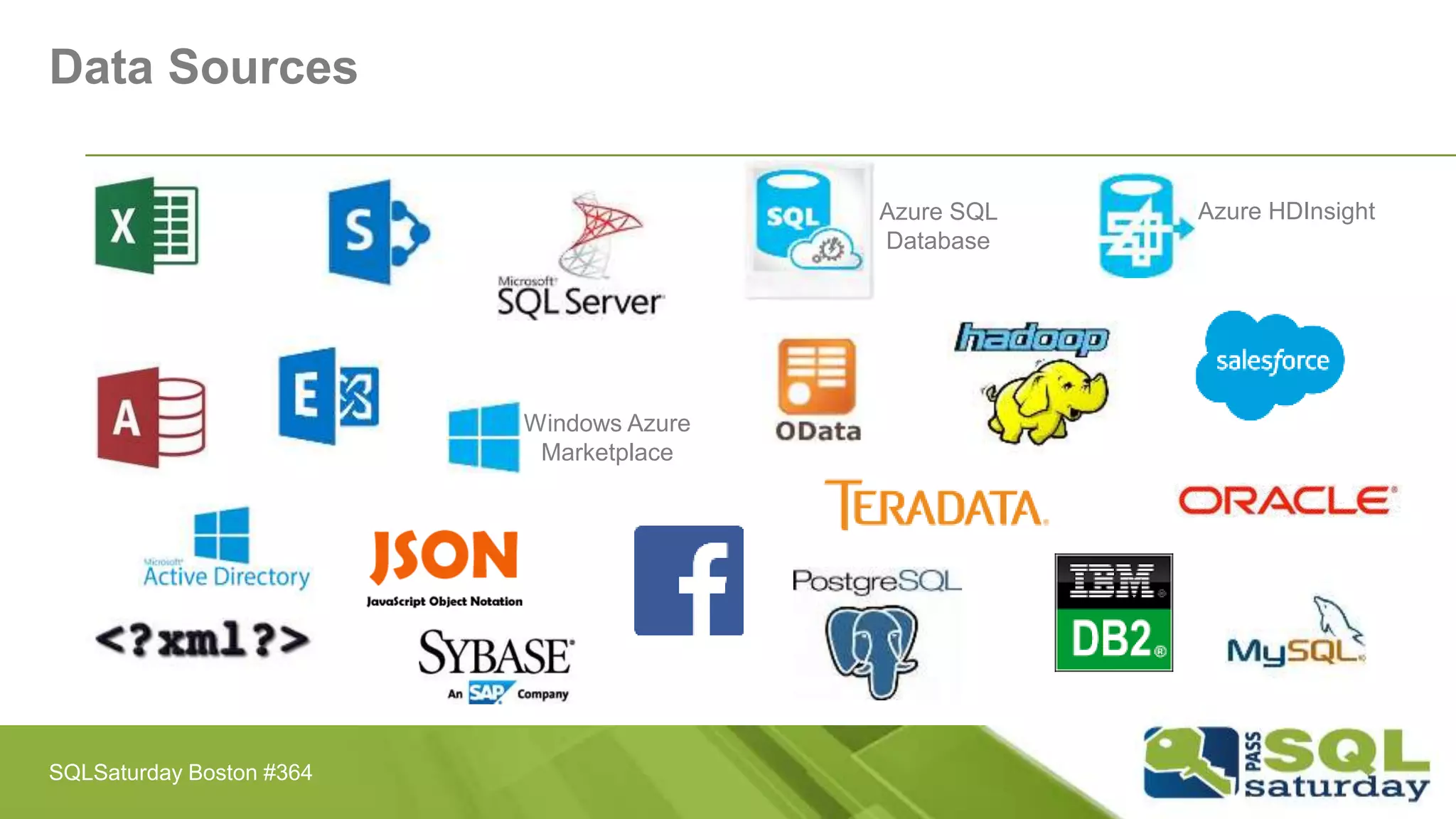
Data Sources
Windows Azure
Marketplace
Azure SQL
Database
Azure HDInsight
SQLSaturday Boston #364
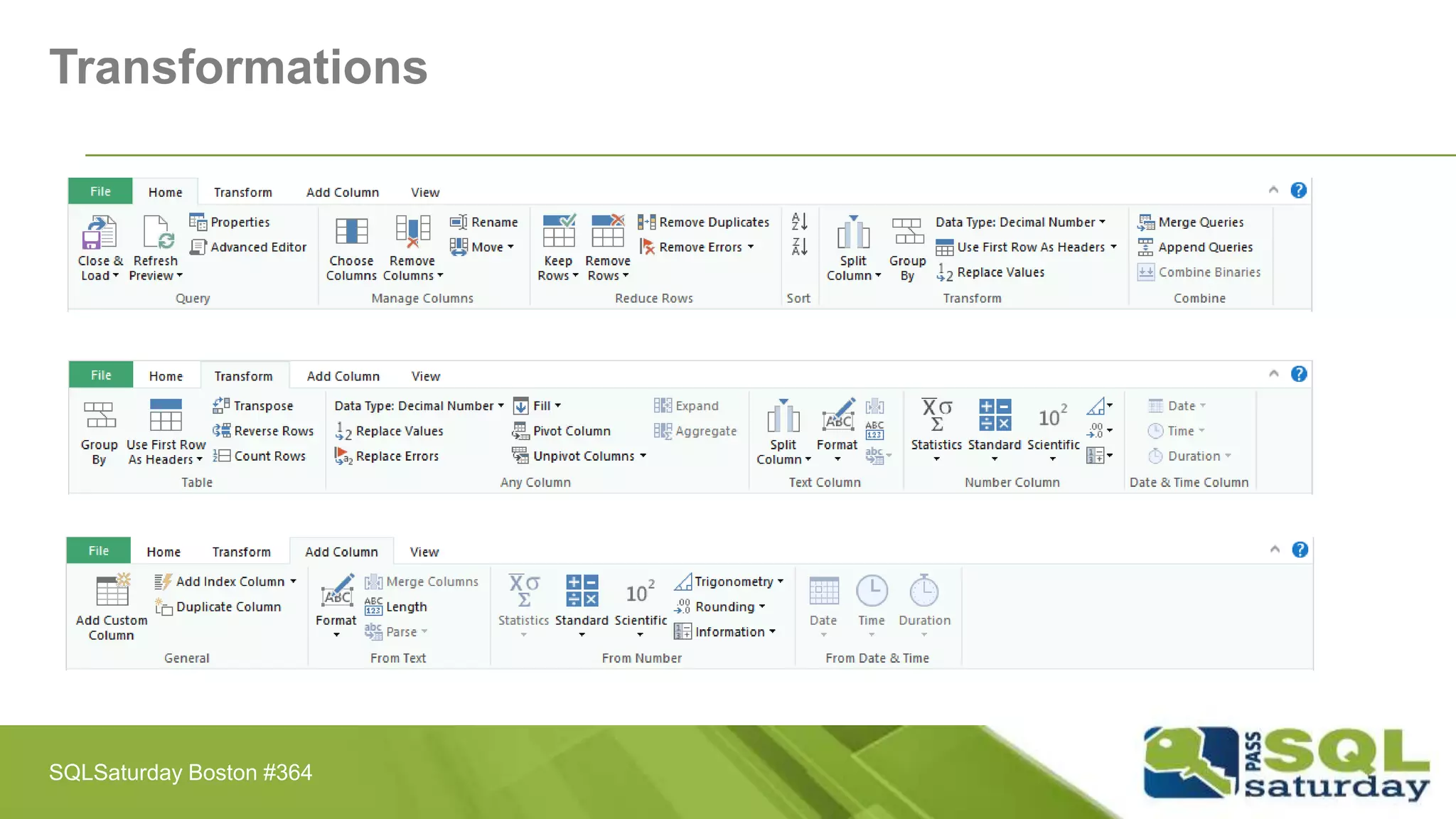
Transformations
SQLSaturday Boston #364
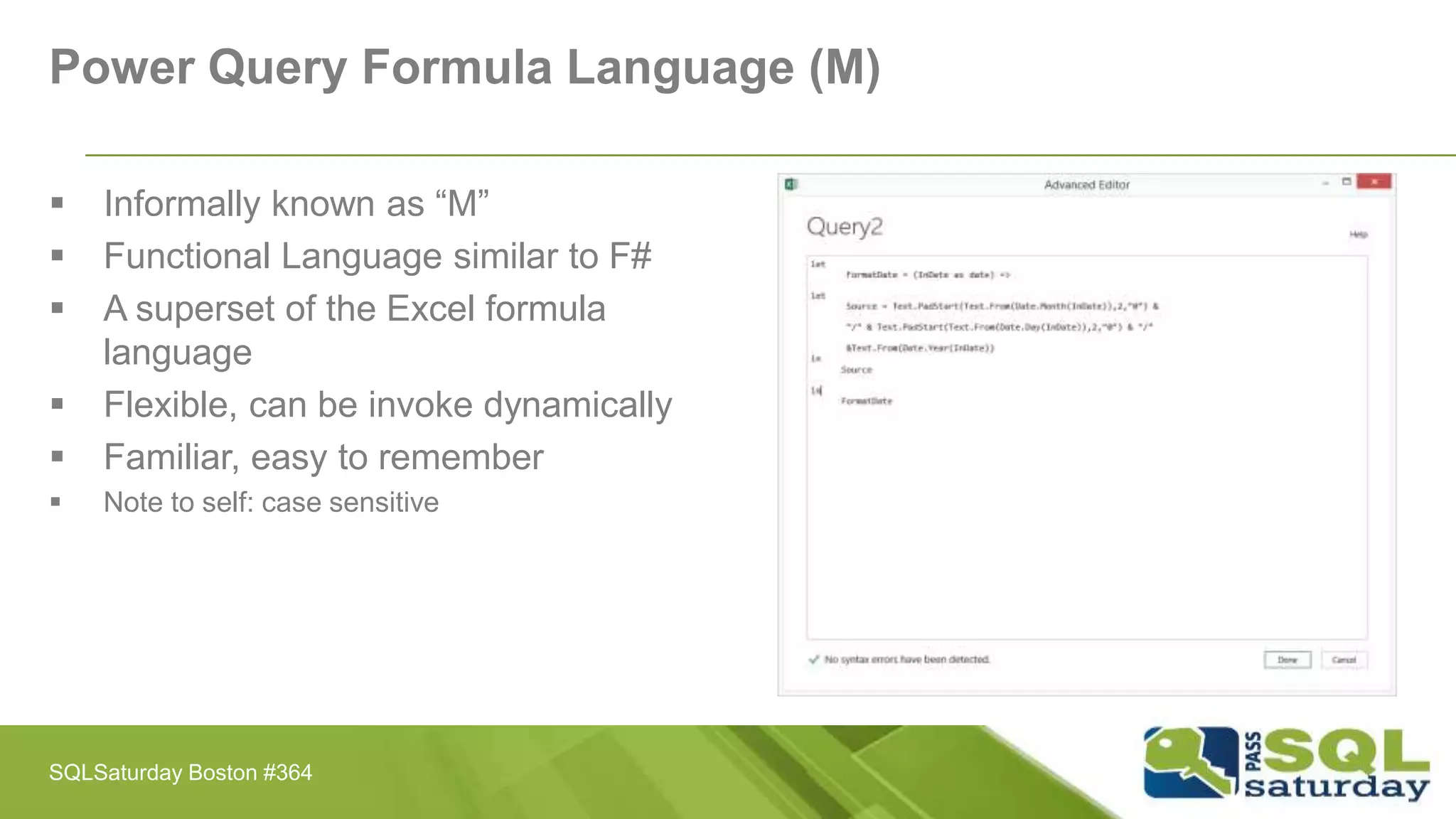
Power Query Formula Language (M)
 Informally known as “M”
 Functional Language similar to F#
 A superset of the Excel formula
language
 Flexible, can be invoke dynamically
 Familiar, easy to remember
 Note to self: case sensitive
SQLSaturday Boston #364
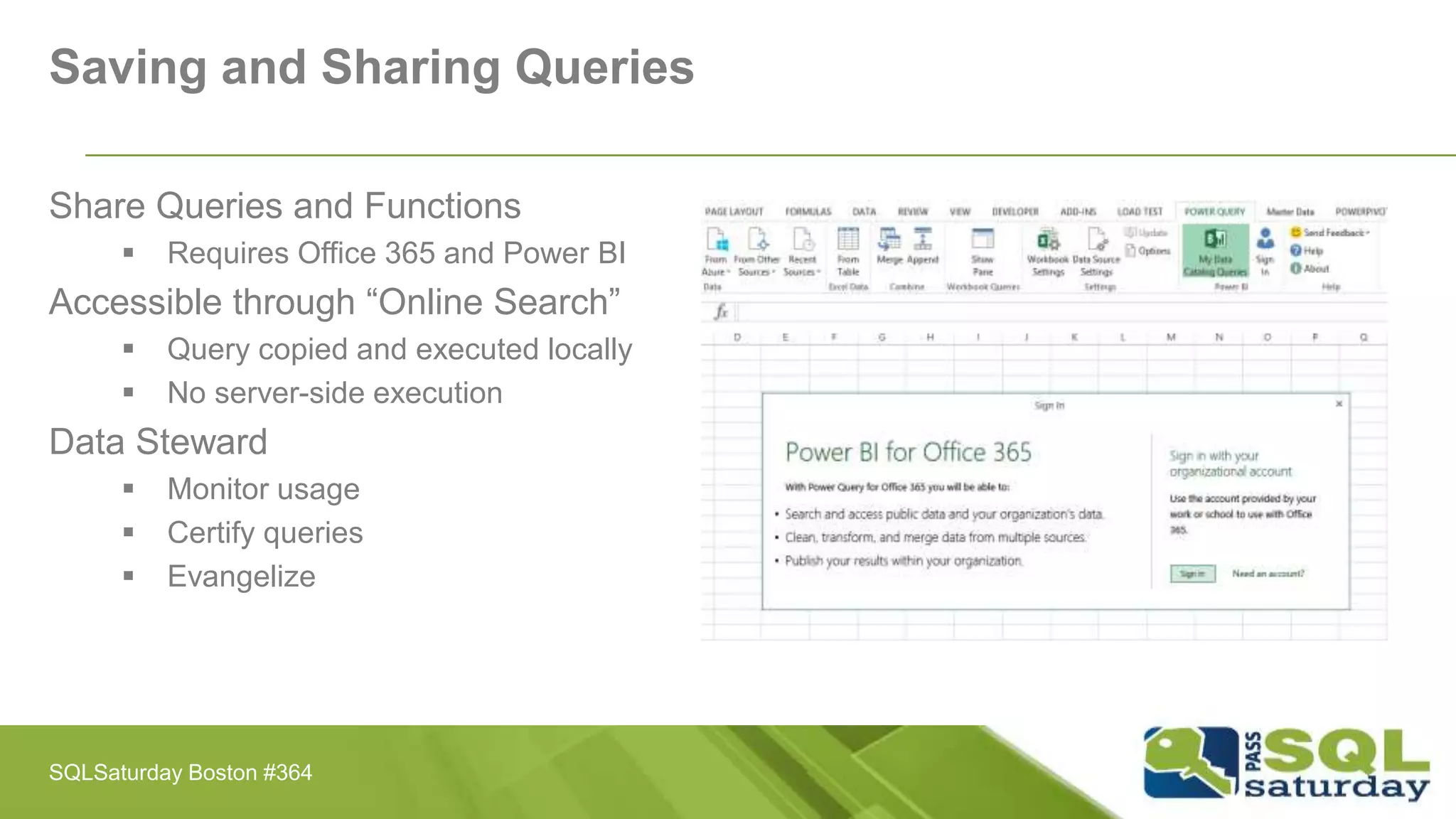
Saving and Sharing Queries
Share Queries and Functions
 Requires Office 365 and Power BI
Accessible through “Online Search”
 Query copied and executed locally
 No server-side execution
Data Steward
 Monitor usage
 Certify queries
 Evangelize
SQLSaturday Boston #364
Demo
[Wrangling some data… and more!]
SQLSaturday Boston #364
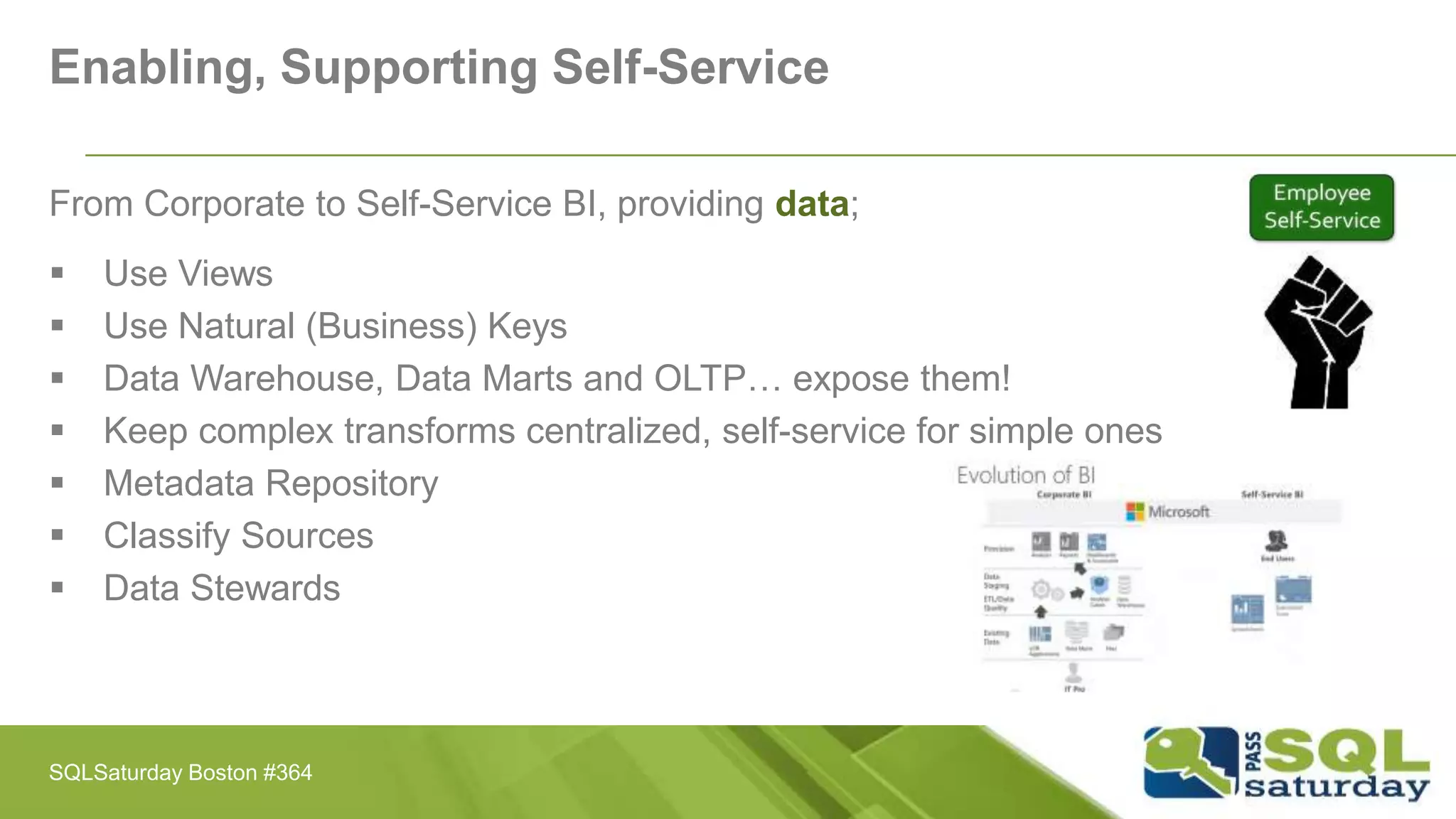
Enabling, Supporting Self-Service
From Corporate to Self-Service BI, providing data;
 Use Views
 Use Natural (Business) Keys
 Data Warehouse, Data Marts and OLTP… expose them!
 Keep complex transforms centralized, self-service for simple ones
 Metadata Repository
 Classify Sources
 Data Stewards
SQLSaturday Boston #364
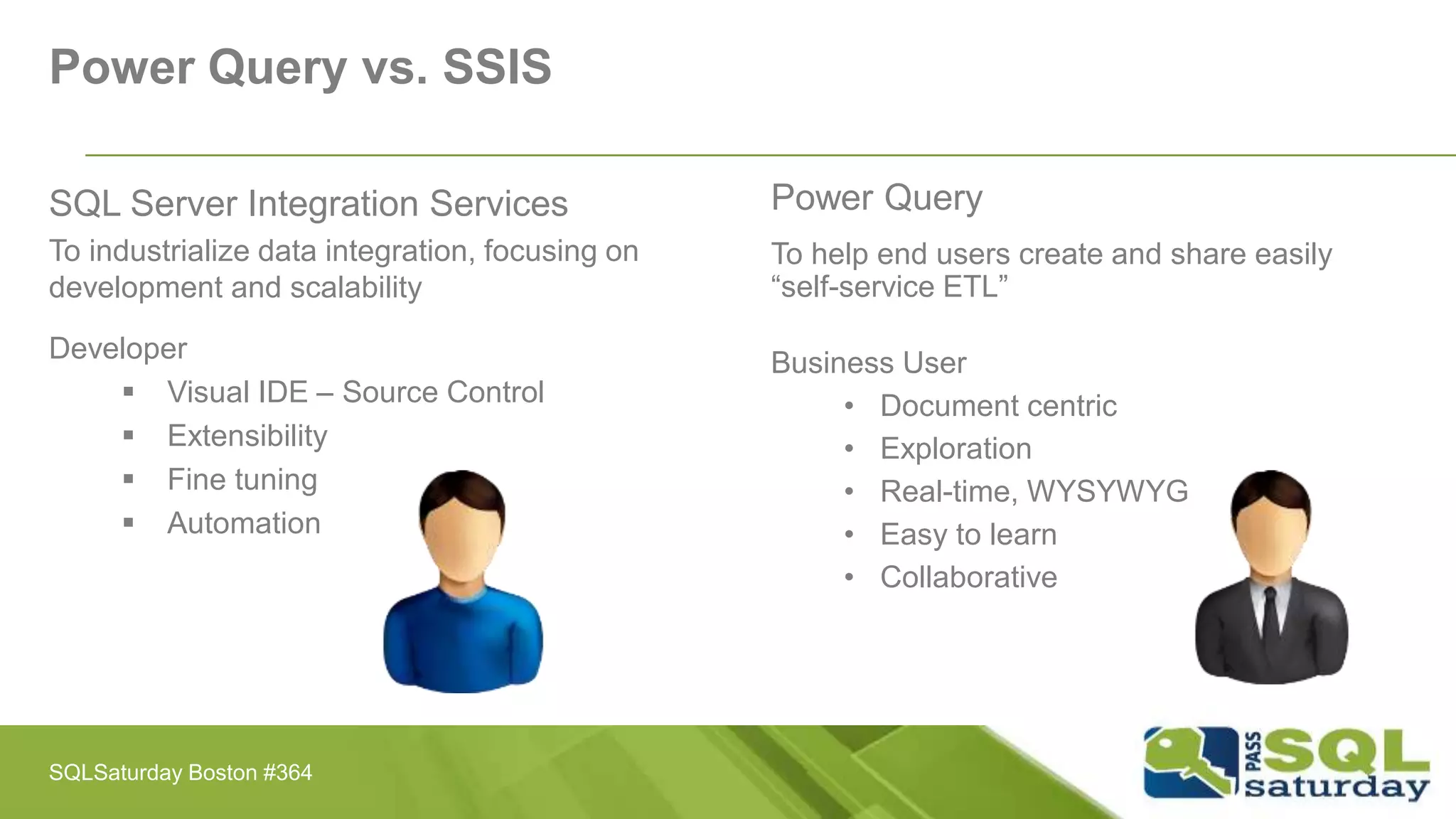
Power Query vs. SSIS
SQL Server Integration Services
To industrialize data integration, focusing on
development and scalability
Developer
 Visual IDE – Source Control
 Extensibility
 Fine tuning
 Automation
Power Query
To help end users create and share easily
“self-service ETL”
Business User
• Document centric
• Exploration
• Real-time, WYSYWYG
• Easy to learn
• Collaborative
SQLSaturday Boston #364
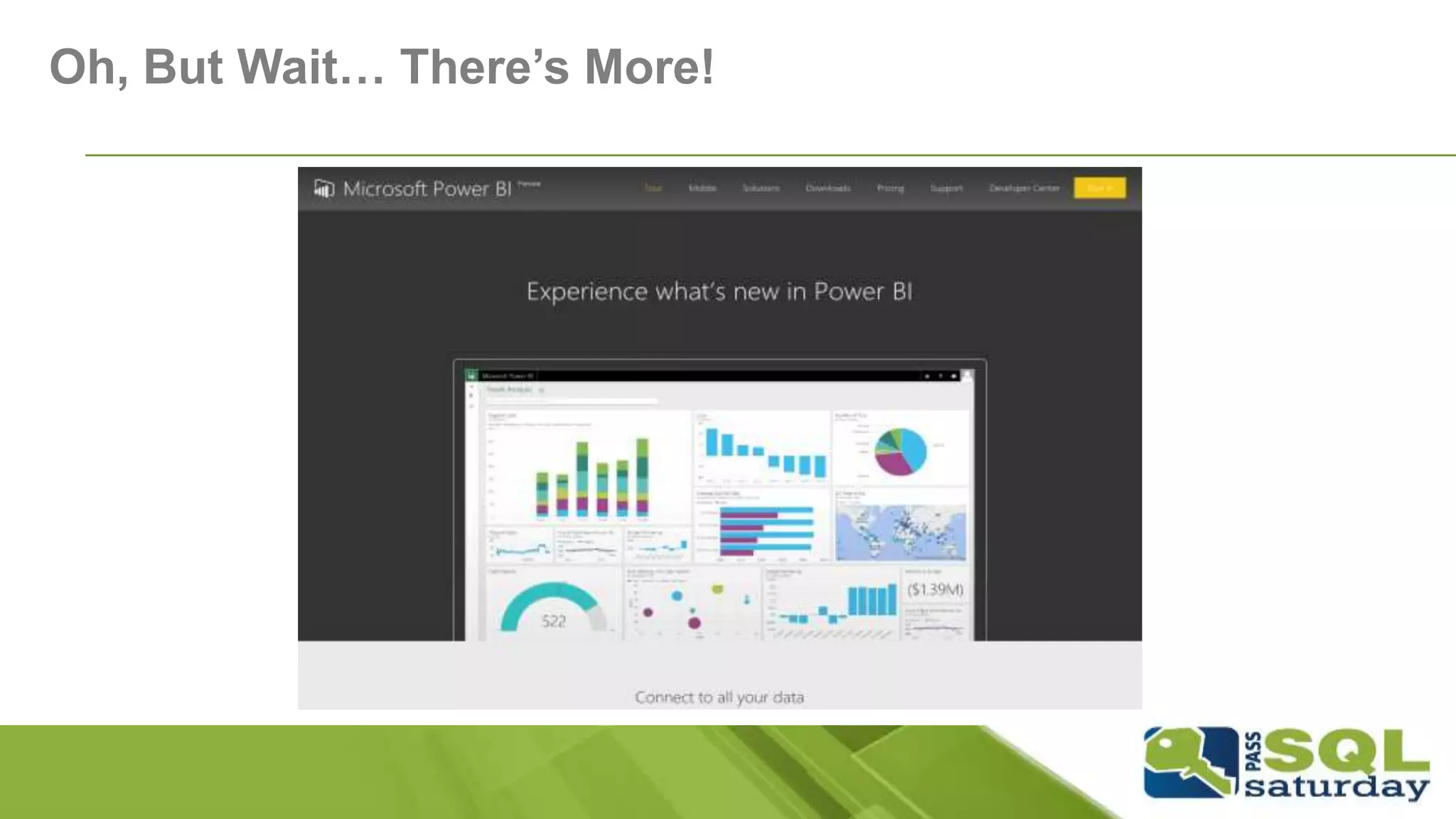
Oh, But Wait… There’s More!
What is Power BI Designer?
A stand-alone tool providing rich data transformation and
visual analytics in a unified, seamless experience
 Currently in Preview - Free download
 Connect to all you data
 Visual analytics and reports
 Transform and clean data
 Complete analytics life-cycle
 Design once, view everywhere
SQLSaturday Boston #364
Demo
[Power BI Designer]
SQLSaturday Boston #364
Summary
Power Query provides users with the ability to extract data that previously seemed
impossible without a large IT footprint.
Once extracted, Power Query can easily manipulate data through many simple
transformation commands that can be done with ease.
Gives us the ability to get new data sources into a familiar environment where we
can further analyze and create beautiful data visualization.
SQLSaturday Boston #364
Resources
 [Download] Microsoft Power Query for Excel http://bit.ly/1Ji3SFI
 Microsoft Power Query for Excel Help http://bit.ly/1CwEwuA
 [Book] Power Query for Power BI and Excel http://bit.ly/1L06nbj
 Microsoft Power BI http://bit.ly/1lhVKdk
 Power BI Preview http://bit.ly/1zWwAFS
 Channel 9 (Power Query) http://bit.ly/1Ji5Y8G
 Faster Insights to Data with Power BI Jump Start (MVA) http://bit.ly/1ktON16
 Chris Webb’s BI Blog http://bit.ly/1vwbfxz
 Reza Rad’s Technical Blog http://bit.ly/1EdVuR2
 Twitter: @MSPowerBI
SQLSaturday Boston #364
What Questions Do You
Have?
SQLSaturday Boston #364
Thank You
For attending this session
SQLSaturday Boston #364

Self-Service Data Integration with Power Query - SQLSaturday #364 Boston

  • 1.
    Self-Service Data Integrationwith Power Query Stéphane Fréchette
  • 2.
    Who am I? Myname is Stéphane Fréchette SQL Server MVP | Data & Business Intelligence Solutions Architect | Consultant | Speaker | Big Data | NoSQL | Data Science. Drums, good food and fine wine. Founder @TEDxGatineau I have a passion for architecting, designing and building solutions that matter. Twitter: @sfrechette Blog: stephanefrechette.com Email: stephanefrechette@ukubu.com SQLSaturday Boston #364
  • 3.
    Topics  What isPower Query?  Who should use Power Query?  Power BI Designer...  Sources, Transformations and Destinations - “ETL”  Power Query Formula Language (M)  Demos  Resources  Q&A SQLSaturday Boston #364
  • 4.
    Self-Service Data Integration 46% “engagingin self-service tasks” 26% “planning to do so in the future” Source: BI Survey 2014 - BARC’s annual survey of over 3,000 business intelligence professionals SQLSaturday Boston #364
  • 5.
    Challenges with DataDiscovery Exploring, finding and connecting to data is somewhat difficult Data often needs to be cleansed and reshaped before being consumed and analyzed Any shaping is one-off and sometimes not repeatable Combining and merging data from multiple sources is not an easy task Volume, Velocity, Variety and Variability… (Big Data) SQLSaturday Boston #364
  • 6.
  • 7.
    Enable self-service datadiscovery, query, transformation and mashup experiences for Information Workers, via Excel and PowerPivot Discovery and connectivity to a wide range of data sources, spanning volume as well as variety of data. Highly interactive and intuitive experience for rapidly and iteratively building queries over any data source, any size. Consistency of experience, and parity of query capabilities over all data sources. Joins across different data sources; ability to create custom views over data that can then be shared with team/department. What is Power Query? SQLSaturday Boston #364
  • 8.
    What is PowerQuery? Discover, combine, and refine Big Data, small data, and any data!  An Excel add-in for Excel 2010 and Excel 2013  Identify and import external data  Discover relevant data by using search  Combine and transform multiple data sources  Power Query Language M SQLSaturday Boston #364
  • 9.
    Who should usePower Query? Data Wranglers  Harmonizes and rationalizes data  Brings together and creates meaning out of data Data Stewards  Ensures data standards and cohesion  Develops and enforces policies Power Analysts  Develops dashboards and interactive reports  Uses data models Collaborative Users  Adds perspective based on their business knowledge Everyone should use it! SQLSaturday Boston #364
  • 10.
    Power Query  Connectors(Data Sources)  Transformations (GUI)  Power Query Formula Language (M)  Saving and Sharing Queries SQLSaturday Boston #364
  • 11.
    Data Sources Windows Azure Marketplace AzureSQL Database Azure HDInsight SQLSaturday Boston #364
  • 12.
  • 13.
    Power Query FormulaLanguage (M)  Informally known as “M”  Functional Language similar to F#  A superset of the Excel formula language  Flexible, can be invoke dynamically  Familiar, easy to remember  Note to self: case sensitive SQLSaturday Boston #364
  • 14.
    Saving and SharingQueries Share Queries and Functions  Requires Office 365 and Power BI Accessible through “Online Search”  Query copied and executed locally  No server-side execution Data Steward  Monitor usage  Certify queries  Evangelize SQLSaturday Boston #364
  • 15.
    Demo [Wrangling some data…and more!] SQLSaturday Boston #364
  • 16.
    Enabling, Supporting Self-Service FromCorporate to Self-Service BI, providing data;  Use Views  Use Natural (Business) Keys  Data Warehouse, Data Marts and OLTP… expose them!  Keep complex transforms centralized, self-service for simple ones  Metadata Repository  Classify Sources  Data Stewards SQLSaturday Boston #364
  • 17.
    Power Query vs.SSIS SQL Server Integration Services To industrialize data integration, focusing on development and scalability Developer  Visual IDE – Source Control  Extensibility  Fine tuning  Automation Power Query To help end users create and share easily “self-service ETL” Business User • Document centric • Exploration • Real-time, WYSYWYG • Easy to learn • Collaborative SQLSaturday Boston #364
  • 18.
    Oh, But Wait…There’s More!
  • 19.
    What is PowerBI Designer? A stand-alone tool providing rich data transformation and visual analytics in a unified, seamless experience  Currently in Preview - Free download  Connect to all you data  Visual analytics and reports  Transform and clean data  Complete analytics life-cycle  Design once, view everywhere SQLSaturday Boston #364
  • 20.
  • 21.
    Summary Power Query providesusers with the ability to extract data that previously seemed impossible without a large IT footprint. Once extracted, Power Query can easily manipulate data through many simple transformation commands that can be done with ease. Gives us the ability to get new data sources into a familiar environment where we can further analyze and create beautiful data visualization. SQLSaturday Boston #364
  • 22.
    Resources  [Download] MicrosoftPower Query for Excel http://bit.ly/1Ji3SFI  Microsoft Power Query for Excel Help http://bit.ly/1CwEwuA  [Book] Power Query for Power BI and Excel http://bit.ly/1L06nbj  Microsoft Power BI http://bit.ly/1lhVKdk  Power BI Preview http://bit.ly/1zWwAFS  Channel 9 (Power Query) http://bit.ly/1Ji5Y8G  Faster Insights to Data with Power BI Jump Start (MVA) http://bit.ly/1ktON16  Chris Webb’s BI Blog http://bit.ly/1vwbfxz  Reza Rad’s Technical Blog http://bit.ly/1EdVuR2  Twitter: @MSPowerBI SQLSaturday Boston #364
  • 23.
    What Questions DoYou Have? SQLSaturday Boston #364
  • 24.
    Thank You For attendingthis session SQLSaturday Boston #364