WHITE
PAPERS
DEMONSTRATING YOUR EXPERTISE
WHAT IS A WHITE PAPER?
Technical document that solves a
problem for an audience
Specific, quality information

Reader-friendly design
Thorough treatment of issue

Intended to be educational
WHITE PAPER JOBS
Show you understand the reader’s
conundrum
Adequately address it
Clear
Specific
Comprehensive

Convince the reader of your worth
through the quality of your work
WHITEPAPER STYLE
Tone is serious
Appearance matters
Professional
Uses graphics/tables/charts well
Visually harmonious with other
communication

Content is neutral and well-supported
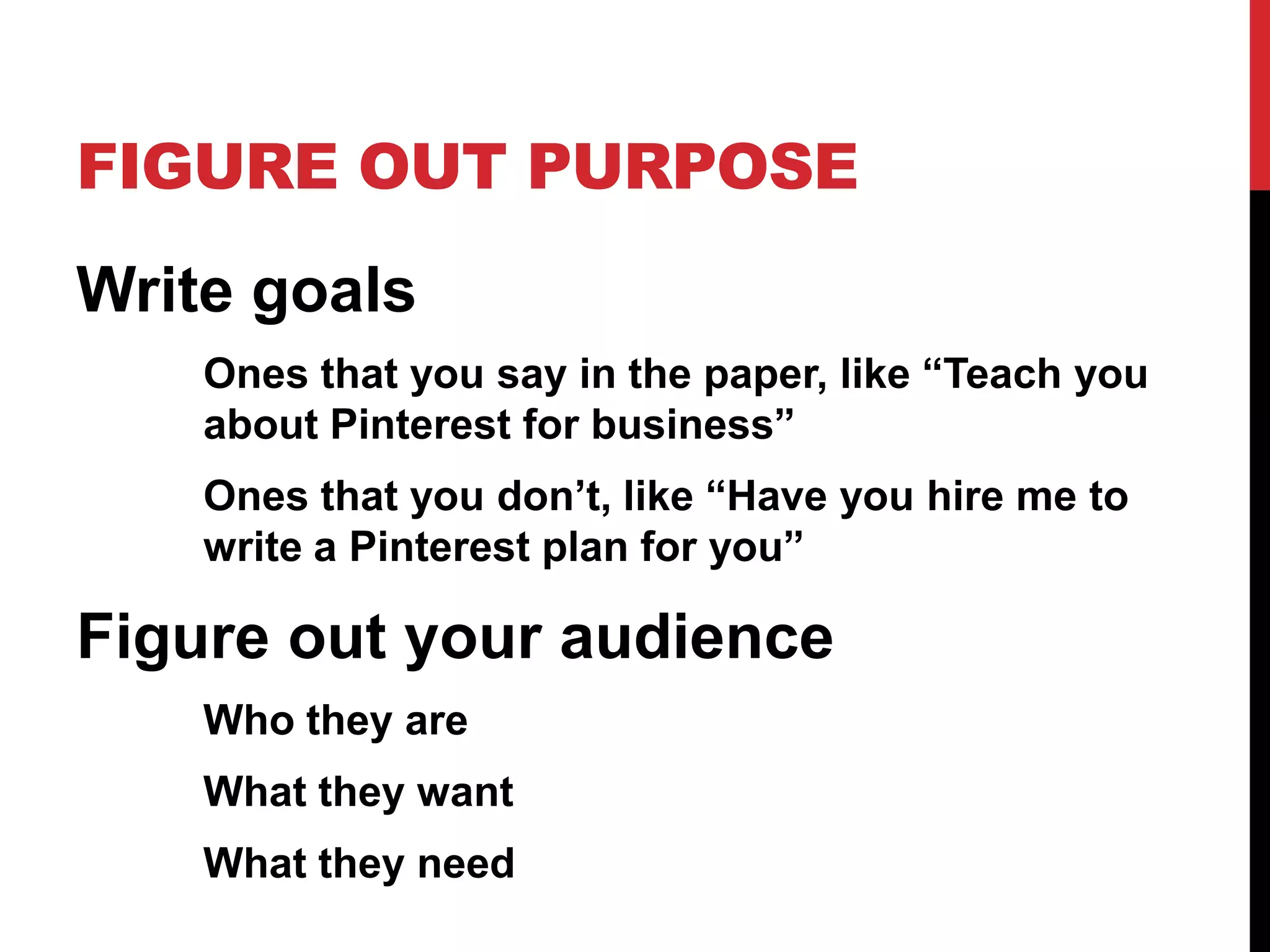
FIGURE OUT PURPOSE
Write goals
Ones that you say in the paper, like “Teach you
about Pinterest for business”
Ones that you don’t, like “Have you hire me to
write a Pinterest plan for you”

Figure out your audience
Who they are
What they want
What they need
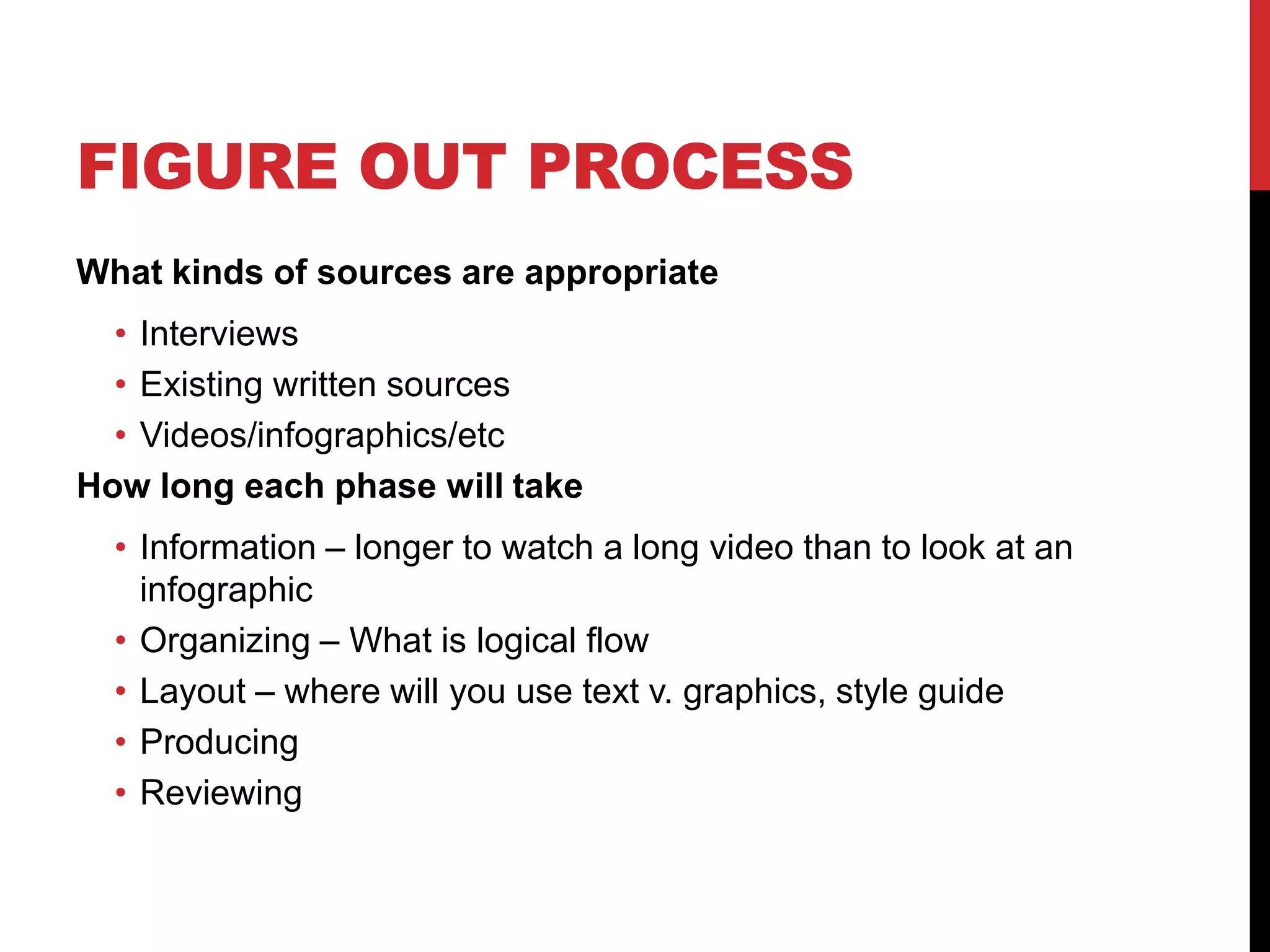
FIGURE OUT PROCESS
What kinds of sources are appropriate

• Interviews
• Existing written sources
• Videos/infographics/etc
How long each phase will take
• Information – longer to watch a long video than to look at an
infographic
• Organizing – What is logical flow
• Layout – where will you use text v. graphics, style guide
• Producing
• Reviewing
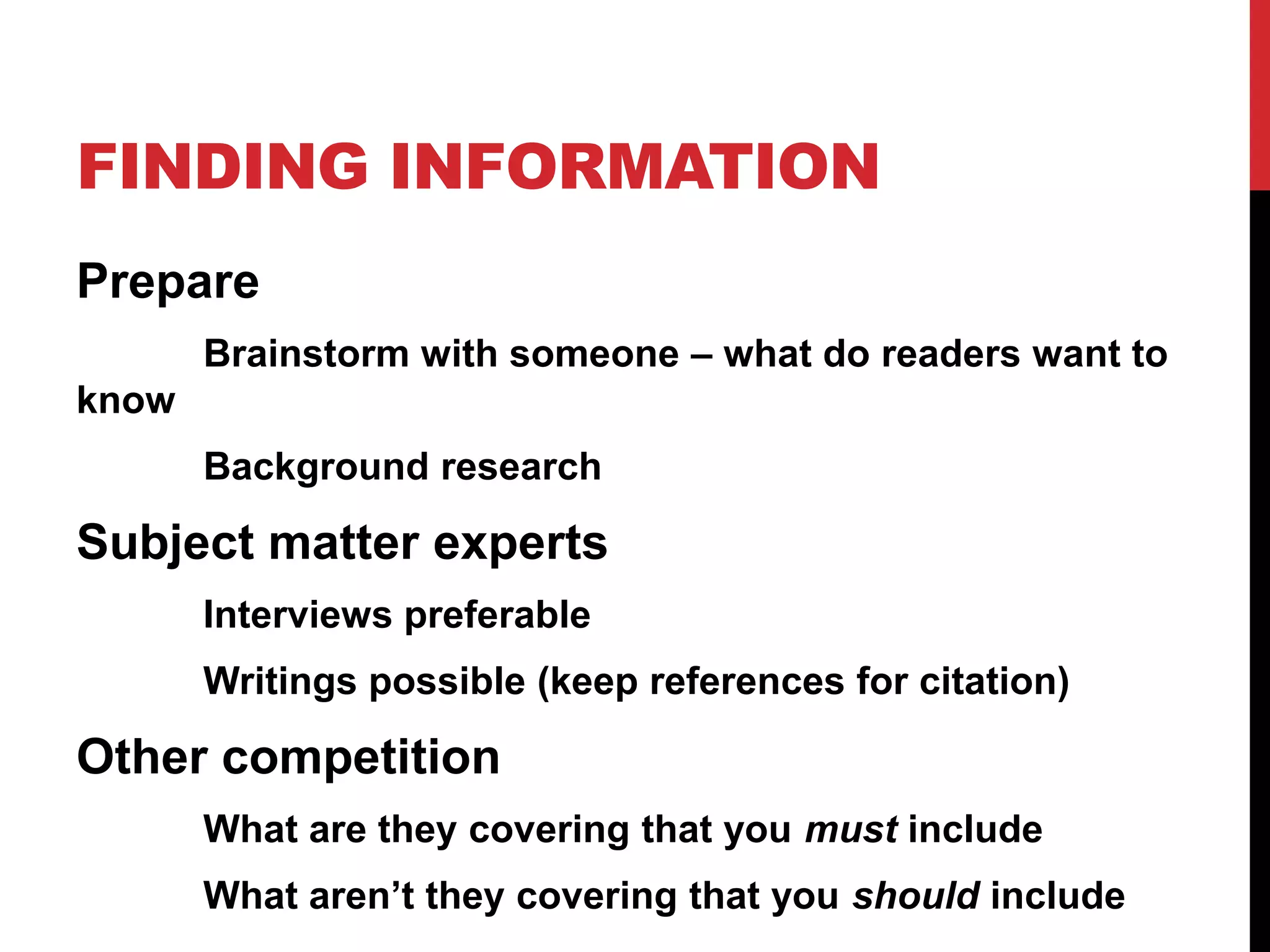
FINDING INFORMATION
Prepare
Brainstorm with someone – what do readers want to
know
Background research

Subject matter experts
Interviews preferable
Writings possible (keep references for citation)

Other competition
What are they covering that you must include
What aren’t they covering that you should include
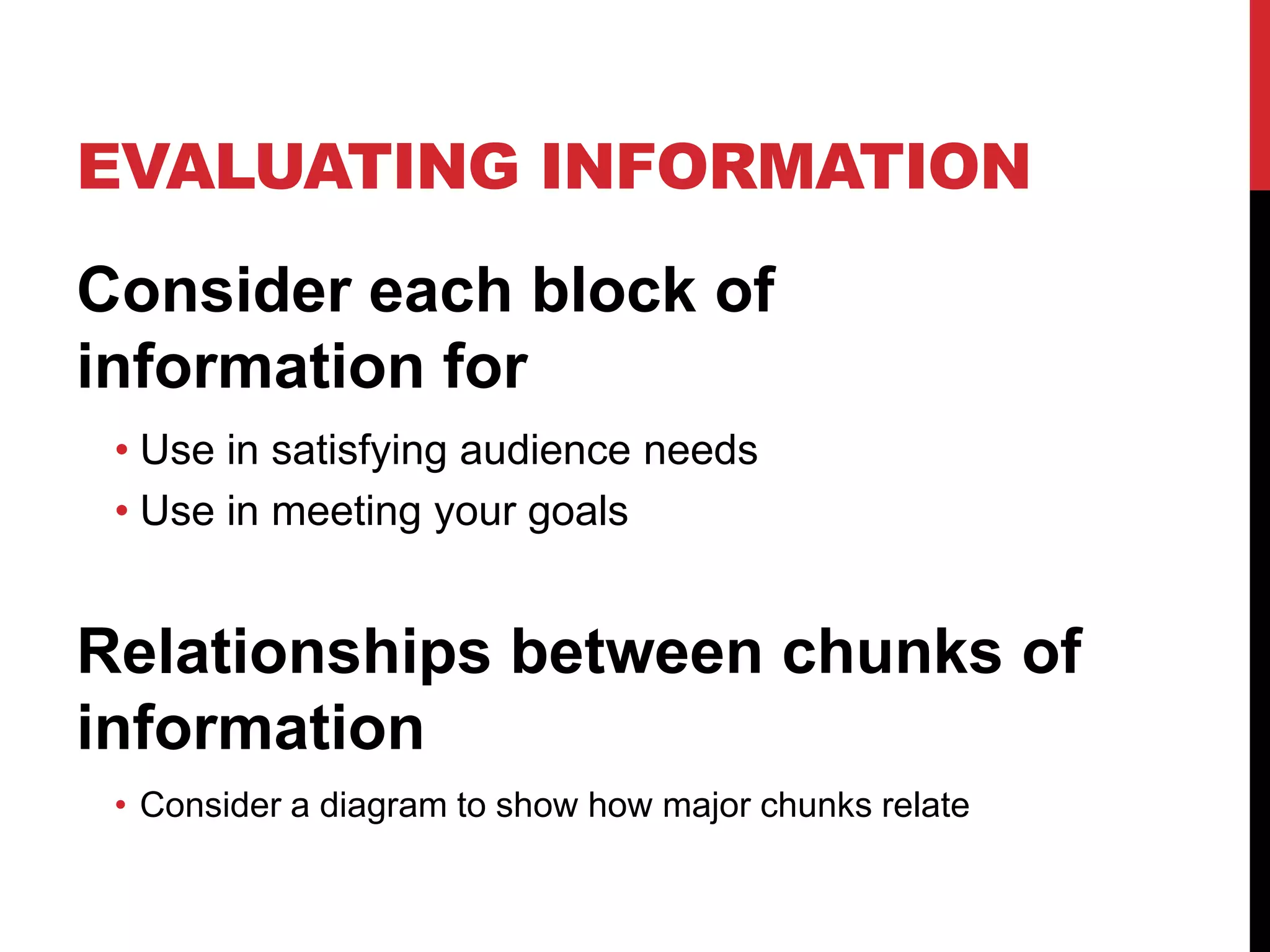
EVALUATING INFORMATION
Consider each block of
information for
• Use in satisfying audience needs
• Use in meeting your goals

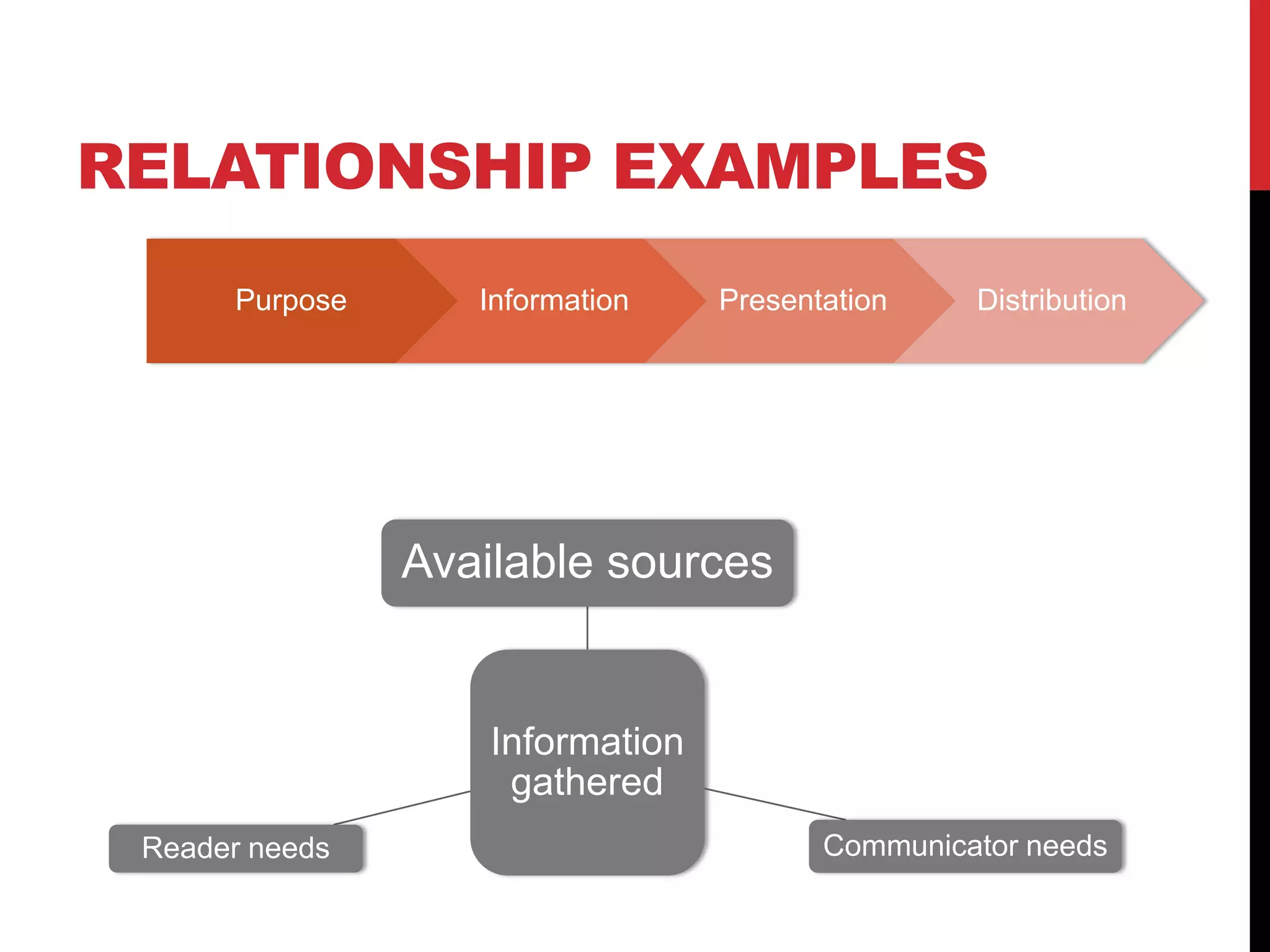
Relationships between chunks of
information
• Consider a diagram to show how major chunks relate
RELATIONSHIP EXAMPLES
Purpose

Information

Presentation

Distribution

Available sources

Information
gathered
Reader needs

Communicator needs
INFORMATION ARCHITECTURE
Create an outline of major and minor
points
Determine which points should be
text and which should be visual
Order your major topics for logical
flow

Tell the story of the white paper to a
friend to sanity check
DESIGN
Plan the overall look and feel (type, color, #
columns, sidebars/pull quotes, etc.)

Create the visual elements to harmonize
Decide on page size
If electronic delivery and print, 8 ½ x 11

If just print, smaller works well
If just electronic, horizontal orientation
works well
Layout pages, with attention to detail
Cover and title page
WRITE
Budget all major sections

Complete and edit major sections
Consistent tone

Logical flow through information
Transitions

Fact check
Check for grammar/style
ASSESSMENT
Reviews by:
• Prospective audience
• Neutral party with knowledge (someone who can
check you, but hasn’t been involved in the project)
• Client, if appropriate

Revisions as needed prior to final
production
PROMOTION
Reach your own audience
• Social media contact
• Cross market in other efforts like e-mail campaigns,
on your web site, in advertising

Reach people who influence your
audience
• Direct outreach
• Social media contact
RESOURCES
Tips on writing in general

http://bit.ly/174gcU7
Presentation from iMedia’s own Cait V. Smith with strong
audience focus:

http://slidesha.re/1hnPC0w

A lengthy, but very good, detailed guide to white papers
http://bit.ly/1mm1ane

Writing successful white papers

  • 1.
  • 2.
    WHAT IS AWHITE PAPER? Technical document that solves a problem for an audience Specific, quality information Reader-friendly design Thorough treatment of issue Intended to be educational
  • 3.
    WHITE PAPER JOBS Showyou understand the reader’s conundrum Adequately address it Clear Specific Comprehensive Convince the reader of your worth through the quality of your work
  • 4.
    WHITEPAPER STYLE Tone isserious Appearance matters Professional Uses graphics/tables/charts well Visually harmonious with other communication Content is neutral and well-supported
  • 5.
    FIGURE OUT PURPOSE Writegoals Ones that you say in the paper, like “Teach you about Pinterest for business” Ones that you don’t, like “Have you hire me to write a Pinterest plan for you” Figure out your audience Who they are What they want What they need
  • 6.
    FIGURE OUT PROCESS Whatkinds of sources are appropriate • Interviews • Existing written sources • Videos/infographics/etc How long each phase will take • Information – longer to watch a long video than to look at an infographic • Organizing – What is logical flow • Layout – where will you use text v. graphics, style guide • Producing • Reviewing
  • 7.
    FINDING INFORMATION Prepare Brainstorm withsomeone – what do readers want to know Background research Subject matter experts Interviews preferable Writings possible (keep references for citation) Other competition What are they covering that you must include What aren’t they covering that you should include
  • 8.
    EVALUATING INFORMATION Consider eachblock of information for • Use in satisfying audience needs • Use in meeting your goals Relationships between chunks of information • Consider a diagram to show how major chunks relate
  • 9.
  • 10.
    INFORMATION ARCHITECTURE Create anoutline of major and minor points Determine which points should be text and which should be visual Order your major topics for logical flow Tell the story of the white paper to a friend to sanity check
  • 11.
    DESIGN Plan the overalllook and feel (type, color, # columns, sidebars/pull quotes, etc.) Create the visual elements to harmonize Decide on page size If electronic delivery and print, 8 ½ x 11 If just print, smaller works well If just electronic, horizontal orientation works well Layout pages, with attention to detail Cover and title page
  • 12.
    WRITE Budget all majorsections Complete and edit major sections Consistent tone Logical flow through information Transitions Fact check Check for grammar/style
  • 13.
    ASSESSMENT Reviews by: • Prospectiveaudience • Neutral party with knowledge (someone who can check you, but hasn’t been involved in the project) • Client, if appropriate Revisions as needed prior to final production
  • 14.
    PROMOTION Reach your ownaudience • Social media contact • Cross market in other efforts like e-mail campaigns, on your web site, in advertising Reach people who influence your audience • Direct outreach • Social media contact
  • 15.
    RESOURCES Tips on writingin general http://bit.ly/174gcU7 Presentation from iMedia’s own Cait V. Smith with strong audience focus: http://slidesha.re/1hnPC0w A lengthy, but very good, detailed guide to white papers http://bit.ly/1mm1ane

Editor's Notes