Windows phone 7
application development
MANNU MALHOTRA
MICROSOFT STUDENT PARTNER
MICROSOFT CERTIFIED SOLUTION DEVELOPER
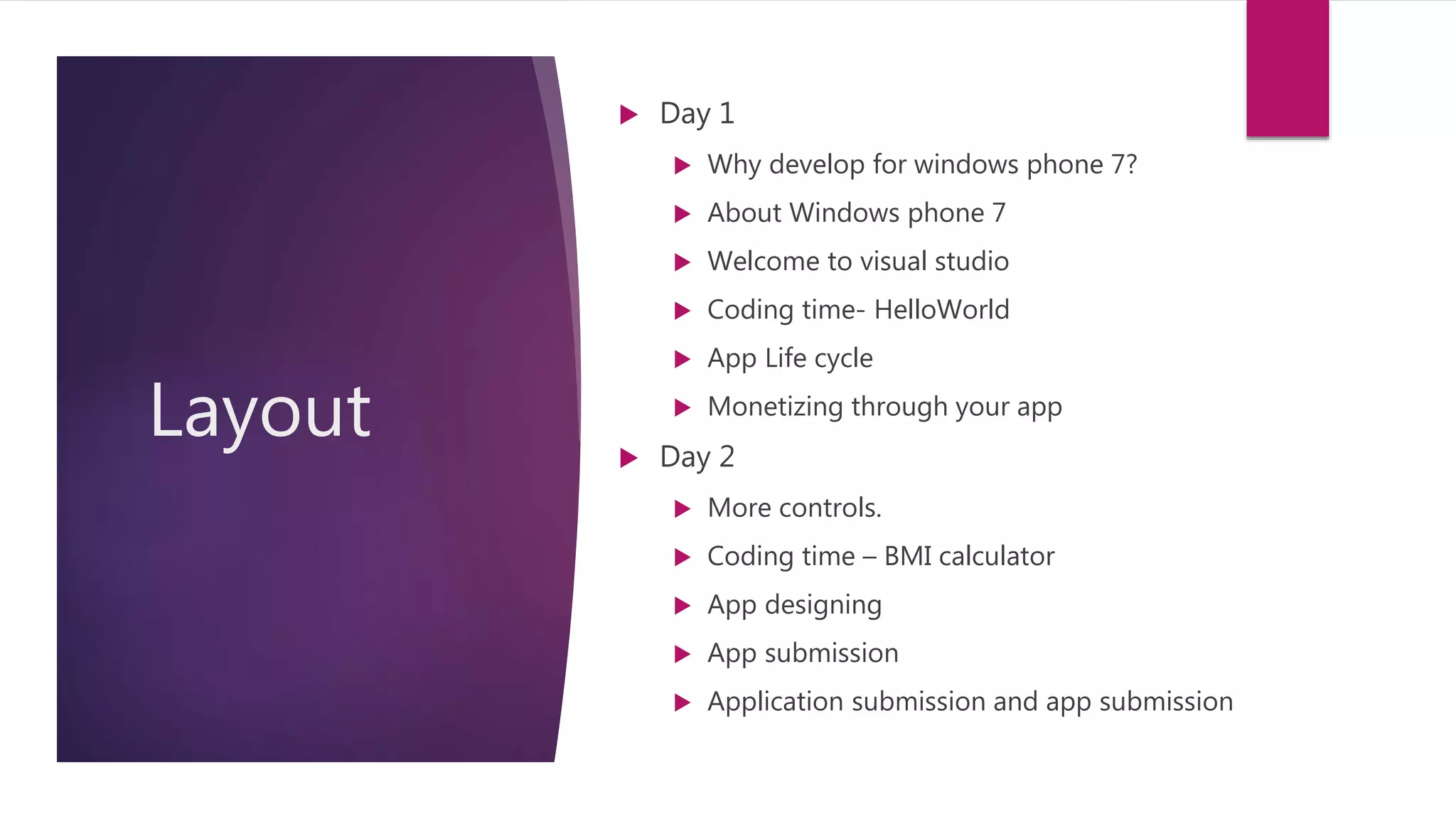
Layout
 Day 1
 Why develop for windows phone 7?
 About Windows phone 7
 Welcome to visual studio
 Coding time- HelloWorld
 App Life cycle
 Monetizing through your app
 Day 2
 More controls.
 Coding time – BMI calculator
 App designing
 App submission
 Application submission and app submission
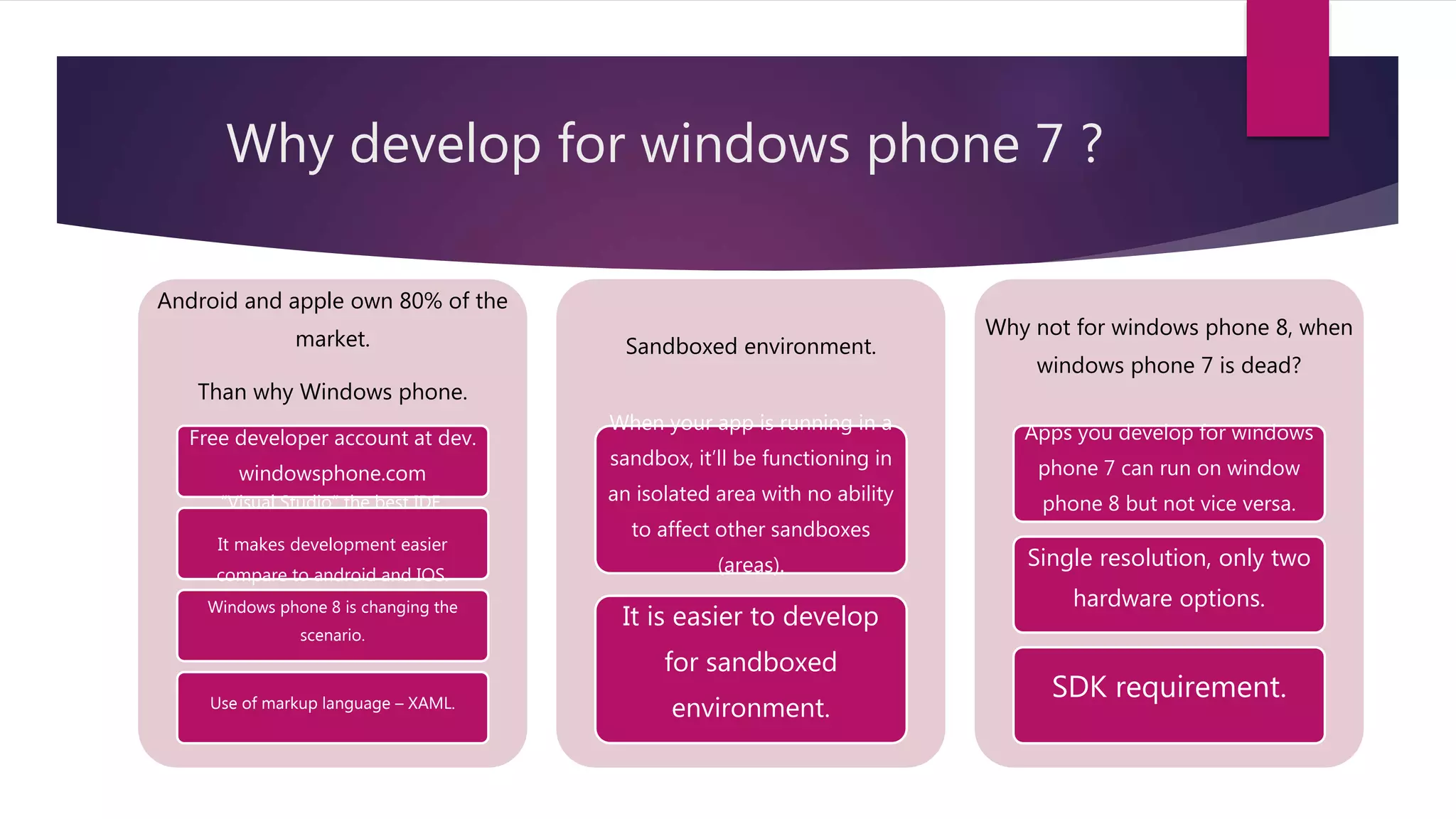
Why develop for windows phone 7 ?
Android and apple own 80% of the
market.
Than why Windows phone.
Free developer account at dev.
windowsphone.com
“Visual Studio” the best IDE.
It makes development easier
compare to android and IOS.
Windows phone 8 is changing the
scenario.
Use of markup language – XAML.
Sandboxed environment.
When your app is running in a
sandbox, it’ll be functioning in
an isolated area with no ability
to affect other sandboxes
(areas).
It is easier to develop
for sandboxed
environment.
Why not for windows phone 8, when
windows phone 7 is dead?
Apps you develop for windows
phone 7 can run on window
phone 8 but not vice versa.
Single resolution, only two
hardware options.
SDK requirement.
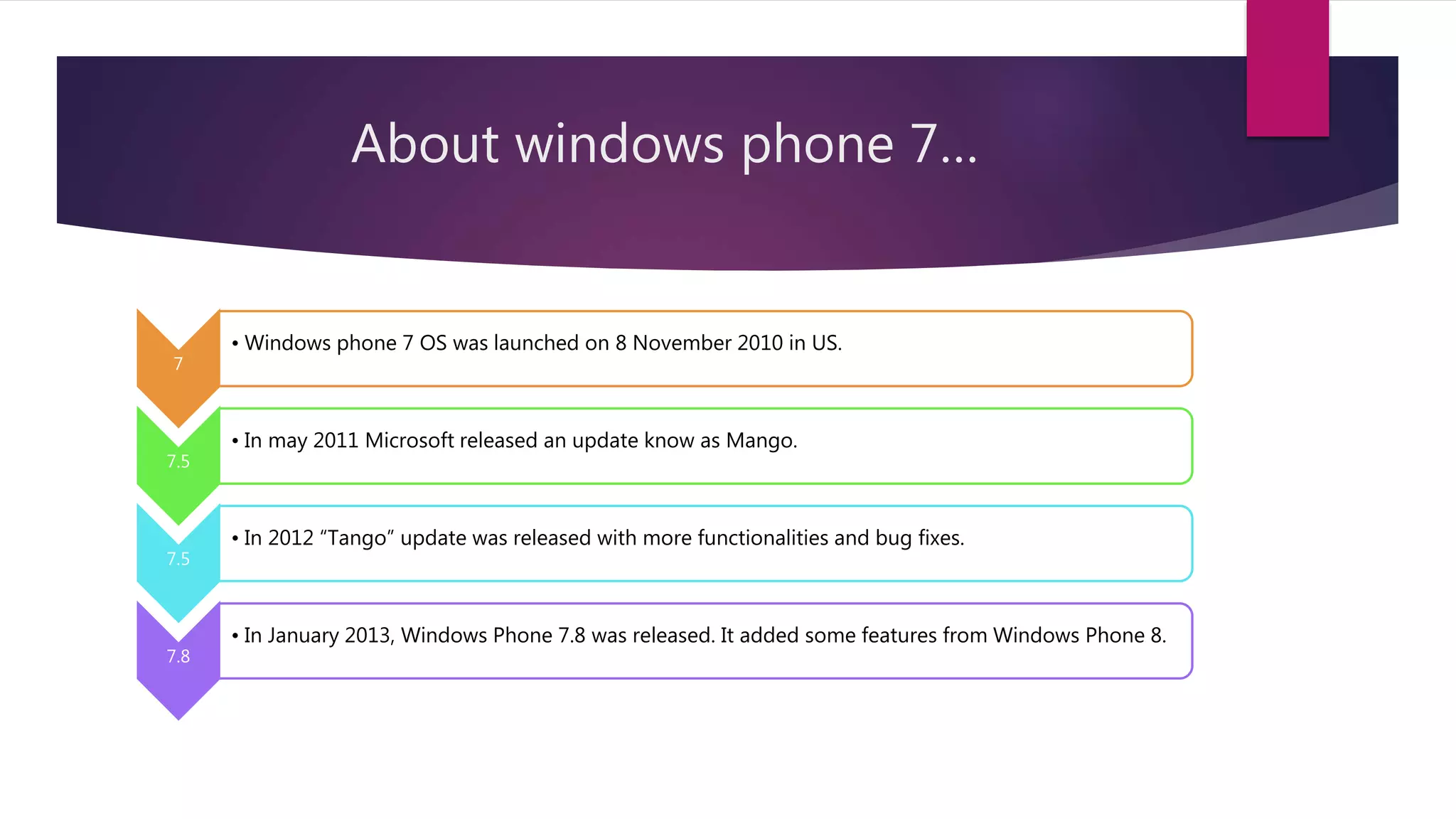
About windows phone 7…
7
• Windows phone 7 OS was launched on 8 November 2010 in US.
7.5
• In may 2011 Microsoft released an update know as Mango.
7.5
• In 2012 “Tango” update was released with more functionalities and bug fixes.
7.8
• In January 2013, Windows Phone 7.8 was released. It added some features from Windows Phone 8.
About Windows phone 7 continued
 7 Hardware Buttons:- (Power/Lock, Search/Bing, Windows, Camera, 2* Volume,
Back)
 Windows phone 7 OS is based on Windows CE(compact edition).
 Launchers and Choosers.
 Live Tiles instead of widgets.
Welcome to visual Studio !
 Introduction to visual studio
 Two languages:- C# and xaml
 Hello world App- Button, TextBox, MessageBox
 Features of Visual studio
 Introduction to Emulator
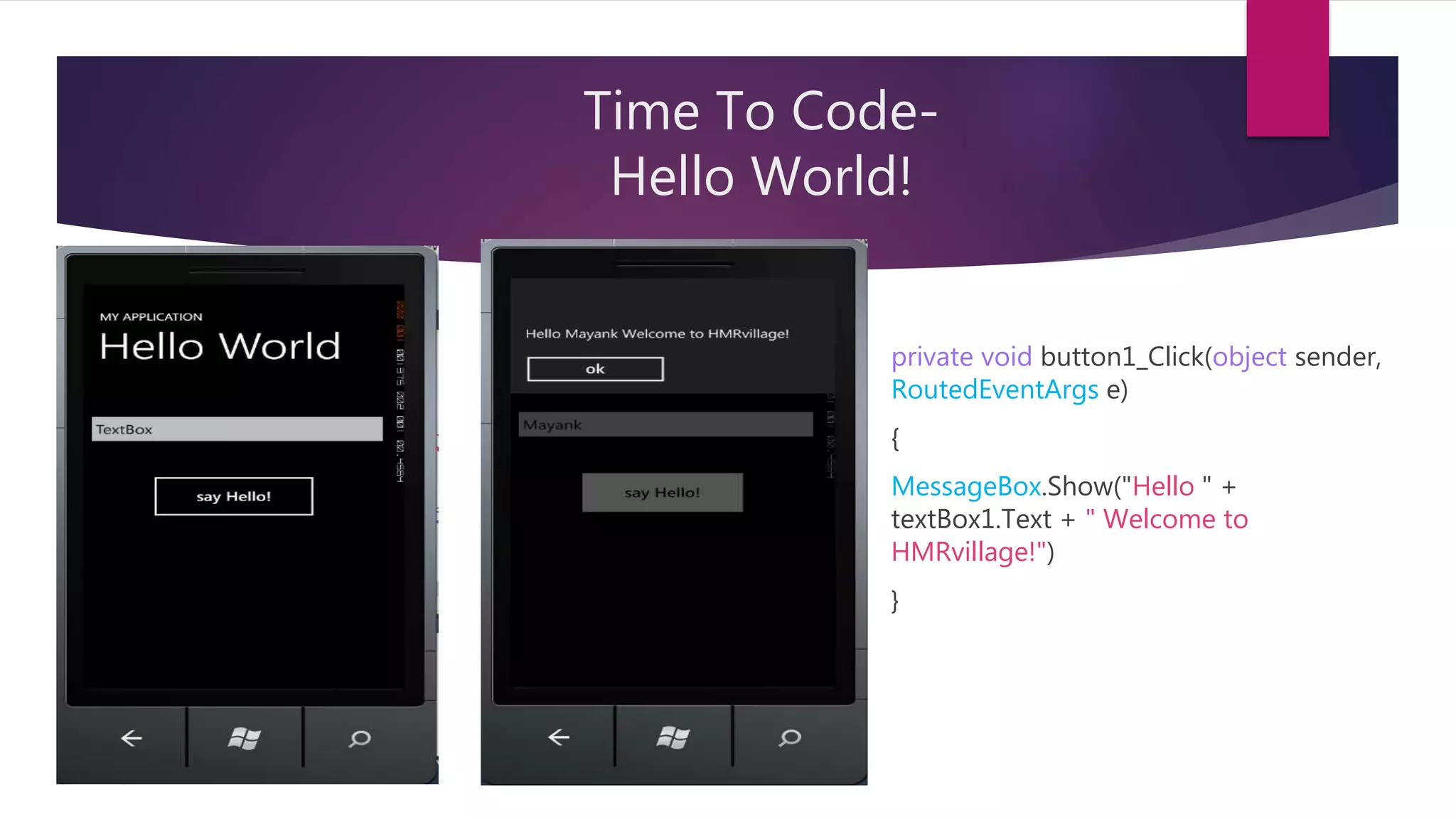
Time To Code-
Hello World!
private void button1_Click(object sender,
RoutedEventArgs e)
{
MessageBox.Show("Hello " +
textBox1.Text + " Welcome to
HMRvillage!")
}
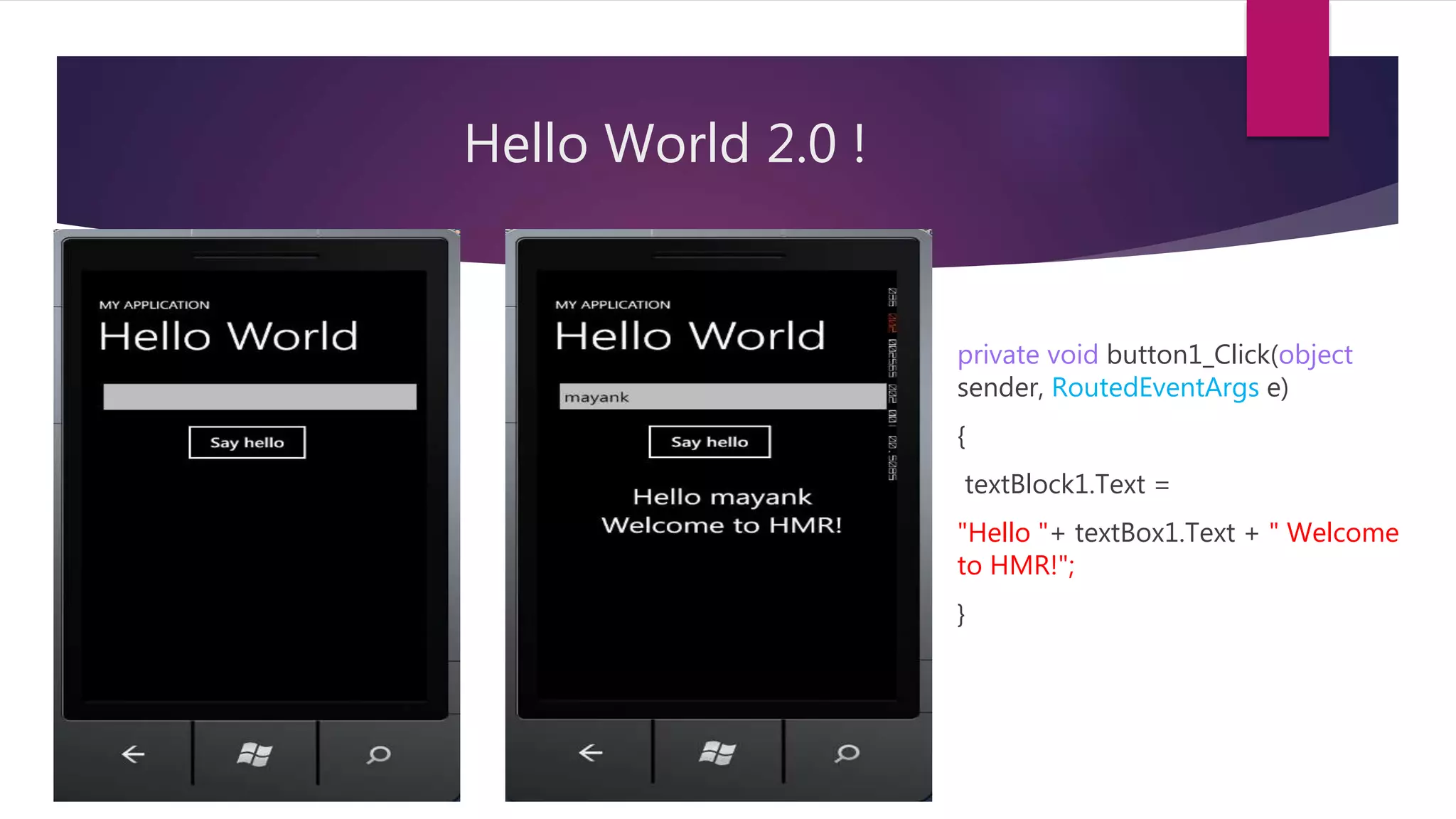
Hello World 2.0 !
private void button1_Click(object
sender, RoutedEventArgs e)
{
textBlock1.Text =
"Hello "+ textBox1.Text + " Welcome
to HMR!";
}
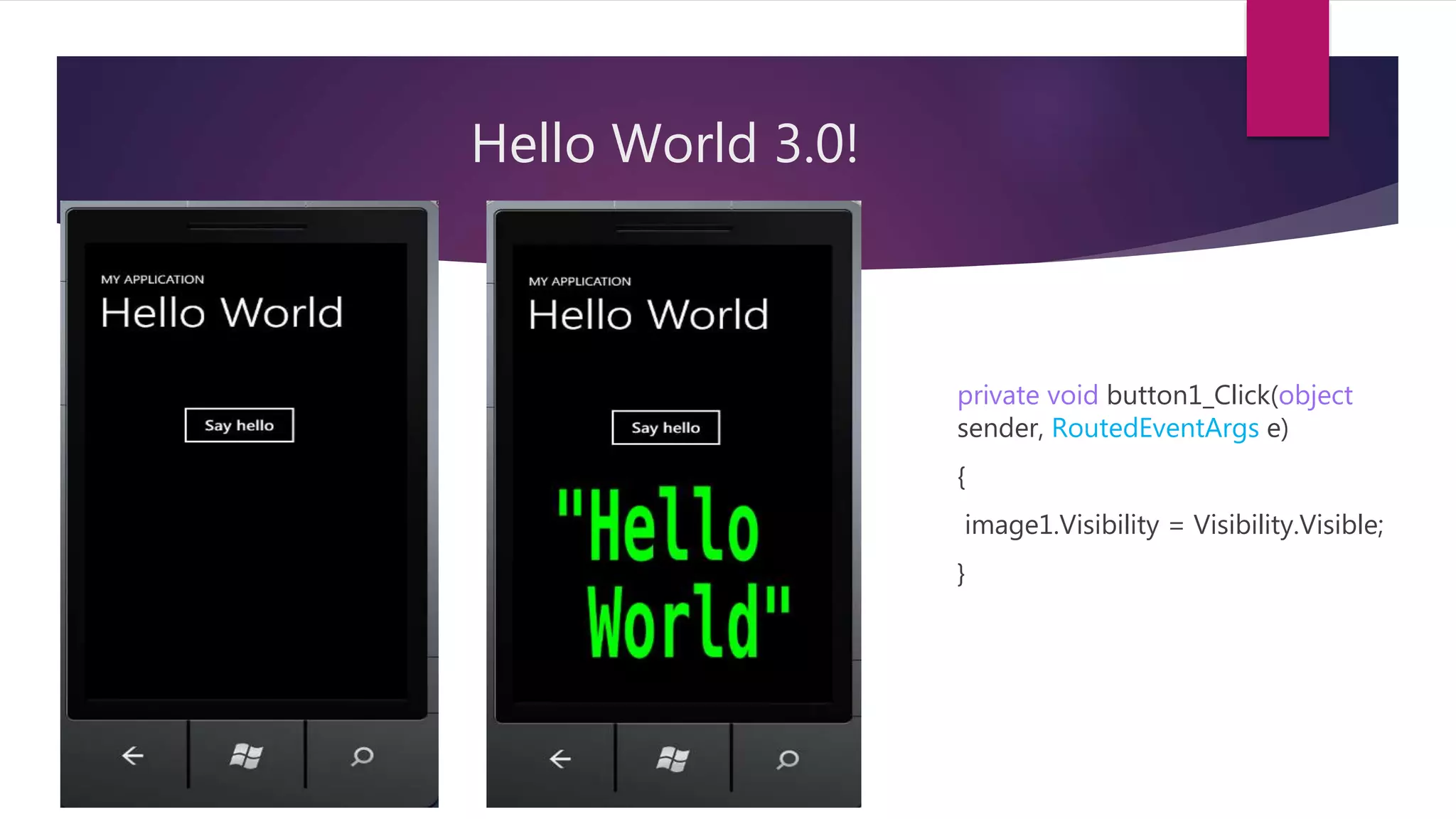
Hello World 3.0!
private void button1_Click(object
sender, RoutedEventArgs e)
{
image1.Visibility = Visibility.Visible;
}
App Lifecycle
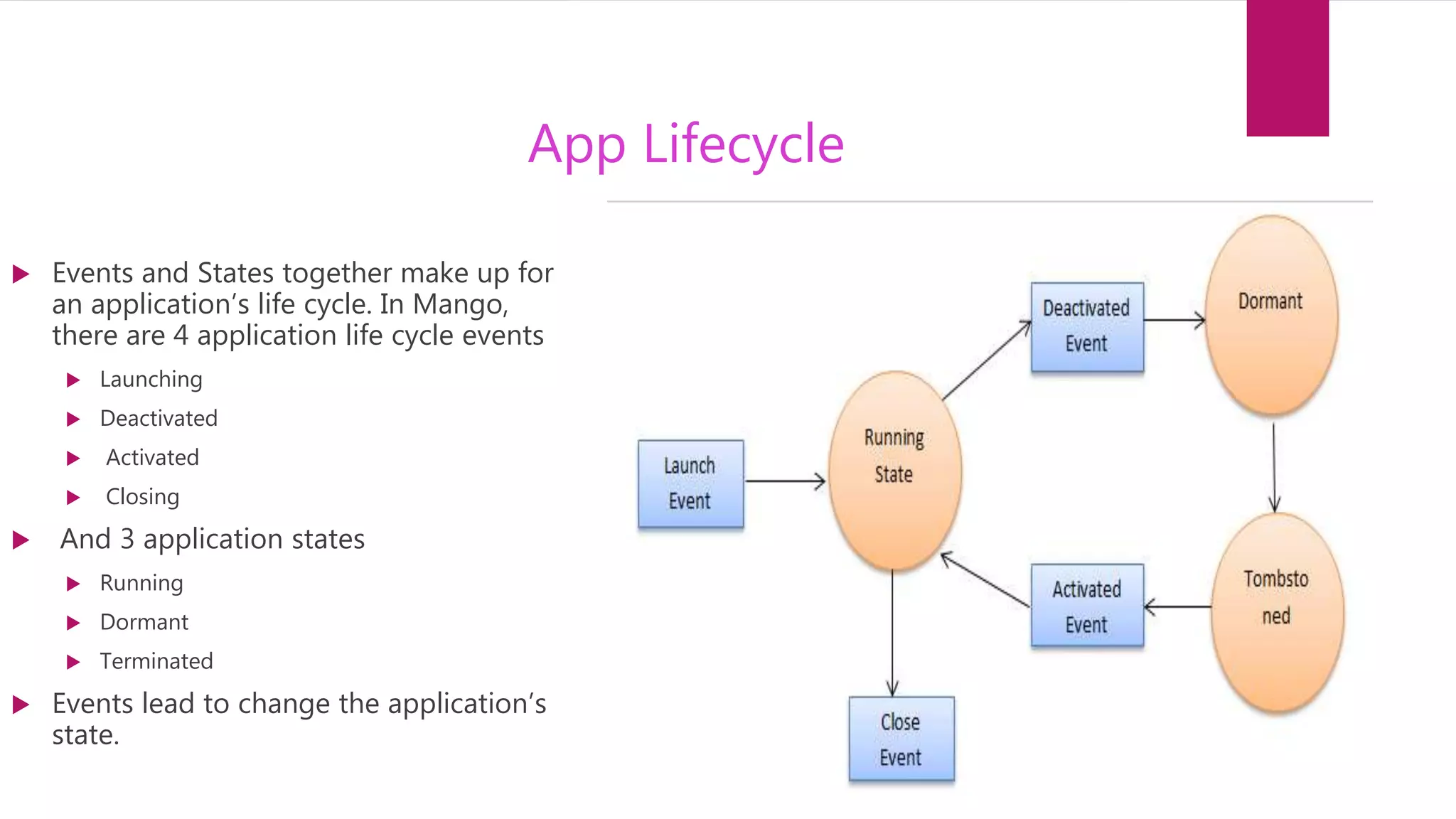
 Events and States together make up for
an application’s life cycle. In Mango,
there are 4 application life cycle events
 Launching
 Deactivated
 Activated
 Closing
 And 3 application states
 Running
 Dormant
 Terminated
 Events lead to change the application’s
state.
Monetizing
 Three Options:
1. Paid apps
2. In app purchases
3. Ads
 ECPM
 Pubcenter.Microsoft.com
 Threshold
Lets meet Tomorrow for
more coding

Windows phone 7 application development

  • 1.
    Windows phone 7 applicationdevelopment MANNU MALHOTRA MICROSOFT STUDENT PARTNER MICROSOFT CERTIFIED SOLUTION DEVELOPER
  • 2.
    Layout  Day 1 Why develop for windows phone 7?  About Windows phone 7  Welcome to visual studio  Coding time- HelloWorld  App Life cycle  Monetizing through your app  Day 2  More controls.  Coding time – BMI calculator  App designing  App submission  Application submission and app submission
  • 3.
    Why develop forwindows phone 7 ? Android and apple own 80% of the market. Than why Windows phone. Free developer account at dev. windowsphone.com “Visual Studio” the best IDE. It makes development easier compare to android and IOS. Windows phone 8 is changing the scenario. Use of markup language – XAML. Sandboxed environment. When your app is running in a sandbox, it’ll be functioning in an isolated area with no ability to affect other sandboxes (areas). It is easier to develop for sandboxed environment. Why not for windows phone 8, when windows phone 7 is dead? Apps you develop for windows phone 7 can run on window phone 8 but not vice versa. Single resolution, only two hardware options. SDK requirement.
  • 4.
    About windows phone7… 7 • Windows phone 7 OS was launched on 8 November 2010 in US. 7.5 • In may 2011 Microsoft released an update know as Mango. 7.5 • In 2012 “Tango” update was released with more functionalities and bug fixes. 7.8 • In January 2013, Windows Phone 7.8 was released. It added some features from Windows Phone 8.
  • 5.
    About Windows phone7 continued  7 Hardware Buttons:- (Power/Lock, Search/Bing, Windows, Camera, 2* Volume, Back)  Windows phone 7 OS is based on Windows CE(compact edition).  Launchers and Choosers.  Live Tiles instead of widgets.
  • 6.
    Welcome to visualStudio !  Introduction to visual studio  Two languages:- C# and xaml  Hello world App- Button, TextBox, MessageBox  Features of Visual studio  Introduction to Emulator
  • 7.
    Time To Code- HelloWorld! private void button1_Click(object sender, RoutedEventArgs e) { MessageBox.Show("Hello " + textBox1.Text + " Welcome to HMRvillage!") }
  • 8.
    Hello World 2.0! private void button1_Click(object sender, RoutedEventArgs e) { textBlock1.Text = "Hello "+ textBox1.Text + " Welcome to HMR!"; }
  • 9.
    Hello World 3.0! privatevoid button1_Click(object sender, RoutedEventArgs e) { image1.Visibility = Visibility.Visible; }
  • 10.
    App Lifecycle  Eventsand States together make up for an application’s life cycle. In Mango, there are 4 application life cycle events  Launching  Deactivated  Activated  Closing  And 3 application states  Running  Dormant  Terminated  Events lead to change the application’s state.
  • 11.
    Monetizing  Three Options: 1.Paid apps 2. In app purchases 3. Ads  ECPM  Pubcenter.Microsoft.com  Threshold
  • 12.
    Lets meet Tomorrowfor more coding