

1. Introduction
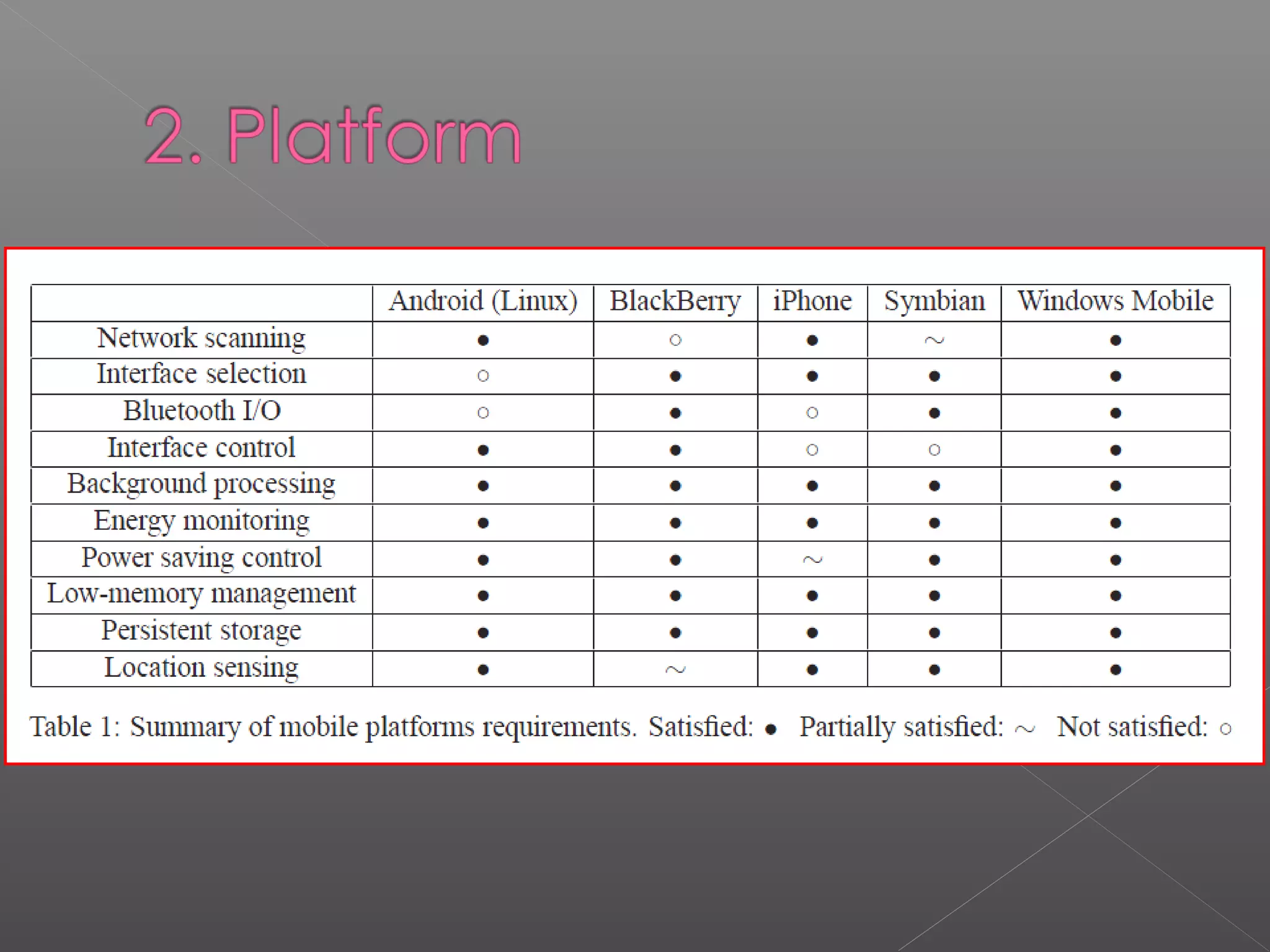
2. Platform
3. Software development
4. Overall evaluation
Windows Mobile is a compact operating system combined
with a suite of basic applications for mobile devices based on
the Microsoft Win32 API. Devices that run Windows Mobile
include Pocket PCs, Smartphones, Portable Media Centers,
and on-board computers for certain automobiles. It is
designed to be somewhat similar to desktop versions of
Windows, feature-wise and aesthetically. Additionally, third-
party software development is available for Windows Mobile.
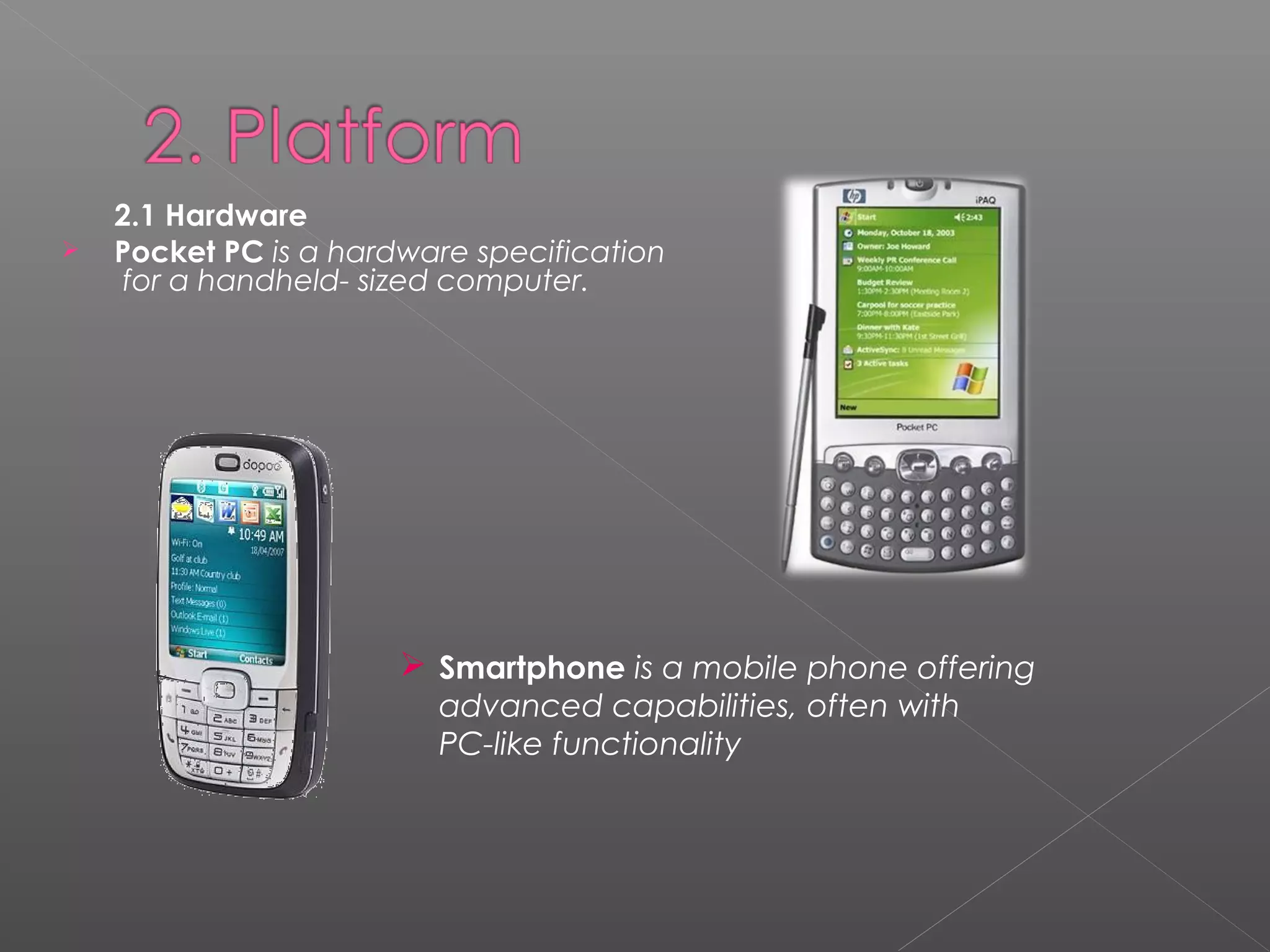
2.1 Hardware
 Pocket PC is a hardware specification
for a handheld- sized computer.
 Smartphone is a mobile phone offering
advanced capabilities, often with
PC-like functionality
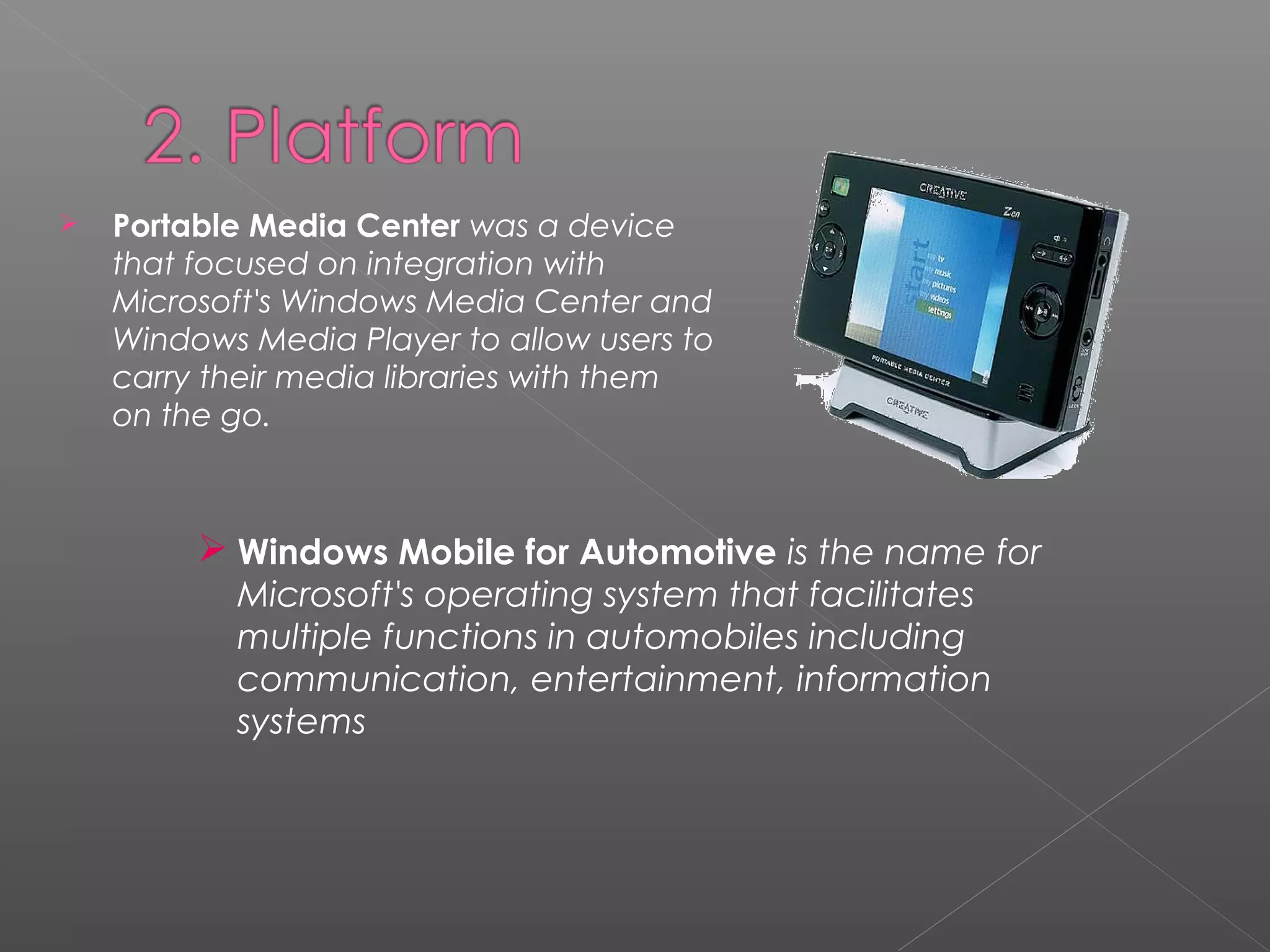
 Portable Media Center was a device
that focused on integration with
Microsoft's Windows Media Center and
Windows Media Player to allow users to
carry their media libraries with them
on the go.
 Windows Mobile for Automotive is the name for
Microsoft's operating system that facilitates
multiple functions in automobiles including
communication, entertainment, information
systems
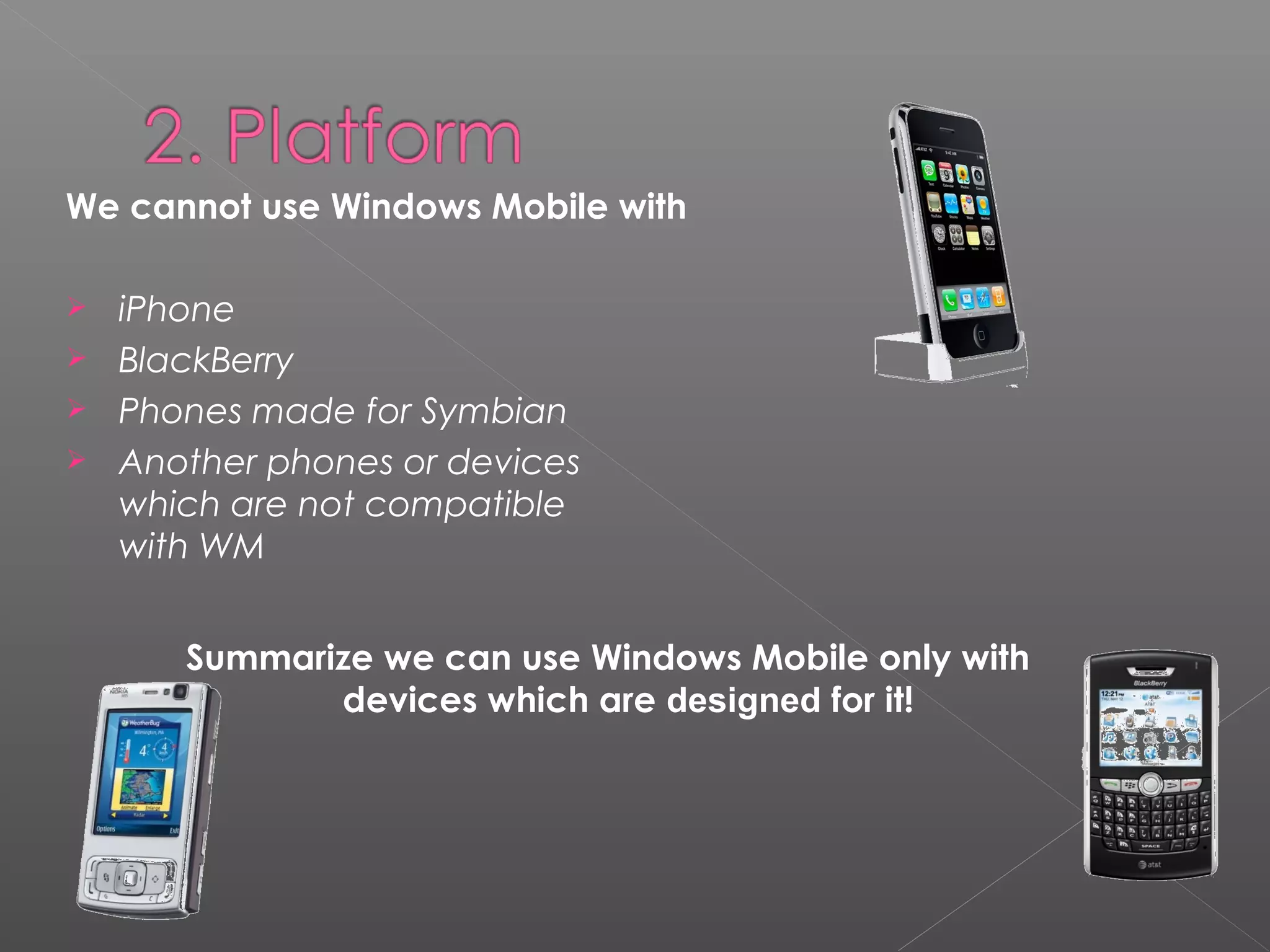
We cannot use Windows Mobile with
 iPhone
 BlackBerry
 Phones made for Symbian
 Another phones or devices
which are not compatible
with WM
Summarize we can use Windows Mobile only with
devices which are designed for it!
2.2 Operating Systems
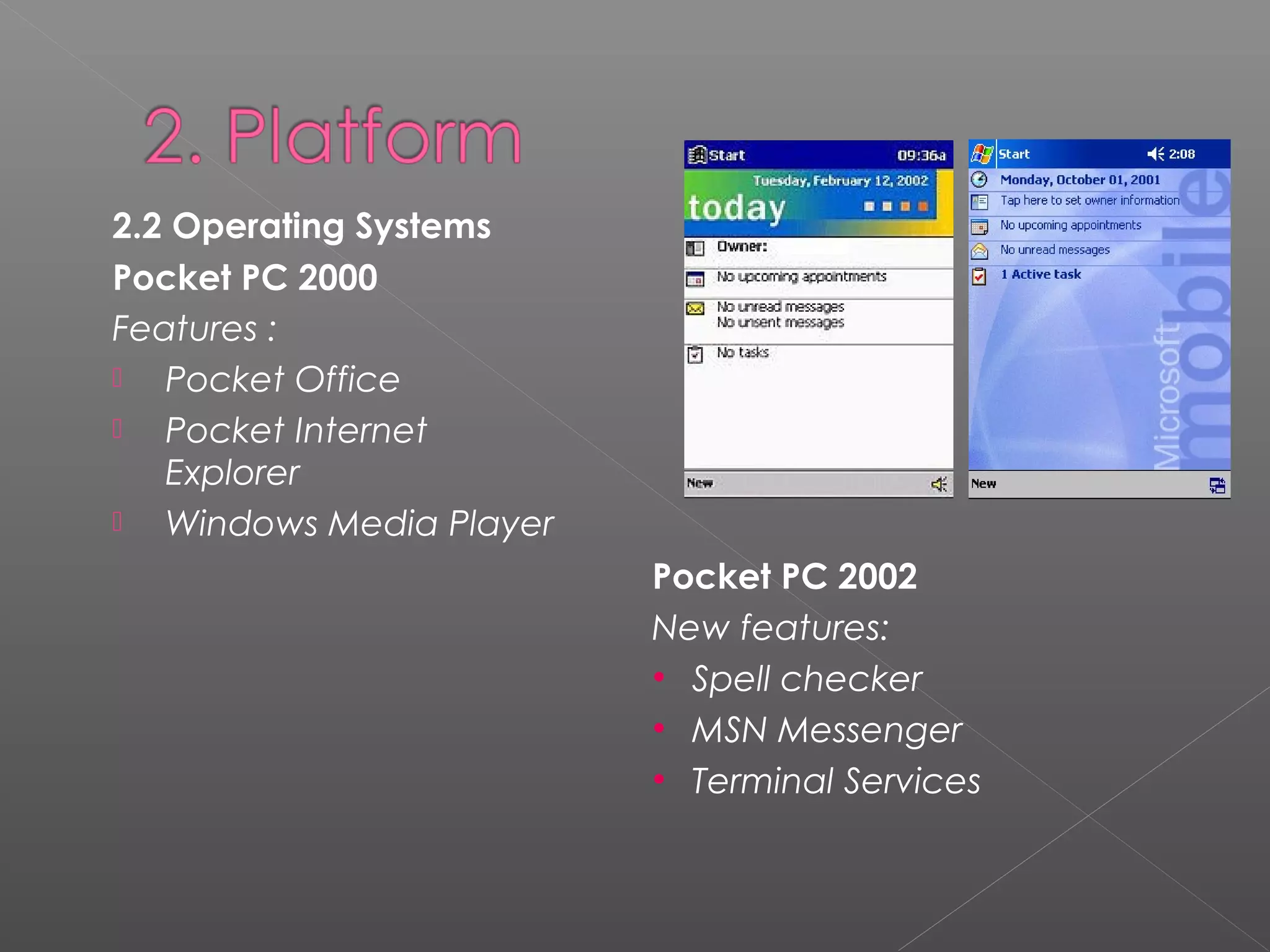
Pocket PC 2000
Features :
 Pocket Office
 Pocket Internet
Explorer
 Windows Media Player
Pocket PC 2002
New features:
• Spell checker
• MSN Messenger
• Terminal Services
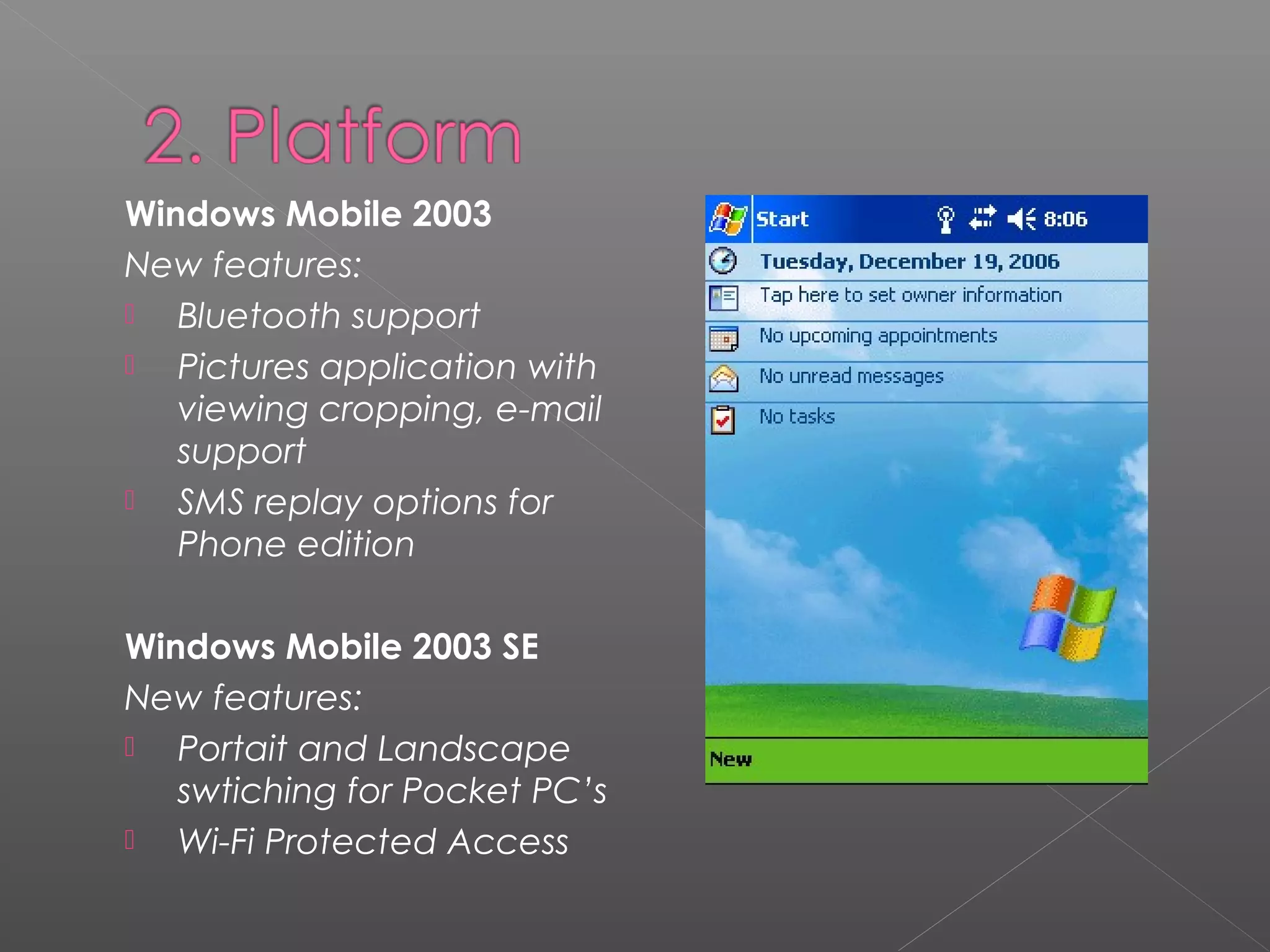
Windows Mobile 2003
New features:
 Bluetooth support
 Pictures application with
viewing cropping, e-mail
support
 SMS replay options for
Phone edition
Windows Mobile 2003 SE
New features:
 Portait and Landscape
swtiching for Pocket PC’s
 Wi-Fi Protected Access
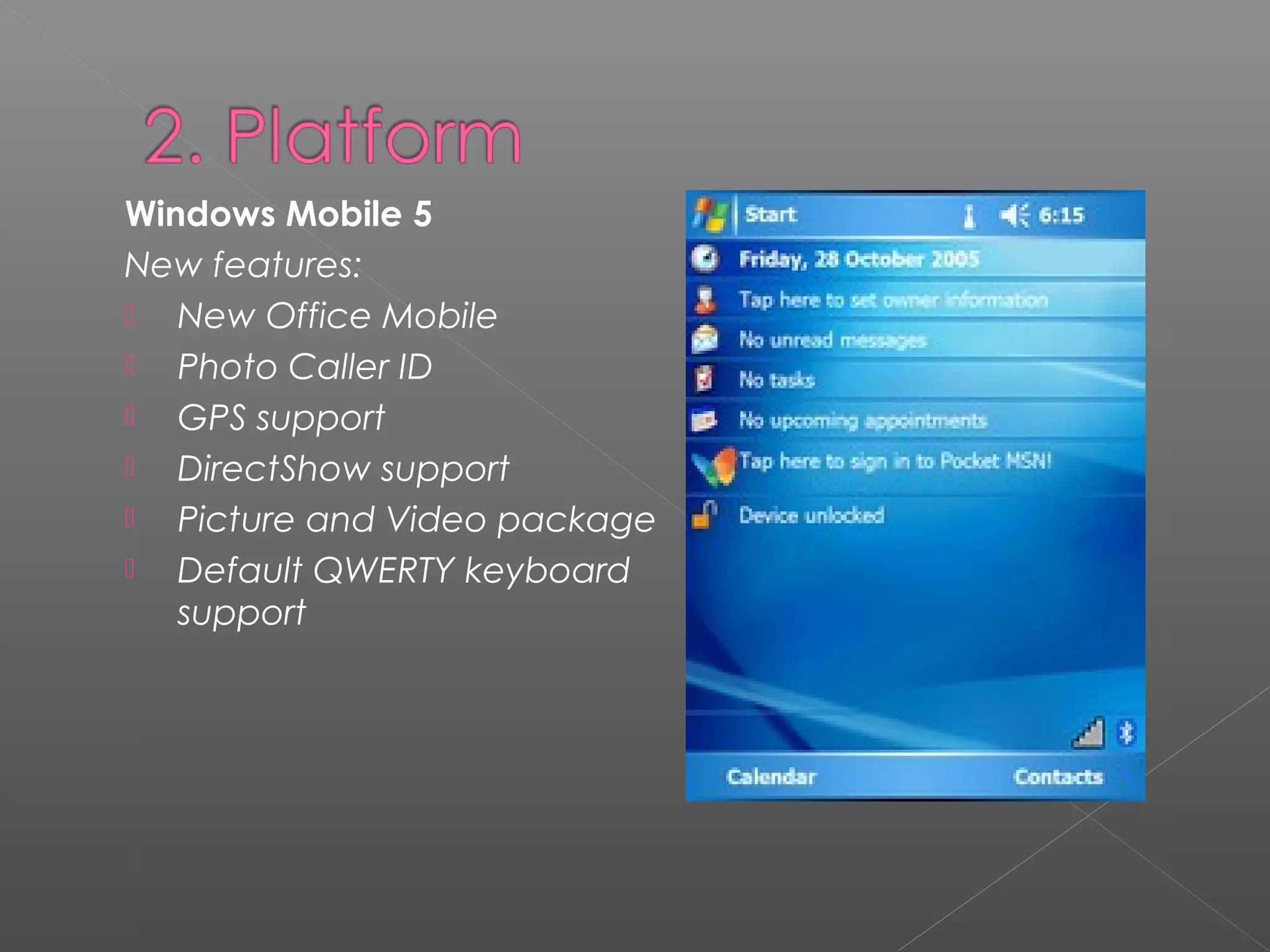
Windows Mobile 5
New features:
 New Office Mobile
 Photo Caller ID
 GPS support
 DirectShow support
 Picture and Video package
 Default QWERTY keyboard
support
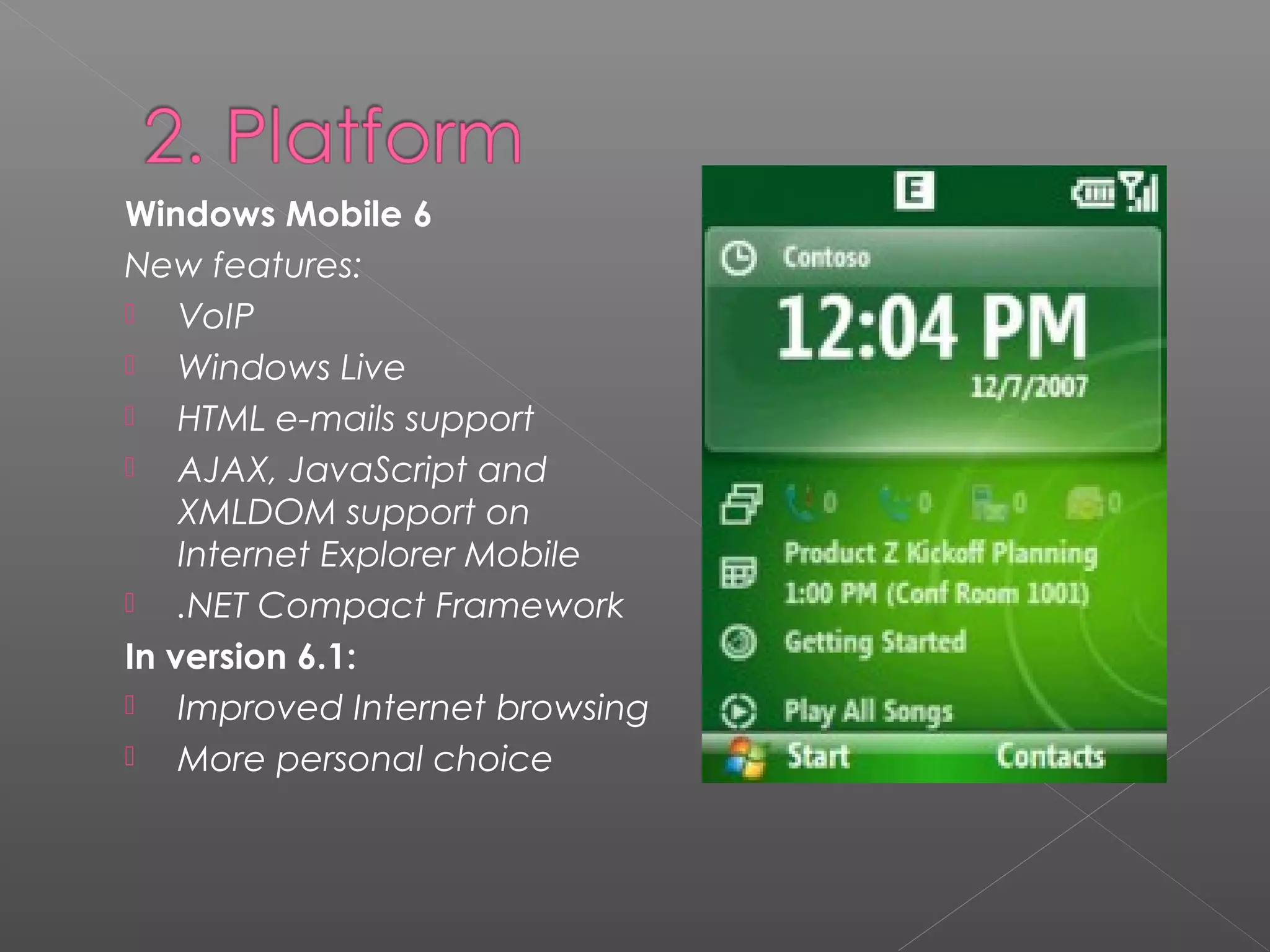
Windows Mobile 6
New features:
 VoIP
 Windows Live
 HTML e-mails support
 AJAX, JavaScript and
XMLDOM support on
Internet Explorer Mobile
 .NET Compact Framework
In version 6.1:
 Improved Internet browsing
 More personal choice
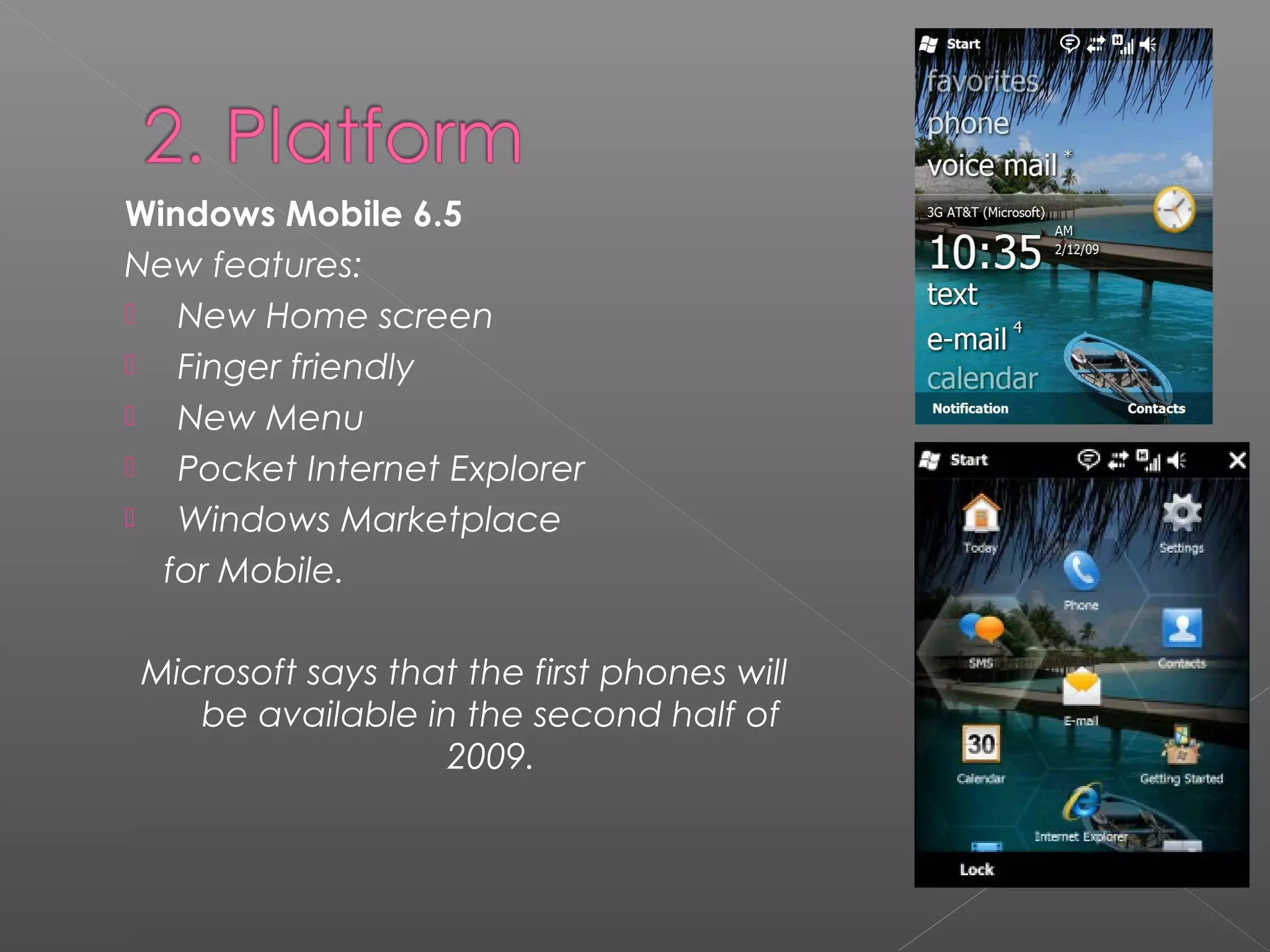
Windows Mobile 6.5
New features:
 New Home screen
 Finger friendly
 New Menu
 Pocket Internet Explorer
 Windows Marketplace
for Mobile.
Microsoft says that the first phones will
be available in the second half of
2009.
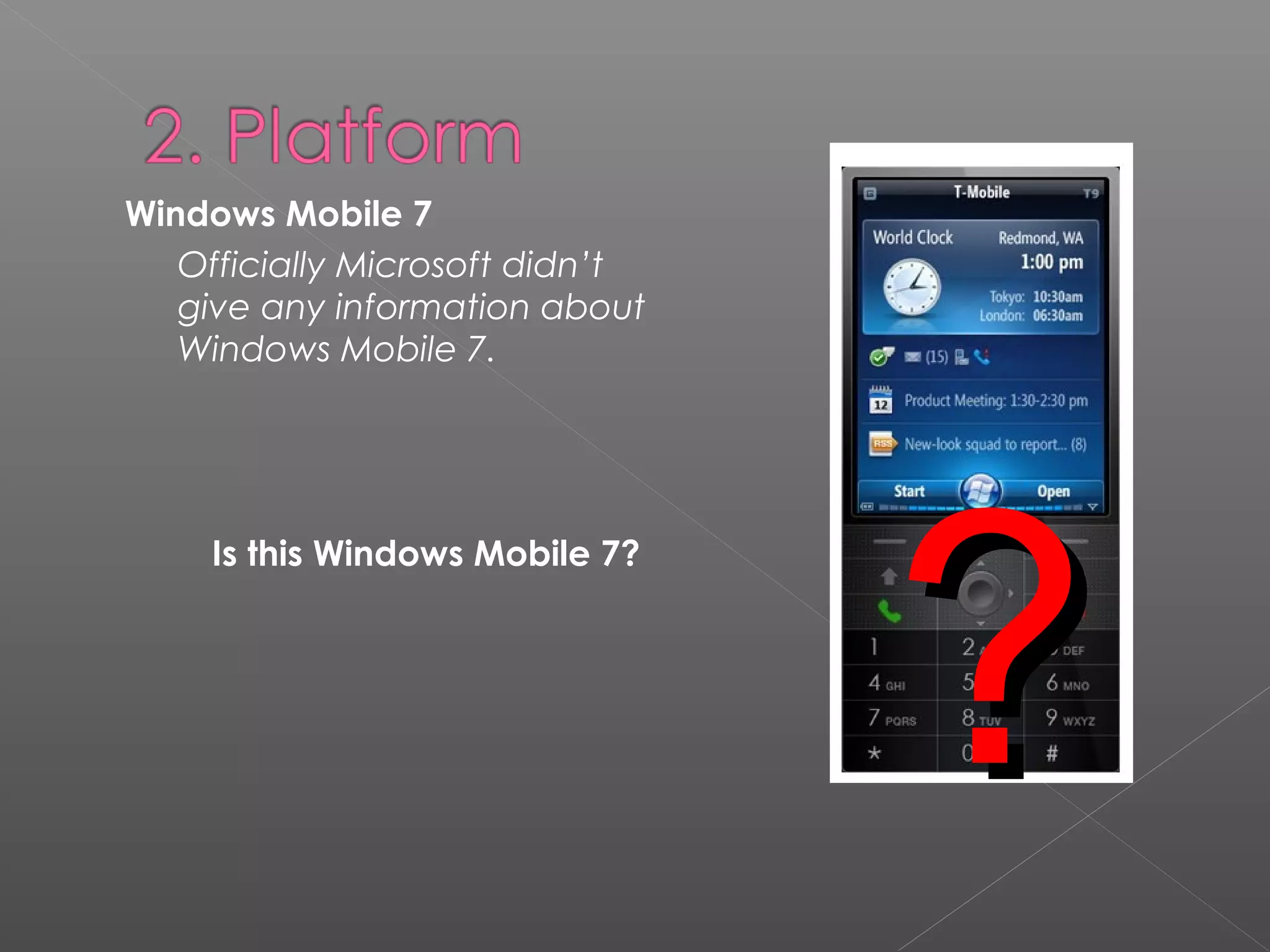
Windows Mobile 7
Officially Microsoft didn’t
give any information about
Windows Mobile 7.
Is this Windows Mobile 7?
??
2.3 Network Connectivity
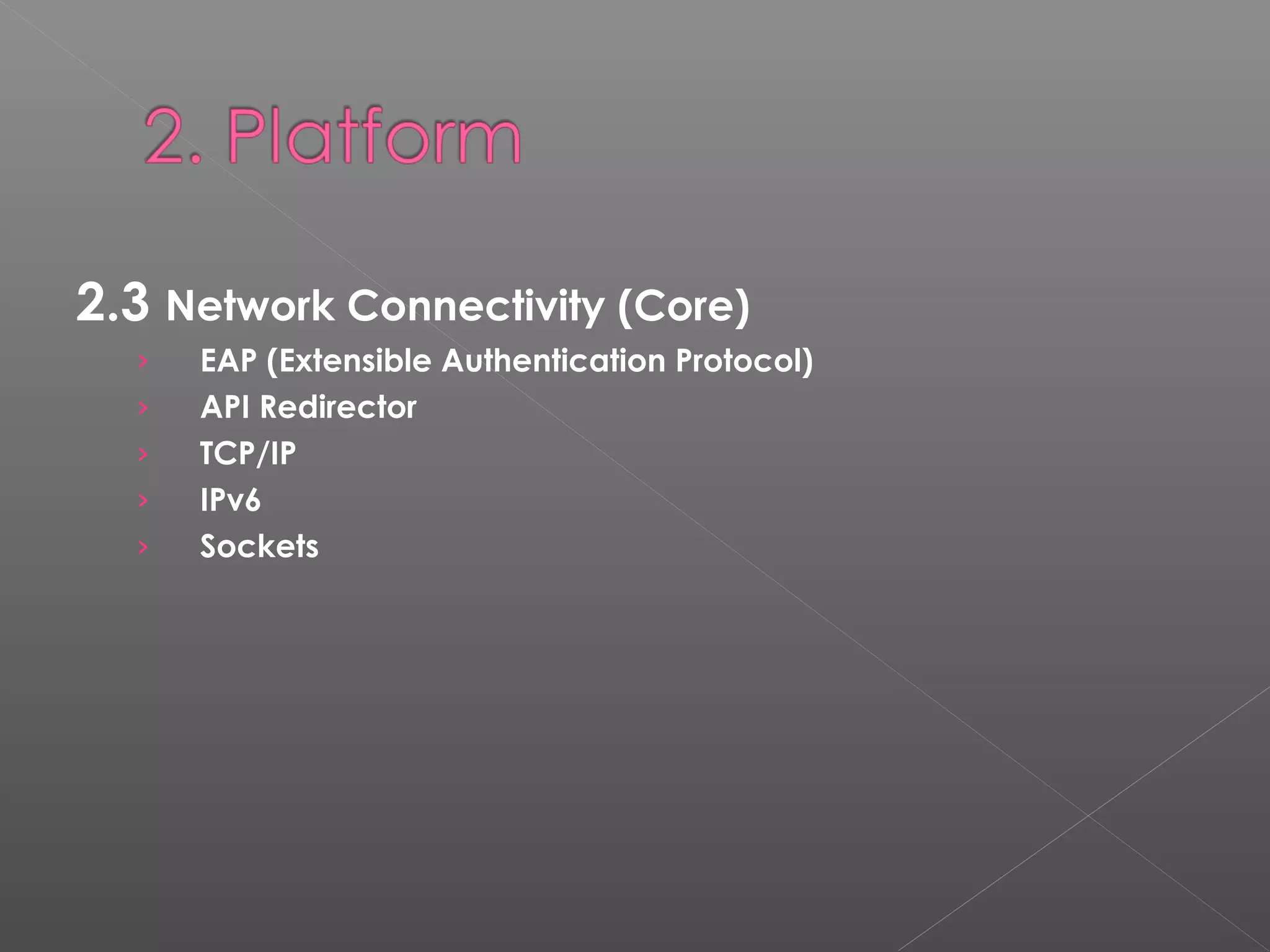
2.3 Network Connectivity (Core)
› EAP (Extensible Authentication Protocol)
› API Redirector
› TCP/IP
› IPv6
› Sockets
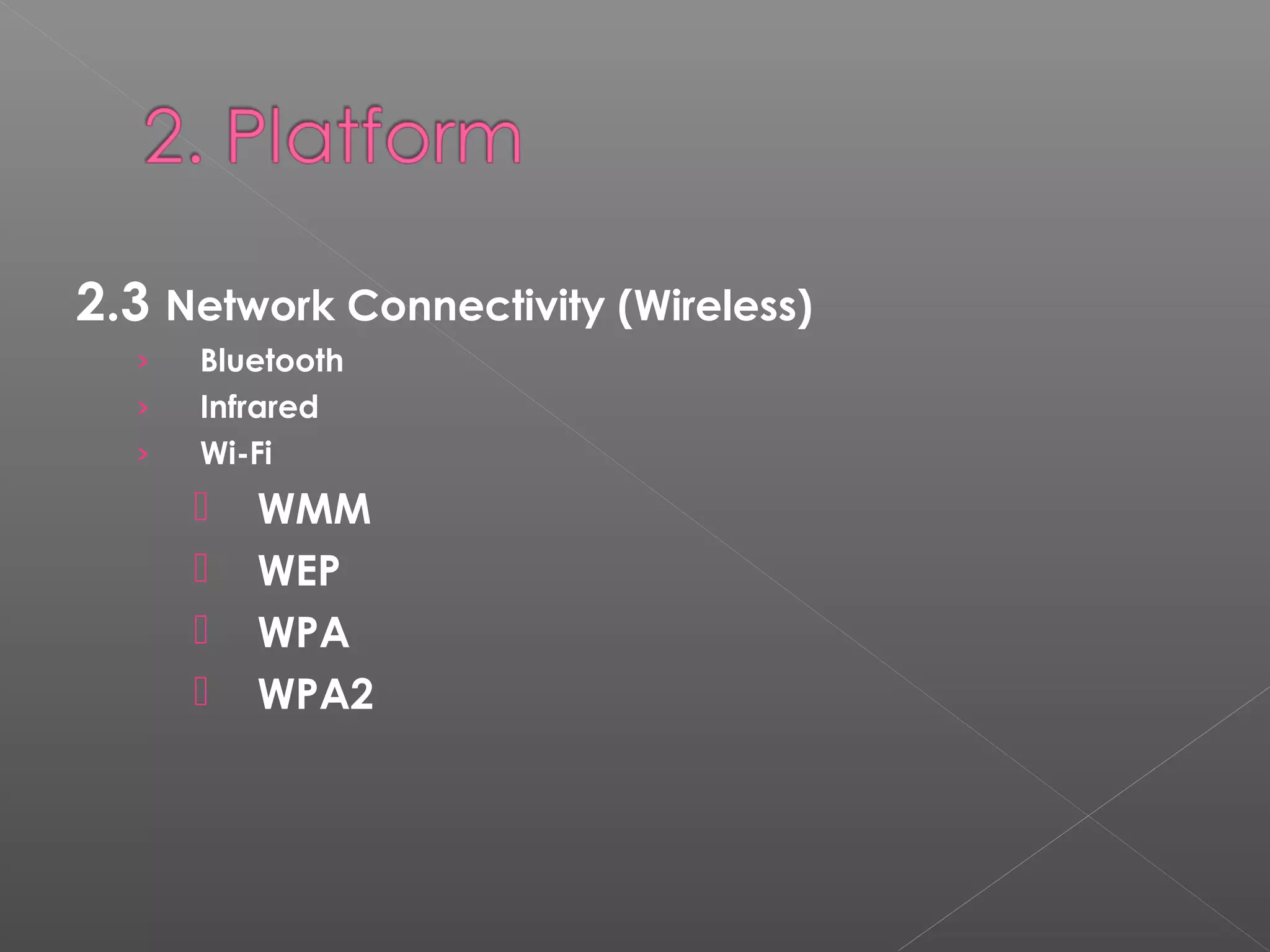
2.3 Network Connectivity (Wireless)
› Bluetooth
› Infrared
› Wi-Fi
 WMM
 WEP
 WPA
 WPA2
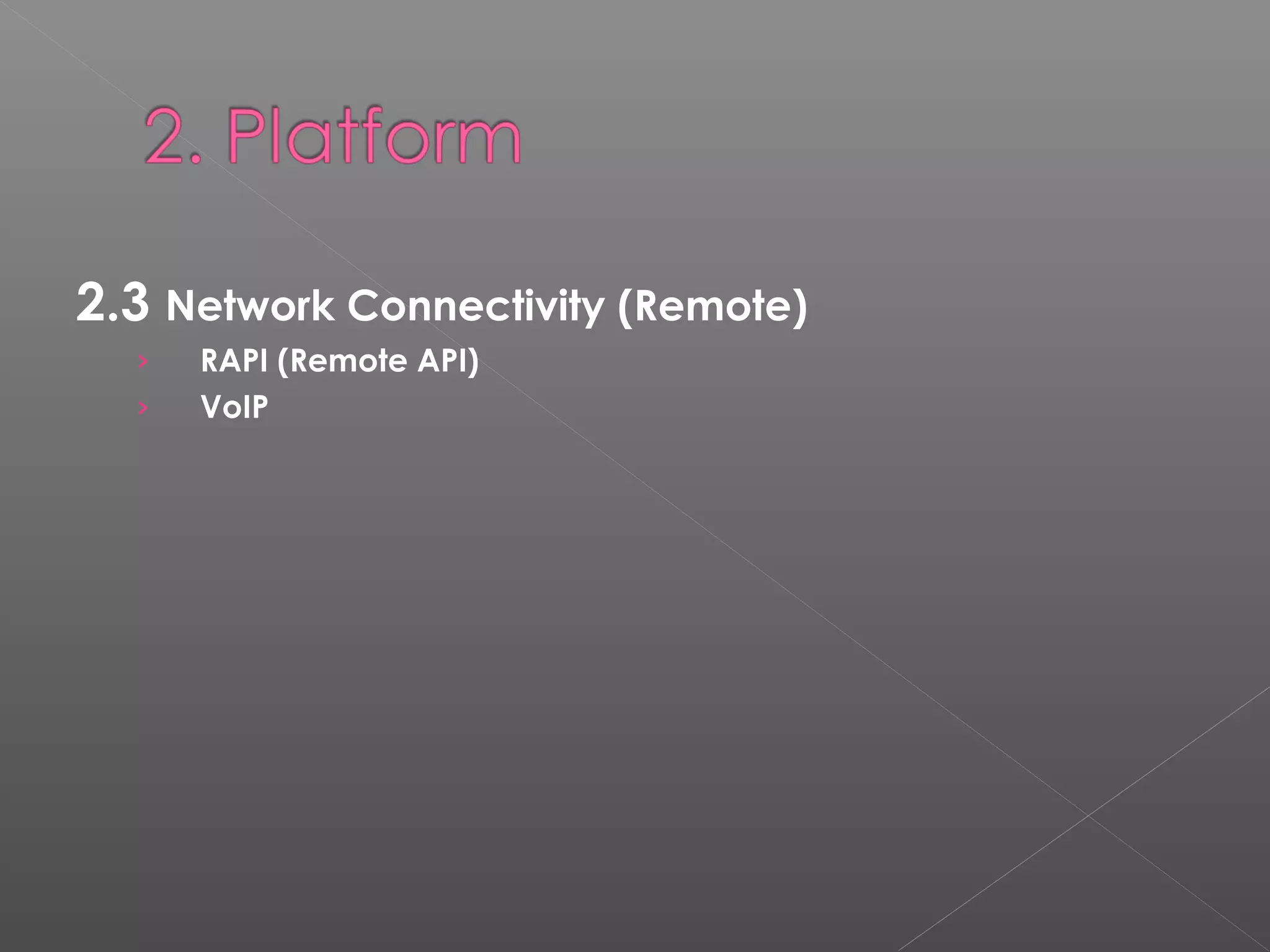
2.3 Network Connectivity (Remote)
› RAPI (Remote API)
› VoIP
2.4 Security
- Certificates (common credential)
- Credential Manager (manages credential information)
- Authentication services (for developers to authenticate
clients - SSPI)
- Cryptography (to distribute information in secret code)
- Local Authentication Subsystem (For sophisticated
authentication systems, such as biometrics)
- Smart card subsystem (Provides a link between smart card
reader hardware and smart-card aware applications)
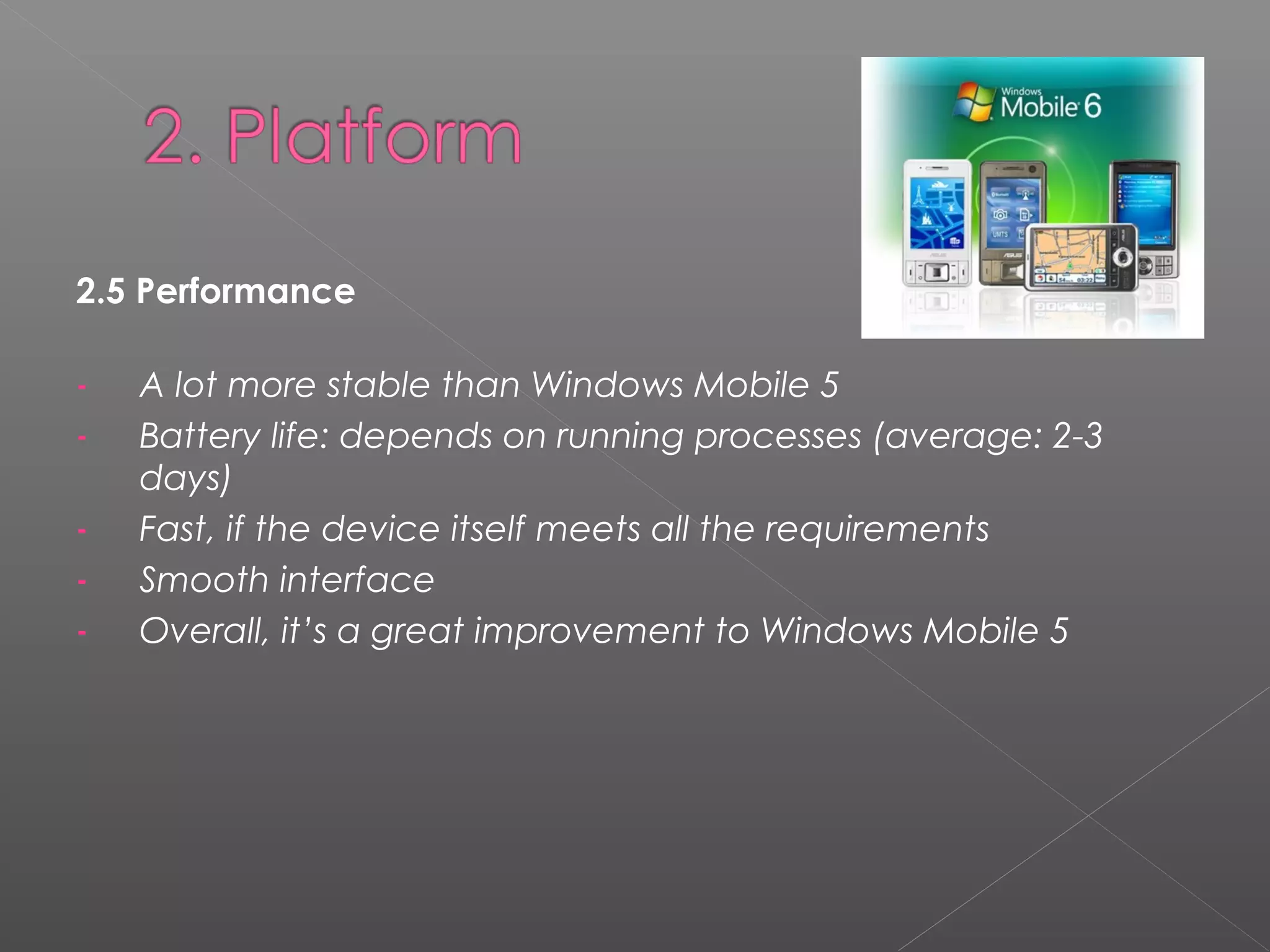
2.5 Performance
- A lot more stable than Windows Mobile 5
- Battery life: depends on running processes (average: 2-3
days)
- Fast, if the device itself meets all the requirements
- Smooth interface
- Overall, it’s a great improvement to Windows Mobile 5
2.6 Future possibilities
More user-friendly interface
More 3D graphics
New kinds of Windows Mobiles devices
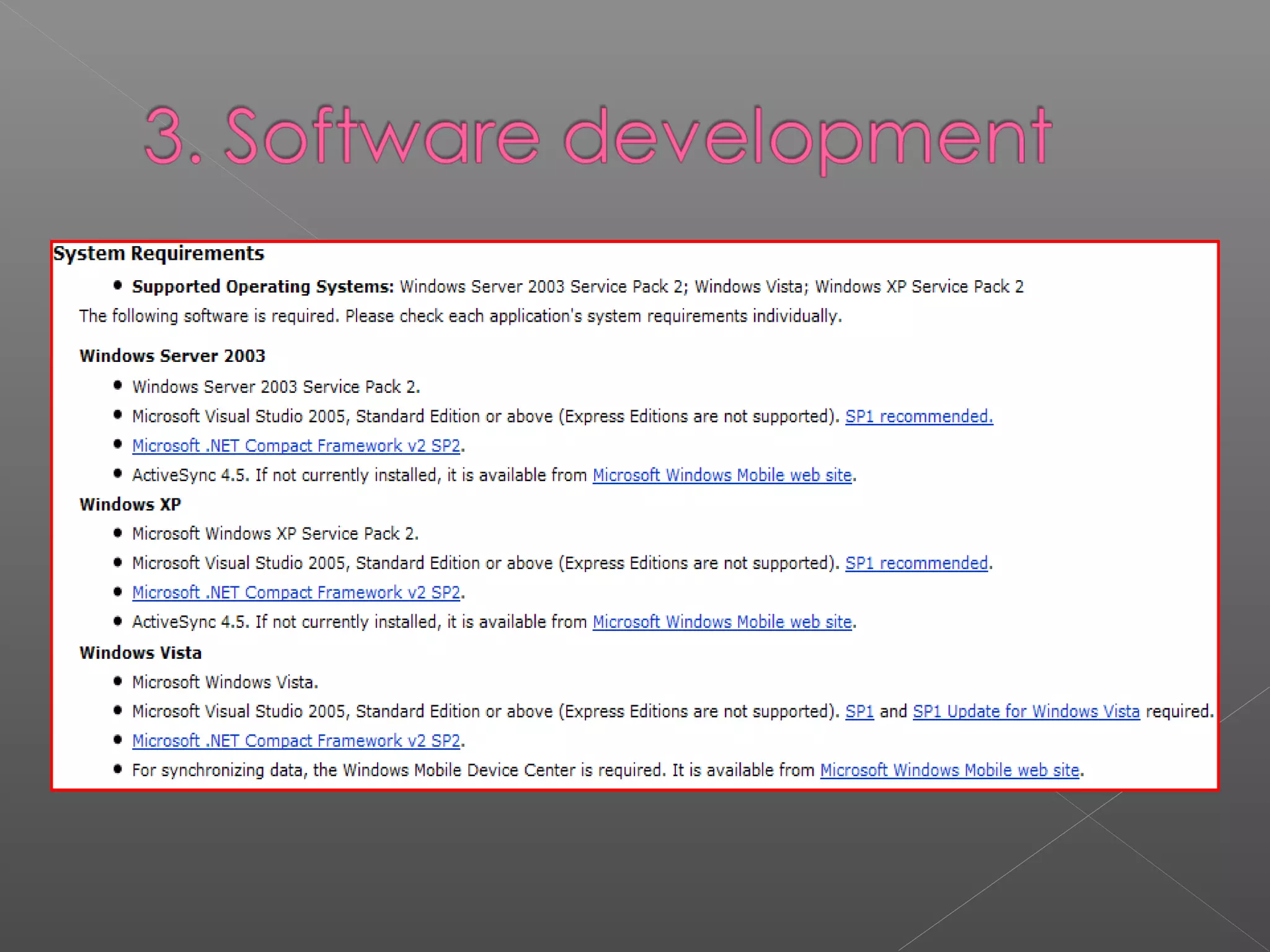
3.1 Development requirements 
What is needed to create a Windows Mobile application:
1.Visual Studio 2005 Standard Edition or above.
With this interface you can author, debug and package
applications for delivery.
3.1 Development requirements 
What is needed to create a Windows Mobile application:
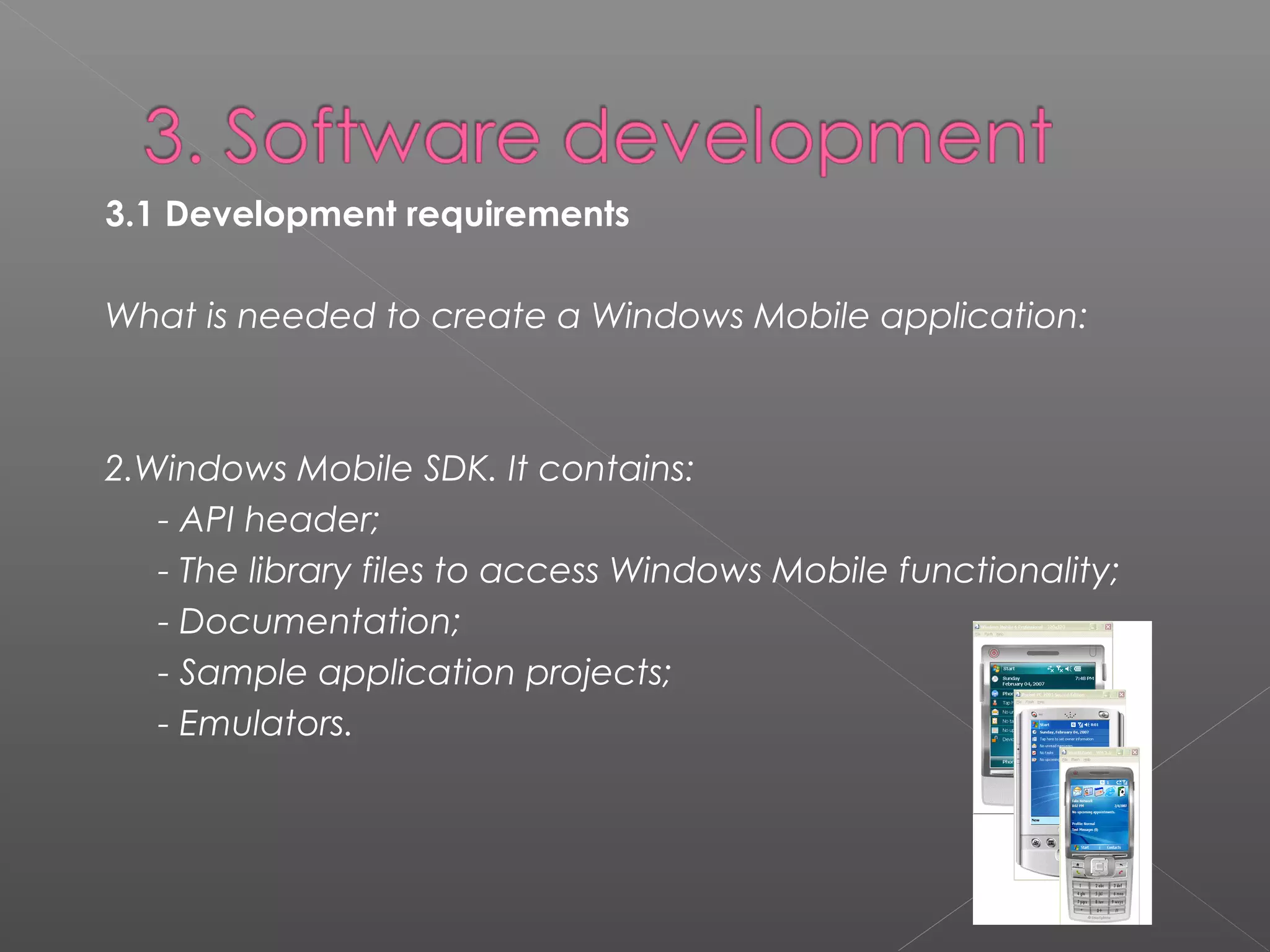
2.Windows Mobile SDK. It contains:
- API header;
- The library files to access Windows Mobile functionality;
- Documentation;
- Sample application projects;
- Emulators.
3.1 Development requirements 
What is needed to create a Windows Mobile application:
3. ActiveSync or Windows Mobile Device Center.
To deploy the application to a device or to an emulator.
Windows Vista uses Windows Mobile Device Center and
doesn't support ActiveSync. Windows XP needs to have
ActiveSync dowloaded and installed.
3.2 IDE and Tools
› Visual Studio 2005
› Visual Studio 2008
 Professional
 Standard
 (Express)
3.2 IDE and Tools
3.2 IDE and Tools
3.2 IDE and Tools
› Native Code
› Managed Code
› Server-Side Code
3.3 Programming Language(s)
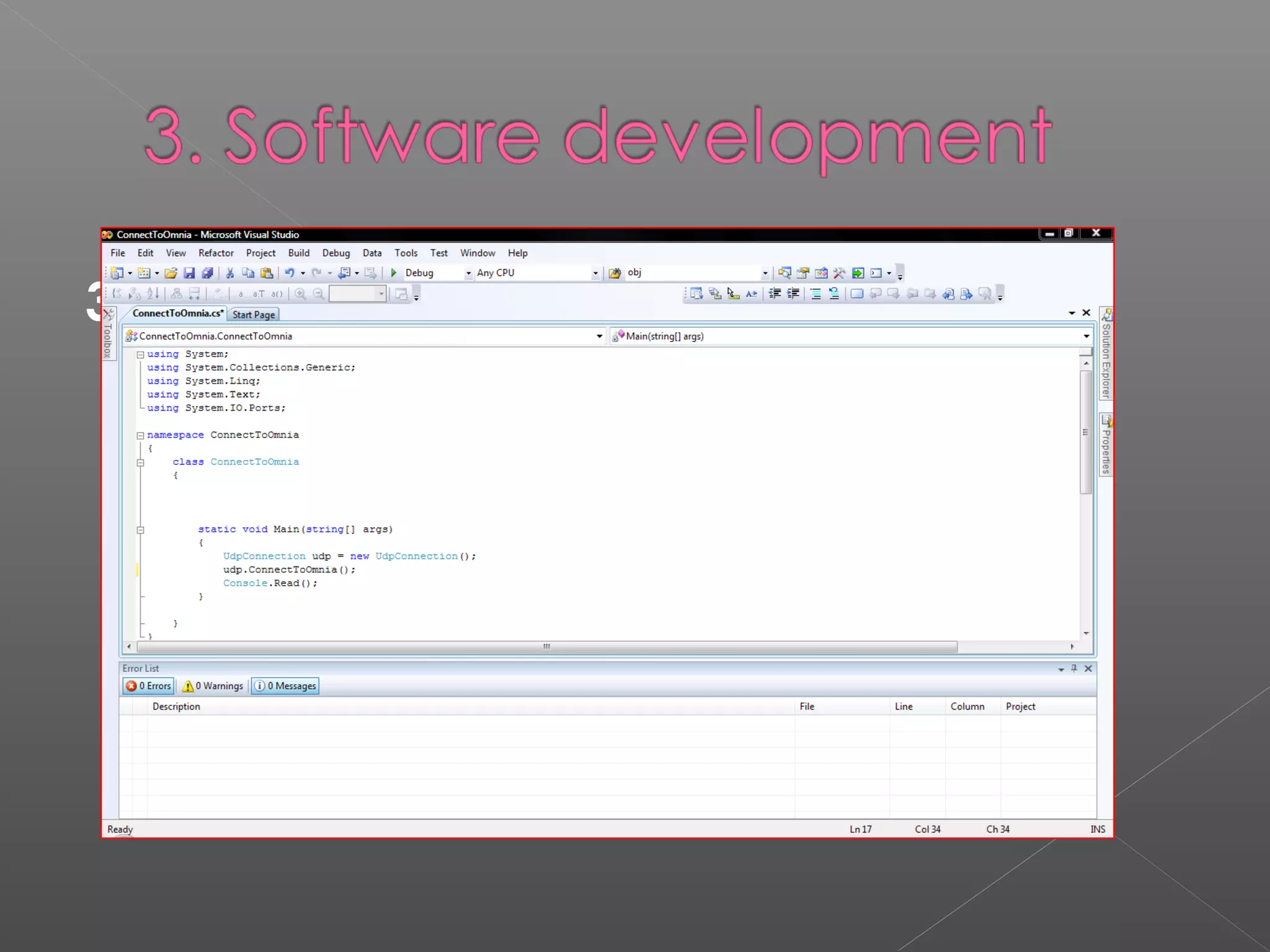
Visual Studio is a complete suit to build applications for Windows
Mobile devices. It allows the development in native code
with Visual C++ or managed code with Visual C#, Visual
Basic. These three languages all use the same IDE which
allows tool sharing and the combination of them all. Only the
managed languages support the .NET Compact Framework.
3.3 Programming Language(s)
Choosing a Programming Language:
Visual C# and Visual Basic
The development tools for C# and Visual Basic .NET include a fully what-you-see-is-what-
you-get user interface designer.
Advantages:
- Reliable and rapid application development;
- Security and language interoperability;
- C# is simple, powerful, type-safe, and object-oriented.
4.1 Advantages 
› Widely Supported
› Lot of Documentation
› Easy to Develop for
› Advanced IDE
4.2 Limitations 
BlackBerry:
Provides the ability to view threaded e-mail and
missed calls on one screen as part of the Inbox.
Has a plastic holster that automatically shuts it
off when you insert it into it. This is done via a
simple magnet in the holster.
Windows Mobile:
Does not have a similar
feature.
Microsoft is slowly improving
the latter.
Symbian:
The advantages are found mostly in the
stability of the devices and the low energy
consumption.
Stable & Low energy consumption:
 4.2 Limitations
 biggest weakness:
interface -------> the most to lose to iPhone and Palm
 biggest complaint:
the number of steps it takes to perform a simple task
such as closing out of a program
Demo
4.3 Conclusion 
Windows Mobile:
 Is constantly improving;
 Is a challenge for developers (C++);
 Great IDE;
 Has great potential;
 Improved user interface.
Any questions??
Email: shehrevar@live.com

Windows mobile

  • 2.
    1. Introduction 2. Platform 3.Software development 4. Overall evaluation
  • 3.
    Windows Mobile isa compact operating system combined with a suite of basic applications for mobile devices based on the Microsoft Win32 API. Devices that run Windows Mobile include Pocket PCs, Smartphones, Portable Media Centers, and on-board computers for certain automobiles. It is designed to be somewhat similar to desktop versions of Windows, feature-wise and aesthetically. Additionally, third- party software development is available for Windows Mobile.
  • 4.
    2.1 Hardware  PocketPC is a hardware specification for a handheld- sized computer.  Smartphone is a mobile phone offering advanced capabilities, often with PC-like functionality
  • 5.
     Portable MediaCenter was a device that focused on integration with Microsoft's Windows Media Center and Windows Media Player to allow users to carry their media libraries with them on the go.  Windows Mobile for Automotive is the name for Microsoft's operating system that facilitates multiple functions in automobiles including communication, entertainment, information systems
  • 6.
    We cannot useWindows Mobile with  iPhone  BlackBerry  Phones made for Symbian  Another phones or devices which are not compatible with WM Summarize we can use Windows Mobile only with devices which are designed for it!
  • 7.
    2.2 Operating Systems PocketPC 2000 Features :  Pocket Office  Pocket Internet Explorer  Windows Media Player Pocket PC 2002 New features: • Spell checker • MSN Messenger • Terminal Services
  • 8.
    Windows Mobile 2003 Newfeatures:  Bluetooth support  Pictures application with viewing cropping, e-mail support  SMS replay options for Phone edition Windows Mobile 2003 SE New features:  Portait and Landscape swtiching for Pocket PC’s  Wi-Fi Protected Access
  • 9.
    Windows Mobile 5 Newfeatures:  New Office Mobile  Photo Caller ID  GPS support  DirectShow support  Picture and Video package  Default QWERTY keyboard support
  • 10.
    Windows Mobile 6 Newfeatures:  VoIP  Windows Live  HTML e-mails support  AJAX, JavaScript and XMLDOM support on Internet Explorer Mobile  .NET Compact Framework In version 6.1:  Improved Internet browsing  More personal choice
  • 11.
    Windows Mobile 6.5 Newfeatures:  New Home screen  Finger friendly  New Menu  Pocket Internet Explorer  Windows Marketplace for Mobile. Microsoft says that the first phones will be available in the second half of 2009.
  • 12.
    Windows Mobile 7 OfficiallyMicrosoft didn’t give any information about Windows Mobile 7. Is this Windows Mobile 7? ??
  • 13.
  • 14.
    2.3 Network Connectivity(Core) › EAP (Extensible Authentication Protocol) › API Redirector › TCP/IP › IPv6 › Sockets
  • 15.
    2.3 Network Connectivity(Wireless) › Bluetooth › Infrared › Wi-Fi  WMM  WEP  WPA  WPA2
  • 16.
    2.3 Network Connectivity(Remote) › RAPI (Remote API) › VoIP
  • 17.
    2.4 Security - Certificates(common credential) - Credential Manager (manages credential information) - Authentication services (for developers to authenticate clients - SSPI) - Cryptography (to distribute information in secret code) - Local Authentication Subsystem (For sophisticated authentication systems, such as biometrics) - Smart card subsystem (Provides a link between smart card reader hardware and smart-card aware applications)
  • 18.
    2.5 Performance - Alot more stable than Windows Mobile 5 - Battery life: depends on running processes (average: 2-3 days) - Fast, if the device itself meets all the requirements - Smooth interface - Overall, it’s a great improvement to Windows Mobile 5
  • 19.
    2.6 Future possibilities Moreuser-friendly interface More 3D graphics New kinds of Windows Mobiles devices
  • 20.
    3.1 Development requirements  Whatis needed to create a Windows Mobile application: 1.Visual Studio 2005 Standard Edition or above. With this interface you can author, debug and package applications for delivery.
  • 21.
    3.1 Development requirements  Whatis needed to create a Windows Mobile application: 2.Windows Mobile SDK. It contains: - API header; - The library files to access Windows Mobile functionality; - Documentation; - Sample application projects; - Emulators.
  • 22.
    3.1 Development requirements  Whatis needed to create a Windows Mobile application: 3. ActiveSync or Windows Mobile Device Center. To deploy the application to a device or to an emulator. Windows Vista uses Windows Mobile Device Center and doesn't support ActiveSync. Windows XP needs to have ActiveSync dowloaded and installed.
  • 23.
    3.2 IDE andTools › Visual Studio 2005 › Visual Studio 2008  Professional  Standard  (Express)
  • 24.
  • 25.
  • 26.
    3.2 IDE andTools › Native Code › Managed Code › Server-Side Code
  • 27.
    3.3 Programming Language(s) VisualStudio is a complete suit to build applications for Windows Mobile devices. It allows the development in native code with Visual C++ or managed code with Visual C#, Visual Basic. These three languages all use the same IDE which allows tool sharing and the combination of them all. Only the managed languages support the .NET Compact Framework.
  • 28.
    3.3 Programming Language(s) Choosinga Programming Language: Visual C# and Visual Basic The development tools for C# and Visual Basic .NET include a fully what-you-see-is-what- you-get user interface designer. Advantages: - Reliable and rapid application development; - Security and language interoperability; - C# is simple, powerful, type-safe, and object-oriented.
  • 29.
    4.1 Advantages  › WidelySupported › Lot of Documentation › Easy to Develop for › Advanced IDE
  • 30.
    4.2 Limitations  BlackBerry: Provides theability to view threaded e-mail and missed calls on one screen as part of the Inbox. Has a plastic holster that automatically shuts it off when you insert it into it. This is done via a simple magnet in the holster. Windows Mobile: Does not have a similar feature. Microsoft is slowly improving the latter. Symbian: The advantages are found mostly in the stability of the devices and the low energy consumption. Stable & Low energy consumption:
  • 31.
     4.2 Limitations biggest weakness: interface -------> the most to lose to iPhone and Palm  biggest complaint: the number of steps it takes to perform a simple task such as closing out of a program
  • 32.
  • 33.
    4.3 Conclusion  Windows Mobile: Is constantly improving;  Is a challenge for developers (C++);  Great IDE;  Has great potential;  Improved user interface.
  • 34.