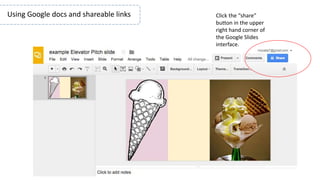
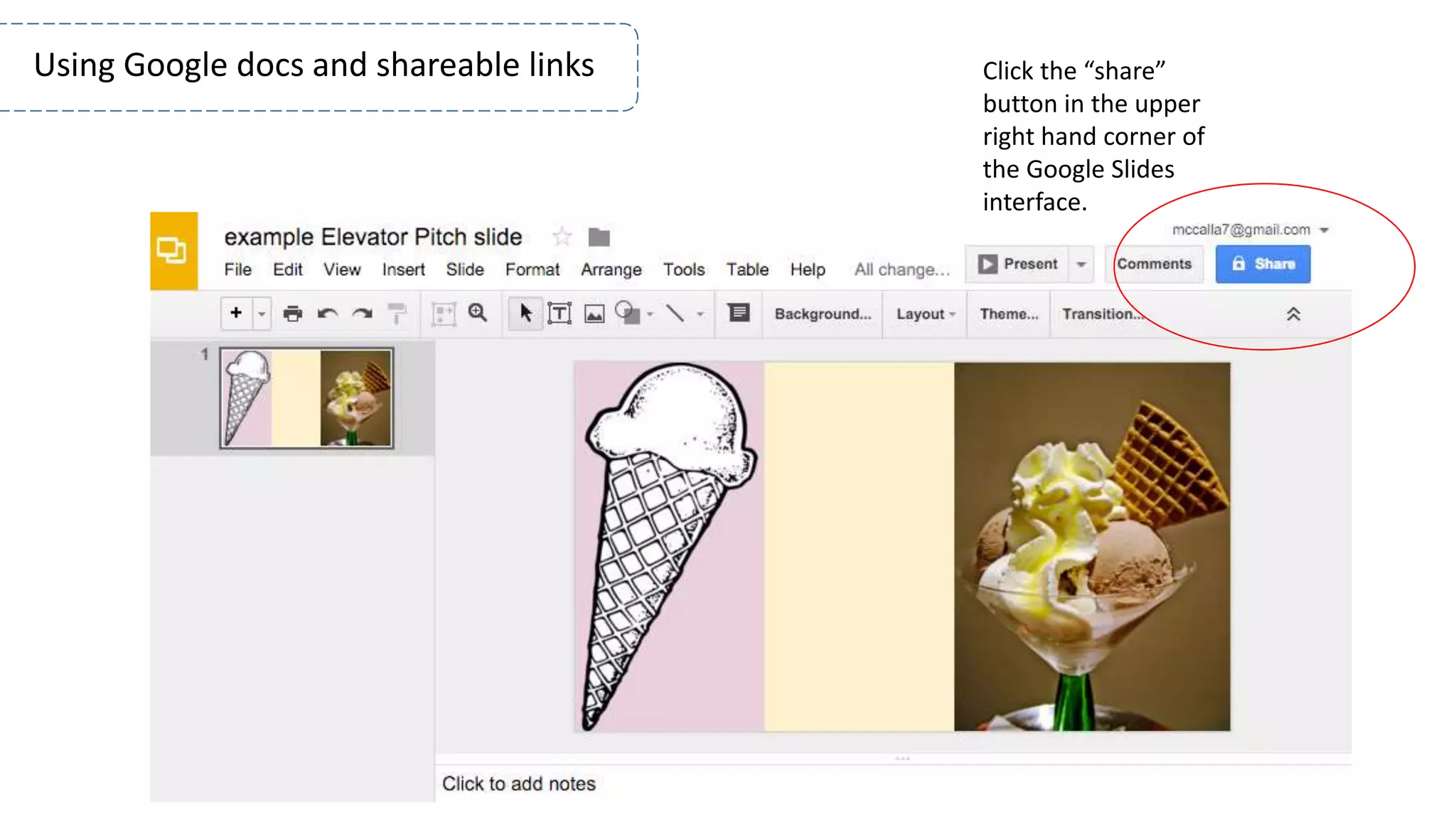
Click the “share”
button in the upper
right hand corner of
the Google Slides
interface.
Using Google docs and shareable links
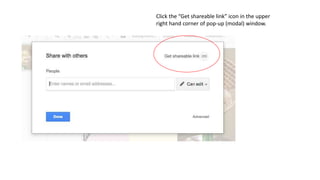
Click the “Get shareable link” icon in the upper
right hand corner of pop-up (modal) window.
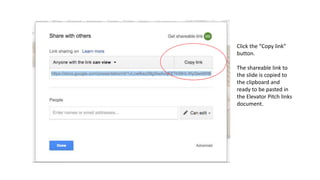
Click the “Copy link”
button.
The shareable link to
the slide is copied to
the clipboard and
ready to be pasted in
the Elevator Pitch links
document.

How to Share Google Docs

  • 1.
    Click the “share” buttonin the upper right hand corner of the Google Slides interface. Using Google docs and shareable links
  • 2.
    Click the “Getshareable link” icon in the upper right hand corner of pop-up (modal) window.
  • 3.
    Click the “Copylink” button. The shareable link to the slide is copied to the clipboard and ready to be pasted in the Elevator Pitch links document.