Downloaded 46 times
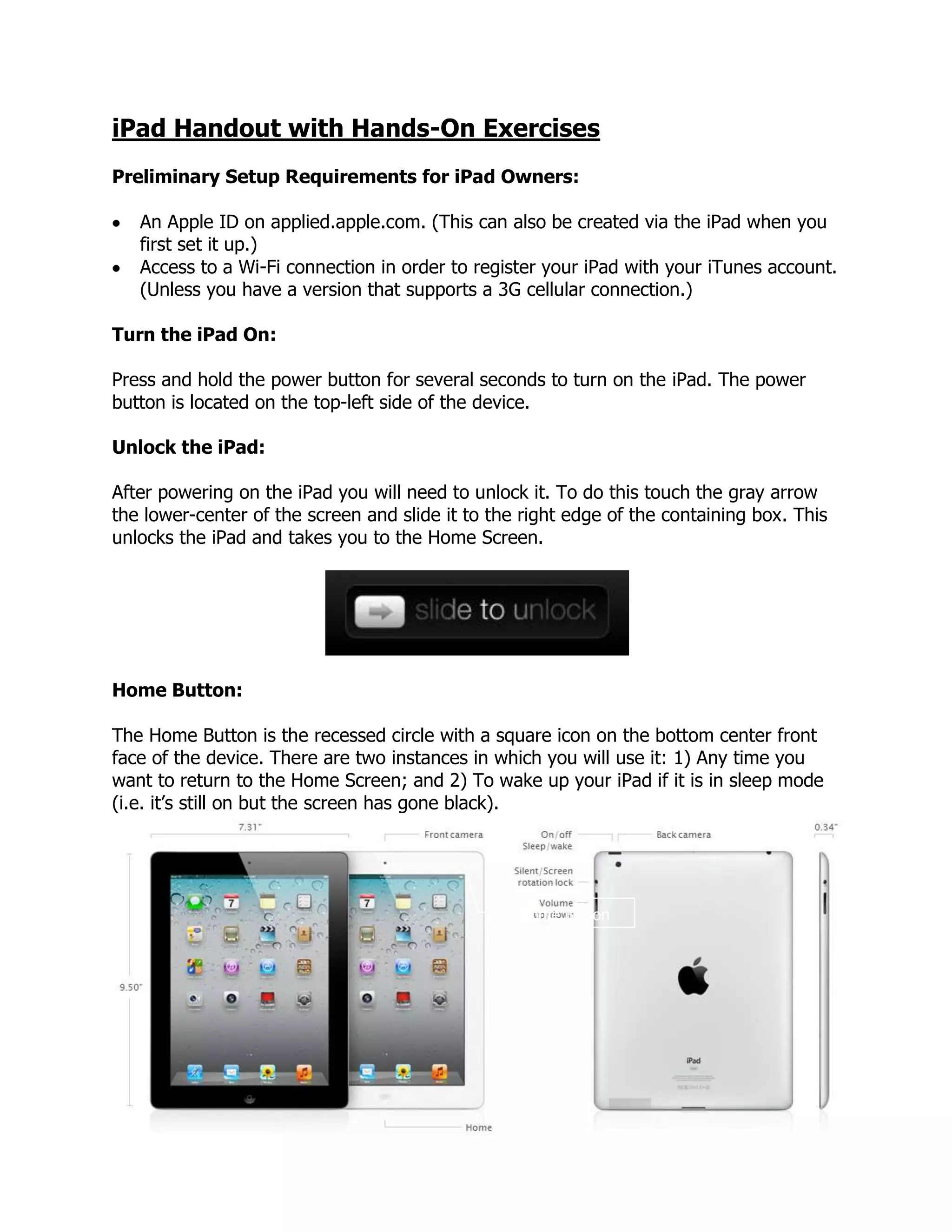
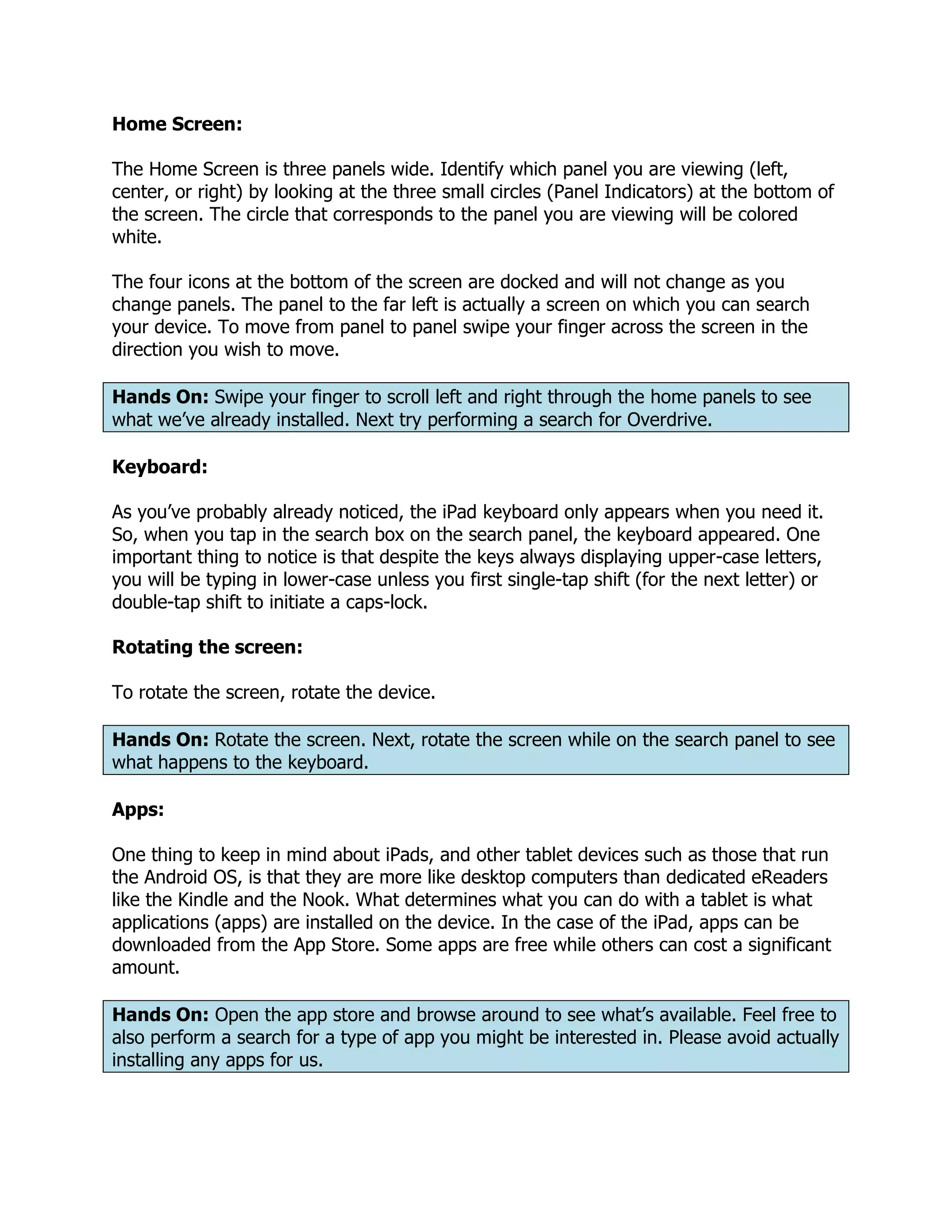
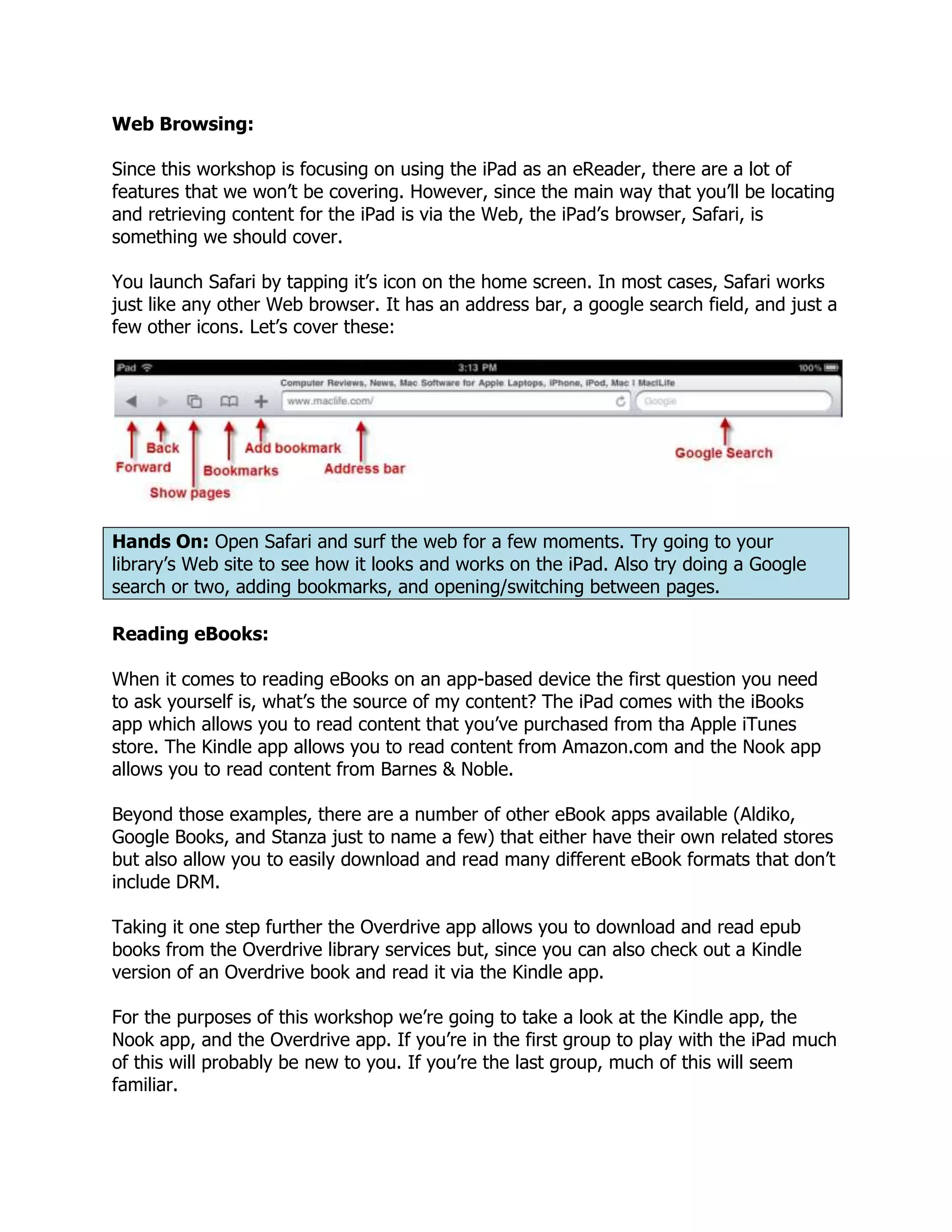
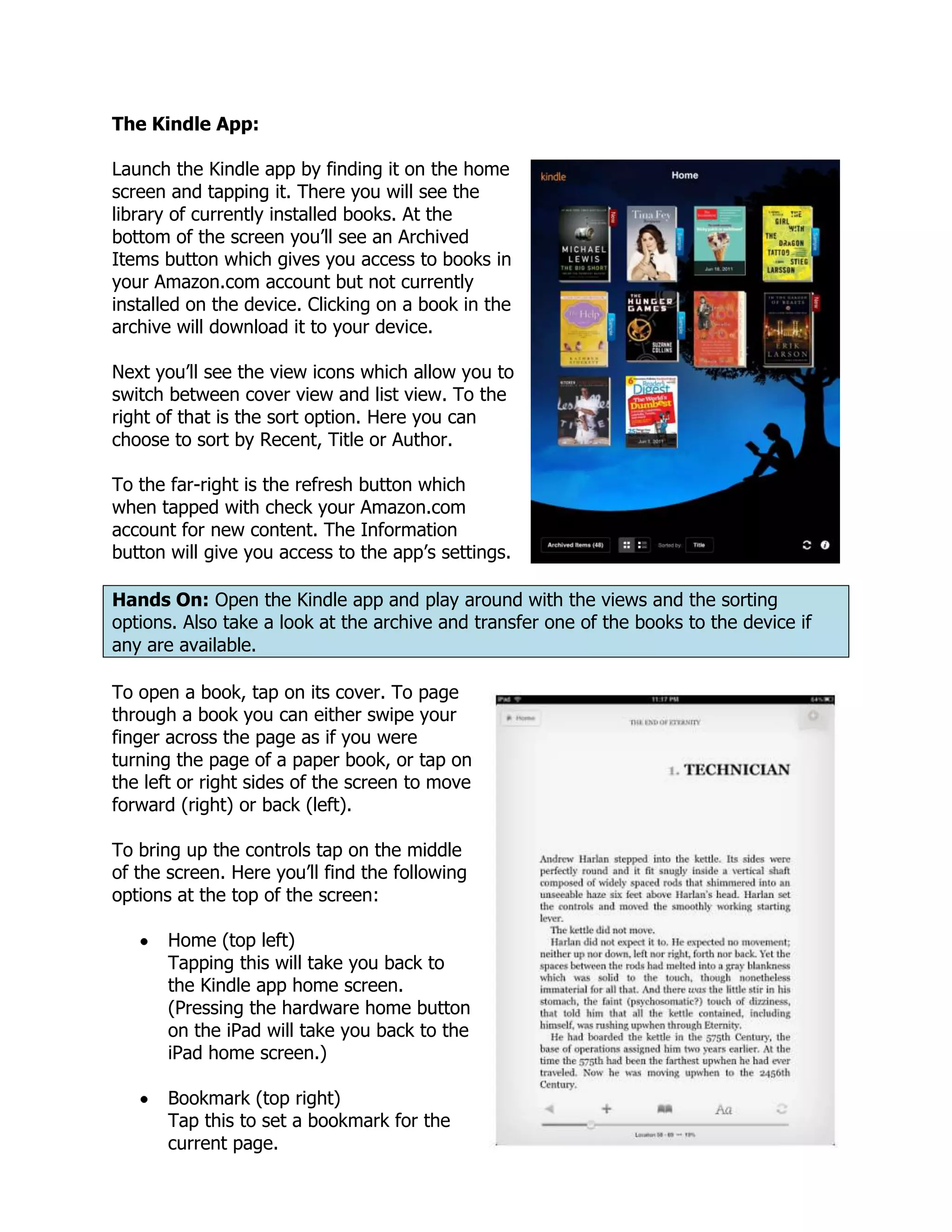
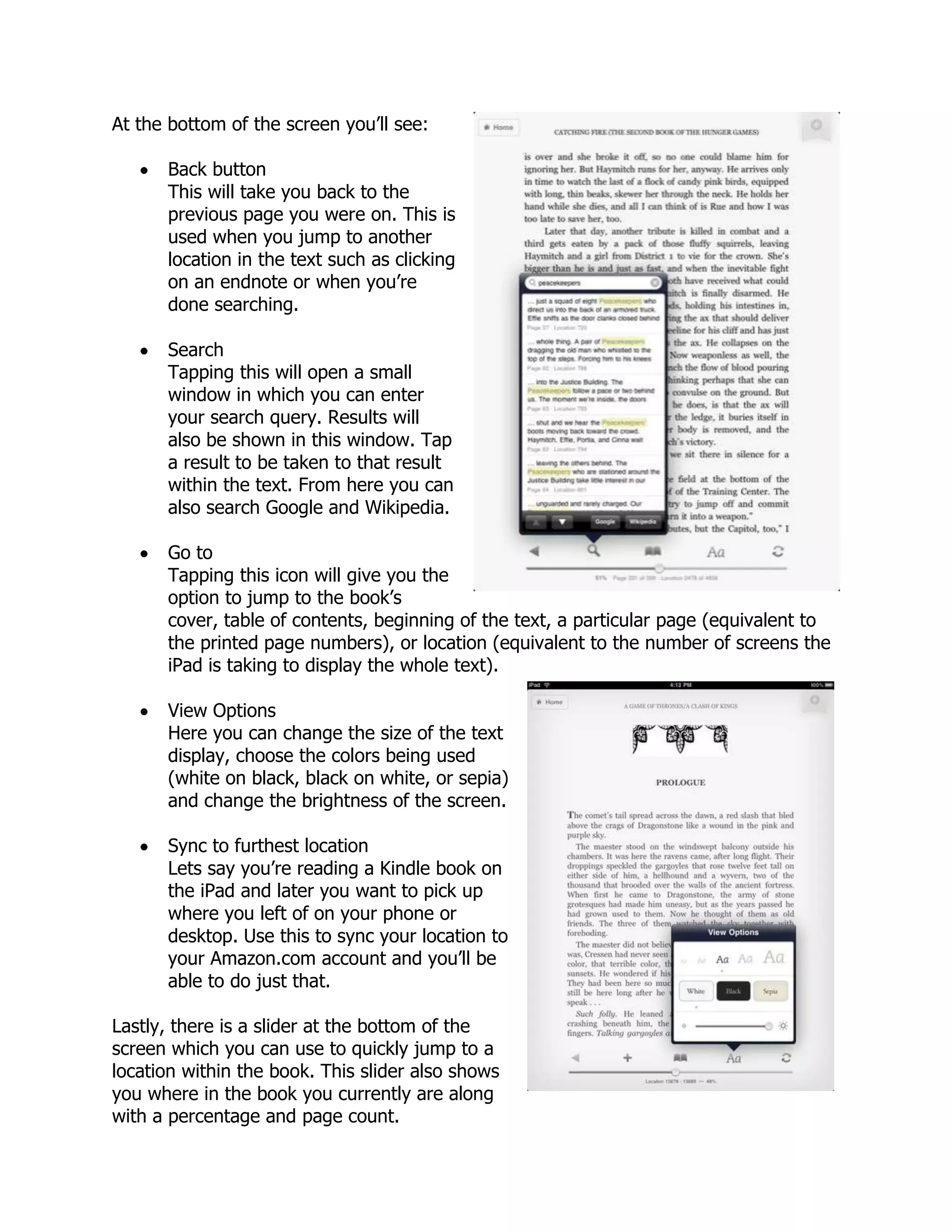
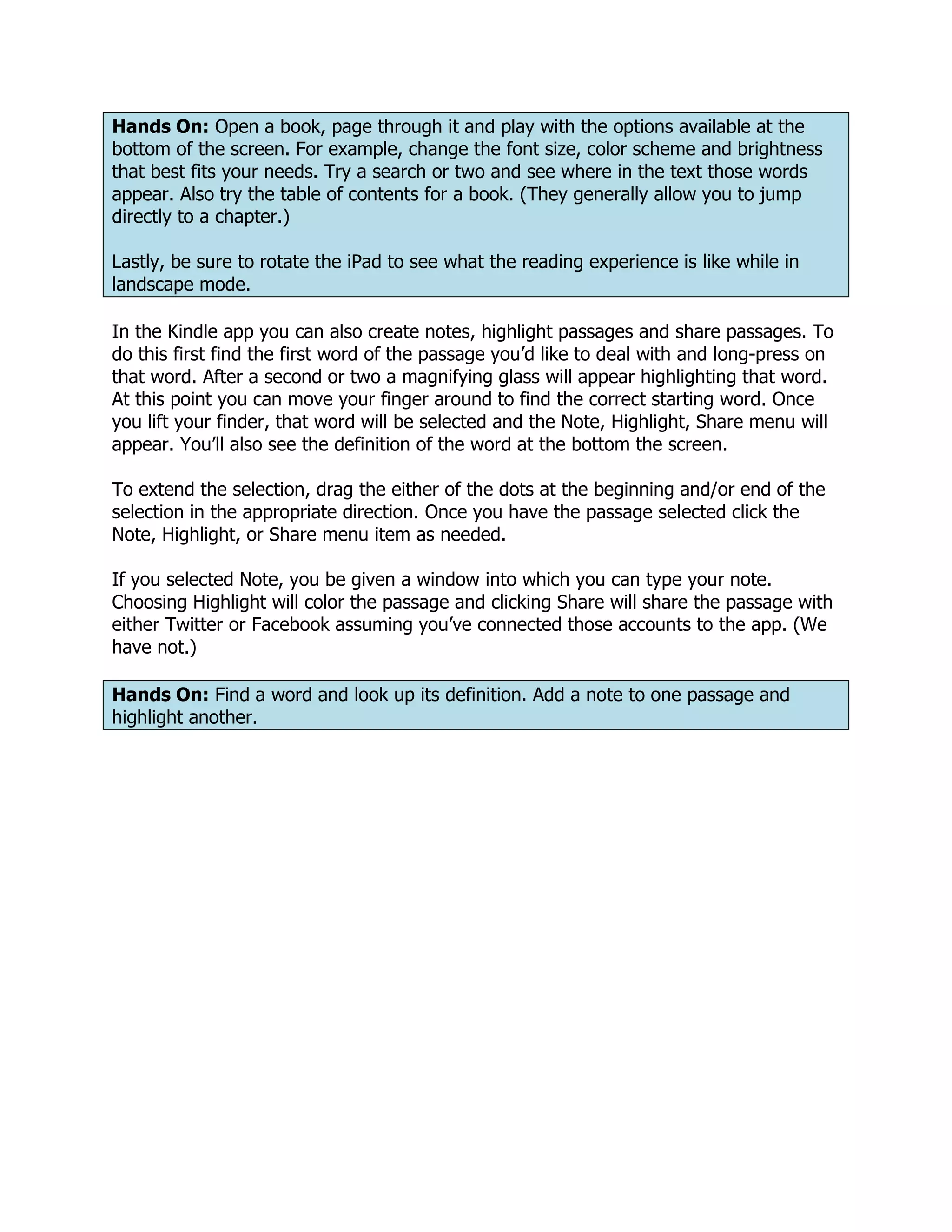
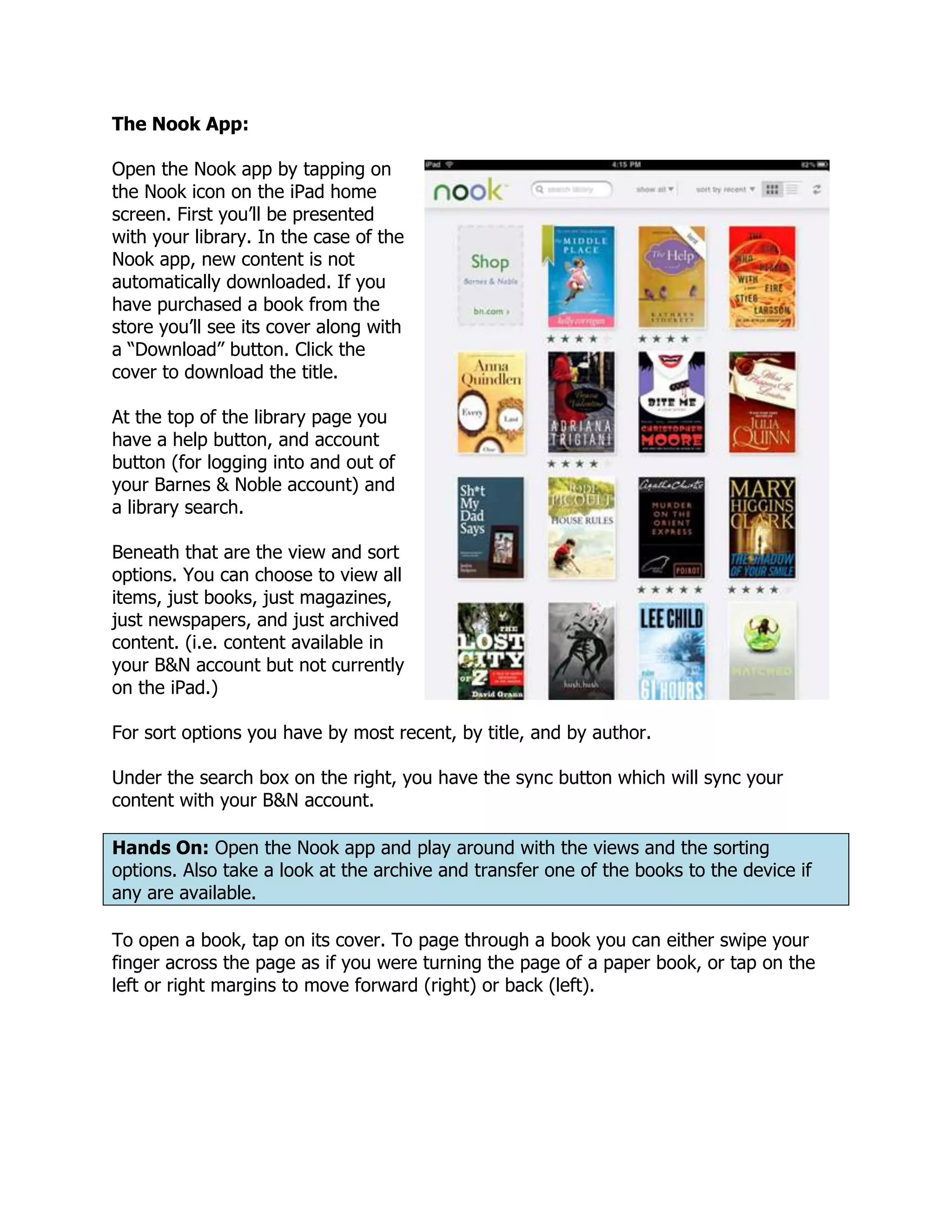
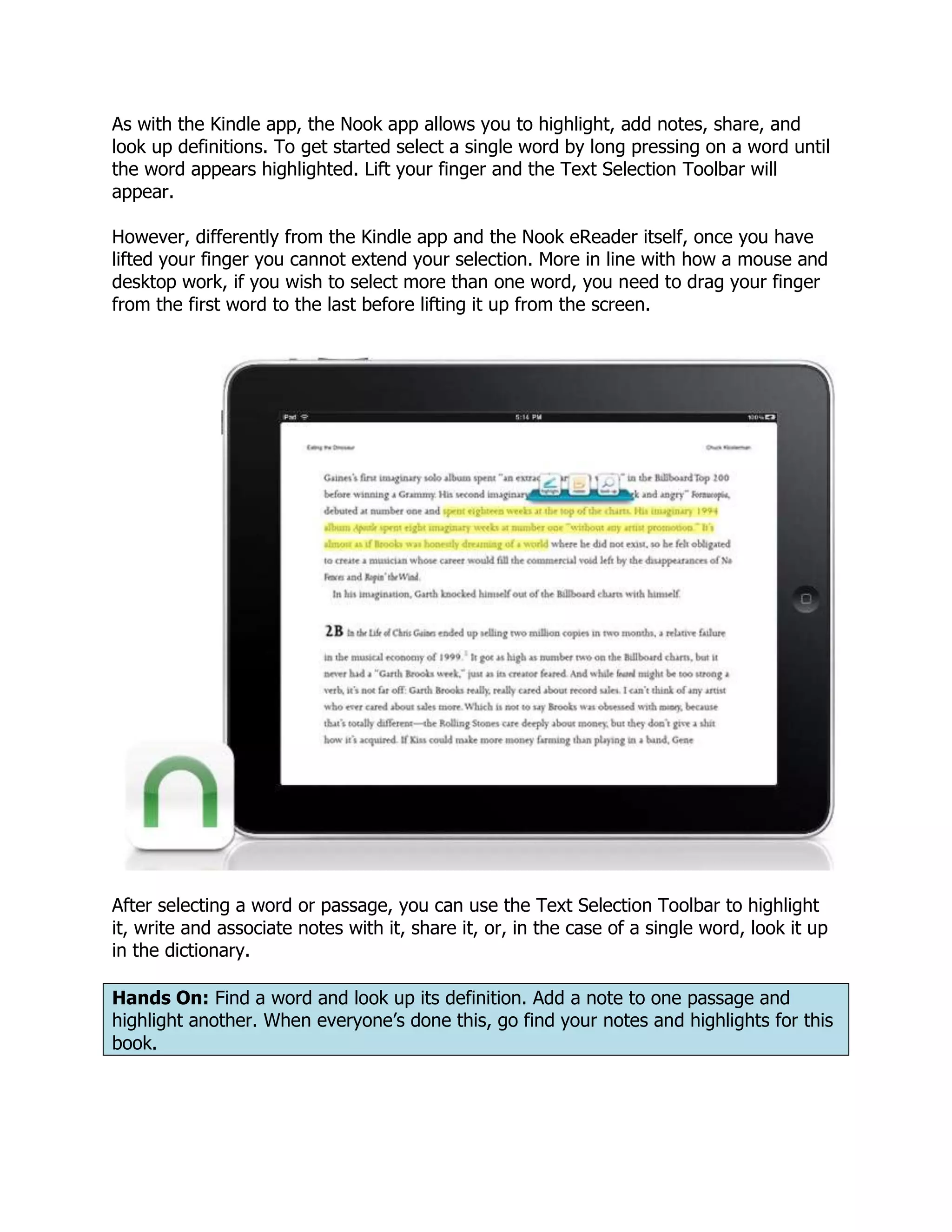

This document provides instructions for using an iPad, including: 1) Turning on the iPad, unlocking it, and navigating the home screen and panels using swipes and the home button. 2) Opening apps like Kindle, Nook, and Overdrive to browse, check out, and read eBooks, with options to change font size, brightness, and more. 3) Performing searches, taking notes and highlights, and rotating the screen for different views. 4) Downloading an eBook from the library using Overdrive and transferring it to the iPad using Adobe Digital Editions.


