Data Recovery OS X
About Mac System stored data – why and when it needs to be recovered  Mac system offers highly reliable and secure data storage facility, still because of inevitable nature of problem even mac system cannot stay out of. So, users may come across a situation as such in which the stored data files are found to be inaccessible, missing and such other problem. Accidental deletion and loss, corruption of file system & other essential components, disk volume etc may ultimately corrupt the files and it made inaccessible that required data recovery OS X tool to be sorted out.
About Data Recovery OS X  Data recovery OS X software is an implementation of most sophisticated scanning algorithms which has the capability to scan and analyze the drive systematically and extensively. In the process it helps recovers all lost, deleted, missing, corrupt, damaged, inaccessible files and well as files from formatted hard drive with much ease and efficiency. It is read only in nature and does not overwrite or delete files data during the process and thus safe and most of all it is easy to use for all being provided with user friendly interactive interface.
Common error messages received in Mac system The application finder.app can’t be opened-10810 Your startup disk is full  No mountable file systems Input/output error with parameter -36 and -50 HFS+ partition error File system internal error Disk is unreadable” error Prohibitory sign in Mac OS X-  Disk utility failed with error code 9972
Features of Data Recovery OS X Software Recovers lost, deleted, corrupt data files as well files from formatted hard drive Provided with intuitive graphical user interface  Few, simple steps of recovering Supports wide range of file formats used by different applications  Advanced & read only scanning algorithms Creates and saves log report of scanning  Supports HFS, HFS+, HFSX and HFS wrapper file system volumes  Compatible with Mac OS X snow leopard 10.6, leopard 10.5, tiger 10.4, 10.3.9 panther
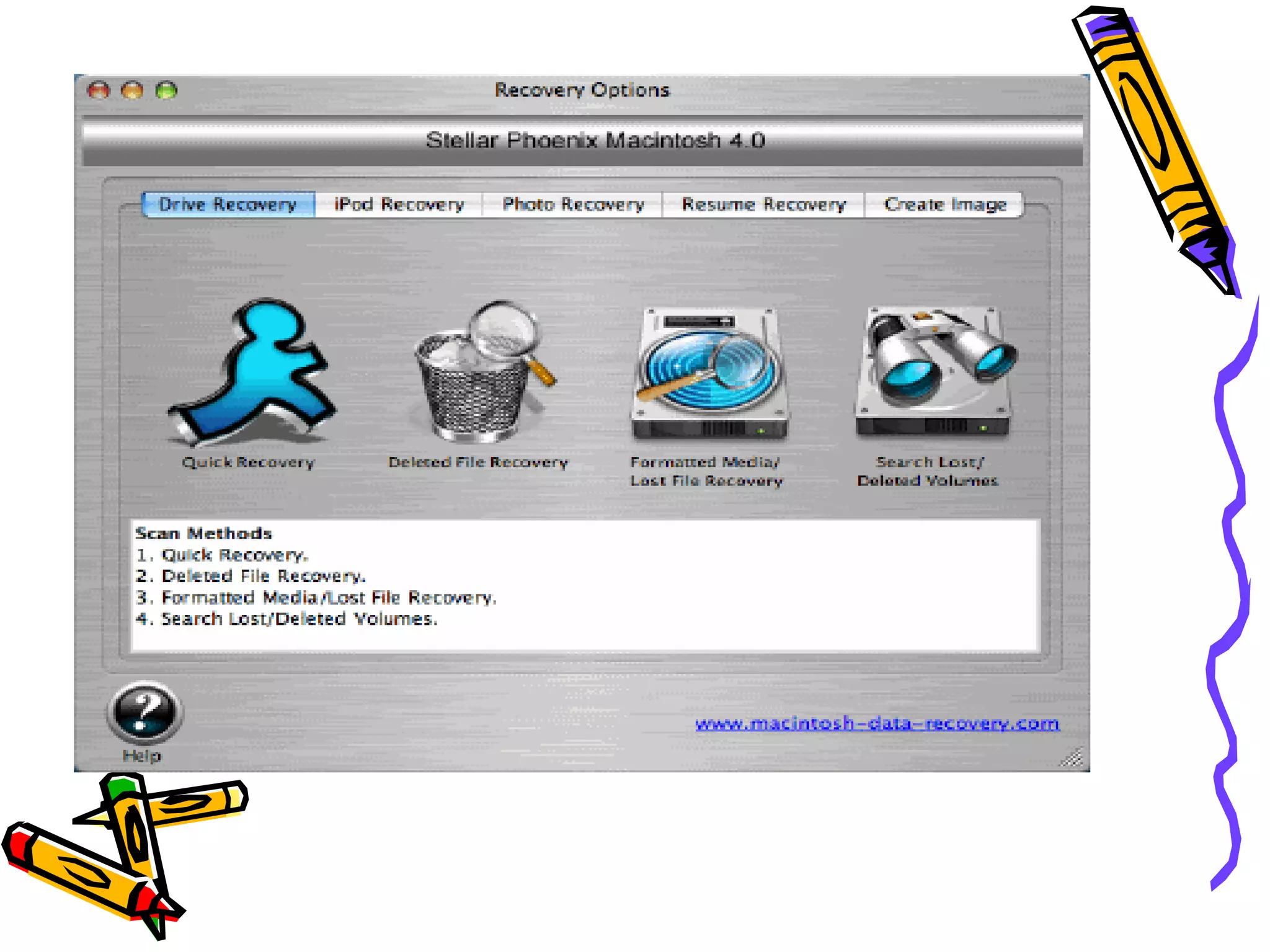
How to use Software for recovering lost & deleted data files? Data recovery OS X involves few steps, which are as follows. Interactive user interface helps in taking out the process with much ease & efficiency.  STEP 1- Download & install the software and after that execute it.
 
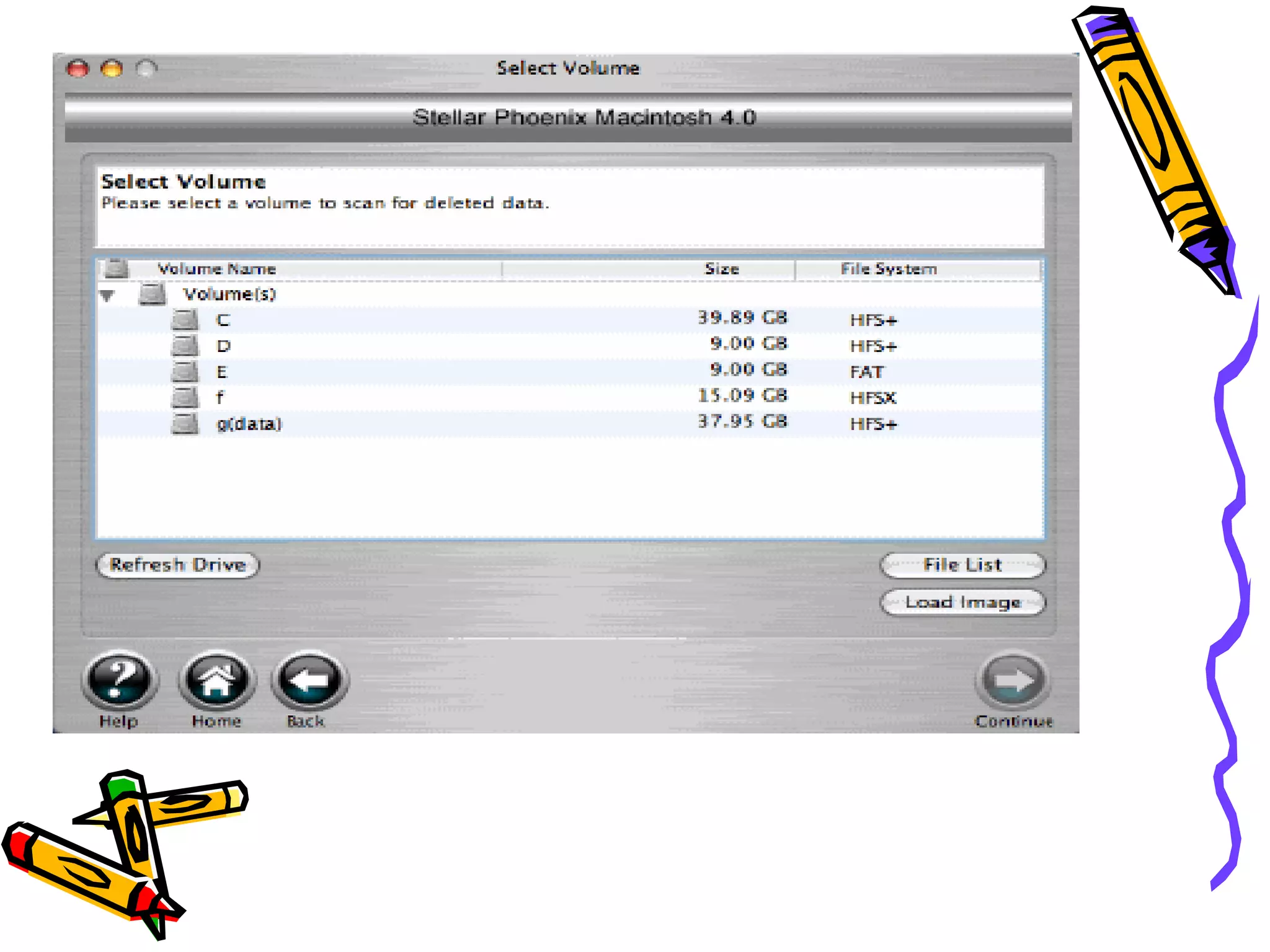
STEP 2-  Now select the drive or location from where data is to be recovered. Lost & deleted files as well as files lost as a result of system formatting can all be recovered with its help.
 
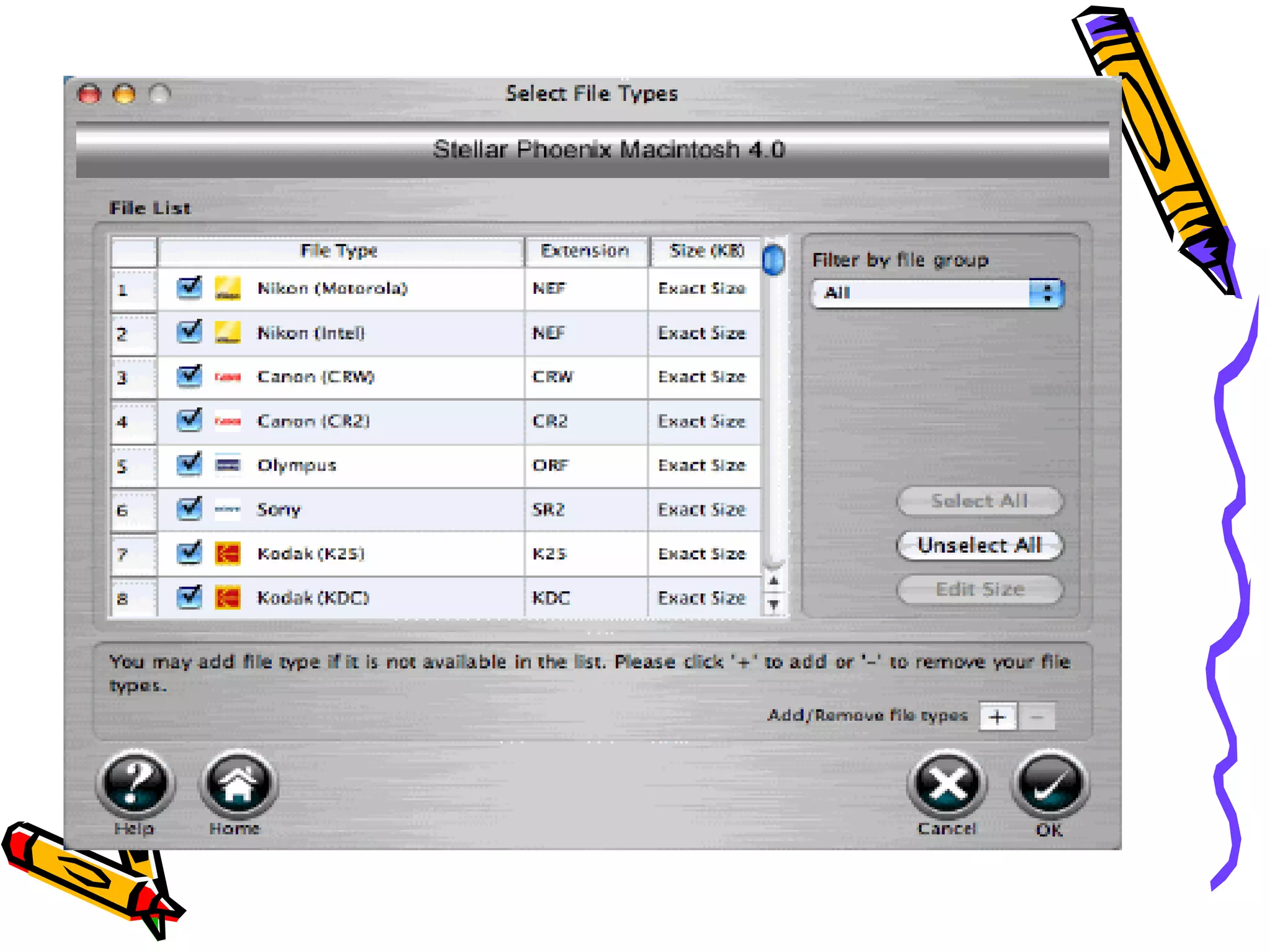
STEP 3- After the location is selected you may also specify particular file types or sectors to be scanned for restoring lost data files.
 
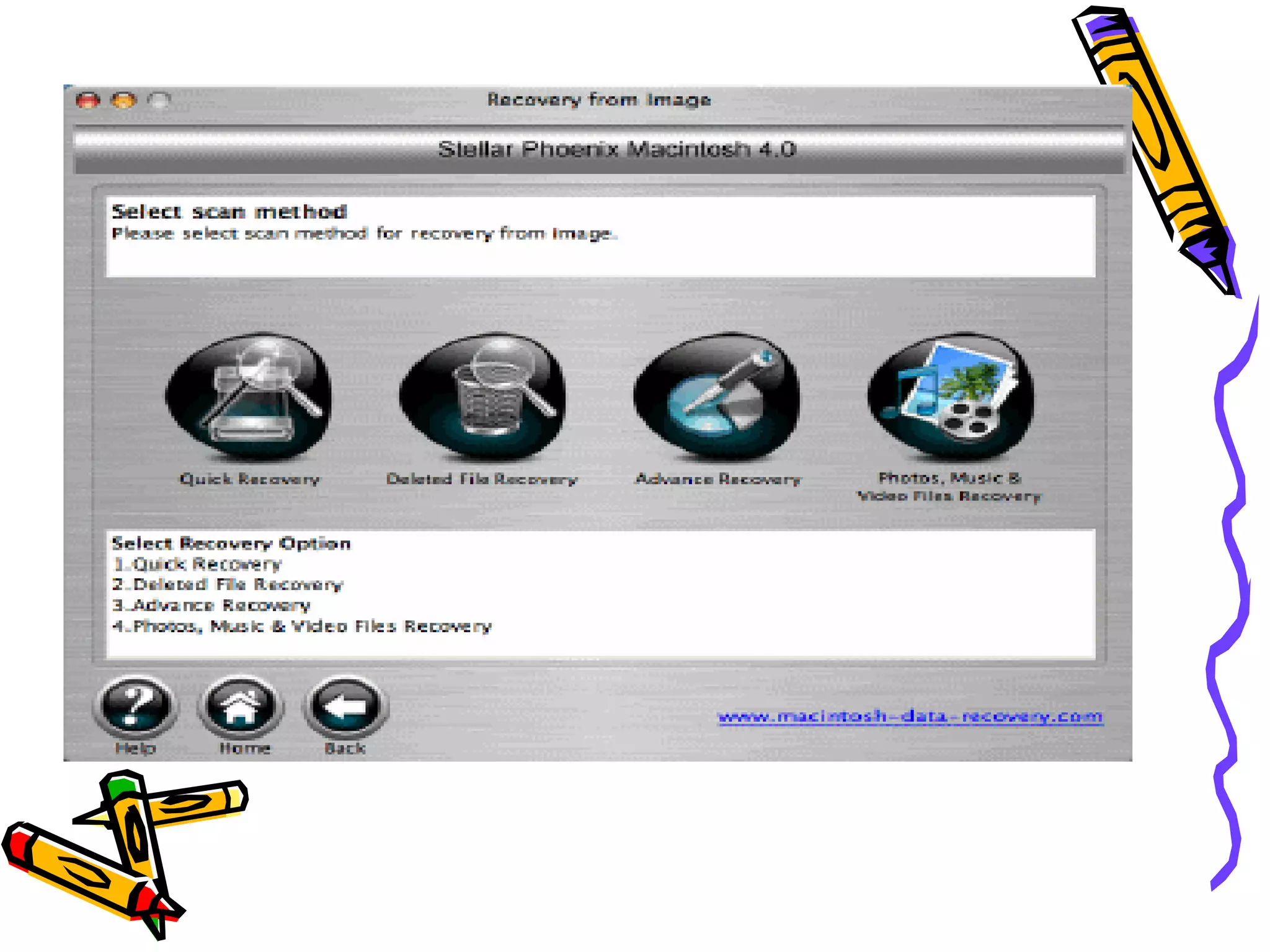
STEP 4- Start scanning by selecting scan option as per the case may be & afterwards clicking the start button. It will take some time depending on the space or drive being scanned and volume of data it contains.
 
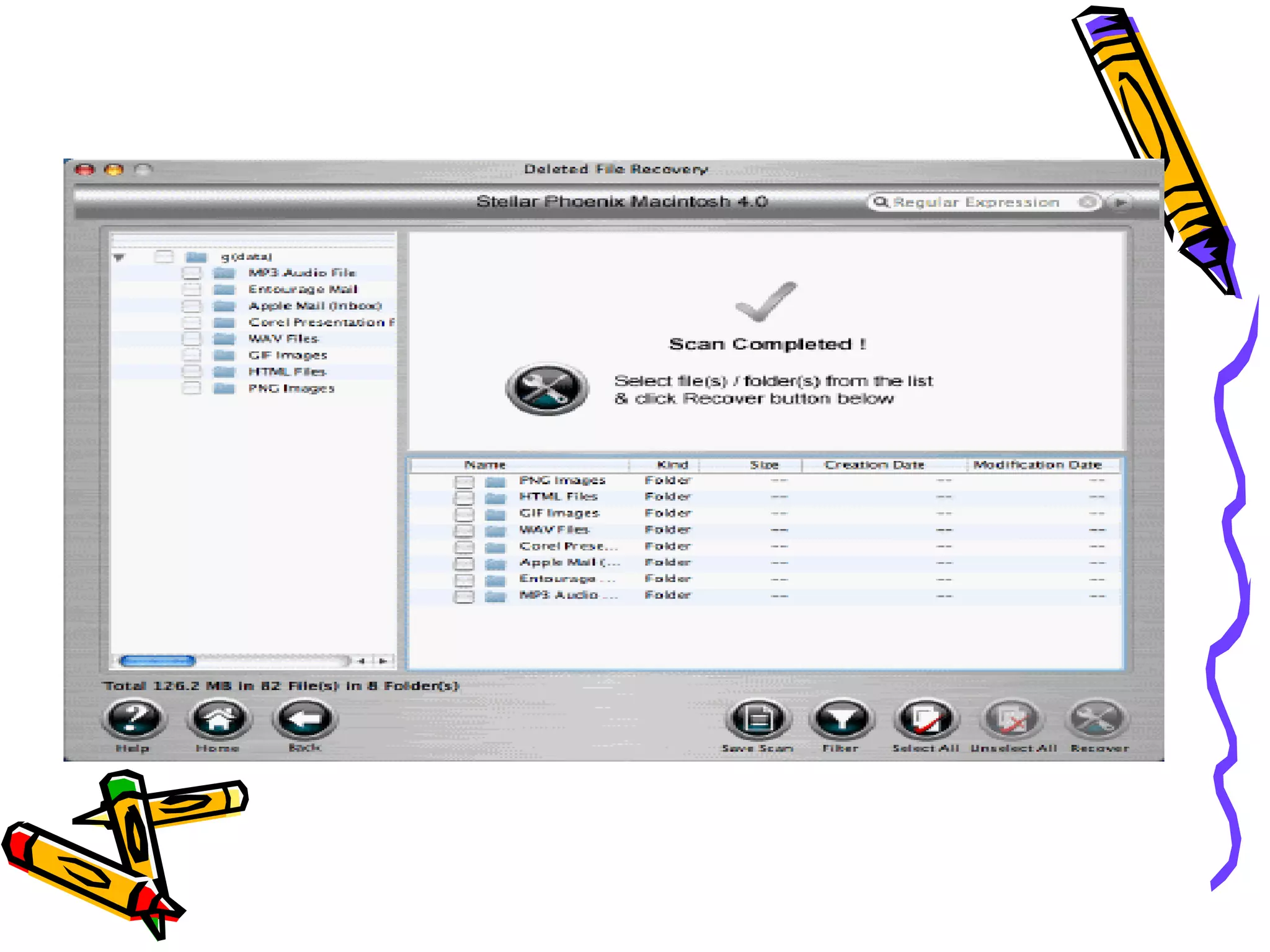
STEP 5- The files found during the searching process is shown in tree structure user needs to select the required files from there and save it to desired location on the system.
 
System Requirements Processor : Intel, Power PC (G4 or later) Operating System : OS X 10.6 Snow Leopard, 10.5 Leopard, 10.4 Tiger, and 10.3.9 Panther Memory : 256 MB Hard Disk : 40Mb
THANKS FOR VISITING  For more information please visit- http:// www.filerecoverymac.org

When disk utility fails to fix Mac OS X file system corruption issues

  • 1.
  • 2.
    About Mac Systemstored data – why and when it needs to be recovered Mac system offers highly reliable and secure data storage facility, still because of inevitable nature of problem even mac system cannot stay out of. So, users may come across a situation as such in which the stored data files are found to be inaccessible, missing and such other problem. Accidental deletion and loss, corruption of file system & other essential components, disk volume etc may ultimately corrupt the files and it made inaccessible that required data recovery OS X tool to be sorted out.
  • 3.
    About Data RecoveryOS X Data recovery OS X software is an implementation of most sophisticated scanning algorithms which has the capability to scan and analyze the drive systematically and extensively. In the process it helps recovers all lost, deleted, missing, corrupt, damaged, inaccessible files and well as files from formatted hard drive with much ease and efficiency. It is read only in nature and does not overwrite or delete files data during the process and thus safe and most of all it is easy to use for all being provided with user friendly interactive interface.
  • 4.
    Common error messagesreceived in Mac system The application finder.app can’t be opened-10810 Your startup disk is full No mountable file systems Input/output error with parameter -36 and -50 HFS+ partition error File system internal error Disk is unreadable” error Prohibitory sign in Mac OS X- Disk utility failed with error code 9972
  • 5.
    Features of DataRecovery OS X Software Recovers lost, deleted, corrupt data files as well files from formatted hard drive Provided with intuitive graphical user interface Few, simple steps of recovering Supports wide range of file formats used by different applications Advanced & read only scanning algorithms Creates and saves log report of scanning Supports HFS, HFS+, HFSX and HFS wrapper file system volumes Compatible with Mac OS X snow leopard 10.6, leopard 10.5, tiger 10.4, 10.3.9 panther
  • 6.
    How to useSoftware for recovering lost & deleted data files? Data recovery OS X involves few steps, which are as follows. Interactive user interface helps in taking out the process with much ease & efficiency. STEP 1- Download & install the software and after that execute it.
  • 7.
  • 8.
    STEP 2- Now select the drive or location from where data is to be recovered. Lost & deleted files as well as files lost as a result of system formatting can all be recovered with its help.
  • 9.
  • 10.
    STEP 3- Afterthe location is selected you may also specify particular file types or sectors to be scanned for restoring lost data files.
  • 11.
  • 12.
    STEP 4- Startscanning by selecting scan option as per the case may be & afterwards clicking the start button. It will take some time depending on the space or drive being scanned and volume of data it contains.
  • 13.
  • 14.
    STEP 5- Thefiles found during the searching process is shown in tree structure user needs to select the required files from there and save it to desired location on the system.
  • 15.
  • 16.
    System Requirements Processor: Intel, Power PC (G4 or later) Operating System : OS X 10.6 Snow Leopard, 10.5 Leopard, 10.4 Tiger, and 10.3.9 Panther Memory : 256 MB Hard Disk : 40Mb
  • 17.
    THANKS FOR VISITING For more information please visit- http:// www.filerecoverymac.org