Cisco Confidential© 2010 Cisco and/or its affiliates. All rights reserved. 1
May Triangle OpenStack
Meetup
Organizers: Mark T. Voelker, Arvind Somya, Amy Lewis
2013-05-30
© 2013 Cisco and/or its affiliates. All rights reserved. 2
• 4:30pm: Welcome & Introductions
• 4:45pm: ―What’s New In Grizzly‖
• 5:00pm: ―OpenStack Automation with Puppet‖
• 5:30pm: Open Forum – Q&A
• 5:45(ish)pm: Pizza!
* All times ―-ish‖
© 2013 Cisco and/or its affiliates. All rights reserved. 3
• A few introductions are in order….
© 2013 Cisco and/or its affiliates. All rights reserved. 4
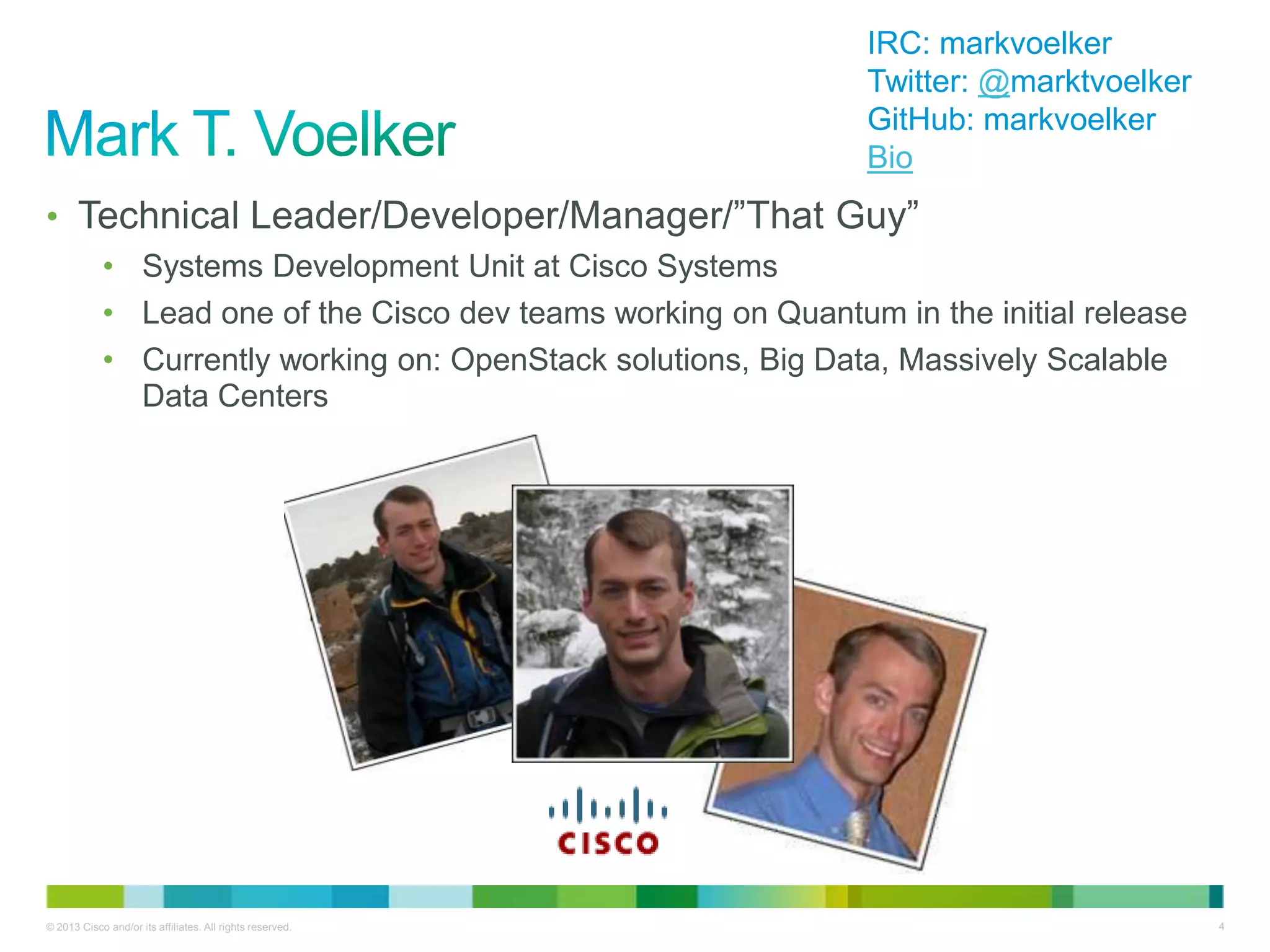
• Technical Leader/Developer/Manager/‖That Guy‖
• Systems Development Unit at Cisco Systems
• Lead one of the Cisco dev teams working on Quantum in the initial release
• Currently working on: OpenStack solutions, Big Data, Massively Scalable
Data Centers
IRC: markvoelker
Twitter: @marktvoelker
GitHub: markvoelker
Bio
© 2013 Cisco and/or its affiliates. All rights reserved. 5
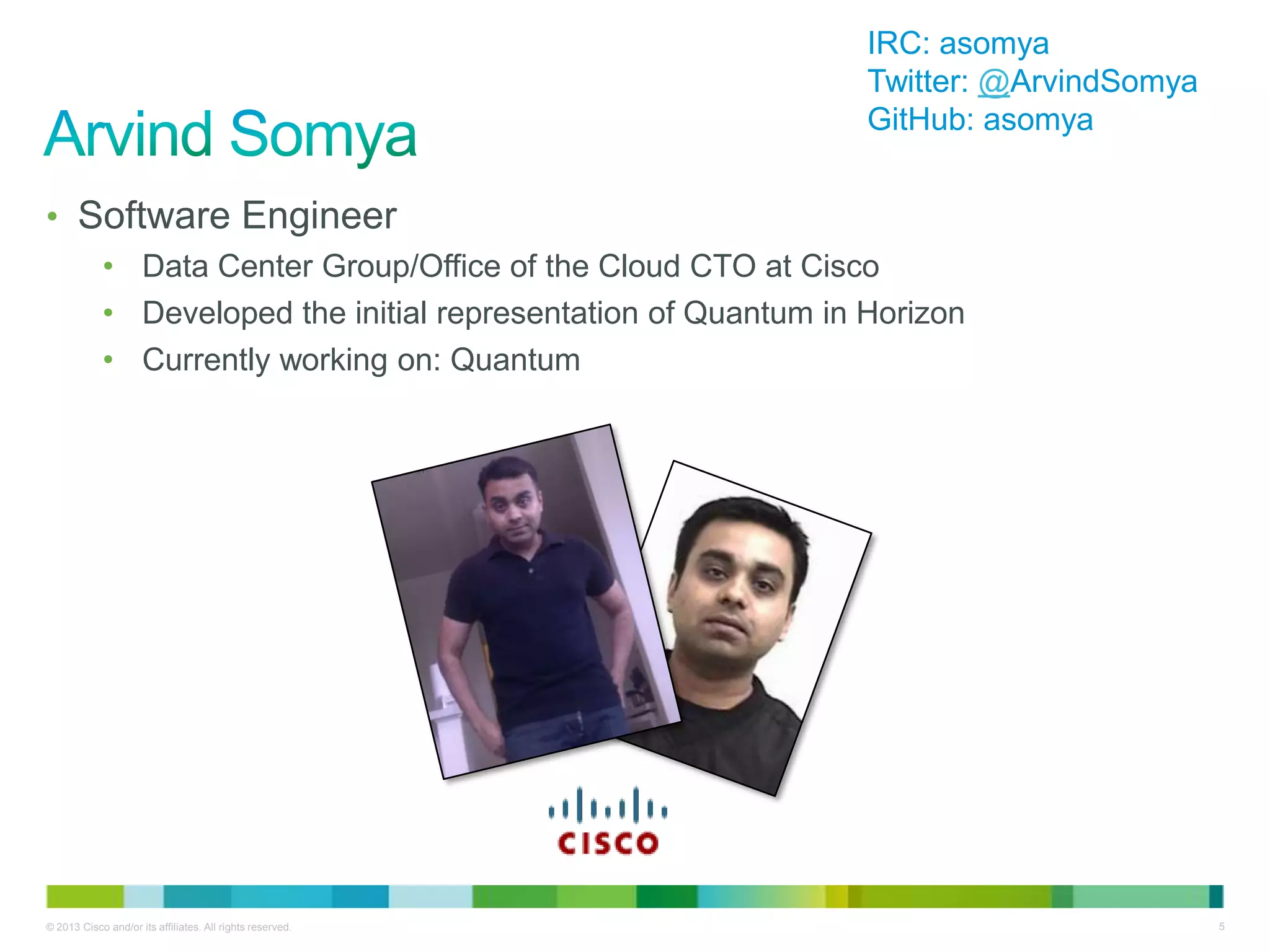
• Software Engineer
• Data Center Group/Office of the Cloud CTO at Cisco
• Developed the initial representation of Quantum in Horizon
• Currently working on: Quantum
IRC: asomya
Twitter: @ArvindSomya
GitHub: asomya
© 2013 Cisco and/or its affiliates. All rights reserved. 6
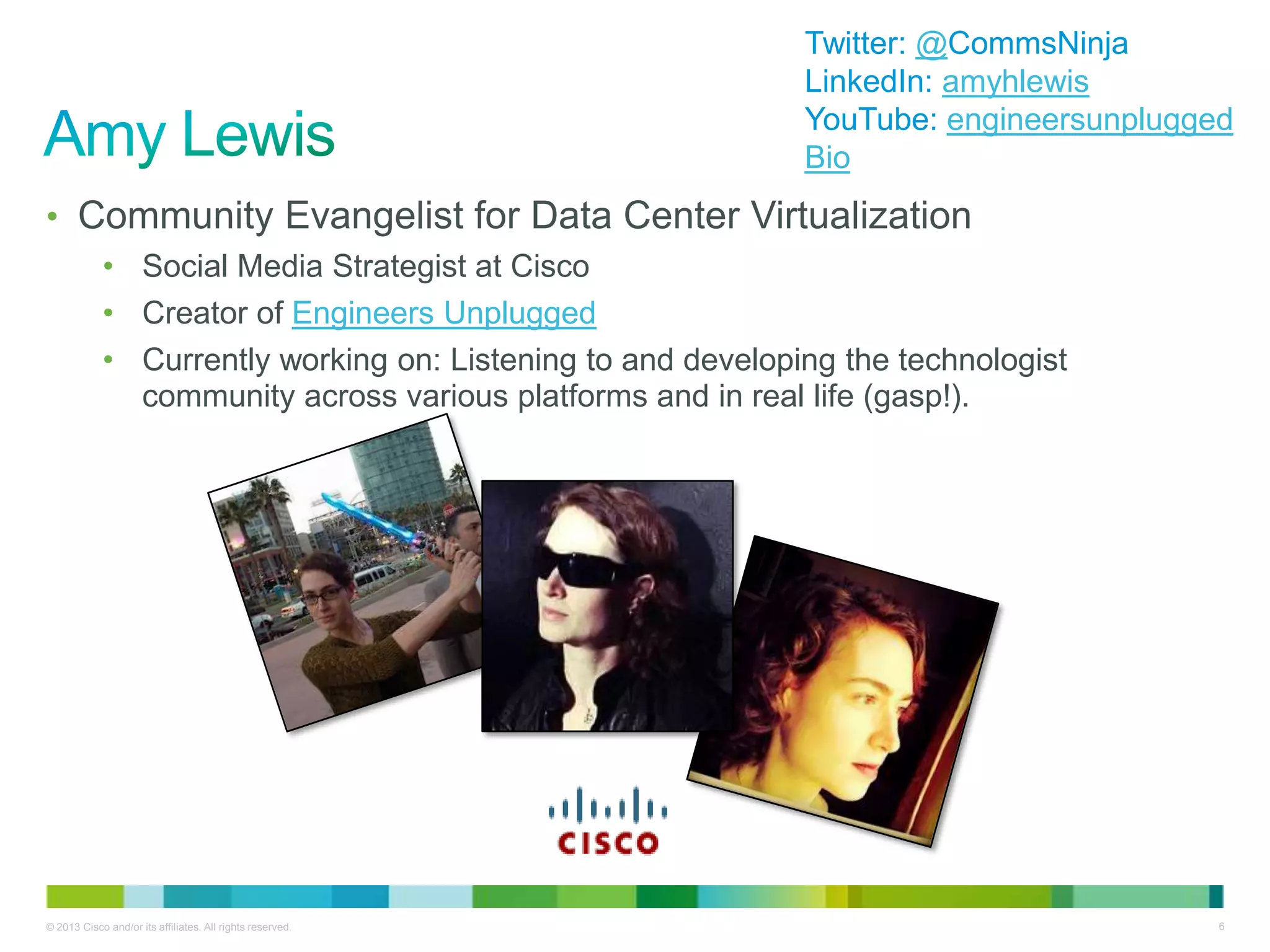
• Community Evangelist for Data Center Virtualization
• Social Media Strategist at Cisco
• Creator of Engineers Unplugged
• Currently working on: Listening to and developing the technologist
community across various platforms and in real life (gasp!).
Twitter: @CommsNinja
LinkedIn: amyhlewis
YouTube: engineersunplugged
Bio
© 2013 Cisco and/or its affiliates. All rights reserved. 7
• You people:
• Are OpenStack developers, OpenStack deployers, and OpenStack newbies
• …..are hopefully here for the Triangle OpenStack Meetup.
Otherwise, you’re in the wrong place.
• Introductions?
© 2013 Cisco and/or its affiliates. All rights reserved. 8
• We have WebEx!
Tonight’s talks will be broadcast/recorded via WebEx. Feel free to tune in!
We’ll also post content after we wrap up tonight.
• We want content!
Interested in giving a talk next time? Contact Mark, Arvind, or Amy!
• We want feedback!
Help us shape future Triangle OpenStack Meetups by answering a few
questions when we’re done.
• Mark your calendars!
Proposed date for next meetup: Monday, July 1
Cisco Confidential© 2010 Cisco and/or its affiliates. All rights reserved. 9
Grizzly: What’s New?
Mark T. Voelker
Technical Leader, Cisco Systems
May Triangle OpenStack Meetup
2013-05-30
© 2013 Cisco and/or its affiliates. All rights reserved. 10
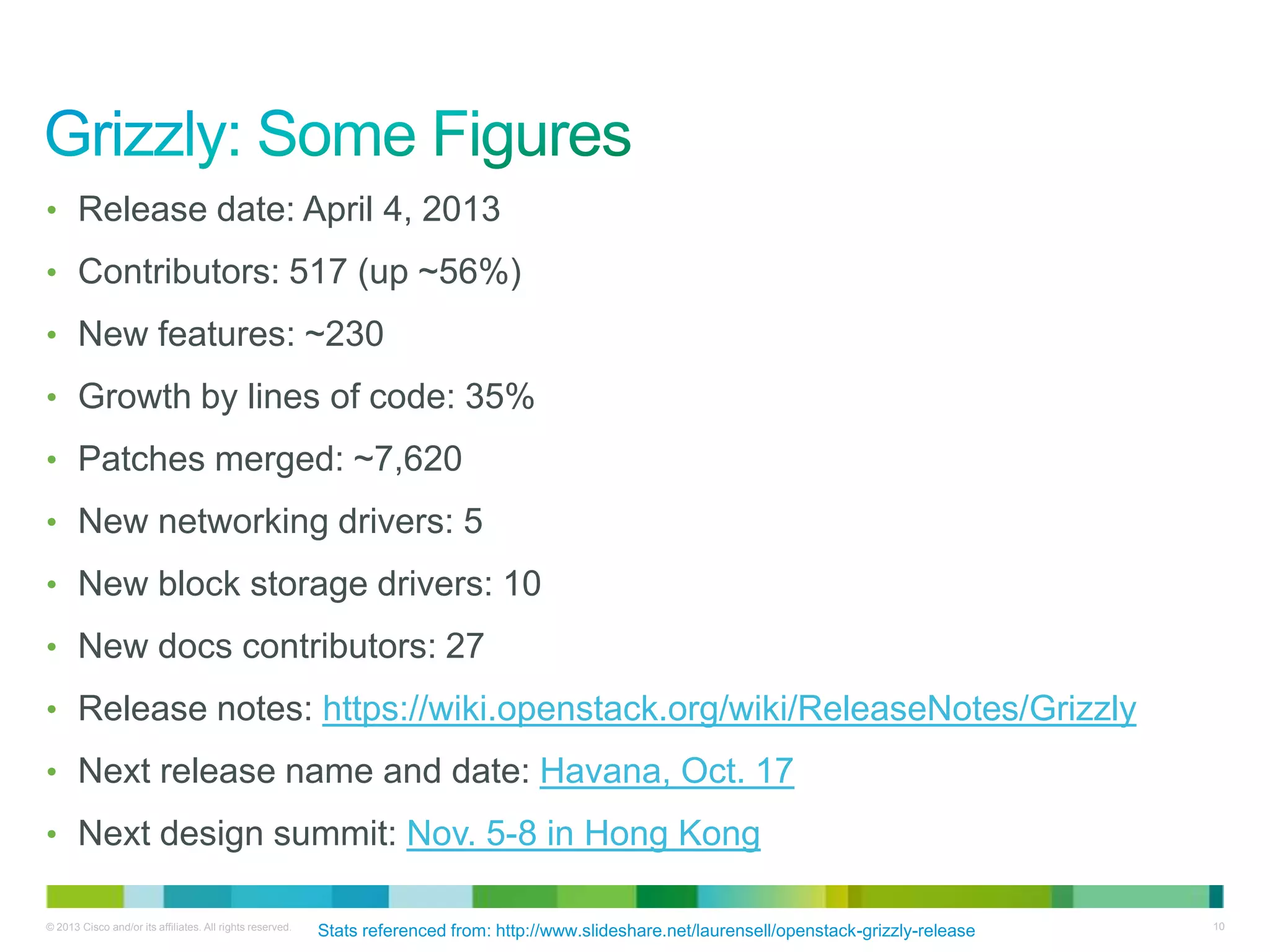
• Release date: April 4, 2013
• Contributors: 517 (up ~56%)
• New features: ~230
• Growth by lines of code: 35%
• Patches merged: ~7,620
• New networking drivers: 5
• New block storage drivers: 10
• New docs contributors: 27
• Release notes: https://wiki.openstack.org/wiki/ReleaseNotes/Grizzly
• Next release name and date: Havana, Oct. 17
• Next design summit: Nov. 5-8 in Hong Kong
Stats referenced from: http://www.slideshare.net/laurensell/openstack-grizzly-release
© 2013 Cisco and/or its affiliates. All rights reserved. 11
With numbers like those…..
Tonight’s list of new features won’t
be comprehensive…
(or anywhere close)
But it should be enough to
whet your appetite.
© 2013 Cisco and/or its affiliates. All rights reserved. 12
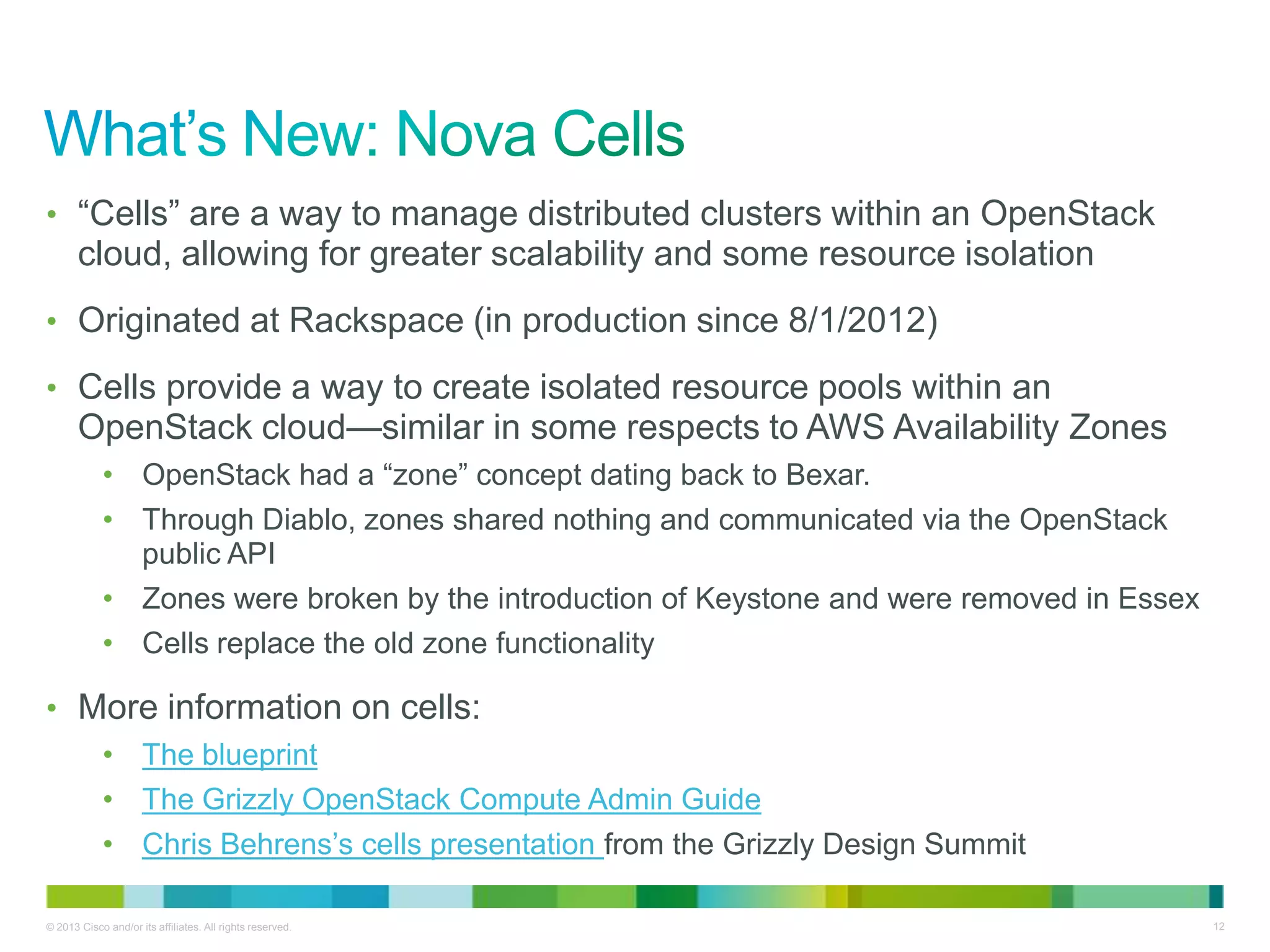
• ―Cells‖ are a way to manage distributed clusters within an OpenStack
cloud, allowing for greater scalability and some resource isolation
• Originated at Rackspace (in production since 8/1/2012)
• Cells provide a way to create isolated resource pools within an
OpenStack cloud—similar in some respects to AWS Availability Zones
• OpenStack had a ―zone‖ concept dating back to Bexar.
• Through Diablo, zones shared nothing and communicated via the OpenStack
public API
• Zones were broken by the introduction of Keystone and were removed in Essex
• Cells replace the old zone functionality
• More information on cells:
• The blueprint
• The Grizzly OpenStack Compute Admin Guide
• Chris Behrens’s cells presentation from the Grizzly Design Summit
© 2013 Cisco and/or its affiliates. All rights reserved. 13
• Compute resources are partitioned into hierarchical pools called
―cells‖:
• Each top-level ―API cell‖ has a nova-api service, AMQP broker, DB, and
nova-cells service
• Each ―child‖ cell has all the normal nova services except for nova-api
• Each child cell has it’s own database server, AMQP broker, etc.
• Glance/keystone are global
• The nova-cells service provides communication between cells.
• Also selects cells for new instances…cell scheduling != host scheduling
• Host scheduling decisions are made within a cell
• The future of cells
• Other options besides AMQP for inter-cell communication (pluggable
today, but only one option available)
• More cell scheduler options (currently random)
© 2013 Cisco and/or its affiliates. All rights reserved. 14
• Today, cells primarily address scalability and geographic
distribution concerns rather than providing complete resource
isolation
• Cells can be nested (e.g. ―grandchild cells‖)
• Cells are optional…small deployments aren’t forced to use them
• Each child cell database has only the data for that cell
• API cells have a subset of all child data (instances, quotas, migrations)
• Quotas must be disabled in child cells…quota management
happens on the API cell
© 2013 Cisco and/or its affiliates. All rights reserved. 15
• Each nova-compute service used to have direct access to a
central database
• Scalability concern
• Security concern
• Upgrade concern
• In Grizzly, most DB access by the nova-compute service was
eliminated
• Some information is now conveyed over the RPC system (AMQP)
• Some information is now conveyed over the new nova-conductor service
which essentially proxies database calls or proxies calls to RPC services
• More information in the blueprint
© 2013 Cisco and/or its affiliates. All rights reserved. 16
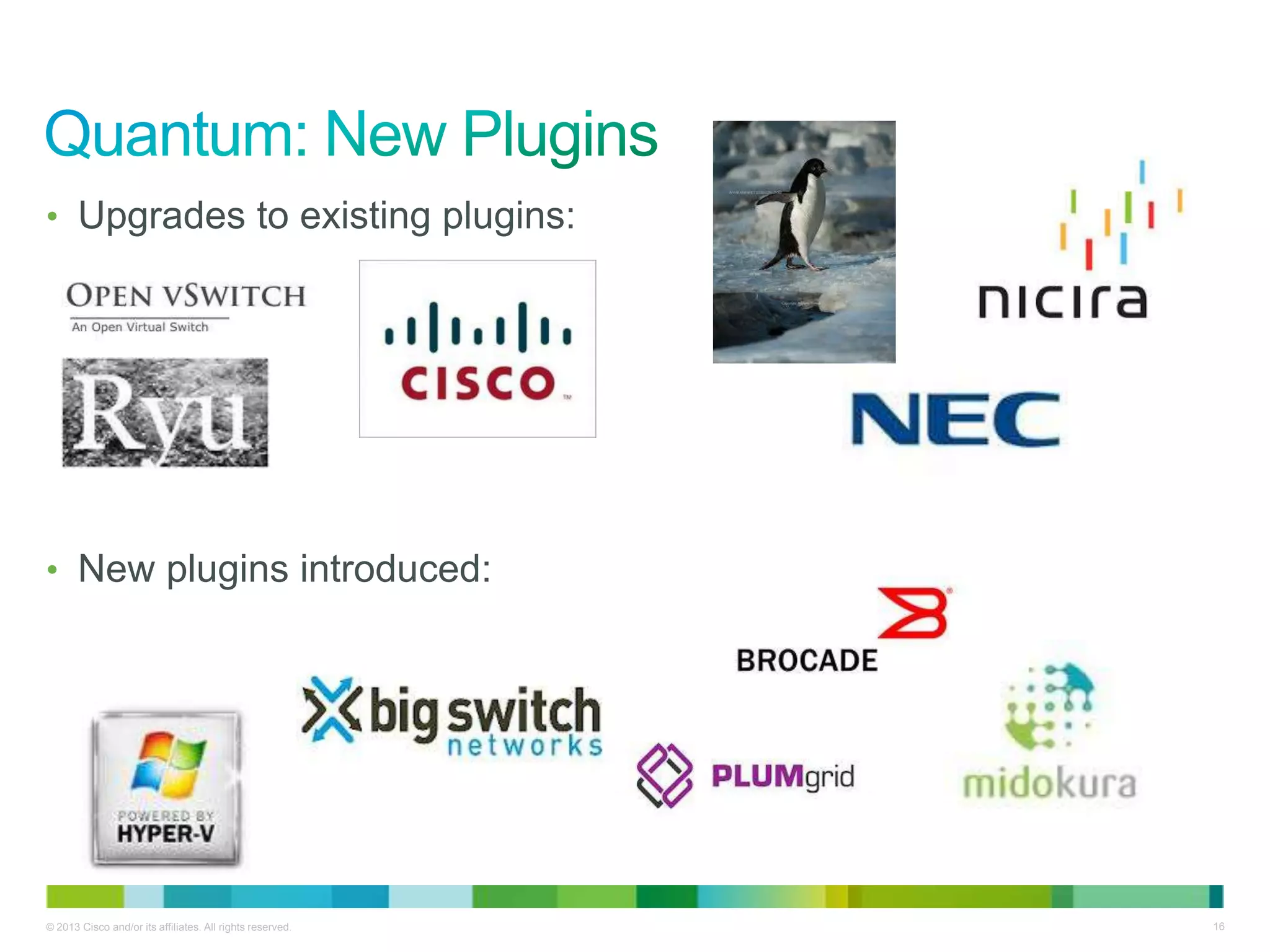
• Upgrades to existing plugins:
• New plugins introduced:
© 2013 Cisco and/or its affiliates. All rights reserved. 17
• Multihost distribution of L#/L4 and DHCP services
• Improved handling of security groups and overlapping IP’s
• Simplified configuration requirements for metadata service
• v2 API support for XML and pagination
• Introduction of Load Balancing as a Service (LBaaS)
• API model and pluggable framework established
• Tenant and cloud admin API’s
• Basic reference implementation with HAProxy
• Vendor plugins to come in Havana
© 2013 Cisco and/or its affiliates. All rights reserved. 18
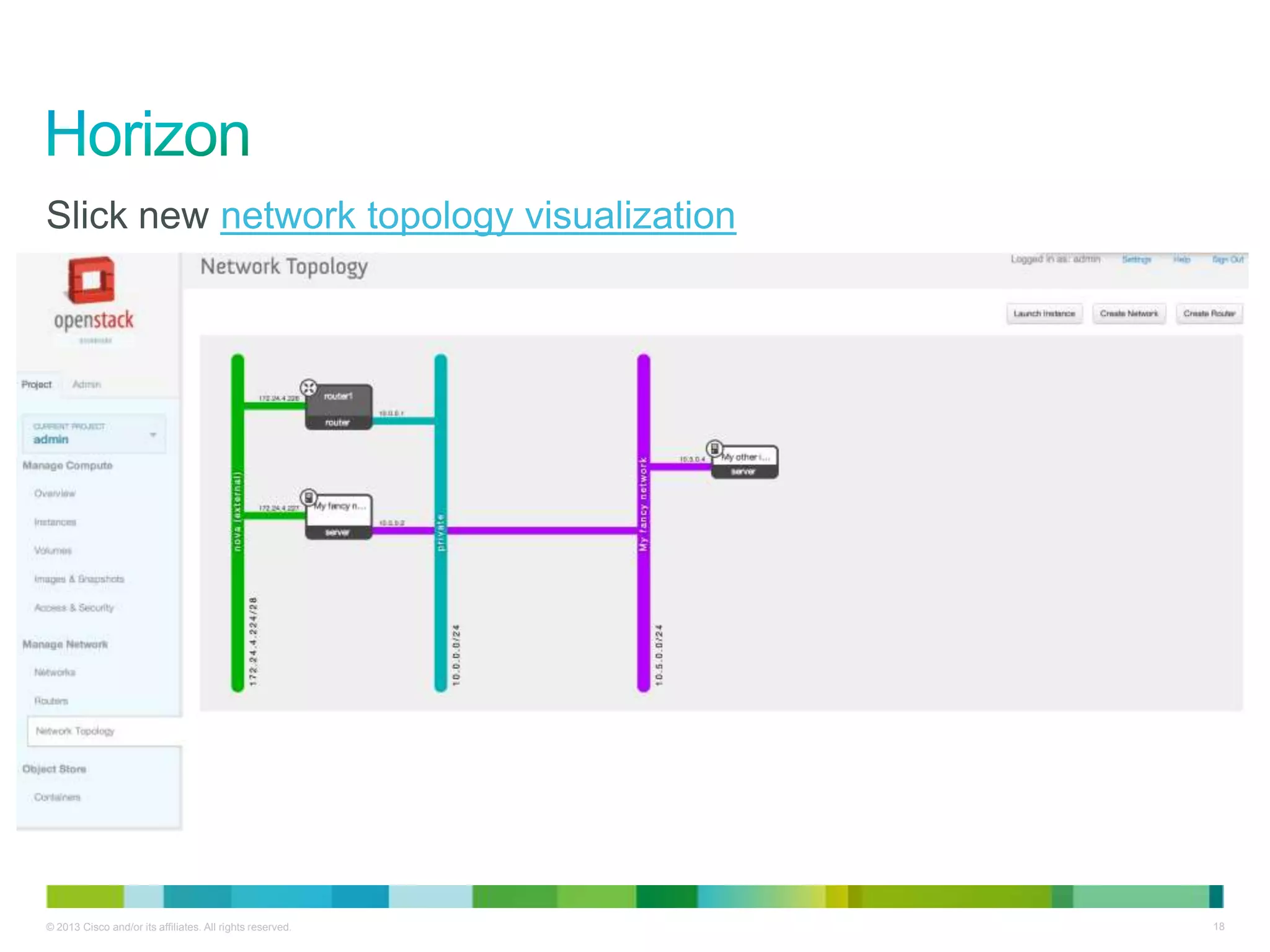
Slick new network topology visualization
© 2013 Cisco and/or its affiliates. All rights reserved. 19
• Vastly improved networking support
• Visualization
• Support for routers and load balancers
• Simplified floating IP workflow
• Direct image upload to Glance
• Makes uploading images easier/faster, but some constraints
• Live migration support
© 2013 Cisco and/or its affiliates. All rights reserved. 20
• PKI tokens replace UUID tokens as the default format
• Allows offline validation and improved performance
• API v3
• Domains provide namespace isolation and role management
• RBAC improvements
• Trusts provided via CGI-style REMOTE_USER params to
make external authentication simpler
© 2013 Cisco and/or its affiliates. All rights reserved. 21
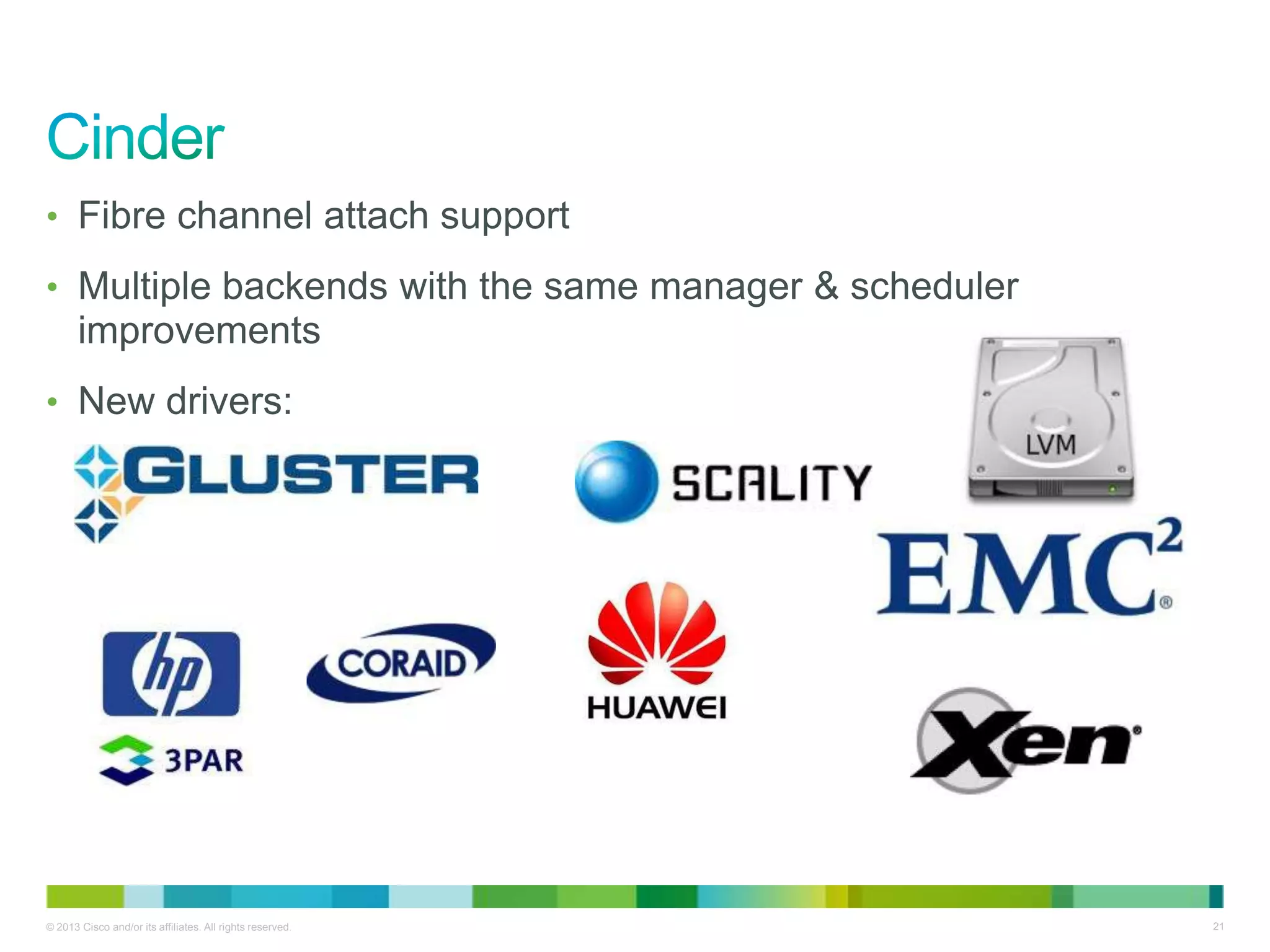
• Fibre channel attach support
• Multiple backends with the same manager & scheduler
improvements
• New drivers:
© 2013 Cisco and/or its affiliates. All rights reserved. 22
• User container quotas
• CORS (cross-origin resource sharing) support for easier
integration with web/HTML5 apps
• Bulk operations support
• StatsD updates
© 2013 Cisco and/or its affiliates. All rights reserved. 23
• Nova: https://launchpad.net/nova/+milestone/2013.1
• Quantum: https://launchpad.net/quantum/+milestone/2013.1
• Keystone: https://launchpad.net/keystone/+milestone/2013.1
• Horizon: https://launchpad.net/horizon/+milestone/2013.1
• Swift: https://launchpad.net/swift/grizzly/1.8.0
• Glance: https://launchpad.net/glance/+milestone/2013.1
• Cinder: https://launchpad.net/cinder/+milestone/2013.1
• Grizzly release notes:
https://wiki.openstack.org/wiki/ReleaseNotes/Grizzly
• Grizzly Overview:
http://www.openstack.org/software/grizzly/
Cisco Confidential© 2010 Cisco and/or its affiliates. All rights reserved. 24
OpenStack Automation
with Puppet
Mark T. Voelker
Technical Leader, Cisco Systems
May Triangle OpenStack Meetup
2013-05-30
© 2013 Cisco and/or its affiliates. All rights reserved. 25
• Puppet is open source software designed for to manage IT
configuration and state of systems of all sizes.
• It is primarily used on servers, but can also work with other types
of devices (like switches).
• It is *not* a baremetal installer, but it can handle most tasks once
an OS is installed, including software
installation, configuration, and maintenance.
• It is written and backed by Puppet Labs.
• Puppet Labs offers a commercial, supported version of Puppet
called Puppet Enterprise, which features additional scale and
management.
© 2013 Cisco and/or its affiliates. All rights reserved. 26
• Because it beats the heck out of managing a pile of bash scripts.
• The Puppet DSL is designed to be easy to use and easier to
read.
• Puppet allows you describe the state of systems, and store those
states in a single place. You don’t have to configure systems
individually.
• Puppet lets you codify many systems administration tasks.
• Puppet can be used to ensure compliance.
• If a rogue changes a configuration you provided, Puppet will change it back.
• It can also be used to provide auditability, showing when changes were
made.
© 2013 Cisco and/or its affiliates. All rights reserved. 27
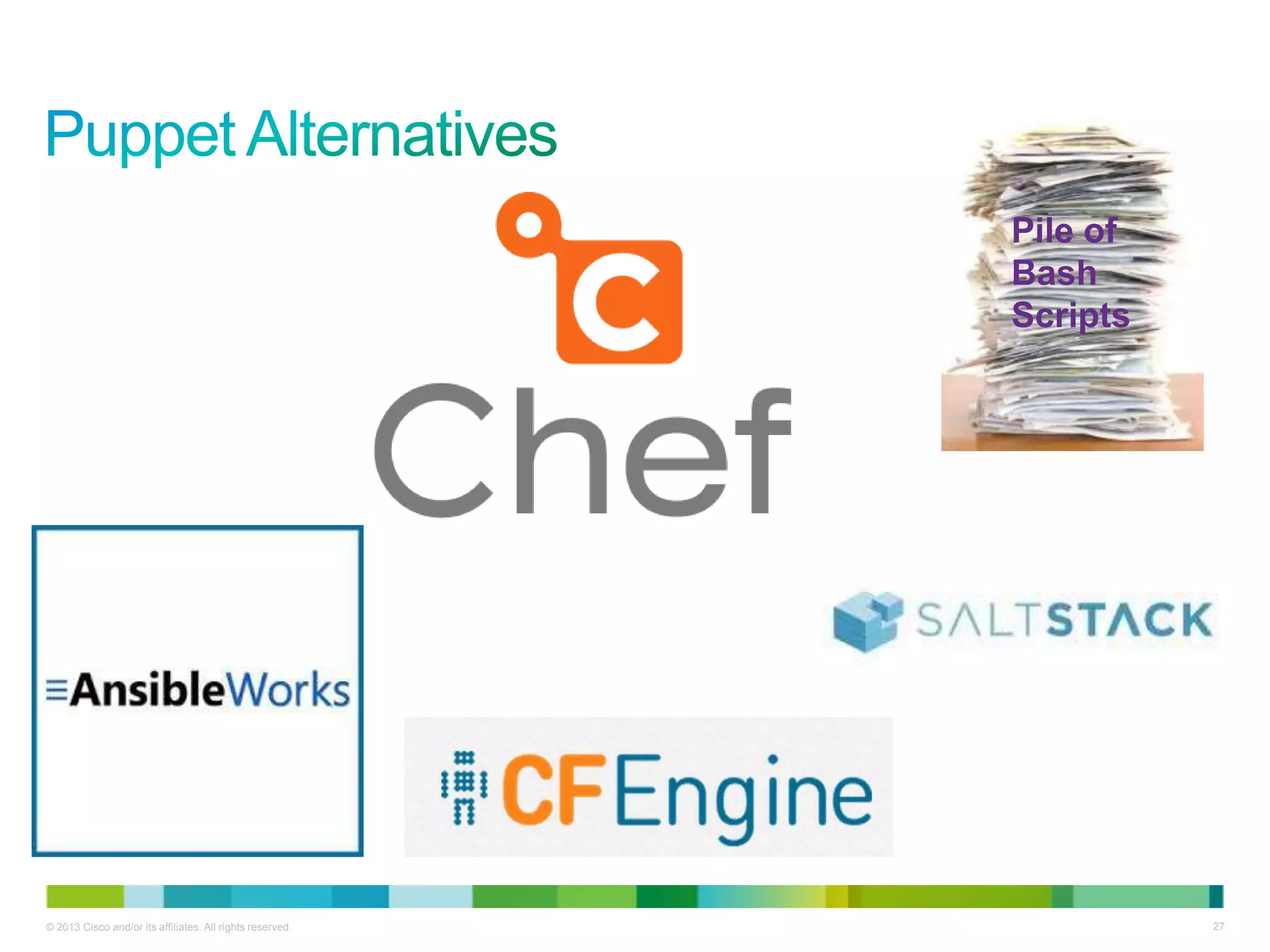
Pile of
Bash
Scripts
© 2013 Cisco and/or its affiliates. All rights reserved. 28
• Puppet is a declarative language, meaning you describe the state you
want the system to be in (not what action you want to take).
• A manifest is essentially a Puppet ―program‖…it’s what you write to
make stuff happen to your infrastructure, where ―stuff‖ includes things
like:
• Installing/removing packages
• Adding or modifying configuration files
• Starting/stopping/restarting services
• Setting file permissions or modes
• A module is a self-contained bundle of Puppet code and data.
Generally, you’ll write one module to accomplish a given state.
• Such as ―install and configure Apache and make sure it’s always running.‖
• Generally includes manifests, templates, and other data.
• Treated as source code and (frequently) shared on PuppetForge.
© 2013 Cisco and/or its affiliates. All rights reserved. 29
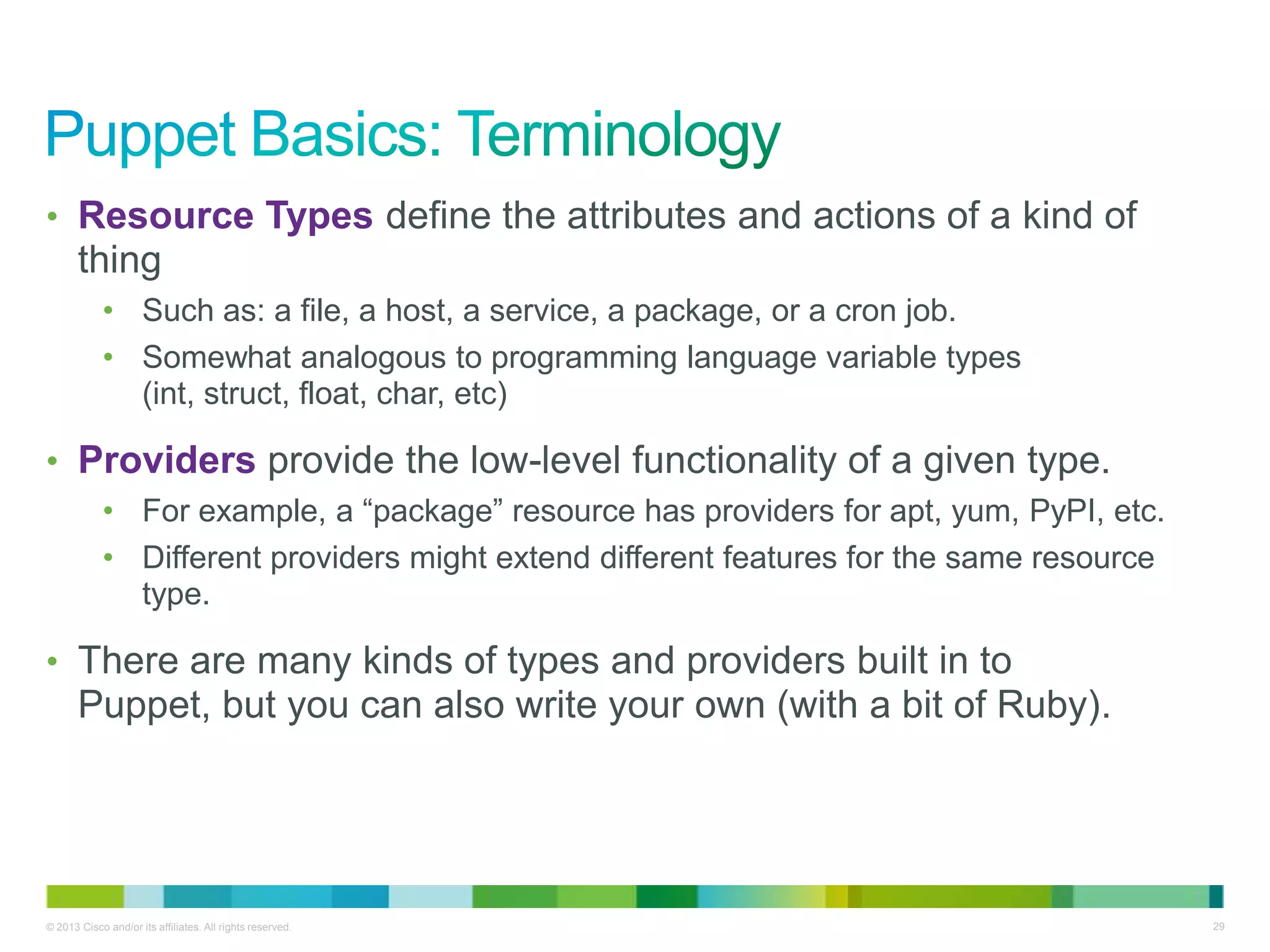
• Resource Types define the attributes and actions of a kind of
thing
• Such as: a file, a host, a service, a package, or a cron job.
• Somewhat analogous to programming language variable types
(int, struct, float, char, etc)
• Providers provide the low-level functionality of a given type.
• For example, a ―package‖ resource has providers for apt, yum, PyPI, etc.
• Different providers might extend different features for the same resource
type.
• There are many kinds of types and providers built in to
Puppet, but you can also write your own (with a bit of Ruby).
© 2013 Cisco and/or its affiliates. All rights reserved. 30
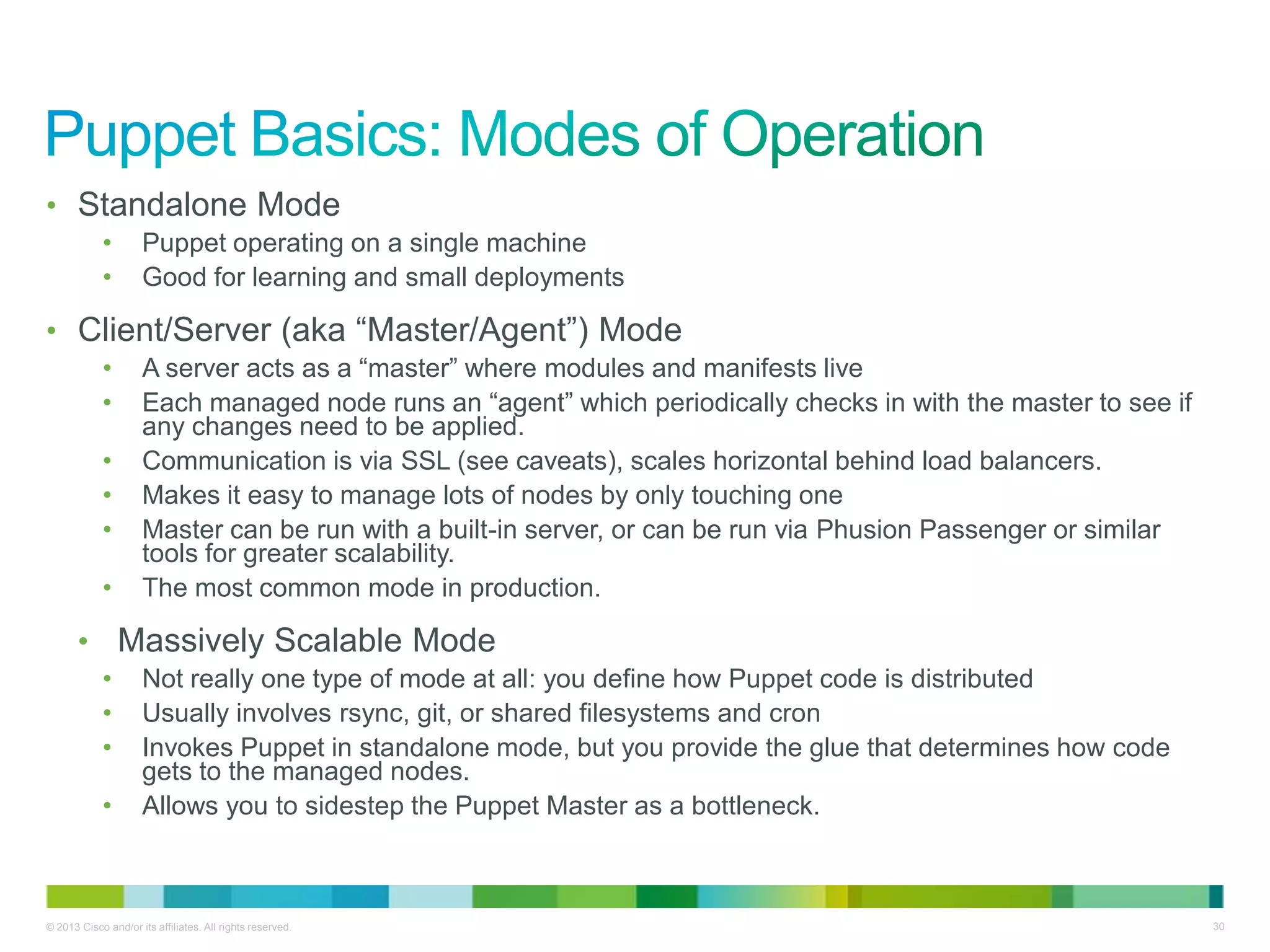
• Standalone Mode
• Puppet operating on a single machine
• Good for learning and small deployments
• Client/Server (aka ―Master/Agent‖) Mode
• A server acts as a ―master‖ where modules and manifests live
• Each managed node runs an ―agent‖ which periodically checks in with the master to see if
any changes need to be applied.
• Communication is via SSL (see caveats), scales horizontal behind load balancers.
• Makes it easy to manage lots of nodes by only touching one
• Master can be run with a built-in server, or can be run via Phusion Passenger or similar
tools for greater scalability.
• The most common mode in production.
• Massively Scalable Mode
• Not really one type of mode at all: you define how Puppet code is distributed
• Usually involves rsync, git, or shared filesystems and cron
• Invokes Puppet in standalone mode, but you provide the glue that determines how code
gets to the managed nodes.
• Allows you to sidestep the Puppet Master as a bottleneck.
© 2013 Cisco and/or its affiliates. All rights reserved. 31
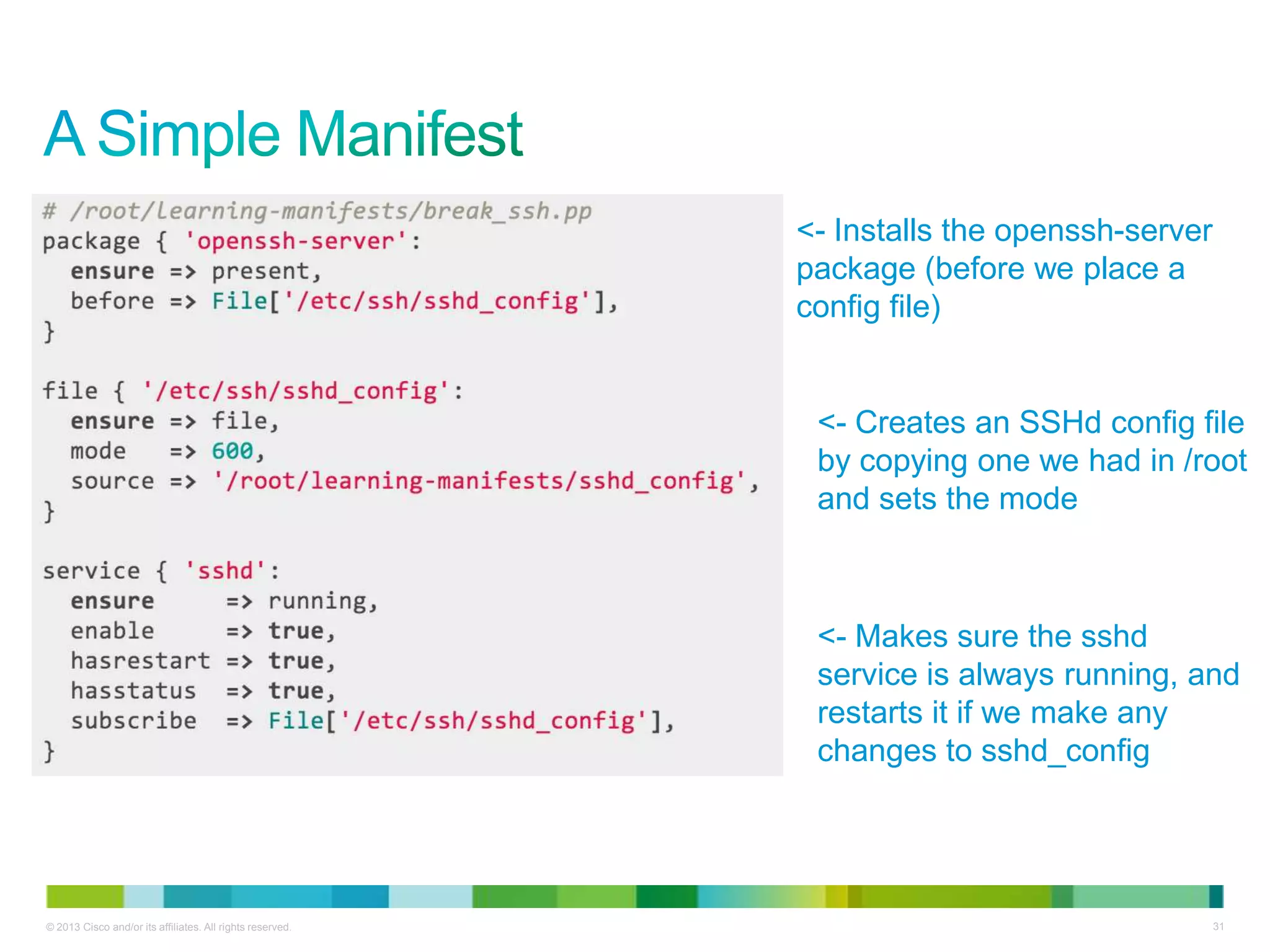
<- Installs the openssh-server
package (before we place a
config file)
<- Creates an SSHd config file
by copying one we had in /root
and sets the mode
<- Makes sure the sshd
service is always running, and
restarts it if we make any
changes to sshd_config
© 2013 Cisco and/or its affiliates. All rights reserved. 32
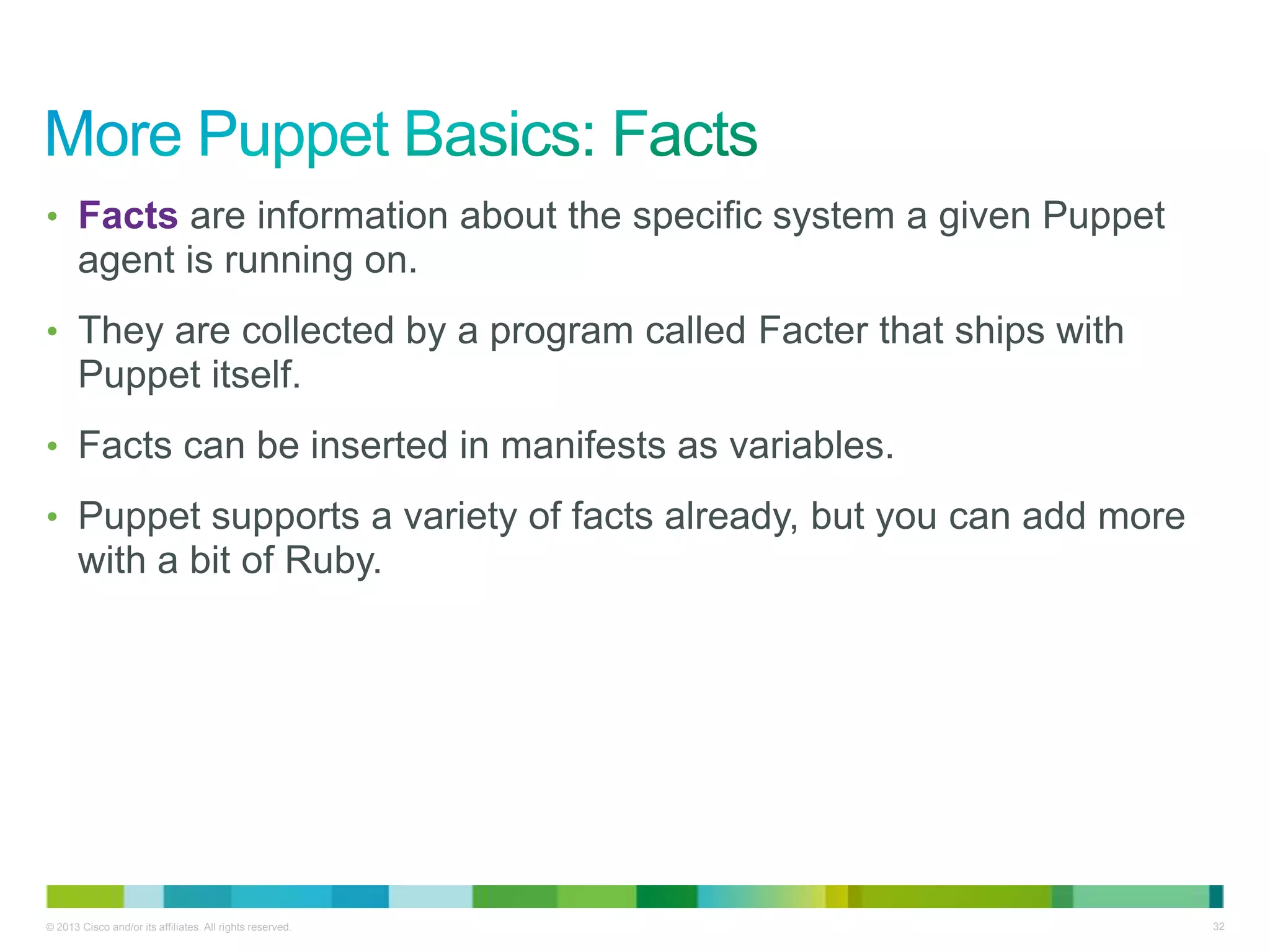
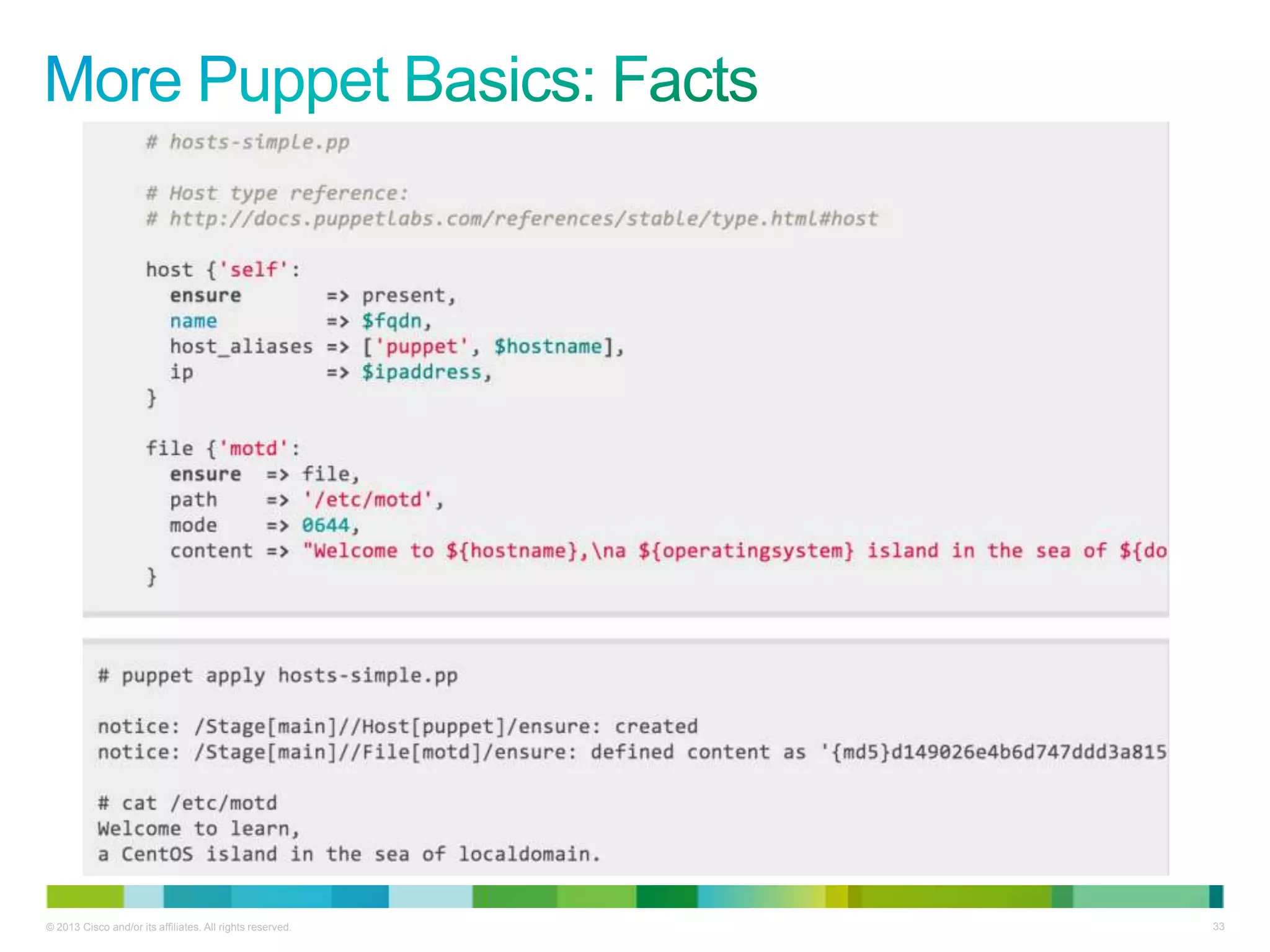
• Facts are information about the specific system a given Puppet
agent is running on.
• They are collected by a program called Facter that ships with
Puppet itself.
• Facts can be inserted in manifests as variables.
• Puppet supports a variety of facts already, but you can add more
with a bit of Ruby.
© 2013 Cisco and/or its affiliates. All rights reserved. 33
© 2013 Cisco and/or its affiliates. All rights reserved. 34
Puppet has very good ―getting started‖ training online!
http://docs.puppetlabs.com/learning/
Some other resources to check out:
• Look for ―Pro Puppet‖ and ―Puppet 2.7 Cookbook‖, at your favorite tech book
library.
• Puppet has IRC channels where you can ask questions.
• Puppet has documentation.
© 2013 Cisco and/or its affiliates. All rights reserved. 35
• Puppet Labs has been active participant in the OpenStack
community, as have Puppet users
• Stop by the #puppet-openstack channel on IRC
• Check out the Google Group
• Say ―hi‖ to Dan Bode
• Many OpenStack clouds are deployed with Puppet
• Such as Rackspace’s public cloud, eNovance, Morph Labs, Cisco WebEx, and
clouds built with PackStack
• Puppet is also used to manage portions of the OpenStack community’s project
infrastructure
• Puppet modules for OpenStack are maintained on StackForge
• StackForge is a way for projects related to OpenStack to make use of
OpenStack project infrastructure
• Puppet modules are mirrored to GitHub at:https://github.com/stackforge/puppet-
openstack
© 2013 Cisco and/or its affiliates. All rights reserved. 36
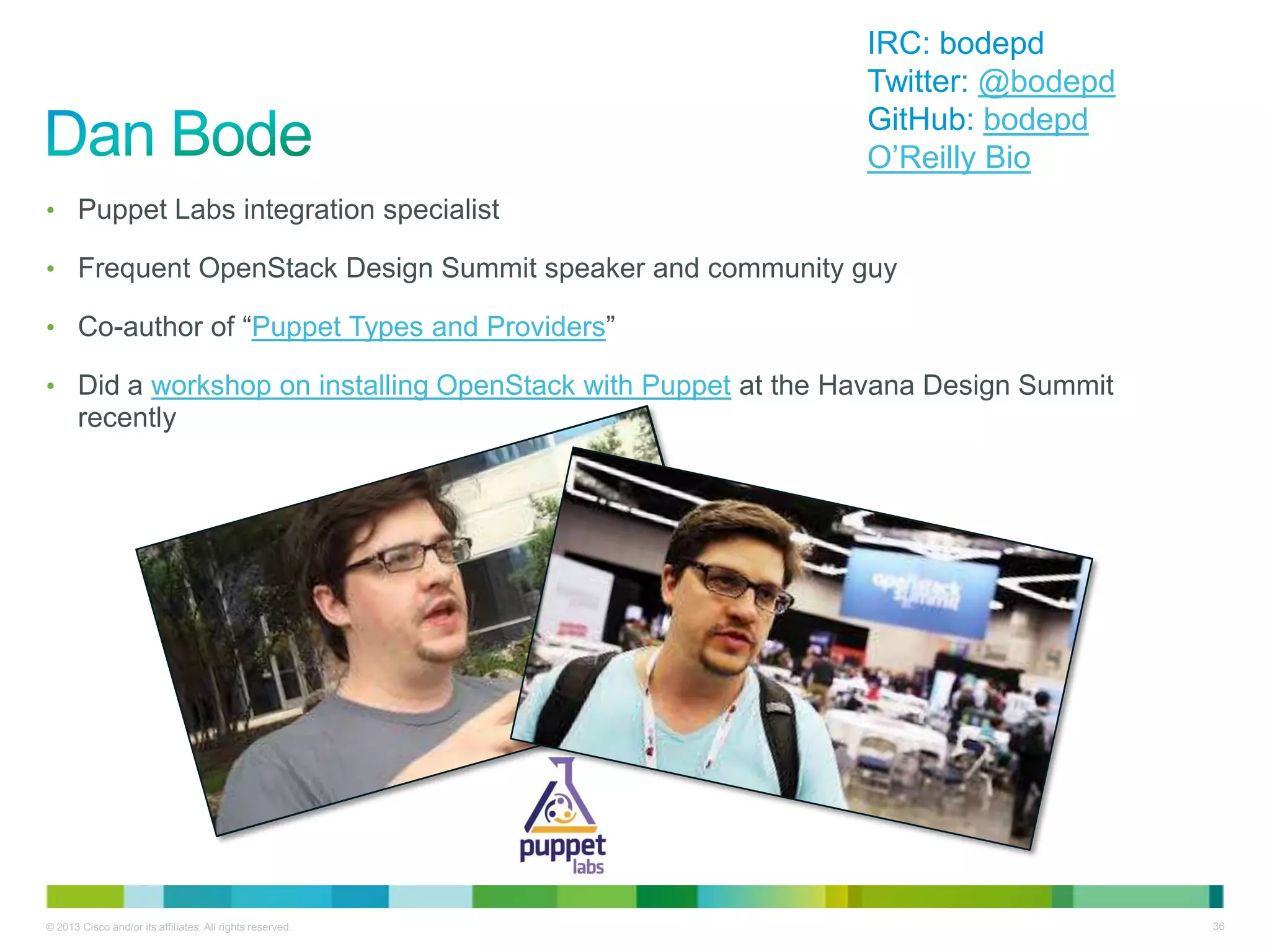
• Puppet Labs integration specialist
• Frequent OpenStack Design Summit speaker and community guy
• Co-author of ―Puppet Types and Providers‖
• Did a workshop on installing OpenStack with Puppet at the Havana Design Summit
recently
IRC: bodepd
Twitter: @bodepd
GitHub: bodepd
O’Reilly Bio
© 2013 Cisco and/or its affiliates. All rights reserved. 37
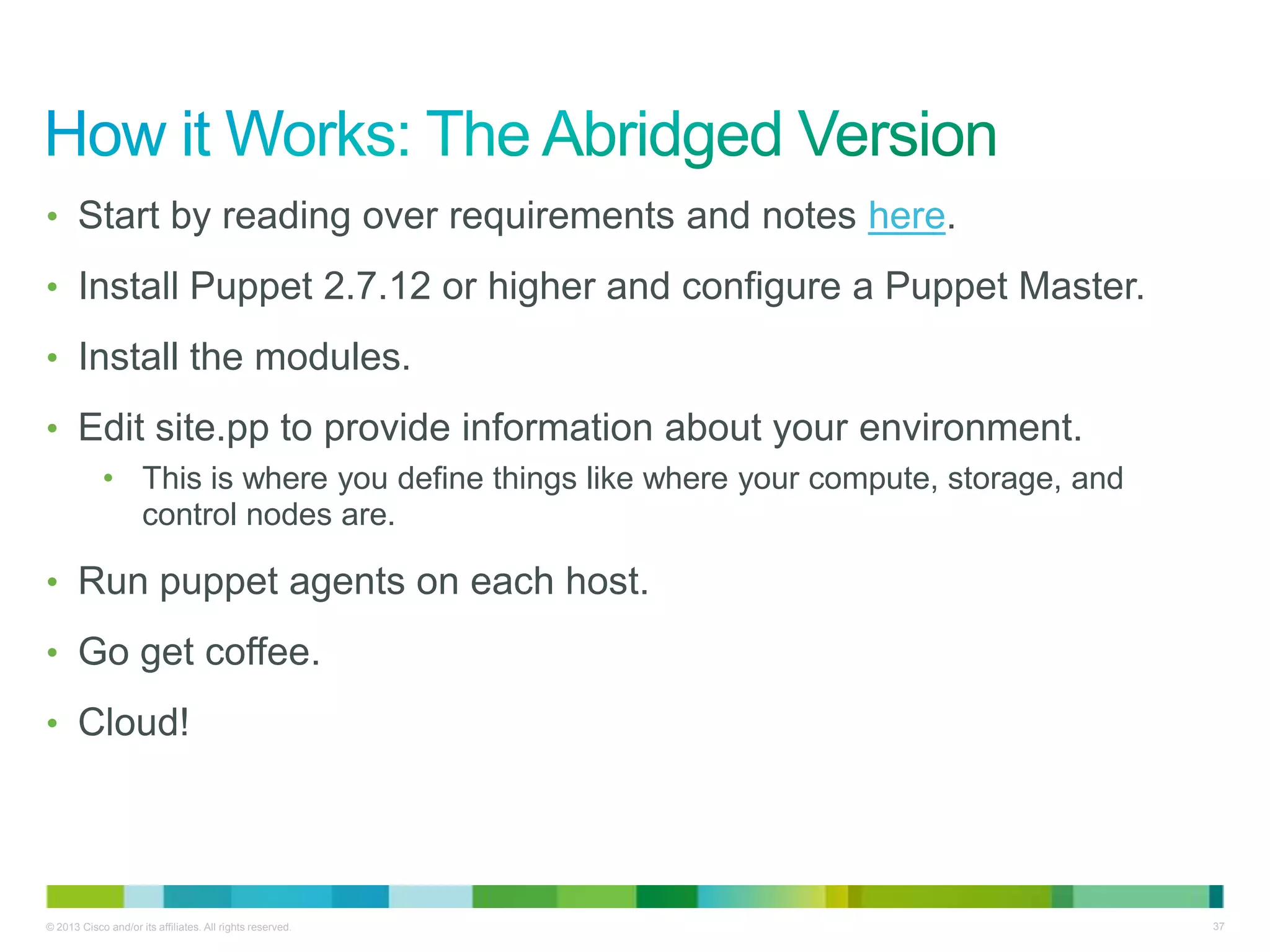
• Start by reading over requirements and notes here.
• Install Puppet 2.7.12 or higher and configure a Puppet Master.
• Install the modules.
• Edit site.pp to provide information about your environment.
• This is where you define things like where your compute, storage, and
control nodes are.
• Run puppet agents on each host.
• Go get coffee.
• Cloud!
© 2013 Cisco and/or its affiliates. All rights reserved. 38
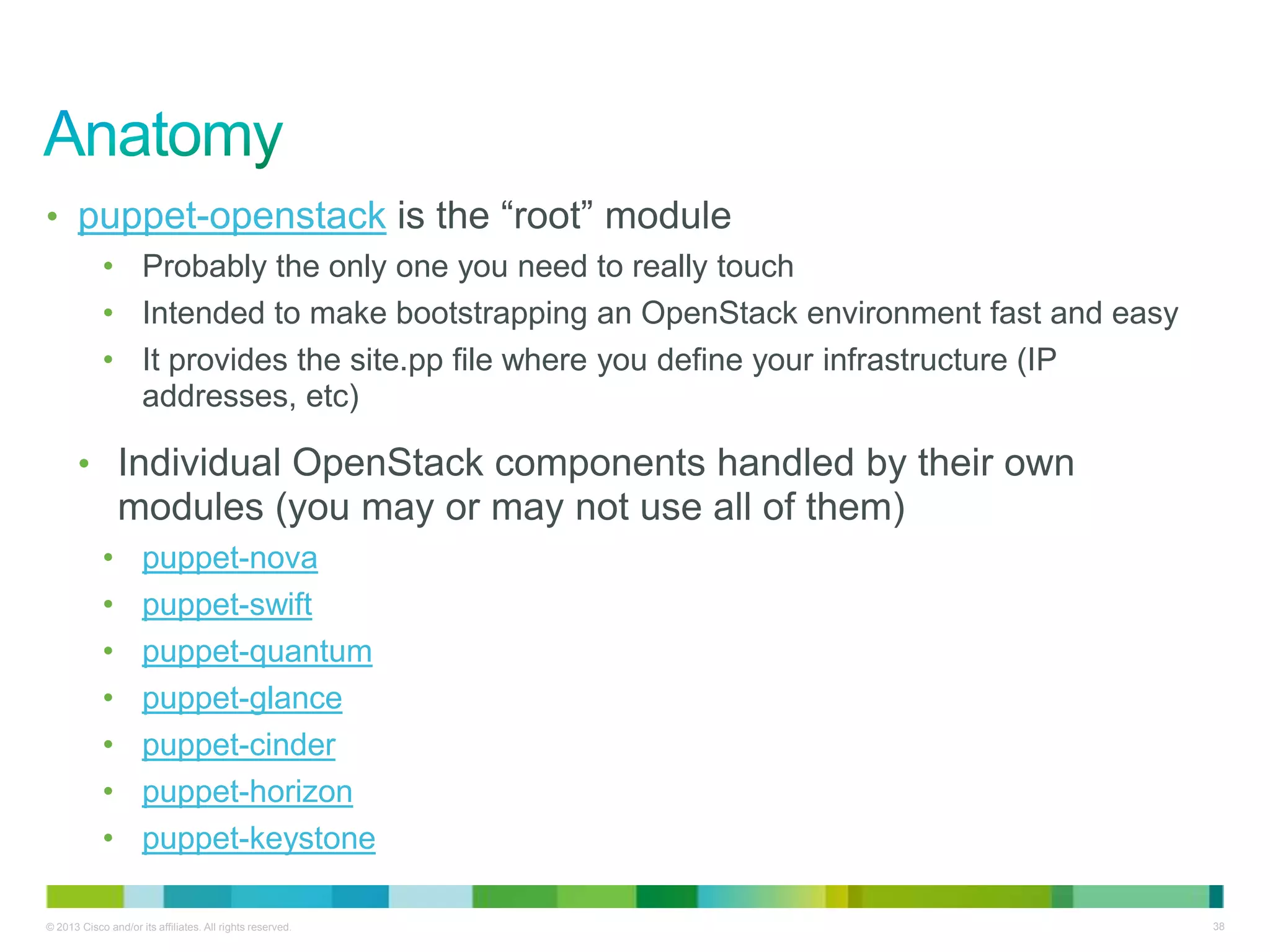
• puppet-openstack is the ―root‖ module
• Probably the only one you need to really touch
• Intended to make bootstrapping an OpenStack environment fast and easy
• It provides the site.pp file where you define your infrastructure (IP
addresses, etc)
• Individual OpenStack components handled by their own
modules (you may or may not use all of them)
• puppet-nova
• puppet-swift
• puppet-quantum
• puppet-glance
• puppet-cinder
• puppet-horizon
• puppet-keystone
© 2013 Cisco and/or its affiliates. All rights reserved. 39
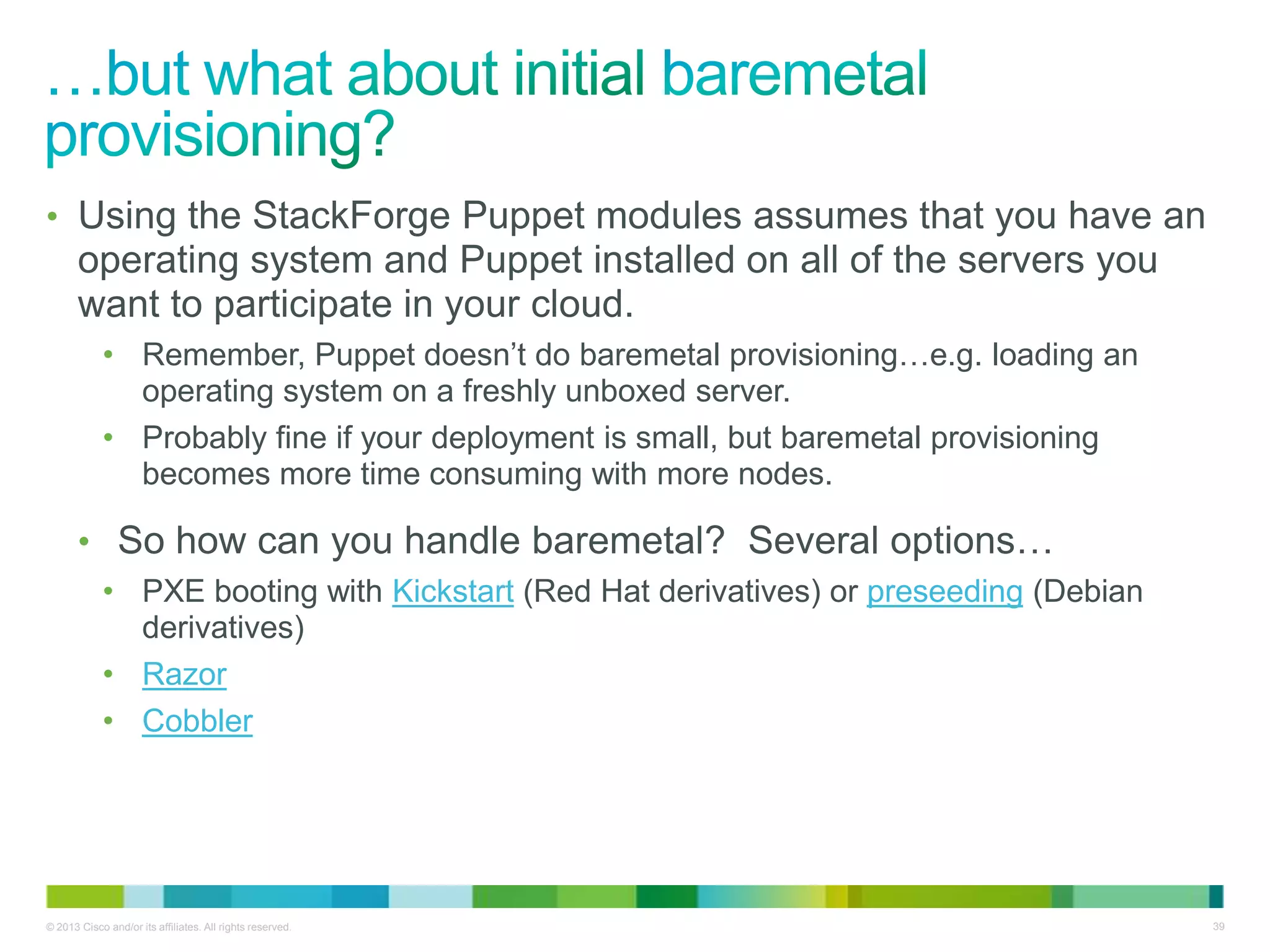
• Using the StackForge Puppet modules assumes that you have an
operating system and Puppet installed on all of the servers you
want to participate in your cloud.
• Remember, Puppet doesn’t do baremetal provisioning…e.g. loading an
operating system on a freshly unboxed server.
• Probably fine if your deployment is small, but baremetal provisioning
becomes more time consuming with more nodes.
• So how can you handle baremetal? Several options…
• PXE booting with Kickstart (Red Hat derivatives) or preseeding (Debian
derivatives)
• Razor
• Cobbler
© 2013 Cisco and/or its affiliates. All rights reserved. 40
• A simple (~15k lines of Python code) tool for managing baremetal
deployments
• Flexible usage (API, CLI, GUI)
• Allows you to define systems (actual machines) and profiles (what
you want to do with them)
• Provides hooks for Puppet so you can then do further automation
once the OS is up and running
• Provides control for power (via IPMI or other means), DHCP/PXE
(for netbooting machines), preseed/kickstart setup, and more.
© 2013 Cisco and/or its affiliates. All rights reserved. 41
+ +
=
© 2013 Cisco and/or its affiliates. All rights reserved. 42
• In our labs (and at some of our customer sites), we deploy OpenStack
using Cobbler and Puppet with the Cisco OpenStack Installer.
• Installs OpenStack with Quantum networking using the Open vSwitch driver (so
it works on almost any hardware).
• Also installs some basic monitoring utilities (Nagios, collectd, graphite)
• Open source, freely available
• Documentation/install instructions here:
http://docwiki.cisco.com/wiki/OpenStack
• Video walk-through here:
• Part 1: Build Server Deployment
http://www.youtube.com/watch?v=sCtL6g1DPfY
• Part 2: Controller and Compute Node Deployment
http://www.youtube.com/watch?v=RPUmxdI4M-w
• Part 3: Quantum Network Setup and VM Creation
http://www.youtube.com/watch?v=Y0qjOsgyT90
© 2013 Cisco and/or its affiliates. All rights reserved. 43
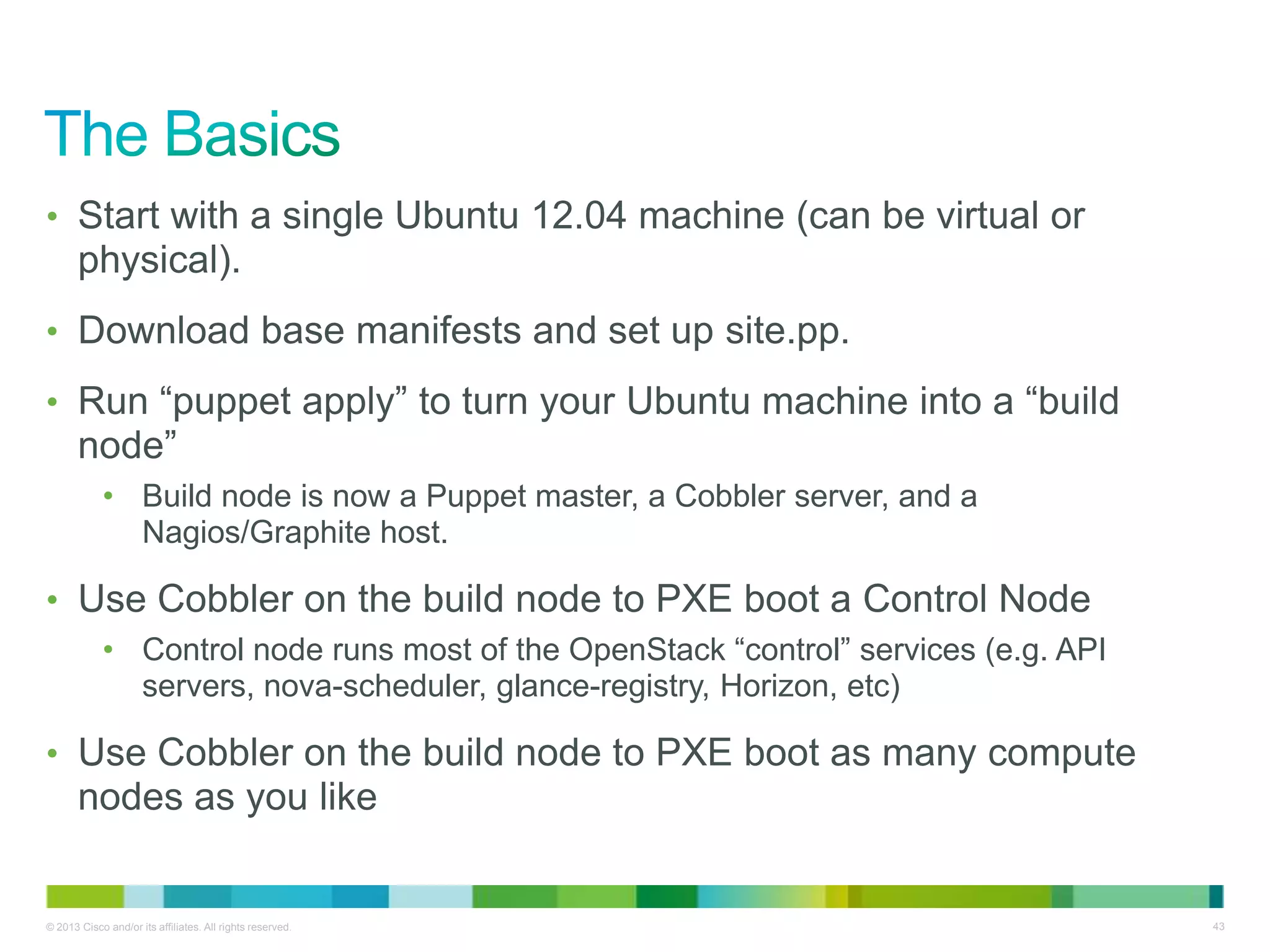
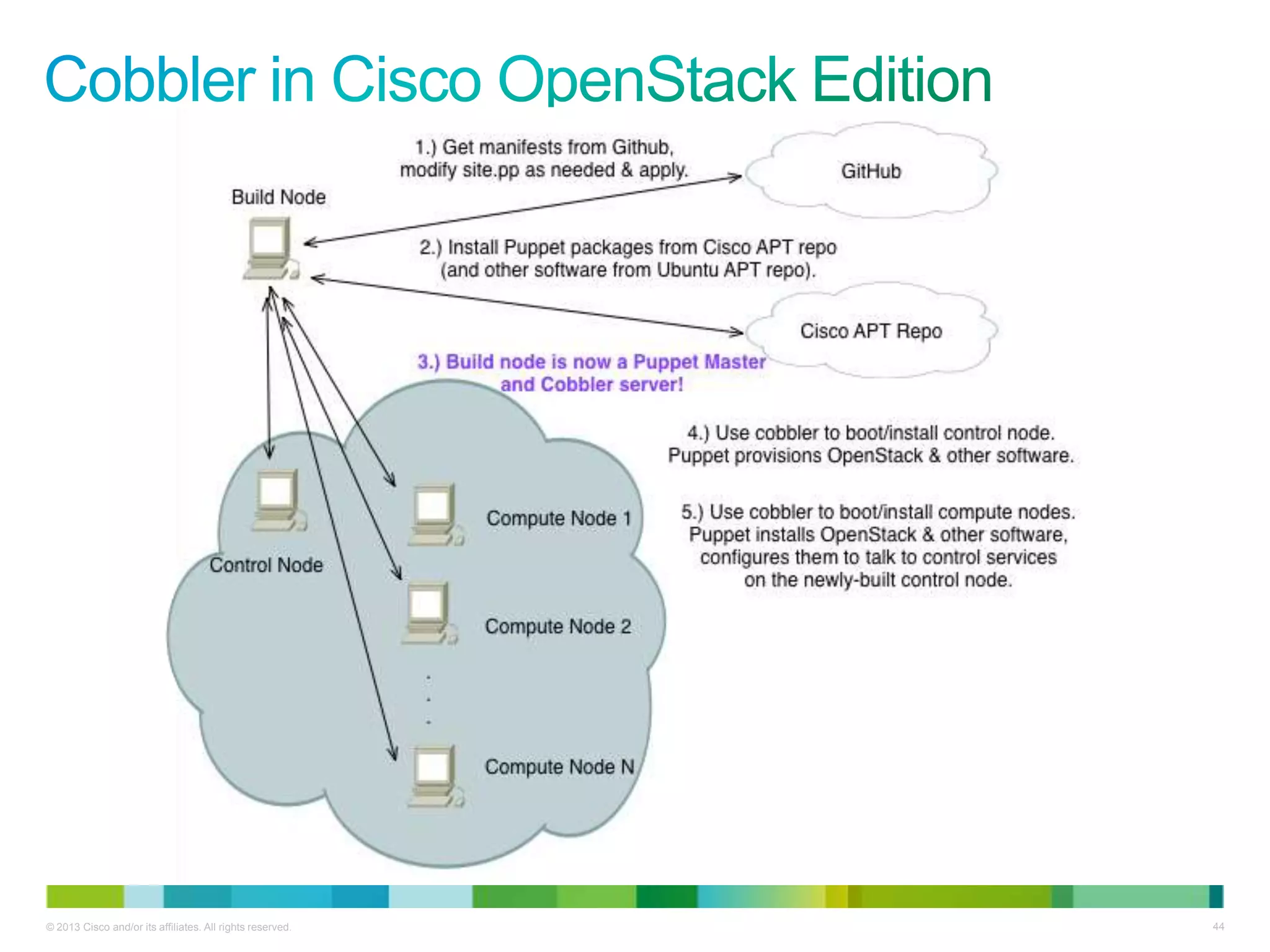
• Start with a single Ubuntu 12.04 machine (can be virtual or
physical).
• Download base manifests and set up site.pp.
• Run ―puppet apply‖ to turn your Ubuntu machine into a ―build
node‖
• Build node is now a Puppet master, a Cobbler server, and a
Nagios/Graphite host.
• Use Cobbler on the build node to PXE boot a Control Node
• Control node runs most of the OpenStack ―control‖ services (e.g. API
servers, nova-scheduler, glance-registry, Horizon, etc)
• Use Cobbler on the build node to PXE boot as many compute
nodes as you like
© 2013 Cisco and/or its affiliates. All rights reserved. 44
© 2013 Cisco and/or its affiliates. All rights reserved. 45
• Mostly information about your physical nodes
NIC, MAC, and IP Address info (for PXE booting, etc)
NTP and Proxy server info (if necessary)
Password for databases
• Let’s take a look…..
© 2013 Cisco and/or its affiliates. All rights reserved. 46
• Building a multi-node cloud takes some time and the pizza is on
it’s way, so let’s look at an abbreviated demo.
• We’ll assume that you’ve downloaded the Puppet modules to
your build node and applied them.
• We’ll also assume you’ve booted your control node with Cobbler
and let Puppet set it up
• We’ll now use Cobbler to boot up a new compute node.
© 2013 Cisco and/or its affiliates. All rights reserved. 47
Questions?
http://www.cisco.com/go/openstack
What's New in Grizzly & Deploying OpenStack with Puppet

What's New in Grizzly & Deploying OpenStack with Puppet

  • 1.
    Cisco Confidential© 2010Cisco and/or its affiliates. All rights reserved. 1 May Triangle OpenStack Meetup Organizers: Mark T. Voelker, Arvind Somya, Amy Lewis 2013-05-30
  • 2.
    © 2013 Ciscoand/or its affiliates. All rights reserved. 2 • 4:30pm: Welcome & Introductions • 4:45pm: ―What’s New In Grizzly‖ • 5:00pm: ―OpenStack Automation with Puppet‖ • 5:30pm: Open Forum – Q&A • 5:45(ish)pm: Pizza! * All times ―-ish‖
  • 3.
    © 2013 Ciscoand/or its affiliates. All rights reserved. 3 • A few introductions are in order….
  • 4.
    © 2013 Ciscoand/or its affiliates. All rights reserved. 4 • Technical Leader/Developer/Manager/‖That Guy‖ • Systems Development Unit at Cisco Systems • Lead one of the Cisco dev teams working on Quantum in the initial release • Currently working on: OpenStack solutions, Big Data, Massively Scalable Data Centers IRC: markvoelker Twitter: @marktvoelker GitHub: markvoelker Bio
  • 5.
    © 2013 Ciscoand/or its affiliates. All rights reserved. 5 • Software Engineer • Data Center Group/Office of the Cloud CTO at Cisco • Developed the initial representation of Quantum in Horizon • Currently working on: Quantum IRC: asomya Twitter: @ArvindSomya GitHub: asomya
  • 6.
    © 2013 Ciscoand/or its affiliates. All rights reserved. 6 • Community Evangelist for Data Center Virtualization • Social Media Strategist at Cisco • Creator of Engineers Unplugged • Currently working on: Listening to and developing the technologist community across various platforms and in real life (gasp!). Twitter: @CommsNinja LinkedIn: amyhlewis YouTube: engineersunplugged Bio
  • 7.
    © 2013 Ciscoand/or its affiliates. All rights reserved. 7 • You people: • Are OpenStack developers, OpenStack deployers, and OpenStack newbies • …..are hopefully here for the Triangle OpenStack Meetup. Otherwise, you’re in the wrong place. • Introductions?
  • 8.
    © 2013 Ciscoand/or its affiliates. All rights reserved. 8 • We have WebEx! Tonight’s talks will be broadcast/recorded via WebEx. Feel free to tune in! We’ll also post content after we wrap up tonight. • We want content! Interested in giving a talk next time? Contact Mark, Arvind, or Amy! • We want feedback! Help us shape future Triangle OpenStack Meetups by answering a few questions when we’re done. • Mark your calendars! Proposed date for next meetup: Monday, July 1
  • 9.
    Cisco Confidential© 2010Cisco and/or its affiliates. All rights reserved. 9 Grizzly: What’s New? Mark T. Voelker Technical Leader, Cisco Systems May Triangle OpenStack Meetup 2013-05-30
  • 10.
    © 2013 Ciscoand/or its affiliates. All rights reserved. 10 • Release date: April 4, 2013 • Contributors: 517 (up ~56%) • New features: ~230 • Growth by lines of code: 35% • Patches merged: ~7,620 • New networking drivers: 5 • New block storage drivers: 10 • New docs contributors: 27 • Release notes: https://wiki.openstack.org/wiki/ReleaseNotes/Grizzly • Next release name and date: Havana, Oct. 17 • Next design summit: Nov. 5-8 in Hong Kong Stats referenced from: http://www.slideshare.net/laurensell/openstack-grizzly-release
  • 11.
    © 2013 Ciscoand/or its affiliates. All rights reserved. 11 With numbers like those….. Tonight’s list of new features won’t be comprehensive… (or anywhere close) But it should be enough to whet your appetite.
  • 12.
    © 2013 Ciscoand/or its affiliates. All rights reserved. 12 • ―Cells‖ are a way to manage distributed clusters within an OpenStack cloud, allowing for greater scalability and some resource isolation • Originated at Rackspace (in production since 8/1/2012) • Cells provide a way to create isolated resource pools within an OpenStack cloud—similar in some respects to AWS Availability Zones • OpenStack had a ―zone‖ concept dating back to Bexar. • Through Diablo, zones shared nothing and communicated via the OpenStack public API • Zones were broken by the introduction of Keystone and were removed in Essex • Cells replace the old zone functionality • More information on cells: • The blueprint • The Grizzly OpenStack Compute Admin Guide • Chris Behrens’s cells presentation from the Grizzly Design Summit
  • 13.
    © 2013 Ciscoand/or its affiliates. All rights reserved. 13 • Compute resources are partitioned into hierarchical pools called ―cells‖: • Each top-level ―API cell‖ has a nova-api service, AMQP broker, DB, and nova-cells service • Each ―child‖ cell has all the normal nova services except for nova-api • Each child cell has it’s own database server, AMQP broker, etc. • Glance/keystone are global • The nova-cells service provides communication between cells. • Also selects cells for new instances…cell scheduling != host scheduling • Host scheduling decisions are made within a cell • The future of cells • Other options besides AMQP for inter-cell communication (pluggable today, but only one option available) • More cell scheduler options (currently random)
  • 14.
    © 2013 Ciscoand/or its affiliates. All rights reserved. 14 • Today, cells primarily address scalability and geographic distribution concerns rather than providing complete resource isolation • Cells can be nested (e.g. ―grandchild cells‖) • Cells are optional…small deployments aren’t forced to use them • Each child cell database has only the data for that cell • API cells have a subset of all child data (instances, quotas, migrations) • Quotas must be disabled in child cells…quota management happens on the API cell
  • 15.
    © 2013 Ciscoand/or its affiliates. All rights reserved. 15 • Each nova-compute service used to have direct access to a central database • Scalability concern • Security concern • Upgrade concern • In Grizzly, most DB access by the nova-compute service was eliminated • Some information is now conveyed over the RPC system (AMQP) • Some information is now conveyed over the new nova-conductor service which essentially proxies database calls or proxies calls to RPC services • More information in the blueprint
  • 16.
    © 2013 Ciscoand/or its affiliates. All rights reserved. 16 • Upgrades to existing plugins: • New plugins introduced:
  • 17.
    © 2013 Ciscoand/or its affiliates. All rights reserved. 17 • Multihost distribution of L#/L4 and DHCP services • Improved handling of security groups and overlapping IP’s • Simplified configuration requirements for metadata service • v2 API support for XML and pagination • Introduction of Load Balancing as a Service (LBaaS) • API model and pluggable framework established • Tenant and cloud admin API’s • Basic reference implementation with HAProxy • Vendor plugins to come in Havana
  • 18.
    © 2013 Ciscoand/or its affiliates. All rights reserved. 18 Slick new network topology visualization
  • 19.
    © 2013 Ciscoand/or its affiliates. All rights reserved. 19 • Vastly improved networking support • Visualization • Support for routers and load balancers • Simplified floating IP workflow • Direct image upload to Glance • Makes uploading images easier/faster, but some constraints • Live migration support
  • 20.
    © 2013 Ciscoand/or its affiliates. All rights reserved. 20 • PKI tokens replace UUID tokens as the default format • Allows offline validation and improved performance • API v3 • Domains provide namespace isolation and role management • RBAC improvements • Trusts provided via CGI-style REMOTE_USER params to make external authentication simpler
  • 21.
    © 2013 Ciscoand/or its affiliates. All rights reserved. 21 • Fibre channel attach support • Multiple backends with the same manager & scheduler improvements • New drivers:
  • 22.
    © 2013 Ciscoand/or its affiliates. All rights reserved. 22 • User container quotas • CORS (cross-origin resource sharing) support for easier integration with web/HTML5 apps • Bulk operations support • StatsD updates
  • 23.
    © 2013 Ciscoand/or its affiliates. All rights reserved. 23 • Nova: https://launchpad.net/nova/+milestone/2013.1 • Quantum: https://launchpad.net/quantum/+milestone/2013.1 • Keystone: https://launchpad.net/keystone/+milestone/2013.1 • Horizon: https://launchpad.net/horizon/+milestone/2013.1 • Swift: https://launchpad.net/swift/grizzly/1.8.0 • Glance: https://launchpad.net/glance/+milestone/2013.1 • Cinder: https://launchpad.net/cinder/+milestone/2013.1 • Grizzly release notes: https://wiki.openstack.org/wiki/ReleaseNotes/Grizzly • Grizzly Overview: http://www.openstack.org/software/grizzly/
  • 24.
    Cisco Confidential© 2010Cisco and/or its affiliates. All rights reserved. 24 OpenStack Automation with Puppet Mark T. Voelker Technical Leader, Cisco Systems May Triangle OpenStack Meetup 2013-05-30
  • 25.
    © 2013 Ciscoand/or its affiliates. All rights reserved. 25 • Puppet is open source software designed for to manage IT configuration and state of systems of all sizes. • It is primarily used on servers, but can also work with other types of devices (like switches). • It is *not* a baremetal installer, but it can handle most tasks once an OS is installed, including software installation, configuration, and maintenance. • It is written and backed by Puppet Labs. • Puppet Labs offers a commercial, supported version of Puppet called Puppet Enterprise, which features additional scale and management.
  • 26.
    © 2013 Ciscoand/or its affiliates. All rights reserved. 26 • Because it beats the heck out of managing a pile of bash scripts. • The Puppet DSL is designed to be easy to use and easier to read. • Puppet allows you describe the state of systems, and store those states in a single place. You don’t have to configure systems individually. • Puppet lets you codify many systems administration tasks. • Puppet can be used to ensure compliance. • If a rogue changes a configuration you provided, Puppet will change it back. • It can also be used to provide auditability, showing when changes were made.
  • 27.
    © 2013 Ciscoand/or its affiliates. All rights reserved. 27 Pile of Bash Scripts
  • 28.
    © 2013 Ciscoand/or its affiliates. All rights reserved. 28 • Puppet is a declarative language, meaning you describe the state you want the system to be in (not what action you want to take). • A manifest is essentially a Puppet ―program‖…it’s what you write to make stuff happen to your infrastructure, where ―stuff‖ includes things like: • Installing/removing packages • Adding or modifying configuration files • Starting/stopping/restarting services • Setting file permissions or modes • A module is a self-contained bundle of Puppet code and data. Generally, you’ll write one module to accomplish a given state. • Such as ―install and configure Apache and make sure it’s always running.‖ • Generally includes manifests, templates, and other data. • Treated as source code and (frequently) shared on PuppetForge.
  • 29.
    © 2013 Ciscoand/or its affiliates. All rights reserved. 29 • Resource Types define the attributes and actions of a kind of thing • Such as: a file, a host, a service, a package, or a cron job. • Somewhat analogous to programming language variable types (int, struct, float, char, etc) • Providers provide the low-level functionality of a given type. • For example, a ―package‖ resource has providers for apt, yum, PyPI, etc. • Different providers might extend different features for the same resource type. • There are many kinds of types and providers built in to Puppet, but you can also write your own (with a bit of Ruby).
  • 30.
    © 2013 Ciscoand/or its affiliates. All rights reserved. 30 • Standalone Mode • Puppet operating on a single machine • Good for learning and small deployments • Client/Server (aka ―Master/Agent‖) Mode • A server acts as a ―master‖ where modules and manifests live • Each managed node runs an ―agent‖ which periodically checks in with the master to see if any changes need to be applied. • Communication is via SSL (see caveats), scales horizontal behind load balancers. • Makes it easy to manage lots of nodes by only touching one • Master can be run with a built-in server, or can be run via Phusion Passenger or similar tools for greater scalability. • The most common mode in production. • Massively Scalable Mode • Not really one type of mode at all: you define how Puppet code is distributed • Usually involves rsync, git, or shared filesystems and cron • Invokes Puppet in standalone mode, but you provide the glue that determines how code gets to the managed nodes. • Allows you to sidestep the Puppet Master as a bottleneck.
  • 31.
    © 2013 Ciscoand/or its affiliates. All rights reserved. 31 <- Installs the openssh-server package (before we place a config file) <- Creates an SSHd config file by copying one we had in /root and sets the mode <- Makes sure the sshd service is always running, and restarts it if we make any changes to sshd_config
  • 32.
    © 2013 Ciscoand/or its affiliates. All rights reserved. 32 • Facts are information about the specific system a given Puppet agent is running on. • They are collected by a program called Facter that ships with Puppet itself. • Facts can be inserted in manifests as variables. • Puppet supports a variety of facts already, but you can add more with a bit of Ruby.
  • 33.
    © 2013 Ciscoand/or its affiliates. All rights reserved. 33
  • 34.
    © 2013 Ciscoand/or its affiliates. All rights reserved. 34 Puppet has very good ―getting started‖ training online! http://docs.puppetlabs.com/learning/ Some other resources to check out: • Look for ―Pro Puppet‖ and ―Puppet 2.7 Cookbook‖, at your favorite tech book library. • Puppet has IRC channels where you can ask questions. • Puppet has documentation.
  • 35.
    © 2013 Ciscoand/or its affiliates. All rights reserved. 35 • Puppet Labs has been active participant in the OpenStack community, as have Puppet users • Stop by the #puppet-openstack channel on IRC • Check out the Google Group • Say ―hi‖ to Dan Bode • Many OpenStack clouds are deployed with Puppet • Such as Rackspace’s public cloud, eNovance, Morph Labs, Cisco WebEx, and clouds built with PackStack • Puppet is also used to manage portions of the OpenStack community’s project infrastructure • Puppet modules for OpenStack are maintained on StackForge • StackForge is a way for projects related to OpenStack to make use of OpenStack project infrastructure • Puppet modules are mirrored to GitHub at:https://github.com/stackforge/puppet- openstack
  • 36.
    © 2013 Ciscoand/or its affiliates. All rights reserved. 36 • Puppet Labs integration specialist • Frequent OpenStack Design Summit speaker and community guy • Co-author of ―Puppet Types and Providers‖ • Did a workshop on installing OpenStack with Puppet at the Havana Design Summit recently IRC: bodepd Twitter: @bodepd GitHub: bodepd O’Reilly Bio
  • 37.
    © 2013 Ciscoand/or its affiliates. All rights reserved. 37 • Start by reading over requirements and notes here. • Install Puppet 2.7.12 or higher and configure a Puppet Master. • Install the modules. • Edit site.pp to provide information about your environment. • This is where you define things like where your compute, storage, and control nodes are. • Run puppet agents on each host. • Go get coffee. • Cloud!
  • 38.
    © 2013 Ciscoand/or its affiliates. All rights reserved. 38 • puppet-openstack is the ―root‖ module • Probably the only one you need to really touch • Intended to make bootstrapping an OpenStack environment fast and easy • It provides the site.pp file where you define your infrastructure (IP addresses, etc) • Individual OpenStack components handled by their own modules (you may or may not use all of them) • puppet-nova • puppet-swift • puppet-quantum • puppet-glance • puppet-cinder • puppet-horizon • puppet-keystone
  • 39.
    © 2013 Ciscoand/or its affiliates. All rights reserved. 39 • Using the StackForge Puppet modules assumes that you have an operating system and Puppet installed on all of the servers you want to participate in your cloud. • Remember, Puppet doesn’t do baremetal provisioning…e.g. loading an operating system on a freshly unboxed server. • Probably fine if your deployment is small, but baremetal provisioning becomes more time consuming with more nodes. • So how can you handle baremetal? Several options… • PXE booting with Kickstart (Red Hat derivatives) or preseeding (Debian derivatives) • Razor • Cobbler
  • 40.
    © 2013 Ciscoand/or its affiliates. All rights reserved. 40 • A simple (~15k lines of Python code) tool for managing baremetal deployments • Flexible usage (API, CLI, GUI) • Allows you to define systems (actual machines) and profiles (what you want to do with them) • Provides hooks for Puppet so you can then do further automation once the OS is up and running • Provides control for power (via IPMI or other means), DHCP/PXE (for netbooting machines), preseed/kickstart setup, and more.
  • 41.
    © 2013 Ciscoand/or its affiliates. All rights reserved. 41 + + =
  • 42.
    © 2013 Ciscoand/or its affiliates. All rights reserved. 42 • In our labs (and at some of our customer sites), we deploy OpenStack using Cobbler and Puppet with the Cisco OpenStack Installer. • Installs OpenStack with Quantum networking using the Open vSwitch driver (so it works on almost any hardware). • Also installs some basic monitoring utilities (Nagios, collectd, graphite) • Open source, freely available • Documentation/install instructions here: http://docwiki.cisco.com/wiki/OpenStack • Video walk-through here: • Part 1: Build Server Deployment http://www.youtube.com/watch?v=sCtL6g1DPfY • Part 2: Controller and Compute Node Deployment http://www.youtube.com/watch?v=RPUmxdI4M-w • Part 3: Quantum Network Setup and VM Creation http://www.youtube.com/watch?v=Y0qjOsgyT90
  • 43.
    © 2013 Ciscoand/or its affiliates. All rights reserved. 43 • Start with a single Ubuntu 12.04 machine (can be virtual or physical). • Download base manifests and set up site.pp. • Run ―puppet apply‖ to turn your Ubuntu machine into a ―build node‖ • Build node is now a Puppet master, a Cobbler server, and a Nagios/Graphite host. • Use Cobbler on the build node to PXE boot a Control Node • Control node runs most of the OpenStack ―control‖ services (e.g. API servers, nova-scheduler, glance-registry, Horizon, etc) • Use Cobbler on the build node to PXE boot as many compute nodes as you like
  • 44.
    © 2013 Ciscoand/or its affiliates. All rights reserved. 44
  • 45.
    © 2013 Ciscoand/or its affiliates. All rights reserved. 45 • Mostly information about your physical nodes NIC, MAC, and IP Address info (for PXE booting, etc) NTP and Proxy server info (if necessary) Password for databases • Let’s take a look…..
  • 46.
    © 2013 Ciscoand/or its affiliates. All rights reserved. 46 • Building a multi-node cloud takes some time and the pizza is on it’s way, so let’s look at an abbreviated demo. • We’ll assume that you’ve downloaded the Puppet modules to your build node and applied them. • We’ll also assume you’ve booted your control node with Cobbler and let Puppet set it up • We’ll now use Cobbler to boot up a new compute node.
  • 47.
    © 2013 Ciscoand/or its affiliates. All rights reserved. 47 Questions? http://www.cisco.com/go/openstack