Youth Hub – Employability Skills
Session Three
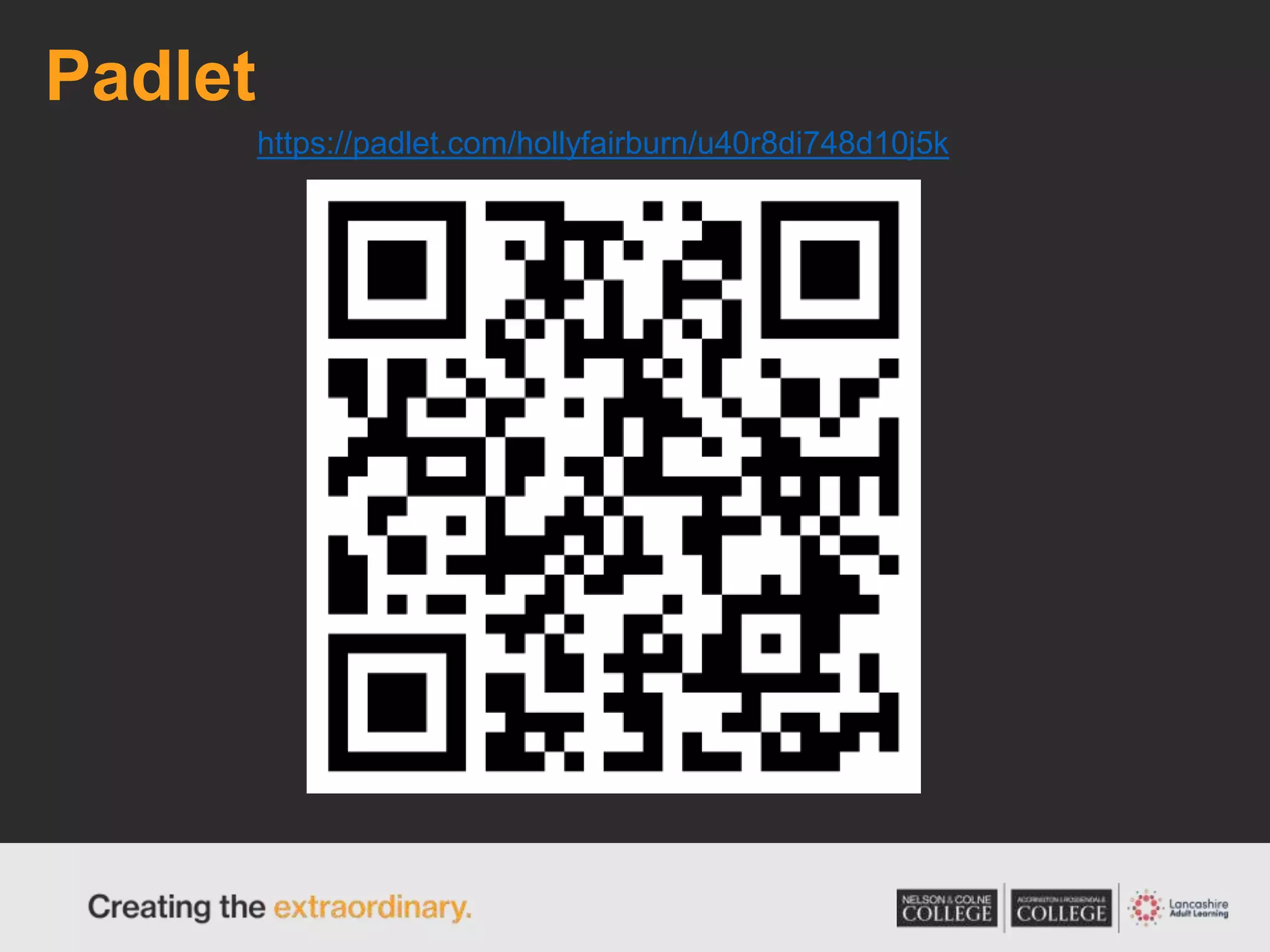
Padlet
https://padlet.com/hollyfairburn/u40r8di748d10j5k
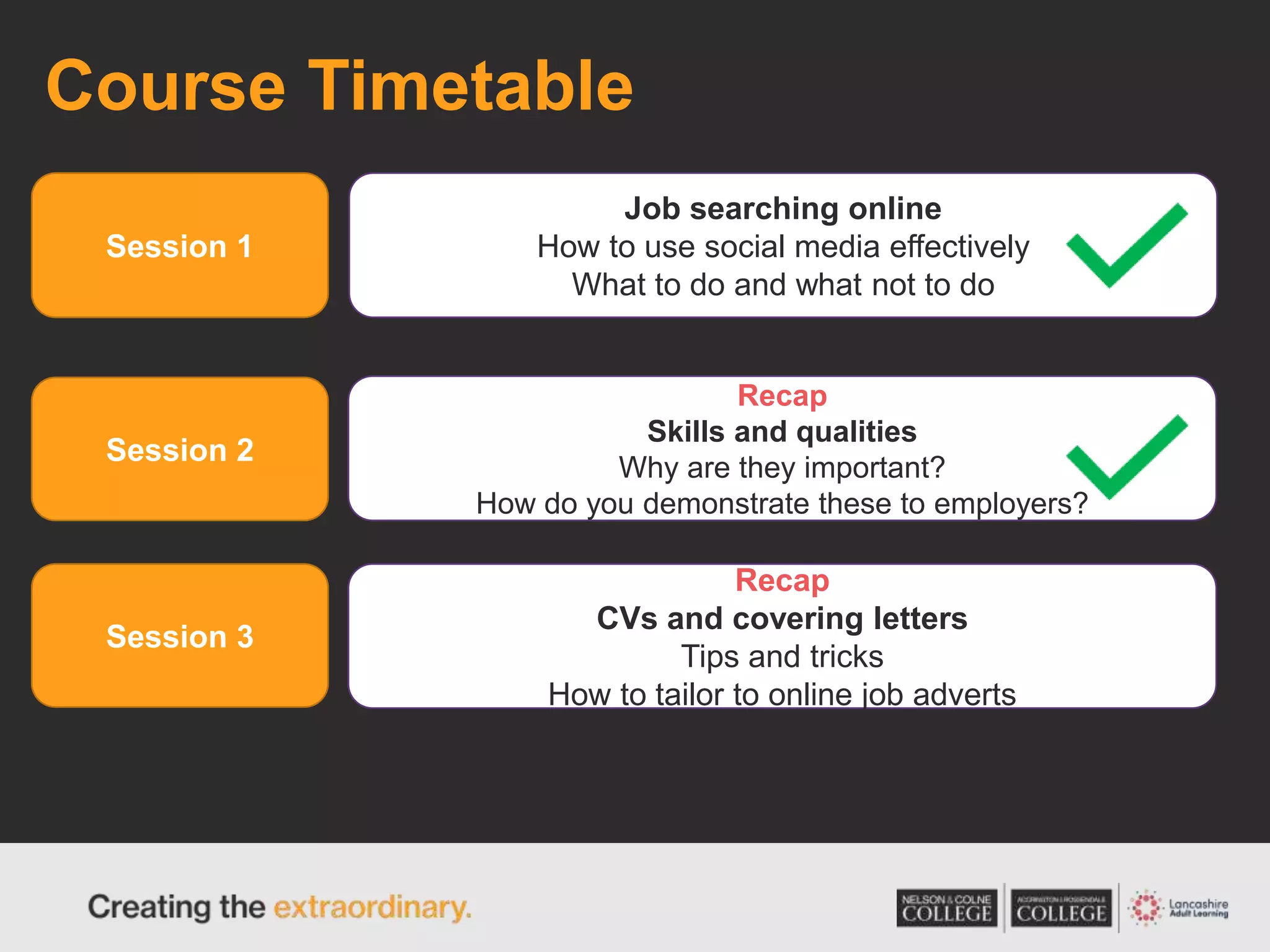
Course Timetable
Session 1
Session 2
Session 3
Job searching online
How to use social media effectively
What to do and what not to do
Recap
Skills and qualities
Why are they important?
How do you demonstrate these to employers?
Recap
CVs and covering letters
Tips and tricks
How to tailor to online job adverts
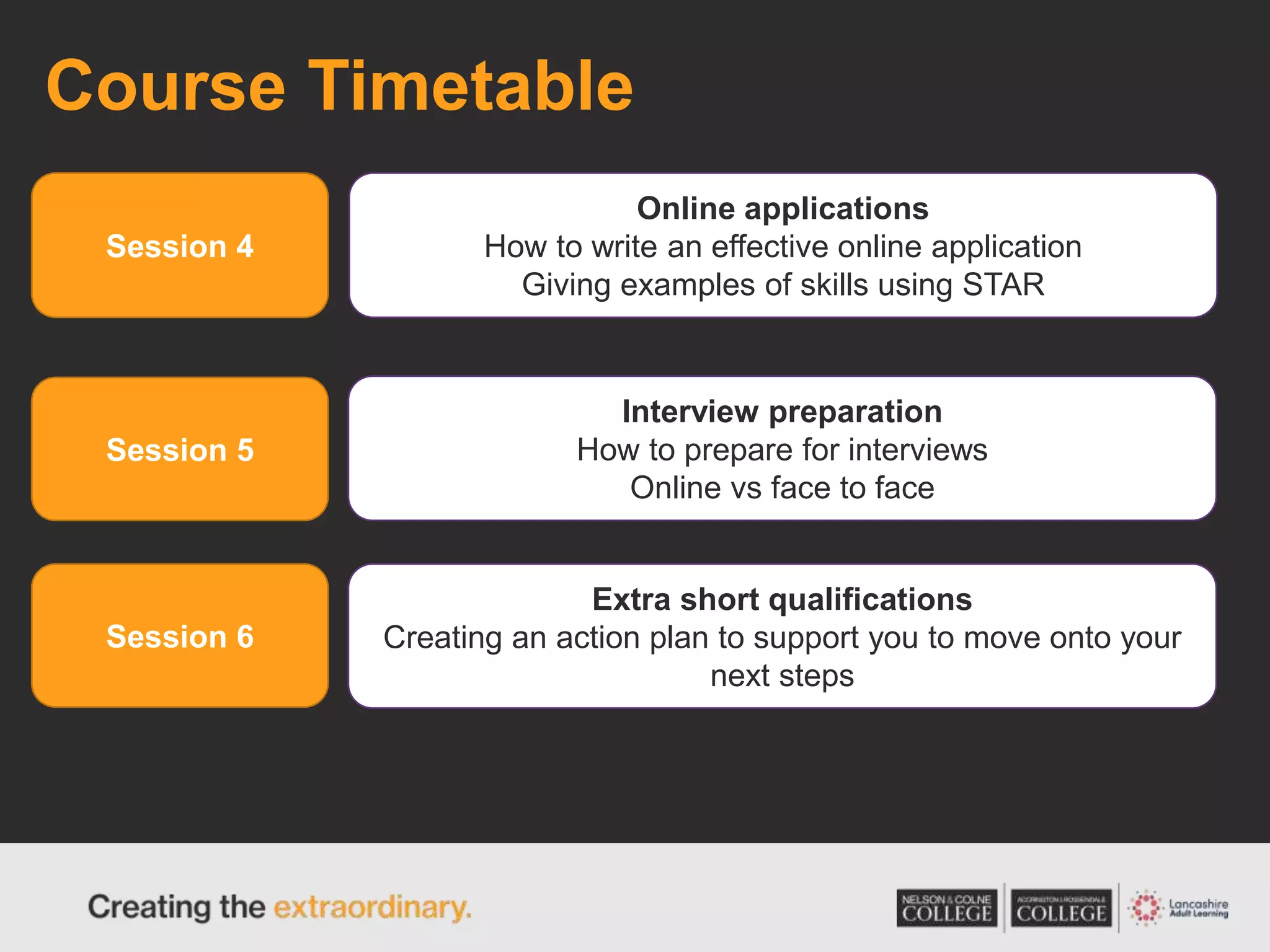
Course Timetable
Session 4
Session 5
Session 6
Online applications
How to write an effective online application
Giving examples of skills using STAR
Interview preparation
How to prepare for interviews
Online vs face to face
Extra short qualifications
Creating an action plan to support you to move onto your
next steps
What do you know?
Think back to our session on skills and qualities. What
do you remember?
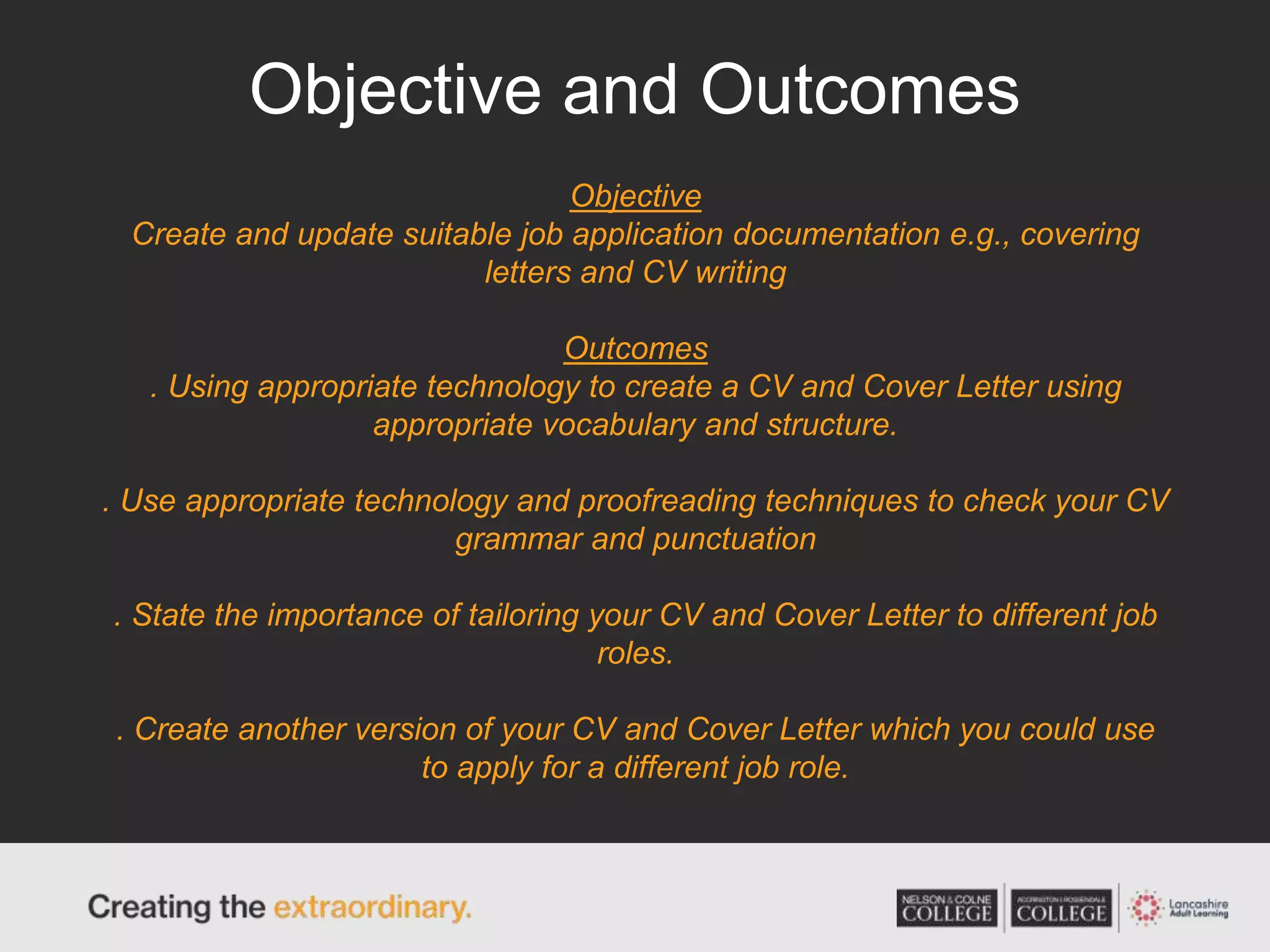
Objective and Outcomes
Objective
Create and update suitable job application documentation e.g., covering
letters and CV writing
Outcomes
. Using appropriate technology to create a CV and Cover Letter using
appropriate vocabulary and structure.
. Use appropriate technology and proofreading techniques to check your CV
grammar and punctuation
. State the importance of tailoring your CV and Cover Letter to different job
roles.
. Create another version of your CV and Cover Letter which you could use
to apply for a different job role.
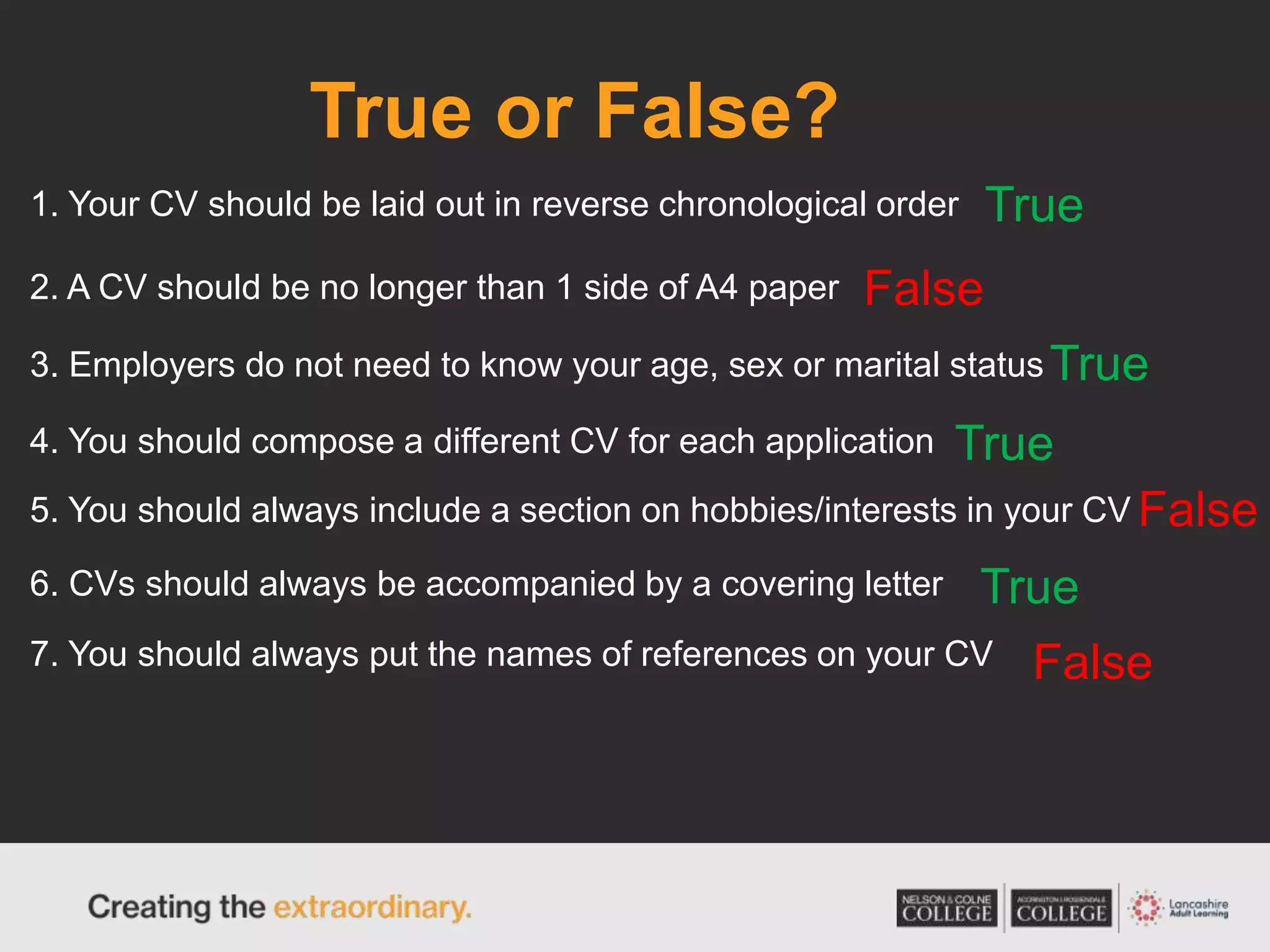
True or False?
1. Your CV should be laid out in reverse chronological order
4. You should compose a different CV for each application
6. CVs should always be accompanied by a covering letter
3. Employers do not need to know your age, sex or marital status
5. You should always include a section on hobbies/interests in your CV
2. A CV should be no longer than 1 side of A4 paper
7. You should always put the names of references on your CV
True
True
True
True
False
False
False
CV Layout
Can you find one?
Cover Letters
A cover letter introduces you to an employer and
asks them to think about your application. It’s a
short letter - 3 to 5 paragraphs - that you should
send with your CV or application form. Write it as
an email if you’re applying online or print off a
typed copy to go with a paper application.
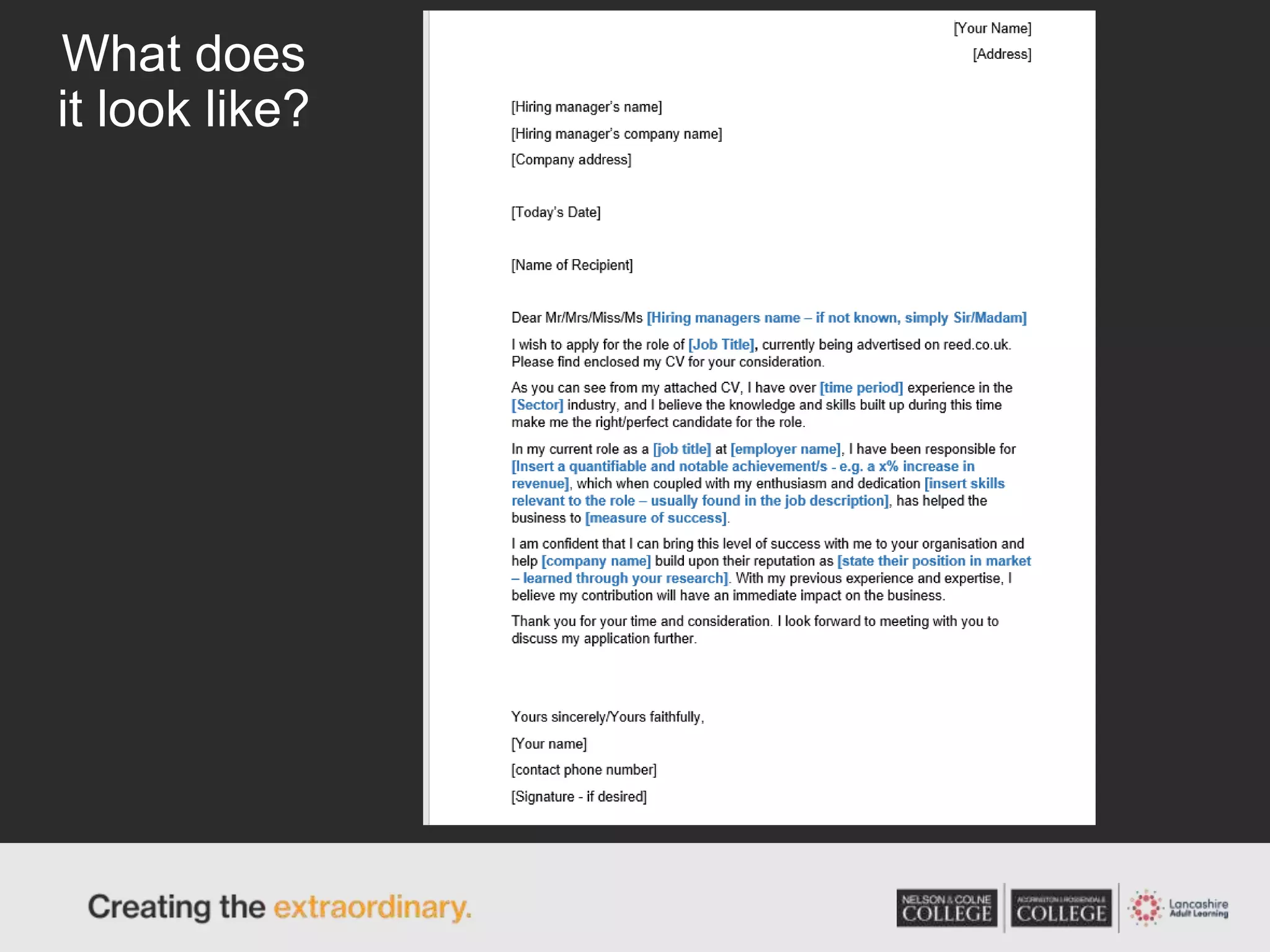
What does it include?
• Your contact information at the top
• The specific role that you’re applying to
• An address to the hiring manager
• A brief description of why you’re a good fit for the role (more on this
next)
• Your relevant experience and skills
• A conclusion that reiterates your interest and ends with a call-to-action
• Your signature
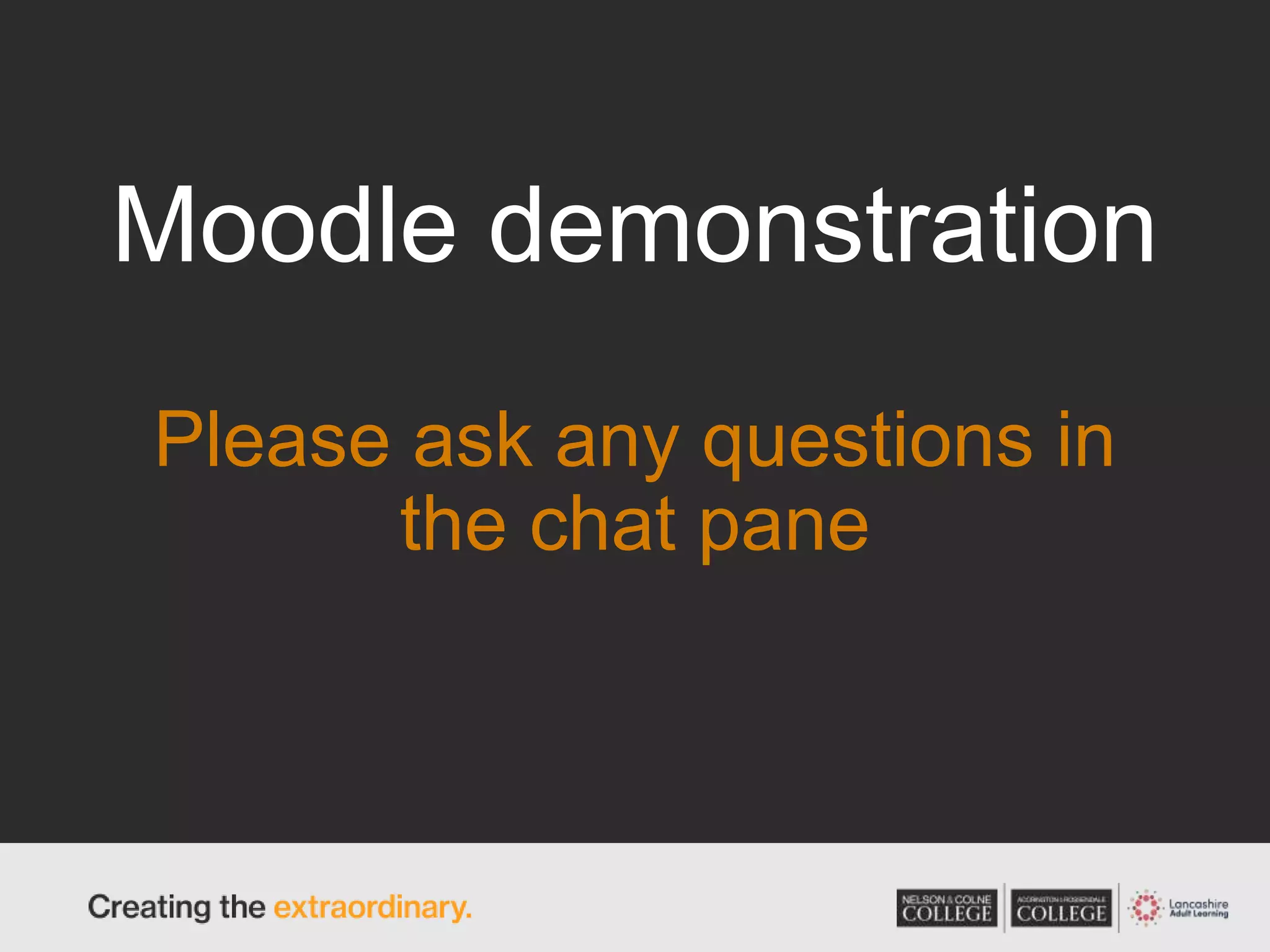
What does
it look like?
Moodle demonstration
Please ask any questions in
the chat pane
Today Tasks
Task One
Moodle – You will be sent a login and a guide on
how to log in. Familiarise yourself with this platform
Task Two
Complete ‘Exploring Occupational Areas - OCR -
Assessment 1’
Today Tasks
Task Three
Complete the SWOT Analysis
Task Four
Read through the tips on CV’s and Cover letters on
Moodle, create/update your CV and Cover Letter
and upload to Moodle

Week three cvs and cover letters

  • 1.
    Youth Hub –Employability Skills Session Three
  • 2.
  • 3.
    Course Timetable Session 1 Session2 Session 3 Job searching online How to use social media effectively What to do and what not to do Recap Skills and qualities Why are they important? How do you demonstrate these to employers? Recap CVs and covering letters Tips and tricks How to tailor to online job adverts
  • 4.
    Course Timetable Session 4 Session5 Session 6 Online applications How to write an effective online application Giving examples of skills using STAR Interview preparation How to prepare for interviews Online vs face to face Extra short qualifications Creating an action plan to support you to move onto your next steps
  • 5.
    What do youknow? Think back to our session on skills and qualities. What do you remember?
  • 6.
    Objective and Outcomes Objective Createand update suitable job application documentation e.g., covering letters and CV writing Outcomes . Using appropriate technology to create a CV and Cover Letter using appropriate vocabulary and structure. . Use appropriate technology and proofreading techniques to check your CV grammar and punctuation . State the importance of tailoring your CV and Cover Letter to different job roles. . Create another version of your CV and Cover Letter which you could use to apply for a different job role.
  • 7.
    True or False? 1.Your CV should be laid out in reverse chronological order 4. You should compose a different CV for each application 6. CVs should always be accompanied by a covering letter 3. Employers do not need to know your age, sex or marital status 5. You should always include a section on hobbies/interests in your CV 2. A CV should be no longer than 1 side of A4 paper 7. You should always put the names of references on your CV True True True True False False False
  • 8.
  • 9.
    Cover Letters A coverletter introduces you to an employer and asks them to think about your application. It’s a short letter - 3 to 5 paragraphs - that you should send with your CV or application form. Write it as an email if you’re applying online or print off a typed copy to go with a paper application.
  • 10.
    What does itinclude? • Your contact information at the top • The specific role that you’re applying to • An address to the hiring manager • A brief description of why you’re a good fit for the role (more on this next) • Your relevant experience and skills • A conclusion that reiterates your interest and ends with a call-to-action • Your signature
  • 11.
  • 12.
    Moodle demonstration Please askany questions in the chat pane
  • 13.
    Today Tasks Task One Moodle– You will be sent a login and a guide on how to log in. Familiarise yourself with this platform Task Two Complete ‘Exploring Occupational Areas - OCR - Assessment 1’
  • 14.
    Today Tasks Task Three Completethe SWOT Analysis Task Four Read through the tips on CV’s and Cover letters on Moodle, create/update your CV and Cover Letter and upload to Moodle

Editor's Notes

  • #13 Demonstrate the following in student view (so they see things they would as a student rather than tutor); How to use the Navigation Table/Return to main menu Show Day 1 information What happens when they click the draft application activity – How to submit something in this format. Show where the job descriptions are Show progress bars for the different sections Show where to find the next ‘live session’