Mountain Lakes Institute Classroom 2.0  November 2008
 
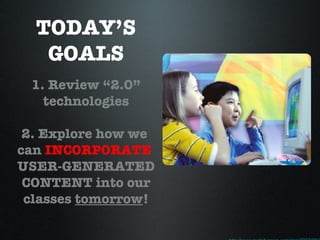
TODAY’S GOALS 1. Review “2.0” technologies 2. Explore how we  can  INCORPORATE   USER-GENERATED CONTENT into our classes  tomorrow ! http://www.nydailynews.com/img/2007/08/27/amd_hotz.jpg
2.0 Institute Topics
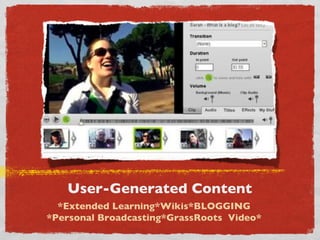
User-Generated Content *Extended Learning*Wikis*BLOGGING *Personal Broadcasting*GrassRoots  Video*
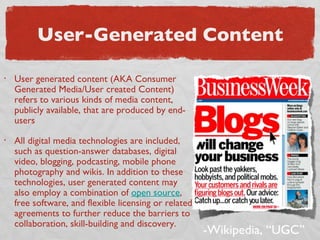
User-Generated Content User generated content (AKA Consumer Generated Media/User created Content) refers to various kinds of media content, publicly available, that are produced by end-users All digital media technologies are included, such as question-answer databases, digital video, blogging, podcasting, mobile phone photography and wikis. In addition to these technologies, user generated content may also employ a combination of  open source , free software, and flexible licensing or related agreements to further reduce the barriers to collaboration, skill-building and discovery. -Wikipedia, “UGC”
Wikis REAL Department workspaces
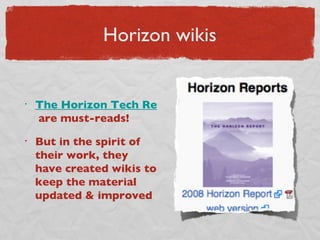
Horizon wikis The Horizon Tech Reports  are must-reads! But in the spirit of their work, they have created wikis to keep the material updated & improved
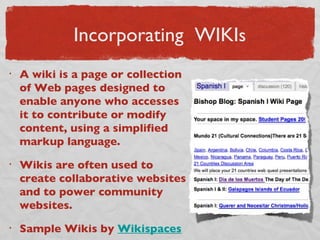
Incorporating  WIKI s A wiki is a page or collection of Web pages designed to enable anyone who accesses it to contribute or modify content, using a simplified markup language.  Wikis are often used to create collaborative websites and to power community websites.  Sample Wikis by  Wikispaces
Online Photo Sharing
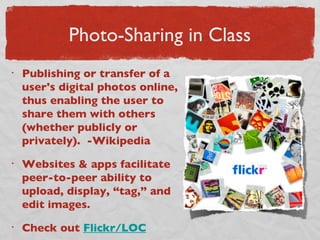
Photo-Sharing in Class Publishing or transfer of a user's digital photos online, thus enabling the user to share them with others (whether publicly or privately).  -Wikipedia Websites & apps facilitate peer-to-peer ability to upload, display, “tag,” and edit images.  Check out  Flickr/LOC
Blogging http://www.commoncraft.com/store
Educational Blog Sites? Student Bloggers? http://bionicteaching.com / http://web.mac.com/iajukes/thecommittedsardine/BLOG/BLOG.html http://www.classroom20.com / (more social network) http://clive-shepherd.blogspot.com / More on  Delicious
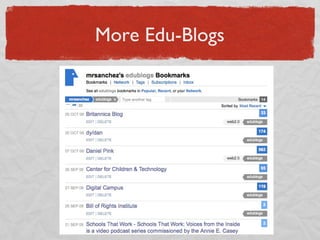
More Edu-Blogs
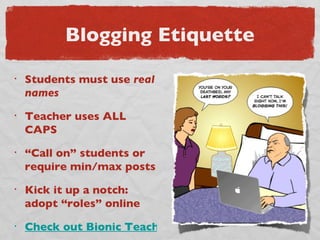
Blogging Etiquette Students must use  real names Teacher uses ALL CAPS “ Call on” students or require min/max posts Kick it up a notch: adopt “roles” online Check out Bionic Teaching 4/08
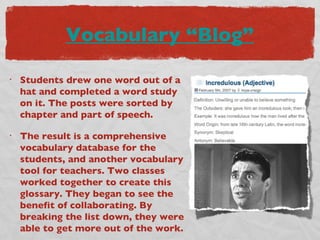
Vocabulary “Blog” Students drew one word out of a hat and completed a word study on it. The posts were sorted by chapter and part of speech.  The result is a comprehensive vocabulary database for the students, and another vocabulary tool for teachers. Two classes worked together to create this glossary. They began to see the benefit of collaborating. By breaking the list down, they were able to get more out of the work.
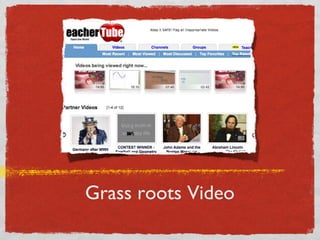
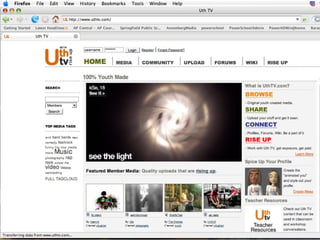
Grass roots Video
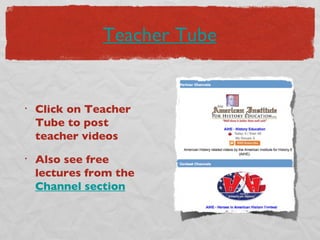
Teacher Tube Click on Teacher Tube to post teacher videos Also see free lectures from the  Channel section
 
Nov 2008 Bibliography Wikis Text from Horizon Report  http://www.nmc.org/horizon/  & wikipedia (UCC 2007) In Plain English video from  http://www.commoncraft.com/store Sample wikis from Wikispaces  http://educationalwikis.wikispaces.com/Examples+of+educational+wikis Horizon Tech wikis  http://horizon.nmc.org/wiki/Main_Page
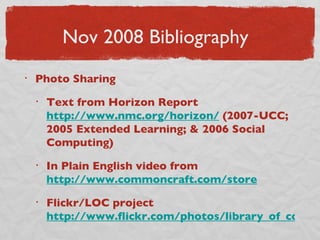
Nov 2008 Bibliography Photo Sharing Text from Horizon Report  http://www.nmc.org/horizon/  (2007-UCC; 2005 Extended Learning; & 2006 Social Computing) In Plain English video from  http://www.commoncraft.com/store Flickr/LOC project  http://www.flickr.com/photos/library_of_congress/
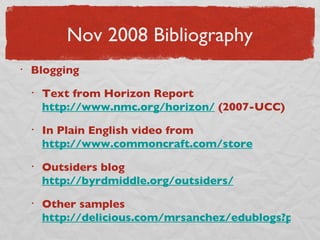
Nov 2008 Bibliography Blogging Text from Horizon Report  http://www.nmc.org/horizon/  (2007-UCC) In Plain English video from  http://www.commoncraft.com/store Outsiders blog  http://byrdmiddle.org/outsiders/ Other samples  http://delicious.com/mrsanchez/edublogs?page=1

Web2nov2008

  • 1.
    Mountain Lakes InstituteClassroom 2.0 November 2008
  • 2.
  • 3.
    TODAY’S GOALS 1.Review “2.0” technologies 2. Explore how we can INCORPORATE USER-GENERATED CONTENT into our classes tomorrow ! http://www.nydailynews.com/img/2007/08/27/amd_hotz.jpg
  • 4.
  • 5.
    User-Generated Content *ExtendedLearning*Wikis*BLOGGING *Personal Broadcasting*GrassRoots Video*
  • 6.
    User-Generated Content Usergenerated content (AKA Consumer Generated Media/User created Content) refers to various kinds of media content, publicly available, that are produced by end-users All digital media technologies are included, such as question-answer databases, digital video, blogging, podcasting, mobile phone photography and wikis. In addition to these technologies, user generated content may also employ a combination of open source , free software, and flexible licensing or related agreements to further reduce the barriers to collaboration, skill-building and discovery. -Wikipedia, “UGC”
  • 7.
  • 8.
    Horizon wikis TheHorizon Tech Reports are must-reads! But in the spirit of their work, they have created wikis to keep the material updated & improved
  • 9.
    Incorporating WIKIs A wiki is a page or collection of Web pages designed to enable anyone who accesses it to contribute or modify content, using a simplified markup language. Wikis are often used to create collaborative websites and to power community websites. Sample Wikis by Wikispaces
  • 10.
  • 11.
    Photo-Sharing in ClassPublishing or transfer of a user's digital photos online, thus enabling the user to share them with others (whether publicly or privately). -Wikipedia Websites & apps facilitate peer-to-peer ability to upload, display, “tag,” and edit images. Check out Flickr/LOC
  • 12.
  • 13.
    Educational Blog Sites?Student Bloggers? http://bionicteaching.com / http://web.mac.com/iajukes/thecommittedsardine/BLOG/BLOG.html http://www.classroom20.com / (more social network) http://clive-shepherd.blogspot.com / More on Delicious
  • 14.
  • 15.
    Blogging Etiquette Studentsmust use real names Teacher uses ALL CAPS “ Call on” students or require min/max posts Kick it up a notch: adopt “roles” online Check out Bionic Teaching 4/08
  • 16.
    Vocabulary “Blog” Studentsdrew one word out of a hat and completed a word study on it. The posts were sorted by chapter and part of speech. The result is a comprehensive vocabulary database for the students, and another vocabulary tool for teachers. Two classes worked together to create this glossary. They began to see the benefit of collaborating. By breaking the list down, they were able to get more out of the work.
  • 17.
  • 18.
    Teacher Tube Clickon Teacher Tube to post teacher videos Also see free lectures from the Channel section
  • 19.
  • 20.
    Nov 2008 BibliographyWikis Text from Horizon Report http://www.nmc.org/horizon/ & wikipedia (UCC 2007) In Plain English video from http://www.commoncraft.com/store Sample wikis from Wikispaces http://educationalwikis.wikispaces.com/Examples+of+educational+wikis Horizon Tech wikis http://horizon.nmc.org/wiki/Main_Page
  • 21.
    Nov 2008 BibliographyPhoto Sharing Text from Horizon Report http://www.nmc.org/horizon/ (2007-UCC; 2005 Extended Learning; & 2006 Social Computing) In Plain English video from http://www.commoncraft.com/store Flickr/LOC project http://www.flickr.com/photos/library_of_congress/
  • 22.
    Nov 2008 BibliographyBlogging Text from Horizon Report http://www.nmc.org/horizon/ (2007-UCC) In Plain English video from http://www.commoncraft.com/store Outsiders blog http://byrdmiddle.org/outsiders/ Other samples http://delicious.com/mrsanchez/edublogs?page=1