WebRTC, STUN and TURN
Amitesh Madhur
Cisco Systems
Agenda
 User Media
 Peer Connection
 STUN and TURN
 Setting up STUN and TURN
Agenda
 User Media
 Peer Connection
 STUN and TURN
 Setting up STUN and TURN
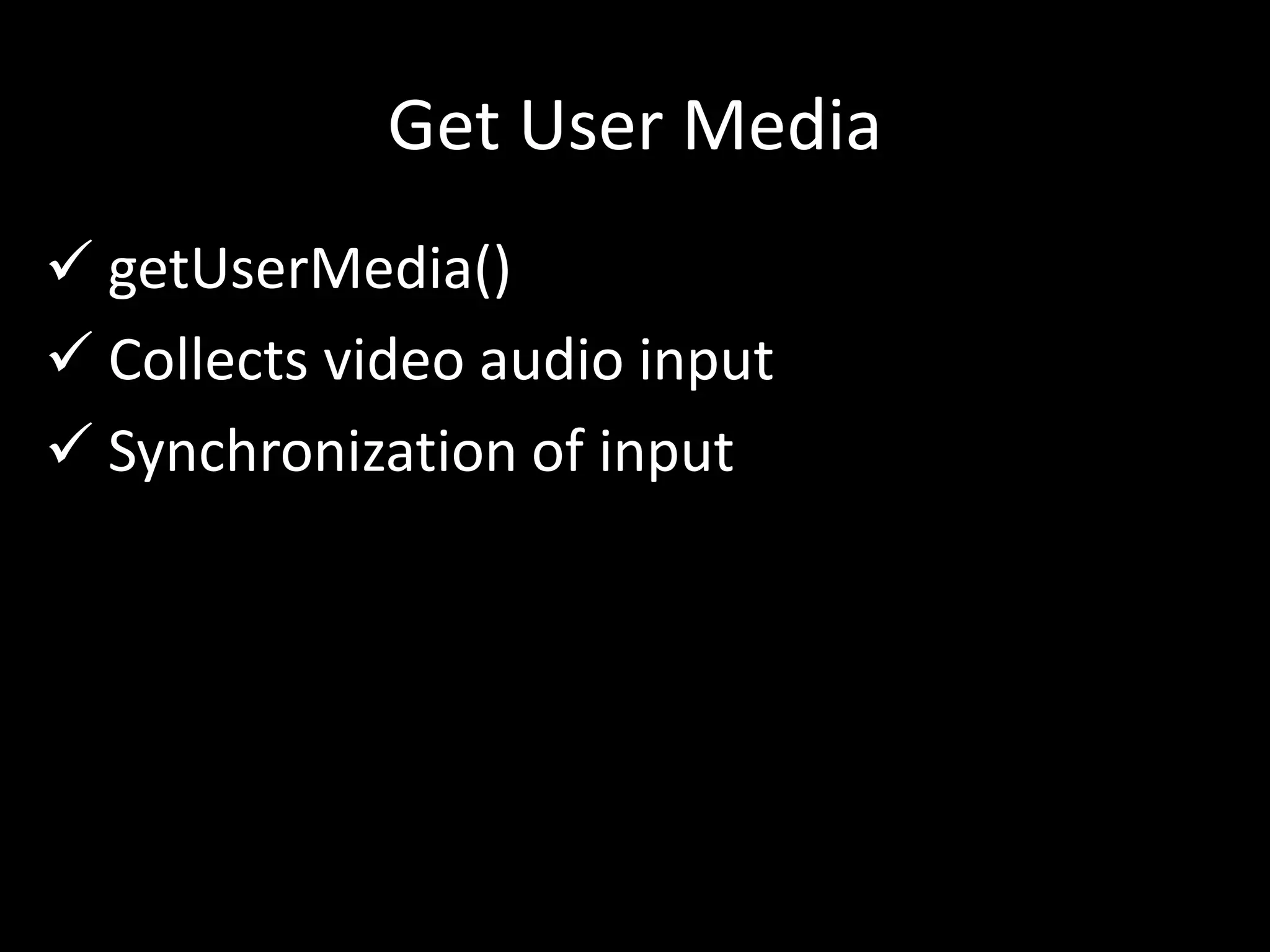
Get User Media
 getUserMedia()
 Collects video audio input
 Synchronization of input
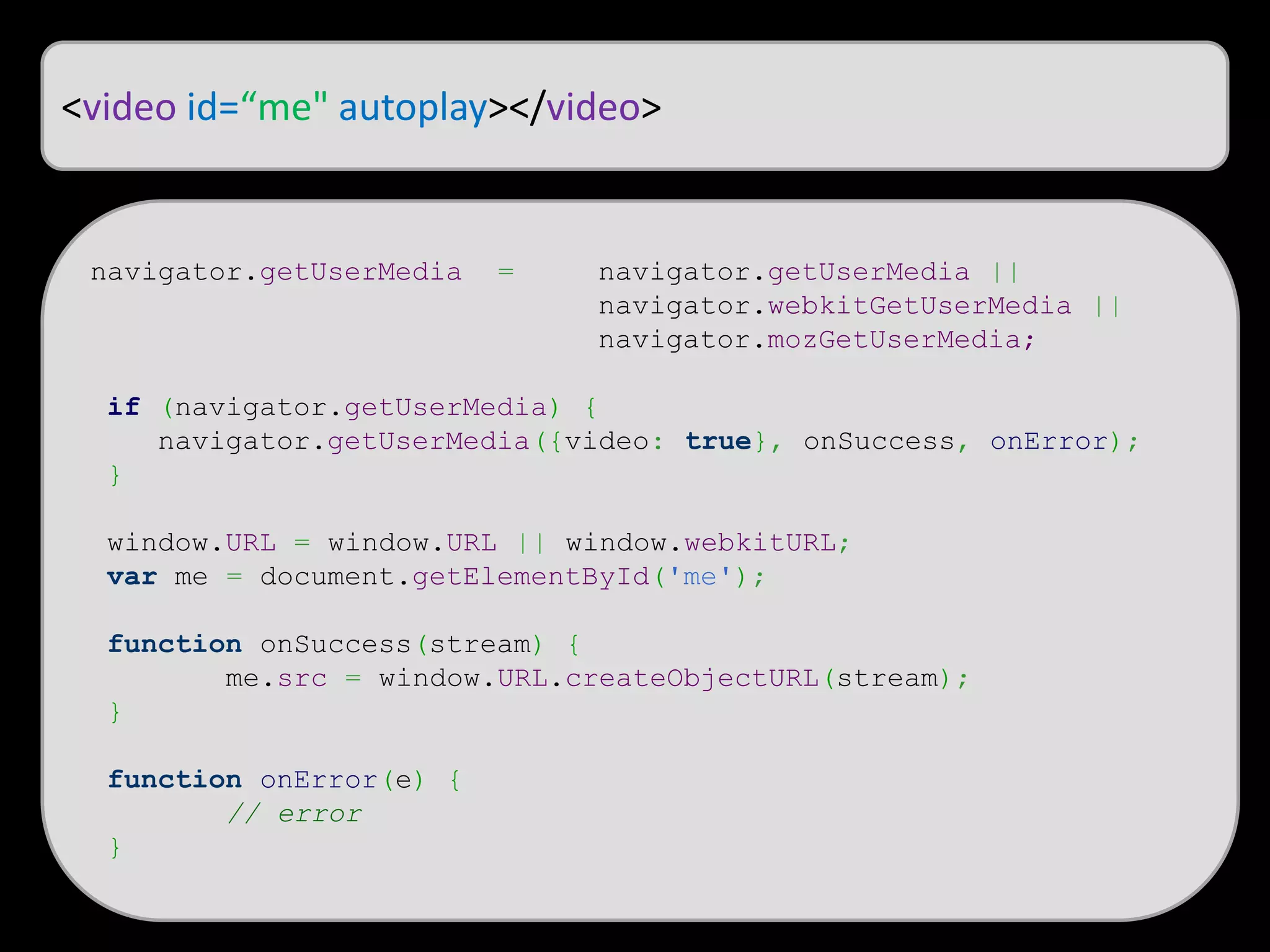
<video id=“me" autoplay></video>
navigator.getUserMedia = navigator.getUserMedia ||
navigator.webkitGetUserMedia ||
navigator.mozGetUserMedia;
if (navigator.getUserMedia) {
navigator.getUserMedia({video: true}, onSuccess, onError);
}
window.URL = window.URL || window.webkitURL;
var me = document.getElementById('me');
function onSuccess(stream) {
me.src = window.URL.createObjectURL(stream);
}
function onError(e) {
// error
}
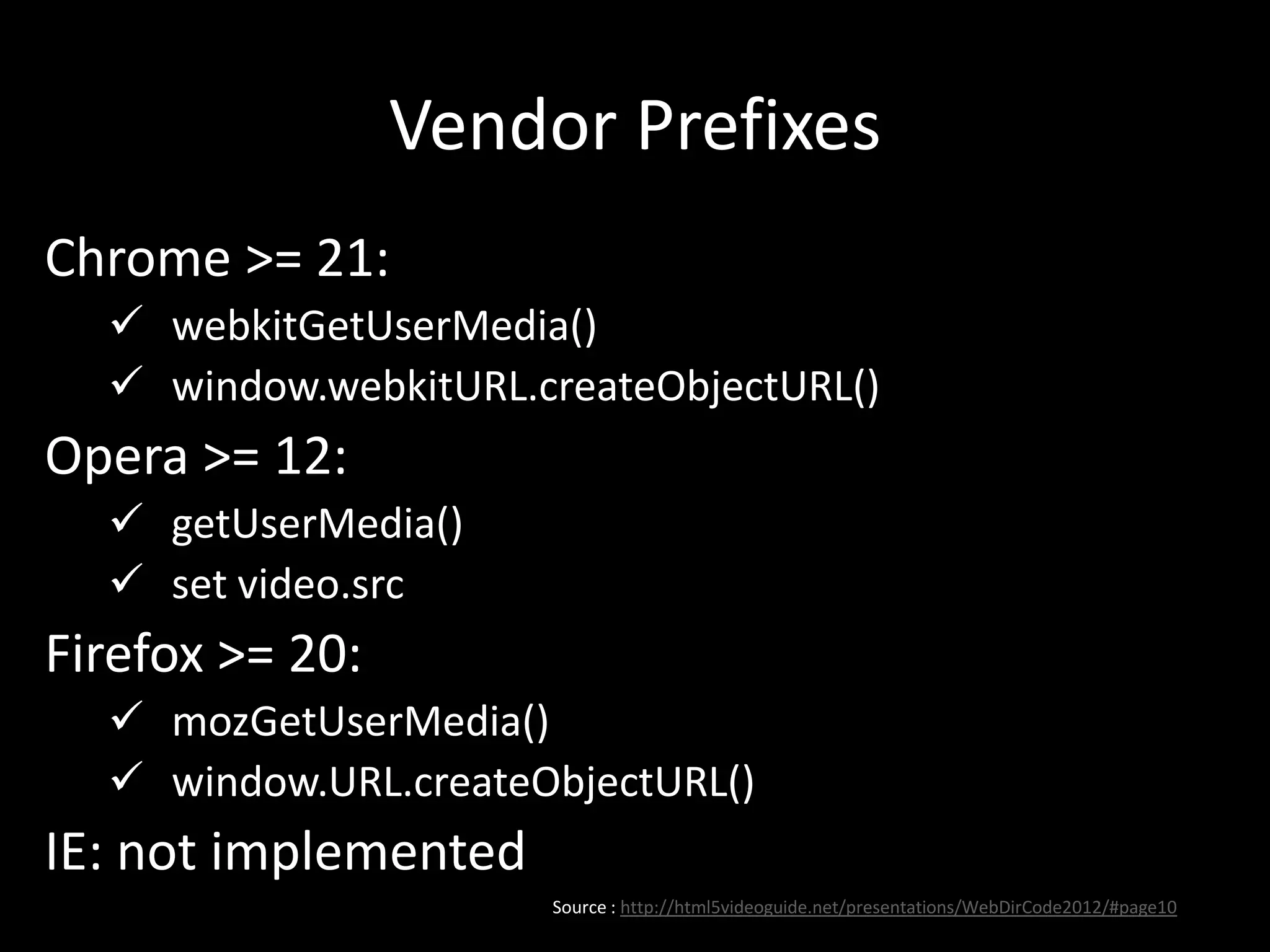
Vendor Prefixes
Chrome >= 21:
 webkitGetUserMedia()
 window.webkitURL.createObjectURL()
Opera >= 12:
 getUserMedia()
 set video.src
Firefox >= 20:
 mozGetUserMedia()
 window.URL.createObjectURL()
IE: not implemented
Source : http://html5videoguide.net/presentations/WebDirCode2012/#page10
Agenda
 User Media
 Peer Connection
 STUN and TURN
 Setting up STUN and TURN
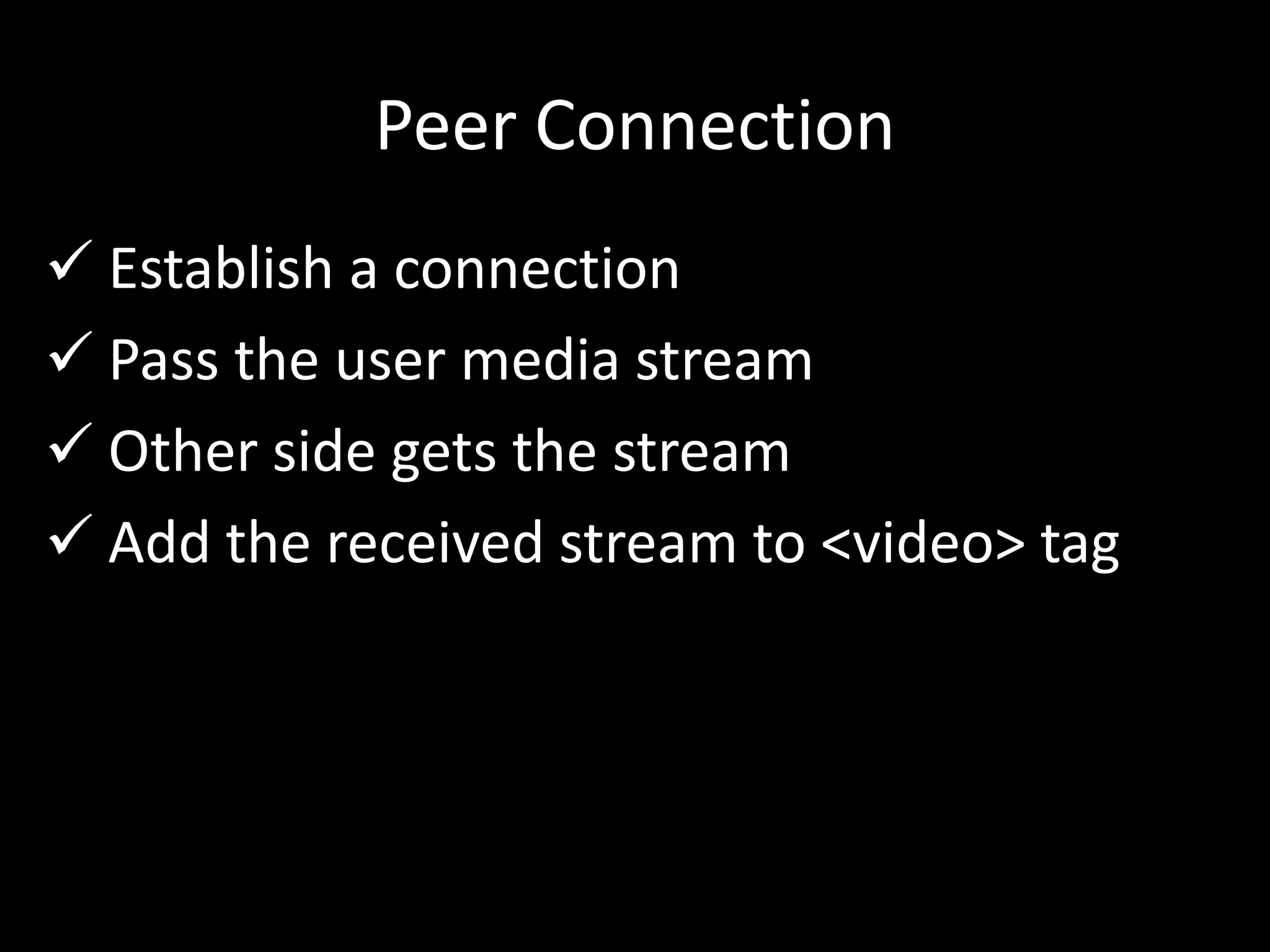
Peer Connection
 Establish a connection
 Pass the user media stream
 Other side gets the stream
 Add the received stream to <video> tag
Peer Connection
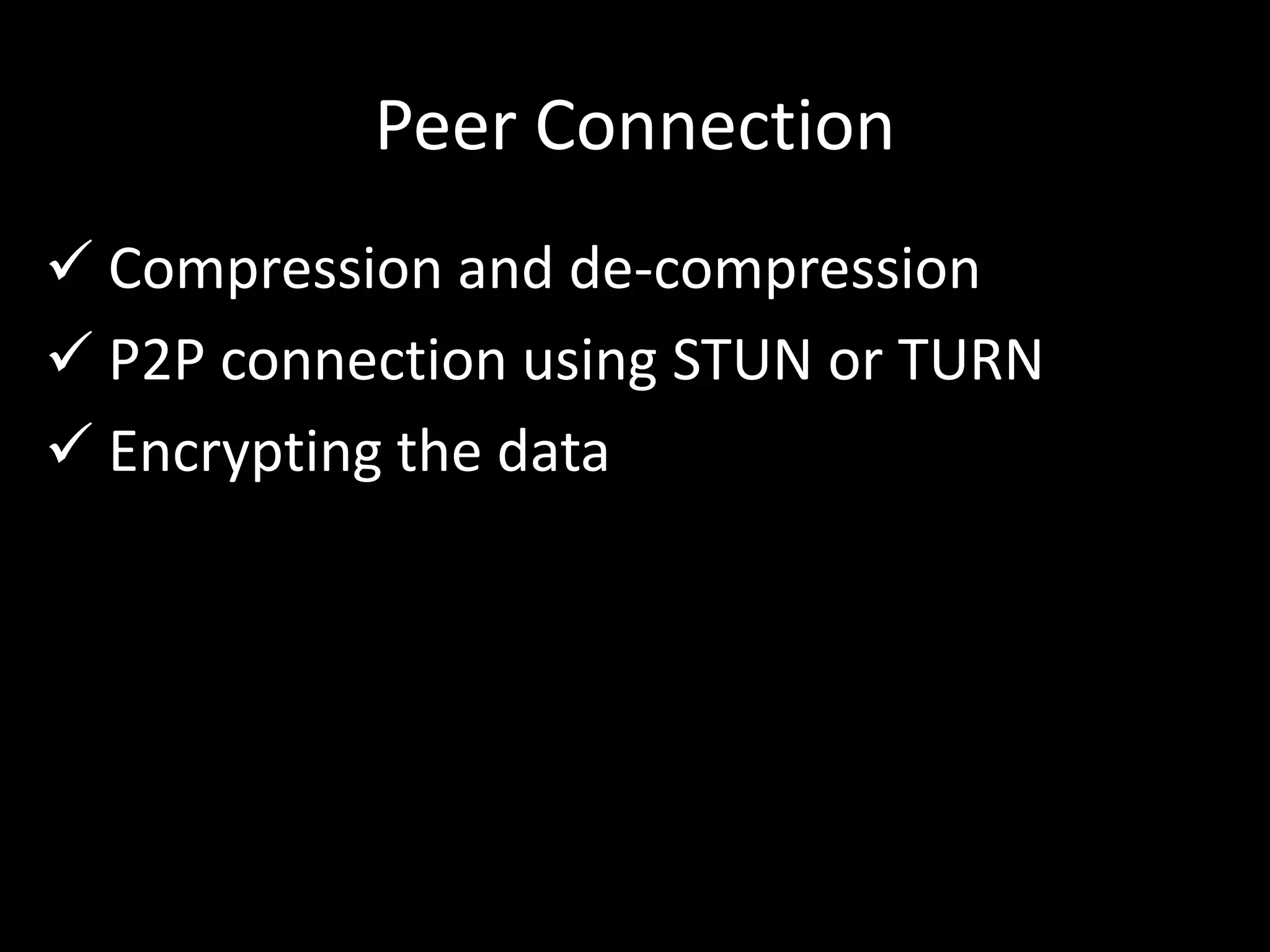
 Compression and de-compression
 P2P connection using STUN or TURN
 Encrypting the data
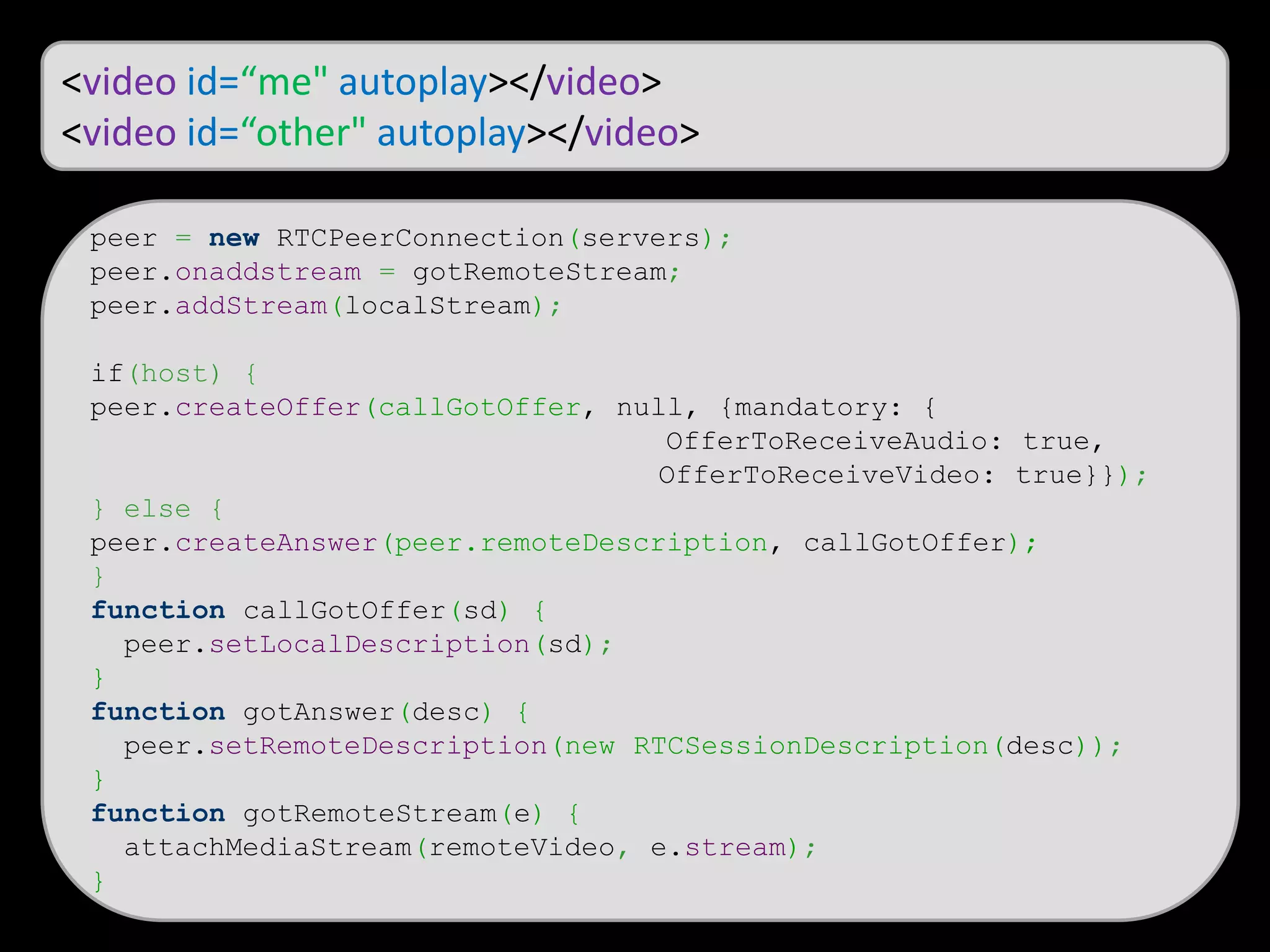
<video id=“me" autoplay></video>
<video id=“other" autoplay></video>
peer = new RTCPeerConnection(servers);
peer.onaddstream = gotRemoteStream;
peer.addStream(localStream);
if(host) {
peer.createOffer(callGotOffer, null, {mandatory: {
OfferToReceiveAudio: true,
OfferToReceiveVideo: true}});
} else {
peer.createAnswer(peer.remoteDescription, callGotOffer);
}
function callGotOffer(sd) {
peer.setLocalDescription(sd);
}
function gotAnswer(desc) {
peer.setRemoteDescription(new RTCSessionDescription(desc));
}
function gotRemoteStream(e) {
attachMediaStream(remoteVideo, e.stream);
}
chrome://webrtc-internals/
Agenda
 User Media
 Peer Connection
 STUN and TURN
 Setting up STUN and TURN
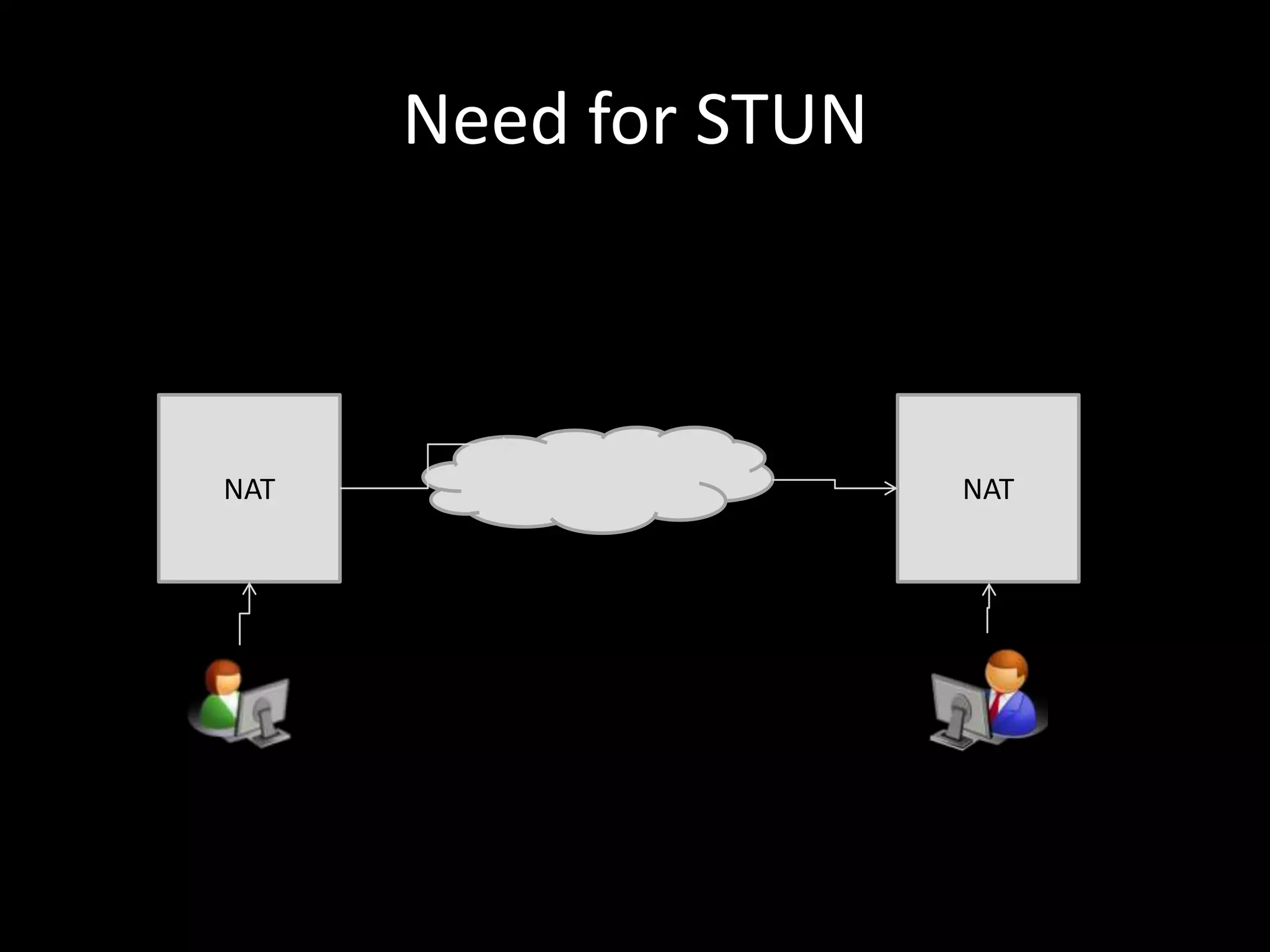
Need for STUN
NAT NAT
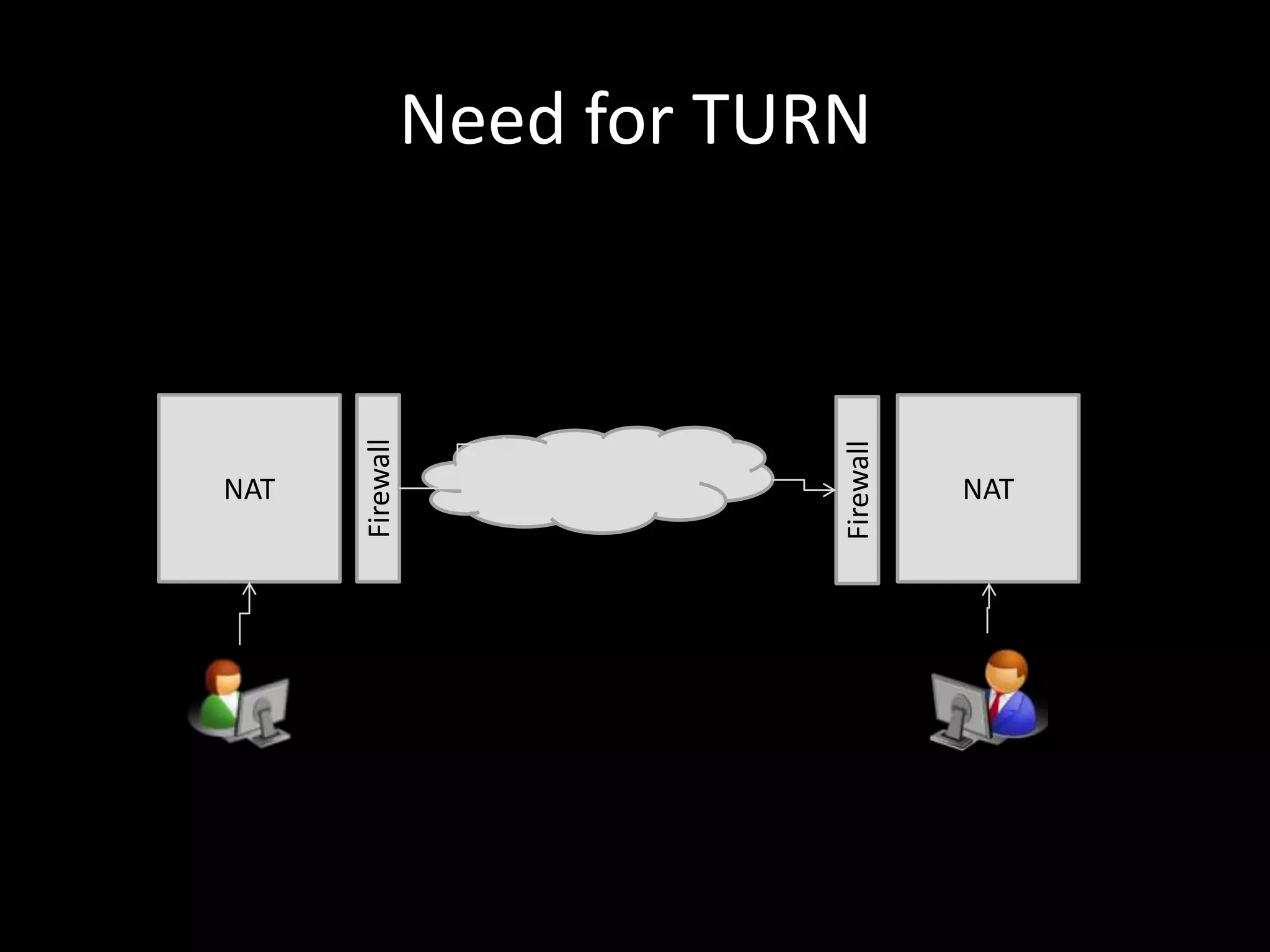
Need for TURN
NAT
Firewall
NAT
Firewall
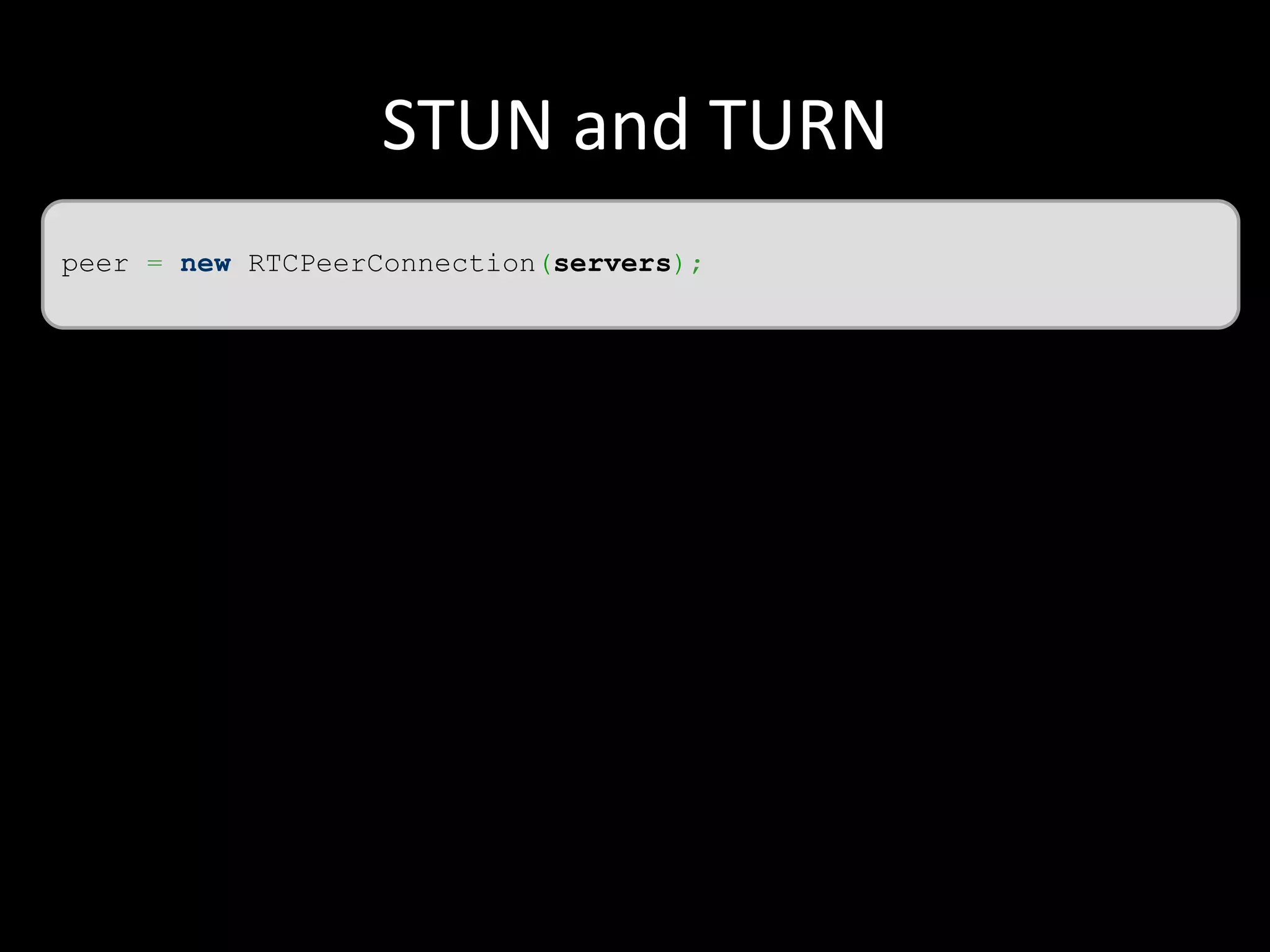
STUN and TURN
peer = new RTCPeerConnection(servers);
STUN and TURN
var chrome, stun, turn, servers = {}, peer;
chrome = parseInt(navigator.userAgent.match(/Chrom(e|ium)/([0-9]+)./ )[2]);
stun = {url: 'stun:10.0.0.7:9999‘};
turn = {url: 'turn:amitesh@10.0.0.7:333', credential: ‘pass‘};
if (isChrome && chrome >= 28) {
turn = {
url: 'turn:10.0.0.7:3333',
credential: 'madhur',
username: 'amitesh'
};
}
servers.iceServers = [stun, turn];
peer = new RTCPeerConnection(servers);
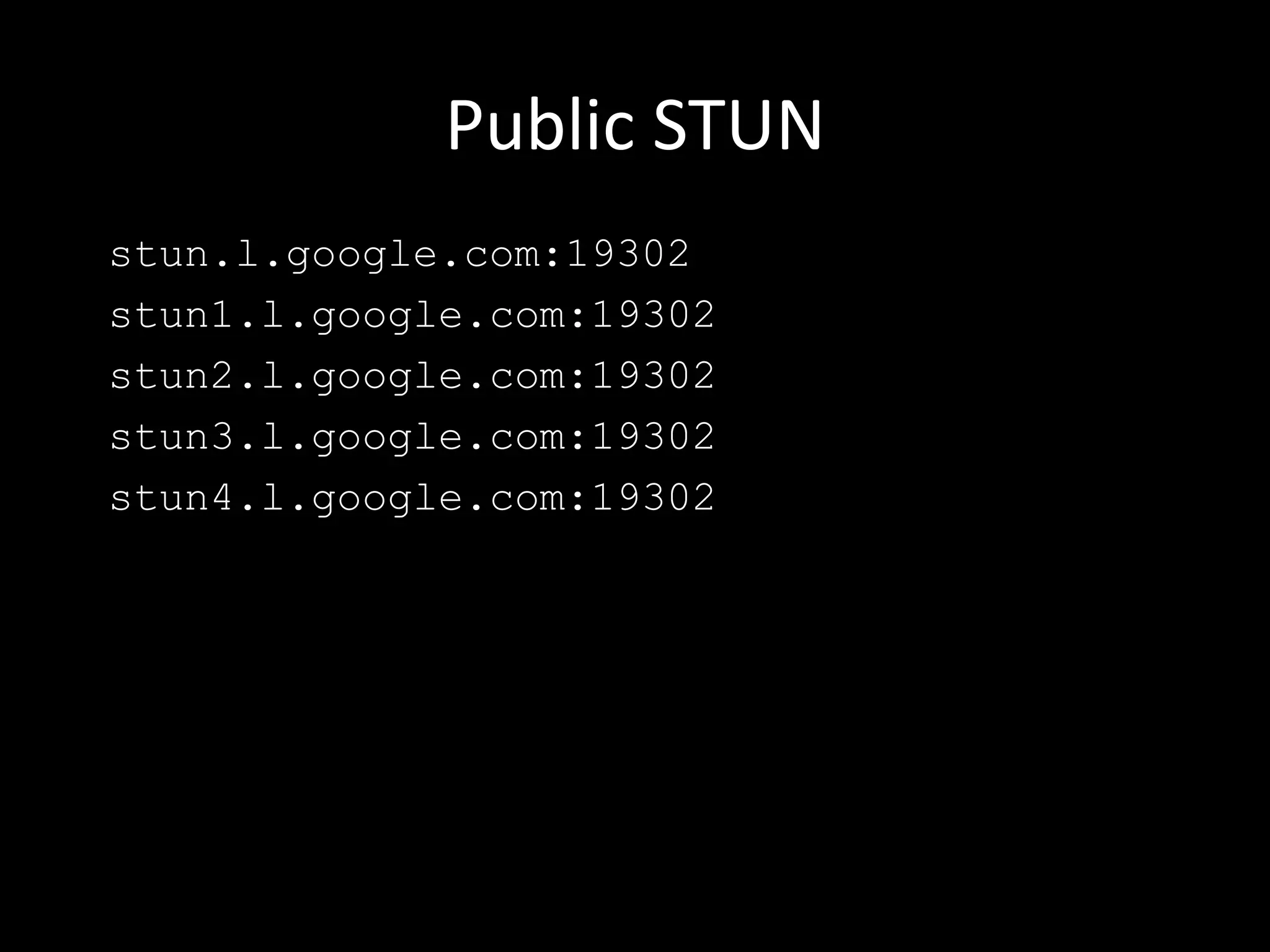
Public STUN
stun.l.google.com:19302
stun1.l.google.com:19302
stun2.l.google.com:19302
stun3.l.google.com:19302
stun4.l.google.com:19302
Agenda
 User Media
 Peer Connection
 STUN and TURN
 Setting up STUN and TURN
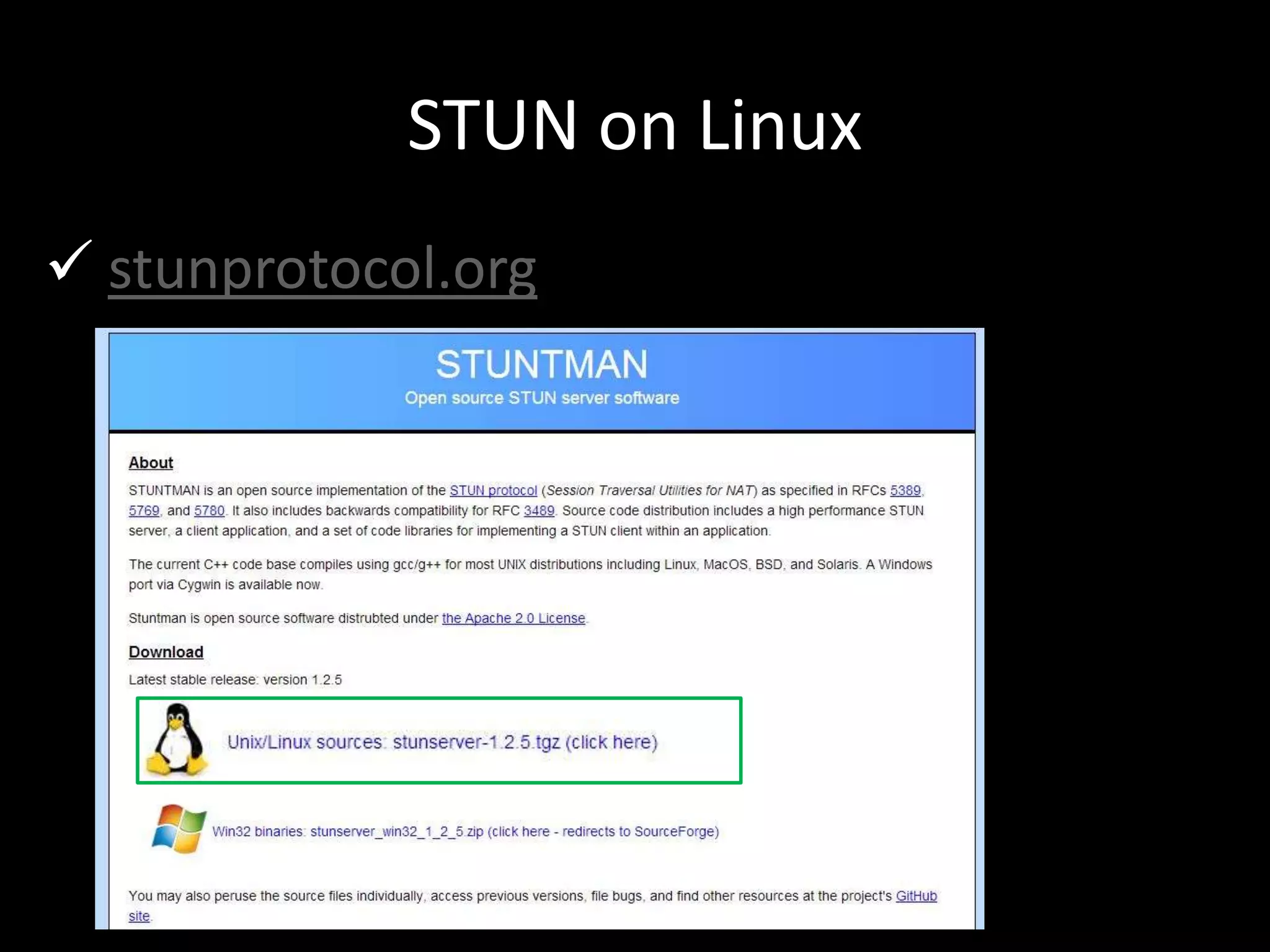
STUN on Linux
 stunprotocol.org
STUN on Linux
 Run “make”
 Provides 3 libraries
(stunserver, stunclient and stuntestcode)
 Run stunserver --help or stunclient --help
 By default runs on port 3478
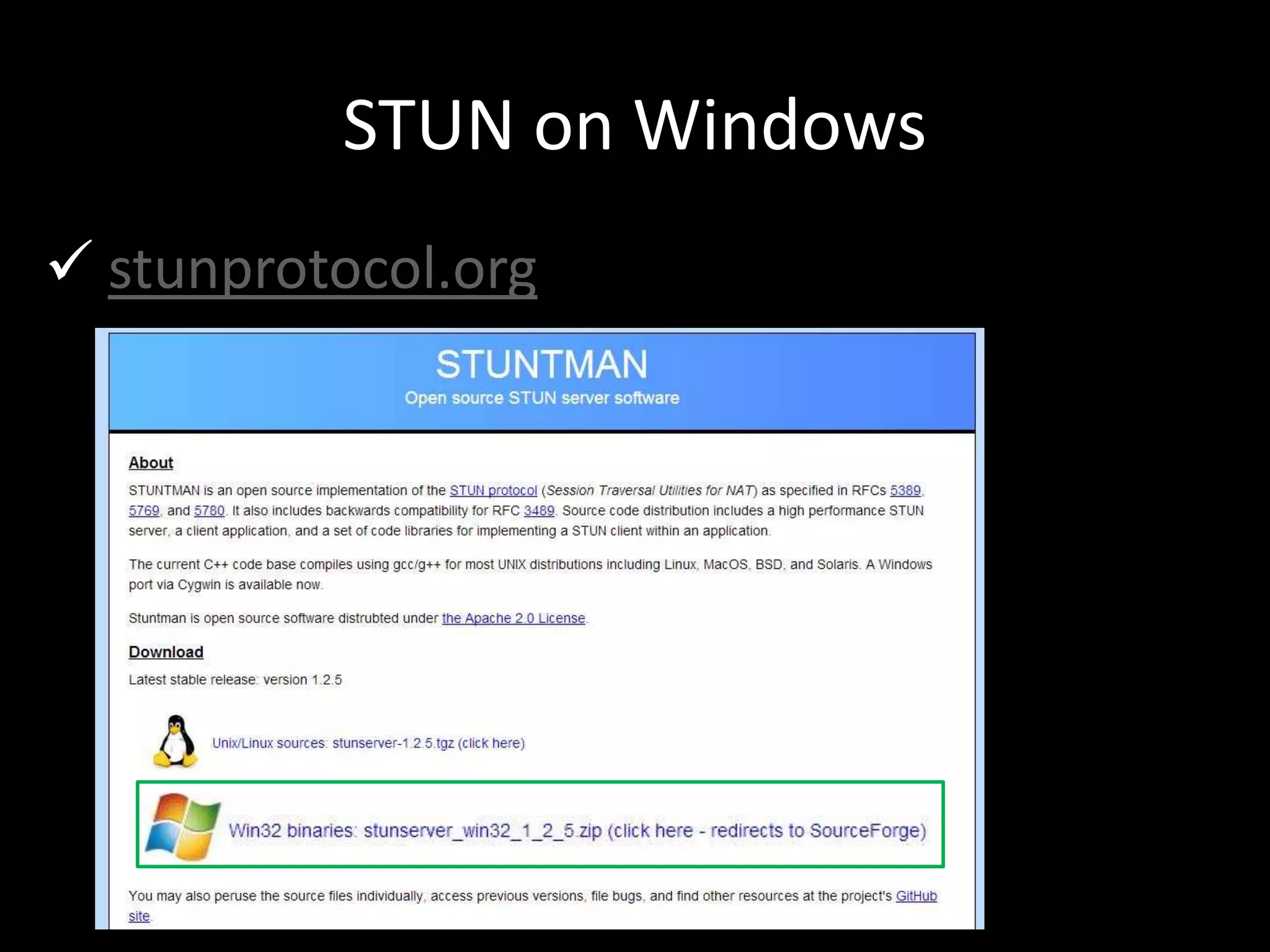
STUN on Windows
 stunprotocol.org
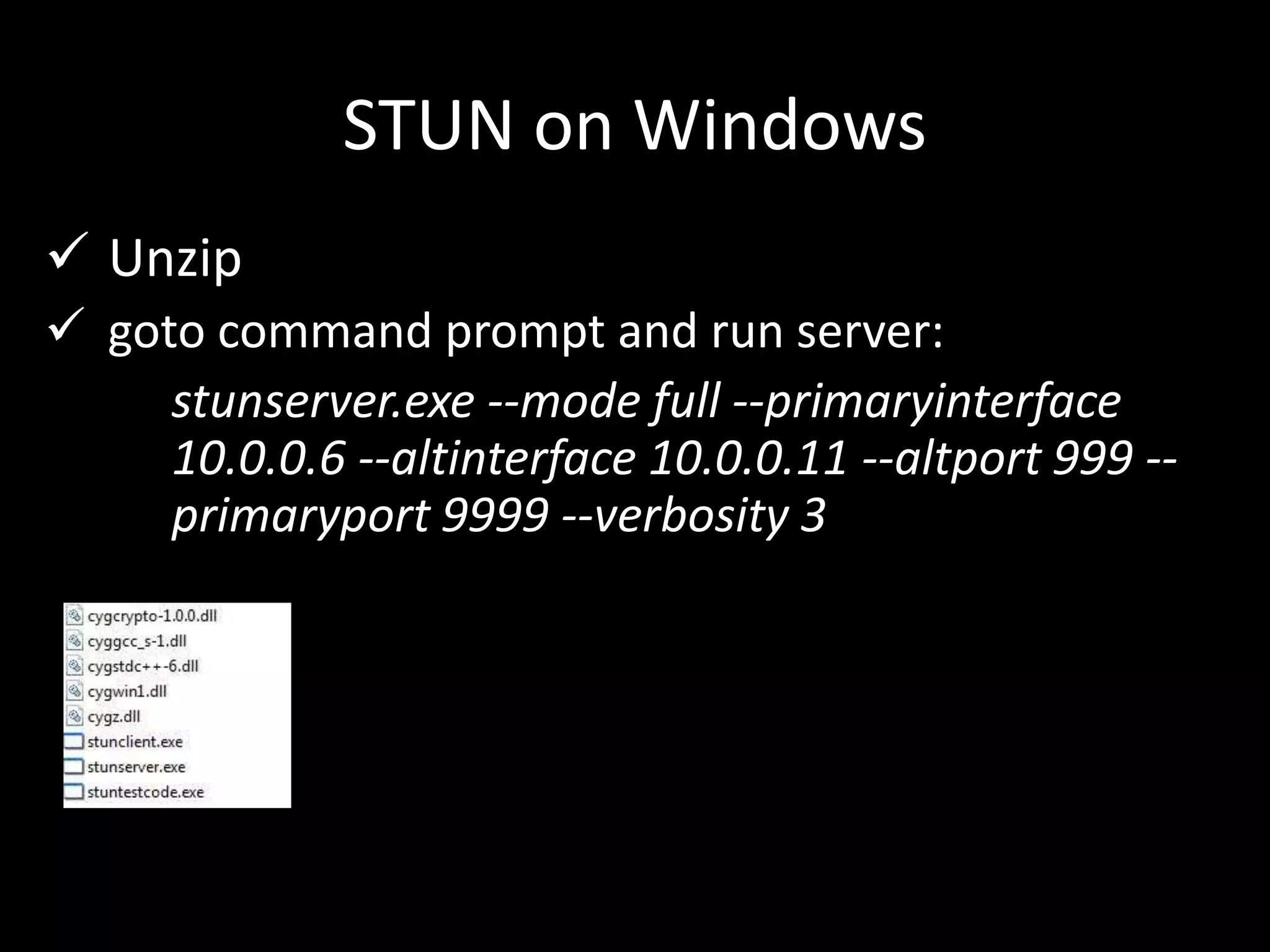
STUN on Windows
 Unzip
 goto command prompt and run server:
stunserver.exe --mode full --primaryinterface
10.0.0.6 --altinterface 10.0.0.11 --altport 999 --
primaryport 9999 --verbosity 3
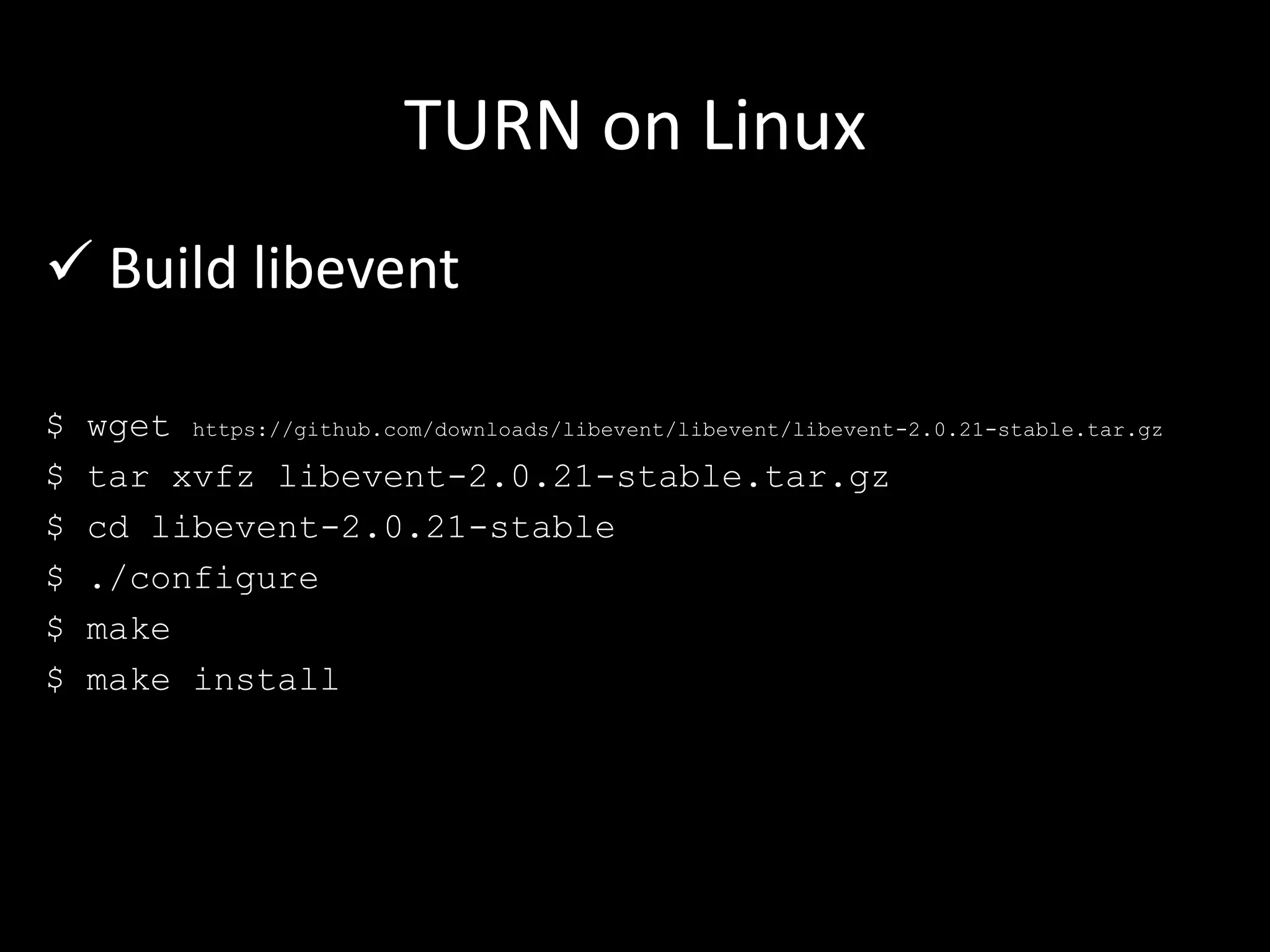
TURN on Linux
 Build libevent
$ wget https://github.com/downloads/libevent/libevent/libevent-2.0.21-stable.tar.gz
$ tar xvfz libevent-2.0.21-stable.tar.gz
$ cd libevent-2.0.21-stable
$ ./configure
$ make
$ make install
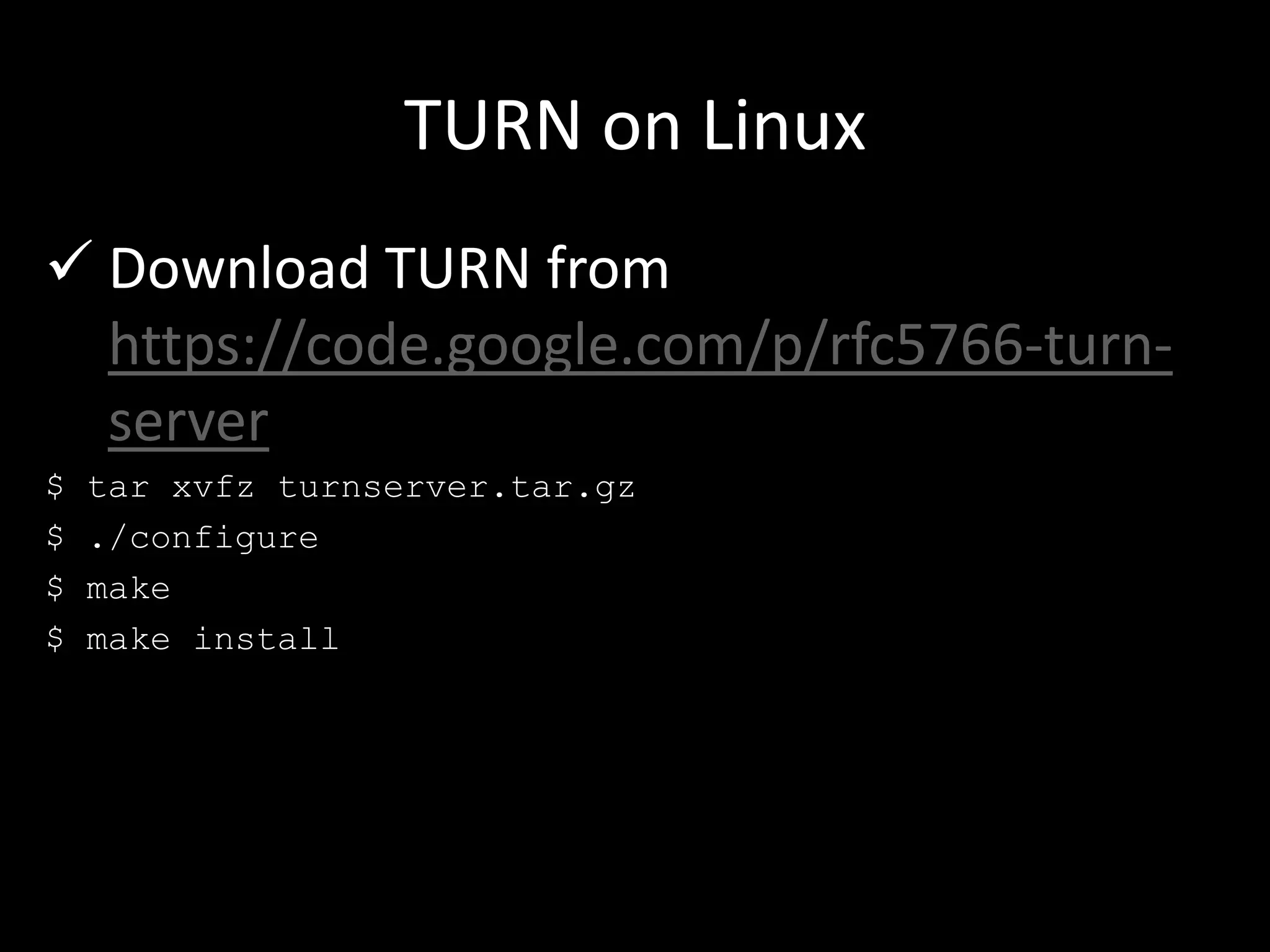
TURN on Linux
 Download TURN from
https://code.google.com/p/rfc5766-turn-
server
$ tar xvfz turnserver.tar.gz
$ ./configure
$ make
$ make install
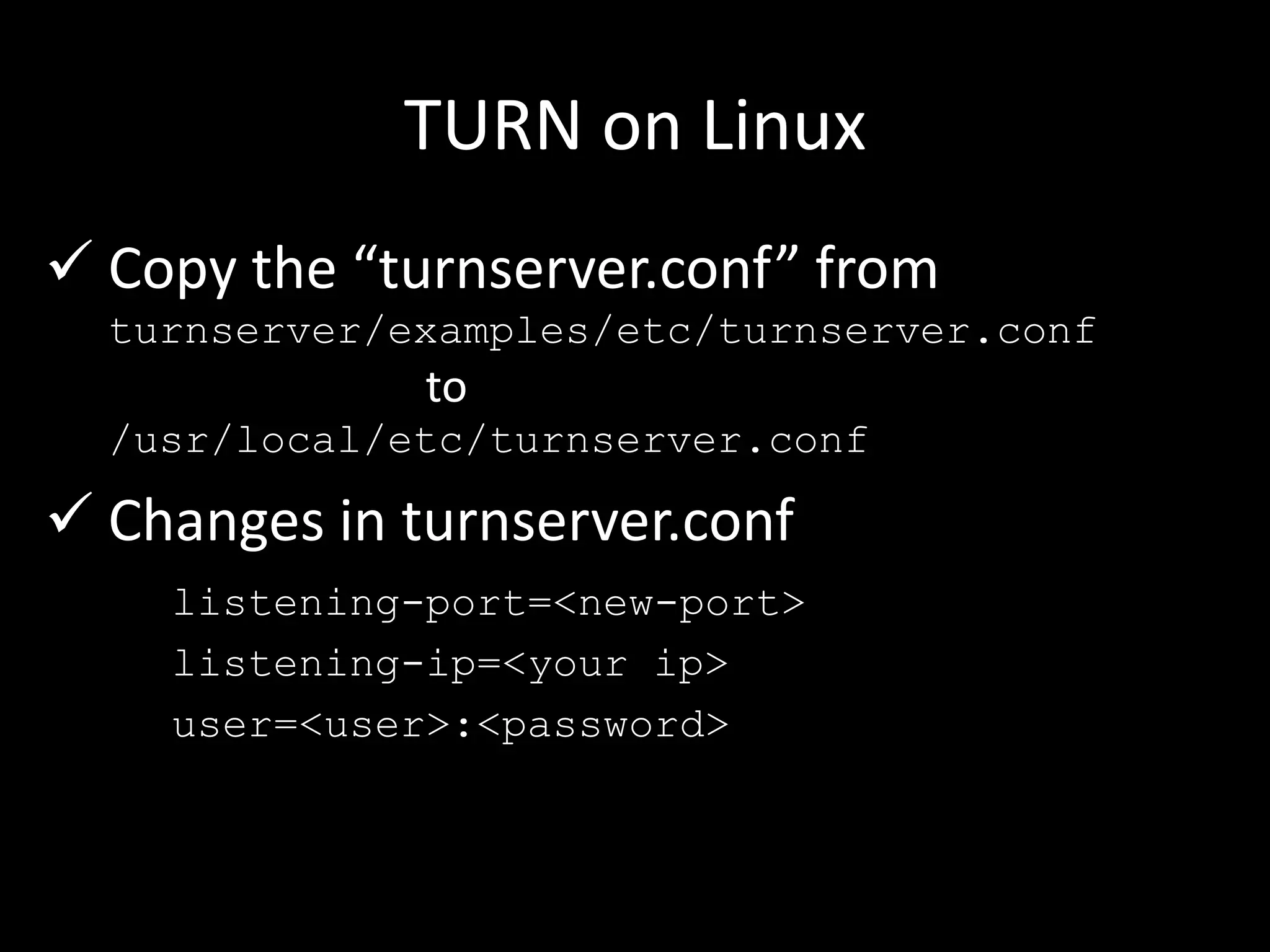
TURN on Linux
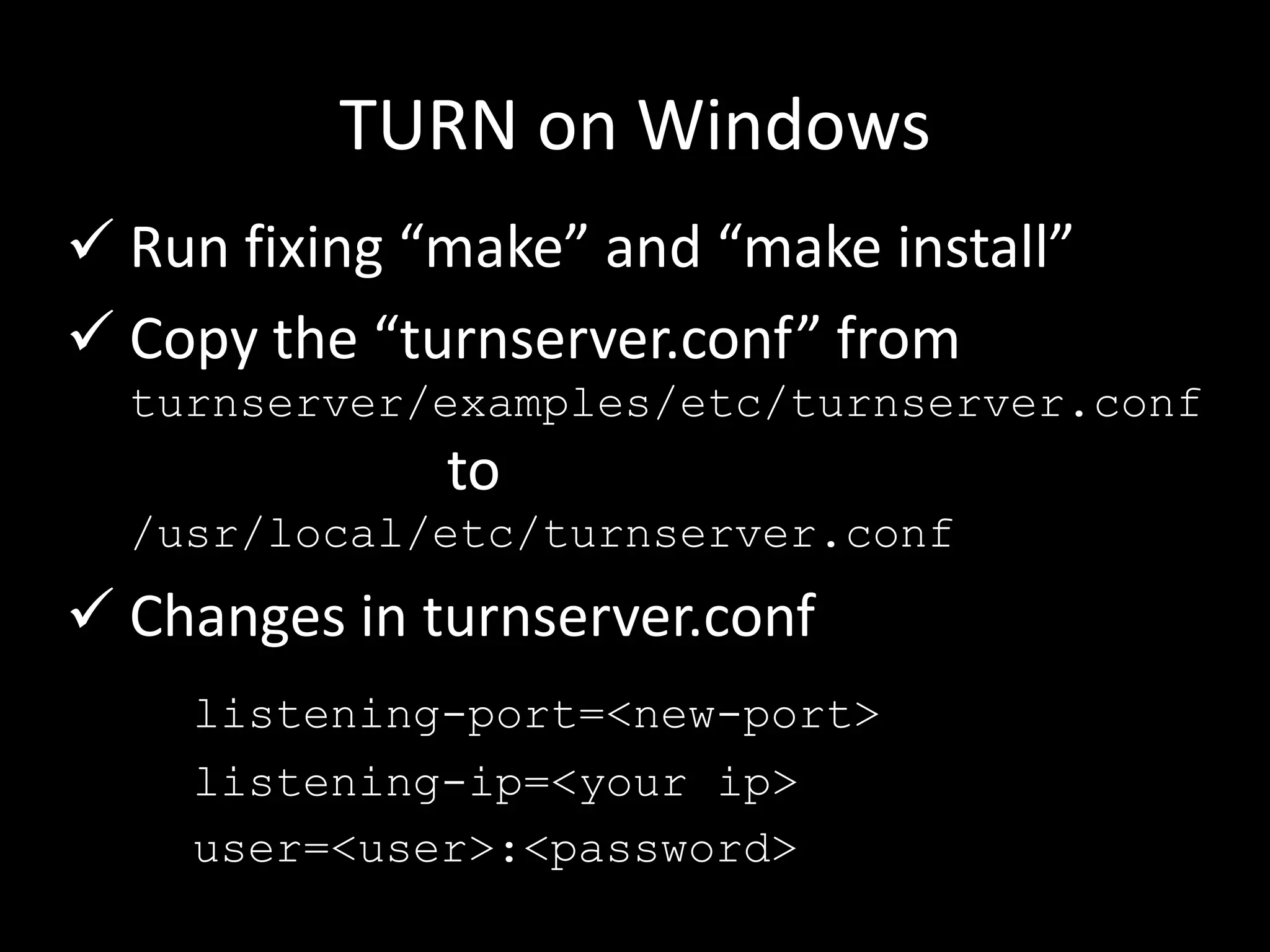
 Copy the “turnserver.conf” from
turnserver/examples/etc/turnserver.conf
to
/usr/local/etc/turnserver.conf
 Changes in turnserver.conf
listening-port=<new-port>
listening-ip=<your ip>
user=<user>:<password>
TURN on Linux
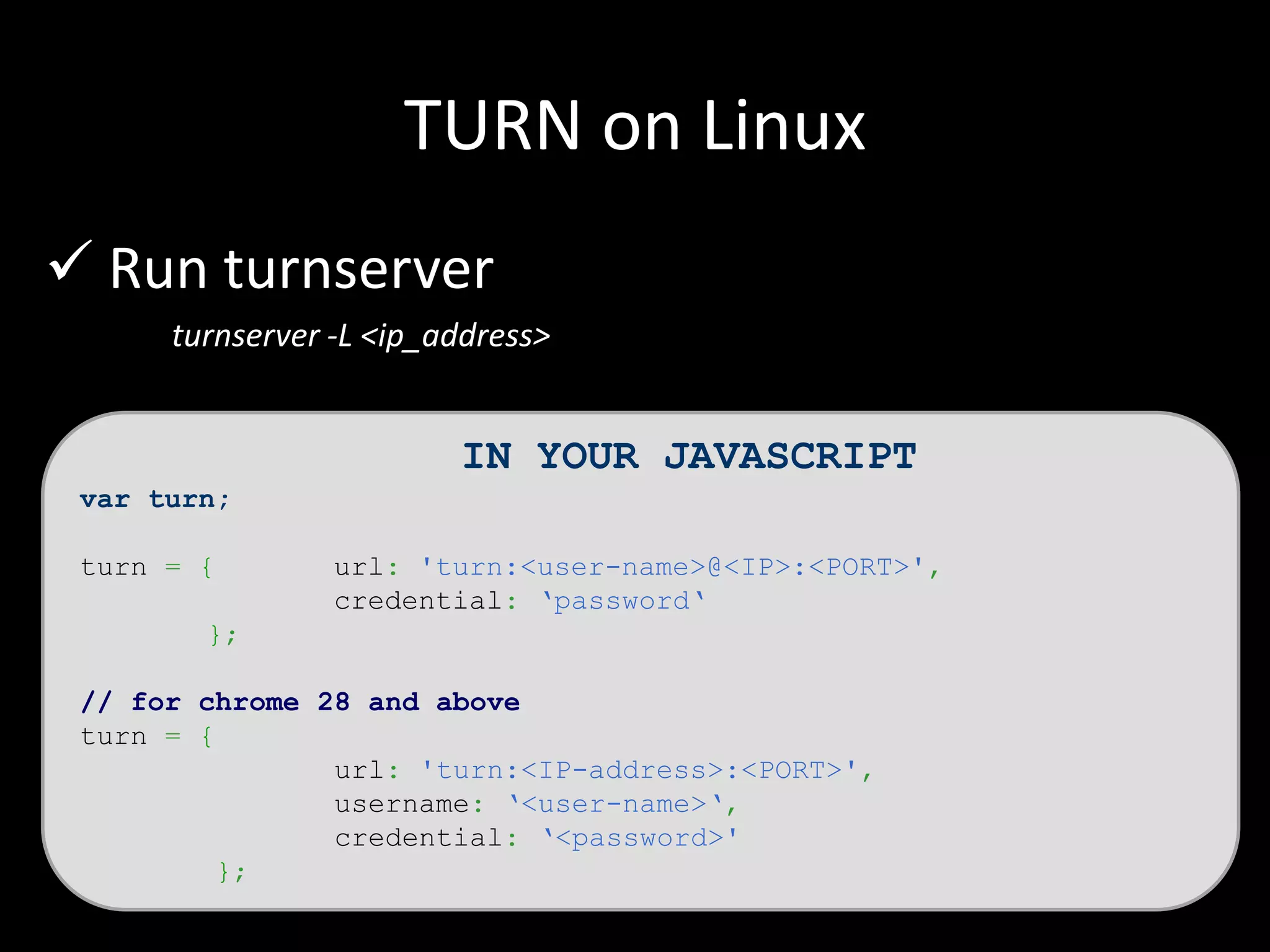
 Run turnserver
turnserver -L <ip_address>
IN YOUR JAVASCRIPT
var turn;
turn = { url: 'turn:<user-name>@<IP>:<PORT>',
credential: ‘password‘
};
// for chrome 28 and above
turn = {
url: 'turn:<IP-address>:<PORT>',
username: ‘<user-name>‘,
credential: ‘<password>'
};
TURN on Windows
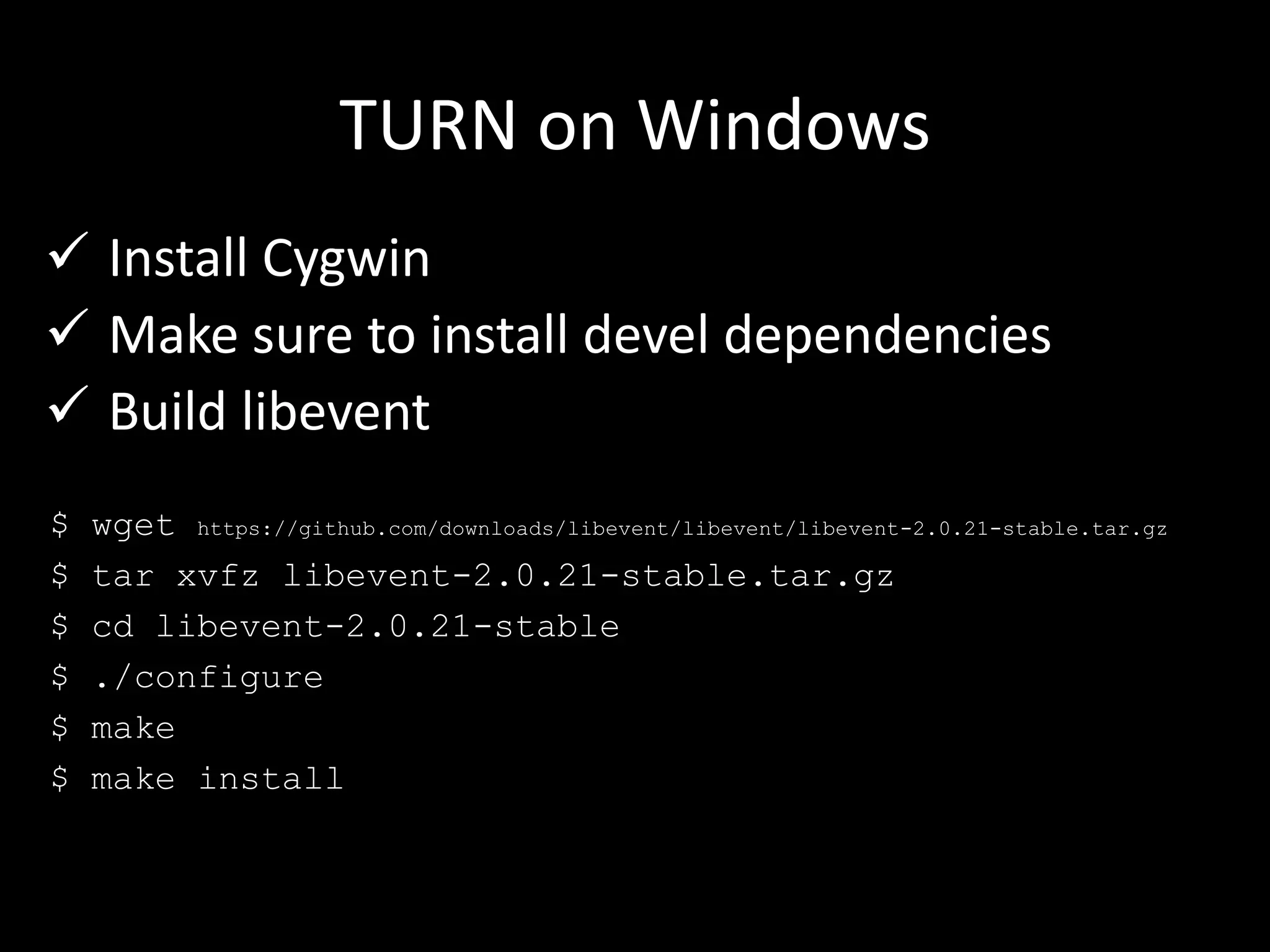
 Install Cygwin
 Make sure to install devel dependencies
 Build libevent
$ wget https://github.com/downloads/libevent/libevent/libevent-2.0.21-stable.tar.gz
$ tar xvfz libevent-2.0.21-stable.tar.gz
$ cd libevent-2.0.21-stable
$ ./configure
$ make
$ make install
TURN on Windows
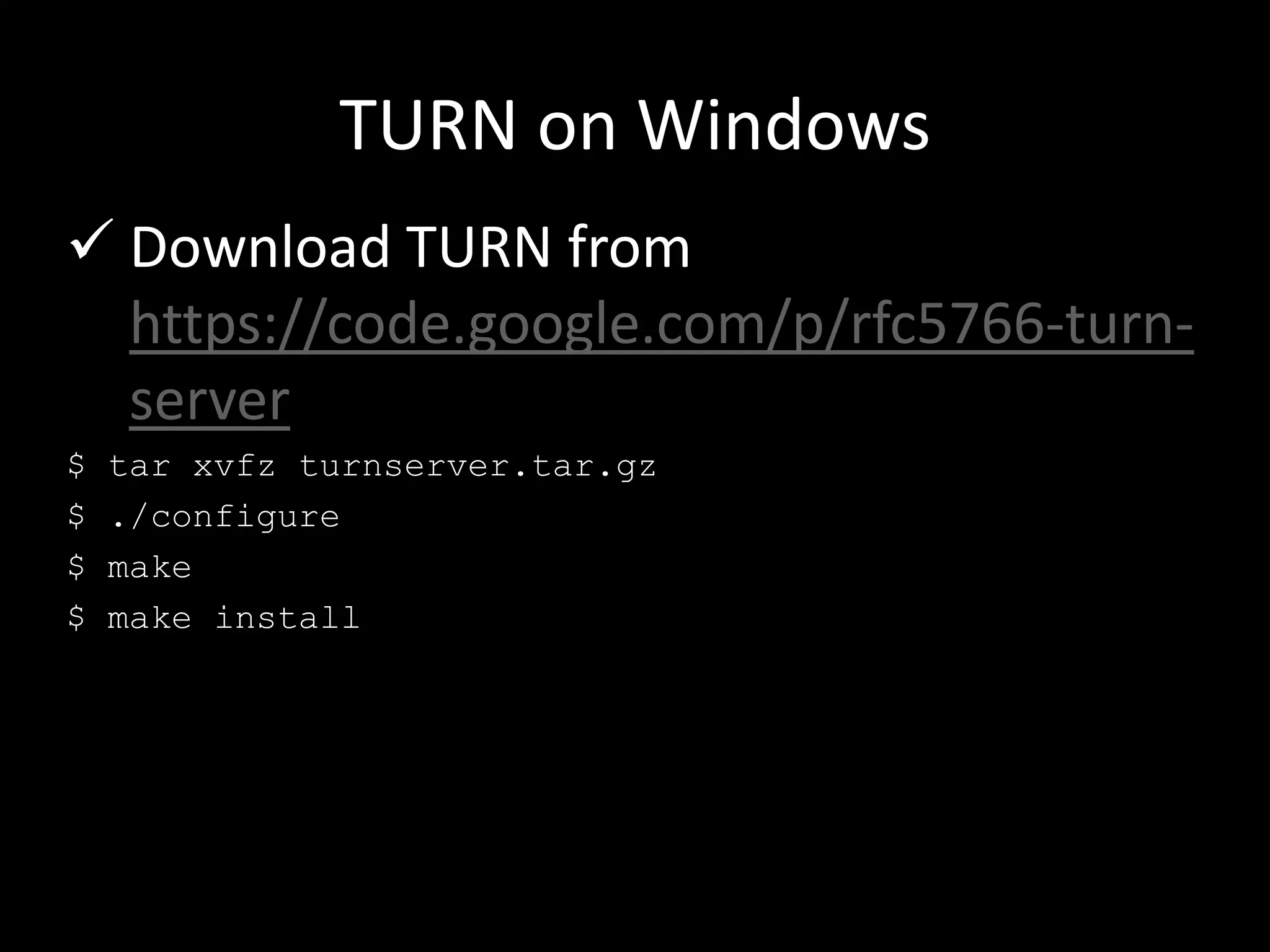
 Download TURN from
https://code.google.com/p/rfc5766-turn-
server
$ tar xvfz turnserver.tar.gz
$ ./configure
$ make
$ make install
TURN on Windows
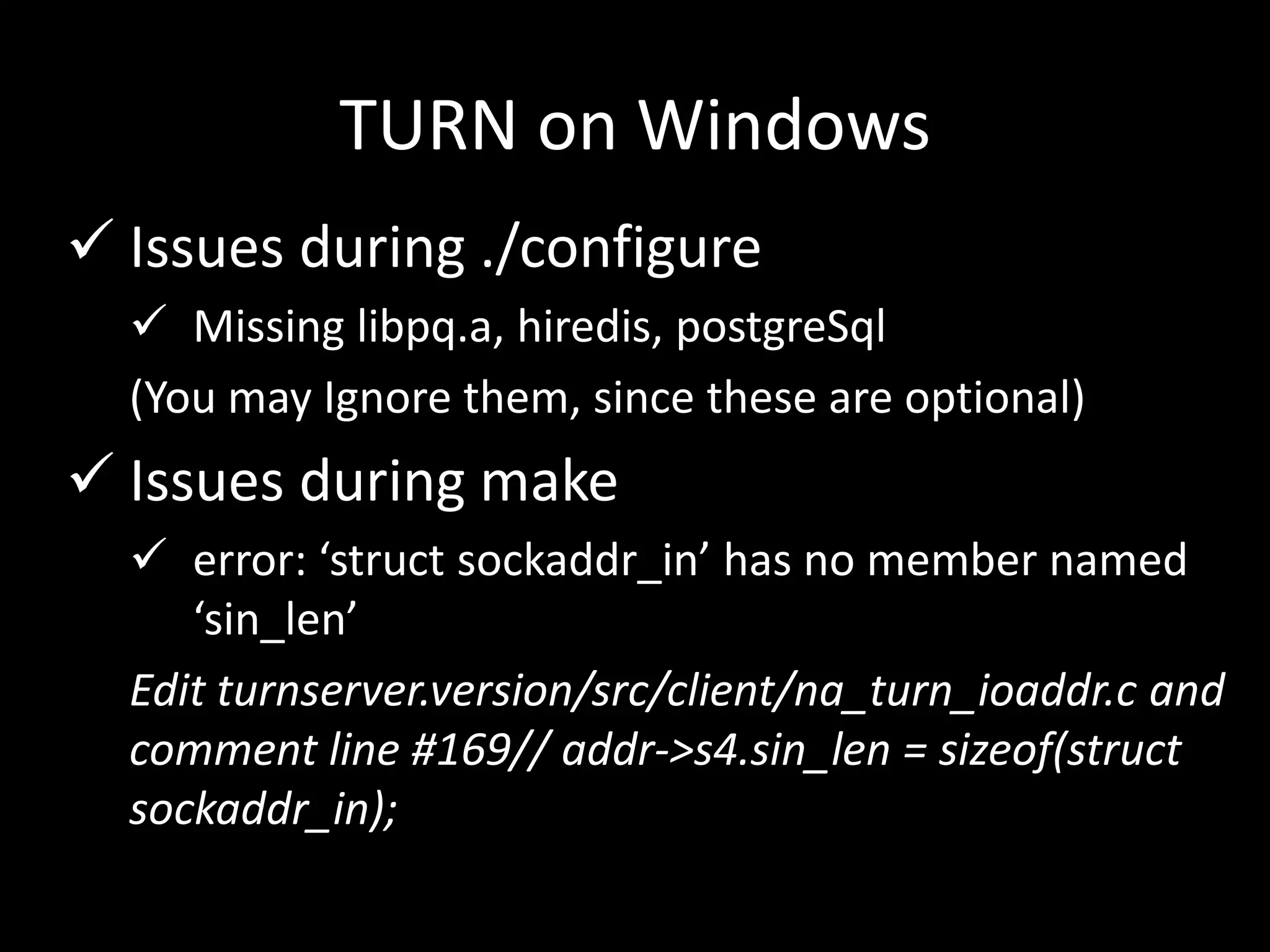
 Issues during ./configure
 Missing libpq.a, hiredis, postgreSql
(You may Ignore them, since these are optional)
 Issues during make
 error: ‘struct sockaddr_in’ has no member named
‘sin_len’
Edit turnserver.version/src/client/na_turn_ioaddr.c and
comment line #169// addr->s4.sin_len = sizeof(struct
sockaddr_in);
TURN on Windows
 Run fixing “make” and “make install”
 Copy the “turnserver.conf” from
turnserver/examples/etc/turnserver.conf
to
/usr/local/etc/turnserver.conf
 Changes in turnserver.conf
listening-port=<new-port>
listening-ip=<your ip>
user=<user>:<password>
TURN on Windows
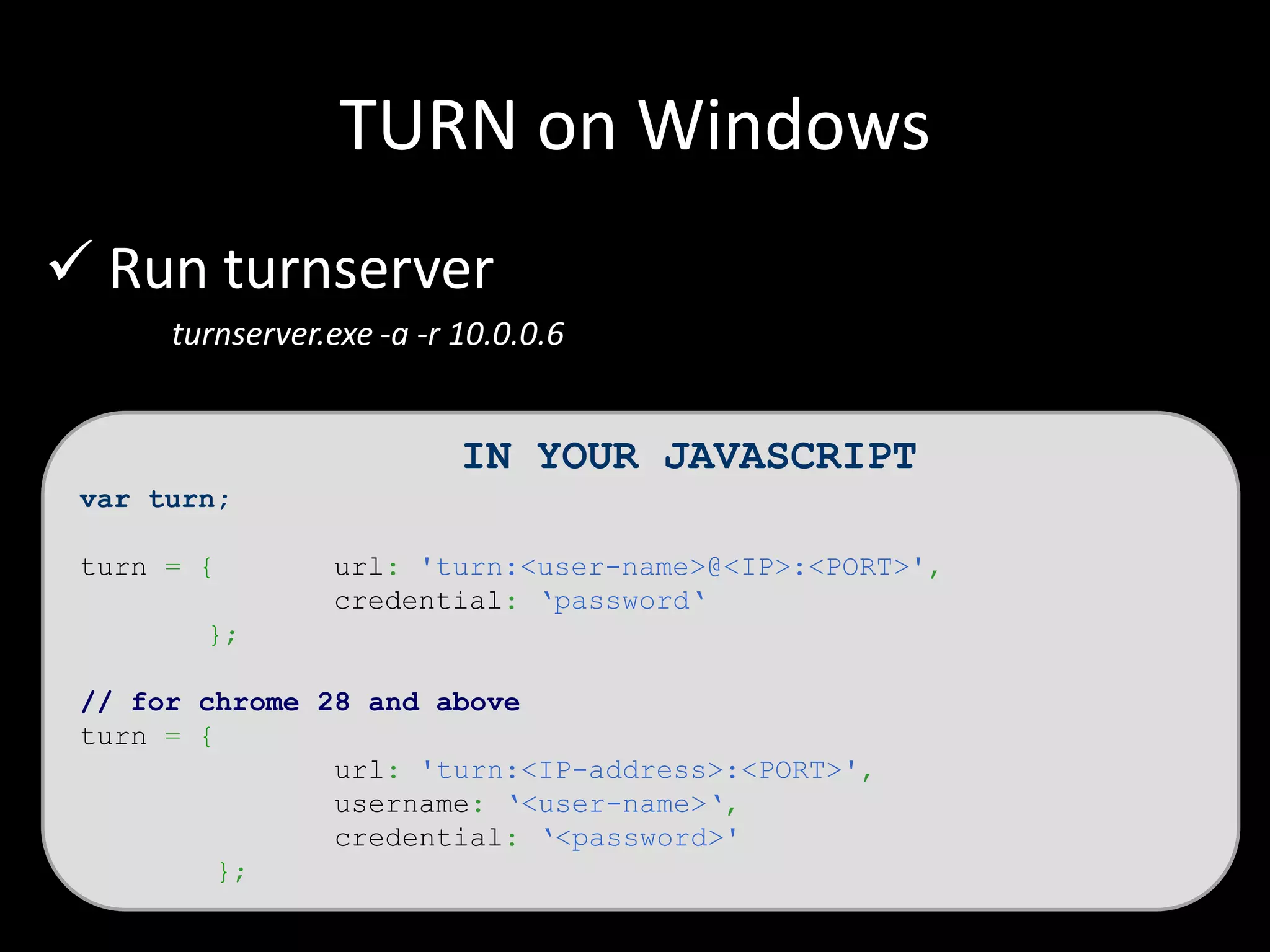
 Run turnserver
turnserver.exe -a -r 10.0.0.6
IN YOUR JAVASCRIPT
var turn;
turn = { url: 'turn:<user-name>@<IP>:<PORT>',
credential: ‘password‘
};
// for chrome 28 and above
turn = {
url: 'turn:<IP-address>:<PORT>',
username: ‘<user-name>‘,
credential: ‘<password>'
};
Thank you
Demos : http://webrtc.googlecode.com/svn/trunk/samples/js/demos/
Twitter: @amiteshawa
Facebook: facebook.com/amitesh.madhur
Linkedin: in.linkedin.com/pub/amitesh-madhur/a/932/499

Web rtc, Media stream, Peer connection, Setting up STUN and TURN on Linux and Windows

  • 1.
    WebRTC, STUN andTURN Amitesh Madhur Cisco Systems
  • 2.
    Agenda  User Media Peer Connection  STUN and TURN  Setting up STUN and TURN
  • 3.
    Agenda  User Media Peer Connection  STUN and TURN  Setting up STUN and TURN
  • 4.
    Get User Media getUserMedia()  Collects video audio input  Synchronization of input
  • 5.
    <video id=“me" autoplay></video> navigator.getUserMedia= navigator.getUserMedia || navigator.webkitGetUserMedia || navigator.mozGetUserMedia; if (navigator.getUserMedia) { navigator.getUserMedia({video: true}, onSuccess, onError); } window.URL = window.URL || window.webkitURL; var me = document.getElementById('me'); function onSuccess(stream) { me.src = window.URL.createObjectURL(stream); } function onError(e) { // error }
  • 6.
    Vendor Prefixes Chrome >=21:  webkitGetUserMedia()  window.webkitURL.createObjectURL() Opera >= 12:  getUserMedia()  set video.src Firefox >= 20:  mozGetUserMedia()  window.URL.createObjectURL() IE: not implemented Source : http://html5videoguide.net/presentations/WebDirCode2012/#page10
  • 7.
    Agenda  User Media Peer Connection  STUN and TURN  Setting up STUN and TURN
  • 8.
    Peer Connection  Establisha connection  Pass the user media stream  Other side gets the stream  Add the received stream to <video> tag
  • 9.
    Peer Connection  Compressionand de-compression  P2P connection using STUN or TURN  Encrypting the data
  • 10.
    <video id=“me" autoplay></video> <videoid=“other" autoplay></video> peer = new RTCPeerConnection(servers); peer.onaddstream = gotRemoteStream; peer.addStream(localStream); if(host) { peer.createOffer(callGotOffer, null, {mandatory: { OfferToReceiveAudio: true, OfferToReceiveVideo: true}}); } else { peer.createAnswer(peer.remoteDescription, callGotOffer); } function callGotOffer(sd) { peer.setLocalDescription(sd); } function gotAnswer(desc) { peer.setRemoteDescription(new RTCSessionDescription(desc)); } function gotRemoteStream(e) { attachMediaStream(remoteVideo, e.stream); }
  • 11.
  • 12.
    Agenda  User Media Peer Connection  STUN and TURN  Setting up STUN and TURN
  • 13.
  • 14.
  • 15.
    STUN and TURN peer= new RTCPeerConnection(servers);
  • 16.
    STUN and TURN varchrome, stun, turn, servers = {}, peer; chrome = parseInt(navigator.userAgent.match(/Chrom(e|ium)/([0-9]+)./ )[2]); stun = {url: 'stun:10.0.0.7:9999‘}; turn = {url: 'turn:amitesh@10.0.0.7:333', credential: ‘pass‘}; if (isChrome && chrome >= 28) { turn = { url: 'turn:10.0.0.7:3333', credential: 'madhur', username: 'amitesh' }; } servers.iceServers = [stun, turn]; peer = new RTCPeerConnection(servers);
  • 17.
  • 18.
    Agenda  User Media Peer Connection  STUN and TURN  Setting up STUN and TURN
  • 19.
    STUN on Linux stunprotocol.org
  • 20.
    STUN on Linux Run “make”  Provides 3 libraries (stunserver, stunclient and stuntestcode)  Run stunserver --help or stunclient --help  By default runs on port 3478
  • 21.
    STUN on Windows stunprotocol.org
  • 22.
    STUN on Windows Unzip  goto command prompt and run server: stunserver.exe --mode full --primaryinterface 10.0.0.6 --altinterface 10.0.0.11 --altport 999 -- primaryport 9999 --verbosity 3
  • 23.
    TURN on Linux Build libevent $ wget https://github.com/downloads/libevent/libevent/libevent-2.0.21-stable.tar.gz $ tar xvfz libevent-2.0.21-stable.tar.gz $ cd libevent-2.0.21-stable $ ./configure $ make $ make install
  • 24.
    TURN on Linux Download TURN from https://code.google.com/p/rfc5766-turn- server $ tar xvfz turnserver.tar.gz $ ./configure $ make $ make install
  • 25.
    TURN on Linux Copy the “turnserver.conf” from turnserver/examples/etc/turnserver.conf to /usr/local/etc/turnserver.conf  Changes in turnserver.conf listening-port=<new-port> listening-ip=<your ip> user=<user>:<password>
  • 26.
    TURN on Linux Run turnserver turnserver -L <ip_address> IN YOUR JAVASCRIPT var turn; turn = { url: 'turn:<user-name>@<IP>:<PORT>', credential: ‘password‘ }; // for chrome 28 and above turn = { url: 'turn:<IP-address>:<PORT>', username: ‘<user-name>‘, credential: ‘<password>' };
  • 27.
    TURN on Windows Install Cygwin  Make sure to install devel dependencies  Build libevent $ wget https://github.com/downloads/libevent/libevent/libevent-2.0.21-stable.tar.gz $ tar xvfz libevent-2.0.21-stable.tar.gz $ cd libevent-2.0.21-stable $ ./configure $ make $ make install
  • 28.
    TURN on Windows Download TURN from https://code.google.com/p/rfc5766-turn- server $ tar xvfz turnserver.tar.gz $ ./configure $ make $ make install
  • 29.
    TURN on Windows Issues during ./configure  Missing libpq.a, hiredis, postgreSql (You may Ignore them, since these are optional)  Issues during make  error: ‘struct sockaddr_in’ has no member named ‘sin_len’ Edit turnserver.version/src/client/na_turn_ioaddr.c and comment line #169// addr->s4.sin_len = sizeof(struct sockaddr_in);
  • 30.
    TURN on Windows Run fixing “make” and “make install”  Copy the “turnserver.conf” from turnserver/examples/etc/turnserver.conf to /usr/local/etc/turnserver.conf  Changes in turnserver.conf listening-port=<new-port> listening-ip=<your ip> user=<user>:<password>
  • 31.
    TURN on Windows Run turnserver turnserver.exe -a -r 10.0.0.6 IN YOUR JAVASCRIPT var turn; turn = { url: 'turn:<user-name>@<IP>:<PORT>', credential: ‘password‘ }; // for chrome 28 and above turn = { url: 'turn:<IP-address>:<PORT>', username: ‘<user-name>‘, credential: ‘<password>' };
  • 32.
    Thank you Demos :http://webrtc.googlecode.com/svn/trunk/samples/js/demos/ Twitter: @amiteshawa Facebook: facebook.com/amitesh.madhur Linkedin: in.linkedin.com/pub/amitesh-madhur/a/932/499

Editor's Notes

  • #10 chrome://webrtc-internals/
  • #13 STUN – session traversal utilities for NAT