Using Web 2.0
to enhance
English and History
Cecilie Murray
Delphian eLearning
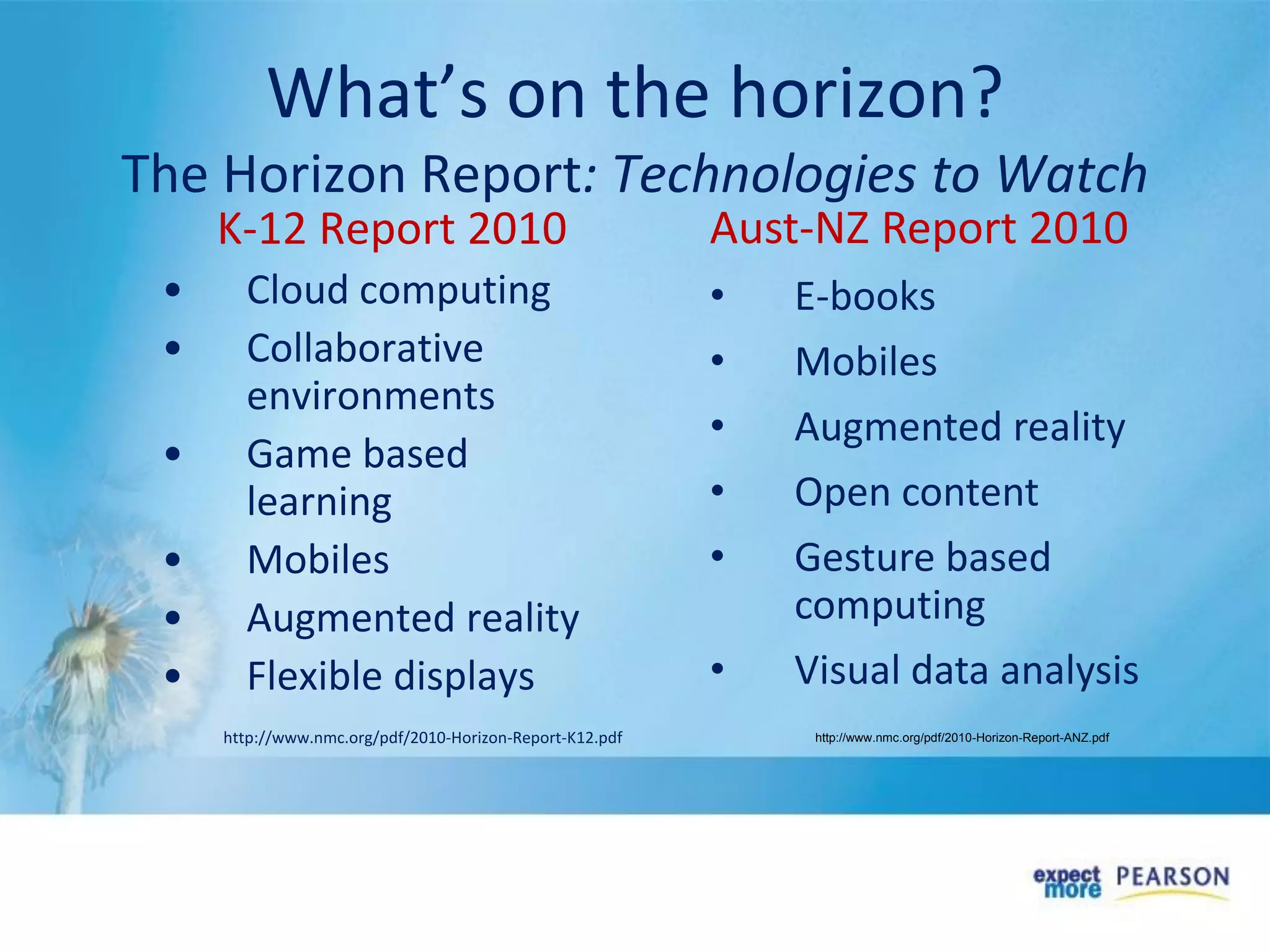
What’s on the horizon?
The Horizon Report: Technologies to Watch
K-12 Report 2010
• Cloud computing
• Collaborative
environments
• Game based
learning
• Mobiles
• Augmented reality
• Flexible displays
http://www.nmc.org/pdf/2010-Horizon-Report-K12.pdf
Aust-NZ Report 2010
• E-books
• Mobiles
• Augmented reality
• Open content
• Gesture based
computing
• Visual data analysis
http://www.nmc.org/pdf/2010-Horizon-Report-ANZ.pdf
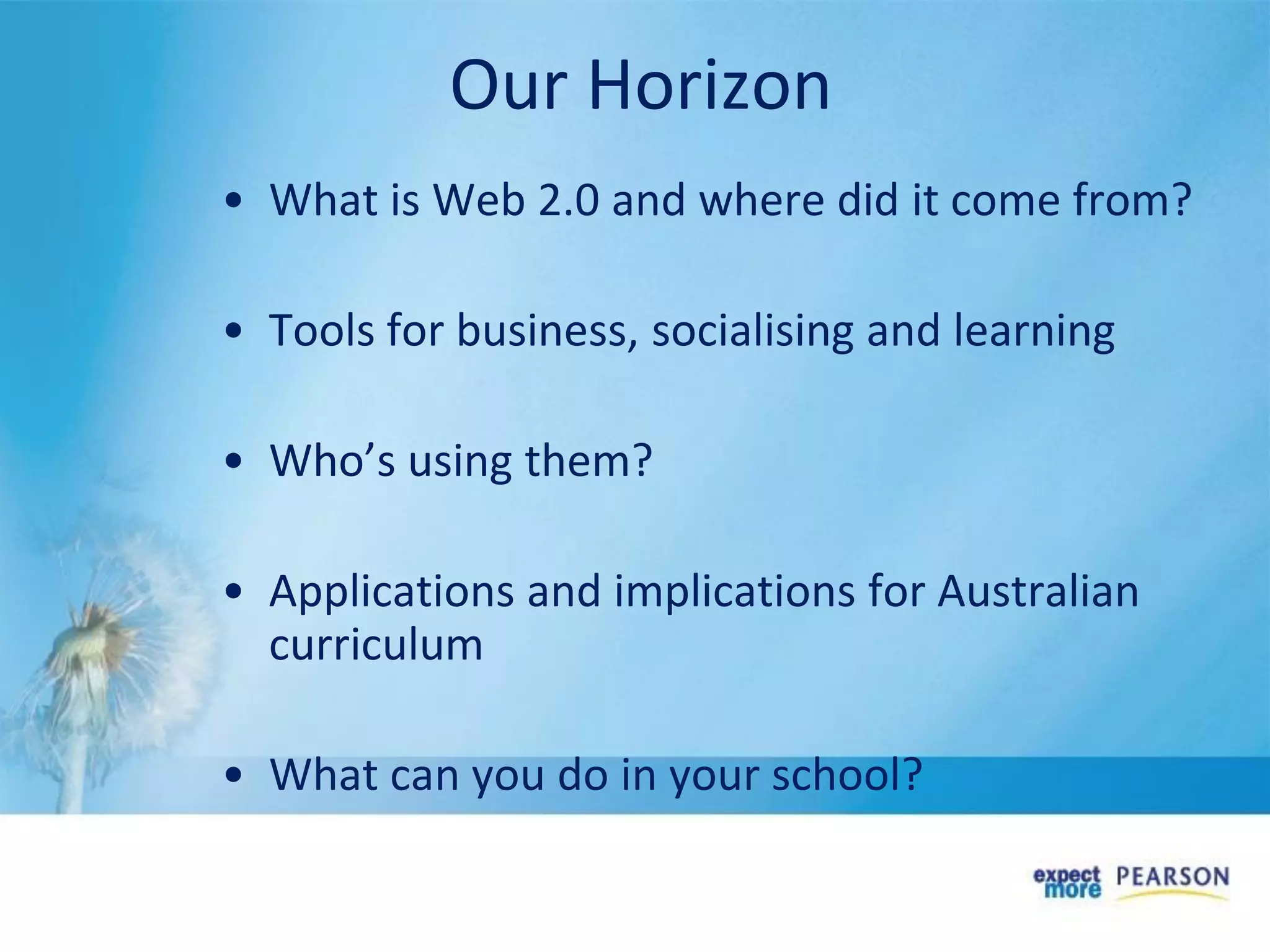
• What is Web 2.0 and where did it come from?
• Tools for business, socialising and learning
• Who’s using them?
• Applications and implications for Australian
curriculum
• What can you do in your school?
Our Horizon
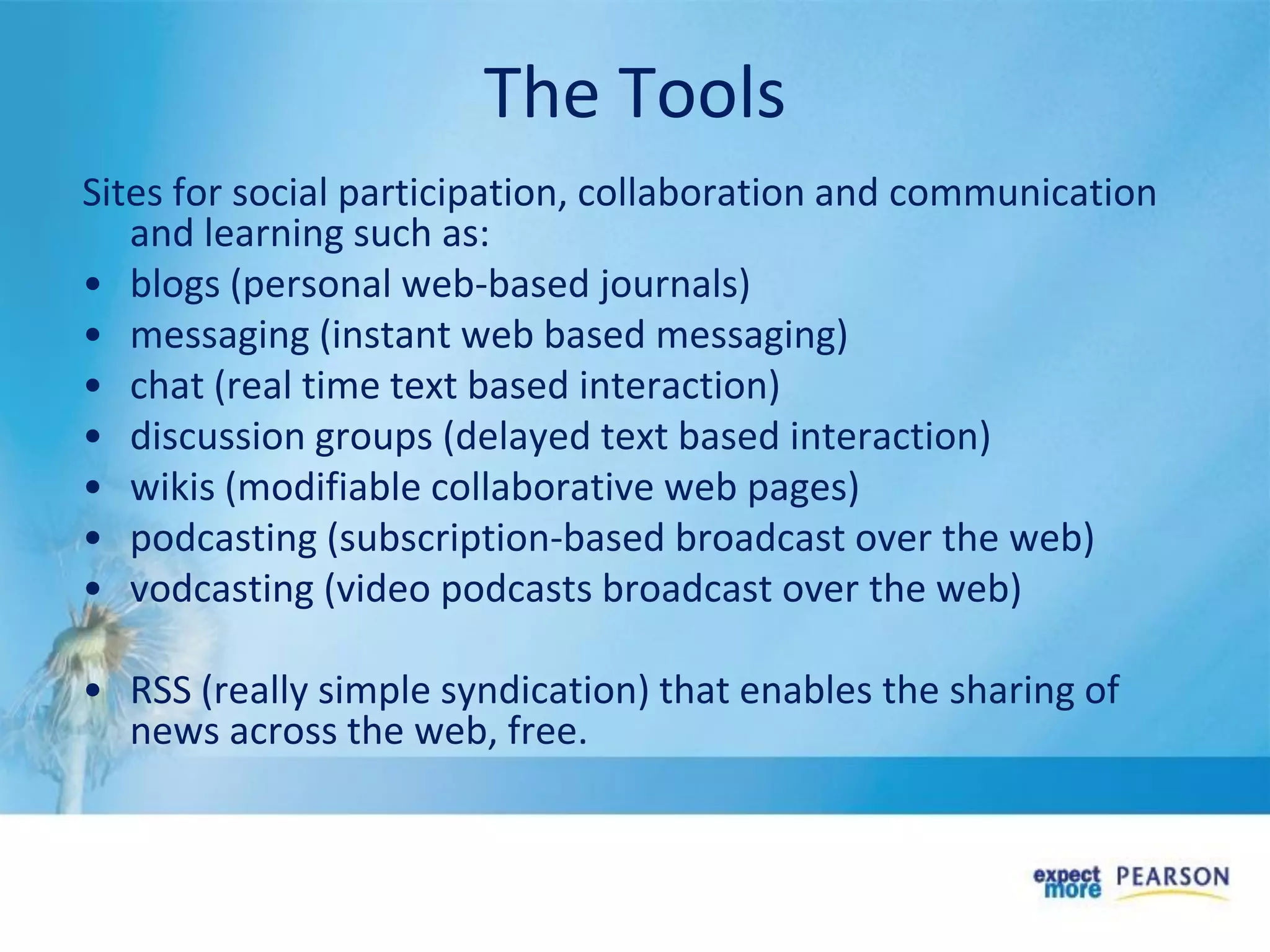
The Tools
Sites for social participation, collaboration and communication
and learning such as:
• blogs (personal web-based journals)
• messaging (instant web based messaging)
• chat (real time text based interaction)
• discussion groups (delayed text based interaction)
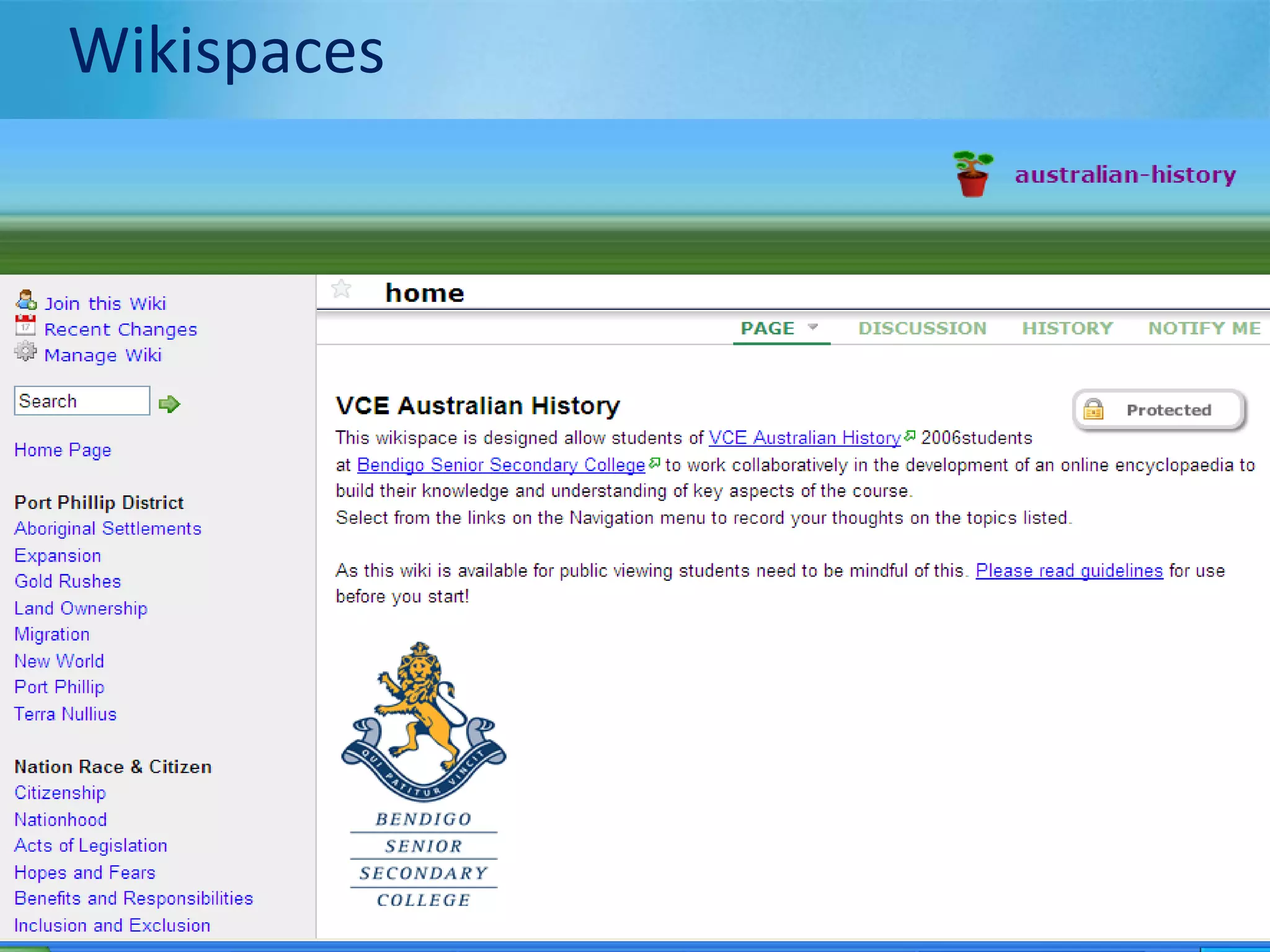
• wikis (modifiable collaborative web pages)
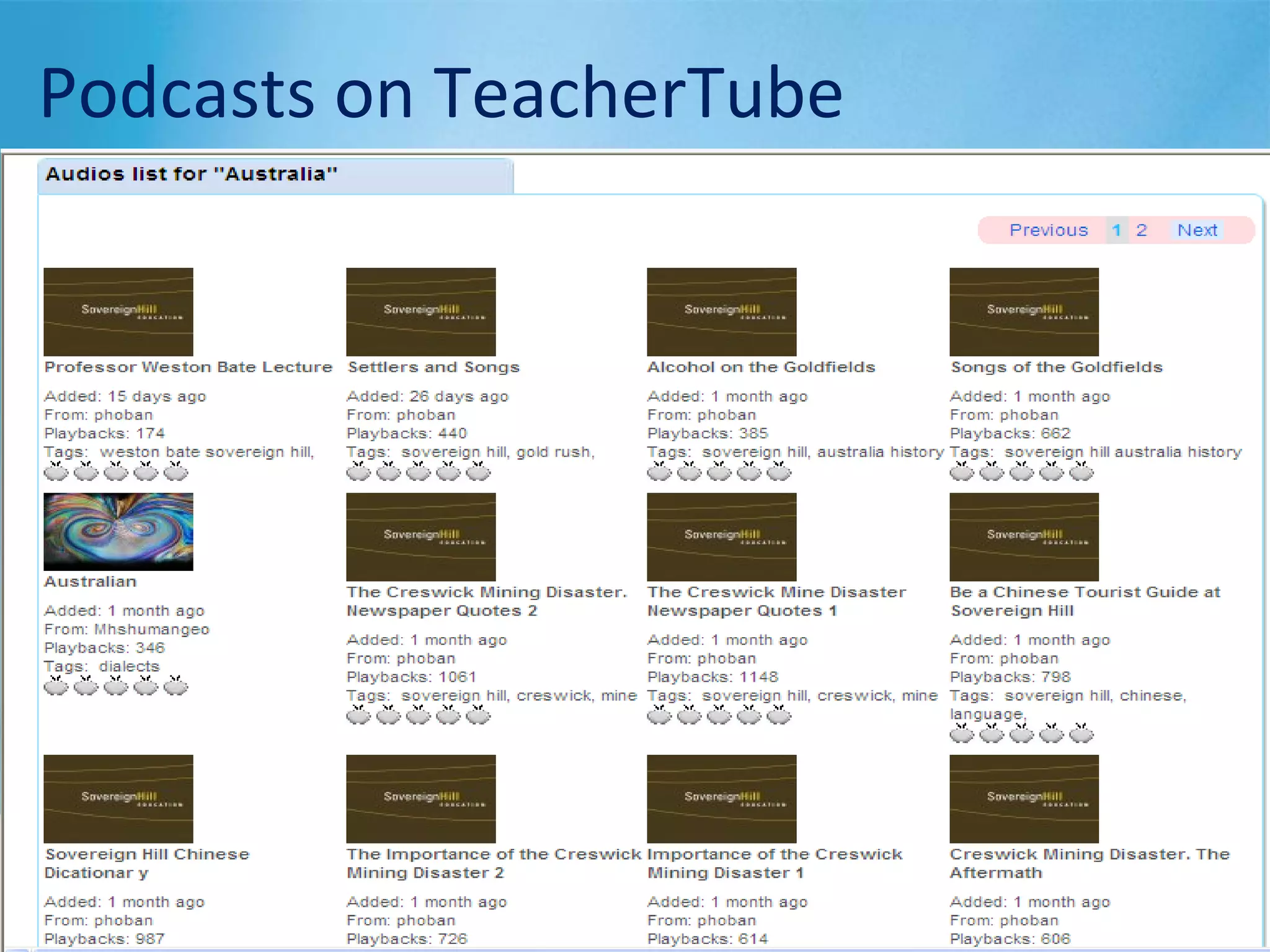
• podcasting (subscription-based broadcast over the web)
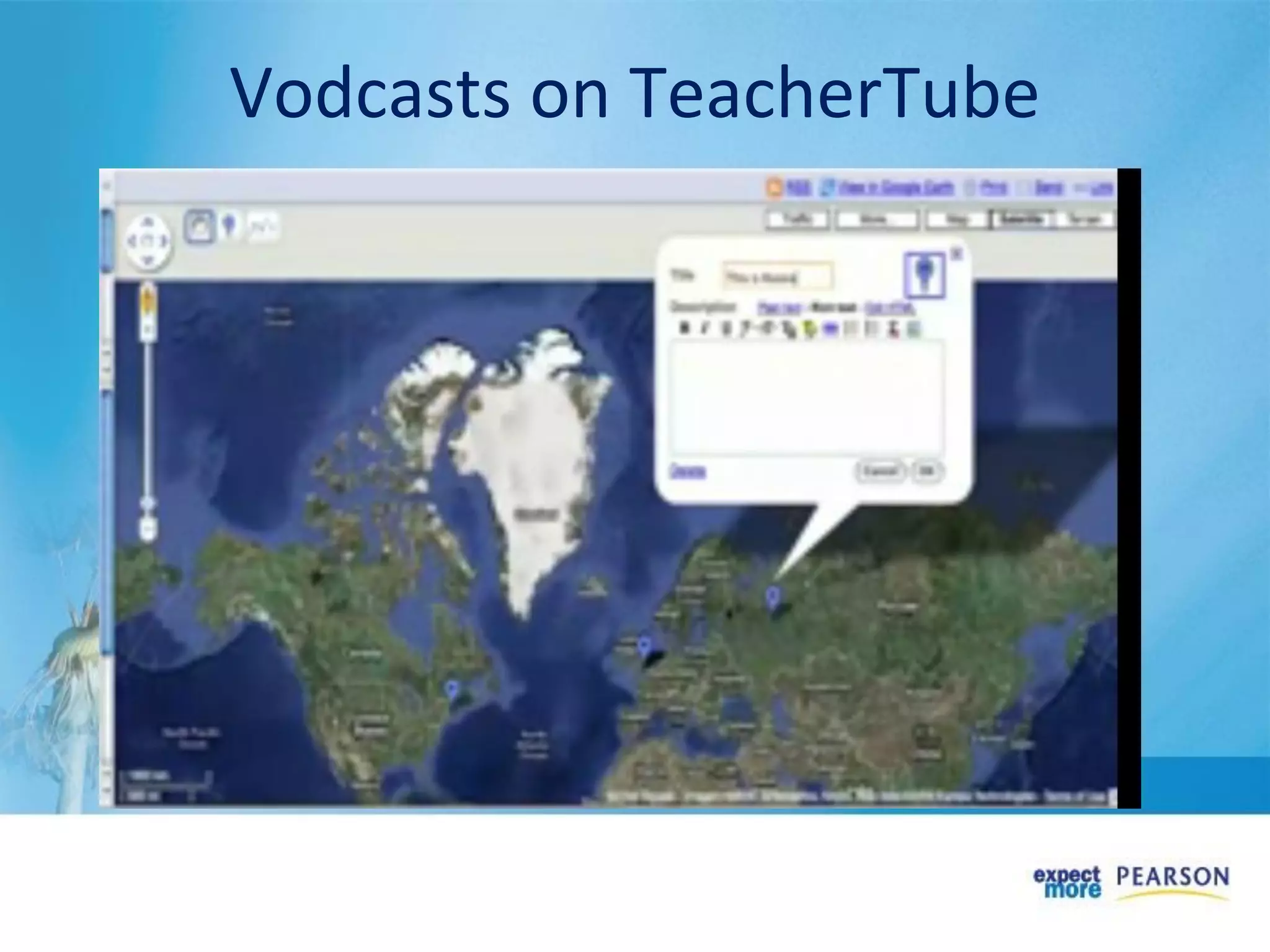
• vodcasting (video podcasts broadcast over the web)
• RSS (really simple syndication) that enables the sharing of
news across the web, free.
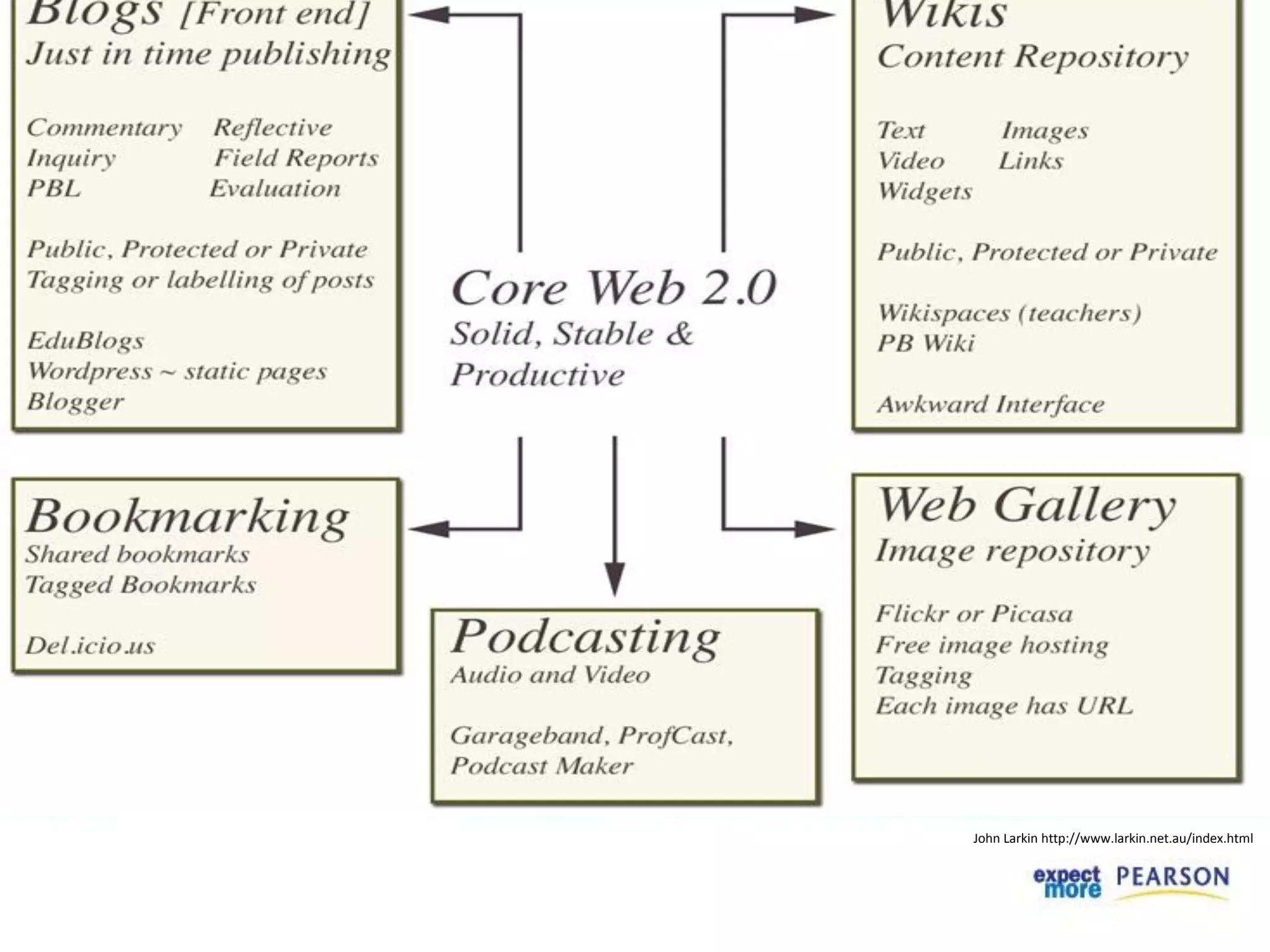
John Larkin http://www.larkin.net.au/index.html
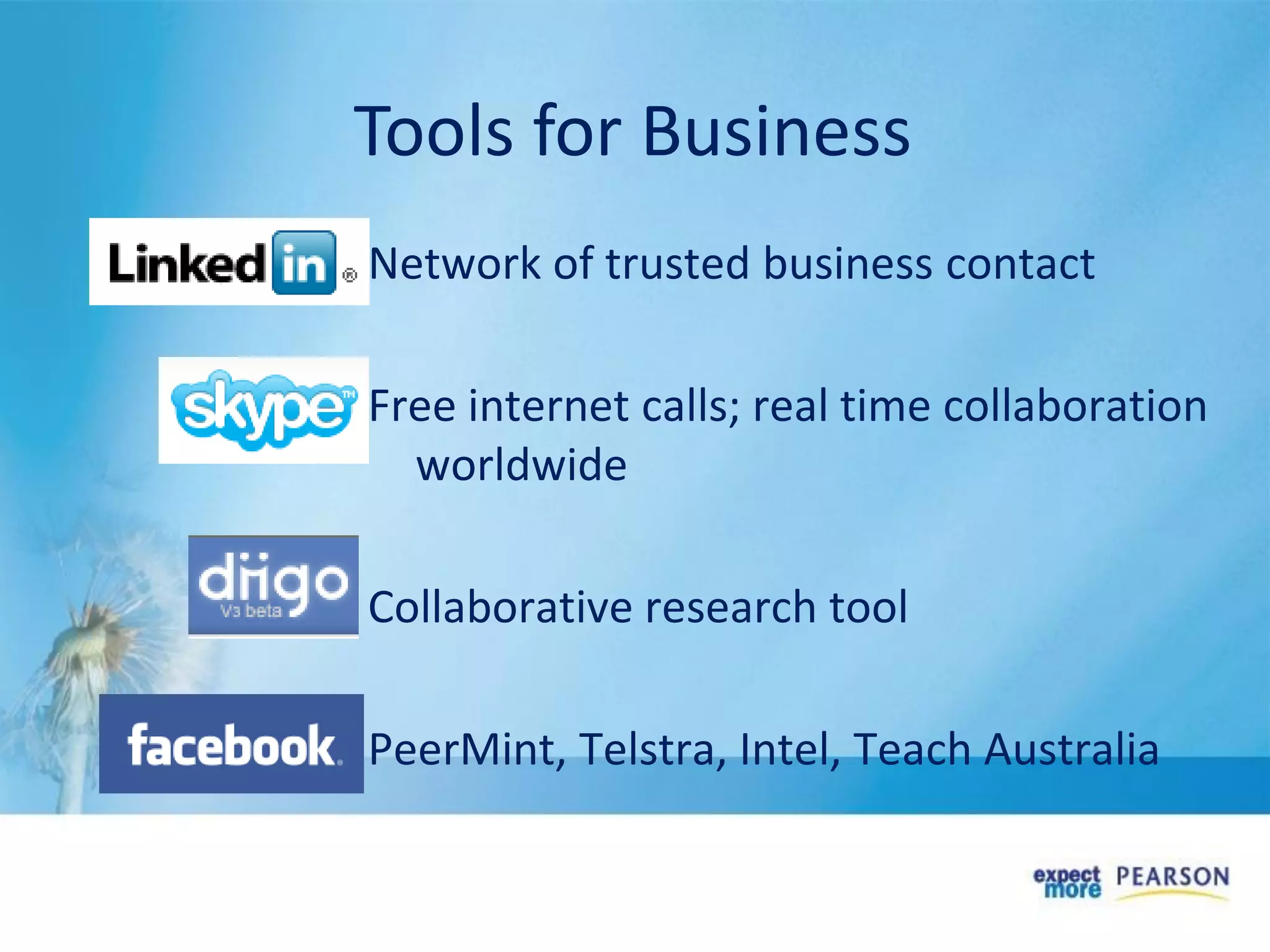
Network of trusted business contact
Free internet calls; real time collaboration
worldwide
Collaborative research tool
PeerMint, Telstra, Intel, Teach Australia
Tools for Business
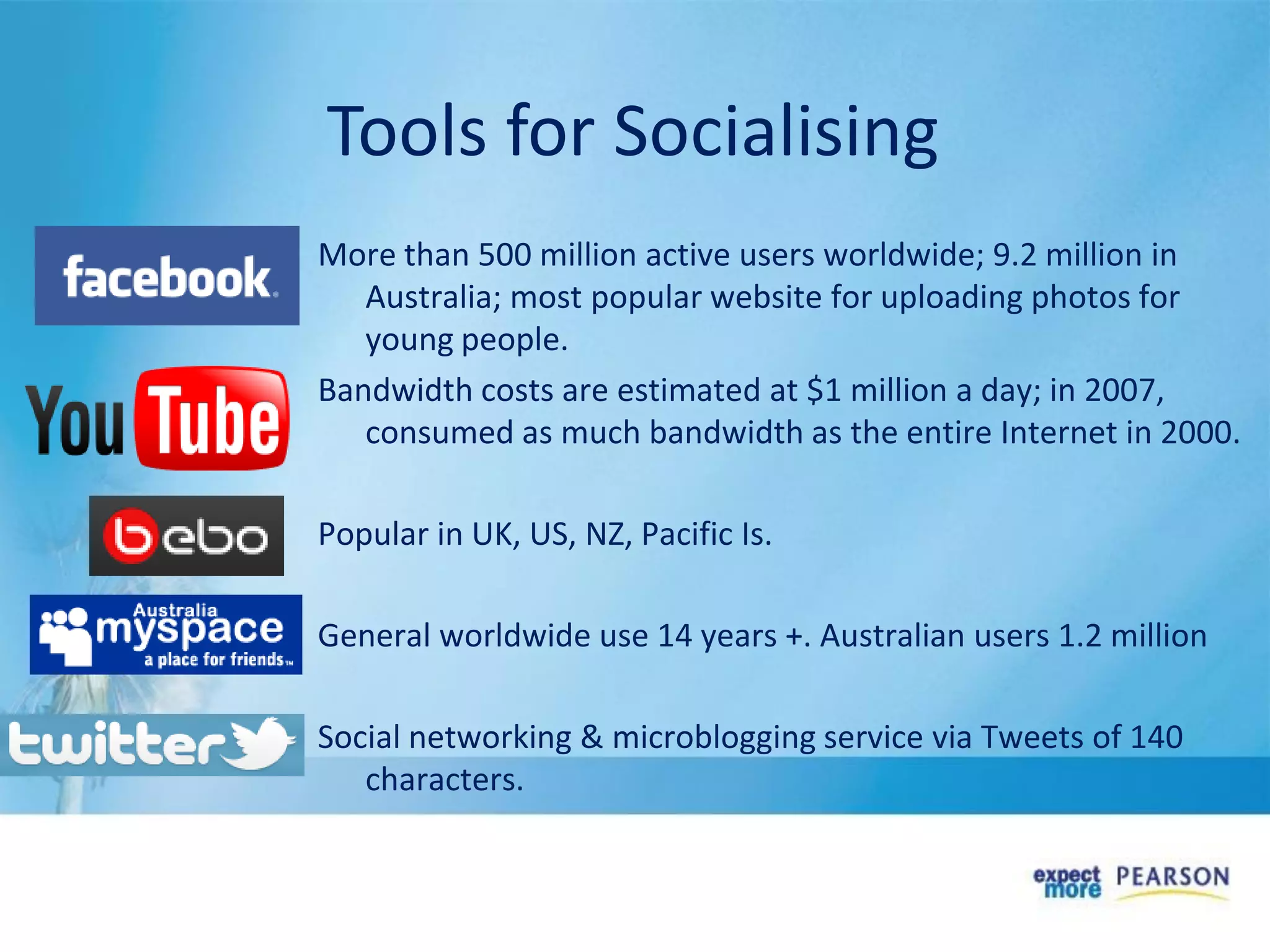
More than 500 million active users worldwide; 9.2 million in
Australia; most popular website for uploading photos for
young people.
Bandwidth costs are estimated at $1 million a day; in 2007,
consumed as much bandwidth as the entire Internet in 2000.
Popular in UK, US, NZ, Pacific Is.
General worldwide use 14 years +. Australian users 1.2 million
Social networking & microblogging service via Tweets of 140
characters.
Tools for Socialising
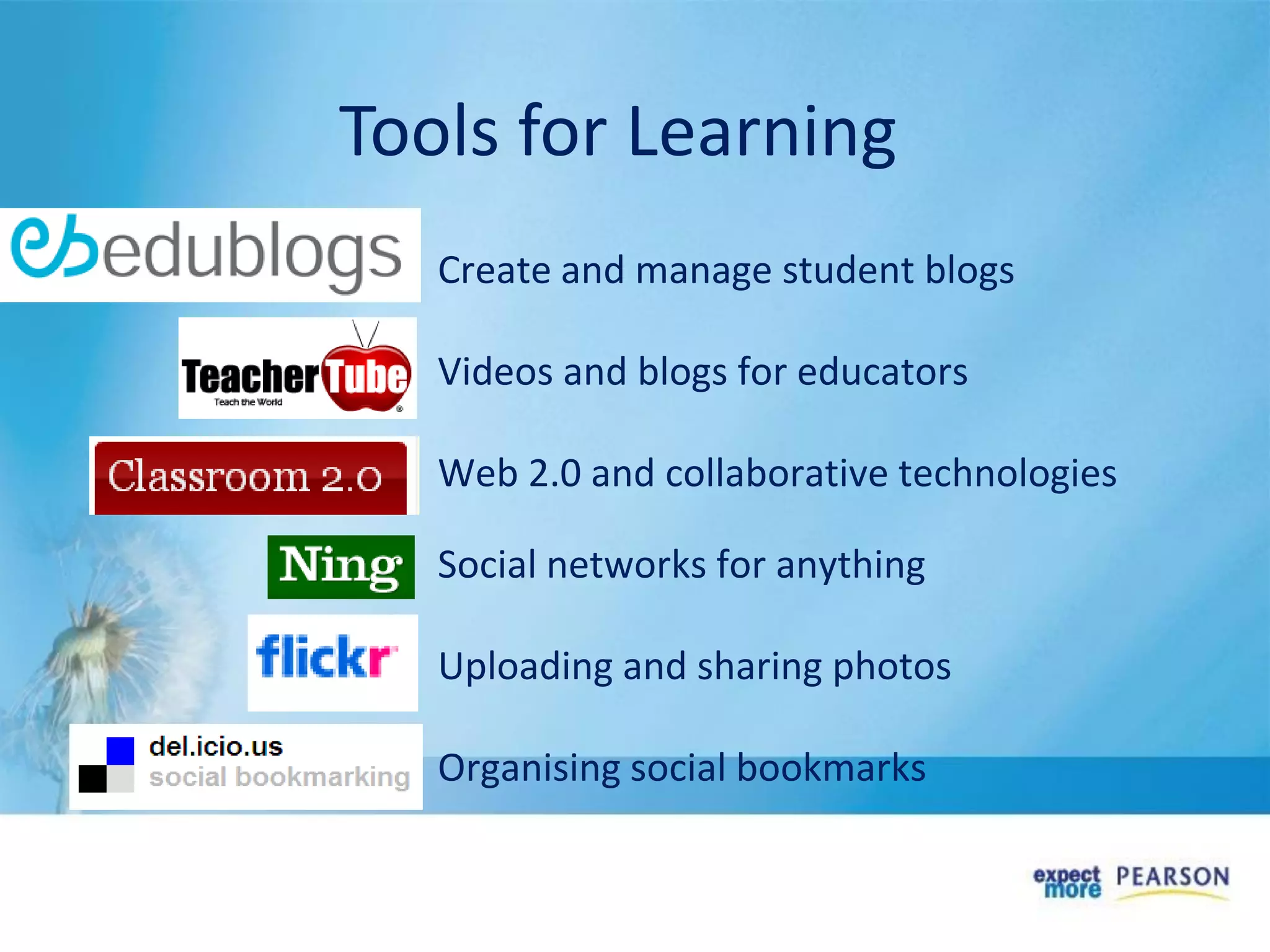
Create and manage student blogs
Videos and blogs for educators
Web 2.0 and collaborative technologies
Social networks for anything
Uploading and sharing photos
Organising social bookmarks
Tools for Learning
Department Web 2.0 sites
• WA – Web 2.0 guides
http://www.det.wa.edu.au/education/cmis/eval/curriculum/ict/
index.htm
• VIC – ePotential Showcase
http://epotential.education.vic.gov.au/showcase/
• QLD – Smart Classrooms
http://education.qld.gov.au/smartclassrooms/index.html
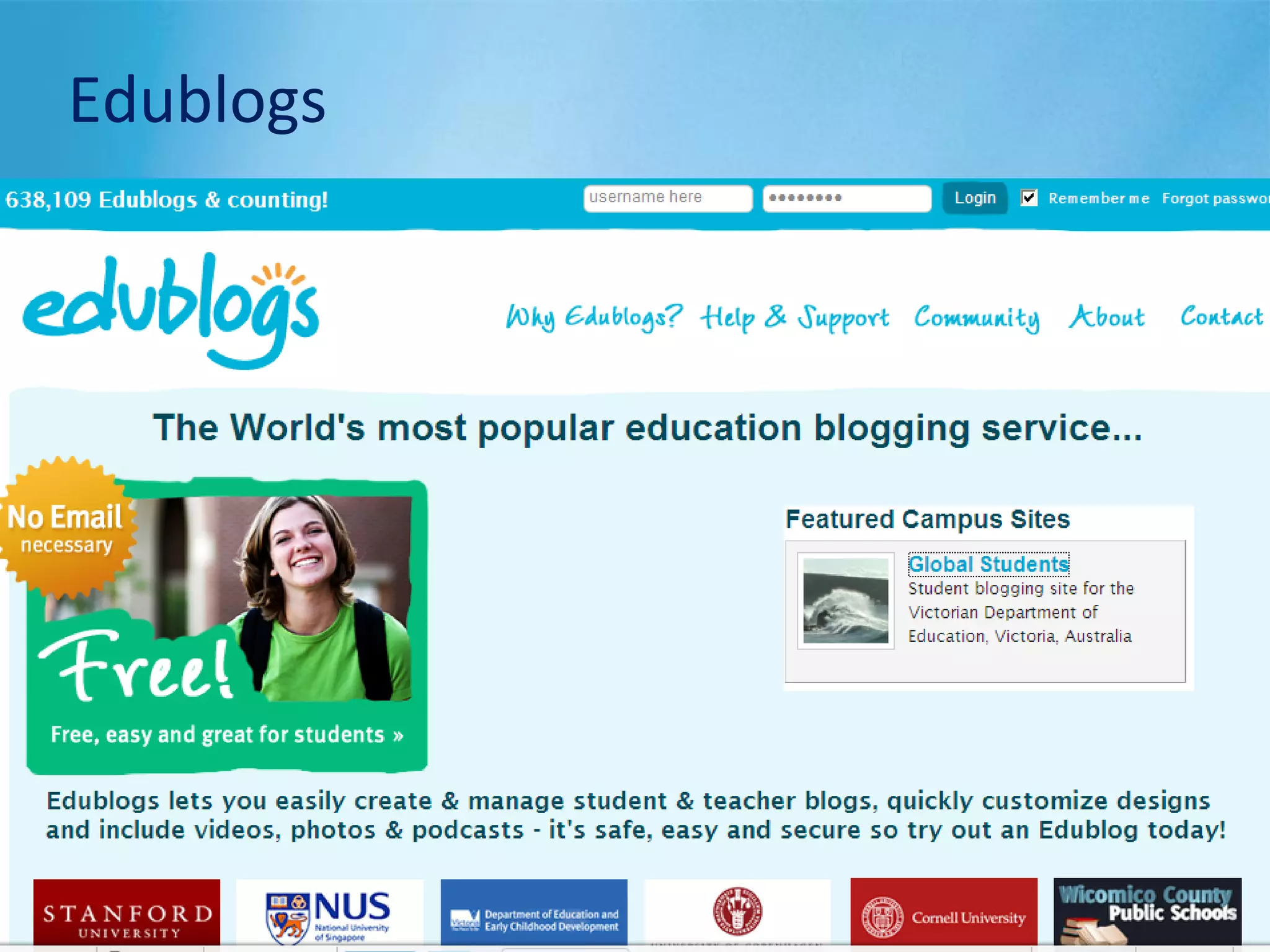
Edublogs
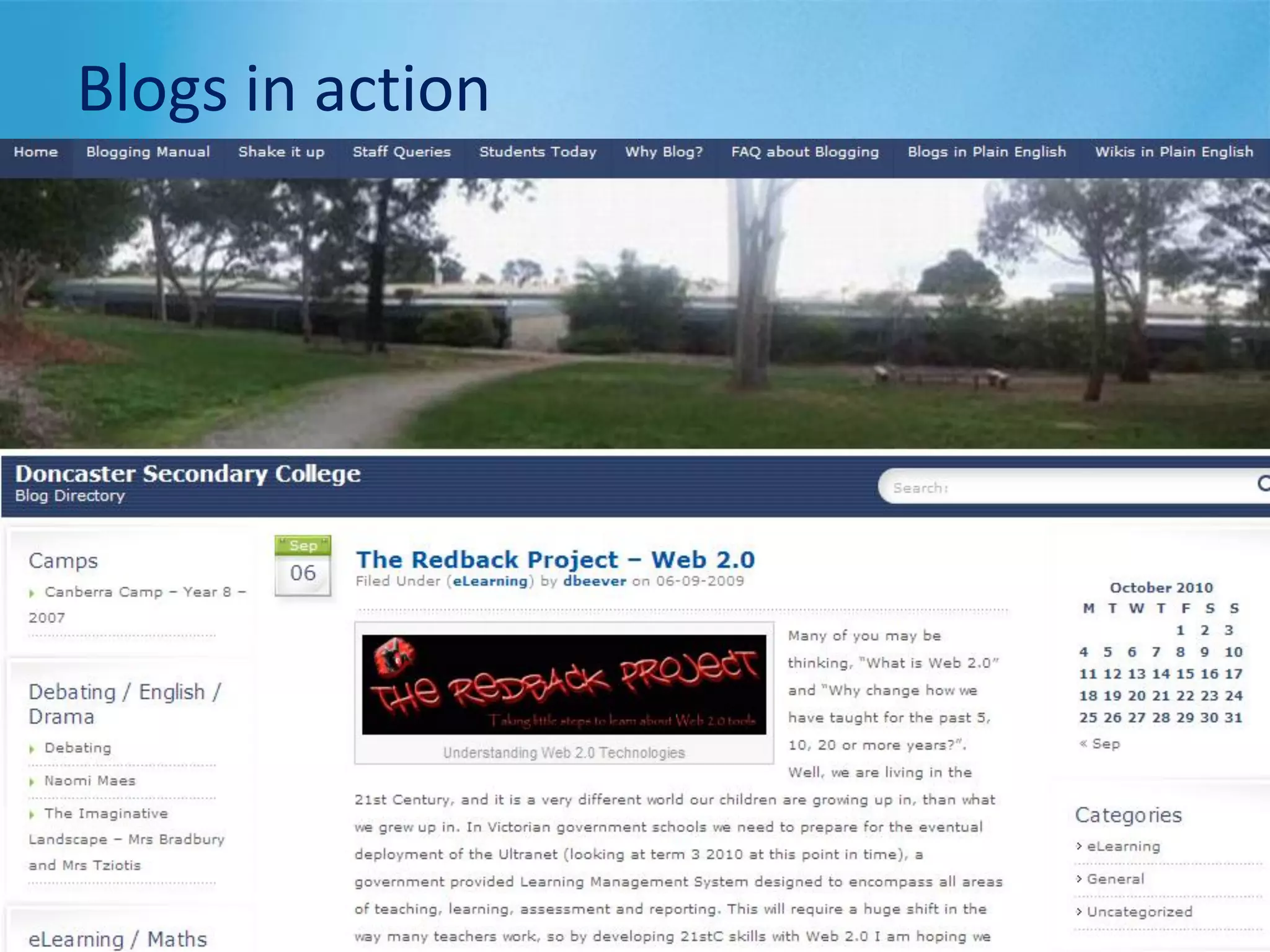
Blogs in action
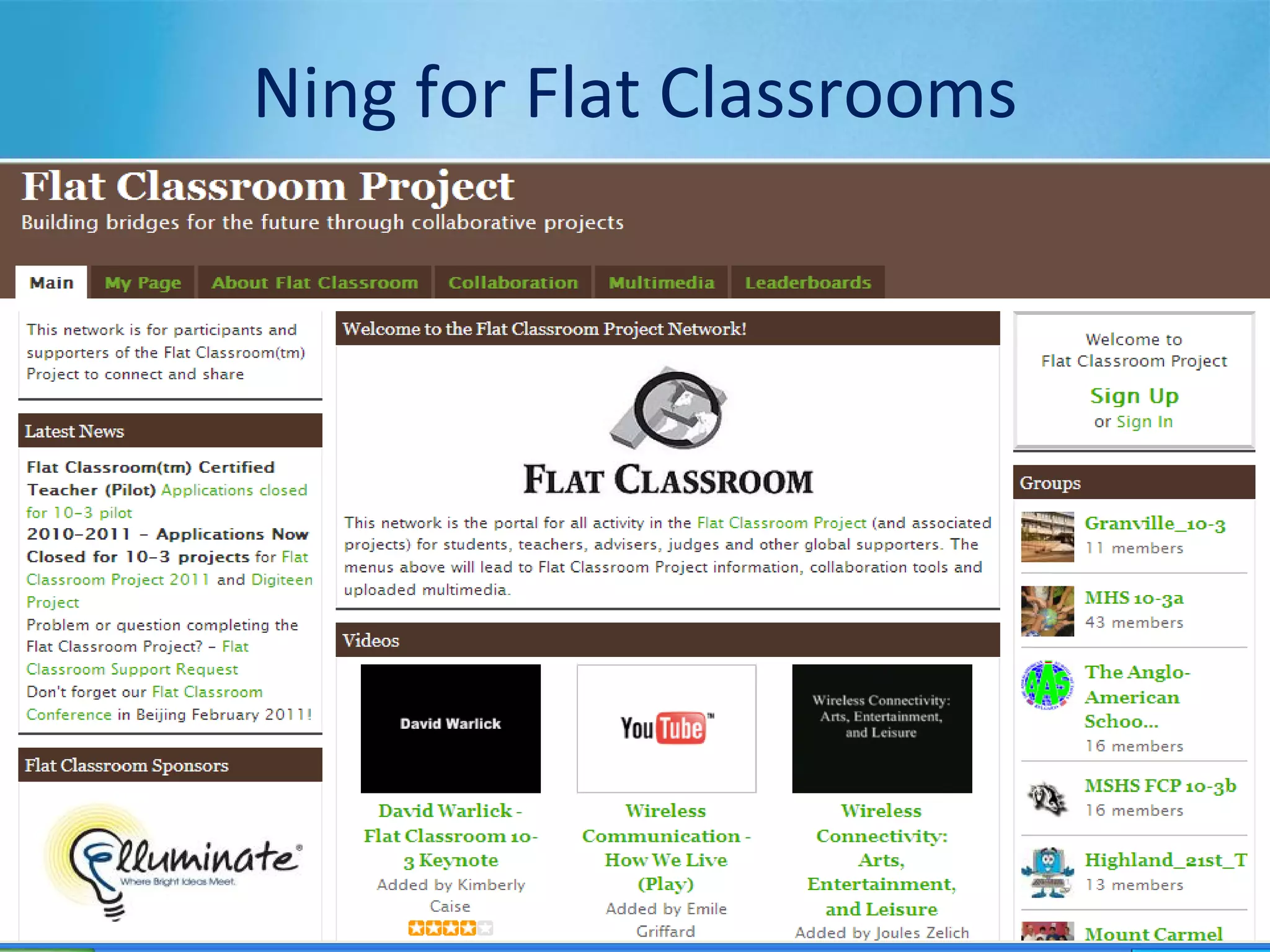
Ning for Flat Classrooms
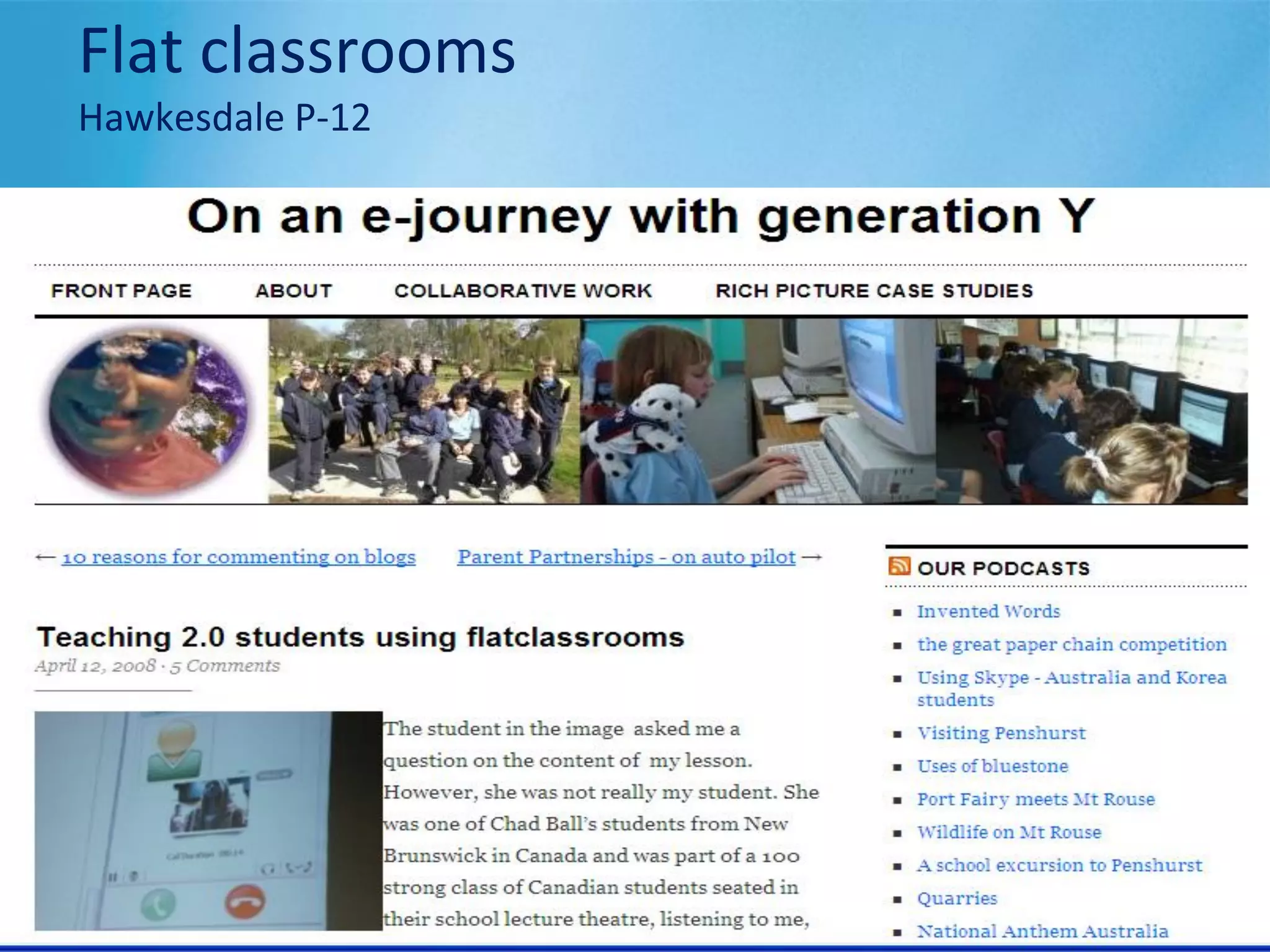
Flat classrooms
Hawkesdale P-12
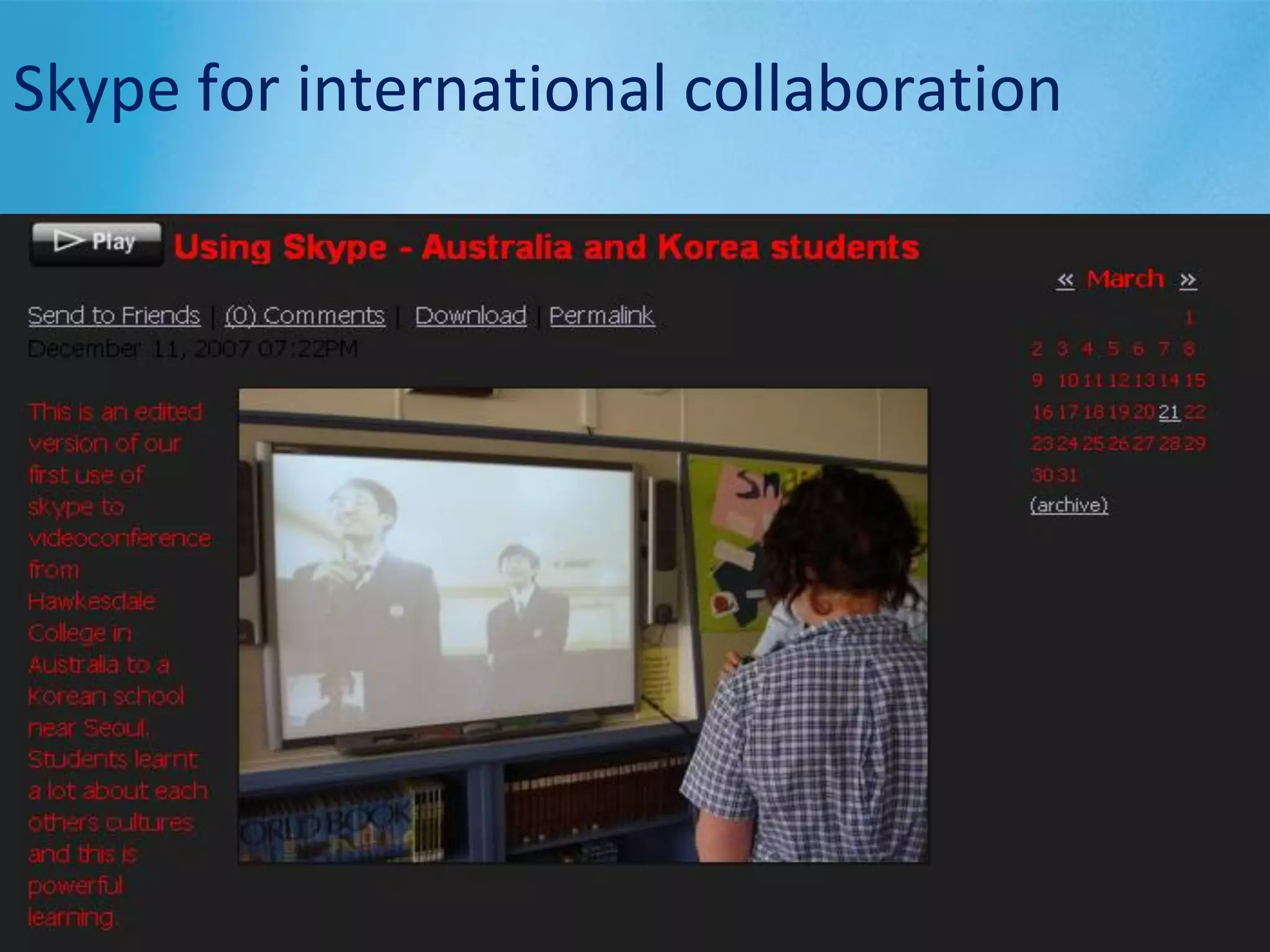
Skype for international collaboration
Wikispaces
Podcasts on TeacherTube
Vodcasts on TeacherTube
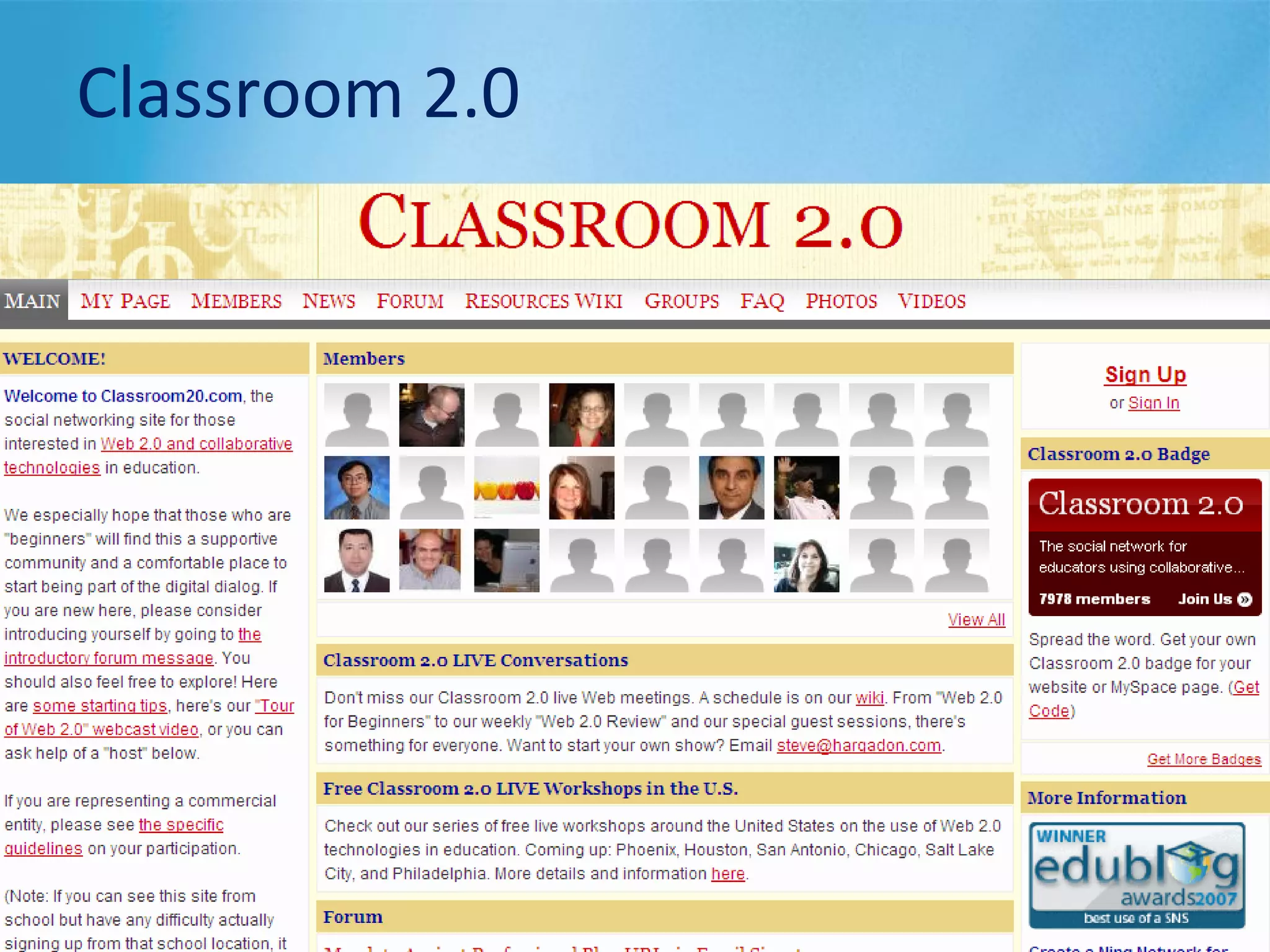
Classroom 2.0
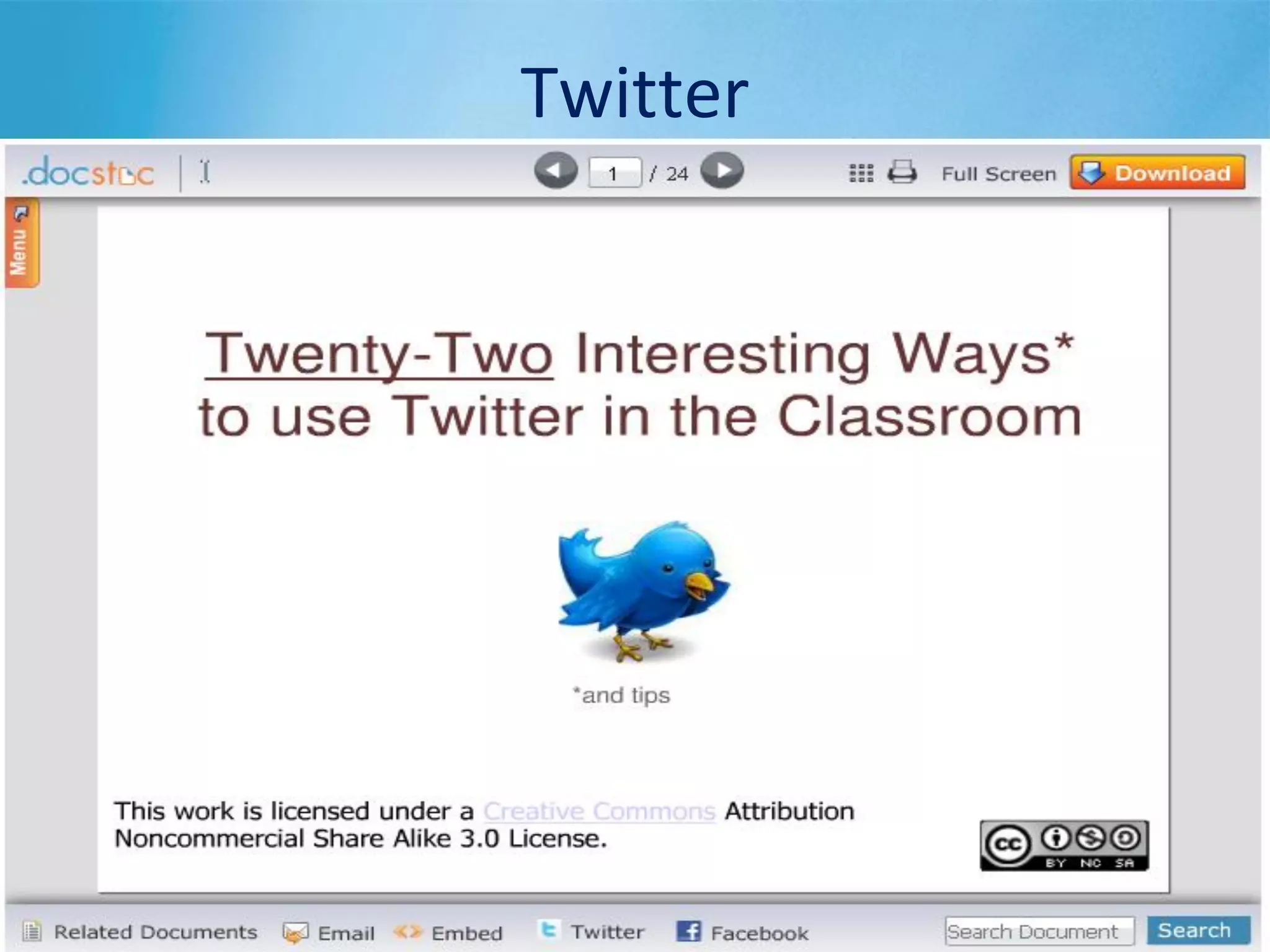
Twitter
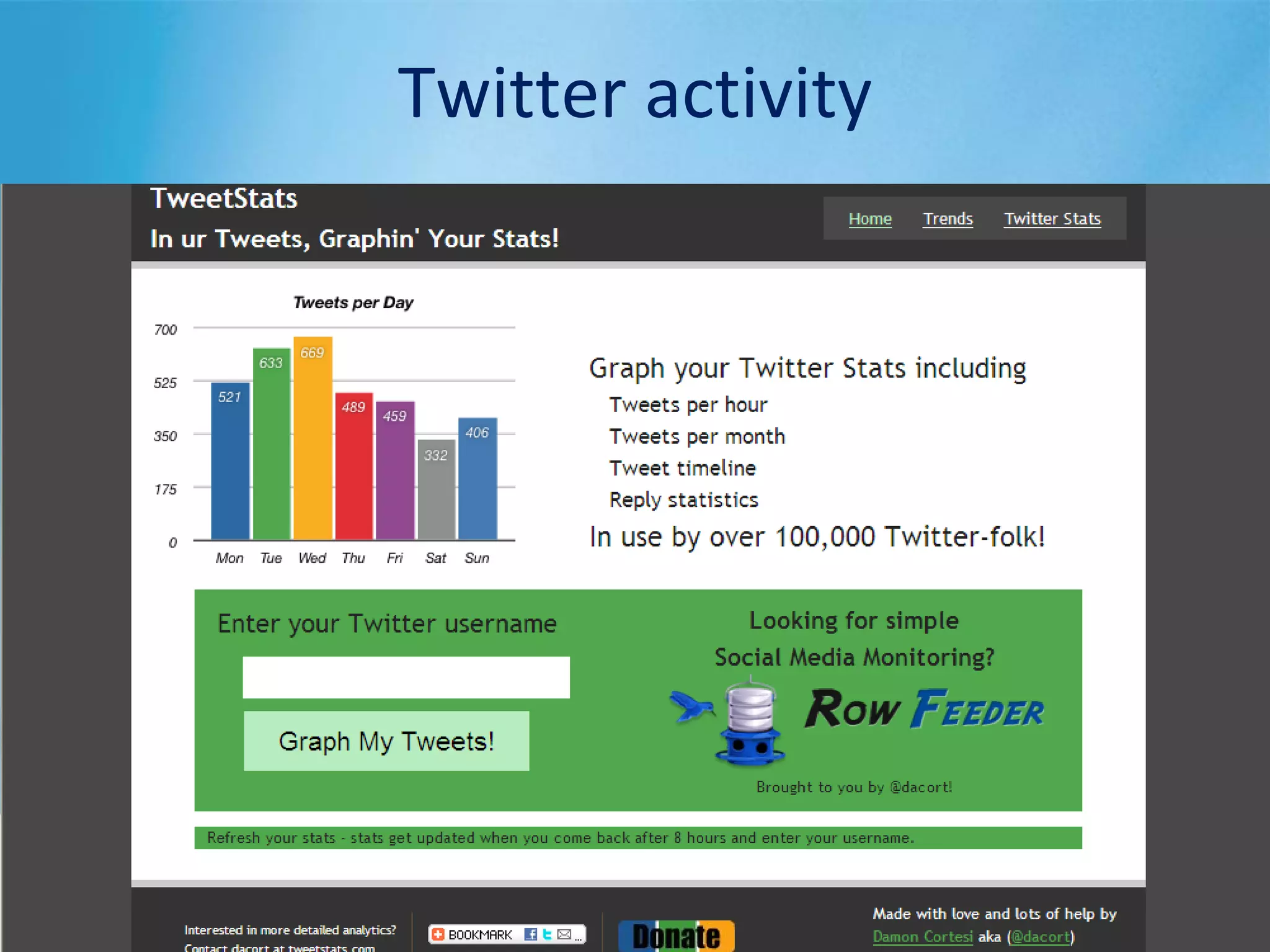
Twitter activity
• What are students doing?
• Writing for an authentic audience
• Composing in various modes and media
• Sharing and exploring others’ points of view
• Researching and evaluating information
• Mapping content to locations
• Videos and podcasts as ready-made curriculum
content
• Professional learning
• Reflection tool for teachers and students
How can we use them?
Australian Curriculum
• Select either the English or History curriculum
• In groups of 4-5, discuss the 3 questions on
your handout
• Take notes
• Appoint a person to report back
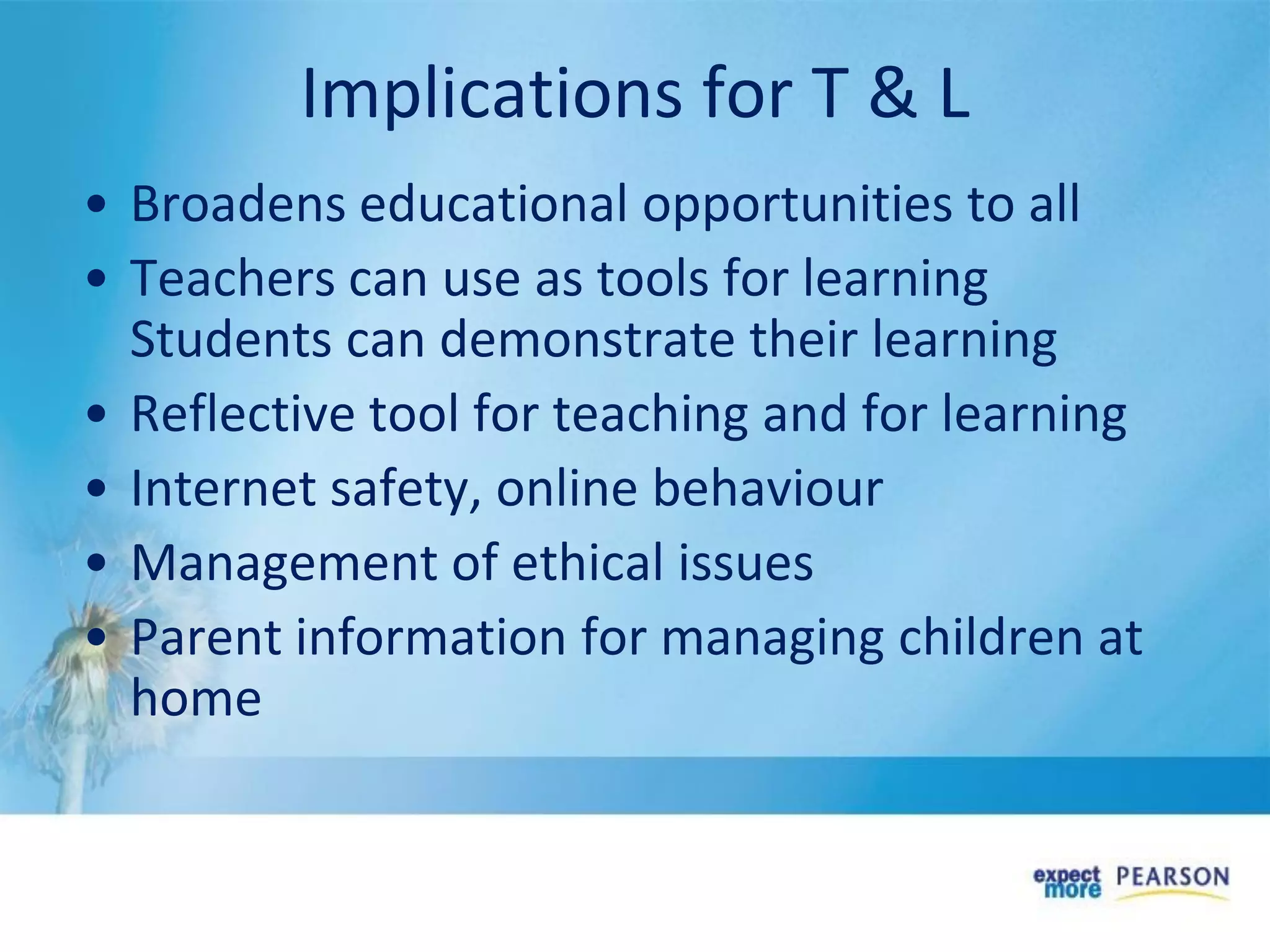
• Broadens educational opportunities to all
• Teachers can use as tools for learning
Students can demonstrate their learning
• Reflective tool for teaching and for learning
• Internet safety, online behaviour
• Management of ethical issues
• Parent information for managing children at
home
Implications for T & L
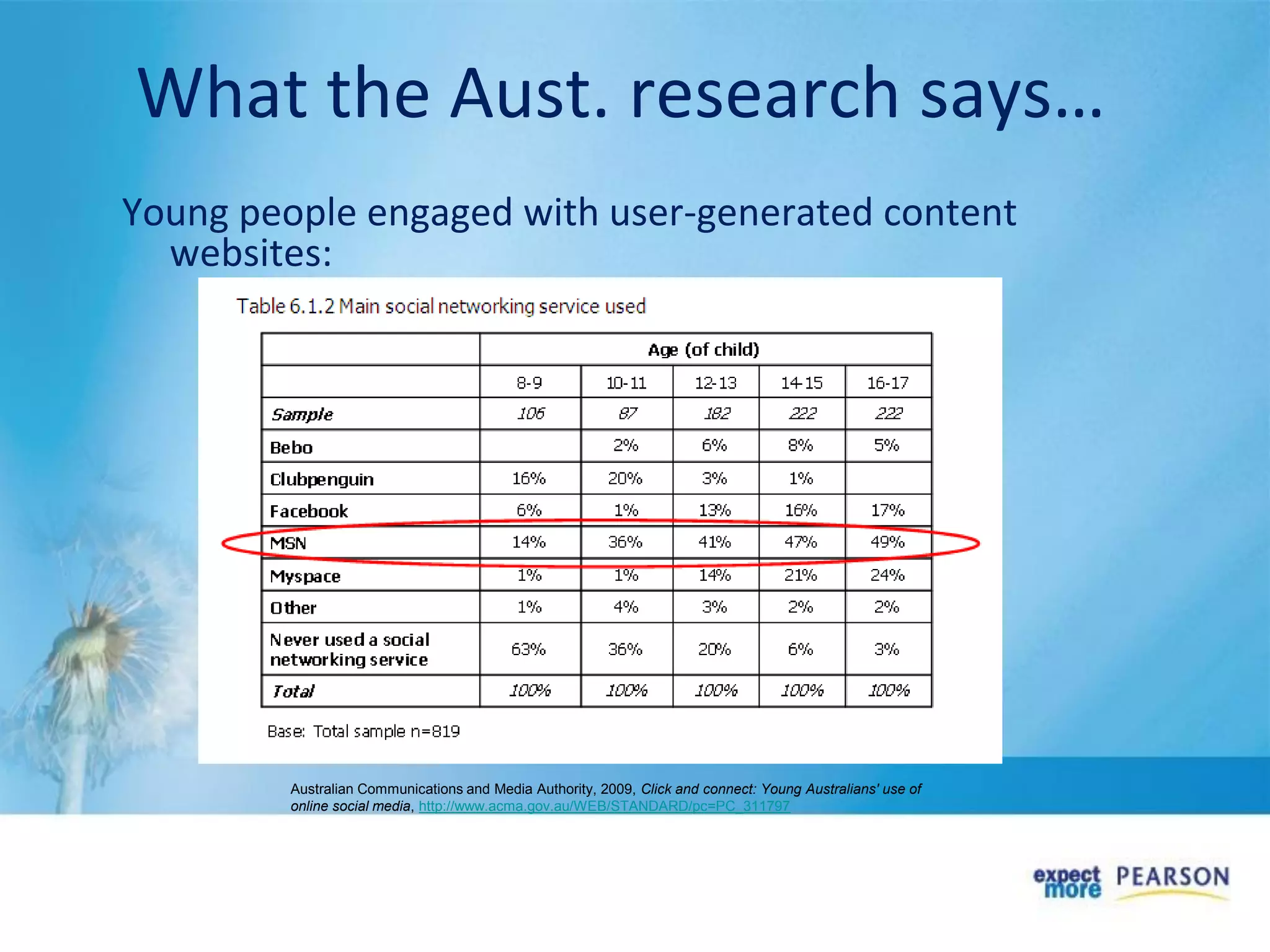
What the Aust. research says…
Young people engaged with user-generated content
websites:
Australian Communications and Media Authority, 2009, Click and connect: Young Australians' use of
online social media, http://www.acma.gov.au/WEB/STANDARD/pc=PC_311797
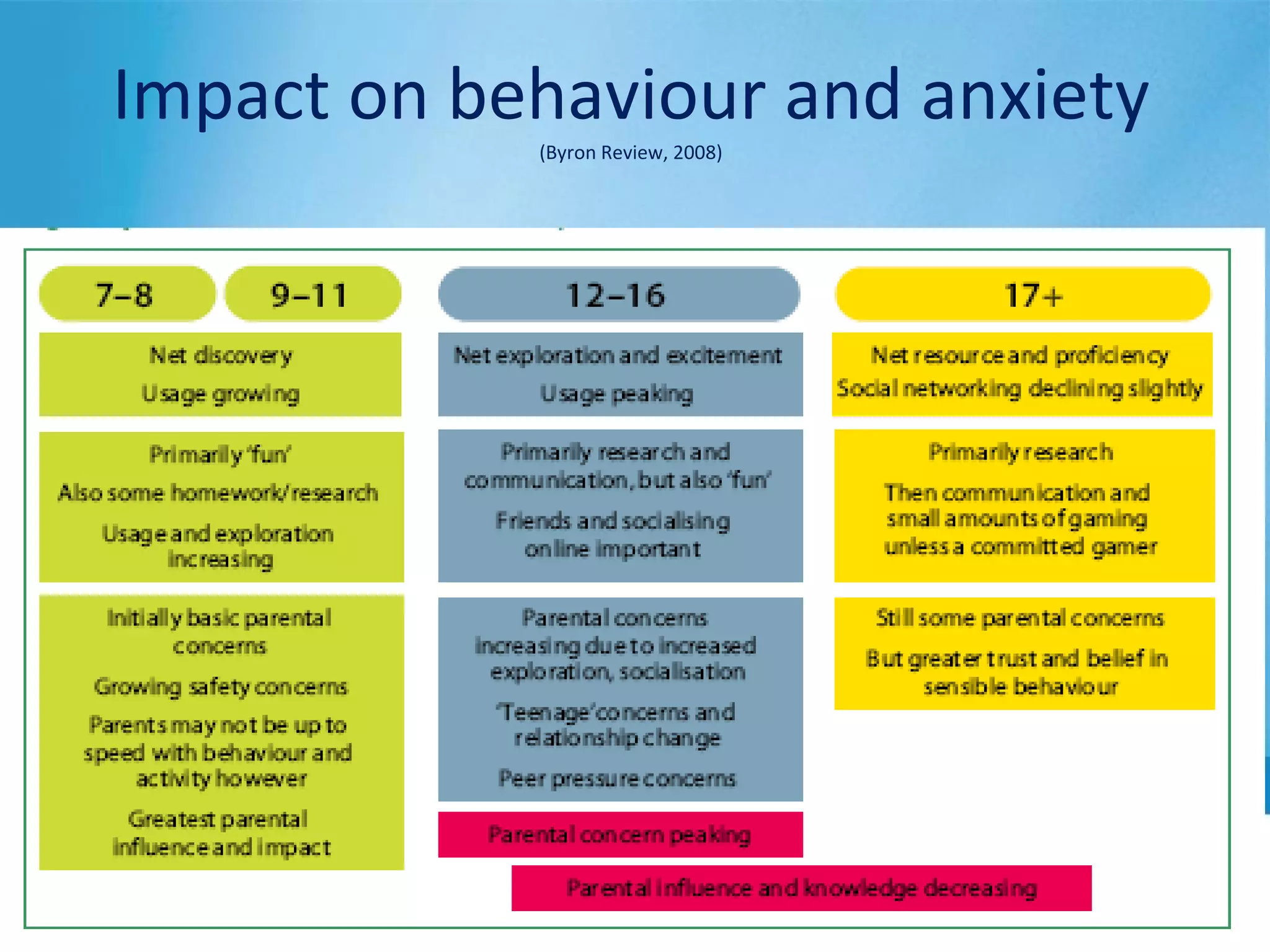
Impact on behaviour and anxiety
(Byron Review, 2008)
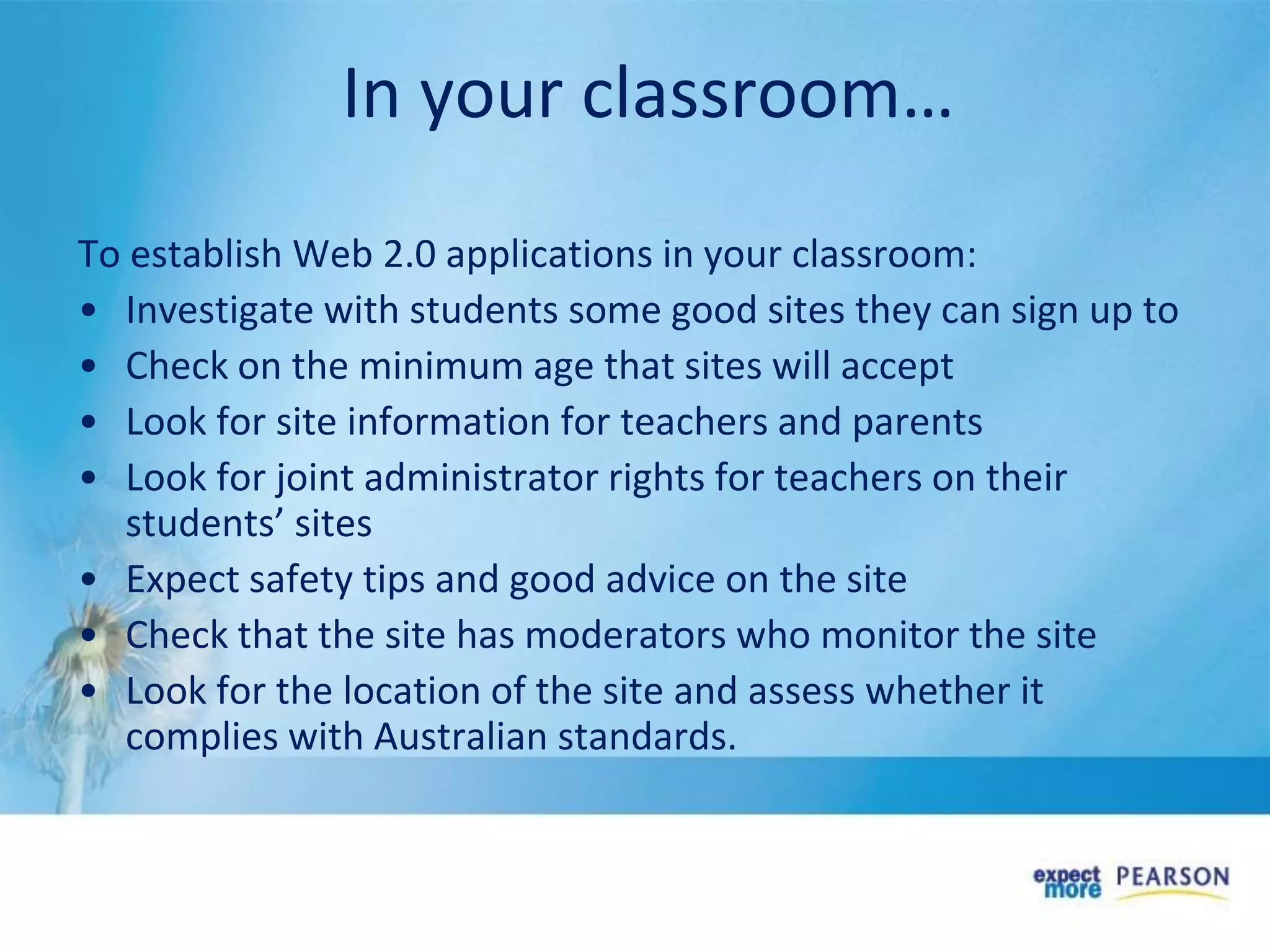
In your classroom…
To establish Web 2.0 applications in your classroom:
• Investigate with students some good sites they can sign up to
• Check on the minimum age that sites will accept
• Look for site information for teachers and parents
• Look for joint administrator rights for teachers on their
students’ sites
• Expect safety tips and good advice on the site
• Check that the site has moderators who monitor the site
• Look for the location of the site and assess whether it
complies with Australian standards.
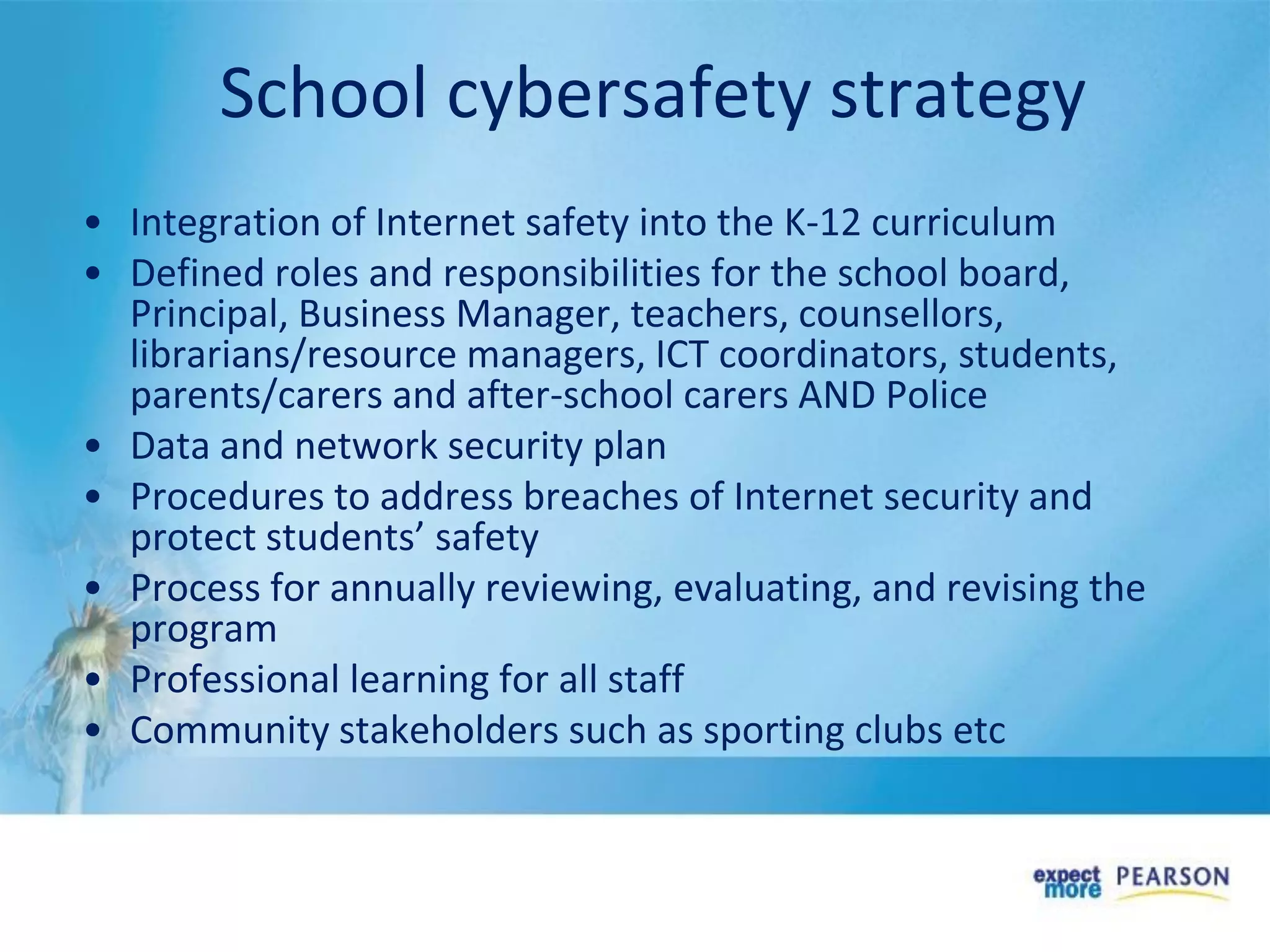
School cybersafety strategy
• Integration of Internet safety into the K-12 curriculum
• Defined roles and responsibilities for the school board,
Principal, Business Manager, teachers, counsellors,
librarians/resource managers, ICT coordinators, students,
parents/carers and after-school carers AND Police
• Data and network security plan
• Procedures to address breaches of Internet security and
protect students’ safety
• Process for annually reviewing, evaluating, and revising the
program
• Professional learning for all staff
• Community stakeholders such as sporting clubs etc
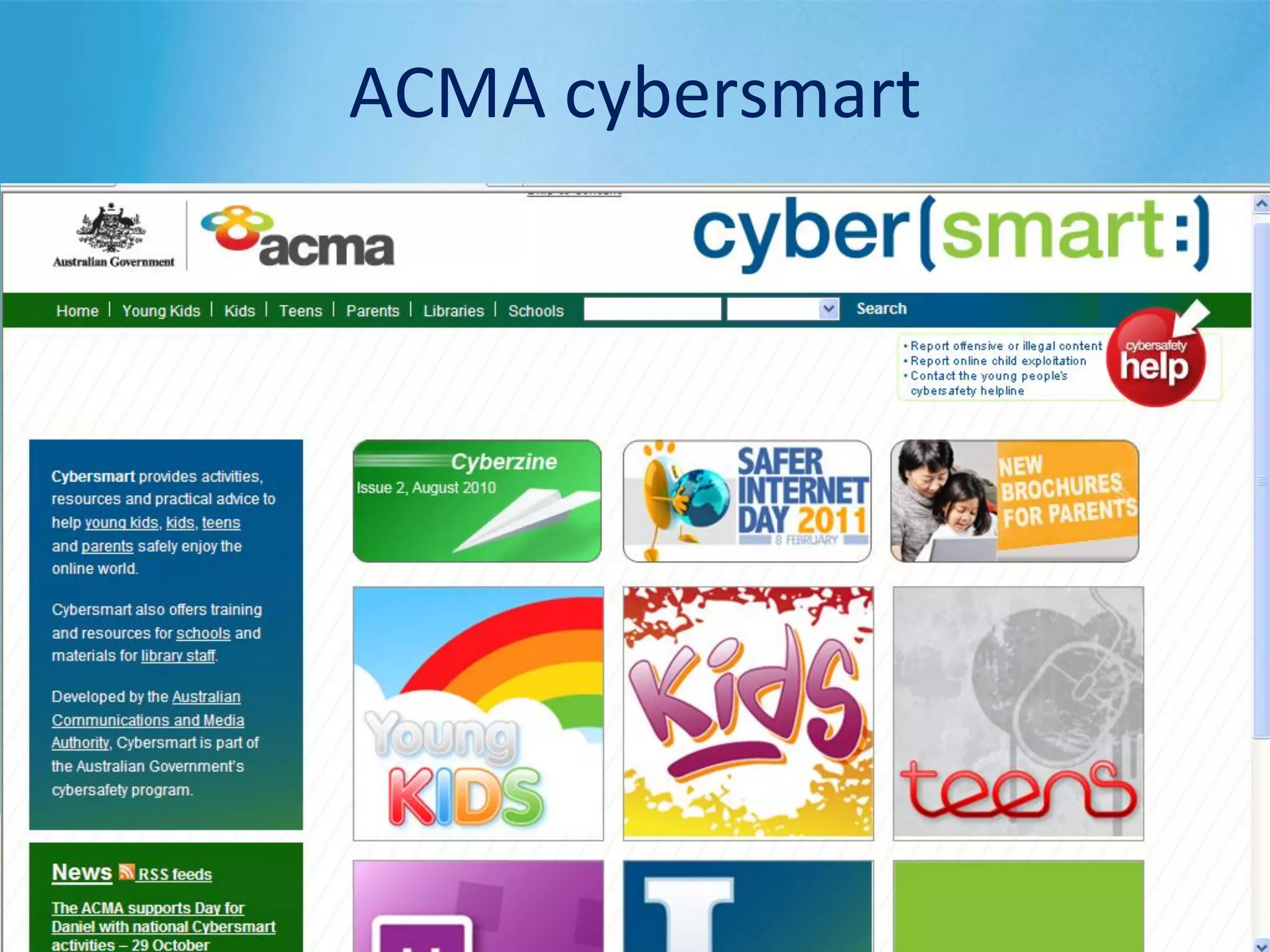
ACMA cybersmart
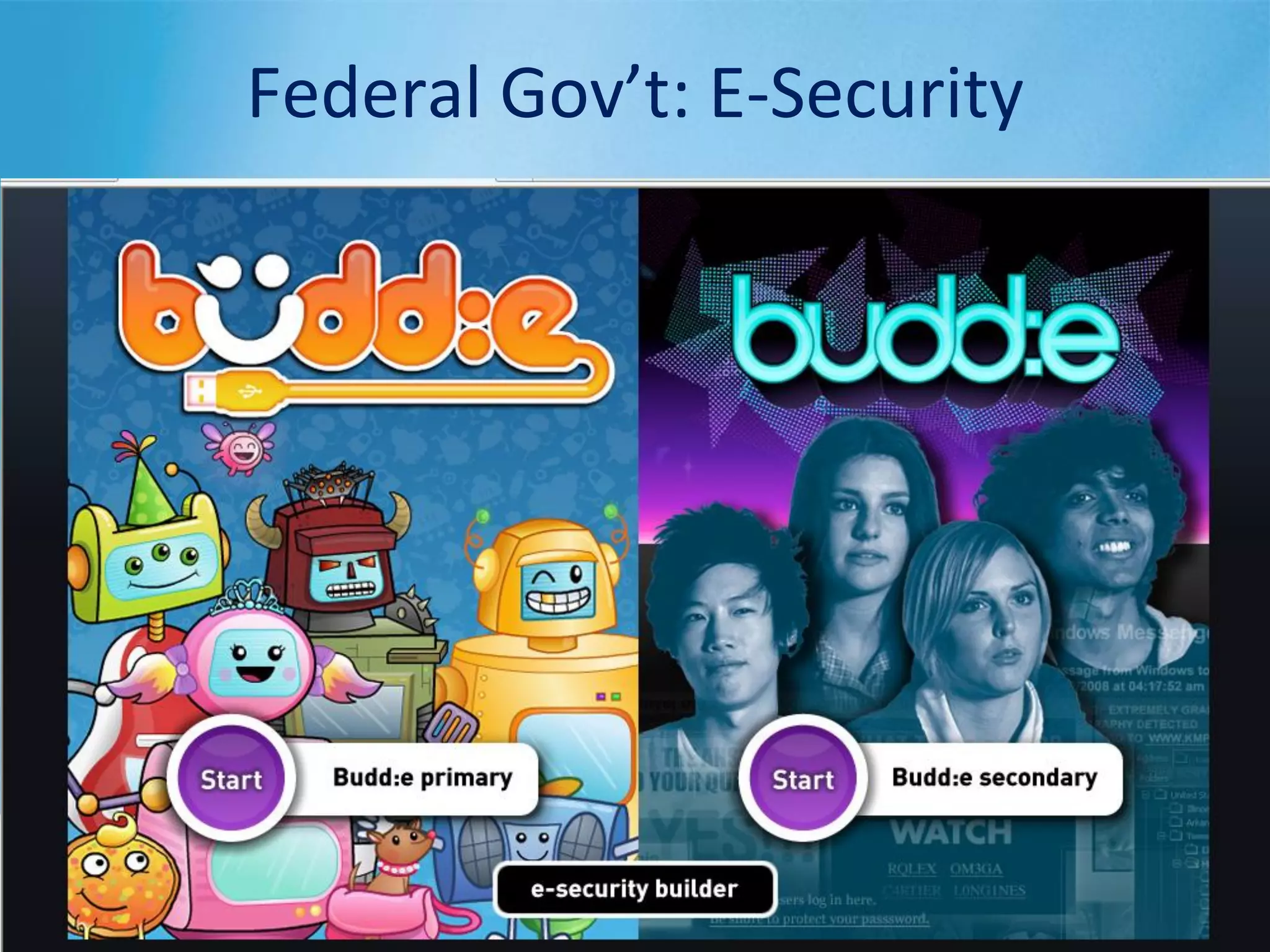
Federal Gov’t: E-Security
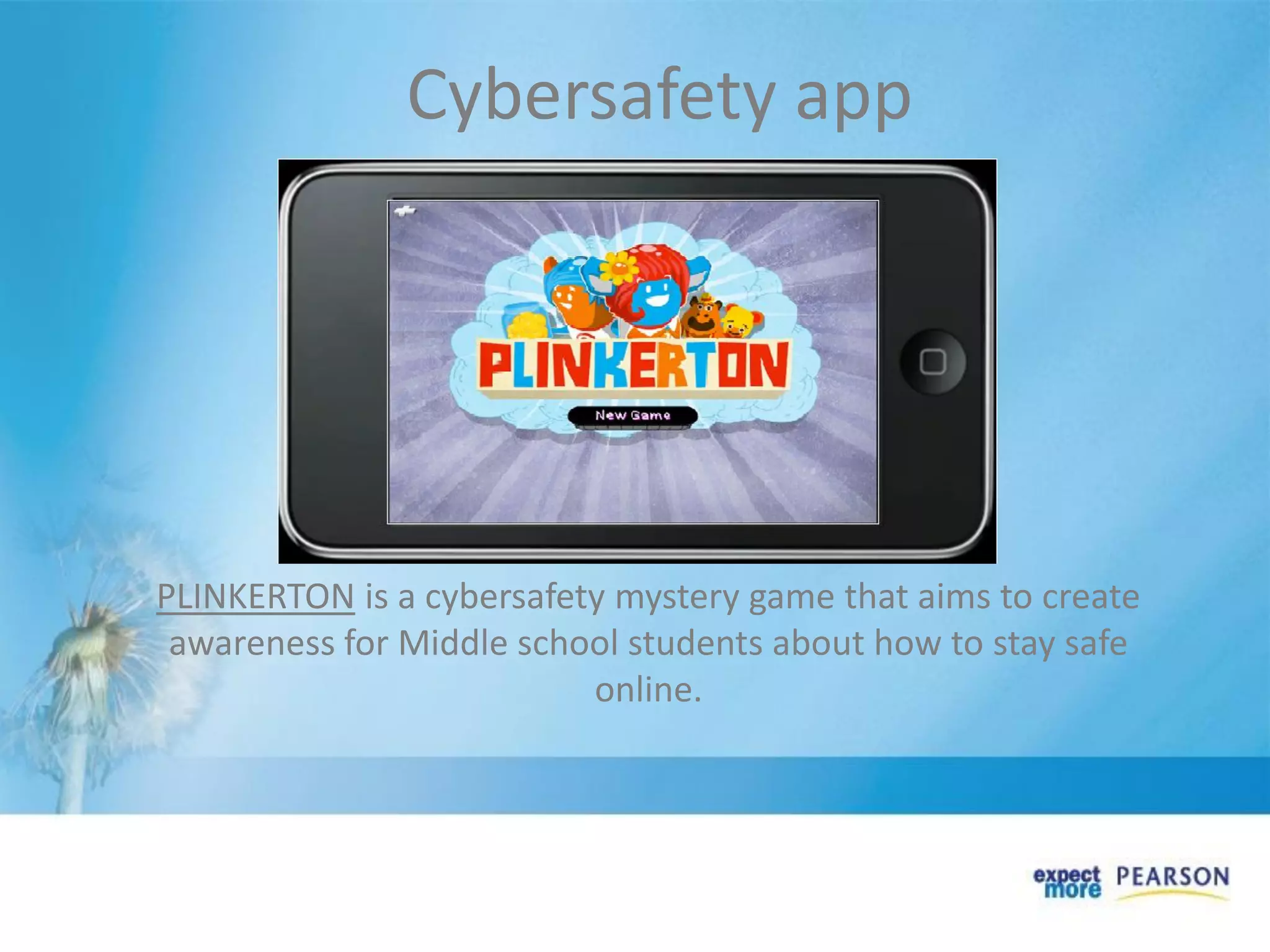
PLINKERTON is a cybersafety mystery game that aims to create
awareness for Middle school students about how to stay safe
online.
Cybersafety app
• Education has become portable
• Content is downloaded and listened to or
viewed when and where the learner decides
• Easy to make content and upload
• Tools are affordable – handheld devices &
web-based software
Why is Web 2.0 important?
Resources
• New Media Consortium, The Horizon Report
http://www.nmc.org/pdf/2010-Horizon-Report-K12.pdf
• Twenty-two Ways to use Twitter in the Classroom
http://www.docstoc.com/docs/5649046/How-To-Use-Twitter-in-the-
Classroom
• Steve Hargadon, Educational Networking: The Important Role Web 2.0 will
play in Education http://www.scribd.com/doc/24161189/Educational-
Networking-The-Important-Role-Web-2-0-Will-Play-in-Education
• Flat Classroom Project, http://flatclassroomproject.ning.com/
• Poll Everywhere http://www.polleverywhere.com/
• ACMA, Cybersmart http://www.cybersmart.gov.au/
• DBCDE, E-Security Budd:e, https://budd-e.staysmartonline.gov.au/
Cecilie Murray
Email:
cecilie@delphian.com.au
Delphian eLearning
www.delphian.com.au
App-titude Learning
www.app-titude.com.au
Contact

Web 2.0 to enhance English and History

  • 1.
    Using Web 2.0 toenhance English and History Cecilie Murray Delphian eLearning
  • 3.
    What’s on thehorizon? The Horizon Report: Technologies to Watch K-12 Report 2010 • Cloud computing • Collaborative environments • Game based learning • Mobiles • Augmented reality • Flexible displays http://www.nmc.org/pdf/2010-Horizon-Report-K12.pdf Aust-NZ Report 2010 • E-books • Mobiles • Augmented reality • Open content • Gesture based computing • Visual data analysis http://www.nmc.org/pdf/2010-Horizon-Report-ANZ.pdf
  • 4.
    • What isWeb 2.0 and where did it come from? • Tools for business, socialising and learning • Who’s using them? • Applications and implications for Australian curriculum • What can you do in your school? Our Horizon
  • 6.
    The Tools Sites forsocial participation, collaboration and communication and learning such as: • blogs (personal web-based journals) • messaging (instant web based messaging) • chat (real time text based interaction) • discussion groups (delayed text based interaction) • wikis (modifiable collaborative web pages) • podcasting (subscription-based broadcast over the web) • vodcasting (video podcasts broadcast over the web) • RSS (really simple syndication) that enables the sharing of news across the web, free.
  • 7.
  • 9.
    Network of trustedbusiness contact Free internet calls; real time collaboration worldwide Collaborative research tool PeerMint, Telstra, Intel, Teach Australia Tools for Business
  • 10.
    More than 500million active users worldwide; 9.2 million in Australia; most popular website for uploading photos for young people. Bandwidth costs are estimated at $1 million a day; in 2007, consumed as much bandwidth as the entire Internet in 2000. Popular in UK, US, NZ, Pacific Is. General worldwide use 14 years +. Australian users 1.2 million Social networking & microblogging service via Tweets of 140 characters. Tools for Socialising
  • 11.
    Create and managestudent blogs Videos and blogs for educators Web 2.0 and collaborative technologies Social networks for anything Uploading and sharing photos Organising social bookmarks Tools for Learning
  • 12.
    Department Web 2.0sites • WA – Web 2.0 guides http://www.det.wa.edu.au/education/cmis/eval/curriculum/ict/ index.htm • VIC – ePotential Showcase http://epotential.education.vic.gov.au/showcase/ • QLD – Smart Classrooms http://education.qld.gov.au/smartclassrooms/index.html
  • 13.
  • 14.
  • 15.
    Ning for FlatClassrooms
  • 16.
  • 17.
  • 18.
  • 19.
  • 20.
  • 21.
  • 22.
  • 23.
  • 24.
    • What arestudents doing? • Writing for an authentic audience • Composing in various modes and media • Sharing and exploring others’ points of view • Researching and evaluating information • Mapping content to locations • Videos and podcasts as ready-made curriculum content • Professional learning • Reflection tool for teachers and students How can we use them?
  • 25.
    Australian Curriculum • Selecteither the English or History curriculum • In groups of 4-5, discuss the 3 questions on your handout • Take notes • Appoint a person to report back
  • 26.
    • Broadens educationalopportunities to all • Teachers can use as tools for learning Students can demonstrate their learning • Reflective tool for teaching and for learning • Internet safety, online behaviour • Management of ethical issues • Parent information for managing children at home Implications for T & L
  • 27.
    What the Aust.research says… Young people engaged with user-generated content websites: Australian Communications and Media Authority, 2009, Click and connect: Young Australians' use of online social media, http://www.acma.gov.au/WEB/STANDARD/pc=PC_311797
  • 28.
    Impact on behaviourand anxiety (Byron Review, 2008)
  • 29.
    In your classroom… Toestablish Web 2.0 applications in your classroom: • Investigate with students some good sites they can sign up to • Check on the minimum age that sites will accept • Look for site information for teachers and parents • Look for joint administrator rights for teachers on their students’ sites • Expect safety tips and good advice on the site • Check that the site has moderators who monitor the site • Look for the location of the site and assess whether it complies with Australian standards.
  • 30.
    School cybersafety strategy •Integration of Internet safety into the K-12 curriculum • Defined roles and responsibilities for the school board, Principal, Business Manager, teachers, counsellors, librarians/resource managers, ICT coordinators, students, parents/carers and after-school carers AND Police • Data and network security plan • Procedures to address breaches of Internet security and protect students’ safety • Process for annually reviewing, evaluating, and revising the program • Professional learning for all staff • Community stakeholders such as sporting clubs etc
  • 31.
  • 32.
  • 33.
    PLINKERTON is acybersafety mystery game that aims to create awareness for Middle school students about how to stay safe online. Cybersafety app
  • 34.
    • Education hasbecome portable • Content is downloaded and listened to or viewed when and where the learner decides • Easy to make content and upload • Tools are affordable – handheld devices & web-based software Why is Web 2.0 important?
  • 36.
    Resources • New MediaConsortium, The Horizon Report http://www.nmc.org/pdf/2010-Horizon-Report-K12.pdf • Twenty-two Ways to use Twitter in the Classroom http://www.docstoc.com/docs/5649046/How-To-Use-Twitter-in-the- Classroom • Steve Hargadon, Educational Networking: The Important Role Web 2.0 will play in Education http://www.scribd.com/doc/24161189/Educational- Networking-The-Important-Role-Web-2-0-Will-Play-in-Education • Flat Classroom Project, http://flatclassroomproject.ning.com/ • Poll Everywhere http://www.polleverywhere.com/ • ACMA, Cybersmart http://www.cybersmart.gov.au/ • DBCDE, E-Security Budd:e, https://budd-e.staysmartonline.gov.au/
  • 37.