Juan Carlos Aguilar
Management Information Systems
November 13th, 2015
Professor Eduardo Orozco
Part One
 Technological Blogs
1. Lifehacker
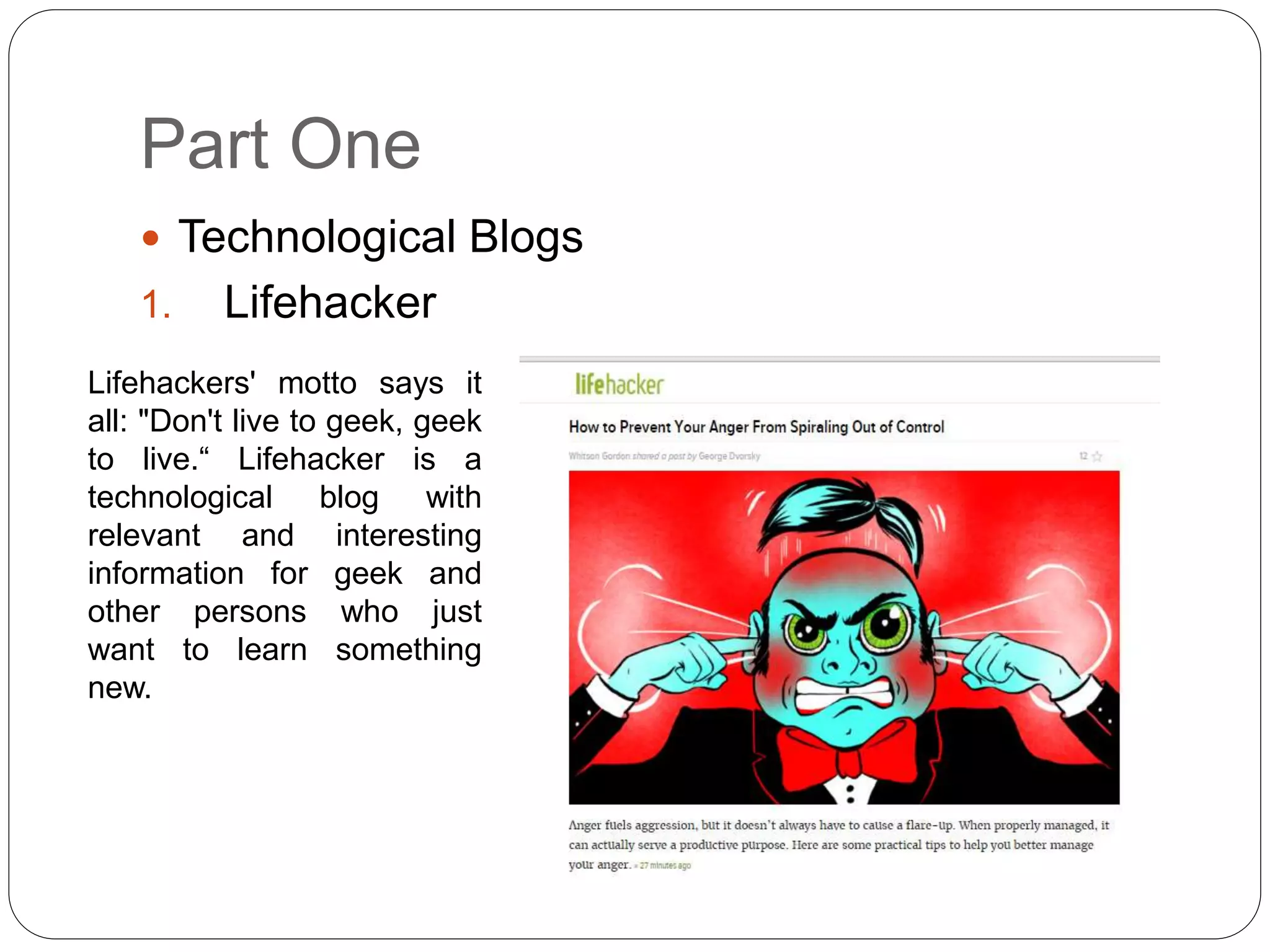
Lifehackers' motto says it
all: "Don't live to geek, geek
to live.“ Lifehacker is a
technological blog with
relevant and interesting
information for geek and
other persons who just
want to learn something
new.
2. IT Toolbox Blogs
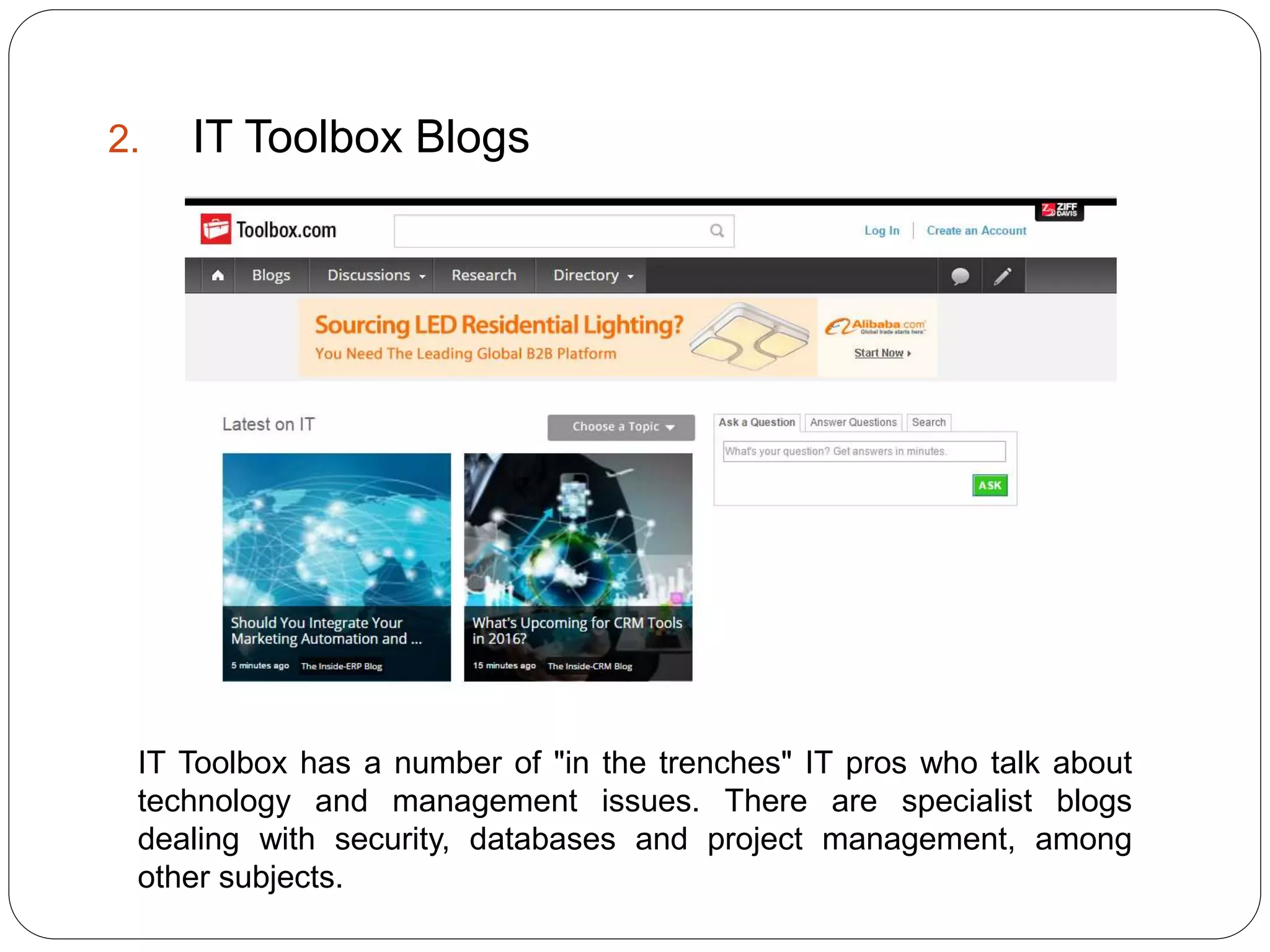
IT Toolbox has a number of "in the trenches" IT pros who talk about
technology and management issues. There are specialist blogs
dealing with security, databases and project management, among
other subjects.
3. Macrumors.com
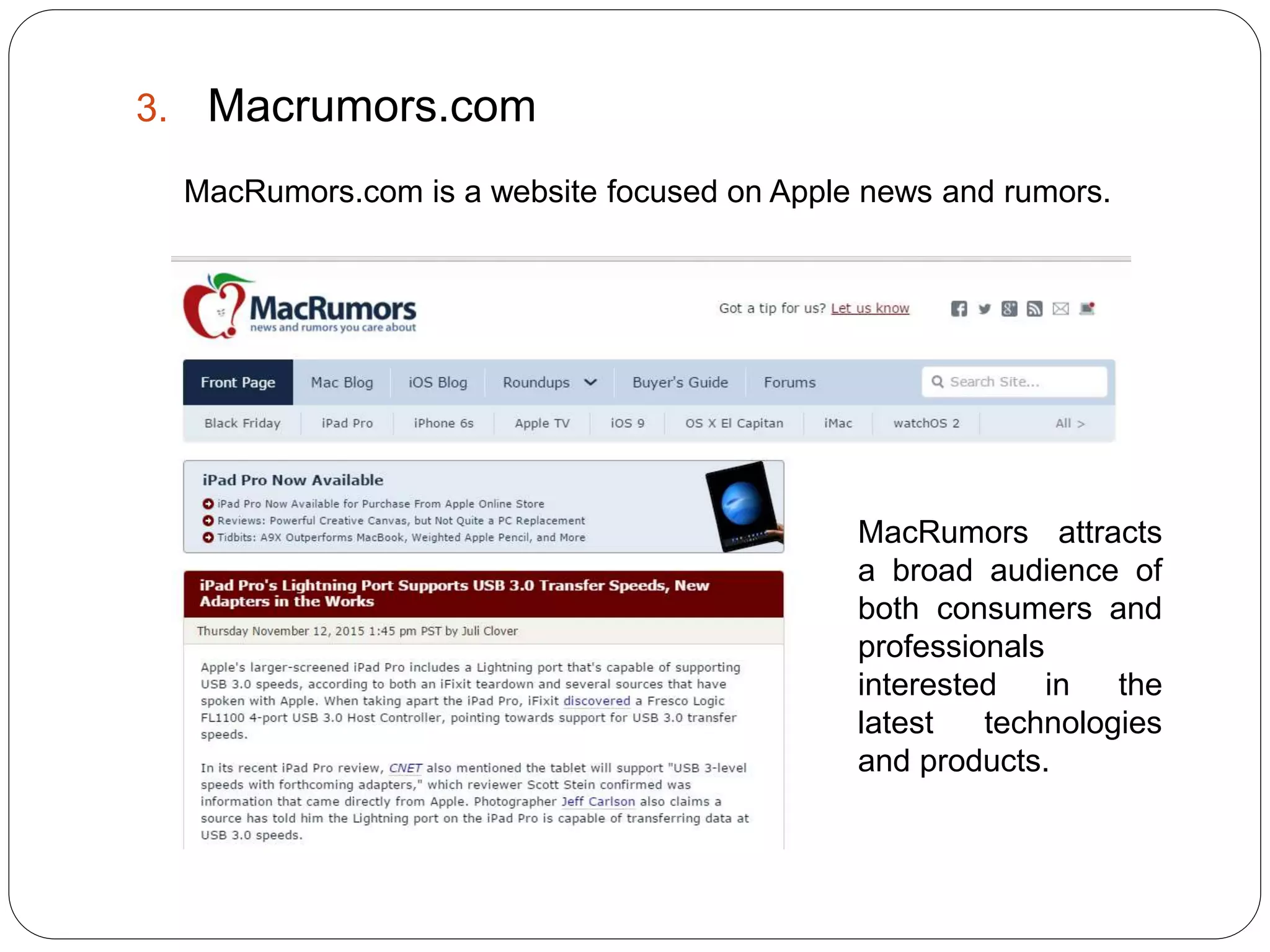
MacRumors.com is a website focused on Apple news and rumors.
MacRumors attracts
a broad audience of
both consumers and
professionals
interested in the
latest technologies
and products.
 b) Business/Financial
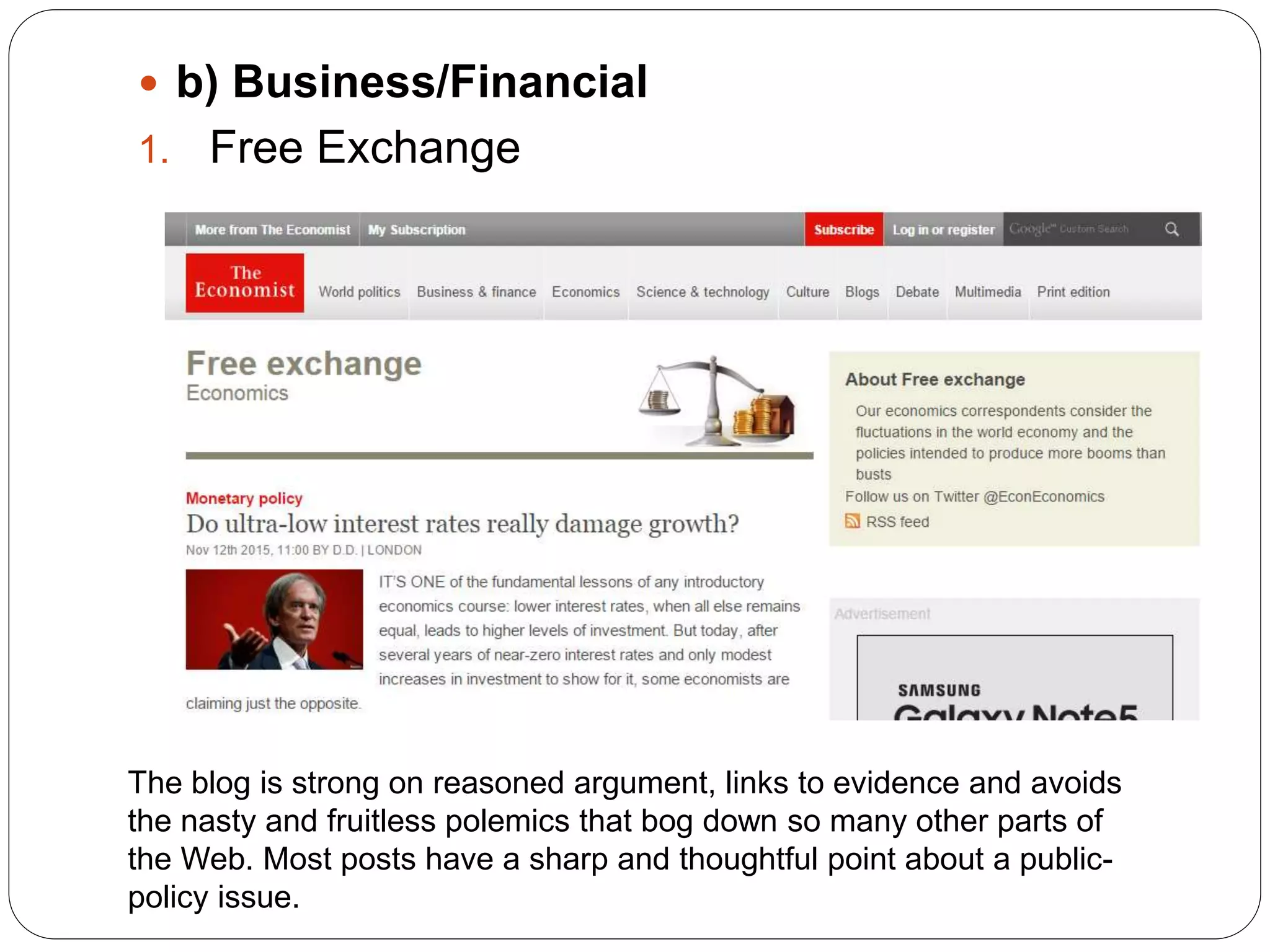
1. Free Exchange
The blog is strong on reasoned argument, links to evidence and avoids
the nasty and fruitless polemics that bog down so many other parts of
the Web. Most posts have a sharp and thoughtful point about a public-
policy issue.
2. Economix
Most publications would probably assume they had their economic blog
needs covered after signing up their Nobel Prize–winning economics
columnist for the job. Not the New York Times: in Economix, the paper has
added a second must-read economics blog.
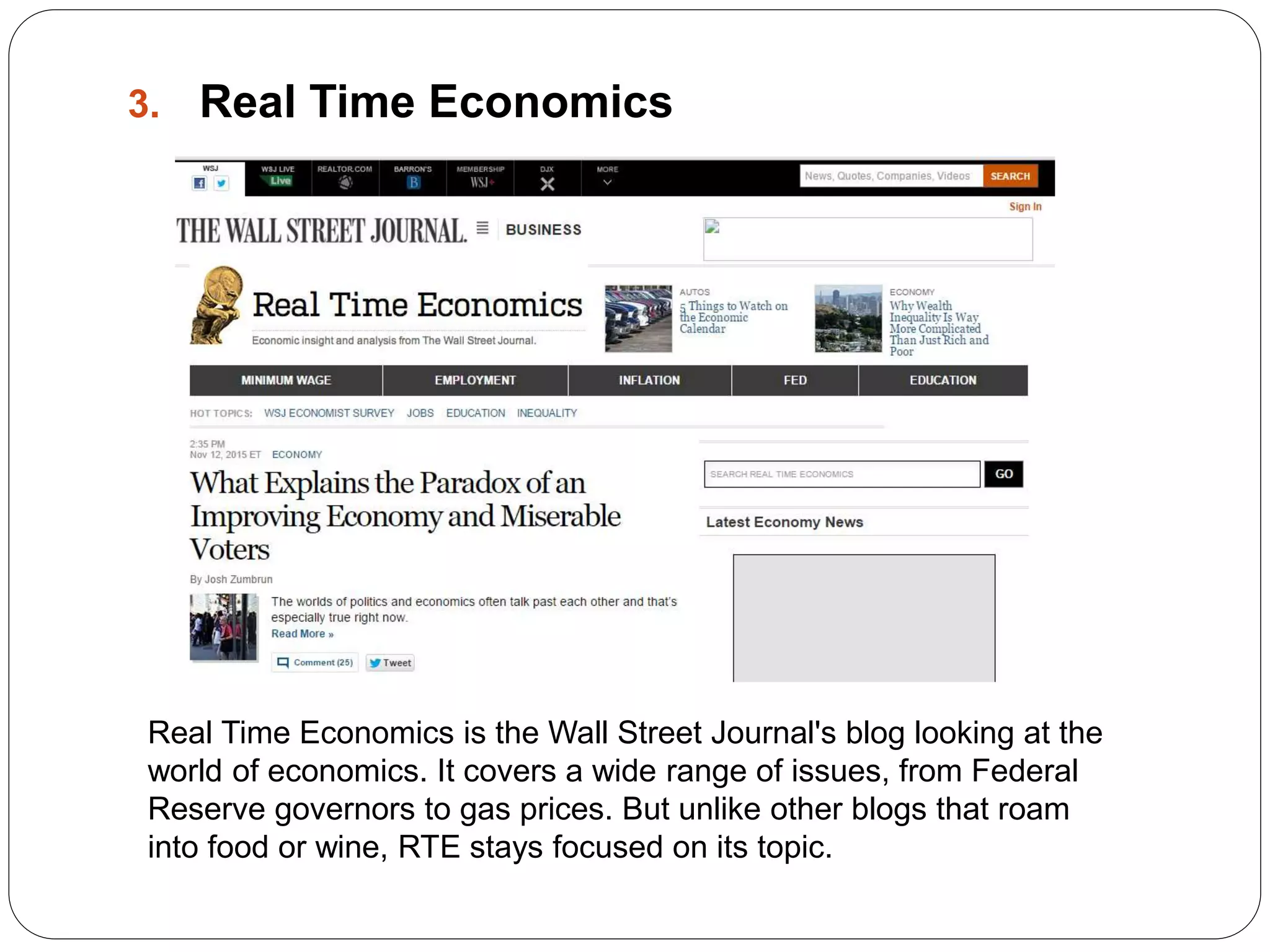
3. Real Time Economics
Real Time Economics is the Wall Street Journal's blog looking at the
world of economics. It covers a wide range of issues, from Federal
Reserve governors to gas prices. But unlike other blogs that roam
into food or wine, RTE stays focused on its topic.
 c)Entertainment
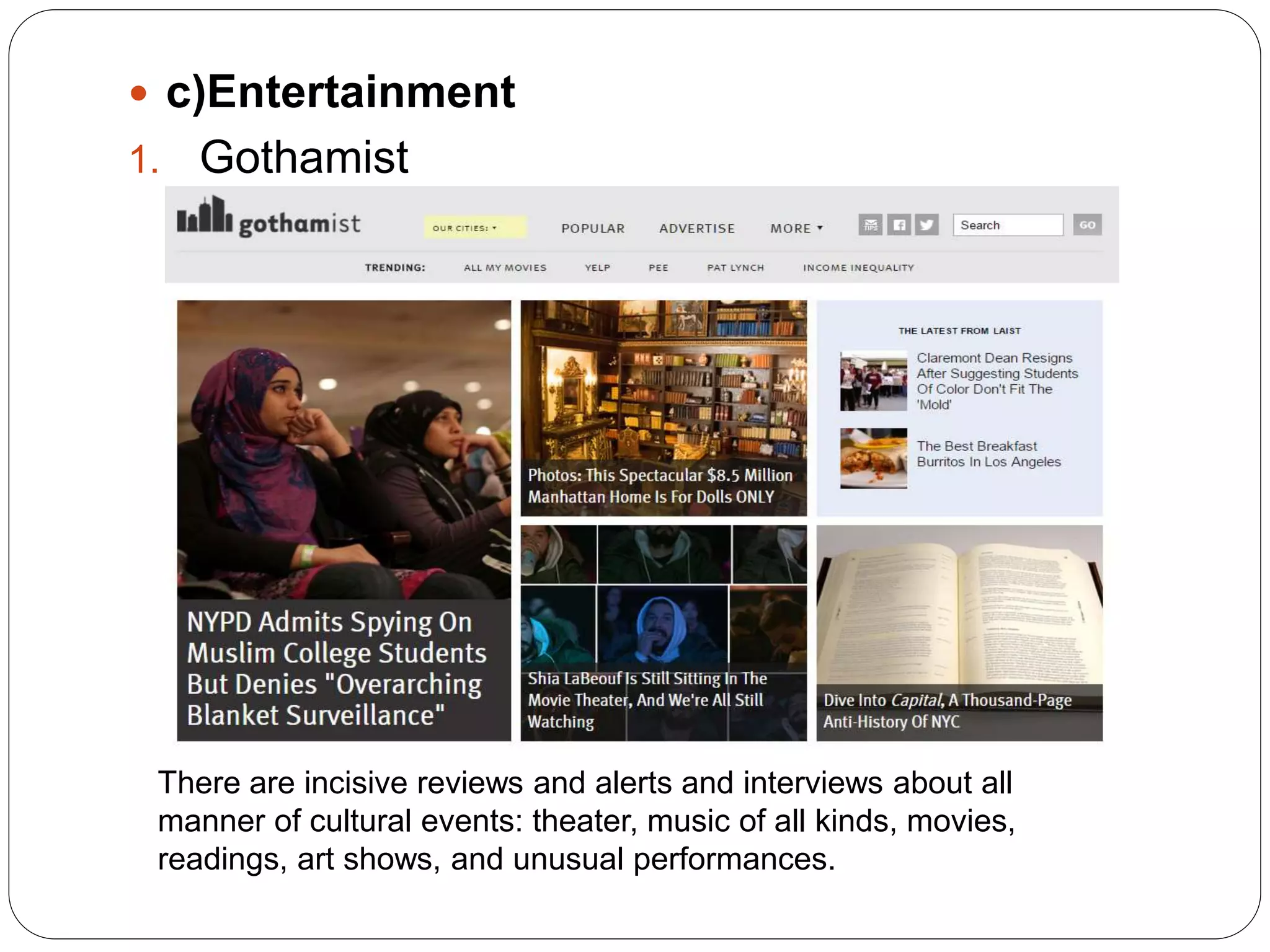
1. Gothamist
There are incisive reviews and alerts and interviews about all
manner of cultural events: theater, music of all kinds, movies,
readings, art shows, and unusual performances.
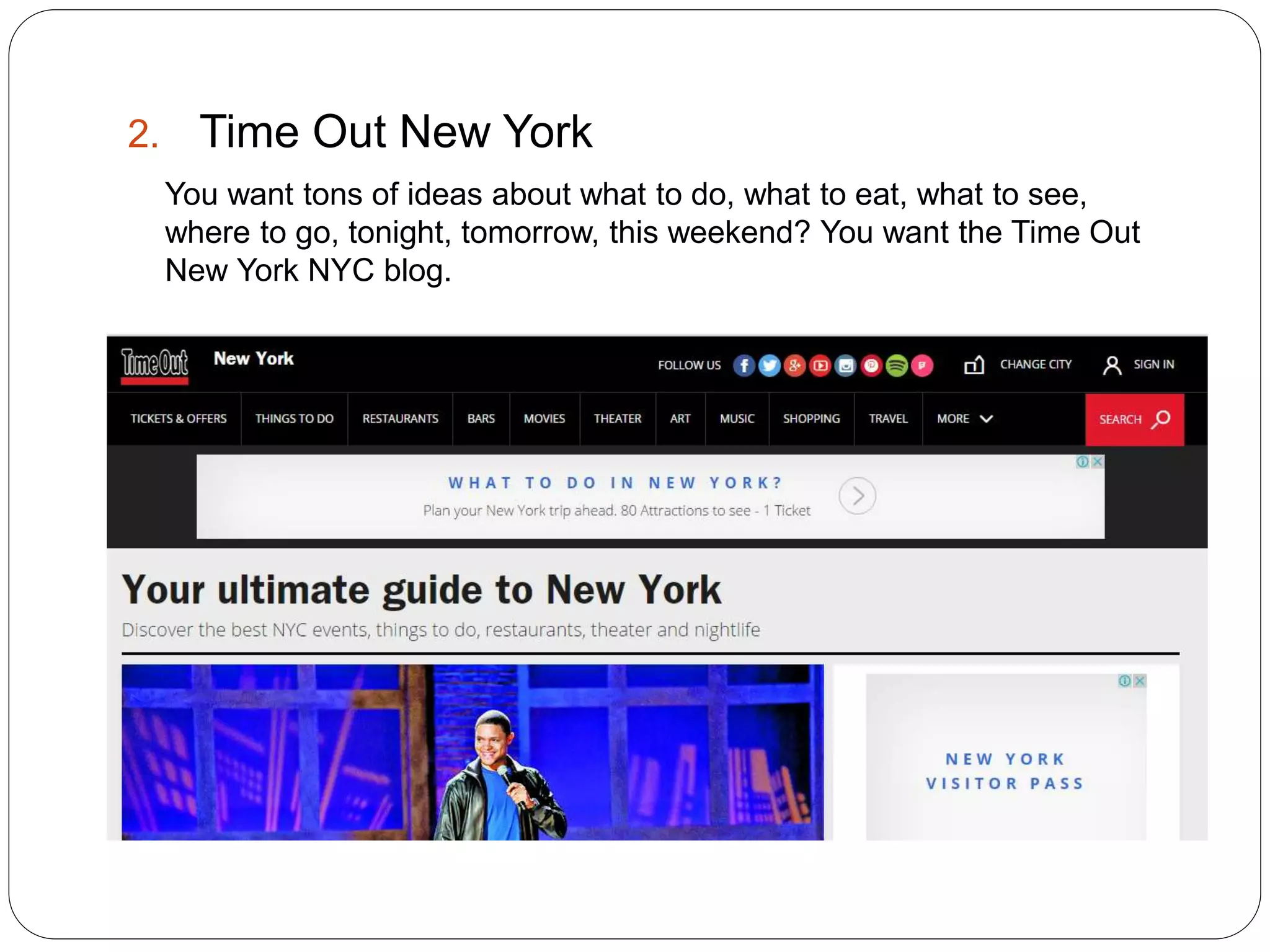
2. Time Out New York
You want tons of ideas about what to do, what to eat, what to see,
where to go, tonight, tomorrow, this weekend? You want the Time Out
New York NYC blog.
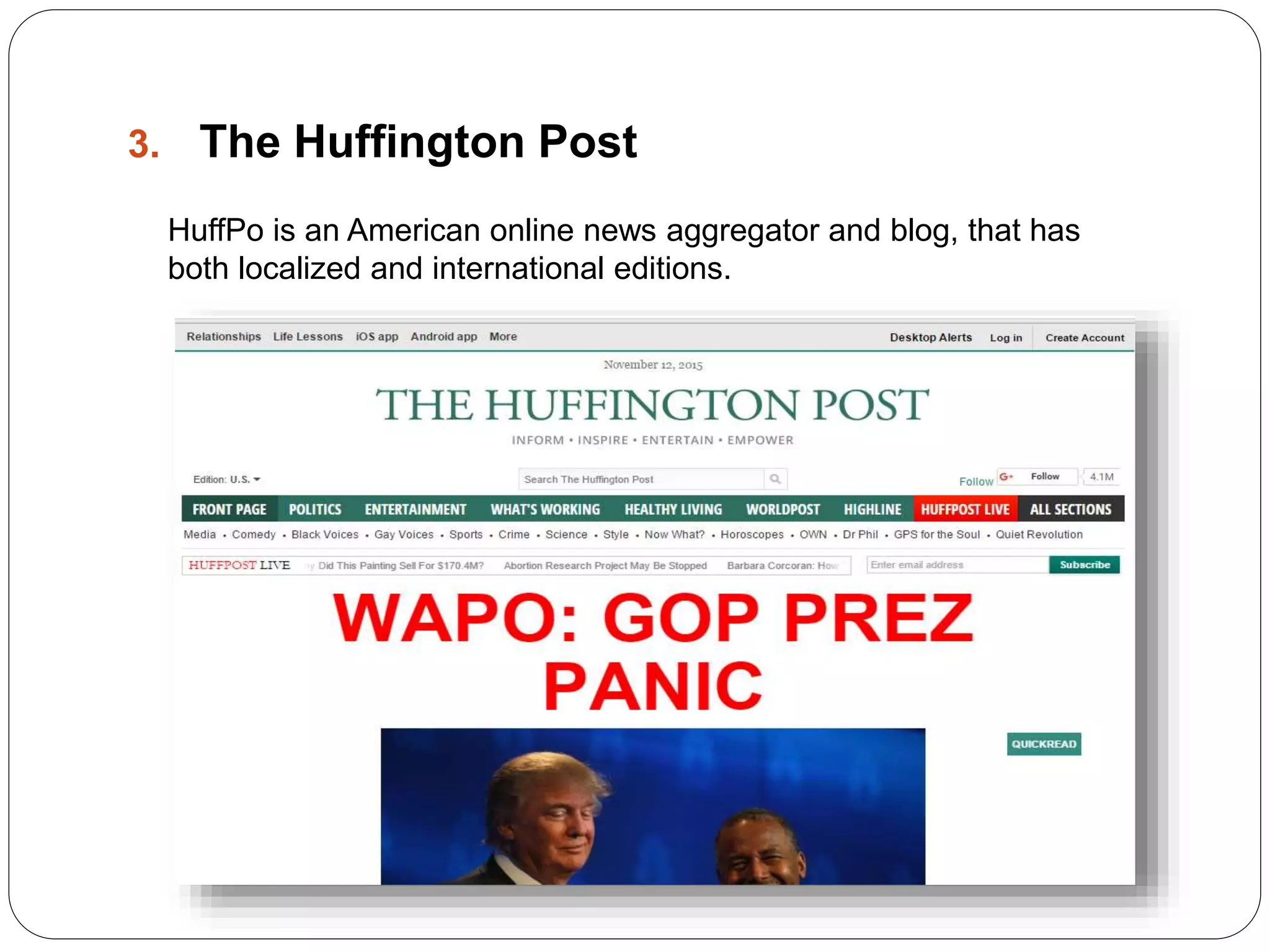
3. The Huffington Post
HuffPo is an American online news aggregator and blog, that has
both localized and international editions.
Part two:
 Collaboration tools: Google Docs
Google Docs serves as a collaborative tool for editing documents in
real time. Documents can be shared, opened, and edited by
multiple users simultaneously and users are able to see character-
by-character changes as other collaborators make edits.
 Main Utilities (Google Docs):
 Google Drawings allows users to collaborate creating, sharing,
and editing images or drawings.
 Google offers an extension for Google Chrome Office editing for
Docs, Sheets and Slides that enables users to view and edit
Microsoft Office documents on Google Chrome, via the Docs,
Sheets and Slides apps.
 A simple find and replace tool is available; there was no ability to
do the search in a reverse direction in the original release, but a
later version allowed reverse search and reverse replace.
Part Three
 Linkedin
 LinkedIn’s Features:
 Recommendations – A key benefit is giving and receiving personal
and business recommendations.
 Groups- LinkedIn features hundreds of groups with members joining
up to 50 groups related to industry, location, keywords, and content.
 Applications – This section allows importing of your business content
from several sources, including slideshows, blog feeds, Twitter
updates, and published content.
Profile – Your profile is the basis for searches on and off the LinkedIn
platform. Fill out all sections, include a professional photograph,
remember keywords in each section, and avoid keyword stuffing or
any other spammy information.
Part Four:
 Creating a Blog (Wordpress):
Web 2.0 is the term given to describe a second generation of the World
Wide Web that is focused on the ability for people to collaborate and
share information online. Web 2.0 basically refers to the transition from
static HTML Web pages to a more dynamic Web that is more organized
and is based on serving Web applications to users.
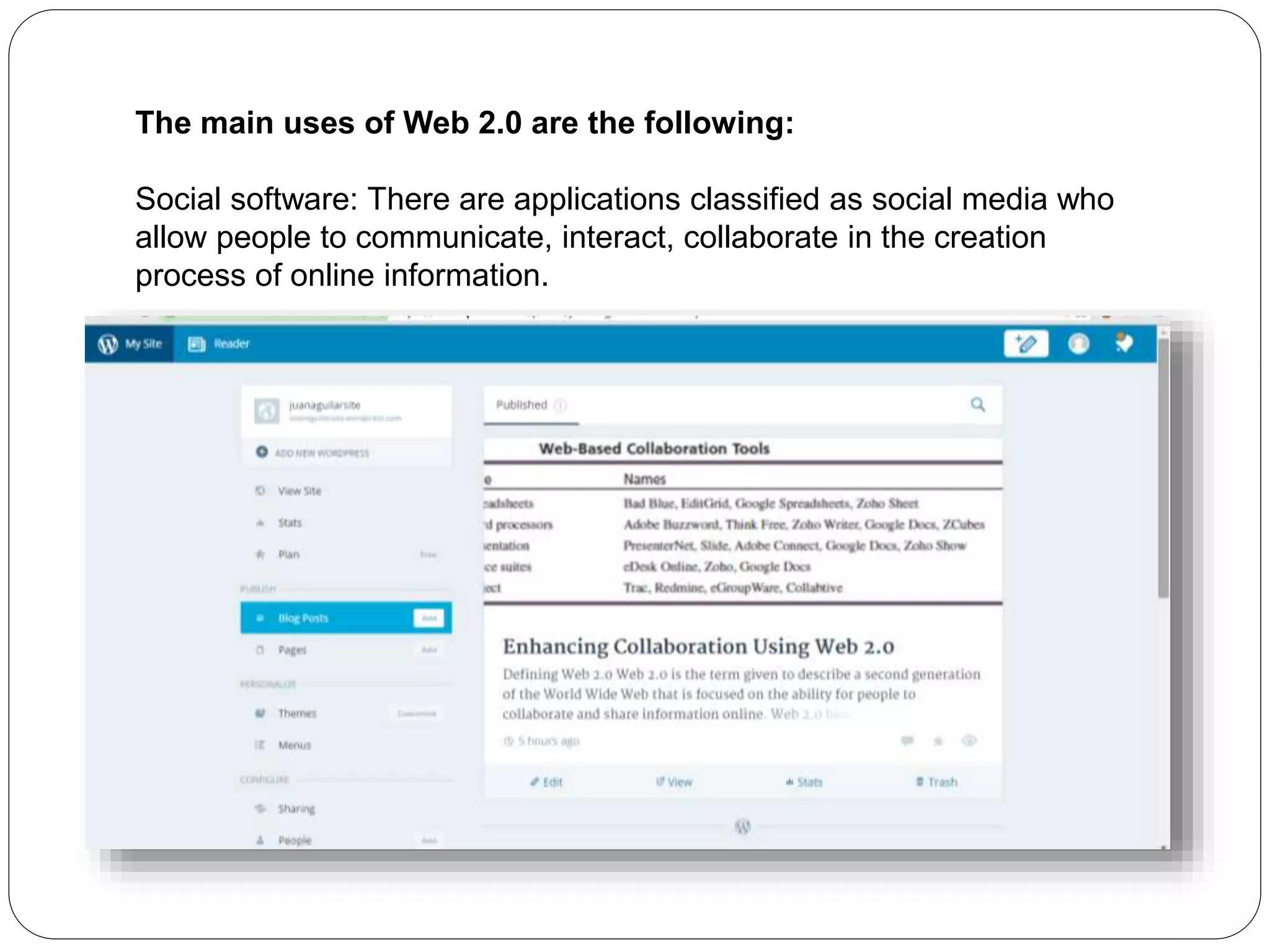
The main uses of Web 2.0 are the following:
Social software: There are applications classified as social media who
allow people to communicate, interact, collaborate in the creation
process of online information.

web 2 review juan aguilar

  • 1.
    Juan Carlos Aguilar ManagementInformation Systems November 13th, 2015 Professor Eduardo Orozco
  • 2.
    Part One  TechnologicalBlogs 1. Lifehacker Lifehackers' motto says it all: "Don't live to geek, geek to live.“ Lifehacker is a technological blog with relevant and interesting information for geek and other persons who just want to learn something new.
  • 3.
    2. IT ToolboxBlogs IT Toolbox has a number of "in the trenches" IT pros who talk about technology and management issues. There are specialist blogs dealing with security, databases and project management, among other subjects.
  • 4.
    3. Macrumors.com MacRumors.com isa website focused on Apple news and rumors. MacRumors attracts a broad audience of both consumers and professionals interested in the latest technologies and products.
  • 5.
     b) Business/Financial 1.Free Exchange The blog is strong on reasoned argument, links to evidence and avoids the nasty and fruitless polemics that bog down so many other parts of the Web. Most posts have a sharp and thoughtful point about a public- policy issue.
  • 6.
    2. Economix Most publicationswould probably assume they had their economic blog needs covered after signing up their Nobel Prize–winning economics columnist for the job. Not the New York Times: in Economix, the paper has added a second must-read economics blog.
  • 7.
    3. Real TimeEconomics Real Time Economics is the Wall Street Journal's blog looking at the world of economics. It covers a wide range of issues, from Federal Reserve governors to gas prices. But unlike other blogs that roam into food or wine, RTE stays focused on its topic.
  • 8.
     c)Entertainment 1. Gothamist Thereare incisive reviews and alerts and interviews about all manner of cultural events: theater, music of all kinds, movies, readings, art shows, and unusual performances.
  • 9.
    2. Time OutNew York You want tons of ideas about what to do, what to eat, what to see, where to go, tonight, tomorrow, this weekend? You want the Time Out New York NYC blog.
  • 10.
    3. The HuffingtonPost HuffPo is an American online news aggregator and blog, that has both localized and international editions.
  • 11.
    Part two:  Collaborationtools: Google Docs
  • 12.
    Google Docs servesas a collaborative tool for editing documents in real time. Documents can be shared, opened, and edited by multiple users simultaneously and users are able to see character- by-character changes as other collaborators make edits.
  • 13.
     Main Utilities(Google Docs):  Google Drawings allows users to collaborate creating, sharing, and editing images or drawings.  Google offers an extension for Google Chrome Office editing for Docs, Sheets and Slides that enables users to view and edit Microsoft Office documents on Google Chrome, via the Docs, Sheets and Slides apps.  A simple find and replace tool is available; there was no ability to do the search in a reverse direction in the original release, but a later version allowed reverse search and reverse replace.
  • 14.
  • 15.
     LinkedIn’s Features: Recommendations – A key benefit is giving and receiving personal and business recommendations.  Groups- LinkedIn features hundreds of groups with members joining up to 50 groups related to industry, location, keywords, and content.  Applications – This section allows importing of your business content from several sources, including slideshows, blog feeds, Twitter updates, and published content.
  • 16.
    Profile – Yourprofile is the basis for searches on and off the LinkedIn platform. Fill out all sections, include a professional photograph, remember keywords in each section, and avoid keyword stuffing or any other spammy information.
  • 17.
    Part Four:  Creatinga Blog (Wordpress): Web 2.0 is the term given to describe a second generation of the World Wide Web that is focused on the ability for people to collaborate and share information online. Web 2.0 basically refers to the transition from static HTML Web pages to a more dynamic Web that is more organized and is based on serving Web applications to users.
  • 18.
    The main usesof Web 2.0 are the following: Social software: There are applications classified as social media who allow people to communicate, interact, collaborate in the creation process of online information.