Visual Learning Tools for Students
with Dyslexia and ADHD.
Julia Koifman, Beit Ekstein high school, Israel
IATEFL Conference
Birmingham, UK.
13-16 April 2016
Program
•Introduction
•Dyslexia and ADHD
•Traditional and modern methods
•How to catch the students’ attention?
•Visual learning tools
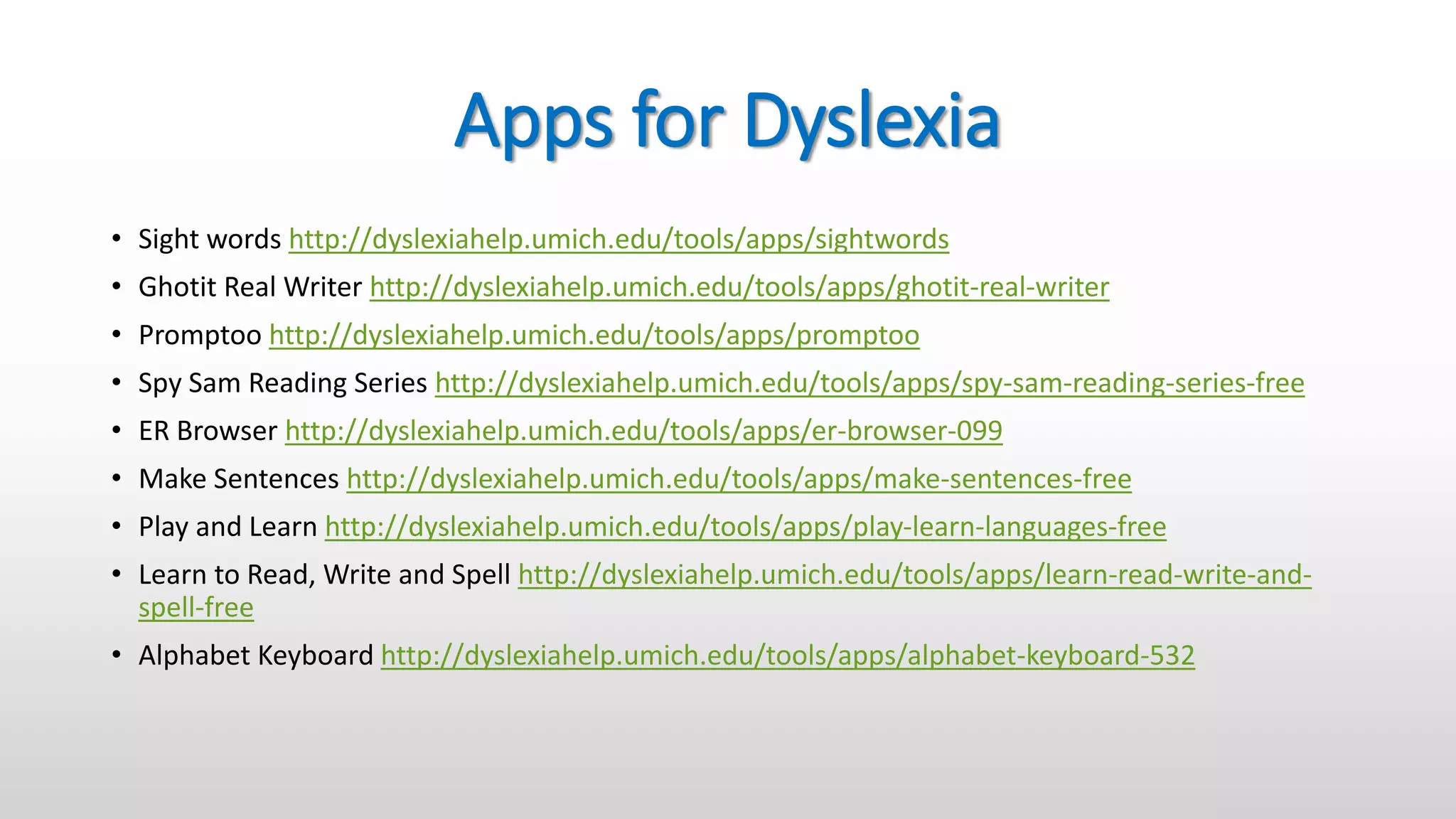
•Apps for Dyslexia
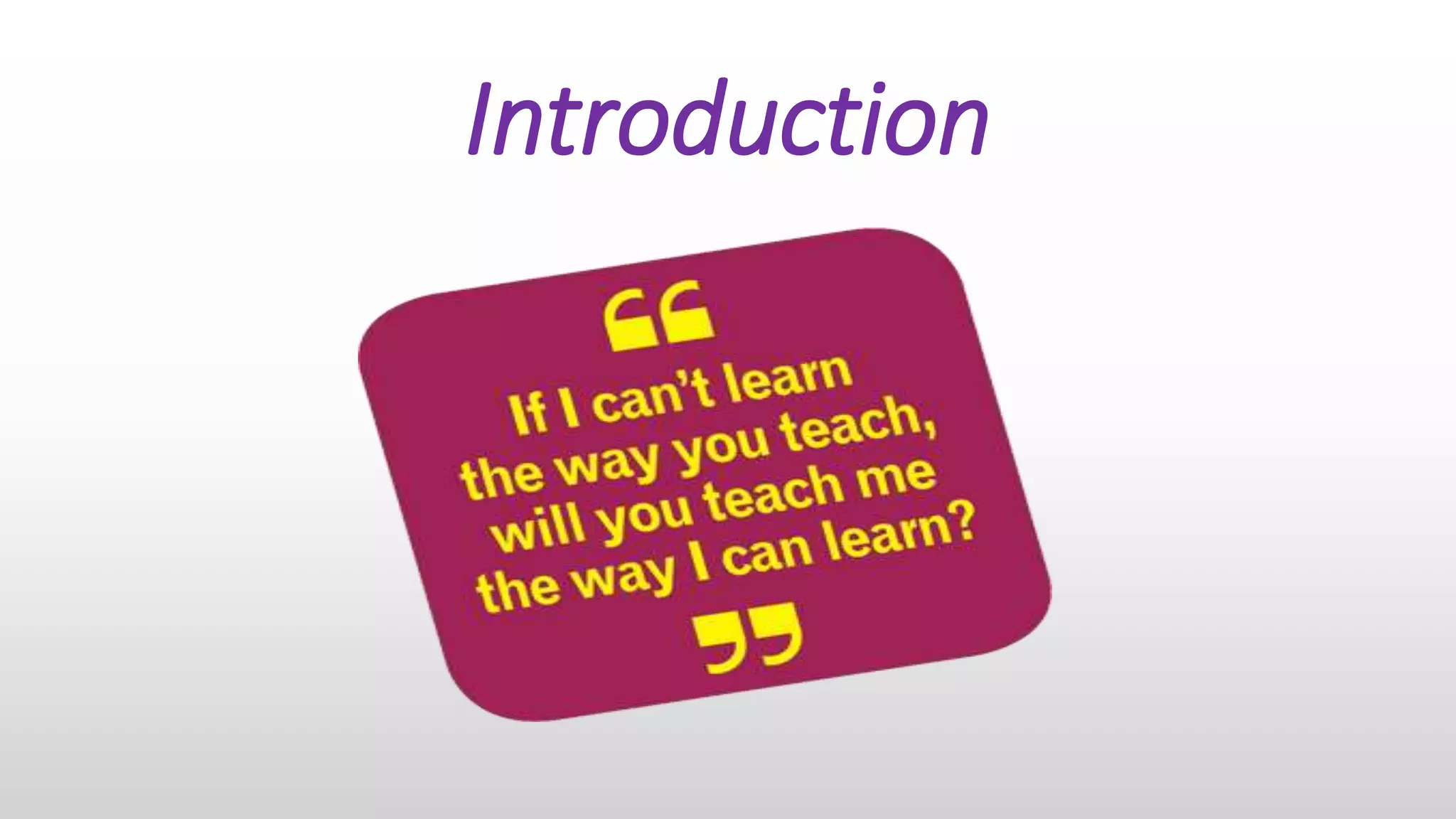
Introduction
Do you have any students, who
• misunderstand your instructions?
• have unreadable handwriting?
• misspell too much?
• misbehave?
• answer back to teachers?
• daydream during the lessons?
• hate studying but come to school because they have no choice?
If you have at least 3 positive questions, you have some students with
learning disabilities (LD).
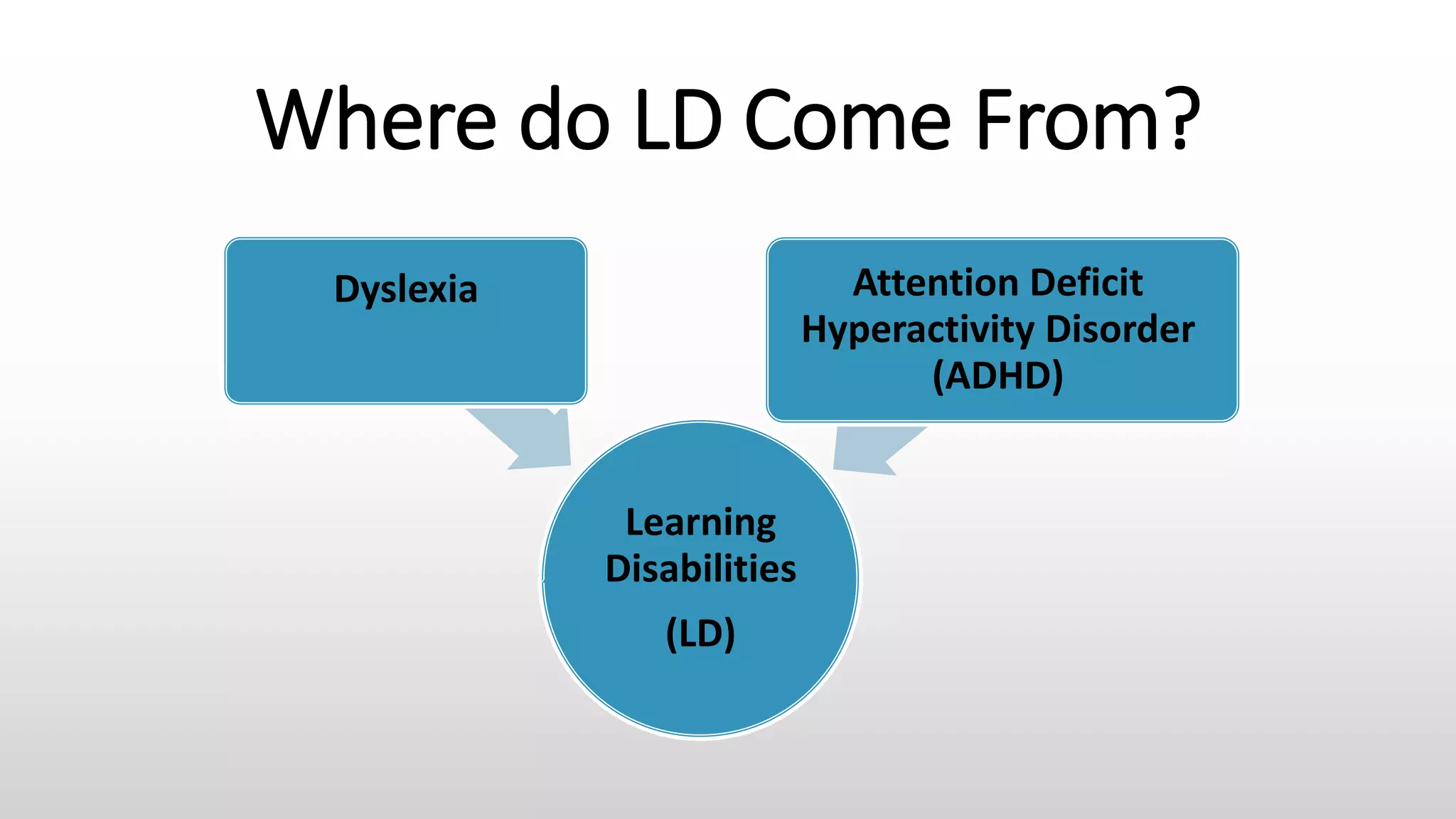
Where do LD Come From?
Learning
Disabilities
(LD)
Dyslexia Attention Deficit
Hyperactivity Disorder
(ADHD)
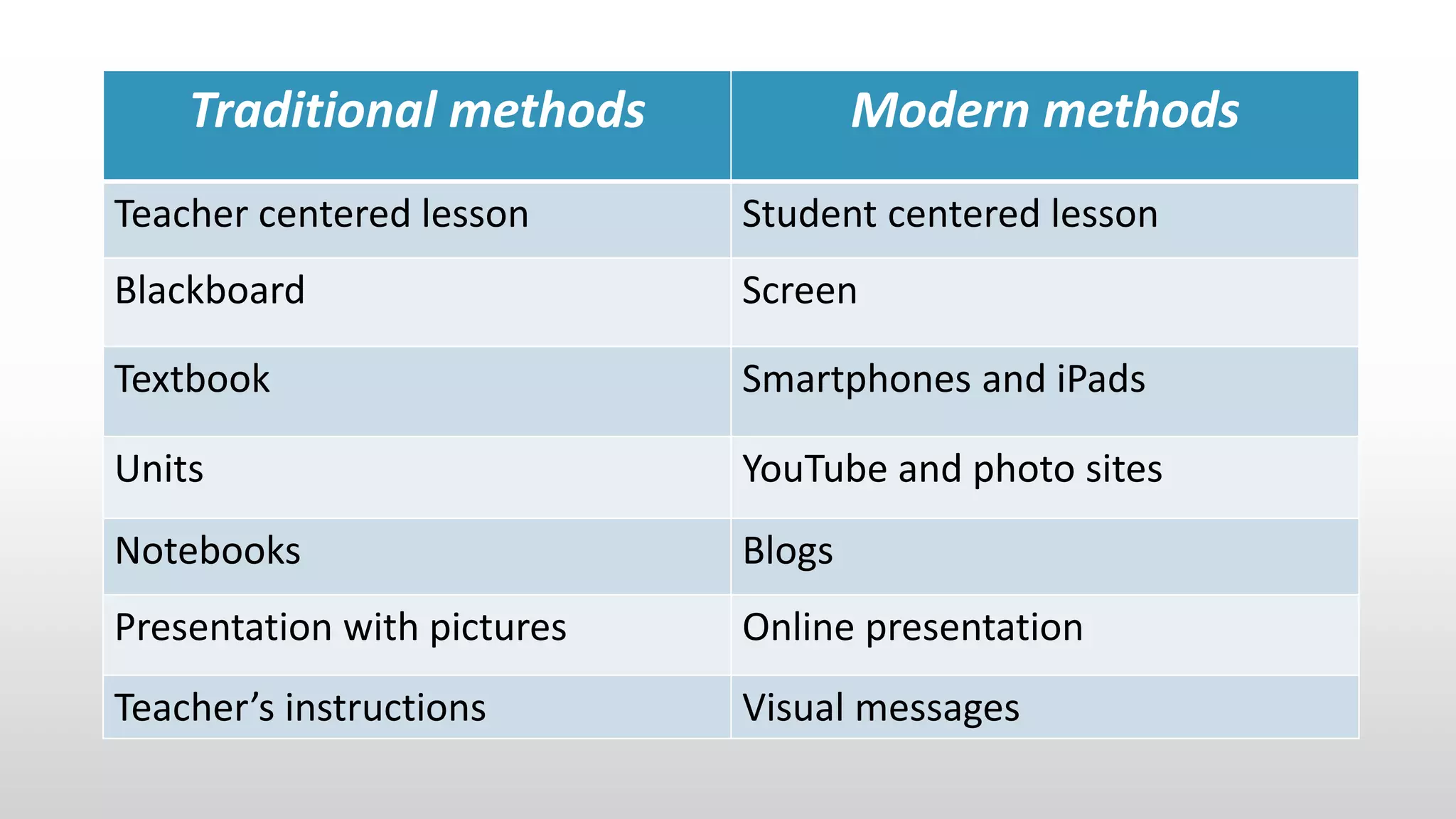
Traditional methods Modern methods
Teacher centered lesson Student centered lesson
Blackboard Screen
Textbook Smartphones and iPads
Units YouTube and photo sites
Notebooks Blogs
Presentation with pictures Online presentation
Teacher’s instructions Visual messages
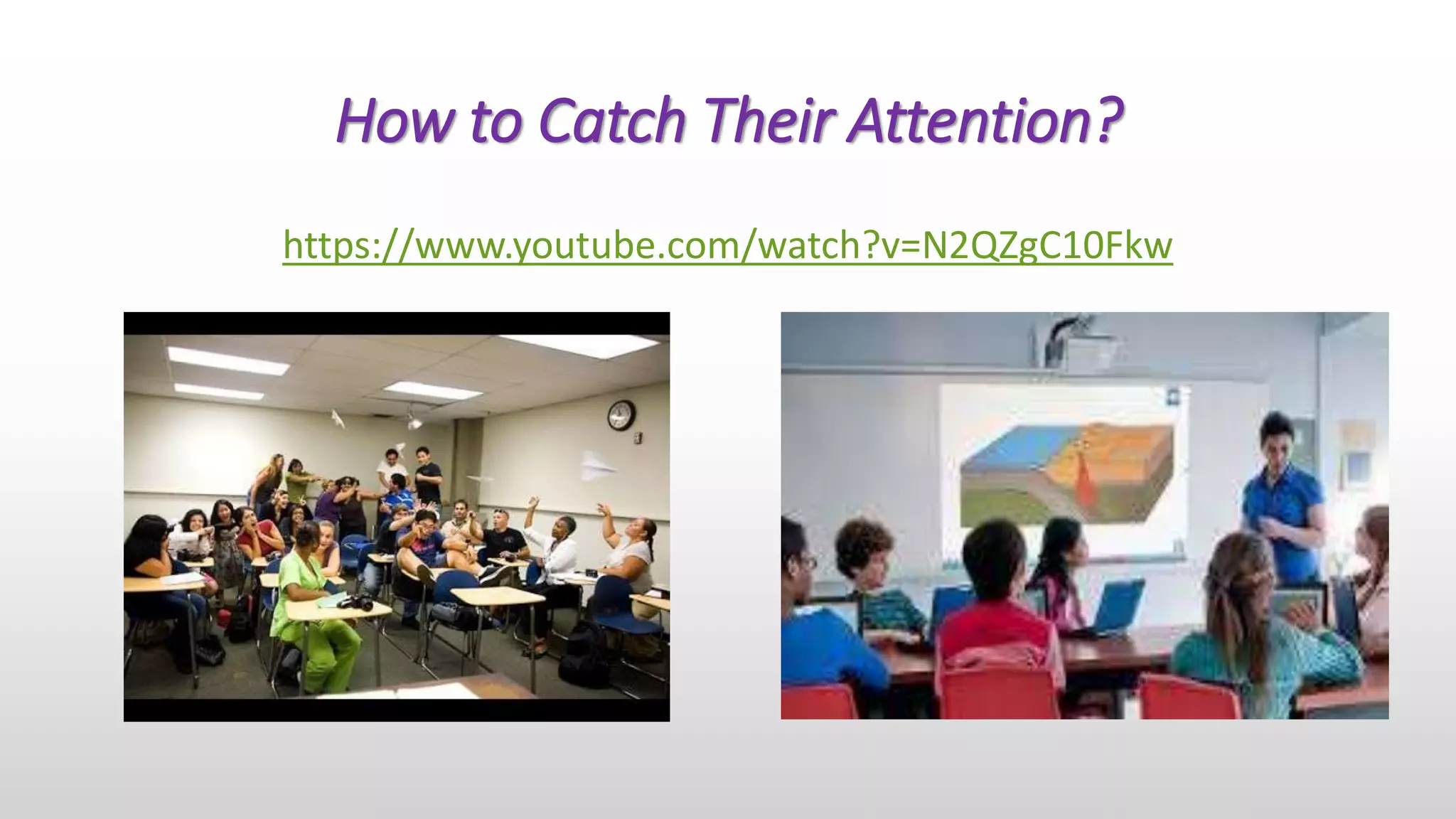
How to Catch Their Attention?
https://www.youtube.com/watch?v=N2QZgC10Fkw
How to teach LD students?
•Many of them good at computers, so we
should use educational technology.
•Many of them are visual learners,
therefore we should use visual learning
tools, such as diagrams, pictures and
videos.
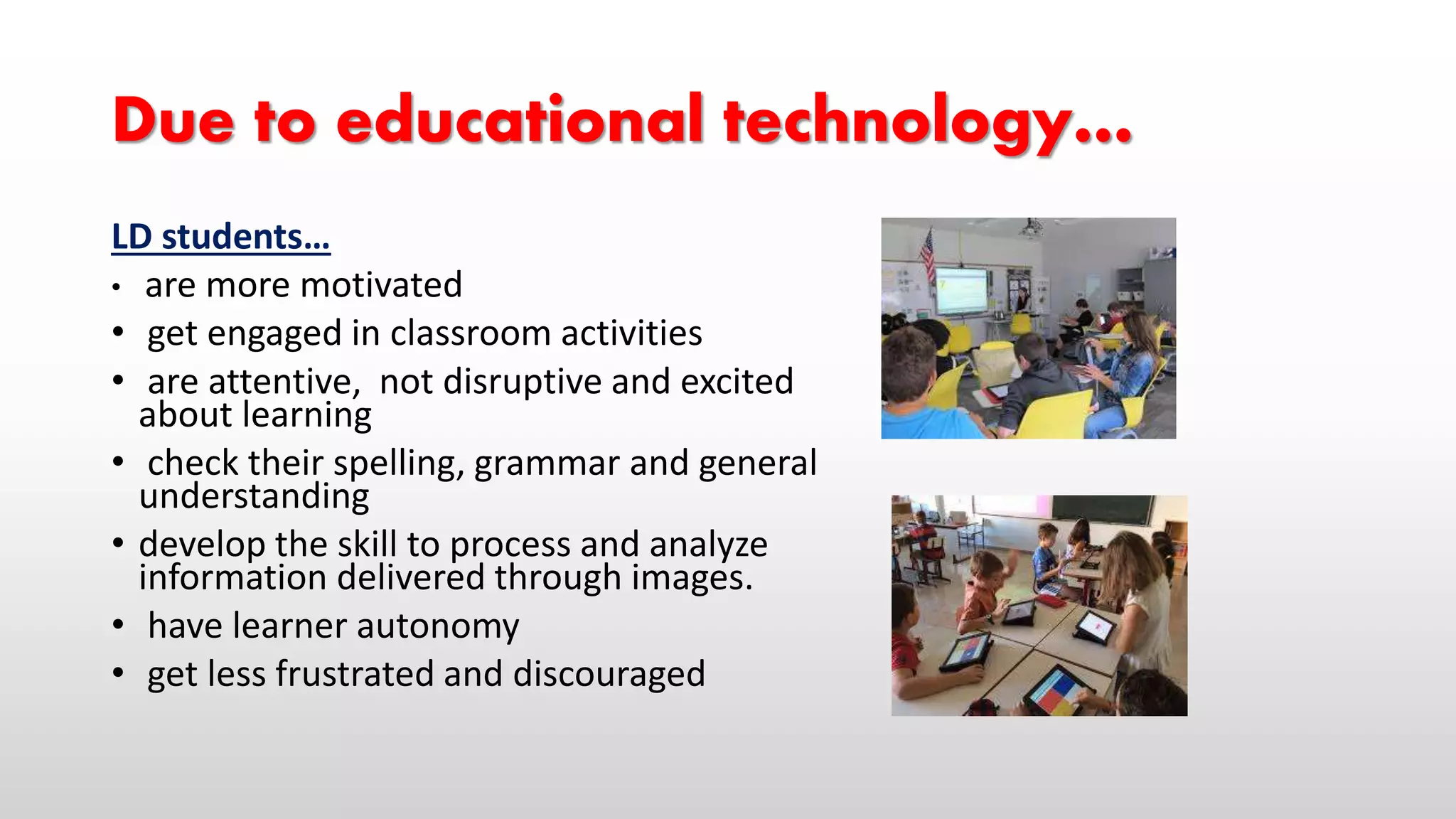
Due to educational technology…
LD students…
• are more motivated
• get engaged in classroom activities
• are attentive, not disruptive and excited
about learning
• check their spelling, grammar and general
understanding
• develop the skill to process and analyze
information delivered through images.
• have learner autonomy
• get less frustrated and discouraged
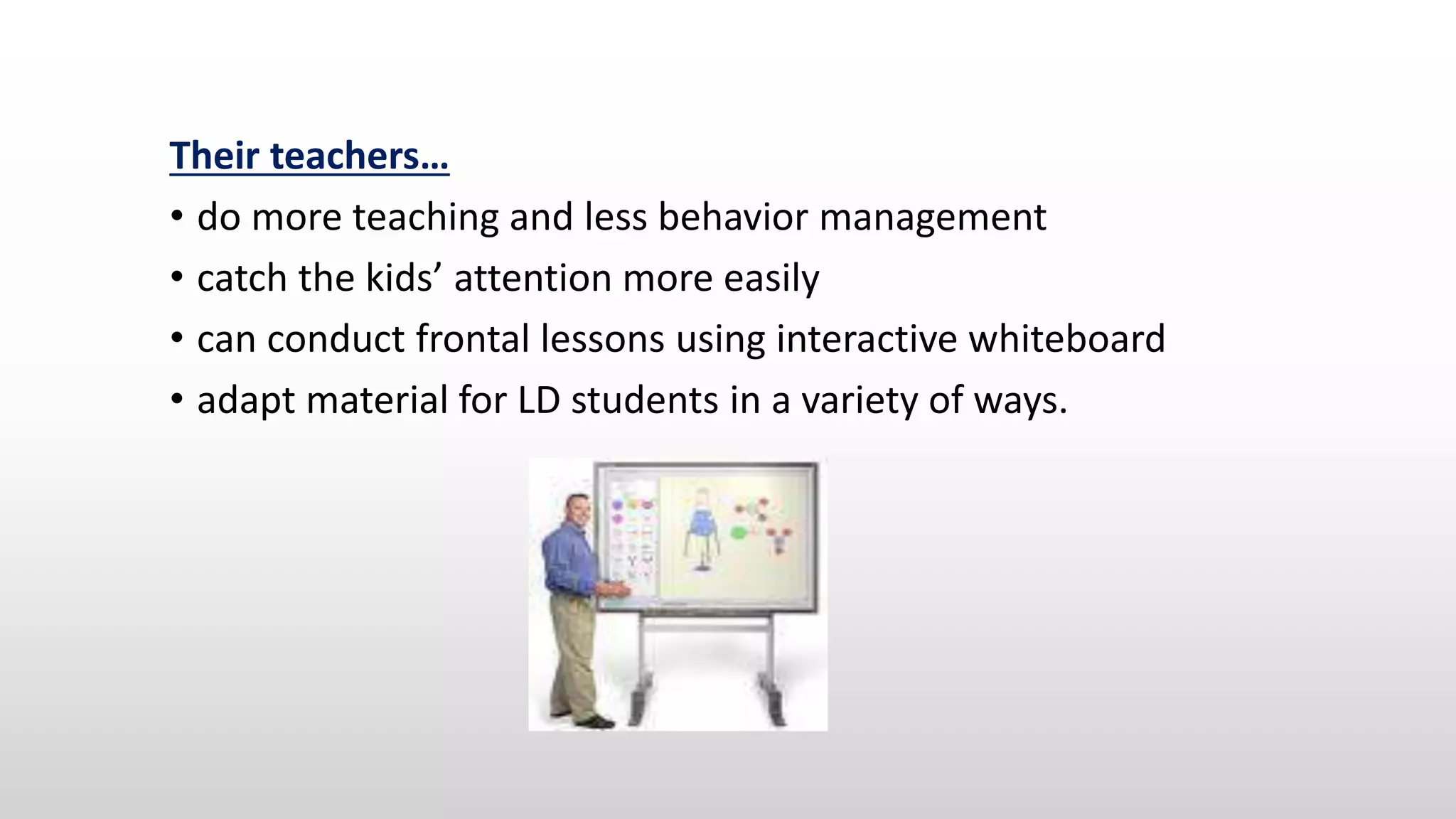
Their teachers…
• do more teaching and less behavior management
• catch the kids’ attention more easily
• can conduct frontal lessons using interactive whiteboard
• adapt material for LD students in a variety of ways.
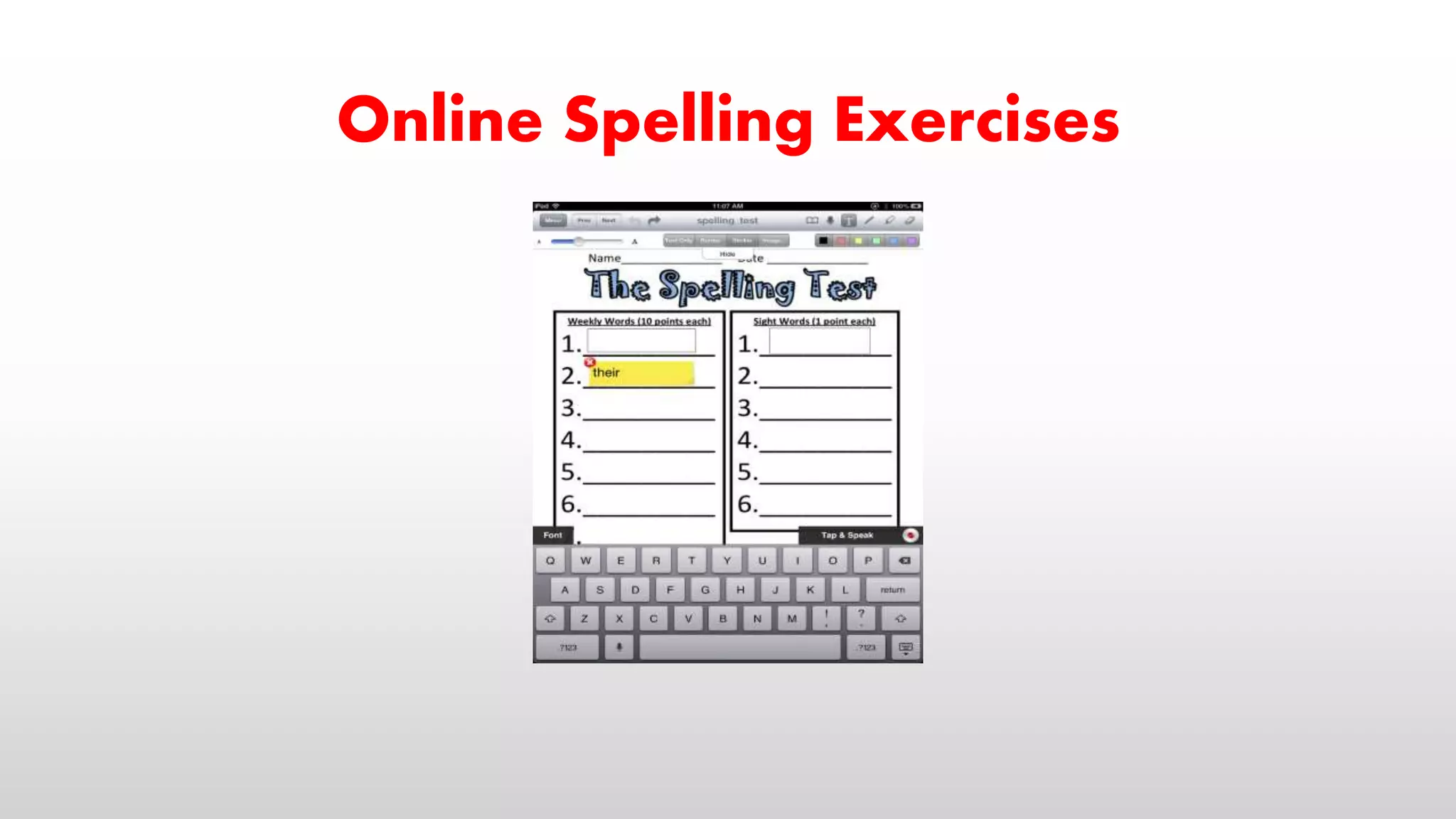
Online Spelling Exercises
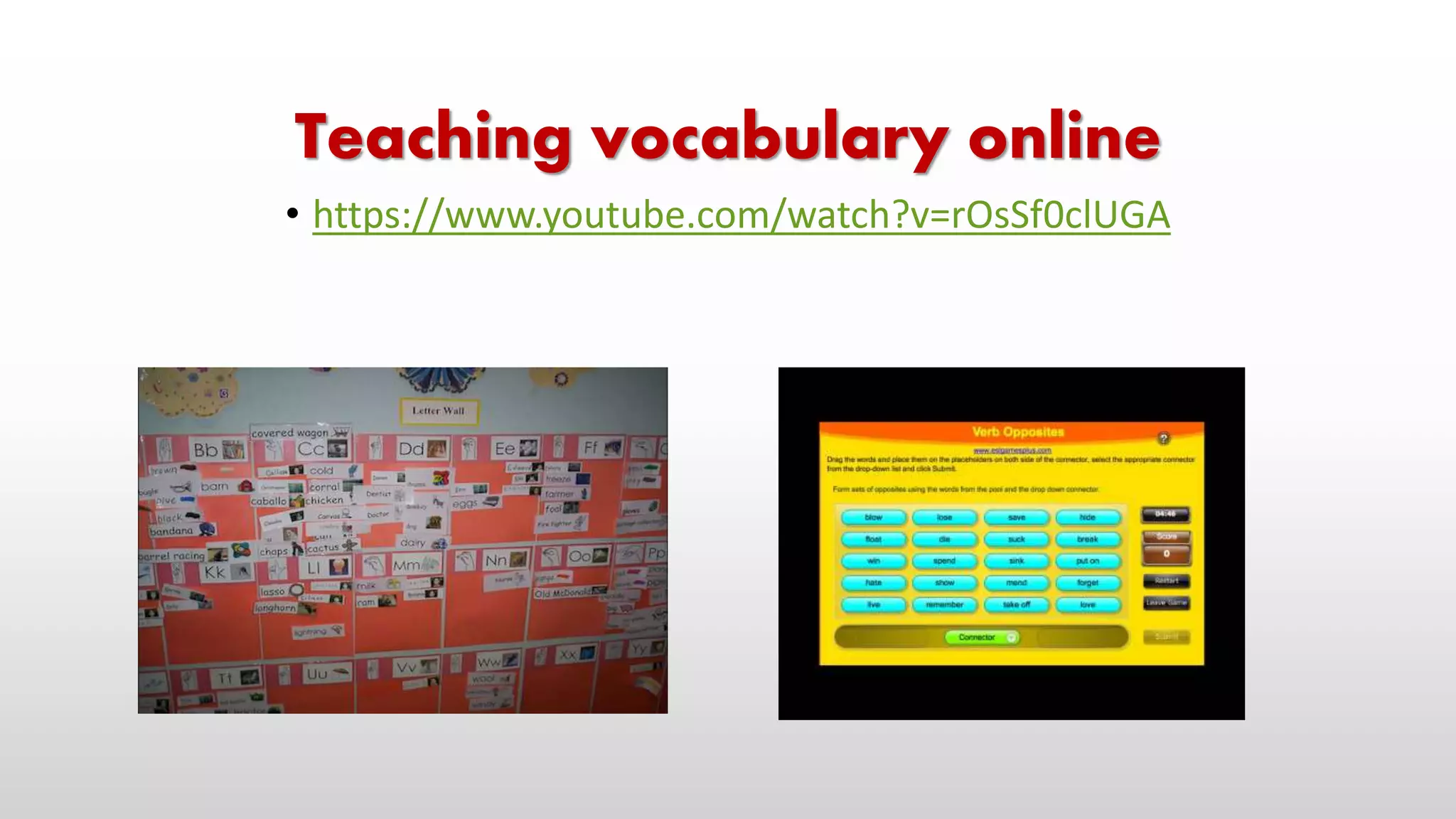
Teaching vocabulary online
• https://www.youtube.com/watch?v=rOsSf0clUGA
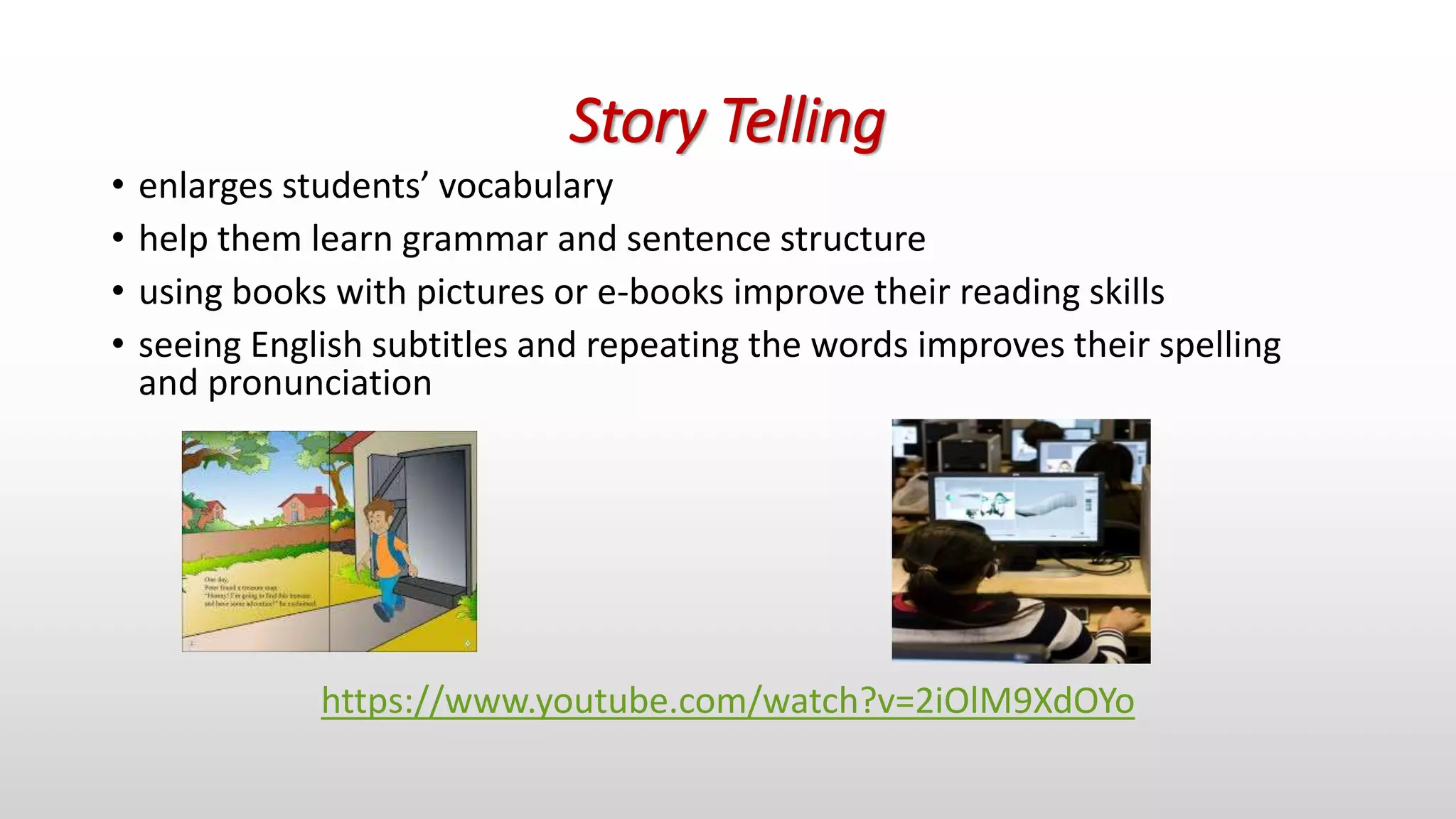
Story Telling
• enlarges students’ vocabulary
• help them learn grammar and sentence structure
• using books with pictures or e-books improve their reading skills
• seeing English subtitles and repeating the words improves their spelling
and pronunciation
https://www.youtube.com/watch?v=2iOlM9XdOYo
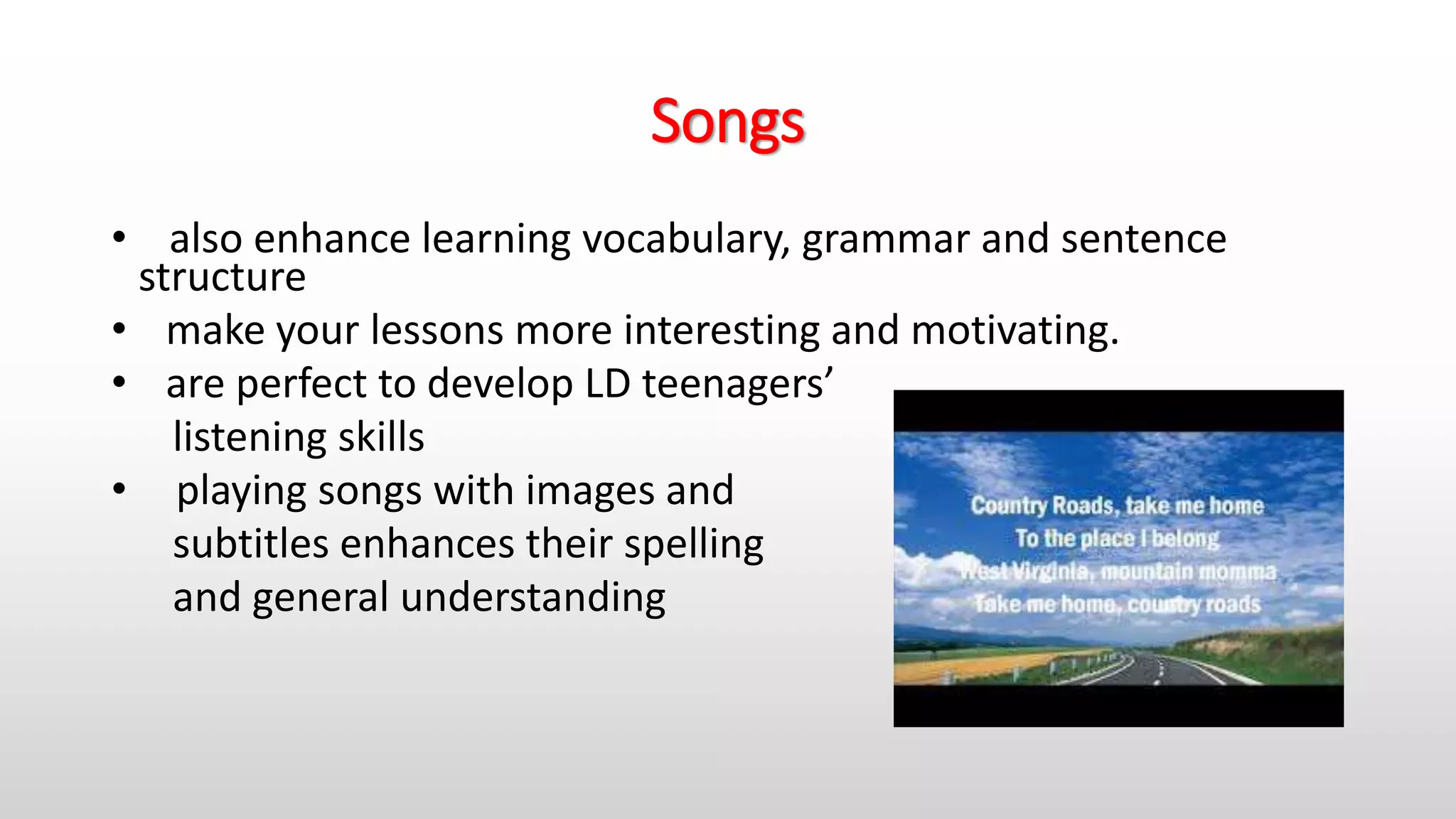
Songs
• also enhance learning vocabulary, grammar and sentence
structure
• make your lessons more interesting and motivating.
• are perfect to develop LD teenagers’
listening skills
• playing songs with images and
subtitles enhances their spelling
and general understanding
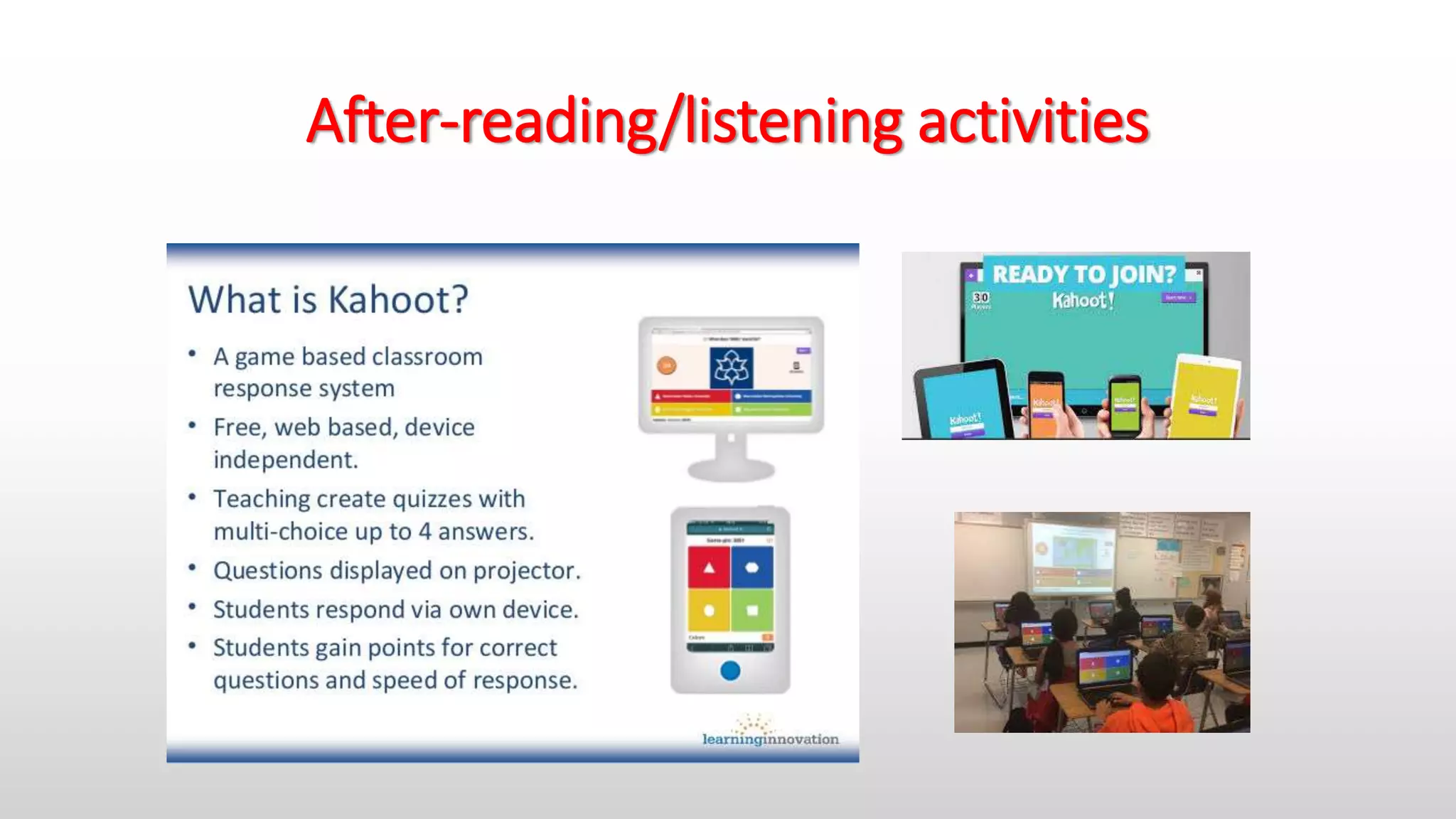
After-reading/listening activities
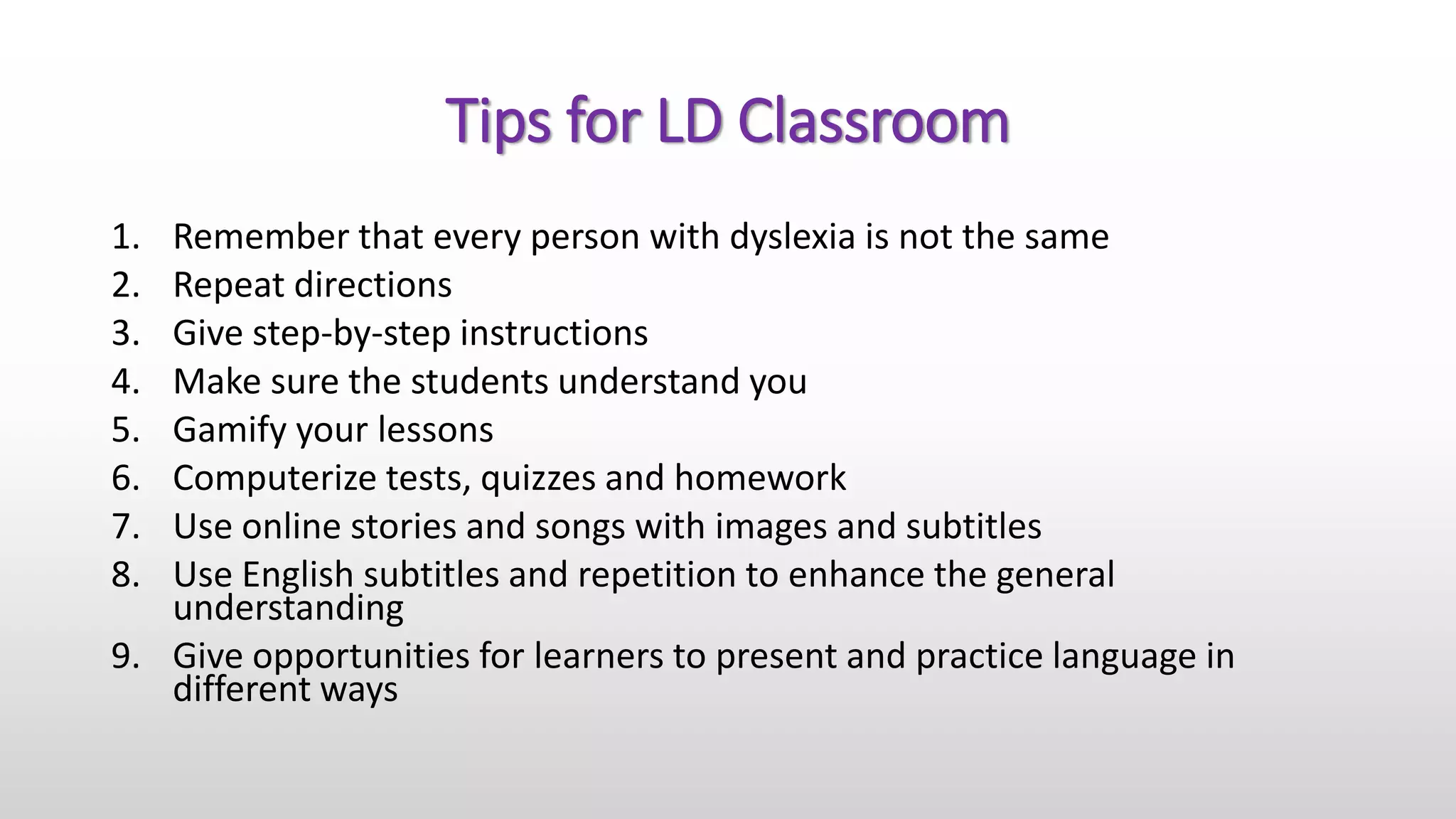
Tips for LD Classroom
1. Remember that every person with dyslexia is not the same
2. Repeat directions
3. Give step-by-step instructions
4. Make sure the students understand you
5. Gamify your lessons
6. Computerize tests, quizzes and homework
7. Use online stories and songs with images and subtitles
8. Use English subtitles and repetition to enhance the general
understanding
9. Give opportunities for learners to present and practice language in
different ways
Apps for Dyslexia
• Sight words http://dyslexiahelp.umich.edu/tools/apps/sightwords
• Ghotit Real Writer http://dyslexiahelp.umich.edu/tools/apps/ghotit-real-writer
• Promptoo http://dyslexiahelp.umich.edu/tools/apps/promptoo
• Spy Sam Reading Series http://dyslexiahelp.umich.edu/tools/apps/spy-sam-reading-series-free
• ER Browser http://dyslexiahelp.umich.edu/tools/apps/er-browser-099
• Make Sentences http://dyslexiahelp.umich.edu/tools/apps/make-sentences-free
• Play and Learn http://dyslexiahelp.umich.edu/tools/apps/play-learn-languages-free
• Learn to Read, Write and Spell http://dyslexiahelp.umich.edu/tools/apps/learn-read-write-and-
spell-free
• Alphabet Keyboard http://dyslexiahelp.umich.edu/tools/apps/alphabet-keyboard-532
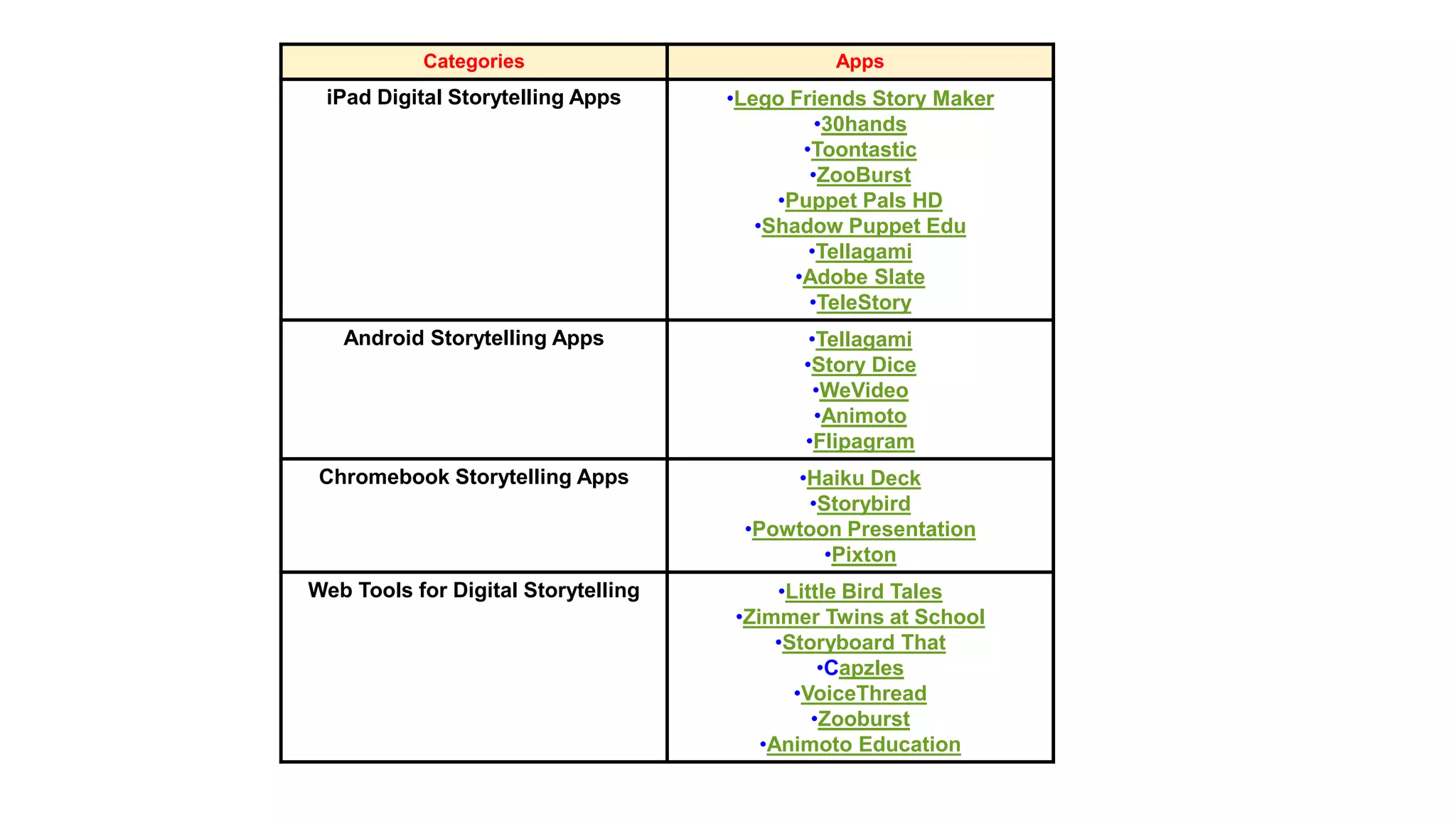
Categories Apps
iPad Digital Storytelling Apps •Lego Friends Story Maker
•30hands
•Toontastic
•ZooBurst
•Puppet Pals HD
•Shadow Puppet Edu
•Tellagami
•Adobe Slate
•TeleStory
Android Storytelling Apps •Tellagami
•Story Dice
•WeVideo
•Animoto
•Flipagram
Chromebook Storytelling Apps •Haiku Deck
•Storybird
•Powtoon Presentation
•Pixton
Web Tools for Digital Storytelling •Little Bird Tales
•Zimmer Twins at School
•Storyboard That
•Capzles
•VoiceThread
•Zooburst
•Animoto Education
Thank you!
Julia Koifman
f3djd@yahoo.ca
Tel. 972-52-3781448

Visual learning tools for students with dyslexia and

  • 1.
    Visual Learning Toolsfor Students with Dyslexia and ADHD. Julia Koifman, Beit Ekstein high school, Israel IATEFL Conference Birmingham, UK. 13-16 April 2016
  • 2.
    Program •Introduction •Dyslexia and ADHD •Traditionaland modern methods •How to catch the students’ attention? •Visual learning tools •Apps for Dyslexia
  • 3.
  • 4.
    Do you haveany students, who • misunderstand your instructions? • have unreadable handwriting? • misspell too much? • misbehave? • answer back to teachers? • daydream during the lessons? • hate studying but come to school because they have no choice? If you have at least 3 positive questions, you have some students with learning disabilities (LD).
  • 5.
    Where do LDCome From? Learning Disabilities (LD) Dyslexia Attention Deficit Hyperactivity Disorder (ADHD)
  • 6.
    Traditional methods Modernmethods Teacher centered lesson Student centered lesson Blackboard Screen Textbook Smartphones and iPads Units YouTube and photo sites Notebooks Blogs Presentation with pictures Online presentation Teacher’s instructions Visual messages
  • 7.
    How to CatchTheir Attention? https://www.youtube.com/watch?v=N2QZgC10Fkw
  • 8.
    How to teachLD students? •Many of them good at computers, so we should use educational technology. •Many of them are visual learners, therefore we should use visual learning tools, such as diagrams, pictures and videos.
  • 9.
    Due to educationaltechnology… LD students… • are more motivated • get engaged in classroom activities • are attentive, not disruptive and excited about learning • check their spelling, grammar and general understanding • develop the skill to process and analyze information delivered through images. • have learner autonomy • get less frustrated and discouraged
  • 10.
    Their teachers… • domore teaching and less behavior management • catch the kids’ attention more easily • can conduct frontal lessons using interactive whiteboard • adapt material for LD students in a variety of ways.
  • 11.
  • 12.
    Teaching vocabulary online •https://www.youtube.com/watch?v=rOsSf0clUGA
  • 13.
    Story Telling • enlargesstudents’ vocabulary • help them learn grammar and sentence structure • using books with pictures or e-books improve their reading skills • seeing English subtitles and repeating the words improves their spelling and pronunciation https://www.youtube.com/watch?v=2iOlM9XdOYo
  • 14.
    Songs • also enhancelearning vocabulary, grammar and sentence structure • make your lessons more interesting and motivating. • are perfect to develop LD teenagers’ listening skills • playing songs with images and subtitles enhances their spelling and general understanding
  • 15.
  • 16.
    Tips for LDClassroom 1. Remember that every person with dyslexia is not the same 2. Repeat directions 3. Give step-by-step instructions 4. Make sure the students understand you 5. Gamify your lessons 6. Computerize tests, quizzes and homework 7. Use online stories and songs with images and subtitles 8. Use English subtitles and repetition to enhance the general understanding 9. Give opportunities for learners to present and practice language in different ways
  • 17.
    Apps for Dyslexia •Sight words http://dyslexiahelp.umich.edu/tools/apps/sightwords • Ghotit Real Writer http://dyslexiahelp.umich.edu/tools/apps/ghotit-real-writer • Promptoo http://dyslexiahelp.umich.edu/tools/apps/promptoo • Spy Sam Reading Series http://dyslexiahelp.umich.edu/tools/apps/spy-sam-reading-series-free • ER Browser http://dyslexiahelp.umich.edu/tools/apps/er-browser-099 • Make Sentences http://dyslexiahelp.umich.edu/tools/apps/make-sentences-free • Play and Learn http://dyslexiahelp.umich.edu/tools/apps/play-learn-languages-free • Learn to Read, Write and Spell http://dyslexiahelp.umich.edu/tools/apps/learn-read-write-and- spell-free • Alphabet Keyboard http://dyslexiahelp.umich.edu/tools/apps/alphabet-keyboard-532
  • 18.
    Categories Apps iPad DigitalStorytelling Apps •Lego Friends Story Maker •30hands •Toontastic •ZooBurst •Puppet Pals HD •Shadow Puppet Edu •Tellagami •Adobe Slate •TeleStory Android Storytelling Apps •Tellagami •Story Dice •WeVideo •Animoto •Flipagram Chromebook Storytelling Apps •Haiku Deck •Storybird •Powtoon Presentation •Pixton Web Tools for Digital Storytelling •Little Bird Tales •Zimmer Twins at School •Storyboard That •Capzles •VoiceThread •Zooburst •Animoto Education
  • 19.