Virtual worlds and Jenny Evans Tuesday 23rd September 2008 http://delicious.com/imperiallibrary/secondlifeworkshop © Imperial College London http://learning20atimperial.wordpress.com
What we will cover today Virtual worlds Second Life an overview in libraries/education at Imperial College London Hands on Set up an account, create your avatar and begin to explore Second Life
“… a computer-based simulated environment intended for its users to inhabit and interact via avatars” From Wikipedia  http:// en.wikipedia.org/wiki/Virtual_world   [Accessed 19th September 2008] What is a virtual world? “… an online environment whose “residents” are avatars representing individuals participating online” From 7 things you should know about…Virtual Worlds  http://connect.educause.edu/display/39392 [Accessed 21st September 2008]
What is an avatar? An  avatar  is a computer user's representation of himself or  herself, whether in the form of a three-dimensional model used in computer games, [1]  a two-dimensional  icon  (picture) used on Internet forums  and other communities, [2] [3]  or a text construct found on early systems such as  MUDs .” From Wikipedia  http:// en.wikipedia.org/wiki/Avatar_(computing ) [Accessed 19th September 2008] Multi User Dungeon, Domain or Dimension (MUD) “… a multi-player computer game that combines elements of  role-playing games, hack and slash style computer games and social chat rooms.” From Wikipedia  http:// en.wikipedia.org /wiki/MUVE   [Accessed 19 th  September 2008]
Related terminology Massively multiplayer online games (MMOG) “… a video game which is capable of supporting hundreds or thousands of  Players simultaneously…played on the Internet, and feature at least one persistent world…” From Wikipedia  http:// en.wikipedia.org/wiki/Massively_multiplayer_online_games   [Accessed 19th September 2008] Multi User Virtual Environment (MUVE) “… online, multi-user virtual environments, sometimes called virtual worlds…most widely used to describe MMOGs that are not necessarily game specific…” From Wikipedia  http:// en.wikipedia.org /wiki/MUVE   [Accessed 19 th  September 2008]
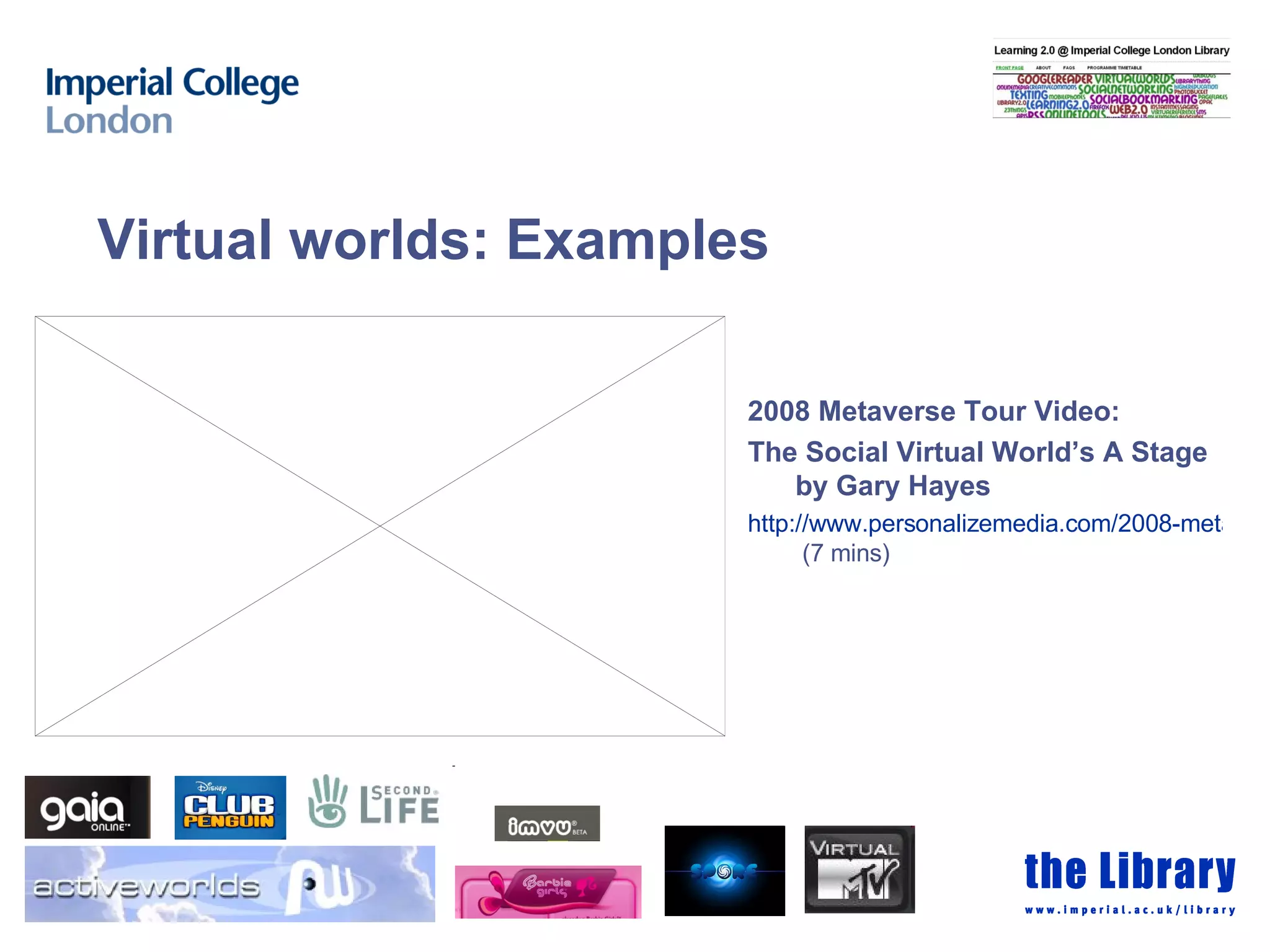
2008 Metaverse Tour Video:  The Social Virtual World’s A Stage by Gary Hayes http://www.personalizemedia.com/2008-metaverse-tour-video-the-social-virtual-worlds-a-stage/  (7 mins) Virtual worlds: Examples
 
Introduction to Second Life   h ttp://www.youtube.com/watch?v =4R1SrZua5ww   “ Second Life® is a 3-D virtual world created by its Residents. Since opening to the public in 2003, it has grown explosively and today is inhabited by millions of Residents from around the globe. “  From:  http:// secondlife.com/whatis /  [Accessed 19 th  September 2008] What is Second Life?
About Second Life Hosted by Linden Labs on their Second Life grid platform Created by it’s residents Can build things – you own what you create  How does it work? You create an account (free to join) Download the software to your computer (needs to have a good video card) Explore and play
What can I do in Second Life? Create an avatar Move around Walk, run, fly Teleport SLURL (Second Life URL) Click on a SLURL to go directly to a specific location in Second Life Participate in the Second Life economy Buy land, shop with Linden Dollars Build Businesses, educational and cultural institutions all found there Not compulsory
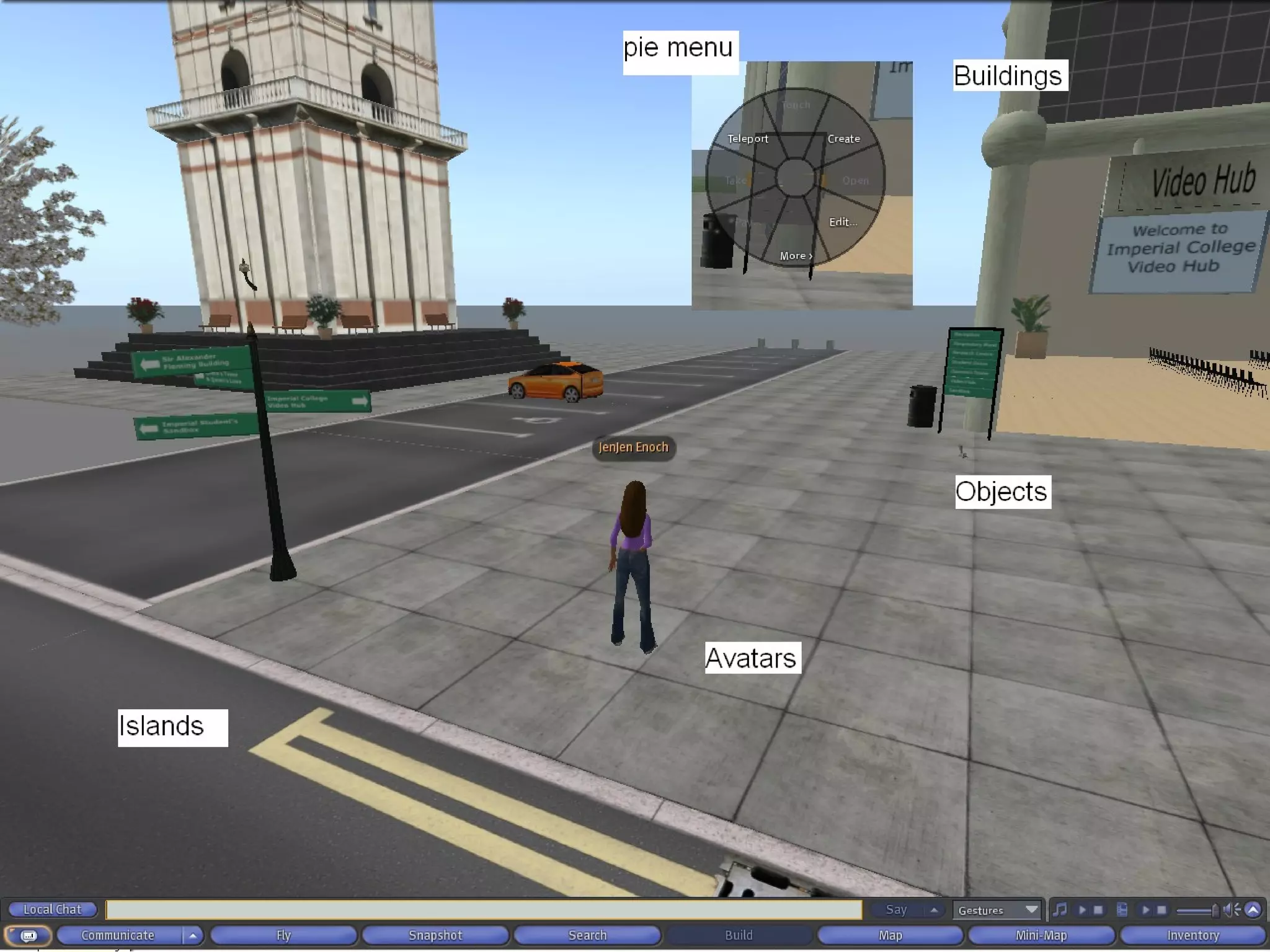
Second Life...what you need to know Islands  - the places you walk around/on while in Second Life Avatars  - your online persona (human, animal, robot) Buildings  - can create them as well as go into them Objects  - can be clothes or cars…your imagination is the limit Notecards  - an item containing text and/or other information Pie menu  – right click to get a list of options
 
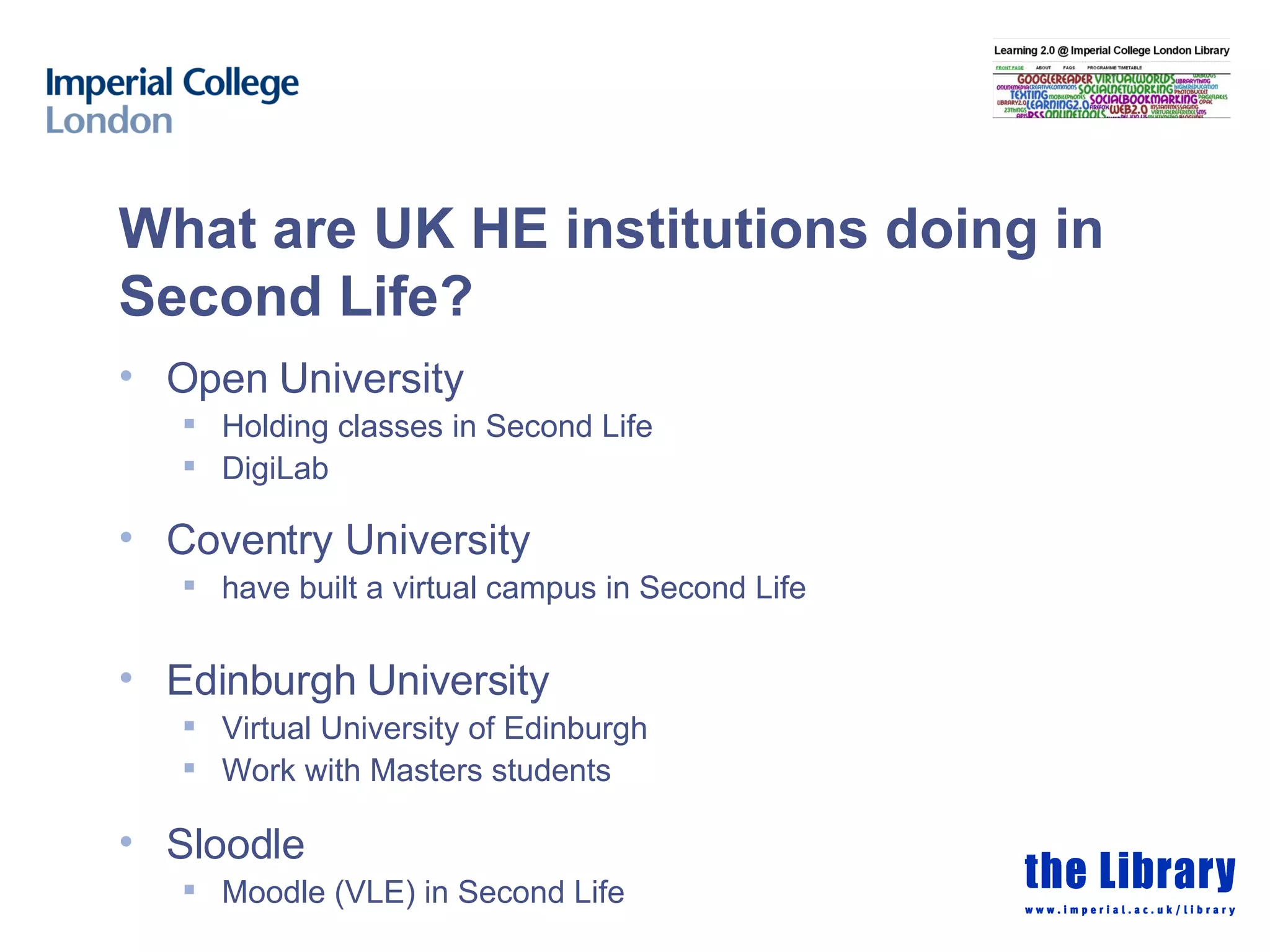
What are UK HE institutions doing in Second Life? Open University Holding classes in Second Life DigiLab Coventry University have built a virtual campus in Second Life Edinburgh University Virtual University of Edinburgh Work with Masters students Sloodle Moodle (VLE) in Second Life
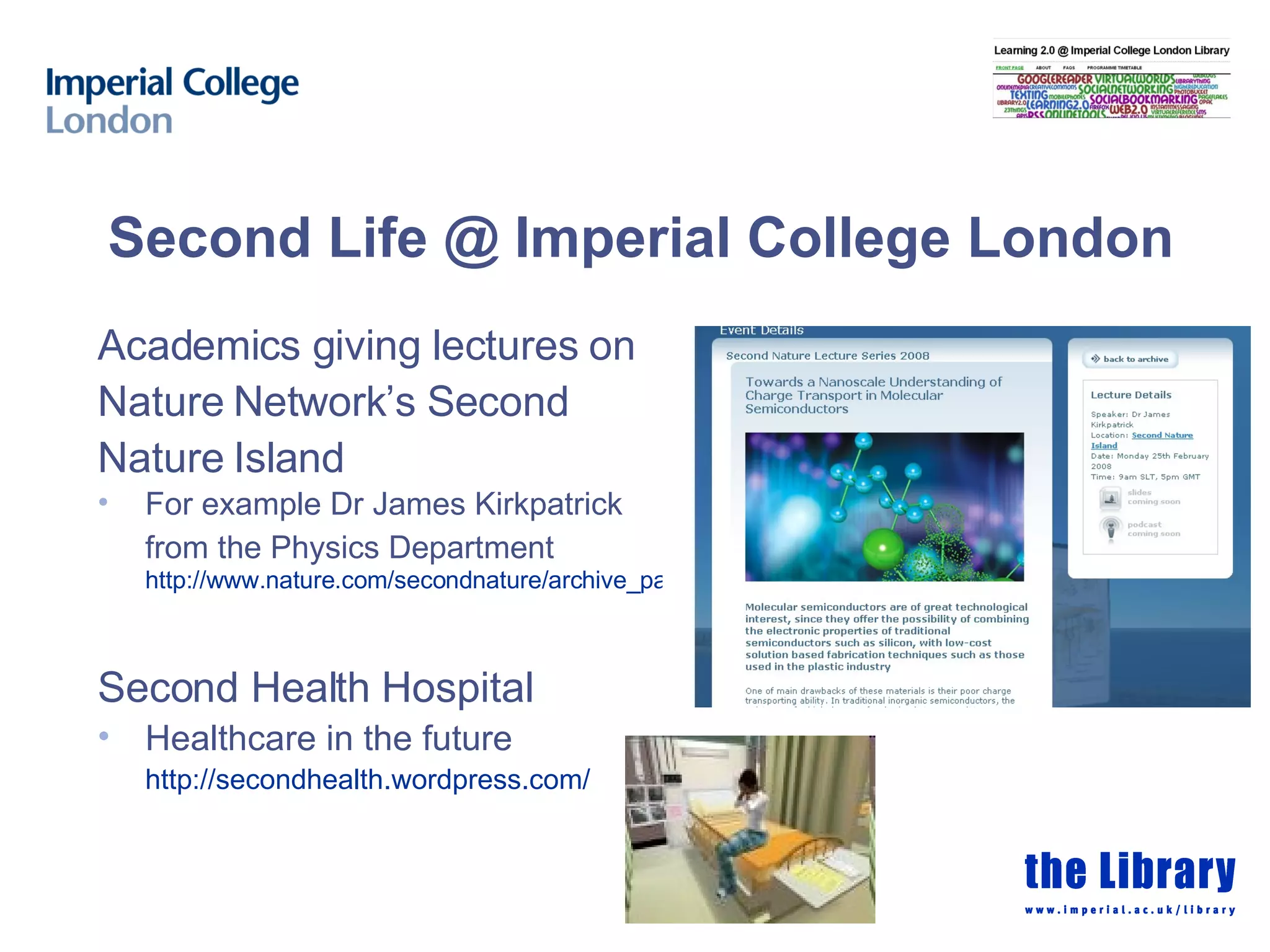
Second Life @ Imperial College London Academics giving lectures on Nature Network’s Second Nature Island For example Dr James Kirkpatrick from the Physics Department   http://www.nature.com/secondnature/archive_pages/2008_02_25.html Second Health Hospital Healthcare in the future http:// secondhealth.wordpress.com /
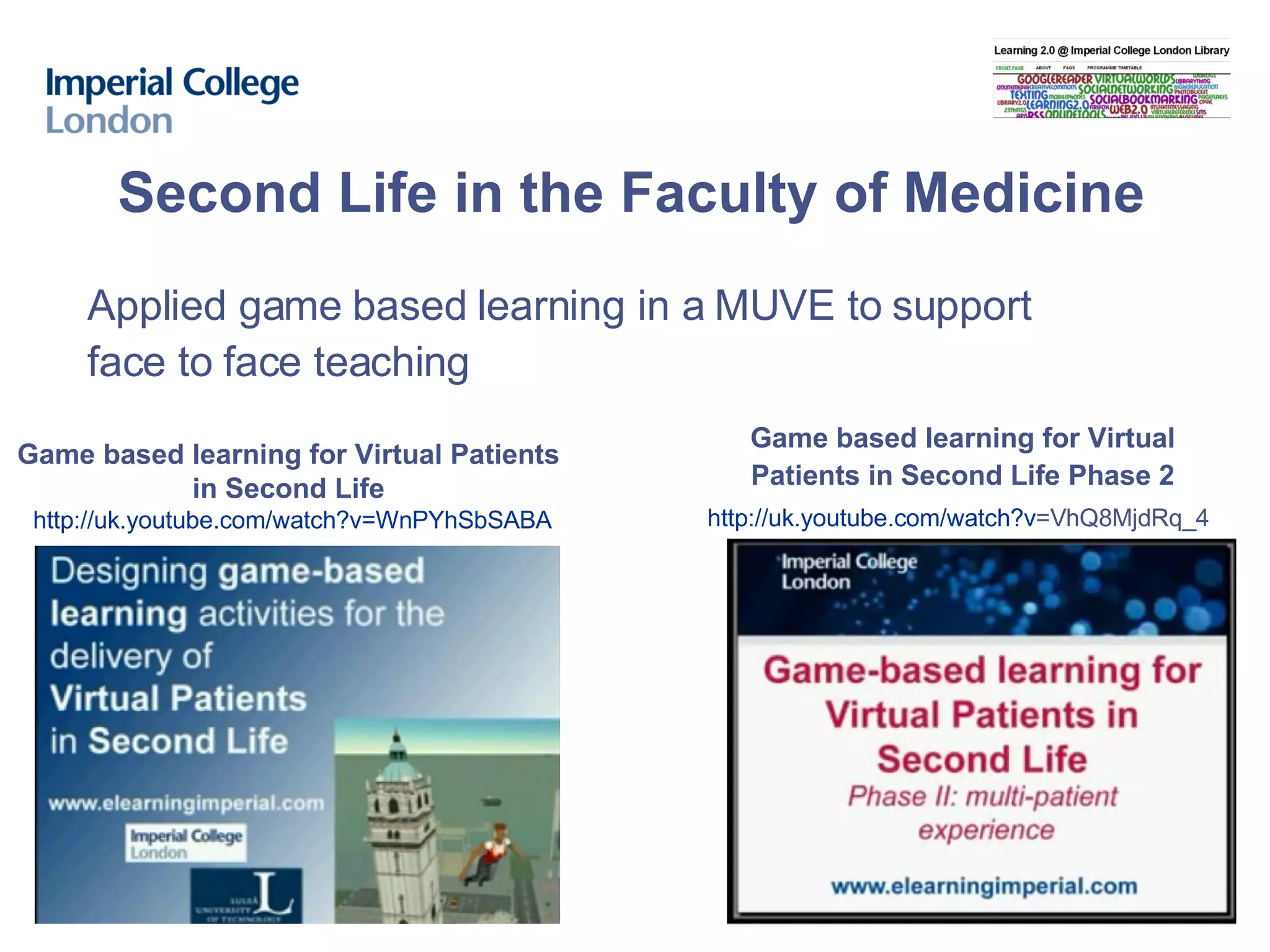
Second Life in the Faculty of Medicine Game based learning for Virtual Patients  in Second Life   http:// uk.youtube.com/watch?v = WnPYhSbSABA Applied game based learning in a MUVE to support face to face teaching Game based learning for Virtual Patients in Second Life Phase 2 http:// uk.youtube.com/watch?v =VhQ8MjdRq_4
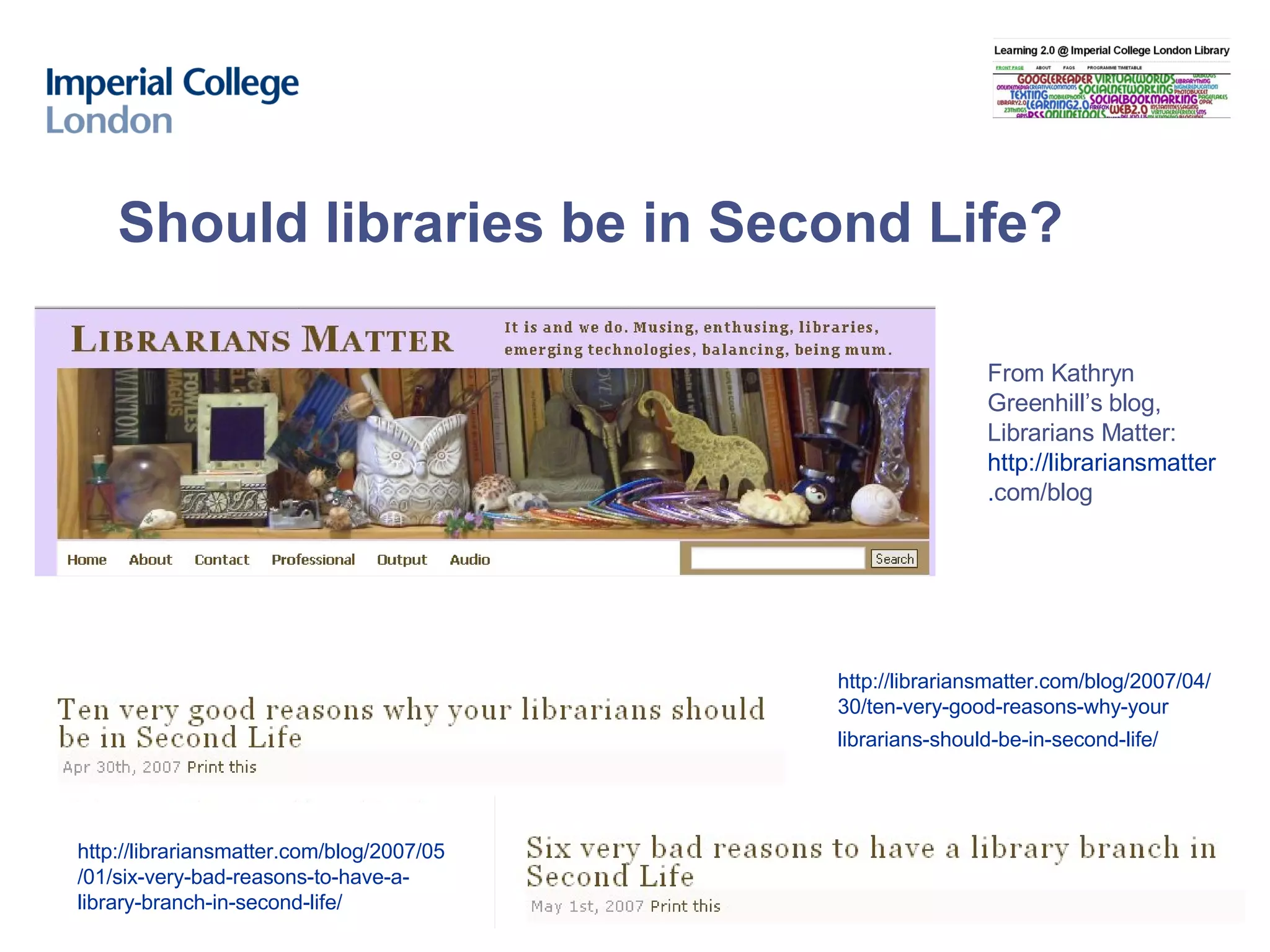
Should libraries be in Second Life? http://librariansmatter.com/blog/2007/04/ 30/ten-very-good-reasons-why-your librarians-should-be-in-second-life/   From Kathryn Greenhill’s blog, Librarians Matter: http ://librariansmatter . com/blog   http://librariansmatter.com/blog/2007/05 /01/six-very-bad-reasons-to-have-a- library-branch-in-second-life/
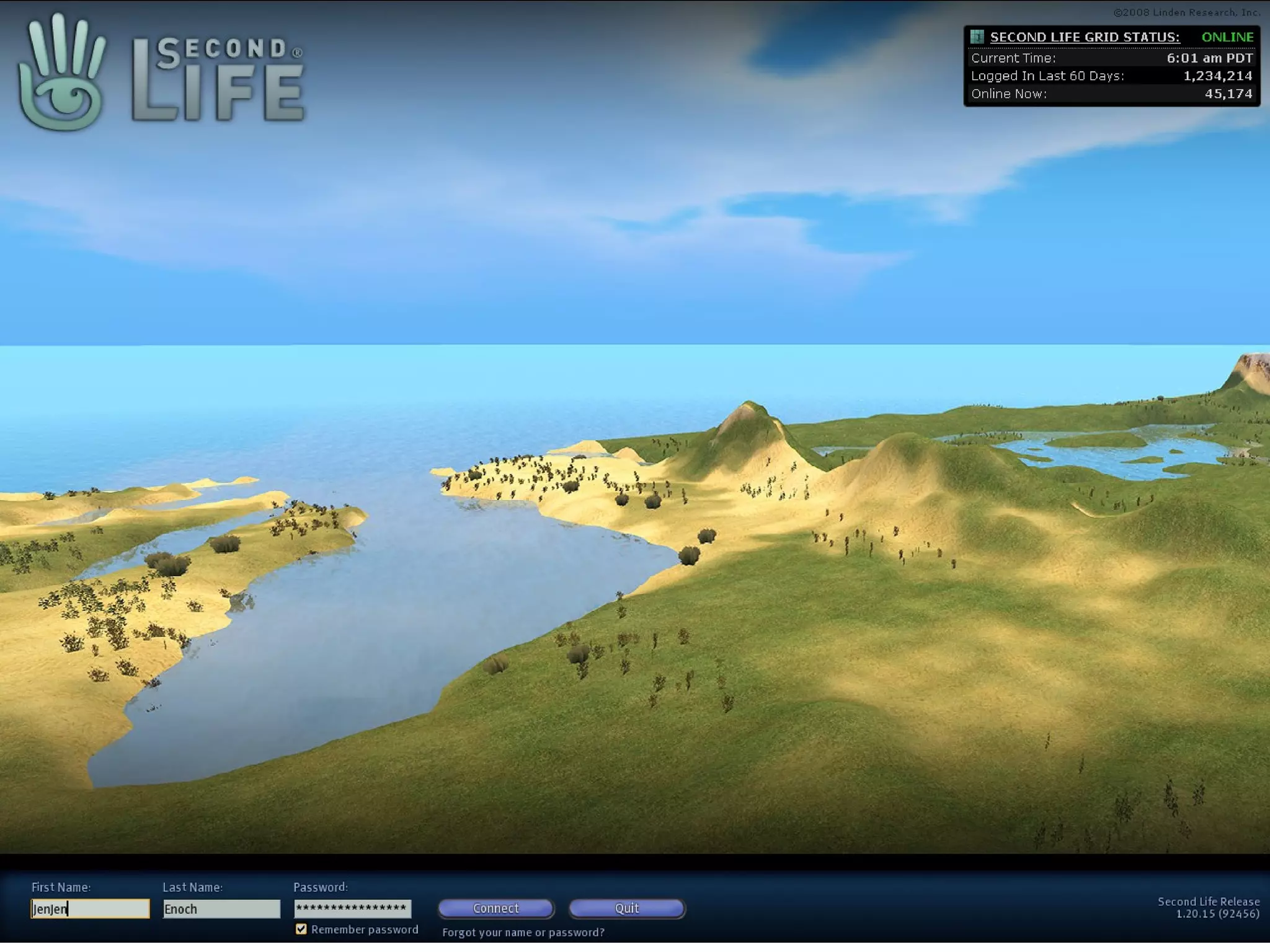
Hands on: Creating an account and your avatar Go to the Second Life website  http:// secondlife.com /  and click on ‘Get Started’  When you get to select a community you can skip this step Create an account/avatar Choose a starting look Create a first name (can be anything) Create a last name (must be from the list of options) Fill in the rest of the details and Click on create an account  Remember you can update your avatar’s look when you enter Second Life – but once you have a name you cannot change it!
Hands on: Activate your account and enter Second Life 4. Check your email and click on the link to activate your account 5. You are now ready to enter Second Life (as the software is already on the cluster PCs) Entering Second Life Double click on the Second Life icon and accept the terms of service agreement You will arrive at Help Island The next step is to go through the basic tutorial about how to move around
Hands on: Exploring Second Life Have a play  Tutorials to help you out:  Moving and flying in Second Life  http://wiki.secondlife.com/wiki/Video_Tutorial/Moving_%26_flying   Using the pie menu  http://wiki.secondlife.com/wiki/Video_Tutorial/Using_the_pie_menu   Visit the South Kensington campus and virtual hospital: http://slurl.com/secondlife/Imperial%20College%20London/150/86/27/ What to do next? Chat to your fellow workshop participants  Explore the Virtual Hospital – register and diagnose a patient Search for and teleport to the Second Health hospital and look around Track down any island of interest and have a play
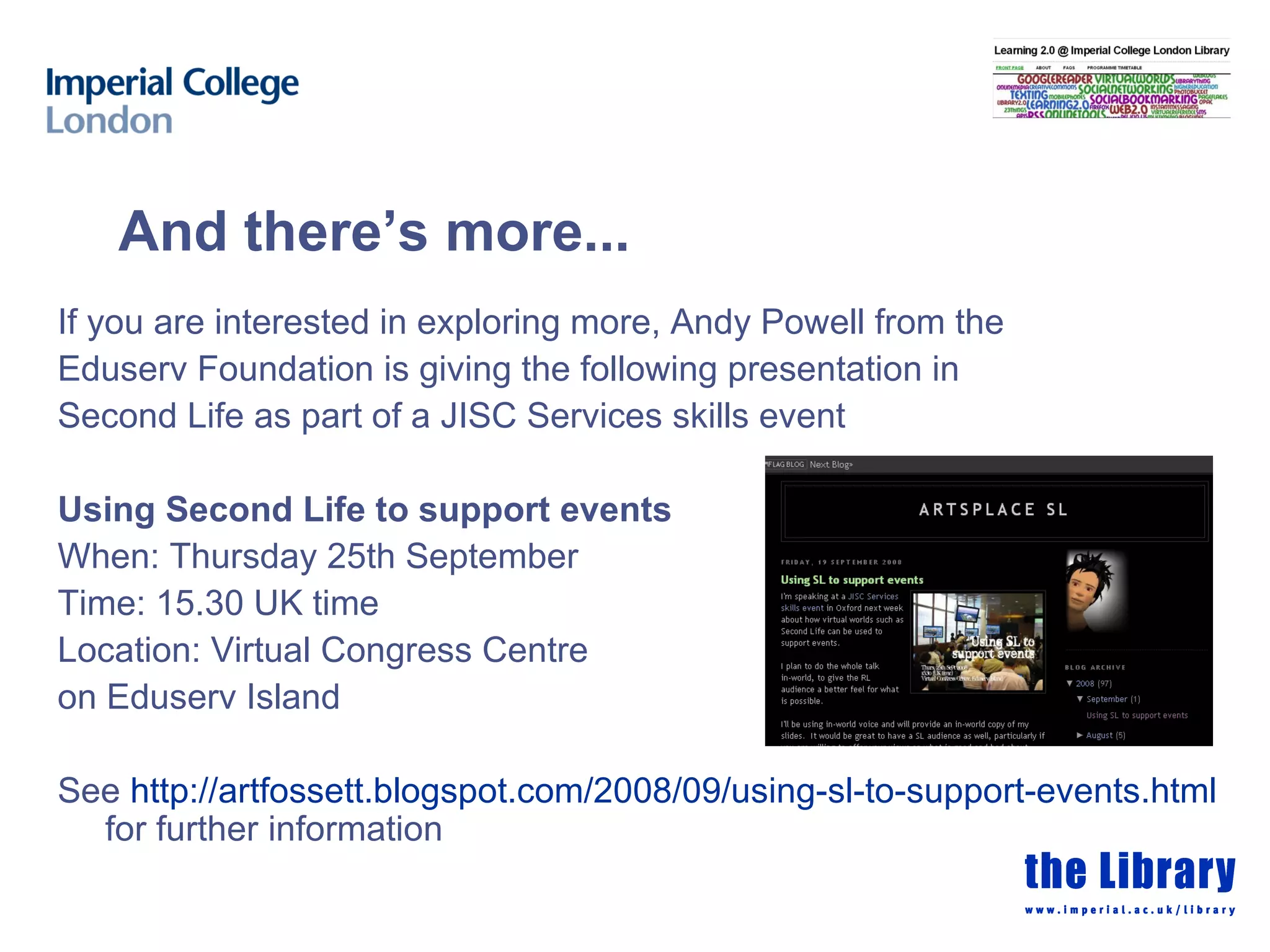
And there’s more... If you are interested in exploring more, Andy Powell from the Eduserv Foundation is giving the following presentation in Second Life as part of a JISC Services skills event Using Second Life to support events When: Thursday 25th September  Time: 15.30 UK time Location: Virtual Congress Centre  on Eduserv Island See  http://artfossett.blogspot.com/2008/09/using-sl-to-support-events.html  for further information

Virtual Worlds And Second Life

  • 1.
    Virtual worlds andJenny Evans Tuesday 23rd September 2008 http://delicious.com/imperiallibrary/secondlifeworkshop © Imperial College London http://learning20atimperial.wordpress.com
  • 2.
    What we willcover today Virtual worlds Second Life an overview in libraries/education at Imperial College London Hands on Set up an account, create your avatar and begin to explore Second Life
  • 3.
    “… a computer-basedsimulated environment intended for its users to inhabit and interact via avatars” From Wikipedia http:// en.wikipedia.org/wiki/Virtual_world [Accessed 19th September 2008] What is a virtual world? “… an online environment whose “residents” are avatars representing individuals participating online” From 7 things you should know about…Virtual Worlds http://connect.educause.edu/display/39392 [Accessed 21st September 2008]
  • 4.
    What is anavatar? An avatar is a computer user's representation of himself or herself, whether in the form of a three-dimensional model used in computer games, [1] a two-dimensional icon (picture) used on Internet forums and other communities, [2] [3] or a text construct found on early systems such as MUDs .” From Wikipedia http:// en.wikipedia.org/wiki/Avatar_(computing ) [Accessed 19th September 2008] Multi User Dungeon, Domain or Dimension (MUD) “… a multi-player computer game that combines elements of role-playing games, hack and slash style computer games and social chat rooms.” From Wikipedia http:// en.wikipedia.org /wiki/MUVE [Accessed 19 th September 2008]
  • 5.
    Related terminology Massivelymultiplayer online games (MMOG) “… a video game which is capable of supporting hundreds or thousands of Players simultaneously…played on the Internet, and feature at least one persistent world…” From Wikipedia http:// en.wikipedia.org/wiki/Massively_multiplayer_online_games [Accessed 19th September 2008] Multi User Virtual Environment (MUVE) “… online, multi-user virtual environments, sometimes called virtual worlds…most widely used to describe MMOGs that are not necessarily game specific…” From Wikipedia http:// en.wikipedia.org /wiki/MUVE [Accessed 19 th September 2008]
  • 6.
    2008 Metaverse TourVideo: The Social Virtual World’s A Stage by Gary Hayes http://www.personalizemedia.com/2008-metaverse-tour-video-the-social-virtual-worlds-a-stage/ (7 mins) Virtual worlds: Examples
  • 7.
  • 8.
    Introduction to SecondLife h ttp://www.youtube.com/watch?v =4R1SrZua5ww “ Second Life® is a 3-D virtual world created by its Residents. Since opening to the public in 2003, it has grown explosively and today is inhabited by millions of Residents from around the globe. “ From: http:// secondlife.com/whatis / [Accessed 19 th September 2008] What is Second Life?
  • 9.
    About Second LifeHosted by Linden Labs on their Second Life grid platform Created by it’s residents Can build things – you own what you create How does it work? You create an account (free to join) Download the software to your computer (needs to have a good video card) Explore and play
  • 10.
    What can Ido in Second Life? Create an avatar Move around Walk, run, fly Teleport SLURL (Second Life URL) Click on a SLURL to go directly to a specific location in Second Life Participate in the Second Life economy Buy land, shop with Linden Dollars Build Businesses, educational and cultural institutions all found there Not compulsory
  • 11.
    Second Life...what youneed to know Islands - the places you walk around/on while in Second Life Avatars - your online persona (human, animal, robot) Buildings - can create them as well as go into them Objects - can be clothes or cars…your imagination is the limit Notecards - an item containing text and/or other information Pie menu – right click to get a list of options
  • 12.
  • 13.
    What are UKHE institutions doing in Second Life? Open University Holding classes in Second Life DigiLab Coventry University have built a virtual campus in Second Life Edinburgh University Virtual University of Edinburgh Work with Masters students Sloodle Moodle (VLE) in Second Life
  • 14.
    Second Life @Imperial College London Academics giving lectures on Nature Network’s Second Nature Island For example Dr James Kirkpatrick from the Physics Department http://www.nature.com/secondnature/archive_pages/2008_02_25.html Second Health Hospital Healthcare in the future http:// secondhealth.wordpress.com /
  • 15.
    Second Life inthe Faculty of Medicine Game based learning for Virtual Patients in Second Life http:// uk.youtube.com/watch?v = WnPYhSbSABA Applied game based learning in a MUVE to support face to face teaching Game based learning for Virtual Patients in Second Life Phase 2 http:// uk.youtube.com/watch?v =VhQ8MjdRq_4
  • 16.
    Should libraries bein Second Life? http://librariansmatter.com/blog/2007/04/ 30/ten-very-good-reasons-why-your librarians-should-be-in-second-life/ From Kathryn Greenhill’s blog, Librarians Matter: http ://librariansmatter . com/blog http://librariansmatter.com/blog/2007/05 /01/six-very-bad-reasons-to-have-a- library-branch-in-second-life/
  • 17.
    Hands on: Creatingan account and your avatar Go to the Second Life website http:// secondlife.com / and click on ‘Get Started’ When you get to select a community you can skip this step Create an account/avatar Choose a starting look Create a first name (can be anything) Create a last name (must be from the list of options) Fill in the rest of the details and Click on create an account Remember you can update your avatar’s look when you enter Second Life – but once you have a name you cannot change it!
  • 18.
    Hands on: Activateyour account and enter Second Life 4. Check your email and click on the link to activate your account 5. You are now ready to enter Second Life (as the software is already on the cluster PCs) Entering Second Life Double click on the Second Life icon and accept the terms of service agreement You will arrive at Help Island The next step is to go through the basic tutorial about how to move around
  • 19.
    Hands on: ExploringSecond Life Have a play Tutorials to help you out: Moving and flying in Second Life http://wiki.secondlife.com/wiki/Video_Tutorial/Moving_%26_flying Using the pie menu http://wiki.secondlife.com/wiki/Video_Tutorial/Using_the_pie_menu Visit the South Kensington campus and virtual hospital: http://slurl.com/secondlife/Imperial%20College%20London/150/86/27/ What to do next? Chat to your fellow workshop participants Explore the Virtual Hospital – register and diagnose a patient Search for and teleport to the Second Health hospital and look around Track down any island of interest and have a play
  • 20.
    And there’s more...If you are interested in exploring more, Andy Powell from the Eduserv Foundation is giving the following presentation in Second Life as part of a JISC Services skills event Using Second Life to support events When: Thursday 25th September Time: 15.30 UK time Location: Virtual Congress Centre on Eduserv Island See http://artfossett.blogspot.com/2008/09/using-sl-to-support-events.html for further information

Editor's Notes