Version Control and Git
Understanding VCS, Use Cases, Git vs GitHub
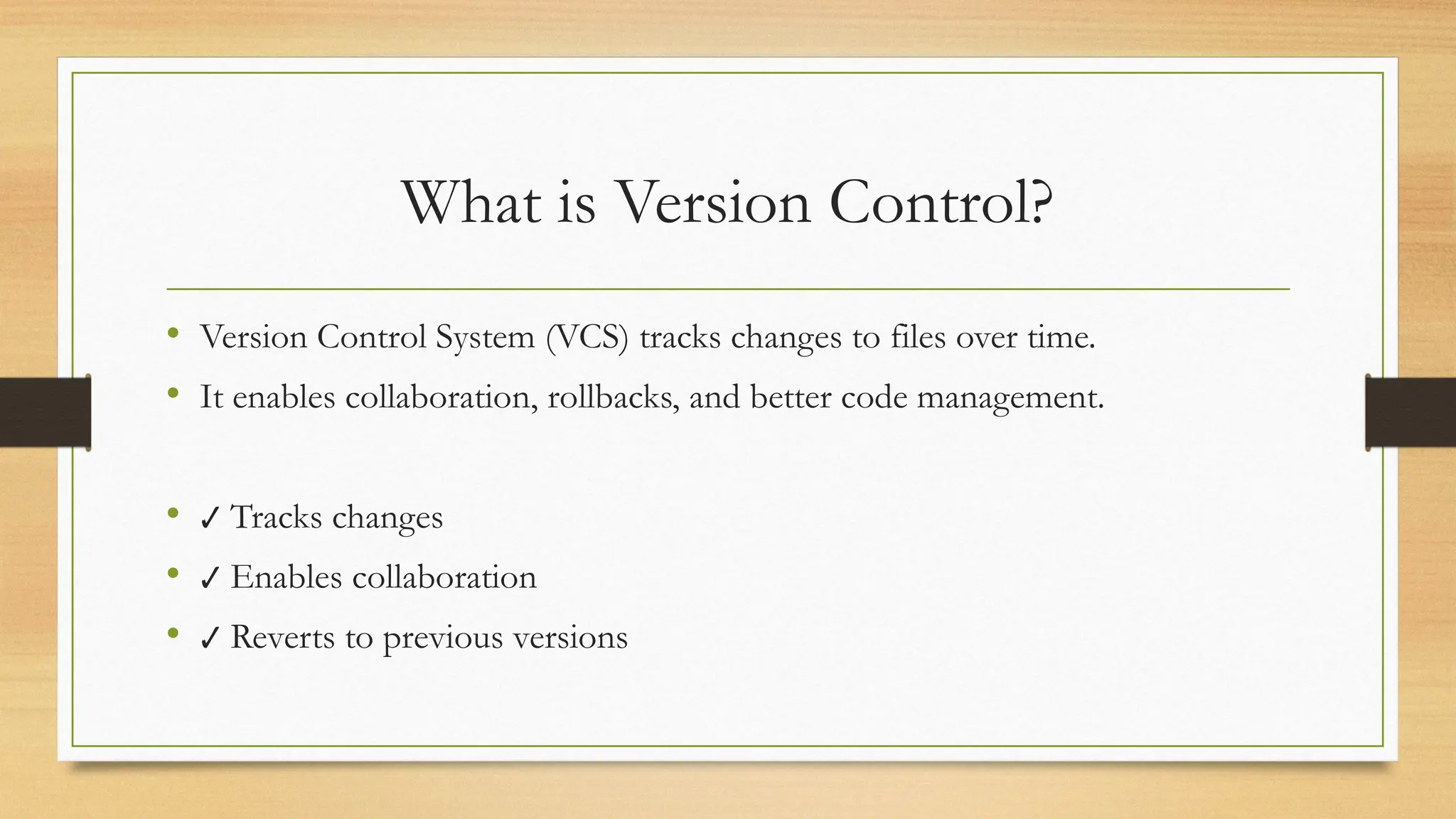
What is Version Control?
• Version Control System (VCS) tracks changes to files over time.
• It enables collaboration, rollbacks, and better code management.
• ✔ Tracks changes
• ✔ Enables collaboration
• ✔ Reverts to previous versions
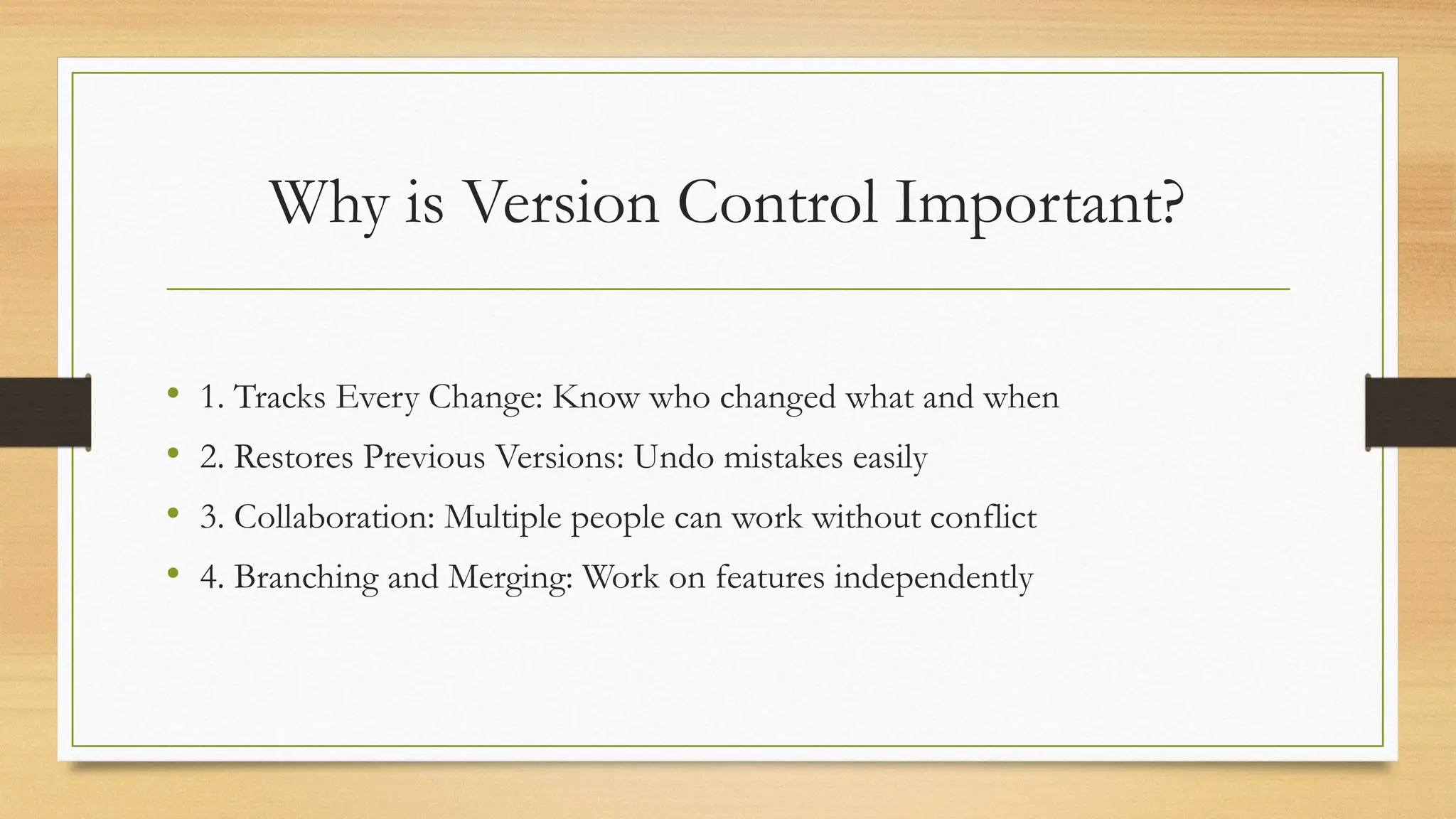
Why is Version Control Important?
• 1. Tracks Every Change: Know who changed what and when
• 2. Restores Previous Versions: Undo mistakes easily
• 3. Collaboration: Multiple people can work without conflict
• 4. Branching and Merging: Work on features independently
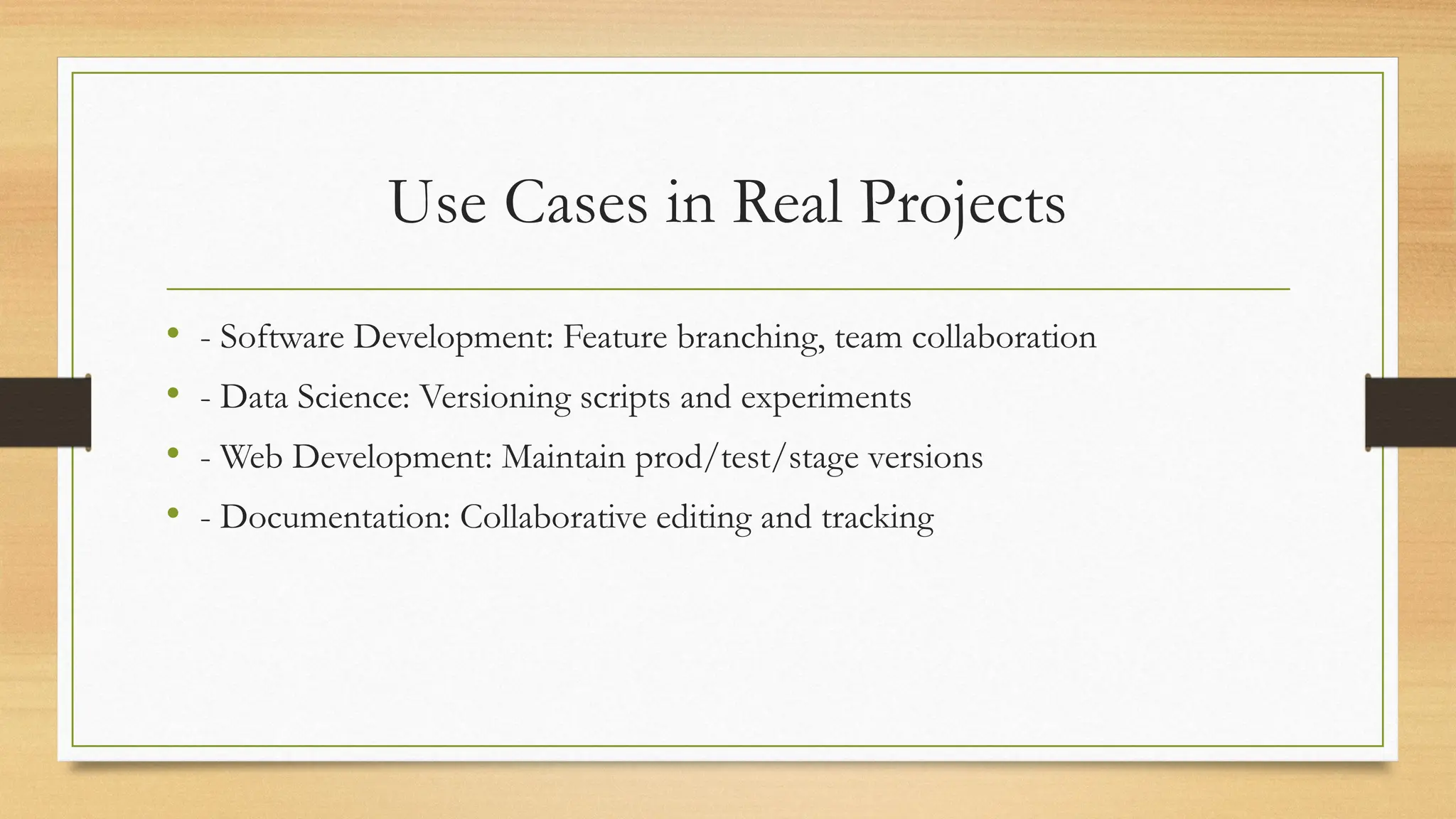
Use Cases in Real Projects
• - Software Development: Feature branching, team collaboration
• - Data Science: Versioning scripts and experiments
• - Web Development: Maintain prod/test/stage versions
• - Documentation: Collaborative editing and tracking
Types of Version Control
• - Local Version Control: Simple tracking on one machine
• - Centralized (CVCS): Single server stores all versions (e.g., SVN)
• - Distributed (DVCS): Every user has a full copy (e.g., Git)
Conclusion
• Version control is essential for modern project management.
• - Tracks progress
• - Enhances teamwork
• - Reduces errors
• - Increases productivity
️
🛠️What is Git?
• Distributed Version Control System (DVCS)
• Offline Work
• Speed
• Redundancy
Fundamental Concepts
•Repository: The database containing all the files and their history.
•Commit: A "snapshot" of your project at a specific point in time.
•Branch: An independent line of development.
•Merge: The process of combining changes from one branch into another.
•Staging Area (Index): An intermediate step to prepare changes before committing
them.
•Origin: Created by Linus Torvalds (creator of Linux) in 2005.
•Status: Free, open-source, and the industry standard for modern software
development.
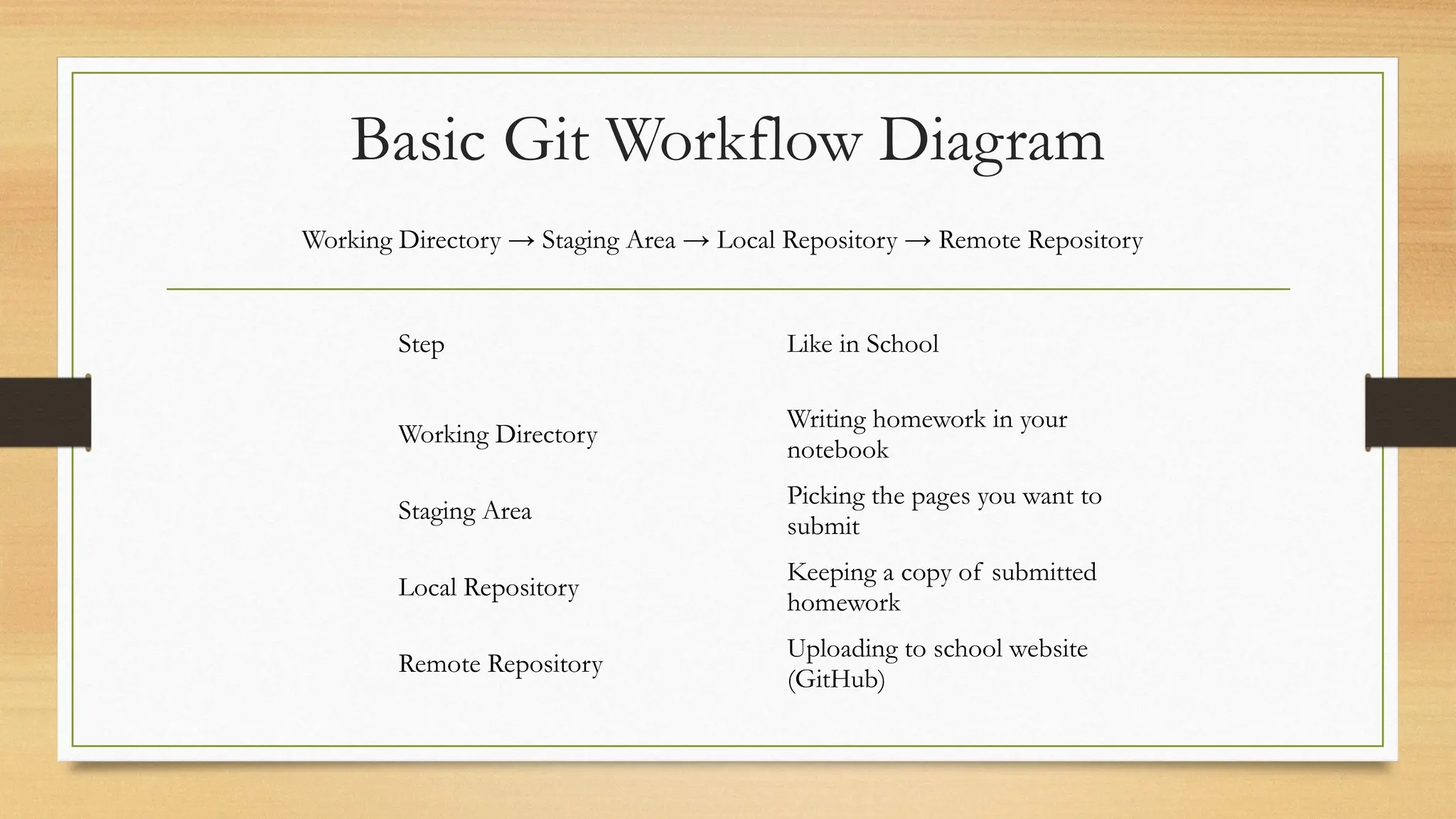
Basic Git Workflow Diagram
Working Directory → Staging Area → Local Repository → Remote Repository
Step Like in School
Working Directory
Writing homework in your
notebook
Staging Area
Picking the pages you want to
submit
Local Repository
Keeping a copy of submitted
homework
Remote Repository
Uploading to school website
(GitHub)
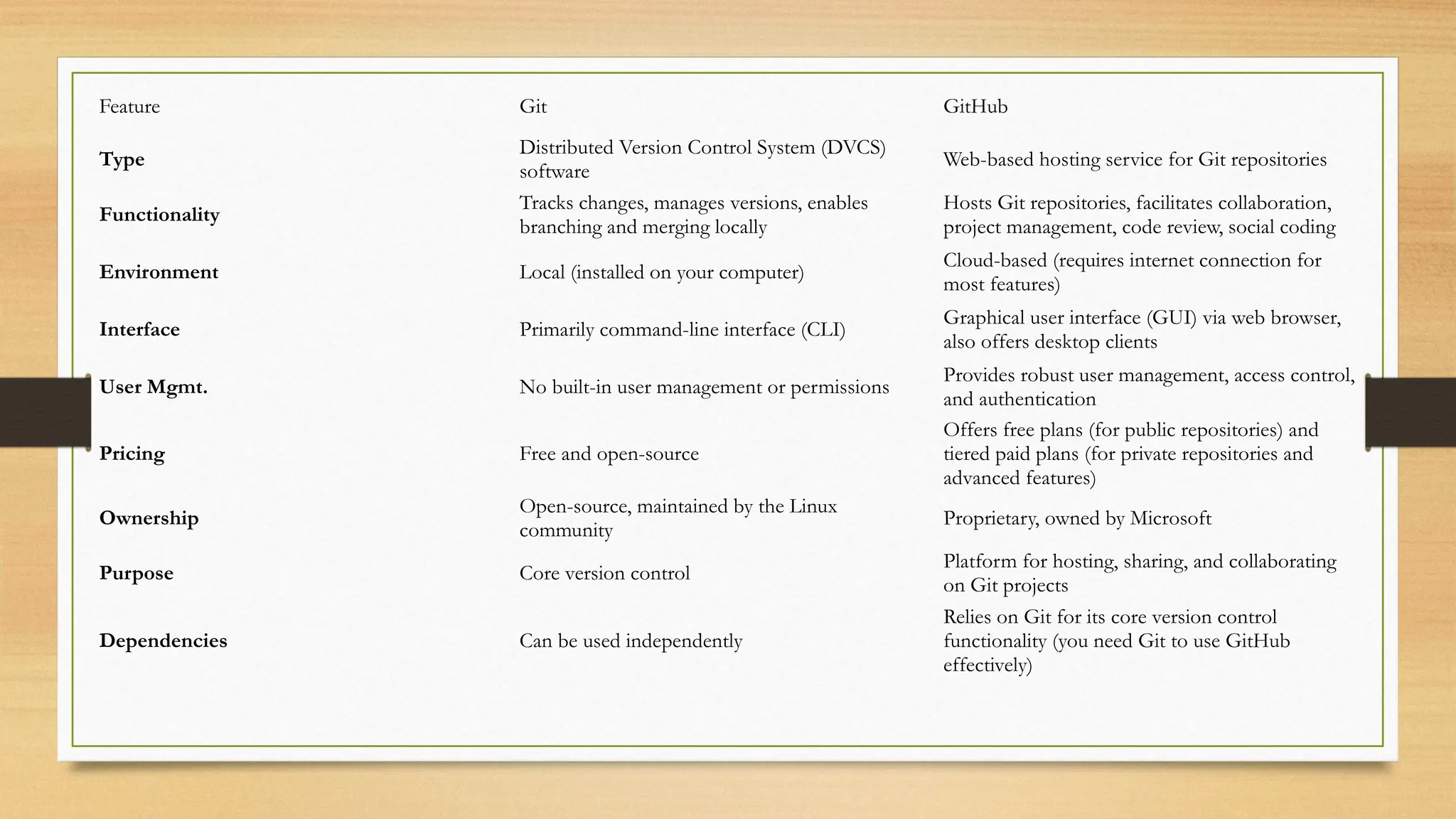
Feature Git GitHub
Type
Distributed Version Control System (DVCS)
software
Web-based hosting service for Git repositories
Functionality
Tracks changes, manages versions, enables
branching and merging locally
Hosts Git repositories, facilitates collaboration,
project management, code review, social coding
Environment Local (installed on your computer)
Cloud-based (requires internet connection for
most features)
Interface Primarily command-line interface (CLI)
Graphical user interface (GUI) via web browser,
also offers desktop clients
User Mgmt. No built-in user management or permissions
Provides robust user management, access control,
and authentication
Pricing Free and open-source
Offers free plans (for public repositories) and
tiered paid plans (for private repositories and
advanced features)
Ownership
Open-source, maintained by the Linux
community
Proprietary, owned by Microsoft
Purpose Core version control
Platform for hosting, sharing, and collaborating
on Git projects
Dependencies Can be used independently
Relies on Git for its core version control
functionality (you need Git to use GitHub
effectively)
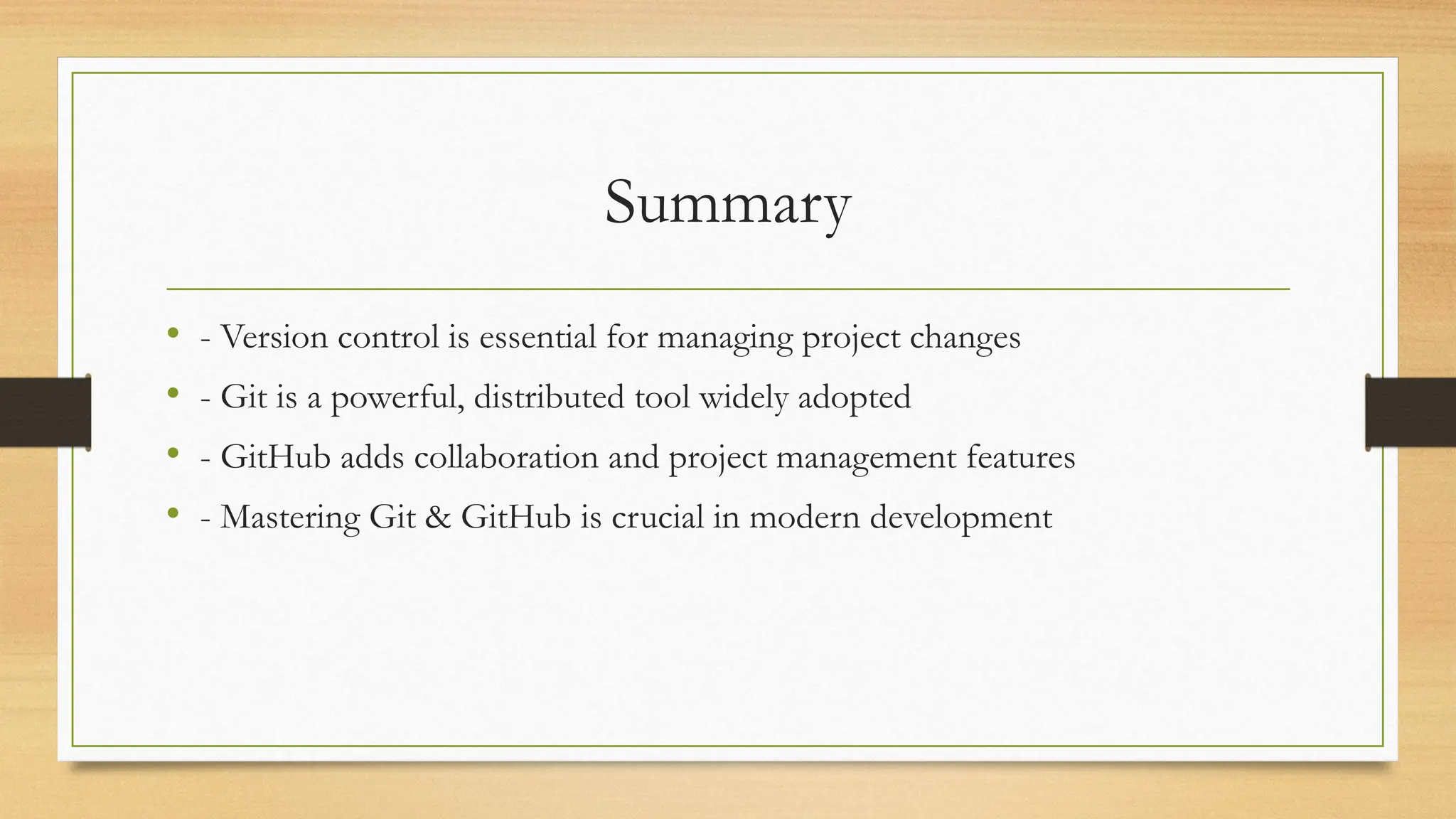
Summary
• - Version control is essential for managing project changes
• - Git is a powerful, distributed tool widely adopted
• - GitHub adds collaboration and project management features
• - Mastering Git & GitHub is crucial in modern development
Version_Control_and_Git.pptx For Beginners Simple And useful

Version_Control_and_Git.pptx For Beginners Simple And useful

  • 2.
    Version Control andGit Understanding VCS, Use Cases, Git vs GitHub
  • 3.
    What is VersionControl? • Version Control System (VCS) tracks changes to files over time. • It enables collaboration, rollbacks, and better code management. • ✔ Tracks changes • ✔ Enables collaboration • ✔ Reverts to previous versions
  • 4.
    Why is VersionControl Important? • 1. Tracks Every Change: Know who changed what and when • 2. Restores Previous Versions: Undo mistakes easily • 3. Collaboration: Multiple people can work without conflict • 4. Branching and Merging: Work on features independently
  • 5.
    Use Cases inReal Projects • - Software Development: Feature branching, team collaboration • - Data Science: Versioning scripts and experiments • - Web Development: Maintain prod/test/stage versions • - Documentation: Collaborative editing and tracking
  • 6.
    Types of VersionControl • - Local Version Control: Simple tracking on one machine • - Centralized (CVCS): Single server stores all versions (e.g., SVN) • - Distributed (DVCS): Every user has a full copy (e.g., Git)
  • 7.
    Conclusion • Version controlis essential for modern project management. • - Tracks progress • - Enhances teamwork • - Reduces errors • - Increases productivity
  • 8.
    ️ 🛠️What is Git? •Distributed Version Control System (DVCS) • Offline Work • Speed • Redundancy
  • 9.
    Fundamental Concepts •Repository: Thedatabase containing all the files and their history. •Commit: A "snapshot" of your project at a specific point in time. •Branch: An independent line of development. •Merge: The process of combining changes from one branch into another. •Staging Area (Index): An intermediate step to prepare changes before committing them. •Origin: Created by Linus Torvalds (creator of Linux) in 2005. •Status: Free, open-source, and the industry standard for modern software development.
  • 10.
    Basic Git WorkflowDiagram Working Directory → Staging Area → Local Repository → Remote Repository Step Like in School Working Directory Writing homework in your notebook Staging Area Picking the pages you want to submit Local Repository Keeping a copy of submitted homework Remote Repository Uploading to school website (GitHub)
  • 11.
    Feature Git GitHub Type DistributedVersion Control System (DVCS) software Web-based hosting service for Git repositories Functionality Tracks changes, manages versions, enables branching and merging locally Hosts Git repositories, facilitates collaboration, project management, code review, social coding Environment Local (installed on your computer) Cloud-based (requires internet connection for most features) Interface Primarily command-line interface (CLI) Graphical user interface (GUI) via web browser, also offers desktop clients User Mgmt. No built-in user management or permissions Provides robust user management, access control, and authentication Pricing Free and open-source Offers free plans (for public repositories) and tiered paid plans (for private repositories and advanced features) Ownership Open-source, maintained by the Linux community Proprietary, owned by Microsoft Purpose Core version control Platform for hosting, sharing, and collaborating on Git projects Dependencies Can be used independently Relies on Git for its core version control functionality (you need Git to use GitHub effectively)
  • 12.
    Summary • - Versioncontrol is essential for managing project changes • - Git is a powerful, distributed tool widely adopted • - GitHub adds collaboration and project management features • - Mastering Git & GitHub is crucial in modern development