GIT
&
GitHub
•Presented by :
• Kelash 21SW052
• Sandeep 21SW015
Version Control System
Version control systems (VCS) are software tools used to track
changes made to a codebase over time. They allow
developers to work simultaneously on a project without
overwriting each other's changes. This helps with
collaboration, keeping track of bugs, and being able to revert
to a previous version of the code if necessary.
 Comparing latest version
 Keep track of all modifications made to code
Problems That may arise:
• Collaboration
• Restoring previous version:
• Figure out what happened :
• Backup (damaged):
• Limited collaboration among teams working on the
same codebase:
• More difficult, time-consuming and error-prone
software development process:
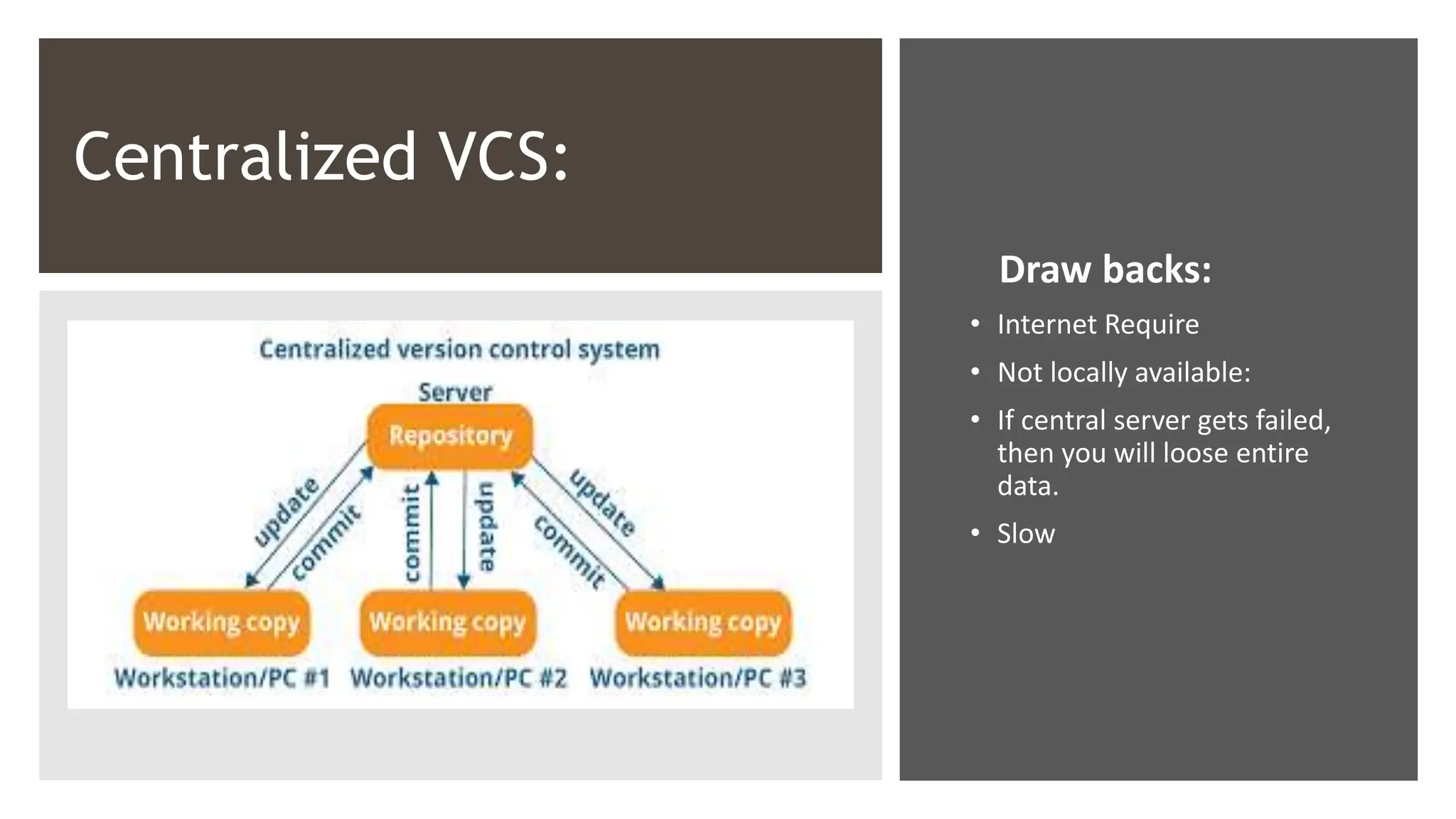
Centralized VCS:
Draw backs:
• Internet Require
• Not locally available:
• If central server gets failed,
then you will loose entire
data.
• Slow
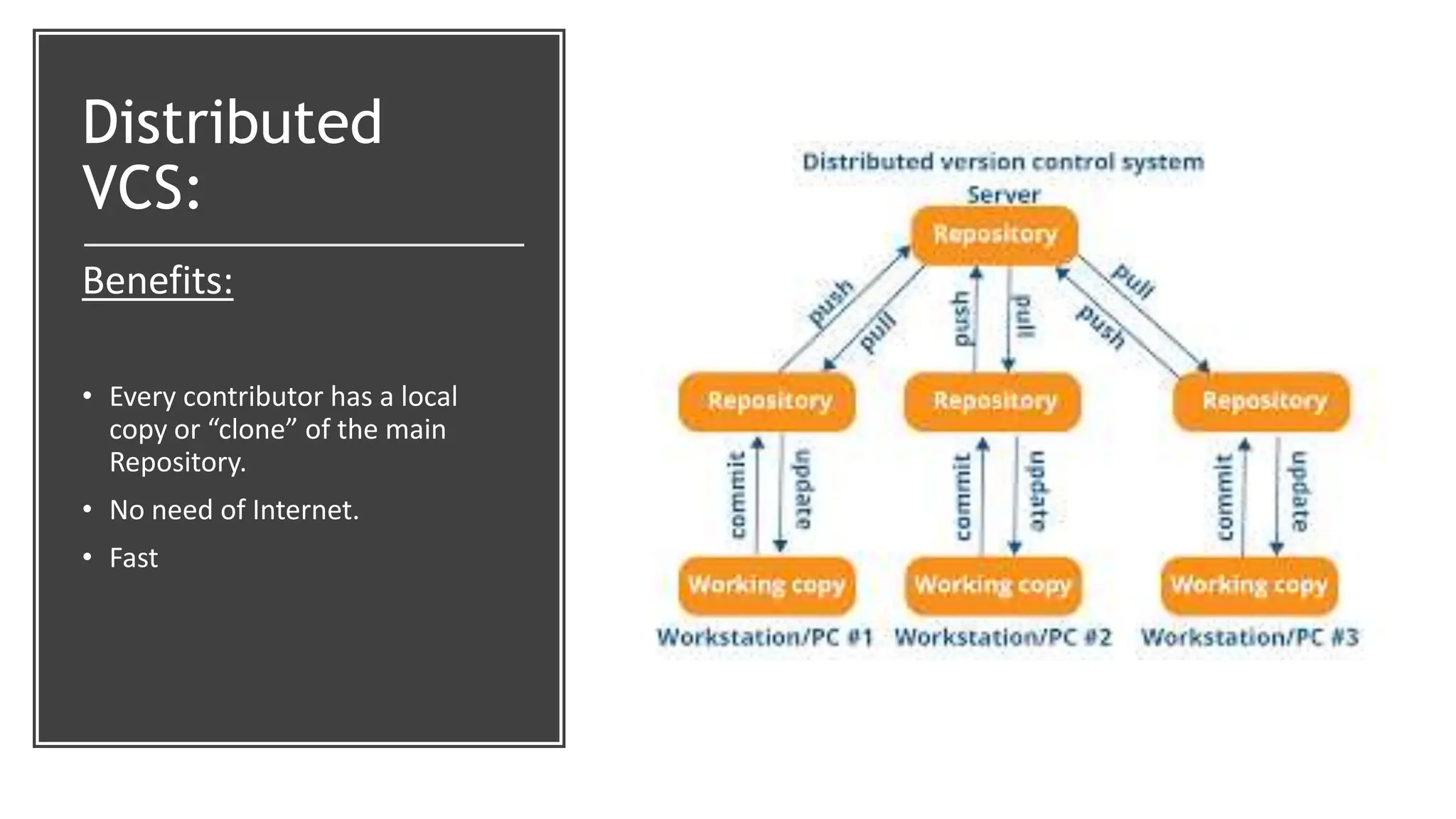
Distributed
VCS:
Benefits:
• Every contributor has a local
copy or “clone” of the main
Repository.
• No need of Internet.
• Fast
So , we bring for you :
GIT
• Git is open-source version control system for
software development
• Git allows users to keep track of changes made
to files and collaborate on projects.
• Distributed VCS
• Branches and Merging
• History tracking
GITHUB
• GitHub is a web-based platform that
provide hosting for software development
and VCS using Git.
• It provides a user-friendly interface for
version control and collaboration.
• In addition to hosting Git repositories,
GitHub provides bug tracking, project
management, and other features.
• GitHub is a platform for open-source
projects, allowing developers from around
the world to collaborate on the same
codebase.
WORK
FLOW
Target audience :
Software developers and development teams.
Open-source contributors.
IT departments.
Technical educators and students.
Researchers working on software projects.
Difference Form Other :
1.Speed and efficiency: Git is
designed for speed and efficiency,
making it faster and more effective
than many other version control
systems.
2.Collaboration: Git and GitHub
provide a strong focus on
collaboration and making it easy for
multiple users to work together on
the same codebase.
3.Decentralized: Git is a
decentralized version control
system, meaning that code changes
are stored in multiple locations,
making it more resilient and secure
than centralized systems.
4.Large community: Git and
GitHub have a large and active
community of developers who
contribute to the platform and
provide support to others.
5.Open-source: Git is open-
source software, allowing anyone to
use, modify, and distribute the code.
GitHub provides a platform for
hosting and collaboration on open-
source projects.
.

Git and GitHub.pptx

  • 1.
    GIT & GitHub •Presented by : •Kelash 21SW052 • Sandeep 21SW015
  • 2.
    Version Control System Versioncontrol systems (VCS) are software tools used to track changes made to a codebase over time. They allow developers to work simultaneously on a project without overwriting each other's changes. This helps with collaboration, keeping track of bugs, and being able to revert to a previous version of the code if necessary.  Comparing latest version  Keep track of all modifications made to code
  • 3.
    Problems That mayarise: • Collaboration • Restoring previous version: • Figure out what happened : • Backup (damaged): • Limited collaboration among teams working on the same codebase: • More difficult, time-consuming and error-prone software development process:
  • 4.
    Centralized VCS: Draw backs: •Internet Require • Not locally available: • If central server gets failed, then you will loose entire data. • Slow
  • 5.
    Distributed VCS: Benefits: • Every contributorhas a local copy or “clone” of the main Repository. • No need of Internet. • Fast
  • 6.
    So , webring for you :
  • 7.
    GIT • Git isopen-source version control system for software development • Git allows users to keep track of changes made to files and collaborate on projects. • Distributed VCS • Branches and Merging • History tracking
  • 8.
    GITHUB • GitHub isa web-based platform that provide hosting for software development and VCS using Git. • It provides a user-friendly interface for version control and collaboration. • In addition to hosting Git repositories, GitHub provides bug tracking, project management, and other features. • GitHub is a platform for open-source projects, allowing developers from around the world to collaborate on the same codebase.
  • 9.
  • 10.
    Target audience : Softwaredevelopers and development teams. Open-source contributors. IT departments. Technical educators and students. Researchers working on software projects.
  • 11.
    Difference Form Other: 1.Speed and efficiency: Git is designed for speed and efficiency, making it faster and more effective than many other version control systems. 2.Collaboration: Git and GitHub provide a strong focus on collaboration and making it easy for multiple users to work together on the same codebase. 3.Decentralized: Git is a decentralized version control system, meaning that code changes are stored in multiple locations, making it more resilient and secure than centralized systems. 4.Large community: Git and GitHub have a large and active community of developers who contribute to the platform and provide support to others. 5.Open-source: Git is open- source software, allowing anyone to use, modify, and distribute the code. GitHub provides a platform for hosting and collaboration on open- source projects.
  • 12.