The document provides step-by-step instructions for creating UV maps and applying textures to 3D models. It describes:
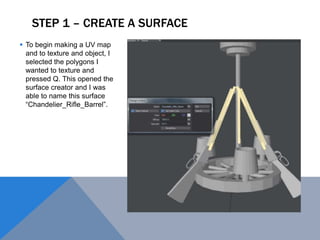
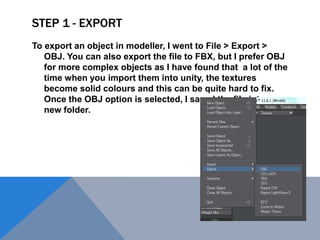
1) Creating a surface in the modeler software and naming the UV map.
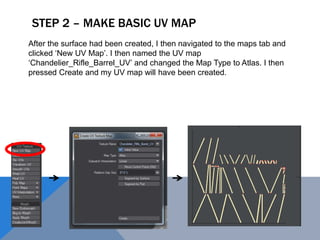
2) Making a basic UV map by creating a new map and changing the type to Atlas.
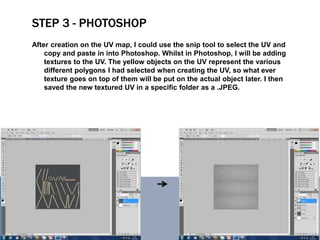
3) Using Photoshop to add textures to the UV map and save the textured UV.
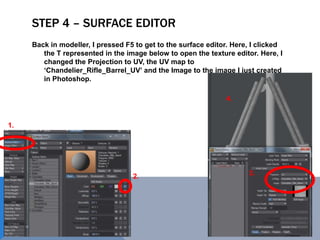
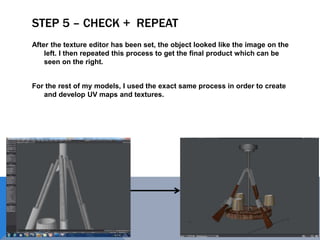
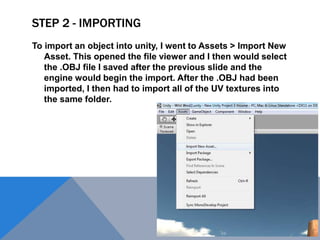
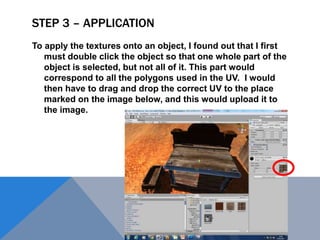
4) Applying the texture in the surface editor by changing the projection and image settings.