





UTILITY LIBRARIES TO
MAKE YOUR LIFE EASIER
_by Oleksii Prohonnyi
DROPPER
DATE
TIME
DATEDROPPER: About
 Datedropper is a jQuery datepicker plugin.
 Website: http://felicegattuso.com/projects/datedropper/
 Github: https://github.com/felicegattuso/datedropper/
 Features: animate, init_animation, format, lang, lock, maxYear,
minYear, yearsRange.
 Styles: dropPrimaryColor, dropTextColor, dropBackgroundColor,
dropBorder, dropBorderRadius, dropShadow, dropWidth,
dropTextWeight.
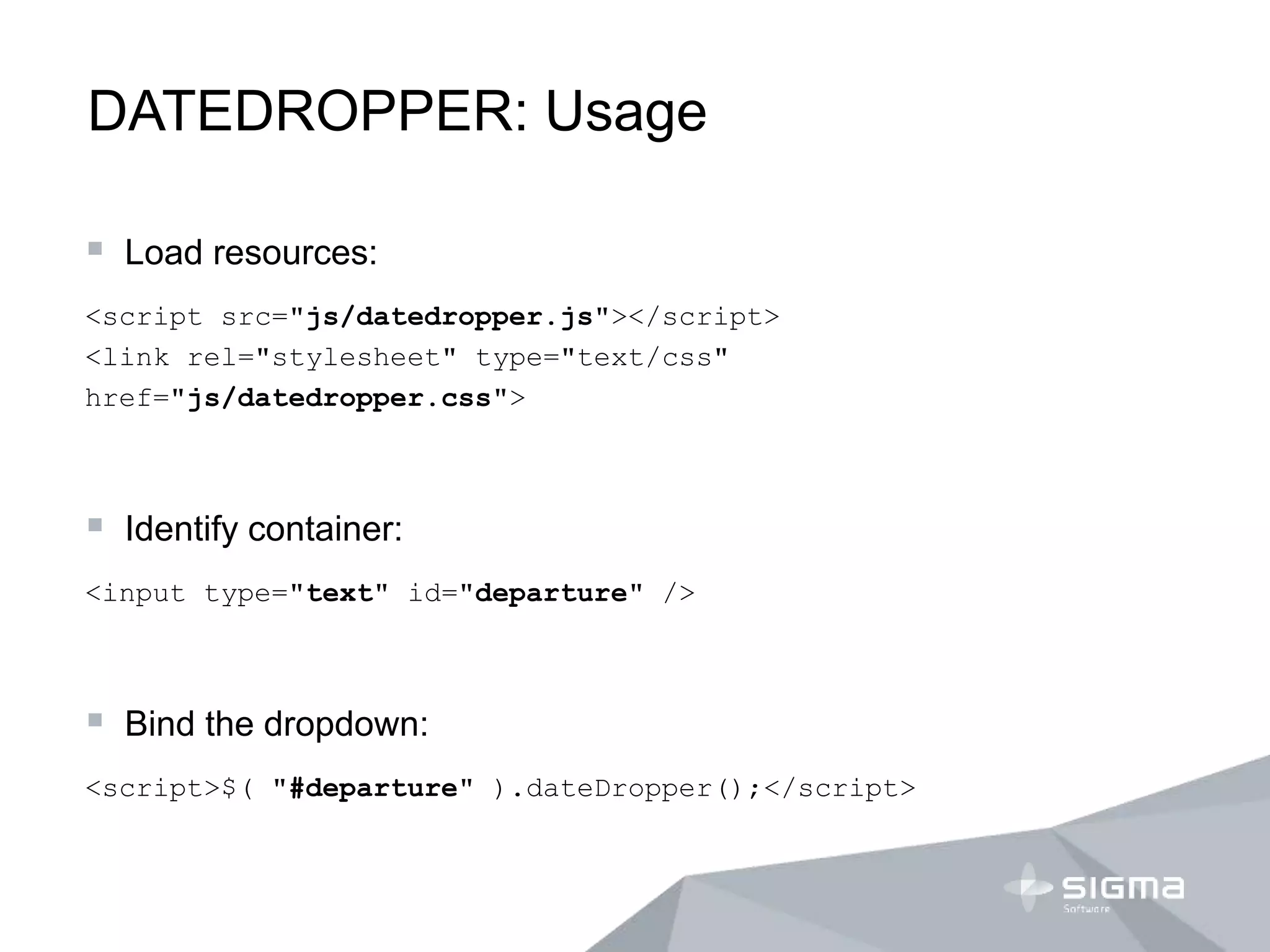
DATEDROPPER: Usage
 Load resources:
<script src="js/datedropper.js"></script>
<link rel="stylesheet" type="text/css"
href="js/datedropper.css">
 Identify container:
<input type="text" id="departure" />
 Bind the dropdown:
<script>$( "#departure" ).dateDropper();</script>
DATEDROPPER: Example
TIMEROPPER: About
 Timedropper is a jQuery time plugin.
 Website: http://felicegattuso.com/projects/timedropper/
 Github: https://github.com/felicegattuso/timedropper/
 Features: autoswitch, meridians, format, mousewheel,
init_animation, setCurrentTime.
 Styles: primaryColor, textColor, backgroundColor, borderColor.
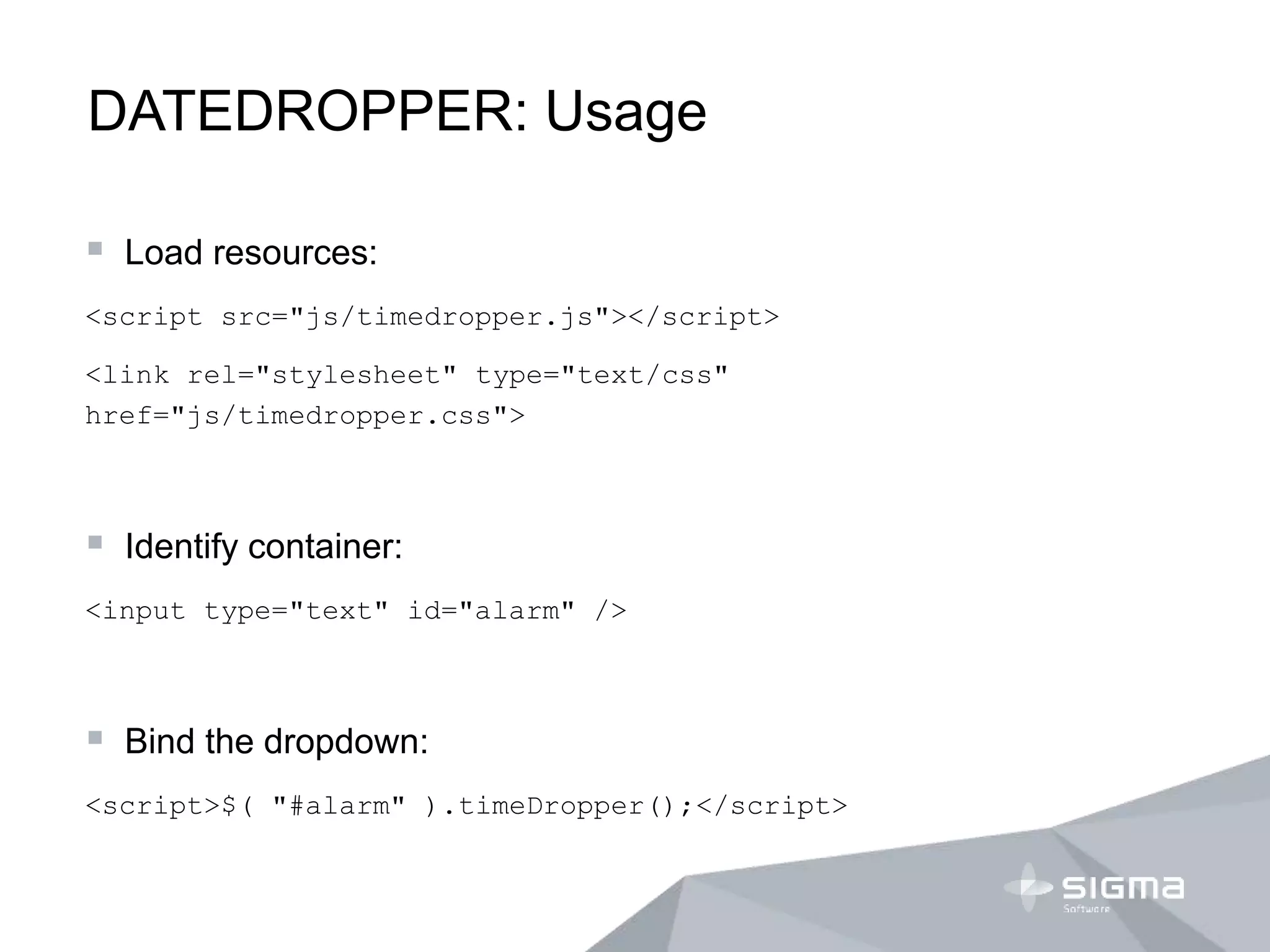
DATEDROPPER: Usage
 Load resources:
<script src="js/timedropper.js"></script>
<link rel="stylesheet" type="text/css"
href="js/timedropper.css">
 Identify container:
<input type="text" id="alarm" />
 Bind the dropdown:
<script>$( "#alarm" ).timeDropper();</script>
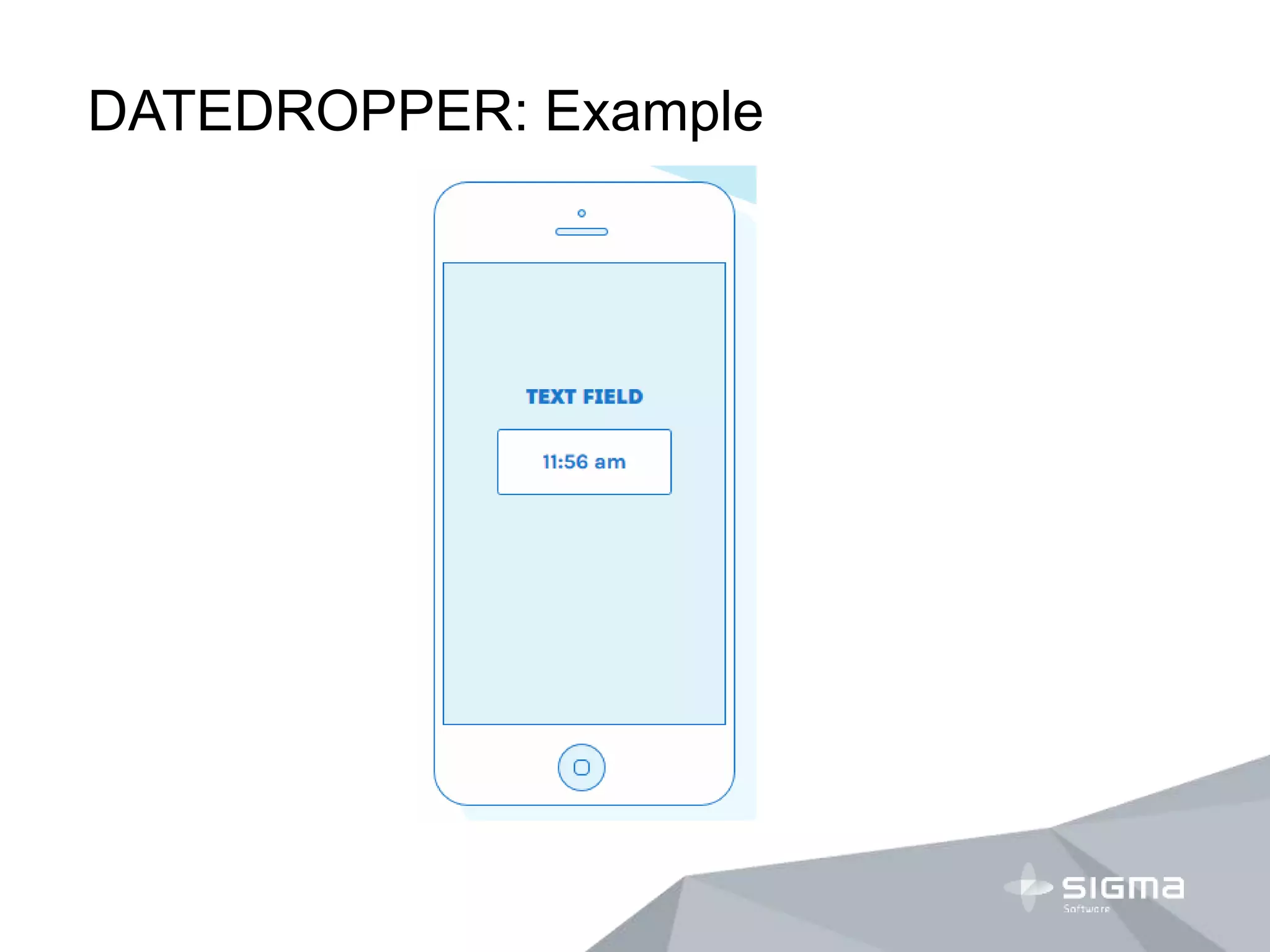
DATEDROPPER: Example
DROP
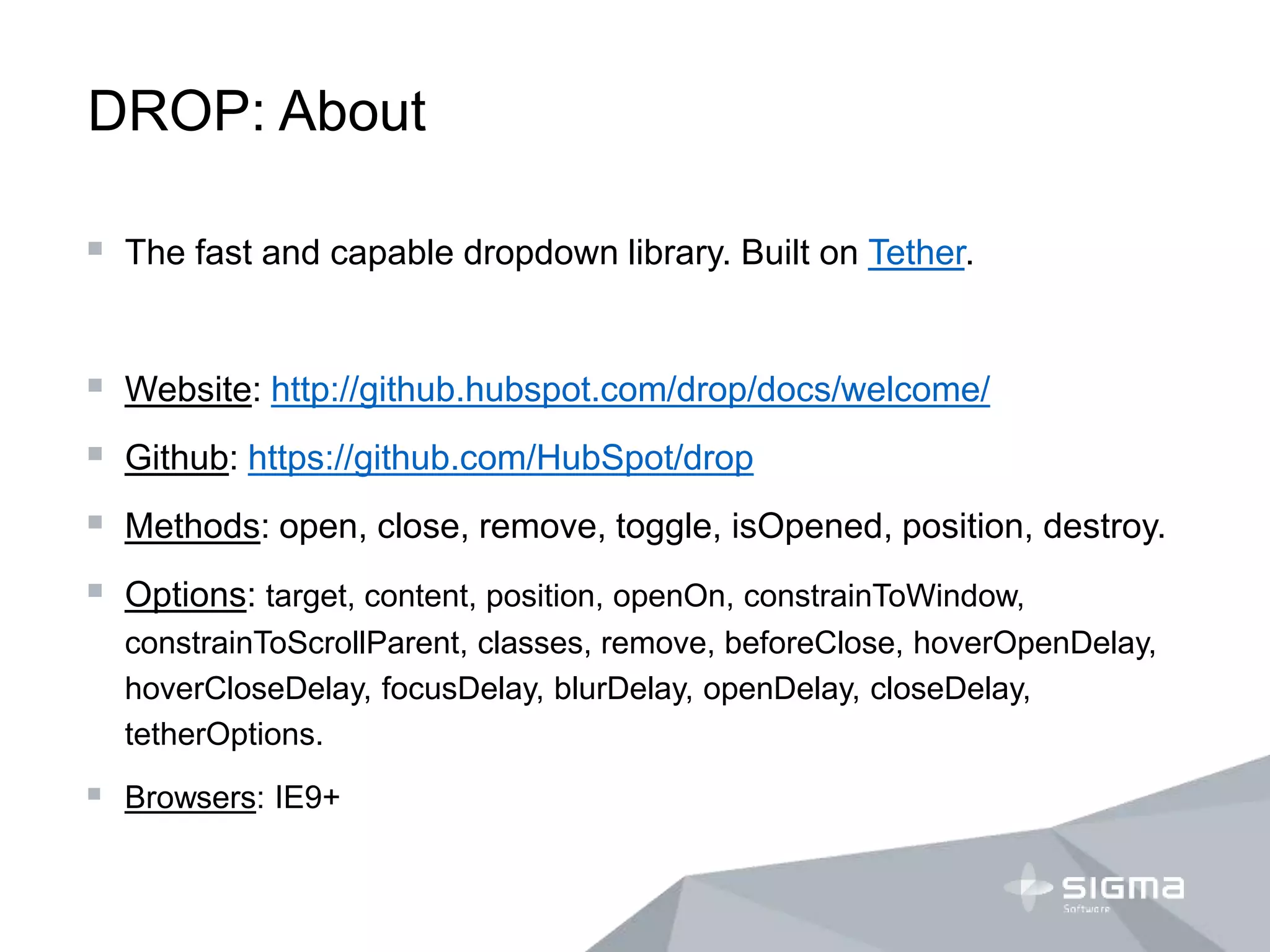
DROP: About
 The fast and capable dropdown library. Built on Tether.
 Website: http://github.hubspot.com/drop/docs/welcome/
 Github: https://github.com/HubSpot/drop
 Methods: open, close, remove, toggle, isOpened, position, destroy.
 Options: target, content, position, openOn, constrainToWindow,
constrainToScrollParent, classes, remove, beforeClose, hoverOpenDelay,
hoverCloseDelay, focusDelay, blurDelay, openDelay, closeDelay,
tetherOptions.
 Browsers: IE9+
DROP: Usage
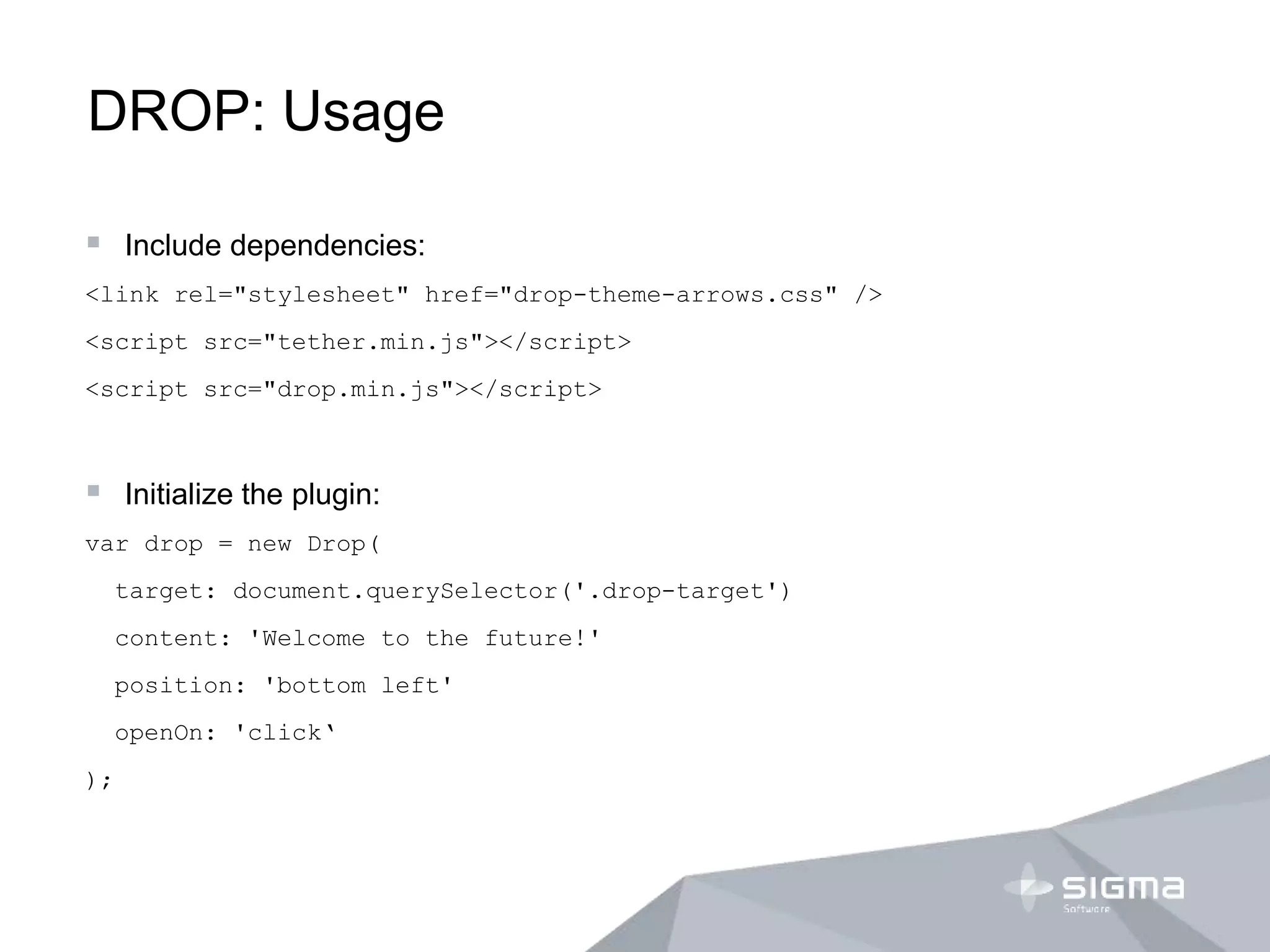
 Include dependencies:
<link rel="stylesheet" href="drop-theme-arrows.css" />
<script src="tether.min.js"></script>
<script src="drop.min.js"></script>
 Initialize the plugin:
var drop = new Drop(
target: document.querySelector('.drop-target')
content: 'Welcome to the future!'
position: 'bottom left'
openOn: 'click‘
);
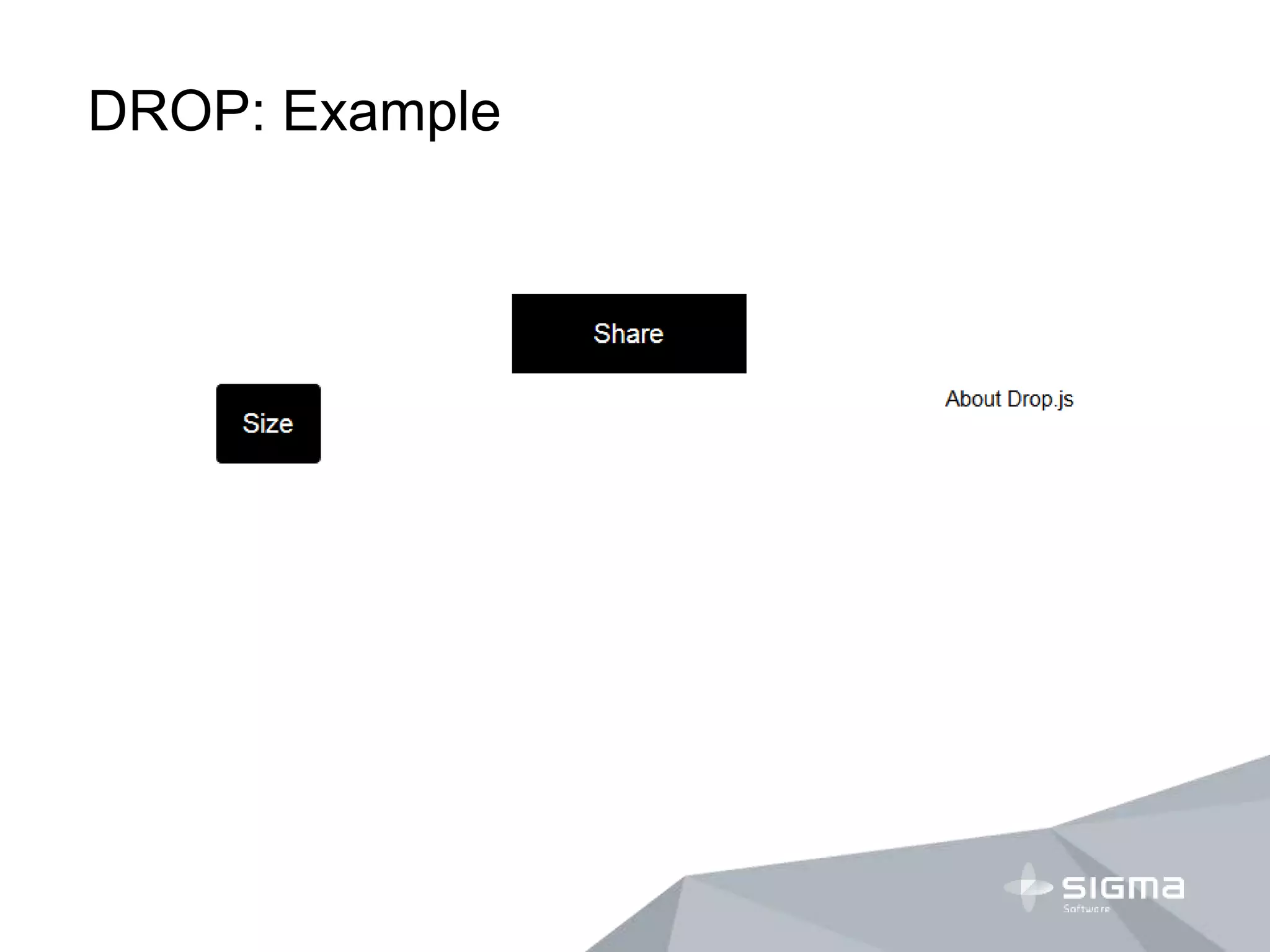
DROP: Example
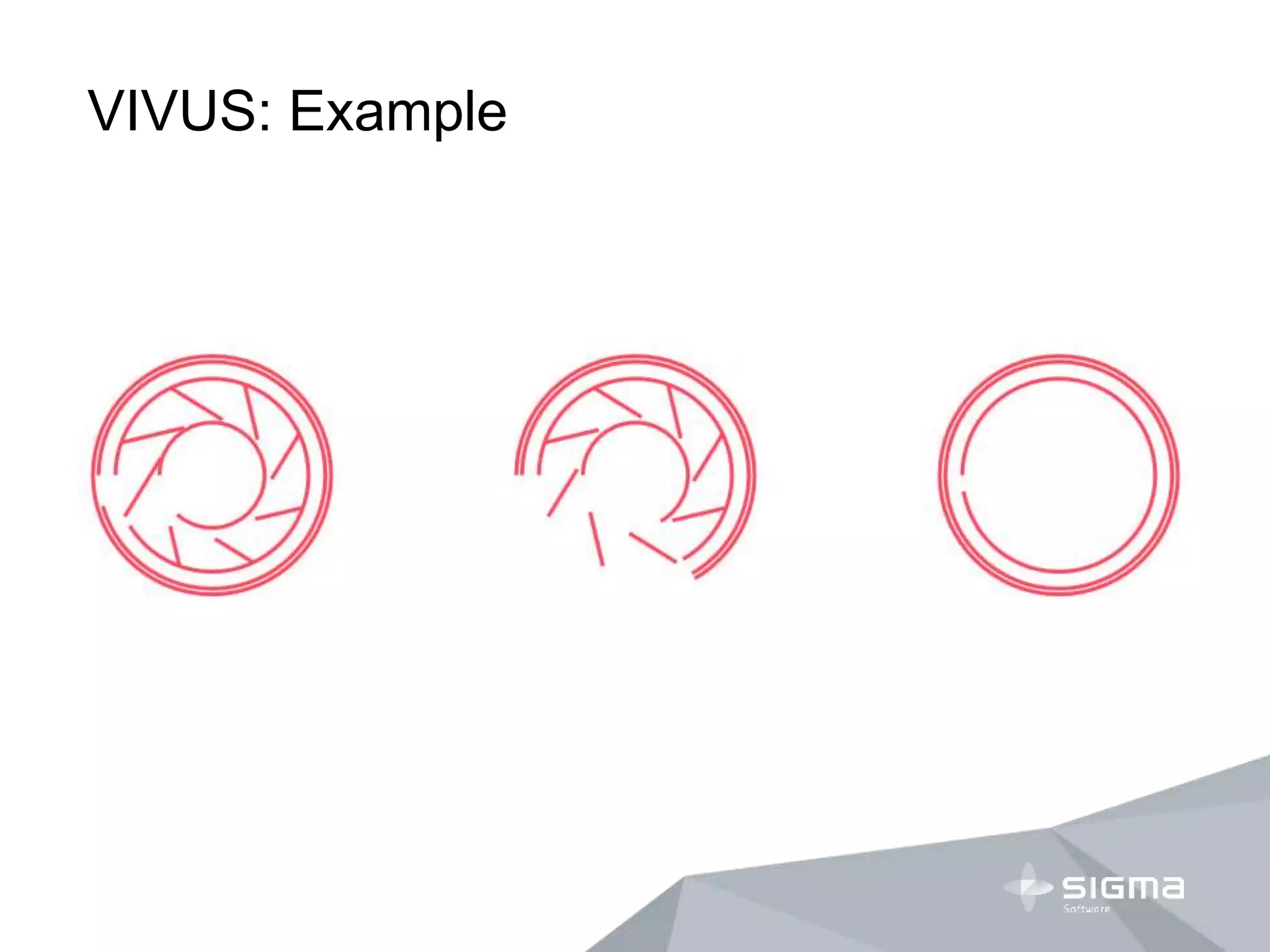
VIVUS
VIVUS: About
 Vivus is a lightweight JavaScript class (with no dependencies) that
allows you to animate SVGs, giving them the appearence of being
drawn.
 Website: http://maxwellito.github.io/vivus/
 Github: https://github.com/maxwellito/vivus
 Configuration: animation type, path timing, animation timing,
scenarization.
VIVUS: Usage
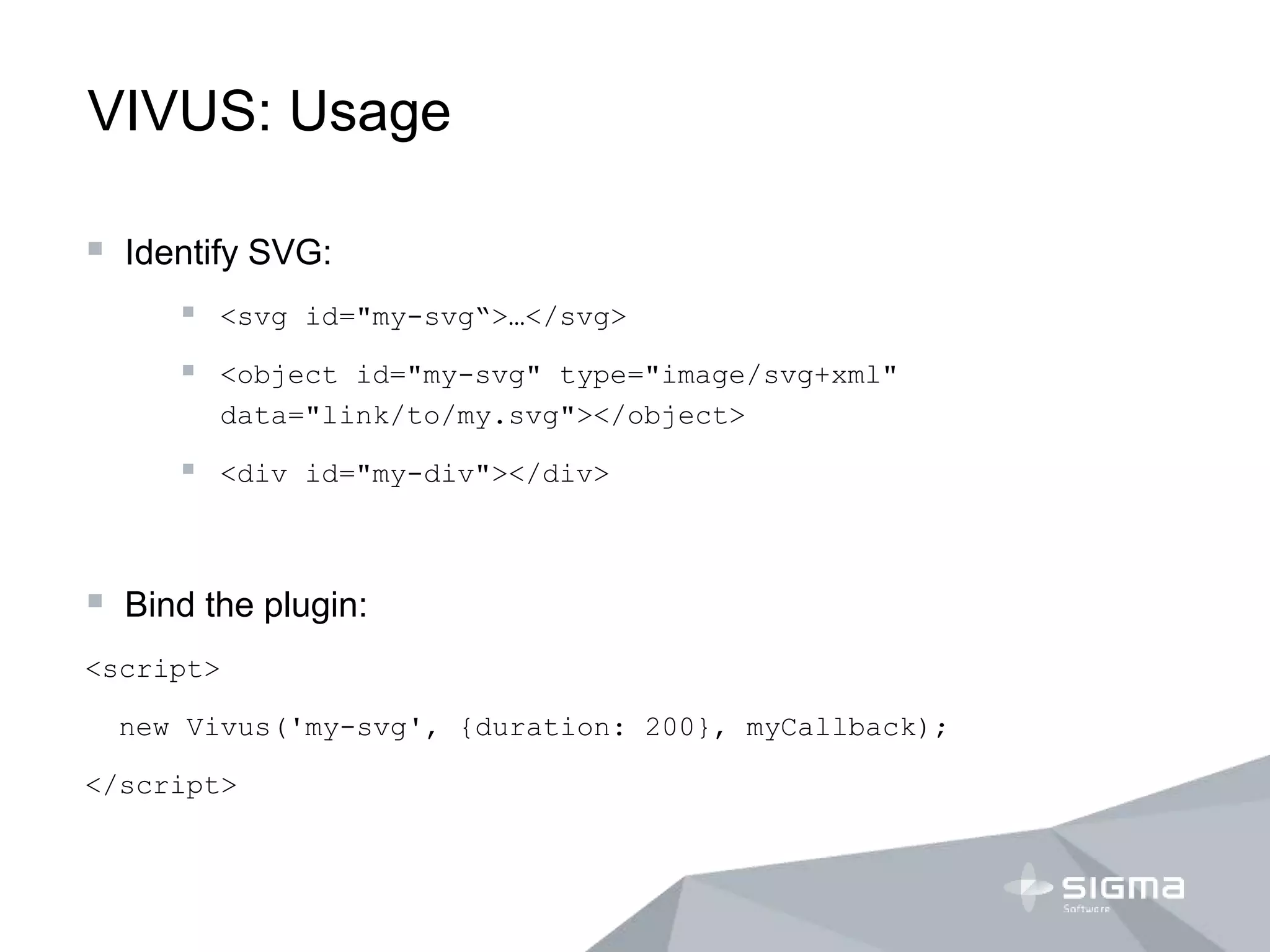
 Identify SVG:
 <svg id="my-svg“>…</svg>
 <object id="my-svg" type="image/svg+xml"
data="link/to/my.svg"></object>
 <div id="my-div"></div>
 Bind the plugin:
<script>
new Vivus('my-svg', {duration: 200}, myCallback);
</script>
VIVUS: Example
HAMMER
HAMMER: About
 Hammer helps you add support for touch gestures to your page,
and remove the 300ms delay from clicks.
 Website: http://hammerjs.github.io/
 Github: https://github.com/hammerjs/hammer.js
 Features: handle touch events, remove 300ms delay.
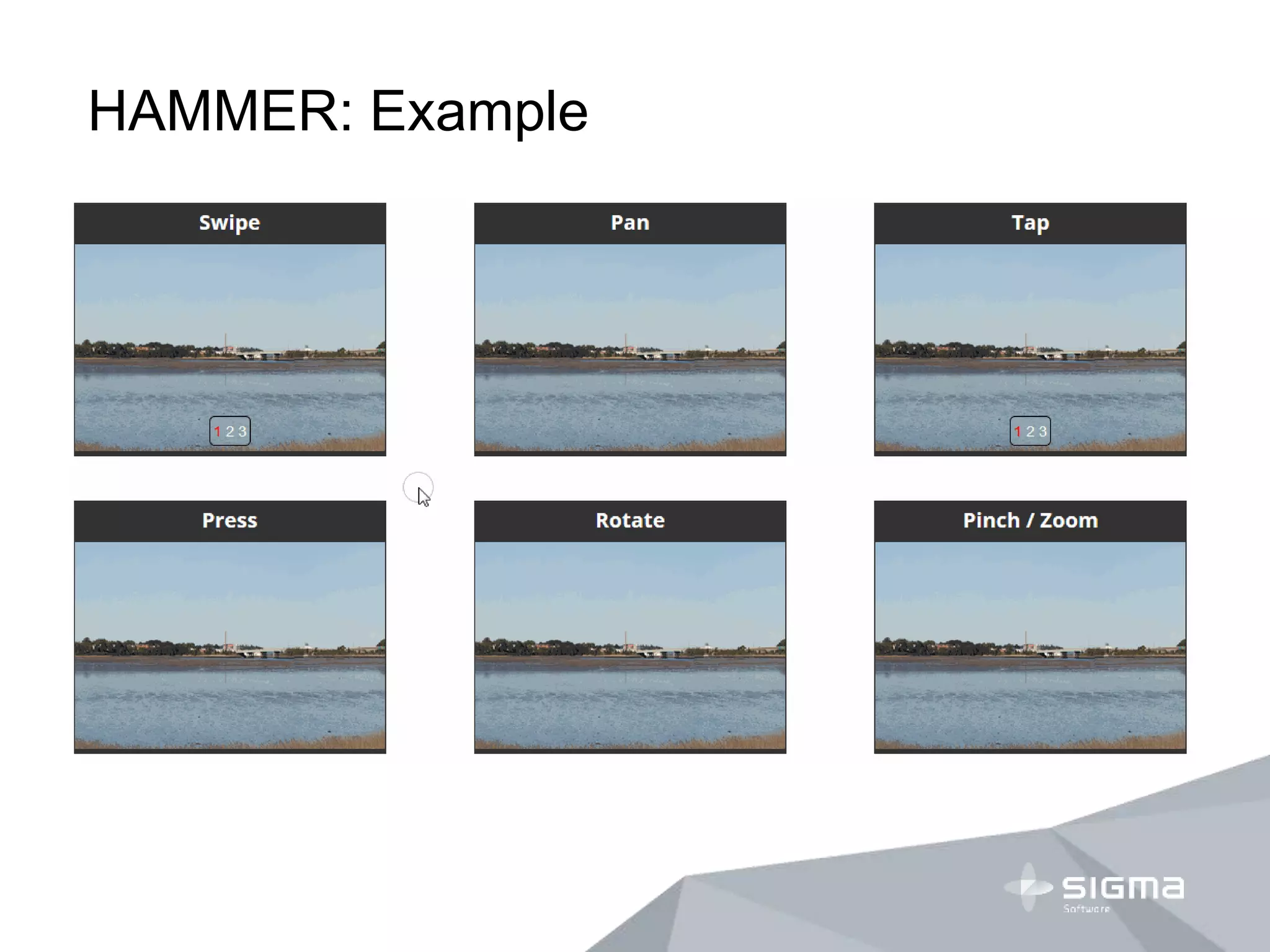
 Gestures: rotate, pinch, press, pan, tap, swipe.
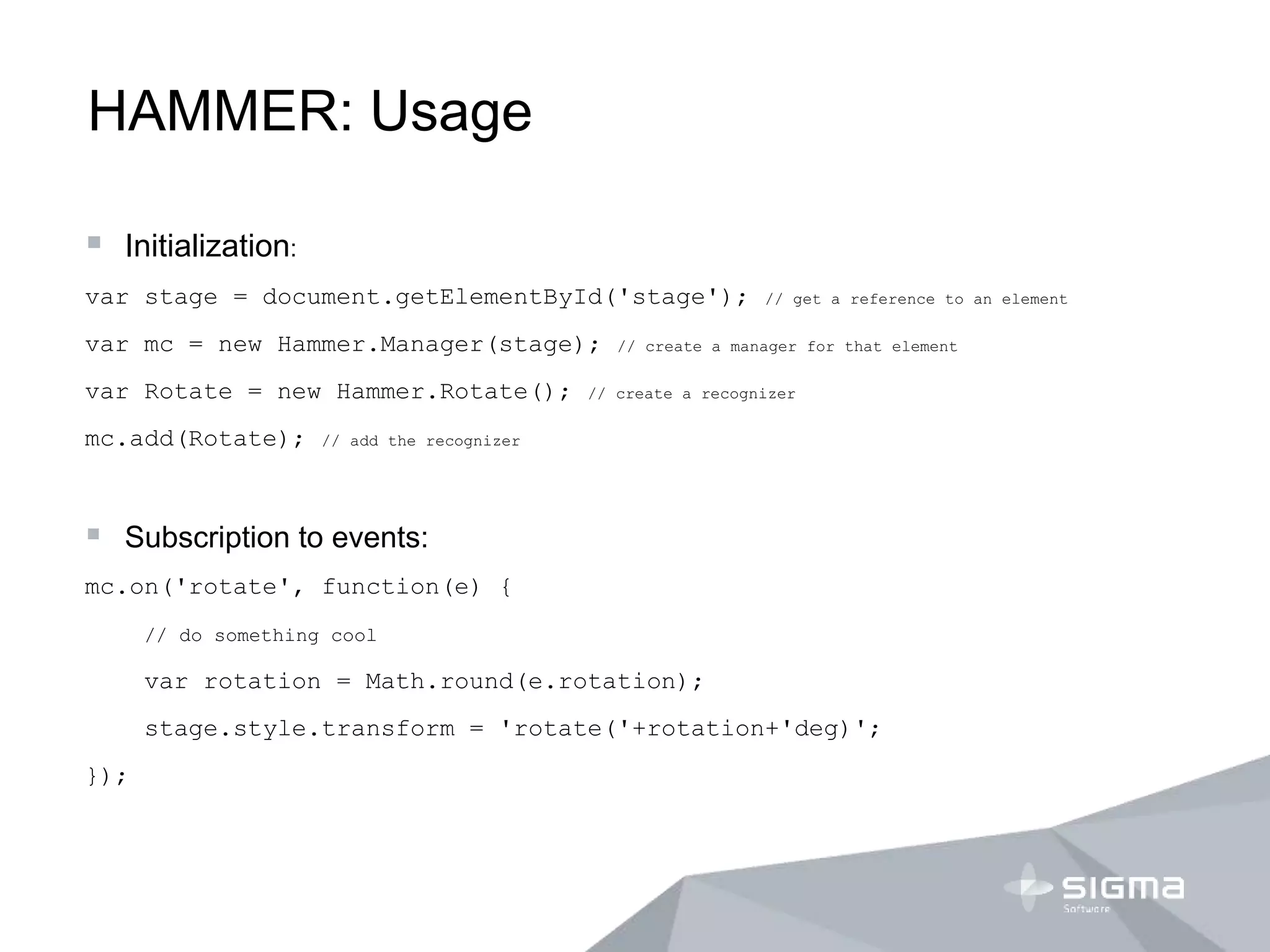
HAMMER: Usage
 Initialization:
var stage = document.getElementById('stage'); // get a reference to an element
var mc = new Hammer.Manager(stage); // create a manager for that element
var Rotate = new Hammer.Rotate(); // create a recognizer
mc.add(Rotate); // add the recognizer
 Subscription to events:
mc.on('rotate', function(e) {
// do something cool
var rotation = Math.round(e.rotation);
stage.style.transform = 'rotate('+rotation+'deg)';
});
HAMMER: Example
PURIFYCSS
PURIFYCSS
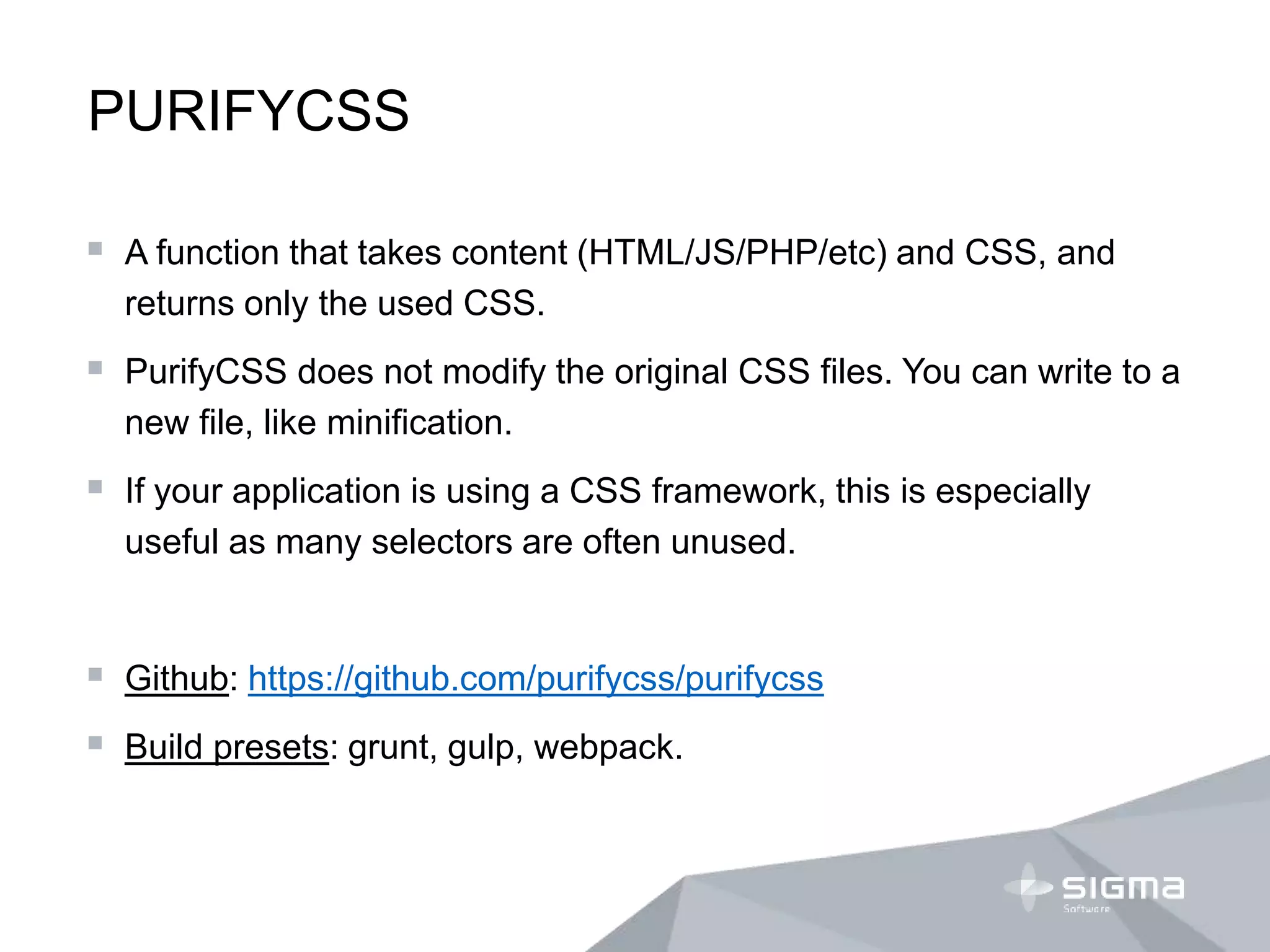
 A function that takes content (HTML/JS/PHP/etc) and CSS, and
returns only the used CSS.
 PurifyCSS does not modify the original CSS files. You can write to a
new file, like minification.
 If your application is using a CSS framework, this is especially
useful as many selectors are often unused.
 Github: https://github.com/purifycss/purifycss
 Build presets: grunt, gulp, webpack.
EGG
EGG
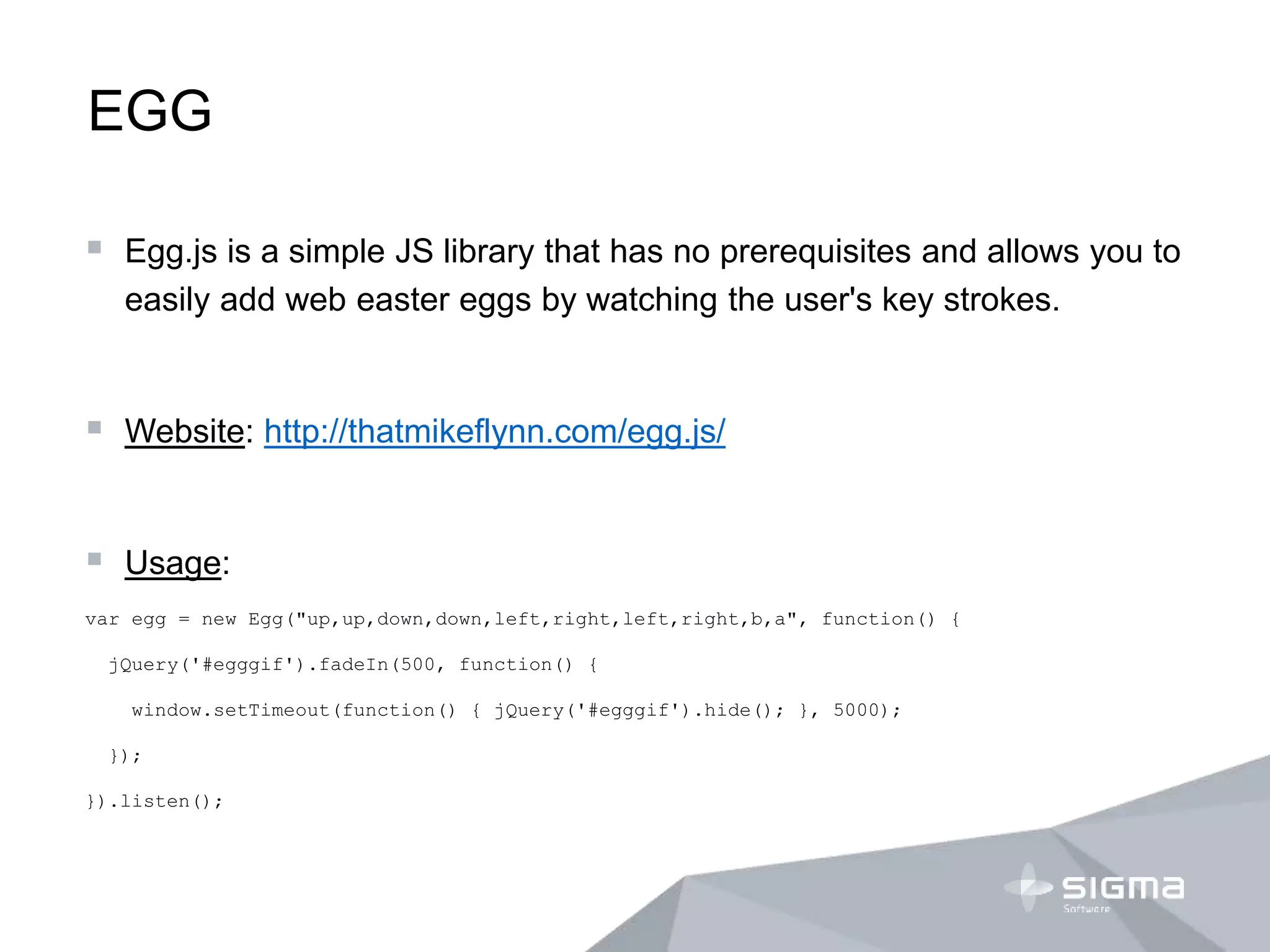
 Egg.js is a simple JS library that has no prerequisites and allows you to
easily add web easter eggs by watching the user's key strokes.
 Website: http://thatmikeflynn.com/egg.js/
 Usage:
var egg = new Egg("up,up,down,down,left,right,left,right,b,a", function() {
jQuery('#egggif').fadeIn(500, function() {
window.setTimeout(function() { jQuery('#egggif').hide(); }, 5000);
});
}).listen();
THANK YOU FOR ATTENTION
Oleksii Prohonnyi
linkedin.com/in/oprohonnyi
slideshare.net/oprohonnyi

Utility libraries to make your life easier

  • 1.
    UTILITY LIBRARIES TO MAKEYOUR LIFE EASIER _by Oleksii Prohonnyi
  • 2.
  • 3.
    DATEDROPPER: About  Datedropperis a jQuery datepicker plugin.  Website: http://felicegattuso.com/projects/datedropper/  Github: https://github.com/felicegattuso/datedropper/  Features: animate, init_animation, format, lang, lock, maxYear, minYear, yearsRange.  Styles: dropPrimaryColor, dropTextColor, dropBackgroundColor, dropBorder, dropBorderRadius, dropShadow, dropWidth, dropTextWeight.
  • 4.
    DATEDROPPER: Usage  Loadresources: <script src="js/datedropper.js"></script> <link rel="stylesheet" type="text/css" href="js/datedropper.css">  Identify container: <input type="text" id="departure" />  Bind the dropdown: <script>$( "#departure" ).dateDropper();</script>
  • 5.
  • 6.
    TIMEROPPER: About  Timedropperis a jQuery time plugin.  Website: http://felicegattuso.com/projects/timedropper/  Github: https://github.com/felicegattuso/timedropper/  Features: autoswitch, meridians, format, mousewheel, init_animation, setCurrentTime.  Styles: primaryColor, textColor, backgroundColor, borderColor.
  • 7.
    DATEDROPPER: Usage  Loadresources: <script src="js/timedropper.js"></script> <link rel="stylesheet" type="text/css" href="js/timedropper.css">  Identify container: <input type="text" id="alarm" />  Bind the dropdown: <script>$( "#alarm" ).timeDropper();</script>
  • 8.
  • 9.
  • 10.
    DROP: About  Thefast and capable dropdown library. Built on Tether.  Website: http://github.hubspot.com/drop/docs/welcome/  Github: https://github.com/HubSpot/drop  Methods: open, close, remove, toggle, isOpened, position, destroy.  Options: target, content, position, openOn, constrainToWindow, constrainToScrollParent, classes, remove, beforeClose, hoverOpenDelay, hoverCloseDelay, focusDelay, blurDelay, openDelay, closeDelay, tetherOptions.  Browsers: IE9+
  • 11.
    DROP: Usage  Includedependencies: <link rel="stylesheet" href="drop-theme-arrows.css" /> <script src="tether.min.js"></script> <script src="drop.min.js"></script>  Initialize the plugin: var drop = new Drop( target: document.querySelector('.drop-target') content: 'Welcome to the future!' position: 'bottom left' openOn: 'click‘ );
  • 12.
  • 13.
  • 14.
    VIVUS: About  Vivusis a lightweight JavaScript class (with no dependencies) that allows you to animate SVGs, giving them the appearence of being drawn.  Website: http://maxwellito.github.io/vivus/  Github: https://github.com/maxwellito/vivus  Configuration: animation type, path timing, animation timing, scenarization.
  • 15.
    VIVUS: Usage  IdentifySVG:  <svg id="my-svg“>…</svg>  <object id="my-svg" type="image/svg+xml" data="link/to/my.svg"></object>  <div id="my-div"></div>  Bind the plugin: <script> new Vivus('my-svg', {duration: 200}, myCallback); </script>
  • 16.
  • 17.
  • 18.
    HAMMER: About  Hammerhelps you add support for touch gestures to your page, and remove the 300ms delay from clicks.  Website: http://hammerjs.github.io/  Github: https://github.com/hammerjs/hammer.js  Features: handle touch events, remove 300ms delay.  Gestures: rotate, pinch, press, pan, tap, swipe.
  • 19.
    HAMMER: Usage  Initialization: varstage = document.getElementById('stage'); // get a reference to an element var mc = new Hammer.Manager(stage); // create a manager for that element var Rotate = new Hammer.Rotate(); // create a recognizer mc.add(Rotate); // add the recognizer  Subscription to events: mc.on('rotate', function(e) { // do something cool var rotation = Math.round(e.rotation); stage.style.transform = 'rotate('+rotation+'deg)'; });
  • 20.
  • 21.
  • 22.
    PURIFYCSS  A functionthat takes content (HTML/JS/PHP/etc) and CSS, and returns only the used CSS.  PurifyCSS does not modify the original CSS files. You can write to a new file, like minification.  If your application is using a CSS framework, this is especially useful as many selectors are often unused.  Github: https://github.com/purifycss/purifycss  Build presets: grunt, gulp, webpack.
  • 23.
  • 24.
    EGG  Egg.js isa simple JS library that has no prerequisites and allows you to easily add web easter eggs by watching the user's key strokes.  Website: http://thatmikeflynn.com/egg.js/  Usage: var egg = new Egg("up,up,down,down,left,right,left,right,b,a", function() { jQuery('#egggif').fadeIn(500, function() { window.setTimeout(function() { jQuery('#egggif').hide(); }, 5000); }); }).listen();
  • 25.
    THANK YOU FORATTENTION
  • 26.