Building Social and Teaching
 Presence with Instructor-
       created Videos
           TAKE 2

     Stella Porto & Datta-Kaur
Abstract
This workshop recaps on the presentation done
during the summer, summarizing main uses of
video and best practices of social and
teaching presence using videos. We extend the
topic by looking into some practical best
practices in the development, selection and
delivery of videos within online courses. We
explore in more detail some of the tools,
showcase some examples, and open the
forum for questions and discussion of a few
polling questions done during the presentation.
Learning usually happens later…
      THIS is all you need:
       http://bit.ly/TfHu3W
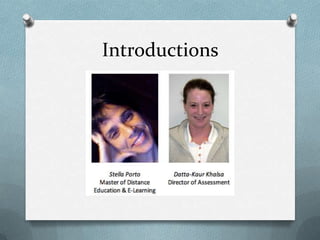
Introductions
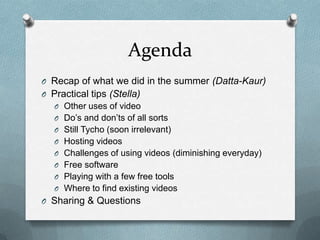
Agenda
O Recap of what we did in the summer (Datta-Kaur)
O Practical tips (Stella)
   O Other uses of video
   O Do’s and don’ts of all sorts
   O Still Tycho (soon irrelevant)
   O Hosting videos
   O Challenges of using videos (diminishing everyday)
   O Free software
   O Playing with a few free tools
   O Where to find existing videos
O Sharing & Questions
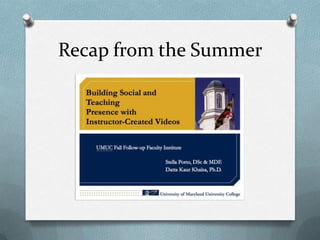
Recap from the Summer
Polling:

     Have you had any experiences
producing video for your online classroom?
Practical tips

   Use of videos
Compilation of ideas from this
        presentation
   http://bit.ly/Rvrbwv
opportunity for the use of video
       in online learning

increase in online learning adoption

 increase in the access of videos
               online

easiness of video production from a
        personal computer
4 key areas where video appear to
 make the biggest difference are:

        administration
          instruction
         assessment
    building community ✔
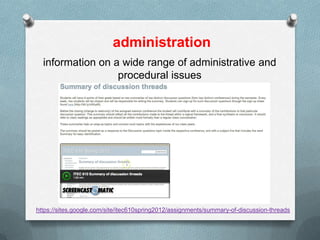
administration
  information on a wide range of administrative and
                  procedural issues


https://sites.google.com/site/itec610spring2012/assignments/summary-of-discussion-threads
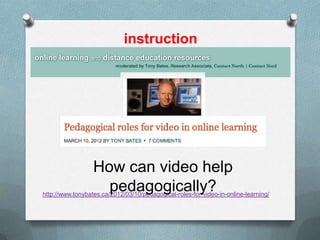
instruction


                  How can video help
                    pedagogically?
http://www.tonybates.ca/2012/03/10/pedagogical-roles-for-video-in-online-learning/
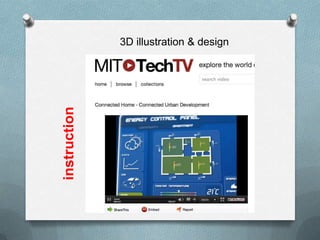
3D illustration & design

instruction
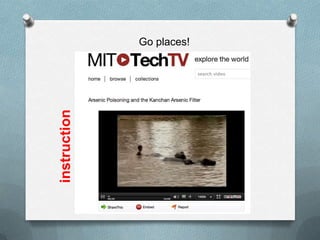
instruction
              Go places!
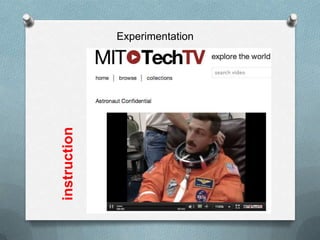
Experimentation


instruction
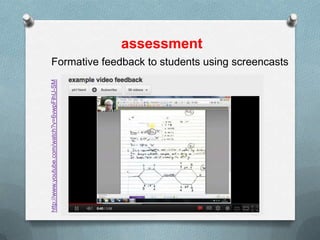
assessment
Formative feedback to students using screencasts
http://www.youtube.com/watch?v=6vwpFlhU-SM
Practical tips

Do’s & Don’ts of all sorts
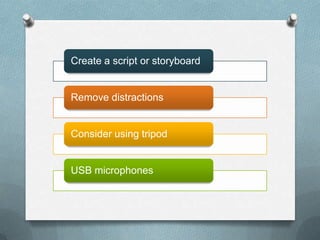
Create a script or storyboard


Remove distractions


Consider using tripod


USB microphones
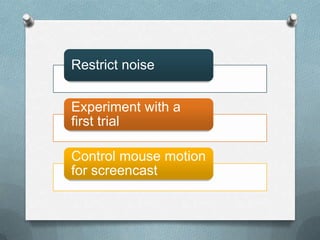
Restrict noise


Experiment with a
first trial

Control mouse motion
for screencast
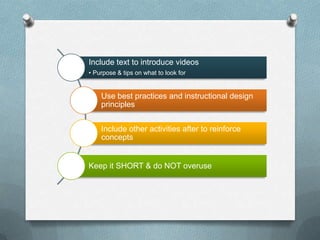
Include text to introduce videos
• Purpose & tips on what to look for


    Use best practices and instructional design
    principles


    Include other activities after to reinforce
    concepts


Keep it SHORT & do NOT overuse
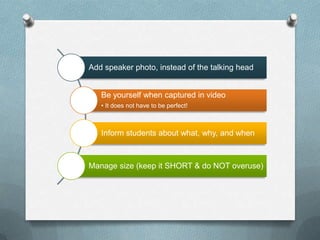
Add speaker photo, instead of the talking head


   Be yourself when captured in video
   • It does not have to be perfect!


   Inform students about what, why, and when


Manage size (keep it SHORT & do NOT overuse)
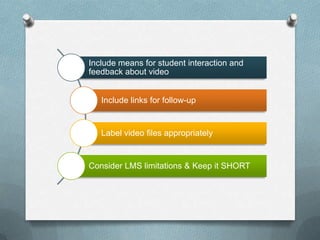
Include means for student interaction and
feedback about video


   Include links for follow-up


   Label video files appropriately


Consider LMS limitations & Keep it SHORT
Practical tips

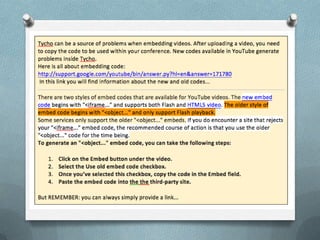
   Still Webtycho
Practical tips

  Hosting videos
Where to host the video online?


http://c4lpt.co.uk/directory-of-learning-performance-
tools/video-hosting-sites/ (Jane Hart’s Directory, best place
for all learning tools!)

Other
considerations: http://www.squidoo.com/videohosting
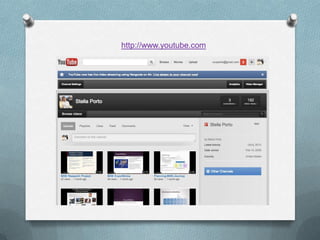
http://www.youtube.com
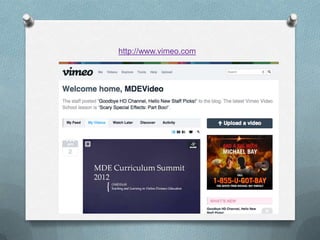
http://www.vimeo.com
Polling:

What kinds of challenges have you
    faced producing videos?
Practical tips

   Challenges
Challenges
time consuming to produce?

       It depends…

   quality x time x cost

         overuse

    false expectations
Practical tips

 Tools & Free tools
Screencasting tools:
http://c4lpt.co.uk/directory-of-learning-performance-
              tools/screencasting-tools/


    Video creation and editing:
http://c4lpt.co.uk/directory-of-learning-performance-
          tools/video-creation-editing-tools/
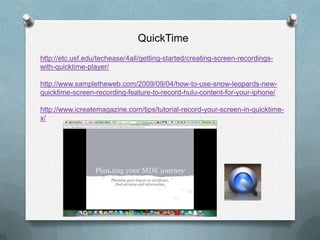
QuickTime
http://etc.usf.edu/techease/4all/getting-started/creating-screen-recordings-
with-quicktime-player/

http://www.sampletheweb.com/2009/09/04/how-to-use-snow-leopards-new-
quicktime-screen-recording-feature-to-record-hulu-content-for-your-iphone/

http://www.icreatemagazine.com/tips/tutorial-record-your-screen-in-quicktime-
x/
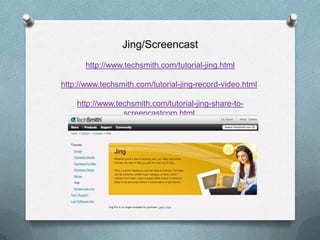
Jing/Screencast
       http://www.techsmith.com/tutorial-jing.html

http://www.techsmith.com/tutorial-jing-record-video.html

    http://www.techsmith.com/tutorial-jing-share-to-
                 screencastcom.html
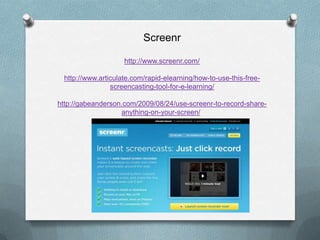
Screenr

                    http://www.screenr.com/

 http://www.articulate.com/rapid-elearning/how-to-use-this-free-
                screencasting-tool-for-e-learning/

http://gabeanderson.com/2009/08/24/use-screenr-to-record-share-
                   anything-on-your-screen/
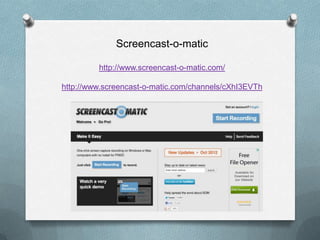
Screencast-o-matic

         http://www.screencast-o-matic.com/

http://www.screencast-o-matic.com/channels/cXhI3EVTh
Polling:

which tools will be most useful to you?
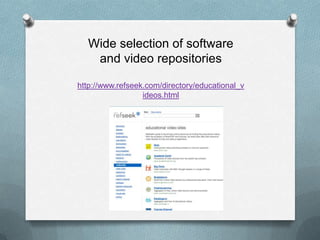
Wide selection of software
   and video repositories

http://www.refseek.com/directory/educational_v
                  ideos.html
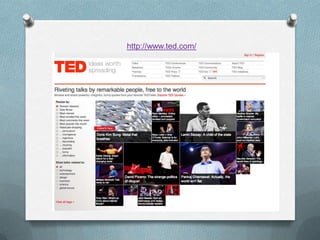
http://www.ted.com/
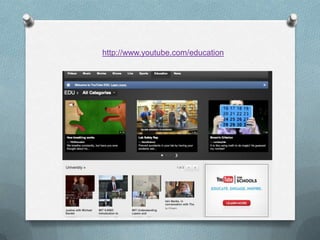
http://www.youtube.com/education
Polling:
will you consider developing videos?


  Share with us what you have done…

            Any questions?
This is all you
need: http://bit.ly/TfHu3W

      THANK YOU

Using Videos in Online Learning - Take 2