Using 
QR-Codes 
By Landry Butler
Introduction: Overview 
• Two-dimensional bar code 
• Can be used to encode a URL, email 
address, phone number or plain text 
• Inexpensive implementation 
• Can be used to improve service to members 
• Built-in redundancy allows flexible design
Sample Uses: QR-Code Logos 
• Built-in redundancy allows flexible design
Sample Uses: Google Maps 
• Direct members to locations
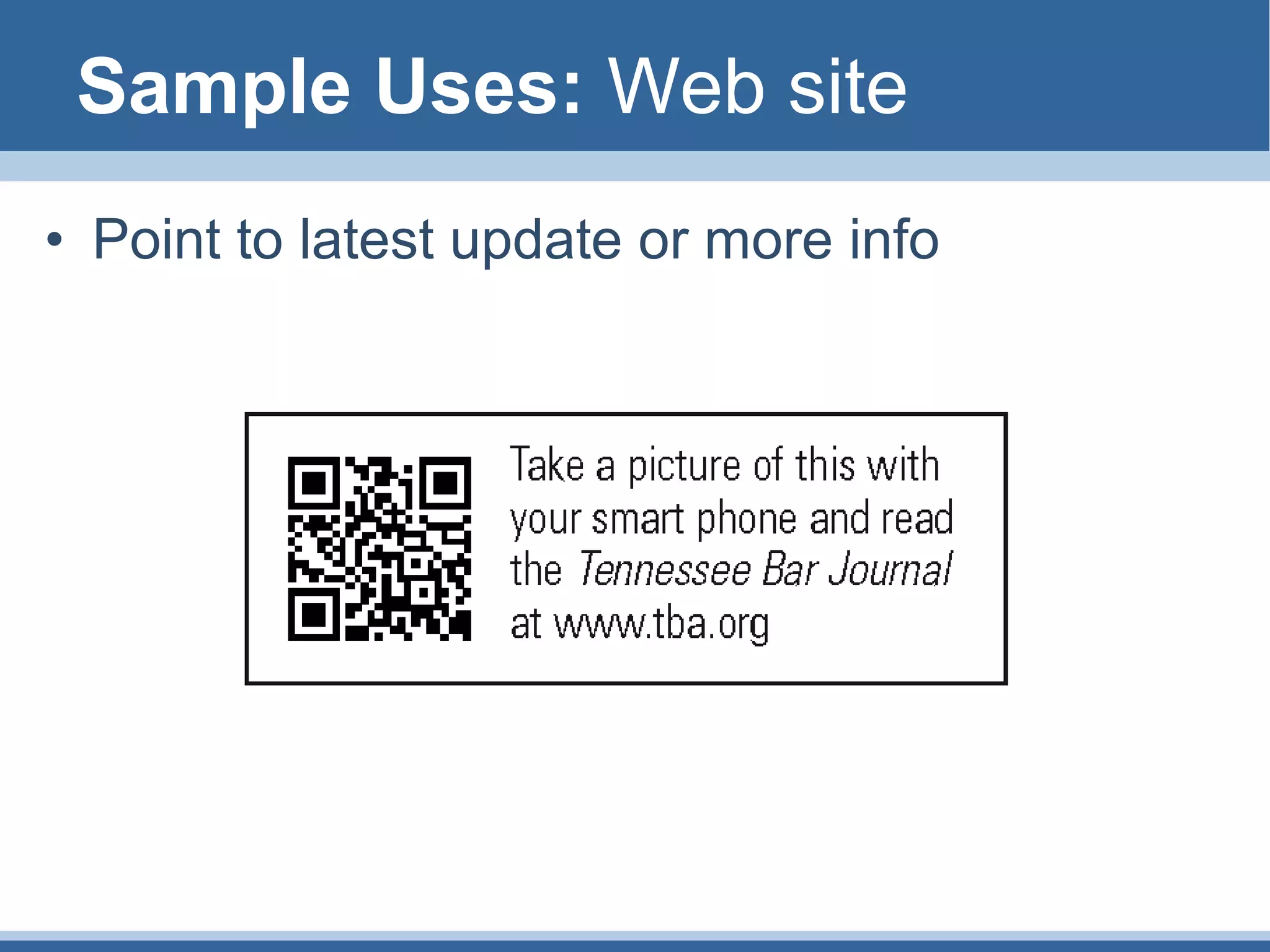
Sample Uses: Web site 
• Point to latest update or more info
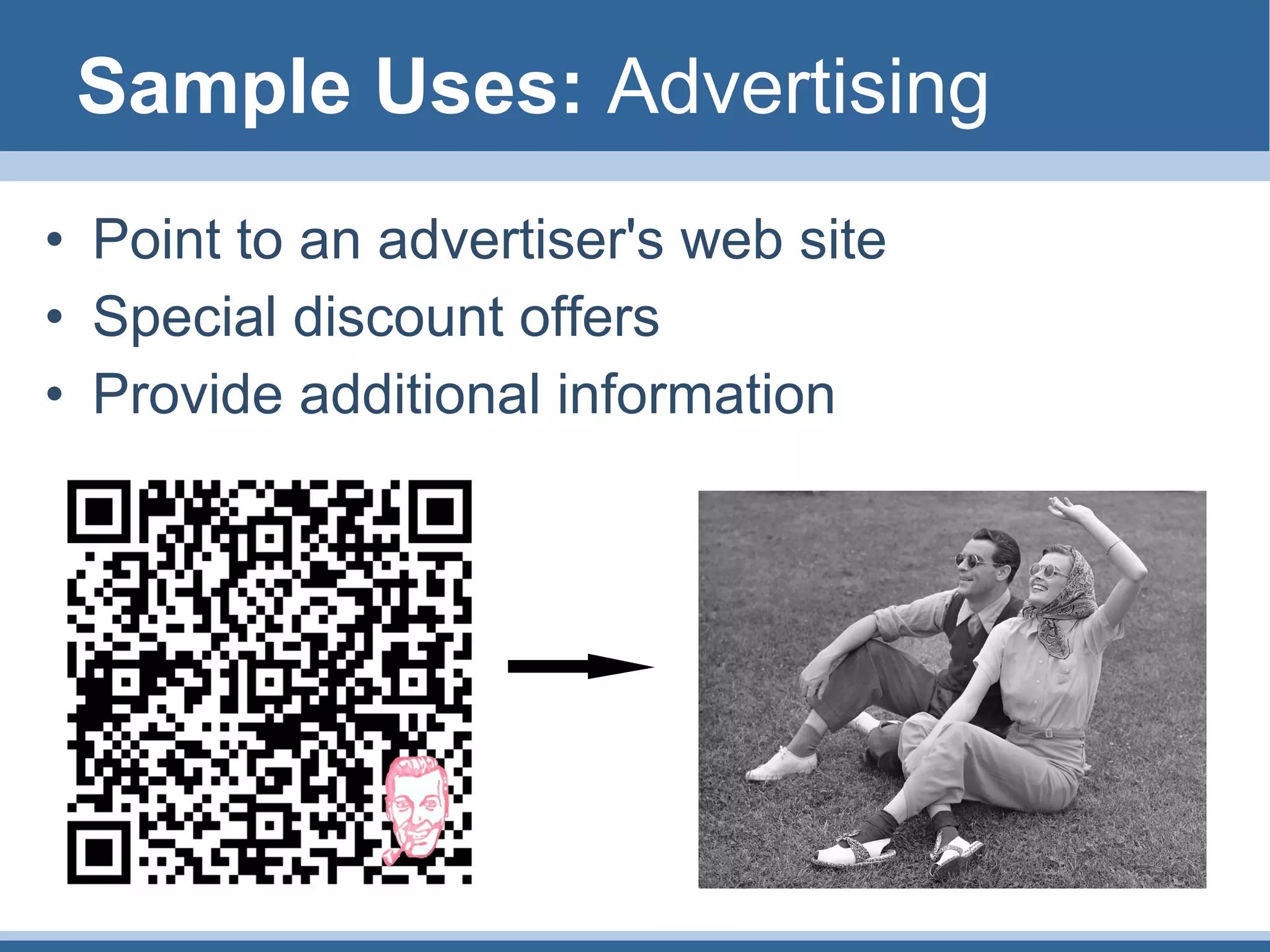
Sample Uses: Advertising 
• Point to an advertiser's web site 
• Special discount offers 
• Provide additional information
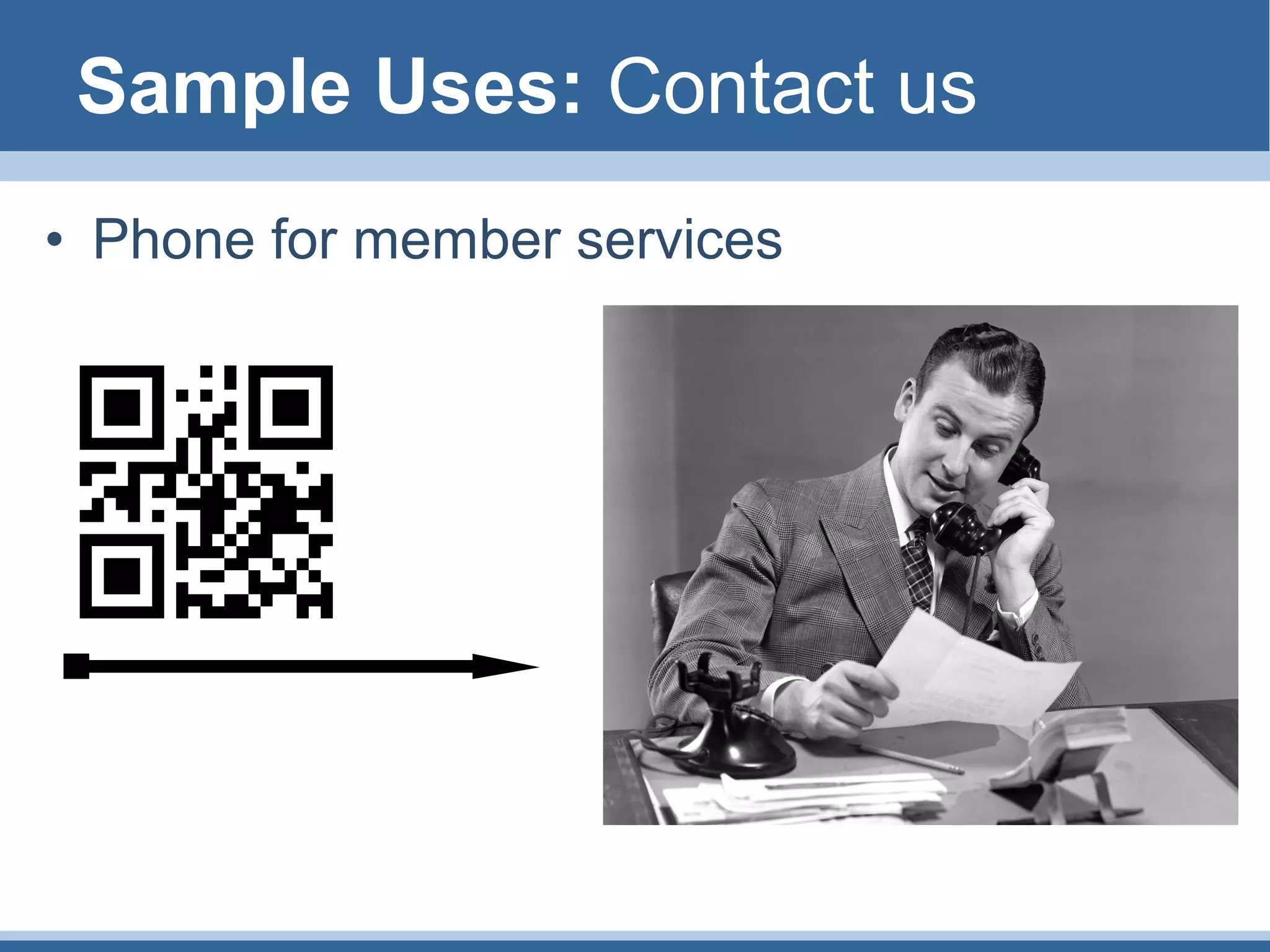
Sample Uses: Contact us 
• Phone for member services
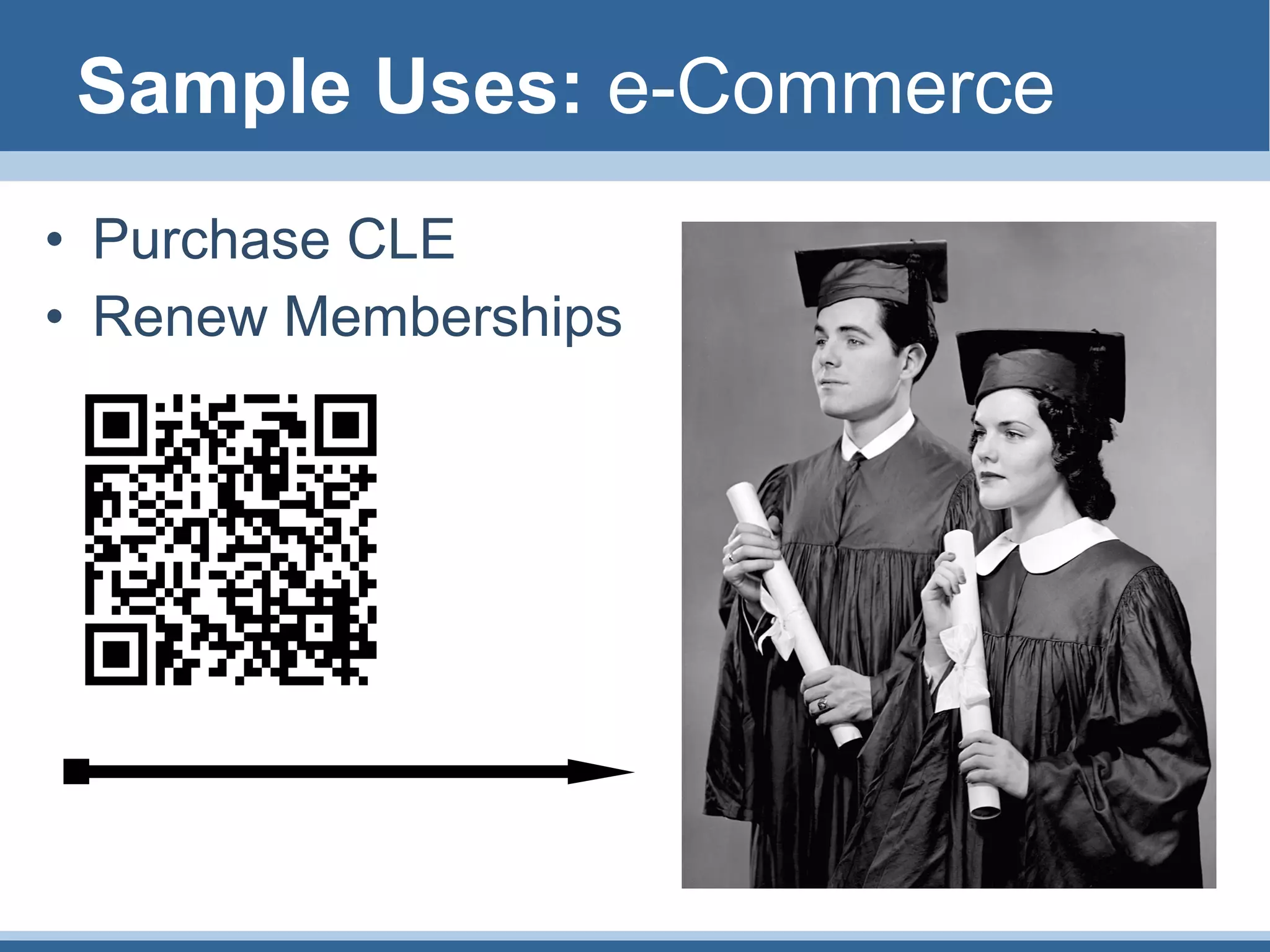
Sample Uses: e-Commerce 
• Purchase CLE 
• Renew Memberships
Best Practices: Settings 
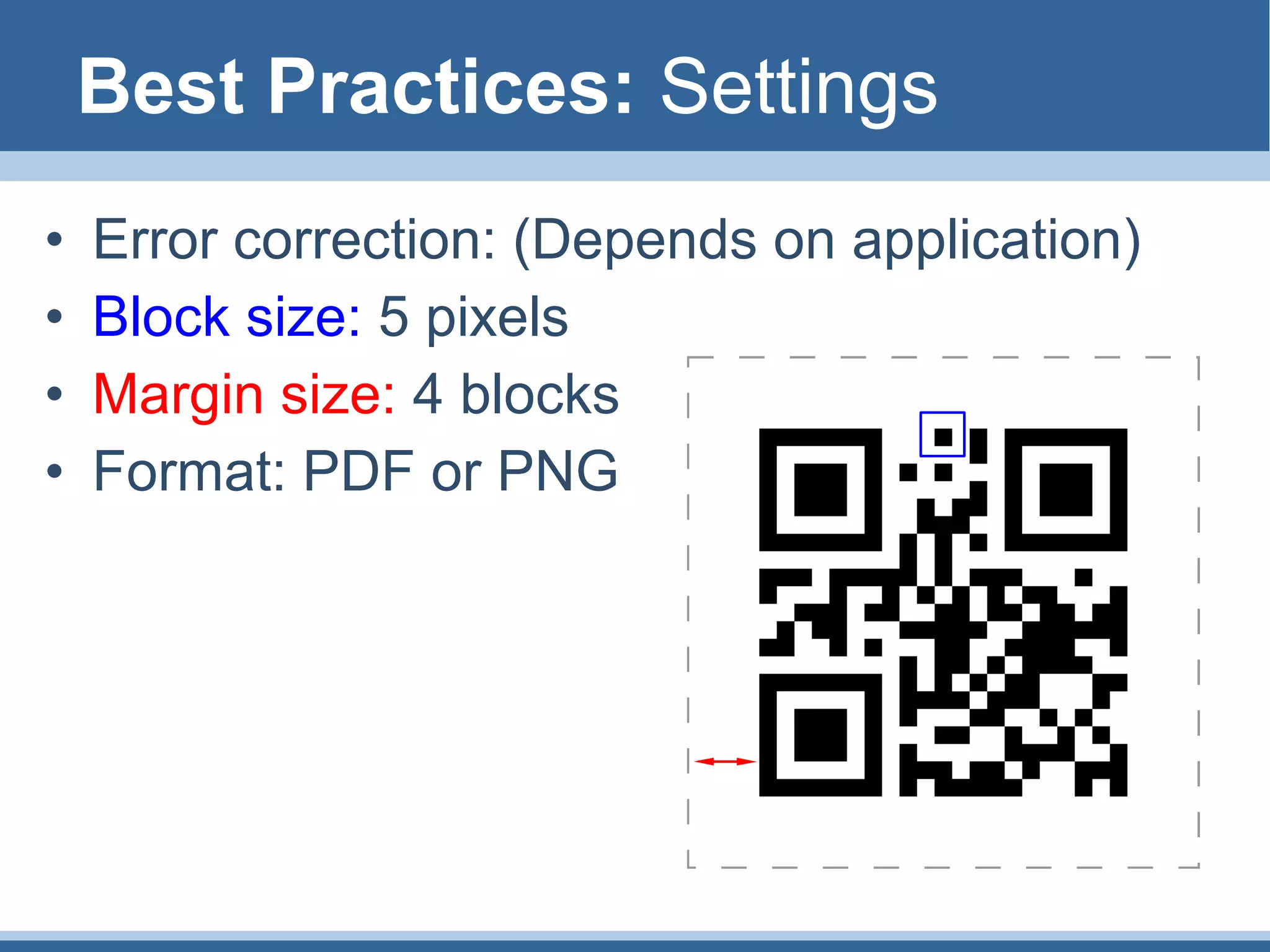
• Error correction: (Depends on application) 
• Block size: 5 pixels 
• Margin size: 4 blocks 
• Format: PDF or PNG
Best Practices: Naming Files 
• QR-Codes all look the same, name them carefully. 
• Format: [serial#]-[description]-QR[type].[format] 
• Types: mail, map, phone, text, web 
• Eg: 
– 1001-Doubletree Hotel-QRmap.pdf 
– 1002-My Bar Assn-QRweb.pdf 
– Customer Service-QRphone.png 
– My Secret Message-QRtext.png
Best Practices: Summary 
• QR-codes are a free way to provide 
information to members 
• Be careful with naming and settings 
• Test your codes before using
QR-Code Resources 
• QR-Code Settings 
– Error correction: (Depends on application) 
– Block size: 5 pixels 
– Margin size: 4 blocks 
– Format: PDF or PNG 
Naming Scheme 
– Format: [serial#]-[description]-[type].[format] 
– Types: mail, map, phone, text, web
QR-Code Resources 
• QR-Code Settings 
– Error correction: (Depends on application) 
– Block size: 5 pixels 
– Margin size: 4 blocks 
– Format: PDF or PNG 
Naming Scheme 
– Format: [serial#]-[description]-QR[type].[format] 
– Types: mail, map, phone, text, web
QR-Code Resources 
• My notes are here 
• This presentation 
© Landry Butler 
• Images © their 
respective owners
 Using QR Codes: Overview and Best Practices

Using QR Codes: Overview and Best Practices

  • 1.
    Using QR-Codes ByLandry Butler
  • 2.
    Introduction: Overview •Two-dimensional bar code • Can be used to encode a URL, email address, phone number or plain text • Inexpensive implementation • Can be used to improve service to members • Built-in redundancy allows flexible design
  • 3.
    Sample Uses: QR-CodeLogos • Built-in redundancy allows flexible design
  • 4.
    Sample Uses: GoogleMaps • Direct members to locations
  • 5.
    Sample Uses: Website • Point to latest update or more info
  • 6.
    Sample Uses: Advertising • Point to an advertiser's web site • Special discount offers • Provide additional information
  • 7.
    Sample Uses: Contactus • Phone for member services
  • 8.
    Sample Uses: e-Commerce • Purchase CLE • Renew Memberships
  • 9.
    Best Practices: Settings • Error correction: (Depends on application) • Block size: 5 pixels • Margin size: 4 blocks • Format: PDF or PNG
  • 10.
    Best Practices: NamingFiles • QR-Codes all look the same, name them carefully. • Format: [serial#]-[description]-QR[type].[format] • Types: mail, map, phone, text, web • Eg: – 1001-Doubletree Hotel-QRmap.pdf – 1002-My Bar Assn-QRweb.pdf – Customer Service-QRphone.png – My Secret Message-QRtext.png
  • 11.
    Best Practices: Summary • QR-codes are a free way to provide information to members • Be careful with naming and settings • Test your codes before using
  • 12.
    QR-Code Resources •QR-Code Settings – Error correction: (Depends on application) – Block size: 5 pixels – Margin size: 4 blocks – Format: PDF or PNG Naming Scheme – Format: [serial#]-[description]-[type].[format] – Types: mail, map, phone, text, web
  • 13.
    QR-Code Resources •QR-Code Settings – Error correction: (Depends on application) – Block size: 5 pixels – Margin size: 4 blocks – Format: PDF or PNG Naming Scheme – Format: [serial#]-[description]-QR[type].[format] – Types: mail, map, phone, text, web
  • 14.
    QR-Code Resources •My notes are here • This presentation © Landry Butler • Images © their respective owners

Editor's Notes

  • #4 These codes from http://contentdeveloper.com/2010/01/how-to-customize-qr-codes-with-your-brands-identity/ Be sure to test codes before use. My phone can only read BBC, not Louis Vuitton
  • #10 Error correction: low works for most applications but be sure to test Block size: 5 pixels (smallest size offered by my preferred generator) Margin size: 4 blocks (minimum size of mandatory white) Output: PDF or PNG PDF for print, PNG for web. Other formats are available, but let’s keep it simple
  • #11 The QR-code generator above titles the generated files according to its own system. For our uses, we need to stick to a system that is human-readable without being cumbersome. Code types QRtext: this code contains a block of text QRmap: this code points to an online map QRweb: this code points to a website that is not a map QRmail: this code points allows user to send email QRphone: this code points allows user to make a phone call Sample uses: ‘TBA QRweb.pdf’ or ‘The Merchants-QRmap.pdf’ QR-Code ID In cases where several codes are used in the same project, it may help to number them sequentially. This is especially helpful when the codes point to maps of places with lengthy names. Sample uses: ‘1001-Radisson QRmap.pdf’ or ‘1234 TBA QRweb.pdf’
  • #12 The End
  • #13 Other What else? AUDIENCE DISCUSS