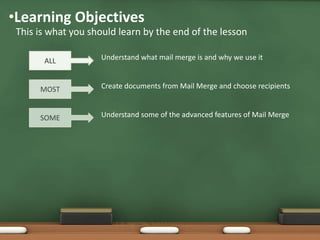
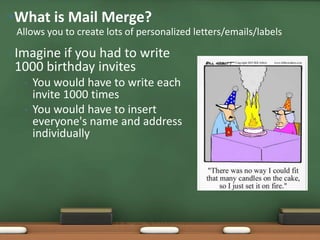
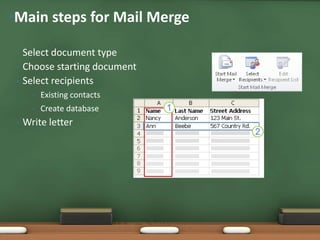
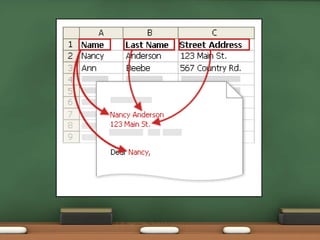
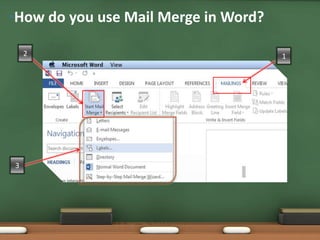
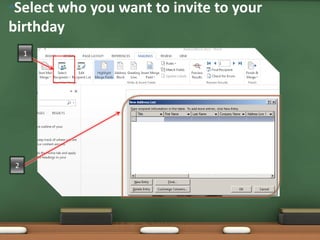
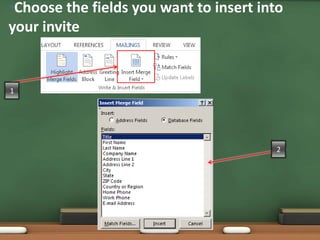
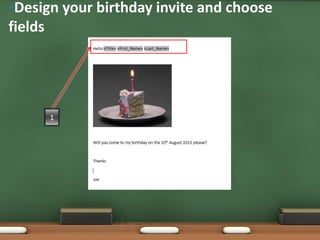
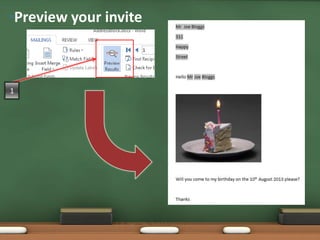
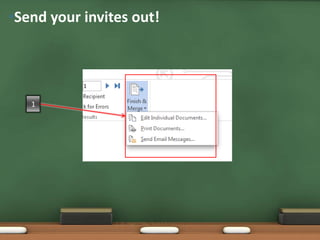
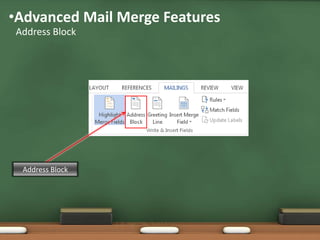
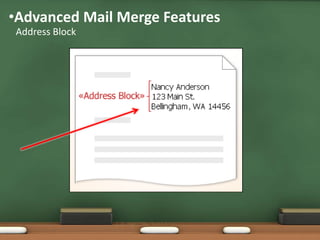
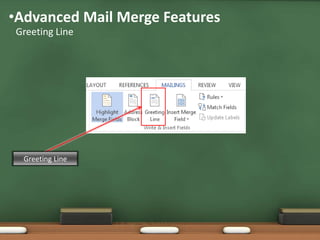
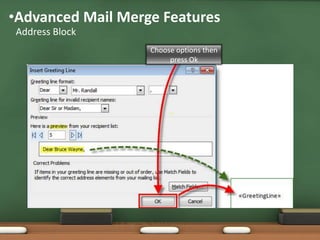
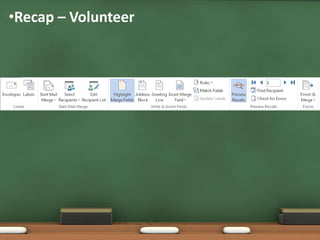
This document provides an overview of mail merge in Microsoft Word. It explains that mail merge allows users to create personalized letters, emails or labels by merging a database of contact information into a template document. The key steps are to select the document type, choose a starting document and recipient list, write the letter while inserting fields, then preview and send. Advanced features like address blocks are also demonstrated to help automate the mail merge process. The learning objectives are to understand what mail merge is, create documents using a database of recipients, and learn some advanced mail merge features.