Using
Market Your Organization
to
June 4-5, 2014
Get these slides here::
http://sarahtpage.com/MidwestForts/
Step 1:
Open Instagram /
Take a photo
Step 2:
Add
#MidwestForts tag
Step 3:
Upload to Instagram
Step 4:
Stay tuned
is no
dummy.
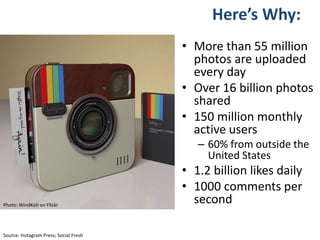
• More than 55 million
photos are uploaded
every day
• Over 16 billion photos
shared
• 150 million monthly
active users
– 60% from outside the
United States
• 1.2 billion likes daily
• 1000 comments per
second
Source: Instagram Press; Social Fresh
Photo: WindKoh on Flickr
Here’s Why:
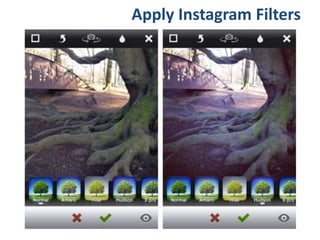
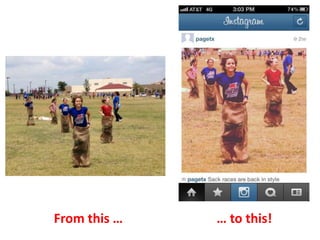
Apply Instagram Filters
From this … … to this!
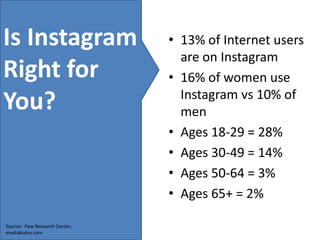
Is Instagram
Right for
You?
Source: Pew Research Center;
mediabistro.com
• 13% of Internet users
are on Instagram
• 16% of women use
Instagram vs 10% of
men
• Ages 18-29 = 28%
• Ages 30-49 = 14%
• Ages 50-64 = 3%
• Ages 65+ = 2%
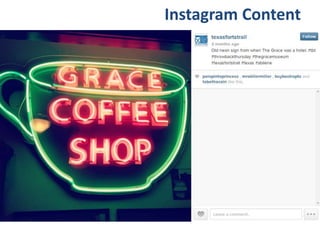
Instagram Content
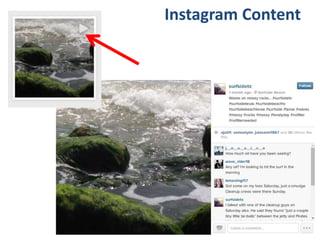
Instagram Content
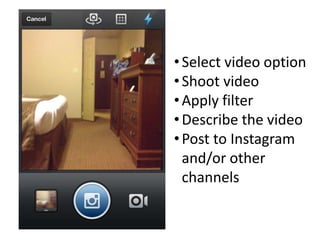
•Select video option
•Shoot video
•Apply filter
•Describe the video
•Post to Instagram
and/or other
channels
Tips for Better
Instagram Photography
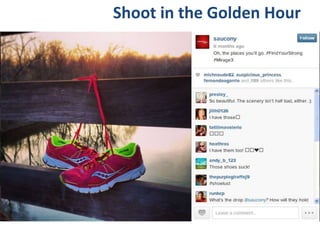
Shoot in the Golden Hour
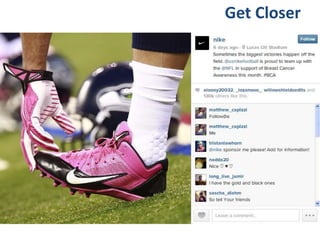
Get Closer
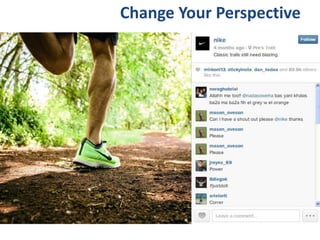
Change Your Perspective
Use Text Overlays
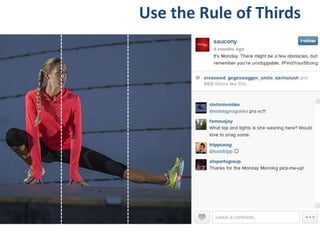
Use the Rule of Thirds
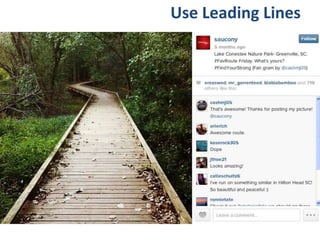
Use Leading Lines
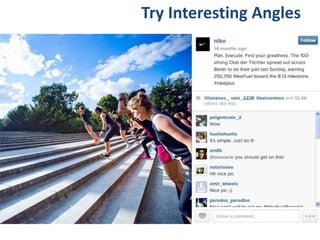
Try Interesting Angles
Instagram for Business:
Best Practices
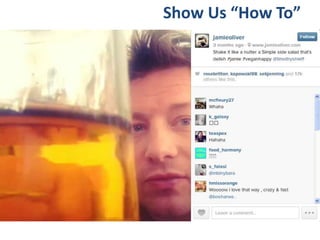
Show Us “How To”
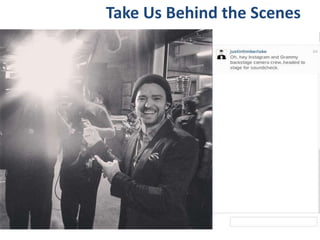
Take Us Behind the Scenes
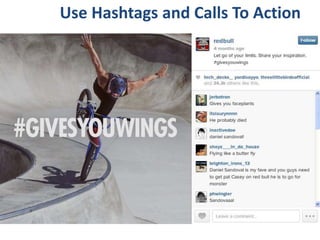
Use Hashtags and Calls To Action
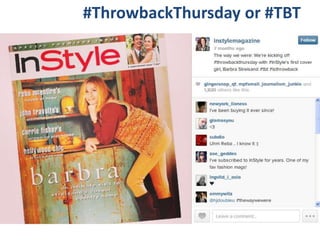
#ThrowbackThursday or #TBT
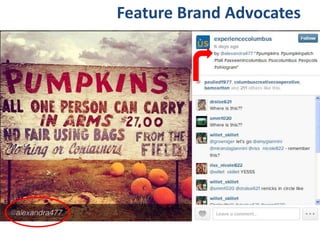
Feature Brand Advocates
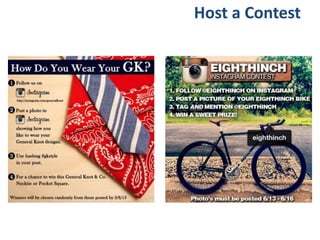
Host a Contest
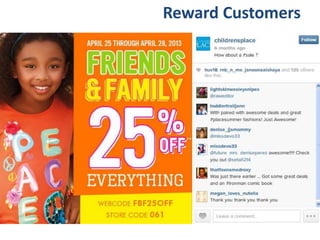
Reward Customers
10 TIPS:
Instagram for Destinations
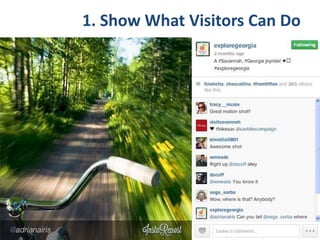
1. Show What Visitors Can Do
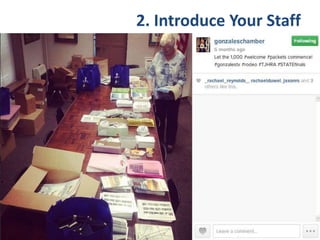
2. Introduce Your Staff
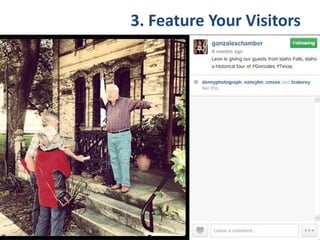
3. Feature Your Visitors
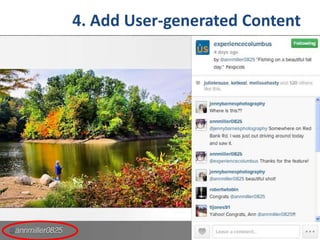
4. Add User-generated Content
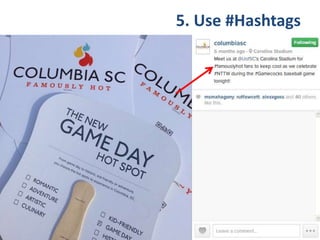
5. Use #Hashtags
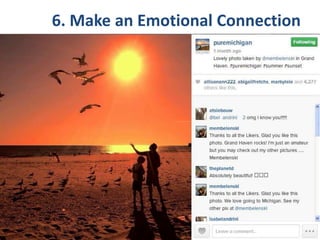
6. Make an Emotional Connection
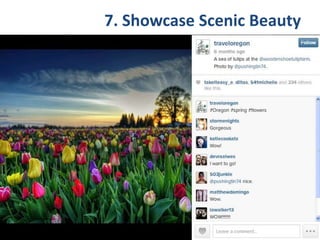
7. Showcase Scenic Beauty
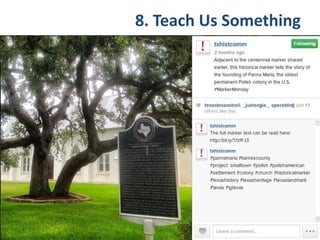
8. Teach Us Something
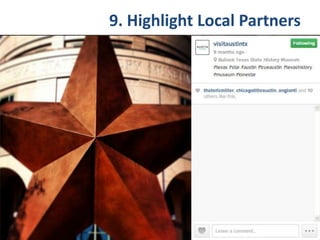
9. Highlight Local Partners
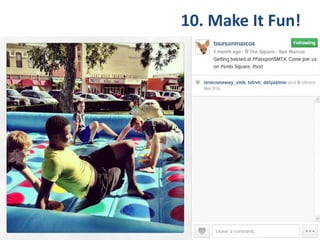
10. Make It Fun!
Watch This
Setting Up Your Account
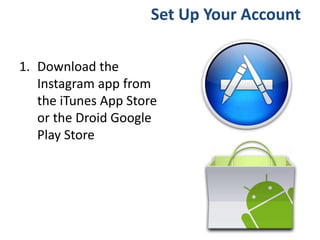
1. Download the
Instagram app from
the iTunes App Store
or the Droid Google
Play Store
Set Up Your Account
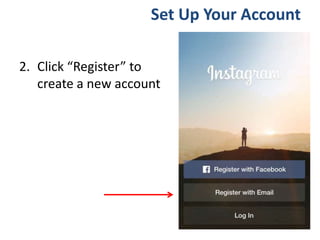
2. Click “Register” to
create a new account
Set Up Your Account
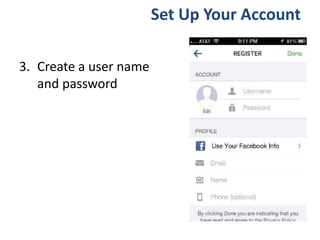
3. Create a user name
and password
Set Up Your Account
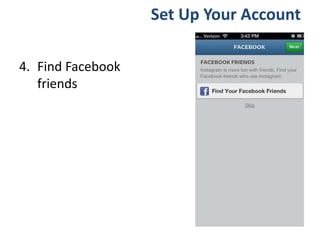
4. Find Facebook
friends
Set Up Your Account
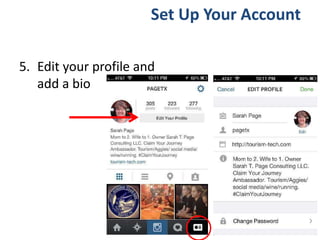
5. Edit your profile and
add a bio
Set Up Your Account
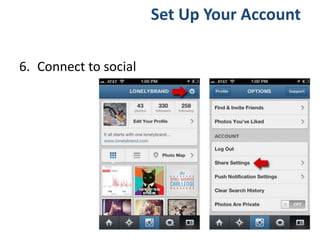
6. Connect to social
Set Up Your Account
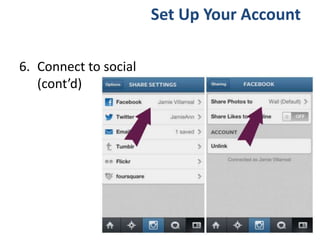
6. Connect to social
(cont’d)
Set Up Your Account
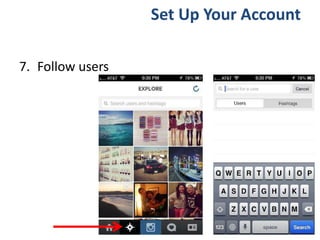
7. Follow users
Set Up Your Account
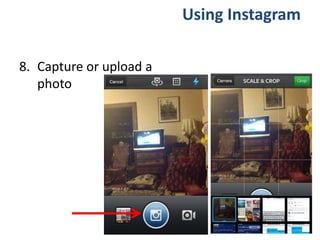
8. Capture or upload a
photo
Using Instagram
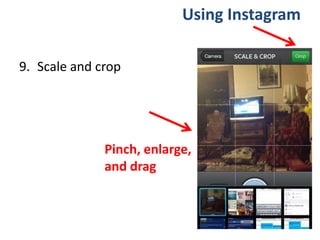
9. Scale and crop
Using Instagram
Pinch, enlarge,
and drag
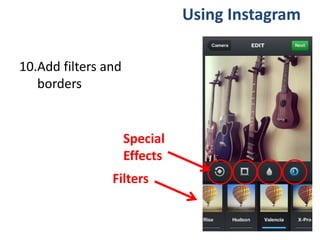
10.Add filters and
borders
Using Instagram
Filters
Special
Effects
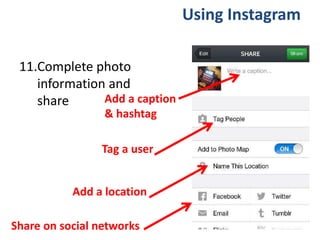
11.Complete photo
information and
share
Using Instagram
Add a caption
& hashtag
Tag a user
Add a location
Share on social networks
Can I Help?
Call
Me!
Follow Me
Linkedin.com/in/sarahpage
Facebook.com/SarahTPageConsulting
@pagetx
Sarah Page, Principal
Sarah T. Page Consulting, LLC
http://sarahtpage.com
sarah@sarahtpage.com
512.914.8873
Instagram.com/stpconsulting
Pinterest.com/sarahtpage
Let’s Go Practice!

Using Instagram To Market Your Organization

Editor's Notes

  • #8 Facebook bought Instagram in the Fall of 2012. This was a very smart move.
  • #36 Tell us who you are. Let us know there are real people working hard to help us enjoy the destination.
  • #37 It’s kind of like the Amazon.com method. When they show you recommendations for what other people have bought? If ALL these other people like you, then maybe I should like you too.
  • #39 Hashtags are searchable. It’s a way to curate information (or photos, in this case) to make it easy to find. I can search Instagram for other photos with the same hashtag. I can also search them on Twitter where the photos are shared with a whole different audience.