Download to read offline
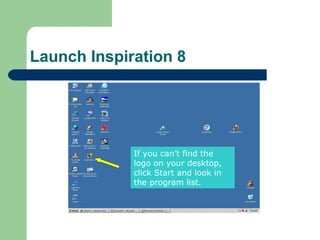
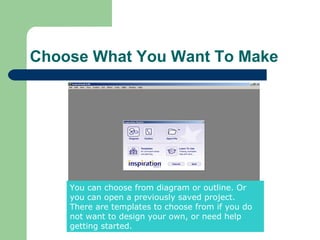
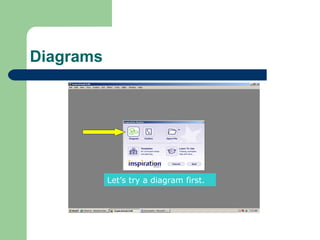
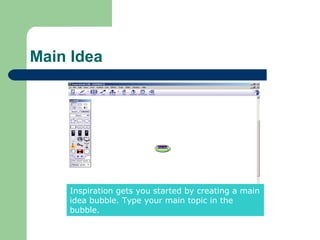
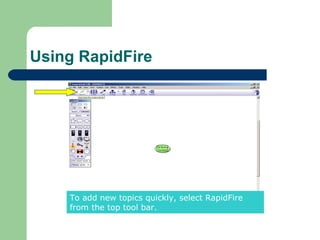
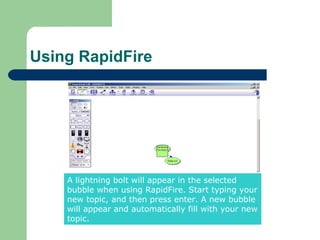
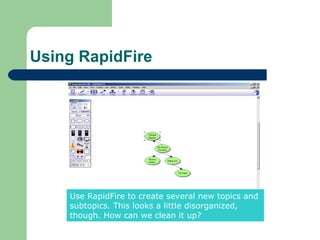
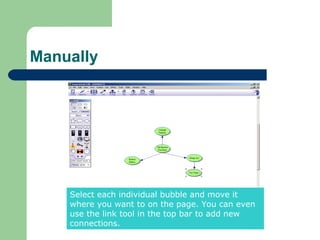
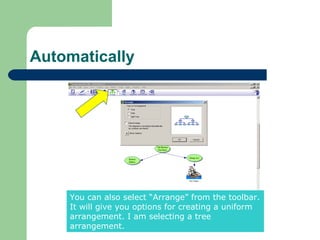
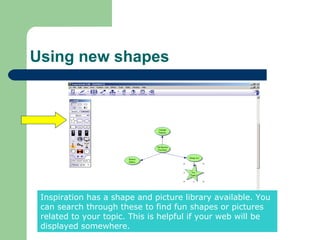
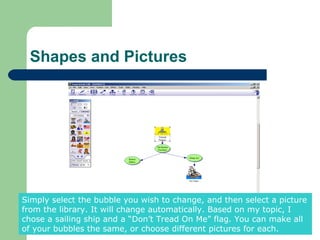
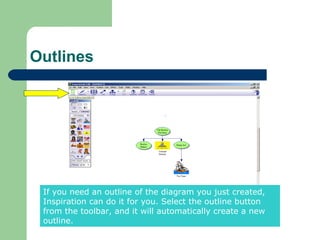
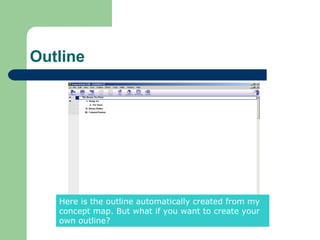
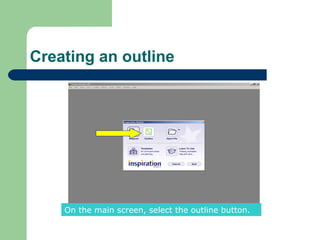
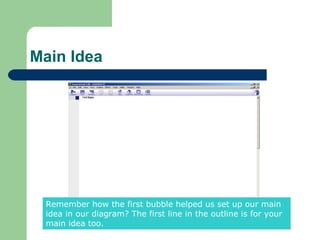
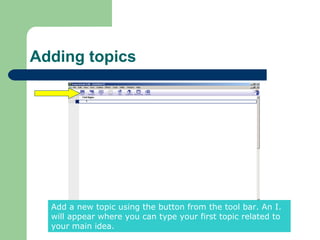
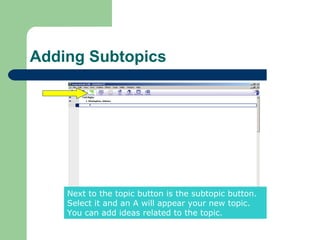
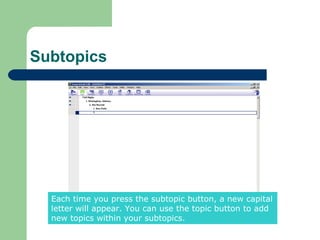
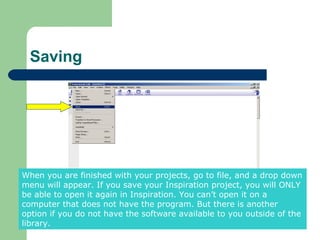
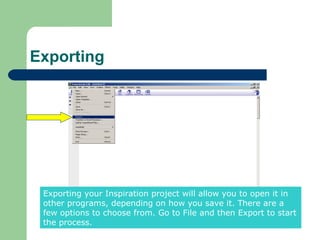
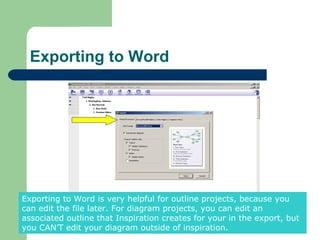
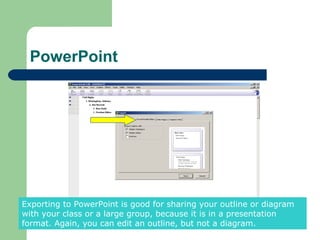
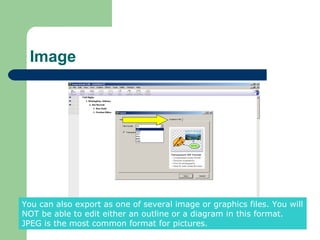
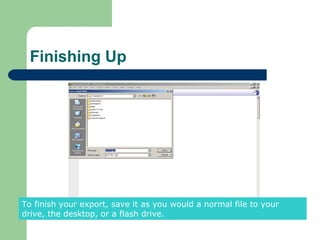

The document provides an overview of how to use the concept mapping and outlining software Inspiration 8. It explains how to create diagrams using main ideas, subtopics, and the RapidFire tool. Diagrams can be arranged manually or automatically. Shapes and pictures can also be added. Outlines can be generated from diagrams or created manually. The document concludes by describing how to export Inspiration projects to Word, PowerPoint, or image files to share or open them outside the software.


