Using Addons &
Automation tools to
enhance productivity
Ngnaoussi Elongué Cédric Christian
Christian Elongué Consulting
www.christianelongue.com
hello@christianelongue.com
Background One of the biggest
challenges every
person face is how to
manage time with
projects.
There was so much
information about
different productivity
systems and tools it
just left me confused.
I kept looking for the
perfect productivity
combination …(and
wasted a lot of time
trying out tools, using
the wrong tools, and
just generally being
confused and
unproductive)
Guess What?
There is no perfect productivity
combination
So, the effectiveness of each of the
tools presented here depends on your
use and discipline
Why Google?
According to a recent survey conducted
by Stat Counter Global Stats – Google
Chrome holds 62.7% of browser market
share worldwide.
So what is it that Google Chrome is offering
its users which other browsers are failing to
provide?
Well, one answer could be the availability of
browser extensions.
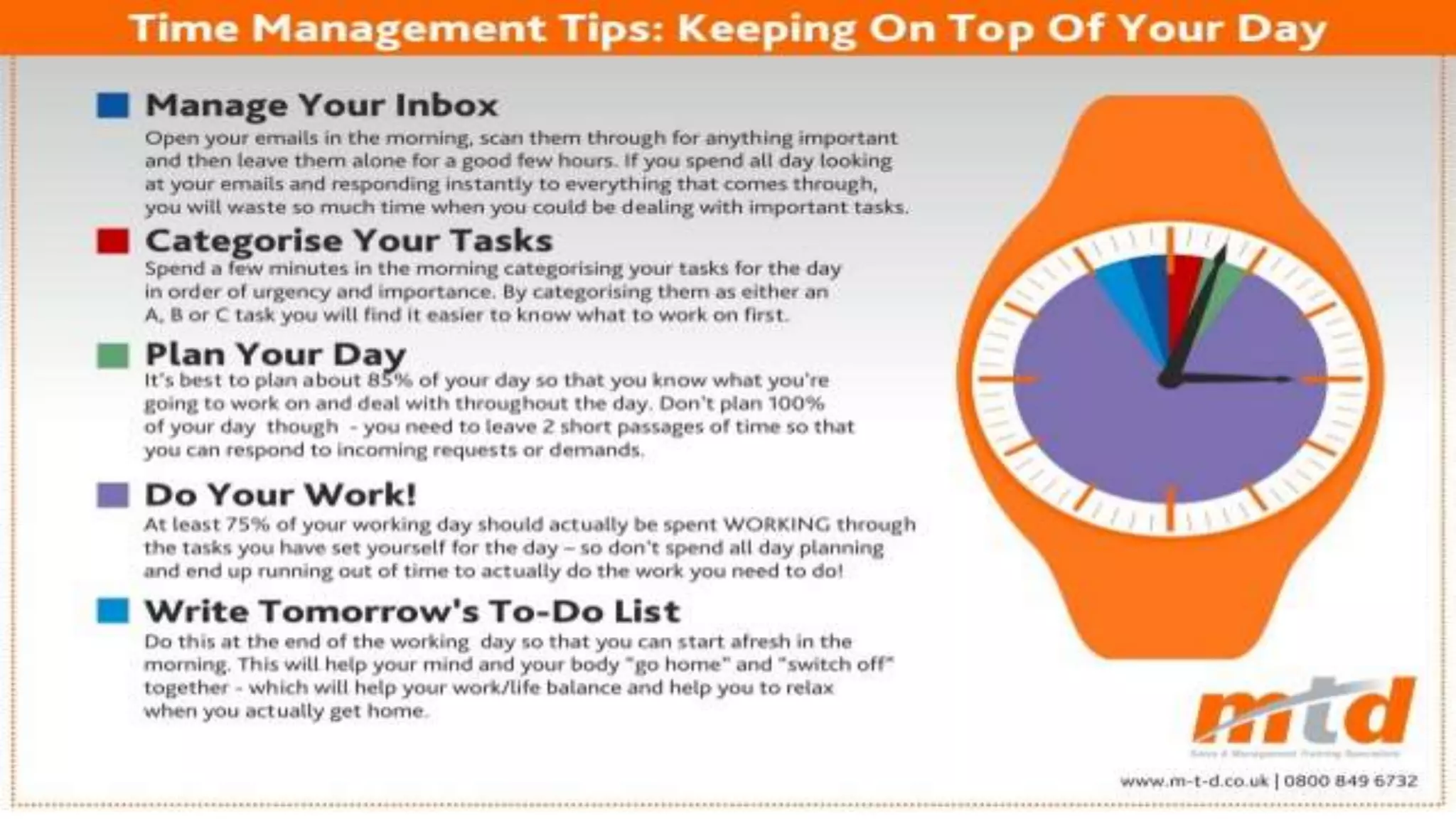
•All the addons and automation
tools that are presented here are
based on the previous time
management principles.
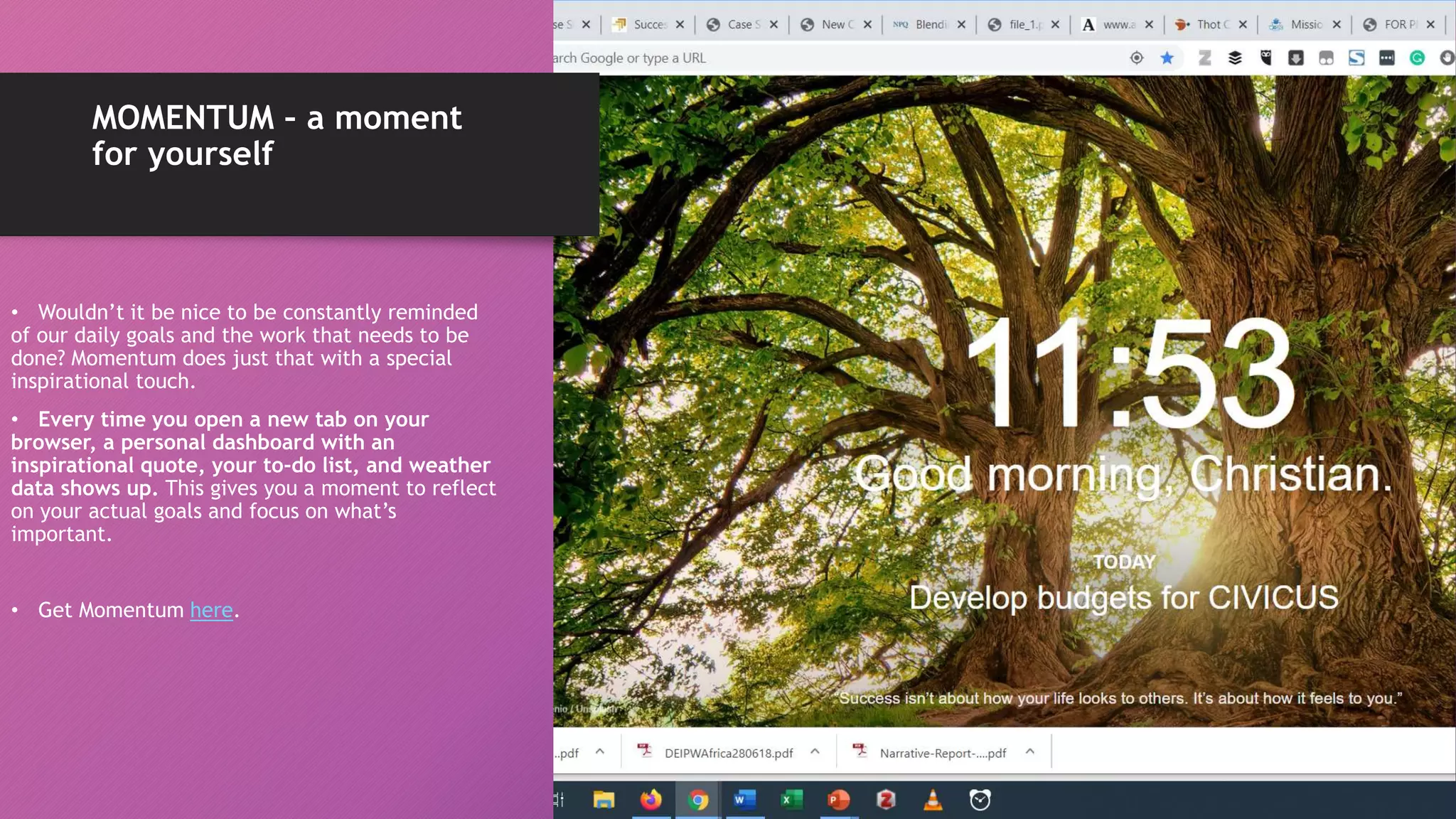
MOMENTUM – a moment
for yourself
• Wouldn’t it be nice to be constantly reminded
of our daily goals and the work that needs to be
done? Momentum does just that with a special
inspirational touch.
• Every time you open a new tab on your
browser, a personal dashboard with an
inspirational quote, your to-do list, and weather
data shows up. This gives you a moment to reflect
on your actual goals and focus on what’s
important.
• Get Momentum here.
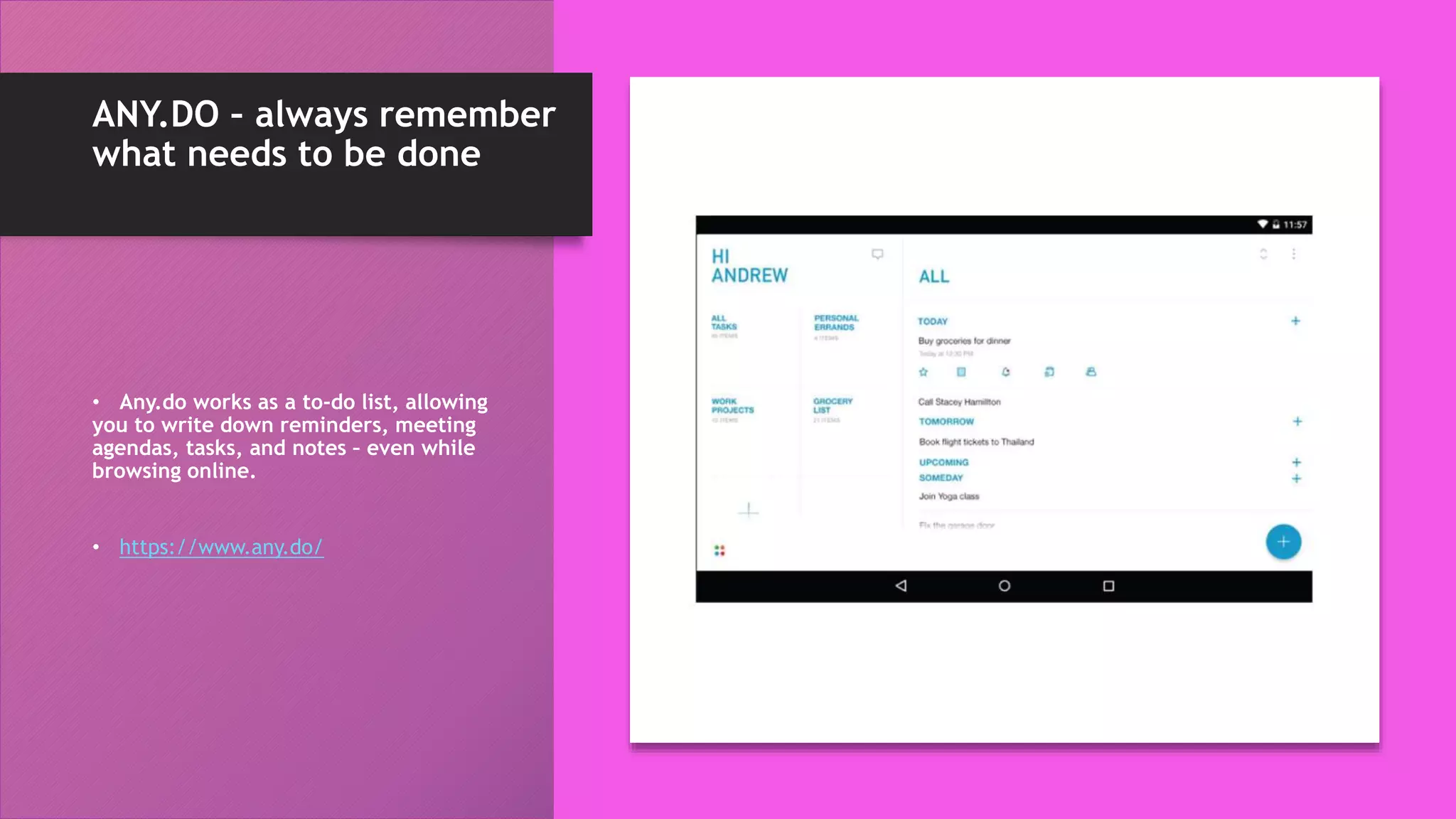
ANY.DO – always remember
what needs to be done
• Any.do works as a to-do list, allowing
you to write down reminders, meeting
agendas, tasks, and notes – even while
browsing online.
• https://www.any.do/
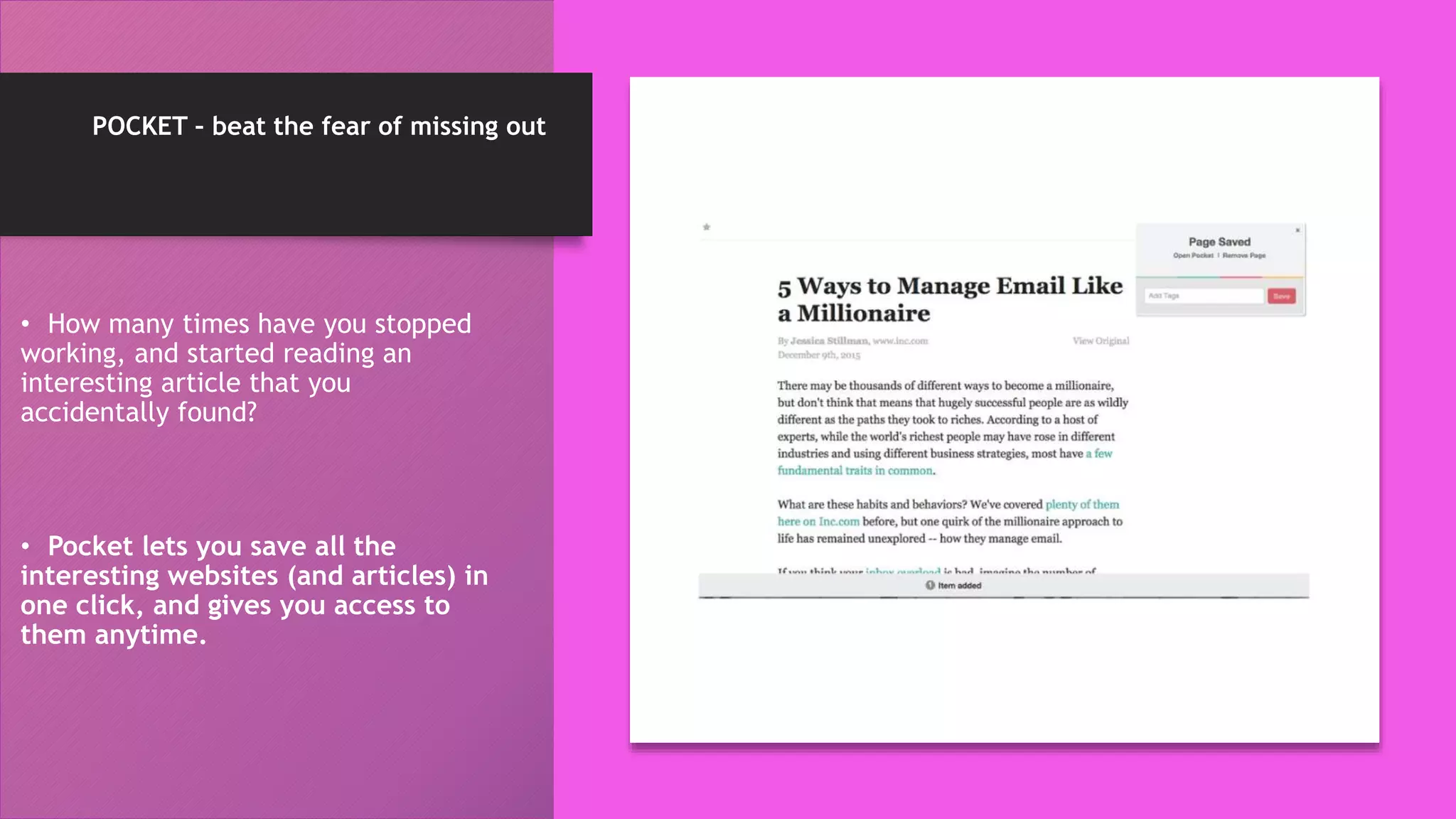
POCKET – beat the fear of missing out
• How many times have you stopped
working, and started reading an
interesting article that you
accidentally found?
• Pocket lets you save all the
interesting websites (and articles) in
one click, and gives you access to
them anytime.
ONE TAB – avoid cluttering
your browser tabs
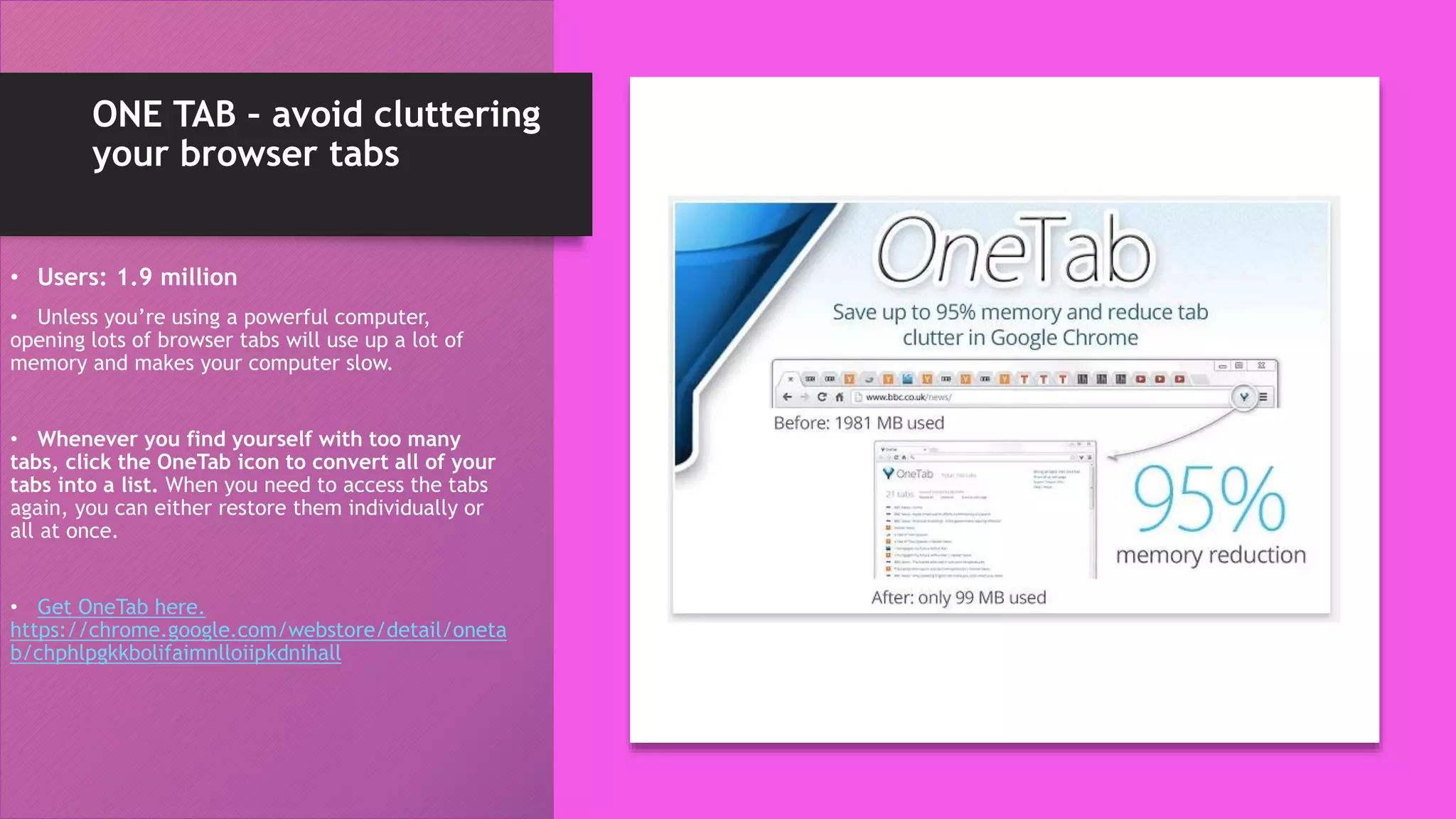
• Users: 1.9 million
• Unless you’re using a powerful computer,
opening lots of browser tabs will use up a lot of
memory and makes your computer slow.
• Whenever you find yourself with too many
tabs, click the OneTab icon to convert all of your
tabs into a list. When you need to access the tabs
again, you can either restore them individually or
all at once.
• Get OneTab here.
https://chrome.google.com/webstore/detail/oneta
b/chphlpgkkbolifaimnlloiipkdnihall
AdBlocker Ultimate
• The add-on removes advertising such as
banner ads, videos and pop ups, while also
blocking a variety of online tracking tools.
Pablo
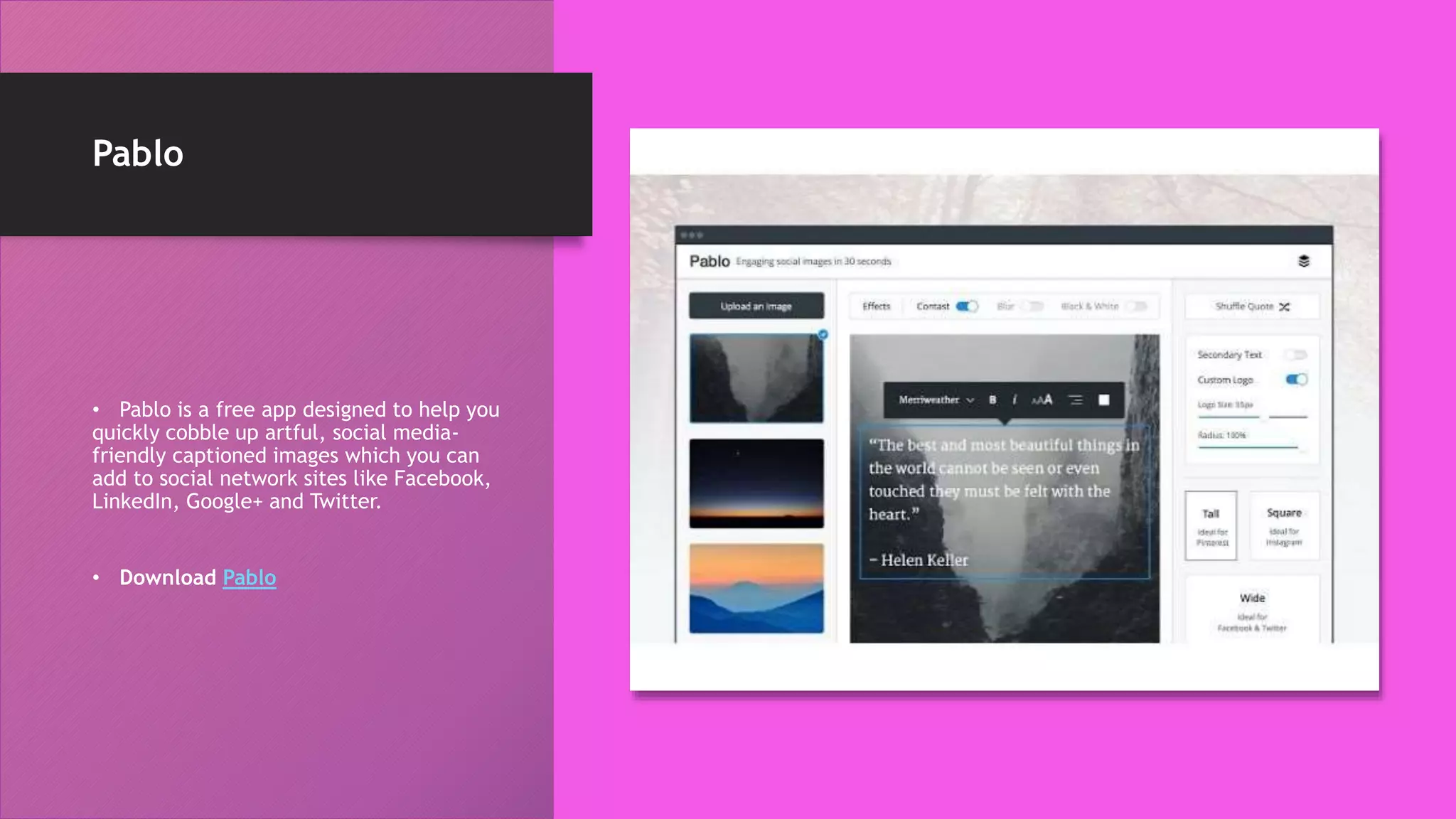
• Pablo is a free app designed to help you
quickly cobble up artful, social media-
friendly captioned images which you can
add to social network sites like Facebook,
LinkedIn, Google+ and Twitter.
• Download Pablo
LastPass
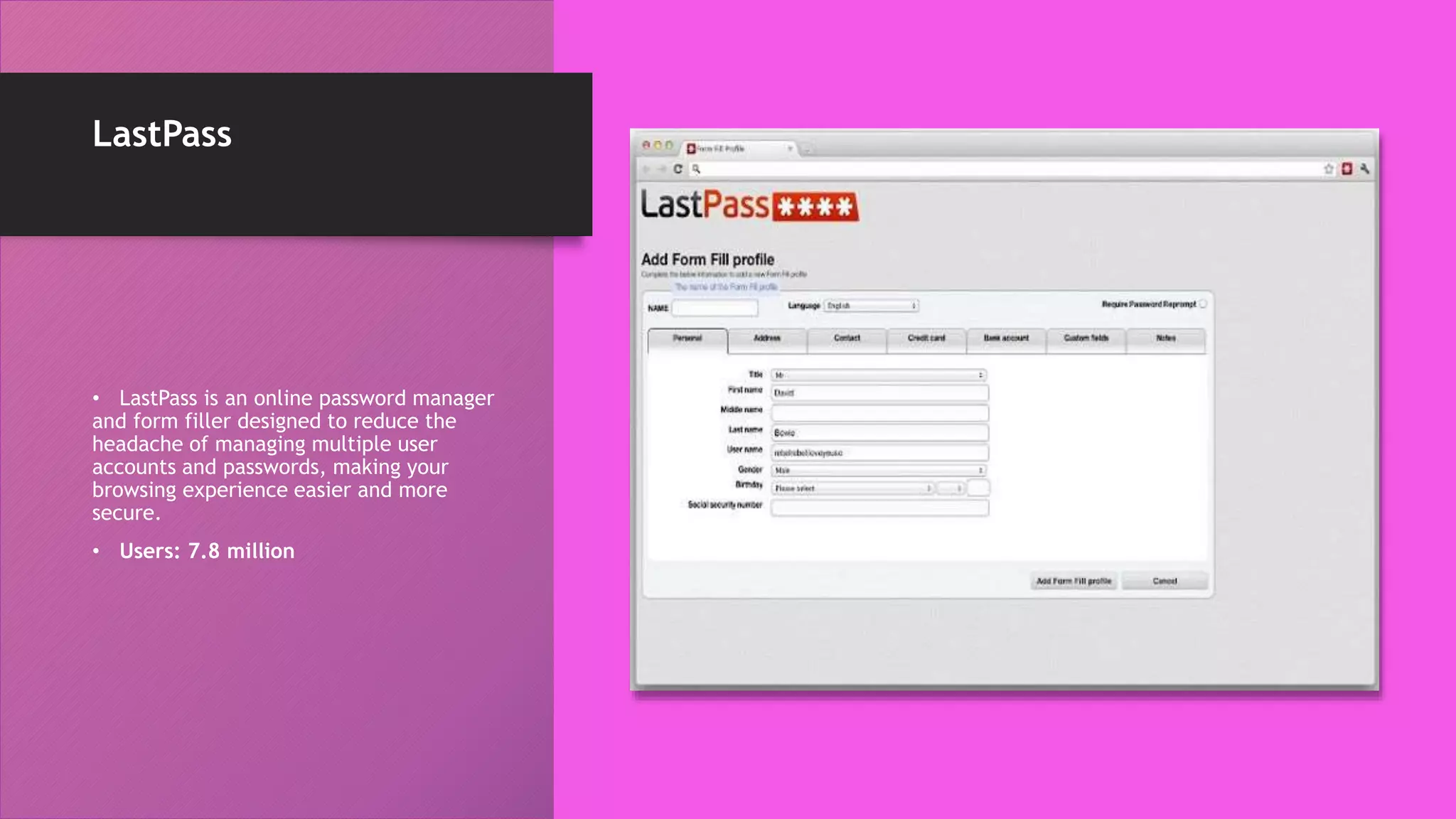
• LastPass is an online password manager
and form filler designed to reduce the
headache of managing multiple user
accounts and passwords, making your
browsing experience easier and more
secure.
• Users: 7.8 million
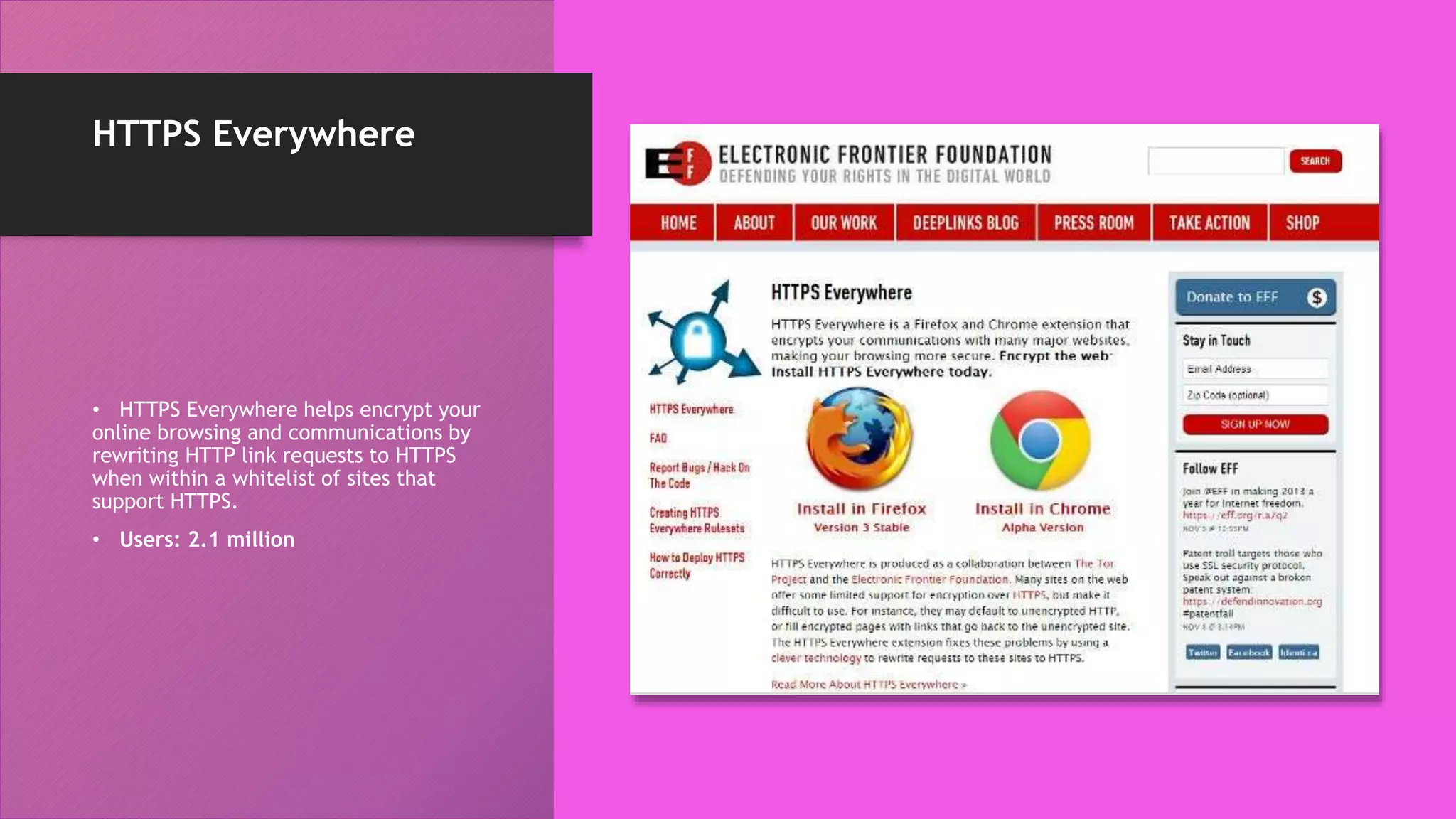
HTTPS Everywhere
• HTTPS Everywhere helps encrypt your
online browsing and communications by
rewriting HTTP link requests to HTTPS
when within a whitelist of sites that
support HTTPS.
• Users: 2.1 million
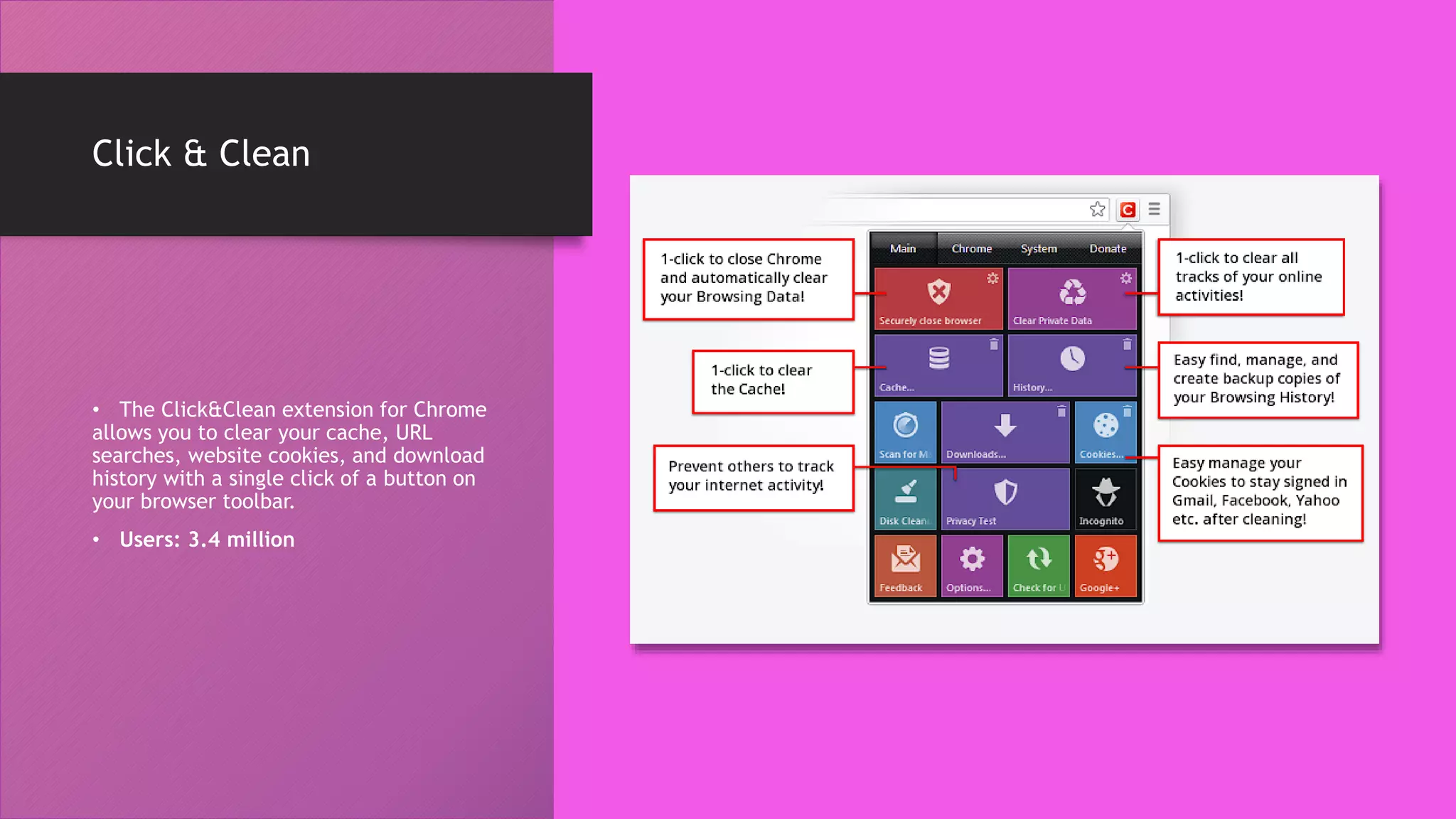
Click & Clean
• The Click&Clean extension for Chrome
allows you to clear your cache, URL
searches, website cookies, and download
history with a single click of a button on
your browser toolbar.
• Users: 3.4 million
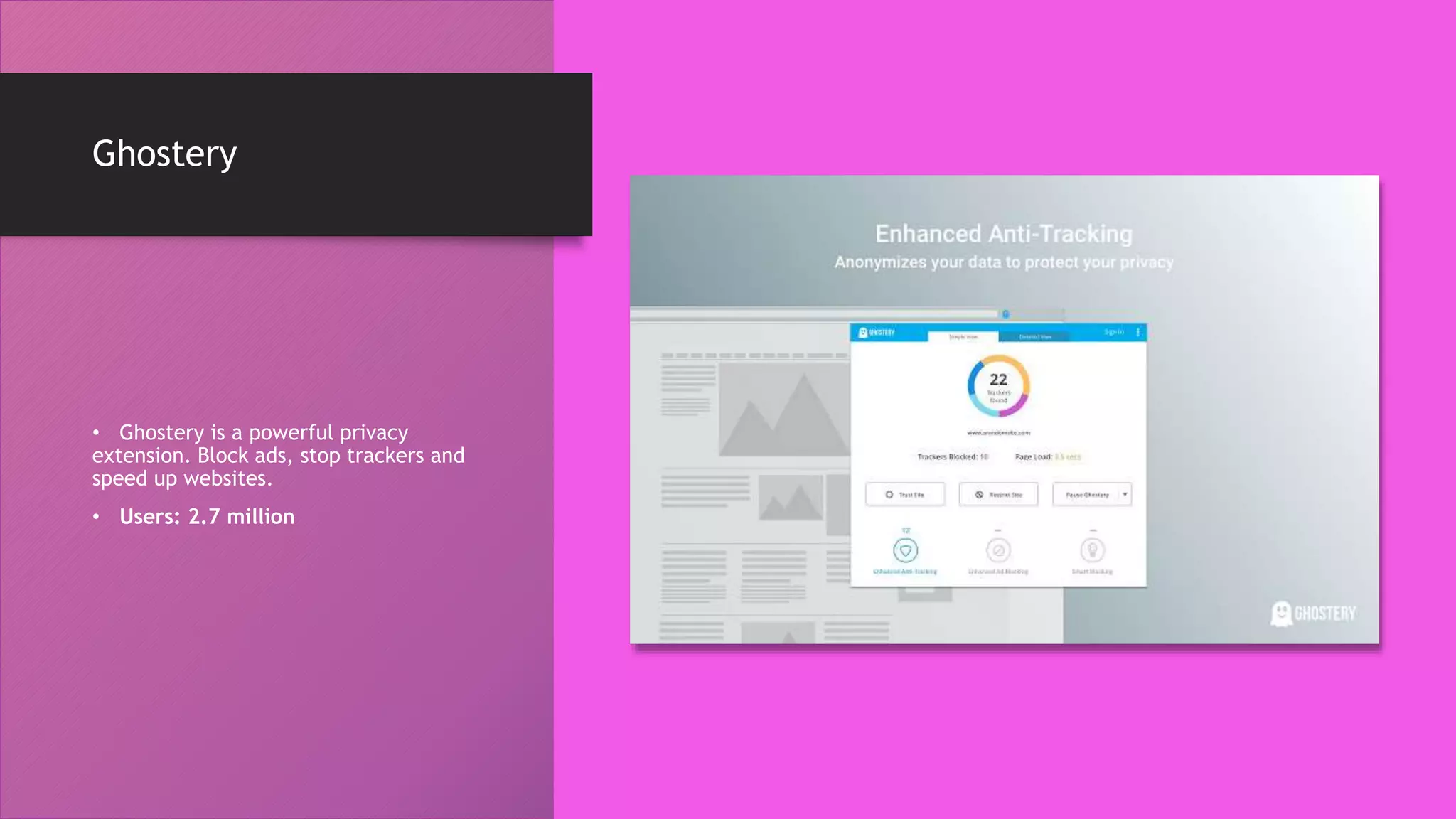
Ghostery
• Ghostery is a powerful privacy
extension. Block ads, stop trackers and
speed up websites.
• Users: 2.7 million
Bitly
• Users: 447 thousand
• This extension lets
marketers quickly and easily
shorten links and share them
on social media directly from
their browser.
BuzzSumo
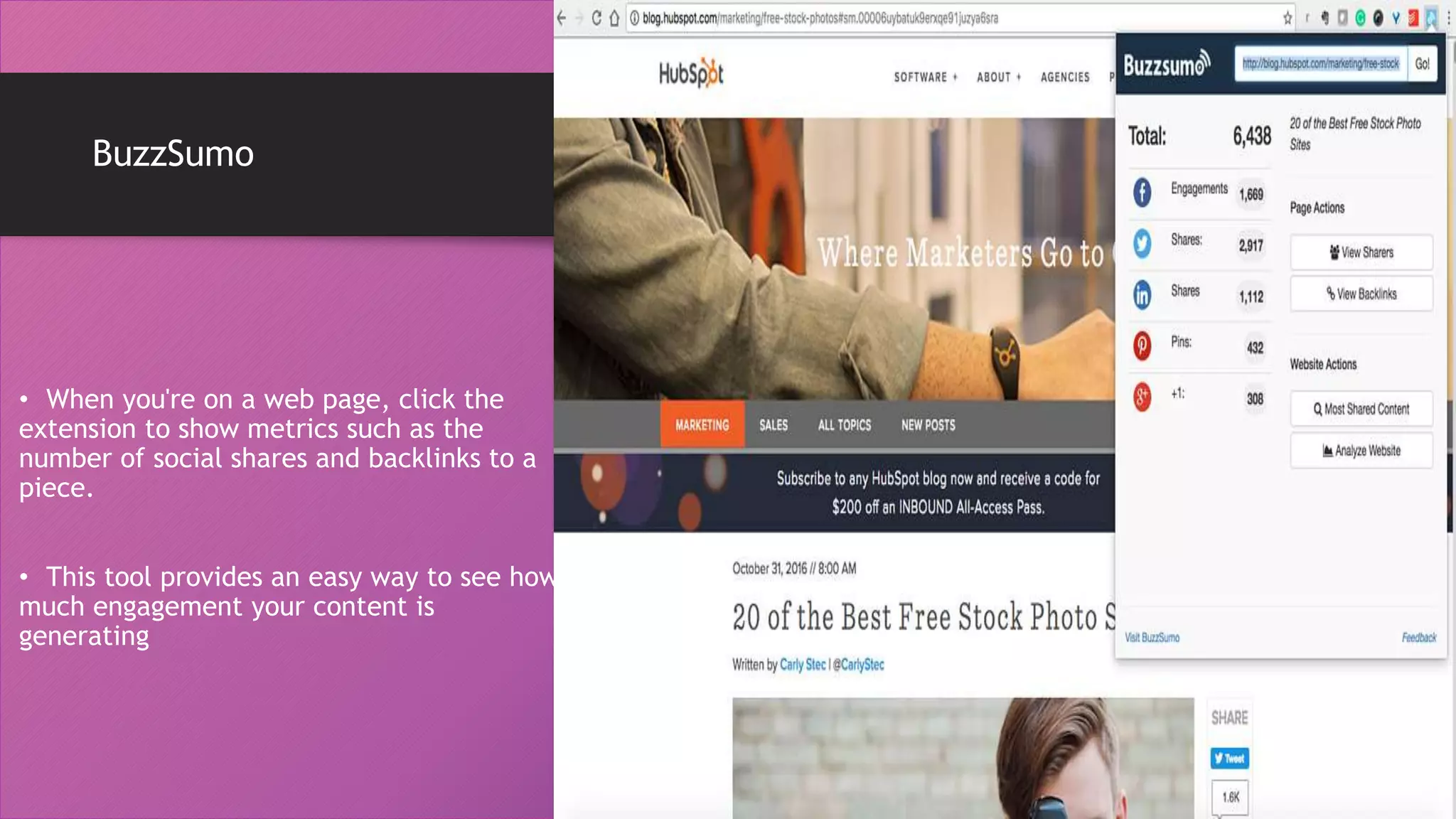
• When you're on a web page, click the
extension to show metrics such as the
number of social shares and backlinks to a
piece.
• This tool provides an easy way to see how
much engagement your content is
generating
Check My Links
• Users: 177 thousand
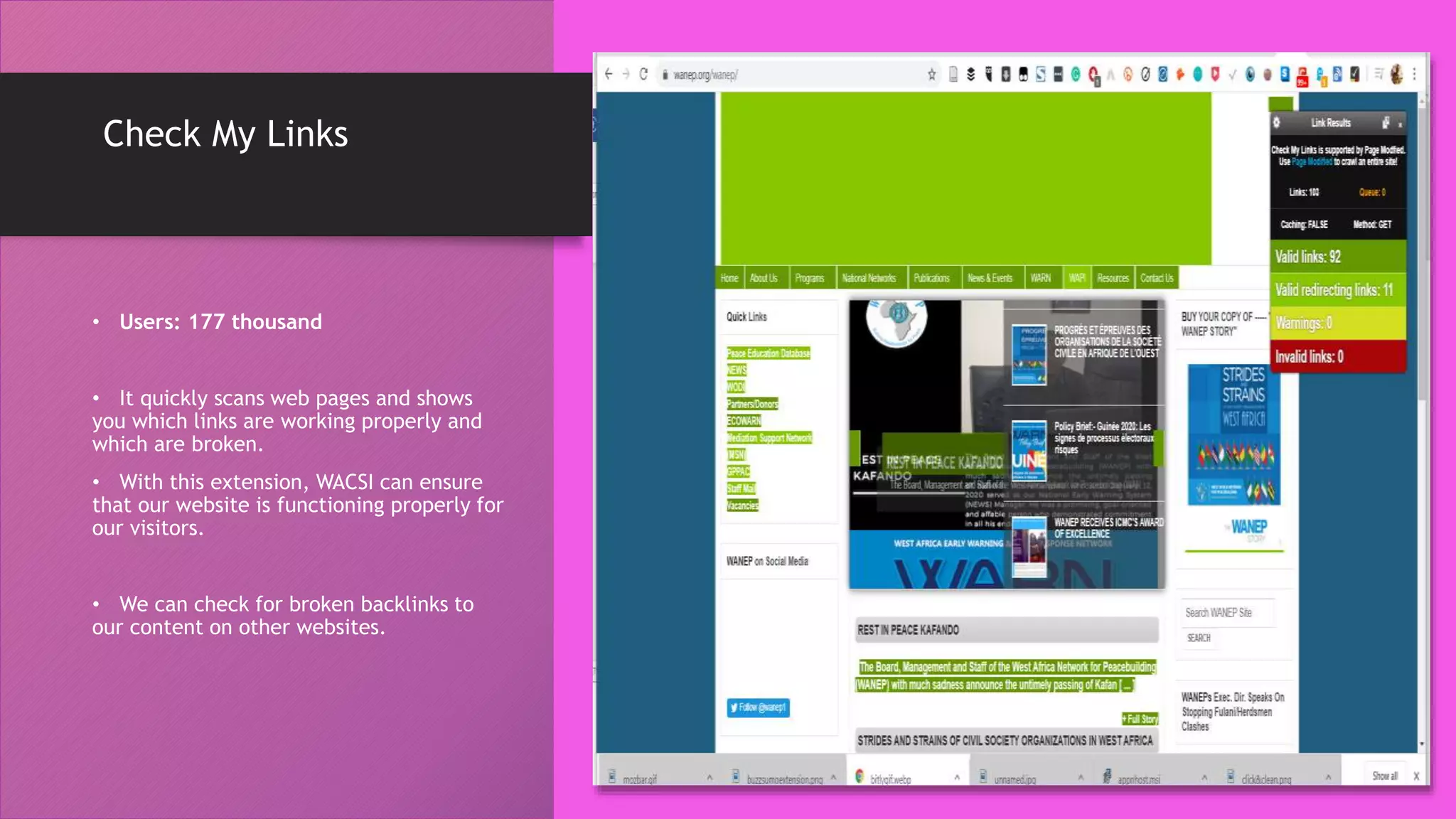
• It quickly scans web pages and shows
you which links are working properly and
which are broken.
• With this extension, WACSI can ensure
that our website is functioning properly for
our visitors.
• We can check for broken backlinks to
our content on other websites.
Awesome Screenshot:
Screen Video Recorder
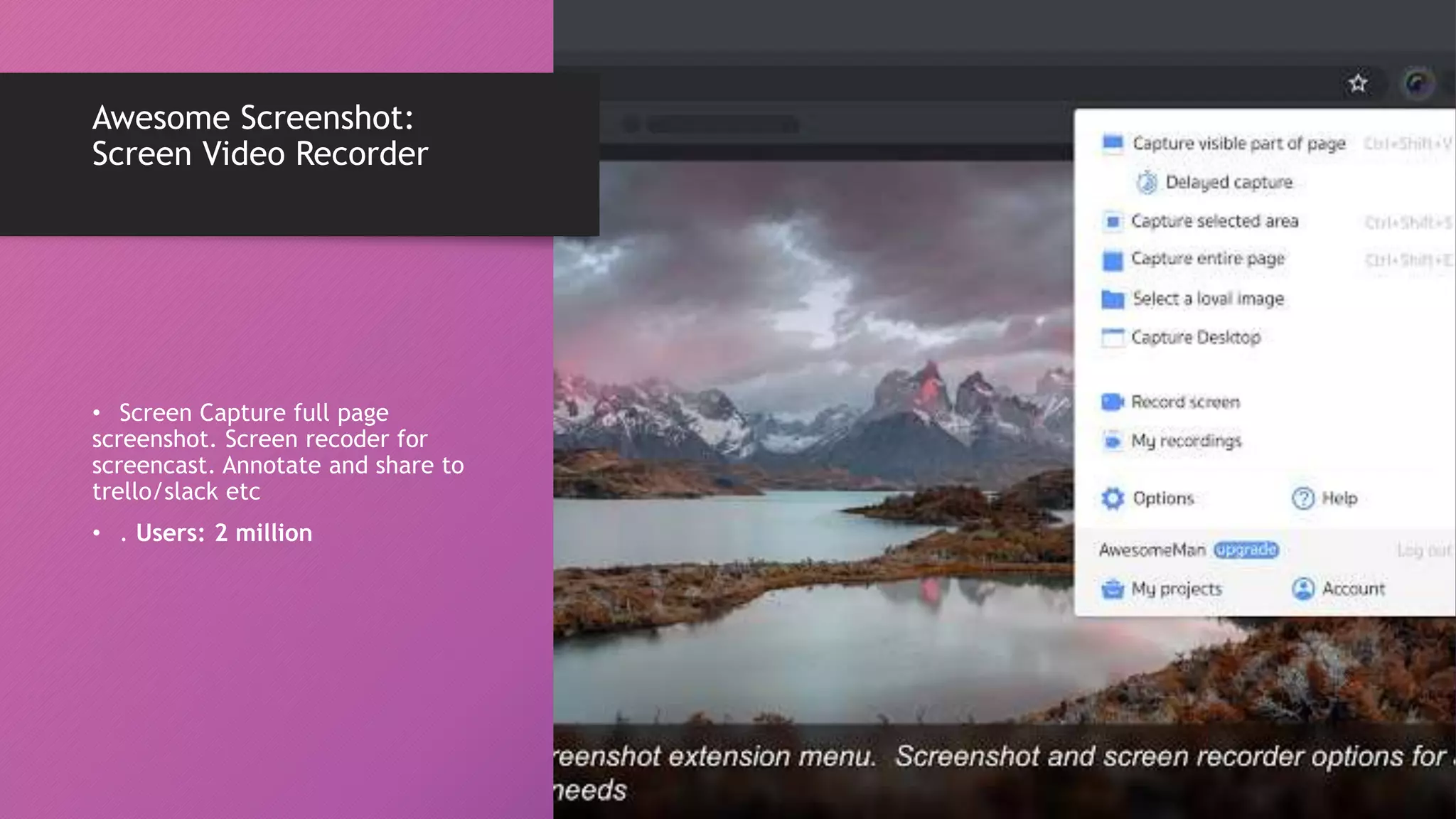
• Screen Capture full page
screenshot. Screen recoder for
screencast. Annotate and share to
trello/slack etc
• . Users: 2 million
Evernote Web Clipper
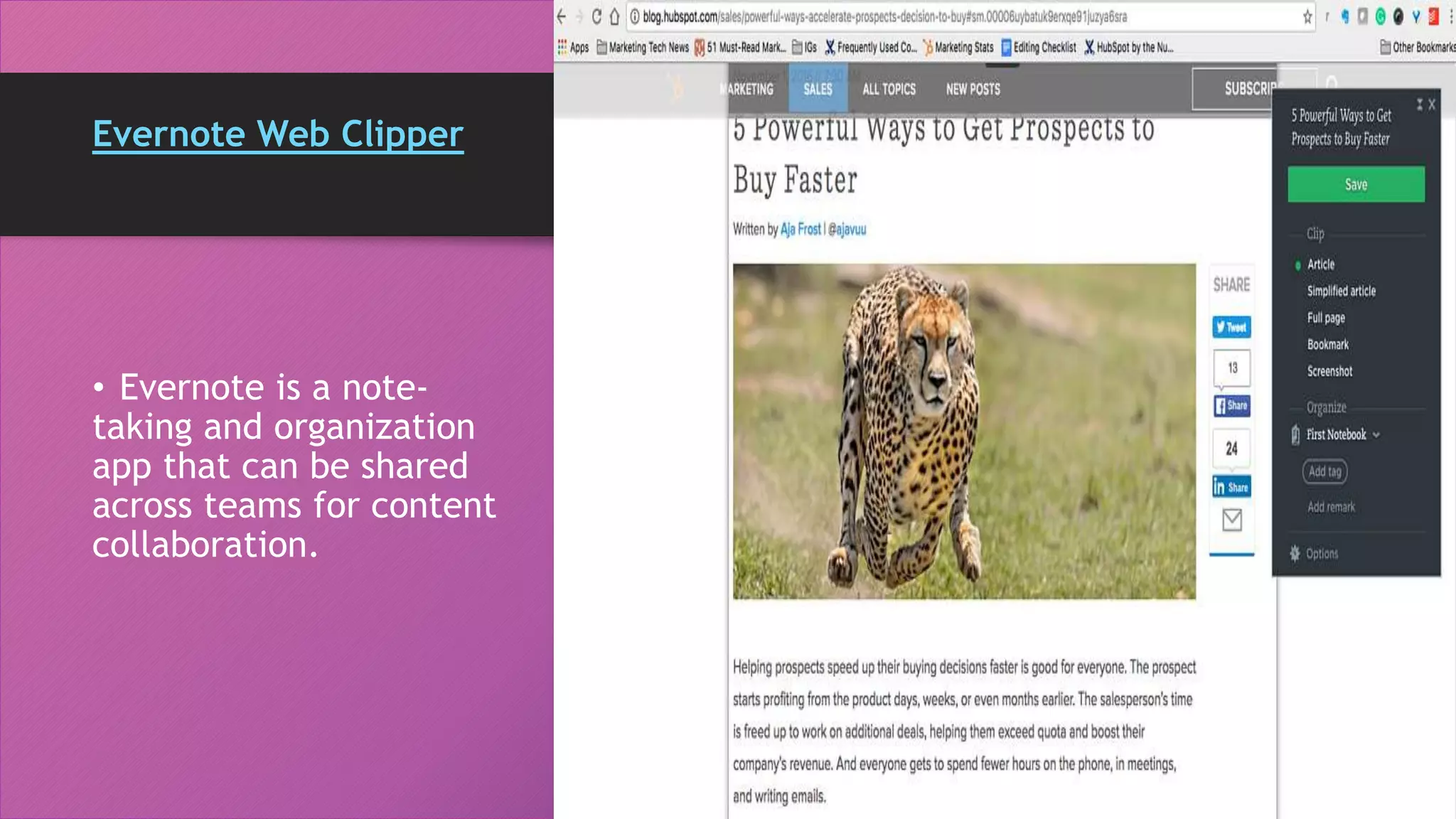
• Evernote is a note-
taking and organization
app that can be shared
across teams for content
collaboration.
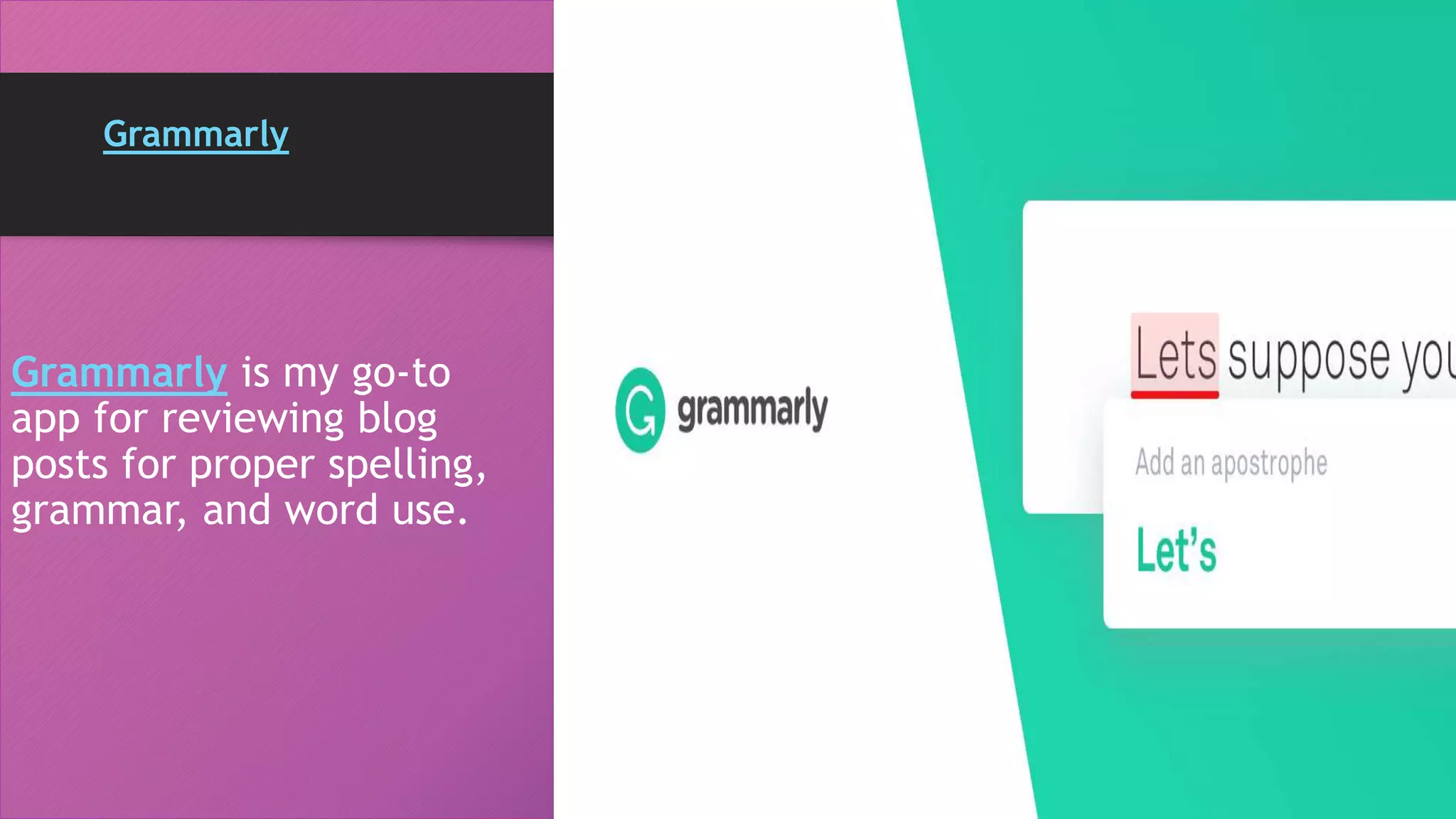
Grammarly
Grammarly is my go-to
app for reviewing blog
posts for proper spelling,
grammar, and word use.
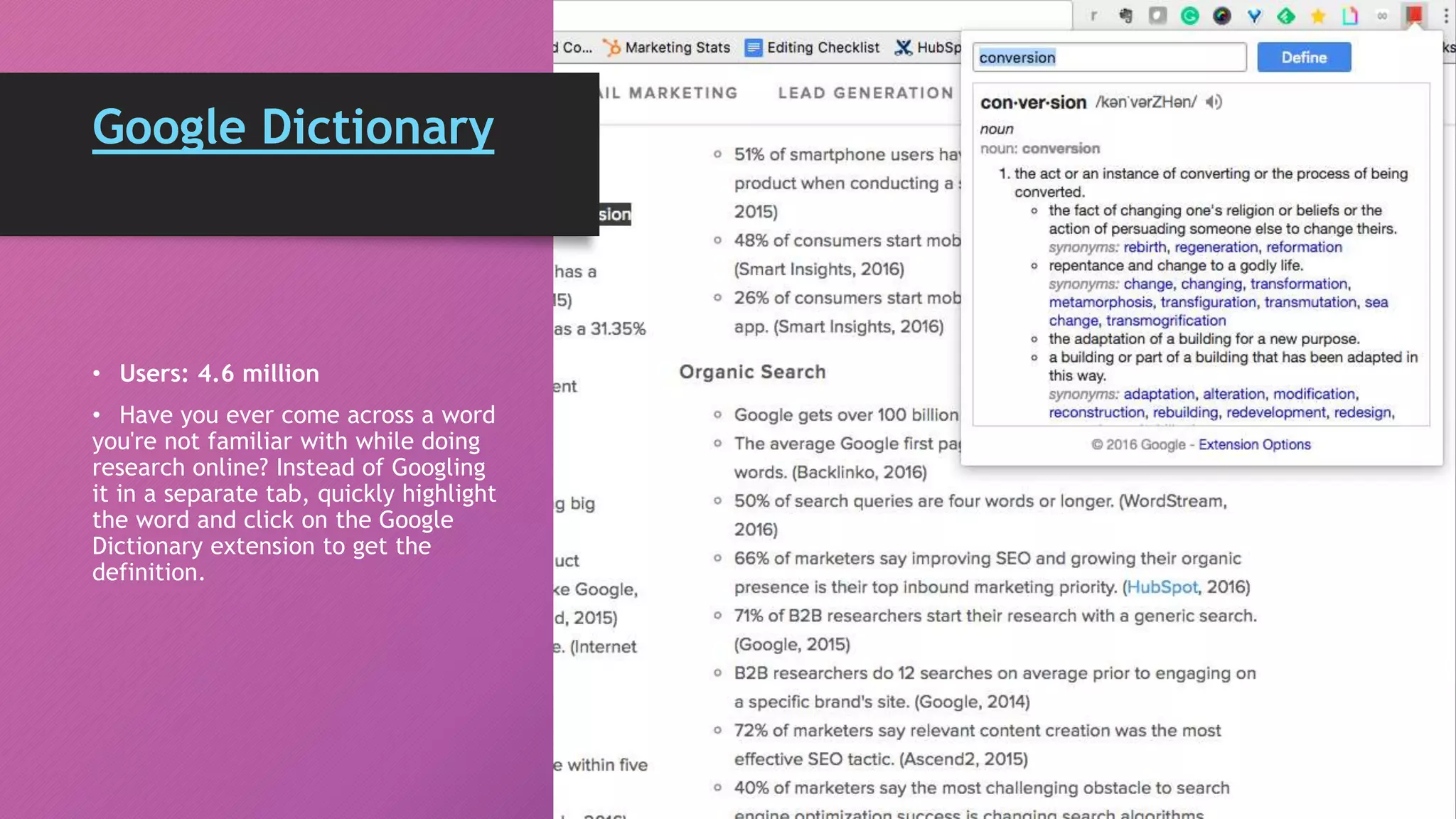
Google Dictionary
• Users: 4.6 million
• Have you ever come across a word
you're not familiar with while doing
research online? Instead of Googling
it in a separate tab, quickly highlight
the word and click on the Google
Dictionary extension to get the
definition.
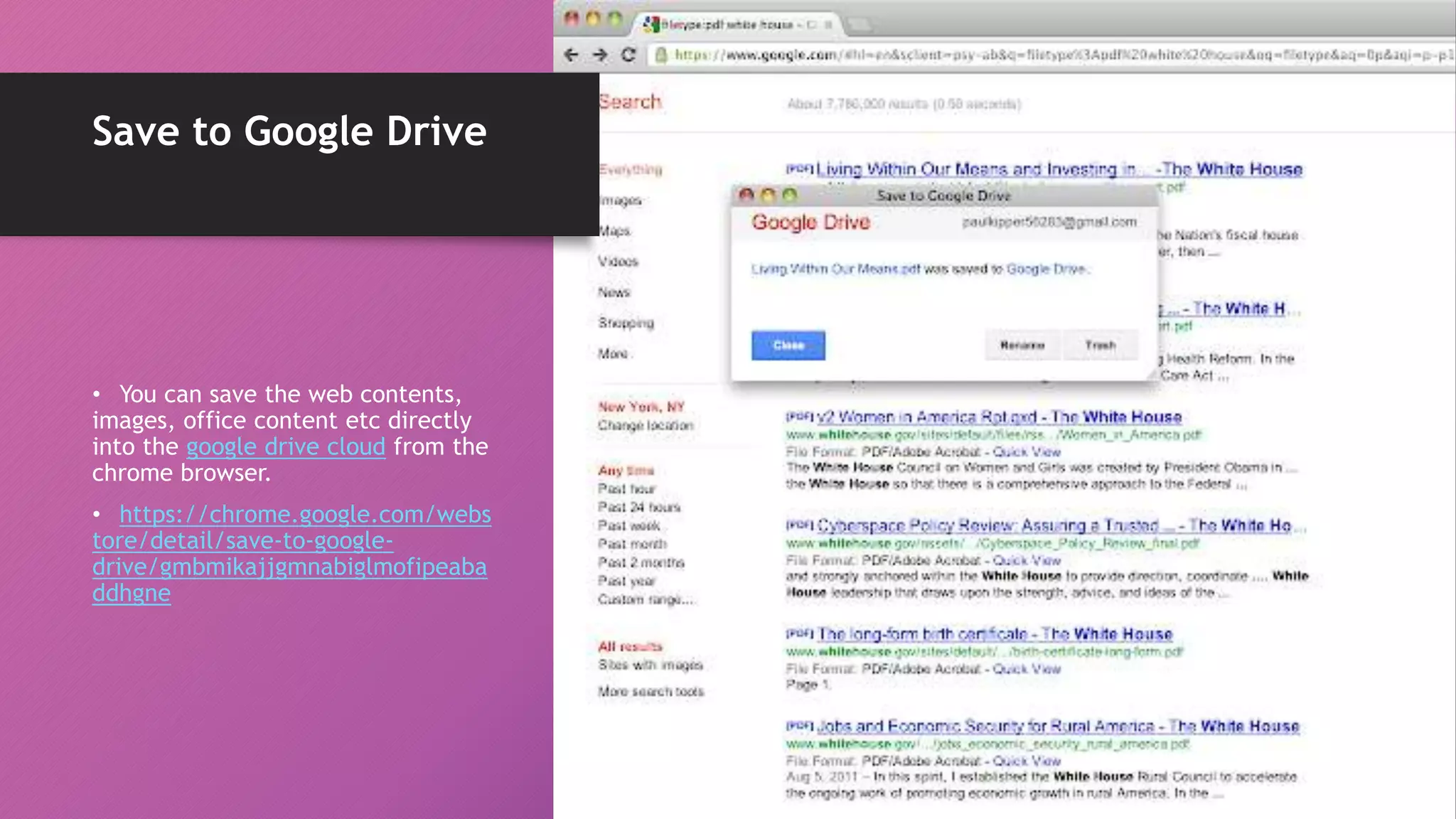
Save to Google Drive
• You can save the web contents,
images, office content etc directly
into the google drive cloud from the
chrome browser.
• https://chrome.google.com/webs
tore/detail/save-to-google-
drive/gmbmikajjgmnabiglmofipeaba
ddhgne
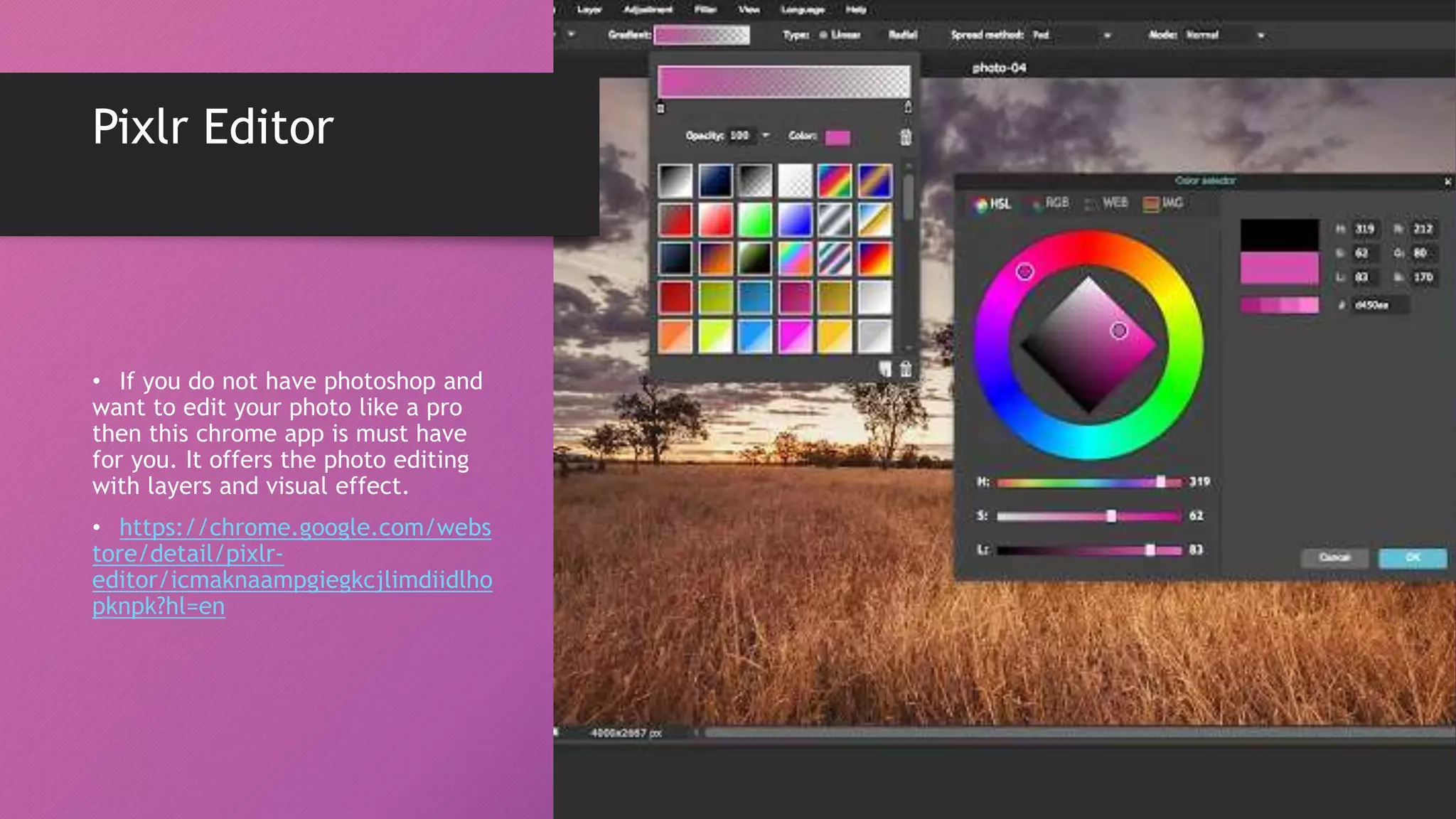
Pixlr Editor
• If you do not have photoshop and
want to edit your photo like a pro
then this chrome app is must have
for you. It offers the photo editing
with layers and visual effect.
• https://chrome.google.com/webs
tore/detail/pixlr-
editor/icmaknaampgiegkcjlimdiidlho
pknpk?hl=en
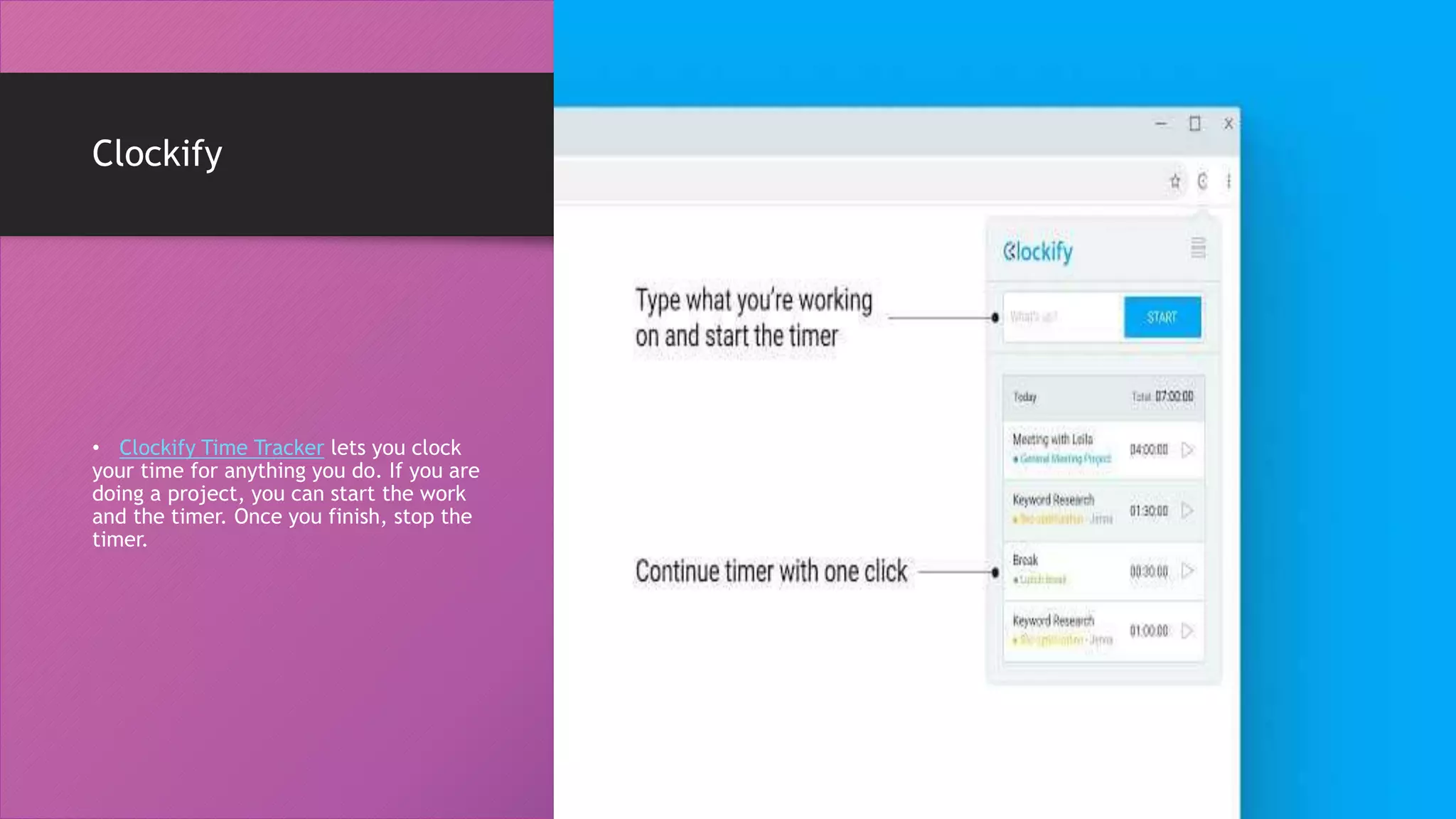
Clockify
• Clockify Time Tracker lets you clock
your time for anything you do. If you are
doing a project, you can start the work
and the timer. Once you finish, stop the
timer.
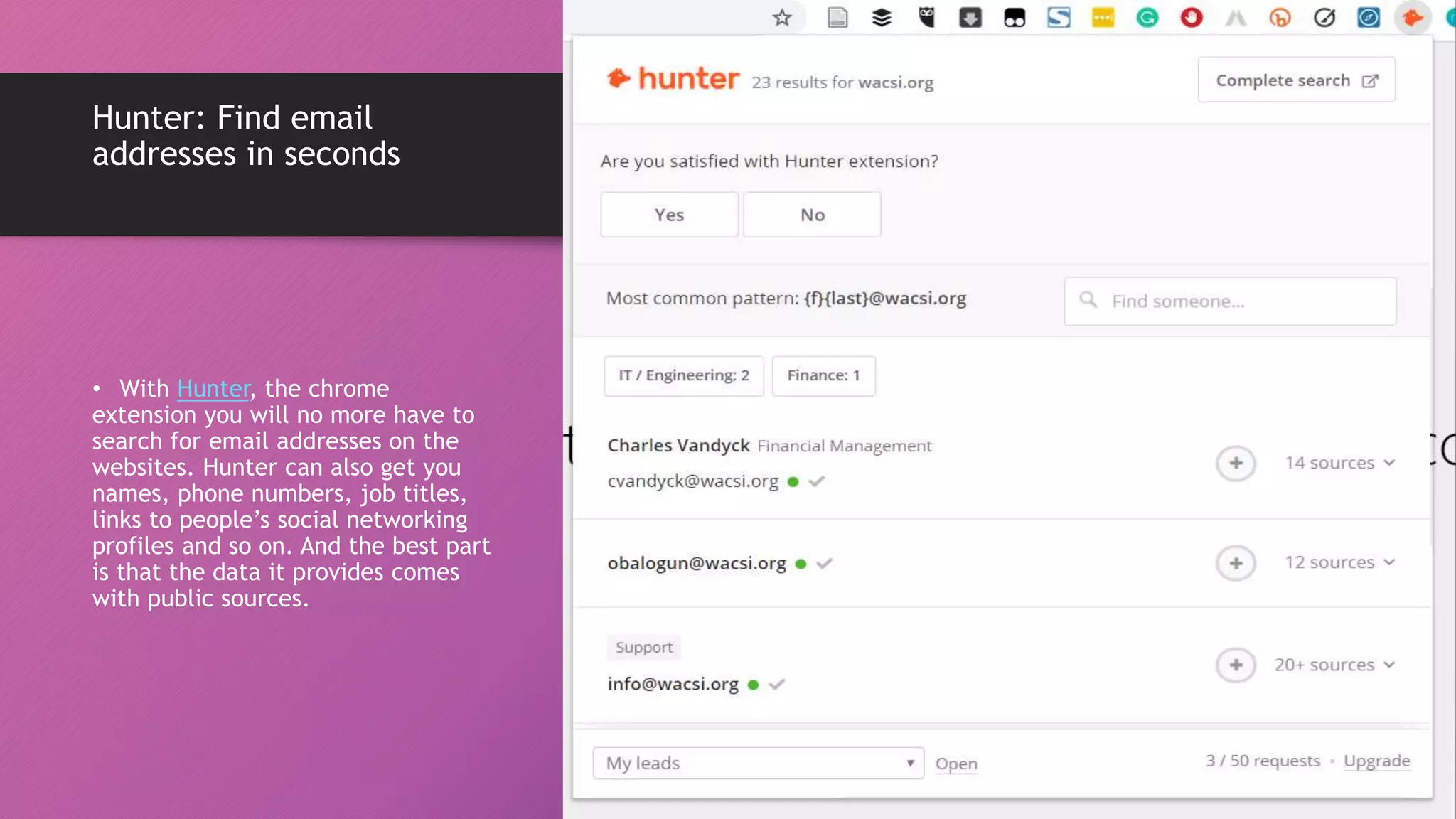
Hunter: Find email
addresses in seconds
• With Hunter, the chrome
extension you will no more have to
search for email addresses on the
websites. Hunter can also get you
names, phone numbers, job titles,
links to people’s social networking
profiles and so on. And the best part
is that the data it provides comes
with public sources.
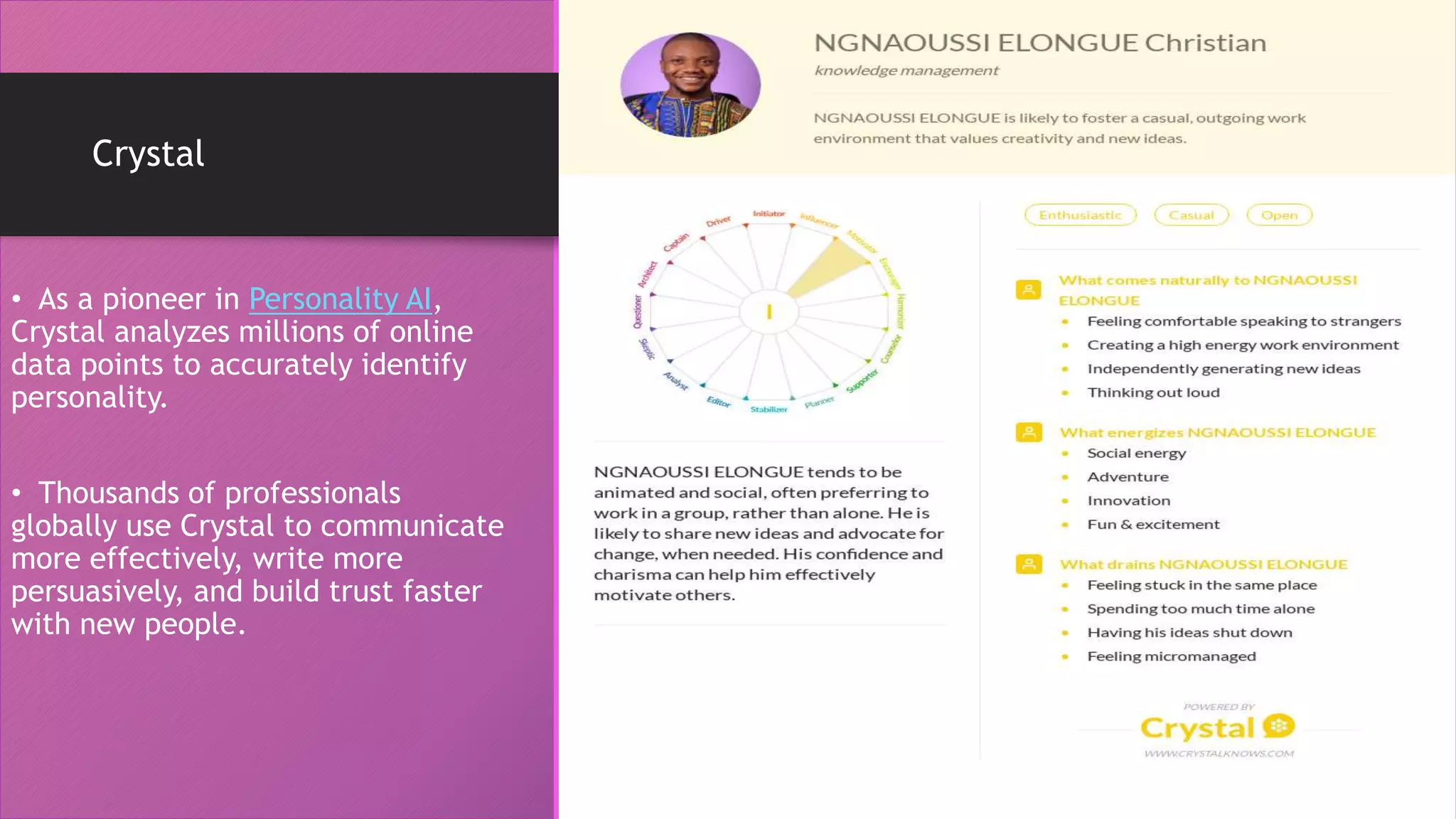
Crystal
• As a pioneer in Personality AI,
Crystal analyzes millions of online
data points to accurately identify
personality.
• Thousands of professionals
globally use Crystal to communicate
more effectively, write more
persuasively, and build trust faster
with new people.
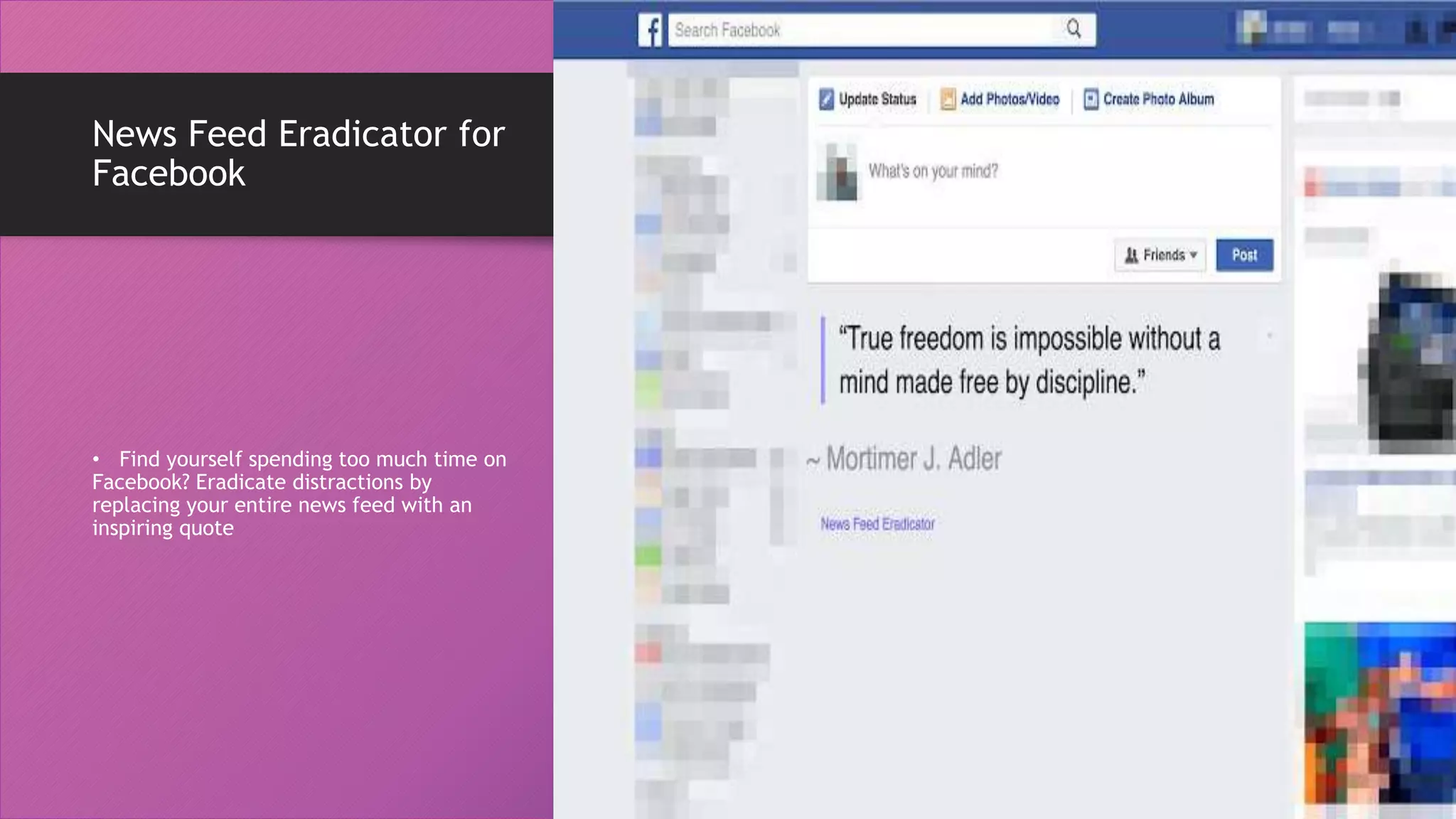
News Feed Eradicator for
Facebook
• Find yourself spending too much time on
Facebook? Eradicate distractions by
replacing your entire news feed with an
inspiring quote
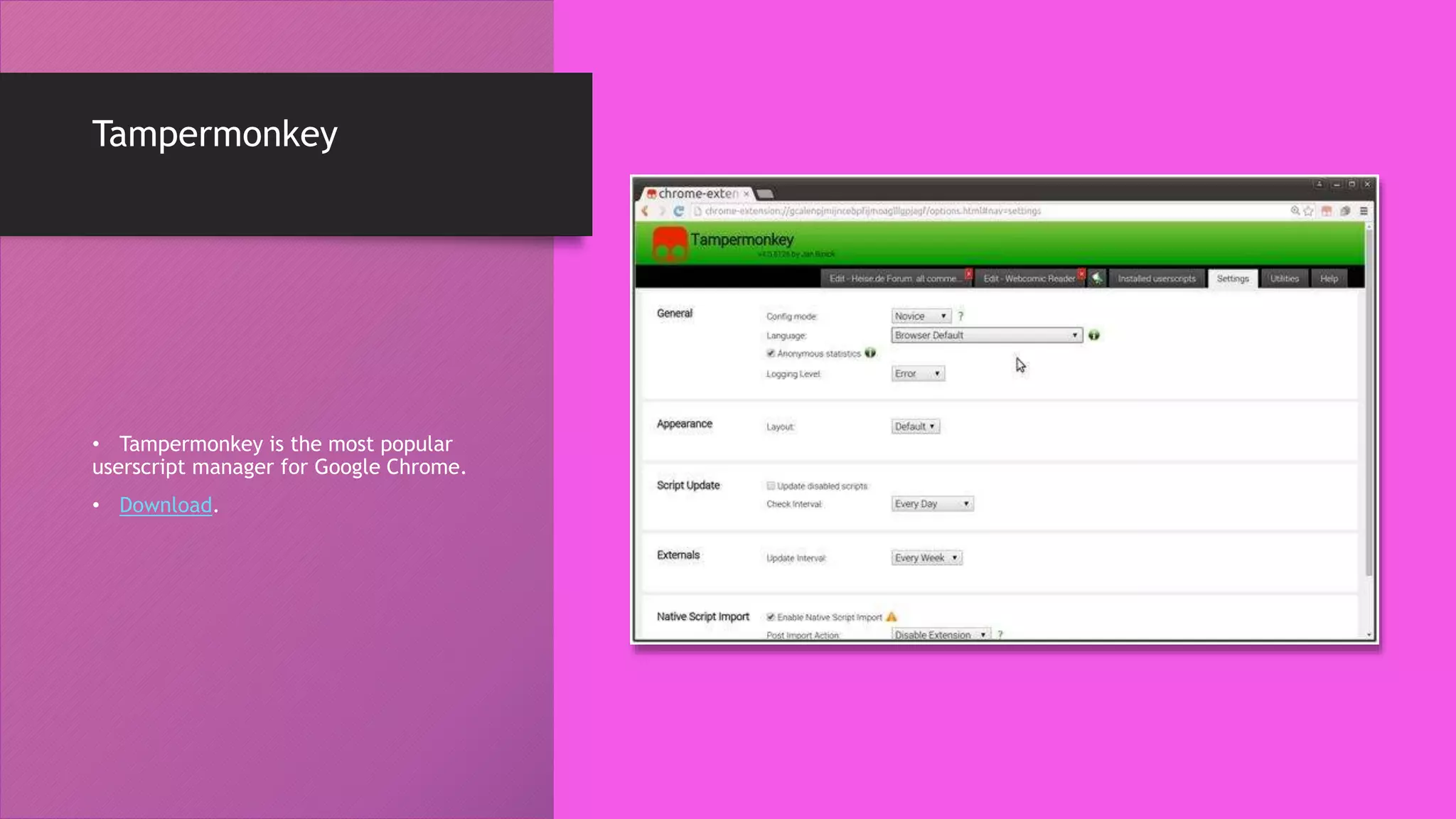
Tampermonkey
• Tampermonkey is the most popular
userscript manager for Google Chrome.
• Download.
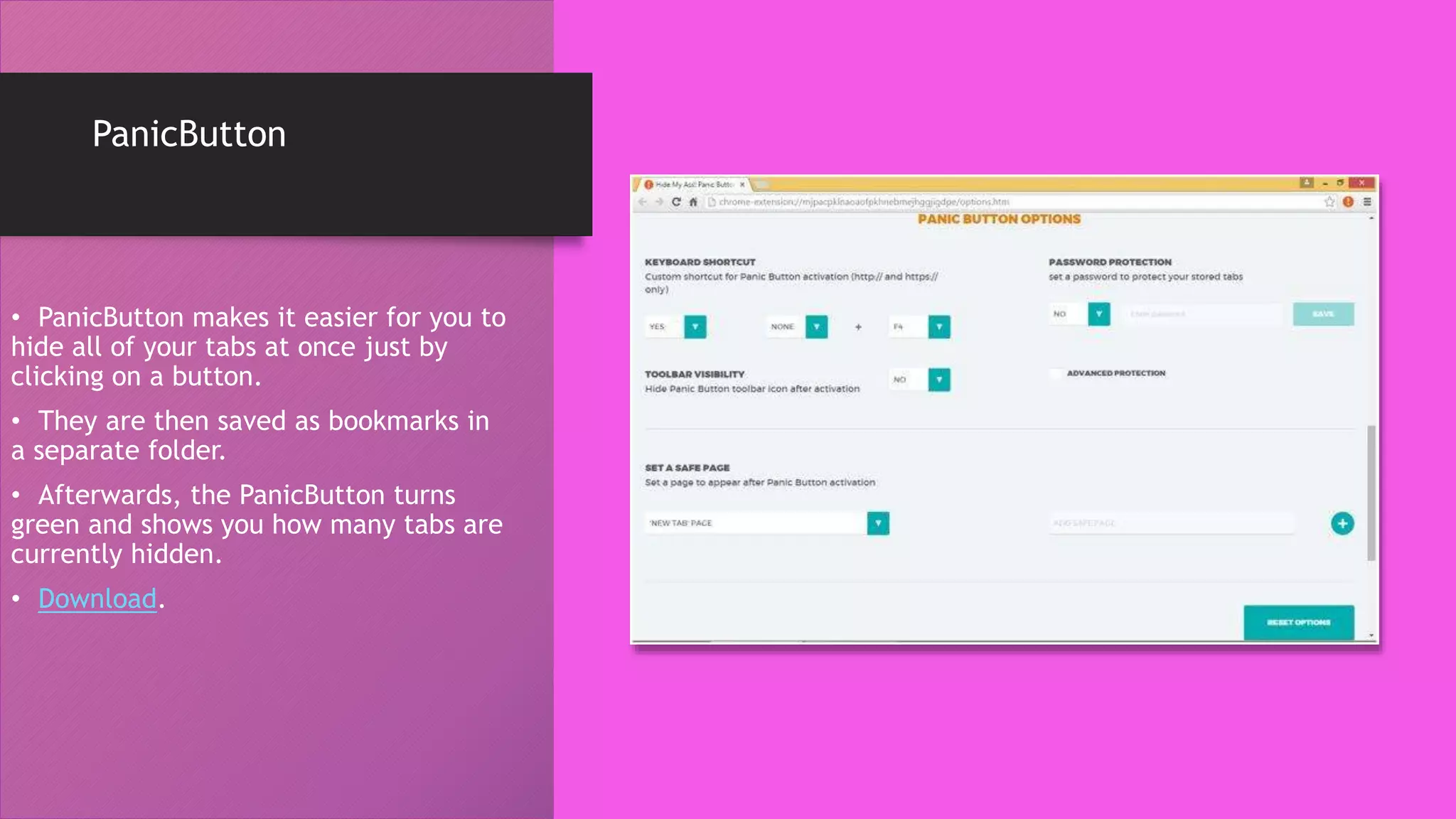
PanicButton
• PanicButton makes it easier for you to
hide all of your tabs at once just by
clicking on a button.
• They are then saved as bookmarks in
a separate folder.
• Afterwards, the PanicButton turns
green and shows you how many tabs are
currently hidden.
• Download.
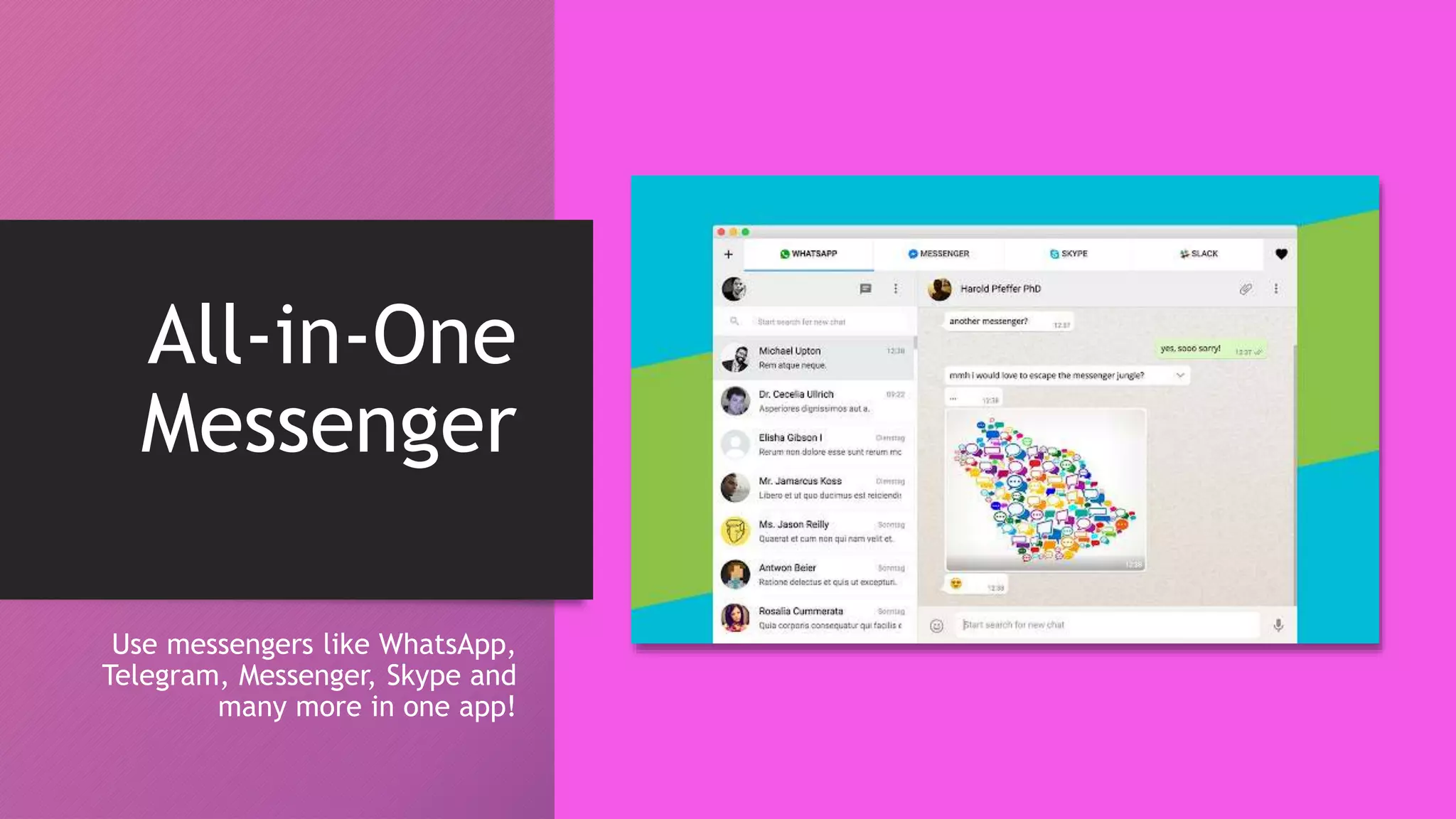
All-in-One
Messenger
Use messengers like WhatsApp,
Telegram, Messenger, Skype and
many more in one app!
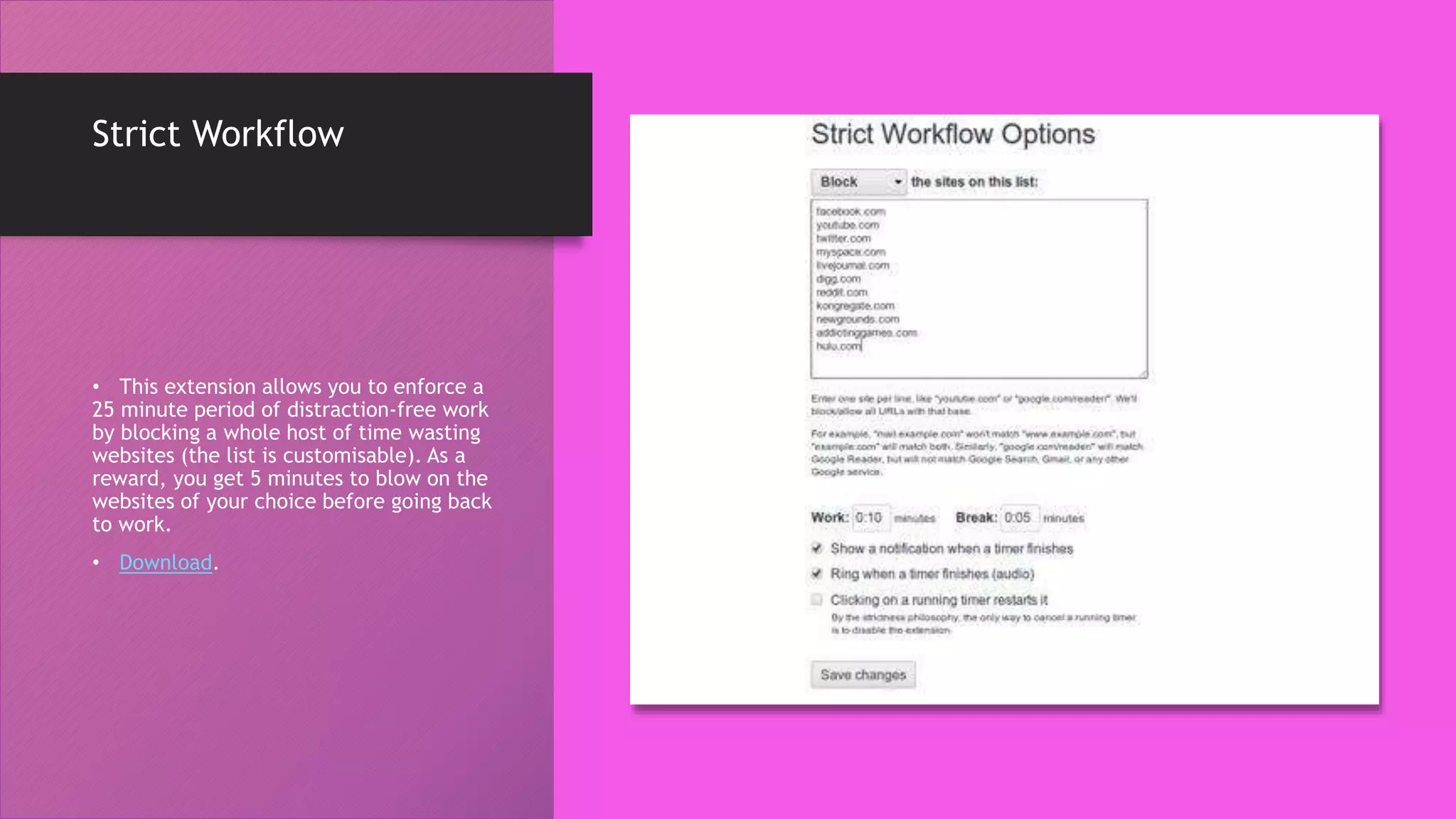
Strict Workflow
• This extension allows you to enforce a
25 minute period of distraction-free work
by blocking a whole host of time wasting
websites (the list is customisable). As a
reward, you get 5 minutes to blow on the
websites of your choice before going back
to work.
• Download.
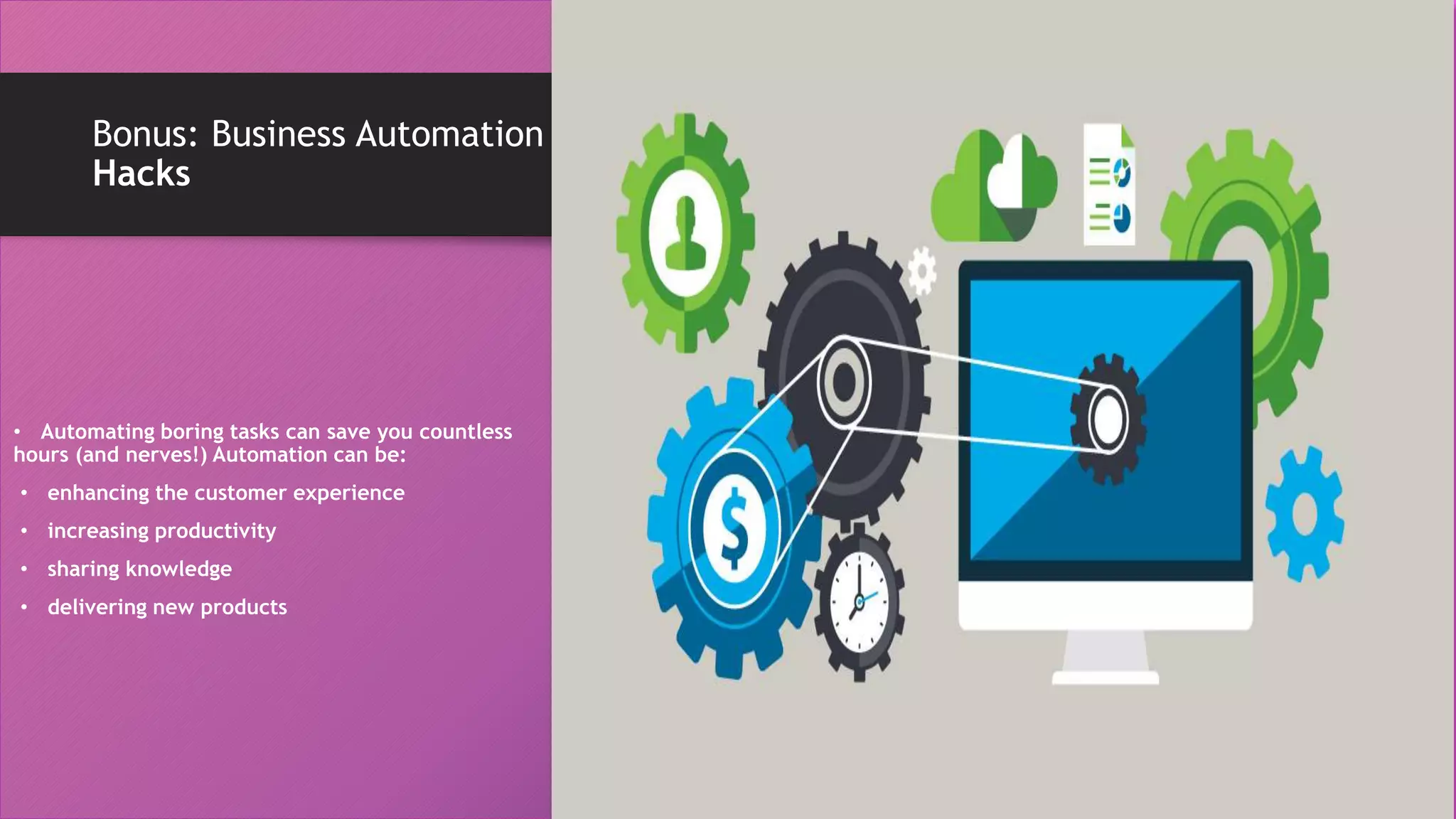
Bonus: Business Automation
Hacks
• Automating boring tasks can save you countless
hours (and nerves!) Automation can be:
• enhancing the customer experience
• increasing productivity
• sharing knowledge
• delivering new products
Social Media Scheduling
• To post a link, image or quote to a
company’s social media channels
throughout a day, marketers can use tools
like Hootsuite or Buffer that let you
schedule as many social media posts as
you’d like, so that your social media feed
lives on even when you sleep.
Track your online brand
• Want to know how your brand is
perceived online?
• Google Alerts and Mention let you
automatically monitor your brand
or industry keywords and give you
instant notifications when your
keywords are mentioned.
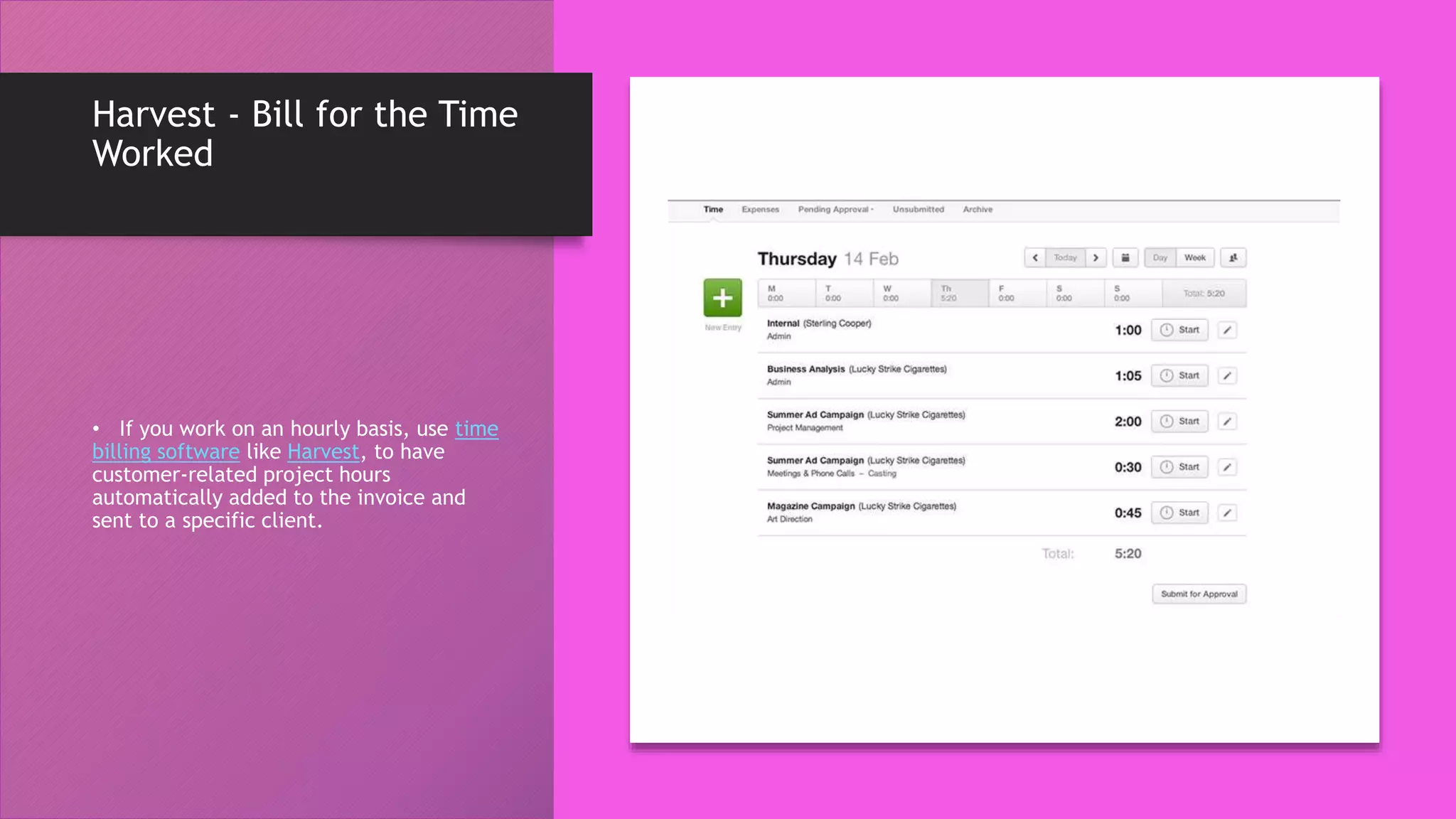
Harvest - Bill for the Time
Worked
• If you work on an hourly basis, use time
billing software like Harvest, to have
customer-related project hours
automatically added to the invoice and
sent to a specific client.
Automated Marketing
Campaigns
• You can use it to create custom email
templates, and every time you get a new
lead, they’ll be sent a personalised email.
The End !
Hope you enjoyed this
presentation.
Questions are welcome 

Using Browser Extensions & Automation Tools to enhance your Productivity

  • 1.
    Using Addons & Automationtools to enhance productivity Ngnaoussi Elongué Cédric Christian Christian Elongué Consulting www.christianelongue.com hello@christianelongue.com
  • 2.
    Background One ofthe biggest challenges every person face is how to manage time with projects. There was so much information about different productivity systems and tools it just left me confused. I kept looking for the perfect productivity combination …(and wasted a lot of time trying out tools, using the wrong tools, and just generally being confused and unproductive)
  • 3.
    Guess What? There isno perfect productivity combination So, the effectiveness of each of the tools presented here depends on your use and discipline
  • 4.
    Why Google? According toa recent survey conducted by Stat Counter Global Stats – Google Chrome holds 62.7% of browser market share worldwide. So what is it that Google Chrome is offering its users which other browsers are failing to provide? Well, one answer could be the availability of browser extensions.
  • 7.
    •All the addonsand automation tools that are presented here are based on the previous time management principles.
  • 8.
    MOMENTUM – amoment for yourself • Wouldn’t it be nice to be constantly reminded of our daily goals and the work that needs to be done? Momentum does just that with a special inspirational touch. • Every time you open a new tab on your browser, a personal dashboard with an inspirational quote, your to-do list, and weather data shows up. This gives you a moment to reflect on your actual goals and focus on what’s important. • Get Momentum here.
  • 9.
    ANY.DO – alwaysremember what needs to be done • Any.do works as a to-do list, allowing you to write down reminders, meeting agendas, tasks, and notes – even while browsing online. • https://www.any.do/
  • 10.
    POCKET – beatthe fear of missing out • How many times have you stopped working, and started reading an interesting article that you accidentally found? • Pocket lets you save all the interesting websites (and articles) in one click, and gives you access to them anytime.
  • 11.
    ONE TAB –avoid cluttering your browser tabs • Users: 1.9 million • Unless you’re using a powerful computer, opening lots of browser tabs will use up a lot of memory and makes your computer slow. • Whenever you find yourself with too many tabs, click the OneTab icon to convert all of your tabs into a list. When you need to access the tabs again, you can either restore them individually or all at once. • Get OneTab here. https://chrome.google.com/webstore/detail/oneta b/chphlpgkkbolifaimnlloiipkdnihall
  • 12.
    AdBlocker Ultimate • Theadd-on removes advertising such as banner ads, videos and pop ups, while also blocking a variety of online tracking tools.
  • 13.
    Pablo • Pablo isa free app designed to help you quickly cobble up artful, social media- friendly captioned images which you can add to social network sites like Facebook, LinkedIn, Google+ and Twitter. • Download Pablo
  • 14.
    LastPass • LastPass isan online password manager and form filler designed to reduce the headache of managing multiple user accounts and passwords, making your browsing experience easier and more secure. • Users: 7.8 million
  • 15.
    HTTPS Everywhere • HTTPSEverywhere helps encrypt your online browsing and communications by rewriting HTTP link requests to HTTPS when within a whitelist of sites that support HTTPS. • Users: 2.1 million
  • 16.
    Click & Clean •The Click&Clean extension for Chrome allows you to clear your cache, URL searches, website cookies, and download history with a single click of a button on your browser toolbar. • Users: 3.4 million
  • 17.
    Ghostery • Ghostery isa powerful privacy extension. Block ads, stop trackers and speed up websites. • Users: 2.7 million
  • 18.
    Bitly • Users: 447thousand • This extension lets marketers quickly and easily shorten links and share them on social media directly from their browser.
  • 19.
    BuzzSumo • When you'reon a web page, click the extension to show metrics such as the number of social shares and backlinks to a piece. • This tool provides an easy way to see how much engagement your content is generating
  • 20.
    Check My Links •Users: 177 thousand • It quickly scans web pages and shows you which links are working properly and which are broken. • With this extension, WACSI can ensure that our website is functioning properly for our visitors. • We can check for broken backlinks to our content on other websites.
  • 21.
    Awesome Screenshot: Screen VideoRecorder • Screen Capture full page screenshot. Screen recoder for screencast. Annotate and share to trello/slack etc • . Users: 2 million
  • 22.
    Evernote Web Clipper •Evernote is a note- taking and organization app that can be shared across teams for content collaboration.
  • 23.
    Grammarly Grammarly is mygo-to app for reviewing blog posts for proper spelling, grammar, and word use.
  • 24.
    Google Dictionary • Users:4.6 million • Have you ever come across a word you're not familiar with while doing research online? Instead of Googling it in a separate tab, quickly highlight the word and click on the Google Dictionary extension to get the definition.
  • 25.
    Save to GoogleDrive • You can save the web contents, images, office content etc directly into the google drive cloud from the chrome browser. • https://chrome.google.com/webs tore/detail/save-to-google- drive/gmbmikajjgmnabiglmofipeaba ddhgne
  • 26.
    Pixlr Editor • Ifyou do not have photoshop and want to edit your photo like a pro then this chrome app is must have for you. It offers the photo editing with layers and visual effect. • https://chrome.google.com/webs tore/detail/pixlr- editor/icmaknaampgiegkcjlimdiidlho pknpk?hl=en
  • 27.
    Clockify • Clockify TimeTracker lets you clock your time for anything you do. If you are doing a project, you can start the work and the timer. Once you finish, stop the timer.
  • 28.
    Hunter: Find email addressesin seconds • With Hunter, the chrome extension you will no more have to search for email addresses on the websites. Hunter can also get you names, phone numbers, job titles, links to people’s social networking profiles and so on. And the best part is that the data it provides comes with public sources.
  • 29.
    Crystal • As apioneer in Personality AI, Crystal analyzes millions of online data points to accurately identify personality. • Thousands of professionals globally use Crystal to communicate more effectively, write more persuasively, and build trust faster with new people.
  • 30.
    News Feed Eradicatorfor Facebook • Find yourself spending too much time on Facebook? Eradicate distractions by replacing your entire news feed with an inspiring quote
  • 31.
    Tampermonkey • Tampermonkey isthe most popular userscript manager for Google Chrome. • Download.
  • 32.
    PanicButton • PanicButton makesit easier for you to hide all of your tabs at once just by clicking on a button. • They are then saved as bookmarks in a separate folder. • Afterwards, the PanicButton turns green and shows you how many tabs are currently hidden. • Download.
  • 33.
    All-in-One Messenger Use messengers likeWhatsApp, Telegram, Messenger, Skype and many more in one app!
  • 34.
    Strict Workflow • Thisextension allows you to enforce a 25 minute period of distraction-free work by blocking a whole host of time wasting websites (the list is customisable). As a reward, you get 5 minutes to blow on the websites of your choice before going back to work. • Download.
  • 35.
    Bonus: Business Automation Hacks •Automating boring tasks can save you countless hours (and nerves!) Automation can be: • enhancing the customer experience • increasing productivity • sharing knowledge • delivering new products
  • 36.
    Social Media Scheduling •To post a link, image or quote to a company’s social media channels throughout a day, marketers can use tools like Hootsuite or Buffer that let you schedule as many social media posts as you’d like, so that your social media feed lives on even when you sleep.
  • 37.
    Track your onlinebrand • Want to know how your brand is perceived online? • Google Alerts and Mention let you automatically monitor your brand or industry keywords and give you instant notifications when your keywords are mentioned.
  • 38.
    Harvest - Billfor the Time Worked • If you work on an hourly basis, use time billing software like Harvest, to have customer-related project hours automatically added to the invoice and sent to a specific client.
  • 39.
    Automated Marketing Campaigns • Youcan use it to create custom email templates, and every time you get a new lead, they’ll be sent a personalised email.
  • 40.
    The End ! Hopeyou enjoyed this presentation. Questions are welcome 