USER 
RESEARCH 
101 
WORKSHOP 
For Governments 
CYD HARRELL 
UX Evangelist, 
Code for America. 
KAVI HARSHAWAT 
2014 Fellow, 
Code for America
“The best tool for resolving disputes within a 
design team, for making design decisions 
based on data rather than opinion, is sitting 
next to someone who is a real person who 
wants to accomplish something as they use 
your design to do it.” 
--Dana Chisnell, August 2, 2010
#1
NOT AT ALL
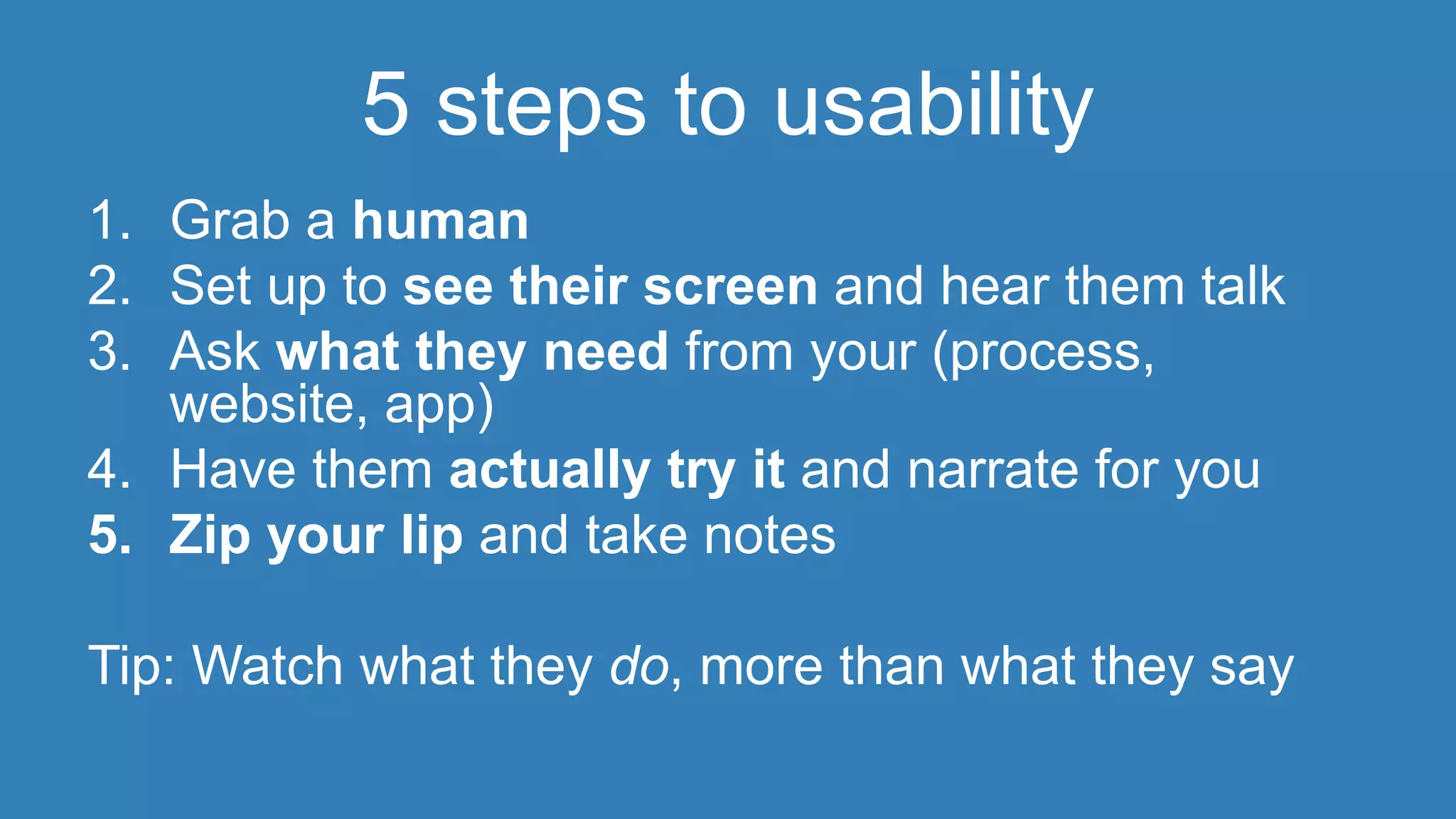
5 steps to usability 
1. Grab a human 
2. Set up to see their screen and hear them talk 
3. Ask what they need from your (process, 
website, app) 
4. Have them actually try it and narrate for you 
5. Zip your lip and take notes 
Tip: Watch what they do, more than what they say
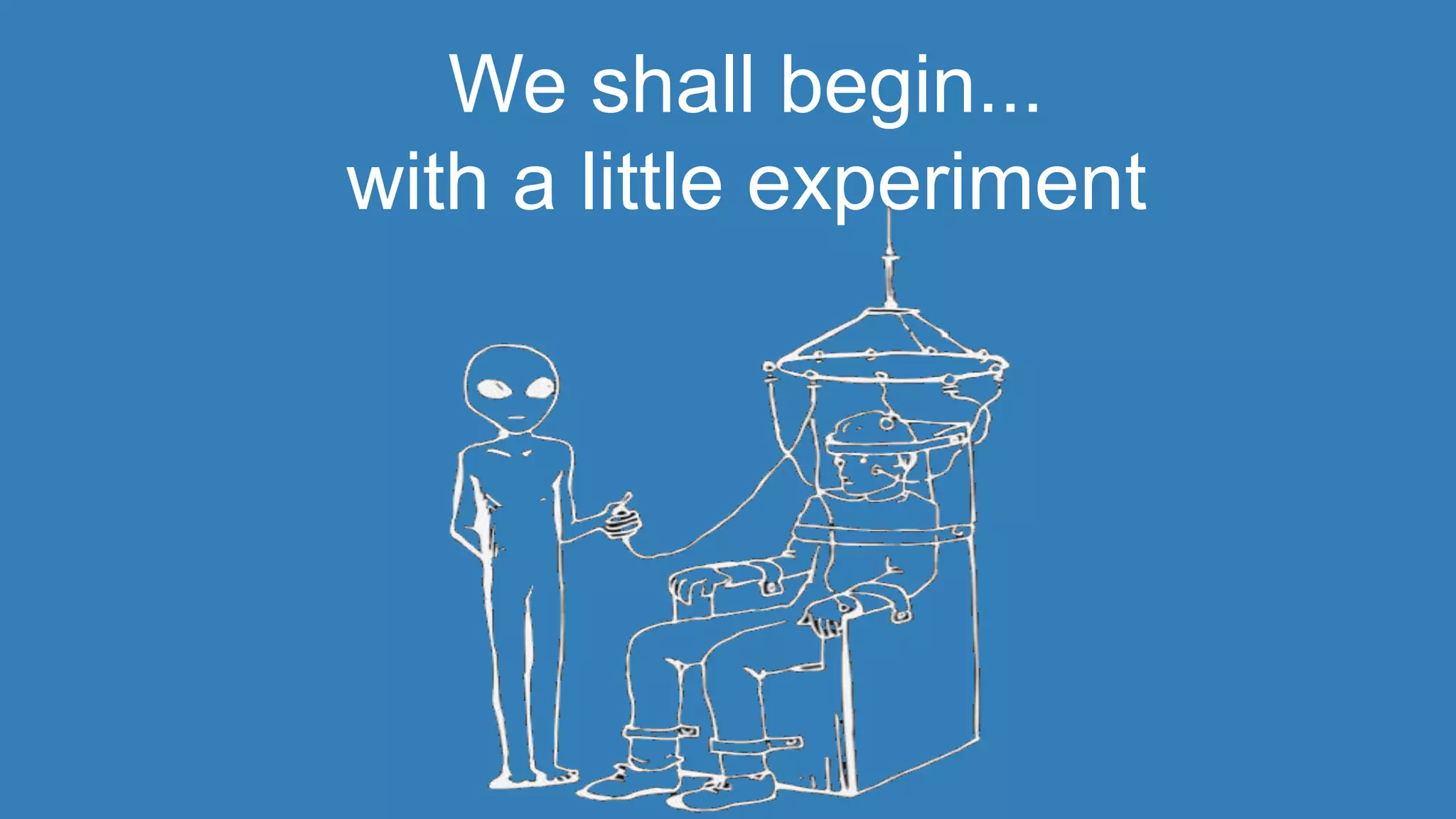
We shall begin... 
with a little experiment
MODERATOR Instructions 
 Your participant has a sheet of paper and a link 
 Goal: find out what’s hardest about presenting 
physical task instructions online 
 Hint: ask them to give you a play by play of 
what they are doing 
 Follow along with your own paper 
 NO helping, even if you could.
OK, how’d that go?
Some helpful tips…
Start at the end 
 Before you do any work, set 
goals for your research 
 Form questions to help you get 
to your answer
Beforehand 
 Biases or assumptions 
 Scripting 
 Decisions about capture
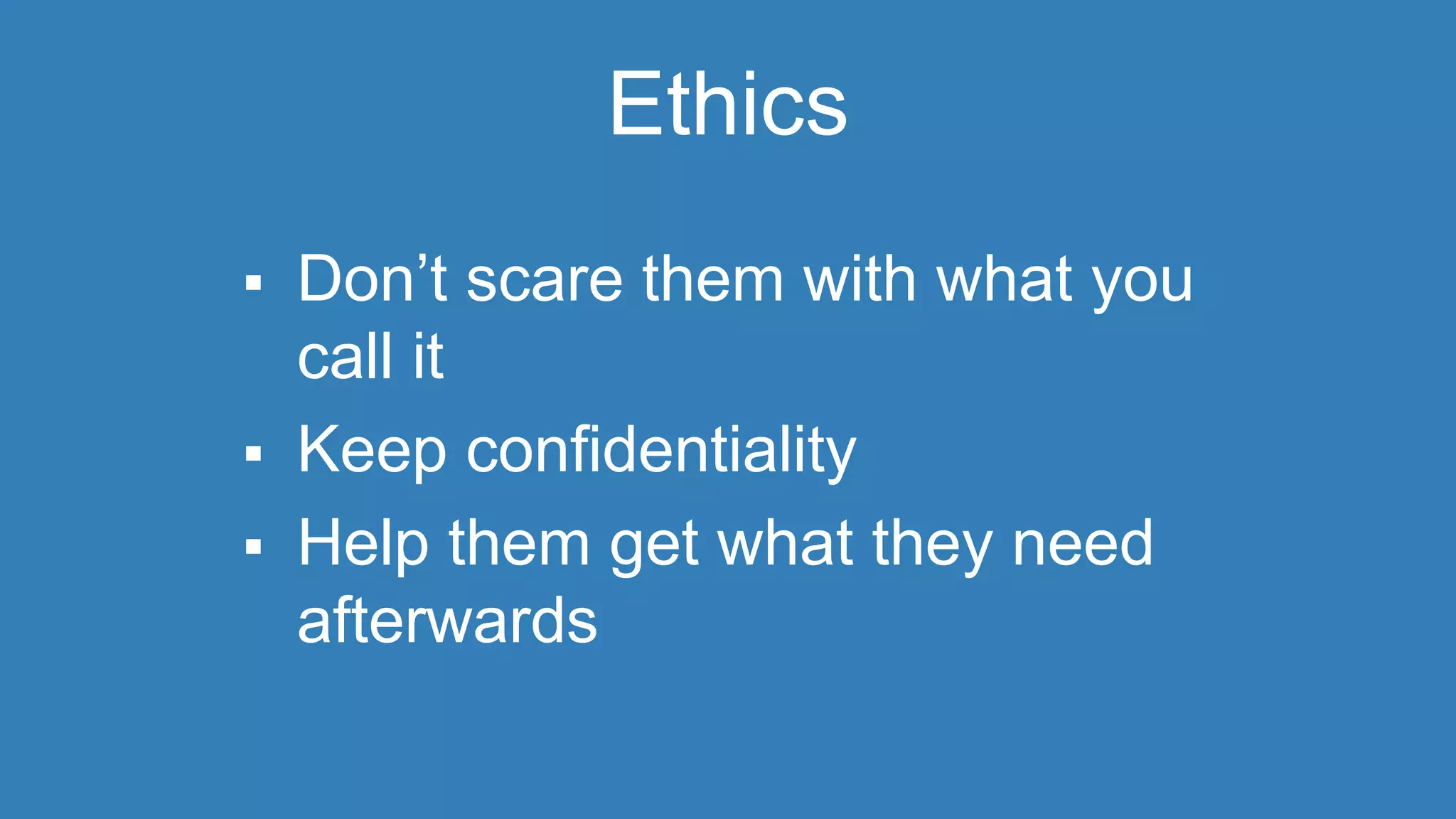
Ethics 
 Don’t scare them with what you 
call it 
 Keep confidentiality 
 Help them get what they need 
afterwards
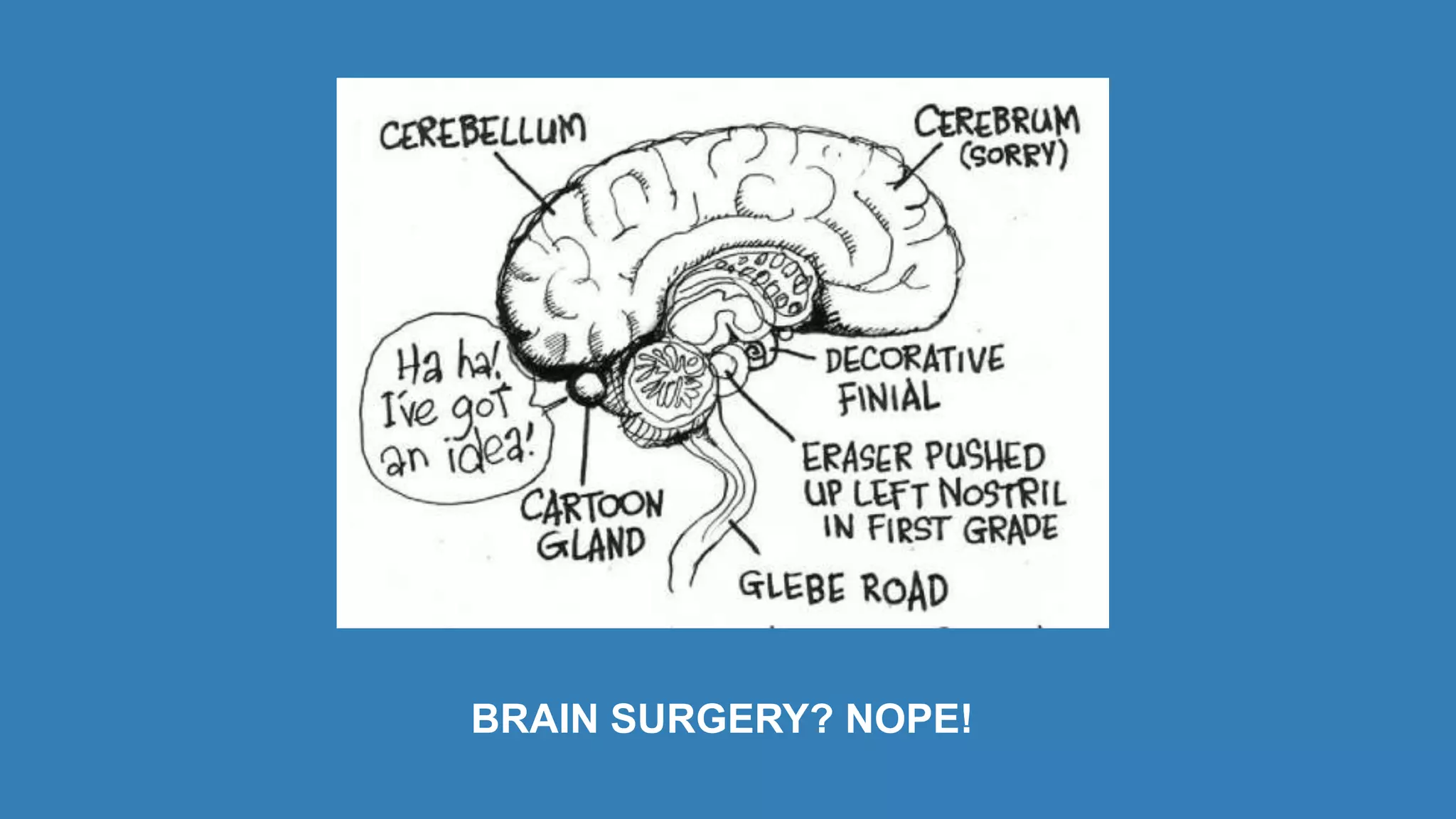
BRAIN SURGERY? NOPE!
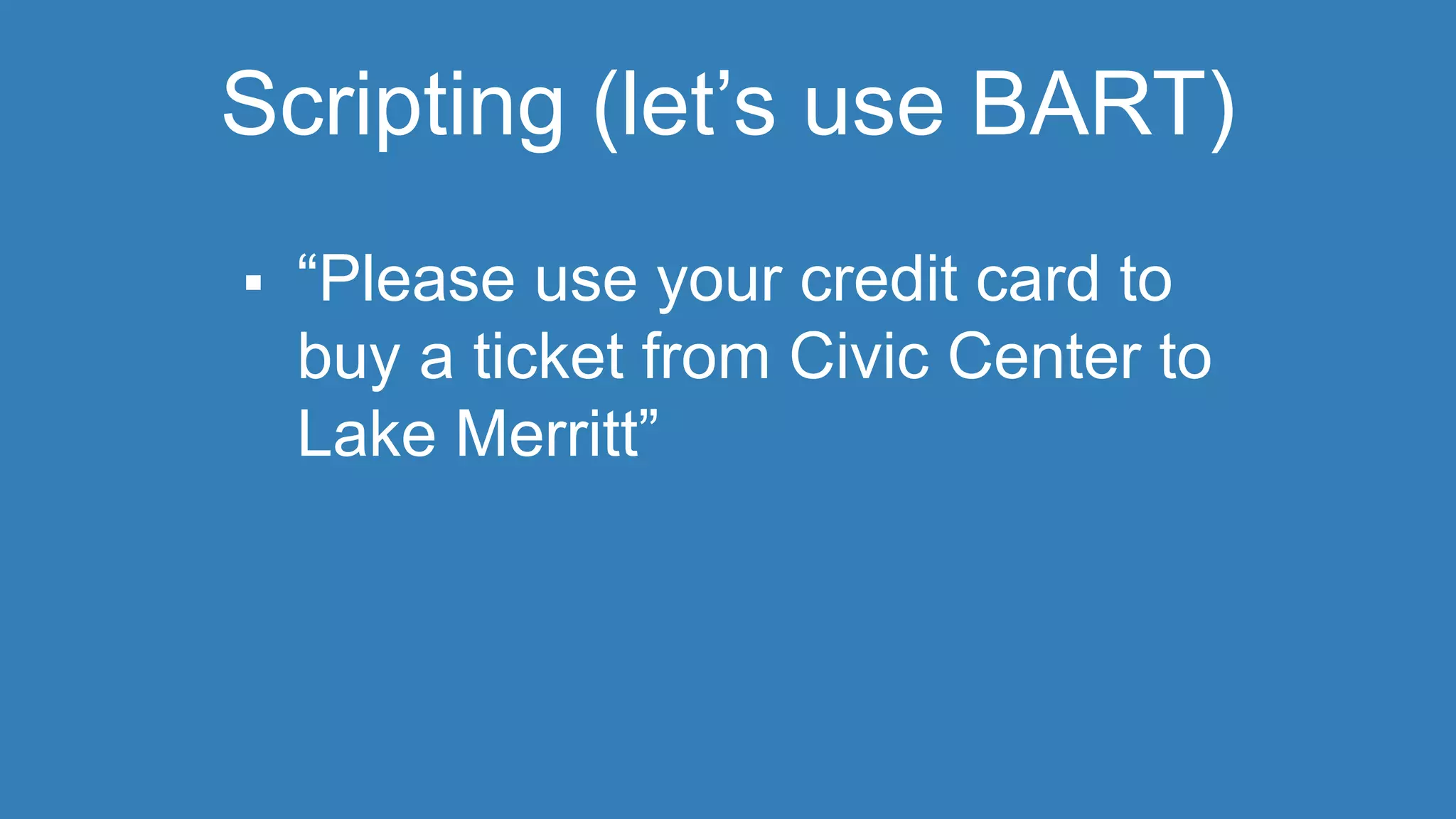
Scripting (let’s use BART) 
 “Please use your credit card to 
buy a ticket from Civic Center to 
Lake Merritt”
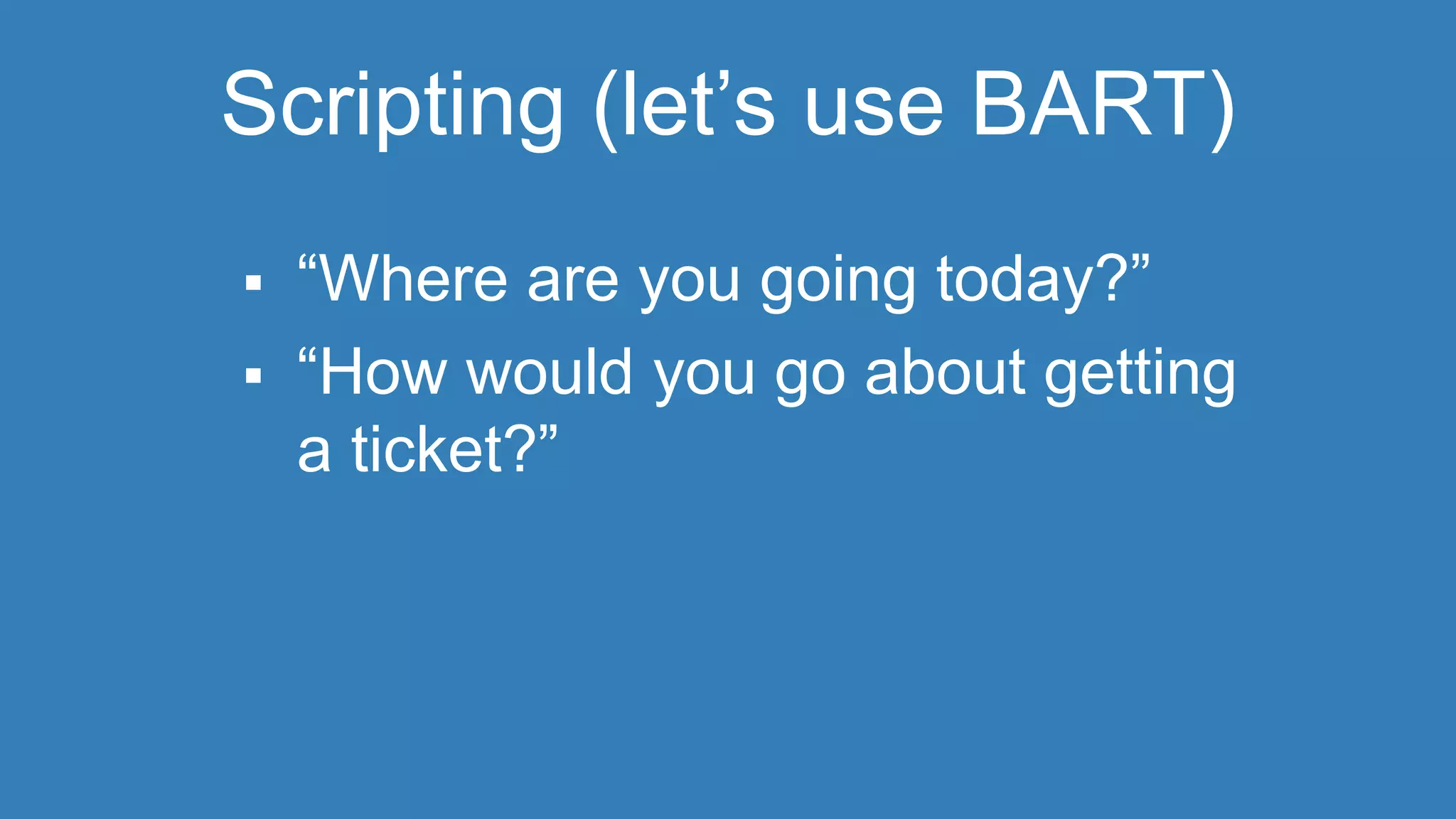
Scripting (let’s use BART) 
 “Where are you going today?” 
 “How would you go about getting 
a ticket?”
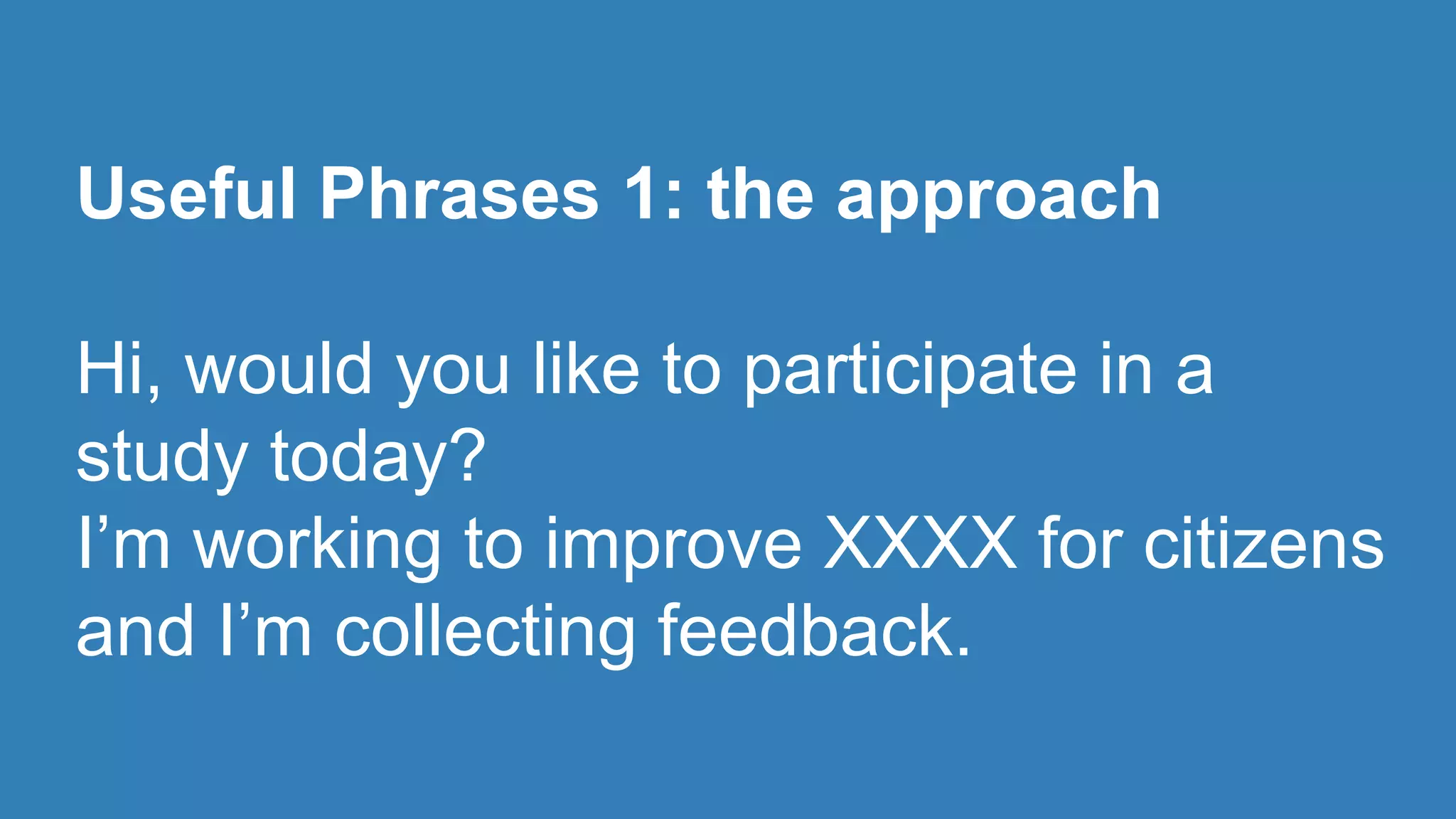
Useful Phrases 1: the approach 
Hi, would you like to participate in a 
study today? 
I’m working to improve XXXX for citizens 
and I’m collecting feedback.
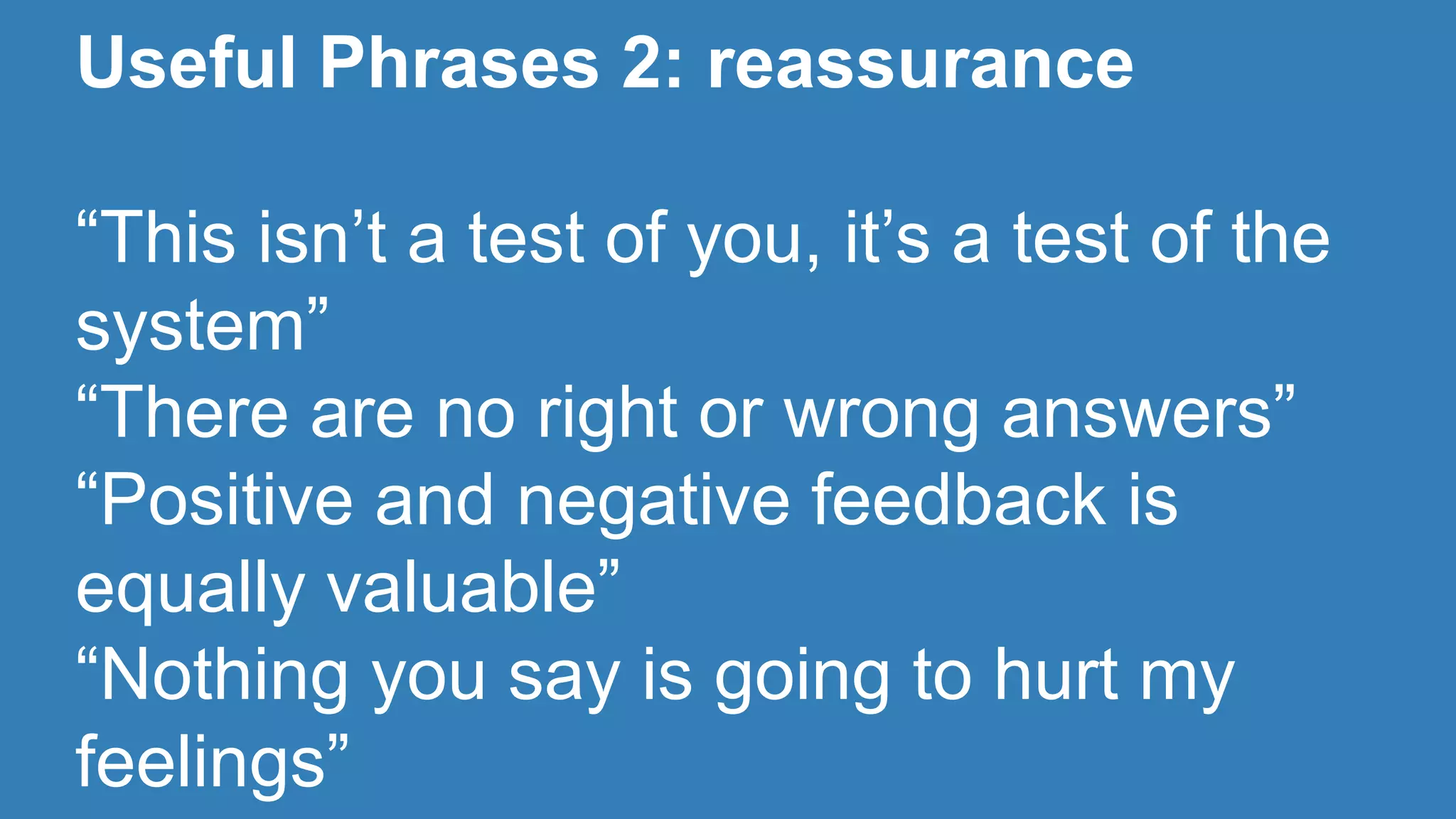
Useful Phrases 2: reassurance 
“This isn’t a test of you, it’s a test of the 
system” 
“There are no right or wrong answers” 
“Positive and negative feedback is 
equally valuable” 
“Nothing you say is going to hurt my 
feelings”
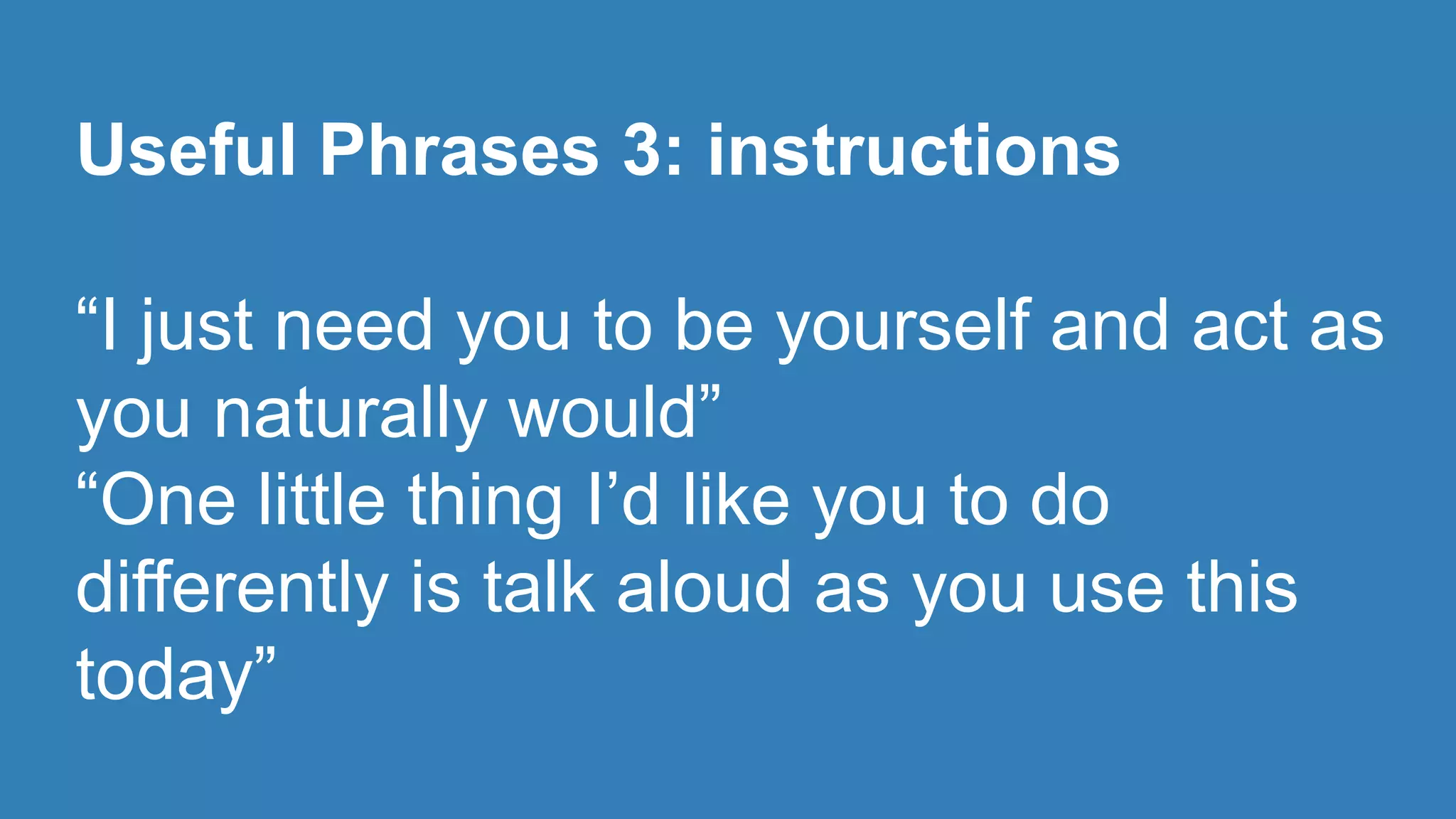
Useful Phrases 3: instructions 
“I just need you to be yourself and act as 
you naturally would” 
“One little thing I’d like you to do 
differently is talk aloud as you use this 
today”
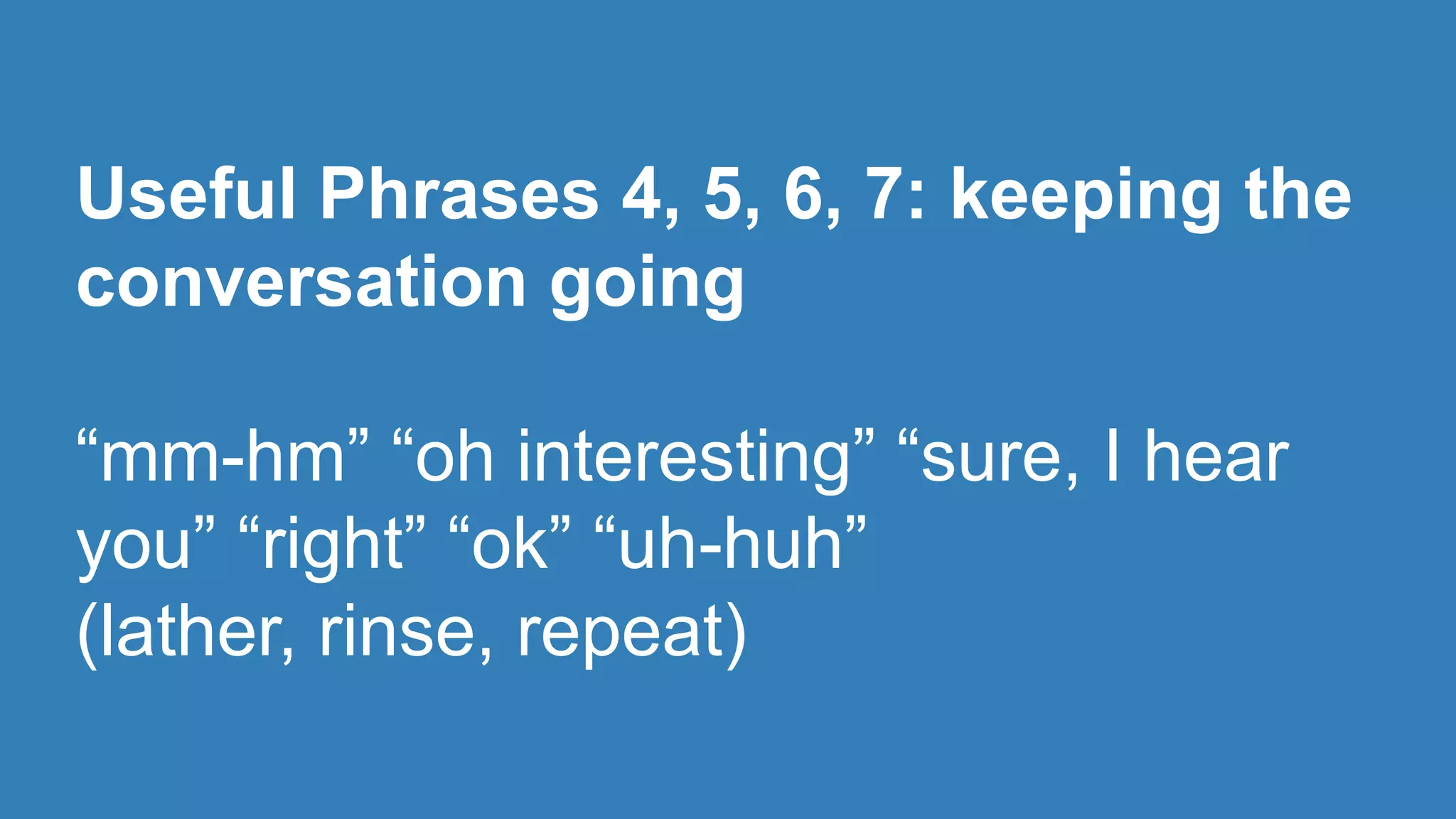
Useful Phrases 4, 5, 6, 7: keeping the 
conversation going 
“mm-hm” “oh interesting” “sure, I hear 
you” “right” “ok” “uh-huh” 
(lather, rinse, repeat)
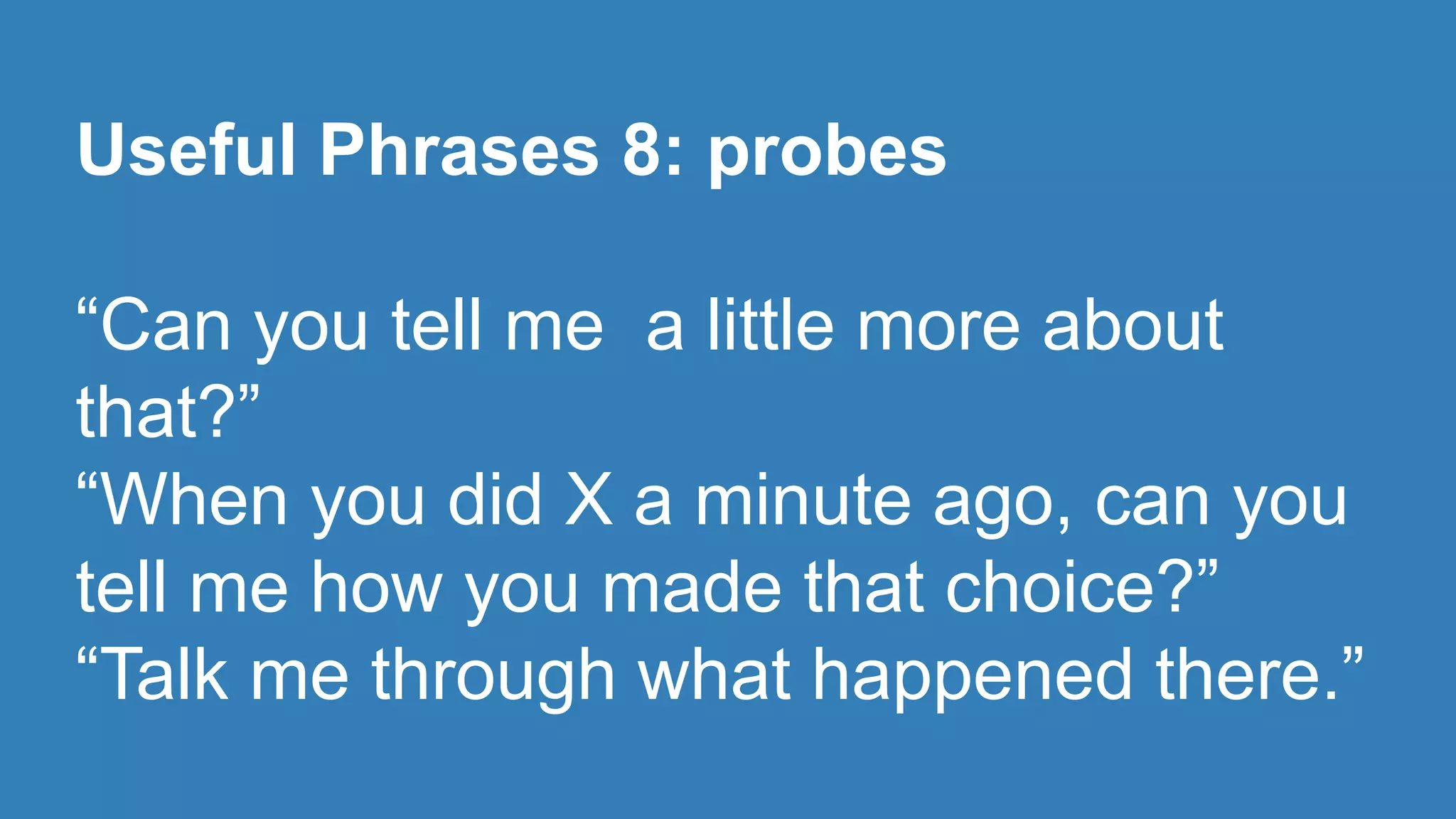
Useful Phrases 8: probes 
“Can you tell me a little more about 
that?” 
“When you did X a minute ago, can you 
tell me how you made that choice?” 
“Talk me through what happened there.”
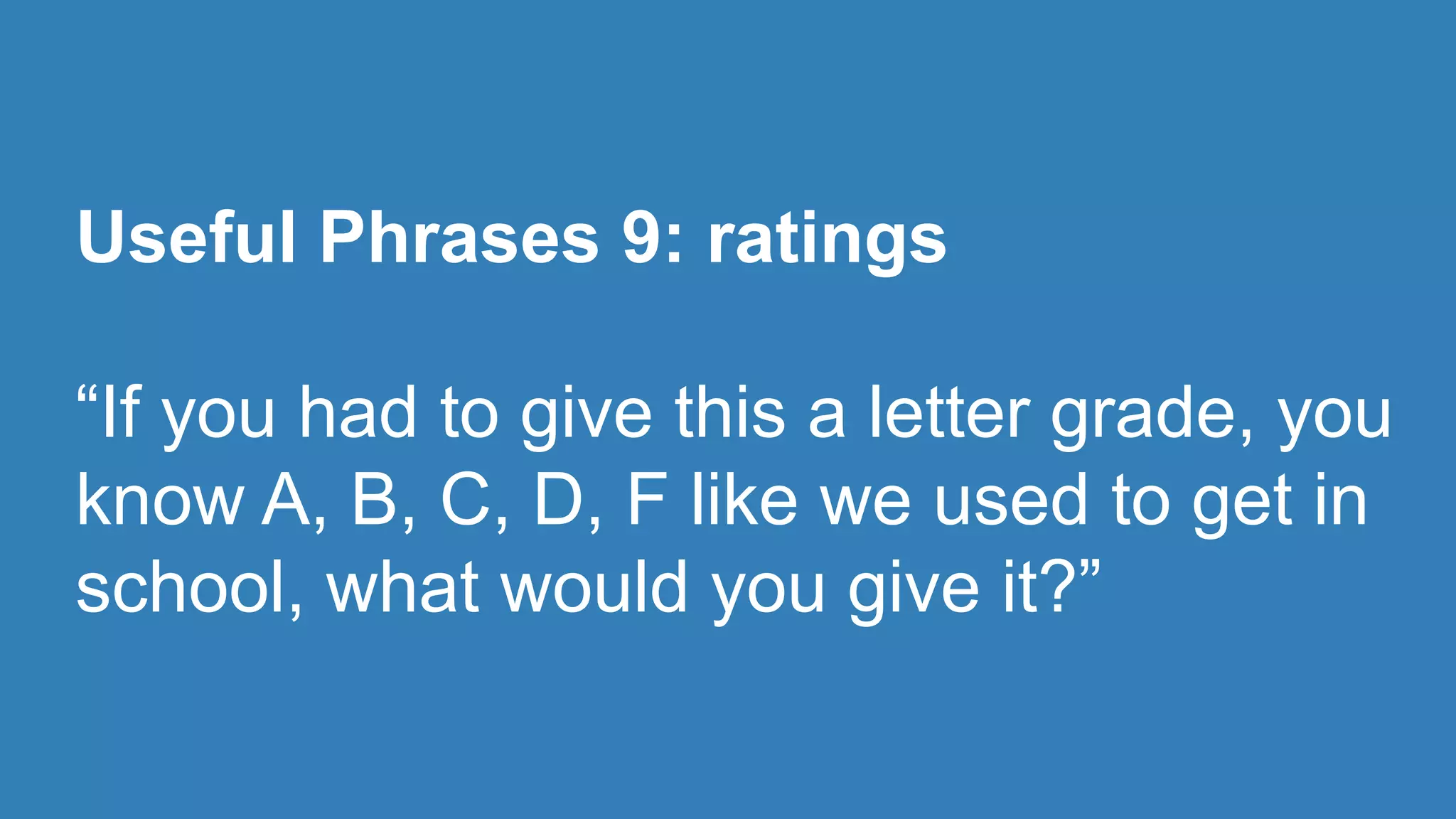
Useful Phrases 9: ratings 
“If you had to give this a letter grade, you 
know A, B, C, D, F like we used to get in 
school, what would you give it?”
Useful Phrases 10: self-explanatory 
“Thank you so much, I really appreciate 
your taking the time to talk to me.”
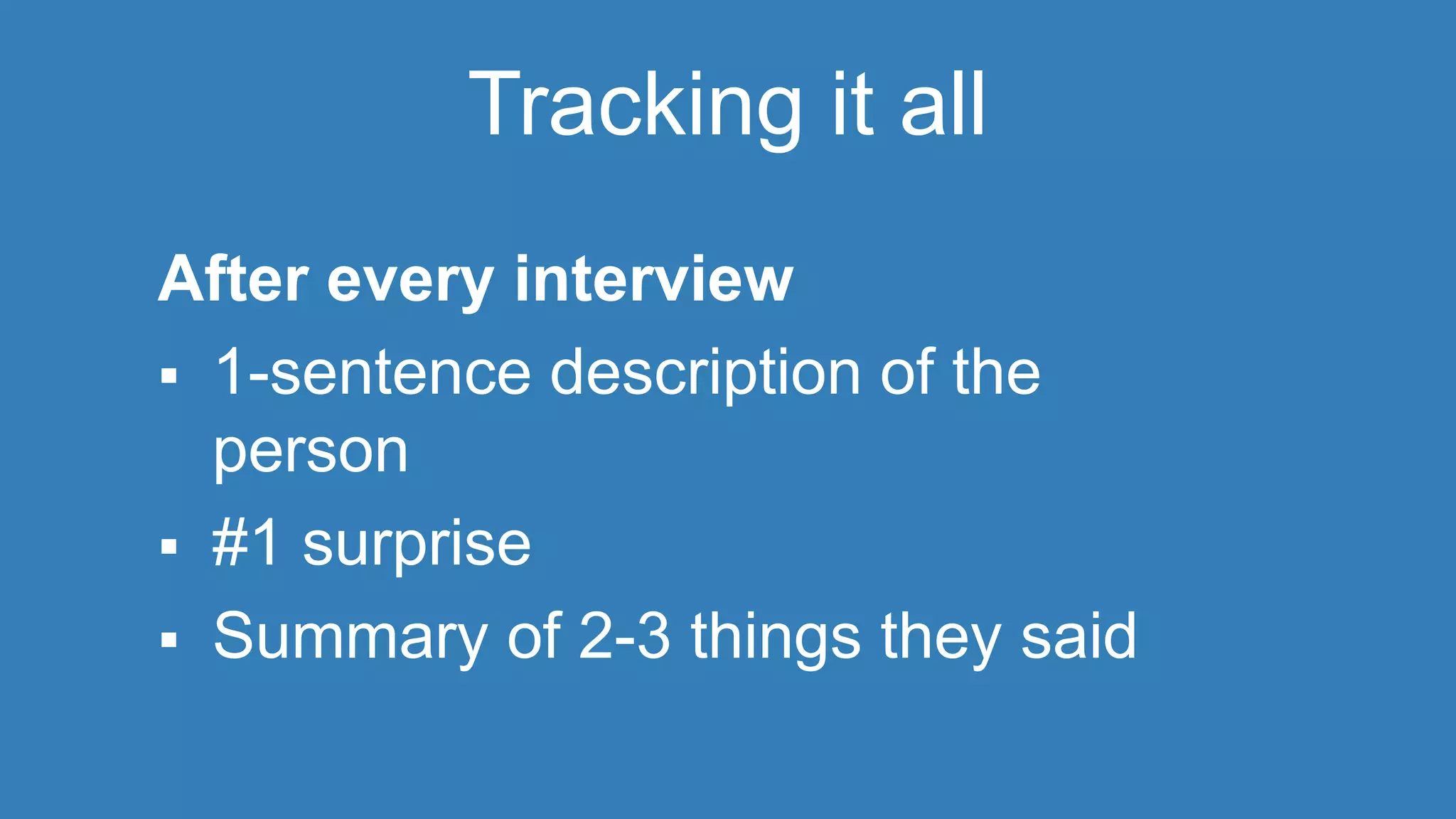
Tracking it all 
After every interview 
 1-sentence description of the 
person 
 #1 surprise 
 Summary of 2-3 things they said
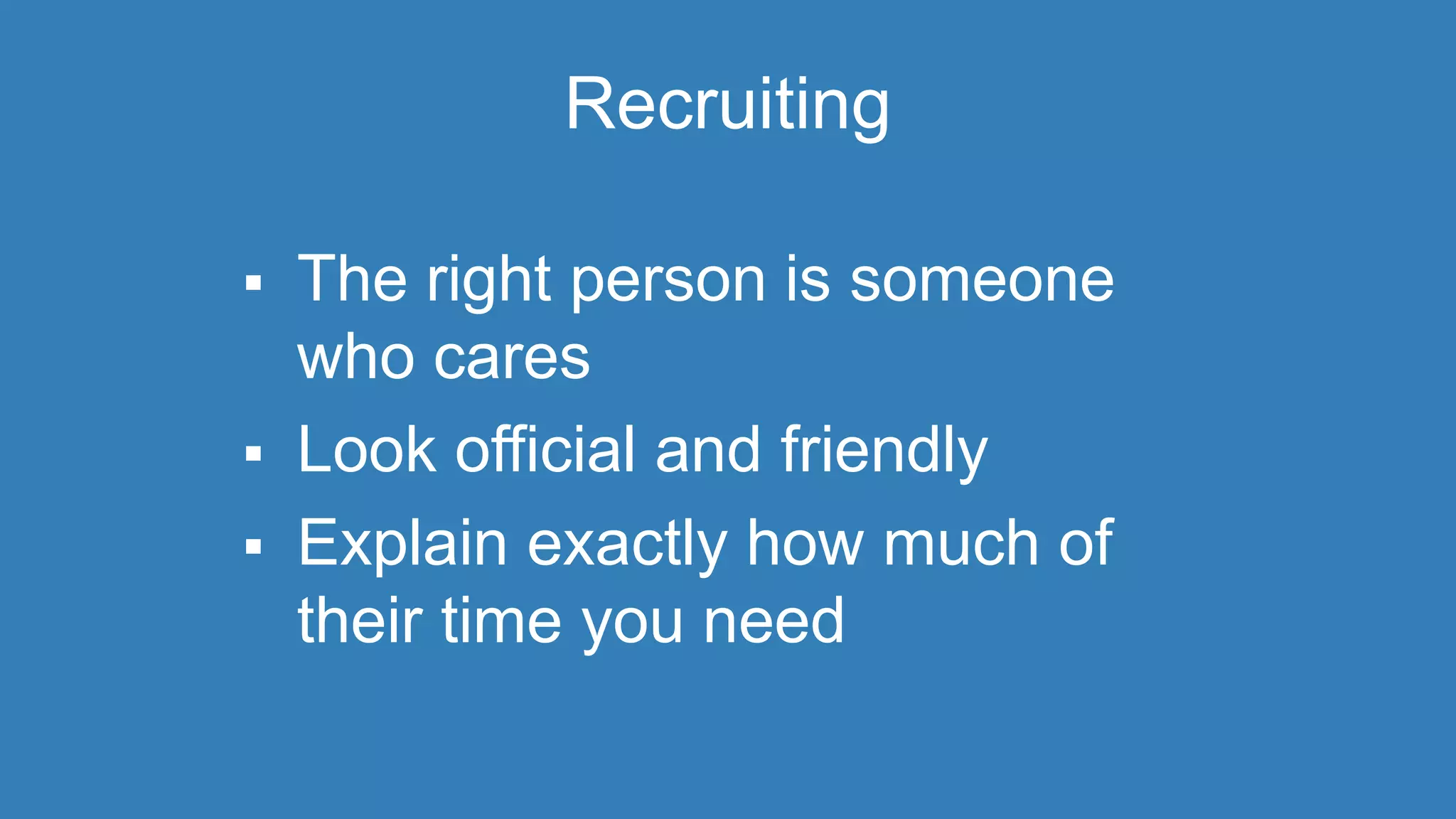
Recruiting 
 The right person is someone 
who cares 
 Look official and friendly 
 Explain exactly how much of 
their time you need
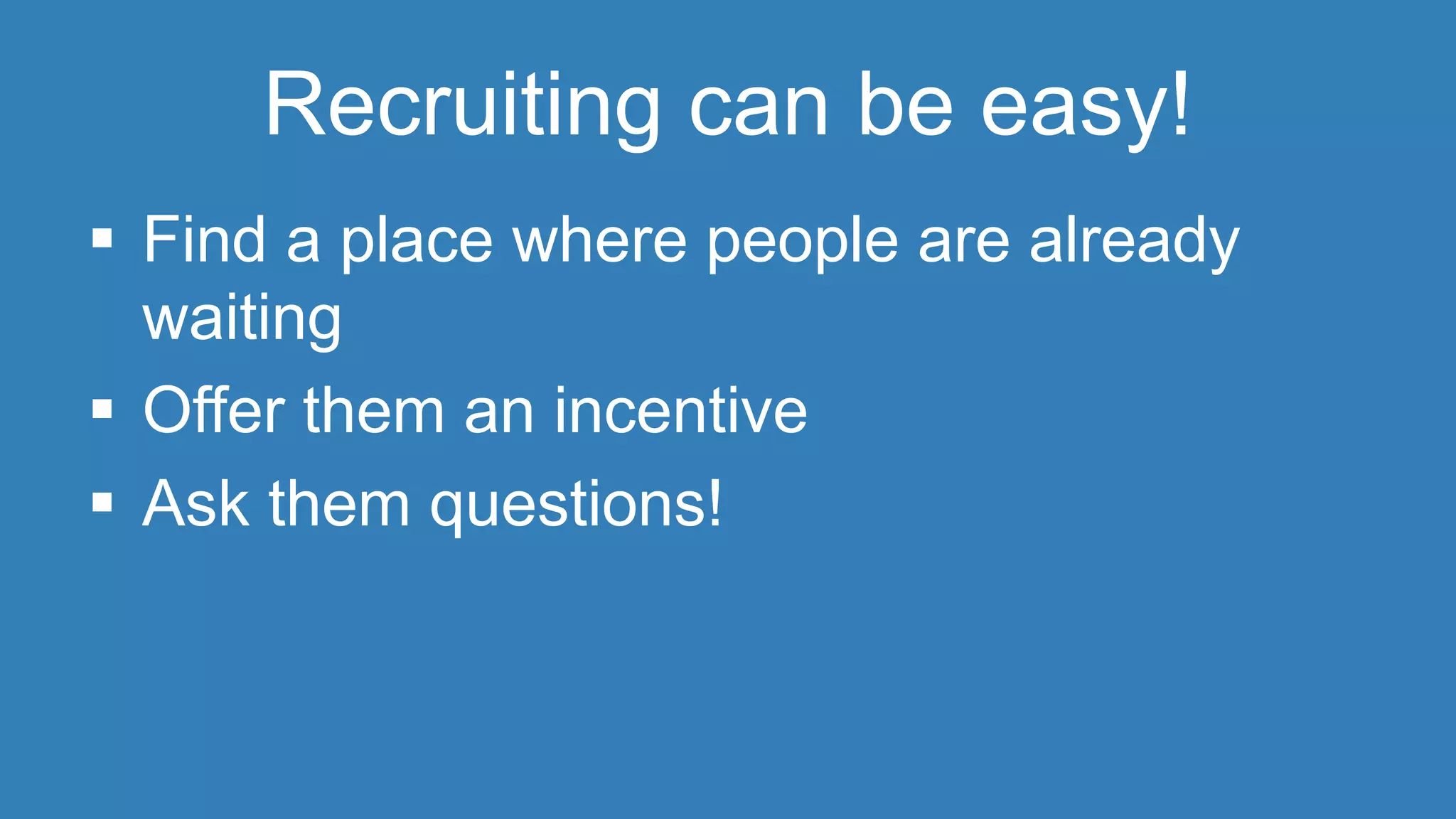
Recruiting can be easy! 
 Find a place where people are already 
waiting 
 Offer them an incentive 
 Ask them questions!
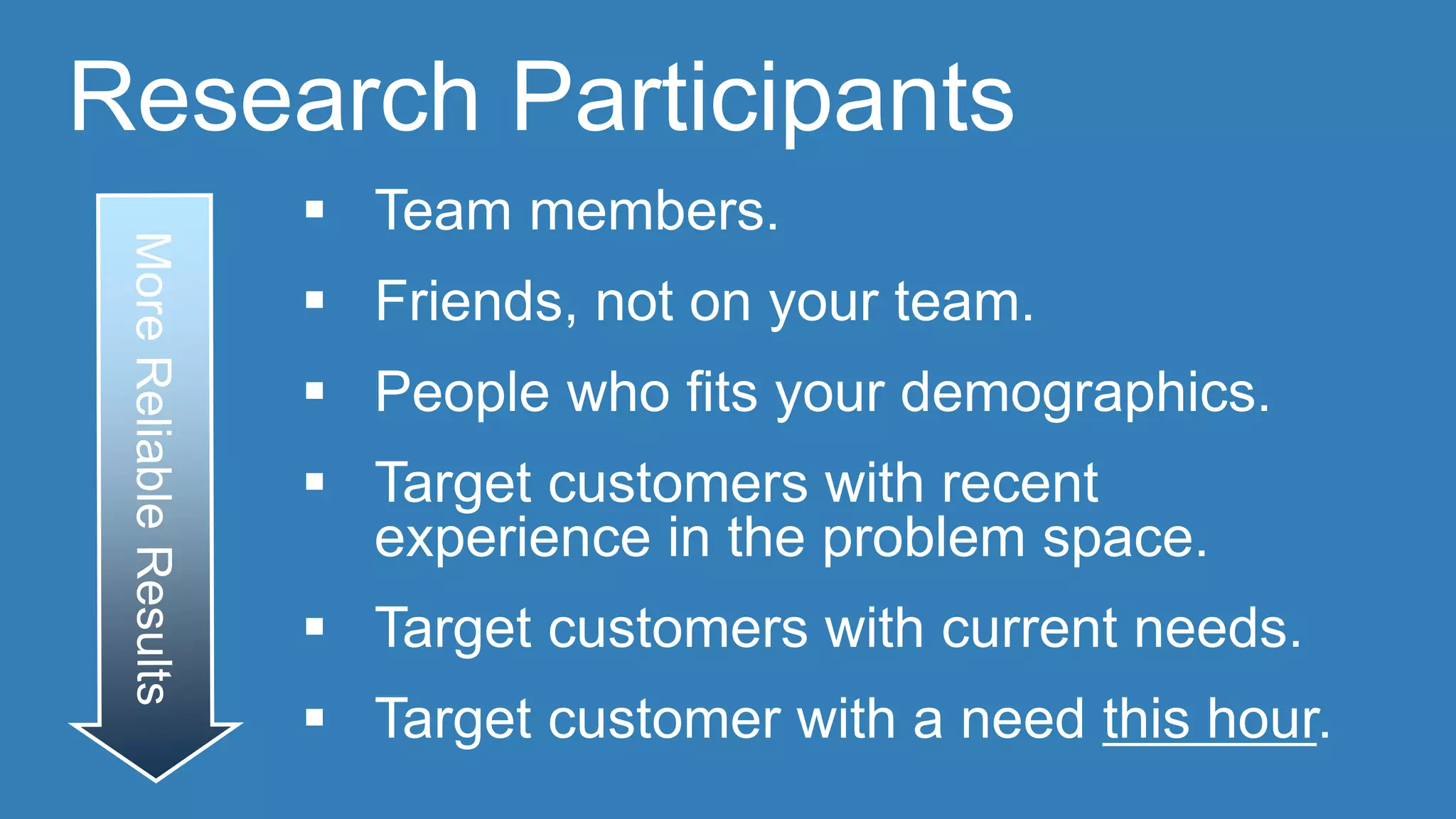
Research Participants 
 Team members. 
 Friends, not on your team. 
 People who fits your demographics. 
 Target customers with recent 
experience in the problem space. 
 Target customers with current needs. 
 Target customer with a need this hour.
Questions? 
@CYDHARRELL @KAVIH

User Experience Workshop

  • 2.
    USER RESEARCH 101 WORKSHOP For Governments CYD HARRELL UX Evangelist, Code for America. KAVI HARSHAWAT 2014 Fellow, Code for America
  • 3.
    “The best toolfor resolving disputes within a design team, for making design decisions based on data rather than opinion, is sitting next to someone who is a real person who wants to accomplish something as they use your design to do it.” --Dana Chisnell, August 2, 2010
  • 4.
  • 5.
  • 6.
    5 steps tousability 1. Grab a human 2. Set up to see their screen and hear them talk 3. Ask what they need from your (process, website, app) 4. Have them actually try it and narrate for you 5. Zip your lip and take notes Tip: Watch what they do, more than what they say
  • 7.
    We shall begin... with a little experiment
  • 8.
    MODERATOR Instructions Your participant has a sheet of paper and a link  Goal: find out what’s hardest about presenting physical task instructions online  Hint: ask them to give you a play by play of what they are doing  Follow along with your own paper  NO helping, even if you could.
  • 9.
  • 10.
  • 11.
    Start at theend  Before you do any work, set goals for your research  Form questions to help you get to your answer
  • 12.
    Beforehand  Biasesor assumptions  Scripting  Decisions about capture
  • 13.
    Ethics  Don’tscare them with what you call it  Keep confidentiality  Help them get what they need afterwards
  • 14.
  • 15.
    Scripting (let’s useBART)  “Please use your credit card to buy a ticket from Civic Center to Lake Merritt”
  • 16.
    Scripting (let’s useBART)  “Where are you going today?”  “How would you go about getting a ticket?”
  • 17.
    Useful Phrases 1:the approach Hi, would you like to participate in a study today? I’m working to improve XXXX for citizens and I’m collecting feedback.
  • 18.
    Useful Phrases 2:reassurance “This isn’t a test of you, it’s a test of the system” “There are no right or wrong answers” “Positive and negative feedback is equally valuable” “Nothing you say is going to hurt my feelings”
  • 19.
    Useful Phrases 3:instructions “I just need you to be yourself and act as you naturally would” “One little thing I’d like you to do differently is talk aloud as you use this today”
  • 20.
    Useful Phrases 4,5, 6, 7: keeping the conversation going “mm-hm” “oh interesting” “sure, I hear you” “right” “ok” “uh-huh” (lather, rinse, repeat)
  • 21.
    Useful Phrases 8:probes “Can you tell me a little more about that?” “When you did X a minute ago, can you tell me how you made that choice?” “Talk me through what happened there.”
  • 22.
    Useful Phrases 9:ratings “If you had to give this a letter grade, you know A, B, C, D, F like we used to get in school, what would you give it?”
  • 23.
    Useful Phrases 10:self-explanatory “Thank you so much, I really appreciate your taking the time to talk to me.”
  • 24.
    Tracking it all After every interview  1-sentence description of the person  #1 surprise  Summary of 2-3 things they said
  • 25.
    Recruiting  Theright person is someone who cares  Look official and friendly  Explain exactly how much of their time you need
  • 26.
    Recruiting can beeasy!  Find a place where people are already waiting  Offer them an incentive  Ask them questions!
  • 27.
    Research Participants Team members.  Friends, not on your team.  People who fits your demographics.  Target customers with recent experience in the problem space.  Target customers with current needs.  Target customer with a need this hour.
  • 28.

Editor's Notes

  • #8 9:27 So just to get started, let’s have a little fun - before I start lecturing about the how, I want you to experience both moderating with someone you can’t see, and gain some empathy for remote participants.
  • #9 9:40: GO
  • #10 9:40: GO
  • #11 9:40: GO
  • #12 10:37 So not everything’s different Some important goals that are the same But, some extra work it has to do. We’ll get into it more after our first break We’ll talk more about the methods in a bit
  • #13 10:37 So not everything’s different Some important goals that are the same But, some extra work it has to do. We’ll get into it more after our first break We’ll talk more about the methods in a bit
  • #14 10:37 So not everything’s different Some important goals that are the same But, some extra work it has to do. We’ll get into it more after our first break We’ll talk more about the methods in a bit
  • #16 10:37 So not everything’s different Some important goals that are the same But, some extra work it has to do. We’ll get into it more after our first break We’ll talk more about the methods in a bit
  • #17 10:37 So not everything’s different Some important goals that are the same But, some extra work it has to do. We’ll get into it more after our first break We’ll talk more about the methods in a bit
  • #25 10:37 So not everything’s different Some important goals that are the same But, some extra work it has to do. We’ll get into it more after our first break We’ll talk more about the methods in a bit
  • #26 10:37 So not everything’s different Some important goals that are the same But, some extra work it has to do. We’ll get into it more after our first break We’ll talk more about the methods in a bit