(Track Sponsor)User Story Mapping – Rounding out your BacklogSteve Rogalsky@srogalskywinnipegagilist.blogspot.com
Agree / Disagree / Not SureCredit: Monty Python Argument Clinic
Outcome: Demonstrate the ability to create a User Story Map
About MeAgilist and team member at Protegra in Winnipeg (It says “Application Architect” on my business card)Founder of Winnipeg Agile User Group@srogalskyhttp://winnipegagilist.blogspot.com
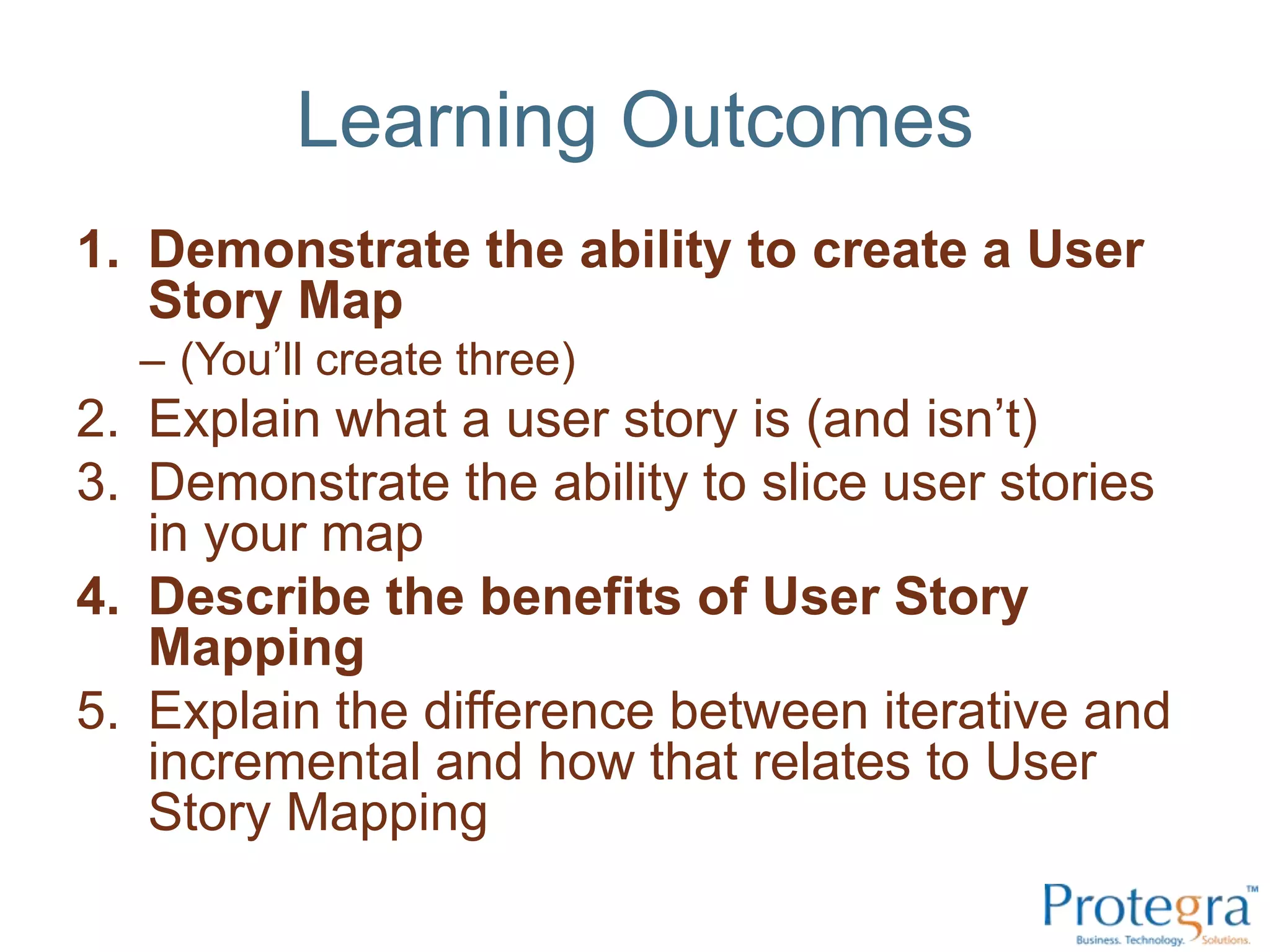
Learning OutcomesDemonstrate the ability to create a User Story Map(You’ll create three)Explain what a user story is (and isn’t)Demonstrate the ability to slice user stories in your mapDescribe the benefits of User Story MappingExplain the difference between iterative and incremental and how that relates to User Story Mapping
Outcome: Explain what a user story is (and isn’t)
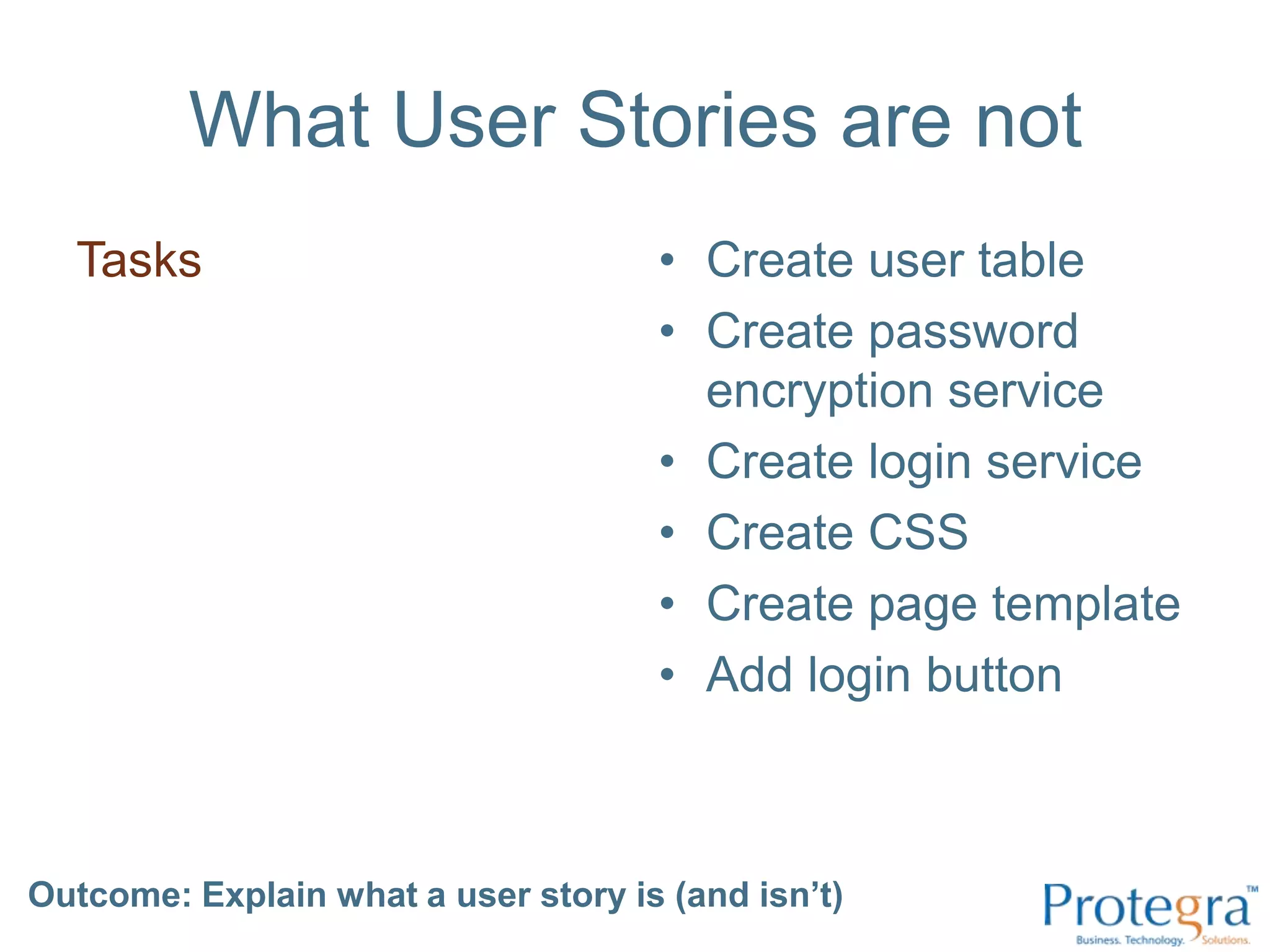
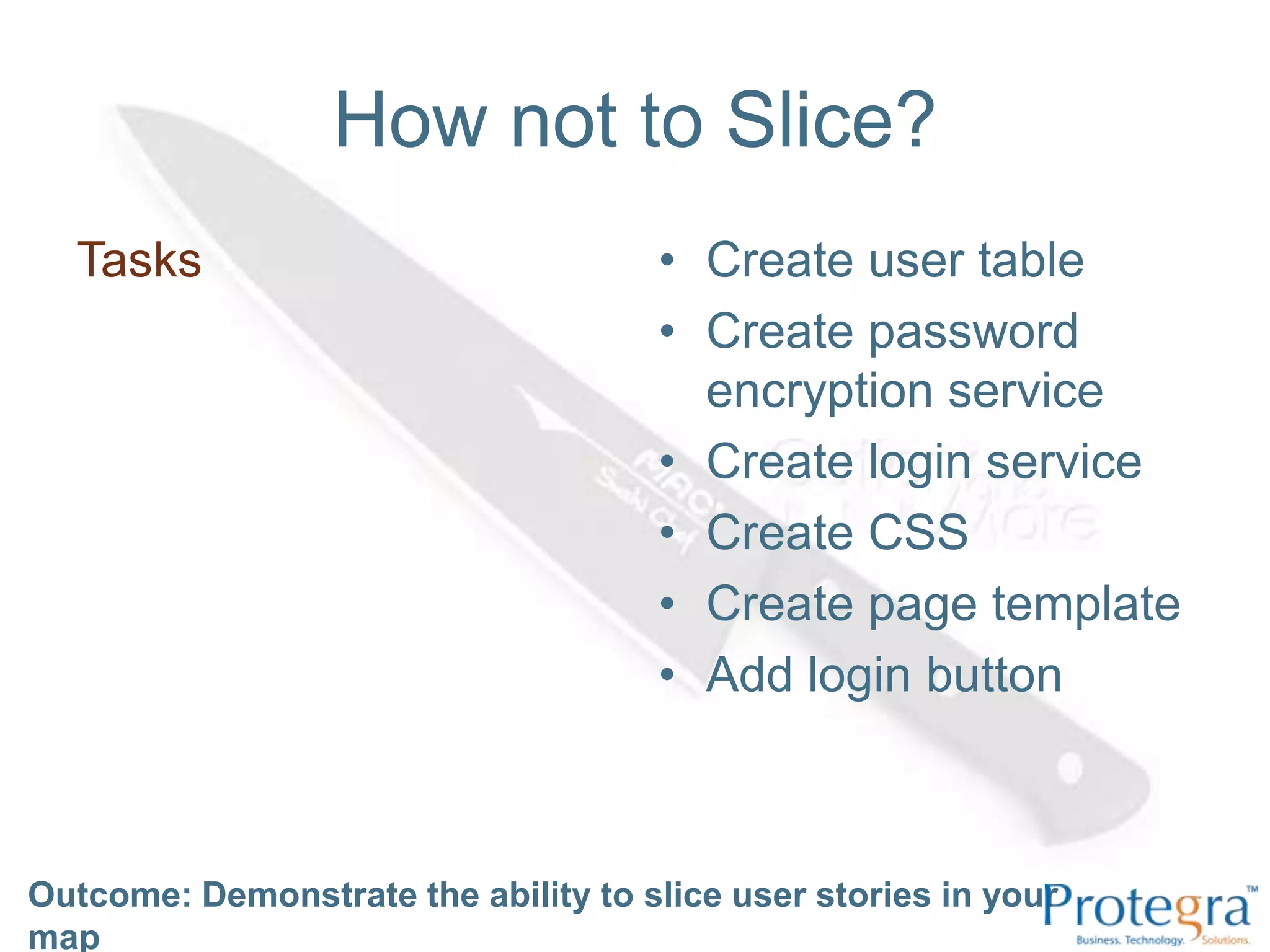
What User Stories are notTasksCreate user tableCreate password encryption serviceCreate login serviceCreate CSS Create page templateAdd login buttonOutcome: Explain what a user story is (and isn’t)
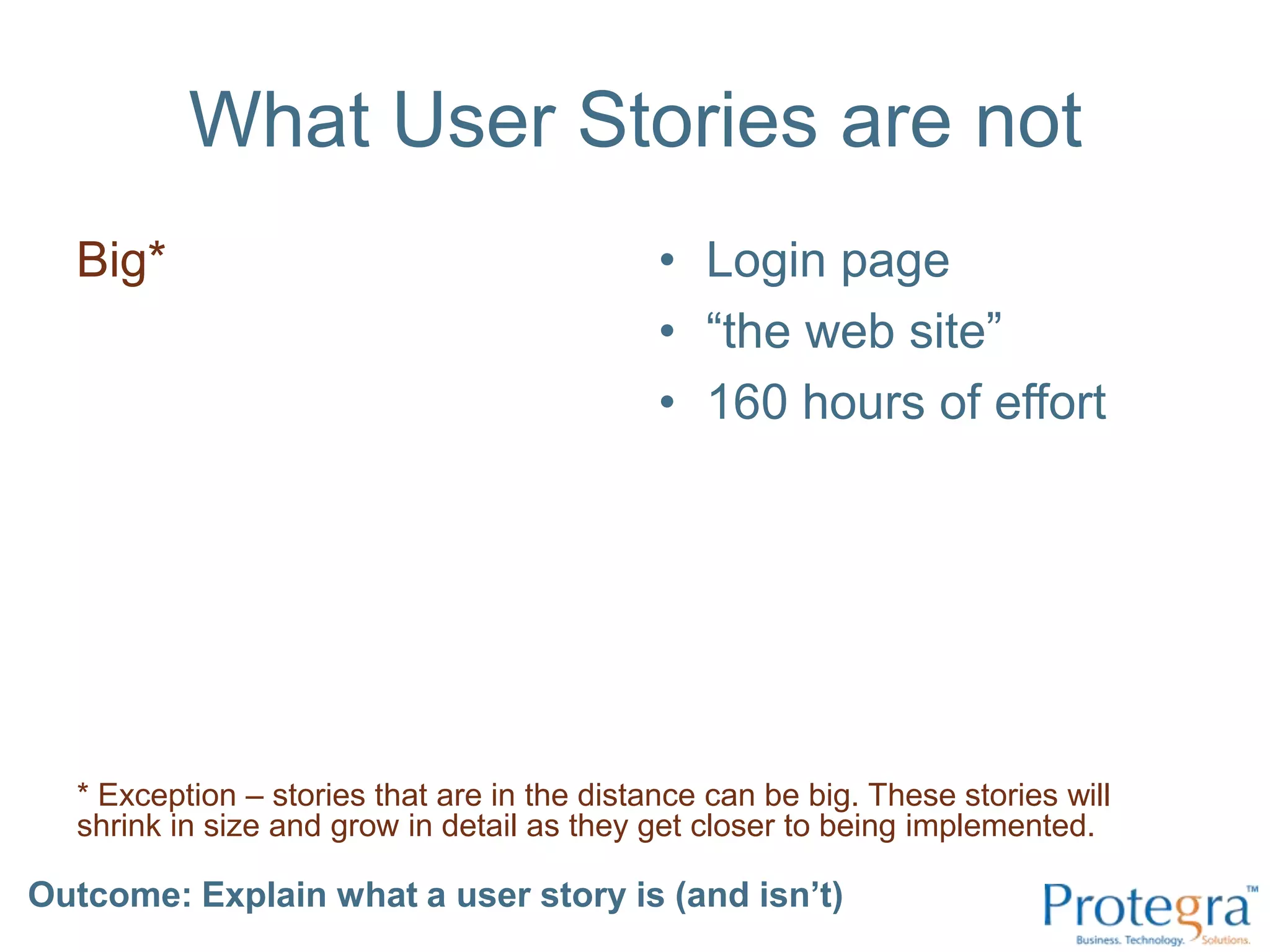
What User Stories are notBig*Login page“the web site”160 hours of effort* Exception – stories that are in the distance can be big. These stories will shrink in size and grow in detail as they get closer to being implemented.Outcome: Explain what a user story is (and isn’t)
What User Stories are notUse casesLogin Use CaseHappy path:Login w/ valid pwdAlternate Paths:Login w/ invalid pwdForgot passwordReset passwordPassword rulesA use case will often contain many user storiesOutcome: Explain what a user story is (and isn’t)
What User Stories are notA documentLogin.docx“this document, by its very size, ensures that it will never be read.” – Sir Winston ChurchillOutcome: Explain what a user story is (and isn’t)
What User Stories are…A small piece of functionality that provides some value to a userAs a user, I want to login with my password, so that I can gain access to the site.“A place holder for a conversation.”Outcome: Explain what a user story is (and isn’t)
What User Stories are…I	Independent *N	Negotiable (can be prioritized)V	Valuable (to a user)E	EstimableS	SmallT	TestableOutcome: Explain what a user story is (and isn’t)
FormatsBy the book:As a [role], I want to [some action], so that [goal]As a [user] I want to [login with my pwd] so that [I can gain access to the site]Outcome: Explain what a user story is (and isn’t)
FormatsWhoWhatWhyAs a [user] I want to [login with my pwd] so that [I can gain access to the site]The “by the book” format is great for learning, but at its core, it is just Who/What/WhyOutcome: Explain what a user story is (and isn’t)
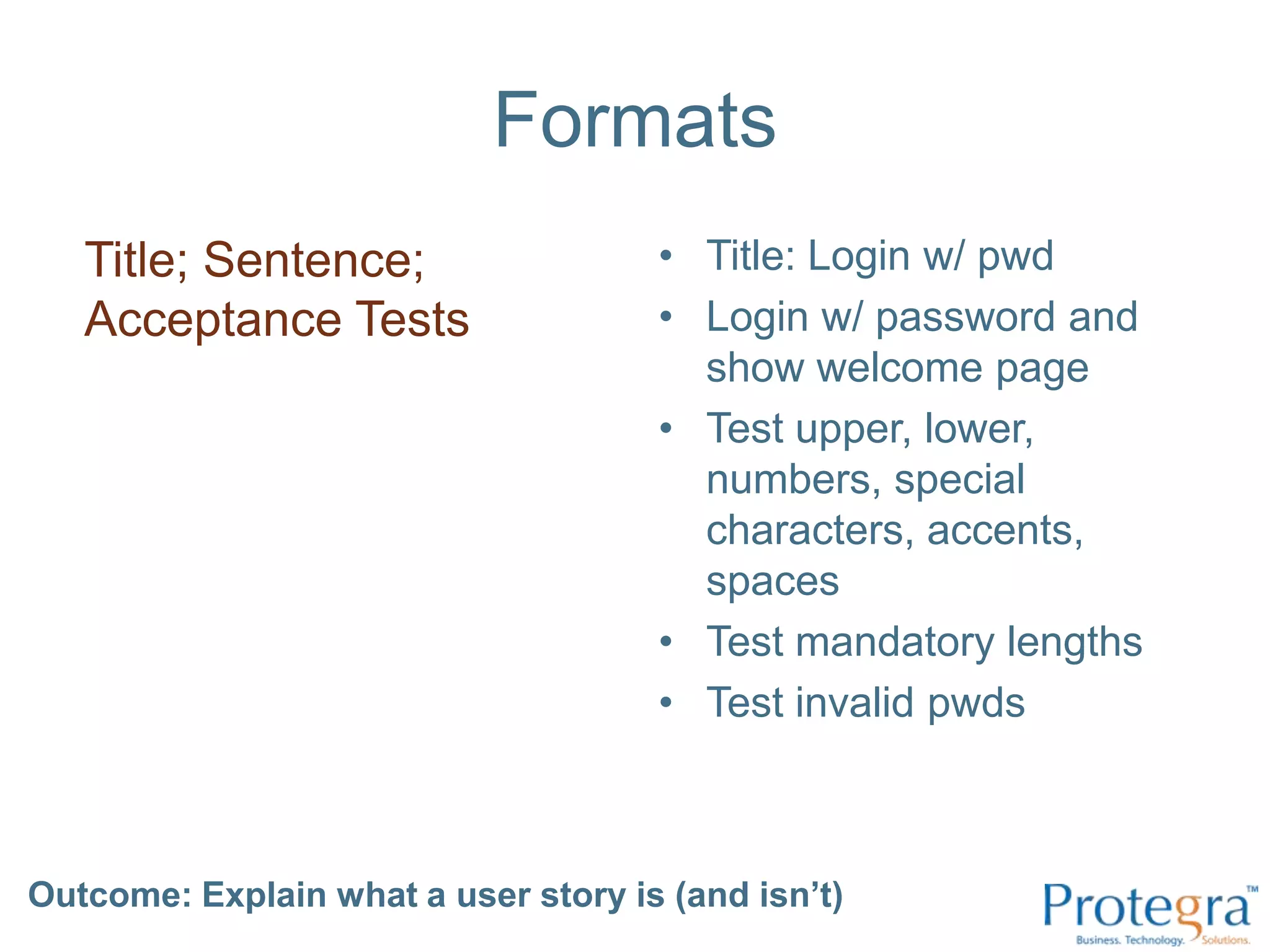
FormatsTitle; Sentence; Acceptance TestsTitle: Login w/ pwdLogin w/ password and show welcome pageTest upper, lower, numbers, special characters, accents, spacesTest mandatory lengthsTest invalid pwdsOutcome: Explain what a user story is (and isn’t)
FormatsLean Startup:Feature [X]will move Metric [Y]Feature [show sad face before logging off] will move Metric [time spent logged into the site]Outcome: Explain what a user story is (and isn’t)
Outcome: Explain what a user story is (and isn’t)
Take the Bluecards and re-sort themOutcome: Explain what a user story is (and isn’t)
Outcome: Demonstrate the ability to slice user stories in your map
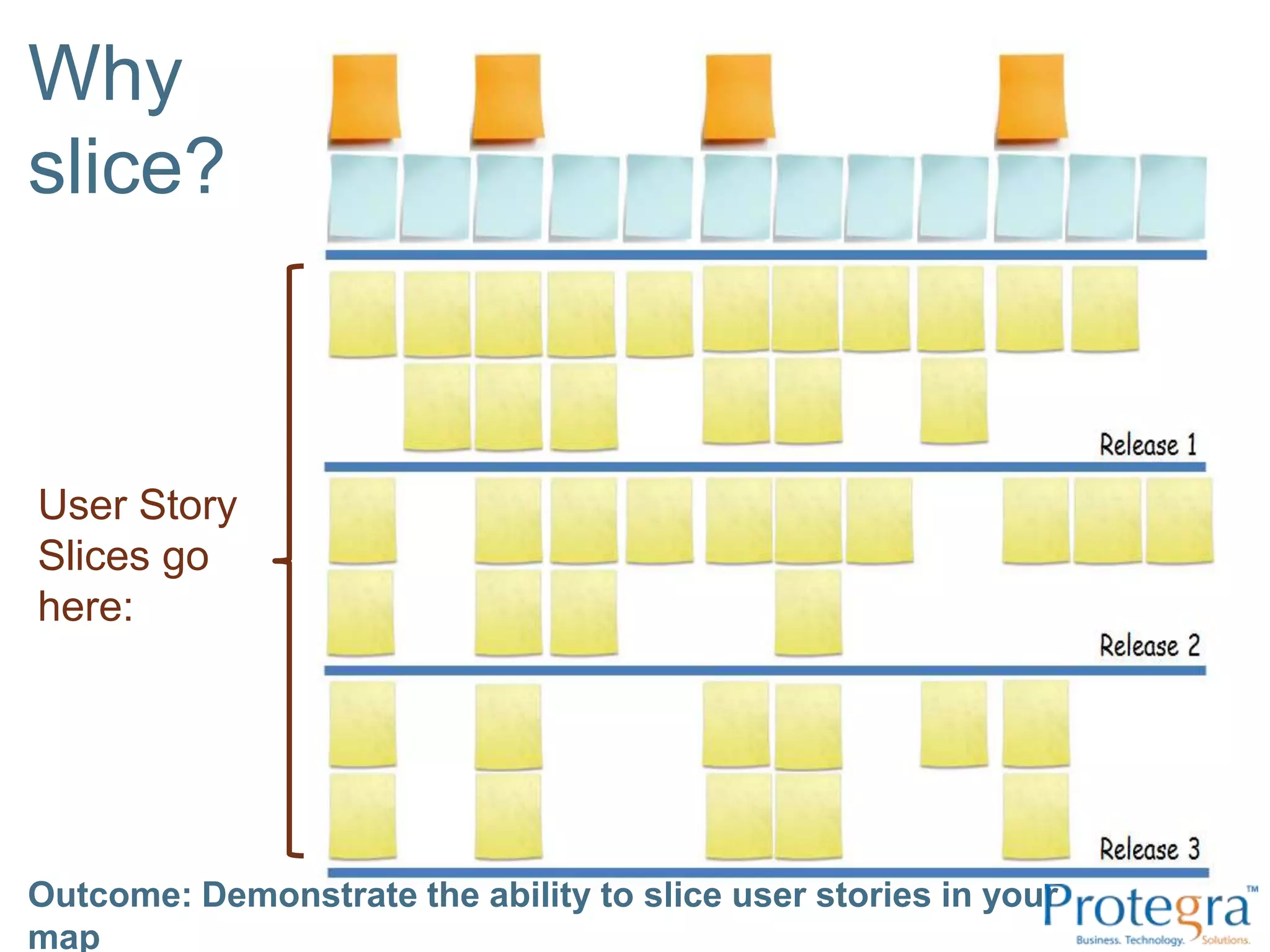
Why slice?User Story Slices go here:Outcome: Demonstrate the ability to slice user stories in your map
How not to Slice?Outcome: Demonstrate the ability to slice user stories in your mapTasksCreate user tableCreate password encryption serviceCreate login serviceCreate CSS Create page templateAdd login button
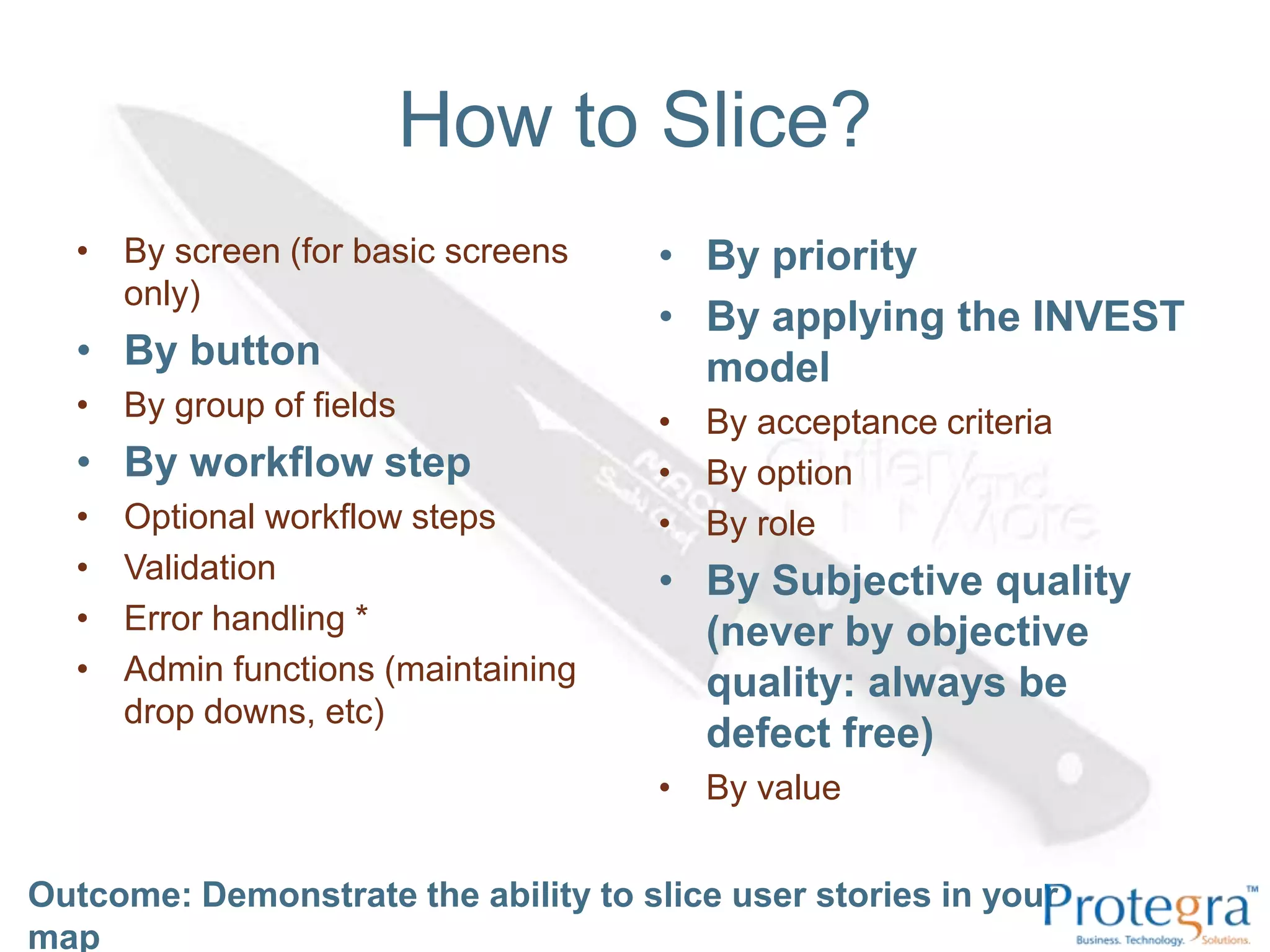
How to Slice?By screen (for basic screens only) By button By group of fields By workflow step Optional workflow steps Validation Error handling *Admin functions (maintaining drop downs, etc) By priority By applying the INVEST model By acceptance criteria By option By role By Subjective quality (never by objective quality: always be defect free) By valueOutcome: Demonstrate the ability to slice user stories in your map
Other TipsKeep them as stories!Slice them small when needed, but don’t get sillySlice any timeWhen you are fighting over your planning poker estimates – slice away.Slice more liberally if the story is higher priorityOutcome: Demonstrate the ability to slice user stories in your map
Outcome:  Demonstrate the ability to slice user stories in your mapTake the Purplecards and re-sort them
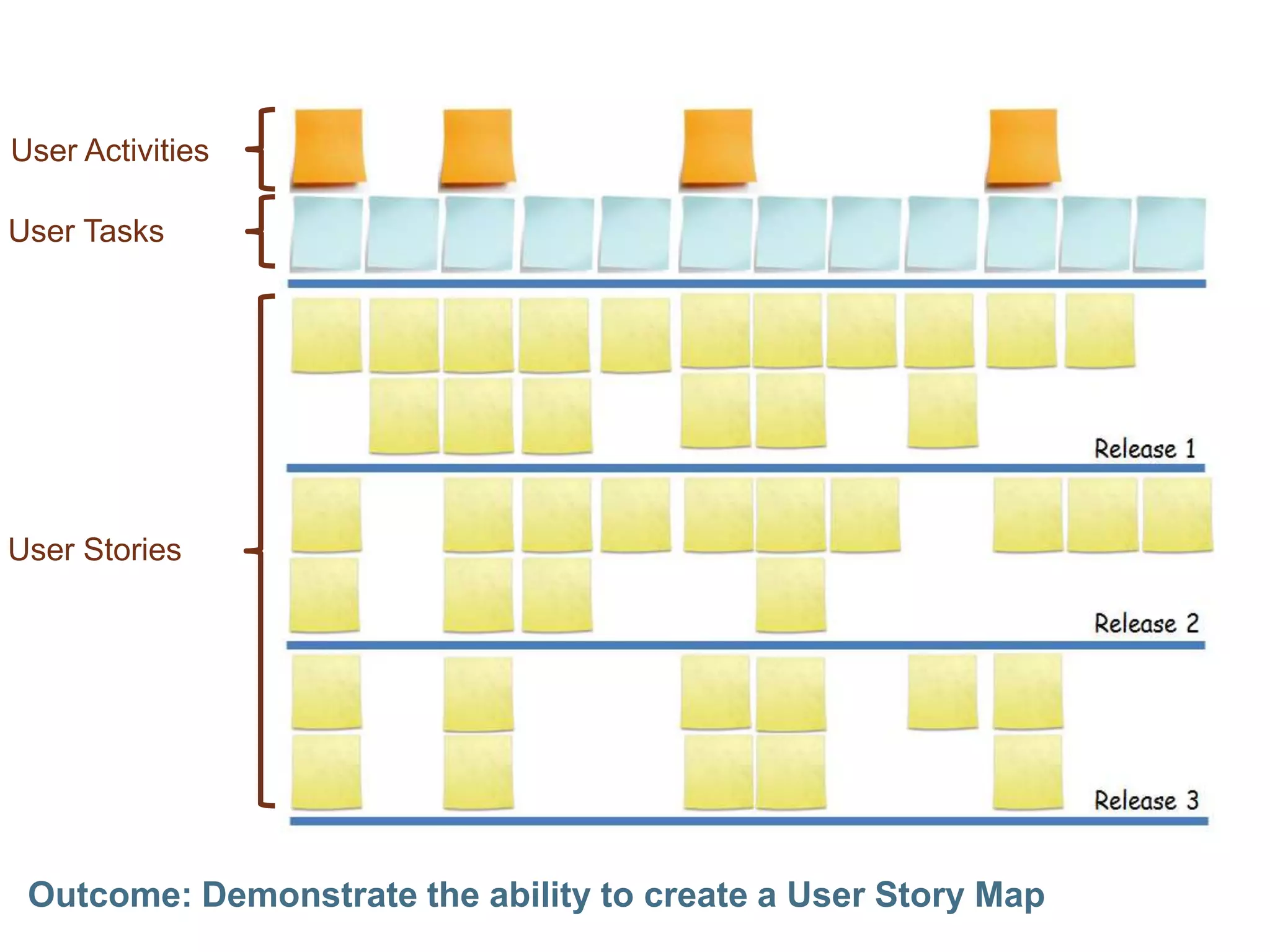
Outcome: Demonstrate the ability to create a User Story MapUser ActivitiesUser TasksUser Stories
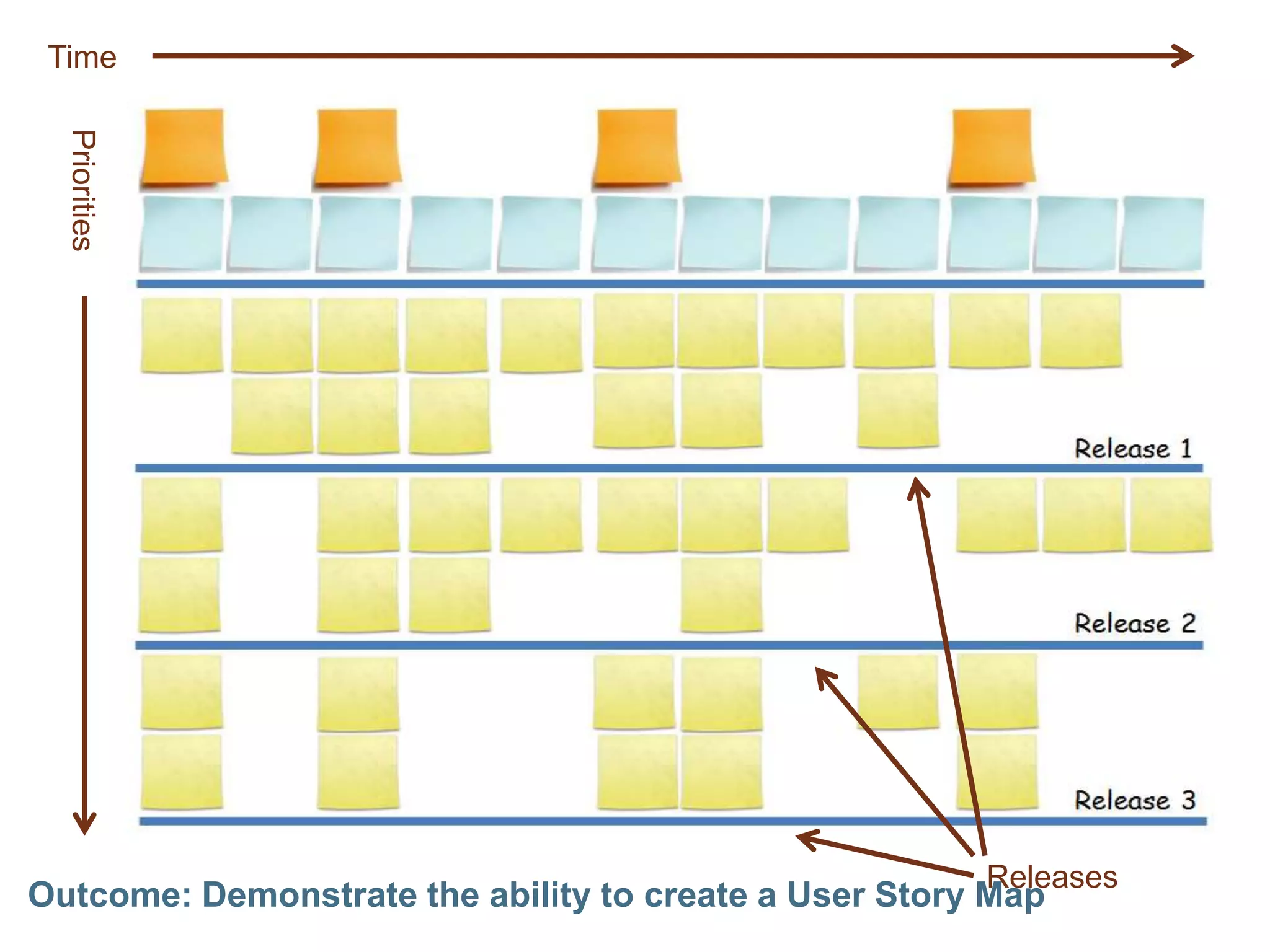
Outcome: Demonstrate the ability to create a User Story MapTimePrioritiesReleases
Outcome: Demonstrate the ability to create a User Story Map
Outcome: Describe the benefits of User Story Mapping
How to do it?1. Divide into groups of 3-5 people2. Start by gathering “things people do” – the tasks. Write them down individually and then read them aloud to your groupLikely they start with a verb.
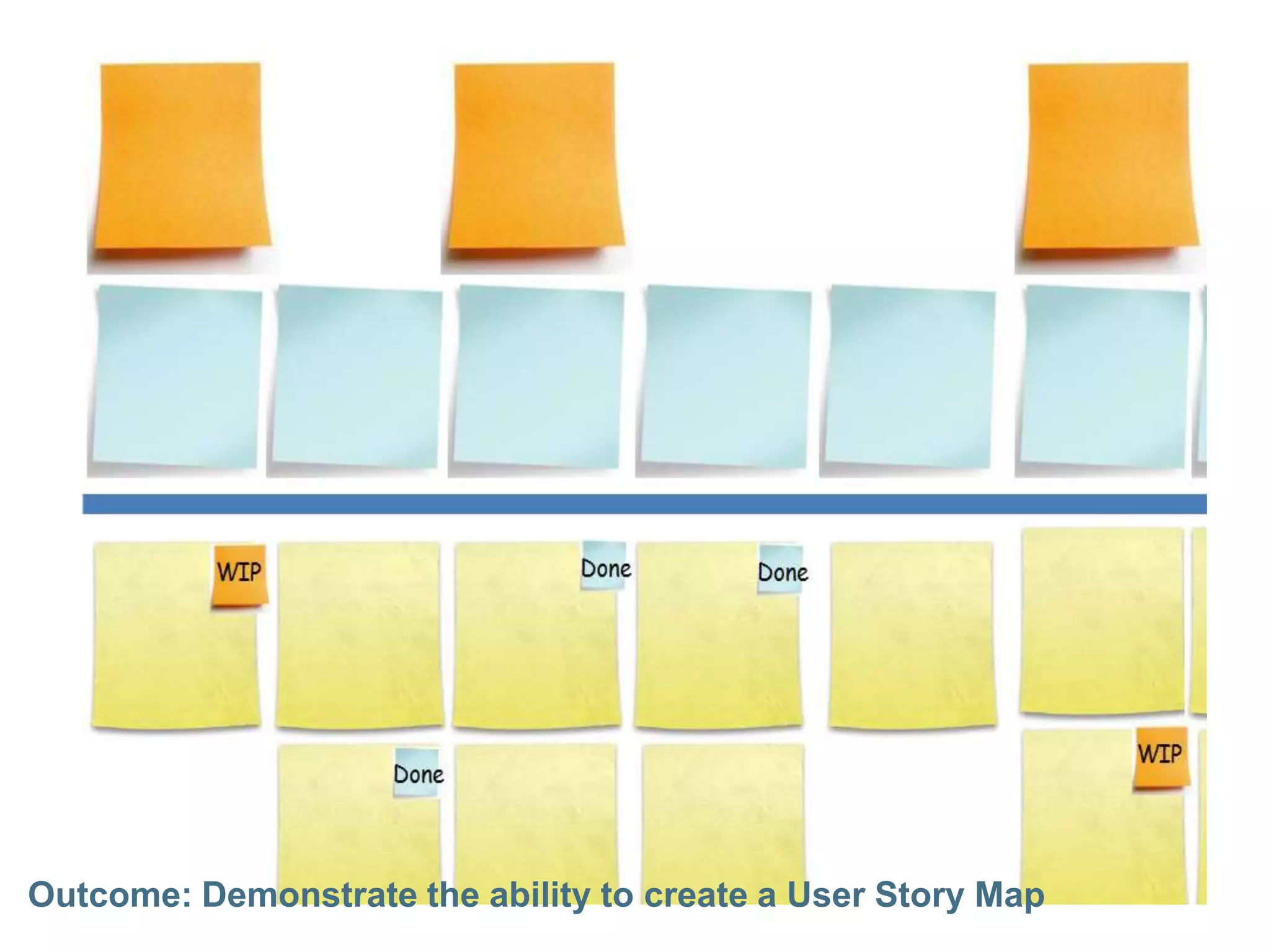
These are high level user stories called “Tasks” (walking skeleton)
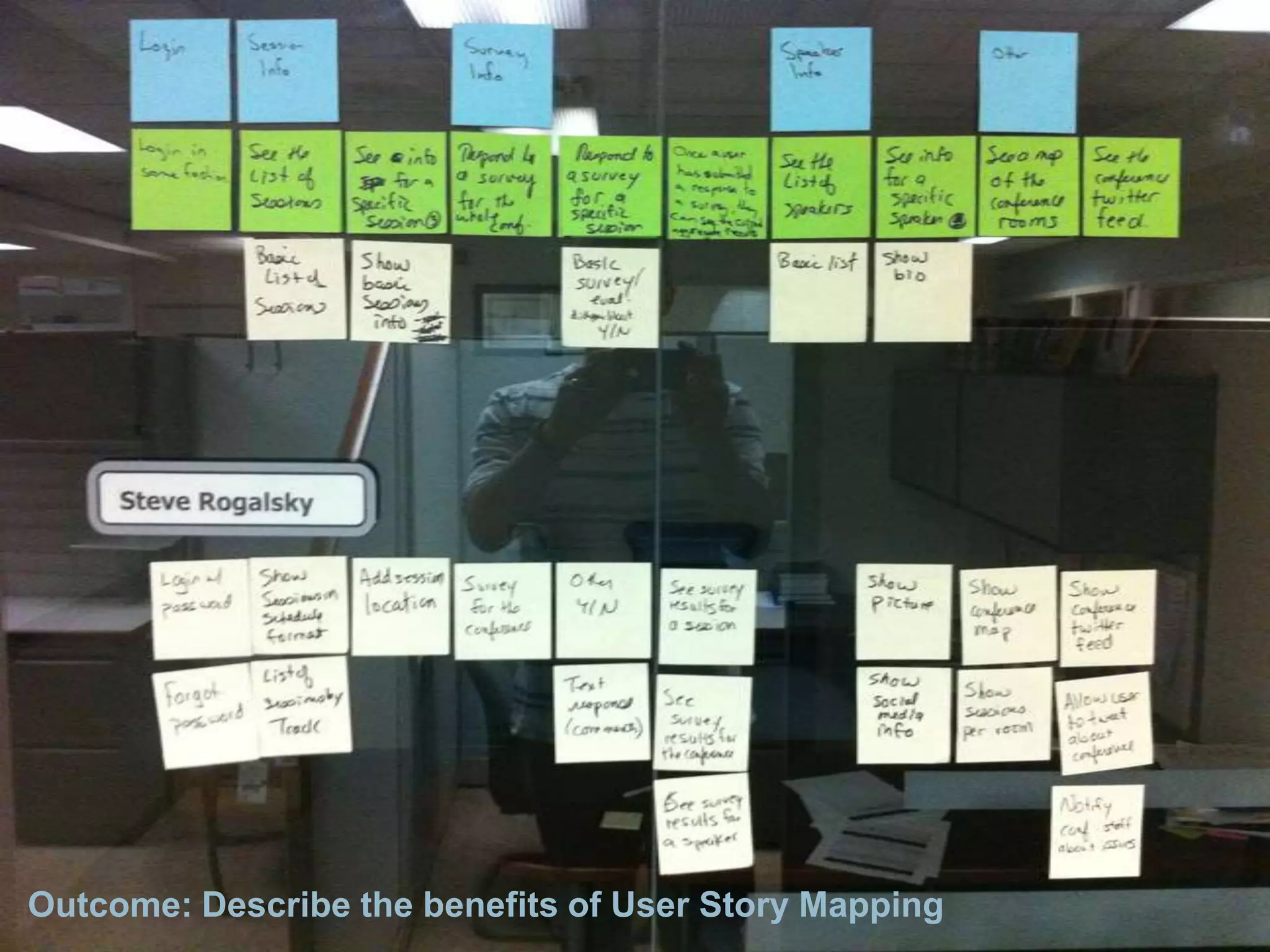
This forms your story map skeleton3. Group them silently (simply because it is faster)4. Name the groups and lay them out in order of time (left to right)These are called “User Activities” (backbone)5. Add more detailed user stories below the main tasks6. Prioritize top to bottom7. Break into releasesOutcome: Demonstrate the ability to create a User Story Map
Outcome: Demonstrate the ability to create a User Story Map
Outcome: Demonstrate the ability to slice user stories in your map
Outcome:  Describe the benefits of User Story MappingTake the Greencards and re-sort them
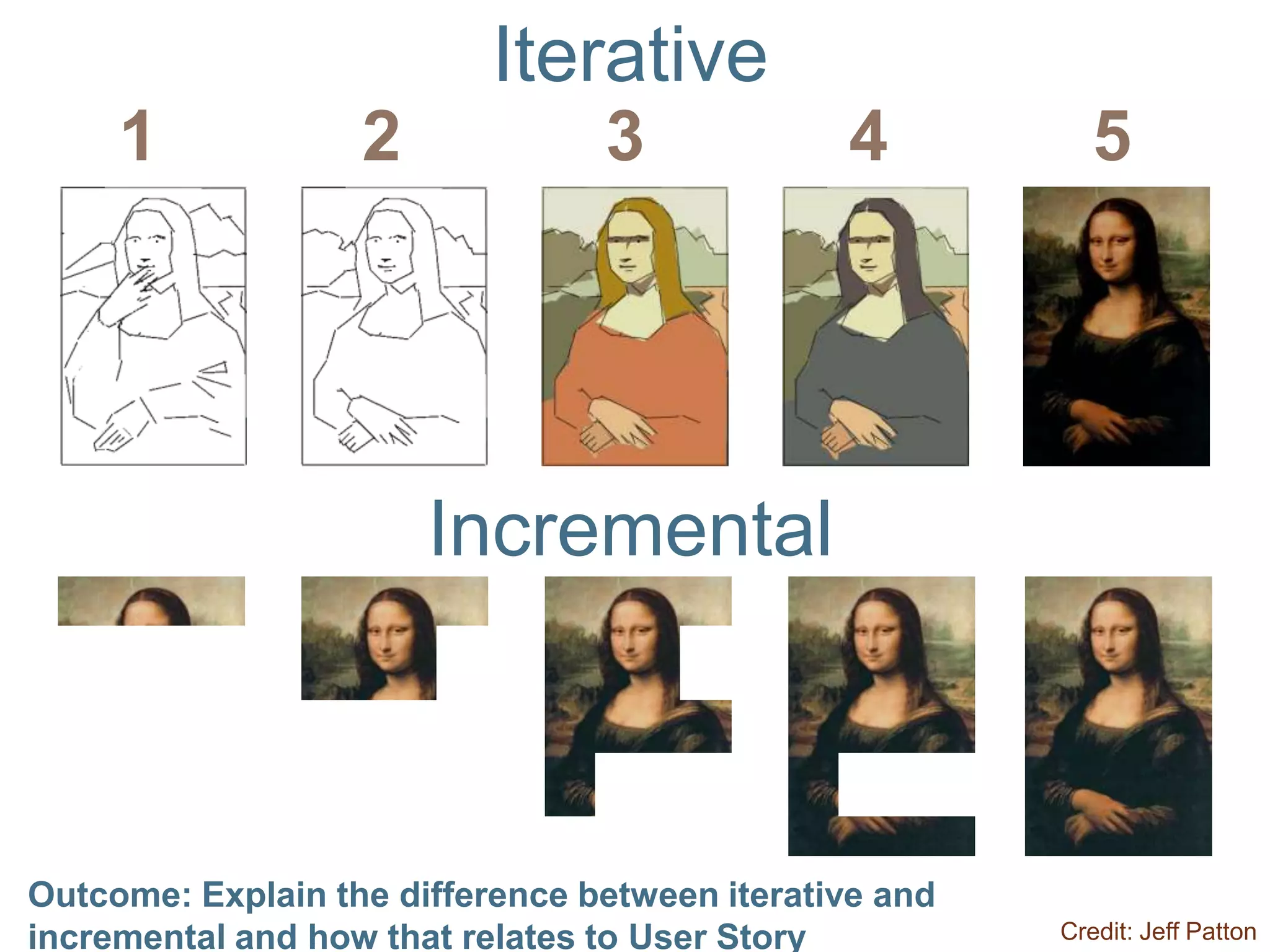
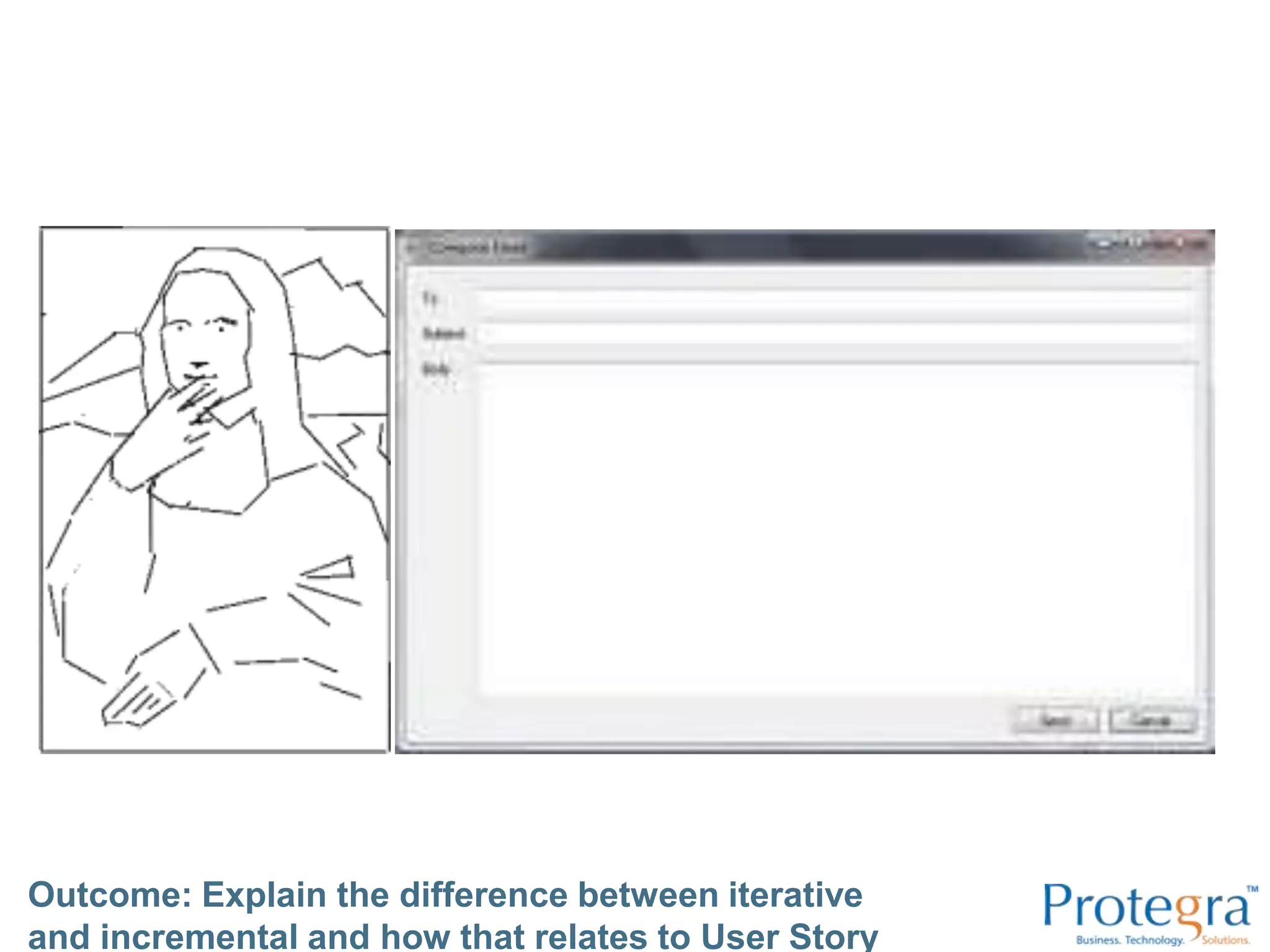
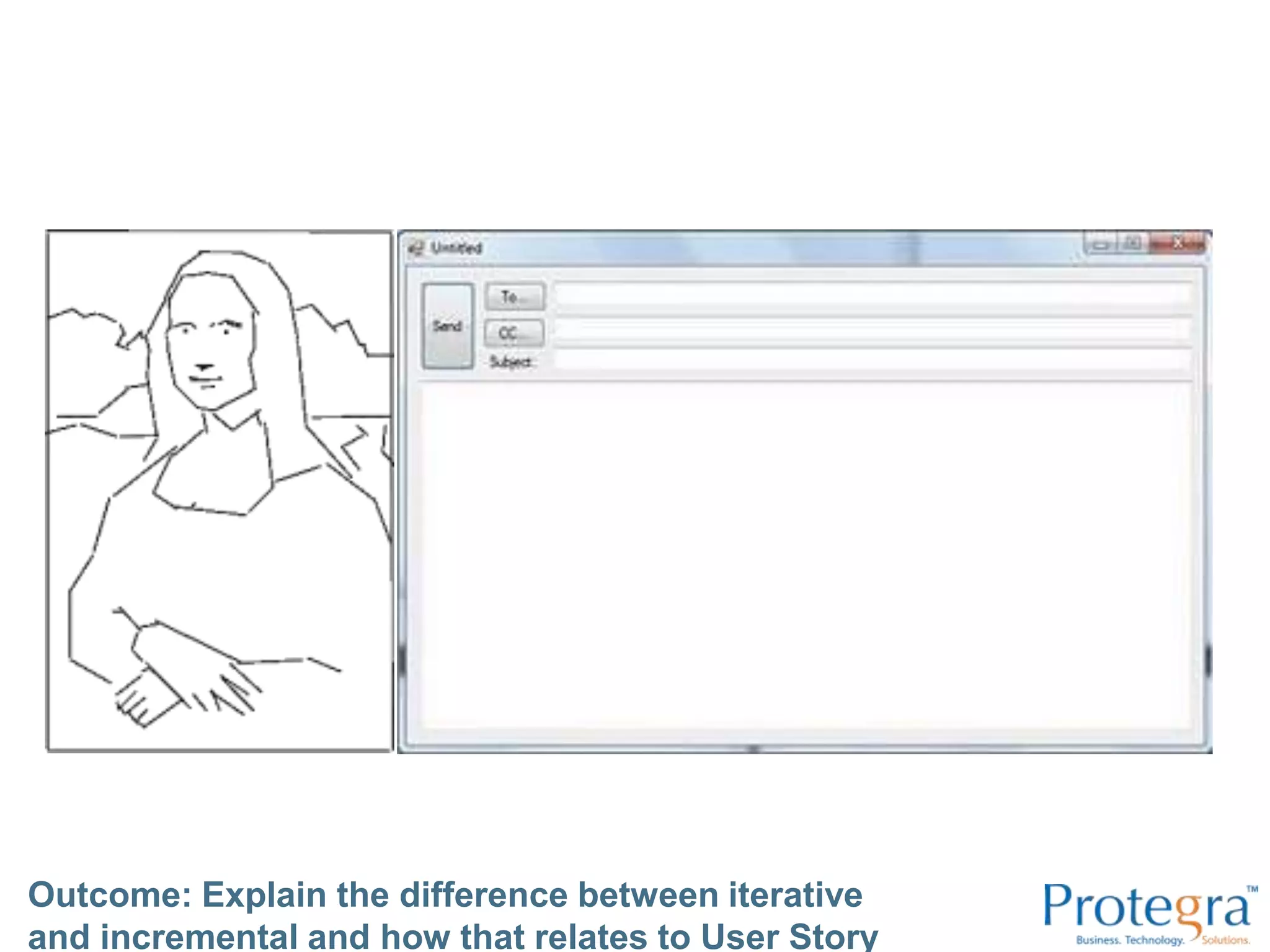
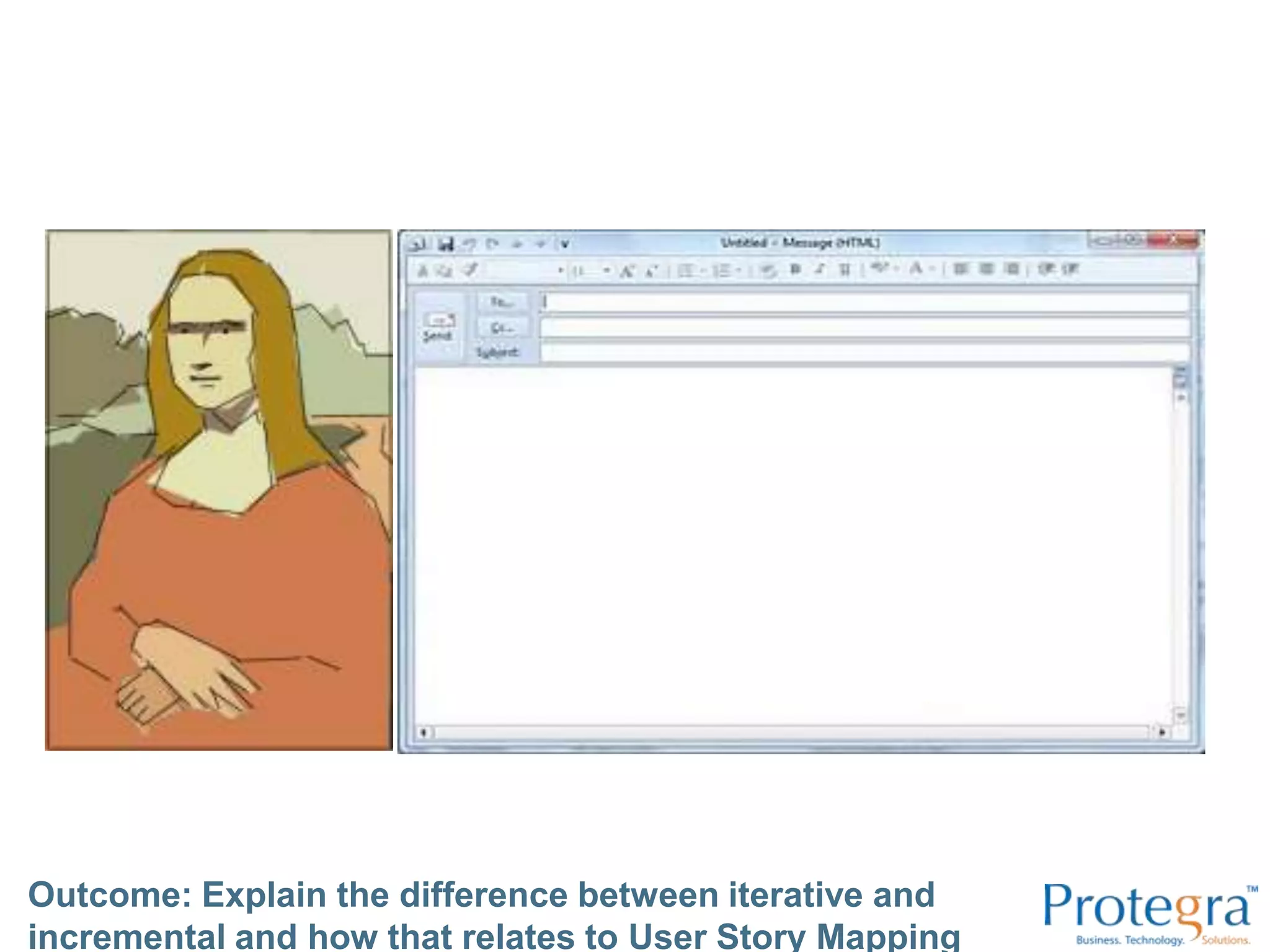
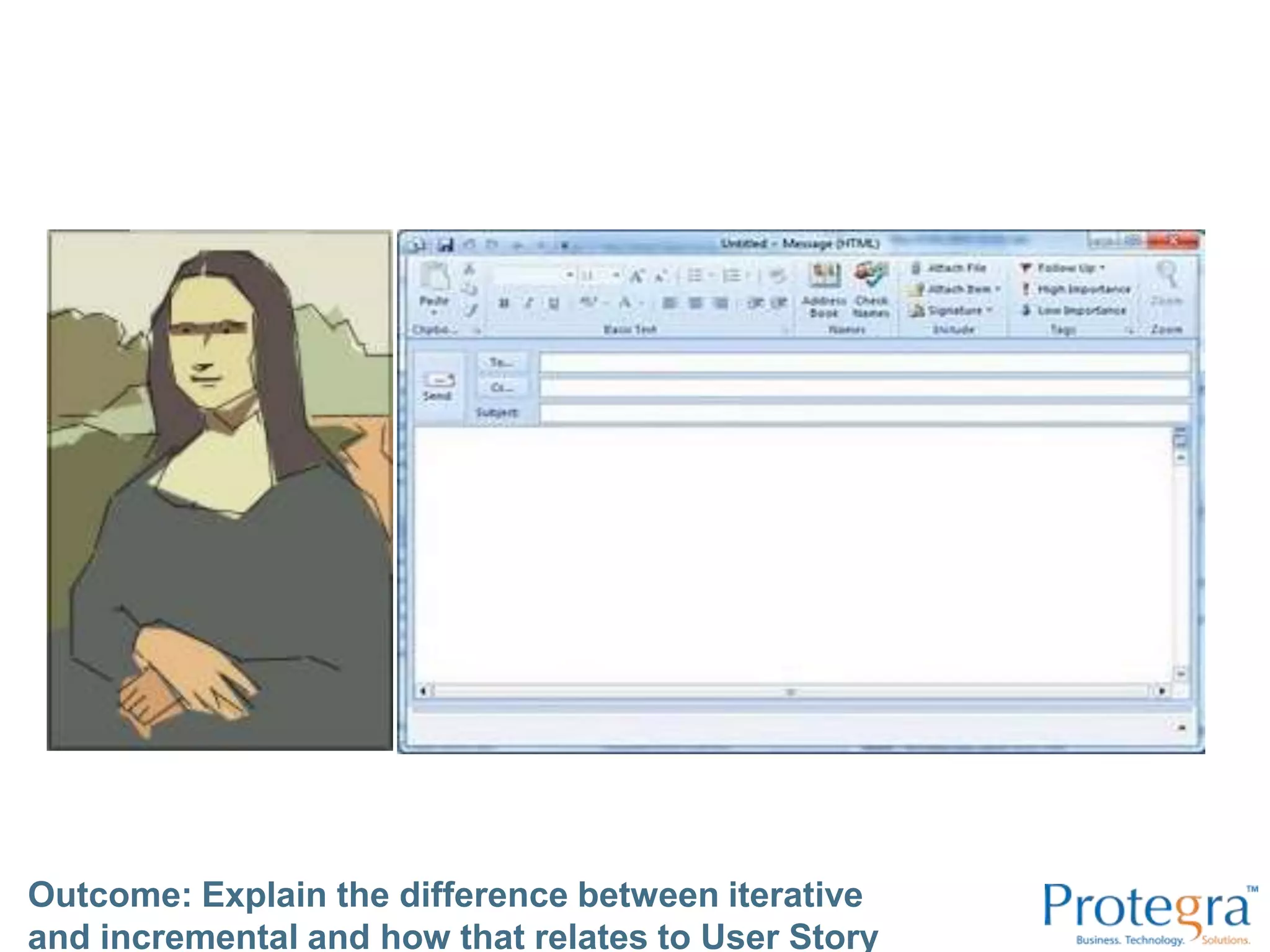
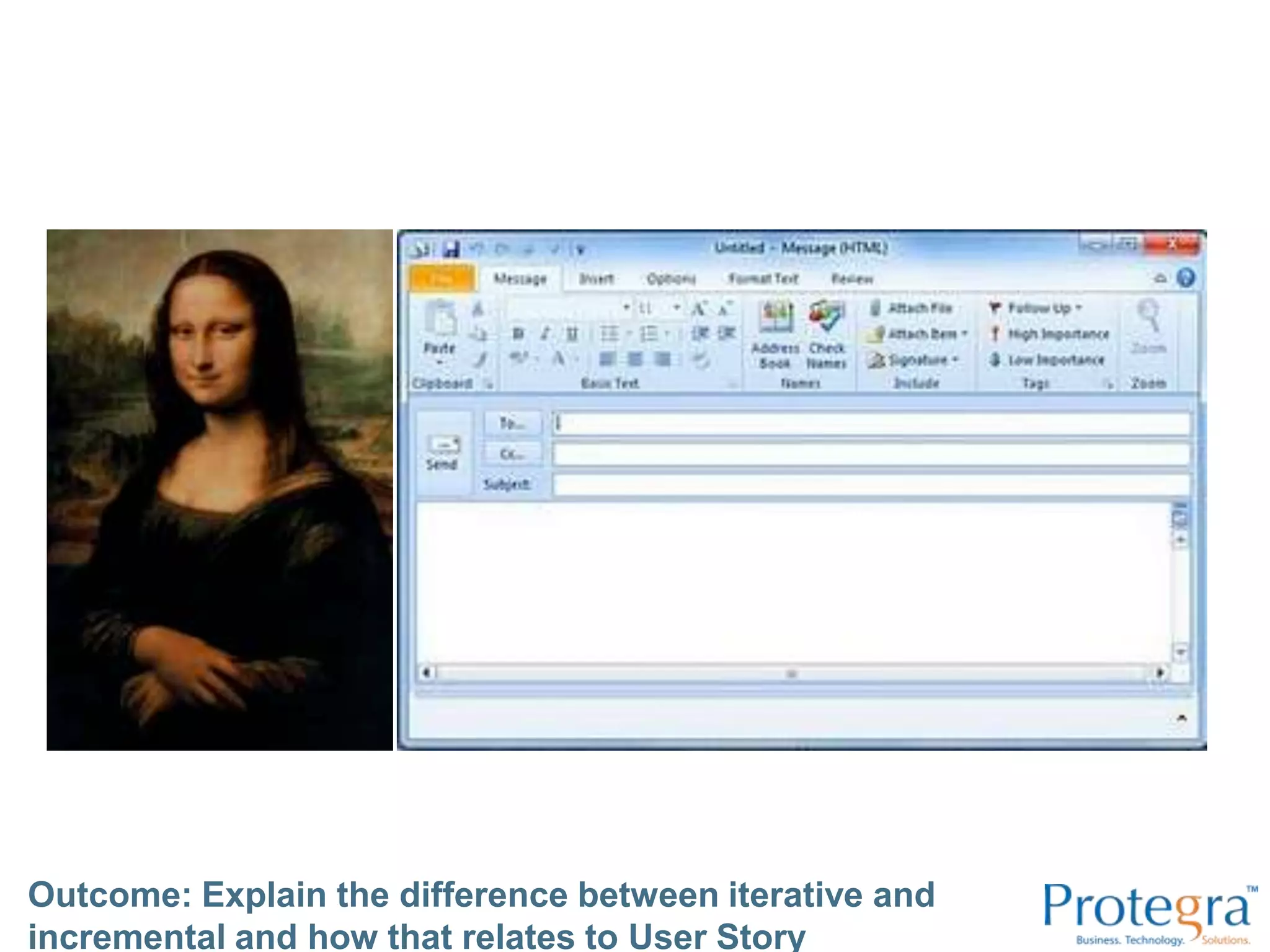
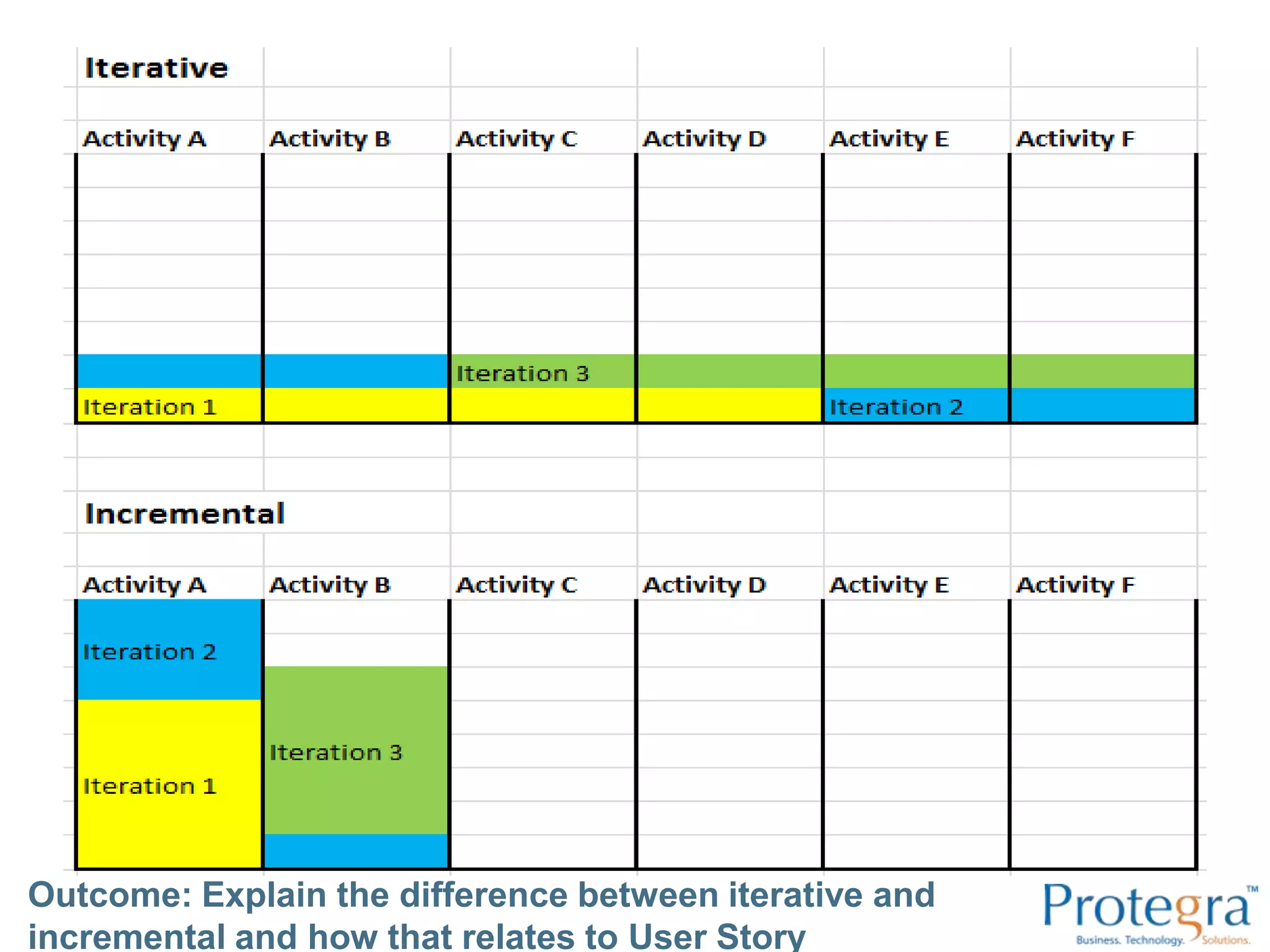
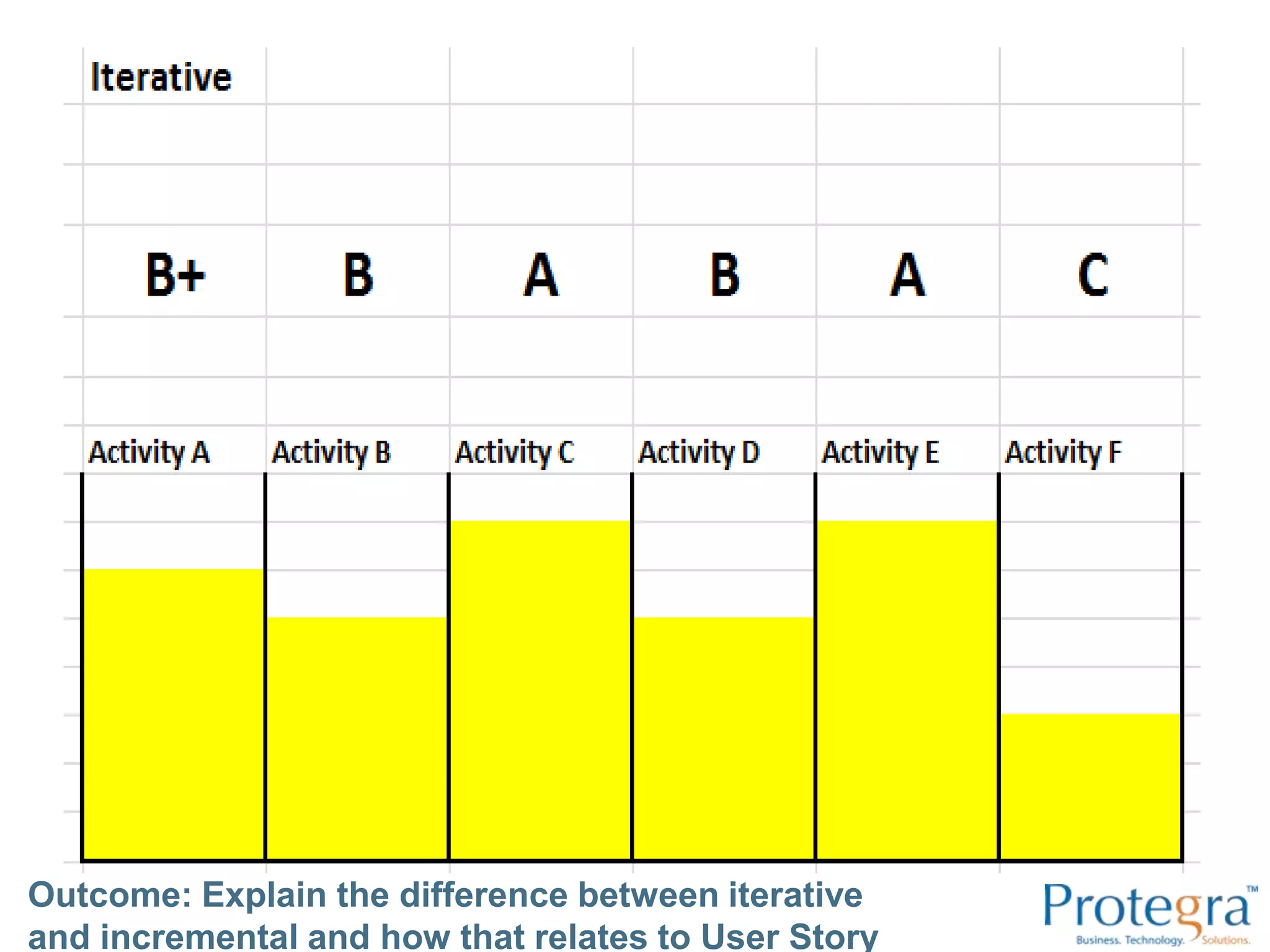
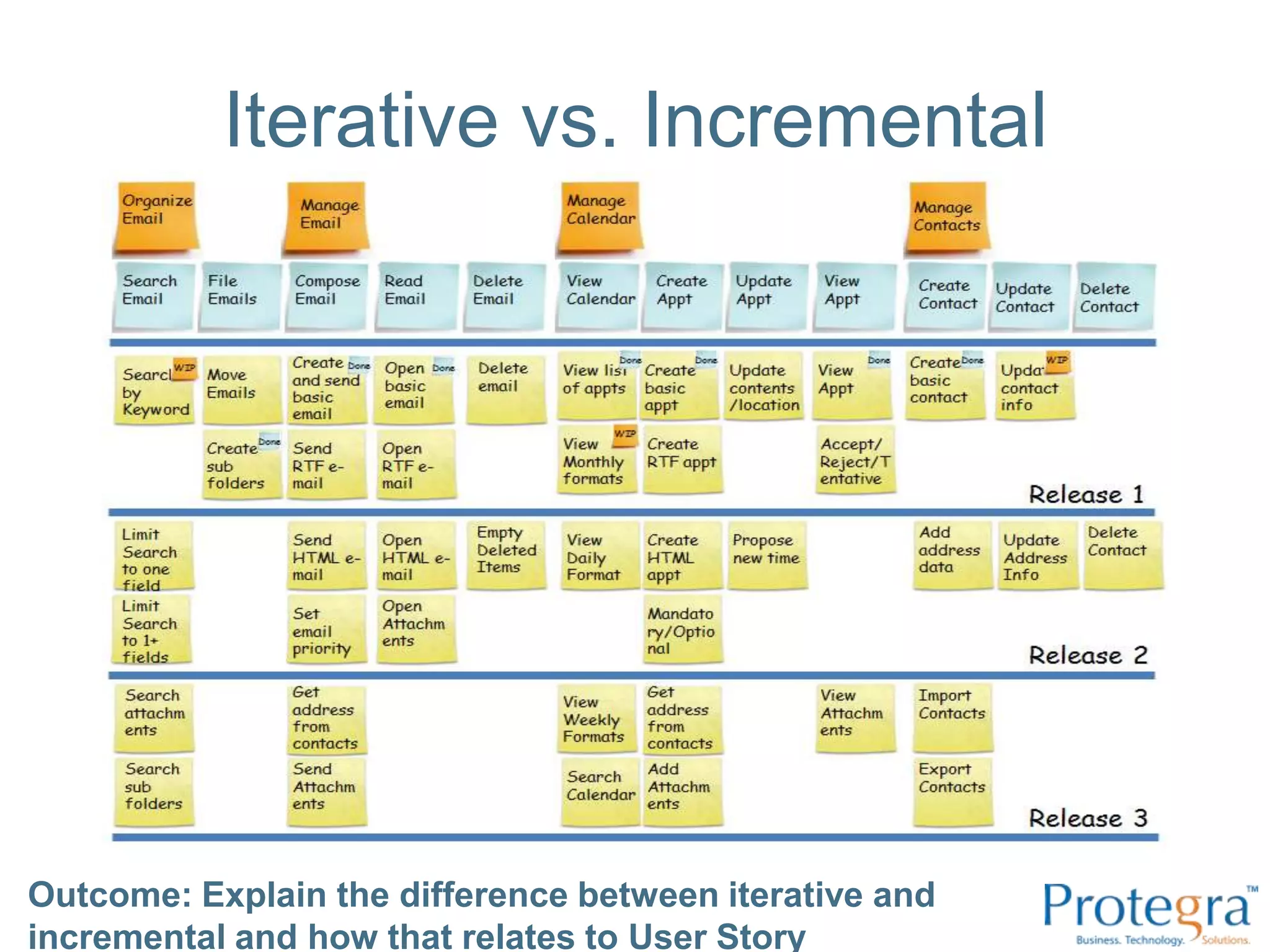
Iterative12345IncrementalOutcome: Explain the difference between iterative and incremental and how that relates to User Story MappingCredit: Jeff Patton
Outcome: Explain the difference between iterative and incremental and how that relates to User Story Mapping
Iterative vs. IncrementalOutcome: Explain the difference between iterative and incremental and how that relates to User Story Mapping
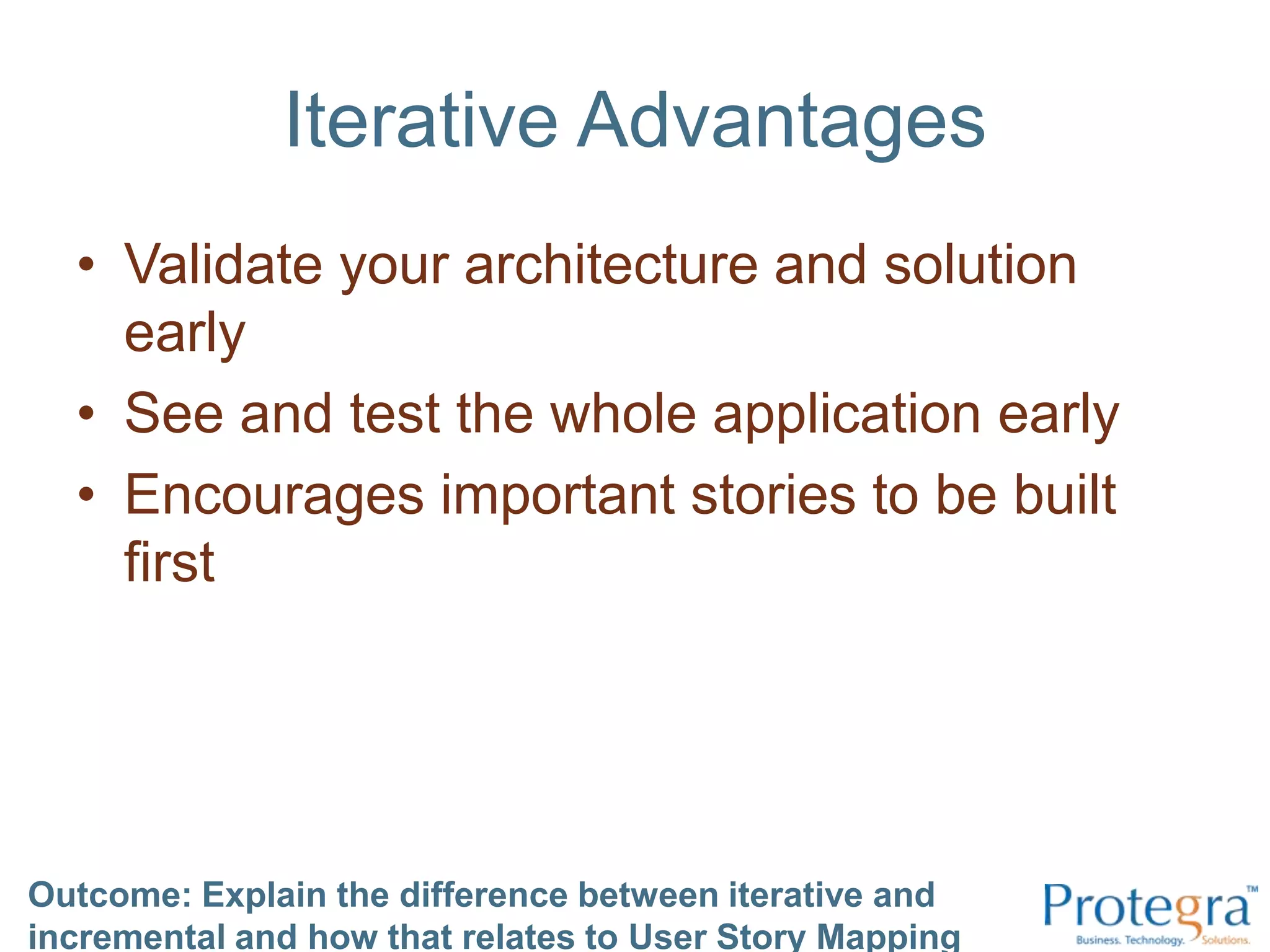
Iterative AdvantagesValidate your architecture and solution early See and test the whole application early Encourages important stories to be built first Outcome: Explain the difference between iterative and incremental and how that relates to User Story Mapping
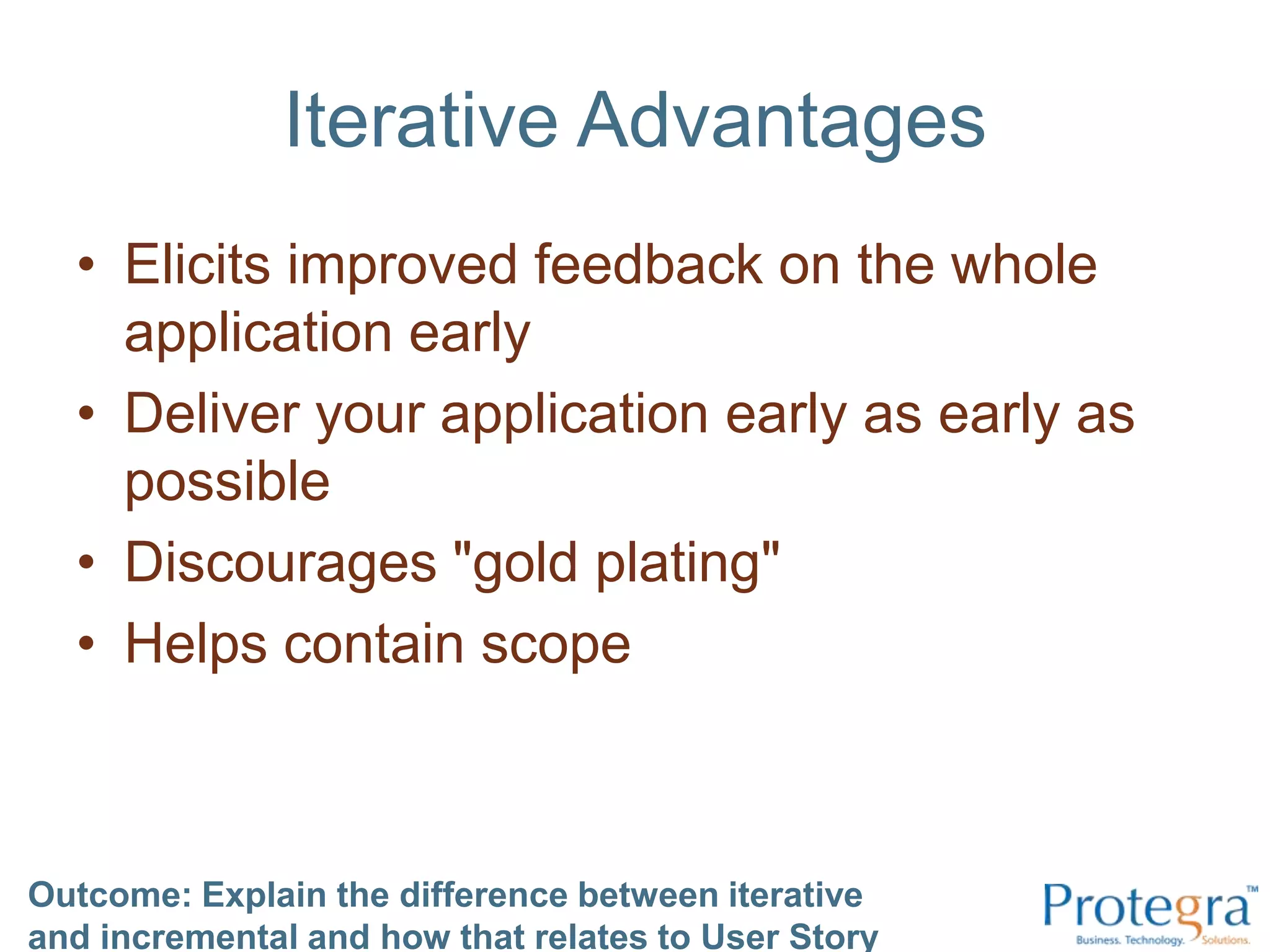
Iterative AdvantagesElicits improved feedback on the whole application early Deliver your application early as early as possibleDiscourages "gold plating" Helps contain scopeOutcome: Explain the difference between iterative and incremental and how that relates to User Story Mapping
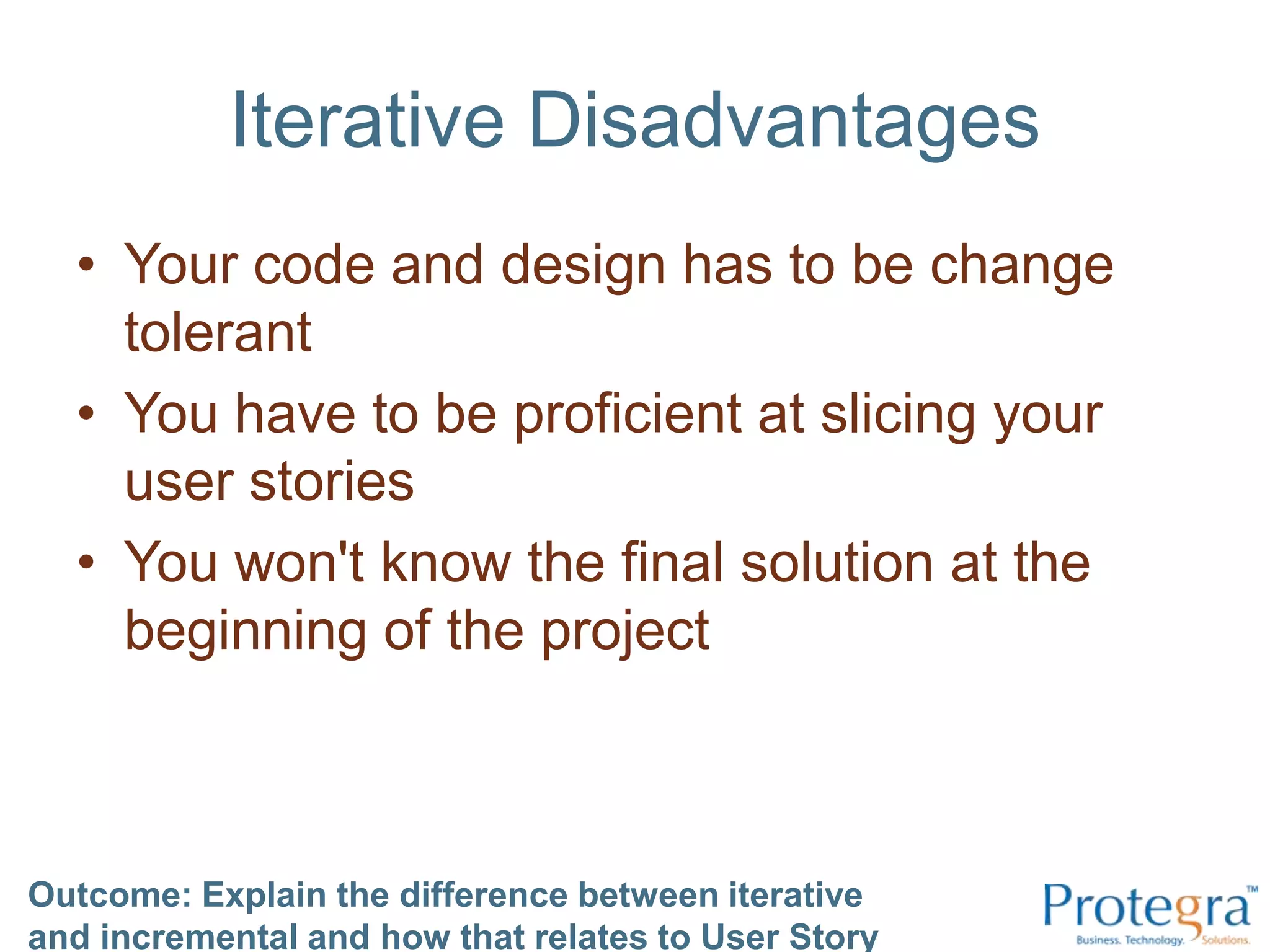
Iterative DisadvantagesYour code and design has to be change tolerant You have to be proficient at slicing your user stories You won't know the final solution at the beginning of the project Outcome: Explain the difference between iterative and incremental and how that relates to User Story Mapping
Outcome: Explain the difference between iterative and incremental and how that relates to User Story MappingTake the Pinkcards and re-sort them

User Story Mapping

  • 1.
    (Track Sponsor)User StoryMapping – Rounding out your BacklogSteve Rogalsky@srogalskywinnipegagilist.blogspot.com
  • 2.
    Agree / Disagree/ Not SureCredit: Monty Python Argument Clinic
  • 3.
    Outcome: Demonstrate theability to create a User Story Map
  • 4.
    About MeAgilist andteam member at Protegra in Winnipeg (It says “Application Architect” on my business card)Founder of Winnipeg Agile User Group@srogalskyhttp://winnipegagilist.blogspot.com
  • 5.
    Learning OutcomesDemonstrate theability to create a User Story Map(You’ll create three)Explain what a user story is (and isn’t)Demonstrate the ability to slice user stories in your mapDescribe the benefits of User Story MappingExplain the difference between iterative and incremental and how that relates to User Story Mapping
  • 6.
    Outcome: Explain whata user story is (and isn’t)
  • 7.
    What User Storiesare notTasksCreate user tableCreate password encryption serviceCreate login serviceCreate CSS Create page templateAdd login buttonOutcome: Explain what a user story is (and isn’t)
  • 8.
    What User Storiesare notBig*Login page“the web site”160 hours of effort* Exception – stories that are in the distance can be big. These stories will shrink in size and grow in detail as they get closer to being implemented.Outcome: Explain what a user story is (and isn’t)
  • 9.
    What User Storiesare notUse casesLogin Use CaseHappy path:Login w/ valid pwdAlternate Paths:Login w/ invalid pwdForgot passwordReset passwordPassword rulesA use case will often contain many user storiesOutcome: Explain what a user story is (and isn’t)
  • 10.
    What User Storiesare notA documentLogin.docx“this document, by its very size, ensures that it will never be read.” – Sir Winston ChurchillOutcome: Explain what a user story is (and isn’t)
  • 11.
    What User Storiesare…A small piece of functionality that provides some value to a userAs a user, I want to login with my password, so that I can gain access to the site.“A place holder for a conversation.”Outcome: Explain what a user story is (and isn’t)
  • 12.
    What User Storiesare…I Independent *N Negotiable (can be prioritized)V Valuable (to a user)E EstimableS SmallT TestableOutcome: Explain what a user story is (and isn’t)
  • 13.
    FormatsBy the book:Asa [role], I want to [some action], so that [goal]As a [user] I want to [login with my pwd] so that [I can gain access to the site]Outcome: Explain what a user story is (and isn’t)
  • 14.
    FormatsWhoWhatWhyAs a [user]I want to [login with my pwd] so that [I can gain access to the site]The “by the book” format is great for learning, but at its core, it is just Who/What/WhyOutcome: Explain what a user story is (and isn’t)
  • 15.
    FormatsTitle; Sentence; AcceptanceTestsTitle: Login w/ pwdLogin w/ password and show welcome pageTest upper, lower, numbers, special characters, accents, spacesTest mandatory lengthsTest invalid pwdsOutcome: Explain what a user story is (and isn’t)
  • 16.
    FormatsLean Startup:Feature [X]willmove Metric [Y]Feature [show sad face before logging off] will move Metric [time spent logged into the site]Outcome: Explain what a user story is (and isn’t)
  • 17.
    Outcome: Explain whata user story is (and isn’t)
  • 18.
    Take the Bluecardsand re-sort themOutcome: Explain what a user story is (and isn’t)
  • 19.
    Outcome: Demonstrate theability to slice user stories in your map
  • 20.
    Why slice?User StorySlices go here:Outcome: Demonstrate the ability to slice user stories in your map
  • 21.
    How not toSlice?Outcome: Demonstrate the ability to slice user stories in your mapTasksCreate user tableCreate password encryption serviceCreate login serviceCreate CSS Create page templateAdd login button
  • 22.
    How to Slice?Byscreen (for basic screens only) By button By group of fields By workflow step Optional workflow steps Validation Error handling *Admin functions (maintaining drop downs, etc) By priority By applying the INVEST model By acceptance criteria By option By role By Subjective quality (never by objective quality: always be defect free) By valueOutcome: Demonstrate the ability to slice user stories in your map
  • 23.
    Other TipsKeep themas stories!Slice them small when needed, but don’t get sillySlice any timeWhen you are fighting over your planning poker estimates – slice away.Slice more liberally if the story is higher priorityOutcome: Demonstrate the ability to slice user stories in your map
  • 24.
    Outcome: Demonstratethe ability to slice user stories in your mapTake the Purplecards and re-sort them
  • 25.
    Outcome: Demonstrate theability to create a User Story MapUser ActivitiesUser TasksUser Stories
  • 26.
    Outcome: Demonstrate theability to create a User Story MapTimePrioritiesReleases
  • 27.
    Outcome: Demonstrate theability to create a User Story Map
  • 28.
    Outcome: Describe thebenefits of User Story Mapping
  • 29.
    Outcome: Describe thebenefits of User Story Mapping
  • 30.
    Outcome: Describe thebenefits of User Story Mapping
  • 31.
    Outcome: Describe thebenefits of User Story Mapping
  • 32.
    How to doit?1. Divide into groups of 3-5 people2. Start by gathering “things people do” – the tasks. Write them down individually and then read them aloud to your groupLikely they start with a verb.
  • 33.
    These are highlevel user stories called “Tasks” (walking skeleton)
  • 34.
    This forms yourstory map skeleton3. Group them silently (simply because it is faster)4. Name the groups and lay them out in order of time (left to right)These are called “User Activities” (backbone)5. Add more detailed user stories below the main tasks6. Prioritize top to bottom7. Break into releasesOutcome: Demonstrate the ability to create a User Story Map
  • 35.
    Outcome: Demonstrate theability to create a User Story Map
  • 36.
    Outcome: Demonstrate theability to slice user stories in your map
  • 37.
    Outcome: Describethe benefits of User Story MappingTake the Greencards and re-sort them
  • 38.
    Iterative12345IncrementalOutcome: Explain thedifference between iterative and incremental and how that relates to User Story MappingCredit: Jeff Patton
  • 39.
    Outcome: Explain thedifference between iterative and incremental and how that relates to User Story Mapping
  • 40.
    Outcome: Explain thedifference between iterative and incremental and how that relates to User Story Mapping
  • 41.
    Outcome: Explain thedifference between iterative and incremental and how that relates to User Story Mapping
  • 42.
    Outcome: Explain thedifference between iterative and incremental and how that relates to User Story Mapping
  • 43.
    Outcome: Explain thedifference between iterative and incremental and how that relates to User Story Mapping
  • 44.
    Outcome: Explain thedifference between iterative and incremental and how that relates to User Story Mapping
  • 45.
    Outcome: Explain thedifference between iterative and incremental and how that relates to User Story Mapping
  • 46.
    Iterative vs. IncrementalOutcome:Explain the difference between iterative and incremental and how that relates to User Story Mapping
  • 47.
    Iterative AdvantagesValidate yourarchitecture and solution early See and test the whole application early Encourages important stories to be built first Outcome: Explain the difference between iterative and incremental and how that relates to User Story Mapping
  • 48.
    Iterative AdvantagesElicits improvedfeedback on the whole application early Deliver your application early as early as possibleDiscourages "gold plating" Helps contain scopeOutcome: Explain the difference between iterative and incremental and how that relates to User Story Mapping
  • 49.
    Iterative DisadvantagesYour codeand design has to be change tolerant You have to be proficient at slicing your user stories You won't know the final solution at the beginning of the project Outcome: Explain the difference between iterative and incremental and how that relates to User Story Mapping
  • 50.
    Outcome: Explain thedifference between iterative and incremental and how that relates to User Story MappingTake the Pinkcards and re-sort them
  • 51.
    Our Final MapAsa table, choose 2 of the outcomesOutcome: Demonstrate the ability to create a User Story MapDemonstrate the ability to create a User Story MapExplain what a user story is (and isn’t)Demonstrate the ability to slice user stories in your mapDescribe the benefits of User Story MappingExplain the difference between iterative and incremental and how that relates to User Story Mapping
  • 52.
    Questions?THANKS!Contact Infosteve.rogalsky@protegra.com @srogalskywinnipegagilist.blogspot.comhttp://www.slideshare.net/SteveRogalsky/?????/

Editor's Notes

  • #3 Cards: Agree/ Disagree / Not SureOutcome: Explain what a user story is and isn’tThis is a user story: As a developer, I want to setup the continuous integration server so that we can deploy continuously.This is a user story: Create the service to validate a username and passwordThis is a user story: Forget Password link by emailThis is a user story: Create and Implement the Login pageEach user story should be totally independentOutcome: Describe some reasons to slice stories and list a few ways of doing so“As a user I want to see my profile information so that I can verify its accuracy”. A good example of slicing this story is:Create the profile database tablesCreate the profile service to read the profile dataCreate the profile page to call the service and display the dataUser stories can be sliced by objective qualityUser stories should not be sliced by validation rulesA screen or web page is often a good size for a user story slice.A large story doesn’t need to be slicedOutcome: Describe the benefits of a user story mapA backlog is a list of tasks needed to complete a project.When starting a project a backlog is a great model for seeing the big pictureA user story mapping session can speed up project discoveryA user story map is a better way to visualize priorities than a traditional backlogA traditional backlog isn’t a good vehicle for finding project gapsOutcome: Describe to someone else the difference between iterative and incrementalIt is possible to build an entire horizontal slice of the application in one or two iterationsUser Story Mapping and Iterative Development are strongly relatedIt isn’t possible for your users to see and test the whole application within one or two iterationsIt is difficult to control scope on agile projectsKnowing the final solution before you start is importantOutcome: Be able to create your own user story map
  • #4 Step 1: Generate tasksSplit up into groups of 3 to 5As individuals, think about your morning routine – the things you do.Write down each thing you do on one post-it note. Have everyone in your group use the same colour post-it for this exercise.Step 2: Read them outHave each person read their post-its out loud to the group and then place them in the middle of the table so that you can see all the post-its at once.Comments: Notice the similarities between your post-its and other peoples. Notice also that if you missed a few things, somebody else came up with the missing tasks. You probably all have things like “Brush Teeth”, “Get Dressed”, “Eat breakfast”. All starting with verbs.Step 3: GroupNow as a group, and without talking, move the post-its that are similar to each other closer to each other, and those that are not similar, move them farther apart. Those that are exact duplicates you can eliminate or put on top of each other.Step 4: Name the groupsYou should now have some distinct groups. As a group again, start labeling these groups with a different colour post-it. Just put the group name on top of the grouping.Step 5: Now re-arrange your groups in order of time from left to right. Put the group post-it at the top and the tasks below the group, but still in order left to right.(At this point, show a simple example)Overall comments:Your first user story map!The groups are called “User Activities” – this is the backbone of your applicationThe items below are called “User Tasks” – this is the walking skeleton of your application
  • #5 Also posted as a kanban board in the room – but large enough to put stickies under in the ending exercise.
  • #6 Also posted as a kanban board in the room – but large enough to put stickies under in the ending exercise.
  • #18 Boundary Object (scope). If used properly, you can use it to keep other scope out.Each story encompass all layers of the system. No value to the user without the layersHas value when completed
  • #22 Talk – keep them as stories. Remember INVEST.
  • #23 Highlighted my favourite ones…
  • #26 User Activities are things that users do towards achieving a particular goal.User Tasks are specific steps within an activity. Tasks by themselves do not move towards a goal, but are required components of an activity.User Stories are small end-to-end vertical slices of functionality that implement User Tasks.
  • #27 Time across (link back to breakfast)Priorities down (no more H/M/L, or must have, etc…Releases
  • #29 An alternative to a backlogAllows you to see the big picture in your backlogBetter than a ‘flat’ backlog
  • #30 Allows you to “Walk the map”A nice way to make sure you haven’t missed anythingBring in different users to walk through their scenarios.
  • #31 Visualize building the important things firstbuilding a complete system firstIt isn’t about the precision of the model, but about a common understanding of the model
  • #32 We created this in less than 30 minutes. Another 30 minutes it would have been estimated and we’re ready to go.Some in the lean community question whether backlogs (because it is inventory) is waste. When you use a user story map, your backlog now becomes the story of your project – something you look to understand the model as a whole. Plus, since you can create one so fast with this technique, it is hard to argue that it is wasteful.
  • #34 We’re going to create a second map with some more detail and more relevance to software. You can move your old map out of the way.Practice – build your own MS Outlook competitor.Step 1: Generate tasksSplit up into groups of 3 to 5As individuals, think about your usage of your favourite e-mail toolWrite down each thing you do on one post-it note. Have everyone in your group use the same colour post-it for this exercise.Step 2: Read them outHave each person read their post-its out loud to the group and then place them in the middle of the table so that you can see all the post-its at once.Comments: Notice the similarities between your post-its and other peoples. Notice also that if you missed a few things, somebody else came up with the missing tasks. You probably all have things like “Send Email”, “Read Email”, “View Calendar”, “Create Contact”, etc.Again, all starting with verbs.Step 3: GroupNow as a group, and without talking, move the post-its that are similar to each other closer to each other, and those that are not similar, move them farther apart. Those that are exact duplicates you can eliminate or put on top of each other.Step 4: Name the groupsYou should now have some distinct groups. As a group again, start labeling these groups with a different colour post-it. Just put the group name on top of the grouping.Step 5: Now re-arrange your groups in order of time from left to right. Put the group post-it at the top and the tasks below the group, but still in order left to right.Overall comments:Your second user story map!Reminder:The groups are called “User Activities” – this is the backbone of your applicationThe items below are called “User Tasks” – this is the walking skeleton of your applicationNotice how fast you were able to create a reasonable outline for your whole application?Keep this map as we will be adding to it shortly. At this point we have no user stories.
  • #35 In your user story map you should probably have a “Compose Email” or “Create Email” user task under the “Email Management” user activity or something similar. (if not, then what kind of e-mail have you been using?)We’re going to create the stories that go under that User Activity.Step 1: Generate tasksSplit up into groups of 3 to 5As individuals, think about creating an e-mail and write one user story (just the title, don’t worry about the rest) on each post-it. Slice each story thinly.Again, have everyone in your group use the same colour post-it for this exercise but use a different colour than the ones you have used so far.Step 2: Read them outHave each person read their post-its out loud to the group and then place them in the middle of the table so that you can see all the post-its at once.Again:Notice the similarities between your post-its and other peoples. Notice also that if you missed a few things, somebody else came up with the missing tasks. Step 3: GroupNow as a group, and without talking, move the post-its that are similar to each other closer to each other, and those that are not similar, move them farther apart. Those that are exact duplicates you can eliminate or put on top of each other.Step 4: PrioritizeInstead of naming our groups, this time we are just going to prioritize them top to bottom. The ones at the top will be created first and the others second.Think about the order that each piece would have to be built (again, reminder of the I in INVEST)If you are disagreeing about any story, feel free to split it again if you can.You can do this out loud.Overall comments:Again, notice how fast you were able to create a reasonable outline for your whole application? Has requirements gathering ever been this fast for you?You would repeat this for each activity and there are other requirements facilitation techniques to use like personas, scenarios, UX Design Studio, etc. These models are all inclusive models. They involve everyone and take advantage of all ideas without resorting to the trouble that is brainstorming or even writing down the correct interview questions in order to generate your high level scope and requirements.Do this with your customer!!!
  • #44 Notice how if we turn this upside down it looks suspiciously like a user story map?
  • #46 Allows you to validate your architecture and solution early Allows users to see and test the whole application early Minimizes the affects of change to a feature Ensures important stories are built first Elicits improved feedback on the whole application early Allows you to deliver your application early Discourages "gold plating" It partners nicely with user story mapping (turn the diagram upside down and you have your story map)
  • #47 Allows you to validate your architecture and solution early Allows users to see and test the whole application early Minimizes the affects of change to a feature Ensures important stories are built first Elicits improved feedback on the whole application early Allows you to deliver your application early Discourages "gold plating" It partners nicely with user story mapping (turn the diagram upside down and you have your story map)
  • #50 As a group, choose 2 of the outcomesStep 1: Generate learnings.As individuals, write down 3 things you learned for each of the learning outcomes. One on each post-itStep 2: Read them outHave each person read their post-its out loud to the group and then place them in the middle of the table so that you can see all the post-its at once.Step 3: GroupNow as a group, and without talking, move the post-its that are similar to each other closer to each other, and those that are not similar, move them farther apart. Those that are exact duplicates you can eliminate or put on top of each other.Step 4: Name the groupsYou should now have some distinct groups. As a group again, start labeling these groups with a different colour post-it. Just put the group name on top of the grouping.Step 5: Put them up.Have one person in your group read the ‘group’ post-its and post them on the board with the individual post-its underneath.Your 3rd user story map!