
Upgrade / Migration & Virtualisation with SharePoint 2010 Dave Coleman & Alan Richards
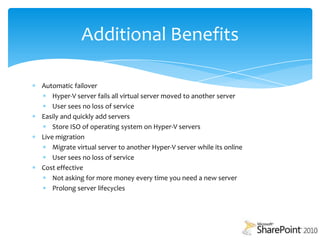
Why virtualise when upgrading/migration to SharePoint 2010Simple way to move to a 64bit environment.Cost savings in a time of budget cuts.Increased flexibility in growing and managing your server stock. High availability of e-learning resources.Improved protection against server failure (if in a fail over cluster).
SharePoint 2010 Software/Hardware Requirements Software64 Bit edition of SQL 2005 With SP3 or64 Bit edition of SQL 2008 With SP1 and Cumulative Update 2 or64 Bit Edition of SQL 2008 R264 Bit edition of windows server 2008 with SP264 Bit edition of Windows server 2008 R2Hardware64 Bit processor, 4 Cores8GB Ram 80GB Hard Drive Space
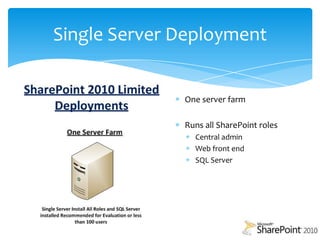
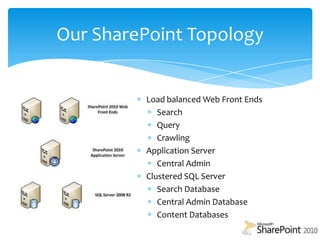
Single Server DeploymentOne server farmRuns all SharePoint rolesCentral adminWeb front endSQL Server
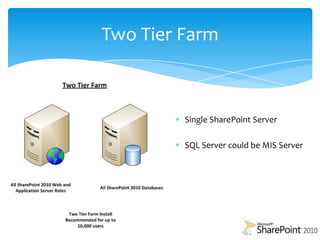
Two Tier FarmSingle SharePoint ServerSQL Server could be MIS Server
UpgradeIn place upgradePatched SQLX64 architectureHigh availability upgradePatched SQLCopy MOSS 2007 database and attached to new server
Metalogix SharePoint Site Migration Manager 2010Quest Software Migration Manager (2003 to 2010)TzunamiDeployer for SharePoint 2010 migrationAvePointDocAve SharePoint Migration Manager for 2001/2003/2007 to 2003/2007/2010MetaVis Migrator for SharePointXavor SharePoint 2010 Migration Tool SharePoint Joelhttp://www.sharepointjoel.com/default.aspxMigration Tools
Virtualisation – The BasicsMarket playersCitrixVMWareMicrosoft Hyper-V
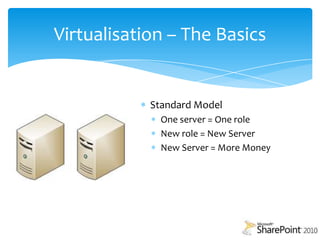
Standard ModelOne server = One roleNew role = New ServerNew Server = More MoneyVirtualisation – The Basics
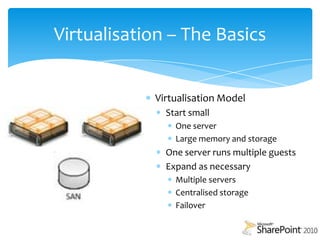
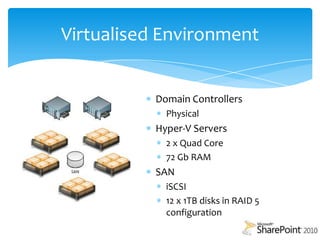
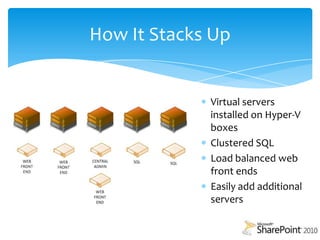
Virtualisation ModelStart smallOne serverLarge memory and storageOne server runs multiple guestsExpand as necessaryMultiple serversCentralised storageFailoverVirtualisation – The Basics
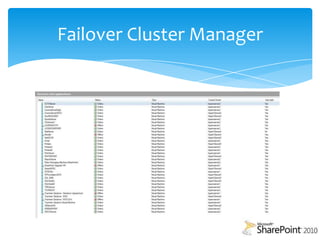
Failover Cluster Manager
Failover Cluster ManagerLive Migrate
Create New Virtual Servers
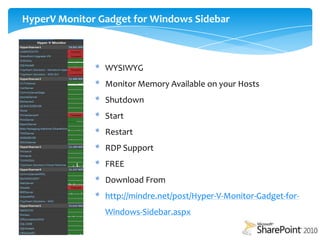
Start VM
Shutdown VM
Manage VM’s With HyperV Manager
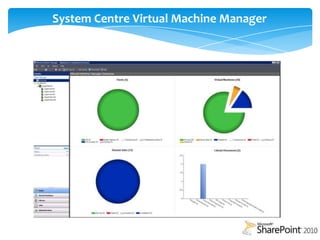
Manage Failover and FailbackSystem Centre Virtual Machine Manager
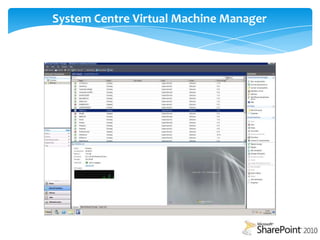
System Centre Virtual Machine Manager
System Centre Virtual Machine Manager P2V (Physical to Virtual)
Manage Your Virtual Machines
Live Migrate
Create and Manage Snapshots (Checkpoints)
Stop

Upgrade, Migrate and Virtualisation with SharePoint 2010