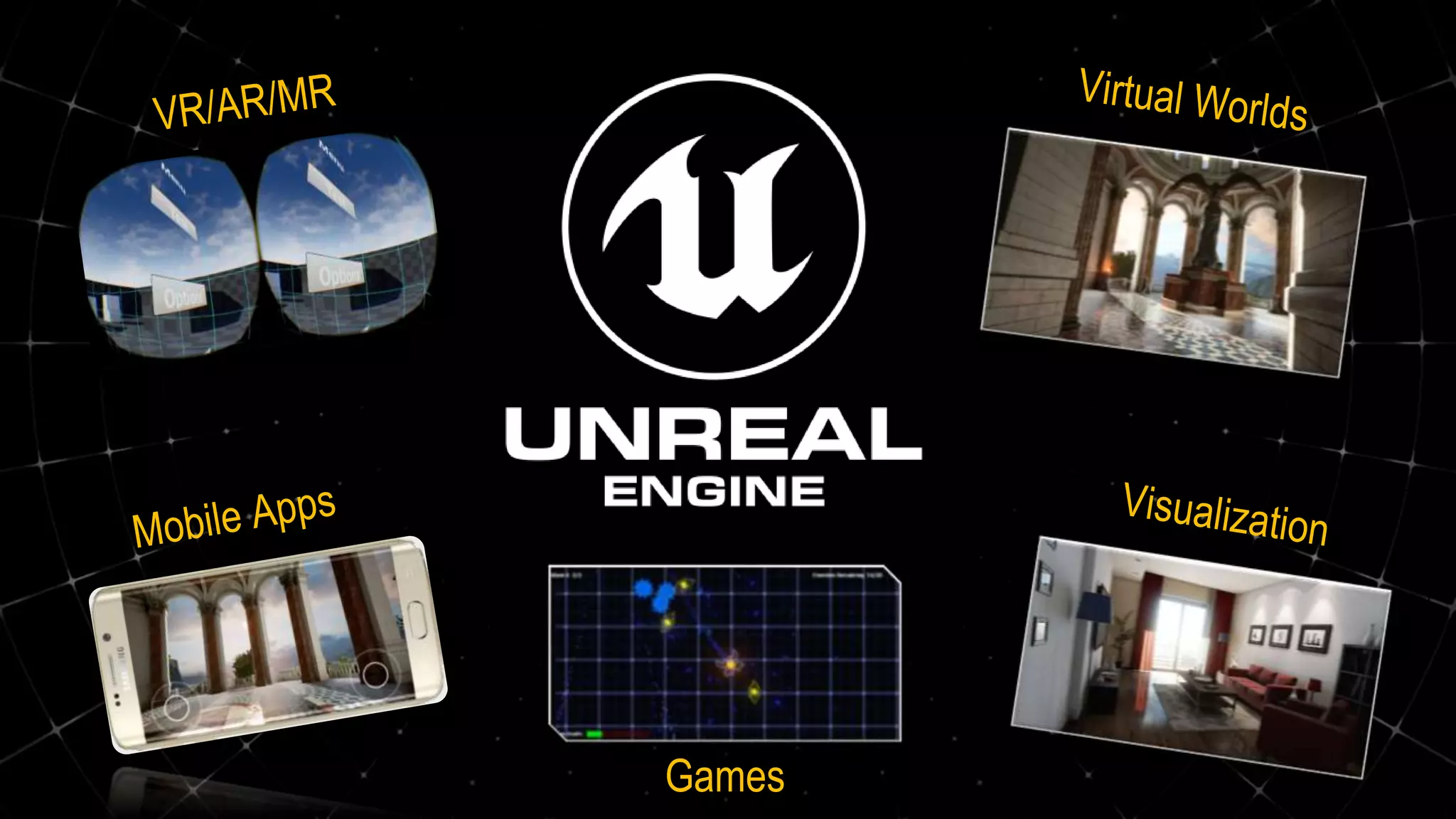
Games
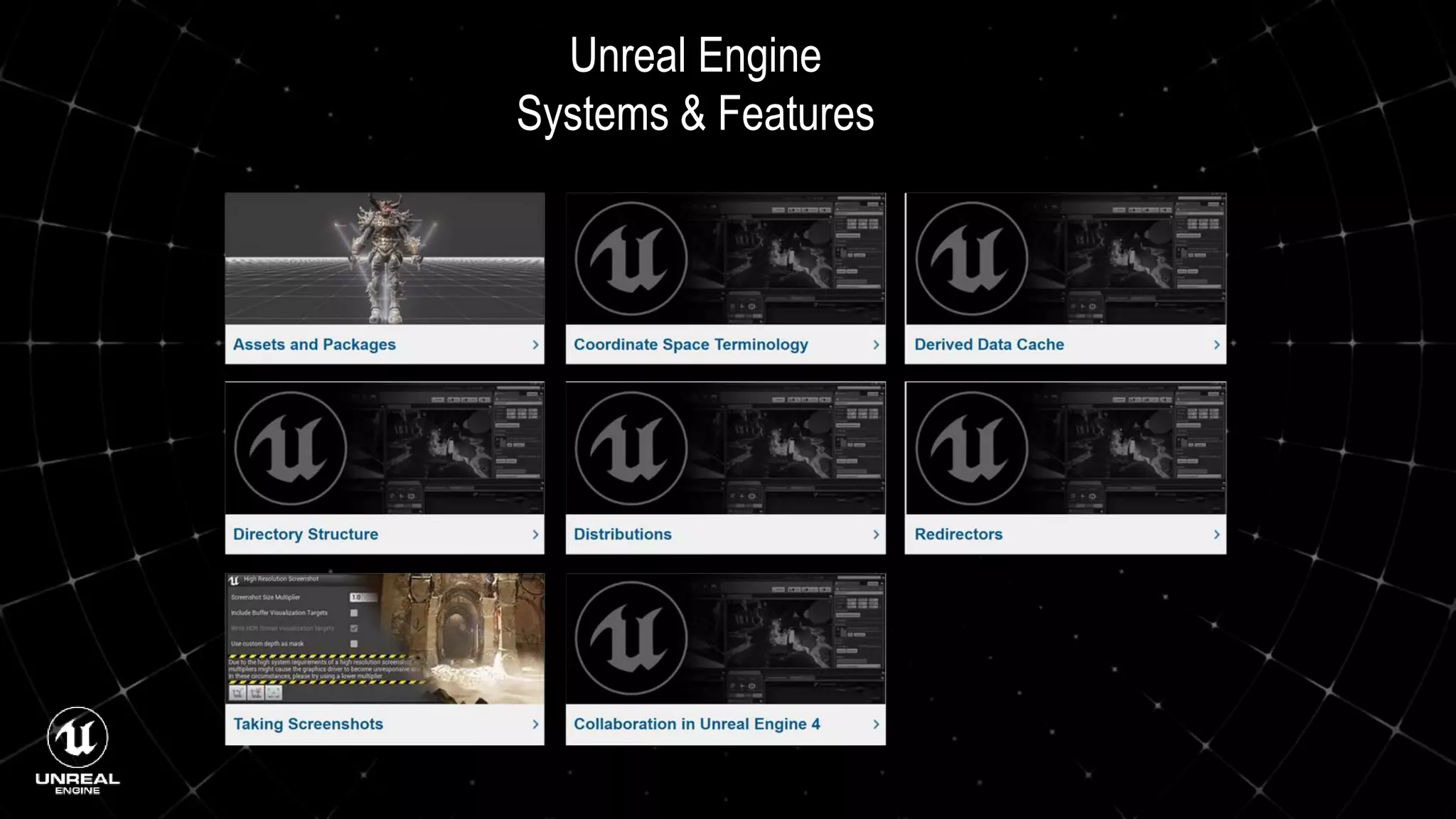
Unreal Engine
Systems & Features
Official Unreal Engine Getting Started Documentation
 Installing Unreal Engine
 Getting Started with UE4
 UE4 for Unity Developers
 UE4 Tools and Editor
 Unreal Editor Manual
 Create/Open Projects
 Placing Actors
 Manipulating Actors
 Adjust Actor Properties
 Playing and Simulating
 Find Help and Answers
 Managing Content
 Programming Guide 7
 API Reference
 Blueprints Visual Scripting
 Packaging Projects
 Gameplay Framework
 Networking & Multiplayer
 Coding Standard
 Command-Line Arguments
Working with Blueprints
 Introduction to Blueprints
 Blueprint Overview
 Blueprints Quick Start Guide
 Blueprint Best Practices
 Blueprint Basic Scripting
 Blueprints Technical Guide
 Blueprint Editor Cheat Sheet
 Blueprint Search
 Blueprint Debugging
 Videos: Introduction to Blueprints
 Videos: Blueprint Essentials
 Direct Blueprint Communication
 Event Dispatchers
 Using Interfaces
 Using Macro Libraries
 Creating Functions
 Making Macros
 Set and Get an Actor Reference
 Creating Blueprint Classes
 Placing Nodes
 Collapsing Graphs
 Blueprint Node Reference
Unreal Engine Mobile Development
 Setting Device Profiles
 Android Development with UE4
 iOS Development with UE4
 Using In-App Purchases
 Using In-Game Ads
 Mobile Performance Tips and Tricks
 Mobile Previewer
 Mobile Packaging Wizard
 Android Manifest Control
 Android Quick Start
 iOS Quick Start
 Materials for Mobile Platforms
 Texture Guidelines for Mobile Platforms
 Lighting for Mobile Platforms
 Use Cascaded Shadows
 Use Modulated Shadows
 Content Creation for Mobile Platforms
 Post Process Effects on Mobile Platforms
Unreal Engine VR/AR Development
 VR Shooting Gallery
 VR Bowling Game Tutorial
 Handheld AR with UE4
 The VR Cheat Sheet
 Virtual Reality Best Practices
 VR Performance and Profiling
 Developing for Samsung Gear VR
 Developing for Steam VR
 Developing for Google VR
 Developing for Oculus Rift
 Stereo Panoramic Capture Tool
 Using Motion Controllers
An Introduction to the Unreal Engine Tool Set
 Editor Interface
 The Viewport
 Building with Meshes
 Building with Geometry
 Adding Lighting
 Building Materials
 Programming with Blueprints
 Adding Animations
 Blueprints Interactions
 Blueprints Interactions 2
 Adding Particles
 Adding Landscape and Foliage
 Cinematics with Sequencer
 User interface with UMG
 Building you Project Executable
By Epic Trainer,
Unreal Engine Game Jam/Hackathon Tips and Tricks
 Free Unreal Engine Assets
 Using the Third Person Template
 Using the First Person Template
 Using the Puzzle Template
 Using the Rolling Template
 Using the 2D Side Scroller Template
 Using the Vehicle Template
 Using the Advanced Vehicle Template
 Using the Side Scroller Template
 Using the VR Template
 Making a Simple Start Menu
 Making a Simple Pause Menu
 Making a Simple Save and Load System
 Tips for Working with Audio
 Tips for Cooking and Packaging your Project
 Tip for Working with UI (UMG)
 More Tips and Tricks
By Epic Trainer,
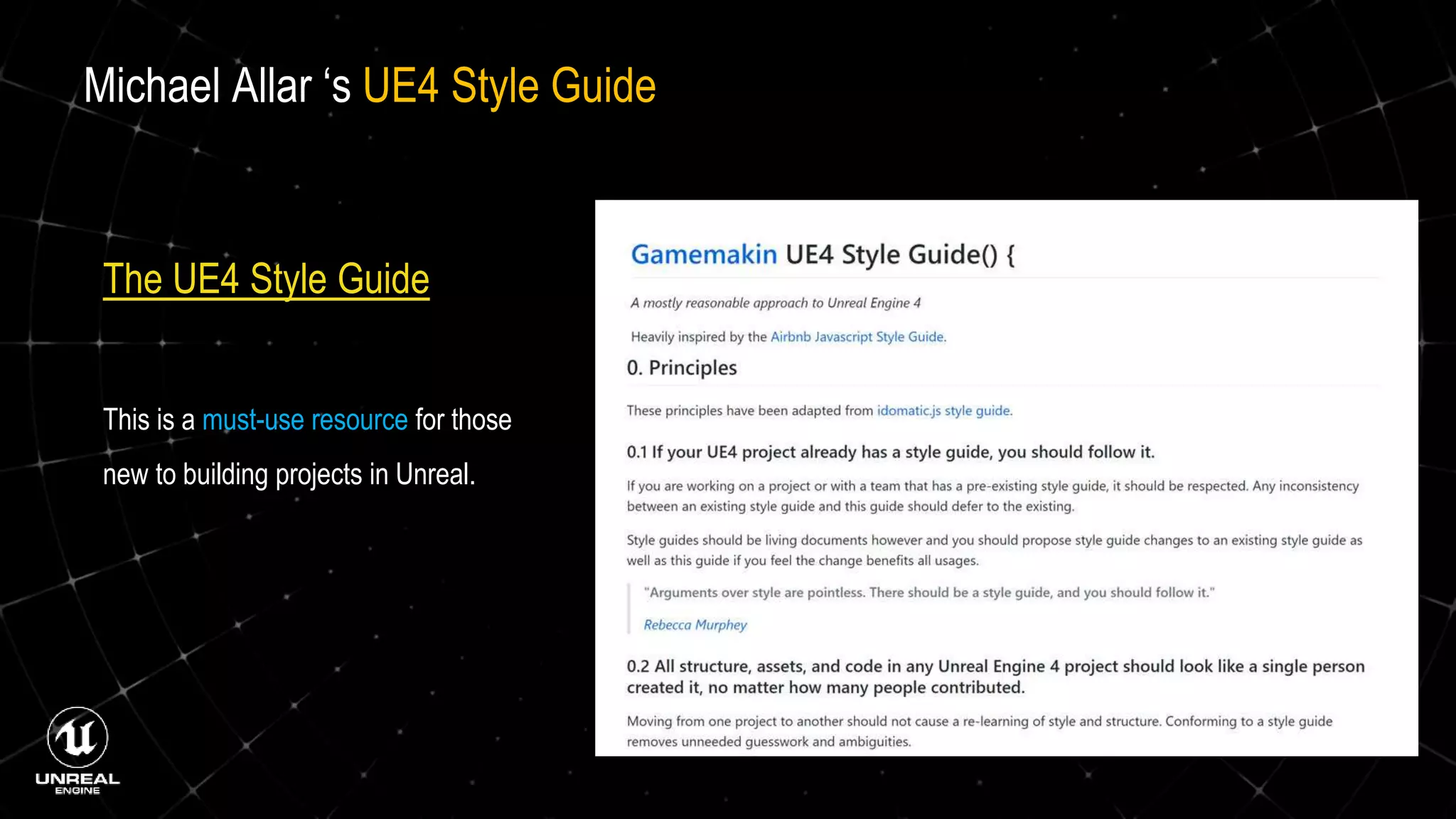
The UE4 Style Guide
This is a must-use resource for those
new to building projects in Unreal.
Michael Allar ‘s UE4 Style Guide
Additional Valuable Resources
Tom Looman’s ZEEF PageTom Looman’s Website
Elhoussine Mehnik’s Website
www.ue4u.xyz
Romero Blueprints shootertutorial.com
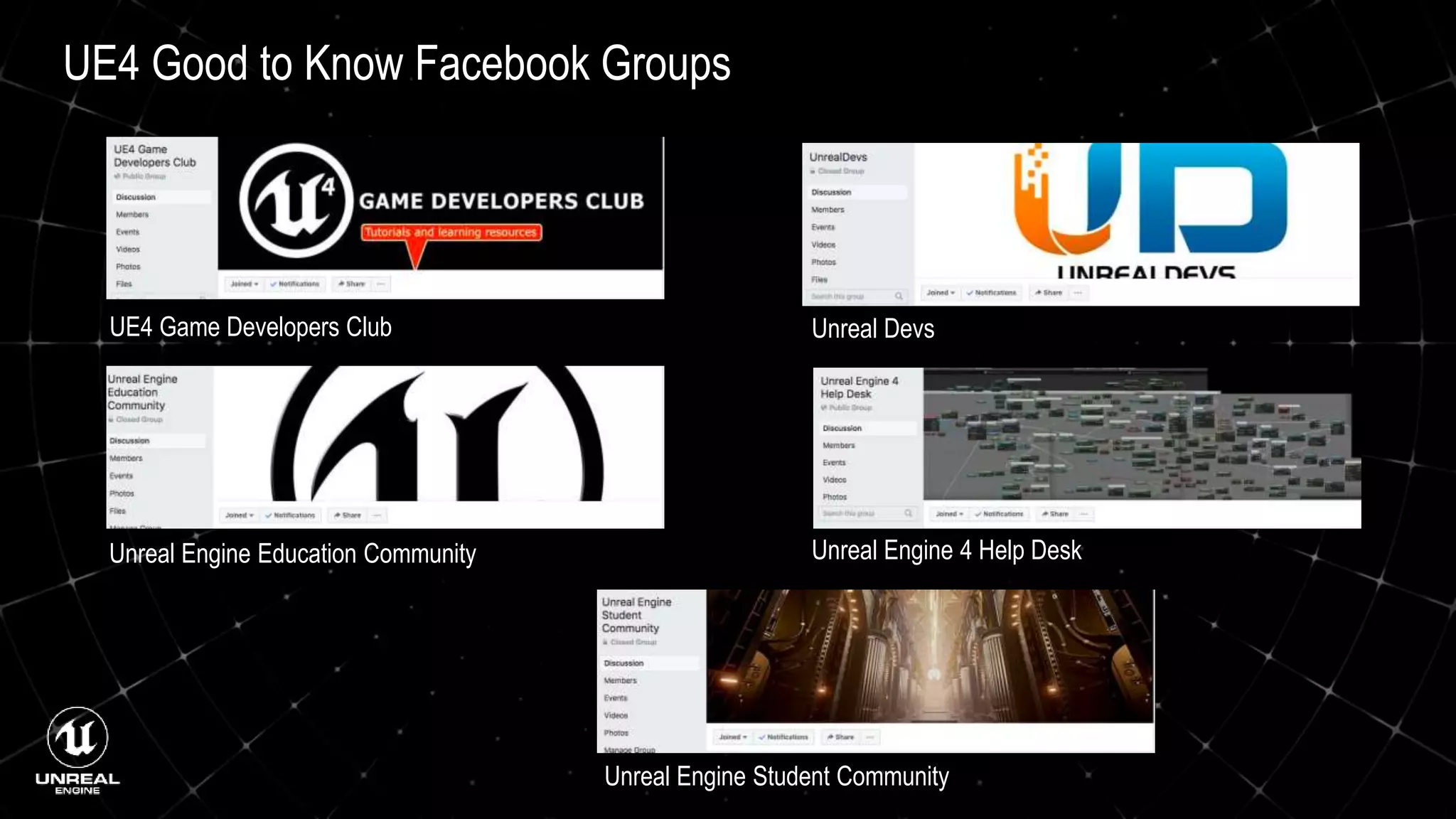
UE4 Good to Know Facebook Groups
UE4 Game Developers Club Unreal Devs
Unreal Engine Education Community
Unreal Engine Student Community
Unreal Engine 4 Help Desk

UnrealEngine_4_hackathon

  • 1.
  • 3.
  • 6.
    Official Unreal EngineGetting Started Documentation  Installing Unreal Engine  Getting Started with UE4  UE4 for Unity Developers  UE4 Tools and Editor  Unreal Editor Manual  Create/Open Projects  Placing Actors  Manipulating Actors  Adjust Actor Properties  Playing and Simulating  Find Help and Answers  Managing Content  Programming Guide 7  API Reference  Blueprints Visual Scripting  Packaging Projects  Gameplay Framework  Networking & Multiplayer  Coding Standard  Command-Line Arguments
  • 7.
    Working with Blueprints Introduction to Blueprints  Blueprint Overview  Blueprints Quick Start Guide  Blueprint Best Practices  Blueprint Basic Scripting  Blueprints Technical Guide  Blueprint Editor Cheat Sheet  Blueprint Search  Blueprint Debugging  Videos: Introduction to Blueprints  Videos: Blueprint Essentials  Direct Blueprint Communication  Event Dispatchers  Using Interfaces  Using Macro Libraries  Creating Functions  Making Macros  Set and Get an Actor Reference  Creating Blueprint Classes  Placing Nodes  Collapsing Graphs  Blueprint Node Reference
  • 8.
    Unreal Engine MobileDevelopment  Setting Device Profiles  Android Development with UE4  iOS Development with UE4  Using In-App Purchases  Using In-Game Ads  Mobile Performance Tips and Tricks  Mobile Previewer  Mobile Packaging Wizard  Android Manifest Control  Android Quick Start  iOS Quick Start  Materials for Mobile Platforms  Texture Guidelines for Mobile Platforms  Lighting for Mobile Platforms  Use Cascaded Shadows  Use Modulated Shadows  Content Creation for Mobile Platforms  Post Process Effects on Mobile Platforms
  • 9.
    Unreal Engine VR/ARDevelopment  VR Shooting Gallery  VR Bowling Game Tutorial  Handheld AR with UE4  The VR Cheat Sheet  Virtual Reality Best Practices  VR Performance and Profiling  Developing for Samsung Gear VR  Developing for Steam VR  Developing for Google VR  Developing for Oculus Rift  Stereo Panoramic Capture Tool  Using Motion Controllers
  • 10.
    An Introduction tothe Unreal Engine Tool Set  Editor Interface  The Viewport  Building with Meshes  Building with Geometry  Adding Lighting  Building Materials  Programming with Blueprints  Adding Animations  Blueprints Interactions  Blueprints Interactions 2  Adding Particles  Adding Landscape and Foliage  Cinematics with Sequencer  User interface with UMG  Building you Project Executable By Epic Trainer,
  • 11.
    Unreal Engine GameJam/Hackathon Tips and Tricks  Free Unreal Engine Assets  Using the Third Person Template  Using the First Person Template  Using the Puzzle Template  Using the Rolling Template  Using the 2D Side Scroller Template  Using the Vehicle Template  Using the Advanced Vehicle Template  Using the Side Scroller Template  Using the VR Template  Making a Simple Start Menu  Making a Simple Pause Menu  Making a Simple Save and Load System  Tips for Working with Audio  Tips for Cooking and Packaging your Project  Tip for Working with UI (UMG)  More Tips and Tricks By Epic Trainer,
  • 12.
    The UE4 StyleGuide This is a must-use resource for those new to building projects in Unreal. Michael Allar ‘s UE4 Style Guide
  • 13.
    Additional Valuable Resources TomLooman’s ZEEF PageTom Looman’s Website Elhoussine Mehnik’s Website www.ue4u.xyz Romero Blueprints shootertutorial.com
  • 14.
    UE4 Good toKnow Facebook Groups UE4 Game Developers Club Unreal Devs Unreal Engine Education Community Unreal Engine Student Community Unreal Engine 4 Help Desk