Unit 6
Week 10 & 11

   Pointers
     and
Dynamic Arrays
Unit Objectives
   Introducing Pointers
       Pointer Variables
       Basic Memory Management
       Static, Dynamic, and Automatic
        Variables
       Pointer Arithmetic
   Dynamic Arrays
       Array Variables and Pointer Variables
6.1 Pointers
    Pointers are symbolic representation of
    addresses. Pointers enable programs to
    simulate call-by-reference and to create and
    manipulate dynamic data structures.
6.1.1 Pointer Variable
    Declaration and Initialization
   Pointer variables contain memory addresses
    as their values.
   A variable directly references a value, and a
    pointer indirectly references a value.
   Referencing a value through a pointer is
    called indirection.
   The ∗ is called indirection operator.
6.1.1 (Cont..)
 Pointer are declared same as variable before
  you can use them as follows:
     int ∗xptr, ∗yptr, count;
Declares the variable xptr, a pointer to an
  integer value or
     double ∗dptr;
Declares the variable dptr, a pointer to a
  double value.
6.1.2 Pointer Operations
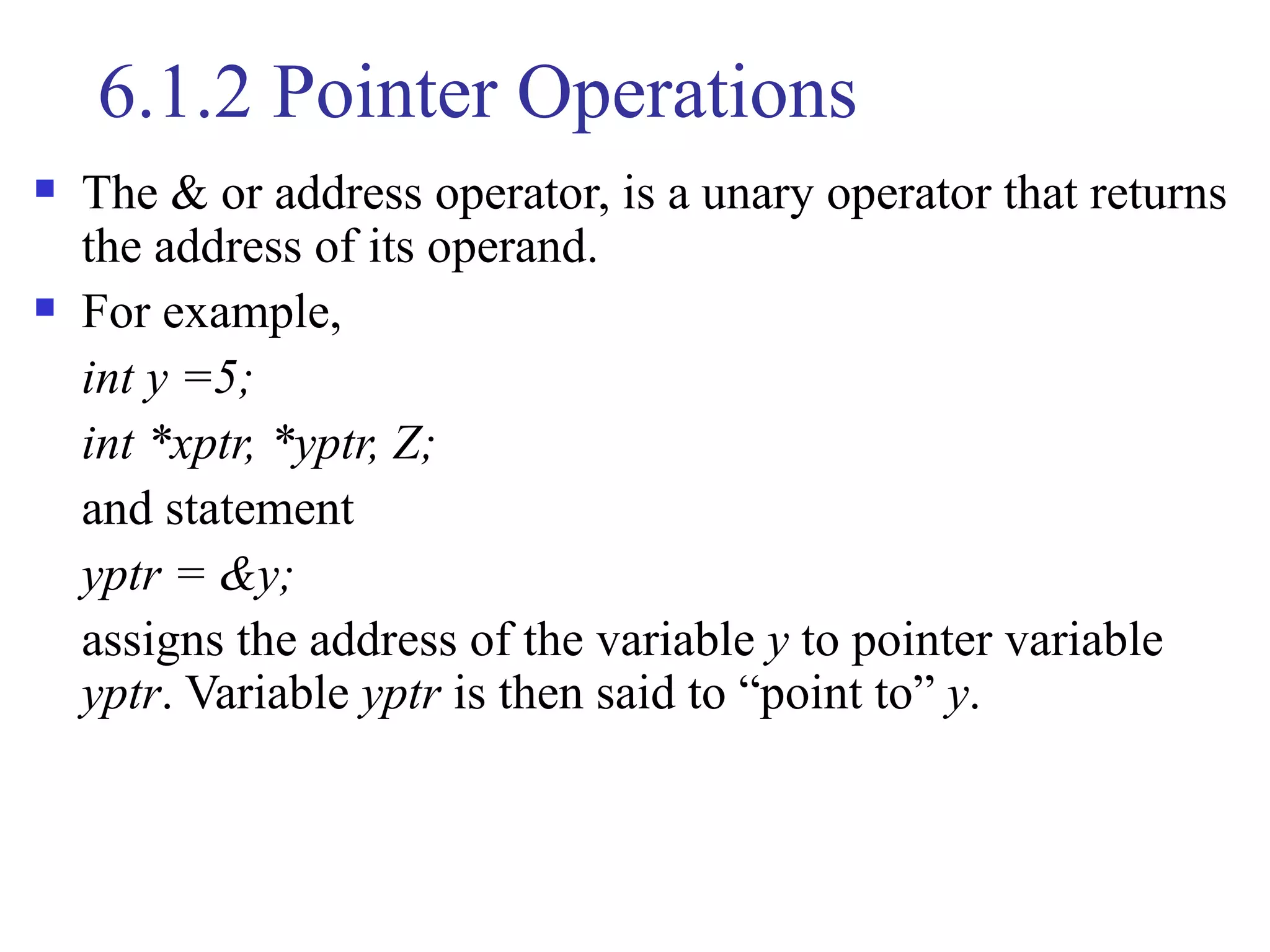
   The & or address operator, is a unary operator that returns
    the address of its operand.
   For example,
    int y =5;
    int *xptr, *yptr, Z;
    and statement
    yptr = &y;
    assigns the address of the variable y to pointer variable
    yptr. Variable yptr is then said to “point to” y.
6.1.2 (Cont..)
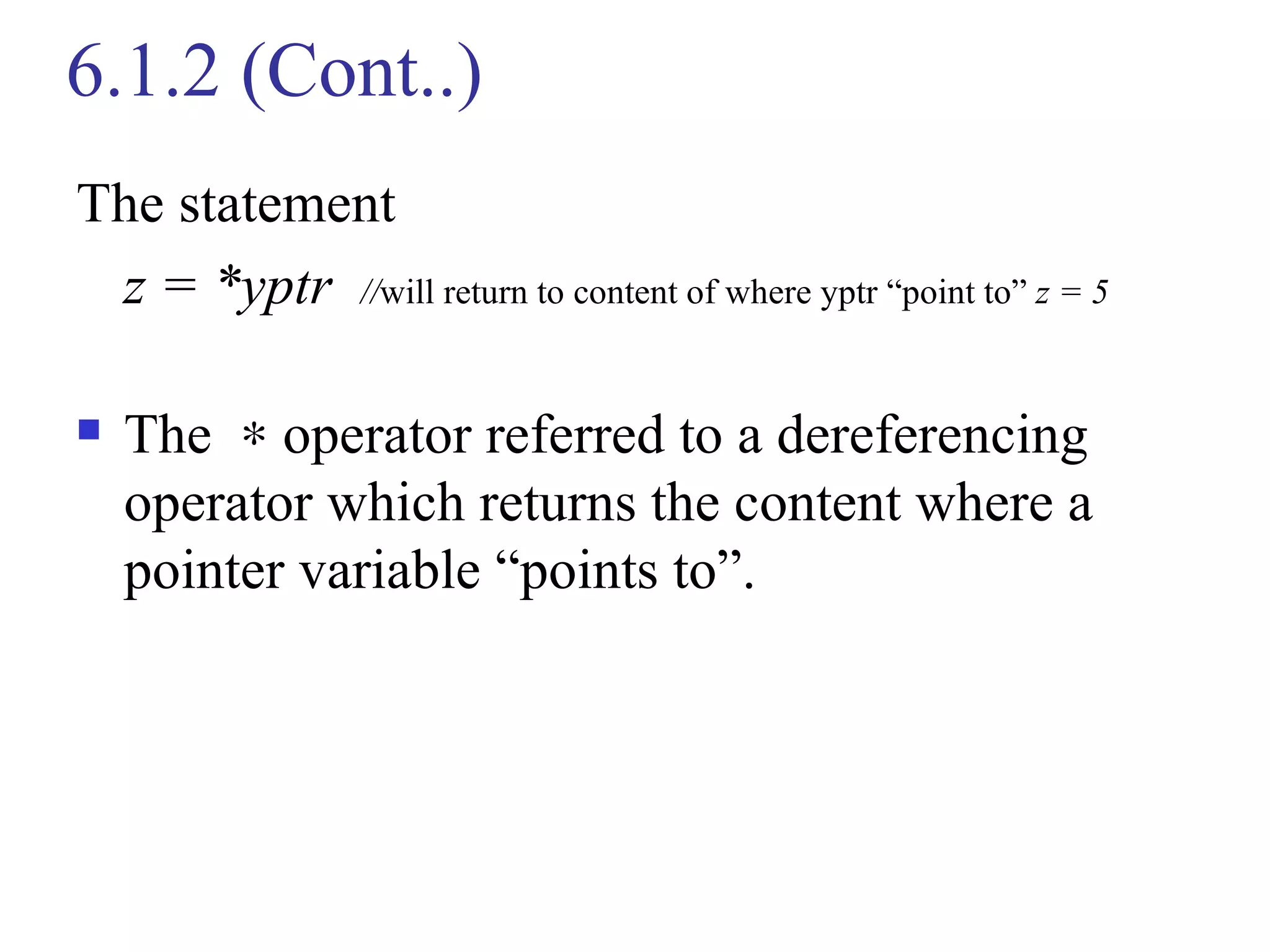
The statement
 z = *yptr //will return to content of where yptr “point to” z = 5

   The ∗ operator referred to a dereferencing
    operator which returns the content where a
    pointer variable “points to”.
6.1.2 (Cont..)
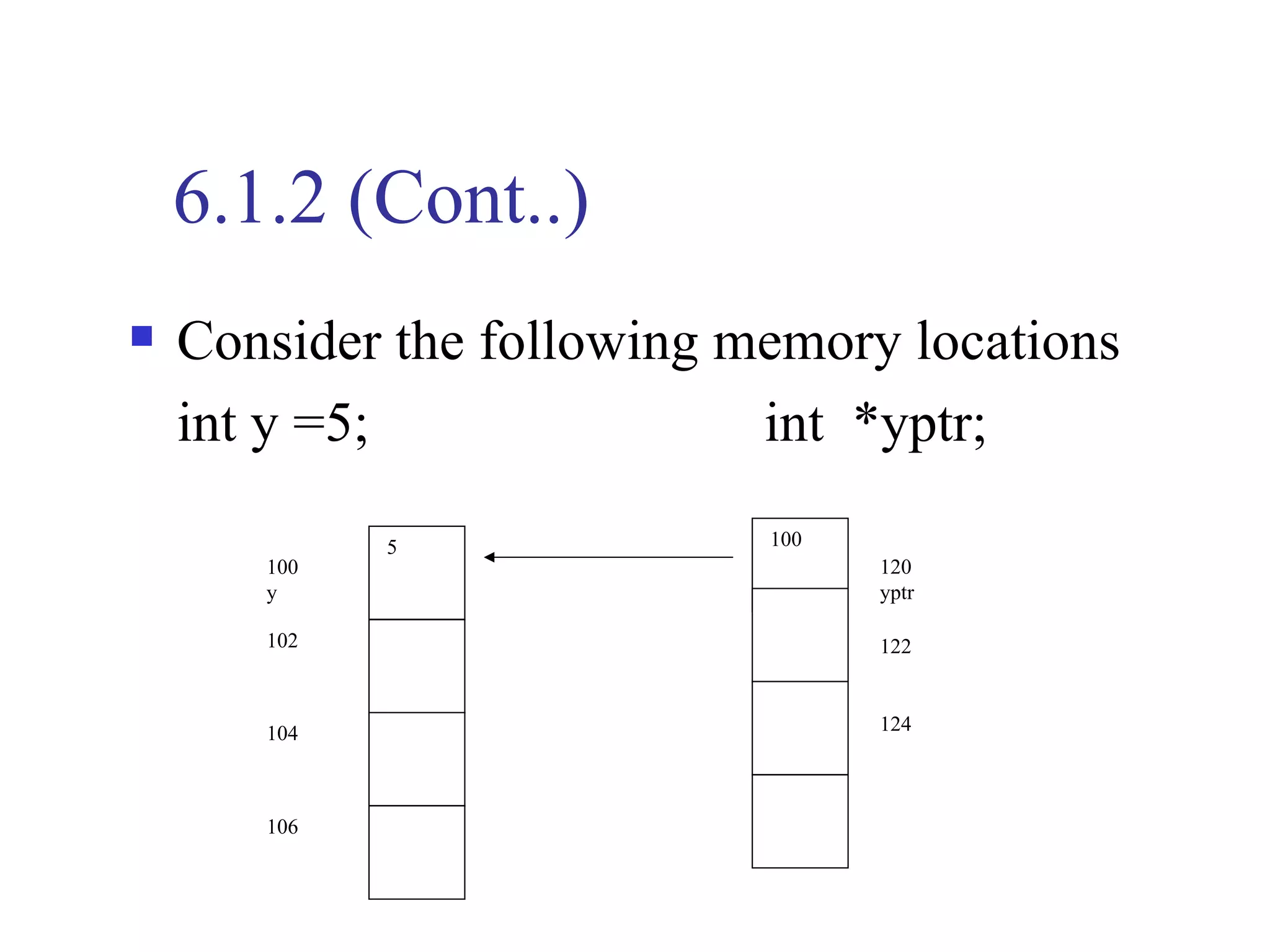
   Consider the following memory locations
    int y =5;               int *yptr;

             5              100
       100                        120
       y                          yptr

       102                        122


       104                        124


       106
6.1.2 (Cont..)
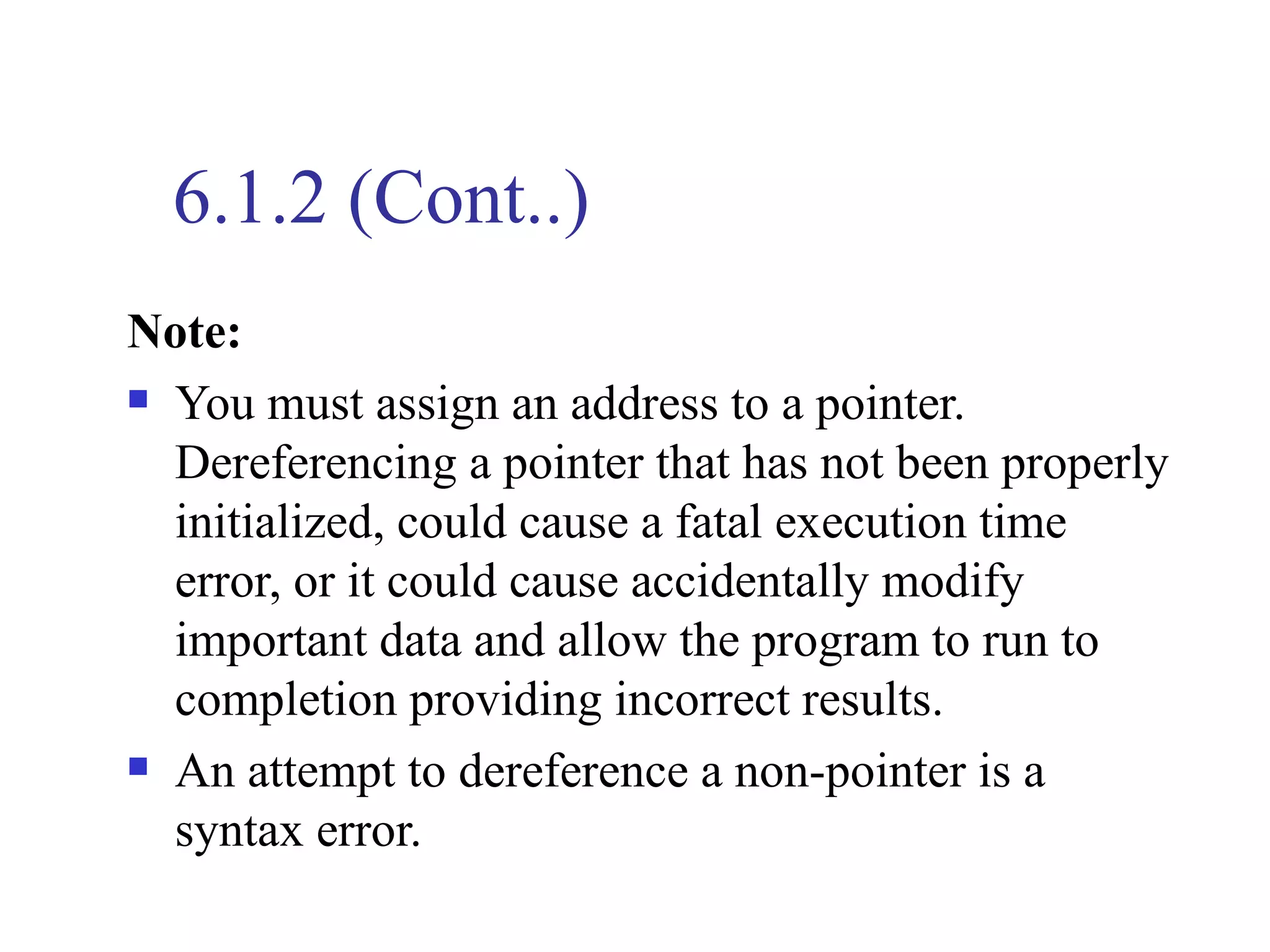
Note:
 You must assign an address to a pointer.

  Dereferencing a pointer that has not been properly
  initialized, could cause a fatal execution time
  error, or it could cause accidentally modify
  important data and allow the program to run to
  completion providing incorrect results.
 An attempt to dereference a non-pointer is a

  syntax error.
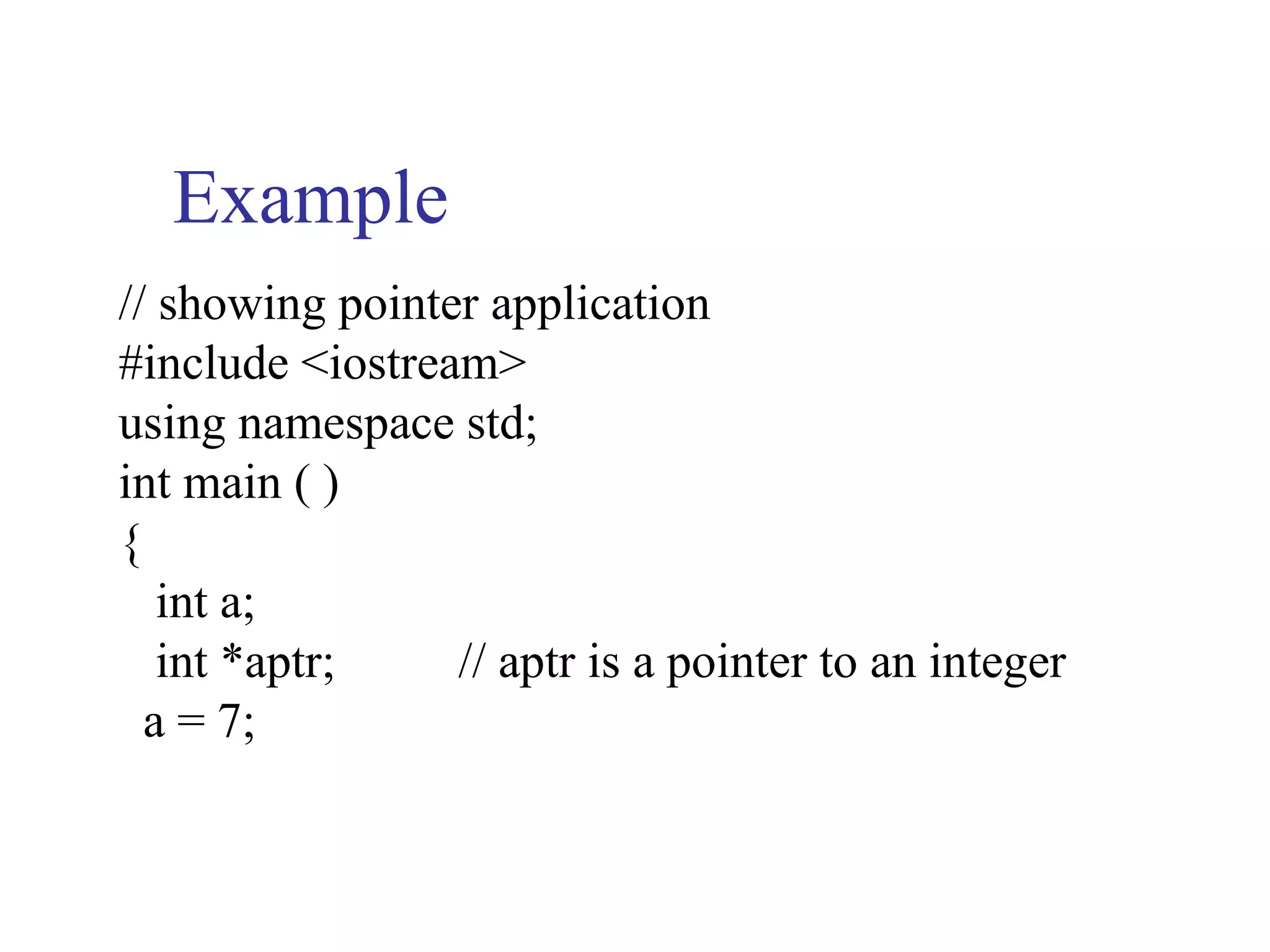
Example
// showing pointer application
#include <iostream>
using namespace std;
int main ( )
{
   int a;
   int *aptr;    // aptr is a pointer to an integer
  a = 7;
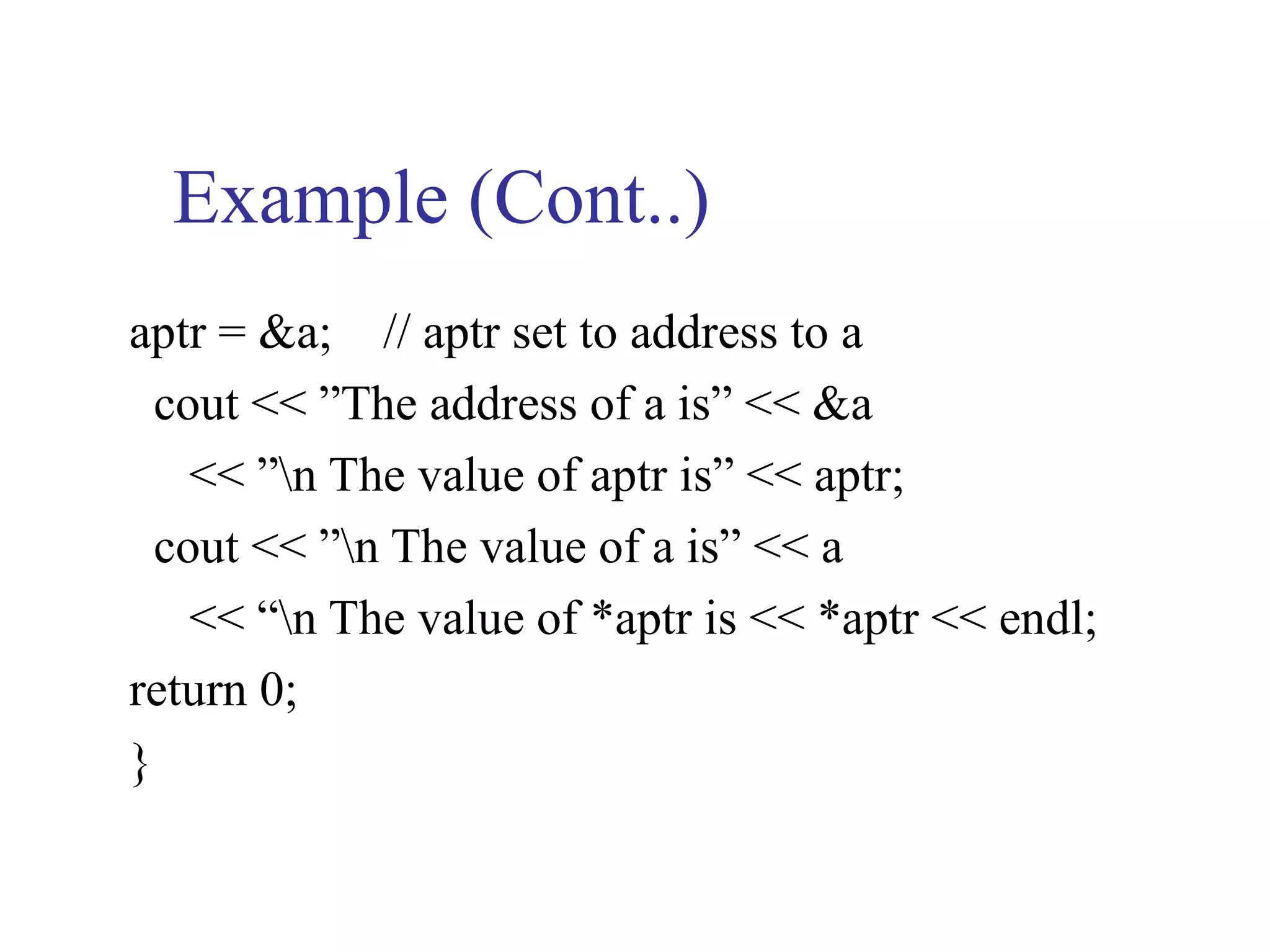
Example (Cont..)
aptr = &a; // aptr set to address to a
  cout << ”The address of a is” << &a
    << ”n The value of aptr is” << aptr;
  cout << ”n The value of a is” << a
    << “n The value of *aptr is << *aptr << endl;
return 0;
}
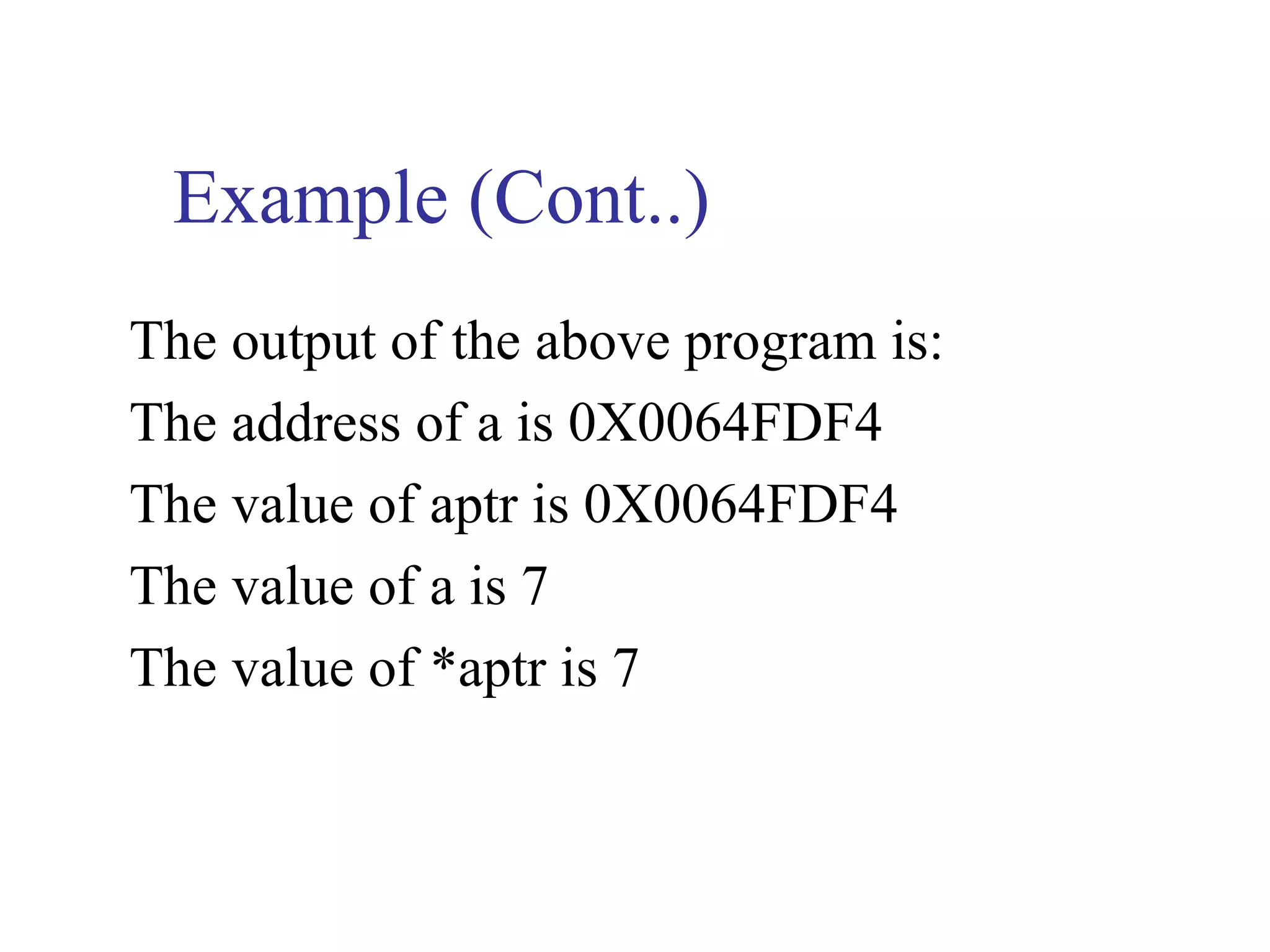
Example (Cont..)
The output of the above program is:
The address of a is 0X0064FDF4
The value of aptr is 0X0064FDF4
The value of a is 7
The value of *aptr is 7
6.1.3 References and Pointers
   There are 3 ways in C++ to pass arguments to a
    function
2.  call-by-value
3.  call-by-reference with reference argument
4.  call-by-reference with pointer argument
The differences between the last two are:
   The address named as a reference can not be
    altered. But because pointer is a variable, the
    address in the pointer can be changed.
6.1.3 (Cont..)
   References do not require the indirection operator
    to locate the final value being accessed, whereas
    pointers do. References are automatically or
    implicitly dereferenced, whereas pointers must be
    explicitly dereferenced.
   References provide a simpler notational interface
    and are usually preferred. Pointers are used for
    dynamically allocating new sections of memory
    for additional variables as a program is running or
    using alternative to array notation.
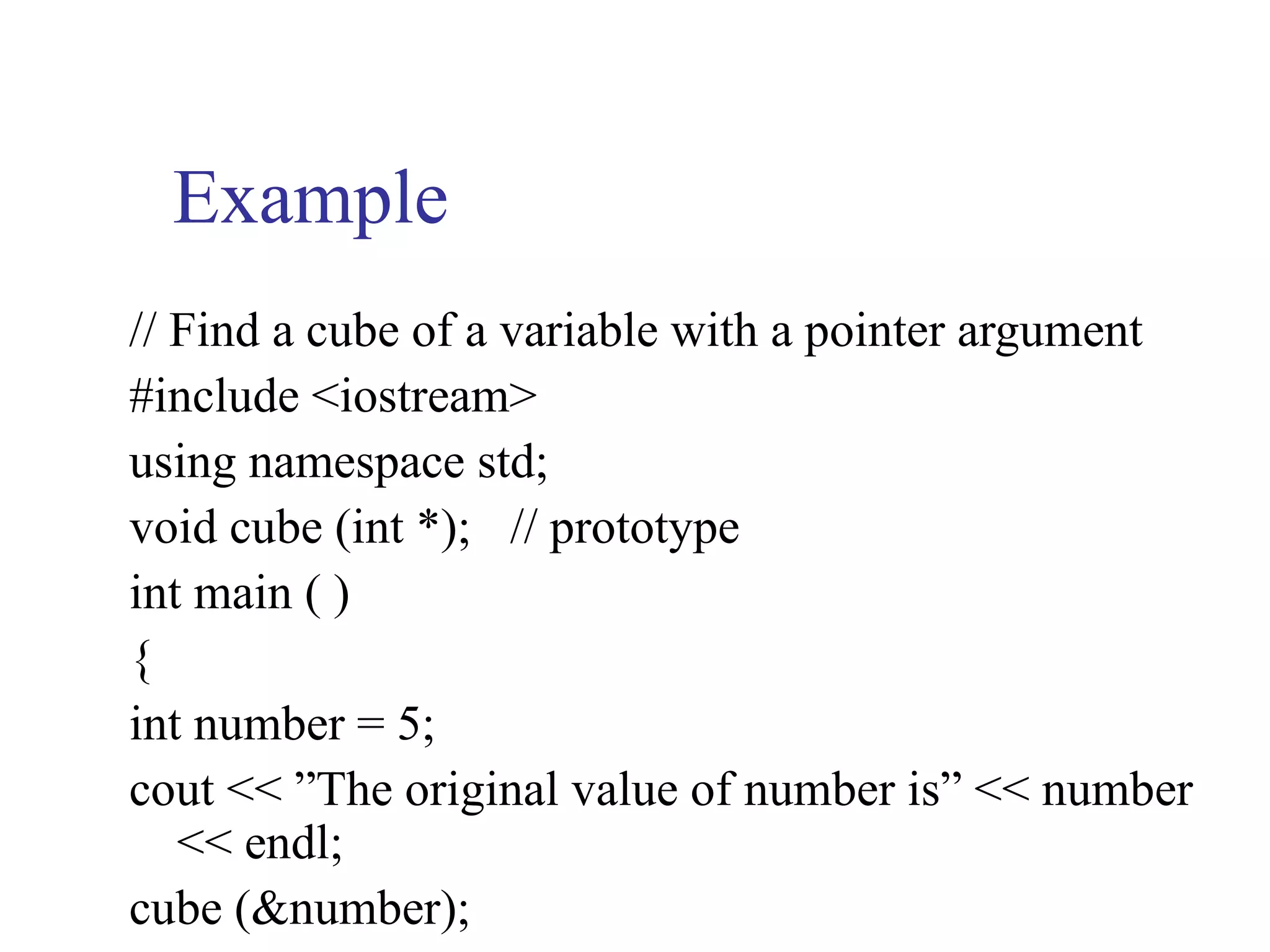
Example
// Find a cube of a variable with a pointer argument
#include <iostream>
using namespace std;
void cube (int *); // prototype
int main ( )
{
int number = 5;
cout << ”The original value of number is” << number
   << endl;
cube (&number);
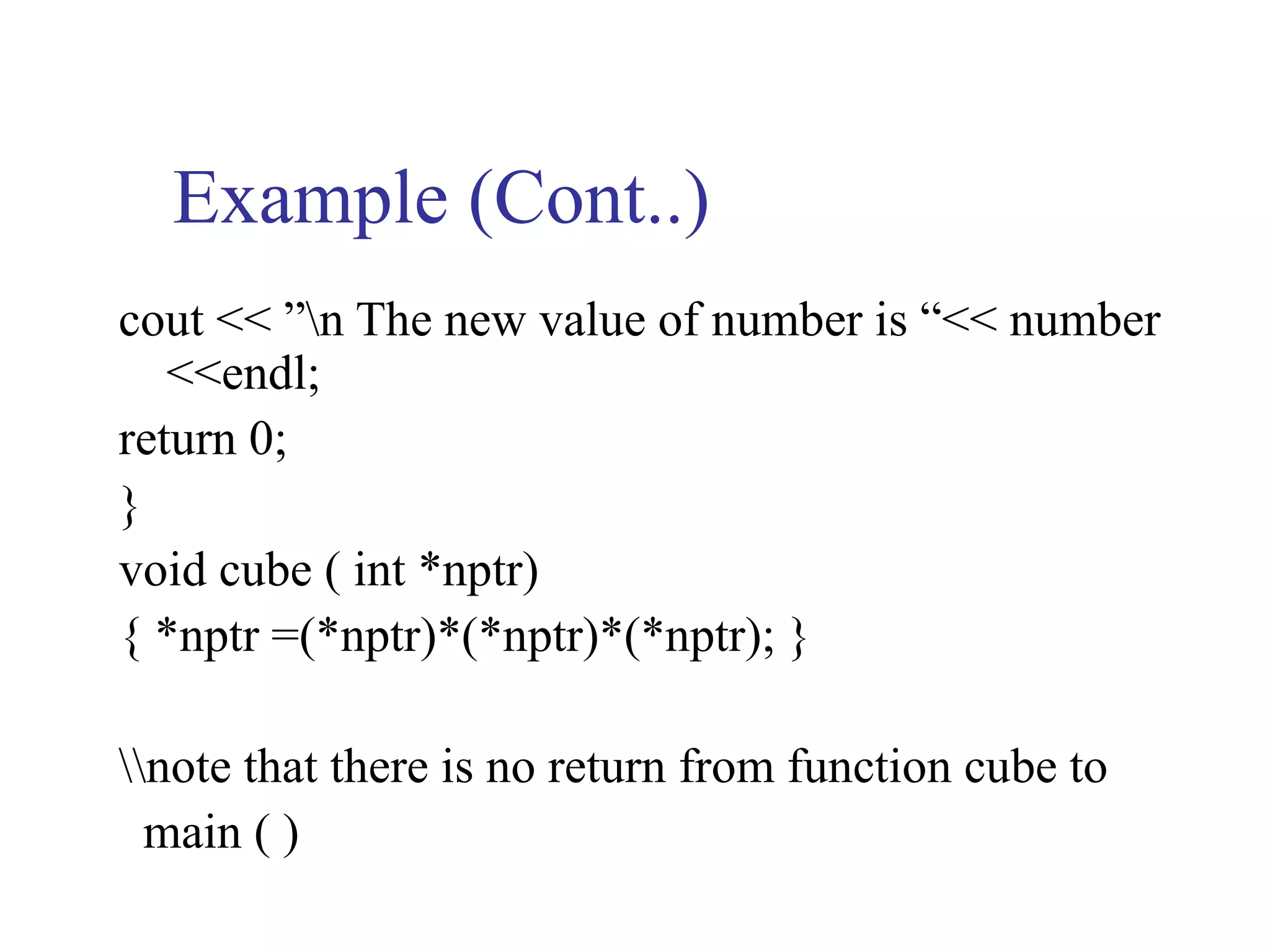
Example (Cont..)
cout << ”n The new value of number is “<< number
   <<endl;
return 0;
}
void cube ( int *nptr)
{ *nptr =(*nptr)*(*nptr)*(*nptr); }

note that there is no return from function cube to
  main ( )
6.2 Array Name as Pointers
 An array name is a pointer constant.
 The value of the pointer constant is the

  address of the first element.
 Thus, if val is the name of an array, val and

  &val [ 0 ] can be used interchangeably.
Creating an array also creates a pointer
int grade [ 2 ]  grade [ 0 ]             grade [ 1 ]


                 *grade        *(grade + 1)
Example
// pointer to arrays
#include <iostream>
using namespace std;
void printarray ( int*, int)
int main ( )
{
   const int arraysize = 5;
   int grade [arraysize] = { 93, 88, 94, 91, 82};
   int *ptr;
   ptr = grade;         // or ptr=&grade [ 0 ];
Example (Cont..)
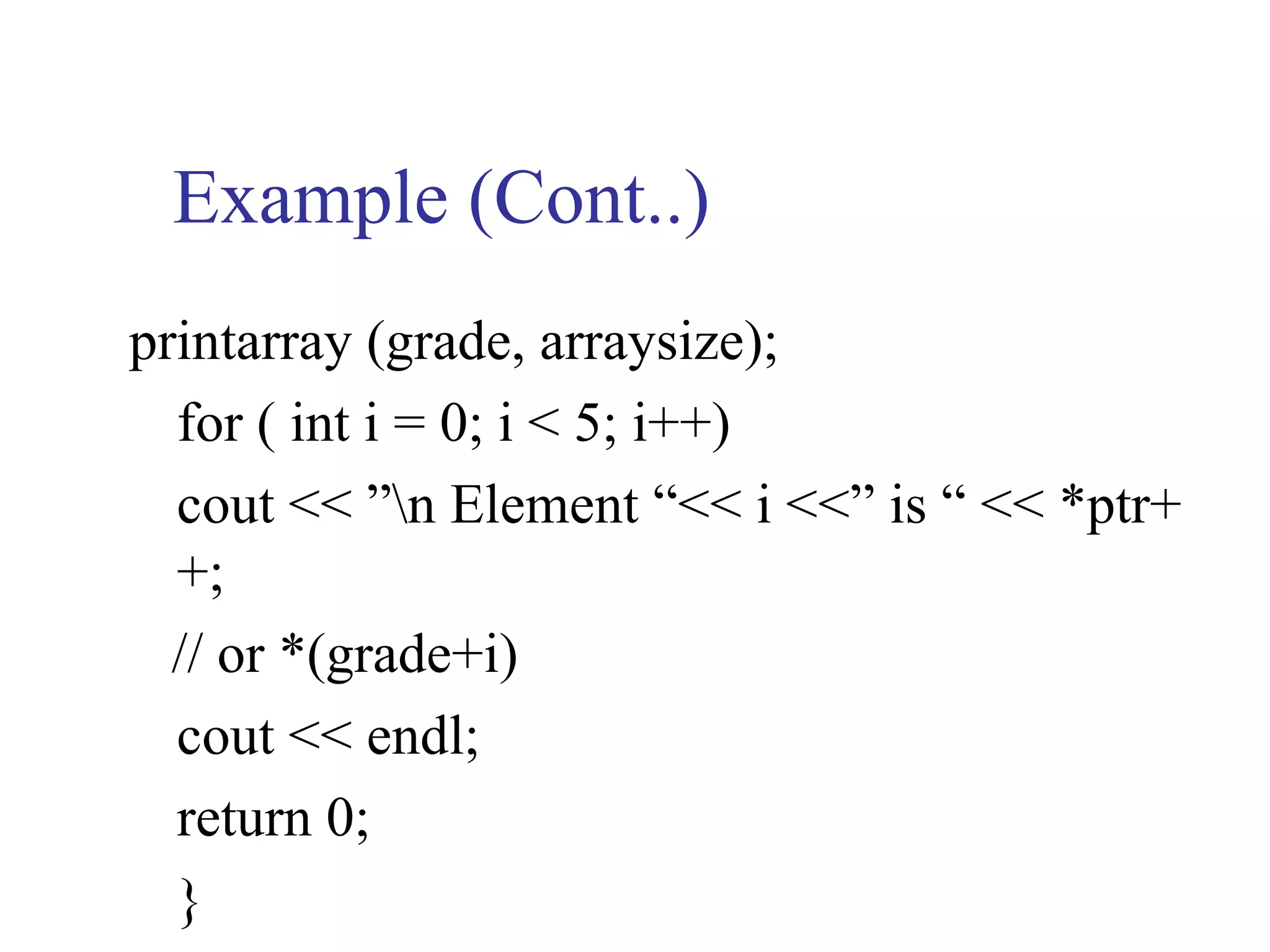
printarray (grade, arraysize);
  for ( int i = 0; i < 5; i++)
  cout << ”n Element “<< i <<” is “ << *ptr+
  +;
  // or *(grade+i)
  cout << endl;
  return 0;
  }
Example (Cont..)
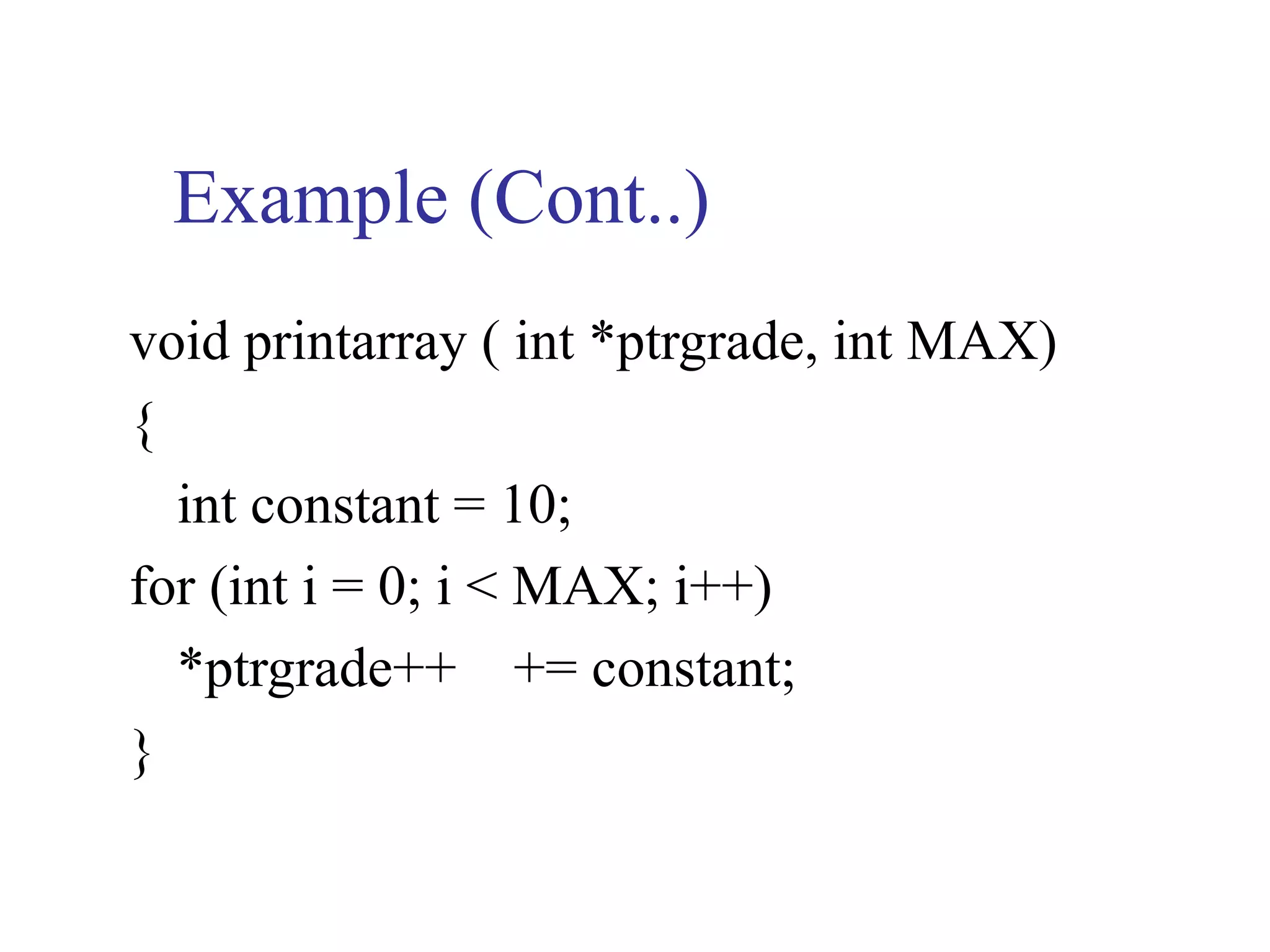
void printarray ( int *ptrgrade, int MAX)
{
  int constant = 10;
for (int i = 0; i < MAX; i++)
  *ptrgrade++ += constant;
}
Example (Cont..)
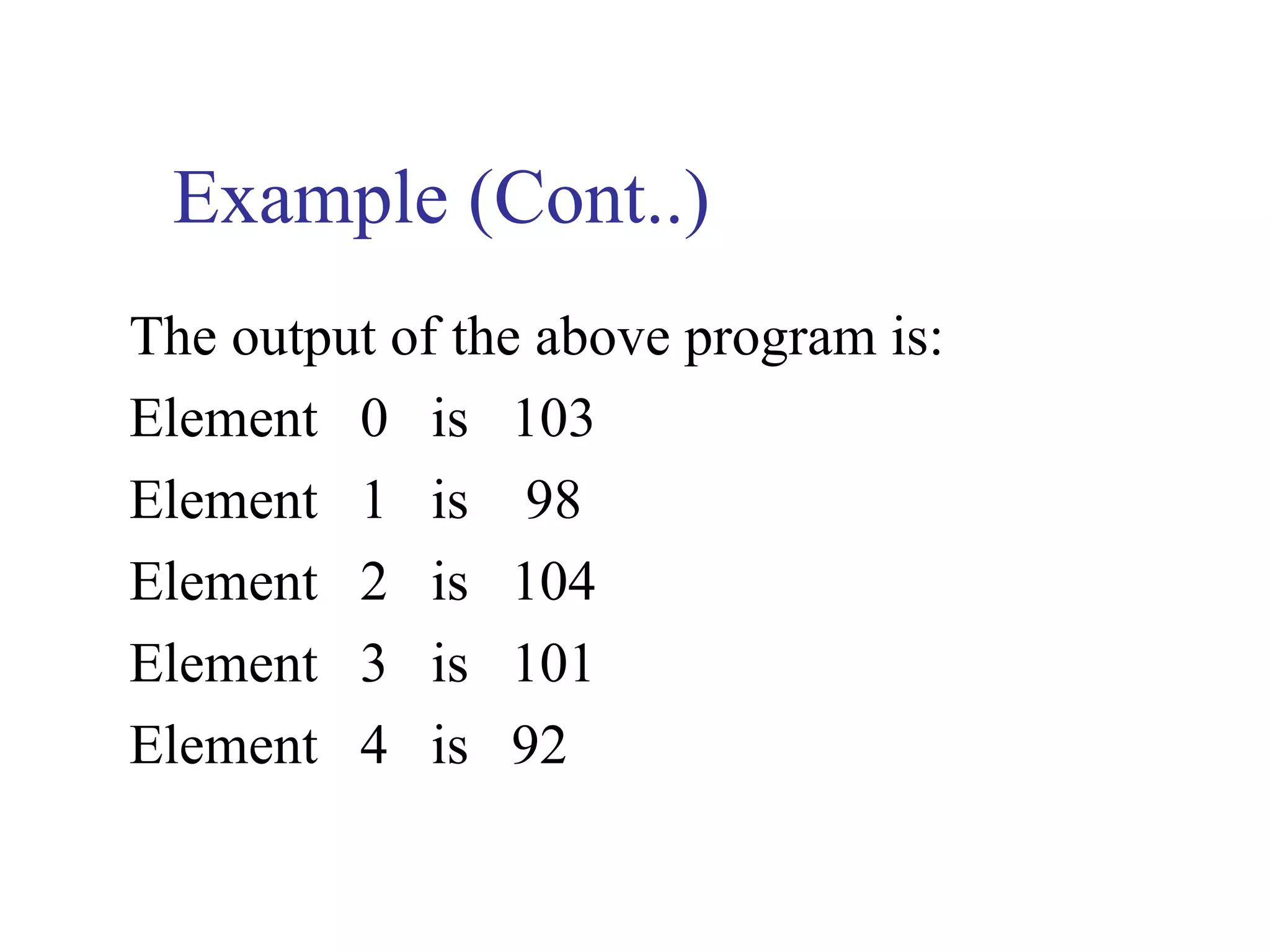
The output of the above program is:
Element 0 is 103
Element 1 is 98
Element 2 is 104
Element 3 is 101
Element 4 is 92
Example
// Example of pointers and strings and const data
#include <iostream>
using namespace std;
void printc (const char * );
int main ( )
{
char string [ ] = “print characters of a string”;
cout << ”The string is: n”;
Example (Cont..)
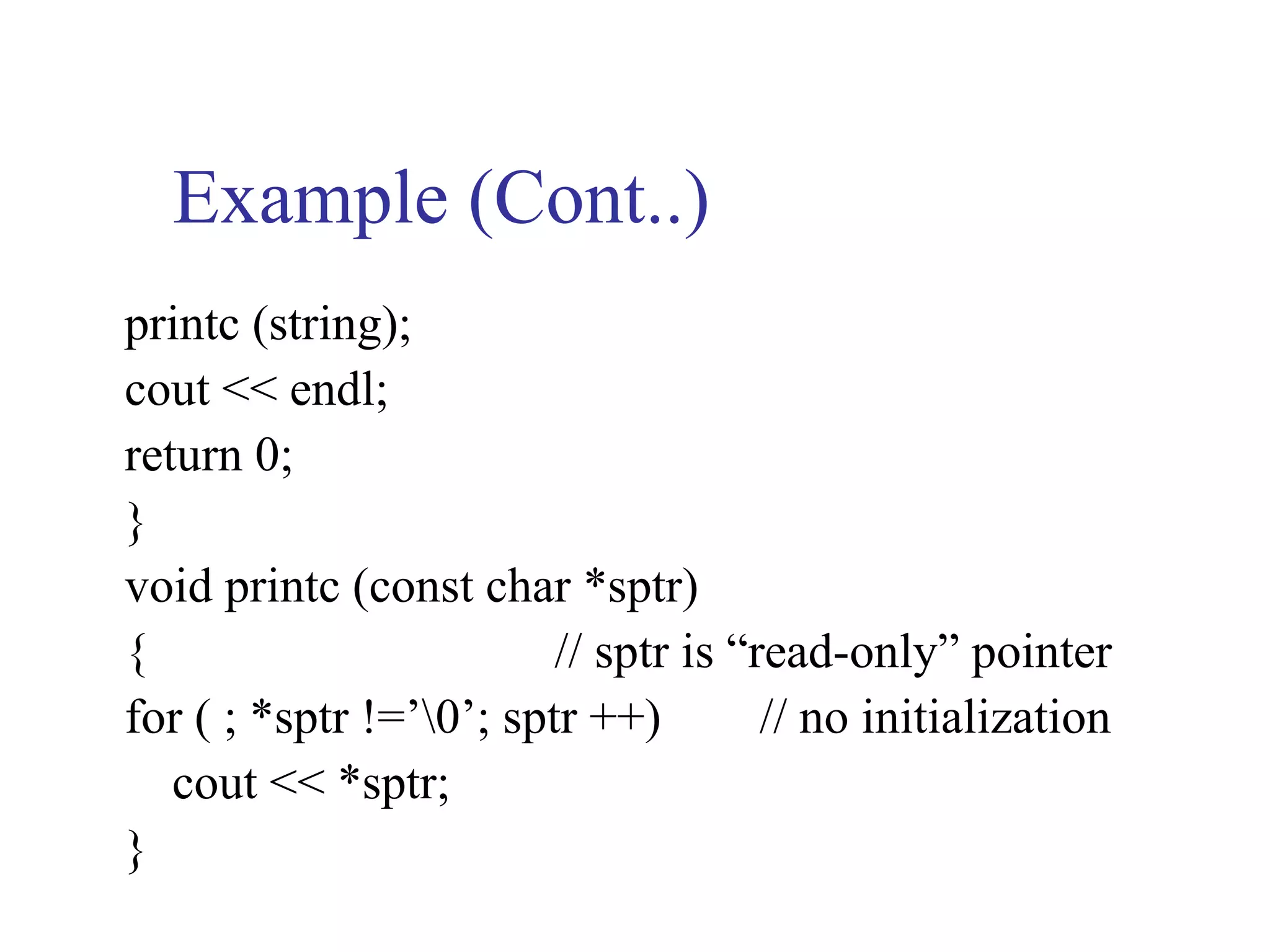
printc (string);
cout << endl;
return 0;
}
void printc (const char *sptr)
{                        // sptr is “read-only” pointer
for ( ; *sptr !=’0’; sptr ++)        // no initialization
   cout << *sptr;
}
6.2 (Cont..)
   If a value does not ( or should not) change
    in the body of a function to which it is
    passed, the parameter should be declared
    const to ensure that it is not accidentally
    modified.
Example
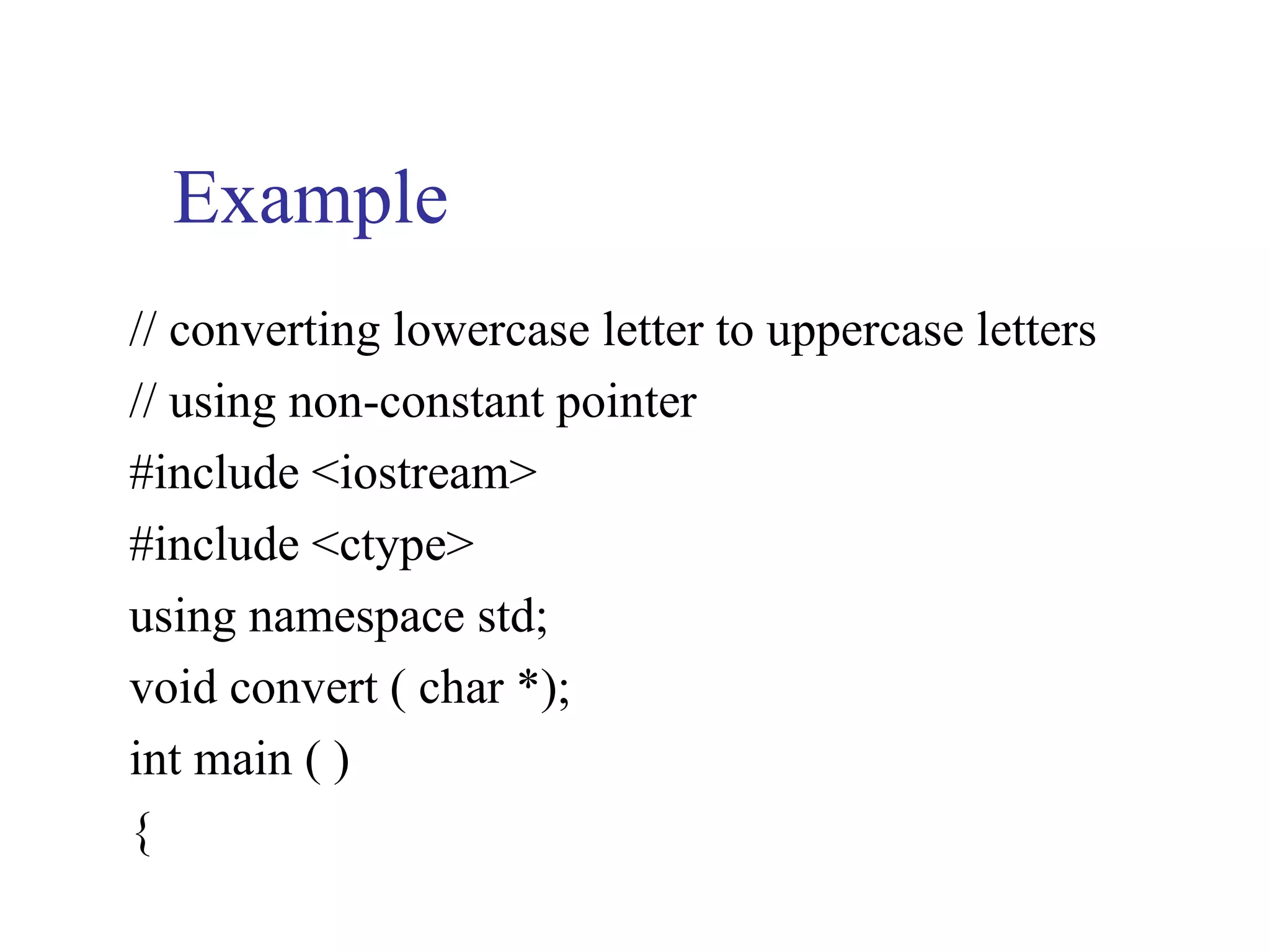
// converting lowercase letter to uppercase letters
// using non-constant pointer
#include <iostream>
#include <ctype>
using namespace std;
void convert ( char *);
int main ( )
{
Example (Cont..)
char string [ ] = “characters and $32.98”;
cout << ”the string before conversion is: ” << string;
convert (string);
cout << ”n the string after conversion is: “ << string
   << endl;
return 0;
}
void convert ( char *sptr)
Example (Cont..)
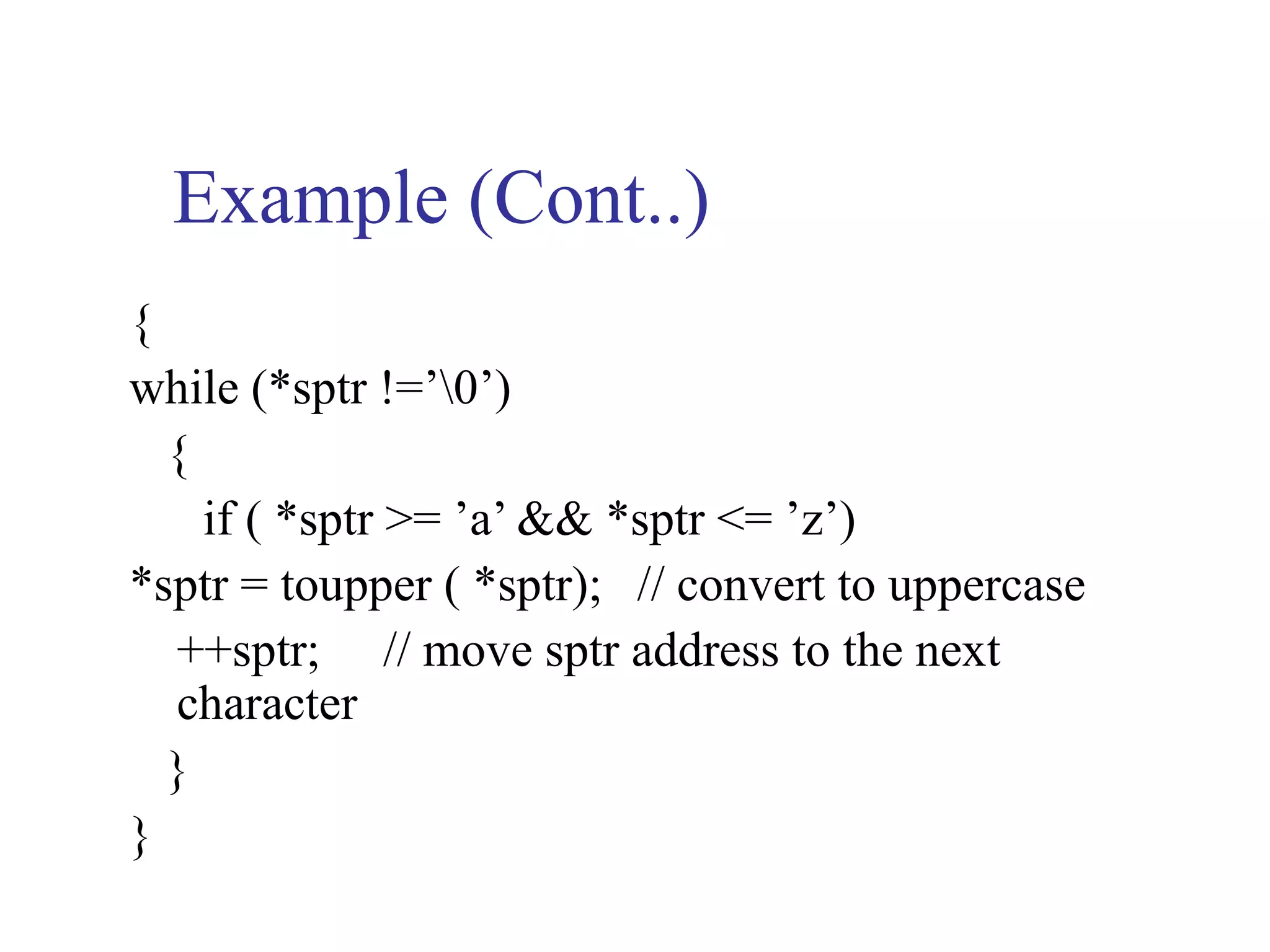
{
while (*sptr !=’0’)
  {
    if ( *sptr >= ’a’ && *sptr <= ’z’)
*sptr = toupper ( *sptr); // convert to uppercase
  ++sptr; // move sptr address to the next
  character
  }
}
Example (Cont..)
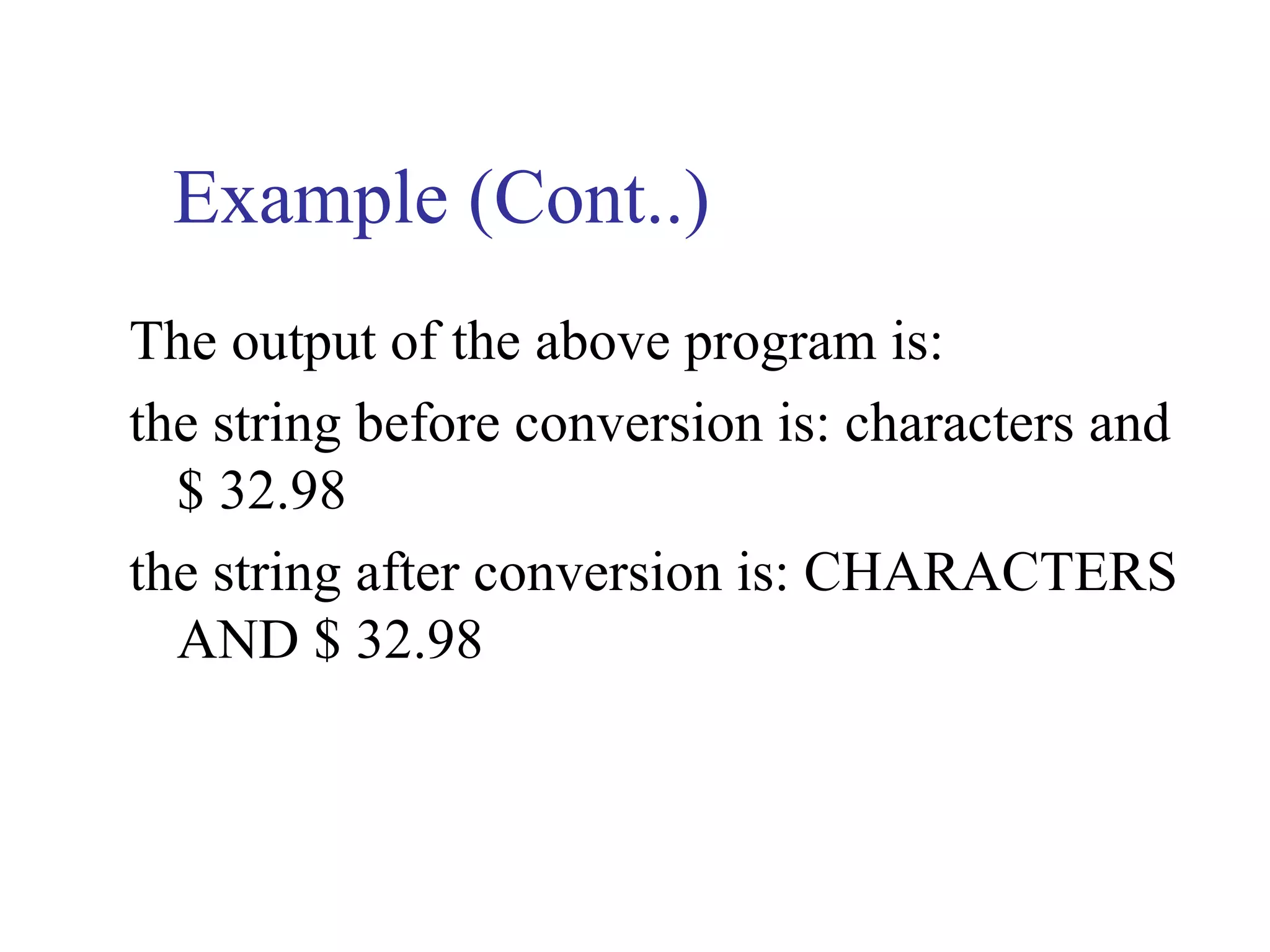
The output of the above program is:
the string before conversion is: characters and
  $ 32.98
the string after conversion is: CHARACTERS
  AND $ 32.98
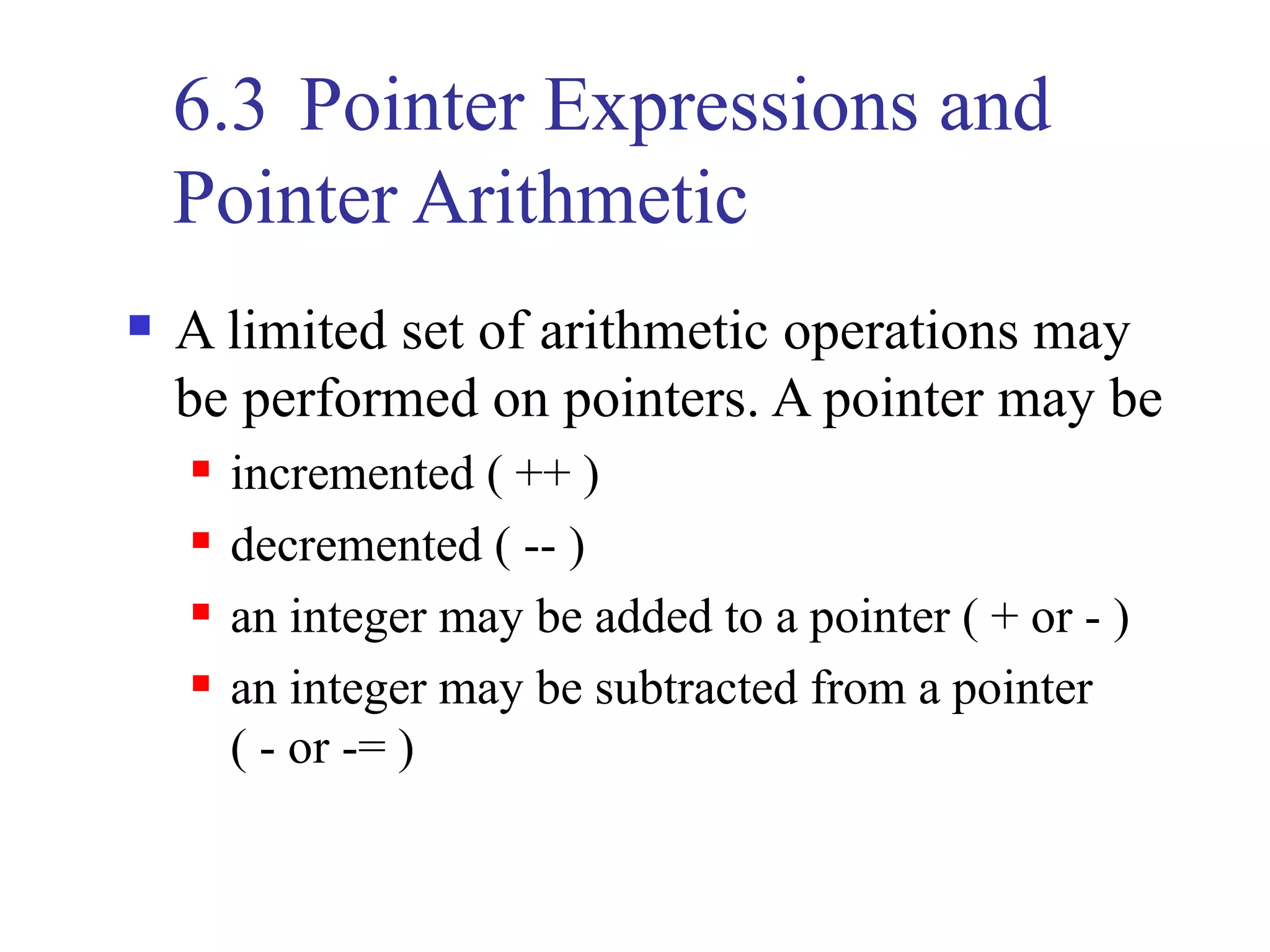
6.3 Pointer Expressions and
    Pointer Arithmetic
   A limited set of arithmetic operations may
    be performed on pointers. A pointer may be
       incremented ( ++ )
       decremented ( -- )
       an integer may be added to a pointer ( + or - )
       an integer may be subtracted from a pointer
        ( - or -= )
6.3 (Cont..)
   Assume that array int arr [5] has been
    declared and its first element is at location
    100 in memory. Assume pointer int *ptrarr
    has been initialized to the beginning address
    of arr, i.e.; 100.
          100   102   104   106   108
6.3 (Cont..)
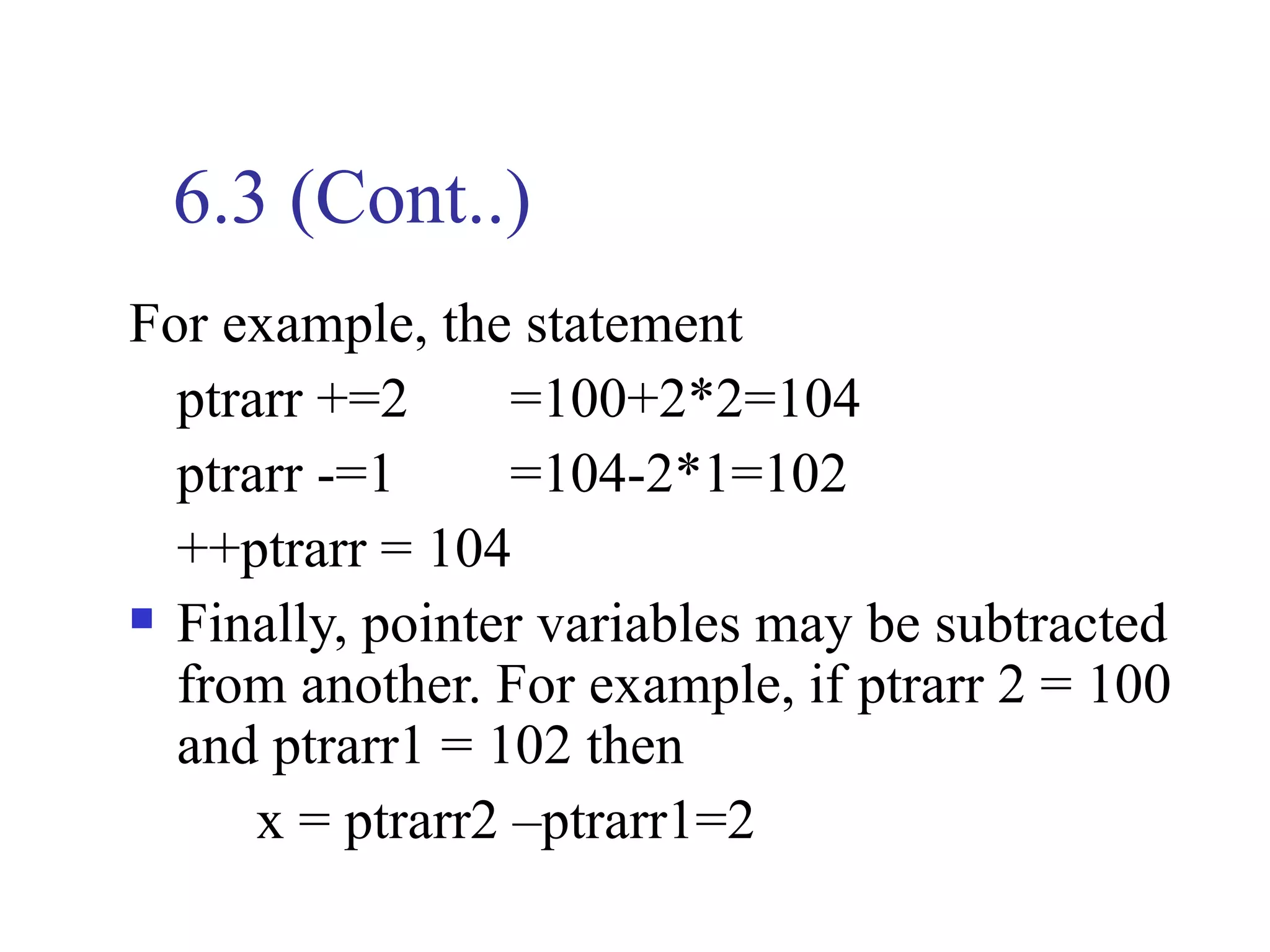
For example, the statement
  ptrarr +=2      =100+2*2=104
  ptrarr -=1      =104-2*1=102
  ++ptrarr = 104
 Finally, pointer variables may be subtracted

  from another. For example, if ptrarr 2 = 100
  and ptrarr1 = 102 then
      x = ptrarr2 –ptrarr1=2
6.3 (Cont..)
  Pointer arithmetic is meaningless unless performed
   on an array.
// using strcpy and strncpy
#include <iostream>
#include <string>
using namespace std;
int main ( )
{ char x [ ] = “Happy Birthday to you”;
   char y [ 25 ], z [15 ];
   cout << ”The string in array x is:”<< x
Example (Cont..)
  << ”n The string in array y is: “ << strcpy(y, x)
   << ”n”;
strncpy (z, x, 14); // does not copy null character
z [14] = ‘0’;
cout << ”The string in array z is: “ << z << endl;
return 0;
}
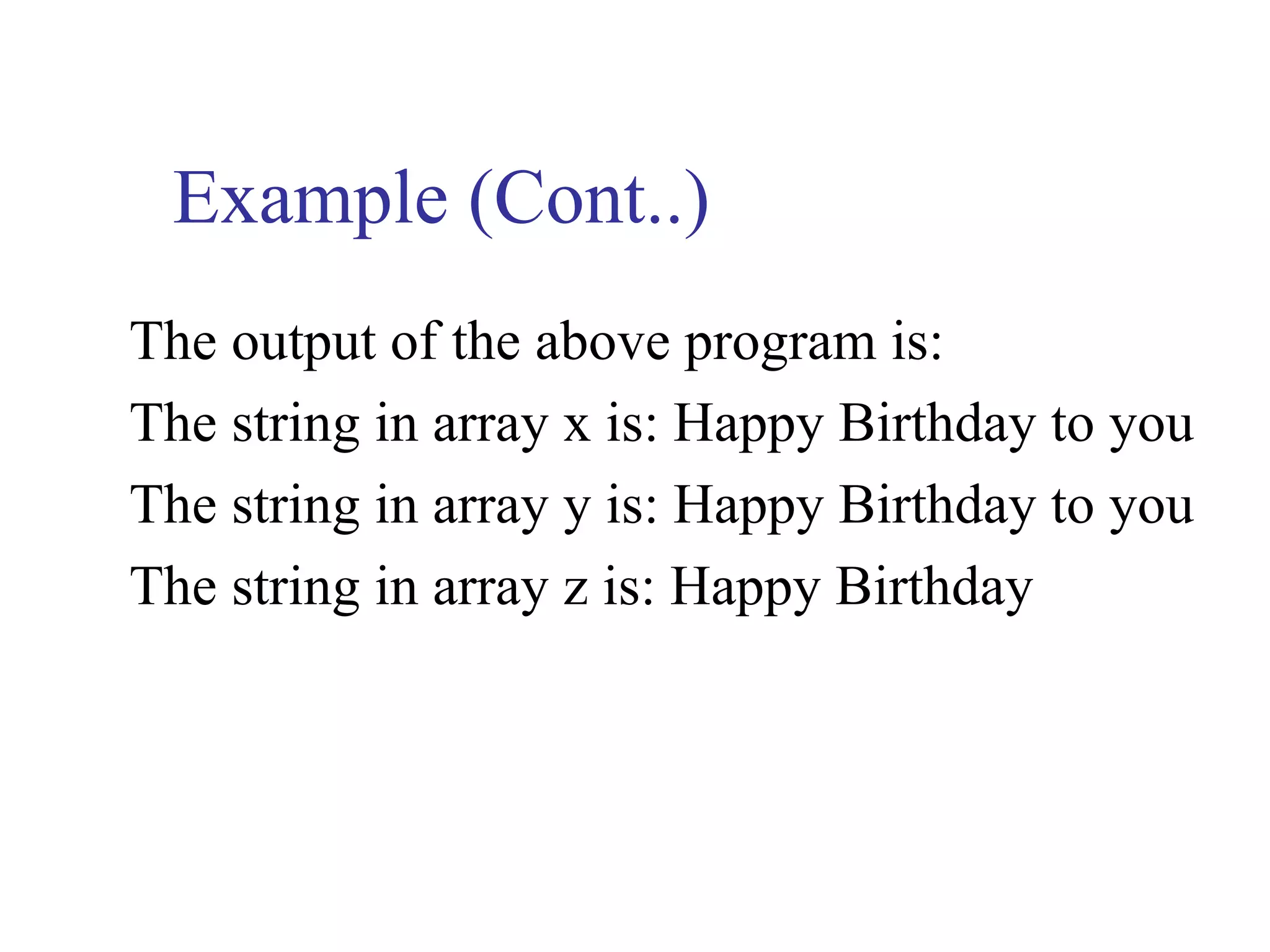
Example (Cont..)
The output of the above program is:
The string in array x is: Happy Birthday to you
The string in array y is: Happy Birthday to you
The string in array z is: Happy Birthday
6.3 (Cont..)
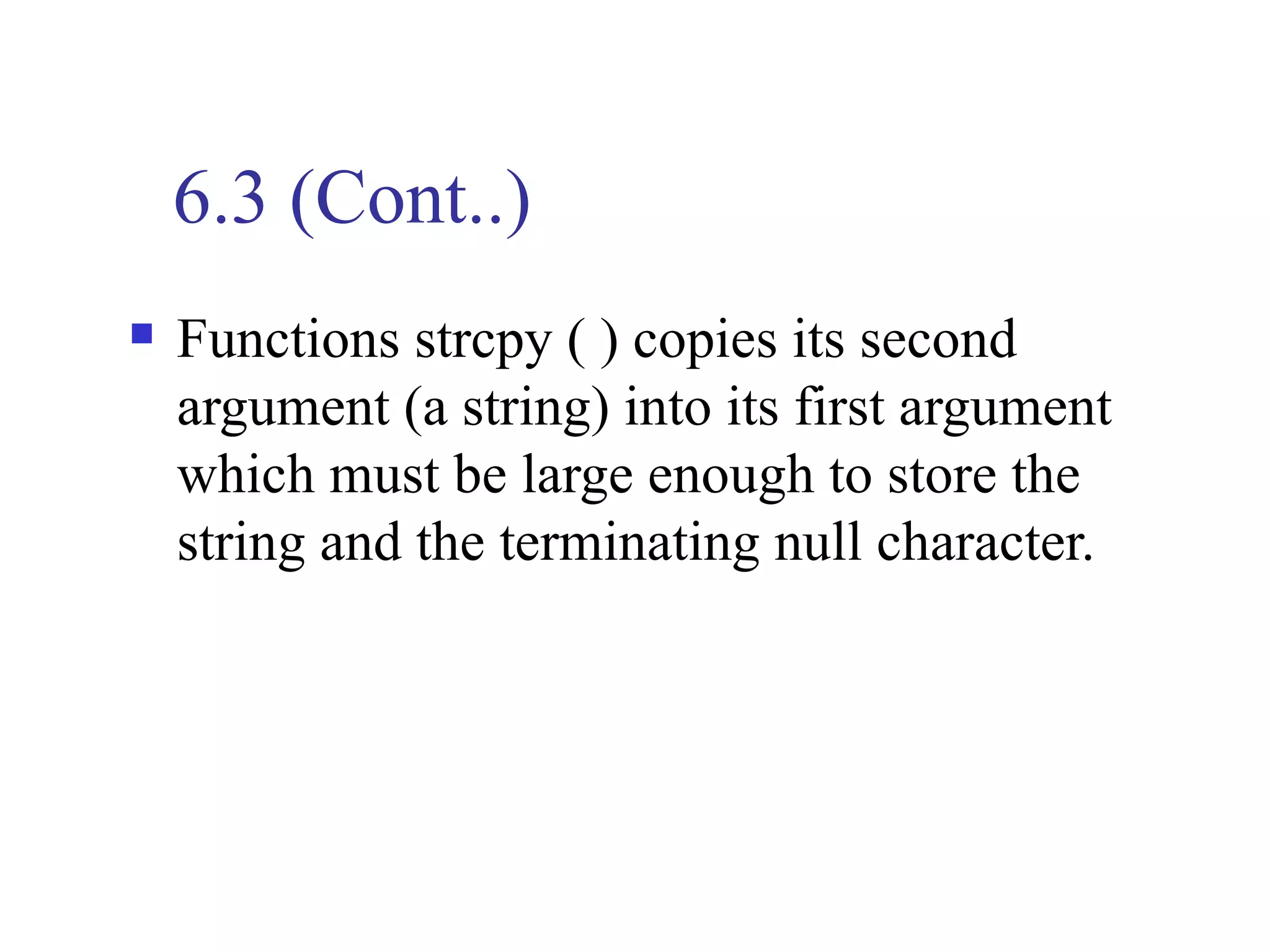
   Functions strcpy ( ) copies its second
    argument (a string) into its first argument
    which must be large enough to store the
    string and the terminating null character.
6.3 (Cont..)
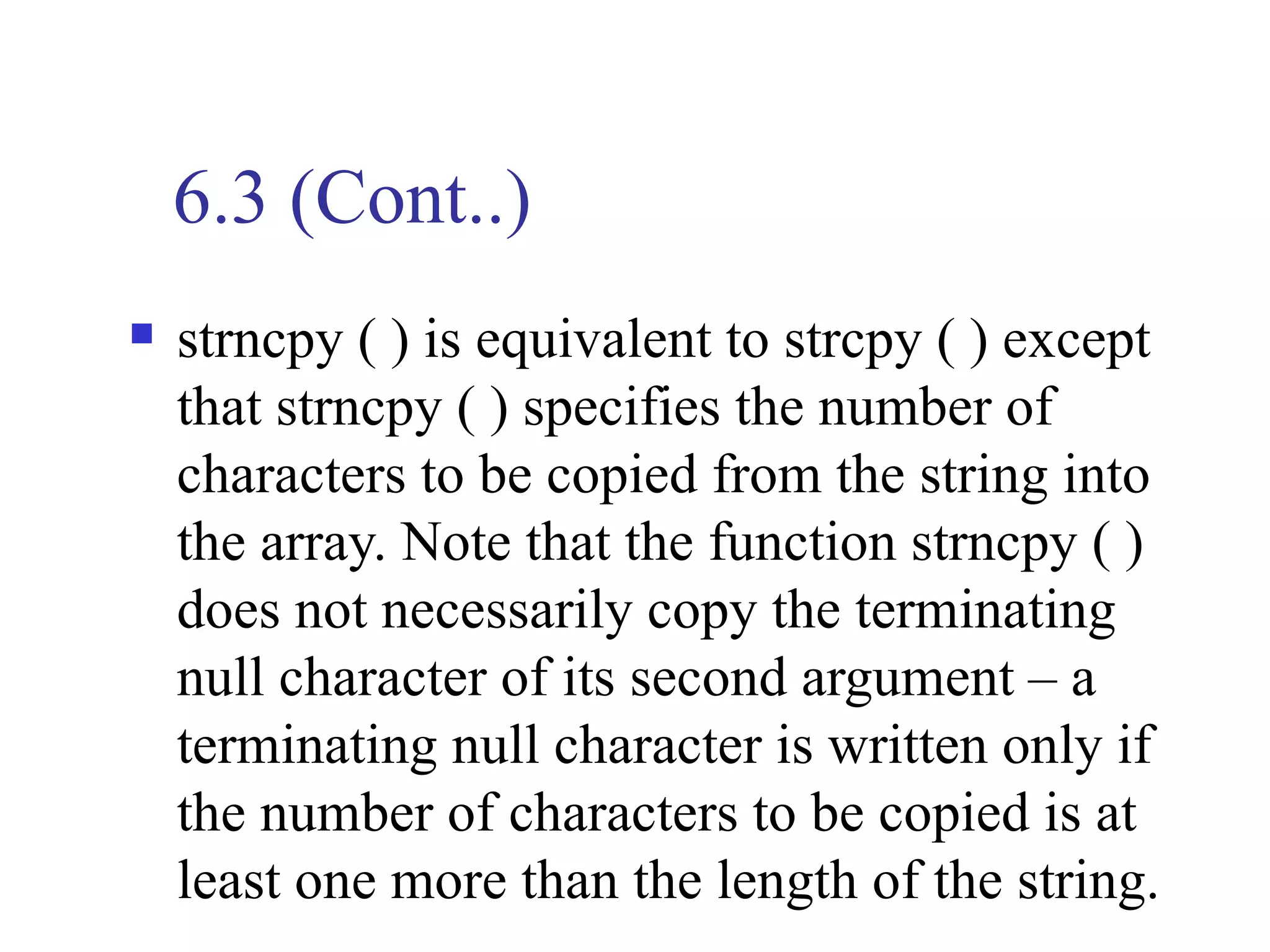
   strncpy ( ) is equivalent to strcpy ( ) except
    that strncpy ( ) specifies the number of
    characters to be copied from the string into
    the array. Note that the function strncpy ( )
    does not necessarily copy the terminating
    null character of its second argument – a
    terminating null character is written only if
    the number of characters to be copied is at
    least one more than the length of the string.
Example
// using strcat and strncat
#include <iostream>
#include <string>
using namespace std;
int main ( )
{
char s1[20 ]=”Happy ”;
char s2 [ ] = “New Year”;
char s3 [40] = “ “;
Example (Cont..)
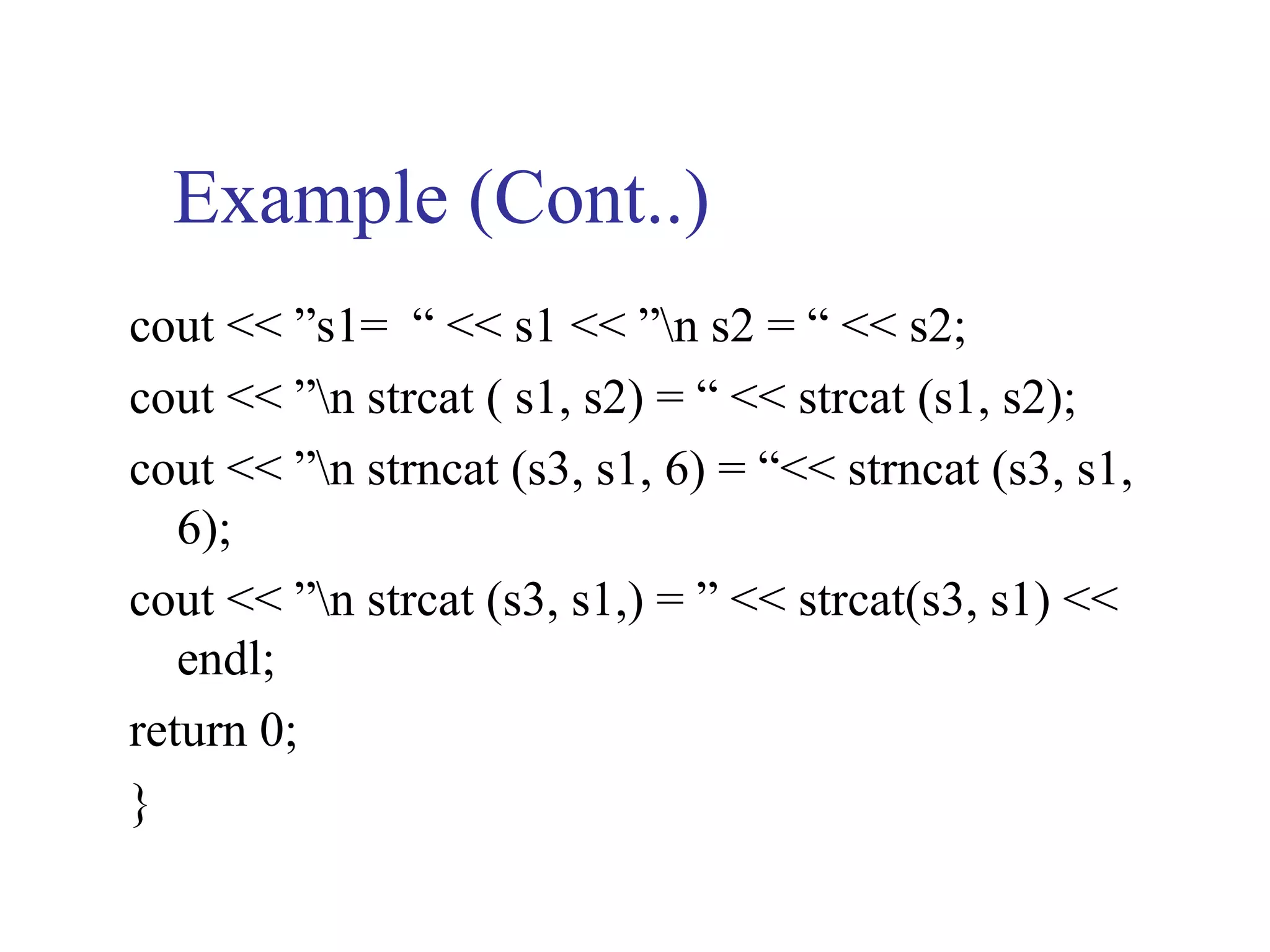
cout << ”s1= “ << s1 << ”n s2 = “ << s2;
cout << ”n strcat ( s1, s2) = “ << strcat (s1, s2);
cout << ”n strncat (s3, s1, 6) = “<< strncat (s3, s1,
   6);
cout << ”n strcat (s3, s1,) = ” << strcat(s3, s1) <<
   endl;
return 0;
}
Example (Cont..)
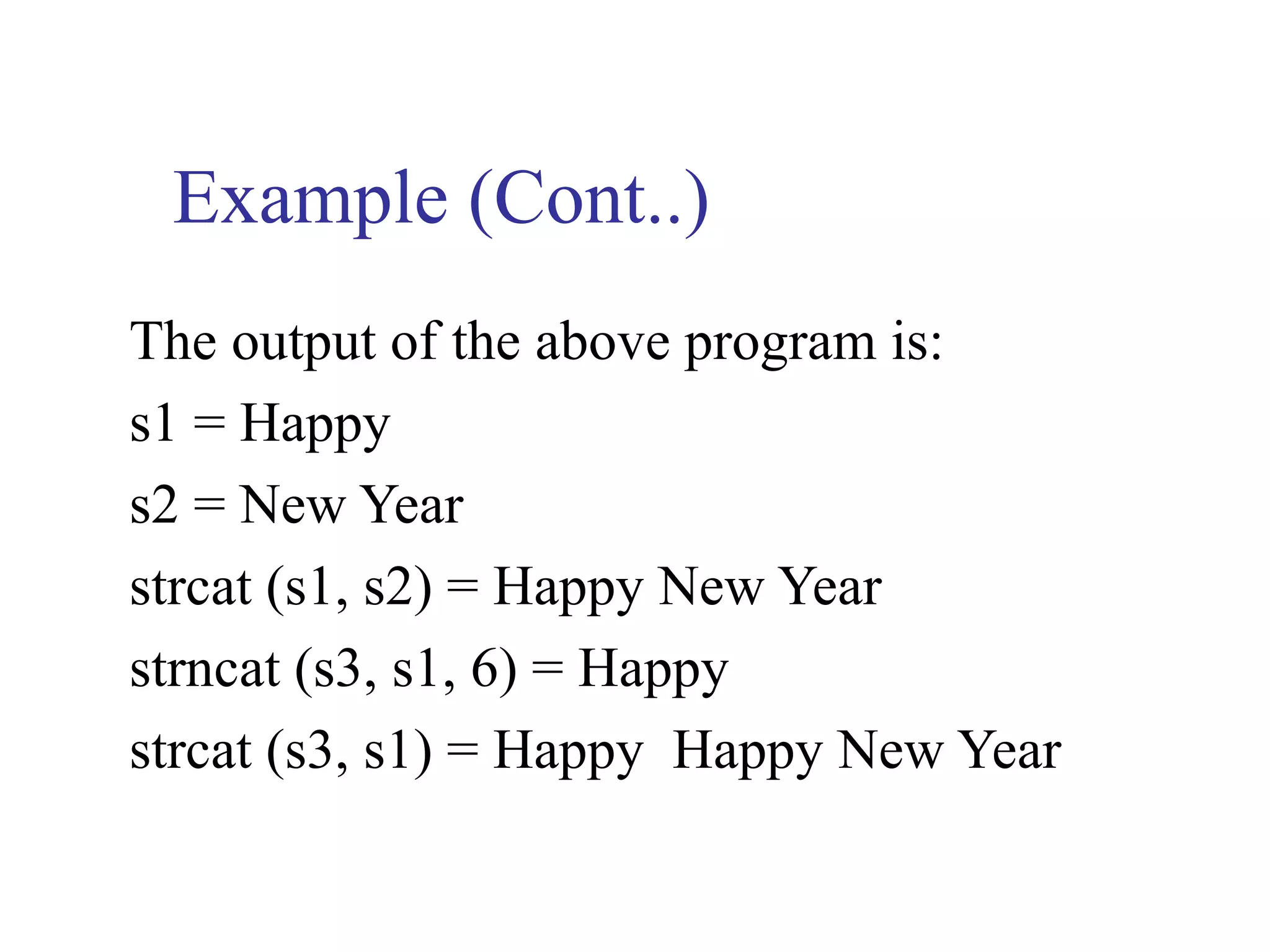
The output of the above program is:
s1 = Happy
s2 = New Year
strcat (s1, s2) = Happy New Year
strncat (s3, s1, 6) = Happy
strcat (s3, s1) = Happy Happy New Year
6.3 (Cont..)
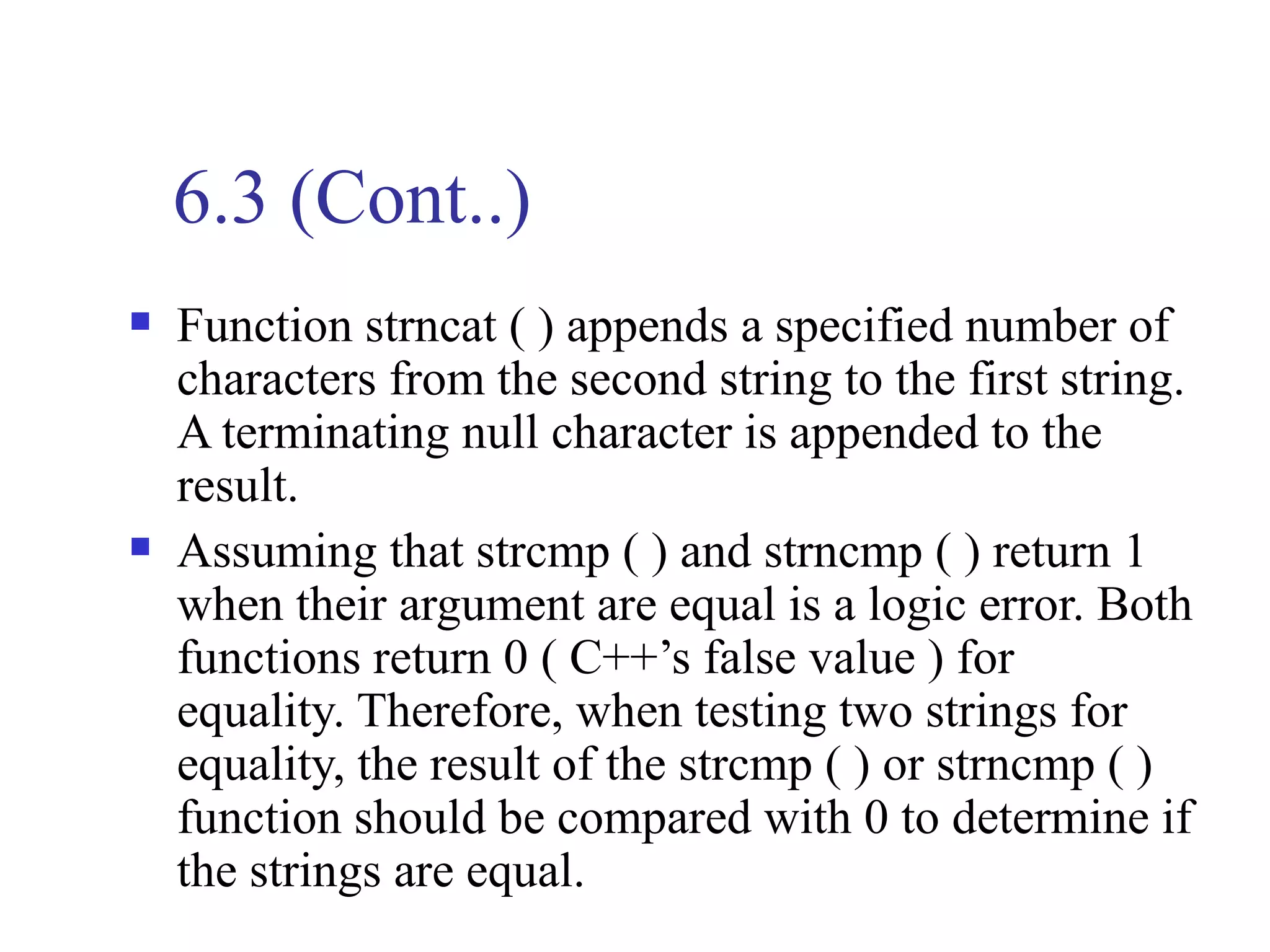
   Function strncat ( ) appends a specified number of
    characters from the second string to the first string.
    A terminating null character is appended to the
    result.
   Assuming that strcmp ( ) and strncmp ( ) return 1
    when their argument are equal is a logic error. Both
    functions return 0 ( C++’s false value ) for
    equality. Therefore, when testing two strings for
    equality, the result of the strcmp ( ) or strncmp ( )
    function should be compared with 0 to determine if
    the strings are equal.
Example
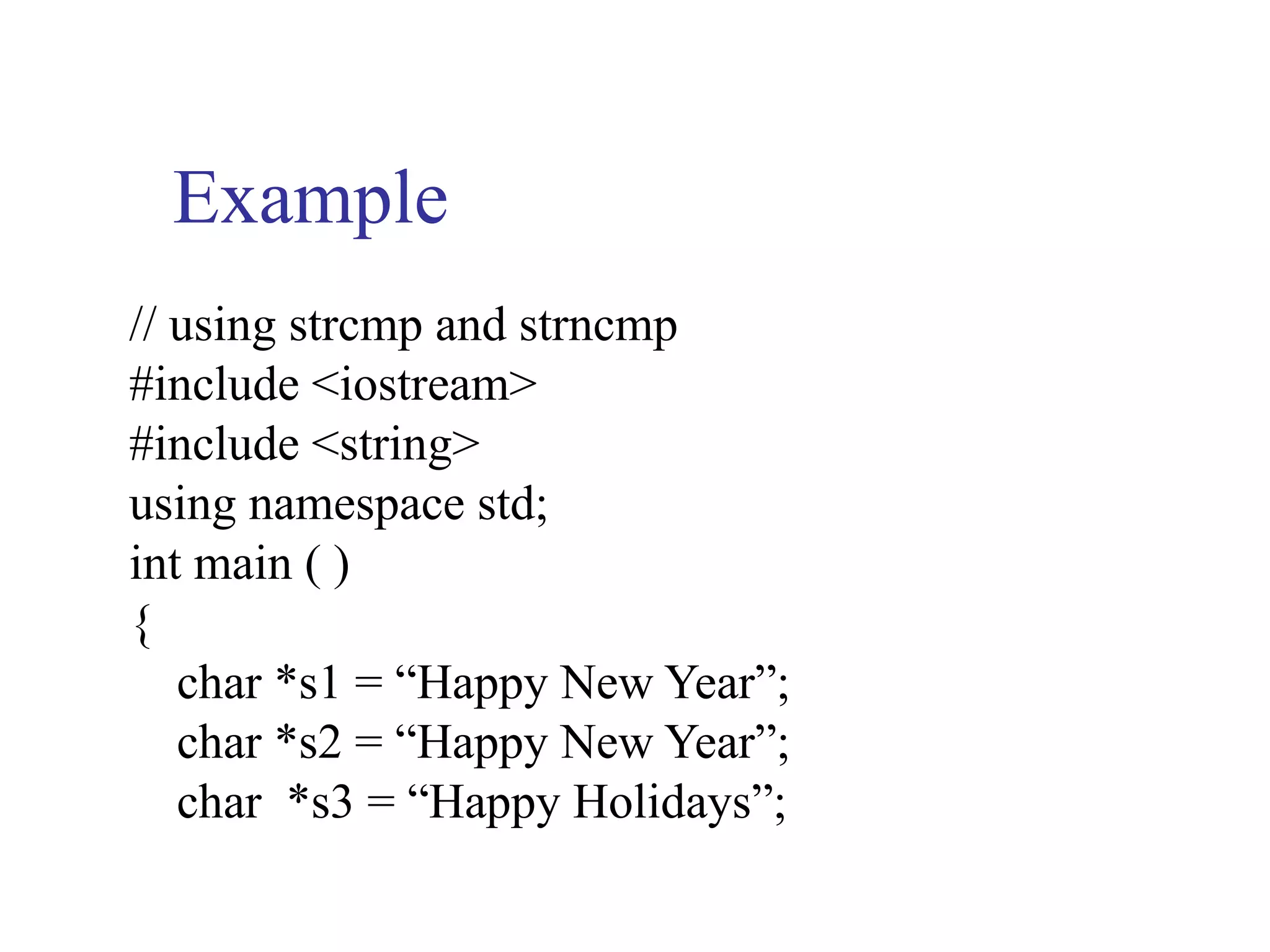
// using strcmp and strncmp
#include <iostream>
#include <string>
using namespace std;
int main ( )
{
   char *s1 = “Happy New Year”;
   char *s2 = “Happy New Year”;
   char *s3 = “Happy Holidays”;
Example (Cont..)
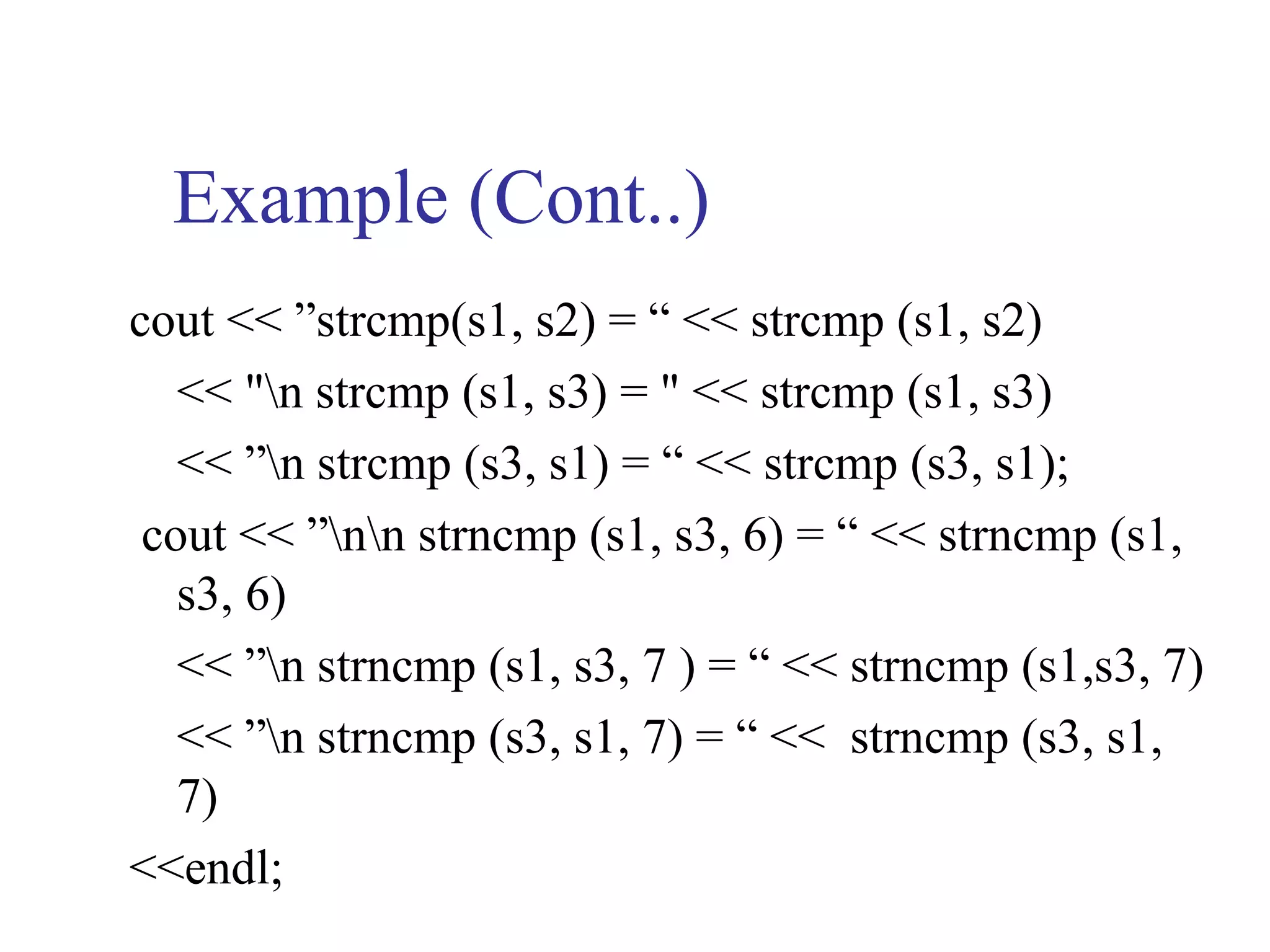
cout << ”strcmp(s1, s2) = “ << strcmp (s1, s2)
   << "n strcmp (s1, s3) = " << strcmp (s1, s3)
   << ”n strcmp (s3, s1) = “ << strcmp (s3, s1);
 cout << ”nn strncmp (s1, s3, 6) = “ << strncmp (s1,
   s3, 6)
   << ”n strncmp (s1, s3, 7 ) = “ << strncmp (s1,s3, 7)
   << ”n strncmp (s3, s1, 7) = “ << strncmp (s3, s1,
   7)
<<endl;
Example (Cont..)
return 0;
}
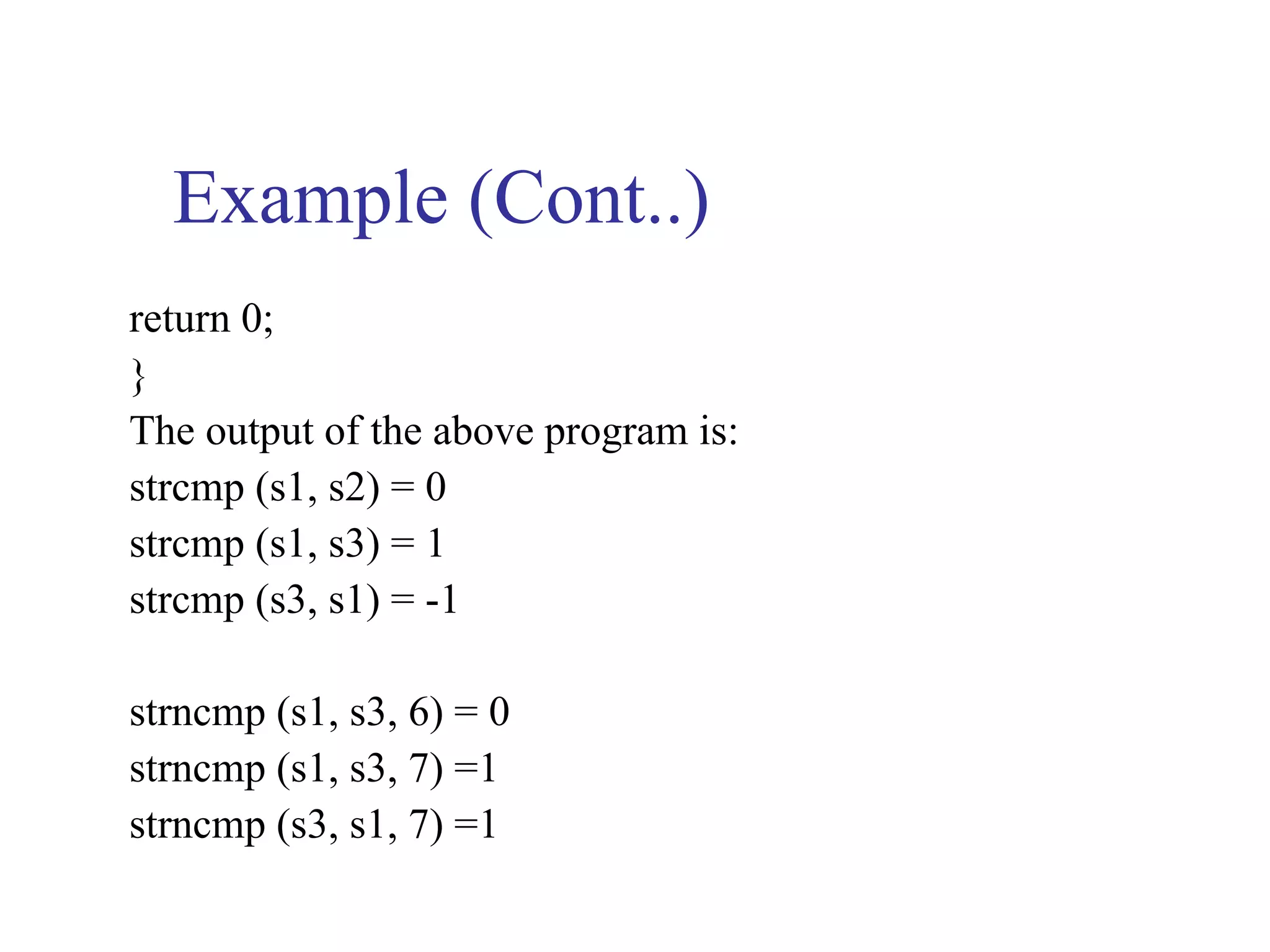
The output of the above program is:
strcmp (s1, s2) = 0
strcmp (s1, s3) = 1
strcmp (s3, s1) = -1

strncmp (s1, s3, 6) = 0
strncmp (s1, s3, 7) =1
strncmp (s3, s1, 7) =1
6.4 Advanced Pointer Notation
 Here first, we consider pointer notation for
  the two-dimensional numeric arrays.
  consider the following declaration
int nums[2][3] = {{16,18,20},{25,26,27}};
 In general,

nums[ i ][ j ] is equivalent to *(*(nums+i)+j)
6.4 (Cont..)
More specifically
Pointer Notation   Array Notation      Value
  *(*nums)          nums[ 0 ] [ 0 ]    16
  *(*nums + 1)      nums [ 0 ] [ 1 ]   18
  *(*nums + 2)      nums [ 0 ] [ 2 ]   20
  *(*(nums + 1))    nums [ 1 ] [ 0 ]   25
  *(*(nums + 1) +1) nums [ 1 ] [ 1 ]   26
  *(*(nums + 1) +2) nums [ 1 ] [ 2 ]   27
Example
Write a program that initialize three two-dimensional
   array of your choice and then call a user-defined
   function to add these two arrays and print the result in
   the main ( ).
#include <iostream>
#include <iomanip>
using namespace std;
void addarray (int(*pta)[3],int(*ptb)[3],int(*ptc)[3]);
int main ( )
{
Example (Cont..)
int a [2] [3] = {{1,2,3},{5,3,2}};
int b [2] [3] = {{1,3,5},{2,0,8}};
static int c [ 2 ] [ 3 ];
addarray ( a, b, c);
 for (int i=0; i < 2; i++)
{
Example (Cont..)
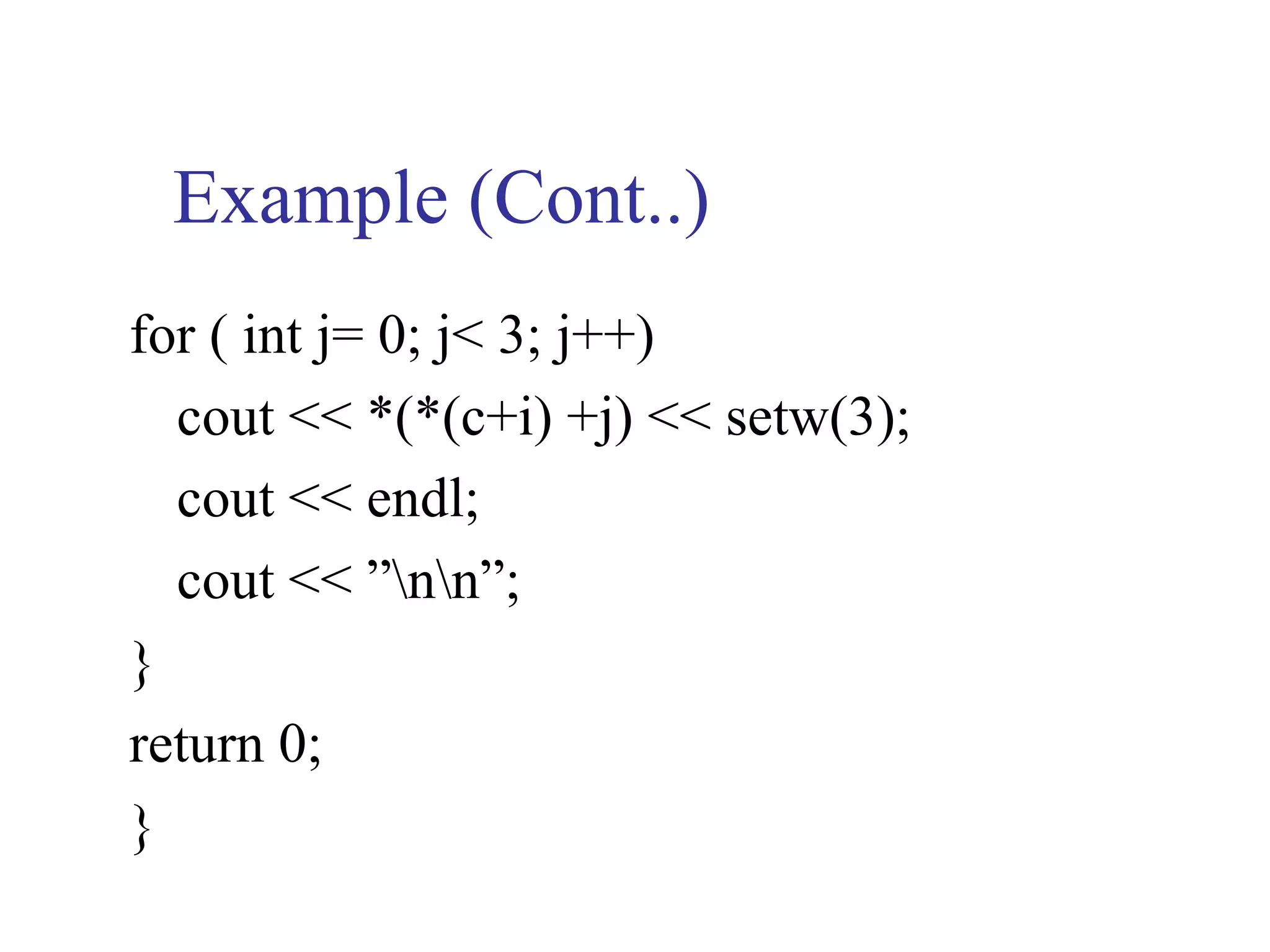
for ( int j= 0; j< 3; j++)
  cout << *(*(c+i) +j) << setw(3);
  cout << endl;
  cout << ”nn”;
}
return 0;
}
Example (Cont..)
void addarray ( int (*pta)[ 3 ], int *(ptb)[ 3 ],
  int *(ptc)[ 3 ])
{
  for (int i =0; i<2; i++)
   for(int j=0; j<3; j++)
         *(*(ptc + i)+j) = *(*(pta + i)+j) +
  *(*(ptb + i)+j);
}
6.5 Pointer Arrays
   The declaration of an array of character
    pointer is an extremely useful extension to
    single string declaration.
    For example, the declarations
        char *seasons [ 4 ];
    create an array of four elements, where each
       element is a pointer to a character.
6.5 (Cont..)
   As individual pointers, each pointer can be
    assigned to point to a string using string
    assignment statements.
   Thus, the statements
    seasons [ 0 ] = “Winter”;
    seasons [ 1 ] = “Spring”;
    seasons [ 2 ] = “Summer”;
    seasons [ 3 ] = “Fall”; // sting lengths may differ
6.5.1 Initializing arrays of
    pointers to strings
  The initialization of the seasons array can
  also be incorporated directly within the
  definition of the array as follows:
char *seasons [ 4 ] = {“Winter”, “Spring”,
  “Summer”, “Fall”};
Example
// string and pointer example
#include < iostream>
using namespace std;
int main ( )
{
int n;
char *seasons [ ] = { “Winter”, “Spring”, “Summer”,
   “Fall”};
cout << ”n Enter a month (use 1 for Jan, 2 for Feb,
   etc):”;
Example (Cont..)
cin >> n;
n = (n % 12) / 3; // create the correct subscript
cout << ”The month entered is a << seasons [ n ]
           // or * (seasons + n)
  << ”month” << endl;
return 0;
}
Example (Cont..)
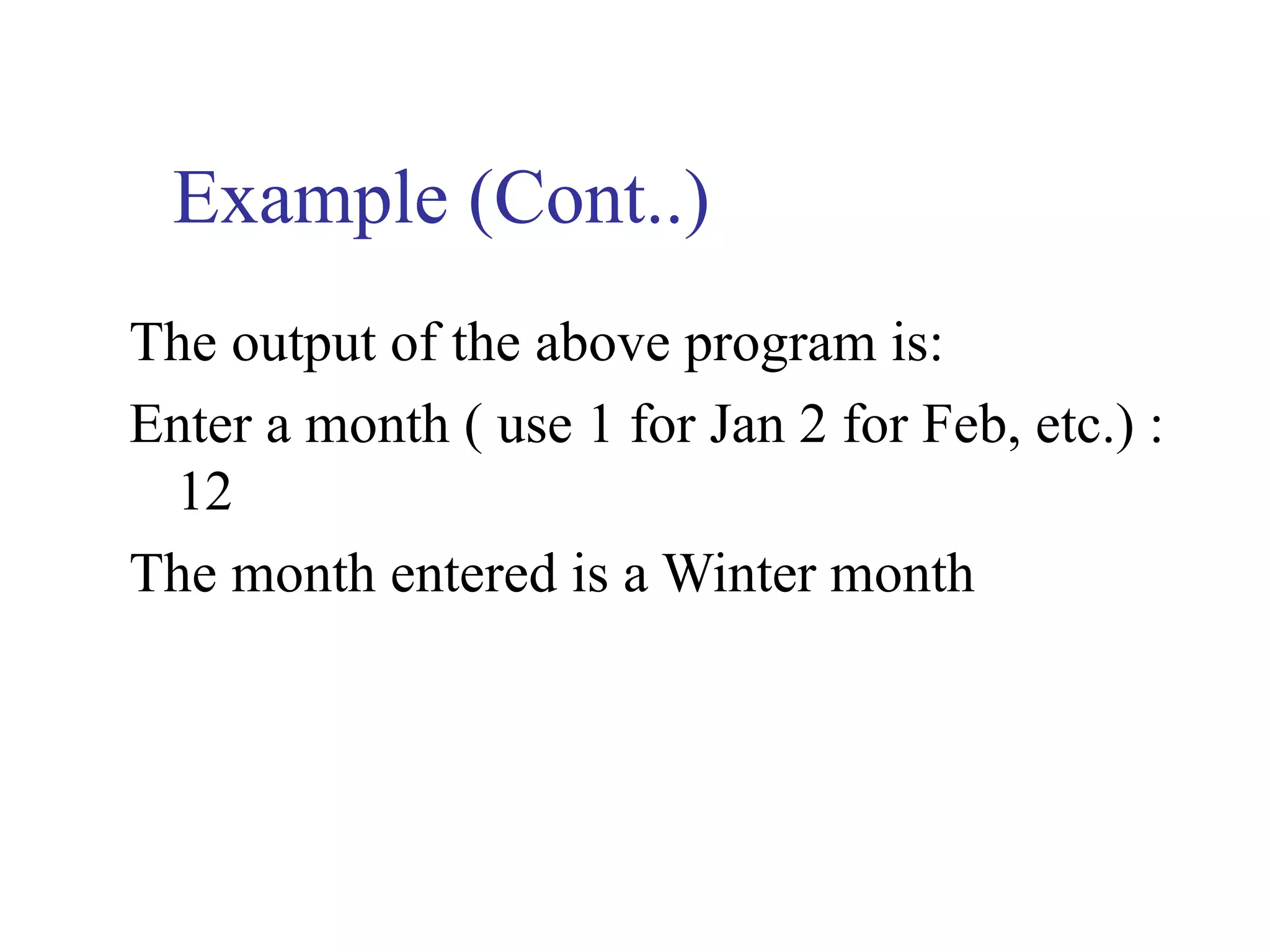
The output of the above program is:
Enter a month ( use 1 for Jan 2 for Feb, etc.) :
 12
The month entered is a Winter month
Example
The following example is the modification to
   previous example in this case a function is used to
   print seasons.
 #include <iostream>
using namespace std;
void st_pt ( char *ys [ ], int n);
int main ( ){
 int n;
 char *seasons [ ] = { “Winter”, “Spring”, “Summer”,
   “Fall”};
Example (Cont..)
cout << ”n Enter a month ( use 1 for Jan, etc.) : “;
cin >> n;
st_pt (seasons, n);
return 0;
}
void st_pt (char *ys [ ], int n)
{
Example (Cont..)
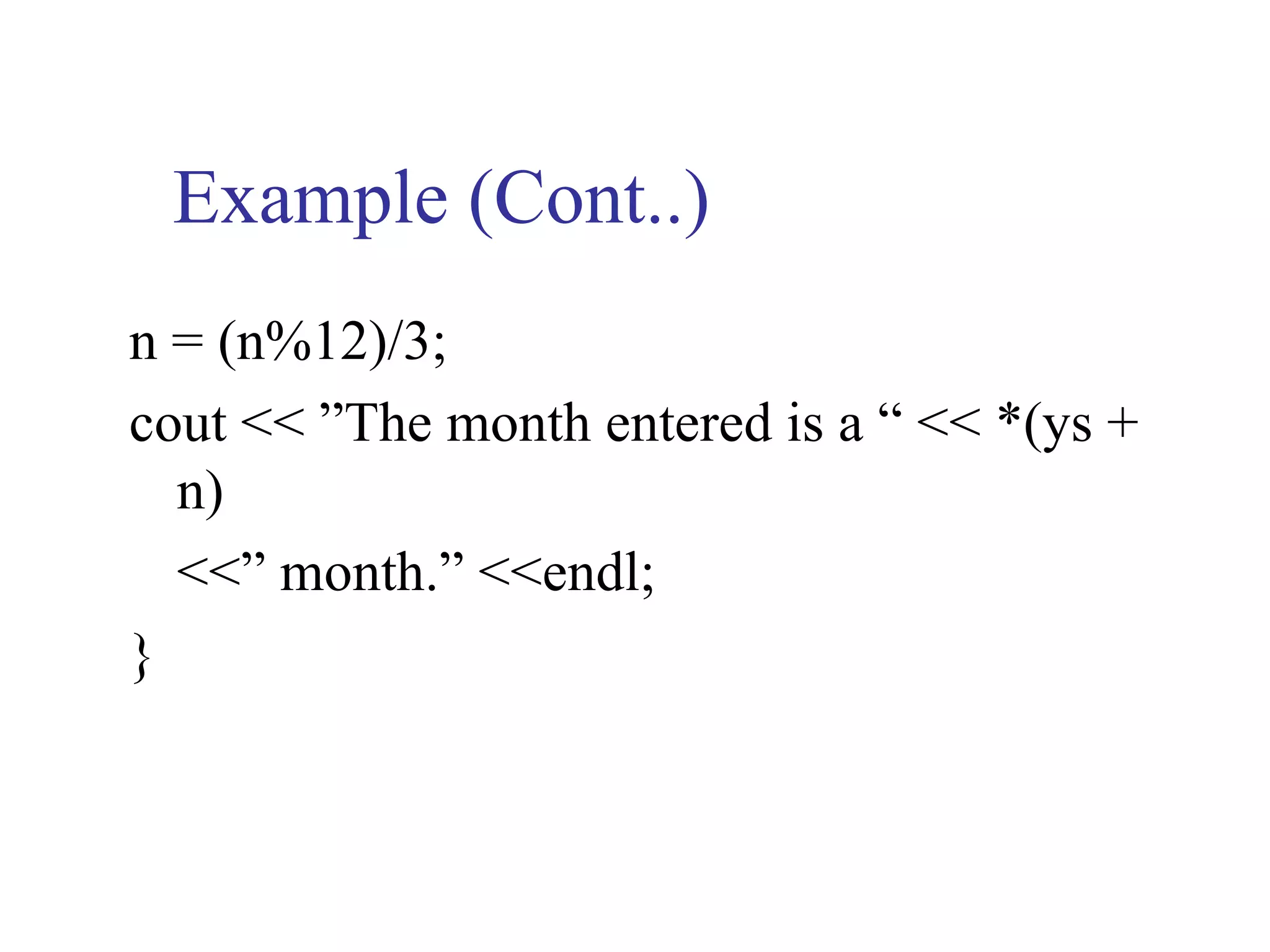
n = (n%12)/3;
cout << ”The month entered is a “ << *(ys +
  n)
  <<” month.” <<endl;
}
6.5.1 (Cont..)
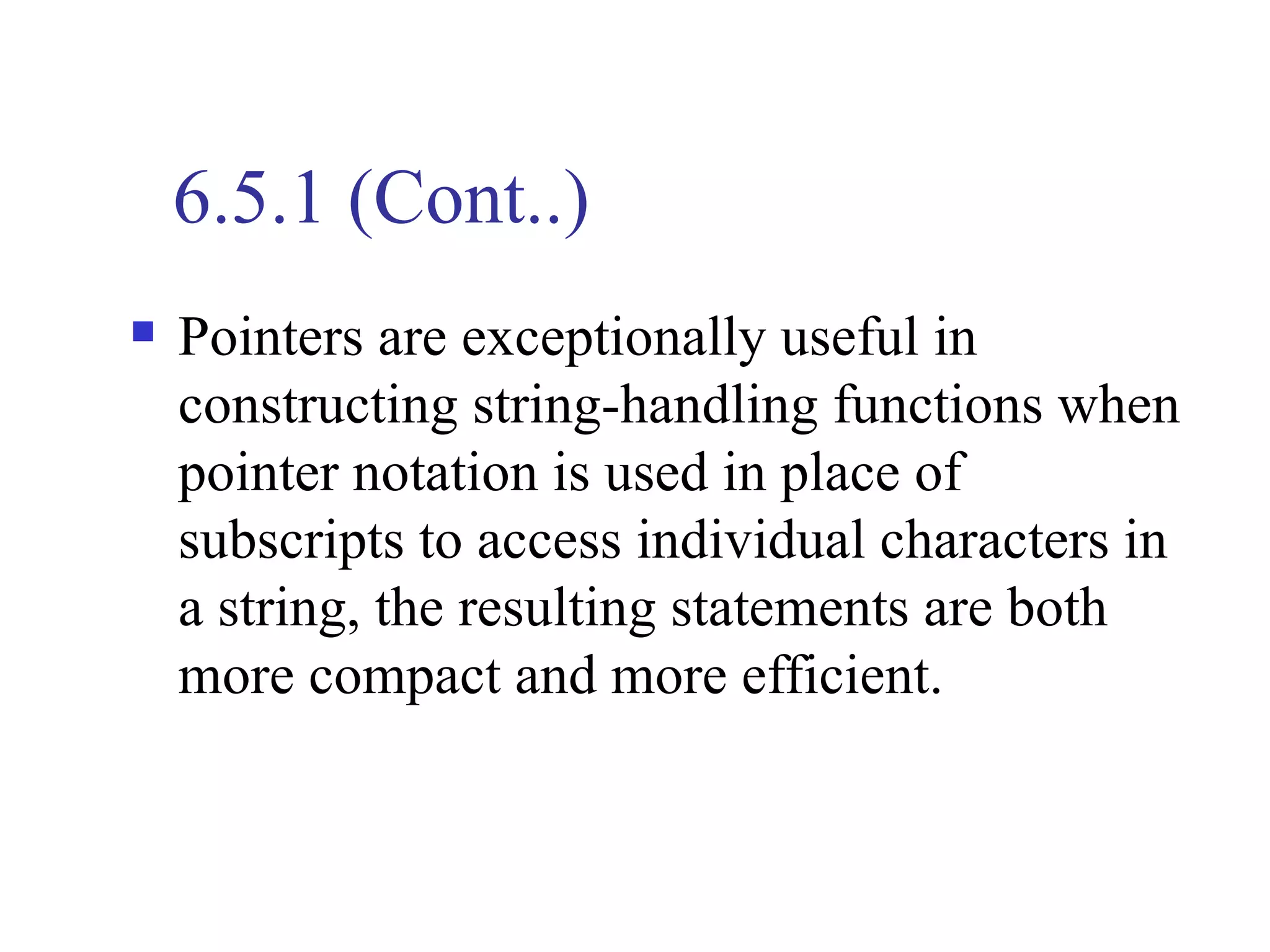
   Pointers are exceptionally useful in
    constructing string-handling functions when
    pointer notation is used in place of
    subscripts to access individual characters in
    a string, the resulting statements are both
    more compact and more efficient.

Unit 6 pointers

  • 1.
    Unit 6 Week 10& 11 Pointers and Dynamic Arrays
  • 2.
    Unit Objectives  Introducing Pointers  Pointer Variables  Basic Memory Management  Static, Dynamic, and Automatic Variables  Pointer Arithmetic  Dynamic Arrays  Array Variables and Pointer Variables
  • 3.
    6.1 Pointers  Pointers are symbolic representation of addresses. Pointers enable programs to simulate call-by-reference and to create and manipulate dynamic data structures.
  • 4.
    6.1.1 Pointer Variable Declaration and Initialization  Pointer variables contain memory addresses as their values.  A variable directly references a value, and a pointer indirectly references a value.  Referencing a value through a pointer is called indirection.  The ∗ is called indirection operator.
  • 5.
    6.1.1 (Cont..)  Pointerare declared same as variable before you can use them as follows:  int ∗xptr, ∗yptr, count; Declares the variable xptr, a pointer to an integer value or  double ∗dptr; Declares the variable dptr, a pointer to a double value.
  • 6.
    6.1.2 Pointer Operations  The & or address operator, is a unary operator that returns the address of its operand.  For example, int y =5; int *xptr, *yptr, Z; and statement yptr = &y; assigns the address of the variable y to pointer variable yptr. Variable yptr is then said to “point to” y.
  • 7.
    6.1.2 (Cont..) The statement z = *yptr //will return to content of where yptr “point to” z = 5  The ∗ operator referred to a dereferencing operator which returns the content where a pointer variable “points to”.
  • 8.
    6.1.2 (Cont..)  Consider the following memory locations int y =5; int *yptr; 5 100 100 120 y yptr 102 122 104 124 106
  • 9.
    6.1.2 (Cont..) Note:  Youmust assign an address to a pointer. Dereferencing a pointer that has not been properly initialized, could cause a fatal execution time error, or it could cause accidentally modify important data and allow the program to run to completion providing incorrect results.  An attempt to dereference a non-pointer is a syntax error.
  • 10.
    Example // showing pointerapplication #include <iostream> using namespace std; int main ( ) { int a; int *aptr; // aptr is a pointer to an integer a = 7;
  • 11.
    Example (Cont..) aptr =&a; // aptr set to address to a cout << ”The address of a is” << &a << ”n The value of aptr is” << aptr; cout << ”n The value of a is” << a << “n The value of *aptr is << *aptr << endl; return 0; }
  • 12.
    Example (Cont..) The outputof the above program is: The address of a is 0X0064FDF4 The value of aptr is 0X0064FDF4 The value of a is 7 The value of *aptr is 7
  • 13.
    6.1.3 References andPointers  There are 3 ways in C++ to pass arguments to a function 2. call-by-value 3. call-by-reference with reference argument 4. call-by-reference with pointer argument The differences between the last two are:  The address named as a reference can not be altered. But because pointer is a variable, the address in the pointer can be changed.
  • 14.
    6.1.3 (Cont..)  References do not require the indirection operator to locate the final value being accessed, whereas pointers do. References are automatically or implicitly dereferenced, whereas pointers must be explicitly dereferenced.  References provide a simpler notational interface and are usually preferred. Pointers are used for dynamically allocating new sections of memory for additional variables as a program is running or using alternative to array notation.
  • 15.
    Example // Find acube of a variable with a pointer argument #include <iostream> using namespace std; void cube (int *); // prototype int main ( ) { int number = 5; cout << ”The original value of number is” << number << endl; cube (&number);
  • 16.
    Example (Cont..) cout <<”n The new value of number is “<< number <<endl; return 0; } void cube ( int *nptr) { *nptr =(*nptr)*(*nptr)*(*nptr); } note that there is no return from function cube to main ( )
  • 17.
    6.2 Array Nameas Pointers  An array name is a pointer constant.  The value of the pointer constant is the address of the first element.  Thus, if val is the name of an array, val and &val [ 0 ] can be used interchangeably. Creating an array also creates a pointer int grade [ 2 ] grade [ 0 ] grade [ 1 ] *grade *(grade + 1)
  • 18.
    Example // pointer toarrays #include <iostream> using namespace std; void printarray ( int*, int) int main ( ) { const int arraysize = 5; int grade [arraysize] = { 93, 88, 94, 91, 82}; int *ptr; ptr = grade; // or ptr=&grade [ 0 ];
  • 19.
    Example (Cont..) printarray (grade,arraysize); for ( int i = 0; i < 5; i++) cout << ”n Element “<< i <<” is “ << *ptr+ +; // or *(grade+i) cout << endl; return 0; }
  • 20.
    Example (Cont..) void printarray( int *ptrgrade, int MAX) { int constant = 10; for (int i = 0; i < MAX; i++) *ptrgrade++ += constant; }
  • 21.
    Example (Cont..) The outputof the above program is: Element 0 is 103 Element 1 is 98 Element 2 is 104 Element 3 is 101 Element 4 is 92
  • 22.
    Example // Example ofpointers and strings and const data #include <iostream> using namespace std; void printc (const char * ); int main ( ) { char string [ ] = “print characters of a string”; cout << ”The string is: n”;
  • 23.
    Example (Cont..) printc (string); cout<< endl; return 0; } void printc (const char *sptr) { // sptr is “read-only” pointer for ( ; *sptr !=’0’; sptr ++) // no initialization cout << *sptr; }
  • 24.
    6.2 (Cont..)  If a value does not ( or should not) change in the body of a function to which it is passed, the parameter should be declared const to ensure that it is not accidentally modified.
  • 25.
    Example // converting lowercaseletter to uppercase letters // using non-constant pointer #include <iostream> #include <ctype> using namespace std; void convert ( char *); int main ( ) {
  • 26.
    Example (Cont..) char string[ ] = “characters and $32.98”; cout << ”the string before conversion is: ” << string; convert (string); cout << ”n the string after conversion is: “ << string << endl; return 0; } void convert ( char *sptr)
  • 27.
    Example (Cont..) { while (*sptr!=’0’) { if ( *sptr >= ’a’ && *sptr <= ’z’) *sptr = toupper ( *sptr); // convert to uppercase ++sptr; // move sptr address to the next character } }
  • 28.
    Example (Cont..) The outputof the above program is: the string before conversion is: characters and $ 32.98 the string after conversion is: CHARACTERS AND $ 32.98
  • 29.
    6.3 Pointer Expressionsand Pointer Arithmetic  A limited set of arithmetic operations may be performed on pointers. A pointer may be  incremented ( ++ )  decremented ( -- )  an integer may be added to a pointer ( + or - )  an integer may be subtracted from a pointer ( - or -= )
  • 30.
    6.3 (Cont..)  Assume that array int arr [5] has been declared and its first element is at location 100 in memory. Assume pointer int *ptrarr has been initialized to the beginning address of arr, i.e.; 100. 100 102 104 106 108
  • 31.
    6.3 (Cont..) For example,the statement ptrarr +=2 =100+2*2=104 ptrarr -=1 =104-2*1=102 ++ptrarr = 104  Finally, pointer variables may be subtracted from another. For example, if ptrarr 2 = 100 and ptrarr1 = 102 then x = ptrarr2 –ptrarr1=2
  • 32.
    6.3 (Cont..)  Pointer arithmetic is meaningless unless performed on an array. // using strcpy and strncpy #include <iostream> #include <string> using namespace std; int main ( ) { char x [ ] = “Happy Birthday to you”; char y [ 25 ], z [15 ]; cout << ”The string in array x is:”<< x
  • 33.
    Example (Cont..) << ”n The string in array y is: “ << strcpy(y, x) << ”n”; strncpy (z, x, 14); // does not copy null character z [14] = ‘0’; cout << ”The string in array z is: “ << z << endl; return 0; }
  • 34.
    Example (Cont..) The outputof the above program is: The string in array x is: Happy Birthday to you The string in array y is: Happy Birthday to you The string in array z is: Happy Birthday
  • 35.
    6.3 (Cont..)  Functions strcpy ( ) copies its second argument (a string) into its first argument which must be large enough to store the string and the terminating null character.
  • 36.
    6.3 (Cont..)  strncpy ( ) is equivalent to strcpy ( ) except that strncpy ( ) specifies the number of characters to be copied from the string into the array. Note that the function strncpy ( ) does not necessarily copy the terminating null character of its second argument – a terminating null character is written only if the number of characters to be copied is at least one more than the length of the string.
  • 37.
    Example // using strcatand strncat #include <iostream> #include <string> using namespace std; int main ( ) { char s1[20 ]=”Happy ”; char s2 [ ] = “New Year”; char s3 [40] = “ “;
  • 38.
    Example (Cont..) cout <<”s1= “ << s1 << ”n s2 = “ << s2; cout << ”n strcat ( s1, s2) = “ << strcat (s1, s2); cout << ”n strncat (s3, s1, 6) = “<< strncat (s3, s1, 6); cout << ”n strcat (s3, s1,) = ” << strcat(s3, s1) << endl; return 0; }
  • 39.
    Example (Cont..) The outputof the above program is: s1 = Happy s2 = New Year strcat (s1, s2) = Happy New Year strncat (s3, s1, 6) = Happy strcat (s3, s1) = Happy Happy New Year
  • 40.
    6.3 (Cont..)  Function strncat ( ) appends a specified number of characters from the second string to the first string. A terminating null character is appended to the result.  Assuming that strcmp ( ) and strncmp ( ) return 1 when their argument are equal is a logic error. Both functions return 0 ( C++’s false value ) for equality. Therefore, when testing two strings for equality, the result of the strcmp ( ) or strncmp ( ) function should be compared with 0 to determine if the strings are equal.
  • 41.
    Example // using strcmpand strncmp #include <iostream> #include <string> using namespace std; int main ( ) { char *s1 = “Happy New Year”; char *s2 = “Happy New Year”; char *s3 = “Happy Holidays”;
  • 42.
    Example (Cont..) cout <<”strcmp(s1, s2) = “ << strcmp (s1, s2) << "n strcmp (s1, s3) = " << strcmp (s1, s3) << ”n strcmp (s3, s1) = “ << strcmp (s3, s1); cout << ”nn strncmp (s1, s3, 6) = “ << strncmp (s1, s3, 6) << ”n strncmp (s1, s3, 7 ) = “ << strncmp (s1,s3, 7) << ”n strncmp (s3, s1, 7) = “ << strncmp (s3, s1, 7) <<endl;
  • 43.
    Example (Cont..) return 0; } Theoutput of the above program is: strcmp (s1, s2) = 0 strcmp (s1, s3) = 1 strcmp (s3, s1) = -1 strncmp (s1, s3, 6) = 0 strncmp (s1, s3, 7) =1 strncmp (s3, s1, 7) =1
  • 44.
    6.4 Advanced PointerNotation  Here first, we consider pointer notation for the two-dimensional numeric arrays. consider the following declaration int nums[2][3] = {{16,18,20},{25,26,27}};  In general, nums[ i ][ j ] is equivalent to *(*(nums+i)+j)
  • 45.
    6.4 (Cont..) More specifically PointerNotation Array Notation Value *(*nums) nums[ 0 ] [ 0 ] 16 *(*nums + 1) nums [ 0 ] [ 1 ] 18 *(*nums + 2) nums [ 0 ] [ 2 ] 20 *(*(nums + 1)) nums [ 1 ] [ 0 ] 25 *(*(nums + 1) +1) nums [ 1 ] [ 1 ] 26 *(*(nums + 1) +2) nums [ 1 ] [ 2 ] 27
  • 46.
    Example Write a programthat initialize three two-dimensional array of your choice and then call a user-defined function to add these two arrays and print the result in the main ( ). #include <iostream> #include <iomanip> using namespace std; void addarray (int(*pta)[3],int(*ptb)[3],int(*ptc)[3]); int main ( ) {
  • 47.
    Example (Cont..) int a[2] [3] = {{1,2,3},{5,3,2}}; int b [2] [3] = {{1,3,5},{2,0,8}}; static int c [ 2 ] [ 3 ]; addarray ( a, b, c); for (int i=0; i < 2; i++) {
  • 48.
    Example (Cont..) for (int j= 0; j< 3; j++) cout << *(*(c+i) +j) << setw(3); cout << endl; cout << ”nn”; } return 0; }
  • 49.
    Example (Cont..) void addarray( int (*pta)[ 3 ], int *(ptb)[ 3 ], int *(ptc)[ 3 ]) { for (int i =0; i<2; i++) for(int j=0; j<3; j++) *(*(ptc + i)+j) = *(*(pta + i)+j) + *(*(ptb + i)+j); }
  • 50.
    6.5 Pointer Arrays  The declaration of an array of character pointer is an extremely useful extension to single string declaration.  For example, the declarations char *seasons [ 4 ]; create an array of four elements, where each element is a pointer to a character.
  • 51.
    6.5 (Cont..)  As individual pointers, each pointer can be assigned to point to a string using string assignment statements.  Thus, the statements seasons [ 0 ] = “Winter”; seasons [ 1 ] = “Spring”; seasons [ 2 ] = “Summer”; seasons [ 3 ] = “Fall”; // sting lengths may differ
  • 52.
    6.5.1 Initializing arraysof pointers to strings  The initialization of the seasons array can also be incorporated directly within the definition of the array as follows: char *seasons [ 4 ] = {“Winter”, “Spring”, “Summer”, “Fall”};
  • 53.
    Example // string andpointer example #include < iostream> using namespace std; int main ( ) { int n; char *seasons [ ] = { “Winter”, “Spring”, “Summer”, “Fall”}; cout << ”n Enter a month (use 1 for Jan, 2 for Feb, etc):”;
  • 54.
    Example (Cont..) cin >>n; n = (n % 12) / 3; // create the correct subscript cout << ”The month entered is a << seasons [ n ] // or * (seasons + n) << ”month” << endl; return 0; }
  • 55.
    Example (Cont..) The outputof the above program is: Enter a month ( use 1 for Jan 2 for Feb, etc.) : 12 The month entered is a Winter month
  • 56.
    Example The following exampleis the modification to previous example in this case a function is used to print seasons. #include <iostream> using namespace std; void st_pt ( char *ys [ ], int n); int main ( ){ int n; char *seasons [ ] = { “Winter”, “Spring”, “Summer”, “Fall”};
  • 57.
    Example (Cont..) cout <<”n Enter a month ( use 1 for Jan, etc.) : “; cin >> n; st_pt (seasons, n); return 0; } void st_pt (char *ys [ ], int n) {
  • 58.
    Example (Cont..) n =(n%12)/3; cout << ”The month entered is a “ << *(ys + n) <<” month.” <<endl; }
  • 59.
    6.5.1 (Cont..)  Pointers are exceptionally useful in constructing string-handling functions when pointer notation is used in place of subscripts to access individual characters in a string, the resulting statements are both more compact and more efficient.