Modems
Pranoti R. Doke
ME (EnTC) BE( EnTC)
Modems
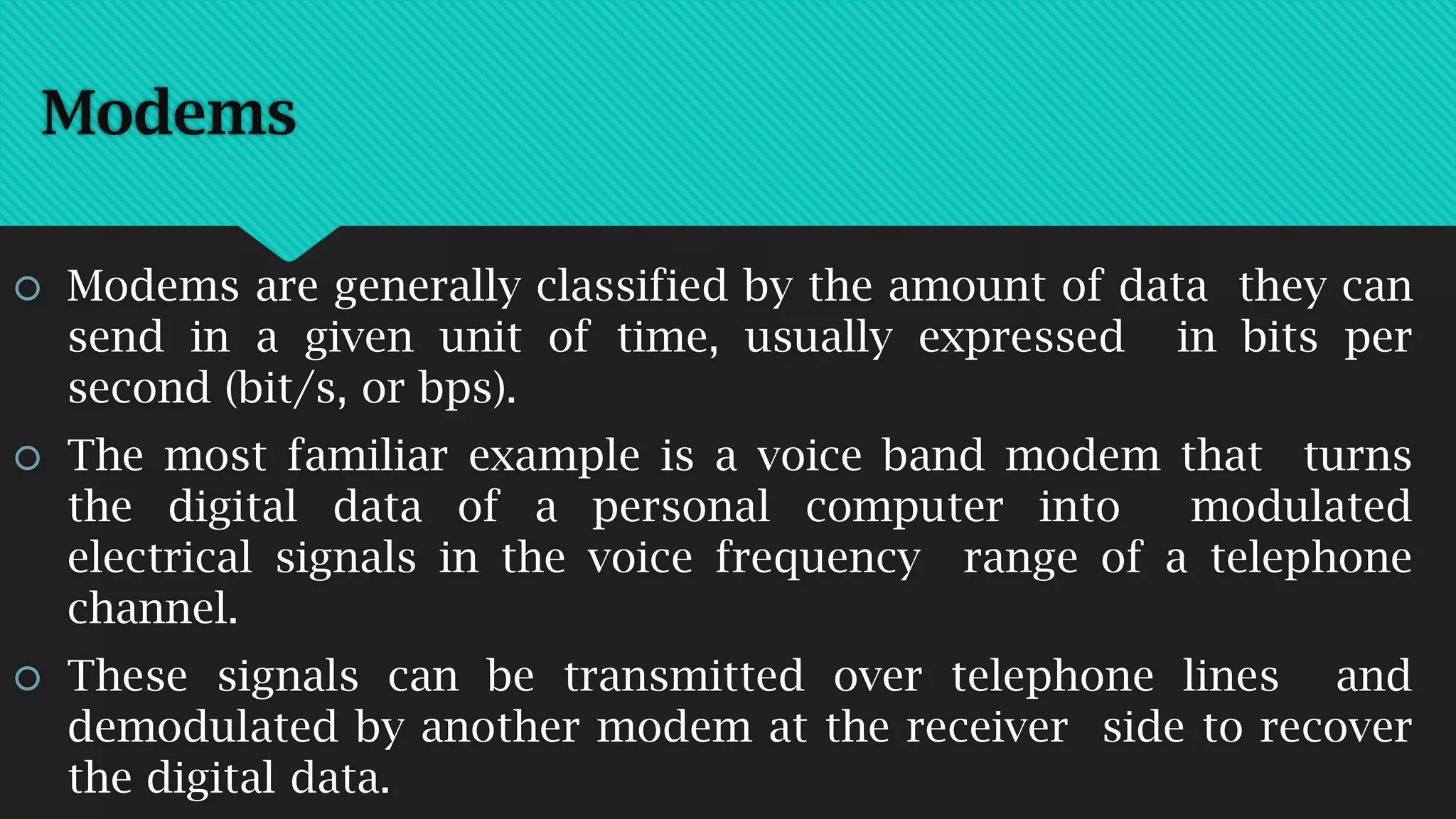
 A modem (modulator-demodulator) is a device that modulates
an analog carrier signal to encode digital information, and also
demodulates such a carrier signal to decode the transmitted
information.
 The goal is to produce a signal that can be transmitted easily
and decoded to reproduce the original digital data.
 Modems can be used over any means of transmitting analog
signals, from light emitting diodes to radio.
Modems
 Modems are generally classified by the amount of data they can
send in a given unit of time, usually expressed in bits per
second (bit/s, or bps).
 The most familiar example is a voice band modem that turns
the digital data of a personal computer into modulated
electrical signals in the voice frequency range of a telephone
channel.
 These signals can be transmitted over telephone lines and
demodulated by another modem at the receiver side to recover
the digital data.
Modems
Types of Modems
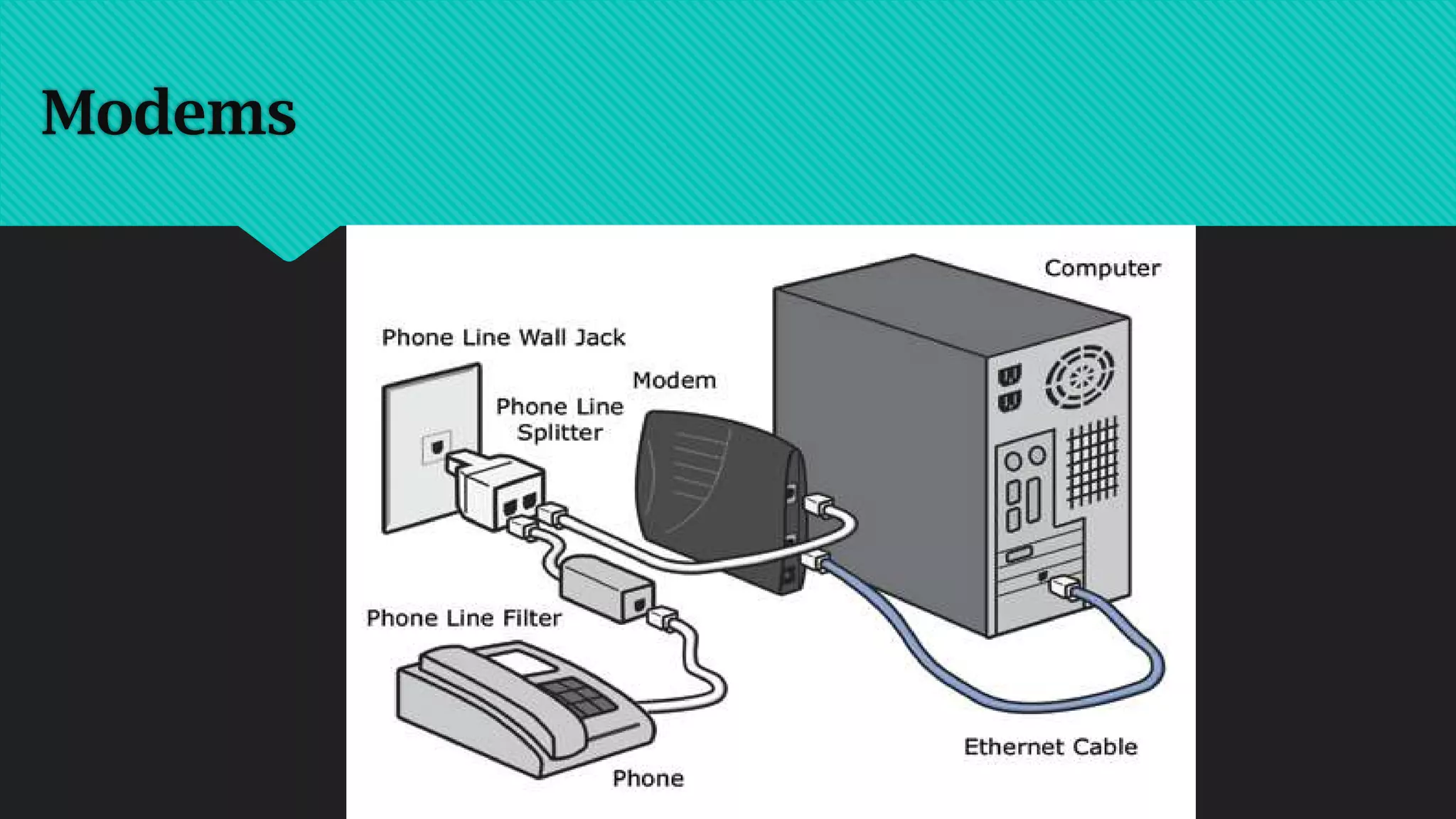
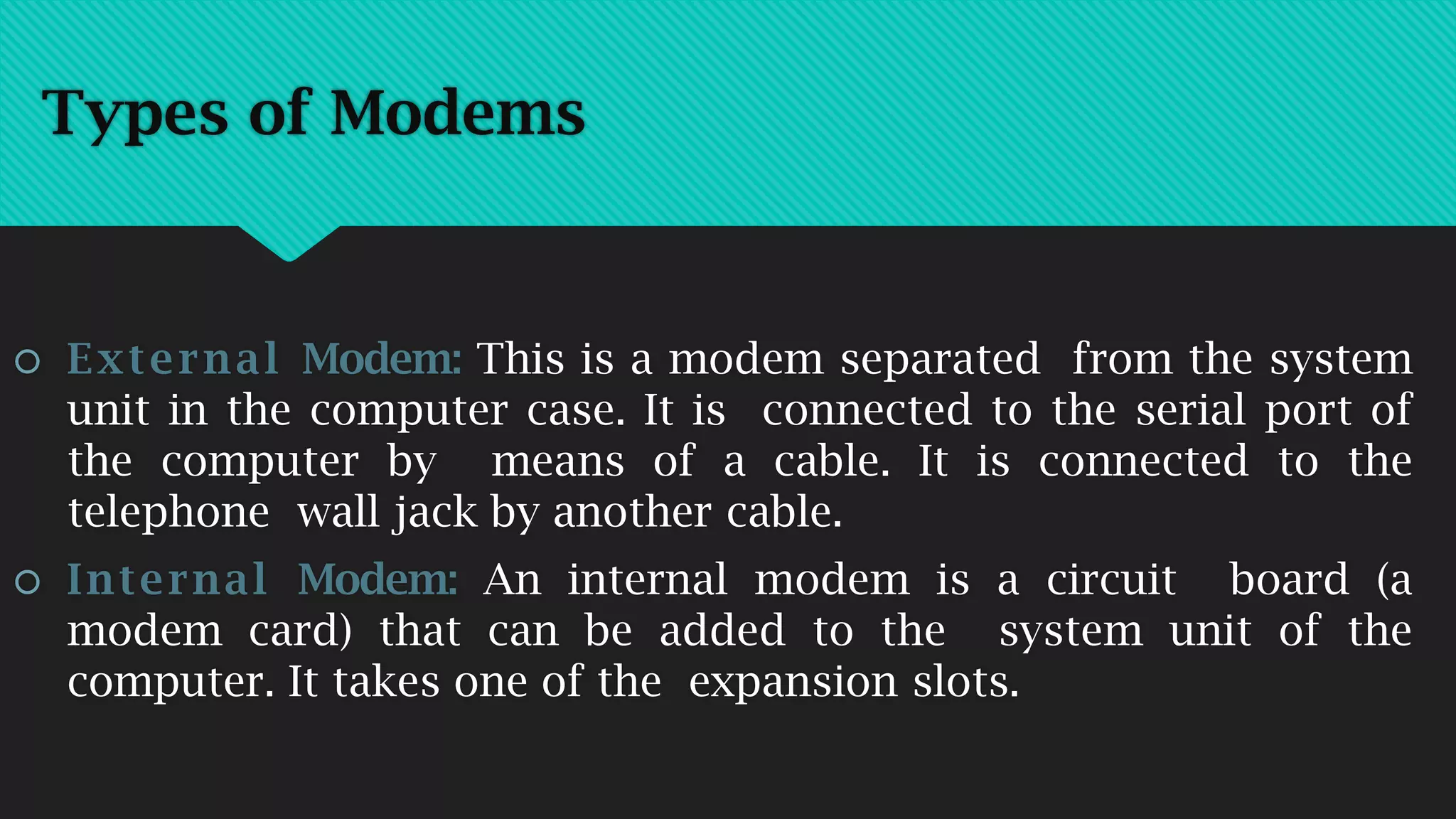
 External Modem: This is a modem separated from the system
unit in the computer case. It is connected to the serial port of
the computer by means of a cable. It is connected to the
telephone wall jack by another cable.
 Internal Modem: An internal modem is a circuit board (a
modem card) that can be added to the system unit of the
computer. It takes one of the expansion slots.
Types of Modems
 Standard Modems: Most modems used today are called
standard modems. These modems are usually operated by
commands entered from a microcomputer keyboard.
 Intelligent Modems: Intelligent modems are also called
advanced modems. These modems can accept new instructions
and then respond to the commands while transmitting data
and information.
Broadband, DSL, ADSL and SDSL
 ‘Broadband’, ‘DSL’, ‘SDSL’, ‘ADSL’, ‘HDSL’ and ‘VDSL’ are all
types of line connection to a public telecommunications
network for high speed internet access.
 The term ‘broadband’ is generally applied to any type of high
speed internet access line. Thus all types of ‘DSL’, ‘ADSL’ and
‘ADSL2+’ lines are also ‘broadband connections’. ‘Broadband’
might also be used to describe high speed Internet access via
Cable TV network (in this case not using ‘DSL’ technology).
DSL: Digital Subscriber Line
‘DSL’ stands for ‘Digital Subscriber Line’. The term is a
general term applied to a variety of different technologies used
to achieve ‘broadband’ or high speed digital transmission over
2-wire or 4-wire ‘standard copper’ public telephone network
access lines – usually for the purpose of high speed Internet
connection. All DSL technology can be subdivided into one of
two types:
 SDSL (symmetric digital subscriber line) and
 ADSL (asymmetric digital subscriber line)
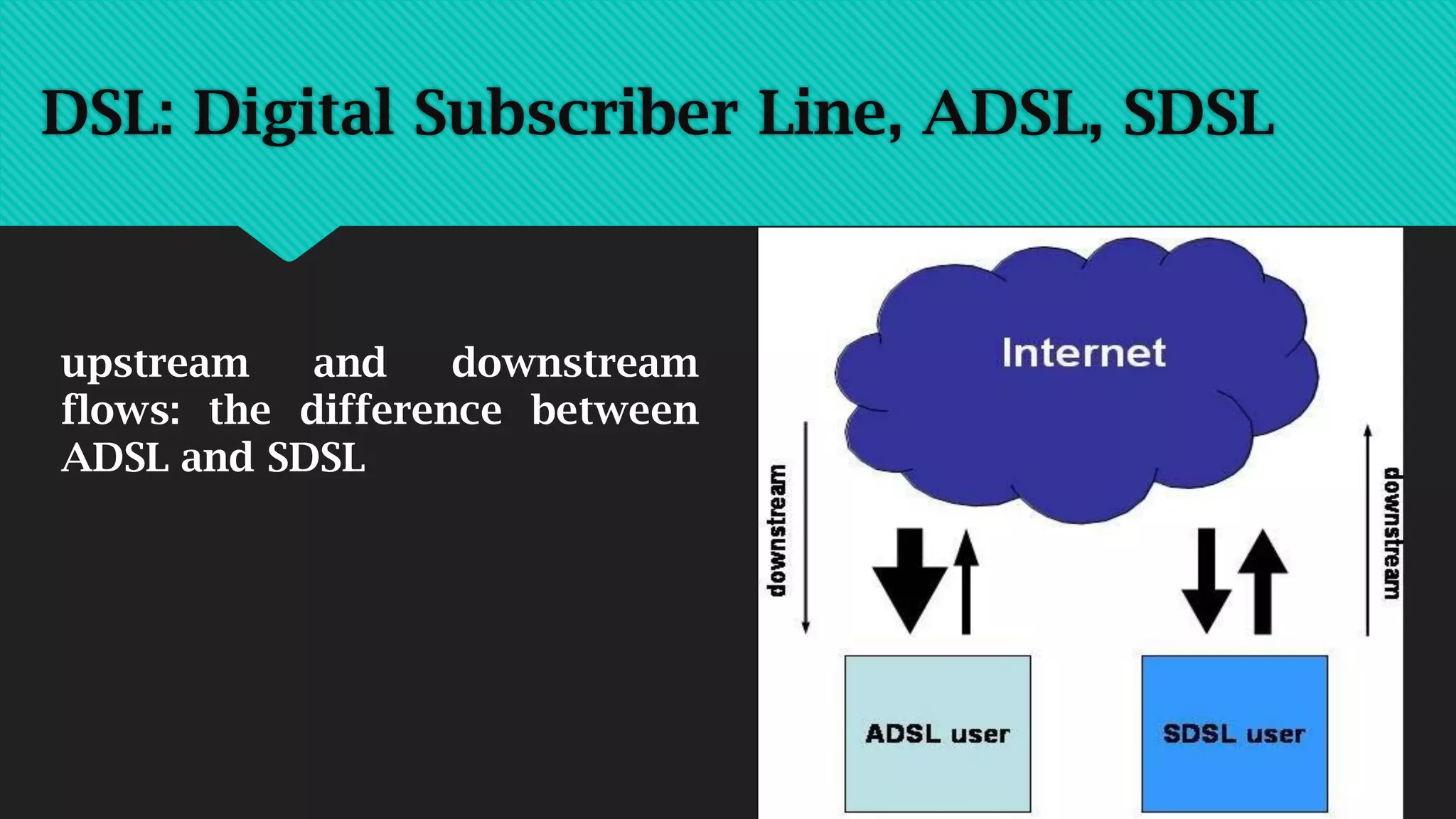
 The prime difference between ‘SDSL’ and ‘ADSL’ is the speed
of transmission in the ‘downstream’ direction (the direction
from the network towards the user) – relative to the speed
of transmission in the ‘upstream’ direction (the direction
from the user towards the network). In SDSL the
transmission rate in downstream and upstream directions is
the same (i.e. symmetric). In ADSL, the downstream rate of
transmission is greater than the upstream bitrate (i.e.
asymmetric). The commonest form of DSL is ADSL.
DSL: Digital Subscriber Line, ADSL, SDSL
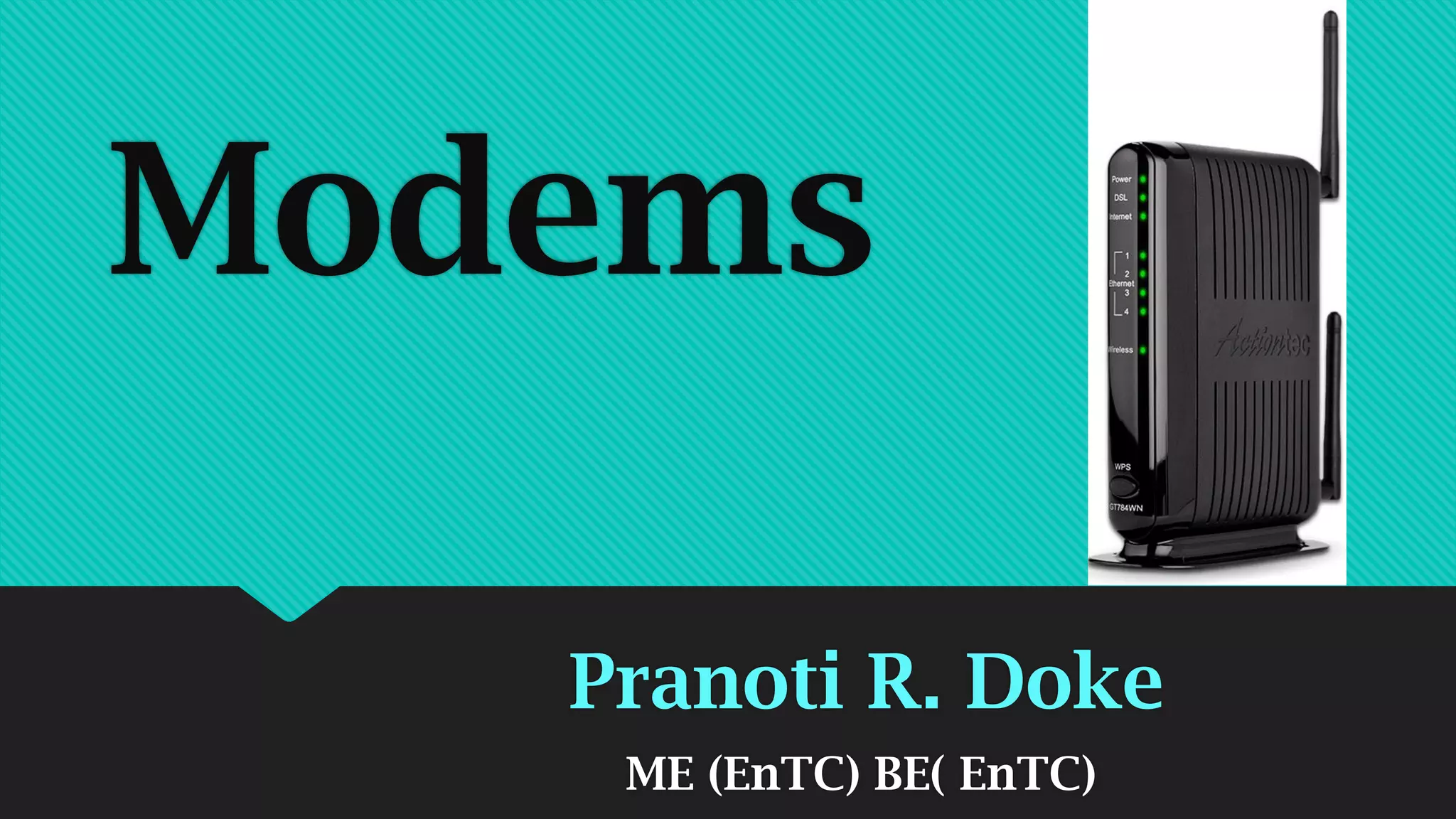
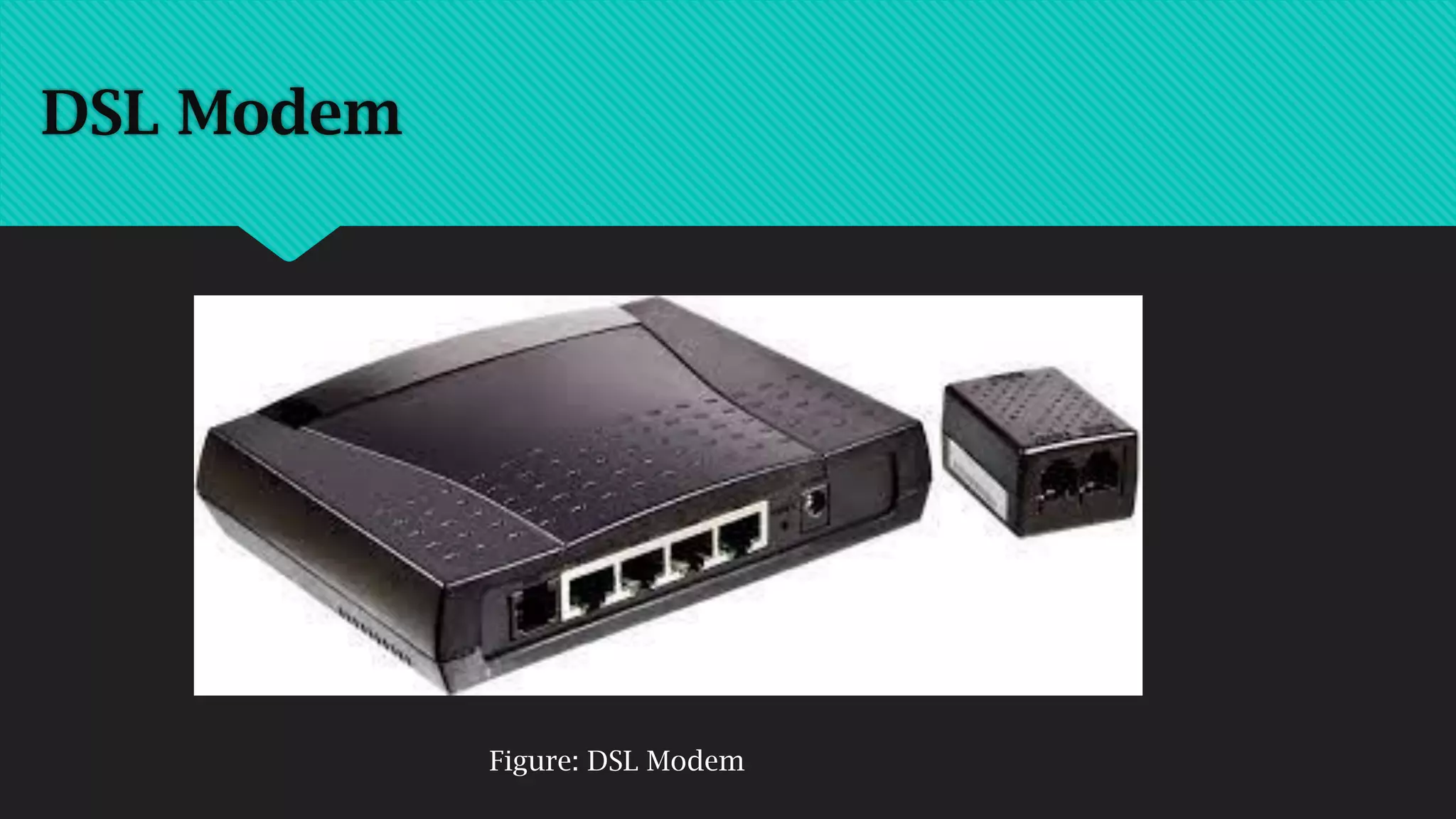
DSL Modem
Figure: DSL Modem
‘SDSL’ (Symmetric Digital Subscriber Line)
‘SDSL’ stands for ‘symmetric digital subscriber line’. An SDSL
line provides for transport of digital data simultaneously in
both directions across the line – the same bitrate being
available in both directions (thus ‘symmetric’). SDSL
connections typically allow transmission of up to 6 Mbit/s in
both directions, but usually require a 4-wire connection
(equivalent to two standard telephone lines).
SDSL service is typically more expensive than ADSL and is
usually provided by telephone companies as a ‘business
service’ – either as a private ‘lease line’ connection between two
different company locations or as a high speed Internet access
line at a site which sends as much data to the Internet as it
receives (e.g. the company’s web server is located at the site: so
a high volume of data is sent upstream to the network.
Meanwhile, Internet ‘surfing’ activity of company employees at
the site demand that a high downstream data rate is also
available – so that Internet pages appear quickly).
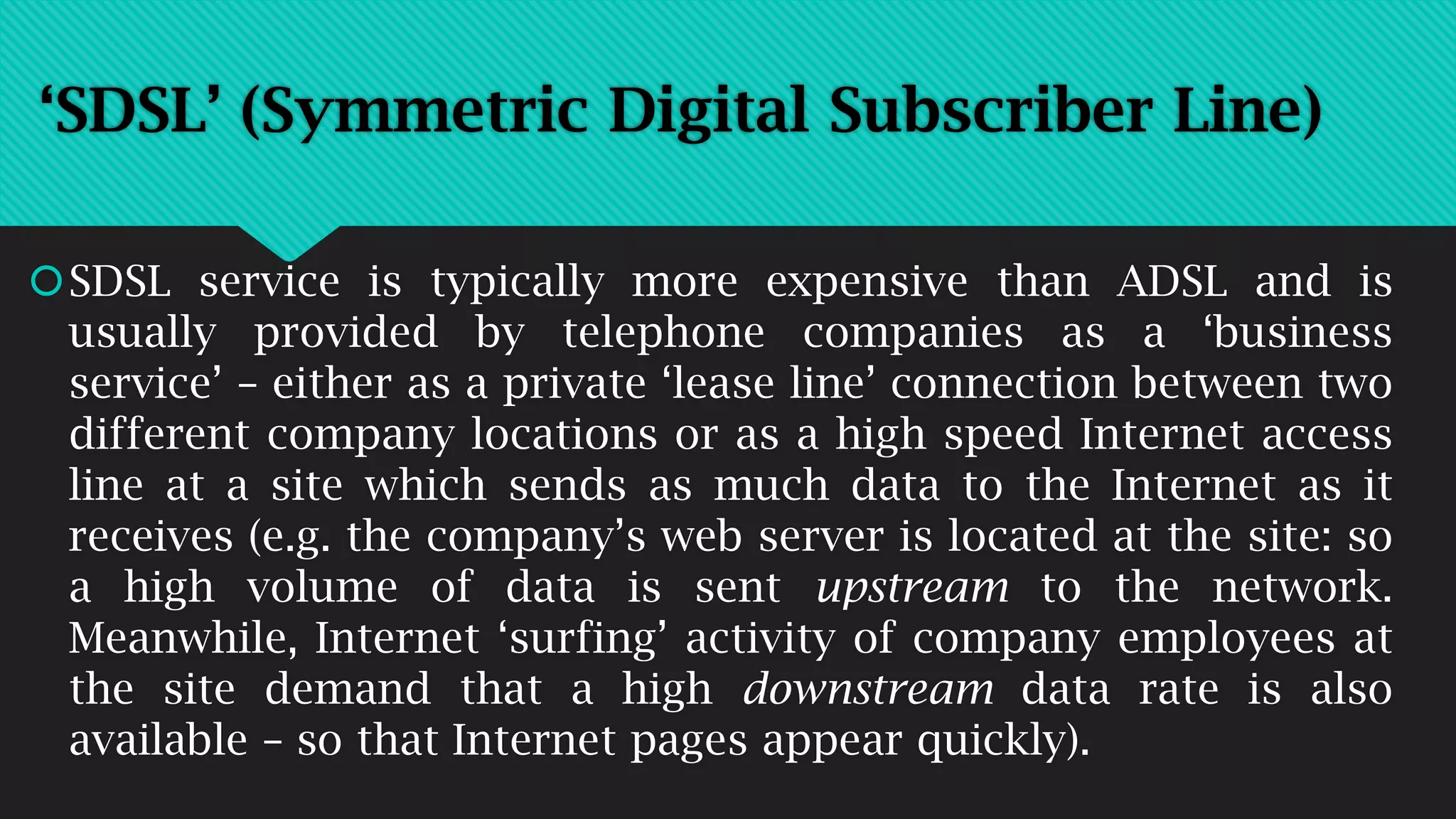
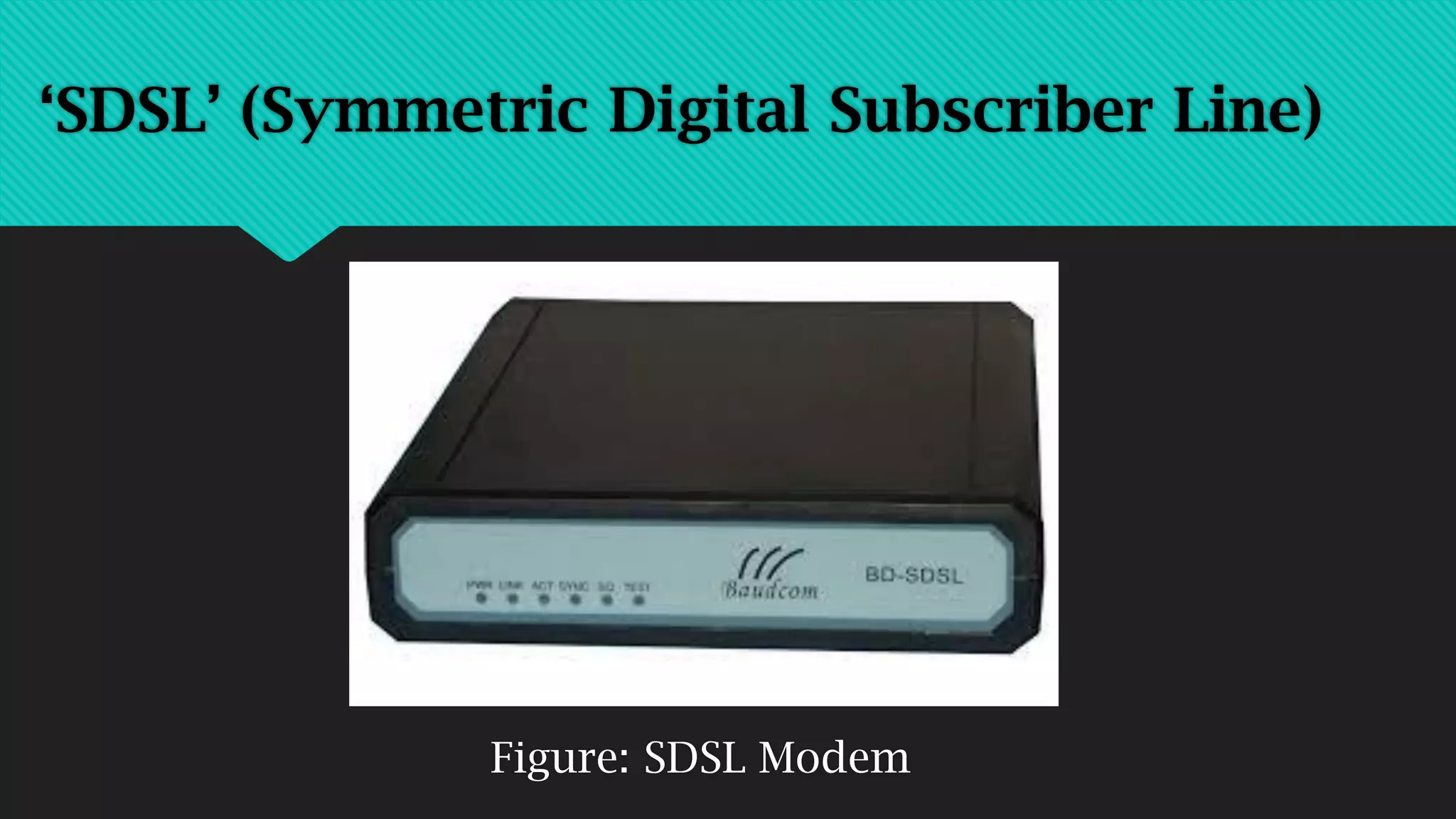
‘SDSL’ (Symmetric Digital Subscriber Line)
Figure: SDSL Modem
‘SDSL’ (Symmetric Digital Subscriber Line)
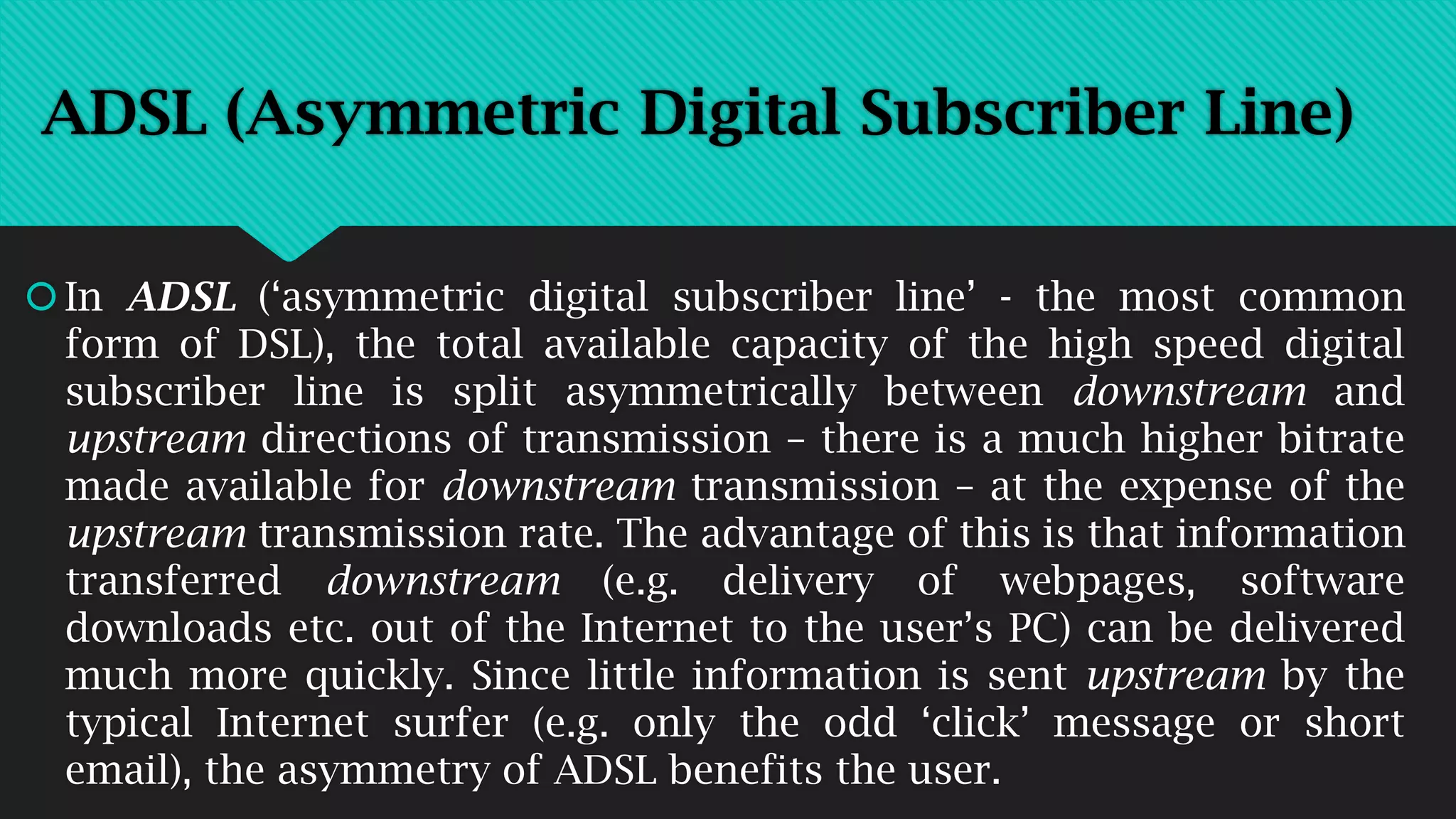
ADSL (Asymmetric Digital Subscriber Line)
In ADSL (‘asymmetric digital subscriber line’ - the most common
form of DSL), the total available capacity of the high speed digital
subscriber line is split asymmetrically between downstream and
upstream directions of transmission – there is a much higher bitrate
made available for downstream transmission – at the expense of the
upstream transmission rate. The advantage of this is that information
transferred downstream (e.g. delivery of webpages, software
downloads etc. out of the Internet to the user’s PC) can be delivered
much more quickly. Since little information is sent upstream by the
typical Internet surfer (e.g. only the odd ‘click’ message or short
email), the asymmetry of ADSL benefits the user.
ADSL is a particular type of DSL: indeed ADSL is often referred to
simply as ‘DSL’, since ADSL is the commonest form of DSL. (Note:
All ADSL lines are ‘DSL’ lines – and many ADSL services are simply
marketed as ‘DSL’. E.g. T-DSL, Deutsche Telekom’s German version
of DSL is actually an ADSL service. But remember that not all DSL is
ADSL). ADSL is a technology used to provide a digital highspeed
internet access line over a ‘normal 2-wire telephone line’. Over an
established telephone or IDSN (digital telephone) line, the public
telephone company uses ADSL technology to provide the high speed
ADSL internet access line sharing the same 2-wire connection to the
public network.
ADSL (Asymmetric Digital Subscriber Line)
The fact that the ADSL line can share the same 2-wire connection
as the user’s (analogue) telephone or ISDN (integrated services
digital network) telephone line is important, since it affects the
equipment which must be provided for the ADSL service (DSL
splitter/filter and DSL modem) and the economics (price to the
user).
When ADSL is operated on a 2-wire analogue telephone (standard
telephone) or ISDN line (e.g. BRI or ISDN2), the telephone service
operates normally in the ‘baseband’ of the connection. The high
speed data connection provided by ADSL uses only the high
frequency signal transmission capabilities of the connection.
ADSL (Asymmetric Digital Subscriber Line)
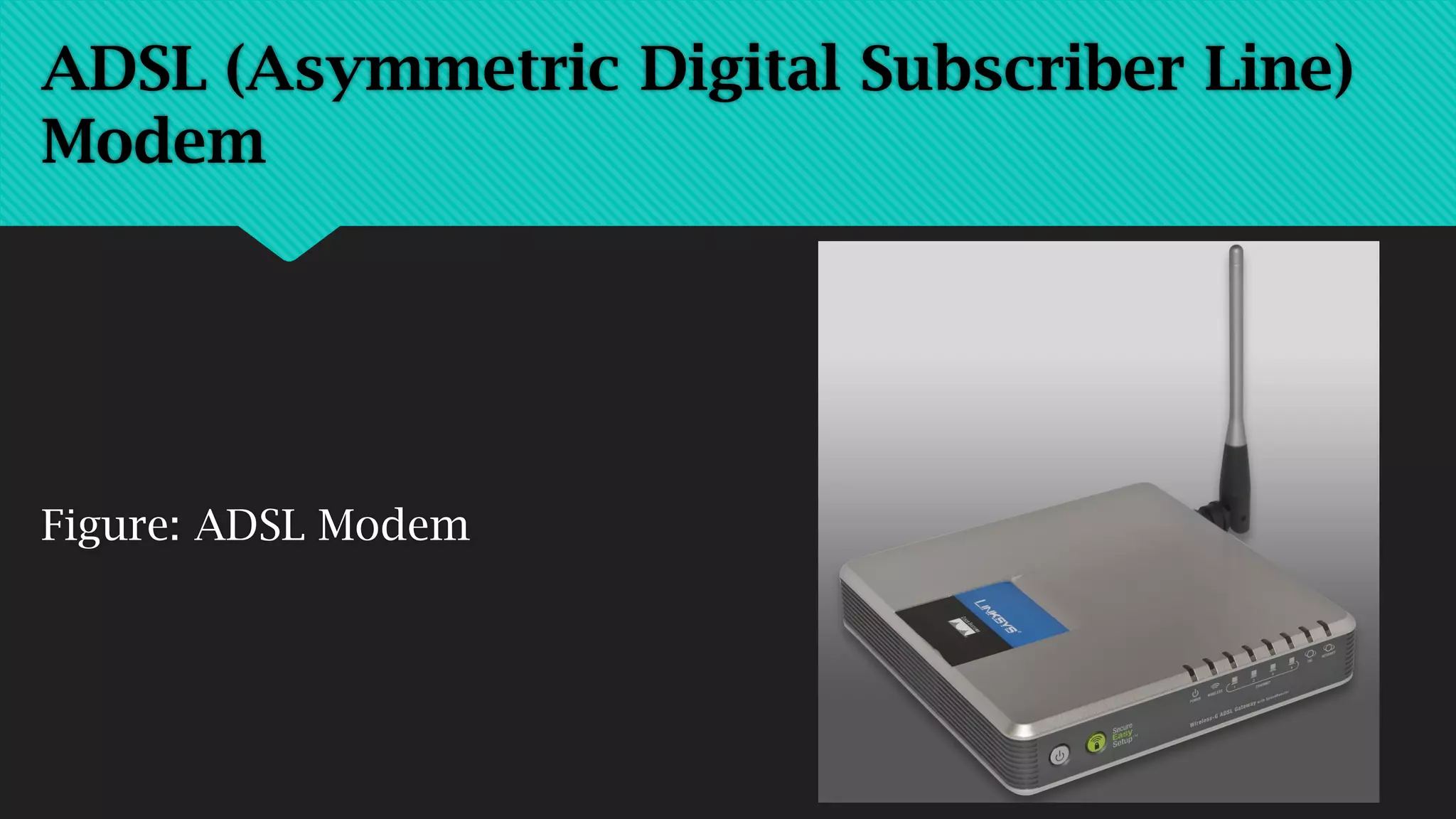
Figure: ADSL Modem
ADSL (Asymmetric Digital Subscriber Line)
Modem
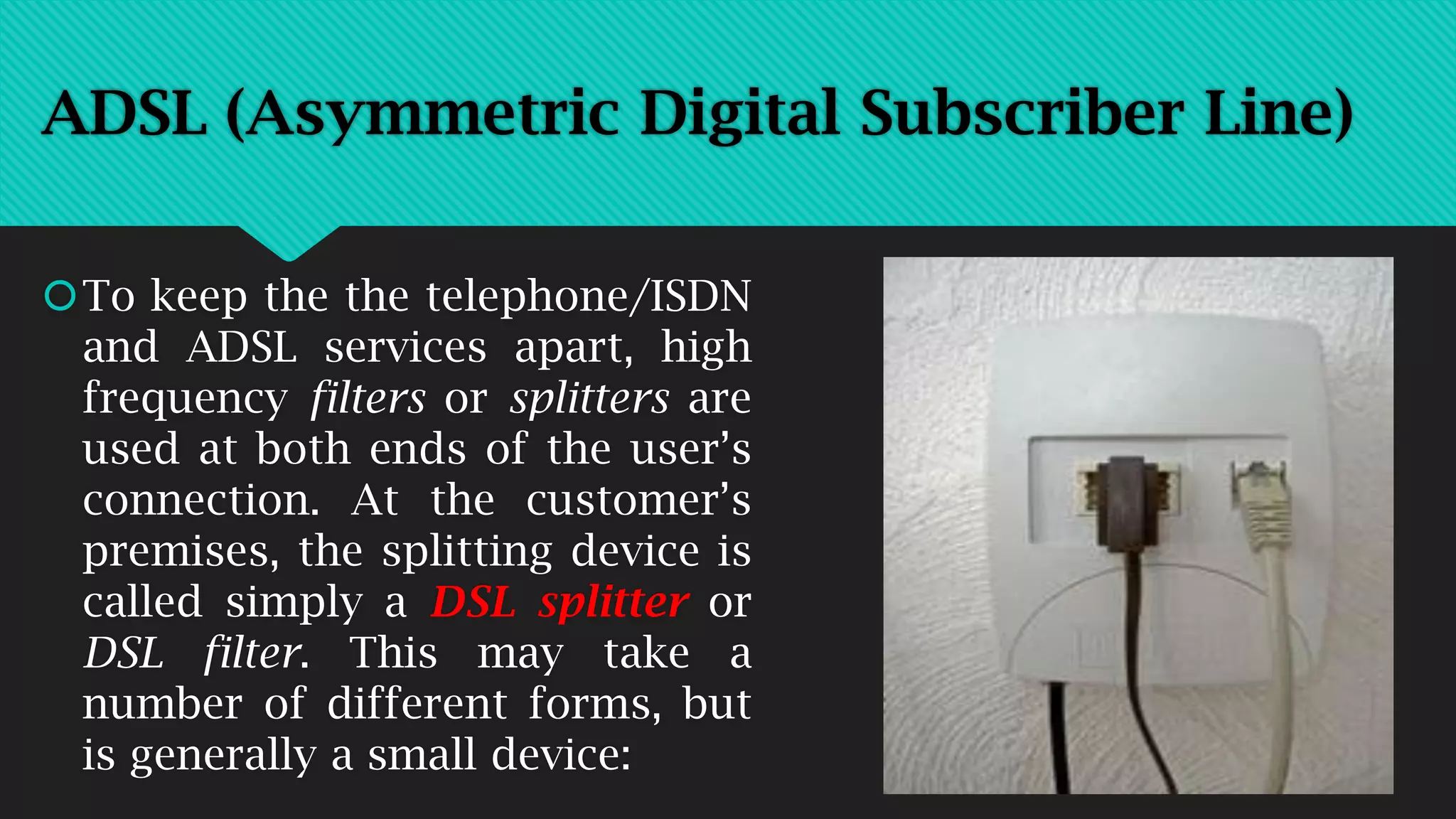
To keep the the telephone/ISDN
and ADSL services apart, high
frequency filters or splitters are
used at both ends of the user’s
connection. At the customer’s
premises, the splitting device is
called simply a DSL splitter or
DSL filter. This may take a
number of different forms, but
is generally a small device:
ADSL (Asymmetric Digital Subscriber Line)
DSL: Digital Subscriber Line, ADSL, SDSL
upstream and downstream
flows: the difference between
ADSL and SDSL
Other types of DSL: HDSL, VDSL
As well as SDSL and ADSL, a number of other DSL abbreviations
and ‘types of DSL’ have been invented over time. These include:
HDSL, XDSL, VDSL. In reality, these are all variants of the basic
SDSL and ADSL types of DSL or simply alternative terminology:
 HDSL (High Speed Digital Subscriber Line) is a particular type
of SDSL – usually providing 2 Mbit/s transmission in both
downstream and upstream directions
 VDSL (Very High Speed Digital Subscriber Line) is able to
operate at very high speed (e.g. up to 50 Mbit/s) over copper
cable – but only over short distances. Typically VDSL is used in
‘hybrid’ networks, comprising short copper cable connections
from VDSL customer premises to locally placed street cabinets
and then by means of glass fiber to the network operator’s
exchange building site (this type of hybrid network is
sometimes referred to as ‘fiber-to-the-curb’ (FTTC)).
Other types of DSL: HDSL, VDSL
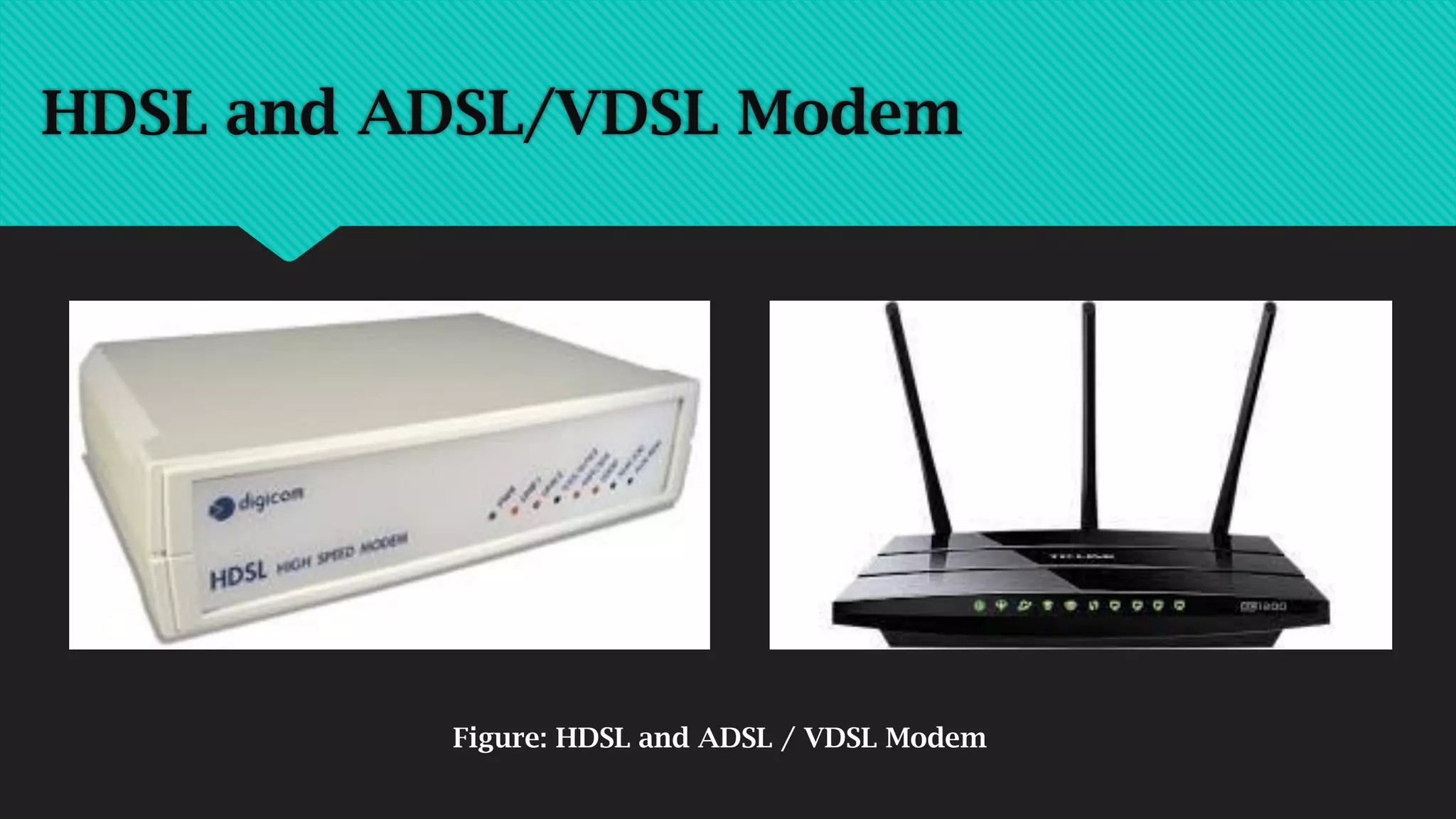
HDSL and ADSL/VDSL Modem
Figure: HDSL and ADSL / VDSL Modem
Thank You

Unit 3_CND Physical Layer_MODEMS_Pranoti Doke

  • 1.
    Modems Pranoti R. Doke ME(EnTC) BE( EnTC)
  • 2.
    Modems  A modem(modulator-demodulator) is a device that modulates an analog carrier signal to encode digital information, and also demodulates such a carrier signal to decode the transmitted information.  The goal is to produce a signal that can be transmitted easily and decoded to reproduce the original digital data.  Modems can be used over any means of transmitting analog signals, from light emitting diodes to radio.
  • 3.
    Modems  Modems aregenerally classified by the amount of data they can send in a given unit of time, usually expressed in bits per second (bit/s, or bps).  The most familiar example is a voice band modem that turns the digital data of a personal computer into modulated electrical signals in the voice frequency range of a telephone channel.  These signals can be transmitted over telephone lines and demodulated by another modem at the receiver side to recover the digital data.
  • 4.
  • 5.
    Types of Modems External Modem: This is a modem separated from the system unit in the computer case. It is connected to the serial port of the computer by means of a cable. It is connected to the telephone wall jack by another cable.  Internal Modem: An internal modem is a circuit board (a modem card) that can be added to the system unit of the computer. It takes one of the expansion slots.
  • 6.
    Types of Modems Standard Modems: Most modems used today are called standard modems. These modems are usually operated by commands entered from a microcomputer keyboard.  Intelligent Modems: Intelligent modems are also called advanced modems. These modems can accept new instructions and then respond to the commands while transmitting data and information.
  • 7.
    Broadband, DSL, ADSLand SDSL  ‘Broadband’, ‘DSL’, ‘SDSL’, ‘ADSL’, ‘HDSL’ and ‘VDSL’ are all types of line connection to a public telecommunications network for high speed internet access.  The term ‘broadband’ is generally applied to any type of high speed internet access line. Thus all types of ‘DSL’, ‘ADSL’ and ‘ADSL2+’ lines are also ‘broadband connections’. ‘Broadband’ might also be used to describe high speed Internet access via Cable TV network (in this case not using ‘DSL’ technology).
  • 8.
    DSL: Digital SubscriberLine ‘DSL’ stands for ‘Digital Subscriber Line’. The term is a general term applied to a variety of different technologies used to achieve ‘broadband’ or high speed digital transmission over 2-wire or 4-wire ‘standard copper’ public telephone network access lines – usually for the purpose of high speed Internet connection. All DSL technology can be subdivided into one of two types:  SDSL (symmetric digital subscriber line) and  ADSL (asymmetric digital subscriber line)
  • 9.
     The primedifference between ‘SDSL’ and ‘ADSL’ is the speed of transmission in the ‘downstream’ direction (the direction from the network towards the user) – relative to the speed of transmission in the ‘upstream’ direction (the direction from the user towards the network). In SDSL the transmission rate in downstream and upstream directions is the same (i.e. symmetric). In ADSL, the downstream rate of transmission is greater than the upstream bitrate (i.e. asymmetric). The commonest form of DSL is ADSL. DSL: Digital Subscriber Line, ADSL, SDSL
  • 10.
  • 11.
    ‘SDSL’ (Symmetric DigitalSubscriber Line) ‘SDSL’ stands for ‘symmetric digital subscriber line’. An SDSL line provides for transport of digital data simultaneously in both directions across the line – the same bitrate being available in both directions (thus ‘symmetric’). SDSL connections typically allow transmission of up to 6 Mbit/s in both directions, but usually require a 4-wire connection (equivalent to two standard telephone lines).
  • 12.
    SDSL service istypically more expensive than ADSL and is usually provided by telephone companies as a ‘business service’ – either as a private ‘lease line’ connection between two different company locations or as a high speed Internet access line at a site which sends as much data to the Internet as it receives (e.g. the company’s web server is located at the site: so a high volume of data is sent upstream to the network. Meanwhile, Internet ‘surfing’ activity of company employees at the site demand that a high downstream data rate is also available – so that Internet pages appear quickly). ‘SDSL’ (Symmetric Digital Subscriber Line)
  • 13.
    Figure: SDSL Modem ‘SDSL’(Symmetric Digital Subscriber Line)
  • 14.
    ADSL (Asymmetric DigitalSubscriber Line) In ADSL (‘asymmetric digital subscriber line’ - the most common form of DSL), the total available capacity of the high speed digital subscriber line is split asymmetrically between downstream and upstream directions of transmission – there is a much higher bitrate made available for downstream transmission – at the expense of the upstream transmission rate. The advantage of this is that information transferred downstream (e.g. delivery of webpages, software downloads etc. out of the Internet to the user’s PC) can be delivered much more quickly. Since little information is sent upstream by the typical Internet surfer (e.g. only the odd ‘click’ message or short email), the asymmetry of ADSL benefits the user.
  • 15.
    ADSL is aparticular type of DSL: indeed ADSL is often referred to simply as ‘DSL’, since ADSL is the commonest form of DSL. (Note: All ADSL lines are ‘DSL’ lines – and many ADSL services are simply marketed as ‘DSL’. E.g. T-DSL, Deutsche Telekom’s German version of DSL is actually an ADSL service. But remember that not all DSL is ADSL). ADSL is a technology used to provide a digital highspeed internet access line over a ‘normal 2-wire telephone line’. Over an established telephone or IDSN (digital telephone) line, the public telephone company uses ADSL technology to provide the high speed ADSL internet access line sharing the same 2-wire connection to the public network. ADSL (Asymmetric Digital Subscriber Line)
  • 16.
    The fact thatthe ADSL line can share the same 2-wire connection as the user’s (analogue) telephone or ISDN (integrated services digital network) telephone line is important, since it affects the equipment which must be provided for the ADSL service (DSL splitter/filter and DSL modem) and the economics (price to the user). When ADSL is operated on a 2-wire analogue telephone (standard telephone) or ISDN line (e.g. BRI or ISDN2), the telephone service operates normally in the ‘baseband’ of the connection. The high speed data connection provided by ADSL uses only the high frequency signal transmission capabilities of the connection. ADSL (Asymmetric Digital Subscriber Line)
  • 17.
    Figure: ADSL Modem ADSL(Asymmetric Digital Subscriber Line) Modem
  • 18.
    To keep thethe telephone/ISDN and ADSL services apart, high frequency filters or splitters are used at both ends of the user’s connection. At the customer’s premises, the splitting device is called simply a DSL splitter or DSL filter. This may take a number of different forms, but is generally a small device: ADSL (Asymmetric Digital Subscriber Line)
  • 19.
    DSL: Digital SubscriberLine, ADSL, SDSL upstream and downstream flows: the difference between ADSL and SDSL
  • 20.
    Other types ofDSL: HDSL, VDSL As well as SDSL and ADSL, a number of other DSL abbreviations and ‘types of DSL’ have been invented over time. These include: HDSL, XDSL, VDSL. In reality, these are all variants of the basic SDSL and ADSL types of DSL or simply alternative terminology:  HDSL (High Speed Digital Subscriber Line) is a particular type of SDSL – usually providing 2 Mbit/s transmission in both downstream and upstream directions
  • 21.
     VDSL (VeryHigh Speed Digital Subscriber Line) is able to operate at very high speed (e.g. up to 50 Mbit/s) over copper cable – but only over short distances. Typically VDSL is used in ‘hybrid’ networks, comprising short copper cable connections from VDSL customer premises to locally placed street cabinets and then by means of glass fiber to the network operator’s exchange building site (this type of hybrid network is sometimes referred to as ‘fiber-to-the-curb’ (FTTC)). Other types of DSL: HDSL, VDSL
  • 22.
    HDSL and ADSL/VDSLModem Figure: HDSL and ADSL / VDSL Modem
  • 23.