Miller Library and Information Service
      Understanding
   Information Sources:
         online

             www.swsi.tafensw.edu.au

                                         Version 3 2012
Information Sources

“any book, document, database or person which provides information”


                Dictionary of Information and Library
                   Management, 2006 A&C Black
                        Publishers, London.
Conduct the reference interview
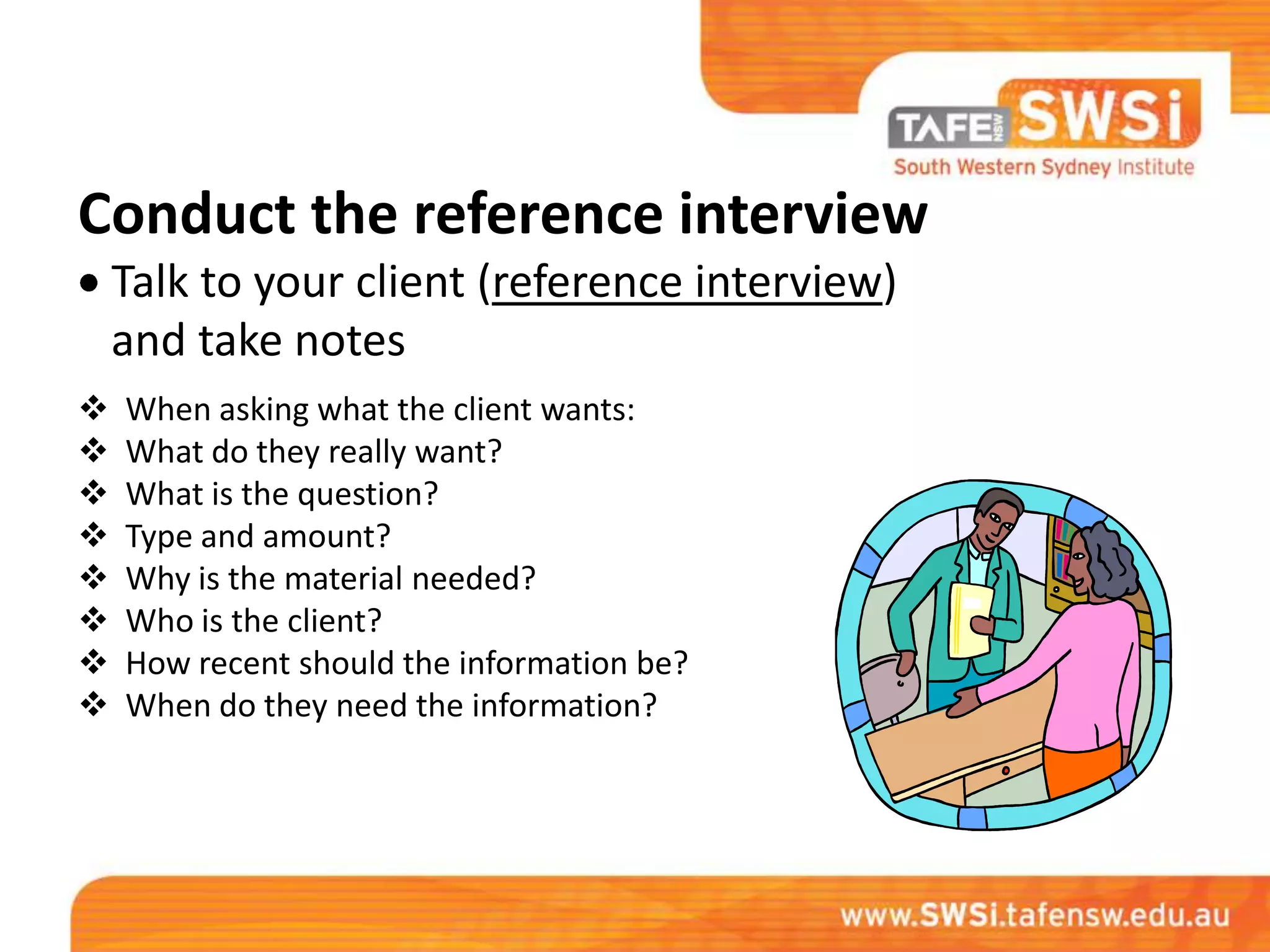
    Talk to your client (reference interview)
    and take notes
   When asking what the client wants:
   What do they really want?
   What is the question?
   Type and amount?
   Why is the material needed?
   Who is the client?
   How recent should the information be?
   When do they need the information?
Now you’re on your own!

                    Prepare yourself.

Have pen, paper and post-it notes
ready at all times, for note taking
and

Marking resources
Get an overview of the topic
Go to an encyclopaedia or reference source to
        get an overview of the topic.
List key words
These words will help you look up information
on the topic.
Use a thesaurus if necessary.
Brainstorm key words with other staff and
sometimes even customers.
Make a source card/ page
Write down all resources you will use or you
have used for information.
For online resources, as they are found print
the 1st page of the site.
Do this as you go along, it will save time at the
end.
Use a range of resources

   Print
   Online – including YouTube,
   TeacherTube
   Databases
   Audio-Visual
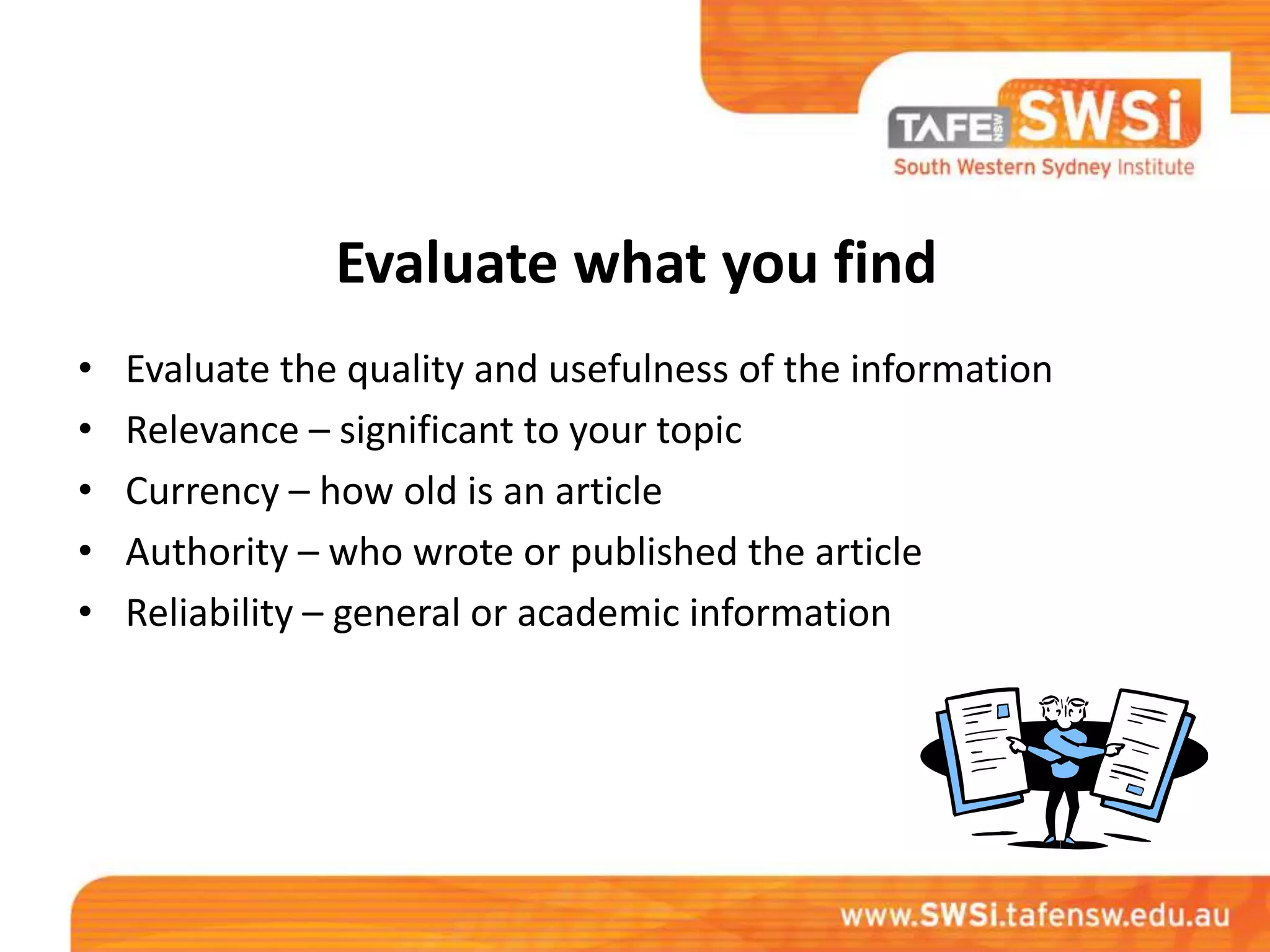
Evaluate what you find
•   Evaluate the quality and usefulness of the information
•   Relevance – significant to your topic
•   Currency – how old is an article
•   Authority – who wrote or published the article
•   Reliability – general or academic information
Evaluate your online references
• Finding information on the internet
• Tutorial: the Internet Detective
Find internet resources
• Use search engines. Check to see if your class
  has a bibliography or Studylink created by
  librarians.
Internet Directories

• Tafe Studylinks –
    https://www.tafensw.edu.au/library/studylinks/
• BUBL – http://bubl.ac.uk/
• IPL (Internet Public Library) – http://www.ipl.org/
Encyclopaedias/ Encyclopedias

• Tafe Studylinks

• Catholic Encyclopedia –
 http://www.newadvent.org/cathen/
Dictionaries
• Tafe Studylinks
• Macquarie – Dictionaries
  http://www.macquariedictionary.com.au/anony
  mous@9c9FF96443718/-/p/dict/index.html
• Google search (Define:_____) –
      http://www.google.com.au/
Government Sources
• Tafe Studylinks
• Use a gateway or know the Government
  Department, for example:
              Department of Local Government
     http://www.dlg.nsw.gov.au/dlg/dlghome/dlg_index.asp
Online maps/ Images
•   Tafe Studylinks
•   Google Earth
•   Google image search
•   Google map search
•   Panoramio –
    http://www.panoramio.com/map/
Consolidate your research
• Put your research into some sort of order for
  your customer, such as, a report, sample
  pages or bibliography.

• You would have discussed this at the reference
  interview.
Contact your customer, by the due date!
Evaluate your work

• What did you learn from your research?
• Was the final product what the customer
  wanted?
• Did the customer find your research useful?
• File your notes, source cards, printout for
  future reference.
Celebrate!
• When you’re finished, celebrate.
  Start the next job, catch up with other
  work or get creative in the office!
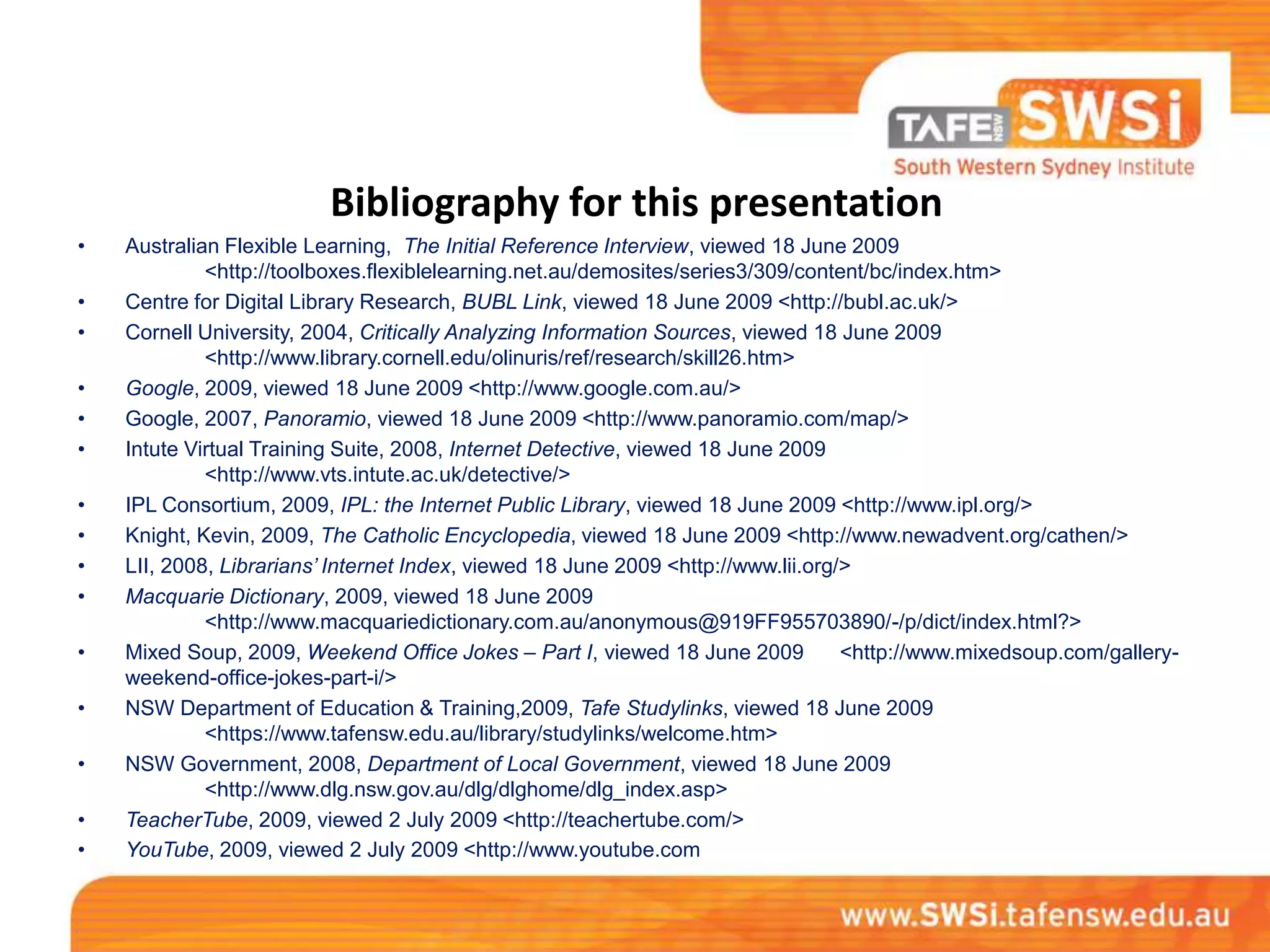
Bibliography for this presentation
•   Australian Flexible Learning, The Initial Reference Interview, viewed 18 June 2009
             <http://toolboxes.flexiblelearning.net.au/demosites/series3/309/content/bc/index.htm>
•   Centre for Digital Library Research, BUBL Link, viewed 18 June 2009 <http://bubl.ac.uk/>
•   Cornell University, 2004, Critically Analyzing Information Sources, viewed 18 June 2009
             <http://www.library.cornell.edu/olinuris/ref/research/skill26.htm>
•   Google, 2009, viewed 18 June 2009 <http://www.google.com.au/>
•   Google, 2007, Panoramio, viewed 18 June 2009 <http://www.panoramio.com/map/>
•   Intute Virtual Training Suite, 2008, Internet Detective, viewed 18 June 2009
             <http://www.vts.intute.ac.uk/detective/>
•   IPL Consortium, 2009, IPL: the Internet Public Library, viewed 18 June 2009 <http://www.ipl.org/>
•   Knight, Kevin, 2009, The Catholic Encyclopedia, viewed 18 June 2009 <http://www.newadvent.org/cathen/>
•   LII, 2008, Librarians’ Internet Index, viewed 18 June 2009 <http://www.lii.org/>
•   Macquarie Dictionary, 2009, viewed 18 June 2009
             <http://www.macquariedictionary.com.au/anonymous@919FF955703890/-/p/dict/index.html?>
•   Mixed Soup, 2009, Weekend Office Jokes – Part I, viewed 18 June 2009           <http://www.mixedsoup.com/gallery-
    weekend-office-jokes-part-i/>
•   NSW Department of Education & Training,2009, Tafe Studylinks, viewed 18 June 2009
             <https://www.tafensw.edu.au/library/studylinks/welcome.htm>
•   NSW Government, 2008, Department of Local Government, viewed 18 June 2009
             <http://www.dlg.nsw.gov.au/dlg/dlghome/dlg_index.asp>
•   TeacherTube, 2009, viewed 2 July 2009 <http://teachertube.com/>
•   YouTube, 2009, viewed 2 July 2009 <http://www.youtube.com

Understanding information sources (online) library course (Updated August 2012)

  • 1.
    Miller Library andInformation Service Understanding Information Sources: online www.swsi.tafensw.edu.au Version 3 2012
  • 2.
    Information Sources “any book,document, database or person which provides information” Dictionary of Information and Library Management, 2006 A&C Black Publishers, London.
  • 3.
    Conduct the referenceinterview Talk to your client (reference interview) and take notes  When asking what the client wants:  What do they really want?  What is the question?  Type and amount?  Why is the material needed?  Who is the client?  How recent should the information be?  When do they need the information?
  • 4.
    Now you’re onyour own! Prepare yourself. Have pen, paper and post-it notes ready at all times, for note taking and Marking resources
  • 5.
    Get an overviewof the topic Go to an encyclopaedia or reference source to get an overview of the topic.
  • 6.
    List key words Thesewords will help you look up information on the topic. Use a thesaurus if necessary. Brainstorm key words with other staff and sometimes even customers.
  • 7.
    Make a sourcecard/ page Write down all resources you will use or you have used for information. For online resources, as they are found print the 1st page of the site. Do this as you go along, it will save time at the end.
  • 8.
    Use a rangeof resources  Print  Online – including YouTube,  TeacherTube  Databases  Audio-Visual
  • 9.
    Evaluate what youfind • Evaluate the quality and usefulness of the information • Relevance – significant to your topic • Currency – how old is an article • Authority – who wrote or published the article • Reliability – general or academic information
  • 10.
    Evaluate your onlinereferences • Finding information on the internet • Tutorial: the Internet Detective
  • 11.
    Find internet resources •Use search engines. Check to see if your class has a bibliography or Studylink created by librarians.
  • 12.
    Internet Directories • TafeStudylinks – https://www.tafensw.edu.au/library/studylinks/ • BUBL – http://bubl.ac.uk/ • IPL (Internet Public Library) – http://www.ipl.org/
  • 13.
    Encyclopaedias/ Encyclopedias • TafeStudylinks • Catholic Encyclopedia – http://www.newadvent.org/cathen/
  • 14.
    Dictionaries • Tafe Studylinks •Macquarie – Dictionaries http://www.macquariedictionary.com.au/anony mous@9c9FF96443718/-/p/dict/index.html • Google search (Define:_____) – http://www.google.com.au/
  • 15.
    Government Sources • TafeStudylinks • Use a gateway or know the Government Department, for example: Department of Local Government http://www.dlg.nsw.gov.au/dlg/dlghome/dlg_index.asp
  • 16.
    Online maps/ Images • Tafe Studylinks • Google Earth • Google image search • Google map search • Panoramio – http://www.panoramio.com/map/
  • 17.
    Consolidate your research •Put your research into some sort of order for your customer, such as, a report, sample pages or bibliography. • You would have discussed this at the reference interview.
  • 18.
    Contact your customer,by the due date!
  • 19.
    Evaluate your work •What did you learn from your research? • Was the final product what the customer wanted? • Did the customer find your research useful? • File your notes, source cards, printout for future reference.
  • 20.
    Celebrate! • When you’refinished, celebrate. Start the next job, catch up with other work or get creative in the office!
  • 21.
    Bibliography for thispresentation • Australian Flexible Learning, The Initial Reference Interview, viewed 18 June 2009 <http://toolboxes.flexiblelearning.net.au/demosites/series3/309/content/bc/index.htm> • Centre for Digital Library Research, BUBL Link, viewed 18 June 2009 <http://bubl.ac.uk/> • Cornell University, 2004, Critically Analyzing Information Sources, viewed 18 June 2009 <http://www.library.cornell.edu/olinuris/ref/research/skill26.htm> • Google, 2009, viewed 18 June 2009 <http://www.google.com.au/> • Google, 2007, Panoramio, viewed 18 June 2009 <http://www.panoramio.com/map/> • Intute Virtual Training Suite, 2008, Internet Detective, viewed 18 June 2009 <http://www.vts.intute.ac.uk/detective/> • IPL Consortium, 2009, IPL: the Internet Public Library, viewed 18 June 2009 <http://www.ipl.org/> • Knight, Kevin, 2009, The Catholic Encyclopedia, viewed 18 June 2009 <http://www.newadvent.org/cathen/> • LII, 2008, Librarians’ Internet Index, viewed 18 June 2009 <http://www.lii.org/> • Macquarie Dictionary, 2009, viewed 18 June 2009 <http://www.macquariedictionary.com.au/anonymous@919FF955703890/-/p/dict/index.html?> • Mixed Soup, 2009, Weekend Office Jokes – Part I, viewed 18 June 2009 <http://www.mixedsoup.com/gallery- weekend-office-jokes-part-i/> • NSW Department of Education & Training,2009, Tafe Studylinks, viewed 18 June 2009 <https://www.tafensw.edu.au/library/studylinks/welcome.htm> • NSW Government, 2008, Department of Local Government, viewed 18 June 2009 <http://www.dlg.nsw.gov.au/dlg/dlghome/dlg_index.asp> • TeacherTube, 2009, viewed 2 July 2009 <http://teachertube.com/> • YouTube, 2009, viewed 2 July 2009 <http://www.youtube.com