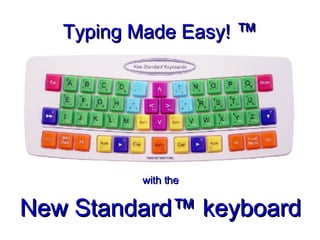
Typing Made Easy!  ™ with the New Standard™ keyboard
Start Touch-Typing in Five Minutes!
We read Left-to-Right, Down the Left Page Then the Right Page
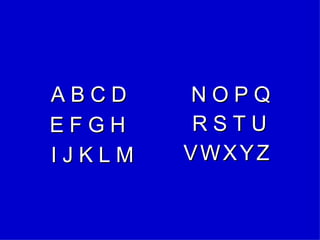
A B C D E F G H I J K L M N O P Q R S T U V   W   X   Y   Z
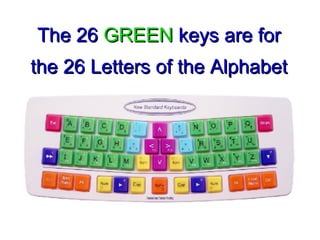
The 26   GREEN   keys are for the 26 Letters of the Alphabet
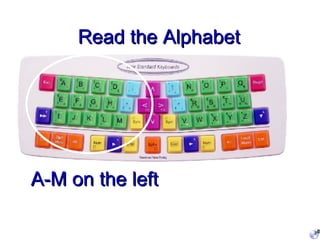
Read the Alphabet A-M on the left
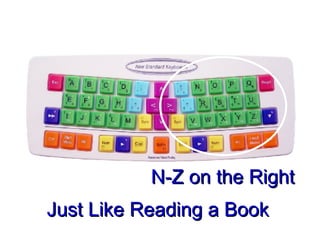
N-Z on the Right Just Like Reading a Book
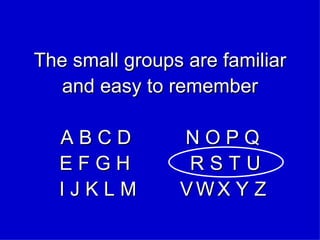
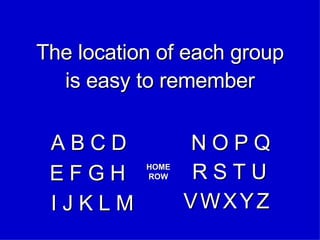
The small groups are familiar and easy to remember A B C D  N O P Q E F G H  R   S   T   U  I J K L M  V   W   X Y Z
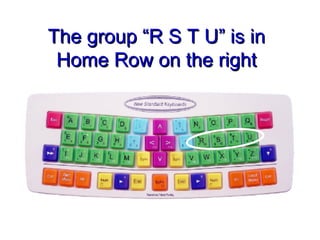
The group “R S T U” is in Home Row on the right
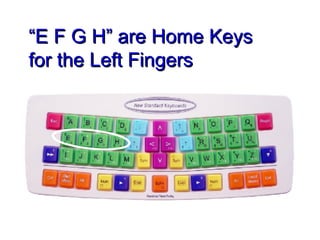
“ E F G H” are Home Keys for the Left Fingers
The location of each group is easy to remember HOME ROW A B C D E F G H I J K L M N O P Q R S T U V   W   X   Y   Z
Imagine  the letters You don’t need to look! - because you already know the Alphabet
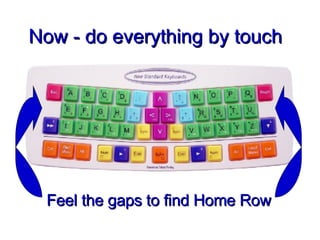
Now - do everything by touch Feel the gaps to find Home Row
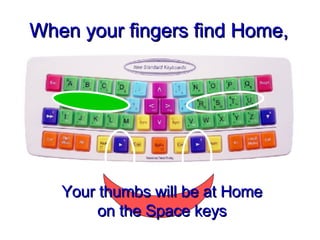
When your fingers find Home, Your thumbs will be at Home on the Space keys
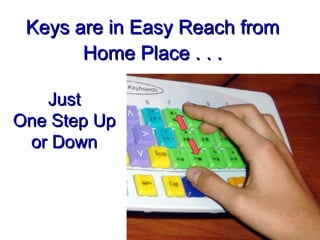
Keys are in Easy Reach from Home Place . . . Just One Step Up or Down
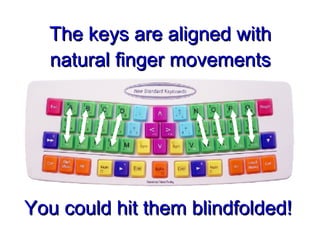
The keys are aligned with natural finger movements You could hit them blindfolded!
You can already touch-type each letter without looking because the keys are where your fingers naturally go, and you already knew the alphabet
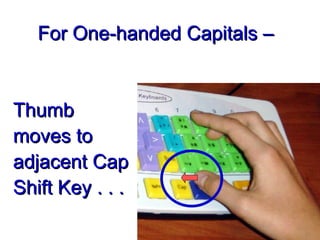
Thumb moves to adjacent Cap Shift Key . . . For One-handed Capitals –
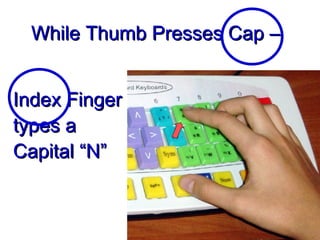
Index Finger types a Capital “N” While Thumb Presses Cap –
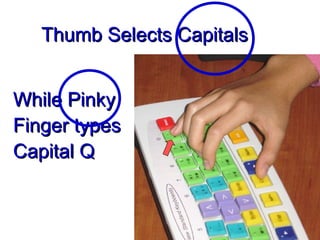
While Pinky Finger types Capital Q Thumb Selects Capitals
Next you need some basic punctuation  .
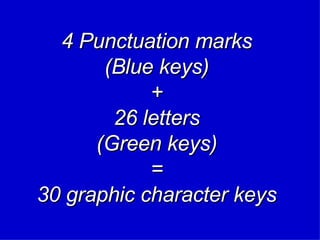
4 Punctuation marks (Blue keys) + 26 letters (Green keys) = 30 graphic character keys
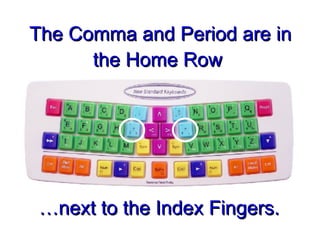
The Comma and Period are in the Home Row  … next to the Index Fingers.
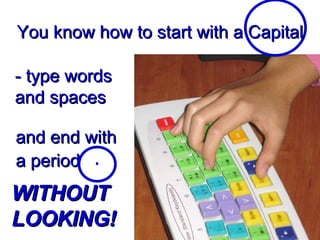
and end with a period  You know how to start with a Capital - type words and spaces WITHOUT LOOKING!
WOW!
Speed will develop with normal use. You can now do most of your normal typing by touch –  with no typing drills!!
The patented New Standard ™  keyboard is not only easy to learn - - It is also very efficient for high-speed typing
The easy touch-typing skill can be extended to full computer control -  - with very few additional keys to learn.
Typing Made Easy!
Typing Made Easy!  ™ www.newstandardkeyboards.com
User-Friendly and Efficient

Typing Made Easy