TWG’s Guide to Designing
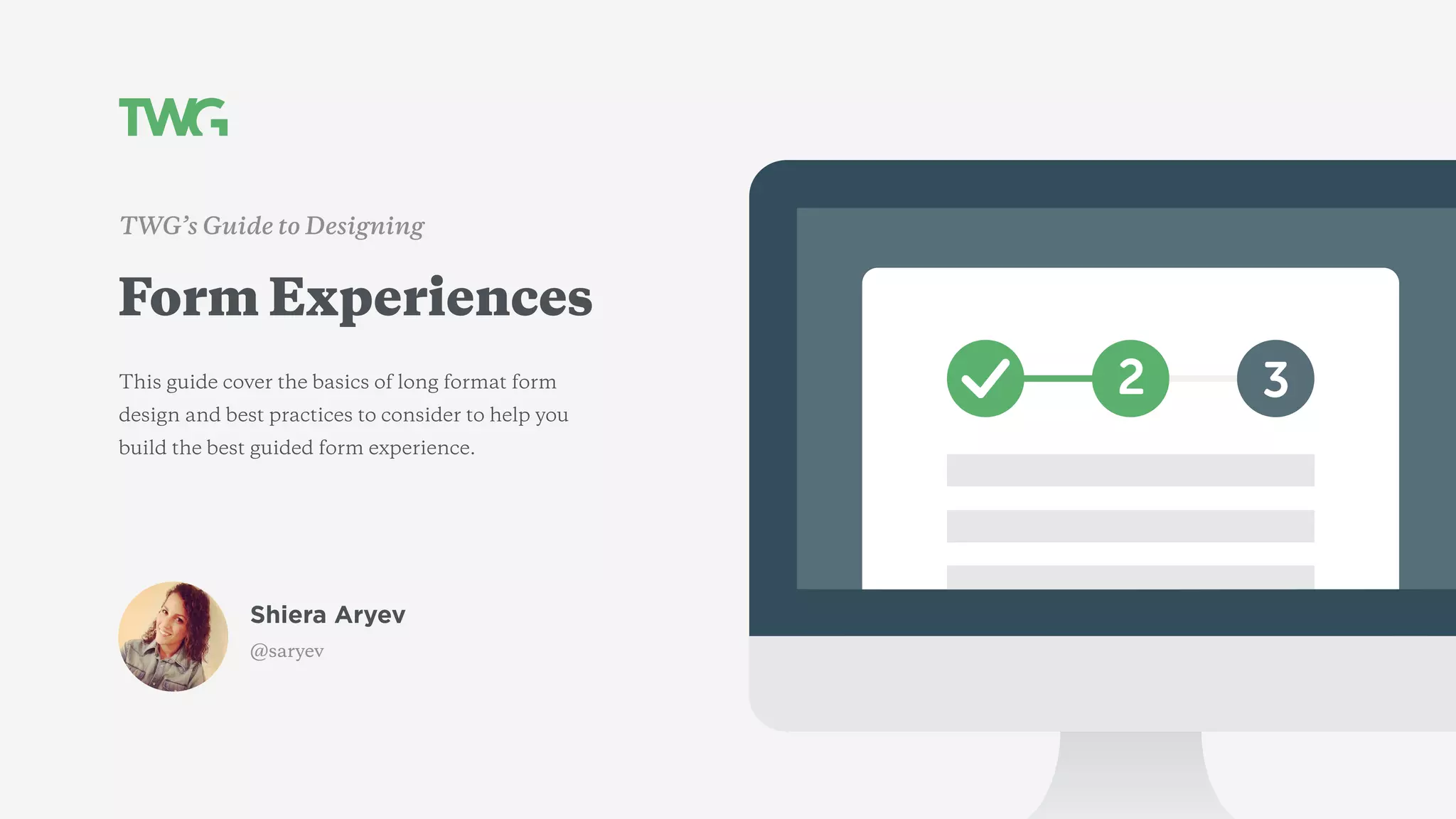
Form Experiences
This guide cover the basics of long format form
design and best practices to consider to help you
build the best guided form experience.
Shiera Aryev
@saryev
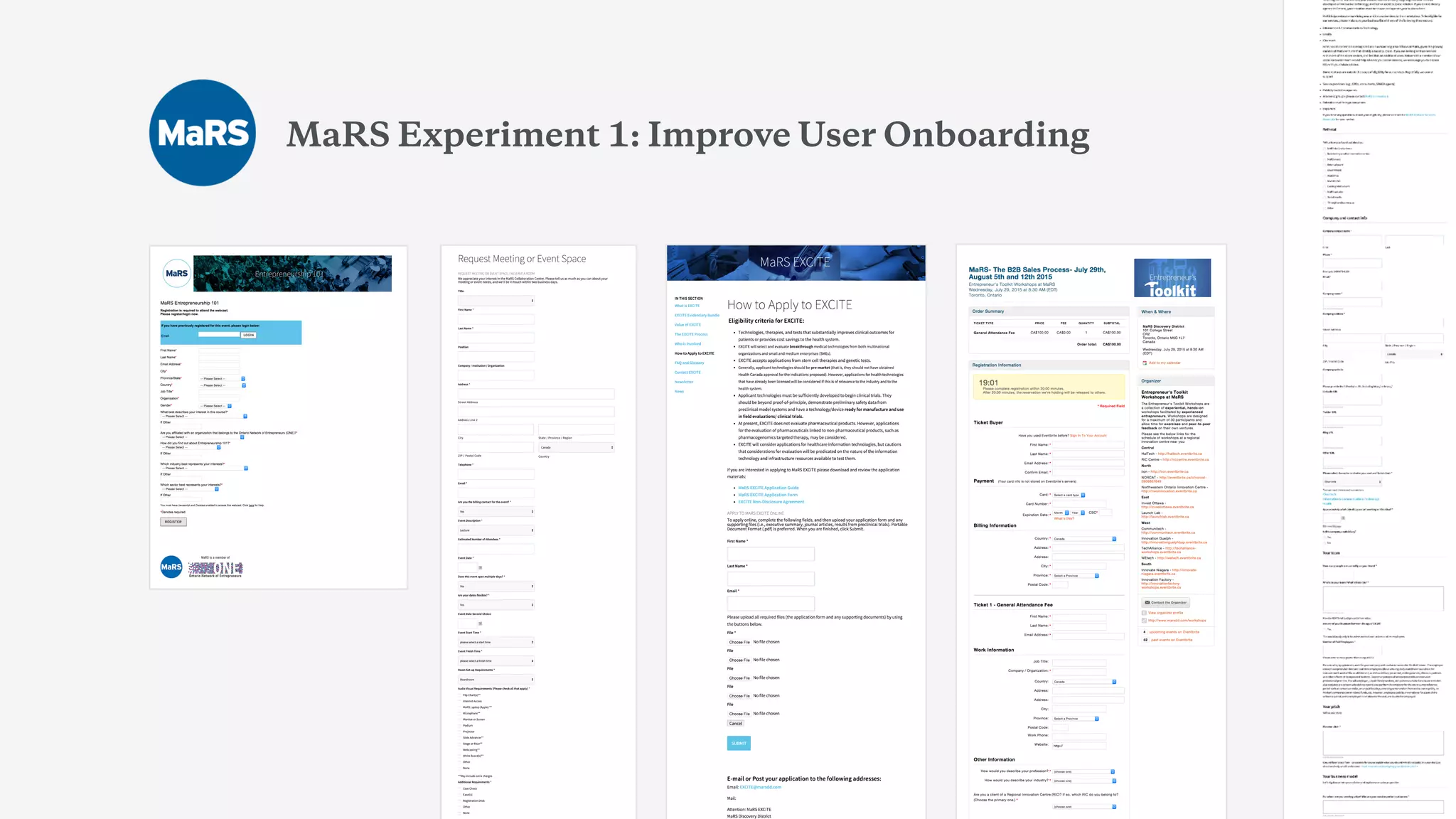
MaRS Experiment 1: Improve User Onboarding
Remember the good old days?
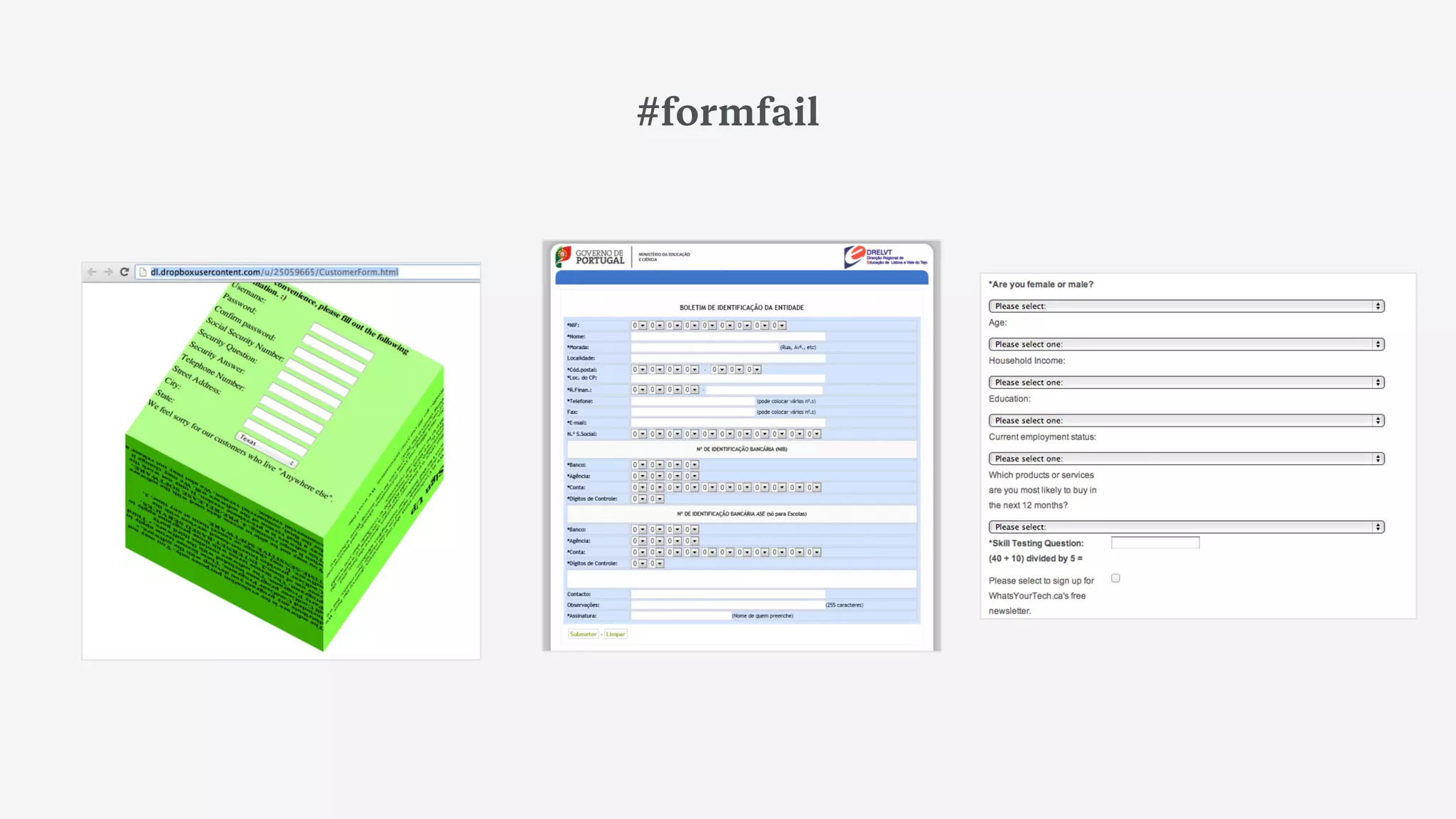
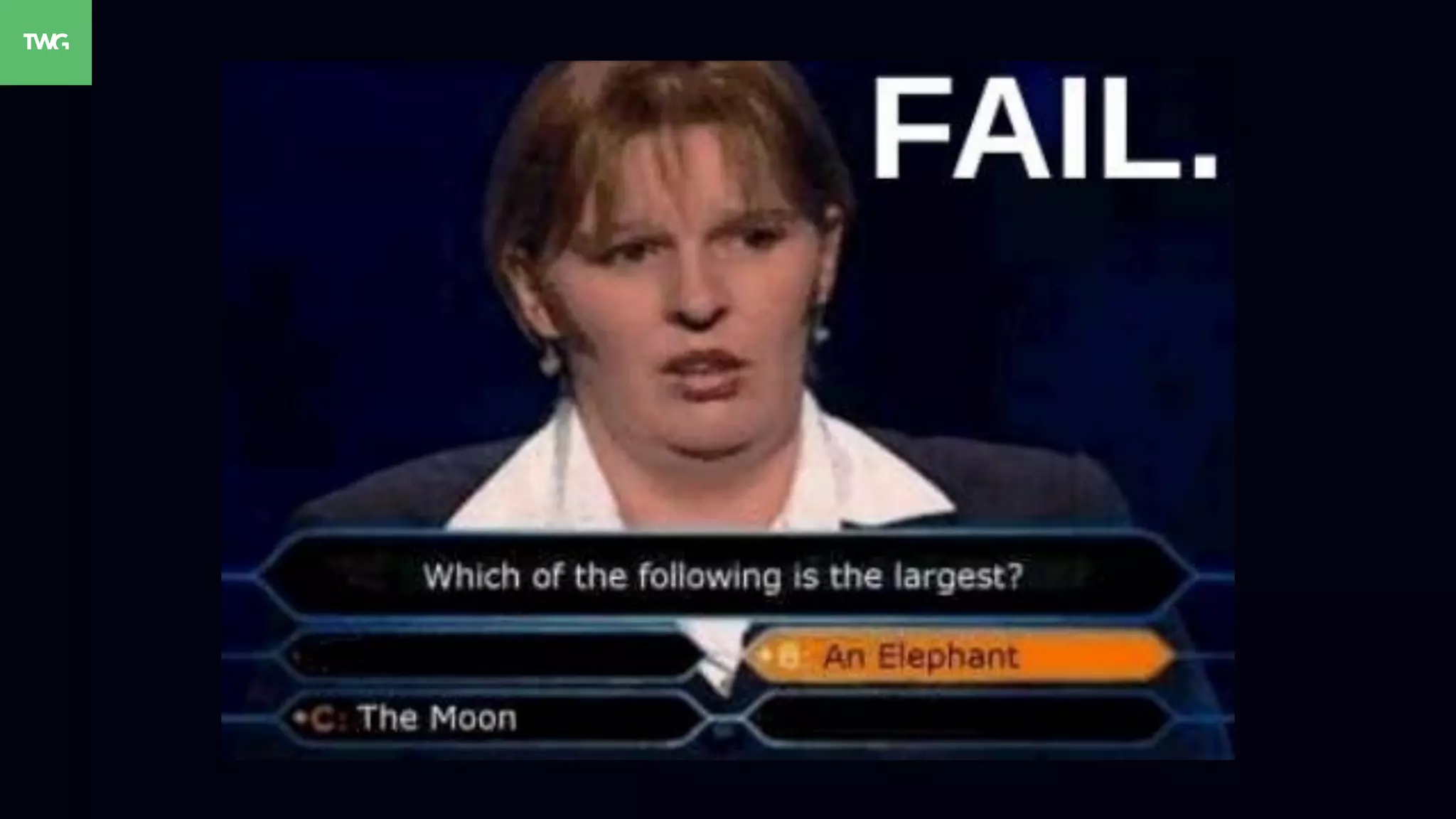
#formfail
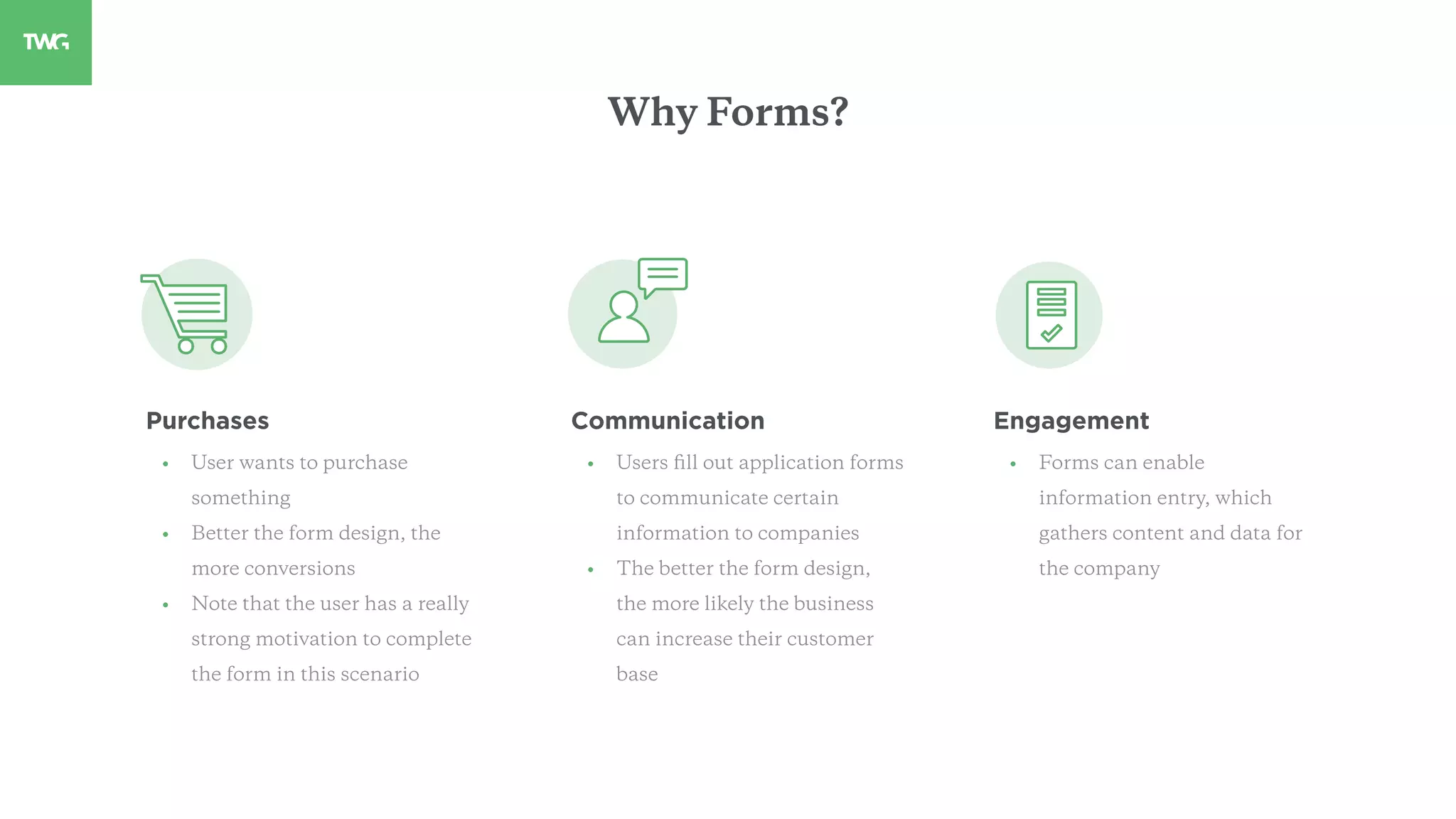
Purchases
• User wants to purchase
something
• Better the form design, the
more conversions
• Note that the user has a really
strong motivation to complete
the form in this scenario
Communication
• Users fill out application forms
to communicate certain
information to companies
• The better the form design,
the more likely the business
can increase their customer
base
Engagement
• Forms can enable
information entry, which
gathers content and data for
the company
Why Forms?
01
Always set expectations
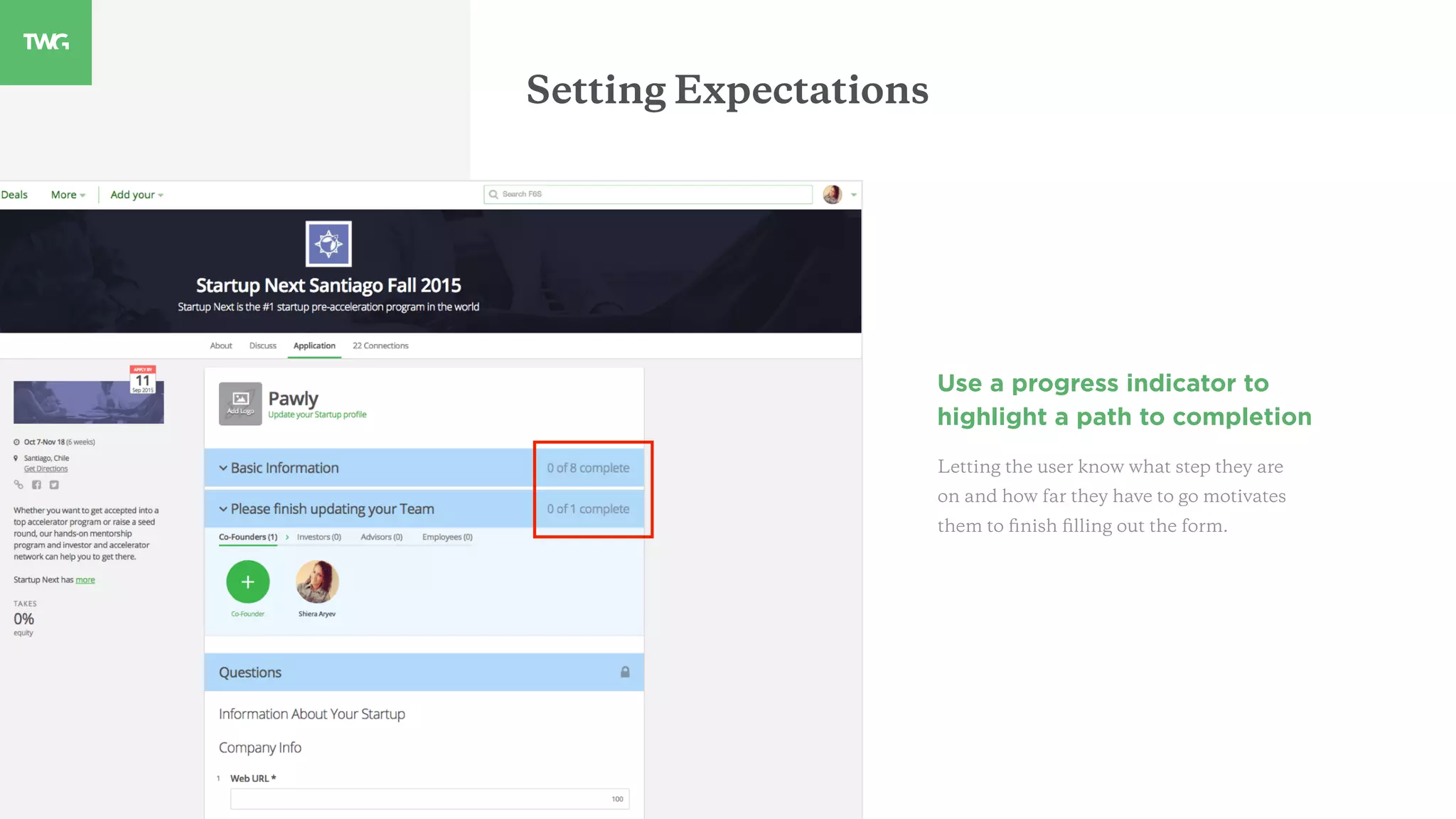
Setting Expectations
Use a progress indicator to
highlight a path to completion
Letting the user know what step they are
on and how far they have to go motivates
them to finish filling out the form.
Setting Expectations
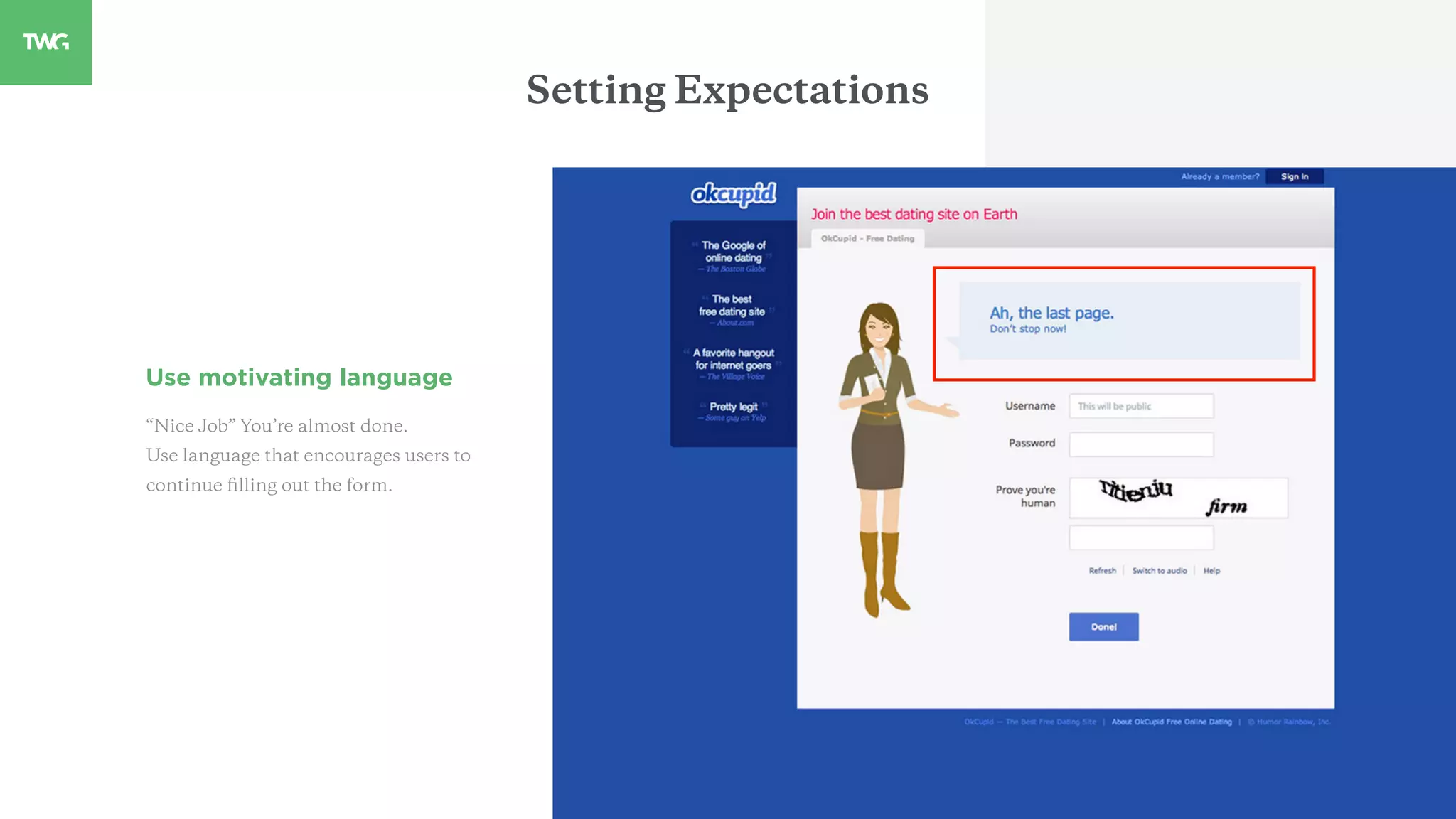
Use motivating language
“Nice Job” You’re almost done.
Use language that encourages users to
continue filling out the form.
Setting Expectations
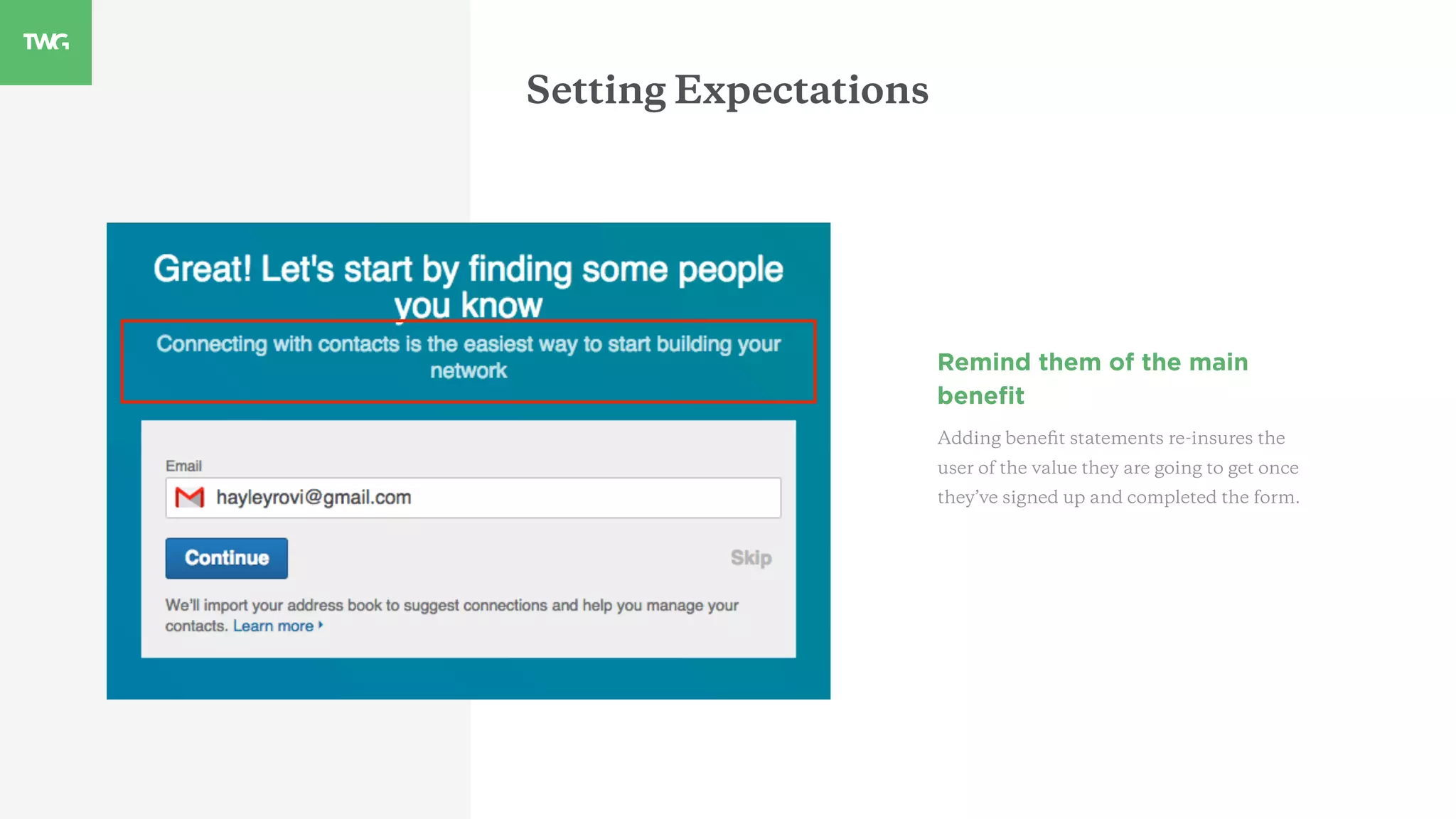
Remind them of the main
benefit
Adding benefit statements re-insures the
user of the value they are going to get once
they’ve signed up and completed the form.
02
Avoid future errors
Avoiding Errors
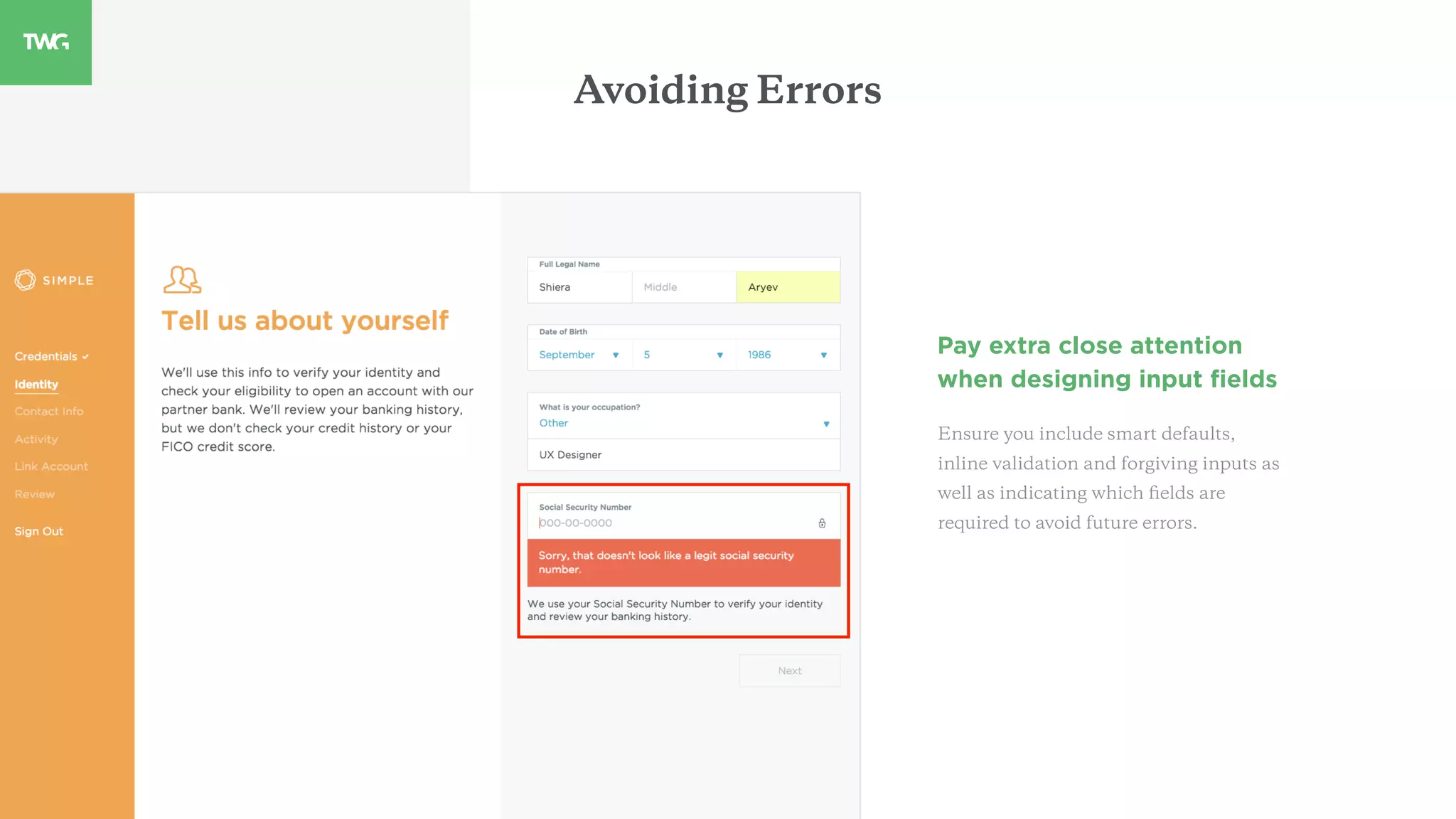
Pay extra close attention
when designing input fields
Ensure you include smart defaults,
inline validation and forgiving inputs as
well as indicating which fields are
required to avoid future errors.
Avoiding Errors
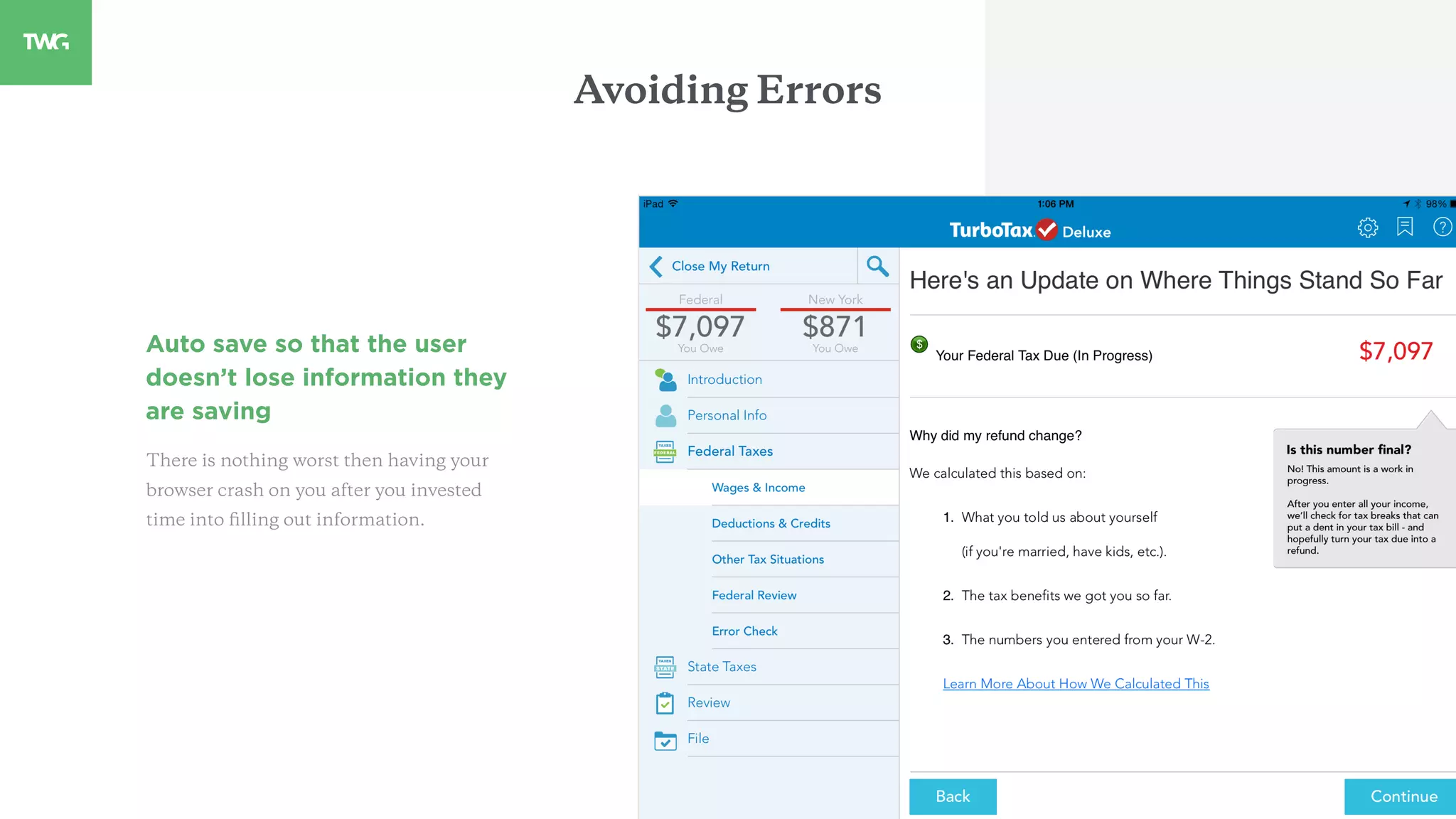
Auto save so that the user
doesn’t lose information they
are saving
There is nothing worst then having your
browser crash on you after you invested
time into filling out information.
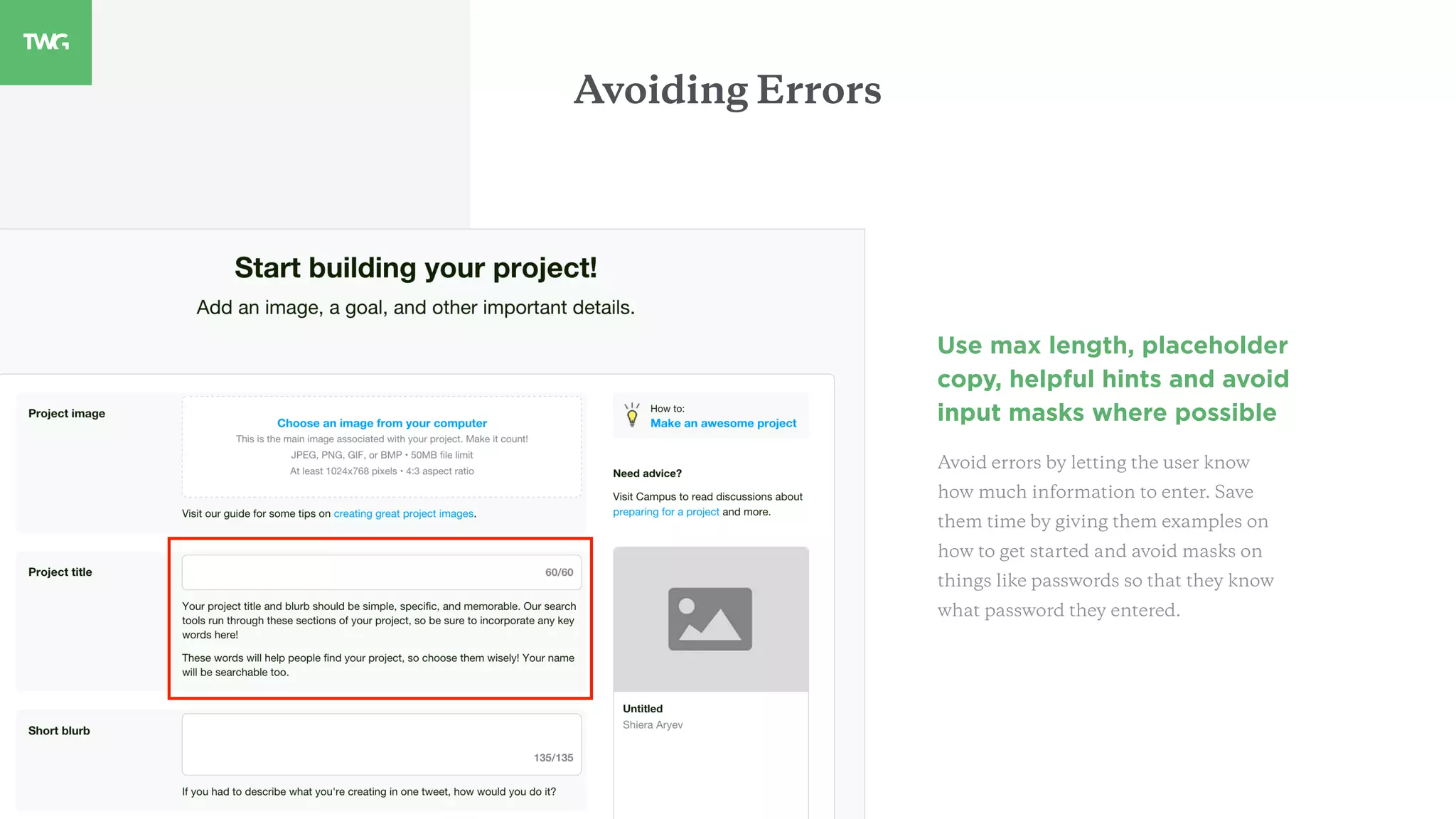
Use max length, placeholder
copy, helpful hints and avoid
input masks where possible
Avoid errors by letting the user know
how much information to enter. Save
them time by giving them examples on
how to get started and avoid masks on
things like passwords so that they know
what password they entered.
Avoiding Errors
03
Use language to guide the user
Guiding Language
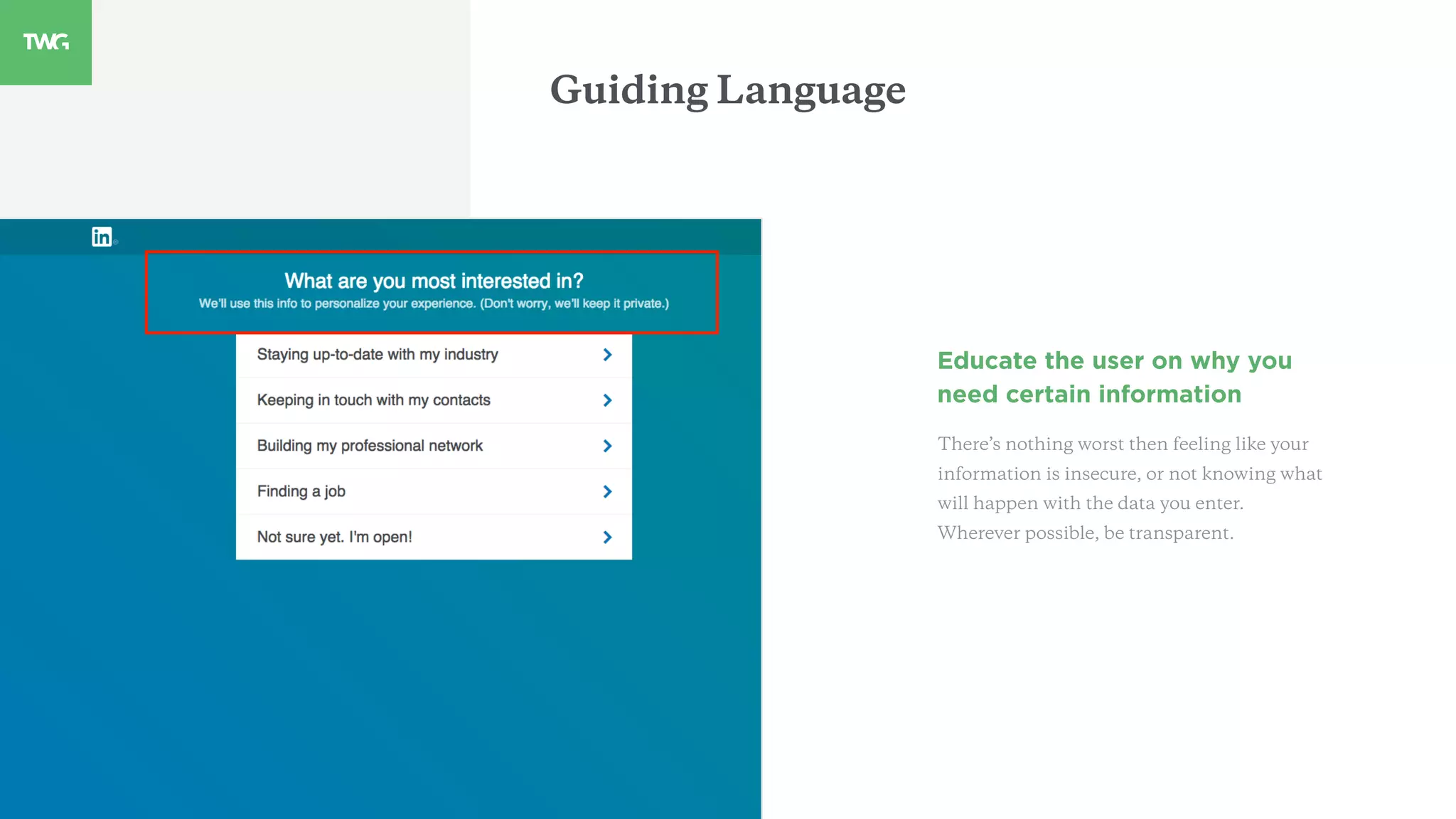
Educate the user on why you
need certain information
There’s nothing worst then feeling like your
information is insecure, or not knowing what
will happen with the data you enter.
Wherever possible, be transparent.
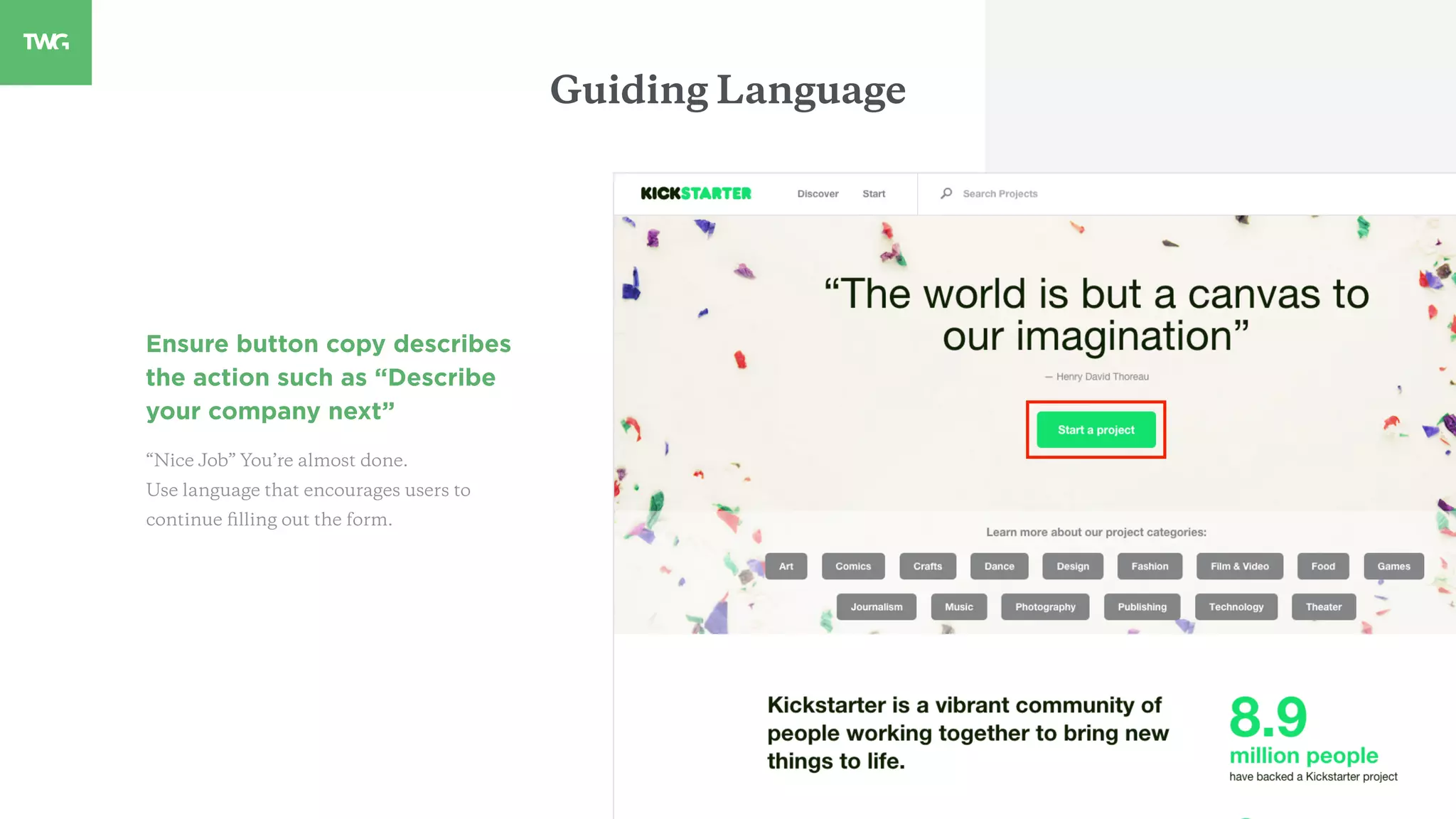
Ensure button copy describes
the action such as “Describe
your company next”
“Nice Job” You’re almost done.
Use language that encourages users to
continue filling out the form.
Guiding Language
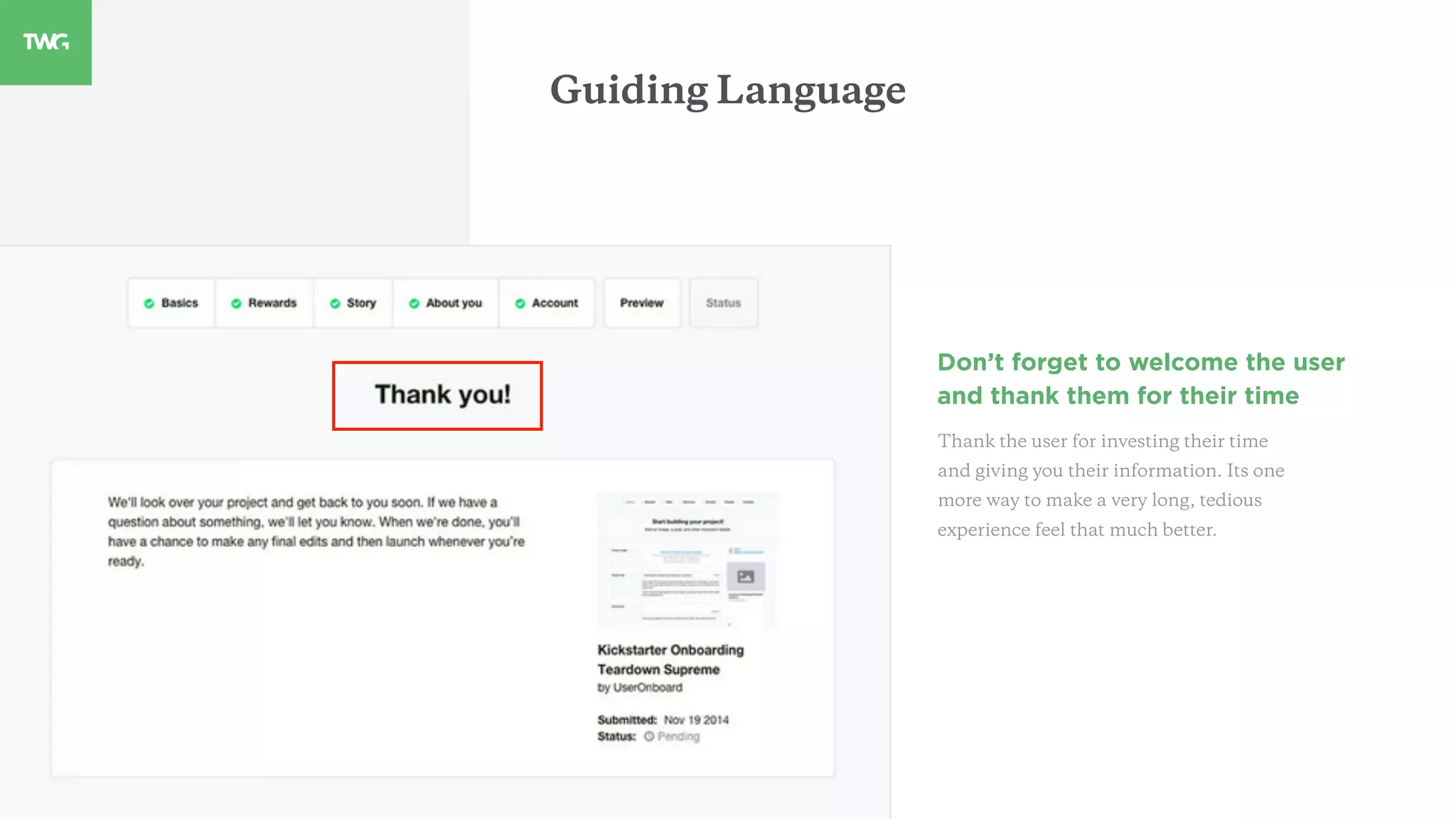
Don’t forget to welcome the user
and thank them for their time
Thank the user for investing their time
and giving you their information. Its one
more way to make a very long, tedious
experience feel that much better.
Guiding Language
04
Organizing Information
Group information logically by
type or category and break the
form into smaller chunks.
Avoid creating moments of hesitation
for users that are completing a form by
making things extremely clear and
logical.
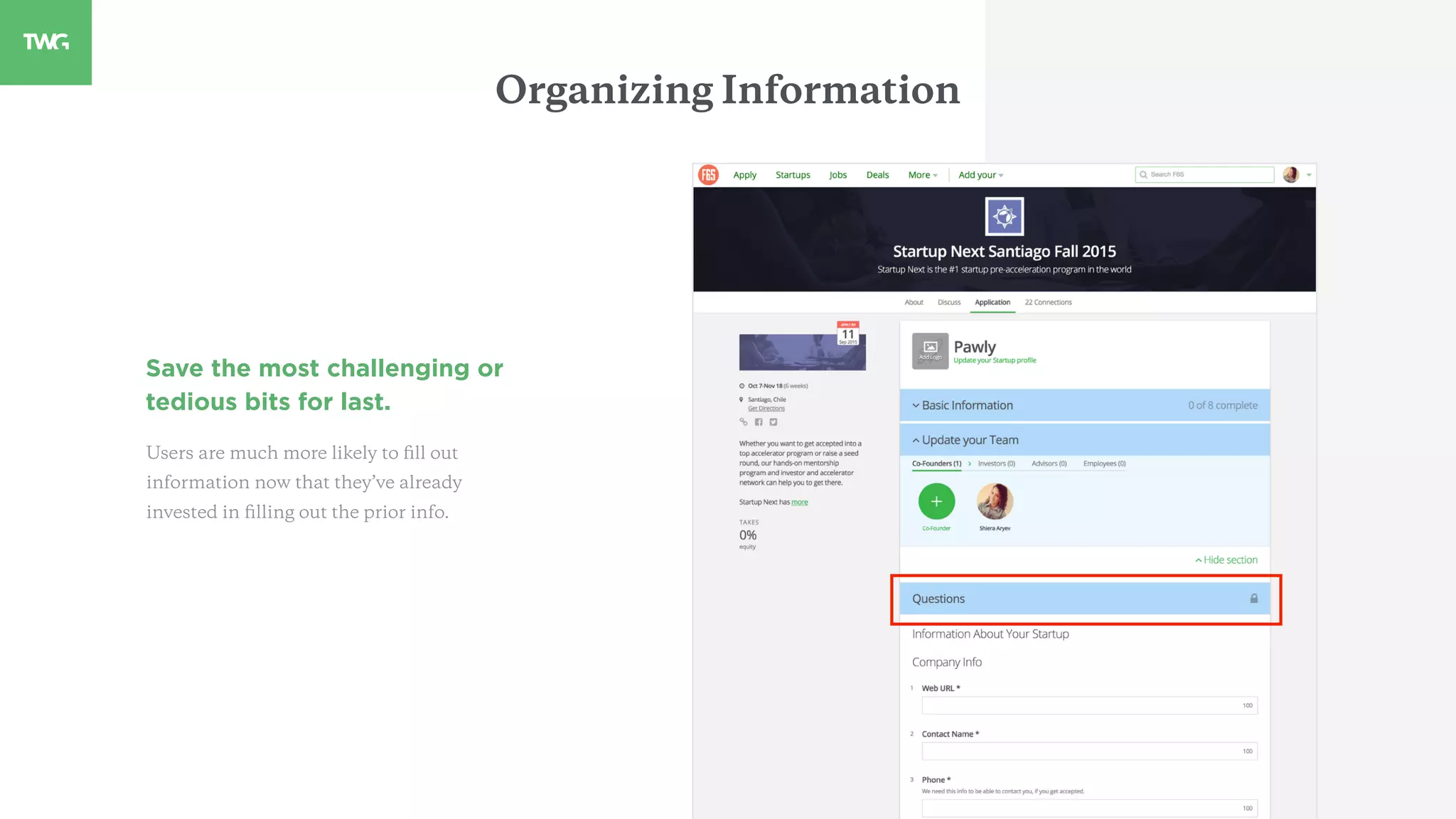
Save the most challenging or
tedious bits for last.
Users are much more likely to fill out
information now that they’ve already
invested in filling out the prior info.
Organizing Information
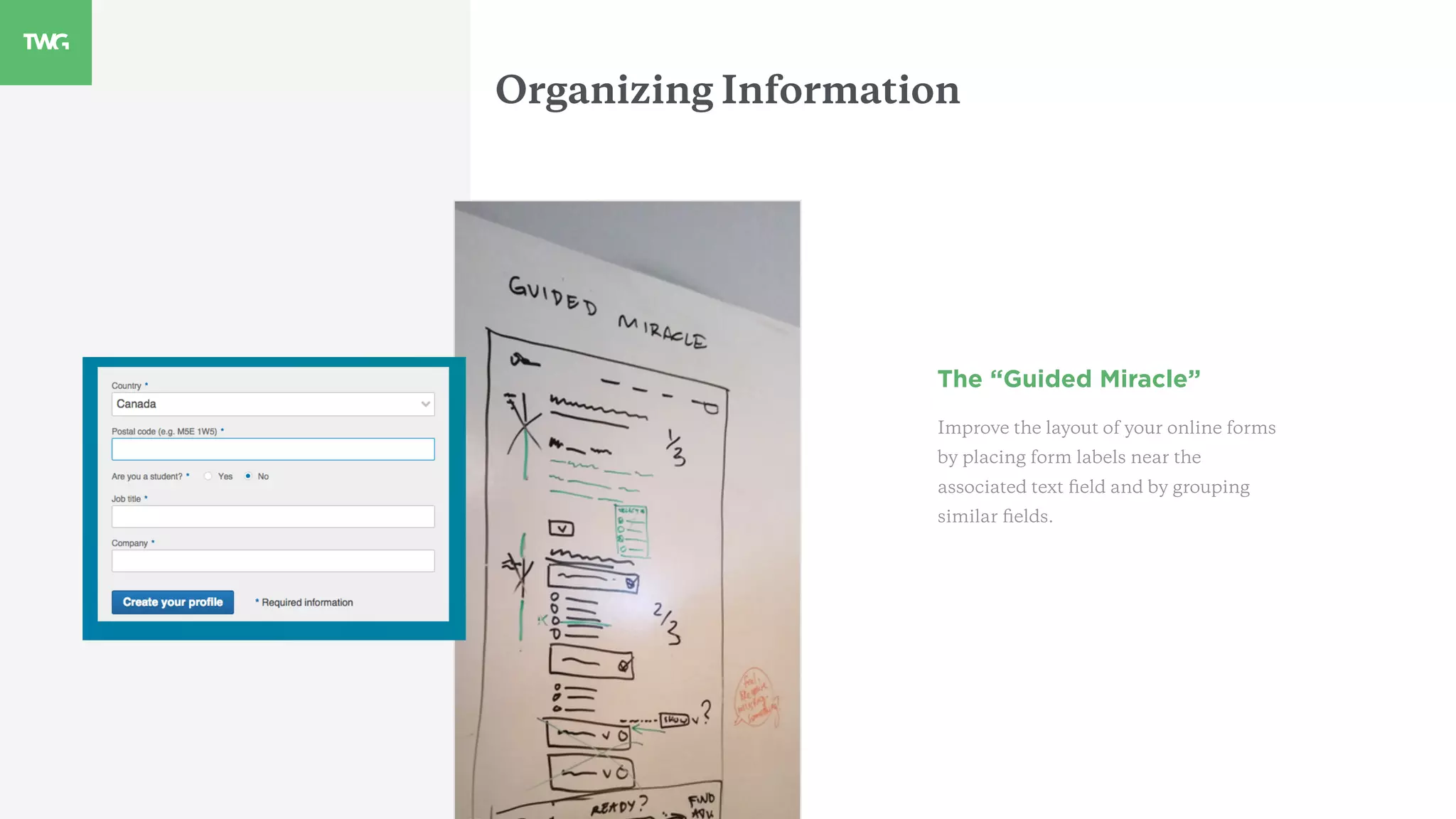
The “Guided Miracle”
Improve the layout of your online forms
by placing form labels near the
associated text field and by grouping
similar fields.
Organizing Information
05
Finally, find fun from forms!
Fun Forms
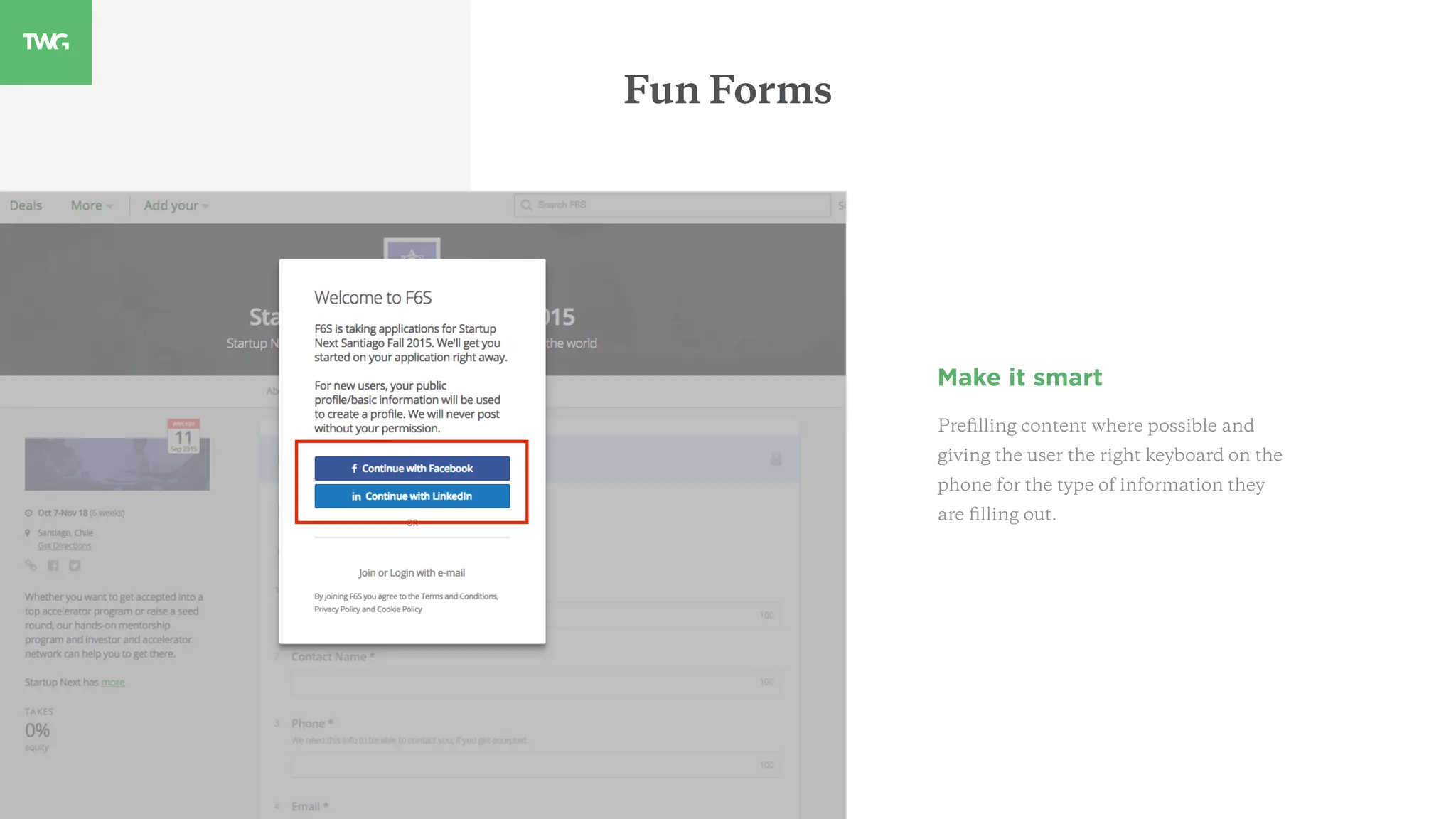
Make it smart
Prefilling content where possible and
giving the user the right keyboard on the
phone for the type of information they
are filling out.
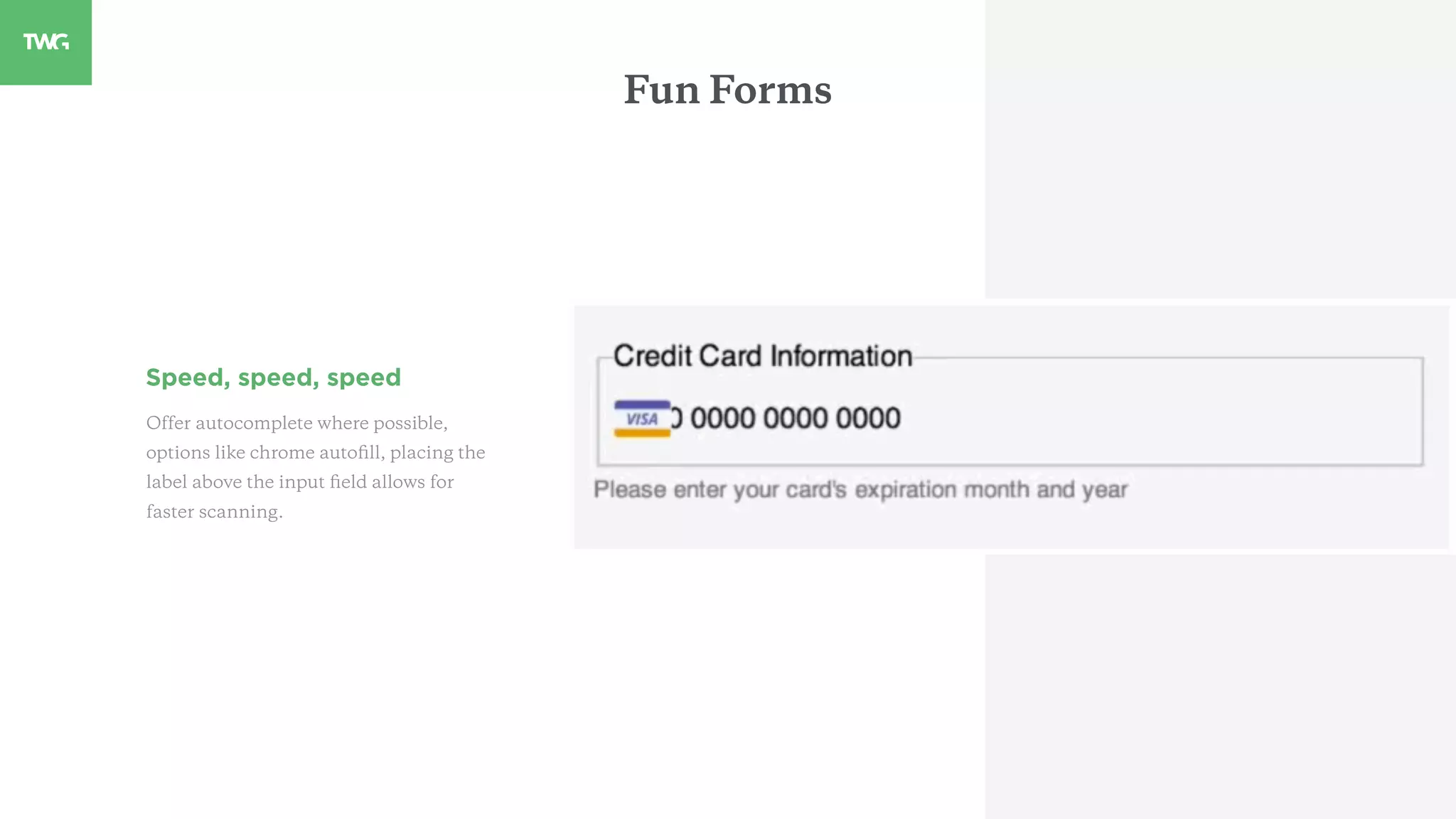
Speed, speed, speed
Offer autocomplete where possible,
options like chrome autofill, placing the
label above the input field allows for
faster scanning.
Fun Forms
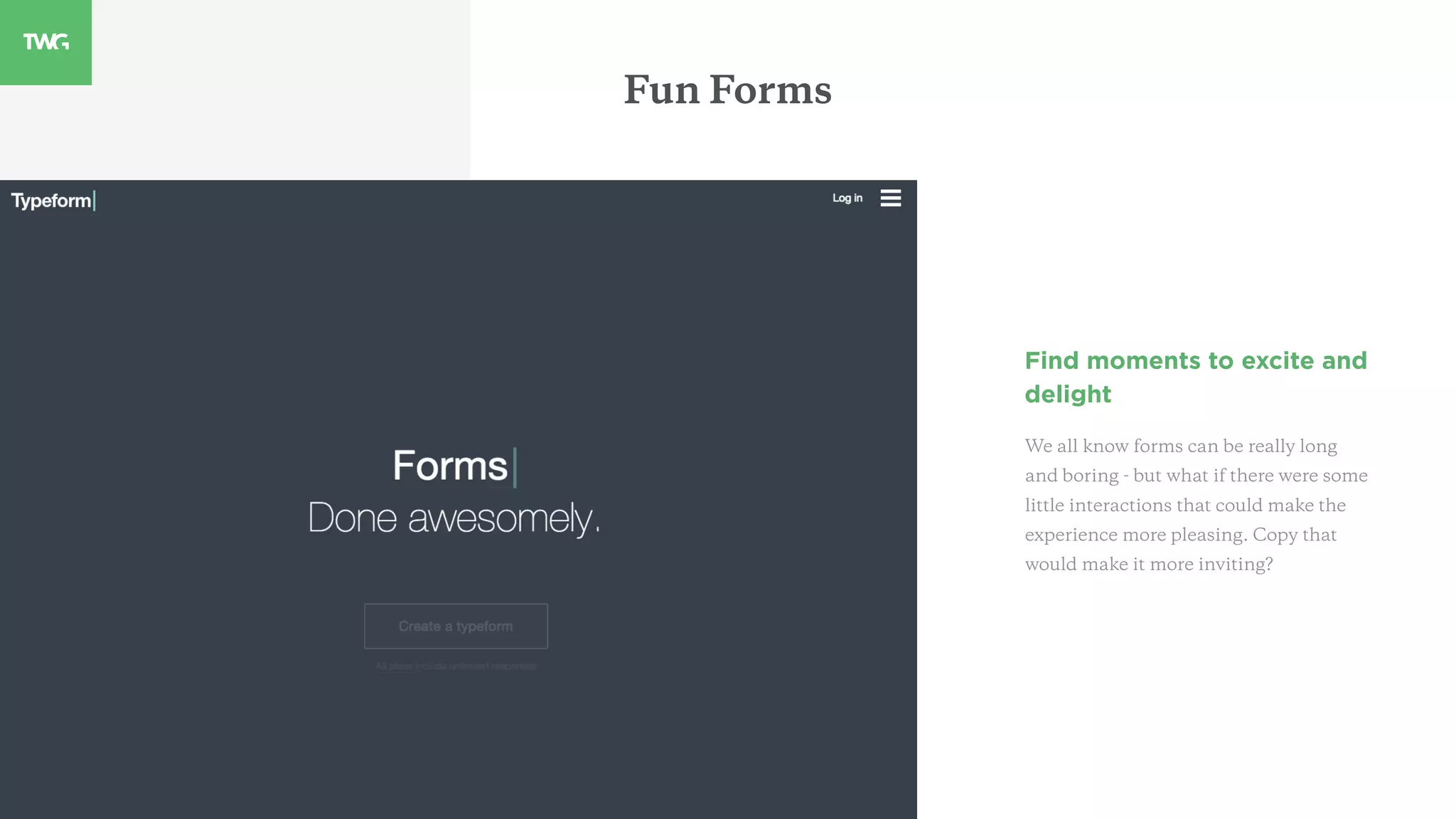
Find moments to excite and
delight
We all know forms can be really long
and boring - but what if there were some
little interactions that could make the
experience more pleasing. Copy that
would make it more inviting?
Fun Forms
Closing Thoughts
Provide the user with value for devoting their precious time
Turn something that’s normally tedious into something memorable
Multi-step web forms can be designed to be great experiences
Now go design your form!!!!!
01. Best Practices for Form Design
http://static.lukew.com/webforms_lukew.pdf
Appendix
02. Form Design Quick Fix: Group form Elements
Effectively Using White Space
http://www.nngroup.com/articles/form-design-white-space/
04. 7 Common Web Form Design Mistakes to Avoid
http://www.formassembly.com/blog/web-form-design/
05. User Onboard
http://www.useronboard.com/
03. Bad Forms
http://badforms.com/size-matters-for-form-fields-that-is/
Ping me and let’s geek out on web forms.
Shiera Aryev
@saryev

Twg's guide to onboarding

  • 1.
    TWG’s Guide toDesigning Form Experiences This guide cover the basics of long format form design and best practices to consider to help you build the best guided form experience. Shiera Aryev @saryev
  • 2.
    MaRS Experiment 1:Improve User Onboarding
  • 3.
  • 5.
  • 6.
    Purchases • User wantsto purchase something • Better the form design, the more conversions • Note that the user has a really strong motivation to complete the form in this scenario Communication • Users fill out application forms to communicate certain information to companies • The better the form design, the more likely the business can increase their customer base Engagement • Forms can enable information entry, which gathers content and data for the company Why Forms?
  • 8.
  • 10.
    Setting Expectations Use aprogress indicator to highlight a path to completion Letting the user know what step they are on and how far they have to go motivates them to finish filling out the form.
  • 11.
    Setting Expectations Use motivatinglanguage “Nice Job” You’re almost done. Use language that encourages users to continue filling out the form.
  • 12.
    Setting Expectations Remind themof the main benefit Adding benefit statements re-insures the user of the value they are going to get once they’ve signed up and completed the form.
  • 13.
  • 15.
    Avoiding Errors Pay extraclose attention when designing input fields Ensure you include smart defaults, inline validation and forgiving inputs as well as indicating which fields are required to avoid future errors.
  • 16.
    Avoiding Errors Auto saveso that the user doesn’t lose information they are saving There is nothing worst then having your browser crash on you after you invested time into filling out information.
  • 17.
    Use max length,placeholder copy, helpful hints and avoid input masks where possible Avoid errors by letting the user know how much information to enter. Save them time by giving them examples on how to get started and avoid masks on things like passwords so that they know what password they entered. Avoiding Errors
  • 18.
    03 Use language toguide the user
  • 20.
    Guiding Language Educate theuser on why you need certain information There’s nothing worst then feeling like your information is insecure, or not knowing what will happen with the data you enter. Wherever possible, be transparent.
  • 21.
    Ensure button copydescribes the action such as “Describe your company next” “Nice Job” You’re almost done. Use language that encourages users to continue filling out the form. Guiding Language
  • 22.
    Don’t forget towelcome the user and thank them for their time Thank the user for investing their time and giving you their information. Its one more way to make a very long, tedious experience feel that much better. Guiding Language
  • 23.
  • 25.
    Organizing Information Group informationlogically by type or category and break the form into smaller chunks. Avoid creating moments of hesitation for users that are completing a form by making things extremely clear and logical.
  • 26.
    Save the mostchallenging or tedious bits for last. Users are much more likely to fill out information now that they’ve already invested in filling out the prior info. Organizing Information
  • 27.
    The “Guided Miracle” Improvethe layout of your online forms by placing form labels near the associated text field and by grouping similar fields. Organizing Information
  • 28.
  • 30.
    Fun Forms Make itsmart Prefilling content where possible and giving the user the right keyboard on the phone for the type of information they are filling out.
  • 31.
    Speed, speed, speed Offerautocomplete where possible, options like chrome autofill, placing the label above the input field allows for faster scanning. Fun Forms
  • 32.
    Find moments toexcite and delight We all know forms can be really long and boring - but what if there were some little interactions that could make the experience more pleasing. Copy that would make it more inviting? Fun Forms
  • 33.
    Closing Thoughts Provide theuser with value for devoting their precious time Turn something that’s normally tedious into something memorable Multi-step web forms can be designed to be great experiences Now go design your form!!!!!
  • 34.
    01. Best Practicesfor Form Design http://static.lukew.com/webforms_lukew.pdf Appendix 02. Form Design Quick Fix: Group form Elements Effectively Using White Space http://www.nngroup.com/articles/form-design-white-space/ 04. 7 Common Web Form Design Mistakes to Avoid http://www.formassembly.com/blog/web-form-design/ 05. User Onboard http://www.useronboard.com/ 03. Bad Forms http://badforms.com/size-matters-for-form-fields-that-is/
  • 35.
    Ping me andlet’s geek out on web forms. Shiera Aryev @saryev