Trailblazing and Annotation Systems:
Documenting Connectivity through
Hyperlinking
Laura Gogia - @Googleguacamole
Virginia Commonwealth University
Academic Learning Transformation Lab
Connectivity
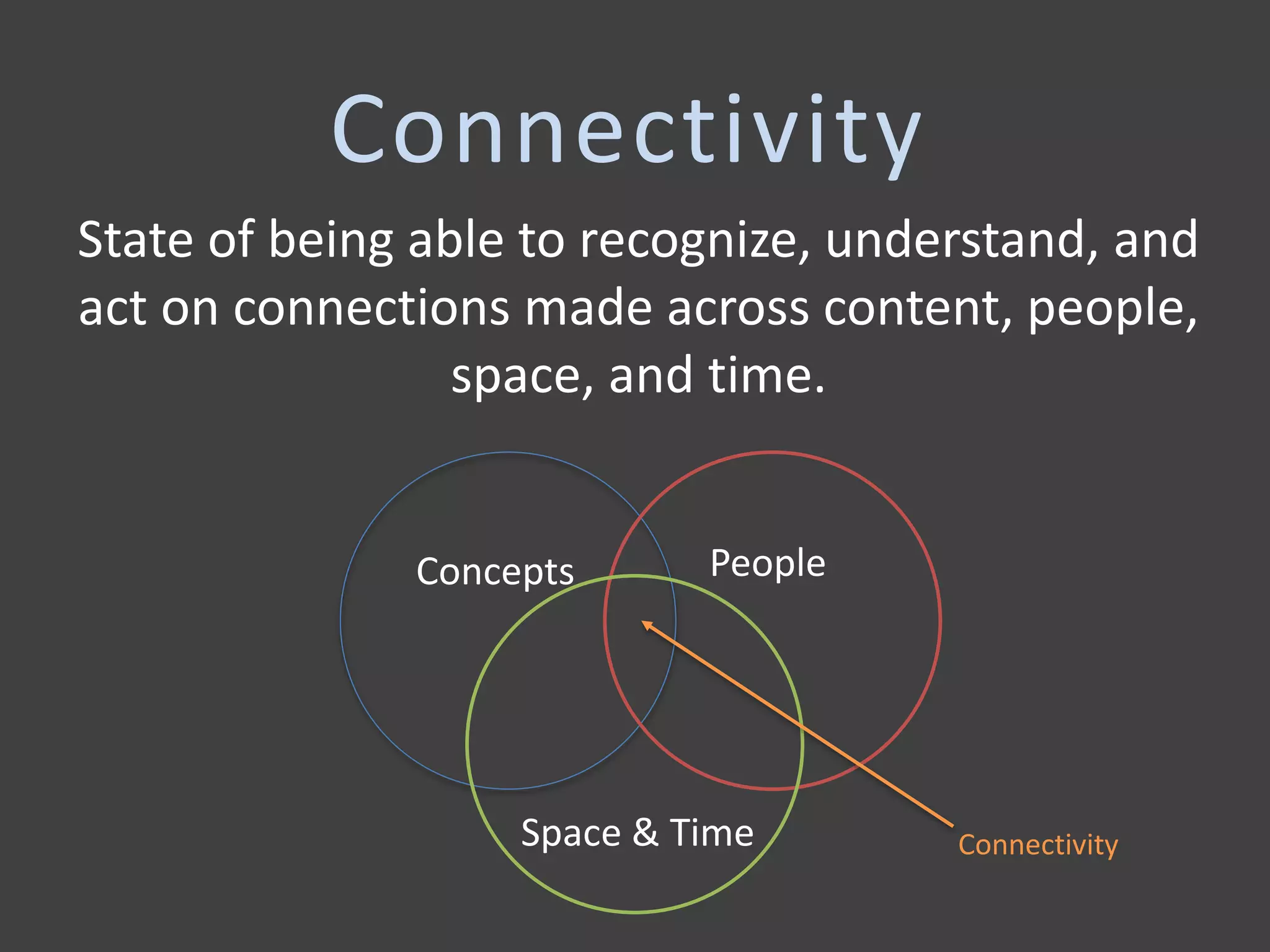
State of being able to recognize, understand, and
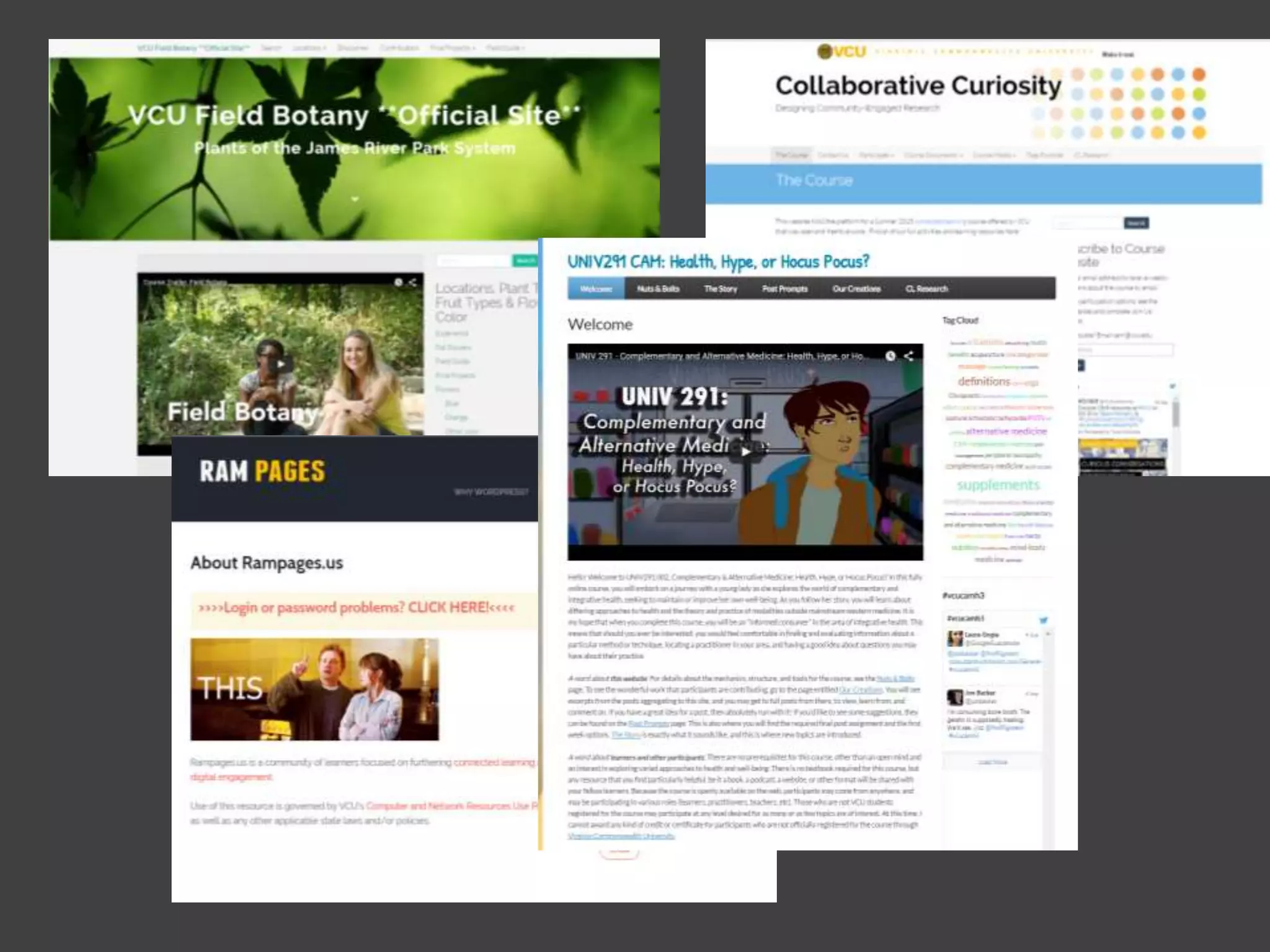
act on connections made across content, people,
space, and time.
Concepts People
Space & Time Connectivity
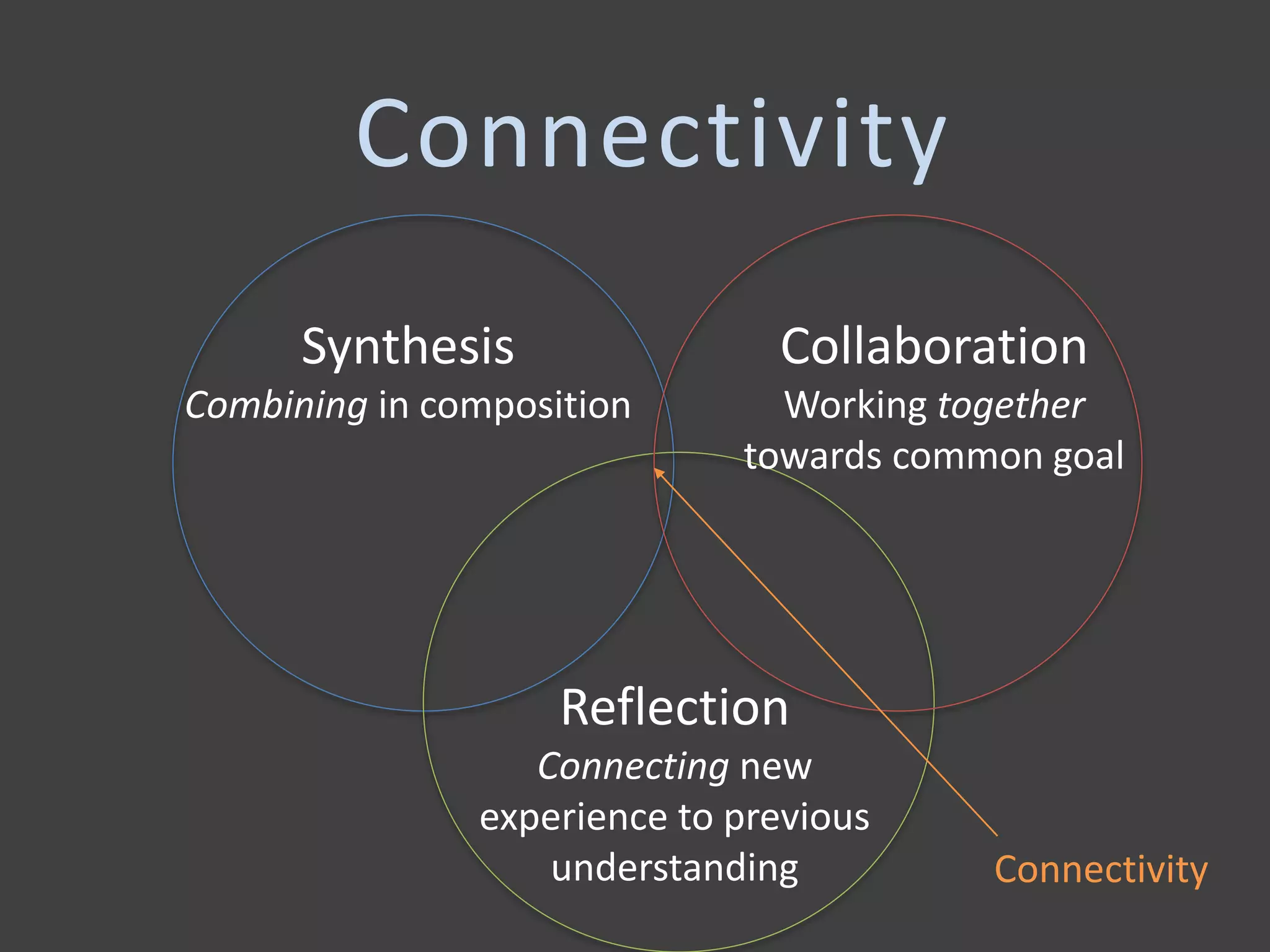
Synthesis
Combining in composition
Collaboration
Working together
towards common goal
Reflection
Connecting new
experience to previous
understanding Connectivity
Connectivity
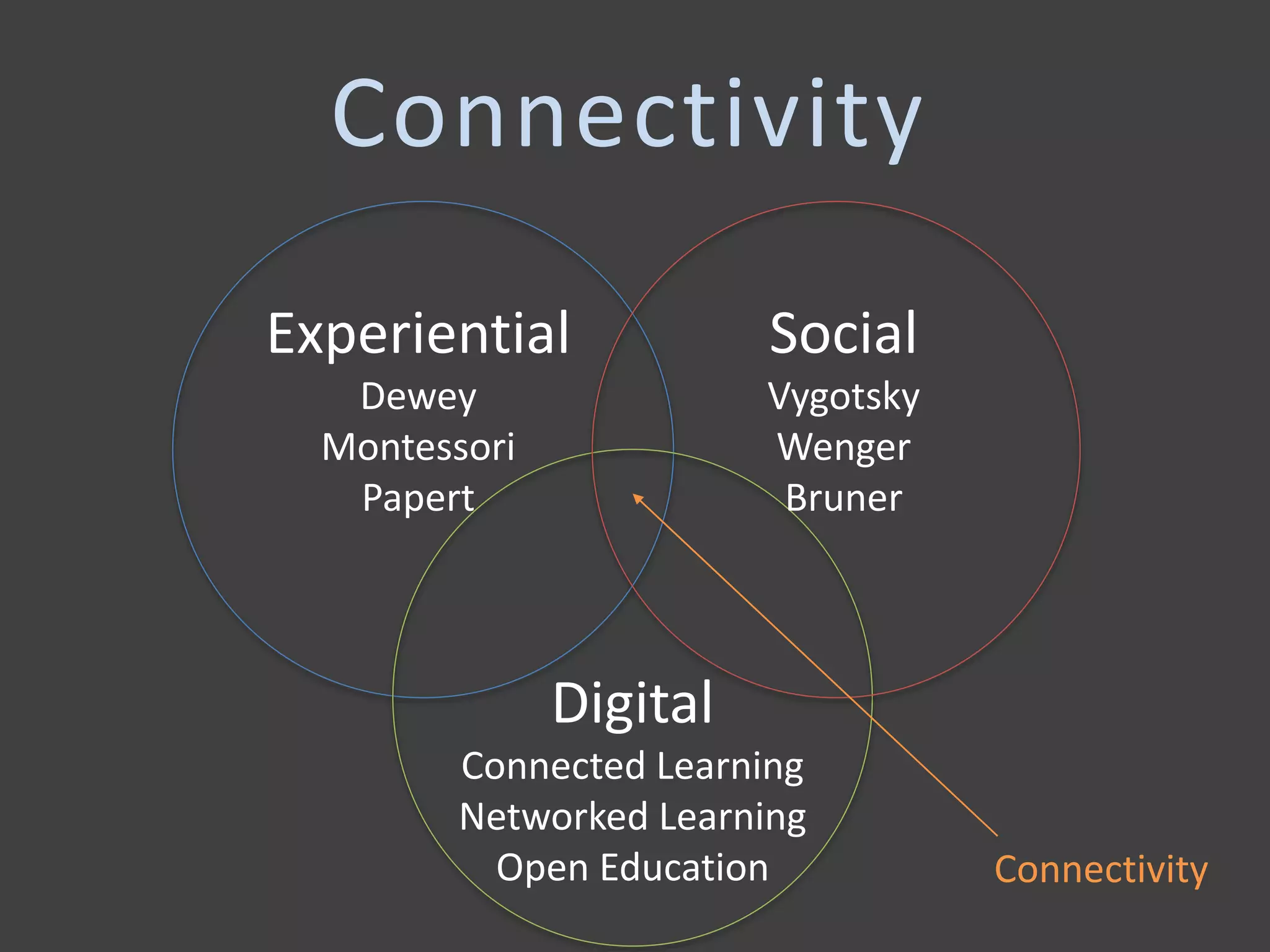
Experiential
Dewey
Montessori
Papert
Social
Vygotsky
Wenger
Bruner
Digital
Connected Learning
Networked Learning
Open Education Connectivity
Connectivity
Connectivity is central to the
Virginia Commonwealth University
Quality Enhancement Plan.
Photo Credit: http://graduate.admissions.vcu.edu/why/
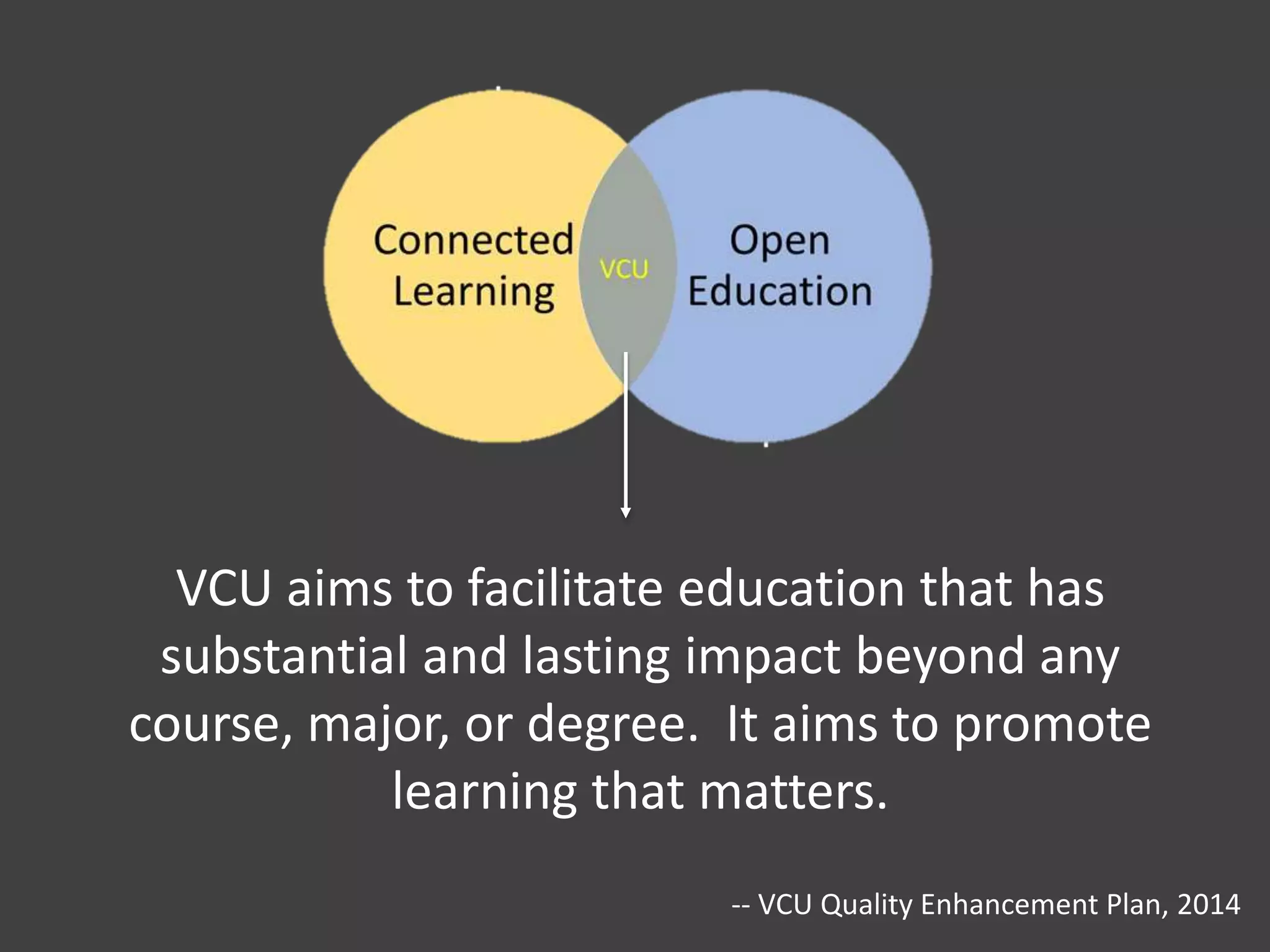
VCU aims to facilitate education that has
substantial and lasting impact beyond any
course, major, or degree. It aims to promote
learning that matters.
-- VCU Quality Enhancement Plan, 2014
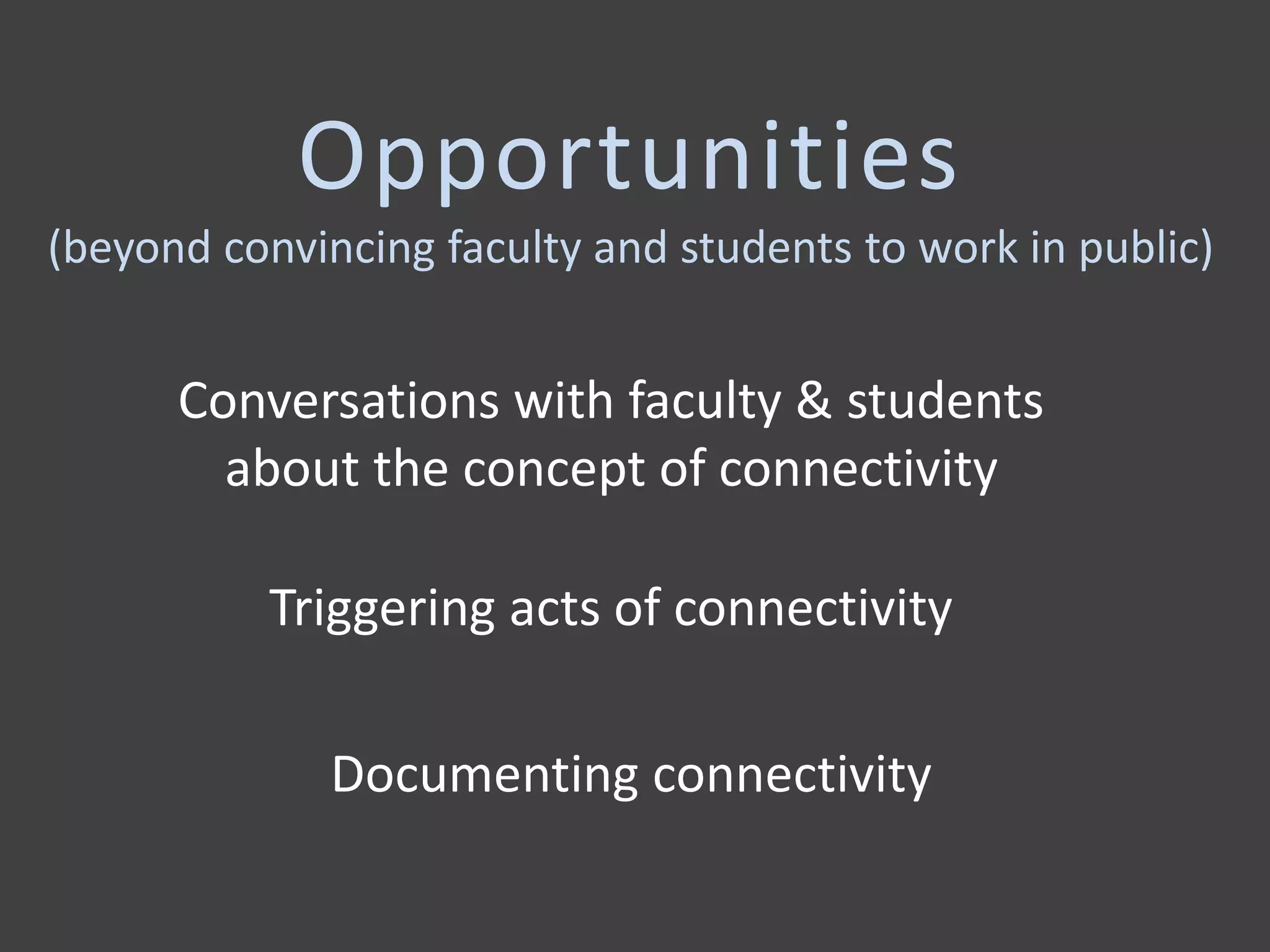
Opportunities
(beyond convincing faculty and students to work in public)
Documenting connectivity
Conversations with faculty & students
about the concept of connectivity
Triggering acts of connectivity
Course Evaluation – Student Assessment
If connectivity is to be supported and studied in
higher education settings, it is essential that we find
appropriate ways to document it.
Documentation is key.
Project Purpose
To develop an assessment toolbox, a collection of
digital strategies for documenting student progress
towards connectivity-related learning objectives.
Feasible – Scalable – Integrated – Sustainable
• Learners communicate ideas and information
effectively and intentionally within the course.
• Learners recognize and relate connected ideas
across courses, contexts, and time.
What do I want to
document?
• Learners engage in dialogue with others to
negotiate a shared meaning around processes and
products.
• Learners use networking strategies to amplify their
personal signal: researching, cultivating, and
engaging people productively.
Are there ways to take advantage of the
uniquely digital aspects of microblogging and
blogging processes and spaces?
Annotation Systems
(symbols, abbreviations, & phrases that are distinct from but
included within the communication, meant to demonstrate
communicative intent)
Hyperlinks – Mentions – Retweets – Hashtags
How do students
use
HYPERLINKS
in course-related
blogging?
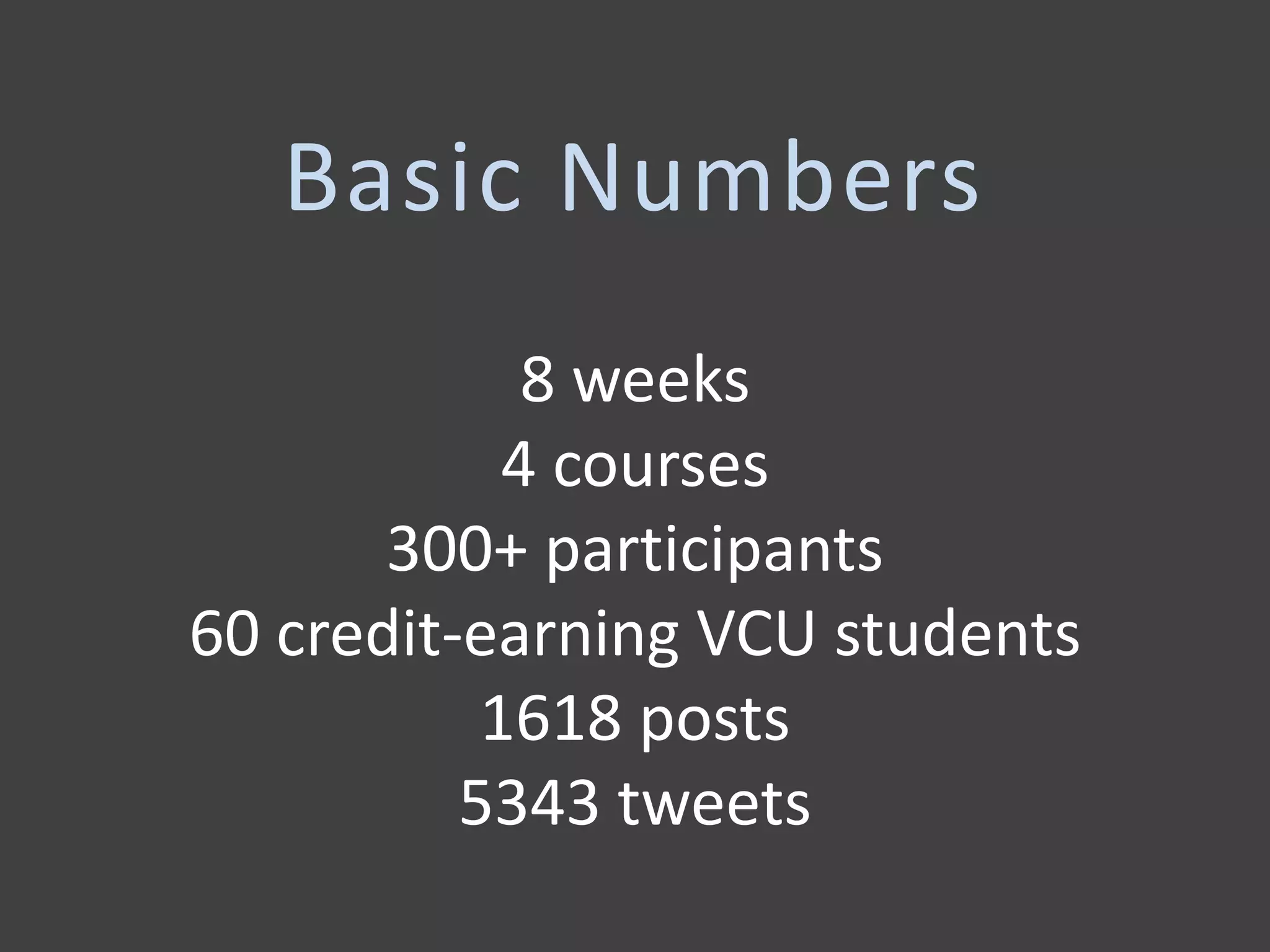
8 weeks
4 courses
300+ participants
60 credit-earning VCU students
1618 posts
5343 tweets
Basic Numbers
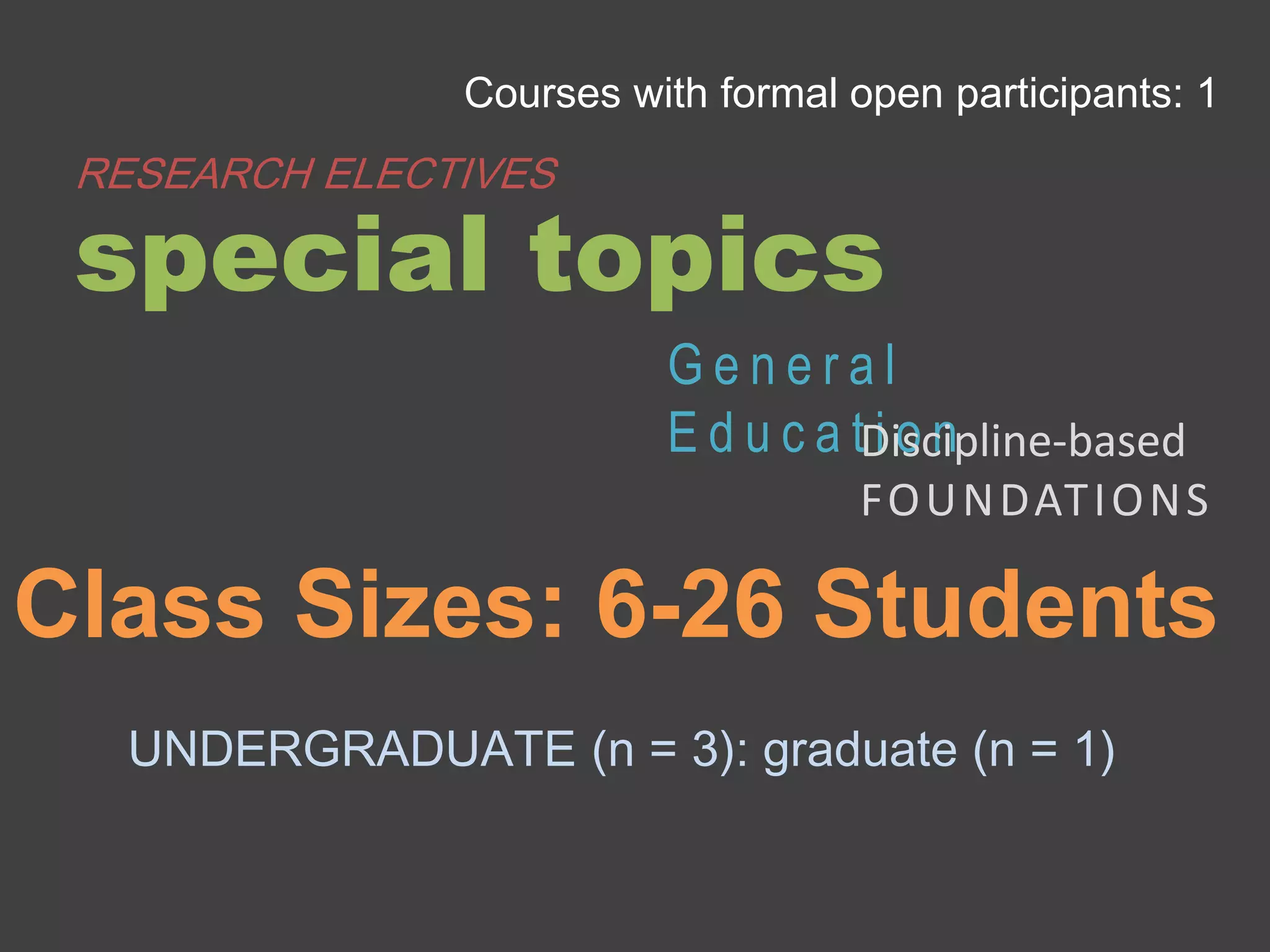
UNDERGRADUATE (n = 3): graduate (n = 1)
Class Sizes: 6-26 Students
Courses with formal open participants: 1
special topics
RESEARCH ELECTIVES
G e n e r a l
E d u c a t i o nDiscipline-based
FOUNDATIONS
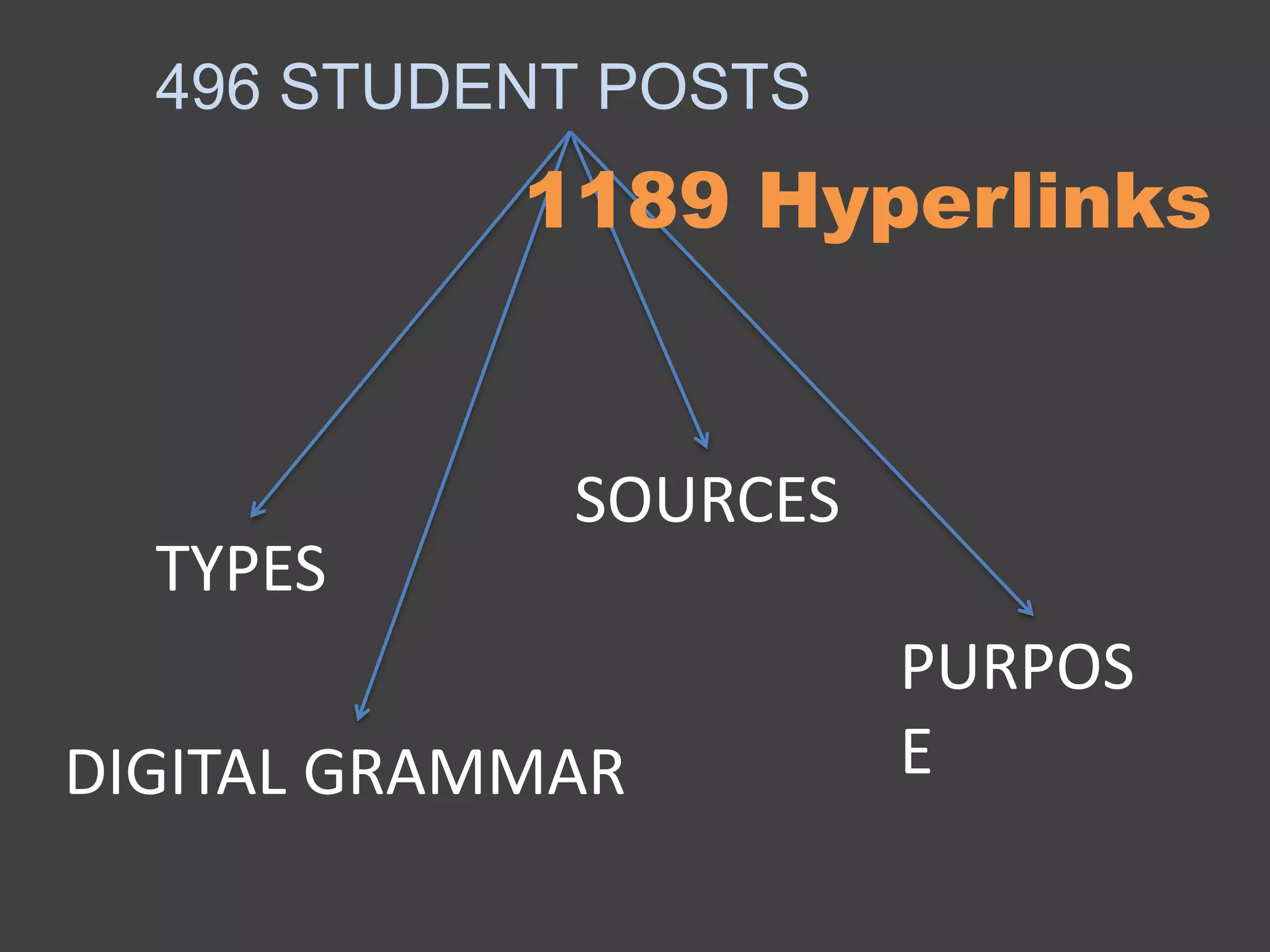
496 STUDENT POSTS
TYPES
SOURCES
PURPOS
EDIGITAL GRAMMAR
1189 Hyperlinks
A typology emerged.
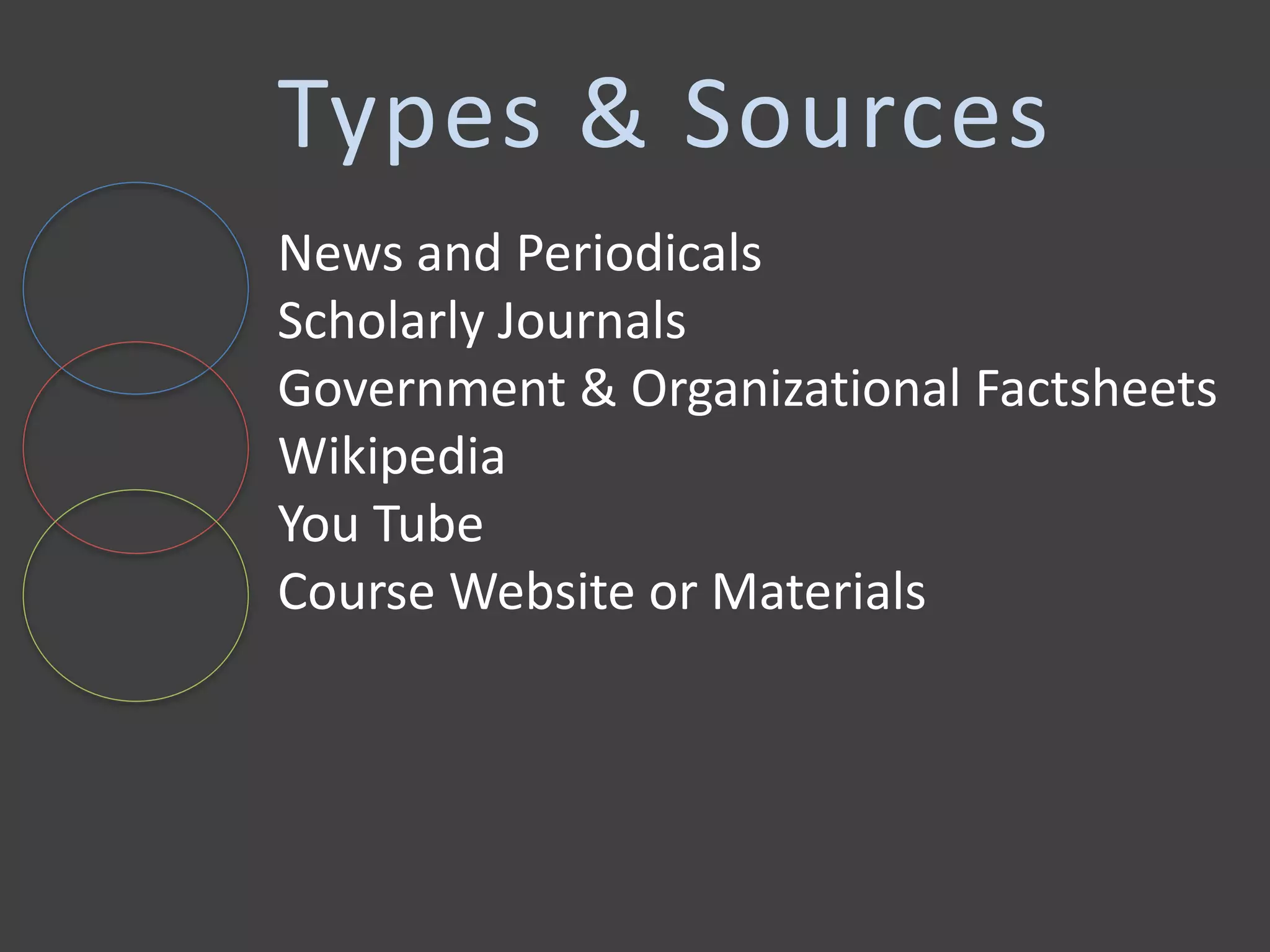
Types & Sources
News and Periodicals
Scholarly Journals
Government & Organizational Factsheets
Wikipedia
You Tube
Course Website or Materials
Connections to the Course
To provide context for assumed audience
To connect to learning products
Connections to Themselves
To create a narrative across assignments
To link to previous work done in other
settings
Connections to Concepts
To define & provide additional information
To provide examples & illustration
To cite or provide a reference
Connections to Images
When students used images or videos they made
themselves, something creative and connected
always happened. Students were more likely to
do this when taught.
Students always gave videos a context. Not so for
photos.
Does “affordances of the web” translate to pretty
pictures?
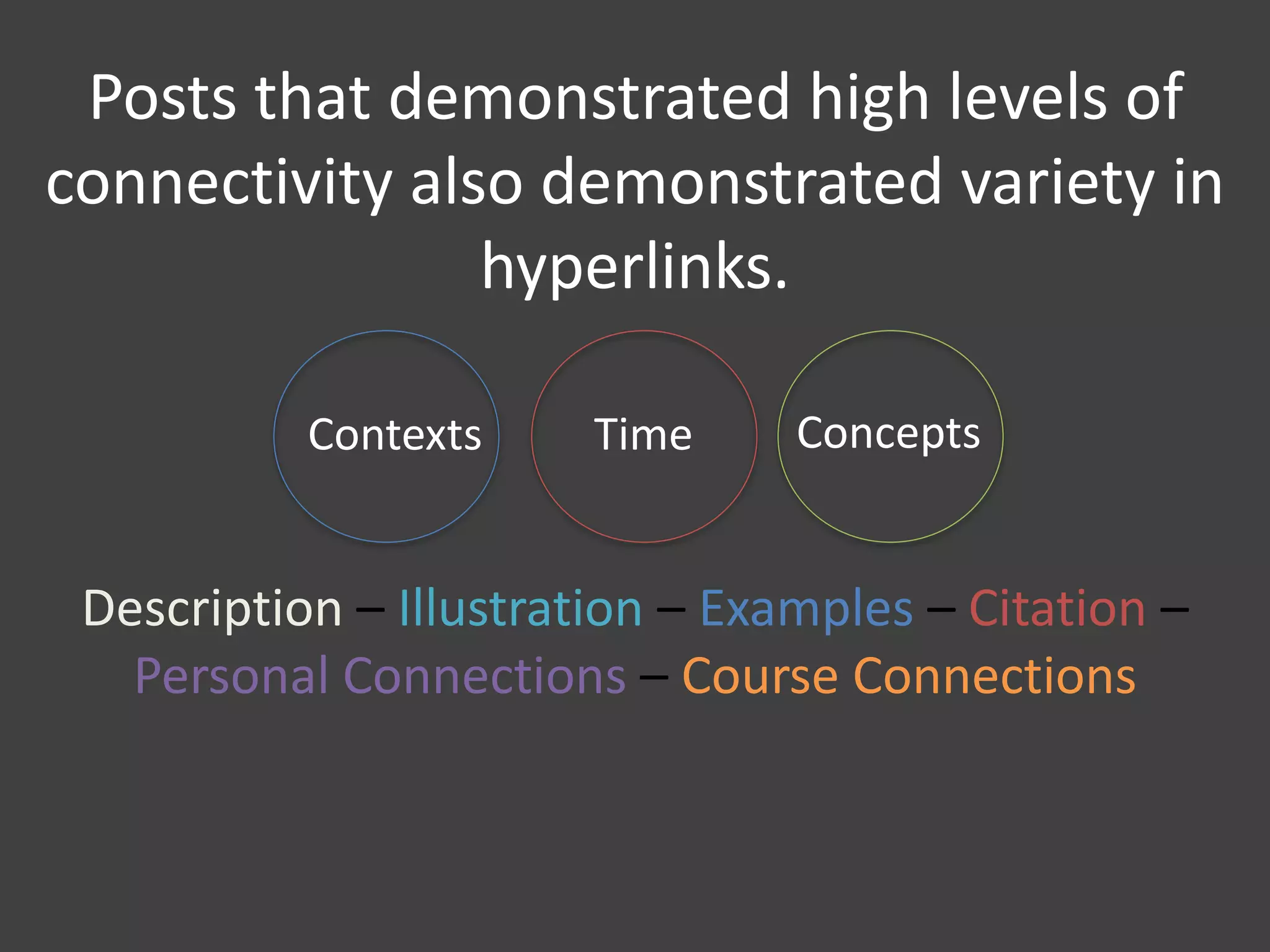
Posts that demonstrated high levels of
connectivity also demonstrated variety in
hyperlinks.
Contexts Time Concepts
Description – Illustration – Examples – Citation –
Personal Connections – Course Connections
Connections to each other.
Digital grammar (particularly in undergraduates).
What Was Missing
Modeling, explicit expectations, pointed
feedback seemed to make a difference.
And for Faculty?
Hyperlinks create opportunities for students to practice
connectivity in a variety of ways not supported by traditional
style formats.
Images and videos are most powerful when students know
how to make them themselves and are encouraged to do so.
It is important for instructors to talk about hyperlinking with
students if it is going to be used as a pedagogical exercise.
Potential area for assessments.
Take Home Points

Trailblazing and Annotation Systems: Documenting Connectivity through Hyperlinking

  • 1.
    Trailblazing and AnnotationSystems: Documenting Connectivity through Hyperlinking Laura Gogia - @Googleguacamole Virginia Commonwealth University Academic Learning Transformation Lab
  • 2.
    Connectivity State of beingable to recognize, understand, and act on connections made across content, people, space, and time. Concepts People Space & Time Connectivity
  • 3.
    Synthesis Combining in composition Collaboration Workingtogether towards common goal Reflection Connecting new experience to previous understanding Connectivity Connectivity
  • 4.
  • 5.
    Connectivity is centralto the Virginia Commonwealth University Quality Enhancement Plan. Photo Credit: http://graduate.admissions.vcu.edu/why/
  • 6.
    VCU aims tofacilitate education that has substantial and lasting impact beyond any course, major, or degree. It aims to promote learning that matters. -- VCU Quality Enhancement Plan, 2014
  • 8.
    Opportunities (beyond convincing facultyand students to work in public) Documenting connectivity Conversations with faculty & students about the concept of connectivity Triggering acts of connectivity
  • 9.
    Course Evaluation –Student Assessment If connectivity is to be supported and studied in higher education settings, it is essential that we find appropriate ways to document it. Documentation is key.
  • 10.
    Project Purpose To developan assessment toolbox, a collection of digital strategies for documenting student progress towards connectivity-related learning objectives. Feasible – Scalable – Integrated – Sustainable
  • 11.
    • Learners communicateideas and information effectively and intentionally within the course. • Learners recognize and relate connected ideas across courses, contexts, and time. What do I want to document?
  • 12.
    • Learners engagein dialogue with others to negotiate a shared meaning around processes and products. • Learners use networking strategies to amplify their personal signal: researching, cultivating, and engaging people productively.
  • 13.
    Are there waysto take advantage of the uniquely digital aspects of microblogging and blogging processes and spaces?
  • 14.
    Annotation Systems (symbols, abbreviations,& phrases that are distinct from but included within the communication, meant to demonstrate communicative intent) Hyperlinks – Mentions – Retweets – Hashtags
  • 15.
    How do students use HYPERLINKS incourse-related blogging?
  • 16.
    8 weeks 4 courses 300+participants 60 credit-earning VCU students 1618 posts 5343 tweets Basic Numbers
  • 17.
    UNDERGRADUATE (n =3): graduate (n = 1) Class Sizes: 6-26 Students Courses with formal open participants: 1 special topics RESEARCH ELECTIVES G e n e r a l E d u c a t i o nDiscipline-based FOUNDATIONS
  • 18.
  • 19.
  • 20.
    Types & Sources Newsand Periodicals Scholarly Journals Government & Organizational Factsheets Wikipedia You Tube Course Website or Materials
  • 21.
    Connections to theCourse To provide context for assumed audience To connect to learning products
  • 22.
    Connections to Themselves Tocreate a narrative across assignments To link to previous work done in other settings
  • 23.
    Connections to Concepts Todefine & provide additional information To provide examples & illustration To cite or provide a reference
  • 24.
    Connections to Images Whenstudents used images or videos they made themselves, something creative and connected always happened. Students were more likely to do this when taught. Students always gave videos a context. Not so for photos. Does “affordances of the web” translate to pretty pictures?
  • 25.
    Posts that demonstratedhigh levels of connectivity also demonstrated variety in hyperlinks. Contexts Time Concepts Description – Illustration – Examples – Citation – Personal Connections – Course Connections
  • 26.
    Connections to eachother. Digital grammar (particularly in undergraduates). What Was Missing
  • 27.
    Modeling, explicit expectations,pointed feedback seemed to make a difference. And for Faculty?
  • 28.
    Hyperlinks create opportunitiesfor students to practice connectivity in a variety of ways not supported by traditional style formats. Images and videos are most powerful when students know how to make them themselves and are encouraged to do so. It is important for instructors to talk about hyperlinking with students if it is going to be used as a pedagogical exercise. Potential area for assessments. Take Home Points

Editor's Notes

  • #3 This project begins and ends with the concept of connectivity, defined as the state of being able to recognize, understand, and act on connections made across content, people, space, and time
  • #4 You can look at connectivity through another lens – in terms of some fairly standard pedagogical terms – synthesis, collaboration, and reflection require connectivity across concepts, people, and our own lifetimes.
  • #5 Or you can look at connectivity through the lens of pedagogical approaches; Dewey talked about the importance of social context for learning, social learning is based in interpersonal interaction, and the newer digital pedagogies are all centered on this concept of connectedness.
  • #6 Connectivity plays a huge role in how we consider learning at my home university.
  • #7 Our Vice Provost of Learning Innovation and Student Success, Gardner Campbell, is dedicated to creating an environment that has a cultural commitment to “learning that matters,” with a lasting impact beyond any course, major, or degree. And to make that happen, VCU is trying to innovate opportunities for faculty, students, and the community that are creative, holistic, integrative – and we are attempting to achieve that through a framework of open education and connected learning.
  • #8 We are at the beginning of this massive experiment, but a broad-stroked concept of connected learning is beginning to emerge. we tend to promote connected courses as those which are implemented through public course websites and involve student blogging and tweeting in public spaces.
  • #9 There are a lot of interesting opportunities around this initiative. There are significant challenges in convincing faculty and students to work in public, but once we get them there, what next? How do we talk to faculty and students about the importance of connectivity, encourage acts of meaningful connectivity, and then document it?
  • #10 And documentation is key – because documentation through assessment and evaluation plays an essential role in contemporary higher ed settings.
  • #11 Therefore, the purpose of my work is to create an assessment toolkit – a collection of strategies from which faculty can pick and choose and adapt—that tell stories of connectivity while also being feasible, scalable, integrated, and sustainable – in the sense of peer and self assessment.
  • #12 So when doing things like this, I like to work backwards – what exactly am I hoping students will be learning in these communities? What exactly am I trying to document? Given my definitions of connectivity that I shared before, I am hoping that students will communicate ideas and information effectively and intentionally within the course; recognize and relate connected ideas across courses, contexts, and time,
  • #13 Engage in dialogue with others around learning processes and products; and learn to use networking strategies to amplify their personal signal or someone else’s signal if they choose.
  • #14 And I would like to do it in a way that takes advantage of the uniquely digital aspects of blogging and tweeting.
  • #15 So I have focused on annotation systems, which are the symbols, abbreviations, and phrases included within the text of the post or tweet that have separate meaning from the content and are meant to demonstrate communicative intent. Examples include: hyperlinks, mentions, retweets, hashtags. AndI have data and very detailed things to say about all of them but today I want to focus on one little section of the project...
  • #17 So let’s start with some basic numbers In the summer of 2015, VCU ran five 8 week-long summer courses that fit our (loose, emerging) Connected Learning concept – they were fully online, they were implemented on public course websites, and students blogged and tweeted as part of the course design. I looked at four of the five. Those four courses generated a collection of 1618 posts and 5343 tweets from more than 300 people, 60 of whom were registered VCU students.
  • #18 Course contexts varied across topics, disciplines, student level, and instructional designs – entirely different, actually. One of them was truly an “open” course in the sense that the course instructors actively recruited and promoted open participation and these open participants added their blogs to the course blog roll, etc.
  • #19 Of the 1618 blog posts available, I sampled 496 – all generated by enrolled VCU students and in the case of the course with enrolled open participants, I included them as well. Within those 496, I extracted 1189 hyperlinks. I had to manually extract them but it can be done automatically. I followed the hyperlinks and catalogued the type of document, source of document, the apparent purpose of the hyperlink, and took note of the digital grammar around them (meaning broken links, awkwardly embedded or visible urls).
  • #20 A typology emerged around hyperlinking.
  • #21 Students connected to things that made sense given their level and the course. Categories across type included scholarly journal articles, news and magazines, government and organizational factsheets
  • #22 They used these links to make connections to different things. The first was connections to the course – the graduate students (not the undergrads) would link back to the course website to provide context for an assumed audience – here’s why I’m writing this. Or links were used to connect to or embed assignments when faculty asked students to create non-text based learning assignments like infographics or concept maps
  • #23 Links helped students create a narrative across posts – I saw this in the course where blogging assignments purposefully built on each other. So the student would say Earlier, I did this...(and link to the earlier blog post) now I’m doing this....” so the links helped make the learning narrative more concrete.
  • #24 And across concepts. And this is where things start to get interesting. While some students were quick to use hyperlinks in ways that were consistent with traditional style guides (graduate students, in particular, especially hyperlinks to scholarly articles), hyperlinking seemed to open up the possibilities of how students linked to things beyond linearity. Some students – and not just the grad students – used hyperlinks to link to examples, further description or embed diagrams in ways that would not have been encouraged by traditional style formatting.
  • #25 Let’s talk a little bit about images, because they were everywhere – across the courses. In all cases, students had reasons to include videos. They illustrated, they provided more information. And students always explained why they were there. Pictures were much more likely to be there just because they were pretty – particularly in the classes in which faculty told the students to make their blogs different than a written assignment but then didn’t give them much more guidance than that. I was kind of left thinking that when you tell students (graduates and undergraduates) to use the affordances of the web, they think that means to add some pictures. However, two things stuck out. First – when students used their own photos – there was always a story – they always explained the personal connection they were making between the photo and the topic. Second – when the instructional designs required students to learn certain creative platforms early on in the process (like how to use canvas to make an infographic), students started making their own illustrations for subsequent assignments and then explaining what was in the illustration – it’s as if they took over more ownership of the process.
  • #26 Also, it wasn’t about the number of links – because students could have a long list of references at the bottom of their posts – and many of the graduate students did; posts that demonstrated more types of connectivity demonstrated different types and purposes for hyperlinks.
  • #27 There was a lot missing, actually. All students weren’t perfect – far from it. There was a full spectrum of hyperlink uses. But what was almost always missing? While students often mentioned each other in their blog posts, they missed opportunities to link to each other’s posts.
  • #28 When instructors made hyperlinking important through modeling, explicit expectations around hyperlinking, and pointed feedback, students tended to respond.
  • #29 When instructors made hyperlinking important through modeling, explicit expectations around hyperlinking, and pointed feedback, students tended to respond. When instructors said “use the affordances of the web” students tended to think that meant writing casually, adding emoticons, and adding photos.