TOWARDS
INTERACTIVE
SCREENS


Chaki Ng
                            6/7/2010
MIT Media Lab/Harvard
                        1
interactive screens = the future?


                2
deployed/ing a signage network?


               3
support users interactions? how?


               4
dump terminals
 who are you?

   wait in line
   loops only

MOST SCREENS
        5
interaction
personalization

 collaboration
 exploration

OUR AGENDA
       6
olpc
e-ink                       minority report
                   robots
  citycar
                               scratch

             MEDIA LAB
            candy store for grown-ups

                        7
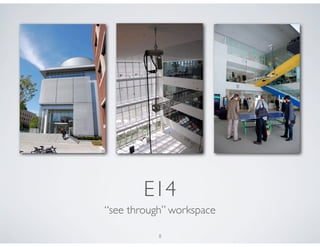
E14
“see through” workspace

           8
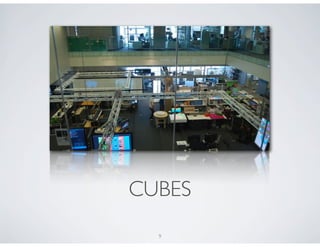
CUBES
  9
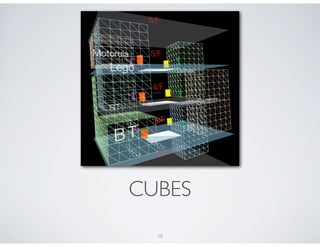
CUBES
  10
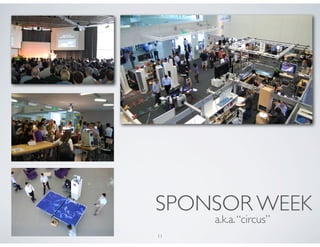
SPONSOR WEEK
     a.k.a. “circus”
11
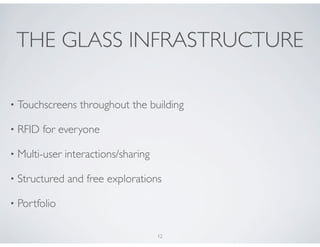
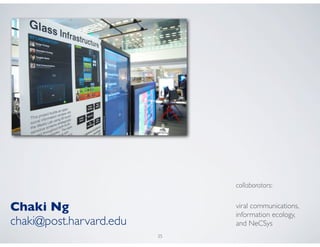
THE GLASS INFRASTRUCTURE

•   Touchscreens throughout the building

•   RFID for everyone

•   Multi-user interactions/sharing

•   Structured and free explorations

•   Portfolio

                                      12
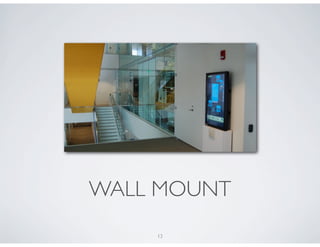
WALL MOUNT
    13
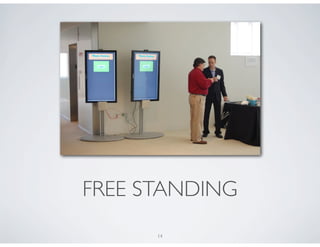
FREE STANDING
      14
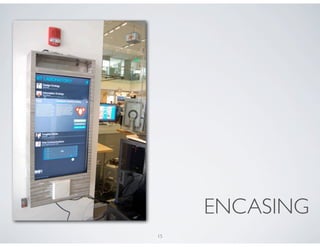
ENCASING
15
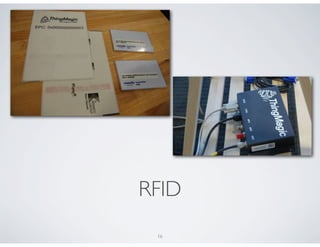
RFID
 16
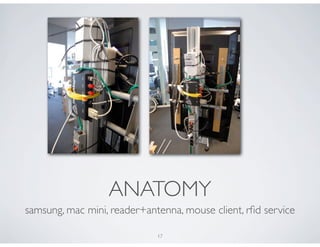
ANATOMY
samsung, mac mini, reader+antenna, mouse client, rfid service

                             17
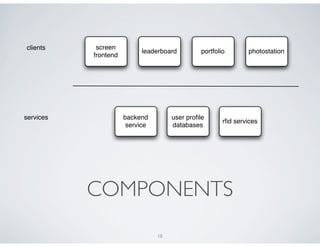
clients     screen
                           leaderboard          portfolio       photostation
           frontend


services              backend         user profile
                                                        rfid services
                       service        databases


           COMPONENTS
                                 18
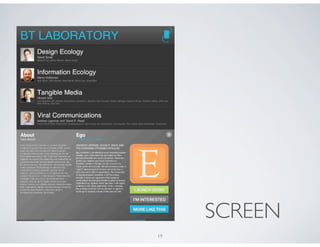
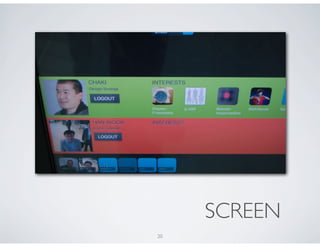
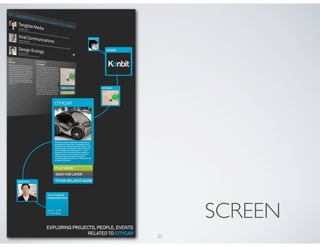
SCREEN
19
SCREEN
20
SCREEN
21
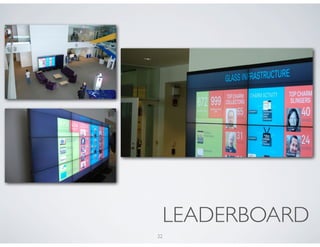
LEADERBOARD
22
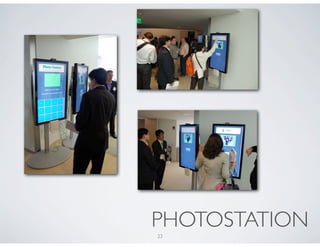
PHOTOSTATION
23
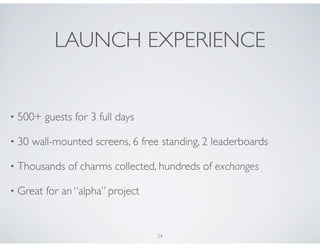
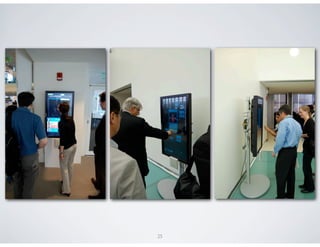
LAUNCH EXPERIENCE


•   500+ guests for 3 full days

•   30 wall-mounted screens, 6 free standing, 2 leaderboards

•   Thousands of charms collected, hundreds of exchanges

•   Great for an “alpha” project


                                   24
25
UX LESSONS


    26
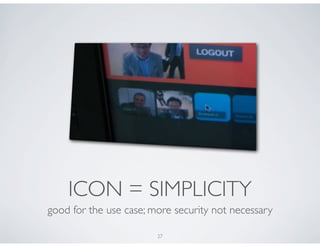
ICON = SIMPLICITY
good for the use case; more security not necessary

                        27
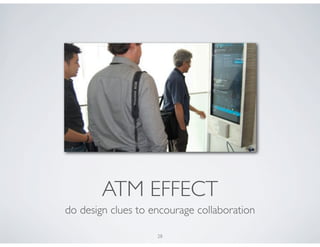
ATM EFFECT
do design clues to encourage collaboration

                    28
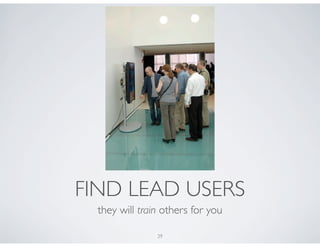
FIND LEAD USERS
  they will train others for you

                29
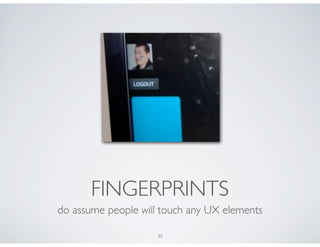
FINGERPRINTS
do assume people will touch any UX elements

                    30
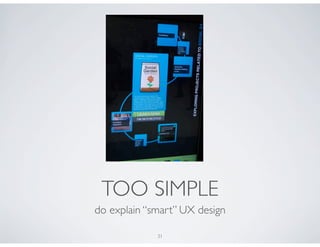
TOO SIMPLE
do explain “smart” UX design

             31
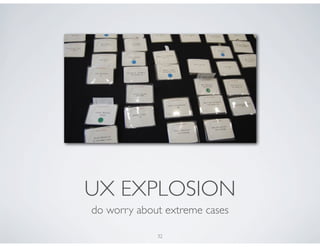
UX EXPLOSION
do worry about extreme cases

             32
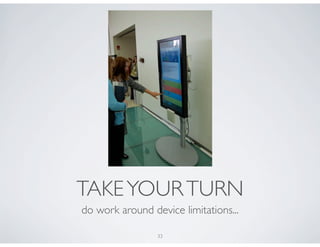
TAKE YOUR TURN
do work around device limitations...

                 33
FUTURE WORK

•   interaction: multi-touch, gestural, facial

•   personalization: cell phones, multiple visits

•   collaboration: gaming, people recommendations

•   exploration: richer learning model, user-contribution

•   open: rfid api, new apps, ads/messages

                                    34
collaborators:


Chaki Ng                      viral communications,
                              information ecology,
chaki@post.harvard.edu        and NeCSys
                         35

Towards Interactive Screens