General
Data
Channels
CRO & Personalisation
Website Personalisation:
Top 10 Tips
Unclassified Public @RedEyeUK #FOM17
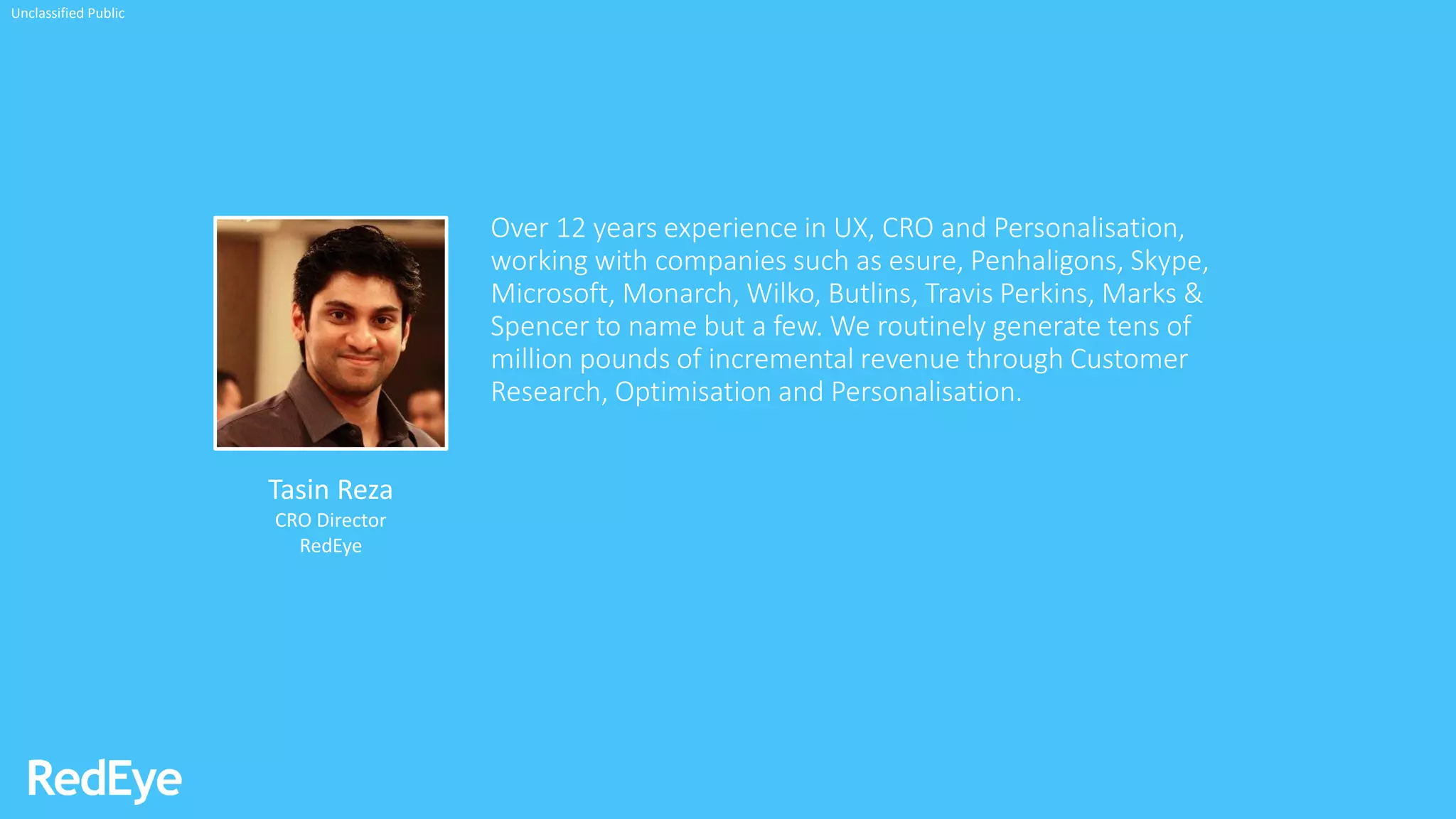
Over 12 years experience in UX, CRO and Personalisation,
working with companies such as esure, Penhaligons, Skype,
Microsoft, Monarch, Wilko, Butlins, Travis Perkins, Marks &
Spencer to name but a few. We routinely generate tens of
million pounds of incremental revenue through Customer
Research, Optimisation and Personalisation.
Tasin Reza
CRO Director
RedEye
Unclassified Public
Unclassified Public
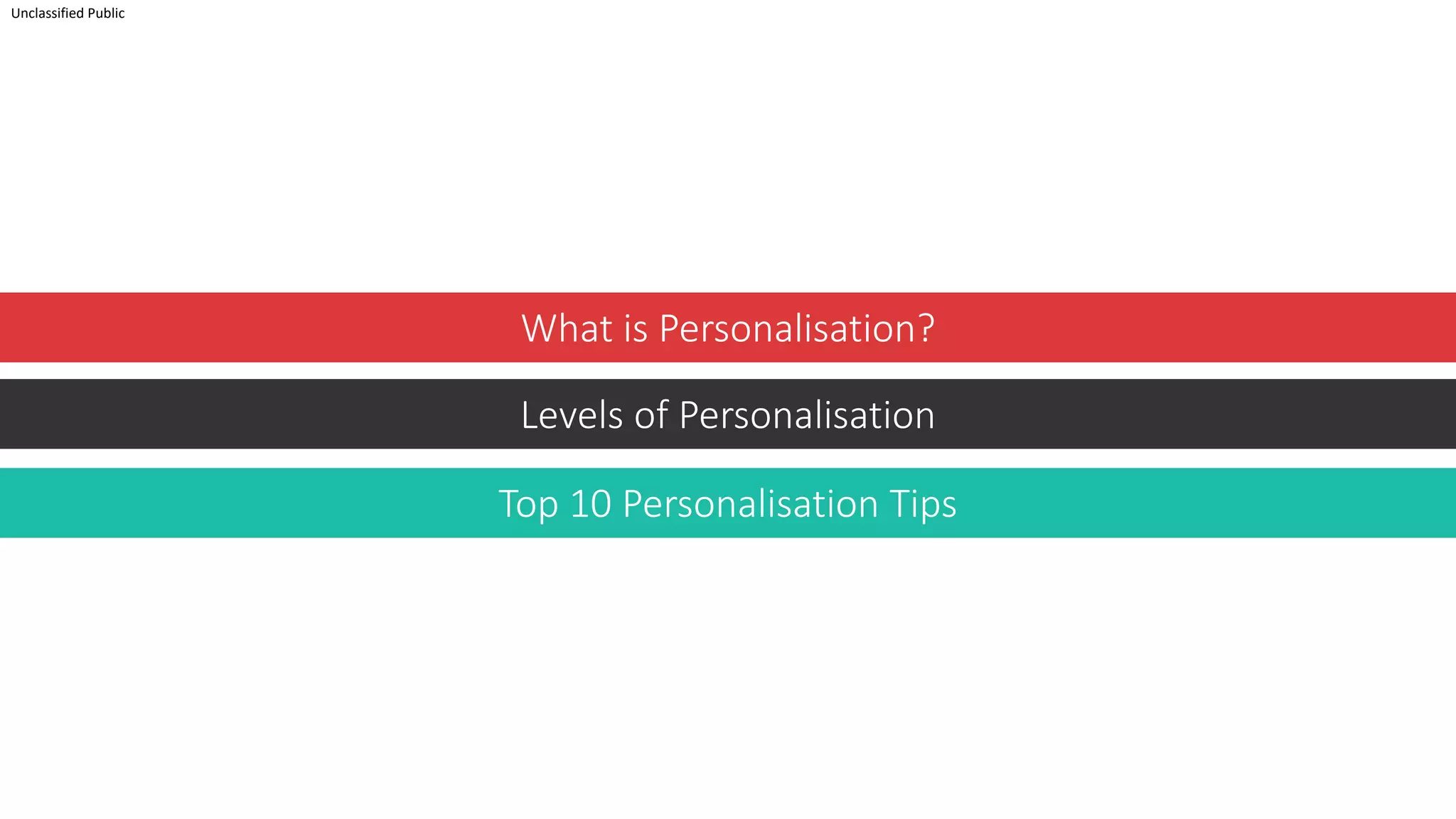
What is Personalisation?
Levels of Personalisation
Top 10 Personalisation Tips
Web Personalisation
Unclassified Public
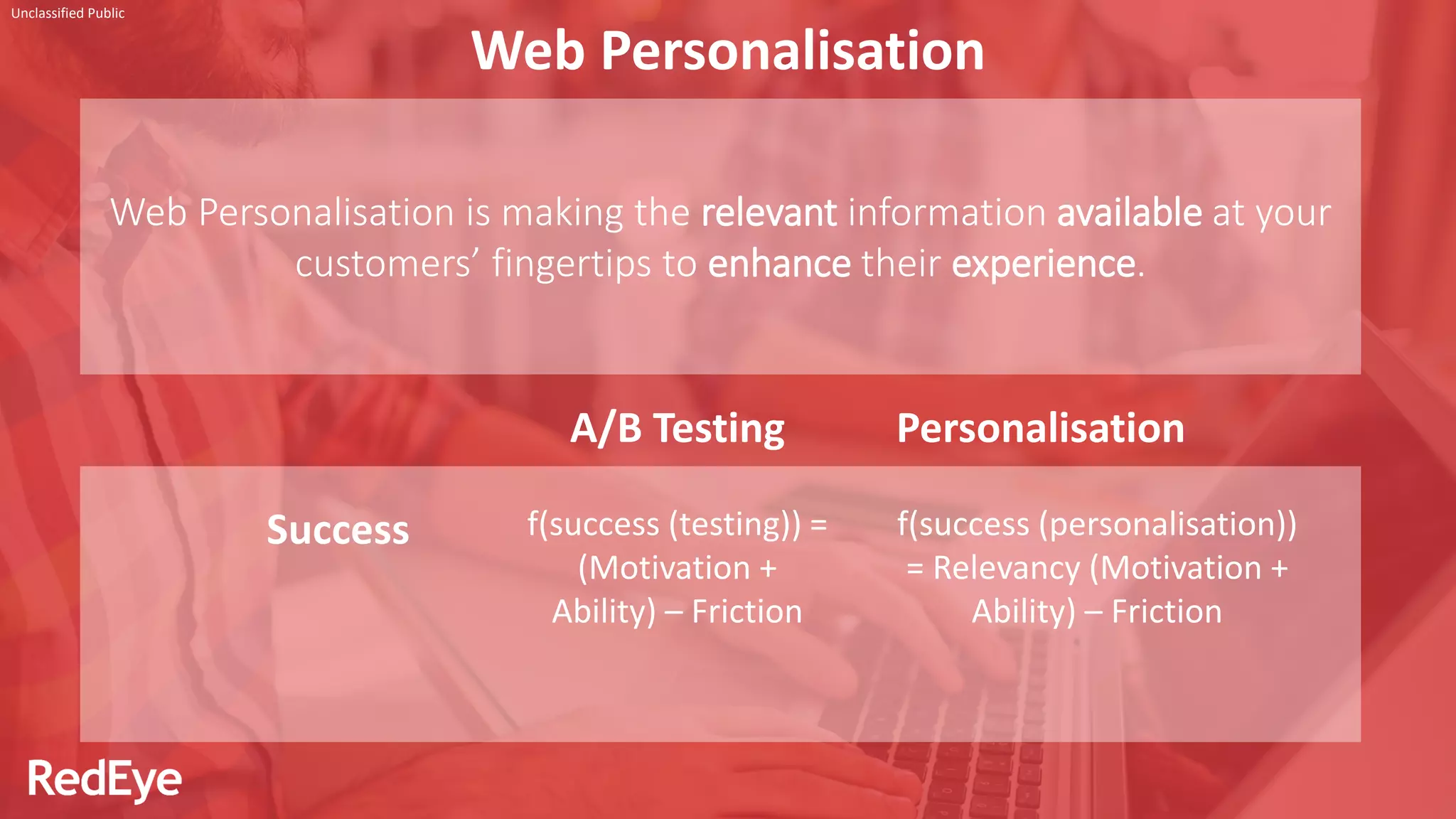
Web Personalisation is making the relevant information available at your
customers’ fingertips to enhance their experience.
A/B Testing Personalisation
Success f(success (testing)) =
(Motivation +
Ability) – Friction
f(success (personalisation))
= Relevancy (Motivation +
Ability) – Friction
Levels of
Personalisation
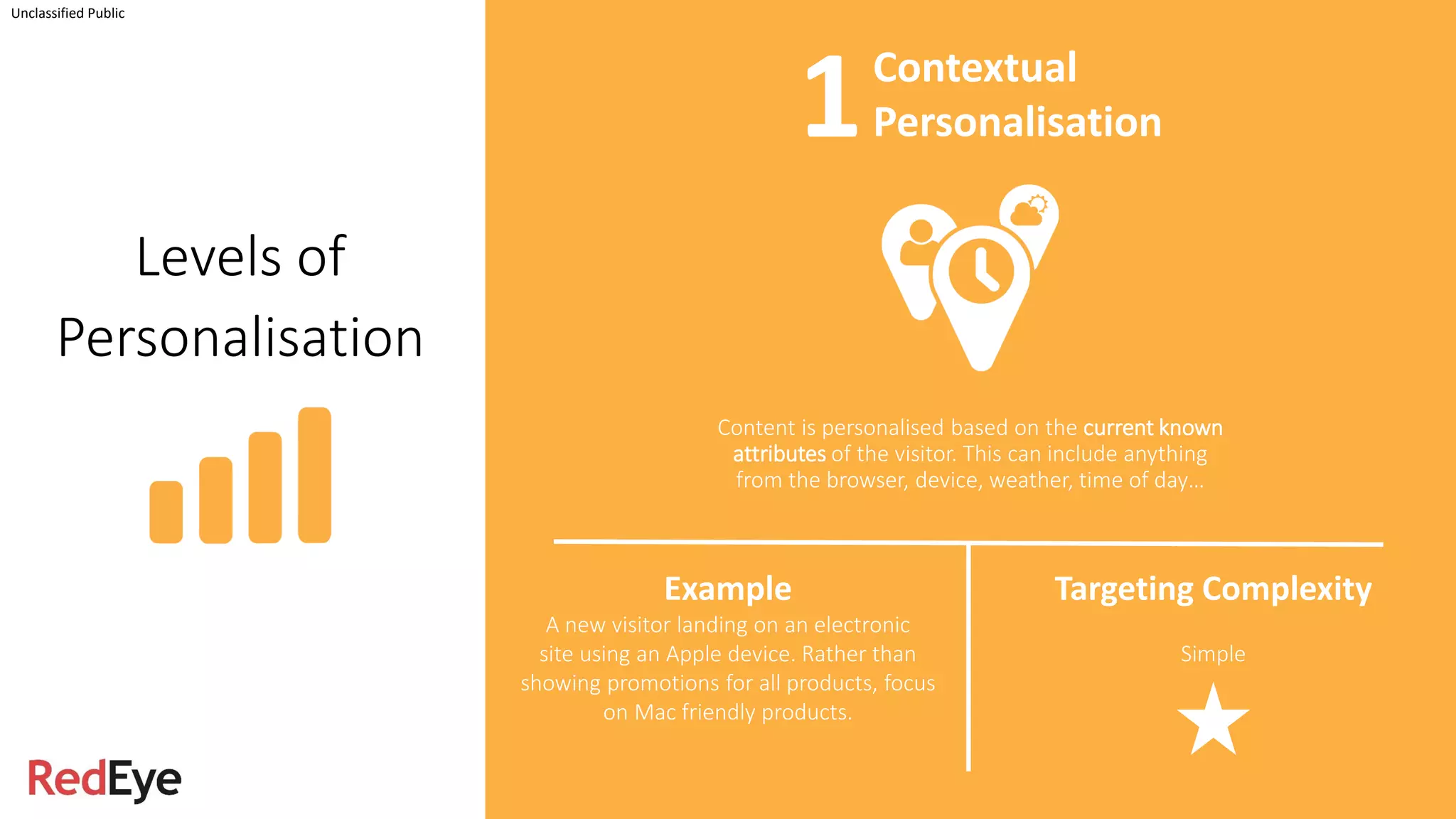
Content is personalised based on the current known
attributes of the visitor. This can include anything
from the browser, device, weather, time of day…
Unclassified Public
Example
A new visitor landing on an electronic
site using an Apple device. Rather than
showing promotions for all products, focus
on Mac friendly products.
Targeting Complexity
Simple
Contextual
Personalisation1
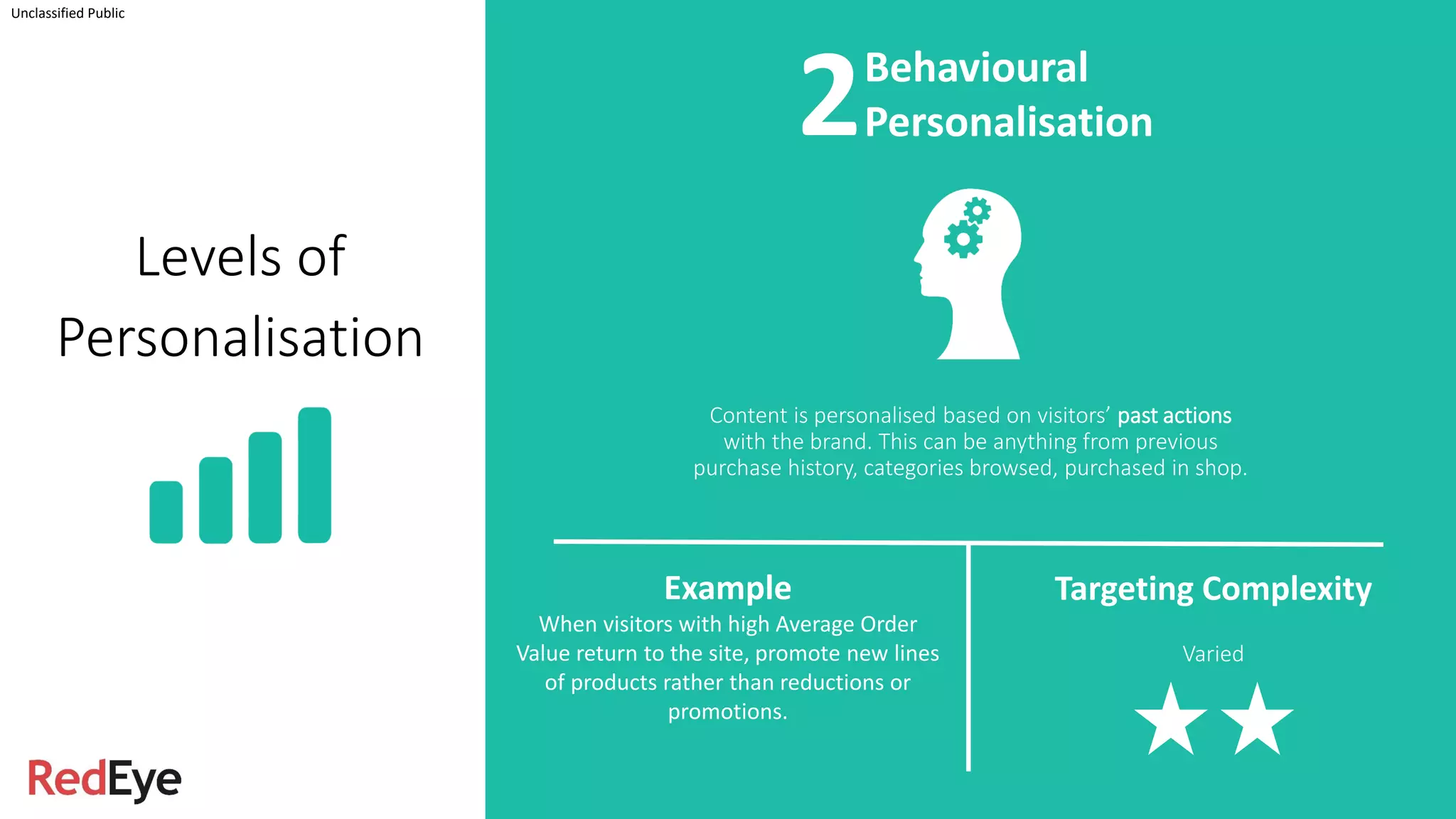
Content is personalised based on visitors’ past actions
with the brand. This can be anything from previous
purchase history, categories browsed, purchased in shop.
Unclassified Public
Behavioural
Personalisation
Example
When visitors with high Average Order
Value return to the site, promote new lines
of products rather than reductions or
promotions.
Targeting Complexity
Varied
Levels of
Personalisation
2
Unclassified Public
Levels of
Personalisation
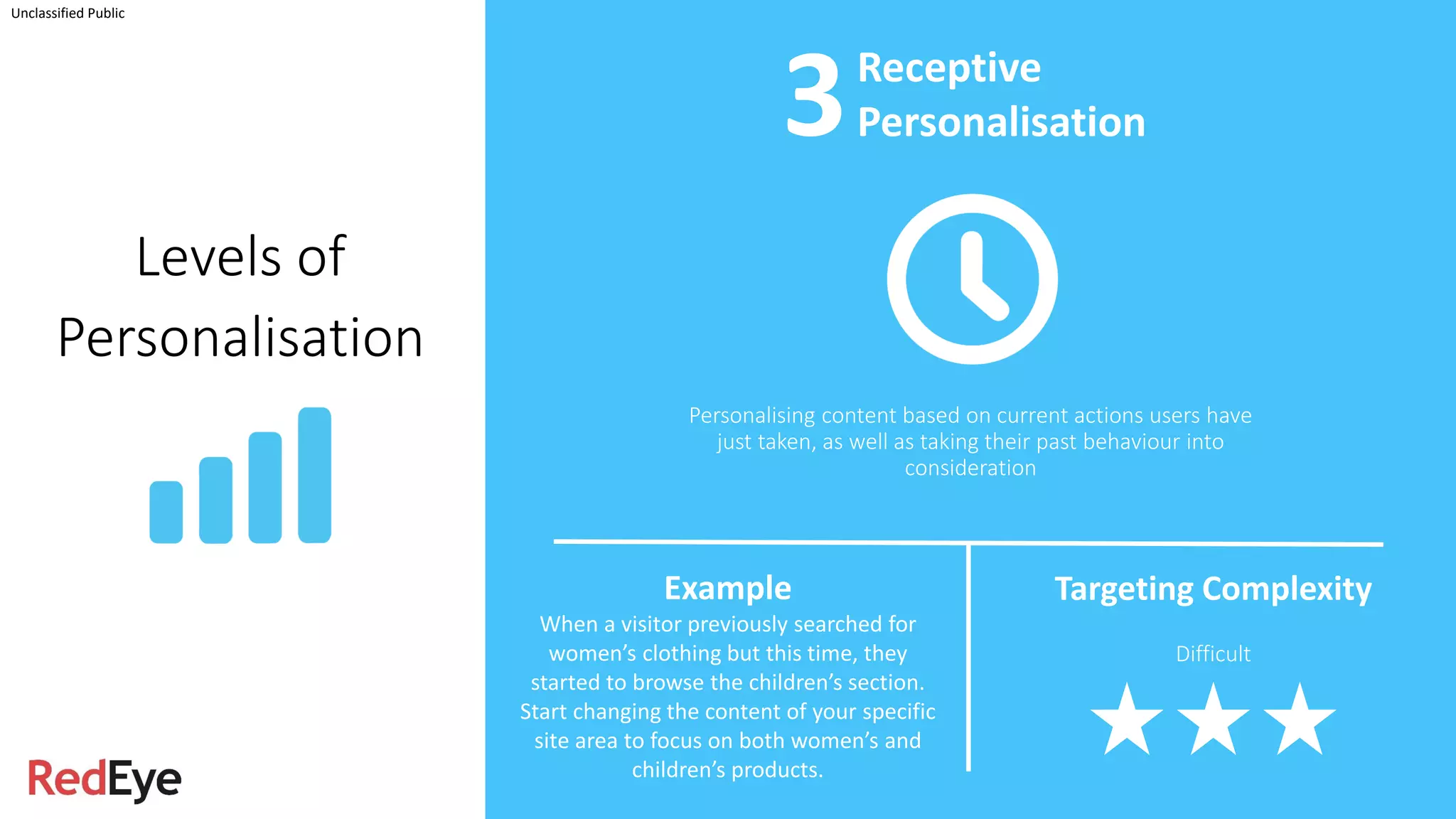
Personalising content based on current actions users have
just taken, as well as taking their past behaviour into
consideration
Receptive
Personalisation
Example
When a visitor previously searched for
women’s clothing but this time, they
started to browse the children’s section.
Start changing the content of your specific
site area to focus on both women’s and
children’s products.
Targeting Complexity
Difficult
3
Personalisation
Tips
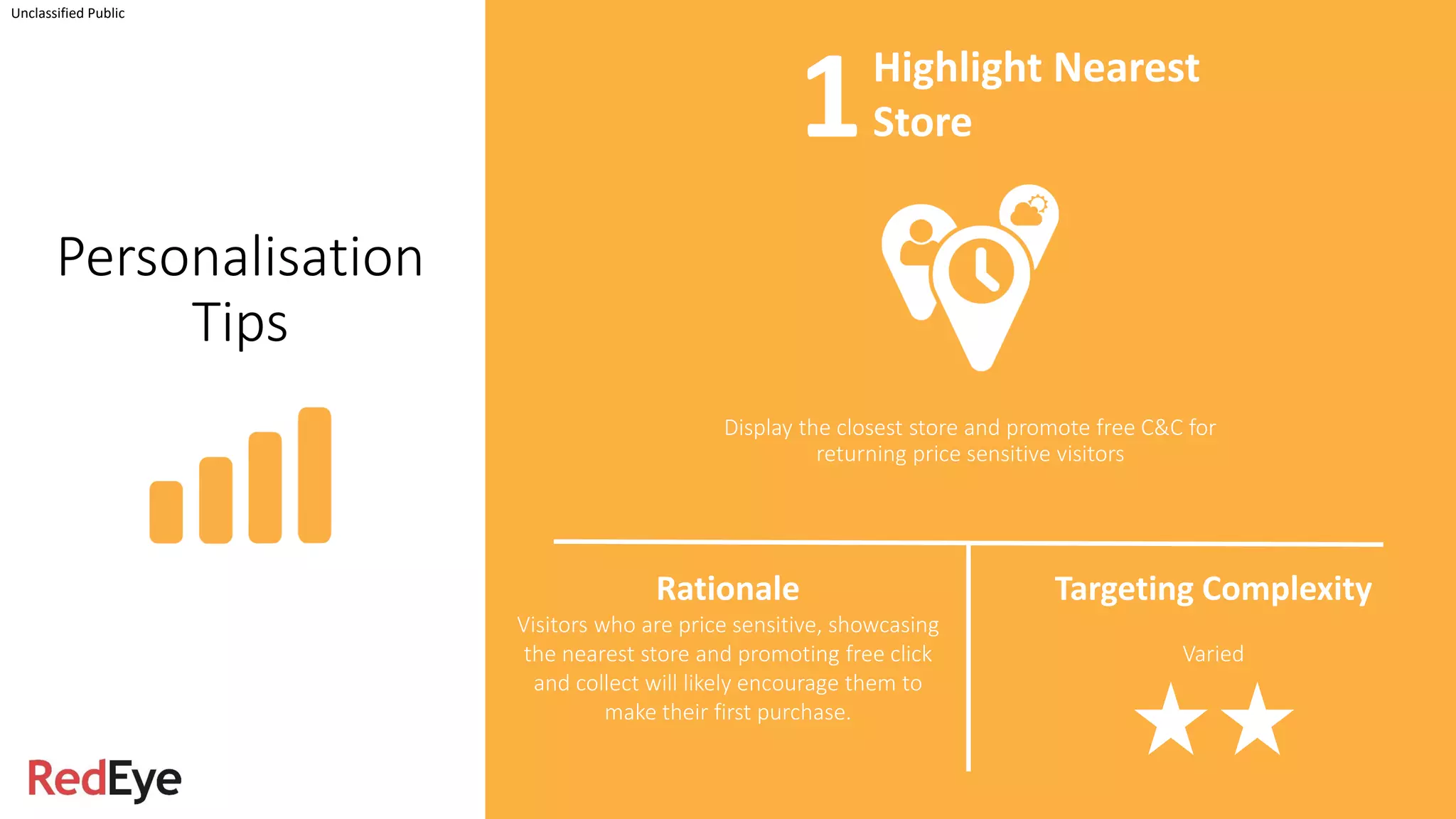
Display the closest store and promote free C&C for
returning price sensitive visitors
Unclassified Public
Rationale
Visitors who are price sensitive, showcasing
the nearest store and promoting free click
and collect will likely encourage them to
make their first purchase.
Targeting Complexity
Varied
Highlight Nearest
Store1
Display Newsletter signup popup for returning un-
registered visitor
Unclassified Public
Newsletter
Signup Popup
Rationale
Visitors who are returning to the site are
more qualified and less likely to get
disrupted by the popup. Giving them a
newsletter signup option to get the latest
offers are likely to be relevant for the non-
registered visitors.
Targeting Complexity
Varied
Personalisation
Tips
2
Unclassified Public
Personalisation
Tips
Personalising the loading screen to promote relevant add-
ons / extras based on their selection of product
Loading Screen
Content
Rationale
When creating a package based on user
selection, if the loading screen shows
potential add-ons / extras that go with the
chosen product, users are likely to take
those options at a later stage
Targeting Complexity
Difficult
3
Personalisation
Tips
Have the nearest airport selected by default
Unclassified Public
Rationale
For a travel site, when visitors are planning
to book a flight or a holiday, having the
departure airport selected based on their
current location would reduce the ‘search
and buy’ journey
Targeting Complexity
Simple
Default Departure
Selection4
Promote products under previously visited category for
non-purchase visitors on the homepage / landing pages
Unclassified Public
Category
Promotion
Rationale
Visitors who browsed a specific category
but did not make a purchase, on their
return, promote products under the same
category to provide an easier route to find
the same set of products.
Targeting Complexity
Varied
Personalisation
Tips
5
Unclassified Public
Personalisation
Tips
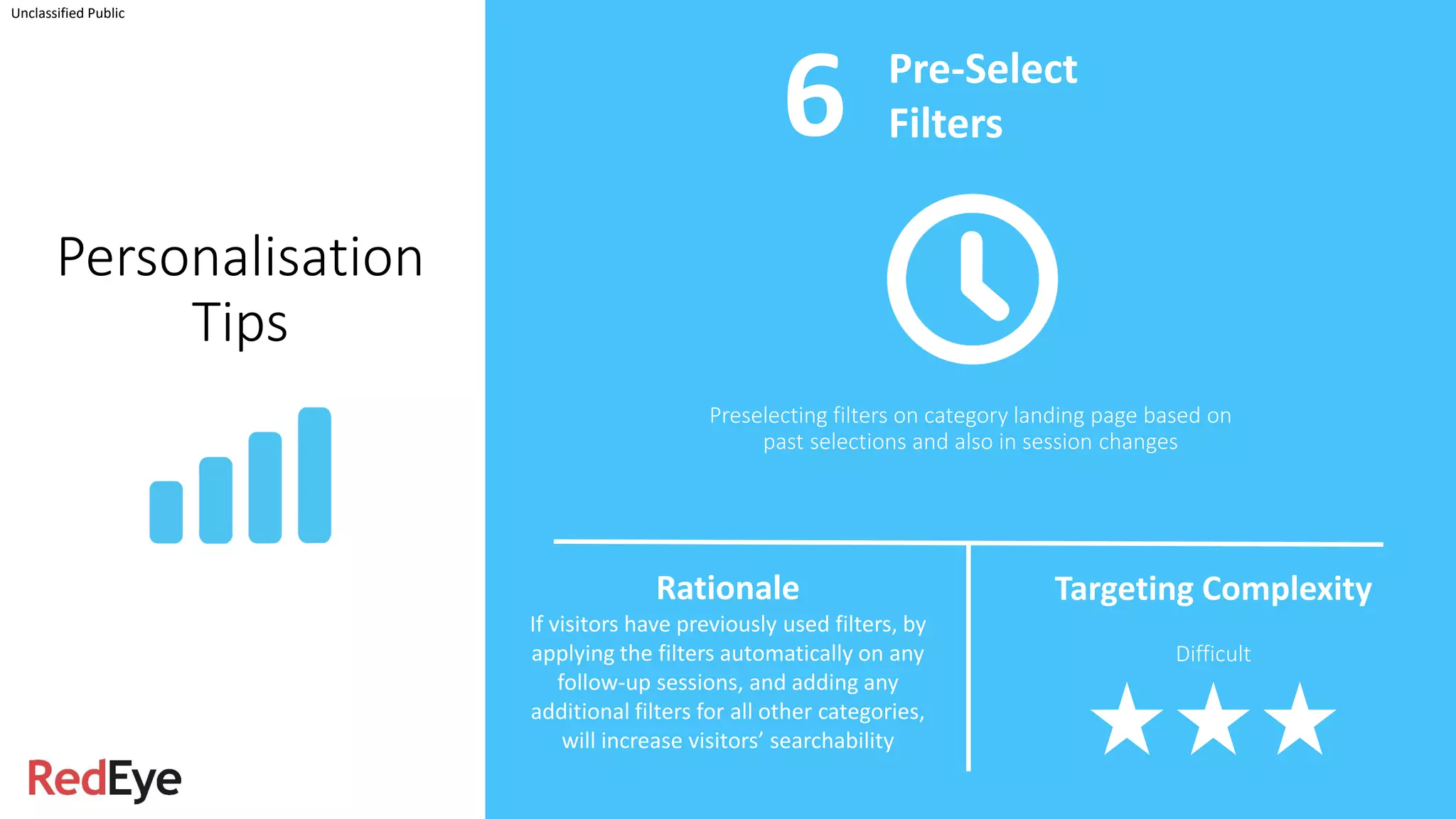
Preselecting filters on category landing page based on
past selections and also in session changes
Pre-Select
Filters
Rationale
If visitors have previously used filters, by
applying the filters automatically on any
follow-up sessions, and adding any
additional filters for all other categories,
will increase visitors’ searchability
Targeting Complexity
Difficult
6
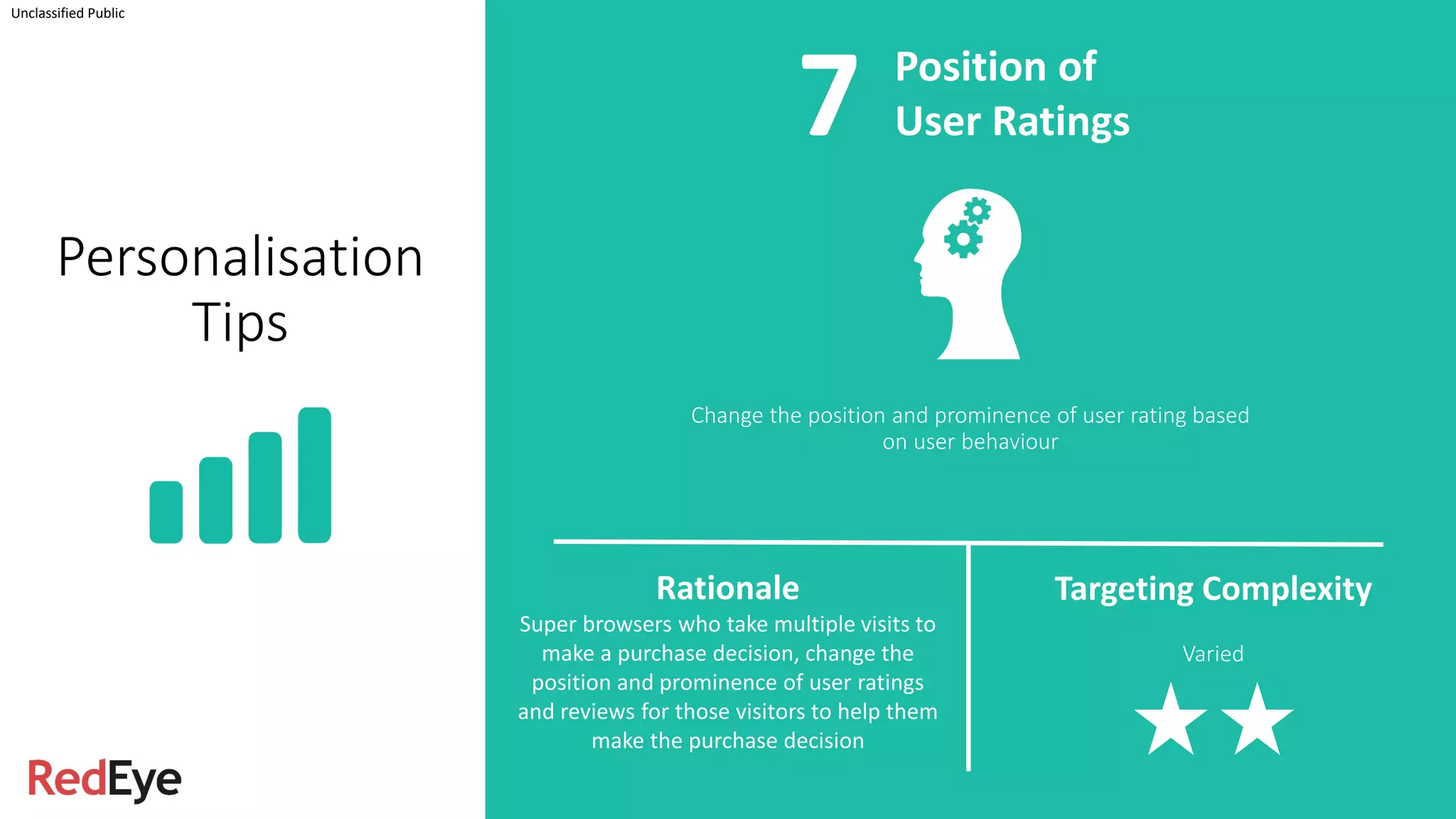
Change the position and prominence of user rating based
on user behaviour
Unclassified Public
Position of
User Ratings
Rationale
Super browsers who take multiple visits to
make a purchase decision, change the
position and prominence of user ratings
and reviews for those visitors to help them
make the purchase decision
Targeting Complexity
Varied
Personalisation
Tips
7
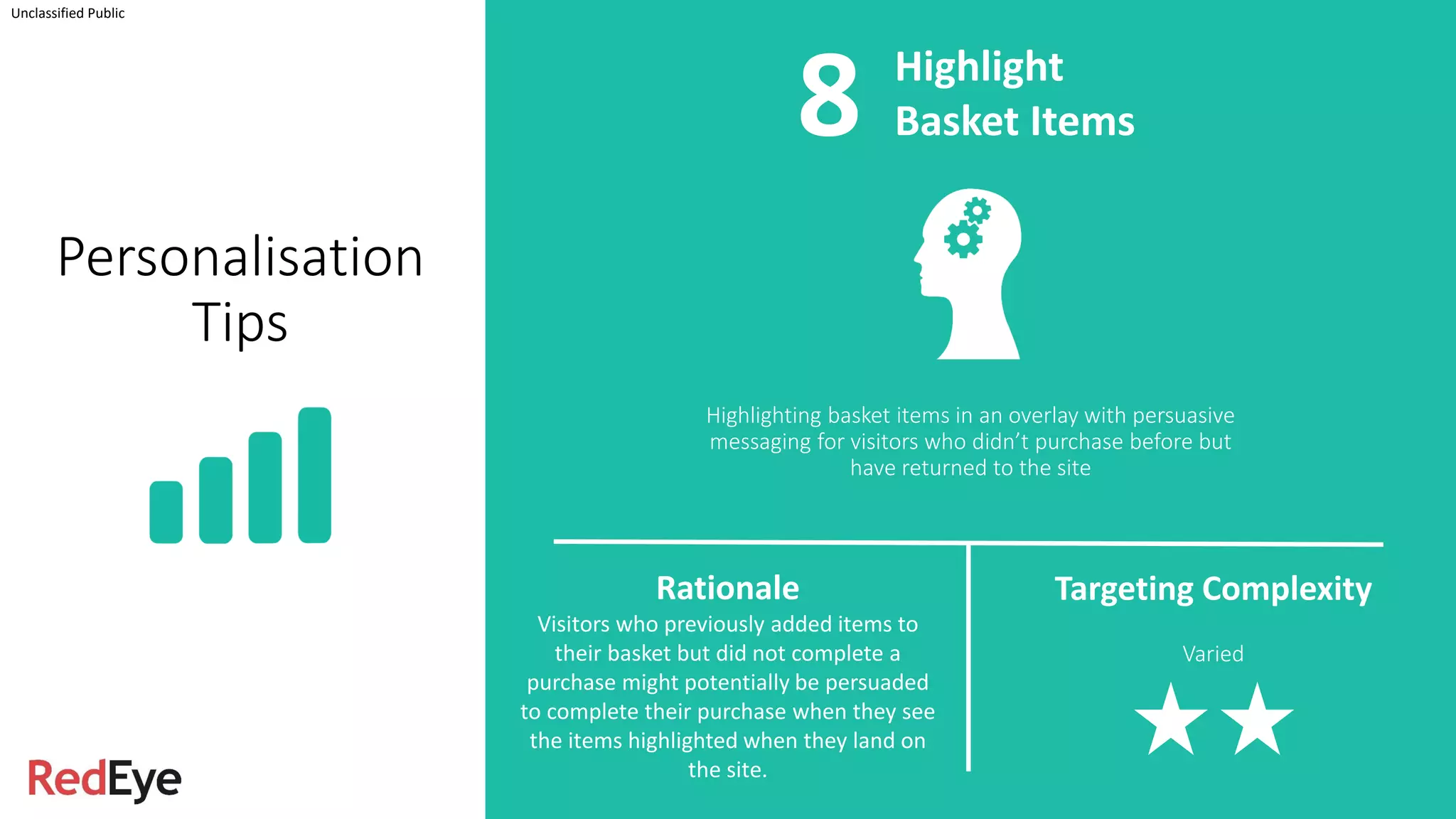
Highlighting basket items in an overlay with persuasive
messaging for visitors who didn’t purchase before but
have returned to the site
Unclassified Public
Highlight
Basket Items
Rationale
Visitors who previously added items to
their basket but did not complete a
purchase might potentially be persuaded
to complete their purchase when they see
the items highlighted when they land on
the site.
Targeting Complexity
Varied
Personalisation
Tips
8
Unclassified Public
Personalisation
Tips
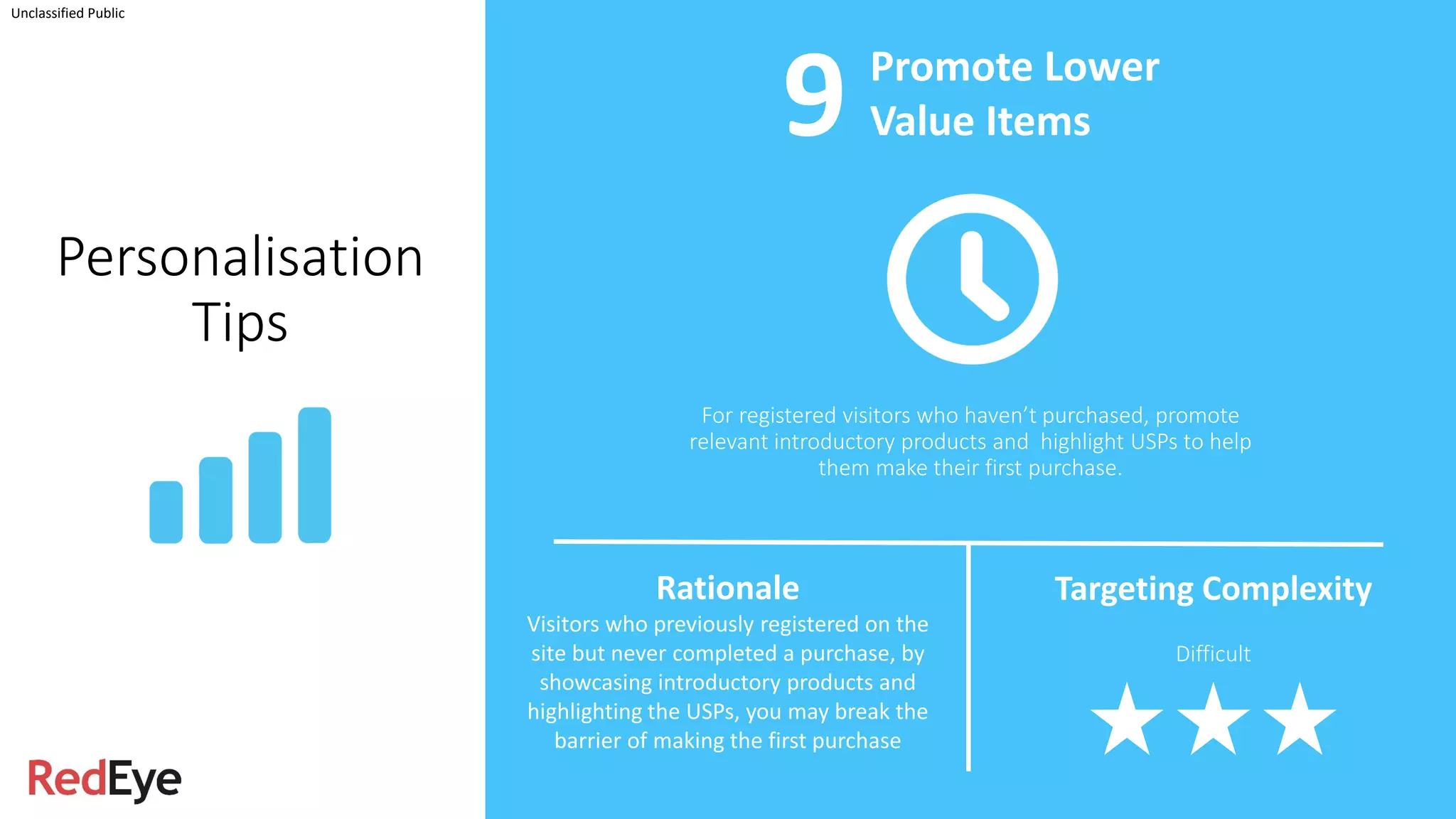
For registered visitors who haven’t purchased, promote
relevant introductory products and highlight USPs to help
them make their first purchase.
Promote Lower
Value Items
Rationale
Visitors who previously registered on the
site but never completed a purchase, by
showcasing introductory products and
highlighting the USPs, you may break the
barrier of making the first purchase
Targeting Complexity
Difficult
9
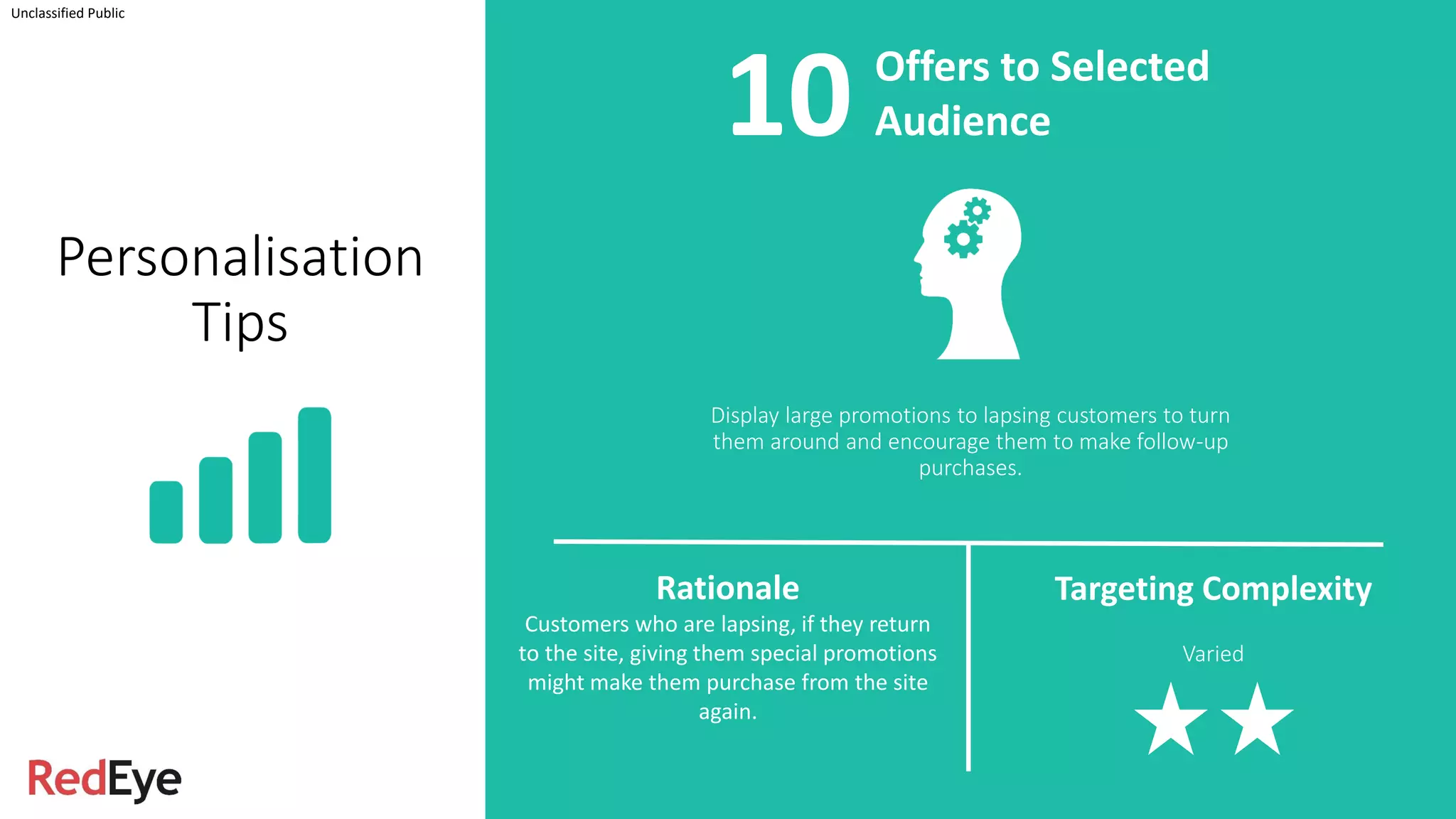
Display large promotions to lapsing customers to turn
them around and encourage them to make follow-up
purchases.
Unclassified Public
Offers to Selected
Audience
Rationale
Customers who are lapsing, if they return
to the site, giving them special promotions
might make them purchase from the site
again.
Targeting Complexity
Varied
Personalisation
Tips
10
Thank you for your time
Tasin Reza
CRO Director
Red Eye International Ltd
tasin.reza@redeye.com
LinkedIn: https://www.linkedin.com/in/tasin
Unclassified Public

Top ten tips for implementing Website Personalisation

  • 1.
    General Data Channels CRO & Personalisation WebsitePersonalisation: Top 10 Tips Unclassified Public @RedEyeUK #FOM17
  • 2.
    Over 12 yearsexperience in UX, CRO and Personalisation, working with companies such as esure, Penhaligons, Skype, Microsoft, Monarch, Wilko, Butlins, Travis Perkins, Marks & Spencer to name but a few. We routinely generate tens of million pounds of incremental revenue through Customer Research, Optimisation and Personalisation. Tasin Reza CRO Director RedEye Unclassified Public
  • 3.
    Unclassified Public What isPersonalisation? Levels of Personalisation Top 10 Personalisation Tips
  • 4.
    Web Personalisation Unclassified Public WebPersonalisation is making the relevant information available at your customers’ fingertips to enhance their experience. A/B Testing Personalisation Success f(success (testing)) = (Motivation + Ability) – Friction f(success (personalisation)) = Relevancy (Motivation + Ability) – Friction
  • 5.
    Levels of Personalisation Content ispersonalised based on the current known attributes of the visitor. This can include anything from the browser, device, weather, time of day… Unclassified Public Example A new visitor landing on an electronic site using an Apple device. Rather than showing promotions for all products, focus on Mac friendly products. Targeting Complexity Simple Contextual Personalisation1
  • 6.
    Content is personalisedbased on visitors’ past actions with the brand. This can be anything from previous purchase history, categories browsed, purchased in shop. Unclassified Public Behavioural Personalisation Example When visitors with high Average Order Value return to the site, promote new lines of products rather than reductions or promotions. Targeting Complexity Varied Levels of Personalisation 2
  • 7.
    Unclassified Public Levels of Personalisation Personalisingcontent based on current actions users have just taken, as well as taking their past behaviour into consideration Receptive Personalisation Example When a visitor previously searched for women’s clothing but this time, they started to browse the children’s section. Start changing the content of your specific site area to focus on both women’s and children’s products. Targeting Complexity Difficult 3
  • 8.
    Personalisation Tips Display the closeststore and promote free C&C for returning price sensitive visitors Unclassified Public Rationale Visitors who are price sensitive, showcasing the nearest store and promoting free click and collect will likely encourage them to make their first purchase. Targeting Complexity Varied Highlight Nearest Store1
  • 9.
    Display Newsletter signuppopup for returning un- registered visitor Unclassified Public Newsletter Signup Popup Rationale Visitors who are returning to the site are more qualified and less likely to get disrupted by the popup. Giving them a newsletter signup option to get the latest offers are likely to be relevant for the non- registered visitors. Targeting Complexity Varied Personalisation Tips 2
  • 10.
    Unclassified Public Personalisation Tips Personalising theloading screen to promote relevant add- ons / extras based on their selection of product Loading Screen Content Rationale When creating a package based on user selection, if the loading screen shows potential add-ons / extras that go with the chosen product, users are likely to take those options at a later stage Targeting Complexity Difficult 3
  • 11.
    Personalisation Tips Have the nearestairport selected by default Unclassified Public Rationale For a travel site, when visitors are planning to book a flight or a holiday, having the departure airport selected based on their current location would reduce the ‘search and buy’ journey Targeting Complexity Simple Default Departure Selection4
  • 12.
    Promote products underpreviously visited category for non-purchase visitors on the homepage / landing pages Unclassified Public Category Promotion Rationale Visitors who browsed a specific category but did not make a purchase, on their return, promote products under the same category to provide an easier route to find the same set of products. Targeting Complexity Varied Personalisation Tips 5
  • 13.
    Unclassified Public Personalisation Tips Preselecting filterson category landing page based on past selections and also in session changes Pre-Select Filters Rationale If visitors have previously used filters, by applying the filters automatically on any follow-up sessions, and adding any additional filters for all other categories, will increase visitors’ searchability Targeting Complexity Difficult 6
  • 14.
    Change the positionand prominence of user rating based on user behaviour Unclassified Public Position of User Ratings Rationale Super browsers who take multiple visits to make a purchase decision, change the position and prominence of user ratings and reviews for those visitors to help them make the purchase decision Targeting Complexity Varied Personalisation Tips 7
  • 15.
    Highlighting basket itemsin an overlay with persuasive messaging for visitors who didn’t purchase before but have returned to the site Unclassified Public Highlight Basket Items Rationale Visitors who previously added items to their basket but did not complete a purchase might potentially be persuaded to complete their purchase when they see the items highlighted when they land on the site. Targeting Complexity Varied Personalisation Tips 8
  • 16.
    Unclassified Public Personalisation Tips For registeredvisitors who haven’t purchased, promote relevant introductory products and highlight USPs to help them make their first purchase. Promote Lower Value Items Rationale Visitors who previously registered on the site but never completed a purchase, by showcasing introductory products and highlighting the USPs, you may break the barrier of making the first purchase Targeting Complexity Difficult 9
  • 17.
    Display large promotionsto lapsing customers to turn them around and encourage them to make follow-up purchases. Unclassified Public Offers to Selected Audience Rationale Customers who are lapsing, if they return to the site, giving them special promotions might make them purchase from the site again. Targeting Complexity Varied Personalisation Tips 10
  • 18.
    Thank you foryour time Tasin Reza CRO Director Red Eye International Ltd tasin.reza@redeye.com LinkedIn: https://www.linkedin.com/in/tasin Unclassified Public