By: Dan Burke

http://www.flickr.com/photos/snapr/466980013
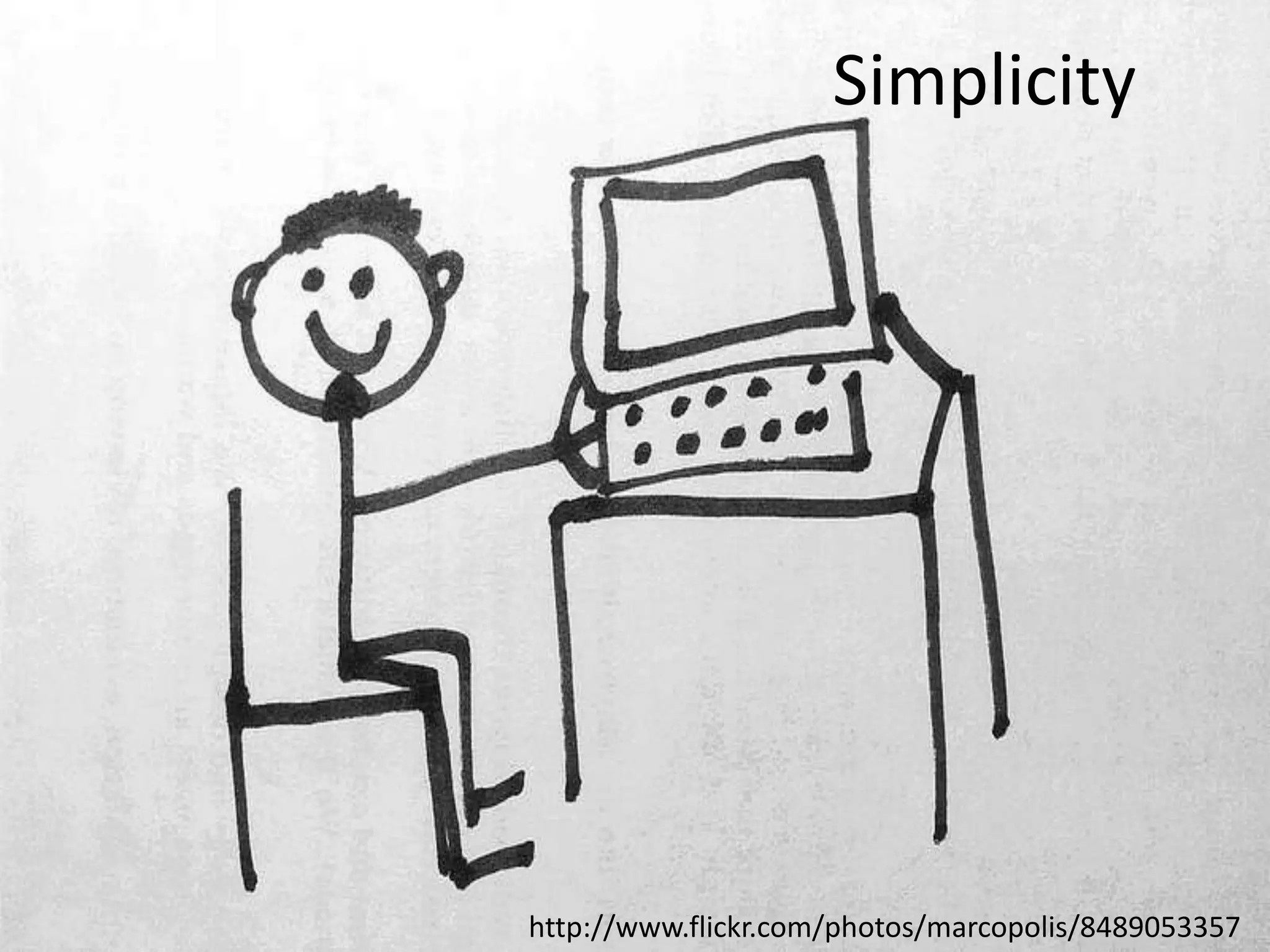
Simplicity

http://www.flickr.com/photos/marcopolis/8489053357
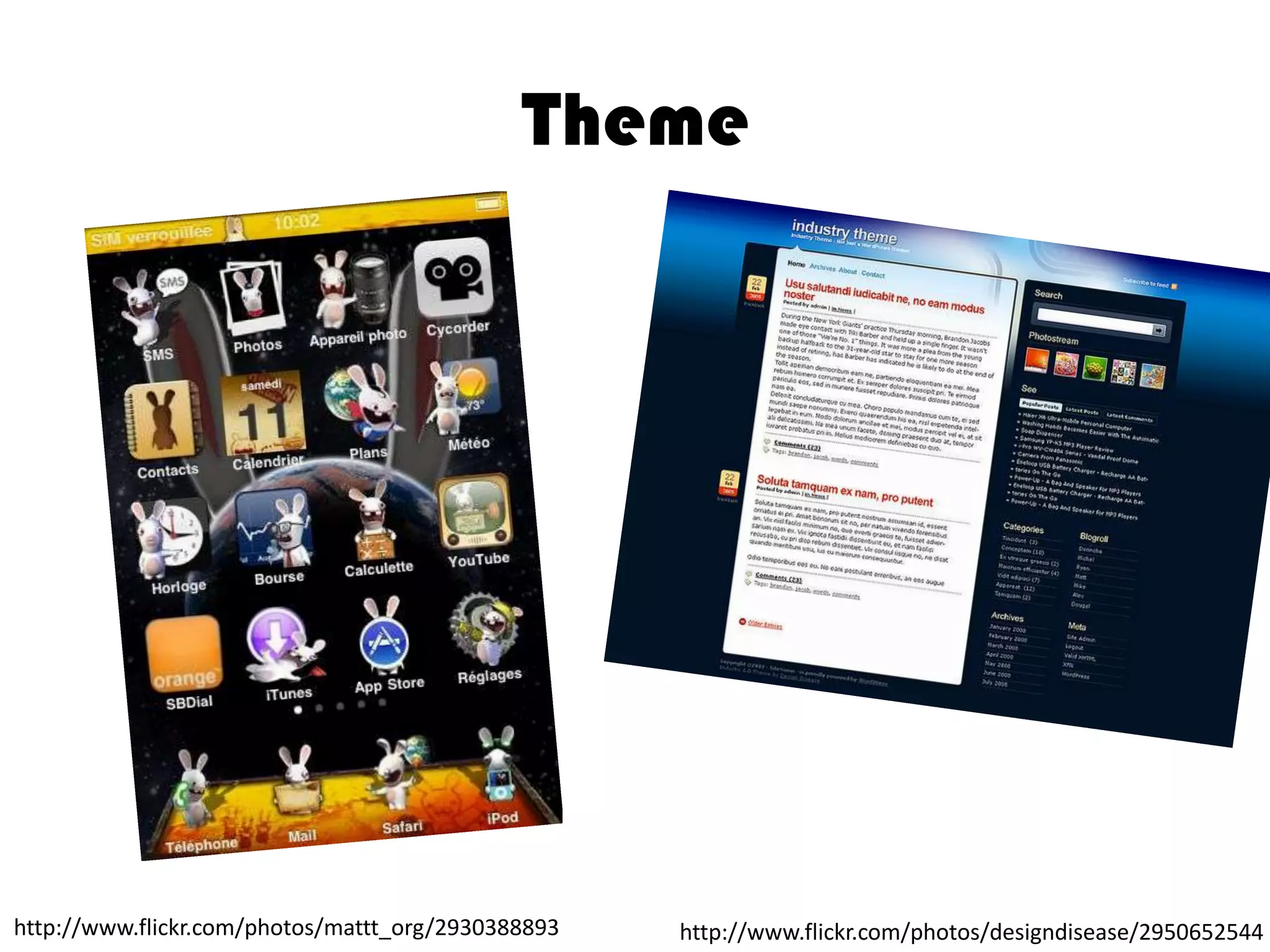
Theme

http://www.flickr.com/photos/mattt_org/2930388893

http://www.flickr.com/photos/designdisease/2950652544
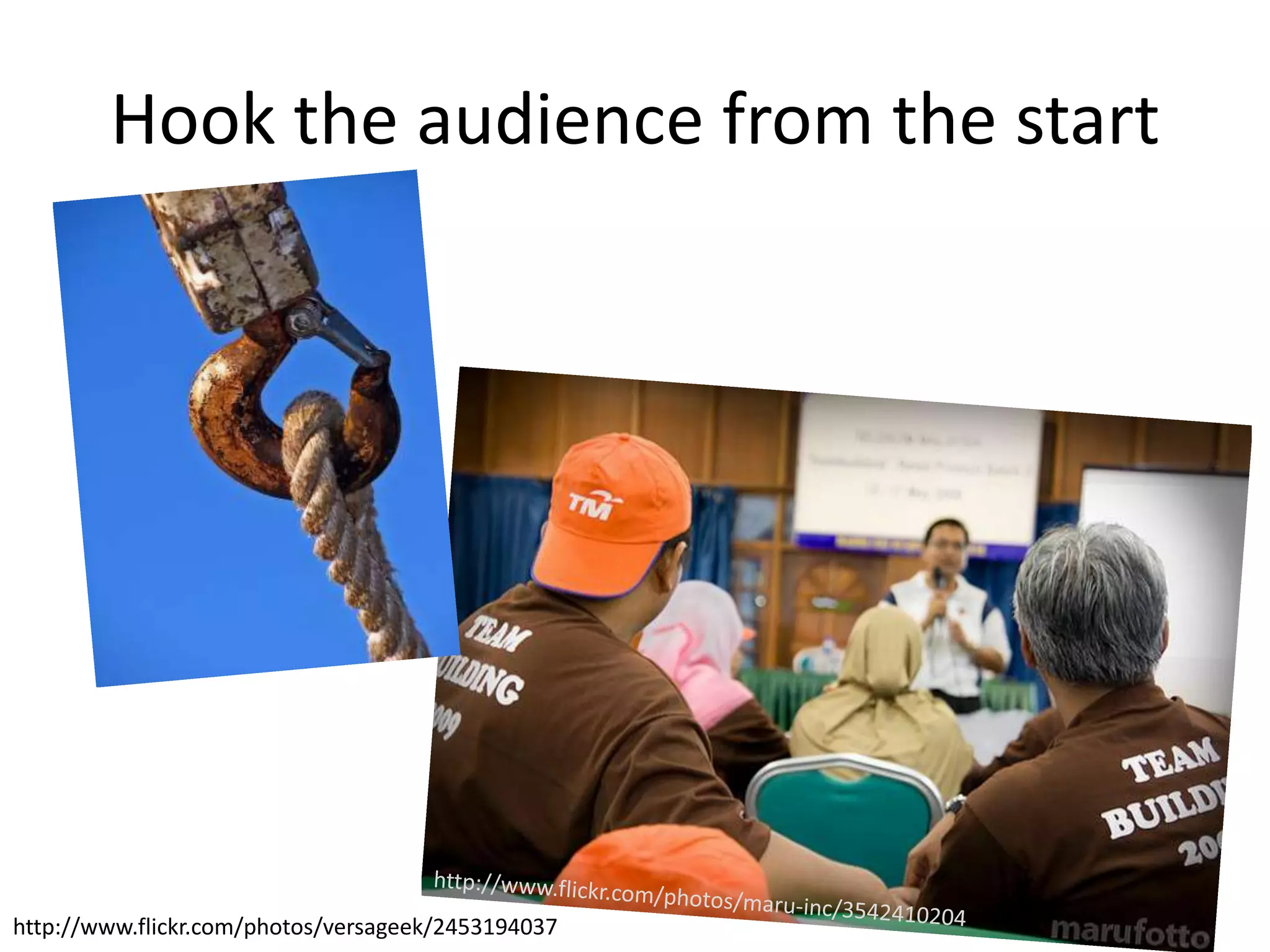
Hook the audience from the start

http://www.flickr.com/photos/versageek/2453194037
http://www.flickr.com/photos/andrec/2893549851
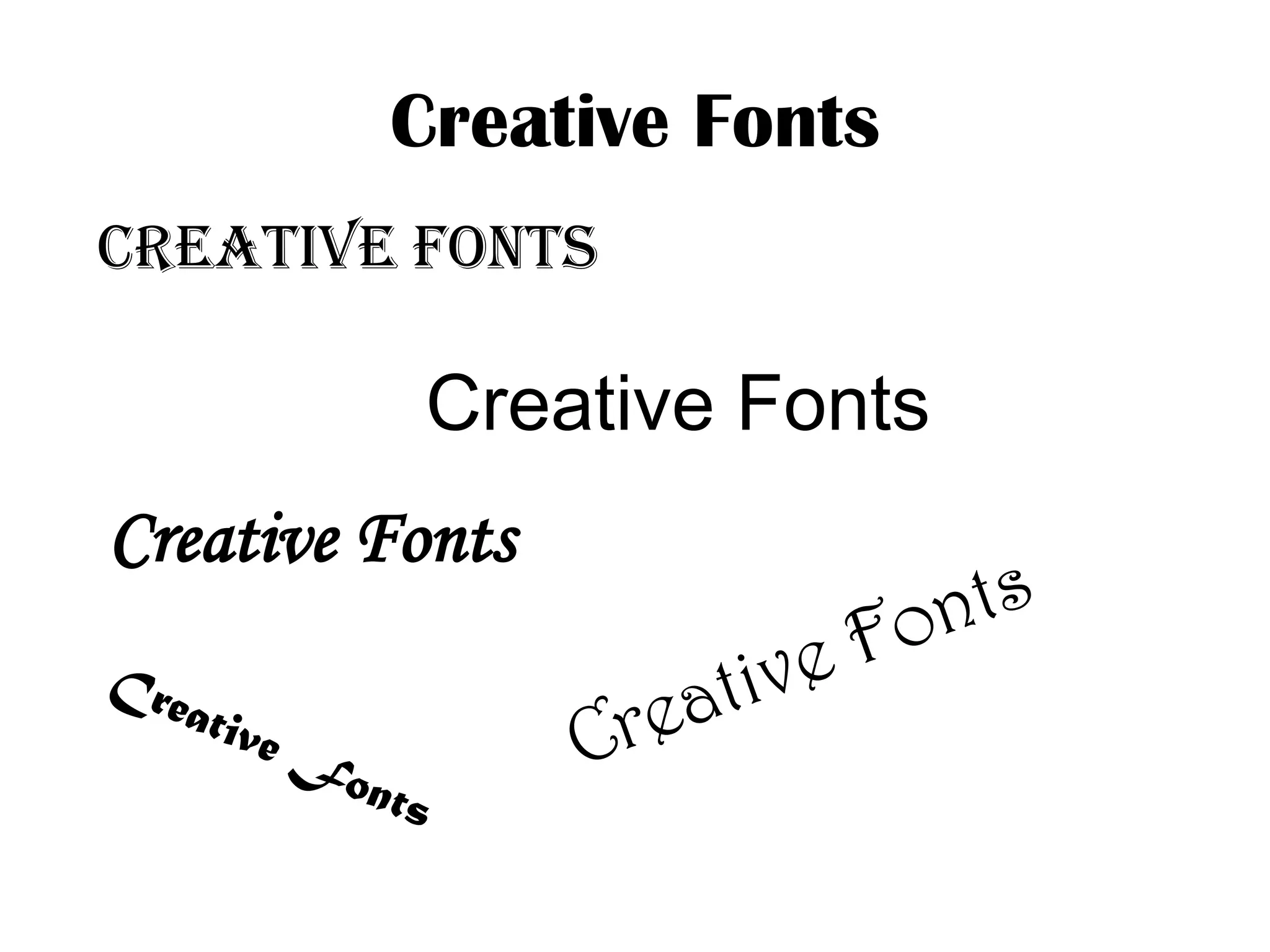
Creative Fonts
Creative Fonts

Creative Fonts

Creative Fonts
LARGE
FONTS
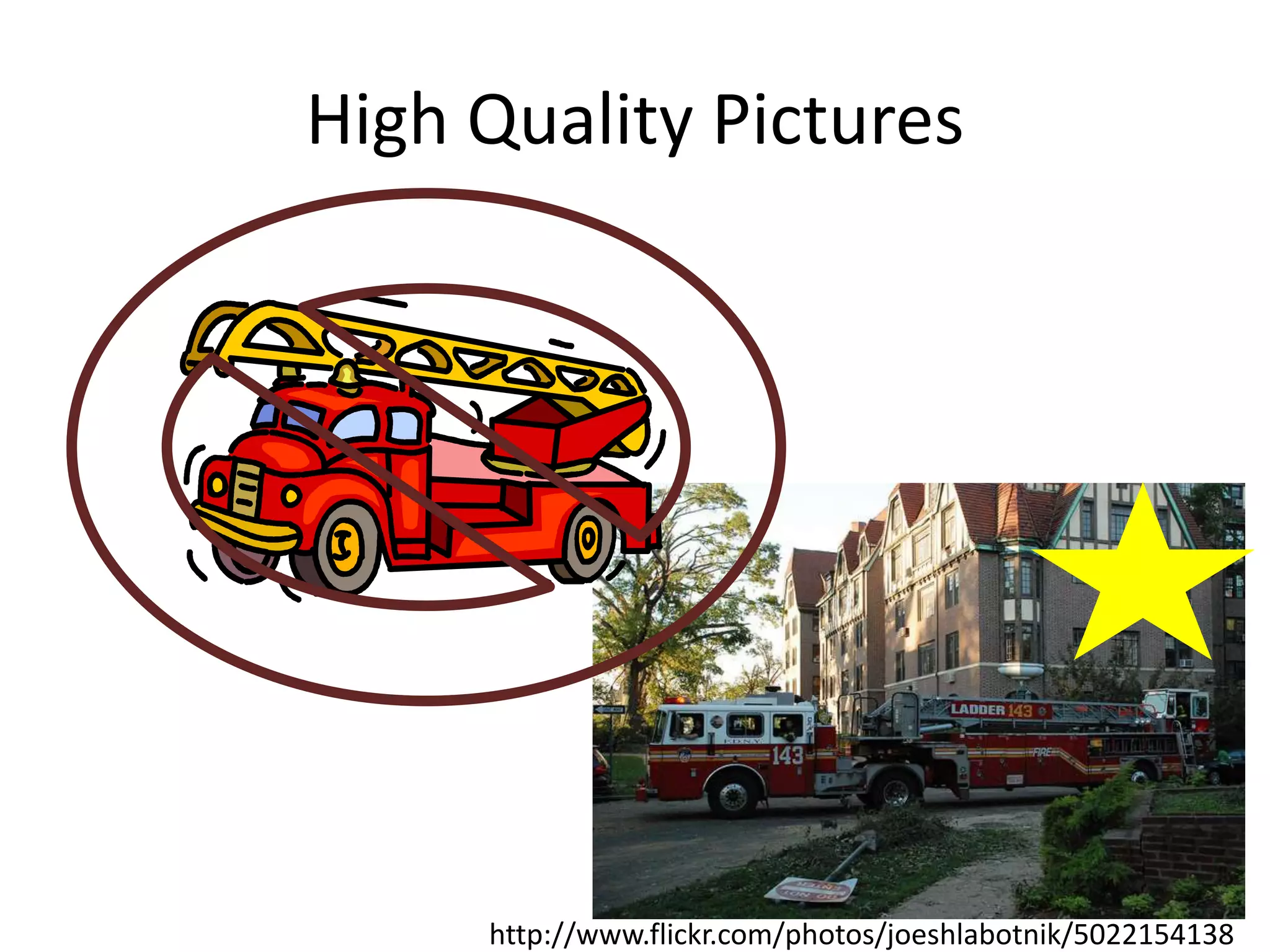
High Quality Pictures

http://www.flickr.com/photos/joeshlabotnik/5022154138
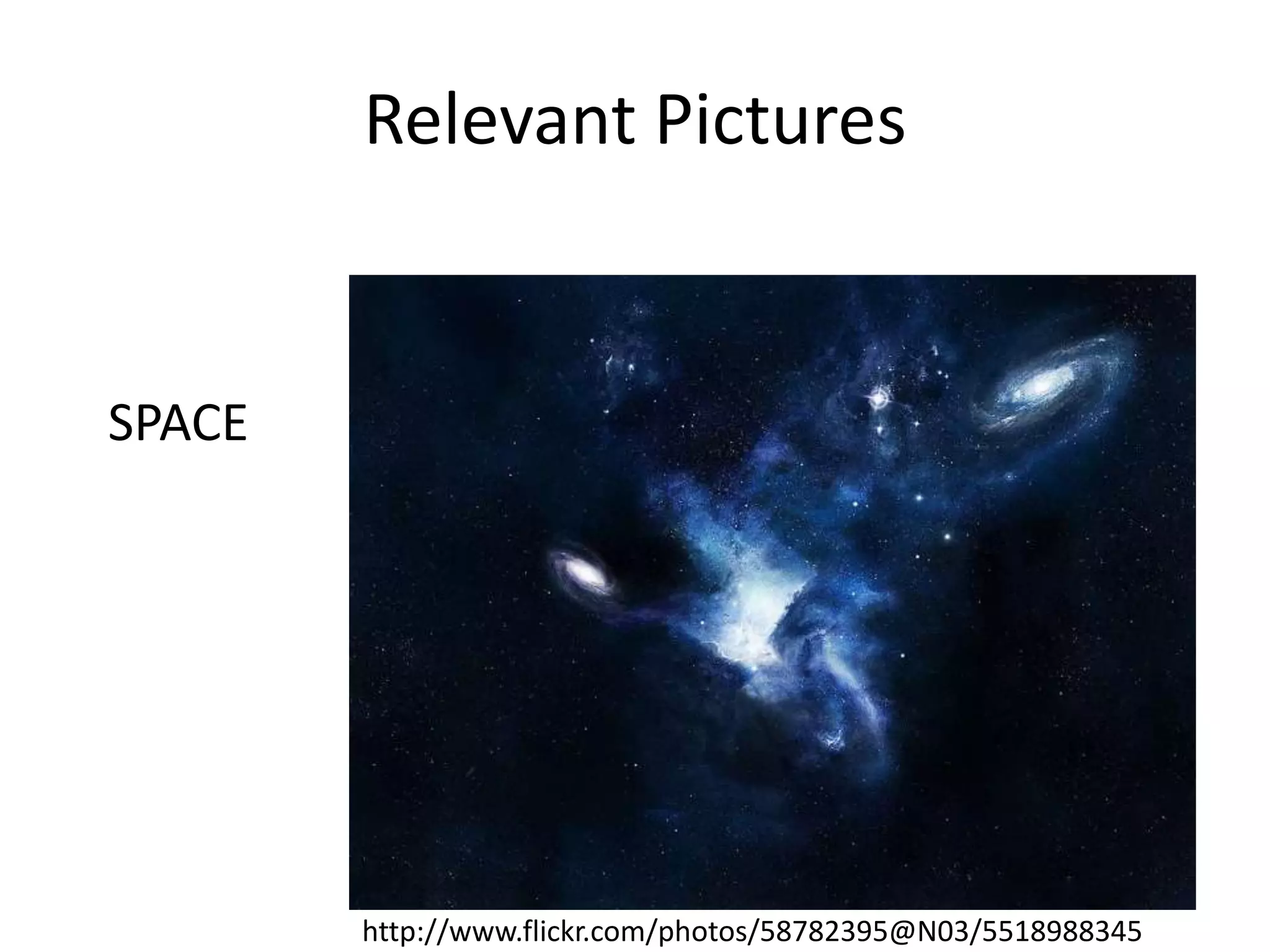
Relevant Pictures

SPACE

http://www.flickr.com/photos/58782395@N03/5518988345
Limited Animations
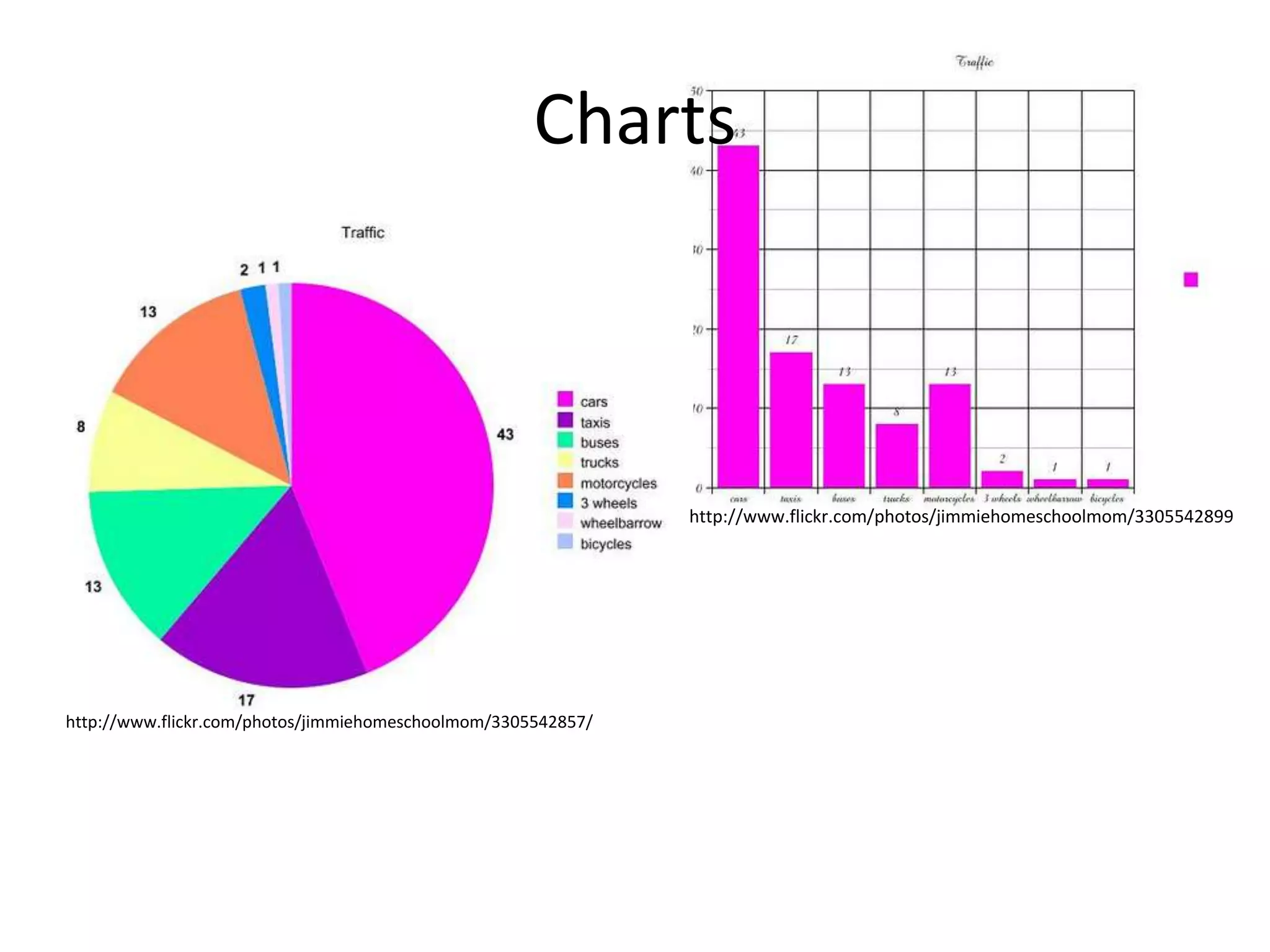
Charts

http://www.flickr.com/photos/jimmiehomeschoolmom/3305542899

http://www.flickr.com/photos/jimmiehomeschoolmom/3305542857/
Limited Slides

1

2

7
5

6

4

3

9
8
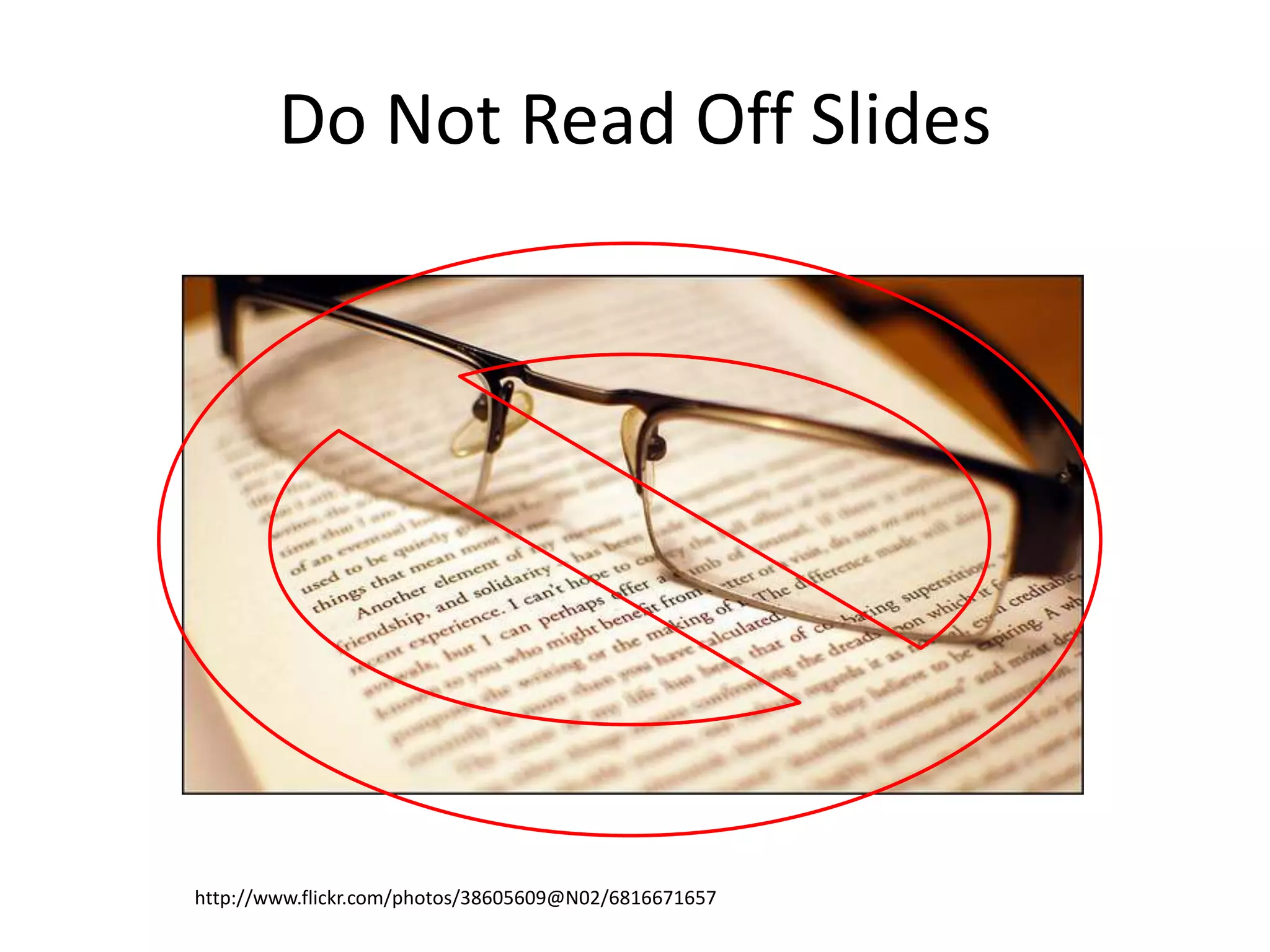
Do Not Read Off Slides

http://www.flickr.com/photos/38605609@N02/6816671657
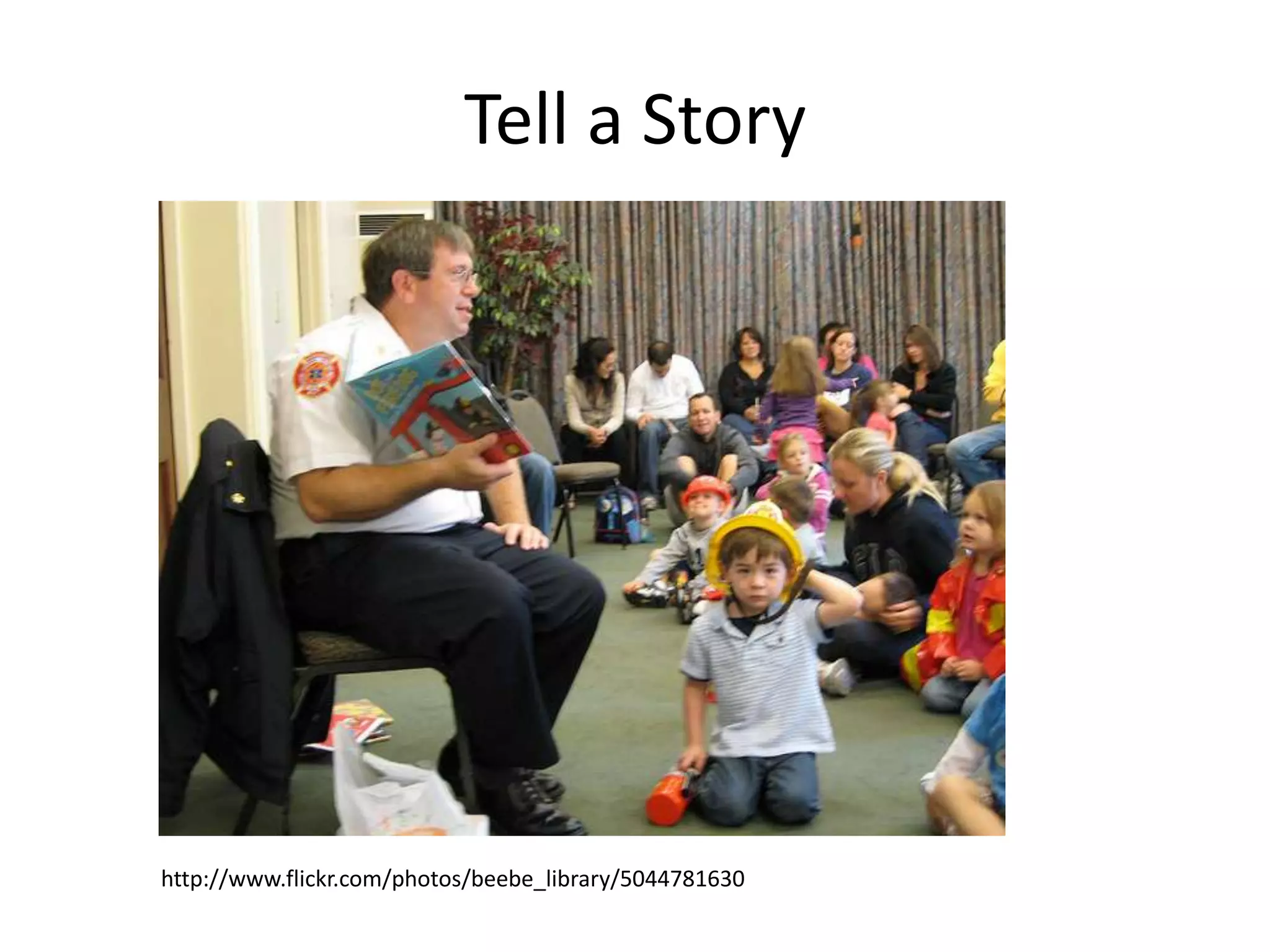
Tell a Story

http://www.flickr.com/photos/beebe_library/5044781630
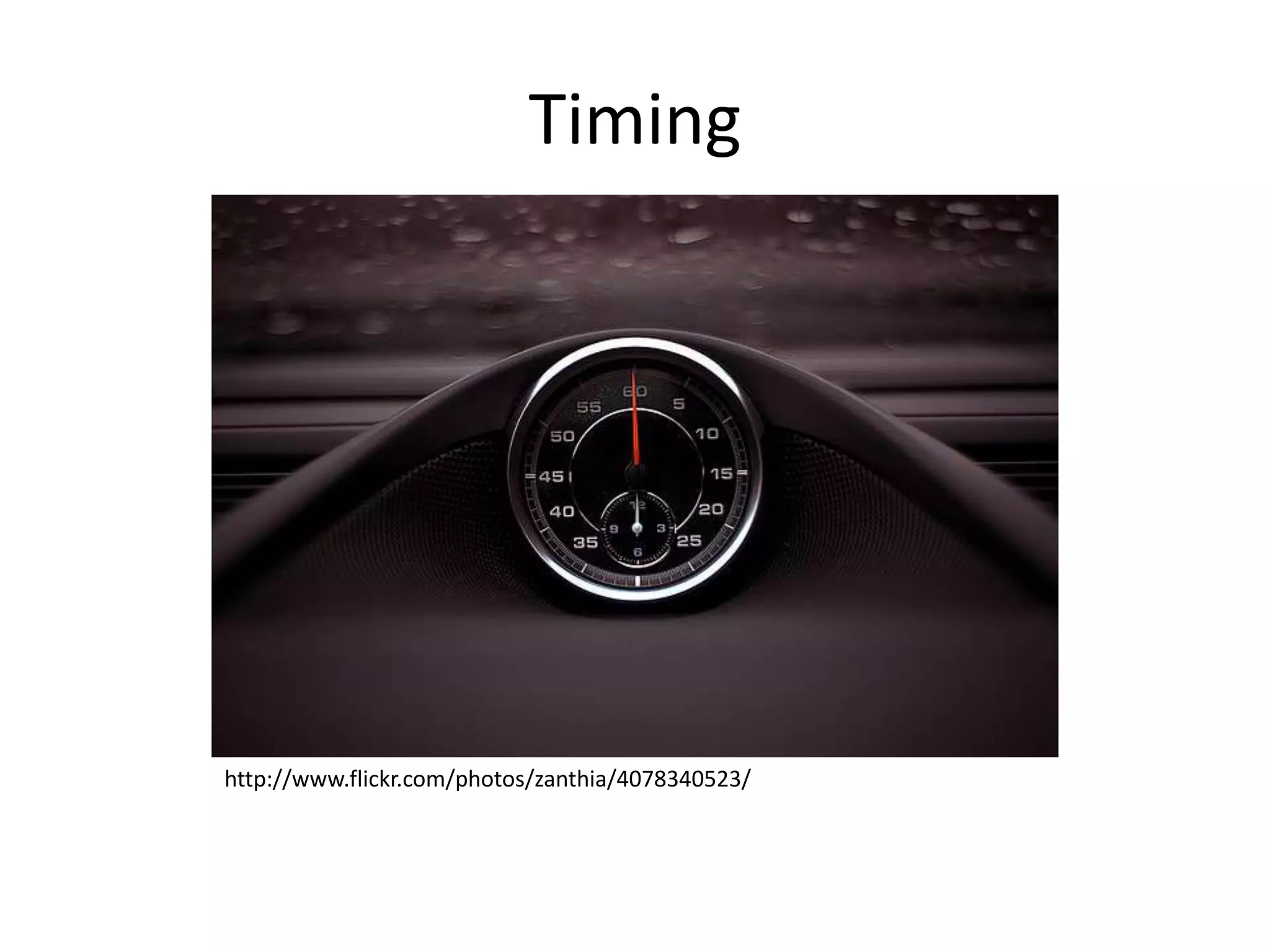
Timing

http://www.flickr.com/photos/zanthia/4078340523/
References
• Top Ten Slide Tips
http://www.garrreynolds.com/preso-tips/design/
• 11 Steps to Creating a Powerful PowerPoint Presentation
http://www.futuresimple.com/blog/11-steps-to-creating-a-powerfulpowerpoint-presentation/
• PowerPoint Presentation Advice
http://www.cob.sjsu.edu/splane_m/presentationtips.htm
• 10 Tips for More Effective PowerPoint Presentations
http://www.lifehack.org/articles/technology/10-tips-for-moreeffective-powerpoint-presentations.html
• 7 Tips for Designing and Delivering PowerPoint Presentations
http://www.sc.edu/cte/guide/powerpoint/

Tips to making a successful power point presentation

Editor's Notes

  • #3 Keep the slides simple to not distract the audience too much
  • #4 Keep consistent theme throughout the entire slide show
  • #5 Grab the audience’s attention right from the beginning with an interesting topic
  • #6 Keep one key point to each slide
  • #7 Use creative fonts to keep the audience interested and not bored
  • #8 But also use large fonts so that the audience can see and can tell what youre trying to say
  • #9 Don’t write paragraphs on the slides just a few words to get your point across
  • #10 NEVER use clip art, always try and use the best quality pictures you can find
  • #11 With these high quality pictures make sure they are relevant to what you are trying to say
  • #12 Don’t use too many animations and sounds that would distract the audience from what youre trying to say
  • #13 Use simple charts to try and explain any data that you are telling the audience
  • #14 Don’t have too many slides to where the presentation takes too long and you bore the audience by the end of it.
  • #15 Don’t read off the slides, keep eye contact with the audience best you can
  • #16 Try to tell a story to the audience
  • #17 But while youre telling the story make sure youre timing of words is kept up with the timing of what is on the slide