Using Driver-Based Data to Create an IES Model
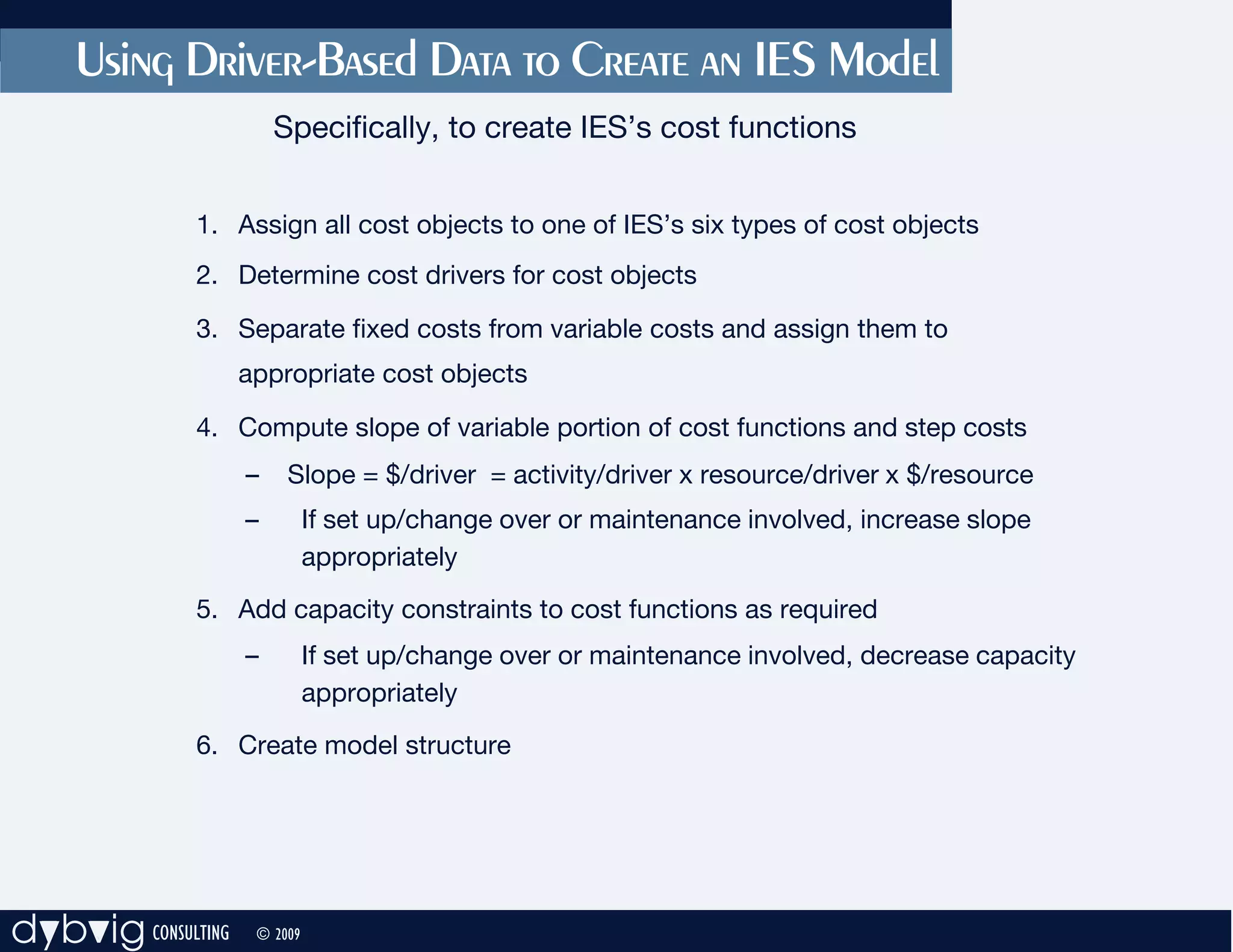
                        Specifically, to create IES’s cost functions


              1. Assign all cost objects to one of IES’s six types of cost objects
              2. Determine cost drivers for cost objects

              3. Separate fixed costs from variable costs and assign them to
                    appropriate cost objects

              4. Compute slope of variable portion of cost functions and step costs
                    –    Slope = $/driver = activity/driver x resource/driver x $/resource
                    –         If set up/change over or maintenance involved, increase slope
                              appropriately
              5. Add capacity constraints to cost functions as required
                    –         If set up/change over or maintenance involved, decrease capacity
                              appropriately
              6. Create model structure


dybvig CONSULTING    © 2009
Converting Driver-Based Data to IES’s Cost Functions
     Example: Time -Driven Activity -Based Costing, Kaplan & Anderson, Chapter 5

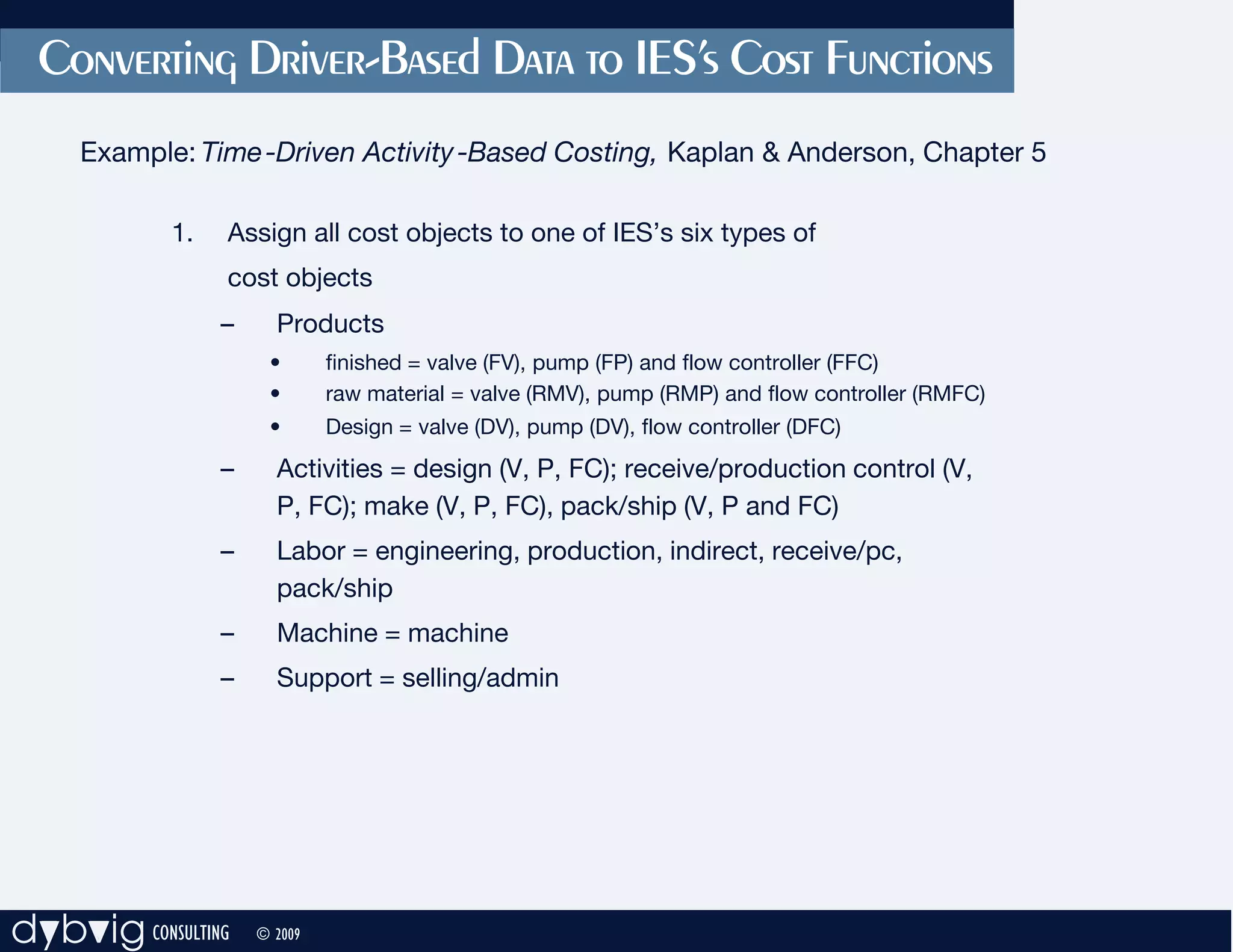
            1.   Assign all cost objects to one of IES’s six types of
                 cost objects
                 –     Products
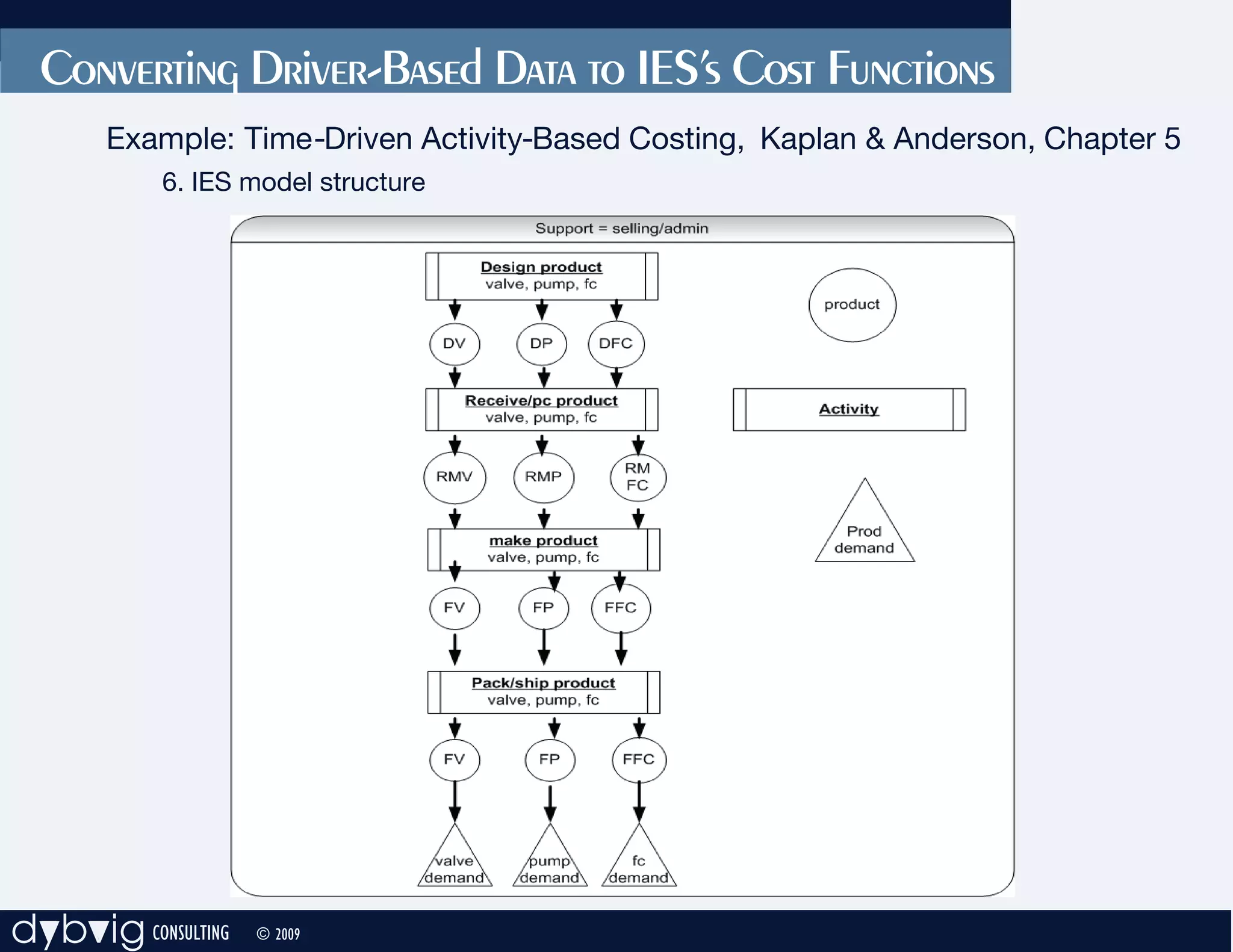
                      •       finished = valve (FV), pump (FP) and flow controller (FFC)
                      •       raw material = valve (RMV), pump (RMP) and flow controller (RMFC)
                      •       Design = valve (DV), pump (DV), flow controller (DFC)
                 –     Activities = design (V, P, FC); receive/production control (V,
                       P, FC); make (V, P, FC), pack/ship (V, P and FC)
                 –     Labor = engineering, production, indirect, receive/pc,
                       pack/ship
                 –     Machine = machine
                 –     Support = selling/admin


dybvig CONSULTING    © 2009
Converting Driver-Based Data to IES’s Cost Functions
     Example: Time -Driven Activity -Based Costing, Kaplan & Anderson, Chapter 5

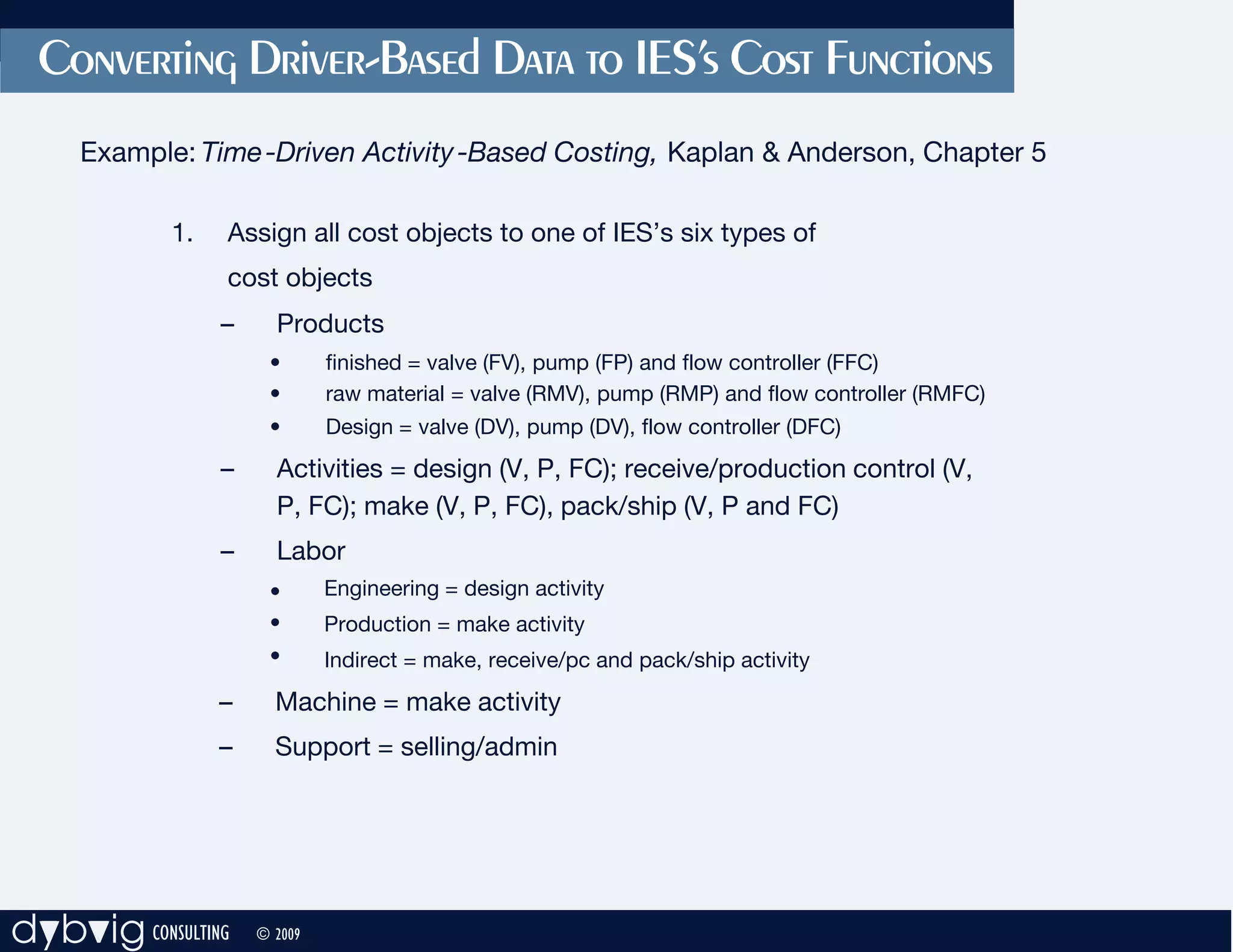
            1.   Assign all cost objects to one of IES’s six types of
                 cost objects
                 –     Products
                      •       finished = valve (FV), pump (FP) and flow controller (FFC)
                      •       raw material = valve (RMV), pump (RMP) and flow controller (RMFC)
                      •       Design = valve (DV), pump (DV), flow controller (DFC)
                 –     Activities = design (V, P, FC); receive/production control (V,
                       P, FC); make (V, P, FC), pack/ship (V, P and FC)
                 –     Labor
                      •       Engineering = design activity
                      •       Production = make activity
                      •       Indirect = make, receive/pc and pack/ship activity
                 –     Machine = make activity
                 –     Support = selling/admin


dybvig CONSULTING    © 2009
Converting Driver-Based Data to IES’s Cost Functions
     Example: Time -Driven Activity -Based Costing, Kaplan & Anderson, Chapter 5

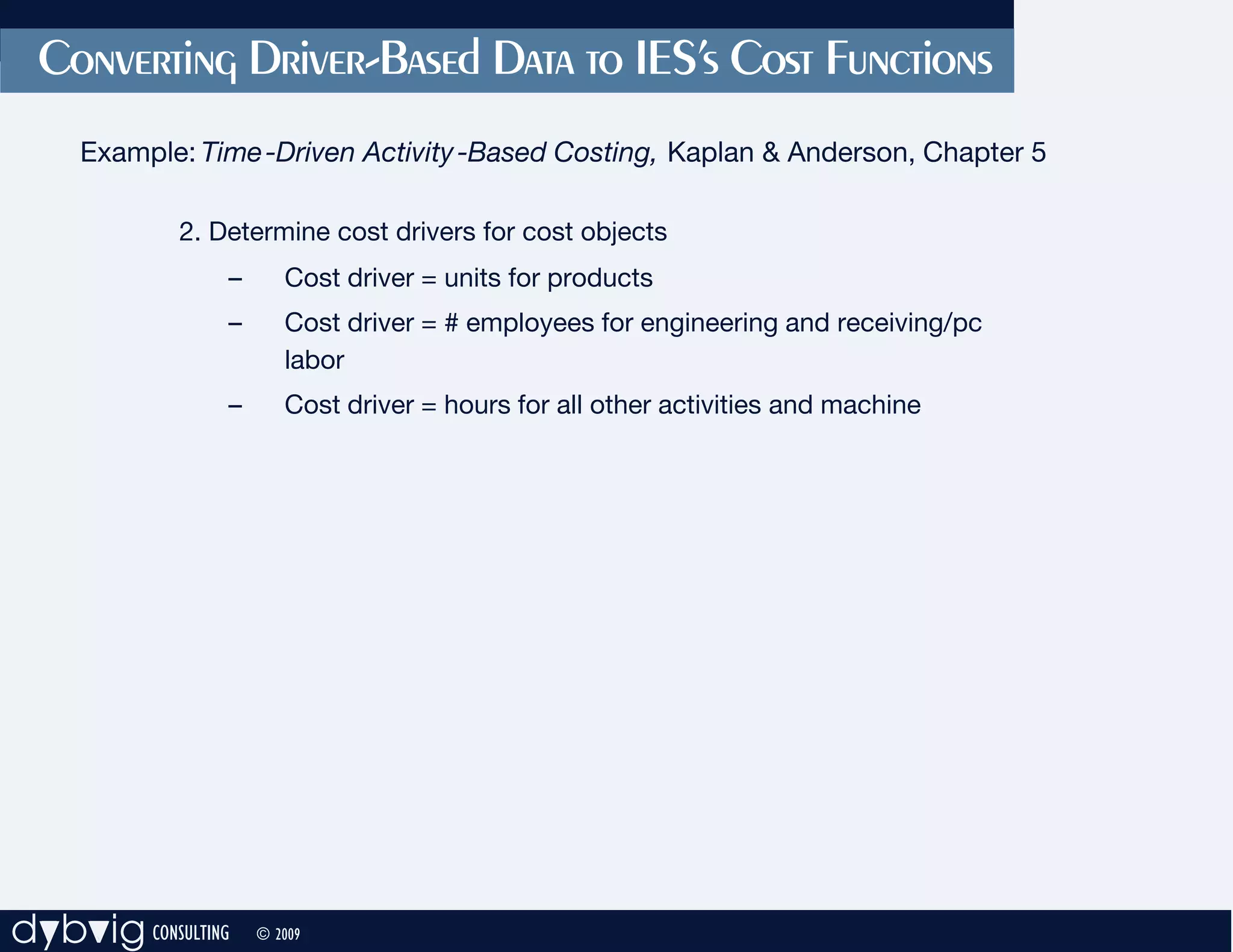
             2. Determine cost drivers for cost objects
                 –      Cost driver = units for products
                 –      Cost driver = # employees for engineering and receiving/pc
                        labor
                 –      Cost driver = hours for all other activities and machine


dybvig CONSULTING    © 2009
Converting Driver-Based Data to IES’s Cost Functions
     Example: Time -Driven Activity -Based Costing, Kaplan & Anderson, Chapter 5

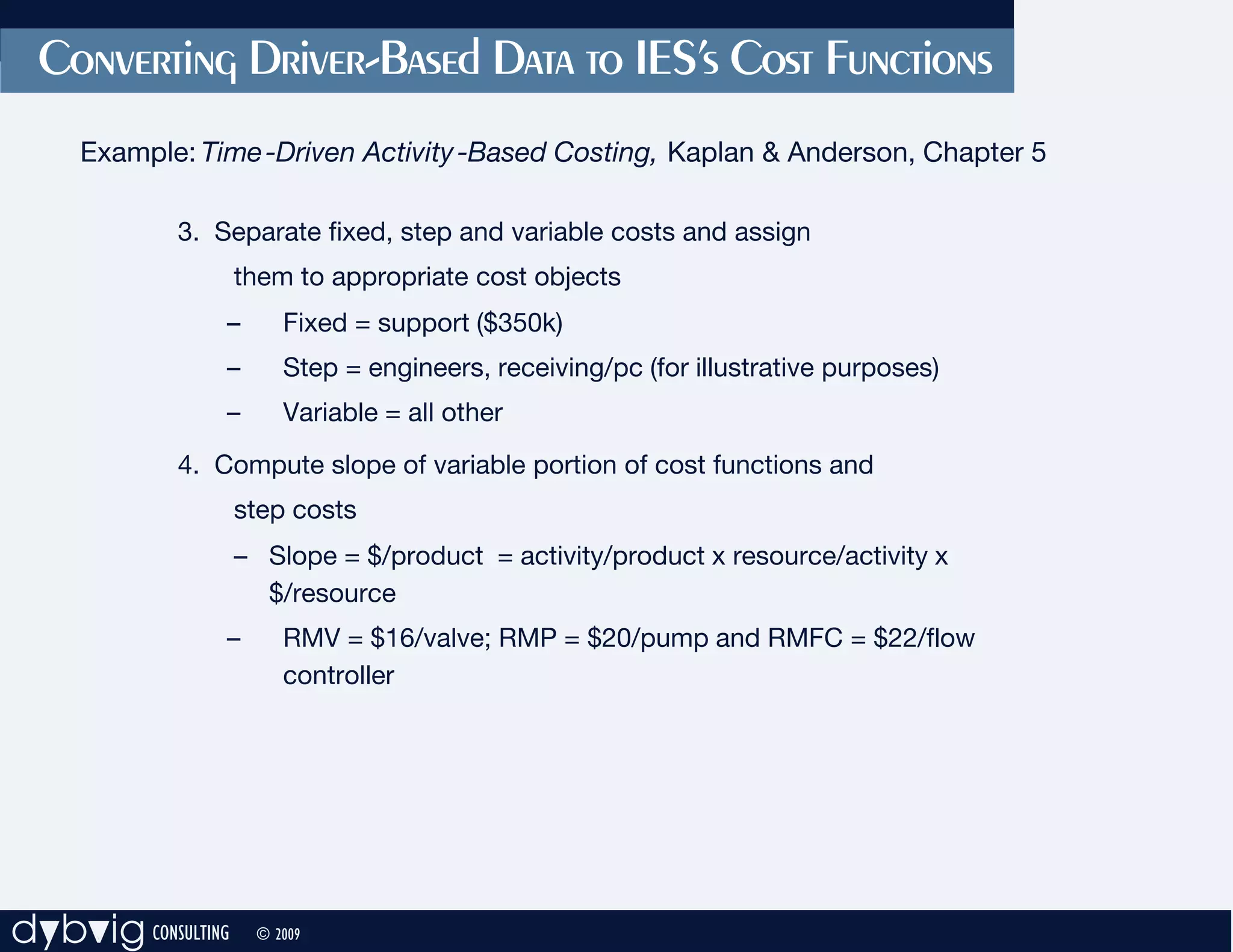
            3. Separate fixed, step and variable costs and assign
                    them to appropriate cost objects
                –       Fixed = support ($350k)
                –       Step = engineers, receiving/pc (for illustrative purposes)
                –       Variable = all other
            4. Compute slope of variable portion of cost functions and
                    step costs
                    – Slope = $/product = activity/product x resource/activity x
                      $/resource
                –       RMV = $16/valve; RMP = $20/pump and RMFC = $22/flow
                        controller


dybvig CONSULTING    © 2009
Converting Driver-Based Data to IES’s Cost Functions
     Example: Time -Driven Activity -Based Costing, Kaplan & Anderson, Chapter 5

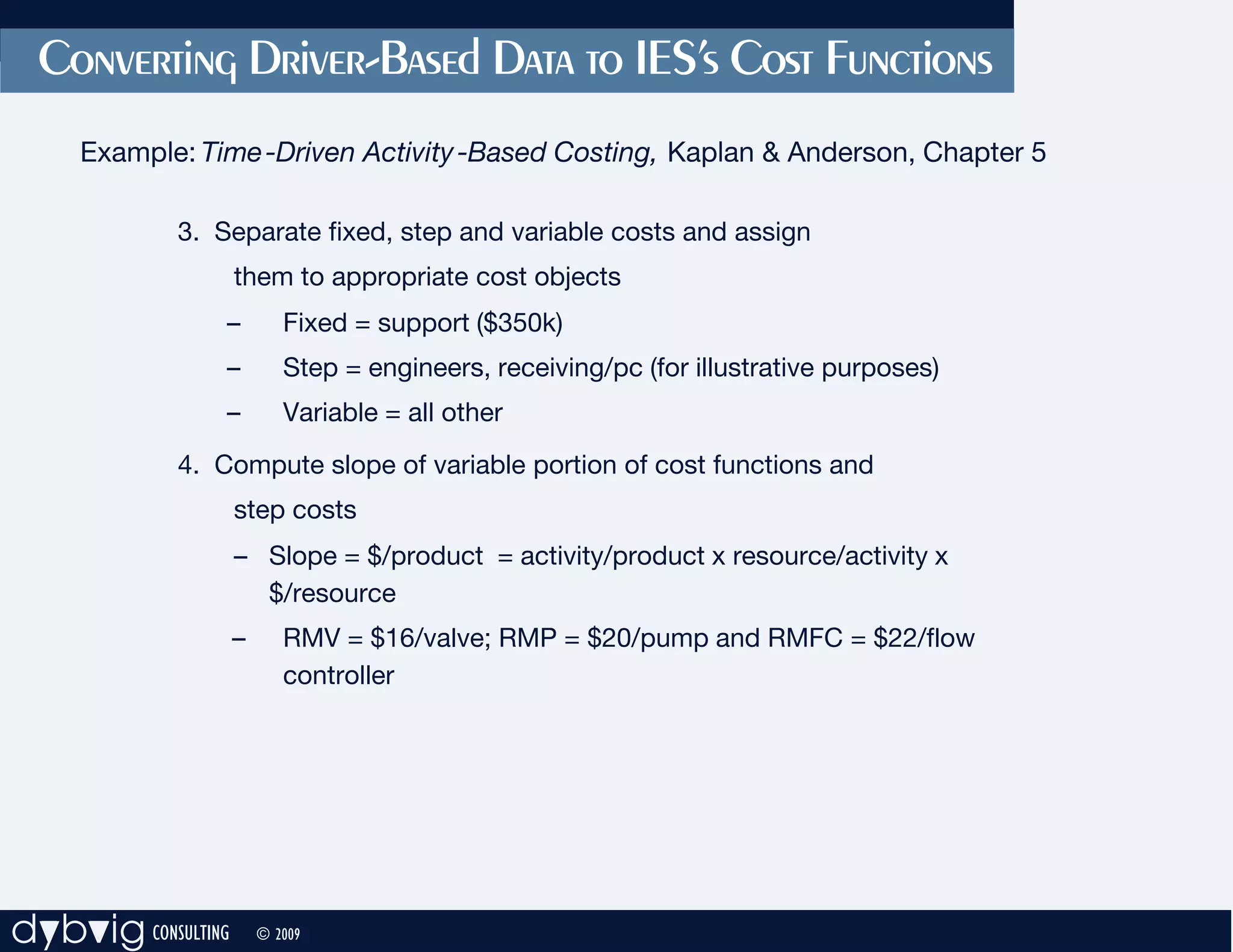
            3. Separate fixed, step and variable costs and assign
                    them to appropriate cost objects
                –          Fixed = support ($350k)
                –          Step = engineers, receiving/pc (for illustrative purposes)
                –          Variable = all other
            4. Compute slope of variable portion of cost functions and
                    step costs
                    – Slope = $/product = activity/product x resource/activity x
                      $/resource
                    –      RMV = $16/valve; RMP = $20/pump and RMFC = $22/flow
                           controller


dybvig CONSULTING       © 2009
Computing Slope of Cost Functions

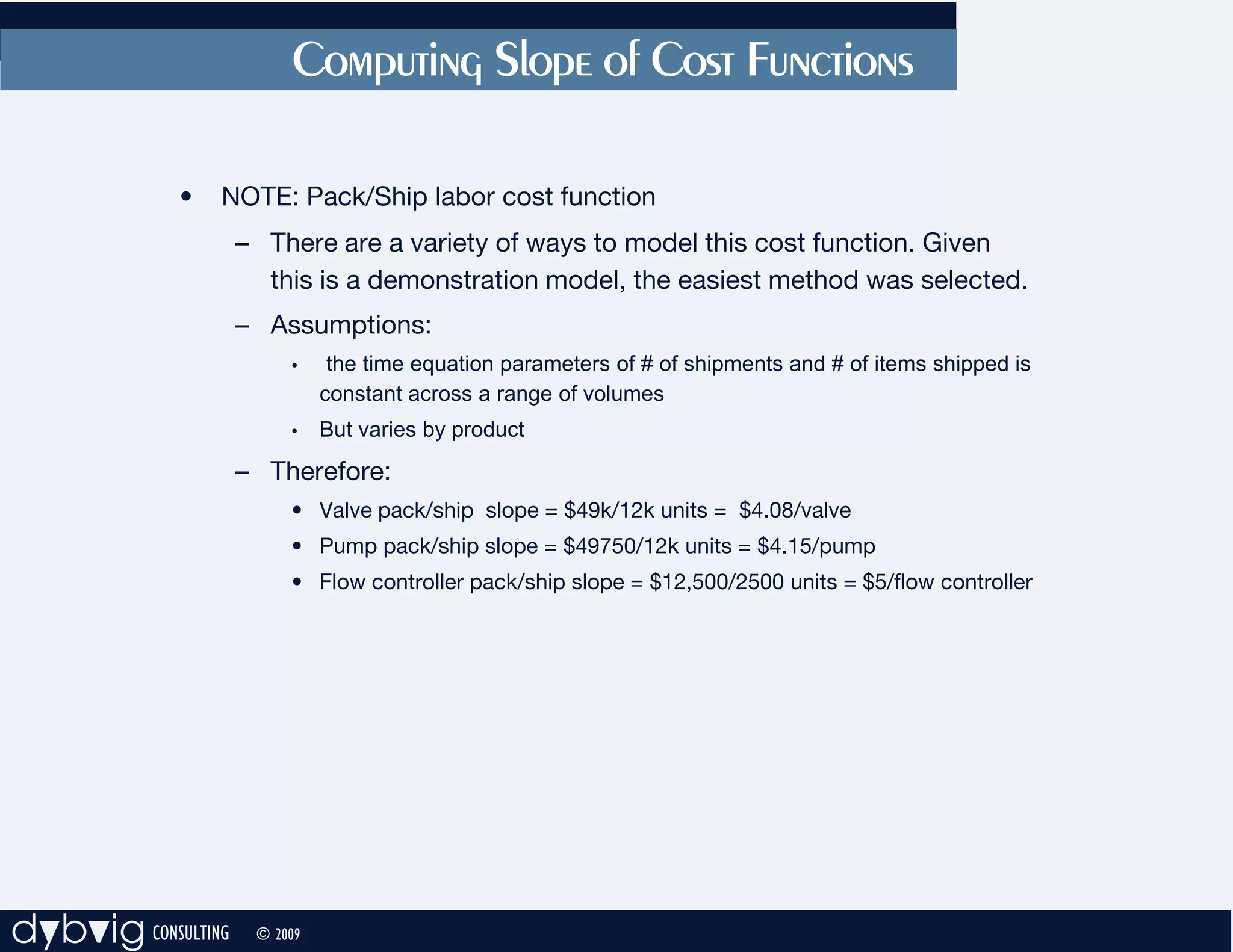
             •   NOTE: Pack/Ship labor cost function
                    – There are a variety of ways to model this cost function. Given
                      this is a demonstration model, the easiest method was selected.
                    – Assumptions:
                         •     the time equation parameters of # of shipments and # of items shipped is
                              constant across a range of volumes
                         •    But varies by product
                    – Therefore:
                         • Valve pack/ship slope = $49k/12k units = $4.08/valve
                         • Pump pack/ship slope = $49750/12k units = $4.15/pump
                         • Flow controller pack/ship slope = $12,500/2500 units = $5/flow controller


dybvig CONSULTING    © 2009
Computing Step Cost Functions

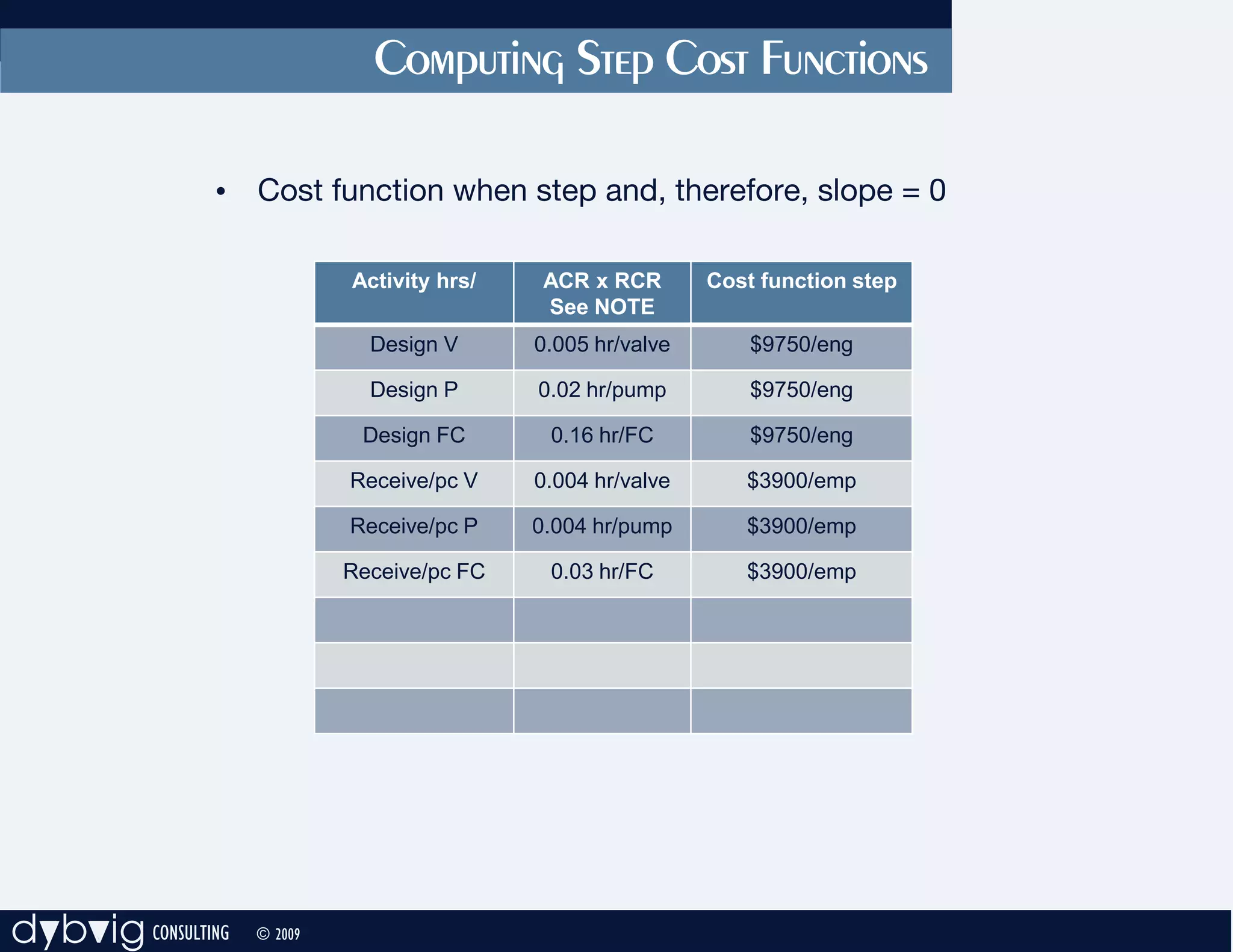
               • Cost function when step and, therefore, slope = 0

                             Activity hrs/    ACR x RCR       Cost function step
                                              See NOTE
                               Design V      0.005 hr/valve       $9750/eng

                               Design P      0.02 hr/pump         $9750/eng

                              Design FC       0.16 hr/FC          $9750/eng

                             Receive/pc V    0.004 hr/valve      $3900/emp

                             Receive/pc P    0.004 hr/pump       $3900/emp

                             Receive/pc FC    0.03 hr/FC         $3900/emp


dybvig CONSULTING   © 2009
Computing Step Cost Functions

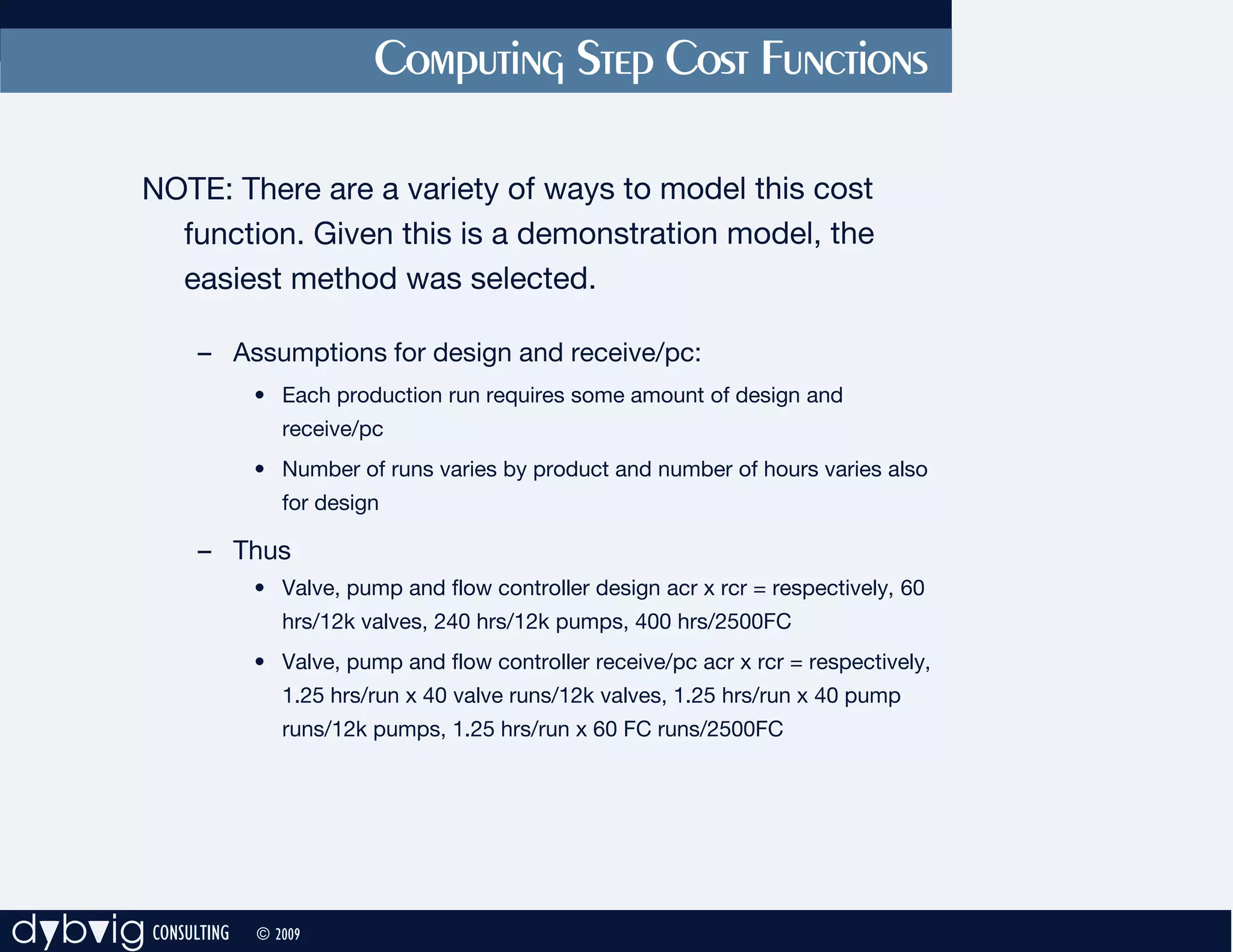
          NOTE: There are a variety of ways to model this cost
            function. Given this is a demonstration model, the
            easiest method was selected.

              – Assumptions for design and receive/pc:
                    • Each production run requires some amount of design and
                       receive/pc
                    • Number of runs varies by product and number of hours varies also
                       for design

              – Thus
                    • Valve, pump and flow controller design acr x rcr = respectively, 60
                       hrs/12k valves, 240 hrs/12k pumps, 400 hrs/2500FC
                    • Valve, pump and flow controller receive/pc acr x rcr = respectively,
                       1.25 hrs/run x 40 valve runs/12k valves, 1.25 hrs/run x 40 pump
                       runs/12k pumps, 1.25 hrs/run x 60 FC runs/2500FC


dybvig CONSULTING   © 2009
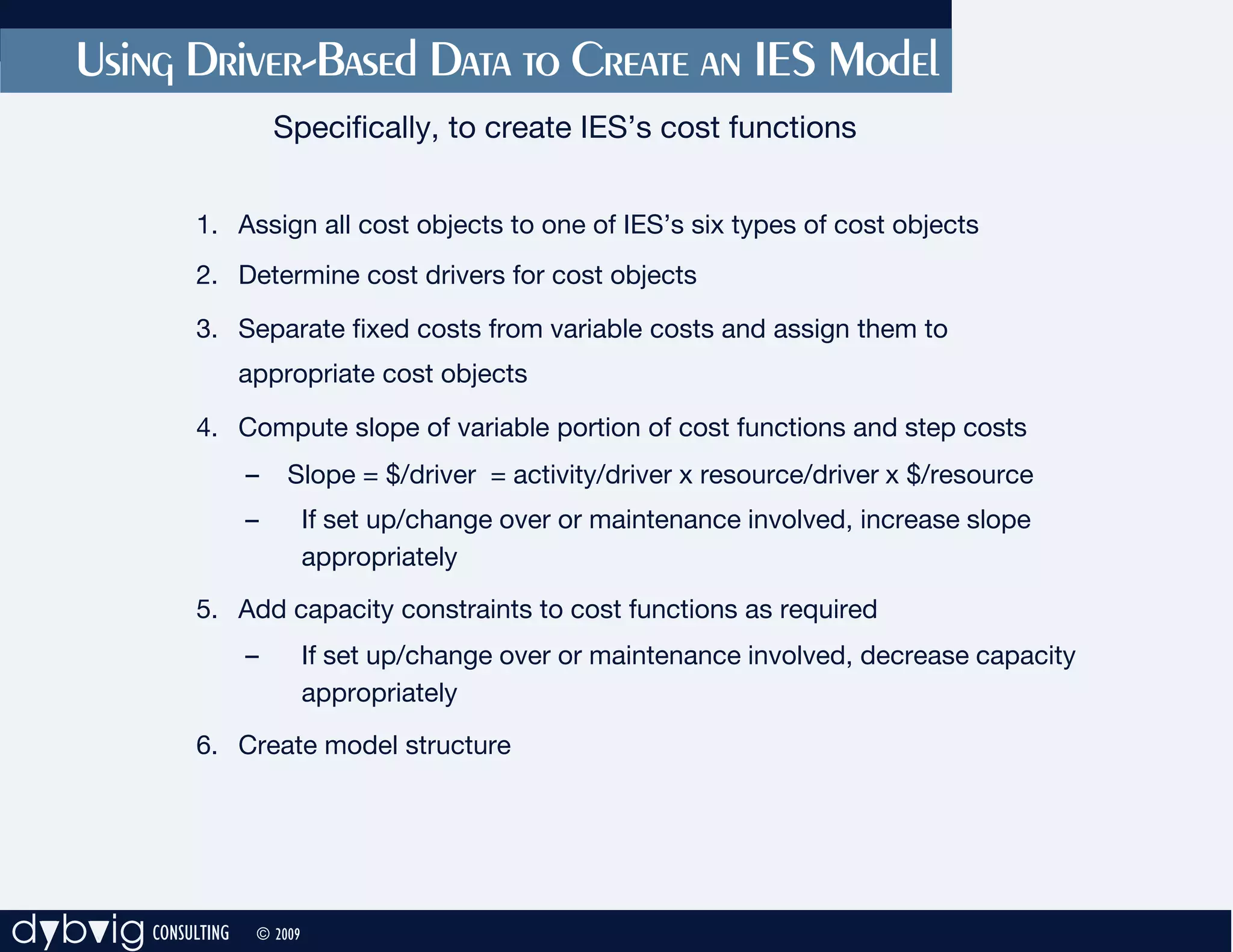
Using Driver-Based Data to Create an IES Model
                        Specifically, to create IES’s cost functions


              1. Assign all cost objects to one of IES’s six types of cost objects
              2. Determine cost drivers for cost objects

              3. Separate fixed costs from variable costs and assign them to
                    appropriate cost objects

              4. Compute slope of variable portion of cost functions and step costs
                    –    Slope = $/driver = activity/driver x resource/driver x $/resource
                    –         If set up/change over or maintenance involved, increase slope
                              appropriately
              5. Add capacity constraints to cost functions as required
                    –         If set up/change over or maintenance involved, decrease capacity
                              appropriately
              6. Create model structure


dybvig CONSULTING    © 2009
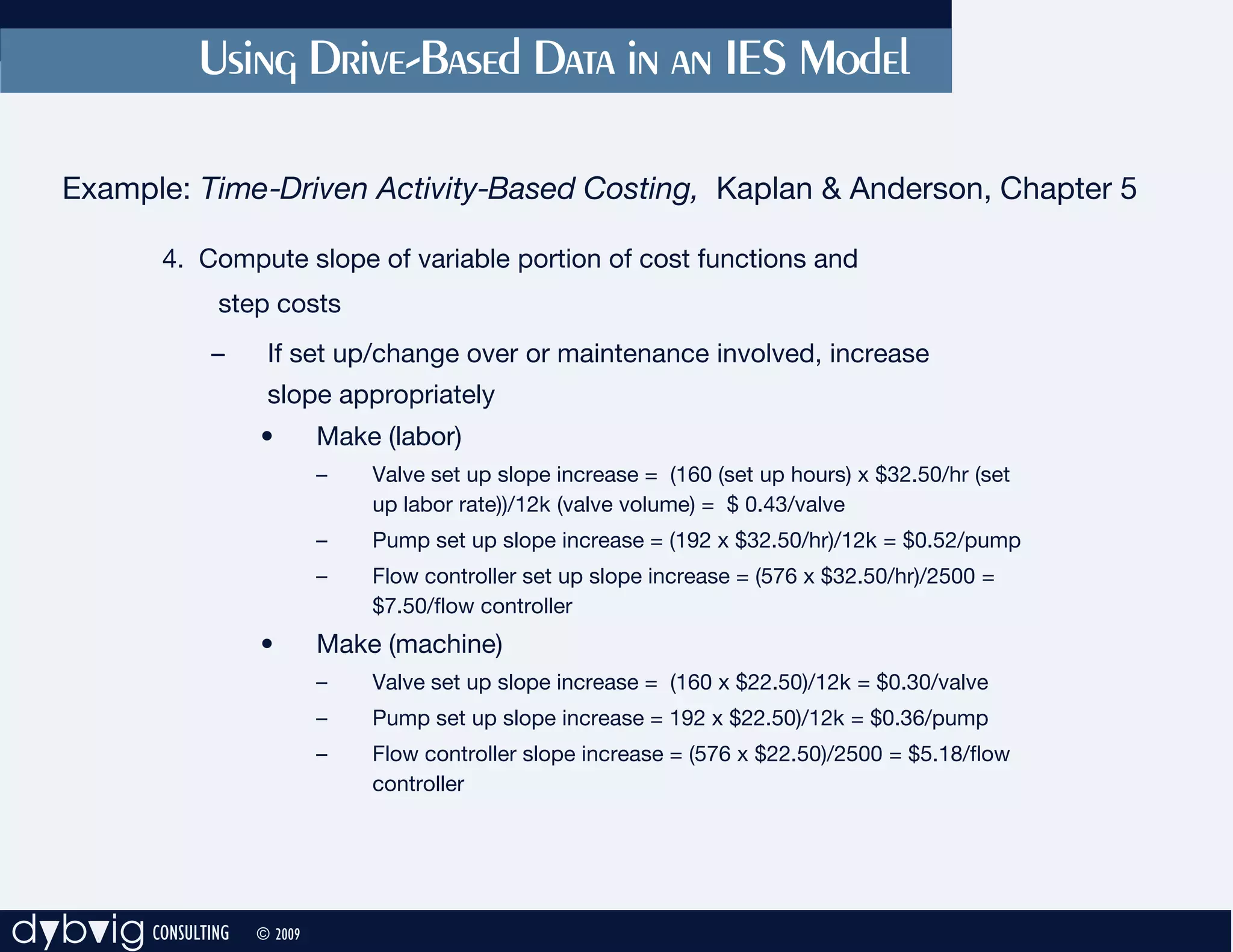
Using Drive-Based Data in an IES Model

   Example: Time-Driven Activity-Based Costing, Kaplan & Anderson, Chapter 5

           4. Compute slope of variable portion of cost functions and
                step costs
               –     If set up/change over or maintenance involved, increase
                     slope appropriately
                    •        Make (labor)
                             –   Valve set up slope increase = (160 (set up hours) x $32.50/hr (set
                                 up labor rate))/12k (valve volume) = $ 0.43/valve
                             –   Pump set up slope increase = (192 x $32.50/hr)/12k = $0.52/pump
                             –   Flow controller set up slope increase = (576 x $32.50/hr)/2500 =
                                 $7.50/flow controller
                    •        Make (machine)
                             –   Valve set up slope increase = (160 x $22.50)/12k = $0.30/valve
                             –   Pump set up slope increase = 192 x $22.50)/12k = $0.36/pump
                             –   Flow controller slope increase = (576 x $22.50)/2500 = $5.18/flow
                                 controller


dybvig CONSULTING   © 2009
Converting Driver-Based Data to IES’s Cost Functions

     Example: Time-Driven Activity-Based Costing, Kaplan & Anderson, Chapter 5

               5. Add capacities to cost functions as required
                     –       Step:
                             • Engineering capacity = 120 hours/step
                             • receive/pc capacity = 130


dybvig CONSULTING   © 2009
Converting Driver-Based Data to IES’s Cost Functions

     Example: Time-Driven Activity-Based Costing, Kaplan & Anderson, Chapter 5

               5. Add capacity constraints to cost functions as required
                     –        If set up/change over or maintenance involved, decrease
                              capacity appropriately
                     – Variable: None of the cost functions in Chapter 5 had a fixed
                             capacity; i.e., there were no capacity constraints. The required
                             capacity was determined and the existing capacity increased or
                             decreased as appropriate.
                             However, to illustrate, if the machines were capacitated, their
                             total capacity would be reduced because of set up by 928 hours
                             (see figure 5.8) or, approximately 4 machines.


dybvig CONSULTING   © 2009
Converting Driver-Based Data to IES’s Cost Functions
       Example: Time-Driven Activity-Based Costing, Kaplan & Anderson, Chapter 5
           6. IES model structure


dybvig CONSULTING   © 2009

Time driven

  • 1.
    Using Driver-Based Datato Create an IES Model Specifically, to create IES’s cost functions 1. Assign all cost objects to one of IES’s six types of cost objects 2. Determine cost drivers for cost objects 3. Separate fixed costs from variable costs and assign them to appropriate cost objects 4. Compute slope of variable portion of cost functions and step costs – Slope = $/driver = activity/driver x resource/driver x $/resource – If set up/change over or maintenance involved, increase slope appropriately 5. Add capacity constraints to cost functions as required – If set up/change over or maintenance involved, decrease capacity appropriately 6. Create model structure dybvig CONSULTING © 2009
  • 2.
    Converting Driver-Based Datato IES’s Cost Functions Example: Time -Driven Activity -Based Costing, Kaplan & Anderson, Chapter 5 1. Assign all cost objects to one of IES’s six types of cost objects – Products • finished = valve (FV), pump (FP) and flow controller (FFC) • raw material = valve (RMV), pump (RMP) and flow controller (RMFC) • Design = valve (DV), pump (DV), flow controller (DFC) – Activities = design (V, P, FC); receive/production control (V, P, FC); make (V, P, FC), pack/ship (V, P and FC) – Labor = engineering, production, indirect, receive/pc, pack/ship – Machine = machine – Support = selling/admin dybvig CONSULTING © 2009
  • 3.
    Converting Driver-Based Datato IES’s Cost Functions Example: Time -Driven Activity -Based Costing, Kaplan & Anderson, Chapter 5 1. Assign all cost objects to one of IES’s six types of cost objects – Products • finished = valve (FV), pump (FP) and flow controller (FFC) • raw material = valve (RMV), pump (RMP) and flow controller (RMFC) • Design = valve (DV), pump (DV), flow controller (DFC) – Activities = design (V, P, FC); receive/production control (V, P, FC); make (V, P, FC), pack/ship (V, P and FC) – Labor • Engineering = design activity • Production = make activity • Indirect = make, receive/pc and pack/ship activity – Machine = make activity – Support = selling/admin dybvig CONSULTING © 2009
  • 4.
    Converting Driver-Based Datato IES’s Cost Functions Example: Time -Driven Activity -Based Costing, Kaplan & Anderson, Chapter 5 2. Determine cost drivers for cost objects – Cost driver = units for products – Cost driver = # employees for engineering and receiving/pc labor – Cost driver = hours for all other activities and machine dybvig CONSULTING © 2009
  • 5.
    Converting Driver-Based Datato IES’s Cost Functions Example: Time -Driven Activity -Based Costing, Kaplan & Anderson, Chapter 5 3. Separate fixed, step and variable costs and assign them to appropriate cost objects – Fixed = support ($350k) – Step = engineers, receiving/pc (for illustrative purposes) – Variable = all other 4. Compute slope of variable portion of cost functions and step costs – Slope = $/product = activity/product x resource/activity x $/resource – RMV = $16/valve; RMP = $20/pump and RMFC = $22/flow controller dybvig CONSULTING © 2009
  • 6.
    Converting Driver-Based Datato IES’s Cost Functions Example: Time -Driven Activity -Based Costing, Kaplan & Anderson, Chapter 5 3. Separate fixed, step and variable costs and assign them to appropriate cost objects – Fixed = support ($350k) – Step = engineers, receiving/pc (for illustrative purposes) – Variable = all other 4. Compute slope of variable portion of cost functions and step costs – Slope = $/product = activity/product x resource/activity x $/resource – RMV = $16/valve; RMP = $20/pump and RMFC = $22/flow controller dybvig CONSULTING © 2009
  • 7.
    Computing Slope ofCost Functions • NOTE: Pack/Ship labor cost function – There are a variety of ways to model this cost function. Given this is a demonstration model, the easiest method was selected. – Assumptions: • the time equation parameters of # of shipments and # of items shipped is constant across a range of volumes • But varies by product – Therefore: • Valve pack/ship slope = $49k/12k units = $4.08/valve • Pump pack/ship slope = $49750/12k units = $4.15/pump • Flow controller pack/ship slope = $12,500/2500 units = $5/flow controller dybvig CONSULTING © 2009
  • 8.
    Computing Step CostFunctions • Cost function when step and, therefore, slope = 0 Activity hrs/ ACR x RCR Cost function step See NOTE Design V 0.005 hr/valve $9750/eng Design P 0.02 hr/pump $9750/eng Design FC 0.16 hr/FC $9750/eng Receive/pc V 0.004 hr/valve $3900/emp Receive/pc P 0.004 hr/pump $3900/emp Receive/pc FC 0.03 hr/FC $3900/emp dybvig CONSULTING © 2009
  • 9.
    Computing Step CostFunctions NOTE: There are a variety of ways to model this cost function. Given this is a demonstration model, the easiest method was selected. – Assumptions for design and receive/pc: • Each production run requires some amount of design and receive/pc • Number of runs varies by product and number of hours varies also for design – Thus • Valve, pump and flow controller design acr x rcr = respectively, 60 hrs/12k valves, 240 hrs/12k pumps, 400 hrs/2500FC • Valve, pump and flow controller receive/pc acr x rcr = respectively, 1.25 hrs/run x 40 valve runs/12k valves, 1.25 hrs/run x 40 pump runs/12k pumps, 1.25 hrs/run x 60 FC runs/2500FC dybvig CONSULTING © 2009
  • 10.
    Using Driver-Based Datato Create an IES Model Specifically, to create IES’s cost functions 1. Assign all cost objects to one of IES’s six types of cost objects 2. Determine cost drivers for cost objects 3. Separate fixed costs from variable costs and assign them to appropriate cost objects 4. Compute slope of variable portion of cost functions and step costs – Slope = $/driver = activity/driver x resource/driver x $/resource – If set up/change over or maintenance involved, increase slope appropriately 5. Add capacity constraints to cost functions as required – If set up/change over or maintenance involved, decrease capacity appropriately 6. Create model structure dybvig CONSULTING © 2009
  • 11.
    Using Drive-Based Datain an IES Model Example: Time-Driven Activity-Based Costing, Kaplan & Anderson, Chapter 5 4. Compute slope of variable portion of cost functions and step costs – If set up/change over or maintenance involved, increase slope appropriately • Make (labor) – Valve set up slope increase = (160 (set up hours) x $32.50/hr (set up labor rate))/12k (valve volume) = $ 0.43/valve – Pump set up slope increase = (192 x $32.50/hr)/12k = $0.52/pump – Flow controller set up slope increase = (576 x $32.50/hr)/2500 = $7.50/flow controller • Make (machine) – Valve set up slope increase = (160 x $22.50)/12k = $0.30/valve – Pump set up slope increase = 192 x $22.50)/12k = $0.36/pump – Flow controller slope increase = (576 x $22.50)/2500 = $5.18/flow controller dybvig CONSULTING © 2009
  • 12.
    Converting Driver-Based Datato IES’s Cost Functions Example: Time-Driven Activity-Based Costing, Kaplan & Anderson, Chapter 5 5. Add capacities to cost functions as required – Step: • Engineering capacity = 120 hours/step • receive/pc capacity = 130 dybvig CONSULTING © 2009
  • 13.
    Converting Driver-Based Datato IES’s Cost Functions Example: Time-Driven Activity-Based Costing, Kaplan & Anderson, Chapter 5 5. Add capacity constraints to cost functions as required – If set up/change over or maintenance involved, decrease capacity appropriately – Variable: None of the cost functions in Chapter 5 had a fixed capacity; i.e., there were no capacity constraints. The required capacity was determined and the existing capacity increased or decreased as appropriate. However, to illustrate, if the machines were capacitated, their total capacity would be reduced because of set up by 928 hours (see figure 5.8) or, approximately 4 machines. dybvig CONSULTING © 2009
  • 14.
    Converting Driver-Based Datato IES’s Cost Functions Example: Time-Driven Activity-Based Costing, Kaplan & Anderson, Chapter 5 6. IES model structure dybvig CONSULTING © 2009