Thomas F. Dinkel “Dink”
•
•
•
•
•
Seán Kelly
•
•
•
•
•
Outline
Intro
85% ?!?
Good code is a major part of WCAG 2.0
HTML is a standard
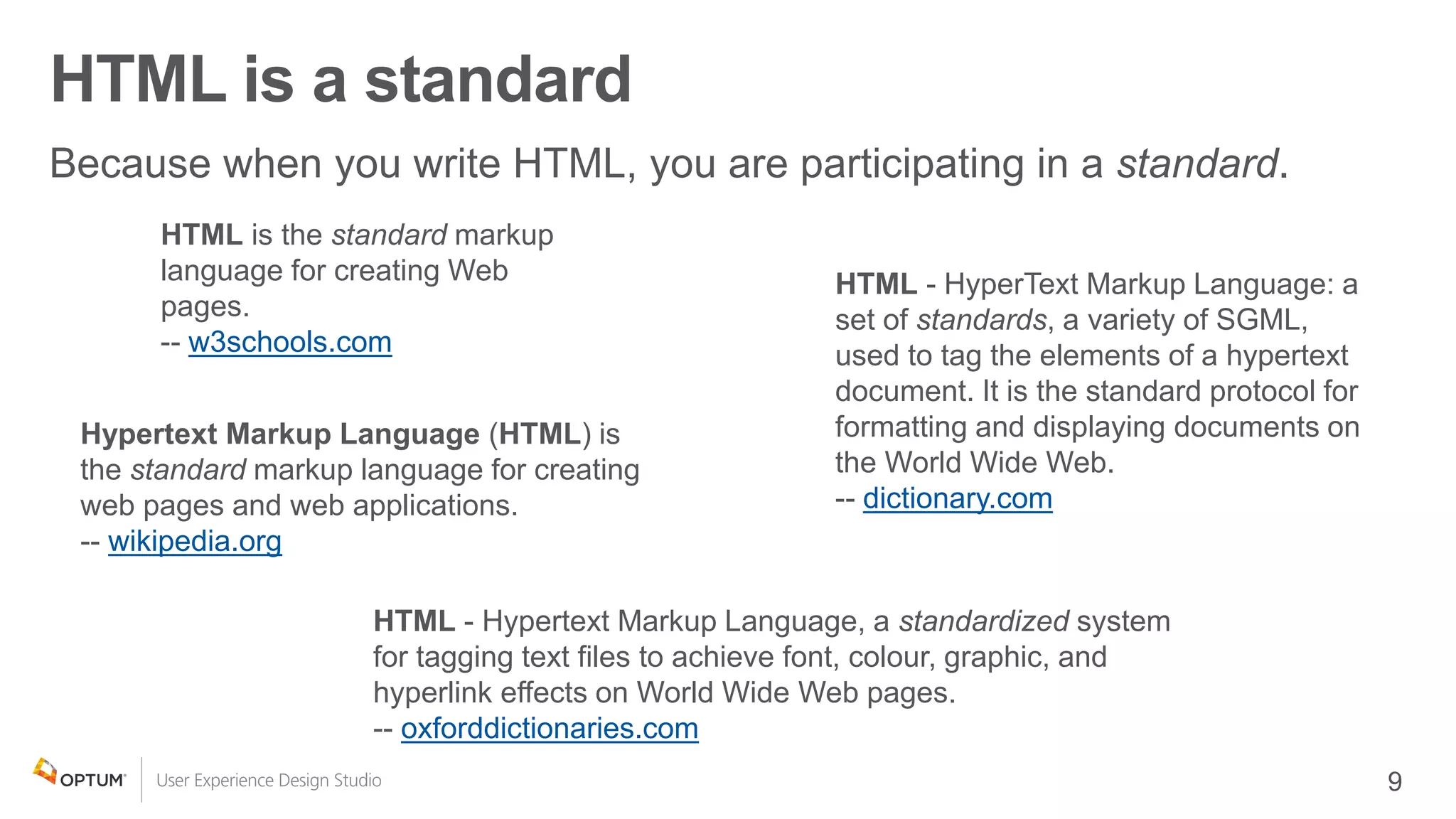
HTML - Hypertext Markup Language, a standardized system
for tagging text files to achieve font, colour, graphic, and
hyperlink effects on World Wide Web pages.
-- oxforddictionaries.com
Hypertext Markup Language (HTML) is
the standard markup language for creating
web pages and web applications.
-- wikipedia.org
HTML - HyperText Markup Language: a
set of standards, a variety of SGML,
used to tag the elements of a hypertext
document. It is the standard protocol for
formatting and displaying documents on
the World Wide Web.
-- dictionary.com
HTML is the standard markup
language for creating Web
pages.
-- w3schools.com
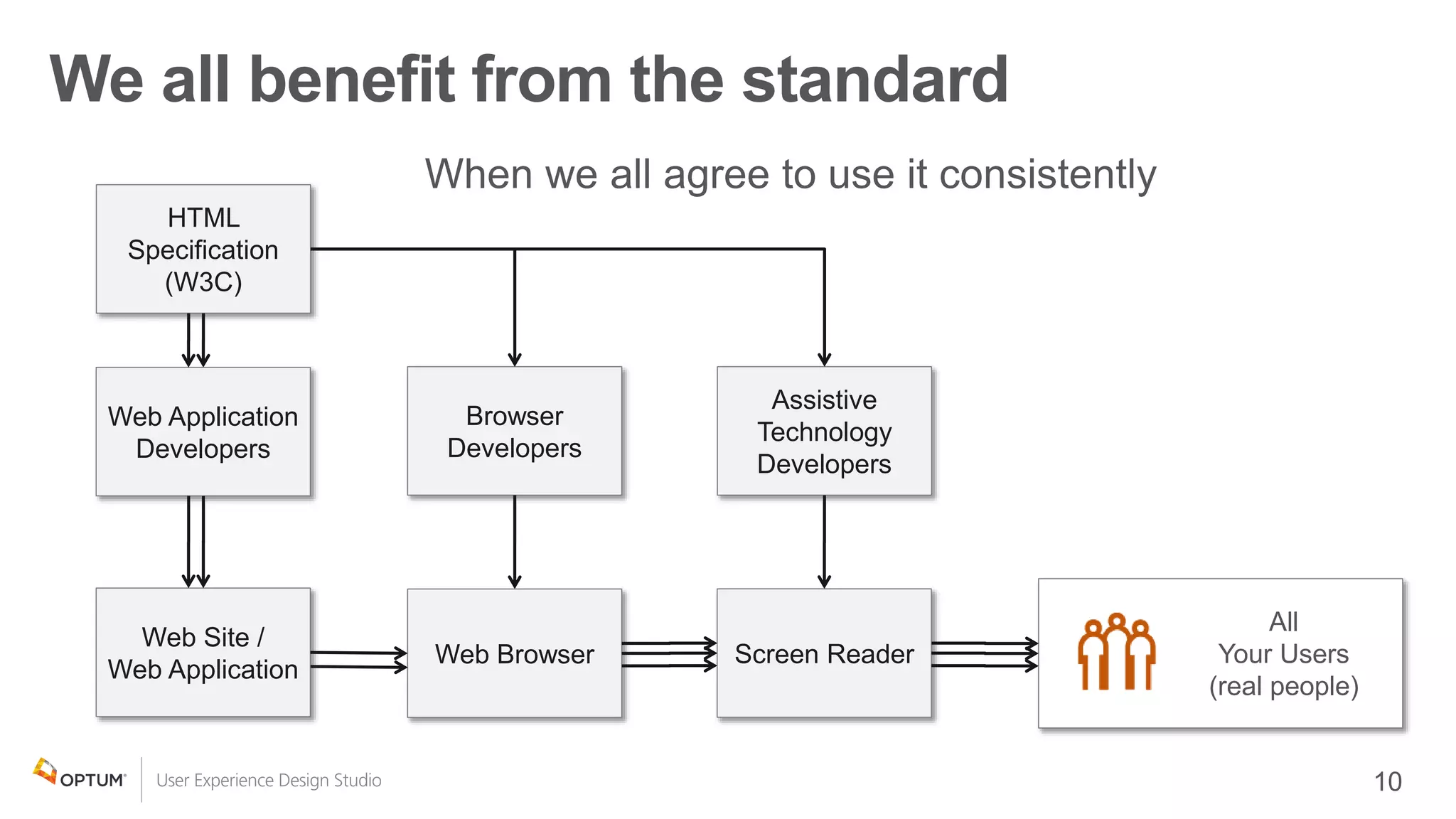
We all benefit from the standard
HTML
Specification
(W3C)
Browser
Developers
Assistive
Technology
Developers
Web Site /
Web Application
Web Browser Screen Reader
All
Your Users
(real people)
Web Application
Developers
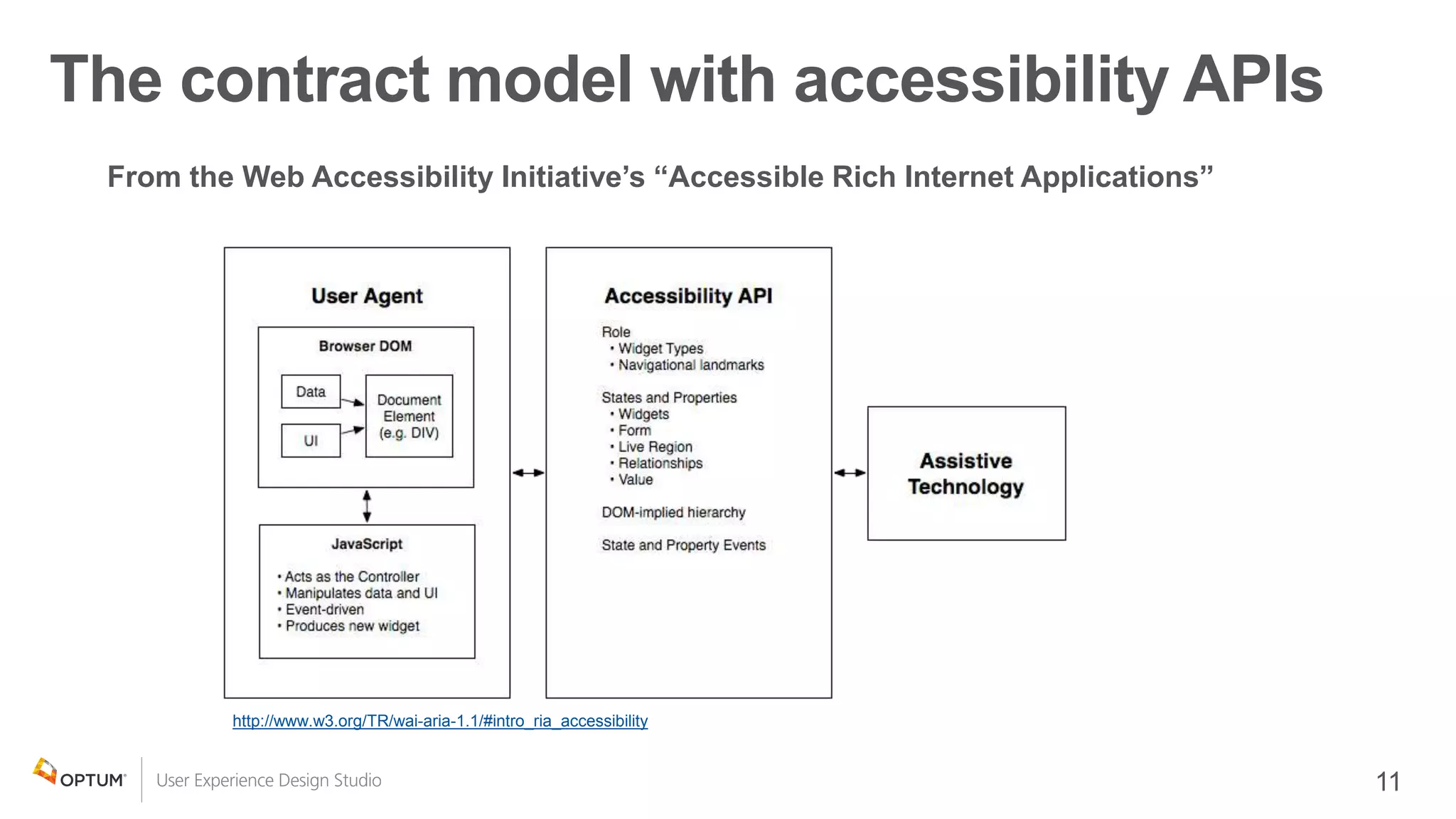
The contract model with accessibility APIs
From the Web Accessibility Initiative’s “Accessible Rich Internet Applications”
http://www.w3.org/TR/wai-aria-1.1/#intro_ria_accessibility
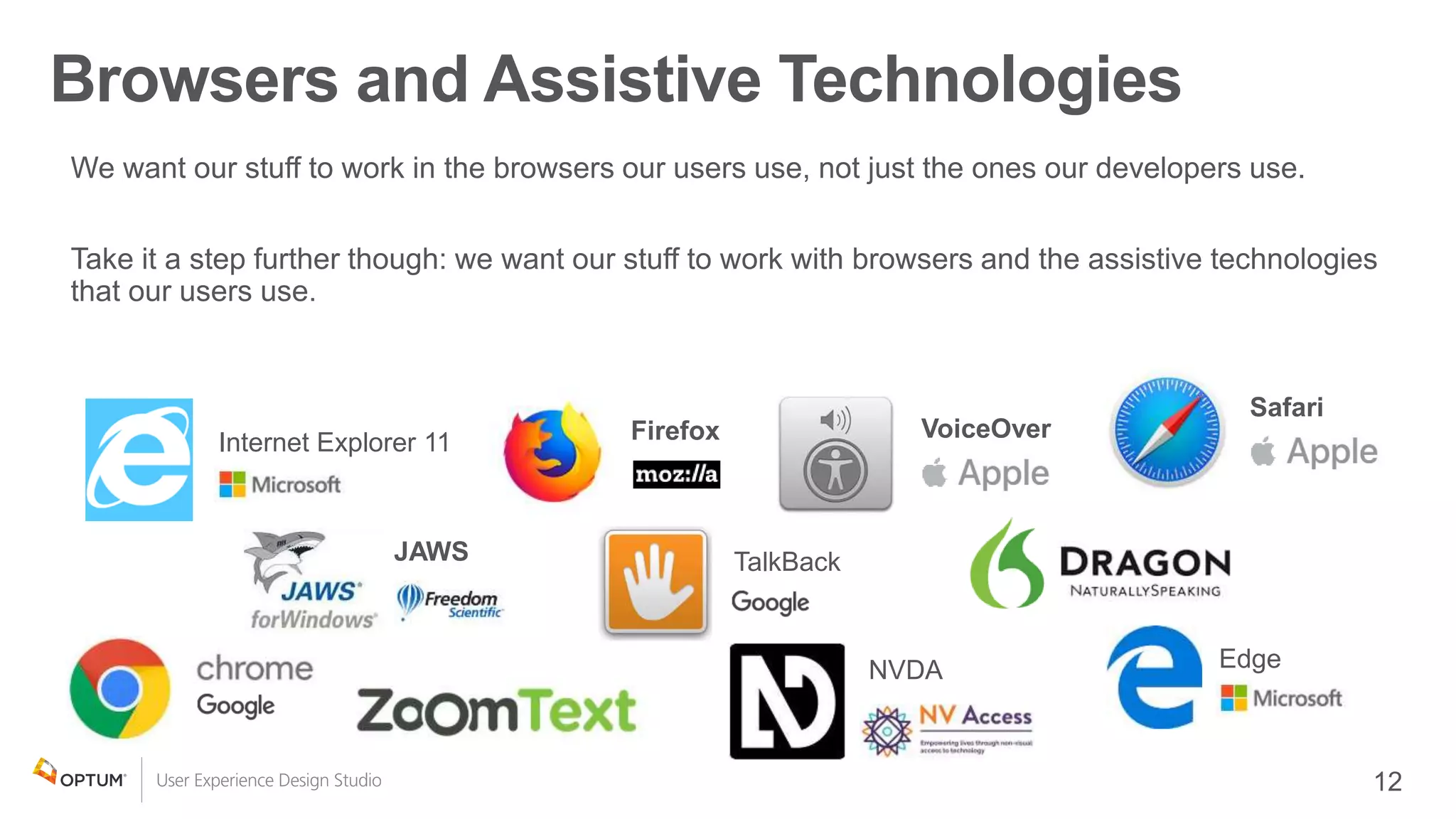
FirefoxInternet Explorer 11
Edge
Safari
VoiceOver
JAWS
NVDA
TalkBack
Browsers and Assistive Technologies
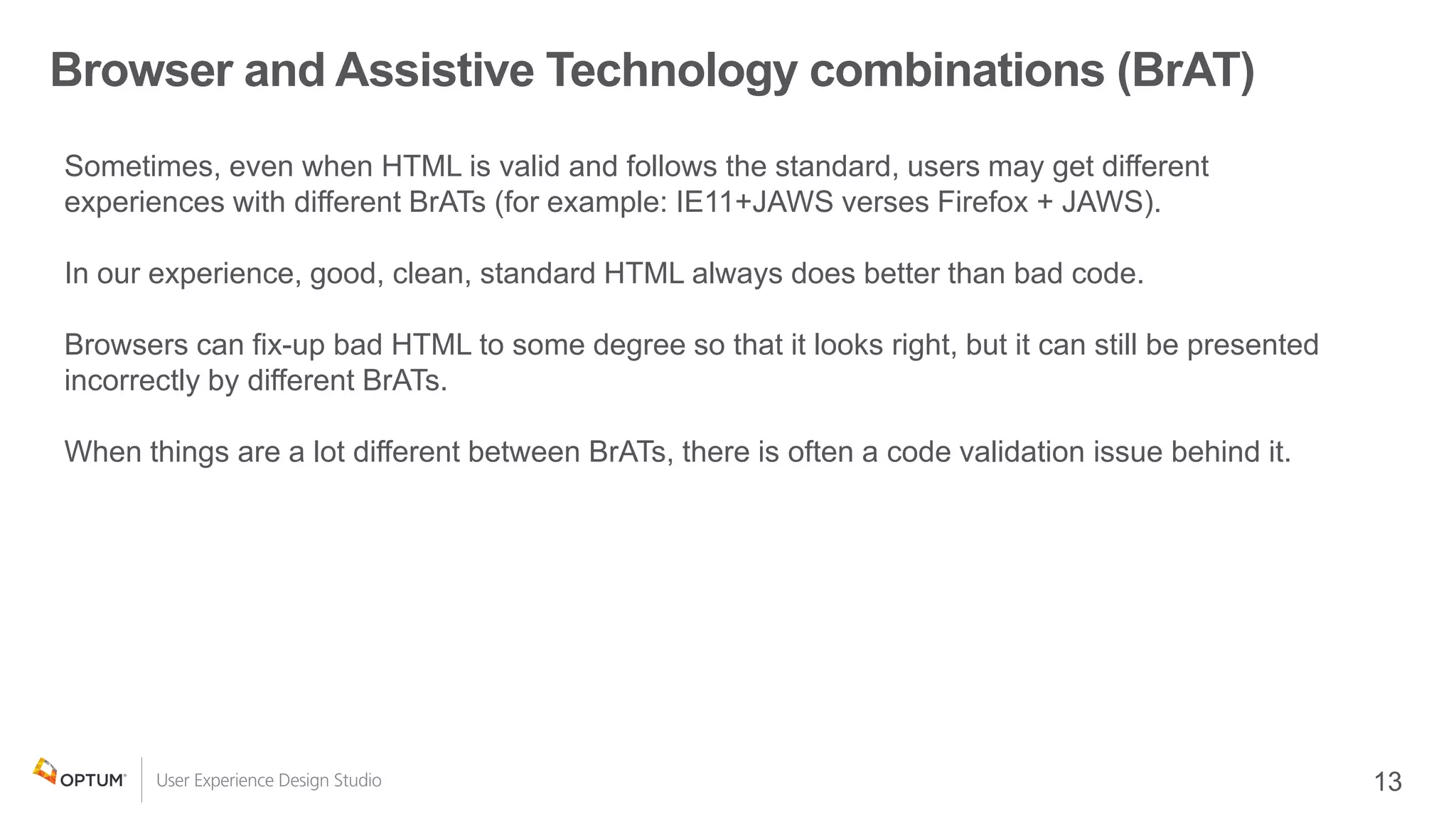
Browser and Assistive Technology combinations (BrAT)
Sometimes, even when HTML is valid and follows the standard, users may get different
experiences with different BrATs (for example: IE11+JAWS verses Firefox + JAWS).
In our experience, good, clean, standard HTML always does better than bad code.
Browsers can fix-up bad HTML to some degree so that it looks right, but it can still be presented
incorrectly by different BrATs.
When things are a lot different between BrATs, there is often a code validation issue behind it.
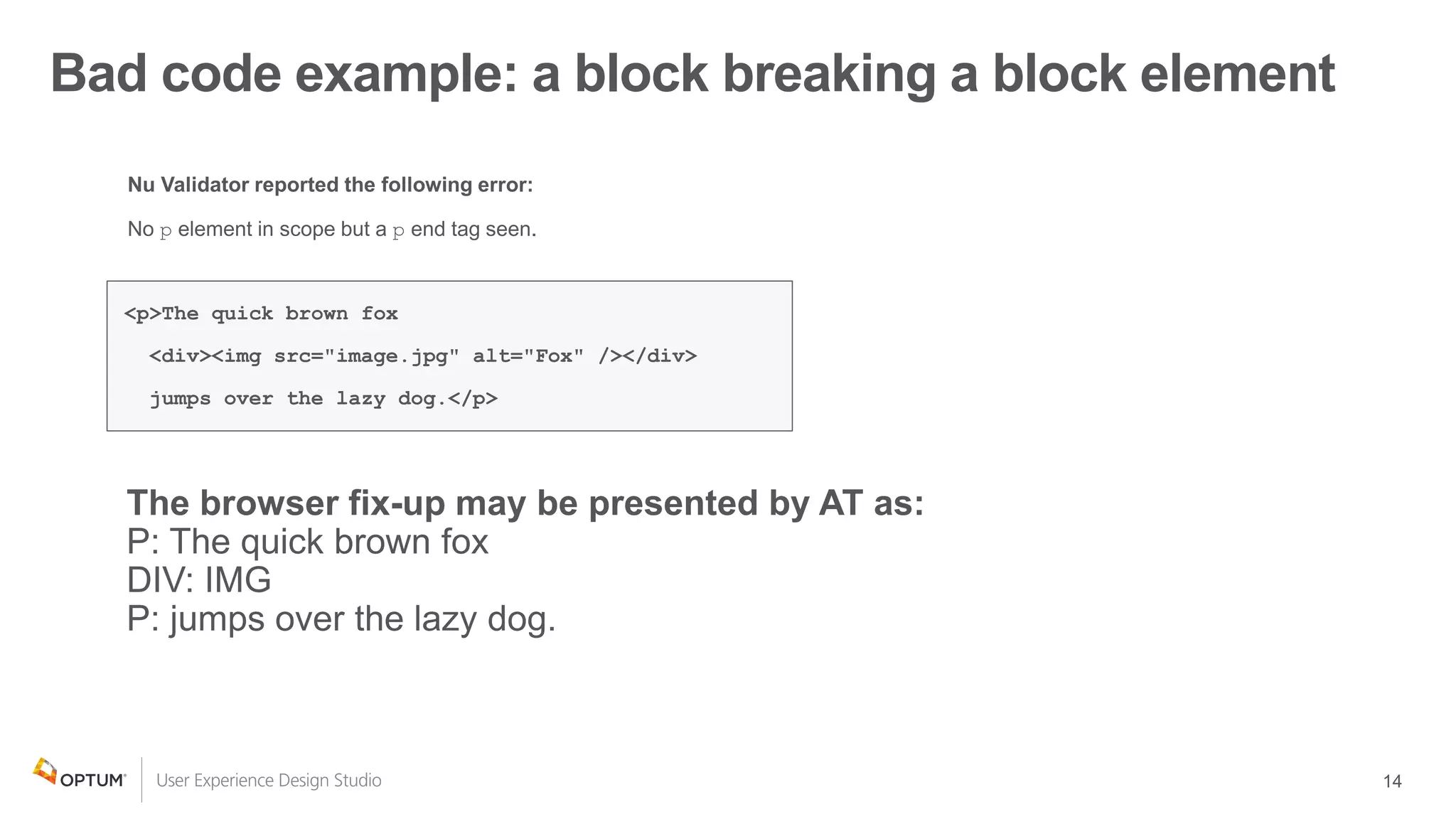
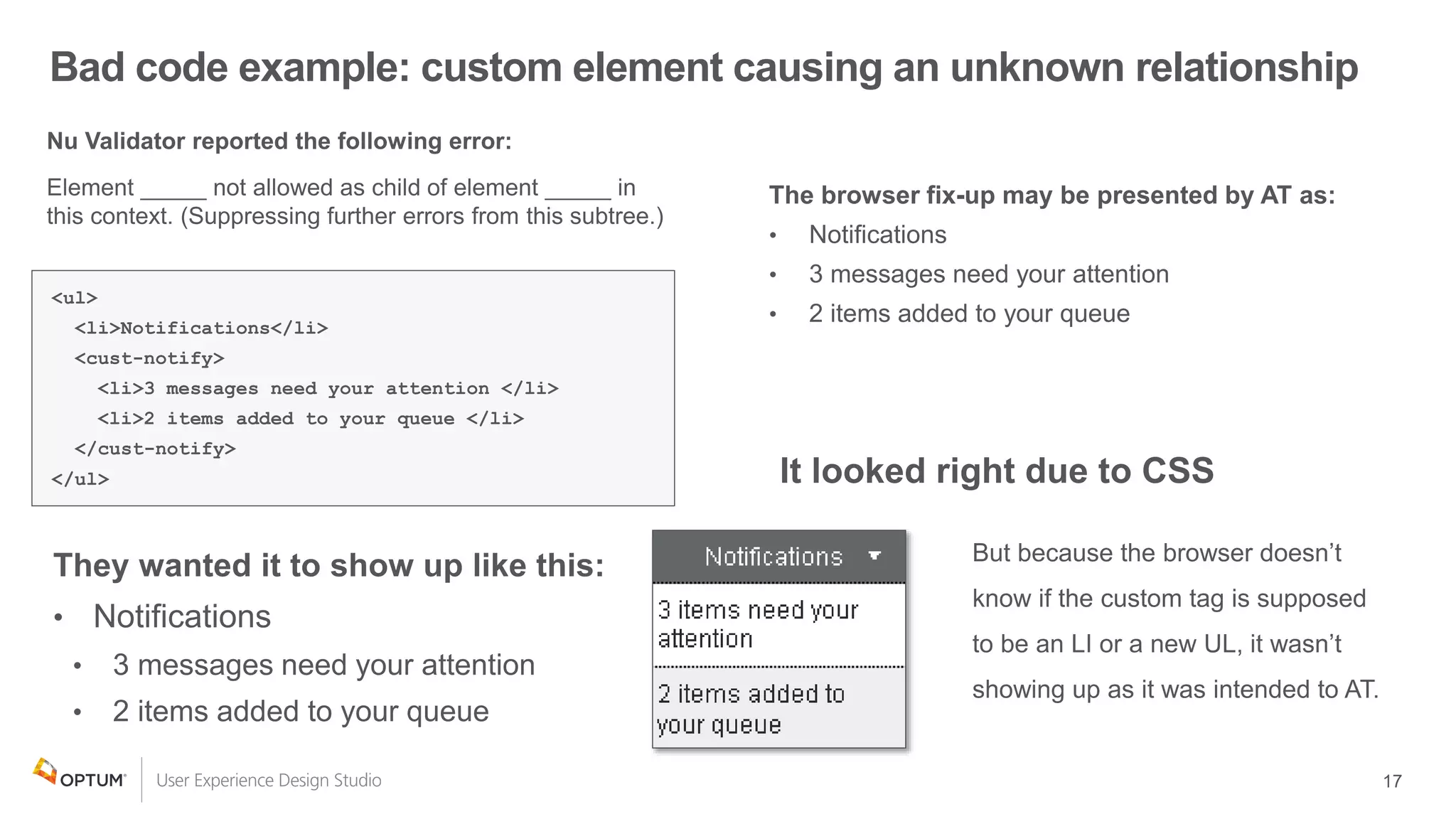
Bad code example: a block breaking a block element
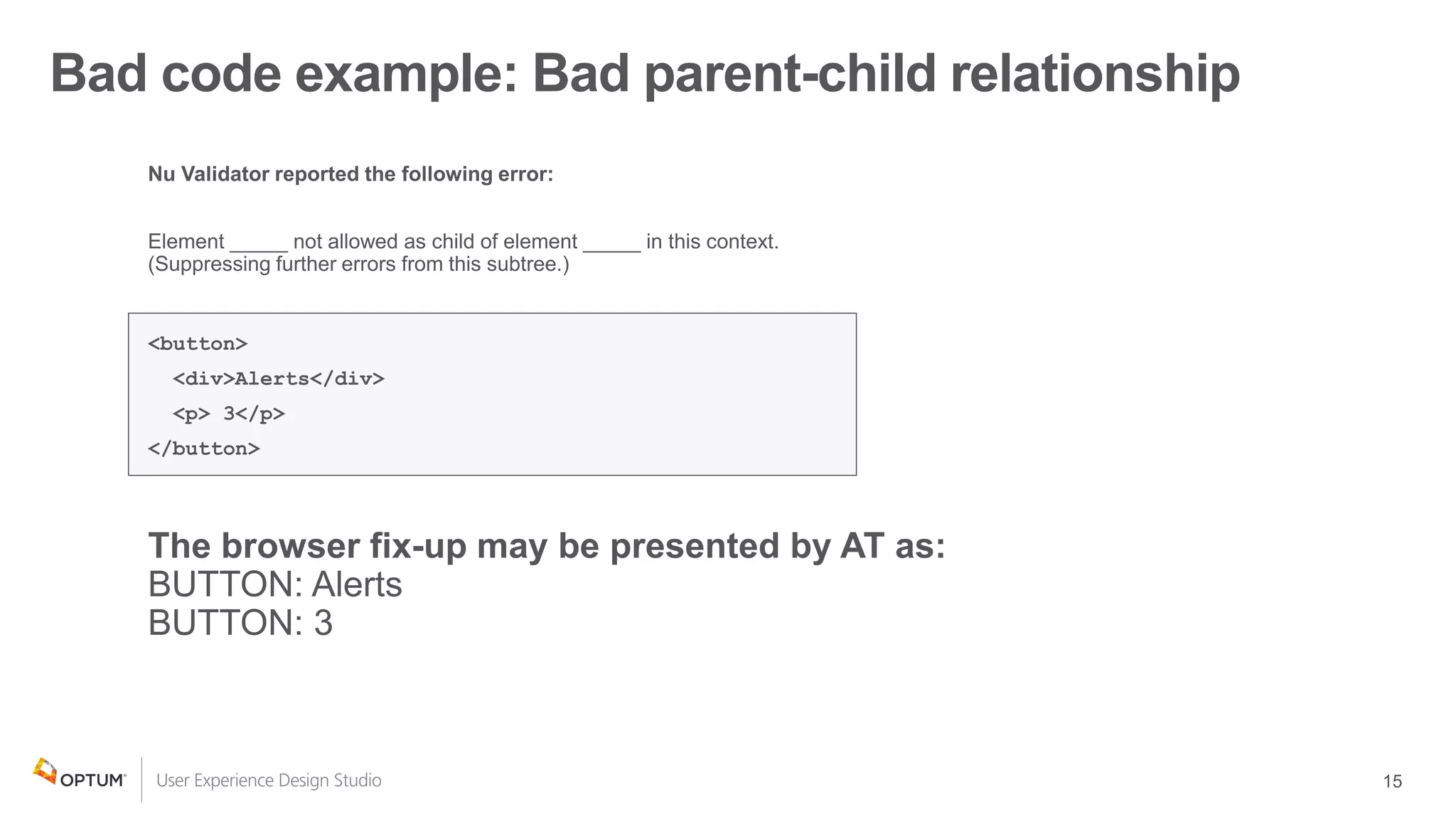
Bad code example: Bad parent-child relationship
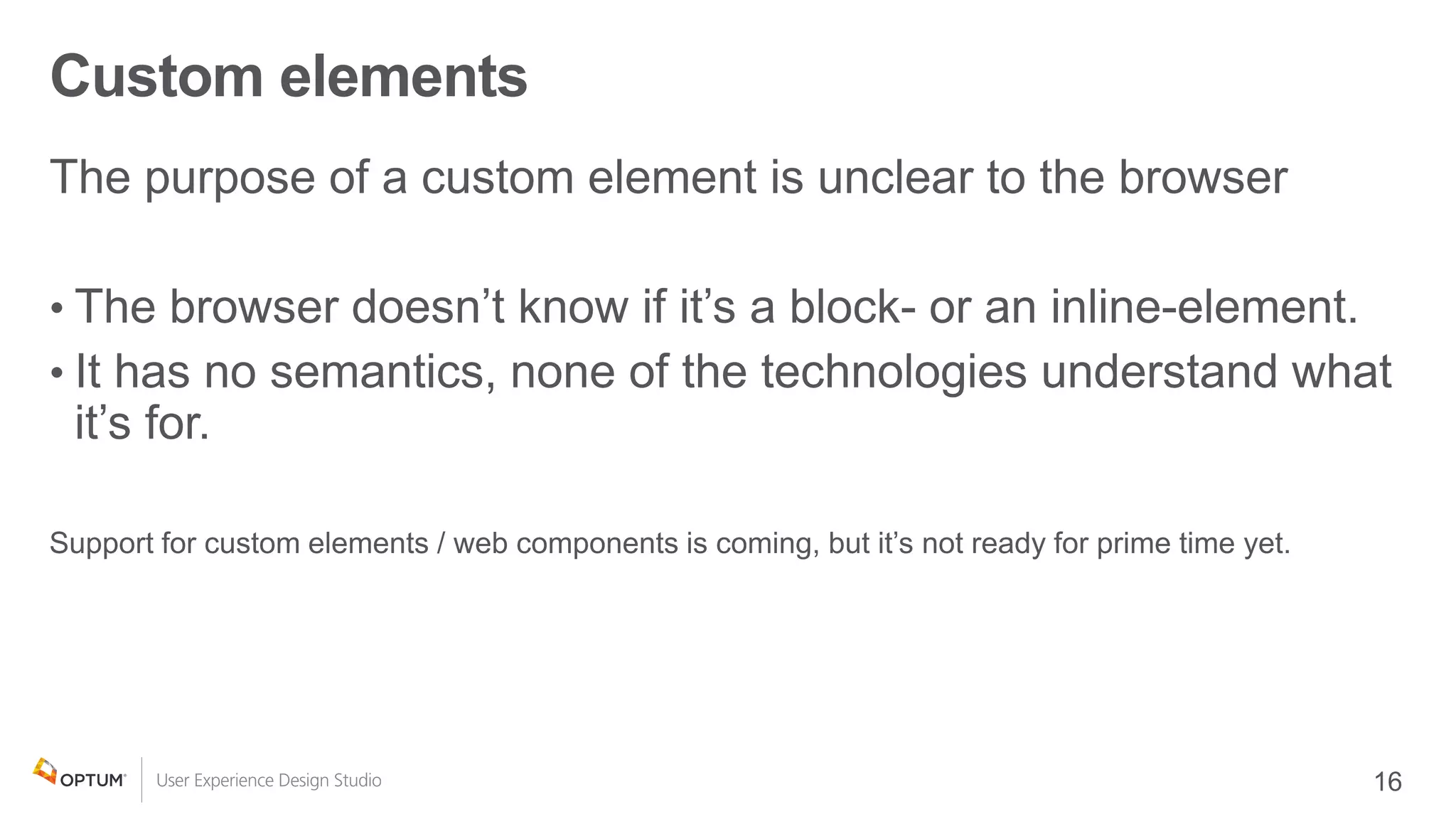
Custom elements
•
•
Bad code example: custom element causing an unknown relationship
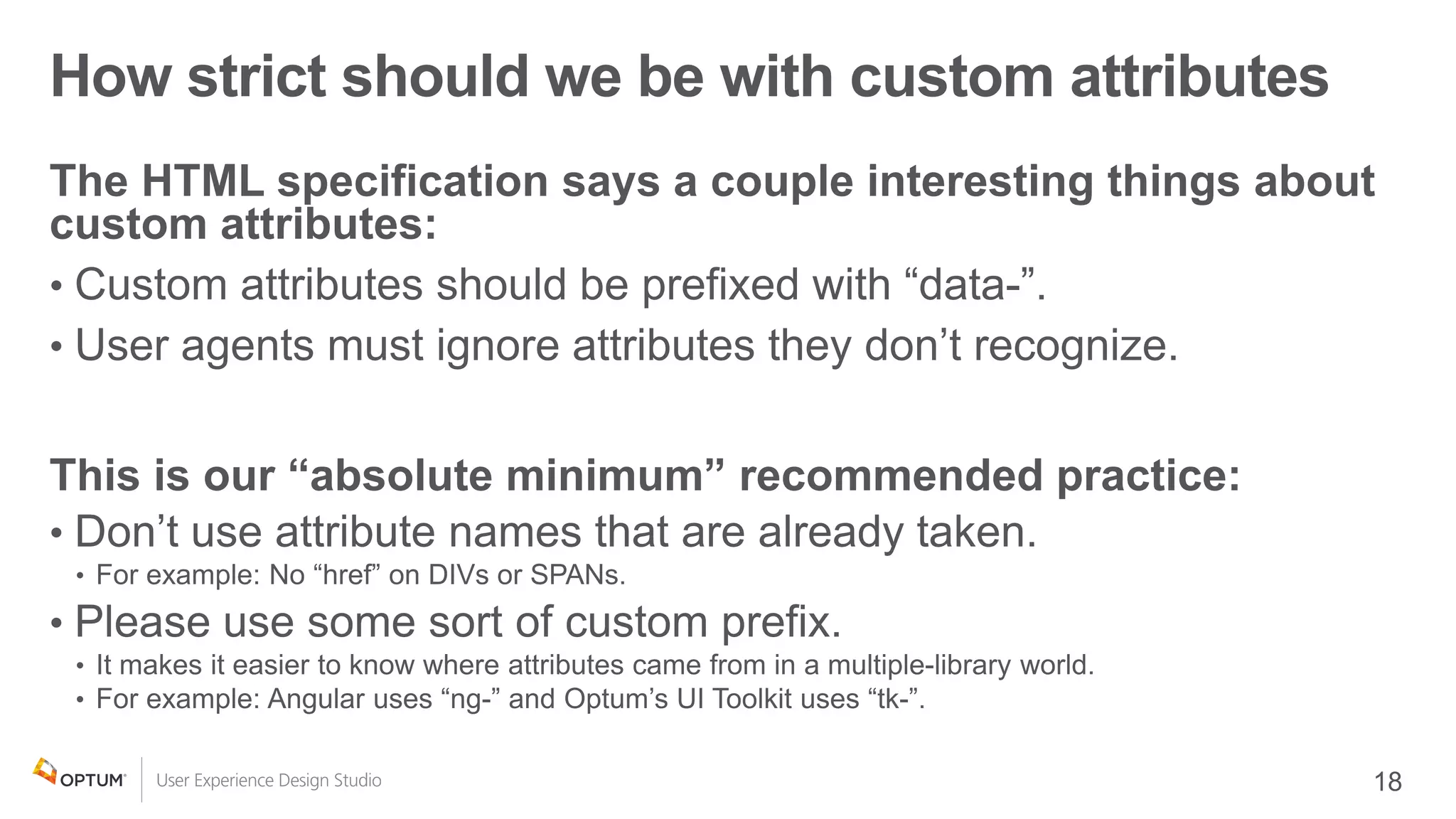
How strict should we be with custom attributes
•
•
•
•
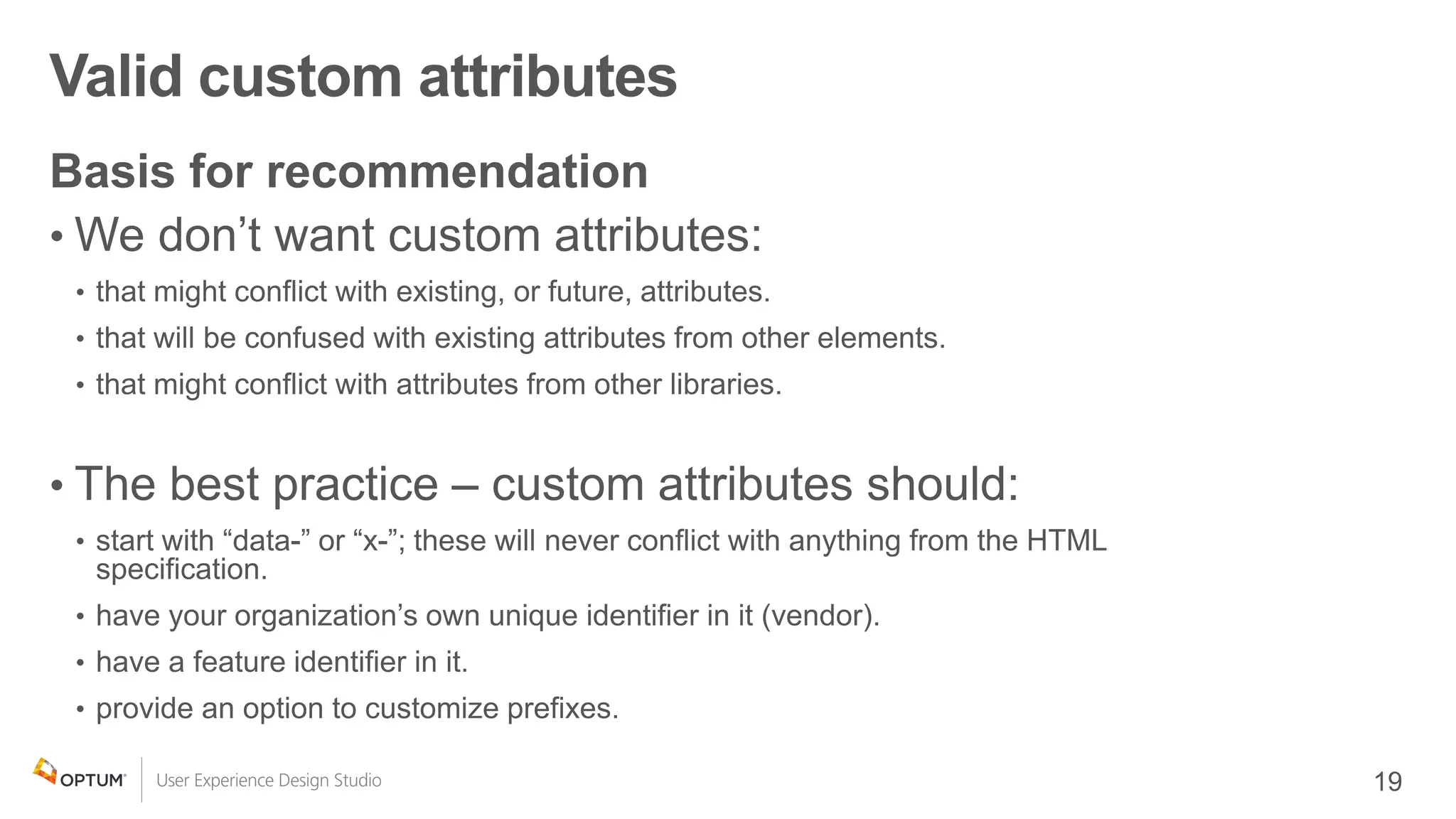
Valid custom attributes
•
•
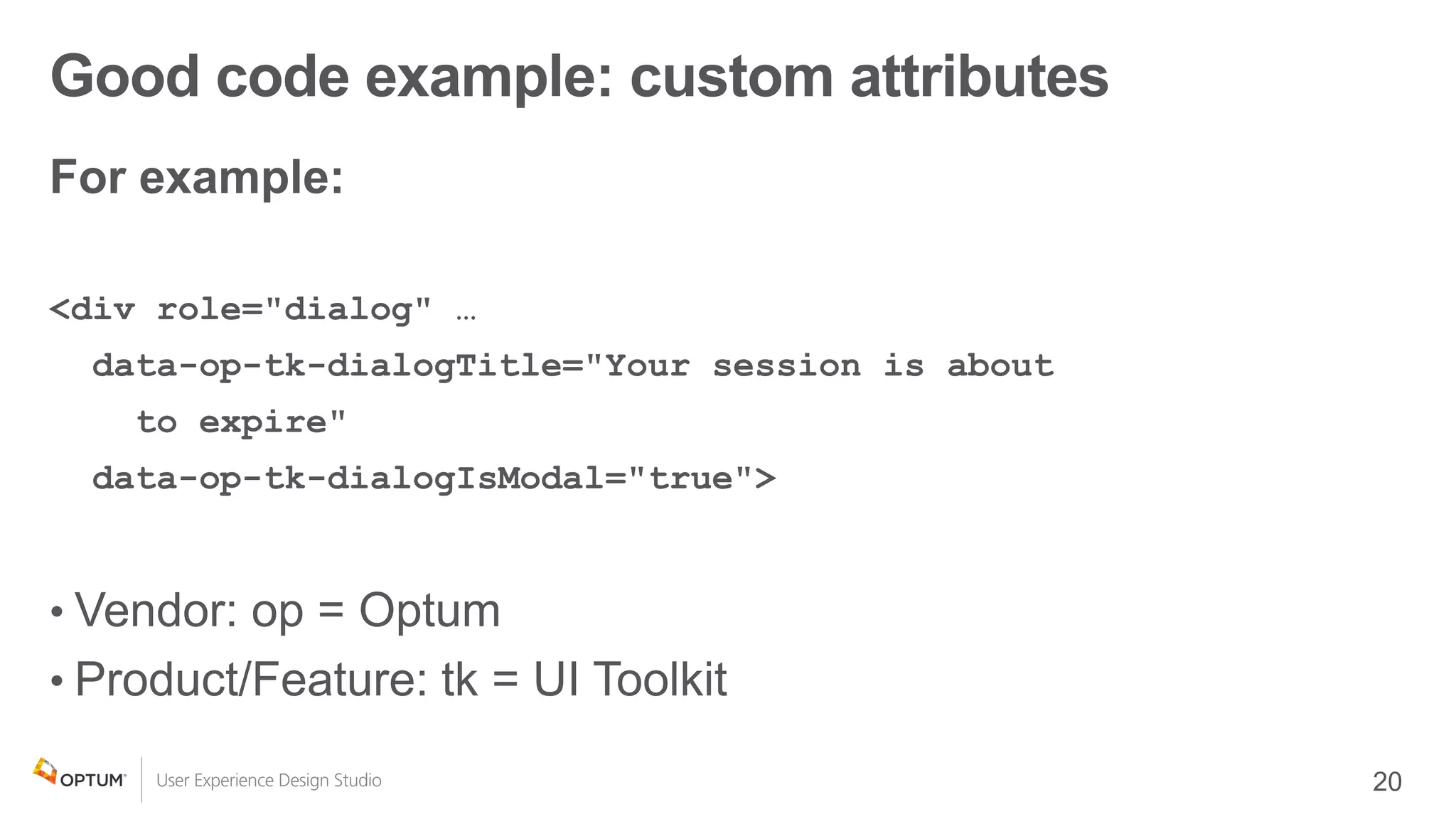
Good code example: custom attributes
•
•
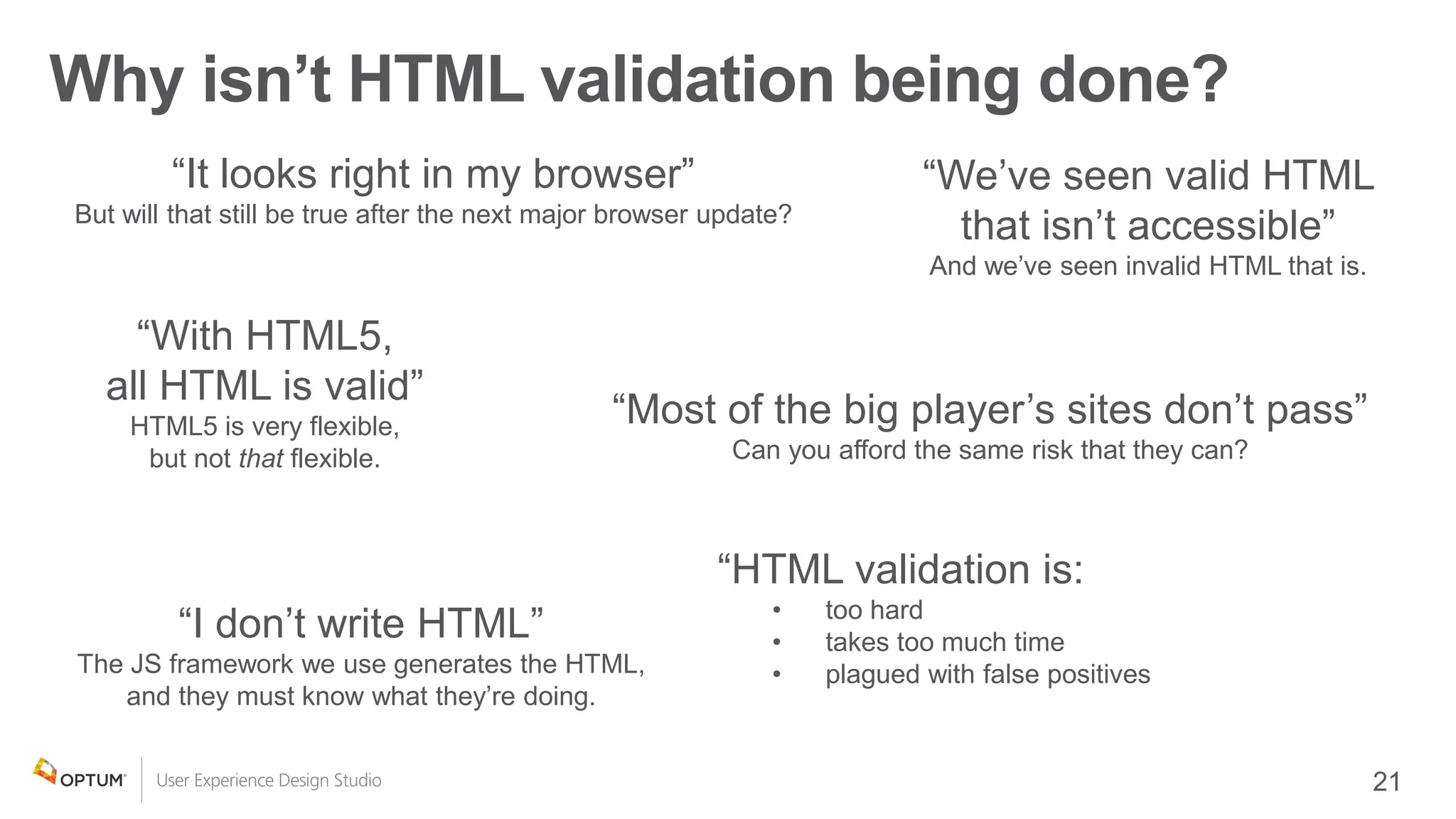
Why isn’t HTML validation being done?
“It looks right in my browser”
But will that still be true after the next major browser update?
“With HTML5,
all HTML is valid”
HTML5 is very flexible,
but not that flexible.
“HTML validation is:
• too hard
• takes too much time
• plagued with false positives
“Most of the big player’s sites don’t pass”
Can you afford the same risk that they can?
“We’ve seen valid HTML
that isn’t accessible”
And we’ve seen invalid HTML that is.
“I don’t write HTML”
The JS framework we use generates the HTML,
and they must know what they’re doing.
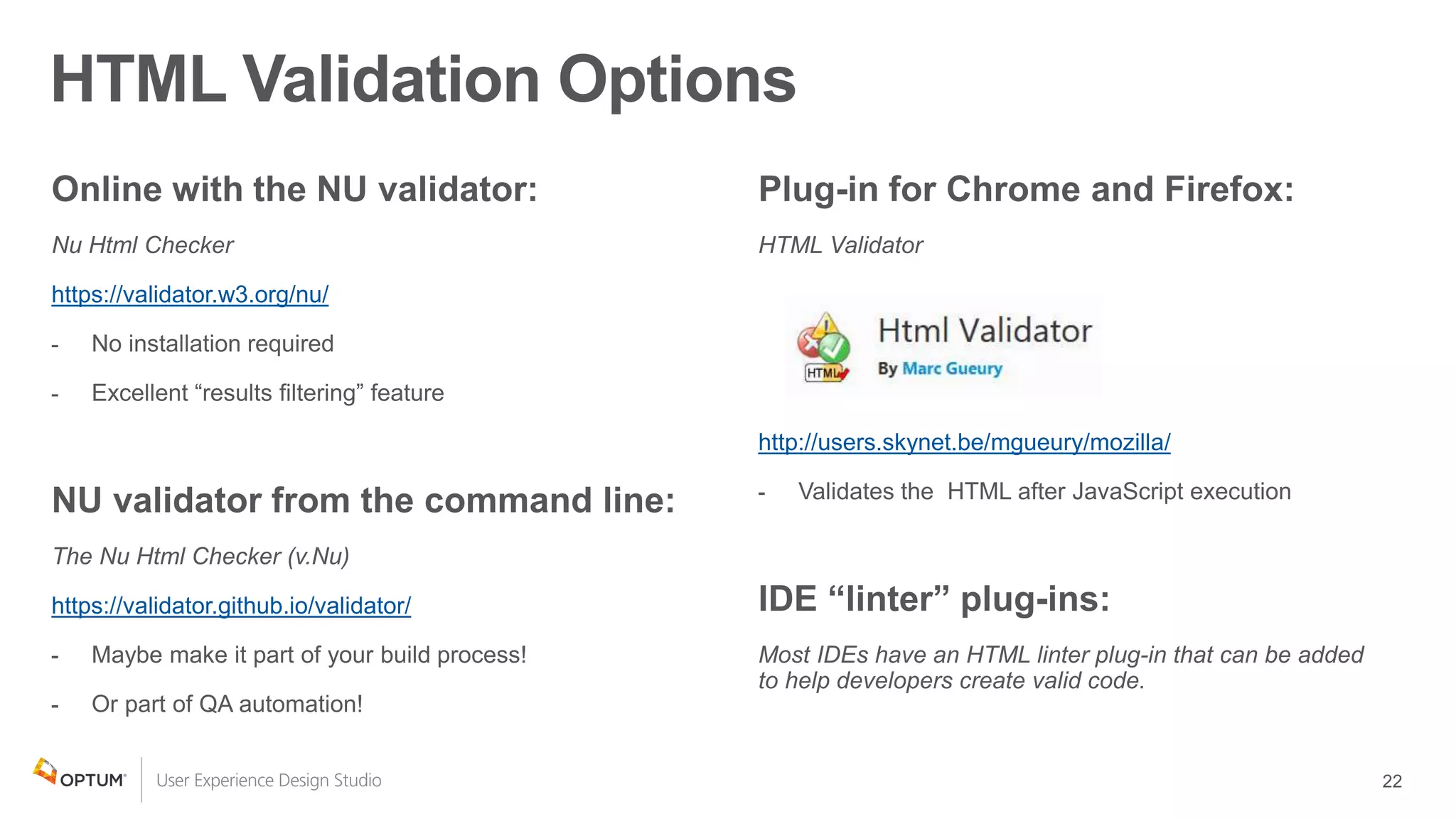
HTML Validation Options
https://validator.w3.org/nu/
https://validator.github.io/validator/
http://users.skynet.be/mgueury/mozilla/
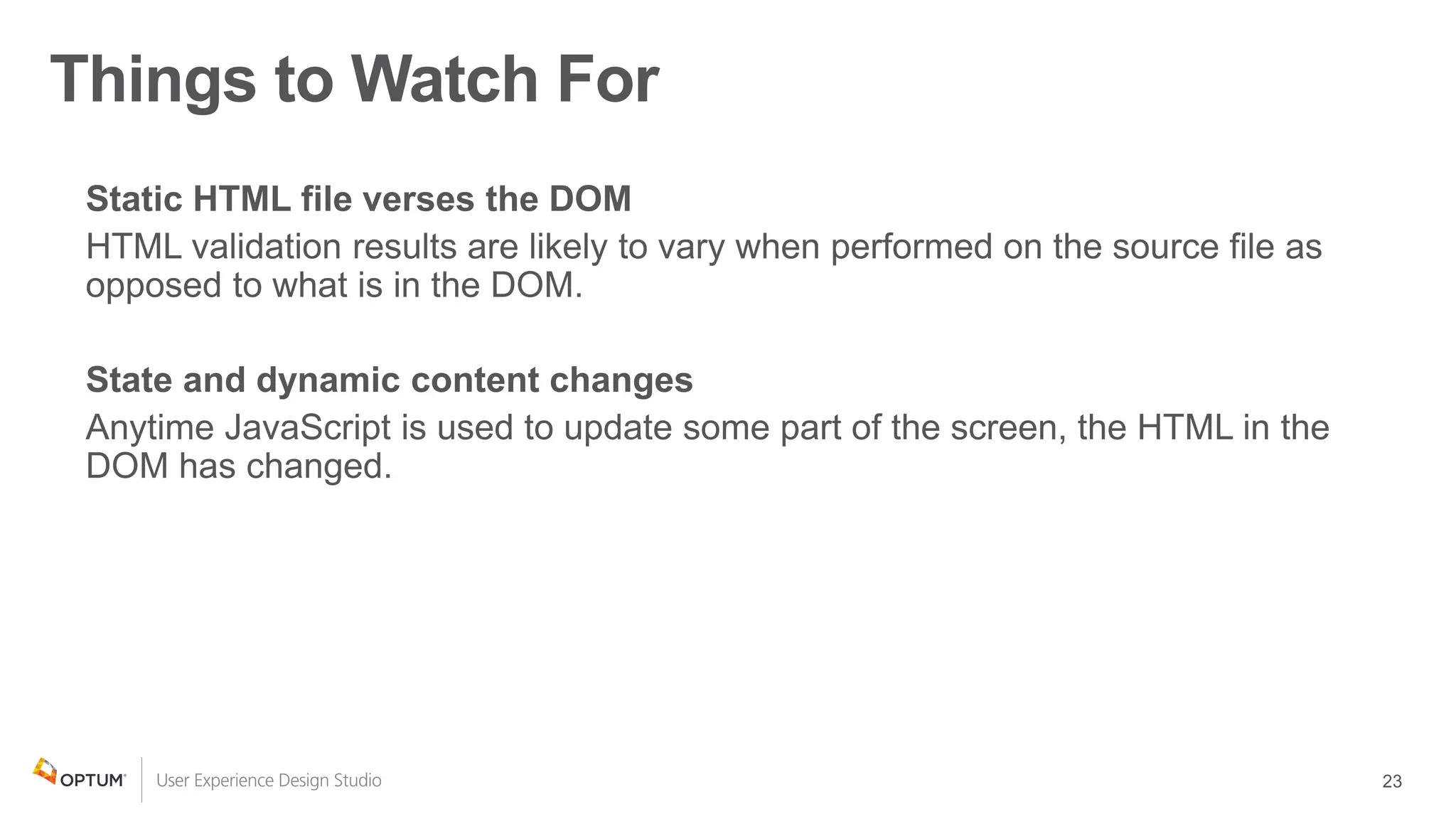
Things to Watch For
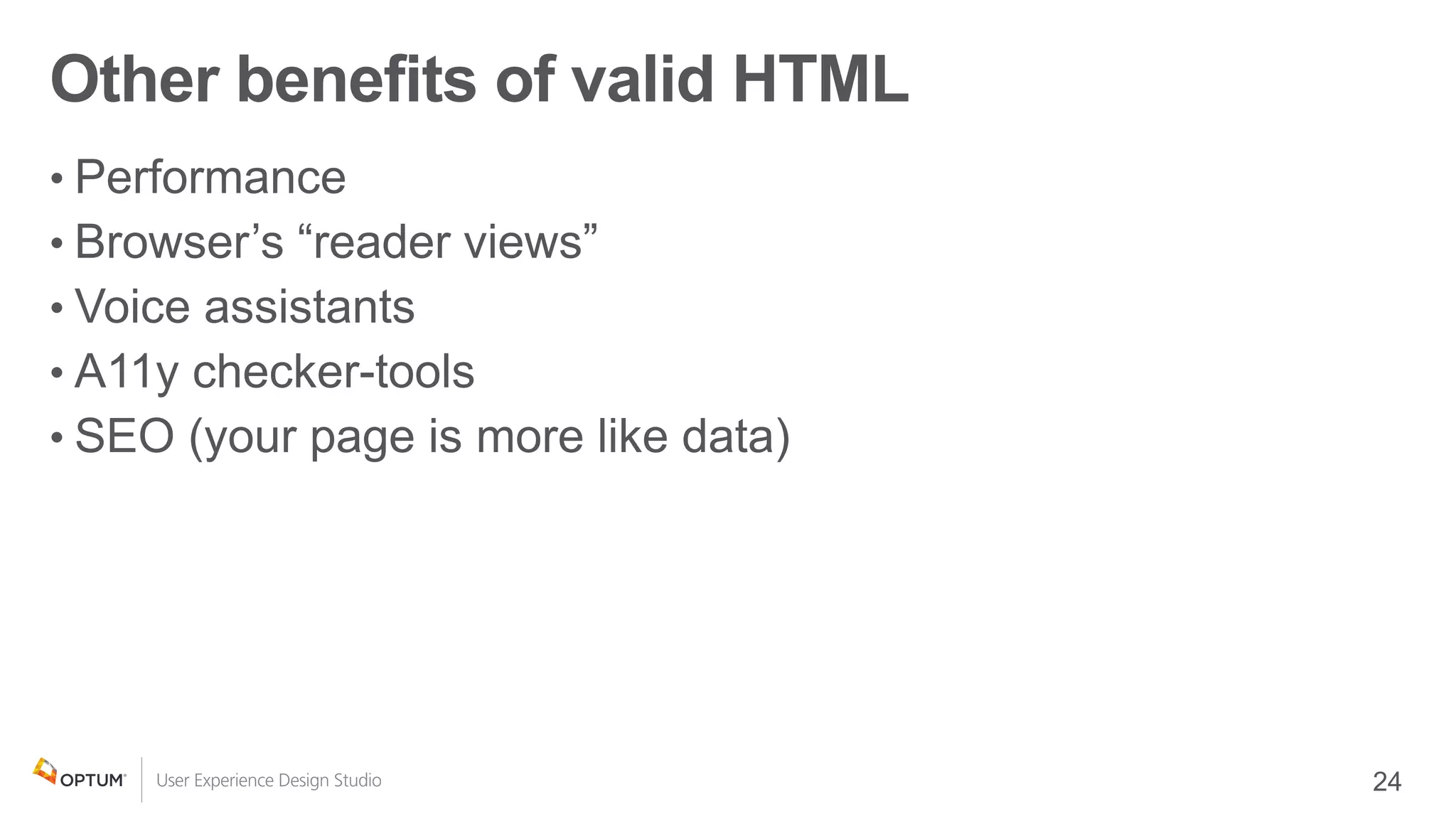
Other benefits of valid HTML
•
•
•
•
•
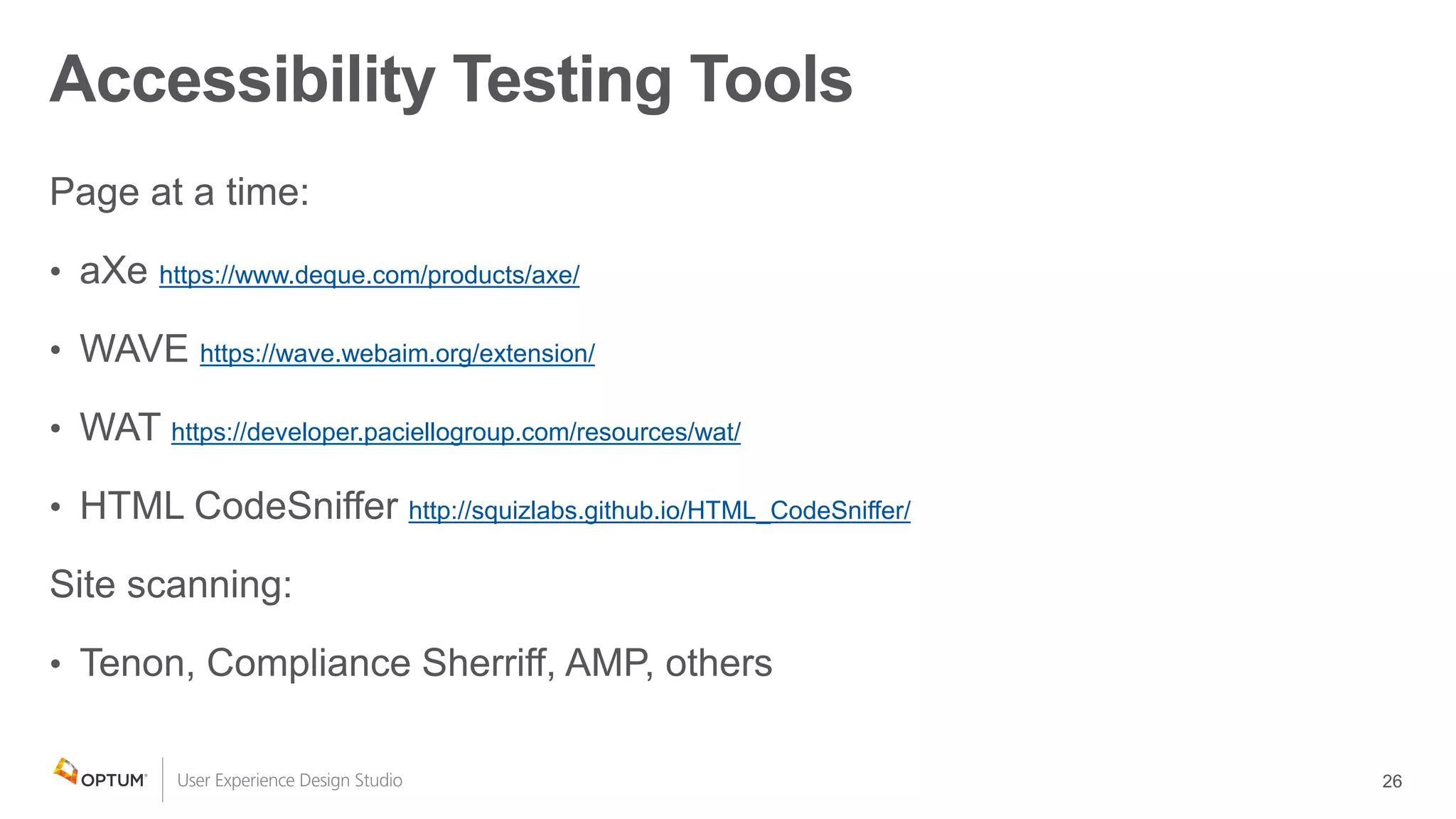
https://www.deque.com/products/axe/
https://wave.webaim.org/extension/
https://developer.paciellogroup.com/resources/wat/
http://squizlabs.github.io/HTML_CodeSniffer/
Accessibility Testing Tools
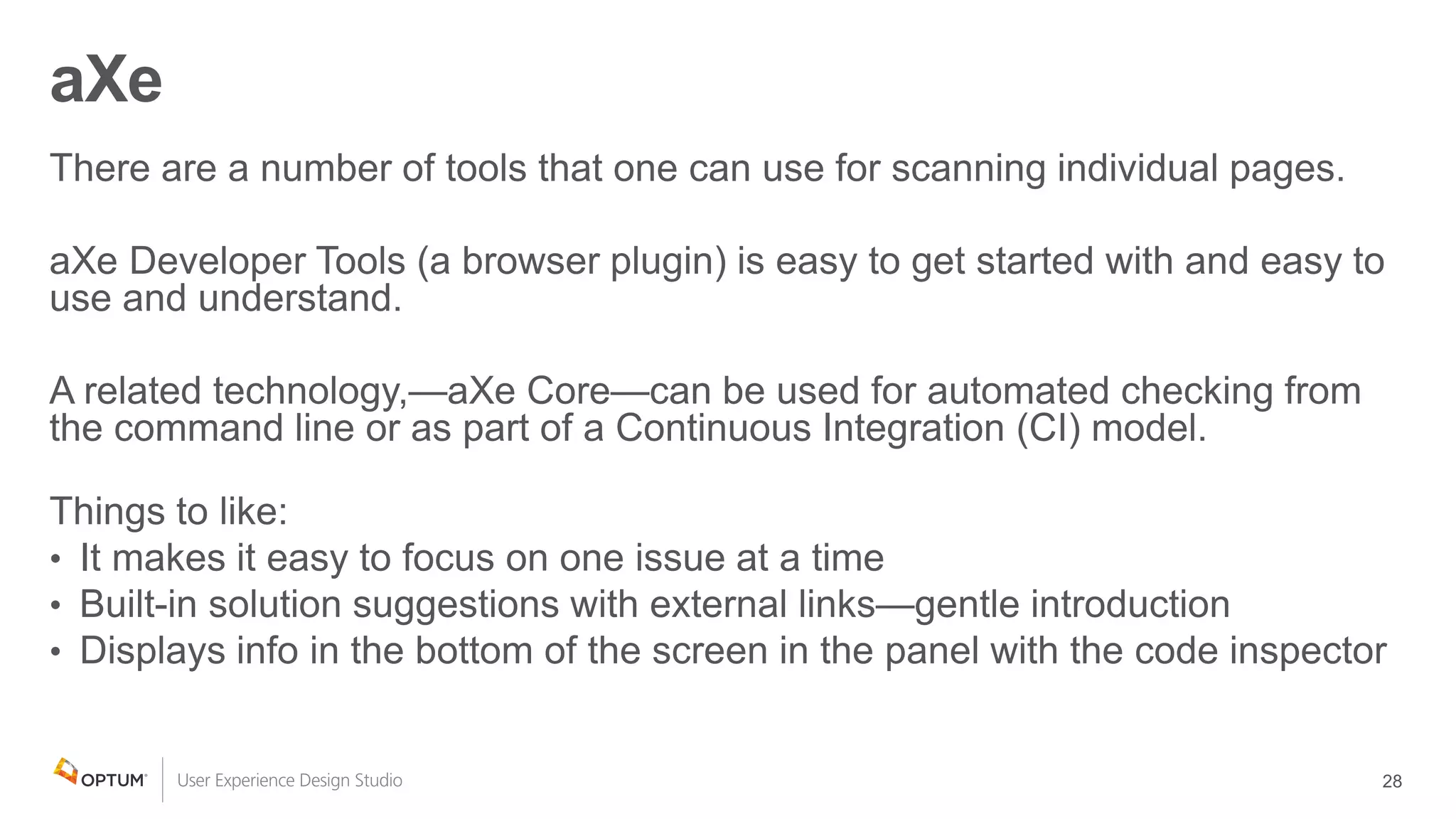
aXe
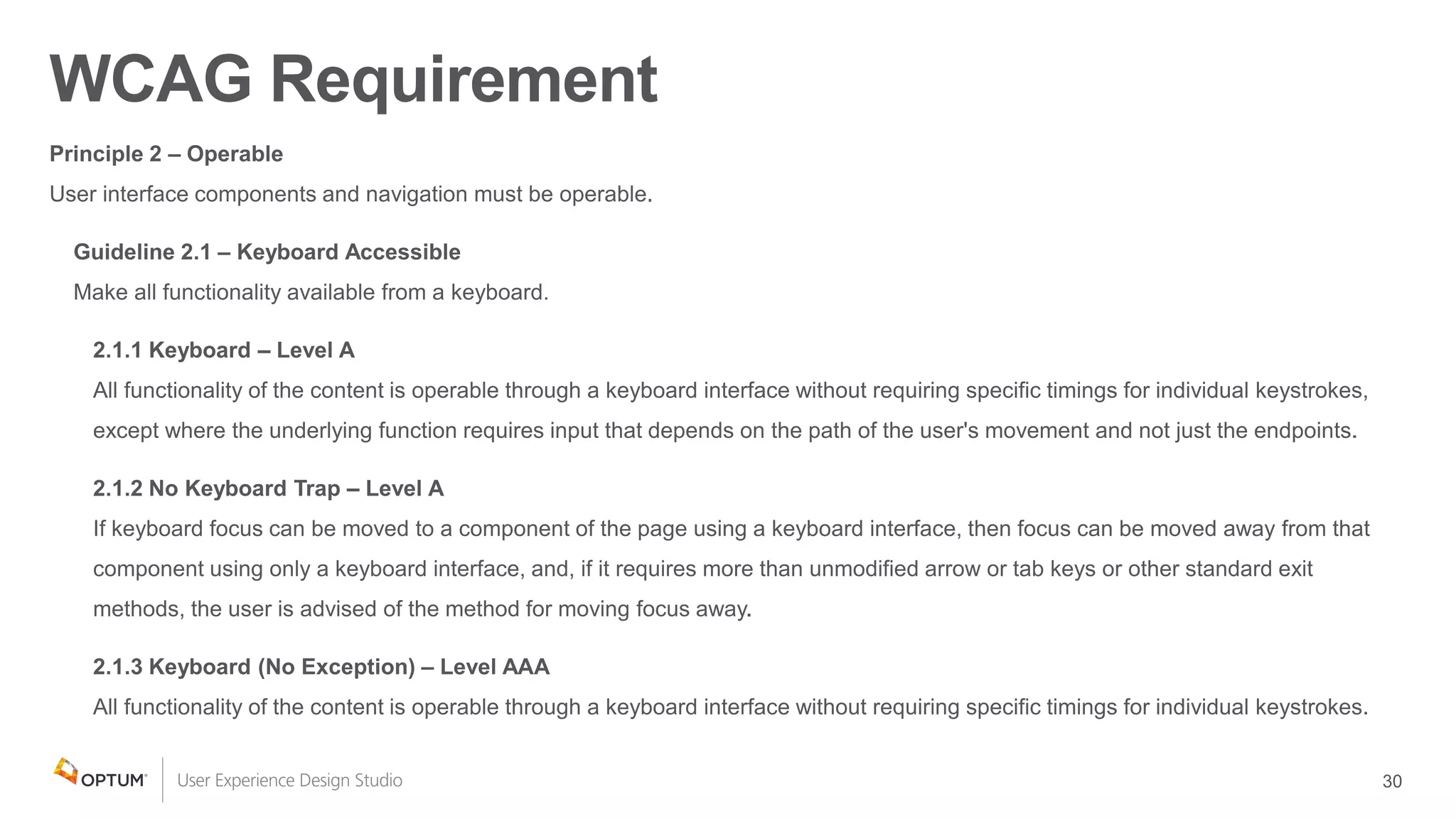
WCAG Requirement
AT Depends on Effective Keyboard Support
All Users Benefit from Effective Keyboard Support
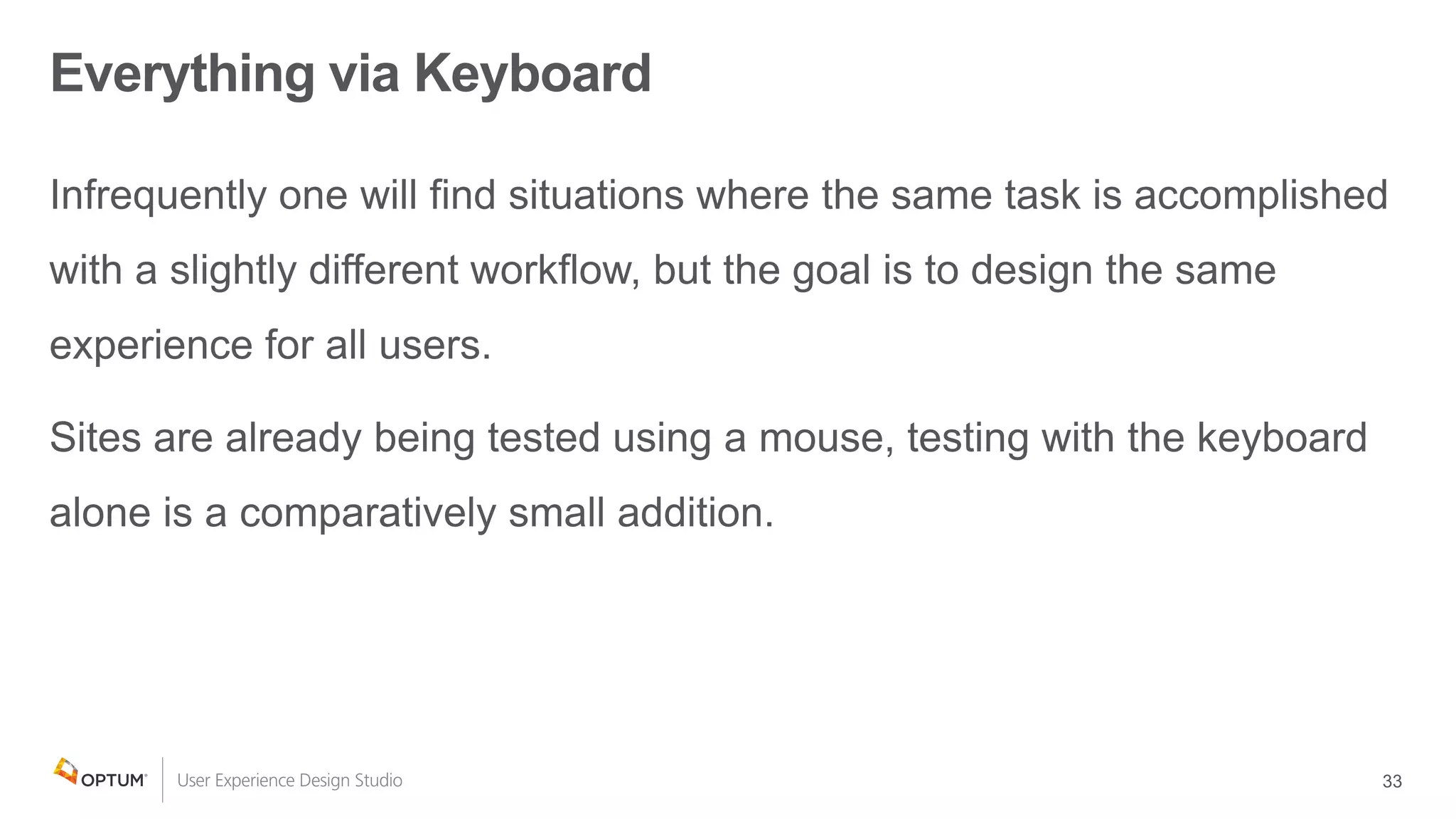
Everything via Keyboard
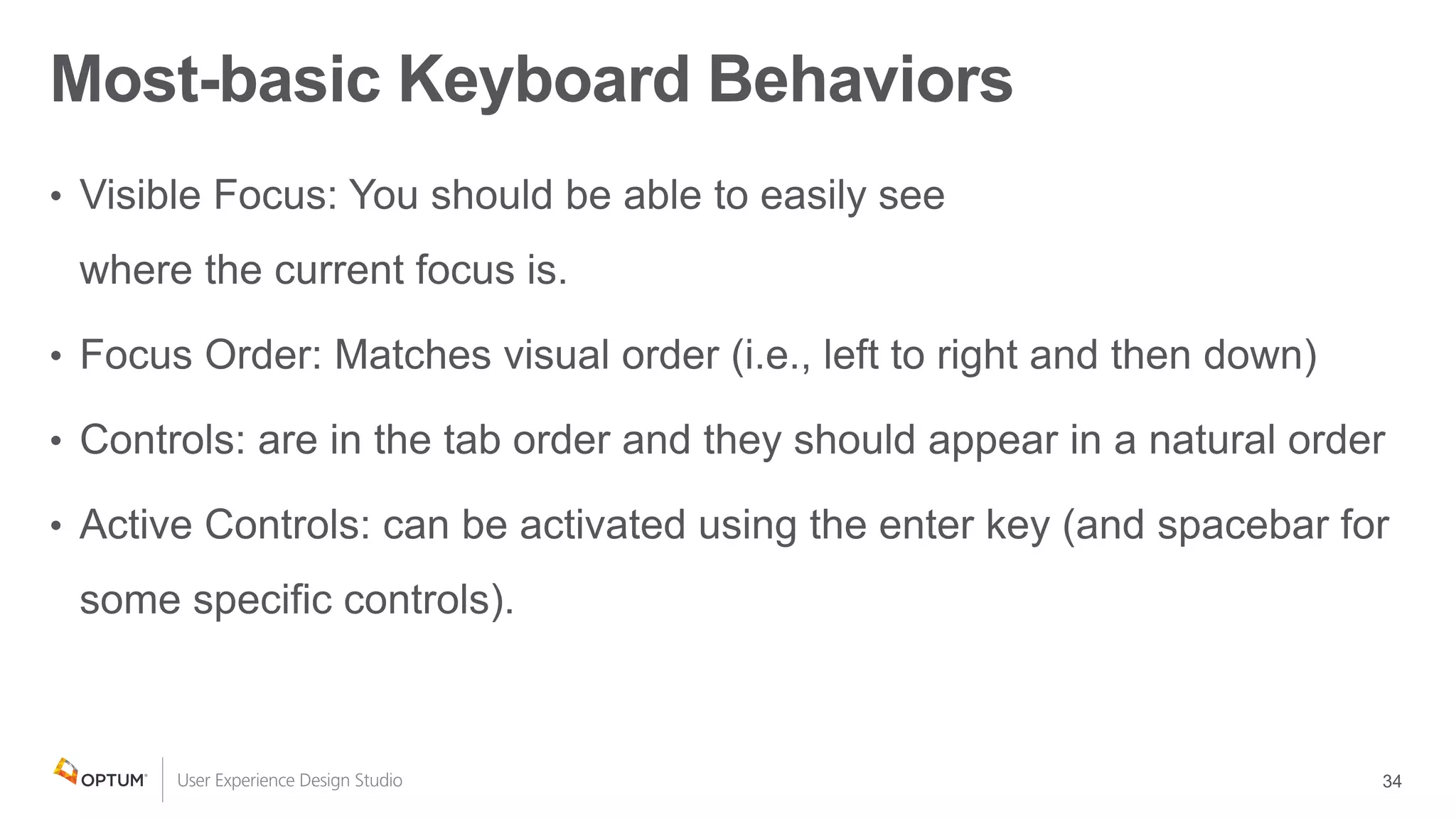
Most-basic Keyboard Behaviors
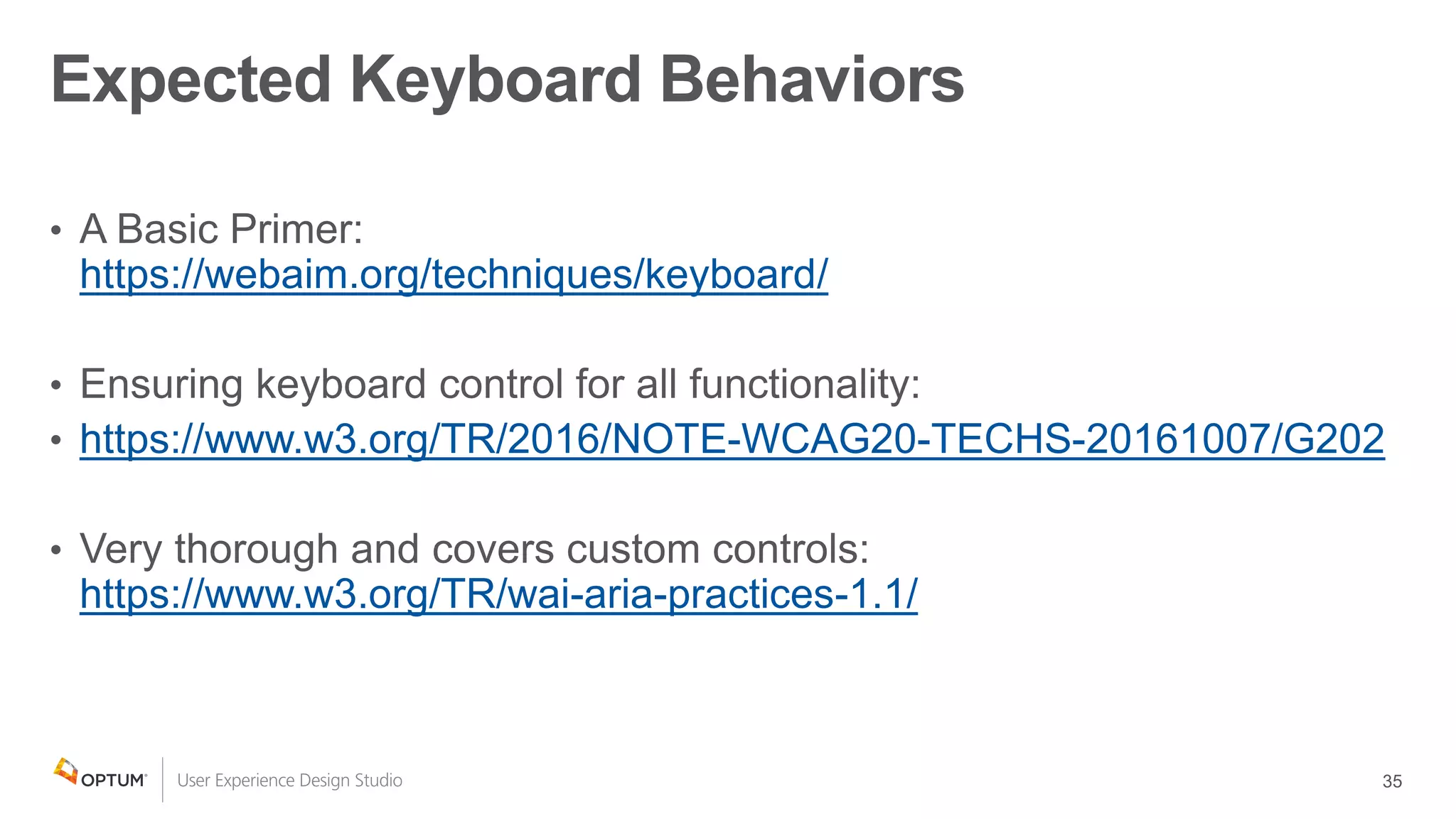
https://webaim.org/techniques/keyboard/
https://www.w3.org/TR/2016/NOTE-WCAG20-TECHS-20161007/G202
https://www.w3.org/TR/wai-aria-practices-1.1/
Expected Keyboard Behaviors
Try it with a screen reader
Learn a little at a time
https://webaim.org/techniques/screenreader/
https://webaim.org/articles/screenreader_testing/
https://webaim.org/articles/jaws/
http://www.freedomscientific.com/Content/Documents/Manuals/JAWS/JAWS-Quick-Start-Guide.pdf
https://webaim.org/articles/nvda/
https://www.nvaccess.org/files/nvda/documentation/userGuide.html
https://help.apple.com/voiceover/info/guide/10.12/
Getting started with screen reader - Resources
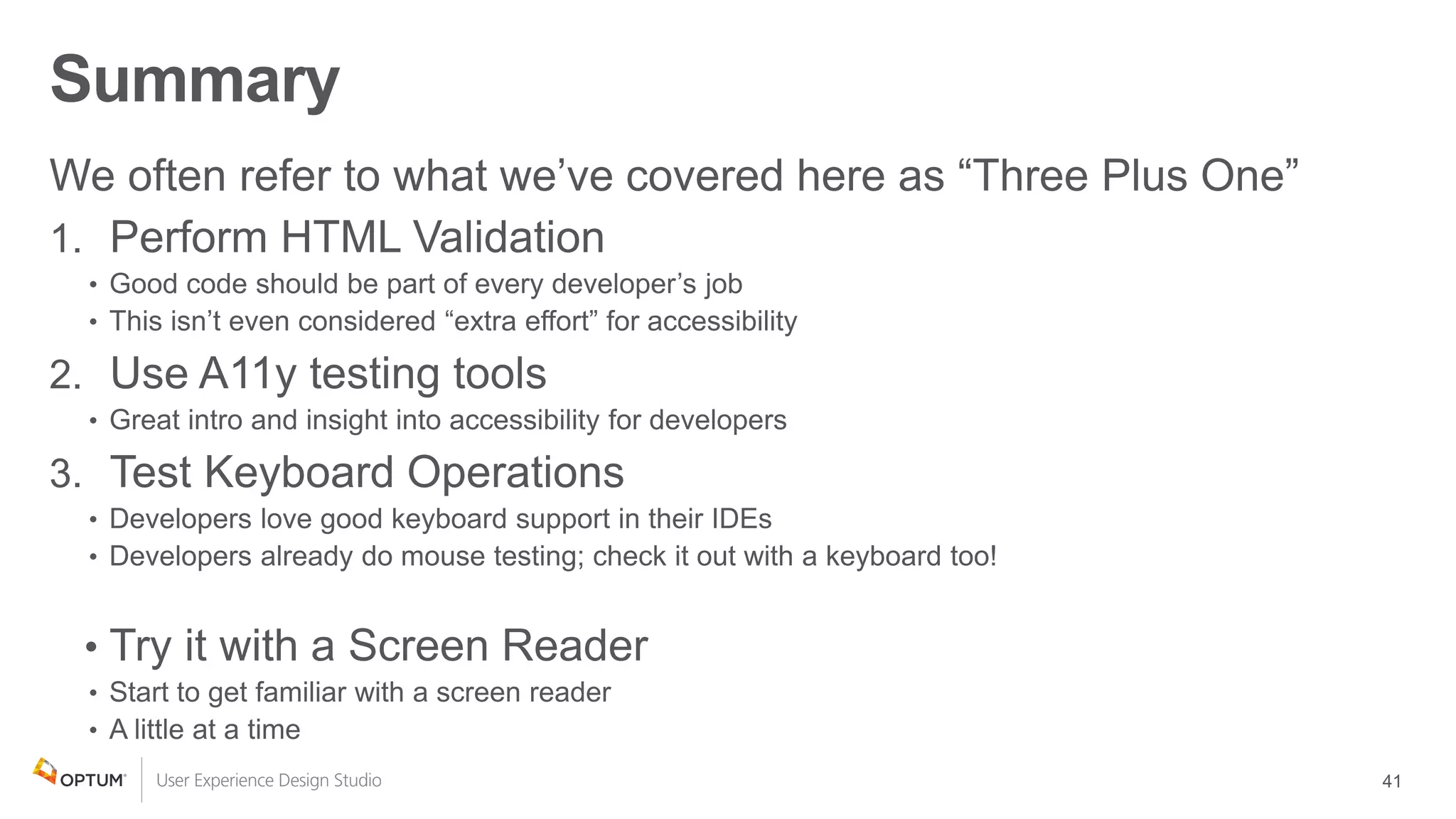
Summary
1.
2.
3.
•
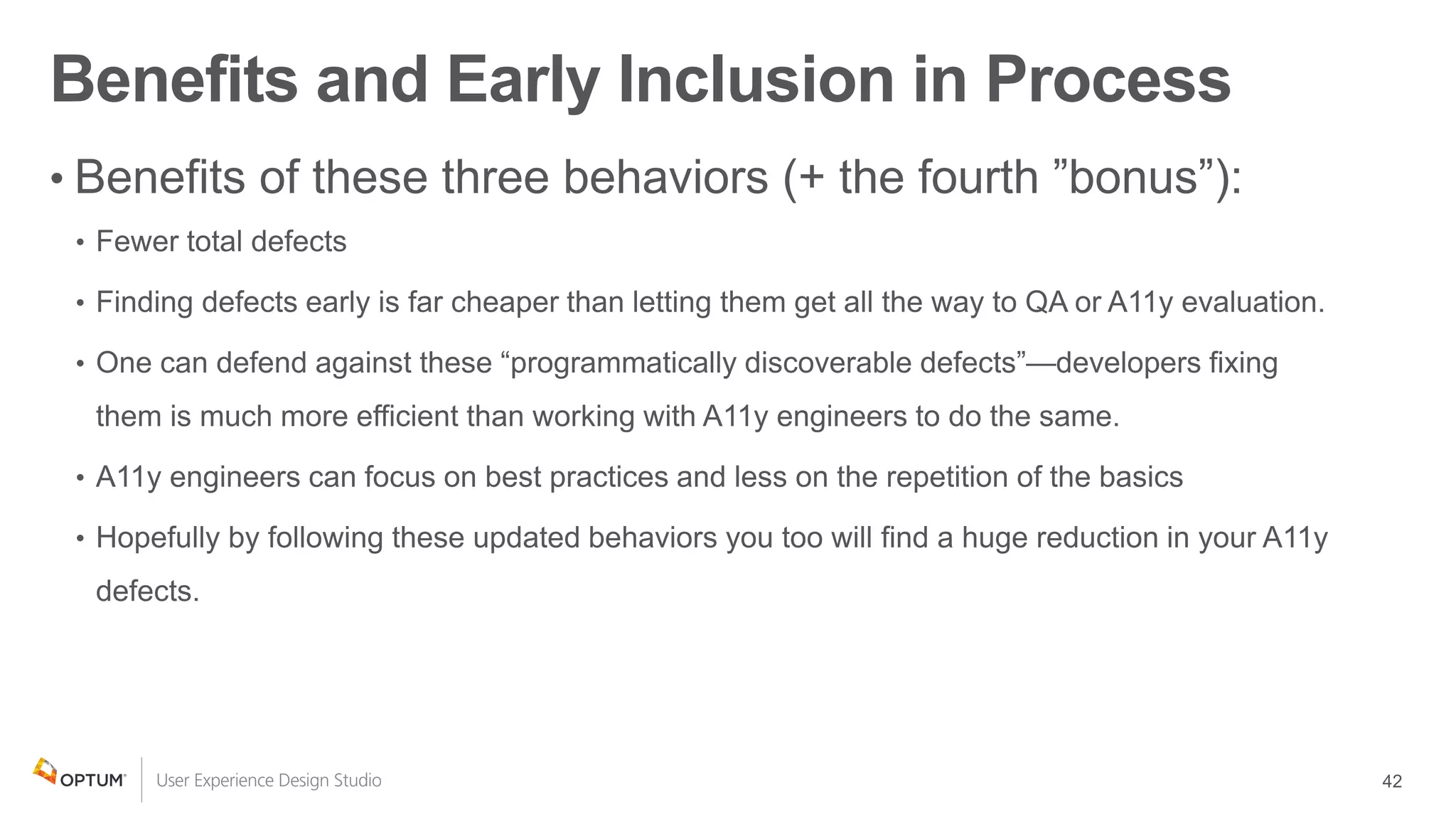
Benefits and Early Inclusion in Process
•
Thomas Dinkel
thomas.dinkel@optum.com
thomas.f.dinkel@gmail.com
@phrenishious
linkedin.com/in/thomas-dinkel-629a491/
Seán Kelly
sean_kelly@optum.com
sean.kelly.net@gmail.com
@sk55408
inkedin.com/in/seankellyweb/

Three Developer Behaviors to Eliminate 85 Percent of Accessibility Defects

Editor's Notes

  • #2 Sean
  • #3 Thomas First time at CSUN and my first time presenting. Terrible with names and faces, no official diagnosis for it, but trust me, I’m really bad so always, please feel free to approach me and (re)introduce yourself. Legally blind in one eye since birth. Early stages of glaucoma in the other.
  • #4 Sean
  • #5 Sean
  • #6 Sean
  • #7 Sean Three projects tracked over a number of months with some variation of how defects were tracked Two were already under way and did not have accessibility oversight from the start. All were created by teams with little or no accessibility experience. In each case at least 85% of the accessibility defects created were 100% preventable with these three behaviors. It is worth noting that the “bonus” behavior (screen reader testing) was not part of the 85% calculation but would have prevented some additional errors of a similarly basic nature.
  • #8 Thomas We want our developers to perform HTML validation.
  • #9 Thomas We want them to do this because it is a part of WCAG: Of the four P. O. U. R. principals, one is pretty much all about following the standards and focuses on compatibility with many platforms.
  • #10 Thomas We want them to do it, because HTML is “a standard” Here we’re showing definitions of “HTML” from a bunch of different sources: W3schools, dictionary.com, Wikipedia and OxfordDictionaries.com http://www.w3.org/standards/faq#std W3C publishes documents that define Web technologies. These documents follow a process designed to promote consensus, fairness, public accountability, and quality. At the end of this process, W3C publishes Recommendations, which are considered Web standards.
  • #11 Thomas This diagram shows a number of the various participants involved in the standard; it starts with the HTML specification, and ending with the end user. Participating in the standard, means we all promise to use it consistently. If we do, we all win. This slide shows a flow chart that starts with the HTML Specification and passes through a number of participants and products before making its way to “your users”. (One line) The HTML standard starts with the specification made by the W3C—which we can all help contribute to. Based on that standard, Browser Developers build browsers that will know what to do with the stuff in the specification. Based on the specification, Assistive Technology developers build tools know what to do with what is in the browser and the HTML specification. (Two lines) Again, we start with the HTML standard, Based on the standard, Web Developers also know how to write HTML. Web developers use standard HTML to create documents that make up their web site / application. (Three lines) So when an HTML document gets parsed by the browser, UI elements are displayed in a consistent way. Then when what is in the browser gets interpreted by the screen reader, it be presented in a consistent way as well. Finally, when it gets to the user (remember, they are the whole reason we’re doing all of this in the first place): It will meet all user’s every expectation and they will love you for it. The point is, we all need this shared understanding to help make things work as expected.
  • #12 Thomas The Web Accessibility Initiative’s “contract model” diagram; an image found on the “Accessible Rich Internet Applications” This is a closer look at the pieces of an HTML document that come together in the browser and how their meaning is shared with assistive technologies through the “accessibility API”.
  • #13 Thomas We want our stuff to work in the browsers our users use, not just the ones our developers use. We want our stuff to work in new browsers, not just the ones we have today. When a new device or browser comes out, as long as it follows standards we all agree to, it should work as expected. It’s not only about the browsers though, for accessibility, we need to take it a step further: We want our stuff to work with the assistive technologies that our users use. Browsers: Internet Explorer 11 – Microsoft Firefox – Mozilla Safari – Apple Chrome – Google Edge – Microsoft Assistive Technologies: JAWS – Freedom Scientific VoiceOver – Apple TalkBack – Google Dragon Naturally Speaking ZoomText NVDA – NV Access
  • #14 Thomas The term “BrAT” is our abbreviation for Browser and Assistive Technology combination.
  • #15 Thomas
  • #16 Thomas
  • #17 Thomas Are custom elements valid HTML? We can’t consider them valid yet the validator doesn’t know anything about the custom element; so it treats it like a SPAN. If the custom element contains a block element, it breaks.
  • #18 Thomas
  • #19 Thomas Notes: One of the worst examples I’ve ever seen of this was “title” on a custom dialog.
  • #20 Thomas
  • #21 Thomas
  • #22 Thomas https://validator.w3.org/docs/why.html Too hard / takes too much time The same could be said of “real” programming languages that are less forgiving. Many DEVs still take it a step further and do unit testing on their back-end code. HTML code quality needs to be a job requirement. Why not with HTML? Because web browsers are too forgiving. “It works in the browser I tested it with” That’s like saying: “This house is great as long as you’re less than four feet tall” Or: “It’s a good porch as long as only one person stands on it at a time” We want our web apps to work the same on as many devices/browsers as possible WCAG says “Robust” Many of the big-players’ pages don’t pass validation Maybe they can afford the risk Some valid HTML doesn’t work; some invalid HTML is accessible. It is more often the case where pages work more reliably in more BrATs when using standard, valid HTML The JS framework we’re using generates the HTML, they must know what they’re doing I hope that happens soon. We’ve heard “We can’t control the HTML that is being generated.” but have found this to be generally false.
  • #23 Thomas
  • #24 Thomas State and dynamic content changes example: Page with a form loads: run validation Try to submit the form with no values entered and error messages are displayed: run validation Fix all the errors so all the fields look valid: run validation again.
  • #25 Thomas
  • #26 Sean
  • #27 Sean Page at a time Several options with similar coverage Very different ways of displaying output Site scanning Varying capabilities and maturity levels Shop carefully! Different packages might be very different fit-wise for different organization’s environments
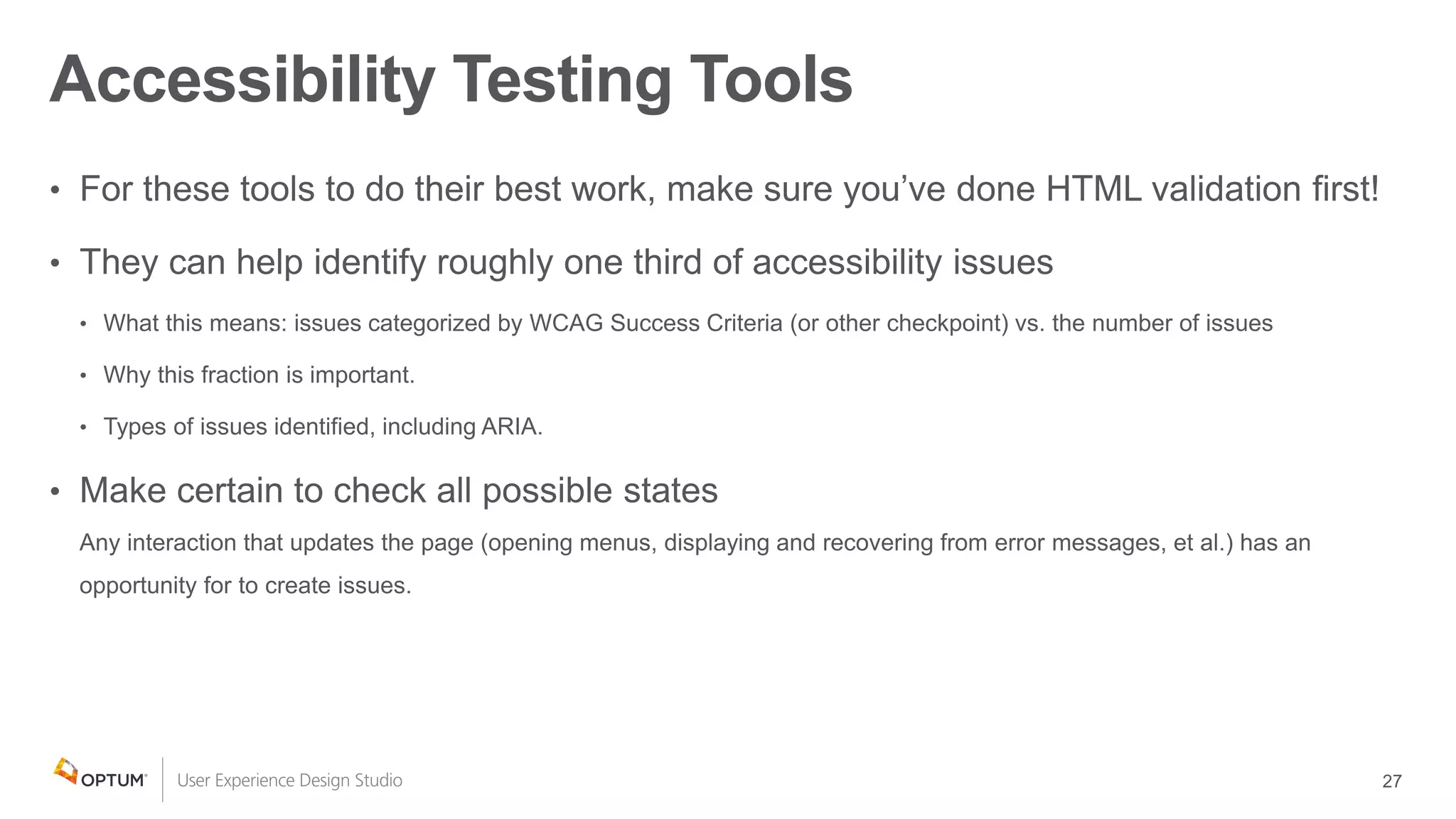
  • #28 Sean For these tools to do their best work, make sure you’ve done HTML validation first! What, more about HTML validation? Yes! One-third Different numbers that one hears usually vary from about one-fifth to just over one-third (~20-35%). Depends on how one measures and who one asks more than which tool is used. What this means: Type of issues (categorized WCAG Success Criteria, Techniques/Violations/etc. or customized checklists) vs the number of issues including multiple instances of the same issue Why this comparatively small fraction is important and useful—many issues that are automatically detected are: especially tedious or time-consuming to examine in the code Items that will be a speed bump for other testing (e.g., ARIA issues)
  • #29 Sean
  • #30 Sean
  • #31 Sean
  • #32 Sean Empathy piece—understanding how keyboard-only users navigate pages. In addition to the keyboard, voice controls or different hardware my be used. Imagine missing navigation skip links or long menus for someone using a sip-and-puff switch.
  • #33 Sean Also remember that we’re not just doing this for people with disabilities…
  • #34 Sean While one needs to be able to perform the same task with a keyboard as one does with a mouse, some variation in how tasks are performed is often acceptable. For example, with a mouse, you can highlight some text, and drag and drop it to a new place in a document. It is an acceptable keyboard-equivalent to be able to highlight some text, cut it and then paste it to its new spot. Other examples: In a pick-list Moving a floating panel or dialog
  • #35 Sean
  • #36 Sean
  • #37 Thomas
  • #38 Thomas
  • #39 Thomas Learn to do each of these incrementally; don’t expect developers to learn this all at once or they will be set up to fail. Name: You should be able tell what the purpose of the element is. The name doesn’t need to contain the role, because: Just like designers wouldn’t like it if you put the word “button” on every button… Role Native, semantic elements all know what their role is, it sets the expectation for how the element should behave. States / Properties Some elements include lots of important details, like “checked” or “disabled” or “has submenu” or “collapsed” Additional descriptive information Sometimes we include helpful, instructive text to an element… such as input tips and error messages on form fields. Sometimes the AT will tell you how to interact with a specific element
  • #40 Thomas
  • #41 Thomas
  • #42 Thomas
  • #43 Sean
  • #44 Sean