There’s a Module for That
Fast and Easy Websites with Drupal
Emma Jane Hogbin
HICK Tech
@emmajanedotnet
emma@hicktech.com
I am IAM
Sorry
A boot
 eh?
Know your cattle


www.bar5.com
Know your pumpkin

                    photo credit: calliope
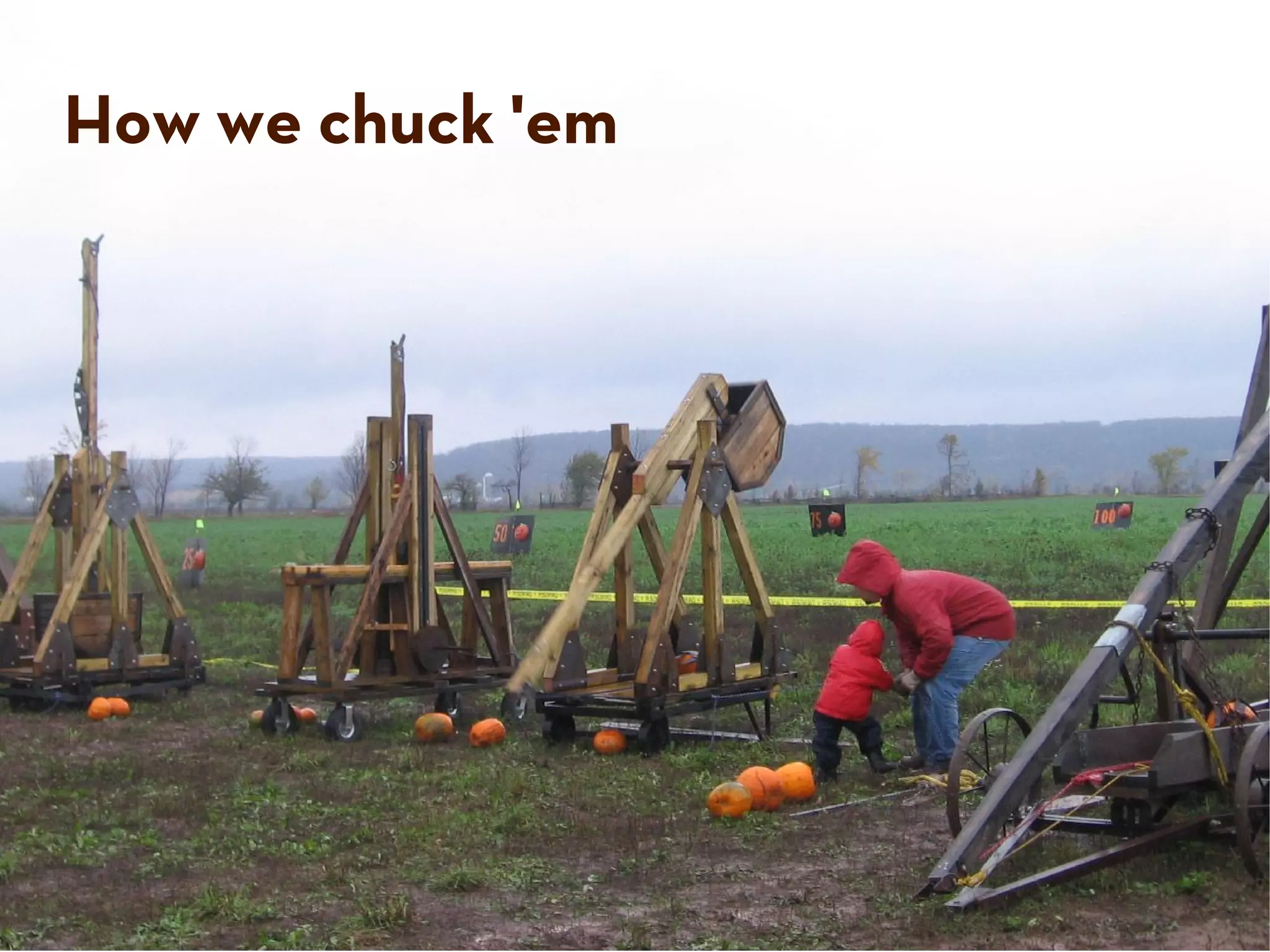
How we chuck 'em
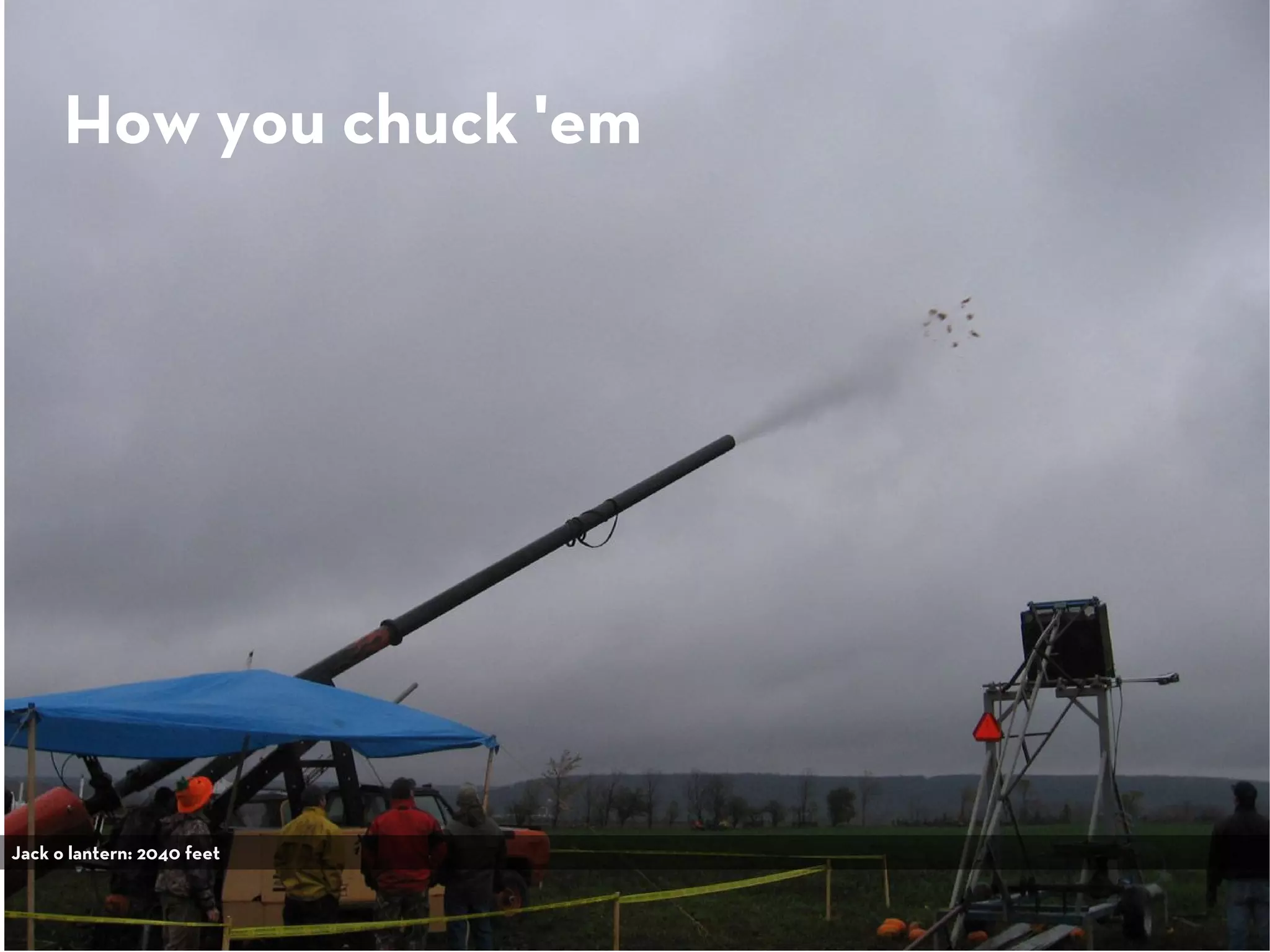
How you chuck 'em


Jack o lantern: 2040 feet
Drupal
drupal.org/user/1773


                       Photo: morten.dk
                       Legs: walkah
</me>
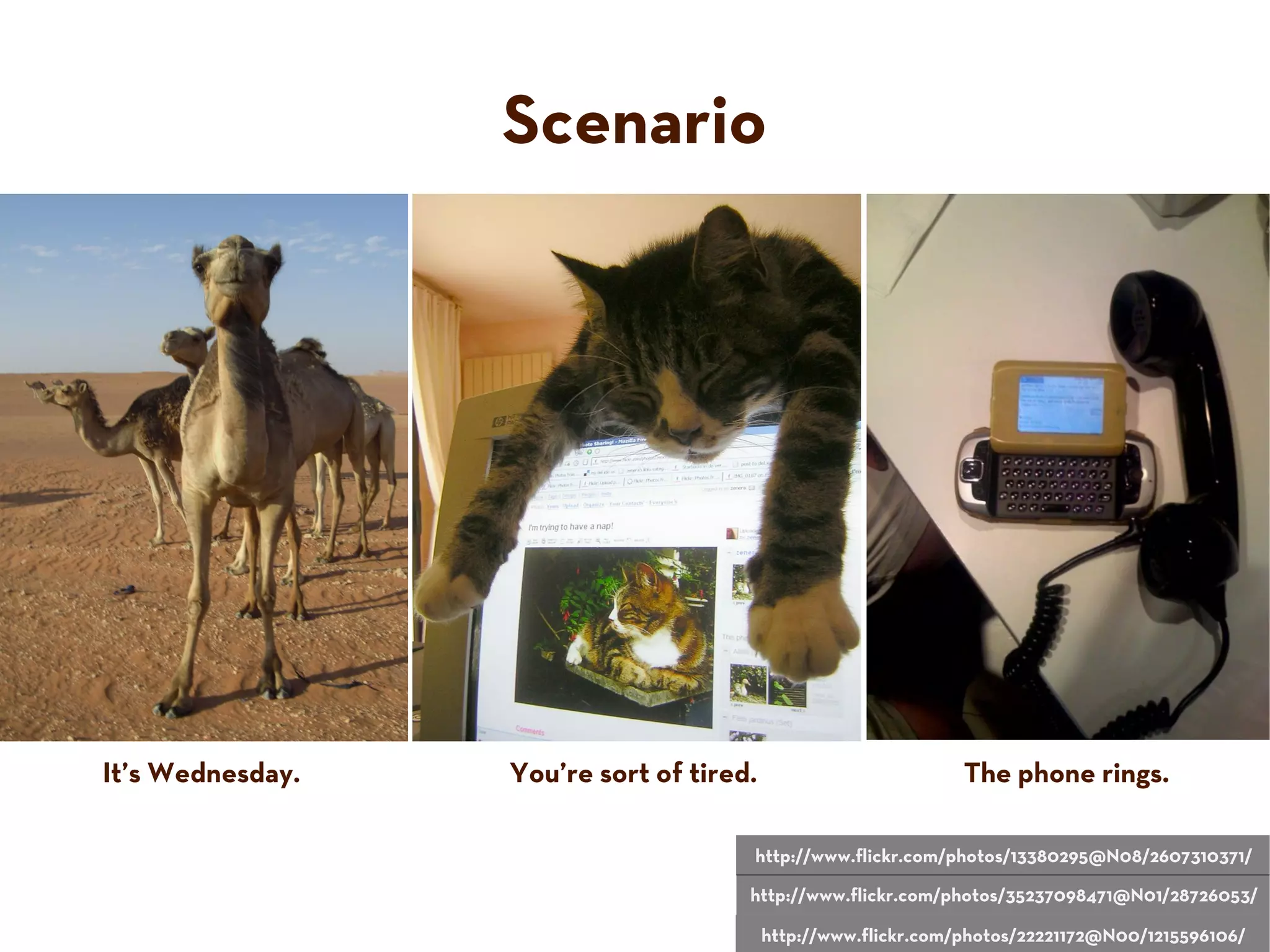
Scenario


It’s Wednesday.   You’re sort of tired.                         The phone rings.

                                      http://www.flickr.com/photos/13380295@N08/2607310371/

                                      http://www.flickr.com/photos/35237098471@N01/28726053/

                                          http://www.flickr.com/photos/22221172@N00/1215596106/
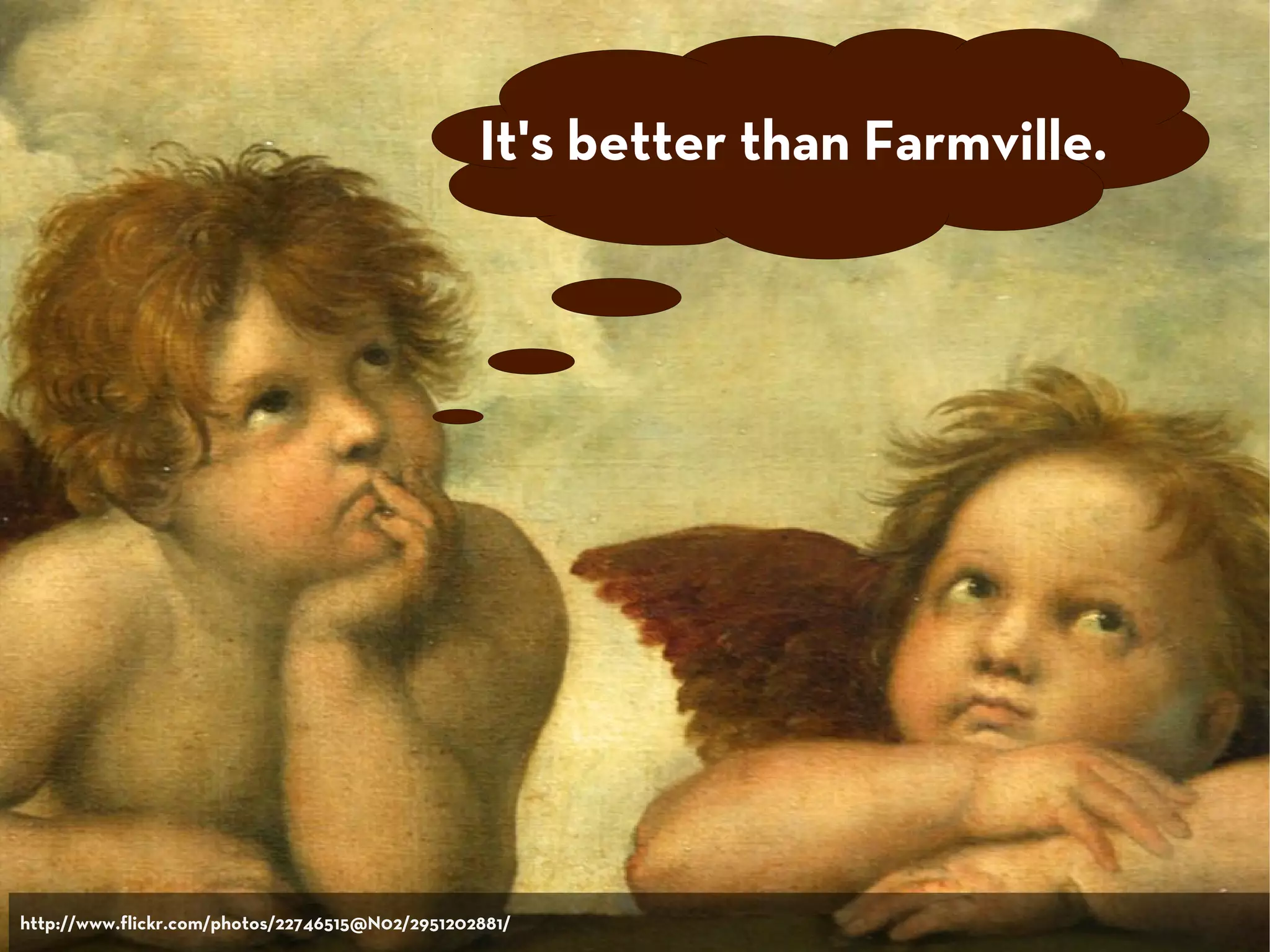
It's better than Farmville.


http://www.flickr.com/photos/22746515@N02/2951202881/
I need a Web site.
Pronto.
My buddy said you
can make it happen.
I got $500.
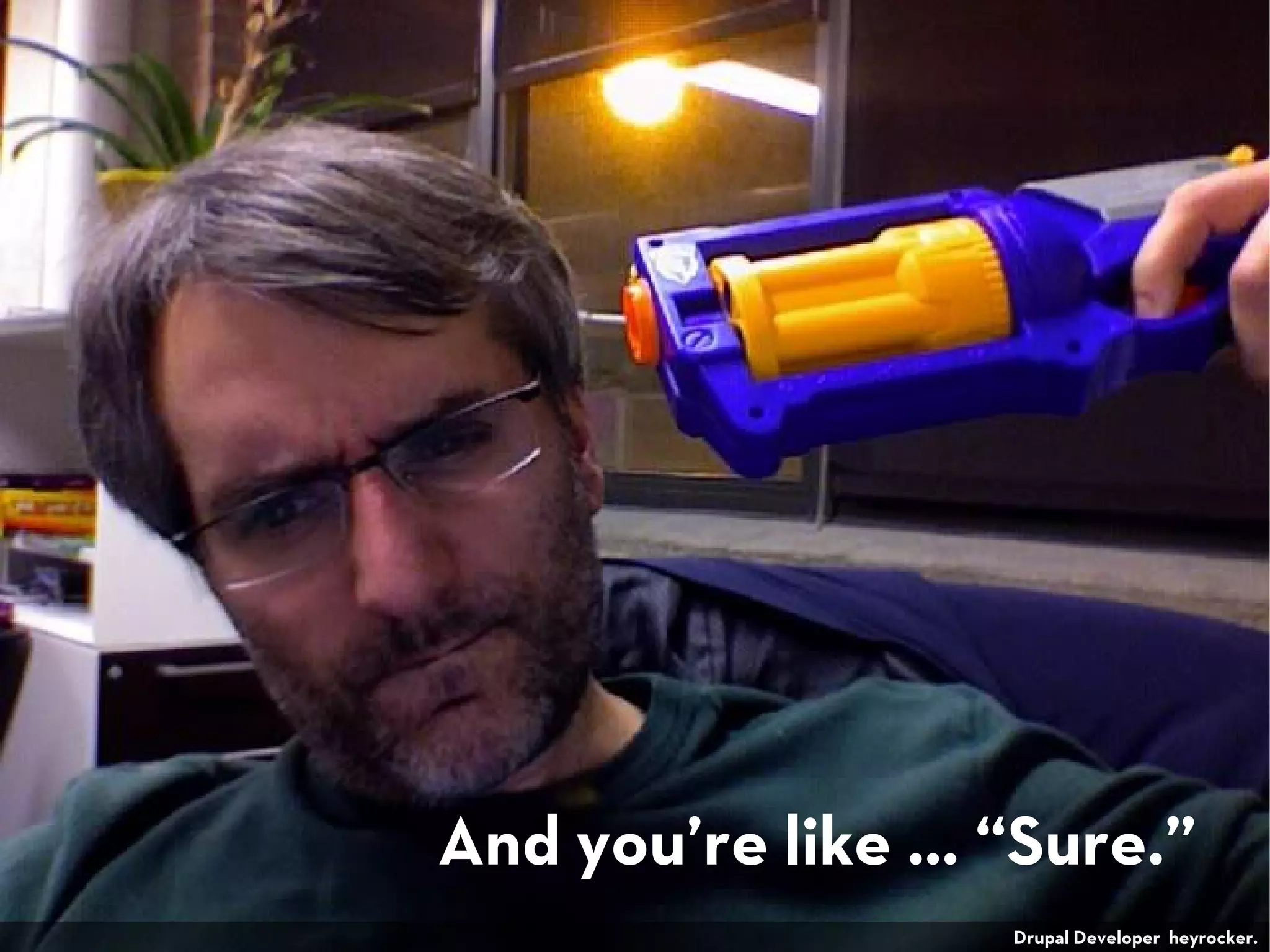
And you’re like … “Sure.”
                  Drupal Developer heyrocker.
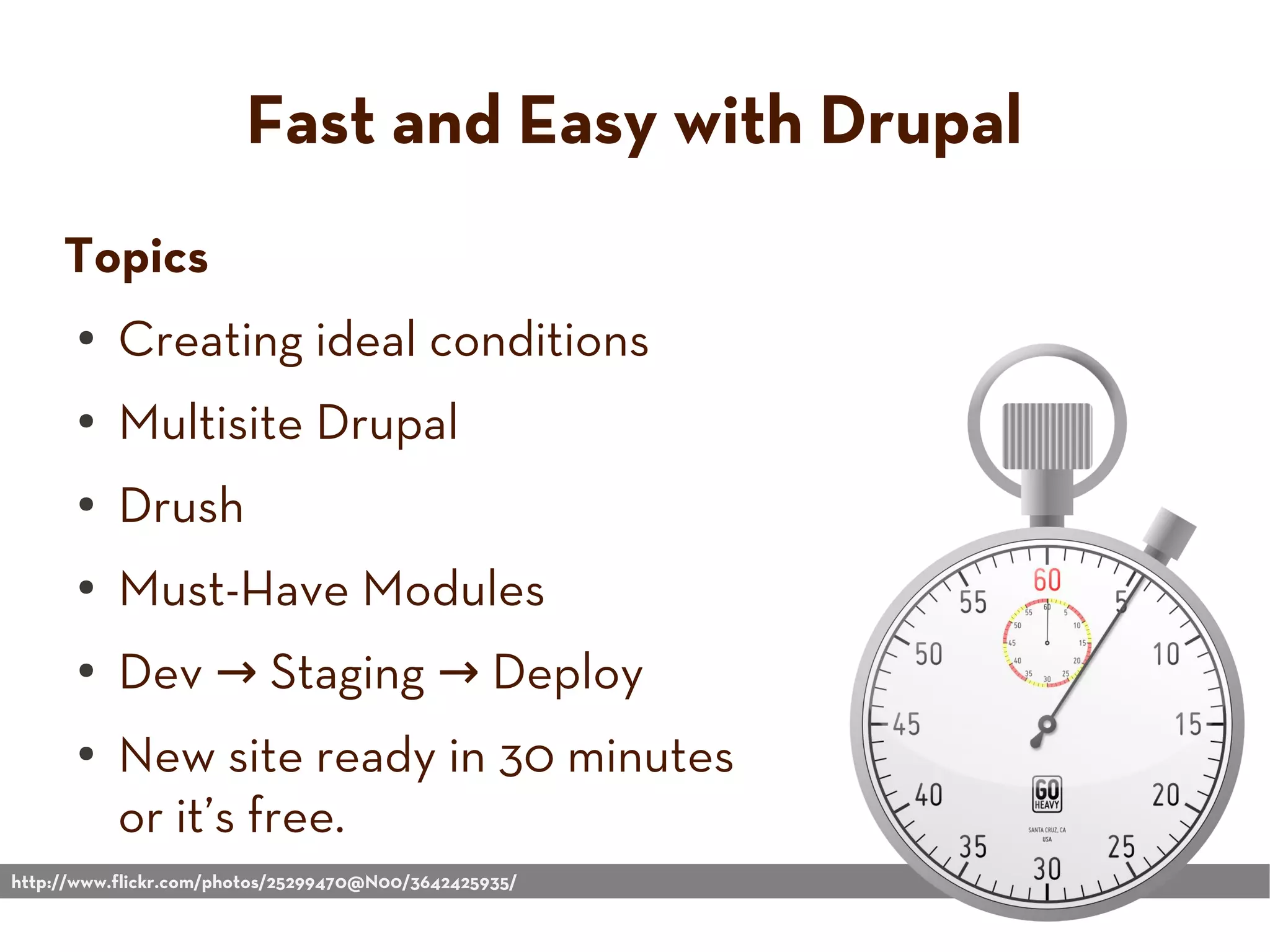
Fast and Easy with Drupal
     Topics
      ●    Creating ideal conditions
      ●    Multisite Drupal
      ●    Drush
      ●    Must-Have Modules
      ●    Dev → Staging → Deploy
      ●    New site ready in 30 minutes
           or it’s free.
http://www.flickr.com/photos/25299470@N00/3642425935/
Create the
                                                       Conditions
                                                        You Need
                                                      For Success


http://www.flickr.com/photos/38284047@N00/71034227/
Know your clients


www.bar5.com
Successful Drupal Shops...
●   Re-use code (and contribute it back where possible).
●   Automate repetitive procedures (such as upgrades).
●   Have a test/development site.
●   Train their clients on how to update their own sites.
●   Use version control.
●   Know a key set modules really, really well.
●   Interact with the Drupal community.
Drupal is Built with
                                                           Re-use in Mind


http://www.flickr.com/photos/91695677@N00/3227109747/
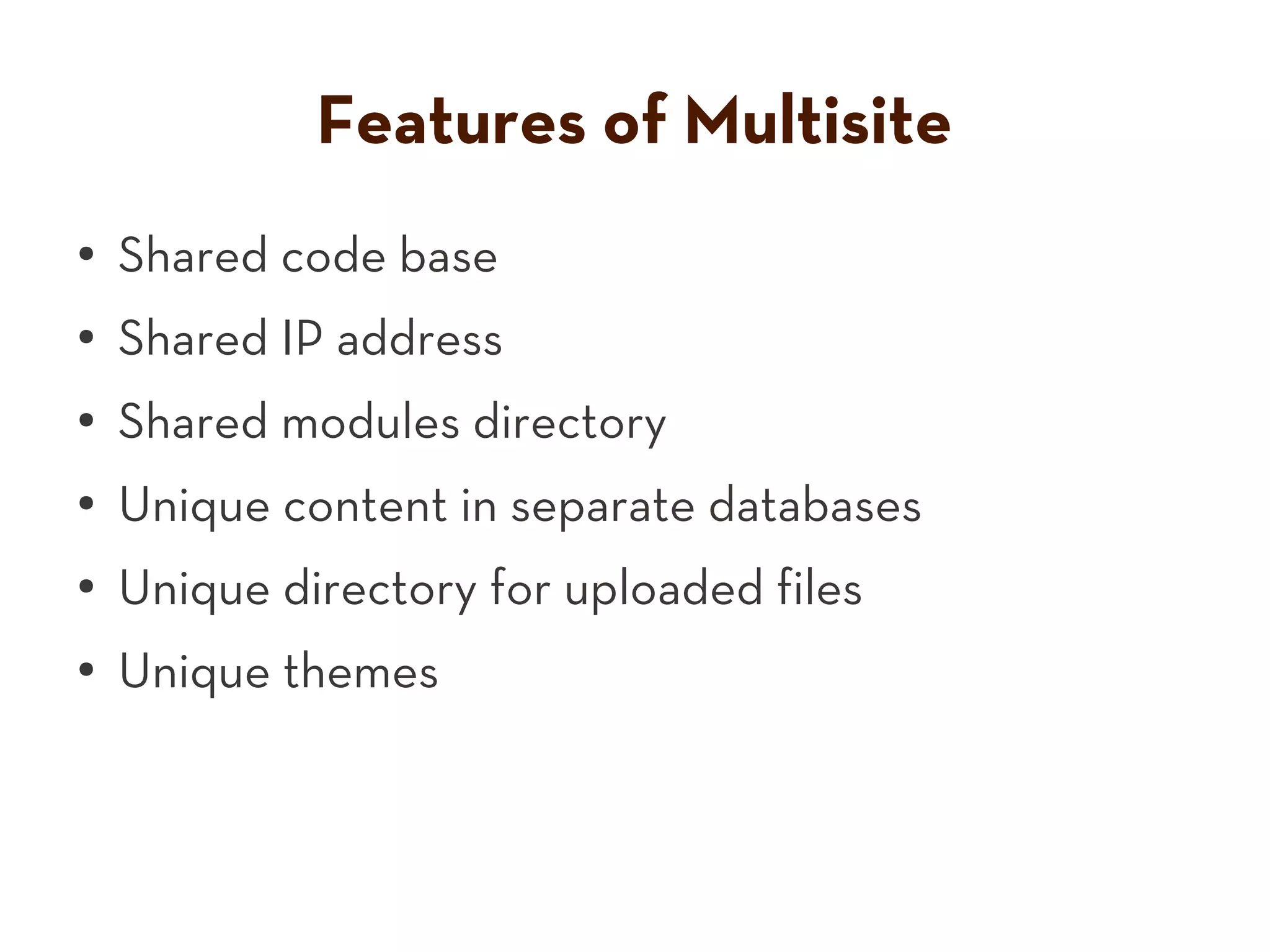
Features of Multisite
●   Shared code base
●   Shared IP address
●   Shared modules directory
●
    Unique content in separate databases
●
    Unique directory for uploaded files
●
    Unique themes
Automate Tasks


http://www.flickr.com/photos/thehenryford/4974233749/
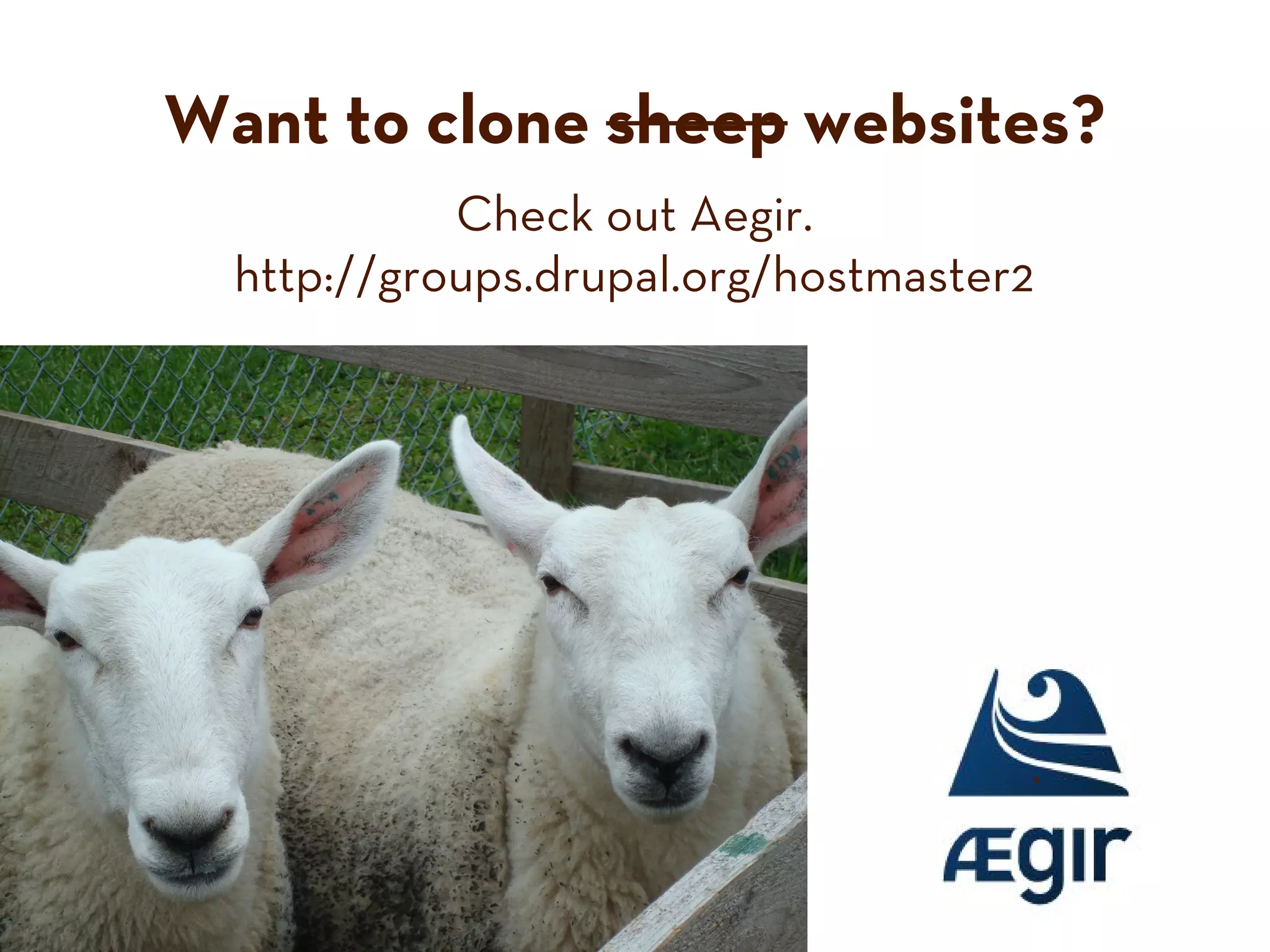
Want to clone sheep websites?
            Check out Aegir.
  http://groups.drupal.org/hostmaster2


                                     `
Find and use appropriate tools.


http://www.flickr.com/photos/26170836@N05/4731018653/
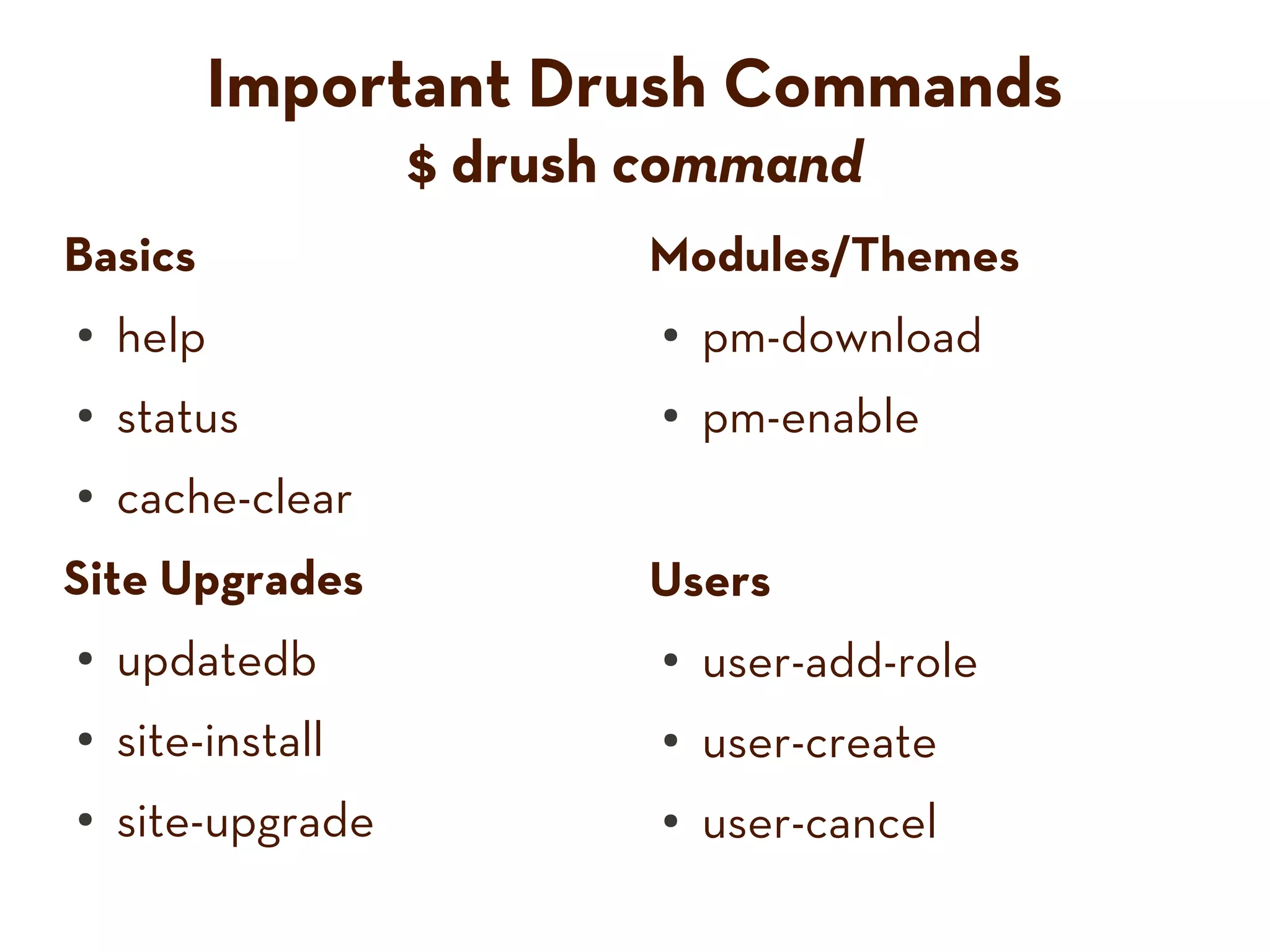
Important Drush Commands
                   $ drush command
Basics                    Modules/Themes
●   help                   ●   pm-download
●   status                 ●   pm-enable
●   cache-clear
Site Upgrades             Users
●   updatedb               ●   user-add-role
●   site-install           ●   user-create
●   site-upgrade           ●   user-cancel
Drush wants to help you
                           (apply security patches).


http://www.flickr.com/photos/59158146@N00/2339618314/
Collect Useful Modules
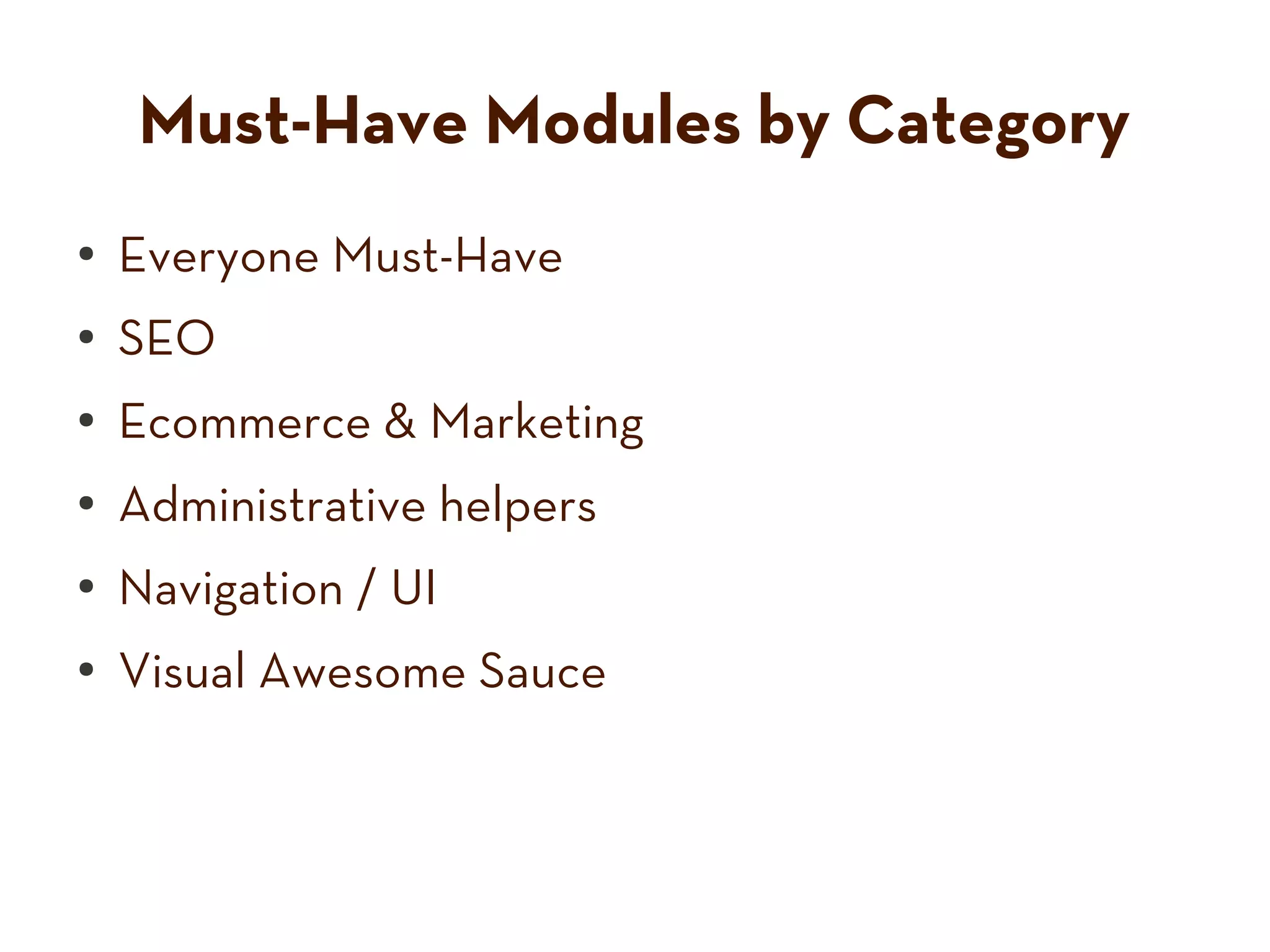
Must-Have Modules by Category
●   Everyone Must-Have
●   SEO
●   Ecommerce & Marketing
●
    Administrative helpers
●
    Navigation / UI
●
    Visual Awesome Sauce
Get your digital cameras ready


 50+
modules
              will be listed.
   And I’m not waiting for you to write them all down.
            www.slideshare.net/emmajane
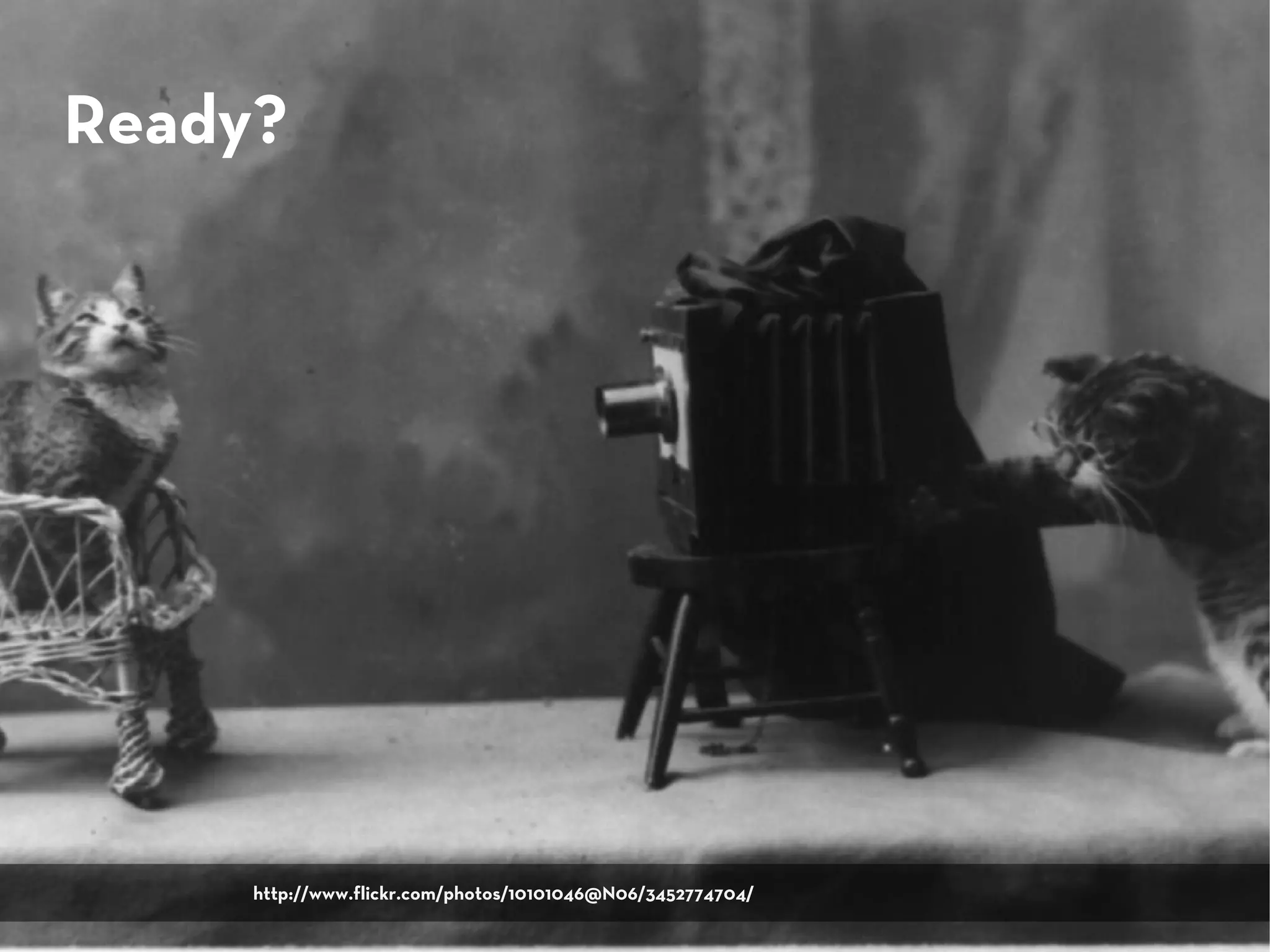
Ready?


     http://www.flickr.com/photos/10101046@N06/3452774704/
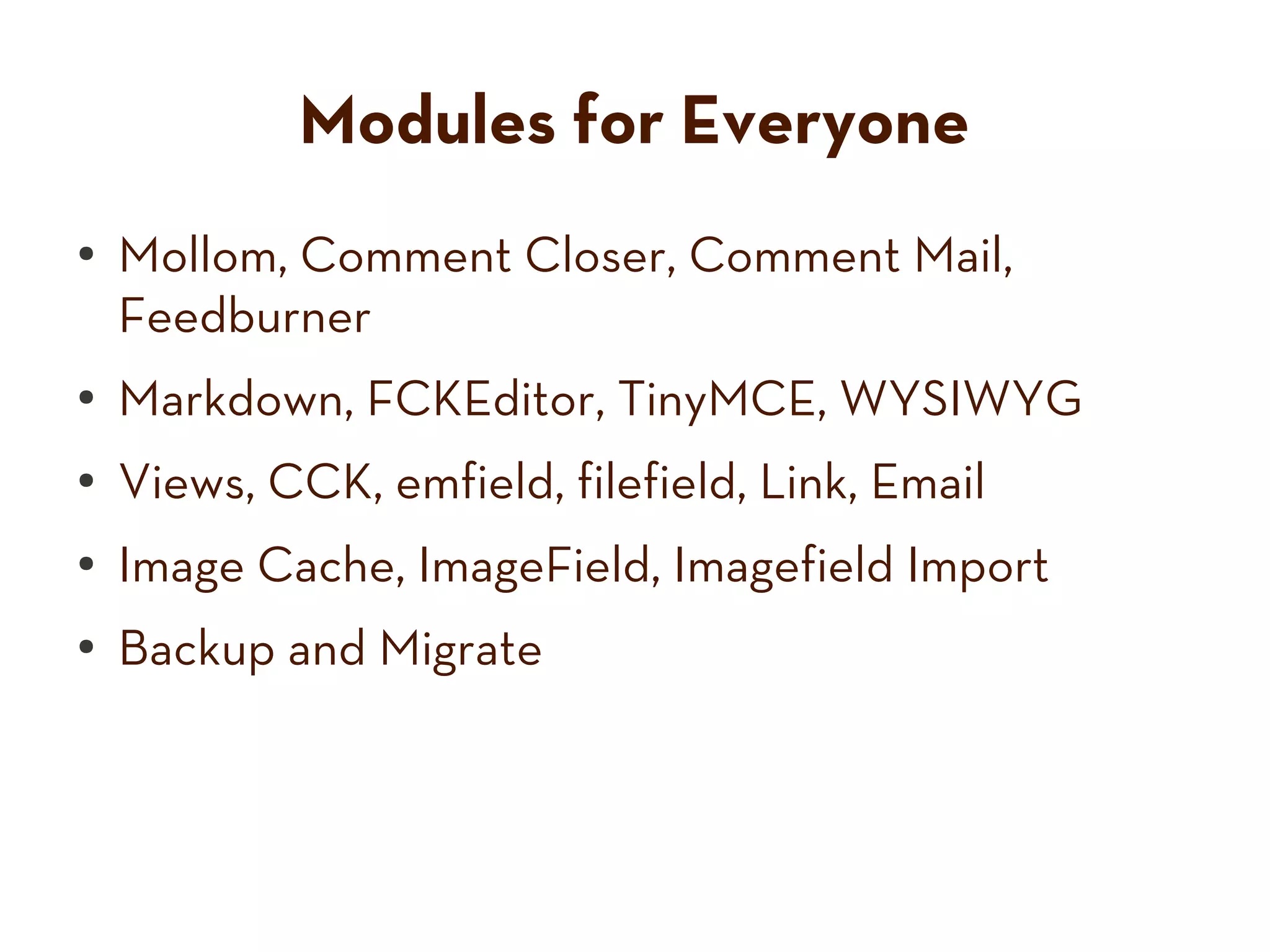
Modules for Everyone
●   Mollom, Comment Closer, Comment Mail,
    Feedburner
●   Markdown, FCKEditor, TinyMCE, WYSIWYG
●   Views, CCK, emfield, filefield, Link, Email
●   Image Cache, ImageField, Imagefield Import
●   Backup and Migrate
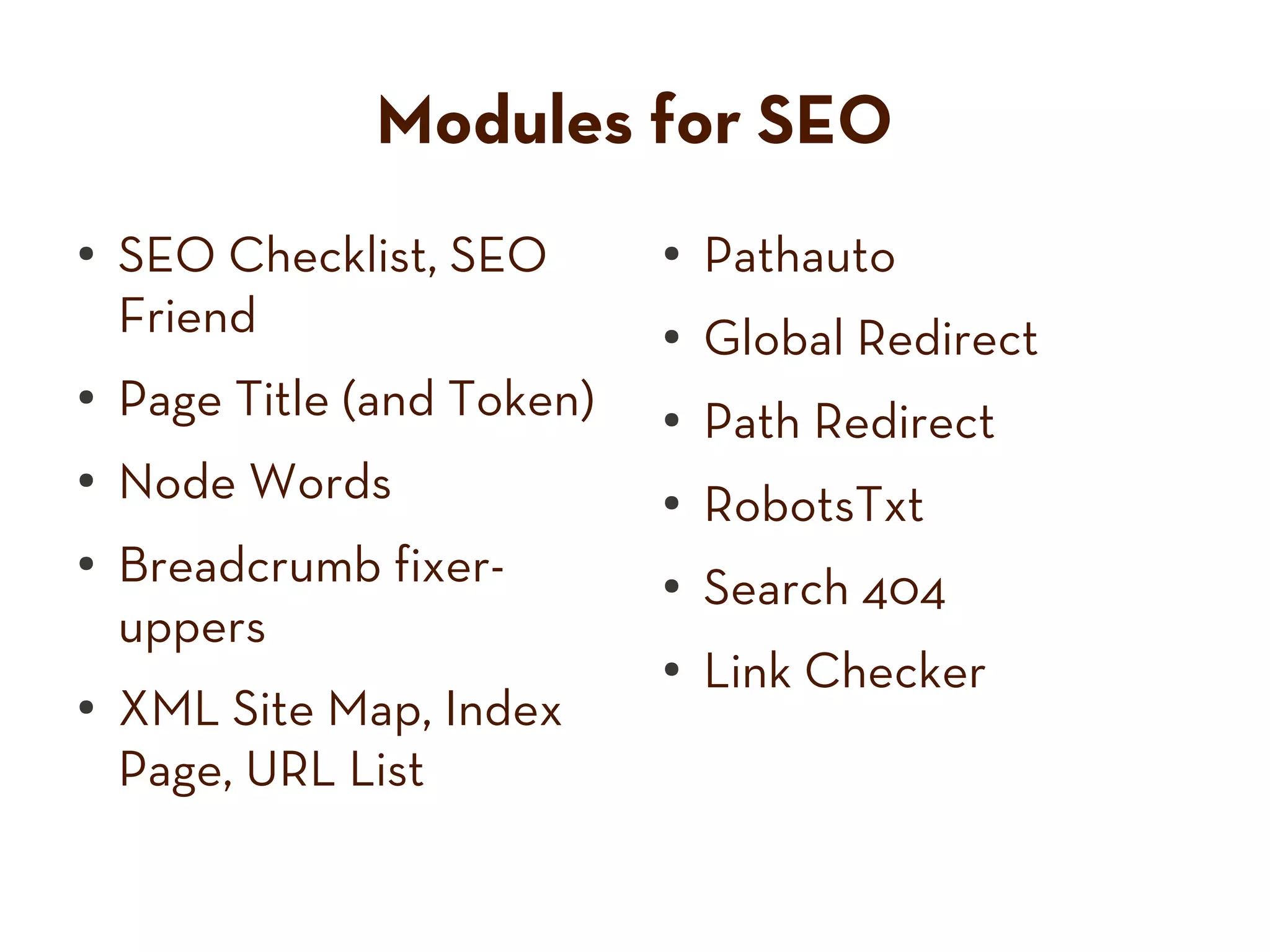
Modules for SEO
●   SEO Checklist, SEO       ●   Pathauto
    Friend                   ●   Global Redirect
●   Page Title (and Token)   ●   Path Redirect
●   Node Words               ●
                                 RobotsTxt
●   Breadcrumb fixer-        ●
                                 Search 404
    uppers
                             ●
                                 Link Checker
●   XML Site Map, Index
    Page, URL List
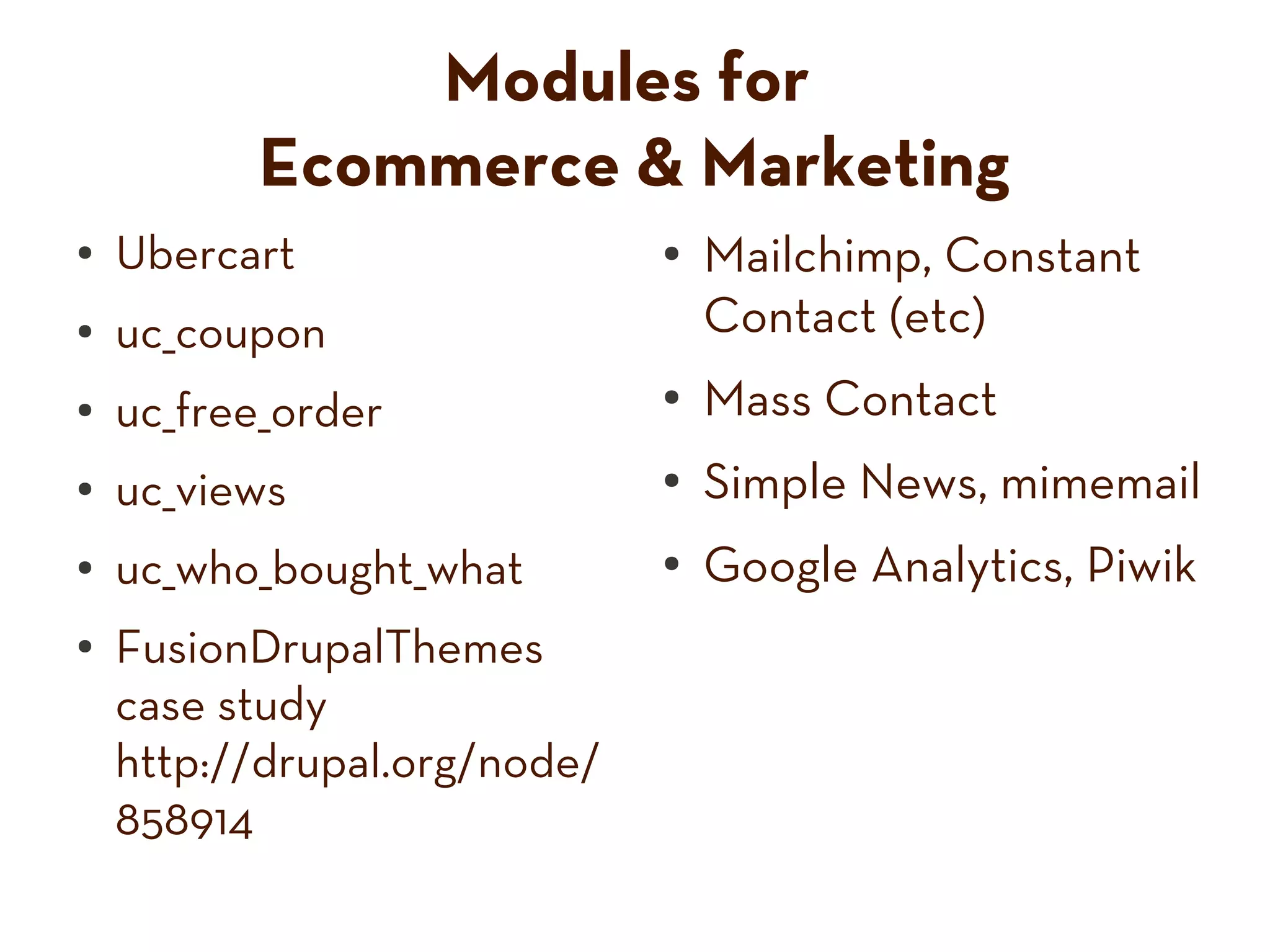
Modules for
          Ecommerce & Marketing
●   Ubercart                  ●   Mailchimp, Constant
●   uc_coupon                     Contact (etc)
●   uc_free_order             ●   Mass Contact
●   uc_views                  ●   Simple News, mimemail
●   uc_who_bought_what        ●   Google Analytics, Piwik
●   FusionDrupalThemes
    case study
    http://drupal.org/node/
    858914
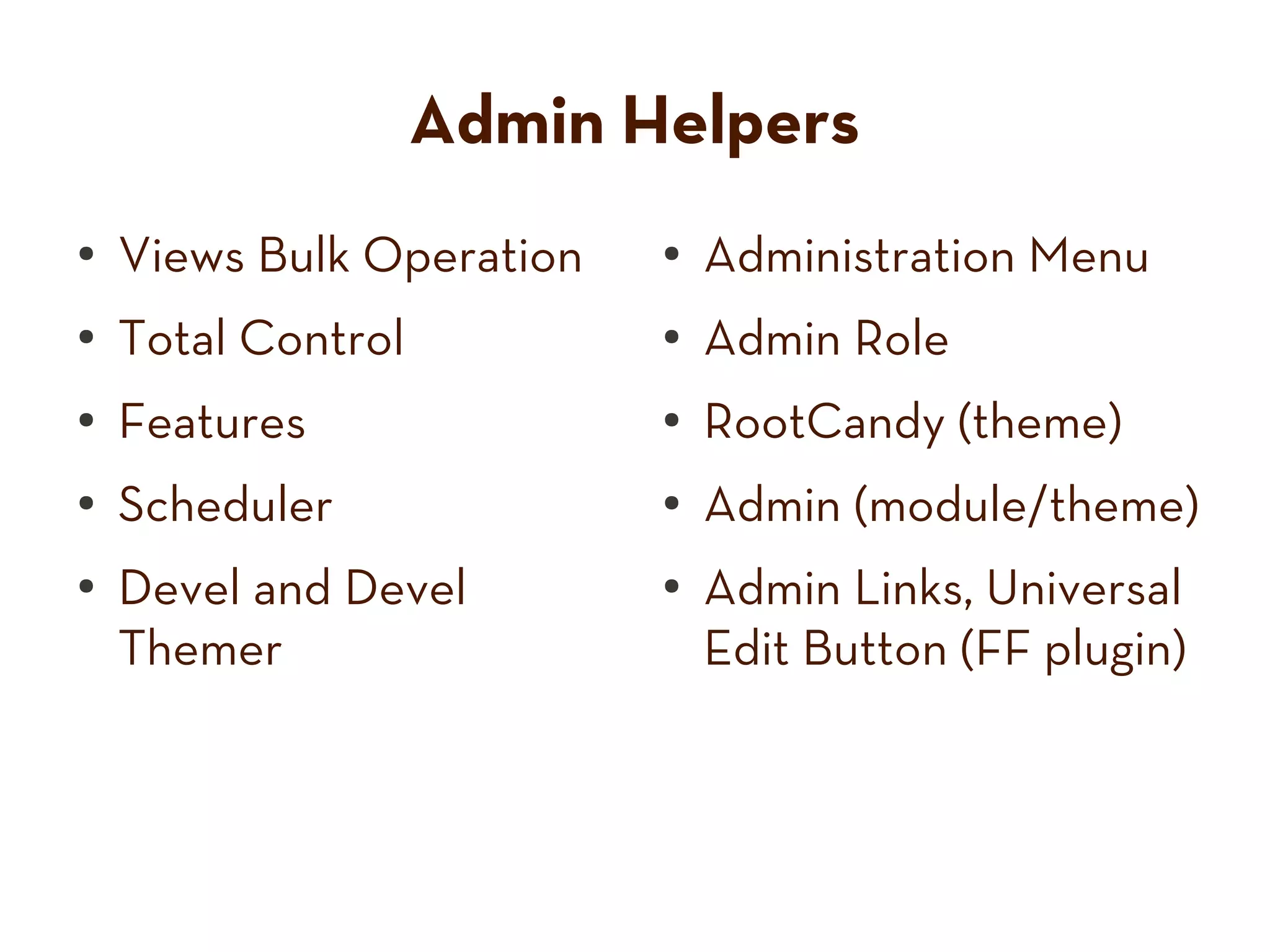
Admin Helpers
●   Views Bulk Operation   ●   Administration Menu
●   Total Control          ●   Admin Role
●   Features               ●   RootCandy (theme)
●
    Scheduler              ●
                               Admin (module/theme)
●
    Devel and Devel        ●
                               Admin Links, Universal
    Themer                     Edit Button (FF plugin)
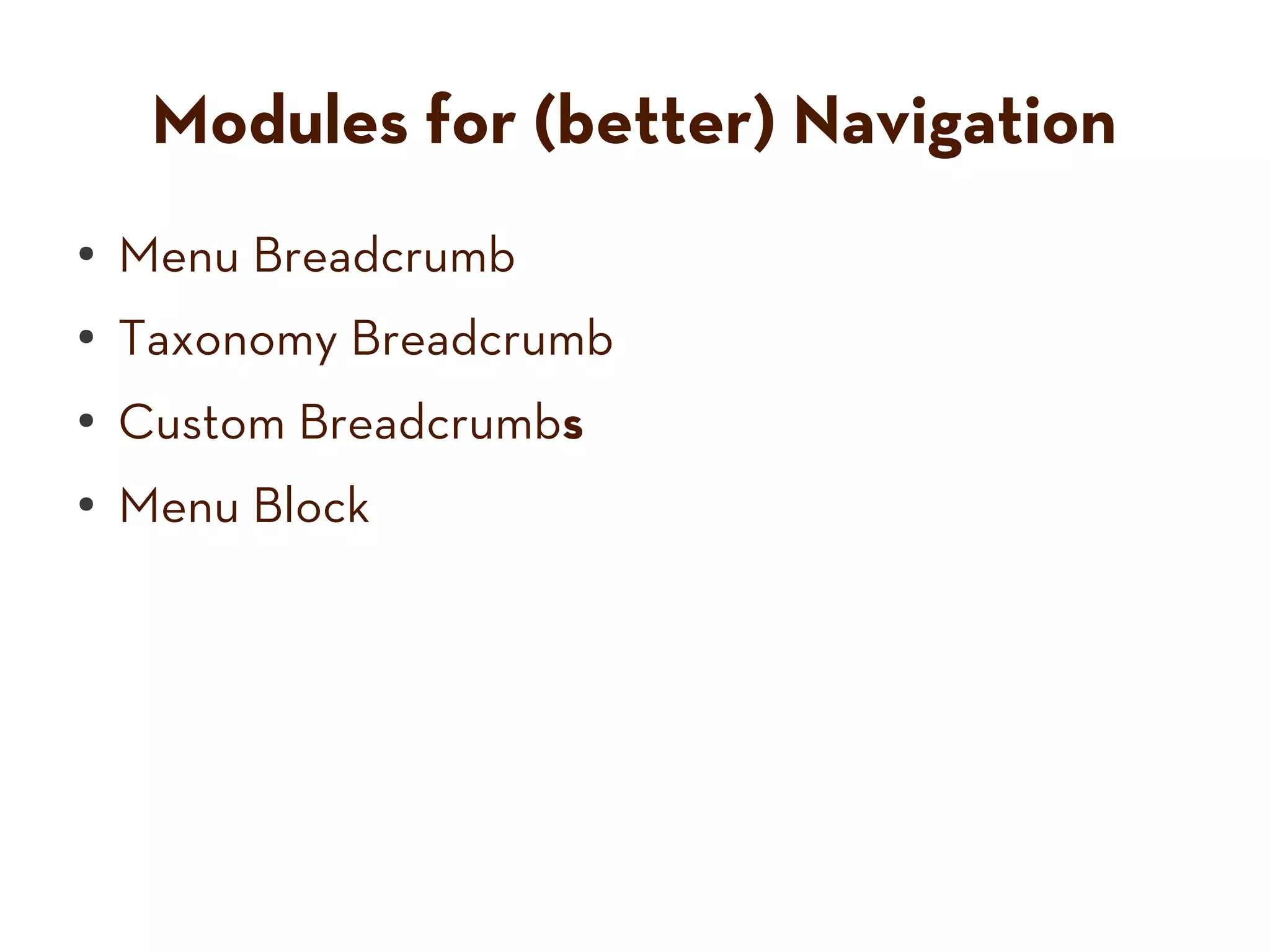
Modules for (better) Navigation
●   Menu Breadcrumb
●   Taxonomy Breadcrumb
●
    Custom Breadcrumbs
●   Menu Block
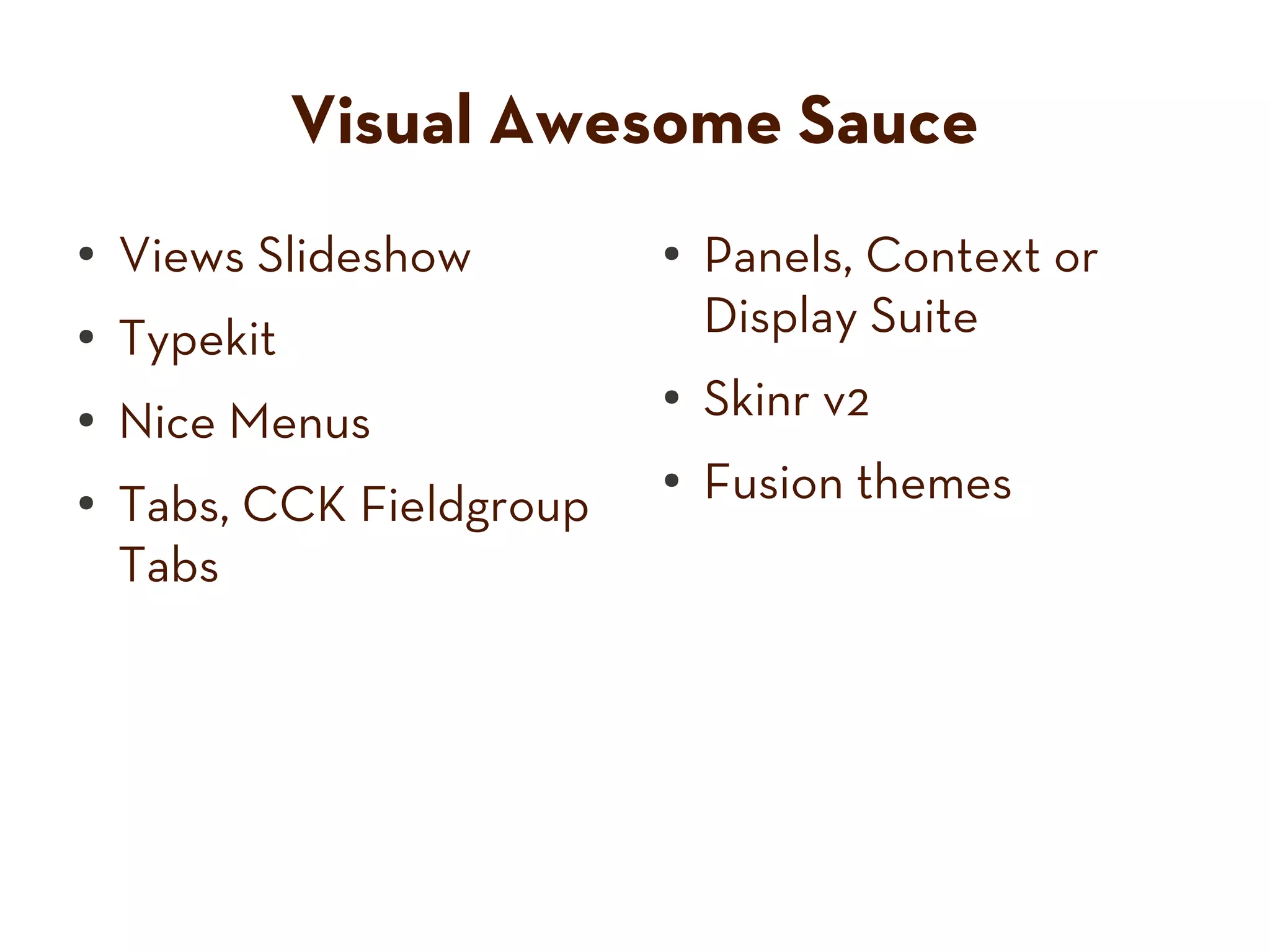
Visual Awesome Sauce
●   Views Slideshow        ●   Panels, Context or
●   Typekit                    Display Suite
●   Nice Menus
                           ●   Skinr v2
●
    Tabs, CCK Fieldgroup
                           ●   Fusion themes
    Tabs
http://www.flickr.com/photos/70099148@N00/145270356/


Where do they go?
Installing [Modules] with Drush
$ cd drupal/sites/example.com

$ drush dl module_name
Project menu_block (6.x-2.3) downloaded to             [success]
/home/emmajane/websites/drupal/sites/all/modules/menu_block.

$ drush en module_name
The following projects will be enabled: menu_block
Do you really want to continue? (y/n): y
menu_block was enabled successfully.                   [ok]
Dev → Staging → Deployment
http://www.flickr.com/photos/88448902@N00/457428714/
Find and Use Appropriate Tools
      Three Drupal bacon savers:
        ●    Install profiles.
        ●    Feature server.
        ●    Exportables.


Photo by: chrys. All rights reserved. Permission not obtained. I'm going to copyright hell.
You can rat me out at: http://www.flickr.com/photos/chrys/2329243533/#/
http://www.flickr.com/photos/22801406@N06/2211020136/


                                               Install Profile
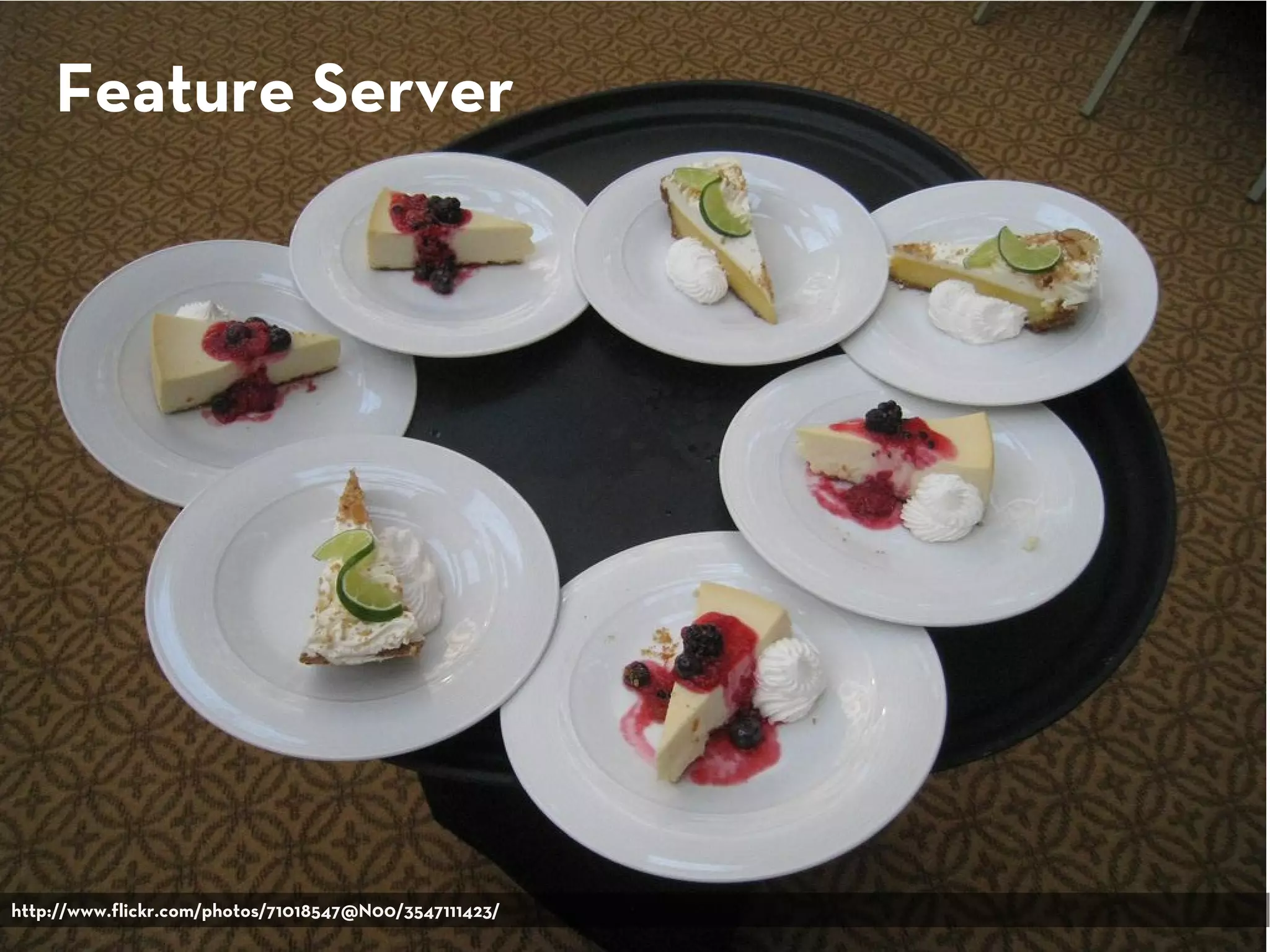
Feature Server


http://www.flickr.com/photos/71018547@N00/3547111423/
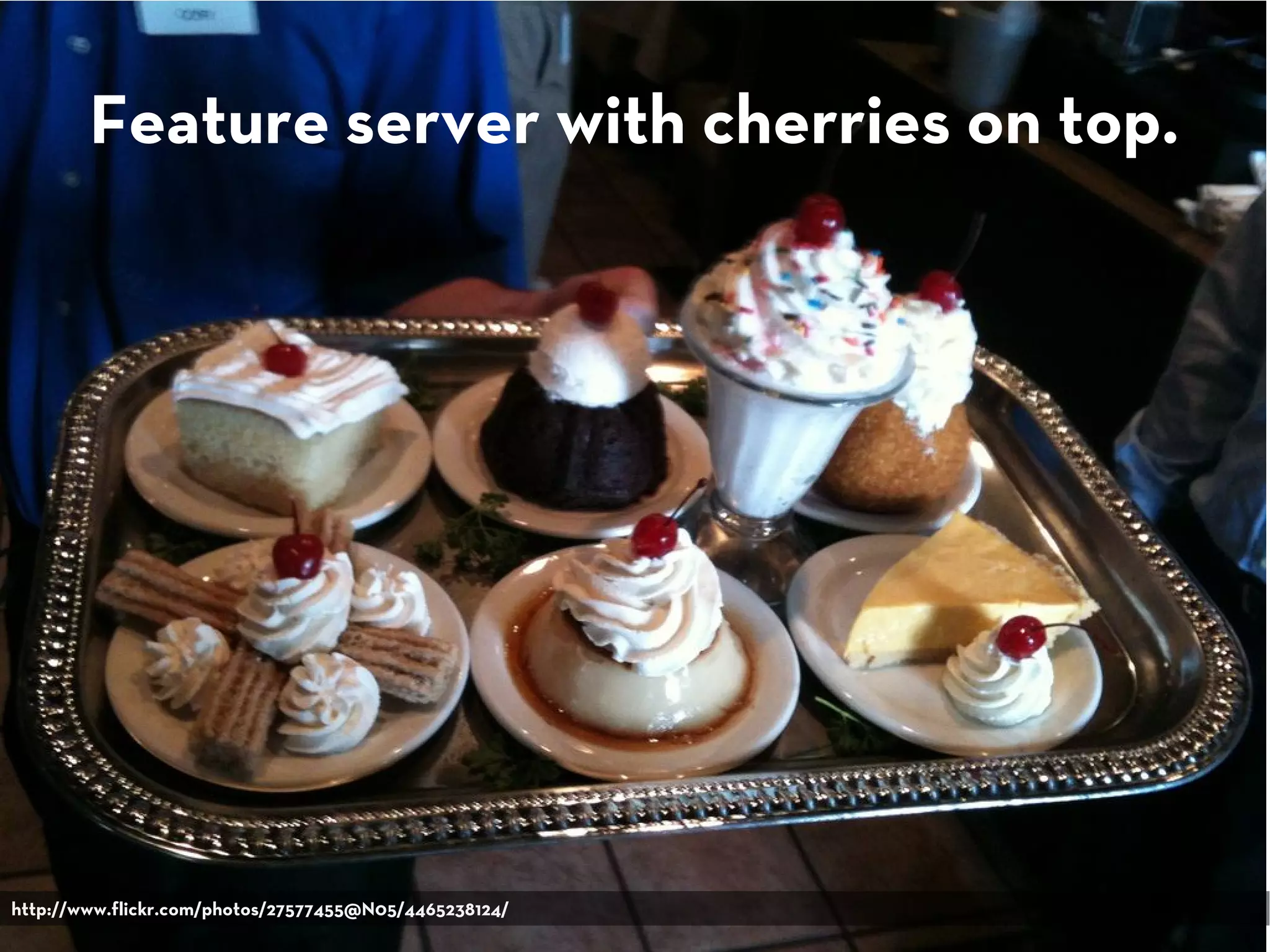
Feature server with cherries on top.


http://www.flickr.com/photos/27577455@N05/4465238124/
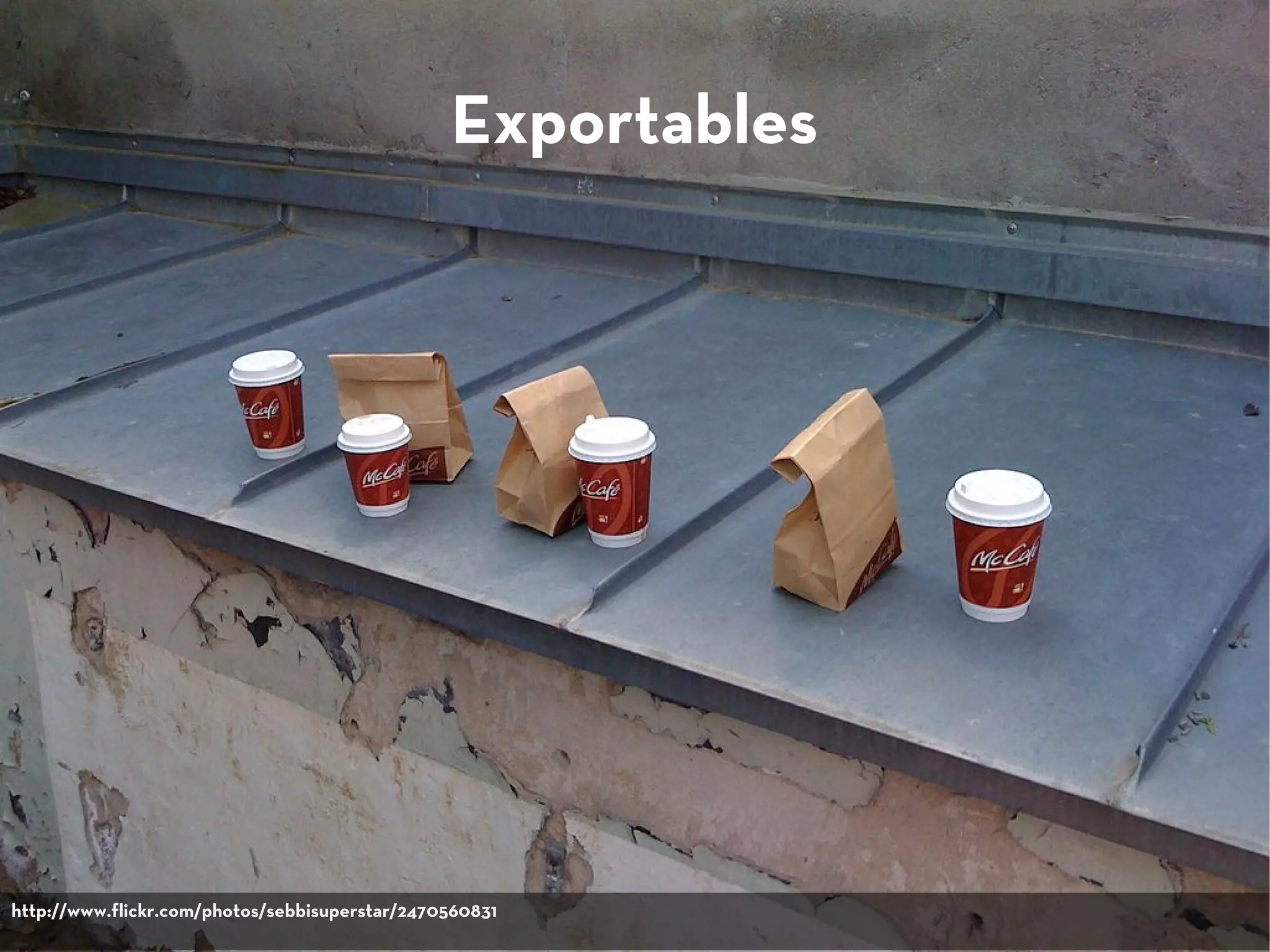
Exportables


http://www.flickr.com/photos/sebbisuperstar/2470560831
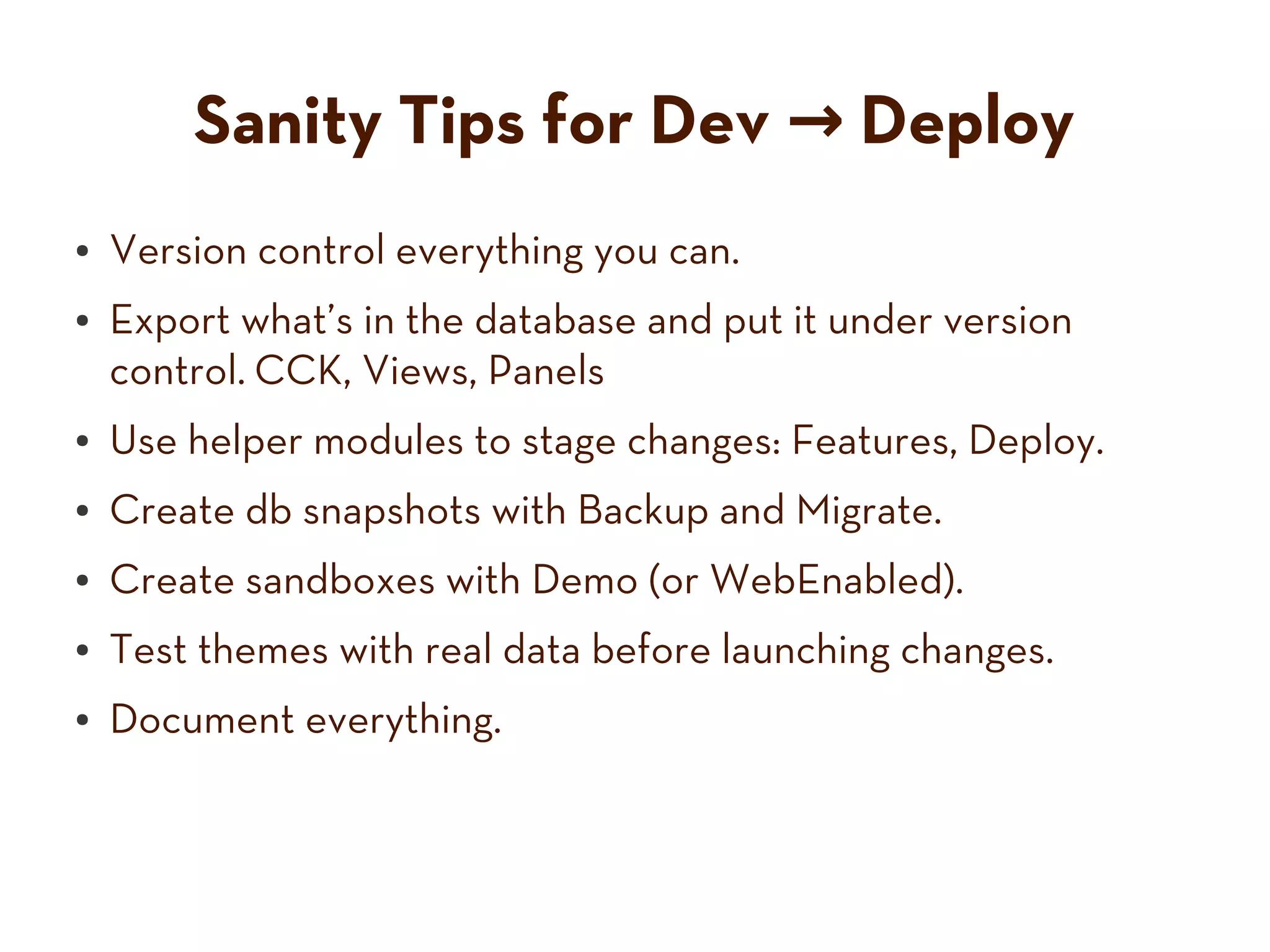
Sanity Tips for Dev → Deploy
●   Version control everything you can.
●   Export what’s in the database and put it under version
    control. CCK, Views, Panels
●   Use helper modules to stage changes: Features, Deploy.
●   Create db snapshots with Backup and Migrate.
●   Create sandboxes with Demo (or WebEnabled).
●   Test themes with real data before launching changes.
●   Document everything.
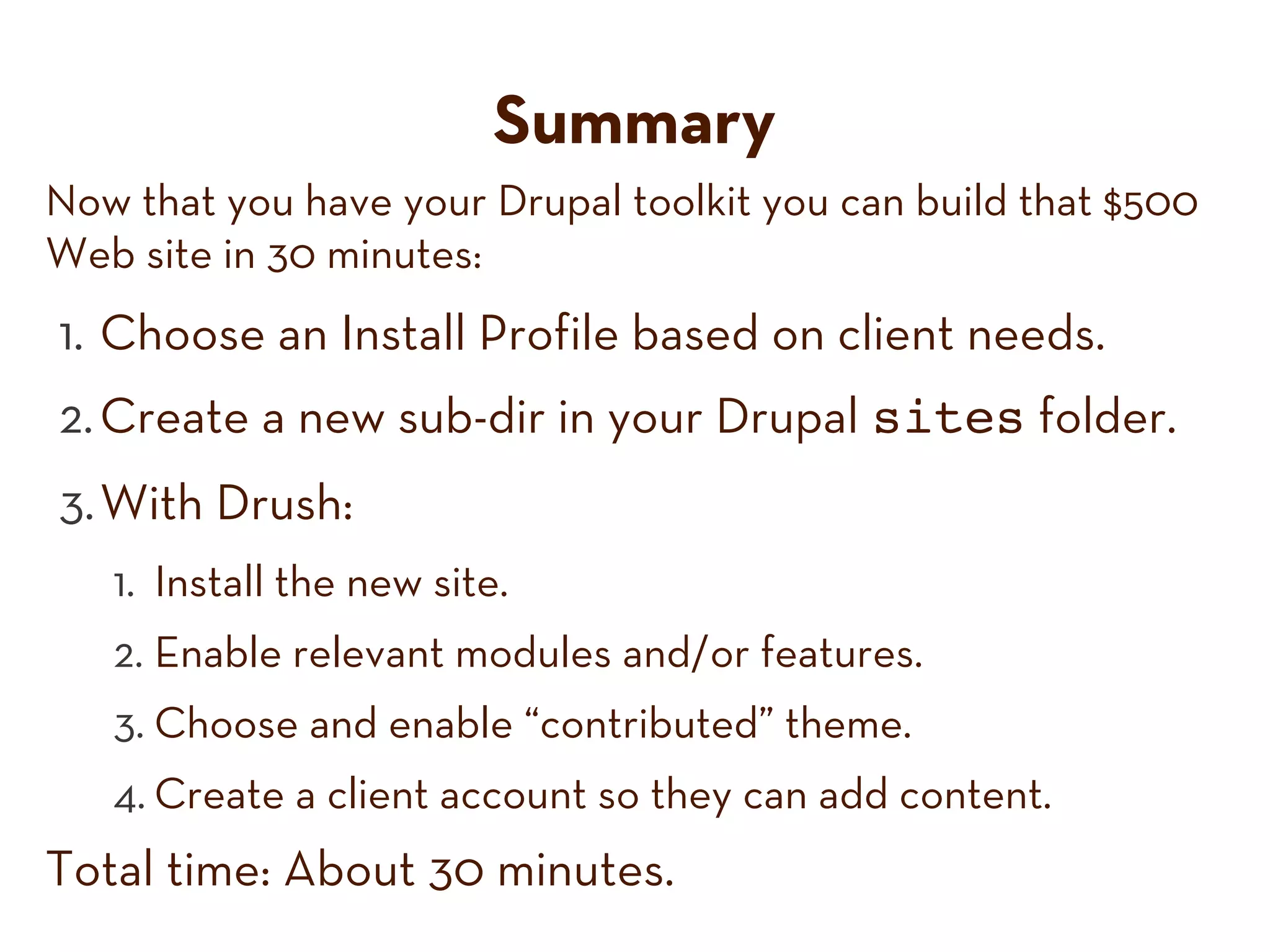
Summary
Now that you have your Drupal toolkit you can build that $500
Web site in 30 minutes:
1. Choose an Install Profile based on client needs.
2. Create a new sub-dir in your Drupal sites folder.
3. With Drush:
   1. Install the new site.
   2. Enable relevant modules and/or features.
   3. Choose and enable “contributed” theme.
   4. Create a client account so they can add content.
Total time: About 30 minutes.
Thank you!
emma@hicktech.com
@emmajanedotnet

There's a Module for That, MIMA Summit 2010

  • 1.
    There’s a Modulefor That Fast and Easy Websites with Drupal Emma Jane Hogbin HICK Tech @emmajanedotnet emma@hicktech.com
  • 2.
  • 3.
  • 5.
  • 6.
    Know your pumpkin photo credit: calliope
  • 7.
  • 8.
    How you chuck'em Jack o lantern: 2040 feet
  • 9.
    Drupal drupal.org/user/1773 Photo: morten.dk Legs: walkah
  • 10.
  • 11.
    Scenario It’s Wednesday. You’re sort of tired. The phone rings. http://www.flickr.com/photos/13380295@N08/2607310371/ http://www.flickr.com/photos/35237098471@N01/28726053/ http://www.flickr.com/photos/22221172@N00/1215596106/
  • 12.
    It's better thanFarmville. http://www.flickr.com/photos/22746515@N02/2951202881/
  • 13.
    I need aWeb site. Pronto. My buddy said you can make it happen. I got $500.
  • 14.
    And you’re like… “Sure.” Drupal Developer heyrocker.
  • 15.
    Fast and Easywith Drupal Topics ● Creating ideal conditions ● Multisite Drupal ● Drush ● Must-Have Modules ● Dev → Staging → Deploy ● New site ready in 30 minutes or it’s free. http://www.flickr.com/photos/25299470@N00/3642425935/
  • 16.
    Create the Conditions You Need For Success http://www.flickr.com/photos/38284047@N00/71034227/
  • 17.
  • 18.
    Successful Drupal Shops... ● Re-use code (and contribute it back where possible). ● Automate repetitive procedures (such as upgrades). ● Have a test/development site. ● Train their clients on how to update their own sites. ● Use version control. ● Know a key set modules really, really well. ● Interact with the Drupal community.
  • 19.
    Drupal is Builtwith Re-use in Mind http://www.flickr.com/photos/91695677@N00/3227109747/
  • 20.
    Features of Multisite ● Shared code base ● Shared IP address ● Shared modules directory ● Unique content in separate databases ● Unique directory for uploaded files ● Unique themes
  • 21.
  • 22.
    Want to clonesheep websites? Check out Aegir. http://groups.drupal.org/hostmaster2 `
  • 23.
    Find and useappropriate tools. http://www.flickr.com/photos/26170836@N05/4731018653/
  • 24.
    Important Drush Commands $ drush command Basics Modules/Themes ● help ● pm-download ● status ● pm-enable ● cache-clear Site Upgrades Users ● updatedb ● user-add-role ● site-install ● user-create ● site-upgrade ● user-cancel
  • 25.
    Drush wants tohelp you (apply security patches). http://www.flickr.com/photos/59158146@N00/2339618314/
  • 26.
  • 27.
    Must-Have Modules byCategory ● Everyone Must-Have ● SEO ● Ecommerce & Marketing ● Administrative helpers ● Navigation / UI ● Visual Awesome Sauce
  • 28.
    Get your digitalcameras ready 50+ modules will be listed. And I’m not waiting for you to write them all down. www.slideshare.net/emmajane
  • 29.
    Ready? http://www.flickr.com/photos/10101046@N06/3452774704/
  • 30.
    Modules for Everyone ● Mollom, Comment Closer, Comment Mail, Feedburner ● Markdown, FCKEditor, TinyMCE, WYSIWYG ● Views, CCK, emfield, filefield, Link, Email ● Image Cache, ImageField, Imagefield Import ● Backup and Migrate
  • 31.
    Modules for SEO ● SEO Checklist, SEO ● Pathauto Friend ● Global Redirect ● Page Title (and Token) ● Path Redirect ● Node Words ● RobotsTxt ● Breadcrumb fixer- ● Search 404 uppers ● Link Checker ● XML Site Map, Index Page, URL List
  • 32.
    Modules for Ecommerce & Marketing ● Ubercart ● Mailchimp, Constant ● uc_coupon Contact (etc) ● uc_free_order ● Mass Contact ● uc_views ● Simple News, mimemail ● uc_who_bought_what ● Google Analytics, Piwik ● FusionDrupalThemes case study http://drupal.org/node/ 858914
  • 33.
    Admin Helpers ● Views Bulk Operation ● Administration Menu ● Total Control ● Admin Role ● Features ● RootCandy (theme) ● Scheduler ● Admin (module/theme) ● Devel and Devel ● Admin Links, Universal Themer Edit Button (FF plugin)
  • 34.
    Modules for (better)Navigation ● Menu Breadcrumb ● Taxonomy Breadcrumb ● Custom Breadcrumbs ● Menu Block
  • 35.
    Visual Awesome Sauce ● Views Slideshow ● Panels, Context or ● Typekit Display Suite ● Nice Menus ● Skinr v2 ● Tabs, CCK Fieldgroup ● Fusion themes Tabs
  • 36.
  • 37.
    Installing [Modules] withDrush $ cd drupal/sites/example.com $ drush dl module_name Project menu_block (6.x-2.3) downloaded to [success] /home/emmajane/websites/drupal/sites/all/modules/menu_block. $ drush en module_name The following projects will be enabled: menu_block Do you really want to continue? (y/n): y menu_block was enabled successfully. [ok]
  • 38.
    Dev → Staging→ Deployment http://www.flickr.com/photos/88448902@N00/457428714/
  • 39.
    Find and UseAppropriate Tools Three Drupal bacon savers: ● Install profiles. ● Feature server. ● Exportables. Photo by: chrys. All rights reserved. Permission not obtained. I'm going to copyright hell. You can rat me out at: http://www.flickr.com/photos/chrys/2329243533/#/
  • 40.
  • 41.
  • 42.
    Feature server withcherries on top. http://www.flickr.com/photos/27577455@N05/4465238124/
  • 43.
  • 44.
    Sanity Tips forDev → Deploy ● Version control everything you can. ● Export what’s in the database and put it under version control. CCK, Views, Panels ● Use helper modules to stage changes: Features, Deploy. ● Create db snapshots with Backup and Migrate. ● Create sandboxes with Demo (or WebEnabled). ● Test themes with real data before launching changes. ● Document everything.
  • 45.
    Summary Now that youhave your Drupal toolkit you can build that $500 Web site in 30 minutes: 1. Choose an Install Profile based on client needs. 2. Create a new sub-dir in your Drupal sites folder. 3. With Drush: 1. Install the new site. 2. Enable relevant modules and/or features. 3. Choose and enable “contributed” theme. 4. Create a client account so they can add content. Total time: About 30 minutes.
  • 46.