Drupal in Depth

Labourtech 2010


                  1
Who (am I)
               Kathryn Carruthers
           Network Administrator
National Union of Public and General Employees
            kcarruthers@nupge.ca


                                                 2
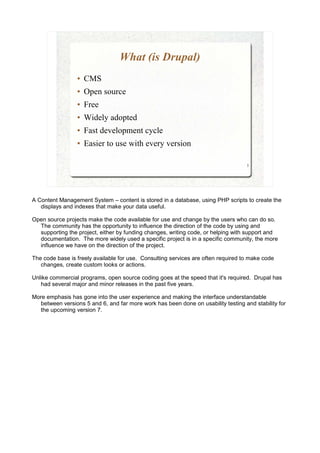
What (is Drupal)
                 ●   CMS
                 ●   Open source
                 ●   Free
                 ●   Widely adopted
                 ●   Fast development cycle
                 ●   Easier to use with every version

                                                                                   3


A Content Management System – content is stored in a database, using PHP scripts to create the
   displays and indexes that make your data useful.

Open source projects make the code available for use and change by the users who can do so.
  The community has the opportunity to influence the direction of the code by using and
  supporting the project, either by funding changes, writing code, or helping with support and
  documentation. The more widely used a specific project is in a specific community, the more
  influence we have on the direction of the project.

The code base is freely available for use. Consulting services are often required to make code
   changes, create custom looks or actions.

Unlike commercial programs, open source coding goes at the speed that it's required. Drupal has
   had several major and minor releases in the past five years.

More emphasis has gone into the user experience and making the interface understandable
  between versions 5 and 6, and far more work has been done on usability testing and stability for
  the upcoming version 7.
When (is it the best choice)
          ●   You want automated category pages / blogs /
              gallery / ease of use for multiple content
              creators / ability to restrict by role...
          ●   You need multiple sites manageable from a
              single point
          ●   You want to be able to move easily between
              development/test/production environments
          ●   Example showcase
                                                            4


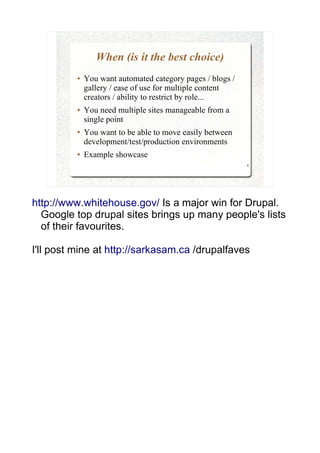
http://www.whitehouse.gov/ Is a major win for Drupal.
  Google top drupal sites brings up many people's lists
  of their favourites.

I'll post mine at http://sarkasam.ca /drupalfaves
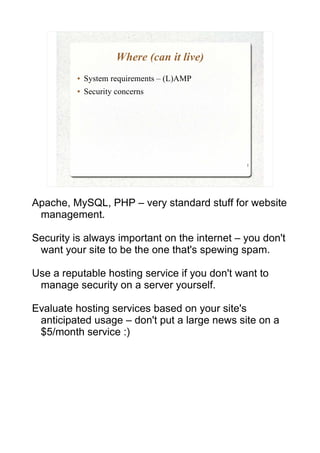
Where (can it live)
         ●   System requirements – (L)AMP
         ●   Security concerns


                                               5


Apache, MySQL, PHP – very standard stuff for website
 management.

Security is always important on the internet – you don't
 want your site to be the one that's spewing spam.

Use a reputable hosting service if you don't want to
 manage security on a server yourself.

Evaluate hosting services based on your site's
 anticipated usage – don't put a large news site on a
 $5/month service :)
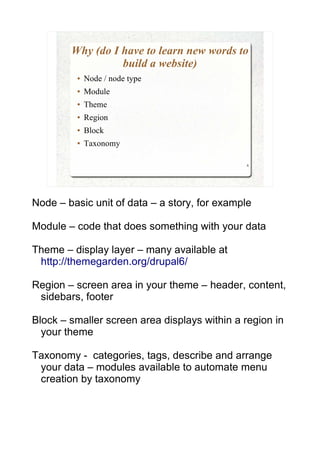
Why (do I have to learn new words to
                  build a website)
         ●   Node / node type
         ●   Module
         ●   Theme
         ●   Region
         ●   Block
         ●   Taxonomy

                                               6


Node – basic unit of data – a story, for example

Module – code that does something with your data

Theme – display layer – many available at
 http://themegarden.org/drupal6/

Region – screen area in your theme – header, content,
 sidebars, footer

Block – smaller screen area displays within a region in
  your theme

Taxonomy - categories, tags, describe and arrange
 your data – modules available to automate menu
 creation by taxonomy
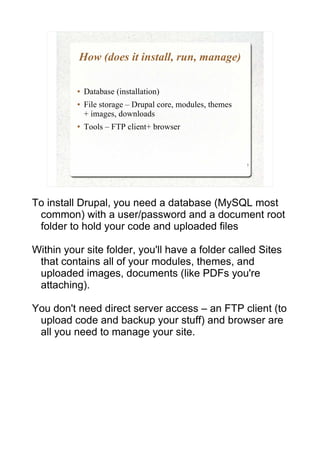
How (does it install, run, manage)

          ●   Database (installation)
          ●   File storage – Drupal core, modules, themes
              + images, downloads
          ●   Tools – FTP client+ browser


                                                            7


To install Drupal, you need a database (MySQL most
 common) with a user/password and a document root
 folder to hold your code and uploaded files

Within your site folder, you'll have a folder called Sites
 that contains all of your modules, themes, and
 uploaded images, documents (like PDFs you're
 attaching).

You don't need direct server access – an FTP client (to
 upload code and backup your stuff) and browser are
 all you need to manage your site.
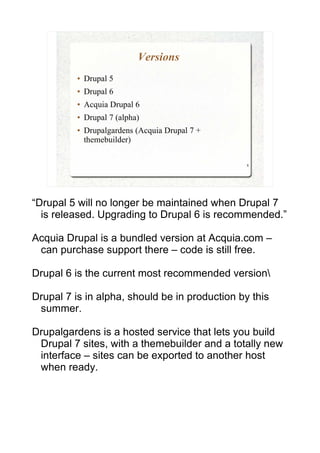
Versions
          ●   Drupal 5
          ●   Drupal 6
          ●   Acquia Drupal 6
          ●   Drupal 7 (alpha)
          ●   Drupalgardens (Acquia Drupal 7 +
              themebuilder)

                                                 8


“Drupal 5 will no longer be maintained when Drupal 7
  is released. Upgrading to Drupal 6 is recommended.”

Acquia Drupal is a bundled version at Acquia.com –
 can purchase support there – code is still free.

Drupal 6 is the current most recommended version

Drupal 7 is in alpha, should be in production by this
 summer.

Drupalgardens is a hosted service that lets you build
 Drupal 7 sites, with a themebuilder and a totally new
 interface – sites can be exported to another host
 when ready.
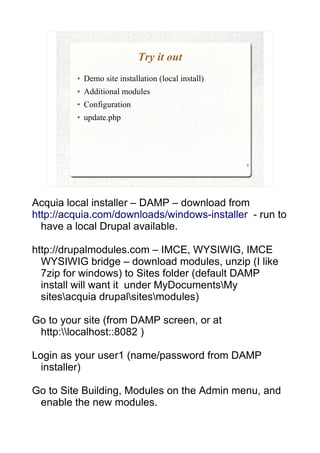
Try it out
         ●   Demo site installation (local install)
         ●   Additional modules
         ●   Configuration
         ●   update.php


                                                      9


Acquia local installer – DAMP – download from
http://acquia.com/downloads/windows-installer - run to
  have a local Drupal available.

http://drupalmodules.com – IMCE, WYSIWIG, IMCE
  WYSIWIG bridge – download modules, unzip (I like
  7zip for windows) to Sites folder (default DAMP
  install will want it under MyDocumentsMy
  sitesacquia drupalsitesmodules)

Go to your site (from DAMP screen, or at
 http:localhost::8082 )

Login as your user1 (name/password from DAMP
  installer)

Go to Site Building, Modules on the Admin menu, and
 enable the new modules.
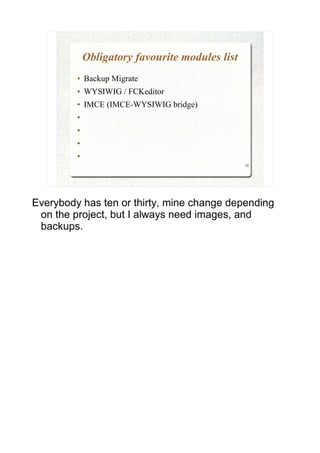
Obligatory favourite modules list
         ●   Backup Migrate
         ●   WYSIWIG / FCKeditor
         ●   IMCE (IMCE-WYSIWIG bridge)
         ●


         ●


         ●


         ●

                                                 10


Everybody has ten or thirty, mine change depending
 on the project, but I always need images, and
 backups.
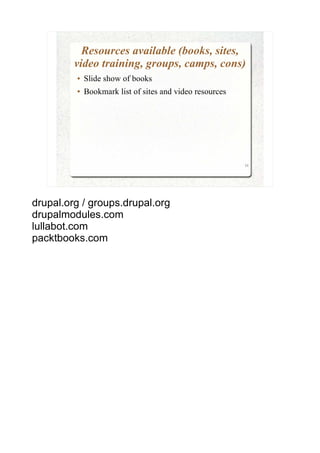
Resources available (books, sites,
         video training, groups, camps, cons)
         ●   Slide show of books
         ●   Bookmark list of sites and video resources


                                                          11


drupal.org / groups.drupal.org
drupalmodules.com
lullabot.com
packtbooks.com
Questions?


             12

Drupal in-depth

  • 1.
  • 2.
    Who (am I) Kathryn Carruthers Network Administrator National Union of Public and General Employees kcarruthers@nupge.ca 2
  • 3.
    What (is Drupal) ● CMS ● Open source ● Free ● Widely adopted ● Fast development cycle ● Easier to use with every version 3 A Content Management System – content is stored in a database, using PHP scripts to create the displays and indexes that make your data useful. Open source projects make the code available for use and change by the users who can do so. The community has the opportunity to influence the direction of the code by using and supporting the project, either by funding changes, writing code, or helping with support and documentation. The more widely used a specific project is in a specific community, the more influence we have on the direction of the project. The code base is freely available for use. Consulting services are often required to make code changes, create custom looks or actions. Unlike commercial programs, open source coding goes at the speed that it's required. Drupal has had several major and minor releases in the past five years. More emphasis has gone into the user experience and making the interface understandable between versions 5 and 6, and far more work has been done on usability testing and stability for the upcoming version 7.
  • 4.
    When (is itthe best choice) ● You want automated category pages / blogs / gallery / ease of use for multiple content creators / ability to restrict by role... ● You need multiple sites manageable from a single point ● You want to be able to move easily between development/test/production environments ● Example showcase 4 http://www.whitehouse.gov/ Is a major win for Drupal. Google top drupal sites brings up many people's lists of their favourites. I'll post mine at http://sarkasam.ca /drupalfaves
  • 5.
    Where (can itlive) ● System requirements – (L)AMP ● Security concerns 5 Apache, MySQL, PHP – very standard stuff for website management. Security is always important on the internet – you don't want your site to be the one that's spewing spam. Use a reputable hosting service if you don't want to manage security on a server yourself. Evaluate hosting services based on your site's anticipated usage – don't put a large news site on a $5/month service :)
  • 6.
    Why (do Ihave to learn new words to build a website) ● Node / node type ● Module ● Theme ● Region ● Block ● Taxonomy 6 Node – basic unit of data – a story, for example Module – code that does something with your data Theme – display layer – many available at http://themegarden.org/drupal6/ Region – screen area in your theme – header, content, sidebars, footer Block – smaller screen area displays within a region in your theme Taxonomy - categories, tags, describe and arrange your data – modules available to automate menu creation by taxonomy
  • 7.
    How (does itinstall, run, manage) ● Database (installation) ● File storage – Drupal core, modules, themes + images, downloads ● Tools – FTP client+ browser 7 To install Drupal, you need a database (MySQL most common) with a user/password and a document root folder to hold your code and uploaded files Within your site folder, you'll have a folder called Sites that contains all of your modules, themes, and uploaded images, documents (like PDFs you're attaching). You don't need direct server access – an FTP client (to upload code and backup your stuff) and browser are all you need to manage your site.
  • 8.
    Versions ● Drupal 5 ● Drupal 6 ● Acquia Drupal 6 ● Drupal 7 (alpha) ● Drupalgardens (Acquia Drupal 7 + themebuilder) 8 “Drupal 5 will no longer be maintained when Drupal 7 is released. Upgrading to Drupal 6 is recommended.” Acquia Drupal is a bundled version at Acquia.com – can purchase support there – code is still free. Drupal 6 is the current most recommended version Drupal 7 is in alpha, should be in production by this summer. Drupalgardens is a hosted service that lets you build Drupal 7 sites, with a themebuilder and a totally new interface – sites can be exported to another host when ready.
  • 9.
    Try it out ● Demo site installation (local install) ● Additional modules ● Configuration ● update.php 9 Acquia local installer – DAMP – download from http://acquia.com/downloads/windows-installer - run to have a local Drupal available. http://drupalmodules.com – IMCE, WYSIWIG, IMCE WYSIWIG bridge – download modules, unzip (I like 7zip for windows) to Sites folder (default DAMP install will want it under MyDocumentsMy sitesacquia drupalsitesmodules) Go to your site (from DAMP screen, or at http:localhost::8082 ) Login as your user1 (name/password from DAMP installer) Go to Site Building, Modules on the Admin menu, and enable the new modules.
  • 10.
    Obligatory favourite moduleslist ● Backup Migrate ● WYSIWIG / FCKeditor ● IMCE (IMCE-WYSIWIG bridge) ● ● ● ● 10 Everybody has ten or thirty, mine change depending on the project, but I always need images, and backups.
  • 11.
    Resources available (books,sites, video training, groups, camps, cons) ● Slide show of books ● Bookmark list of sites and video resources 11 drupal.org / groups.drupal.org drupalmodules.com lullabot.com packtbooks.com
  • 12.