The World of Dynamic Sites
What We’ll Cover
What is a Dynamic Site

Why Build a Dynamic Site
What is a Dynamic Site

Why Build a Dynamic Site

Using a Content Management System
What is a Dynamic Site

Why Build a Dynamic Site

Using a Content Management System

Practical Uses For You
Junior at Springbrook
High School
Junior at Springbrook
High School

On SHS Web Team
Junior at Springbrook
High School

On SHS Web Team

Part of the SHS Web
Business Program
Junior at Springbrook
High School

On SHS Web Team

Part of the SHS Web
Business Program

Owner of Cotter
Interactive
Two Types of Sites
Static
Dynamic
Dynamic
Definition
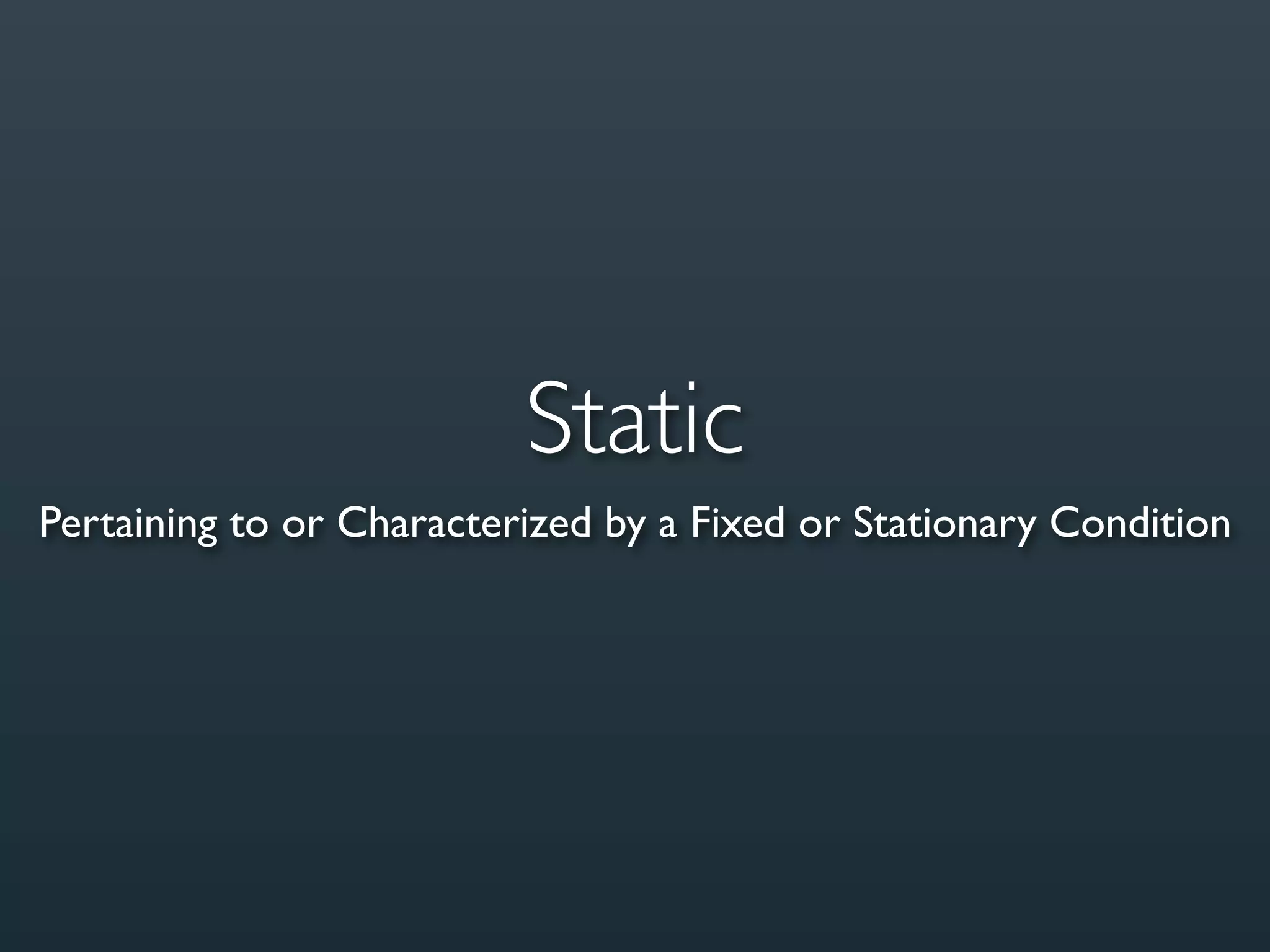
Static
Pertaining to or Characterized by a Fixed or Stationary Condition
Example
Definition
Dynamic
Pertaining to or Characterized by Energy or Effective Action;
           Vigorously Active or Forceful; Energetic
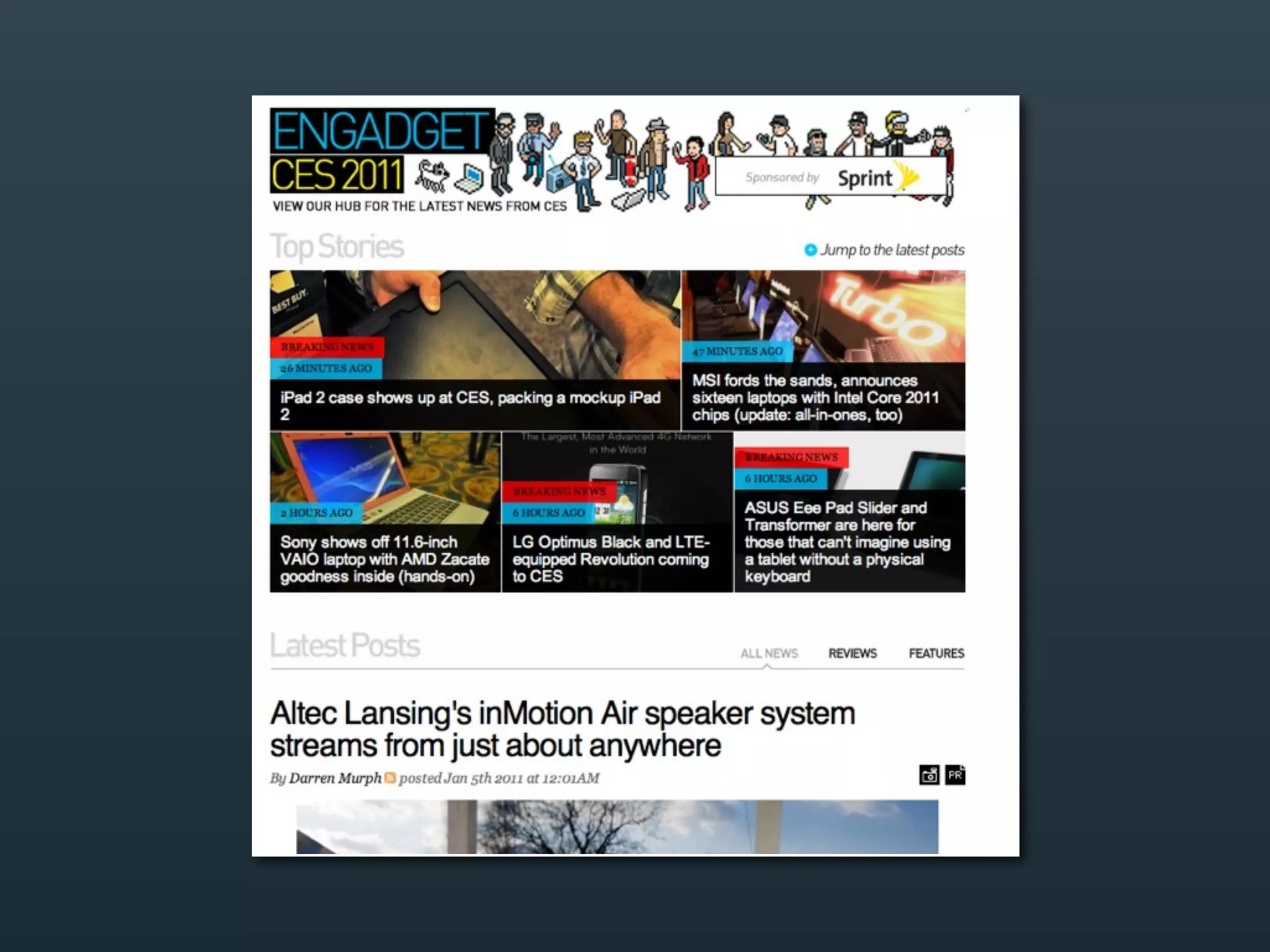
Example
Static
Only way to update is by editing code
Dynamic
Provides an Interface to Work With for Easier Updates
Why Build a Dynamic Site?
Easier for the Client

Easier for You
Easier for the Client

Easier for You

More $$ For You
Easier for the Client

Easier for You

More $$ For You

Updating & Adding Content is no longer
your problem
Many Ways to Create a
    Dynamic Site
...But What is Most
      Practical?
CMS
Content Management System
CMS
Content Management System
Technical Definition
“A CMS, or Content Management System, is
an application designed to store, format,
reproduce and manage Web data. The
CMS usually uses a database to store the
content and a server-side scripting language
to recall and present the data.”

                              -- Sitepoint.com
Content & Code
Content


Keep Them Separate
        &

            Code
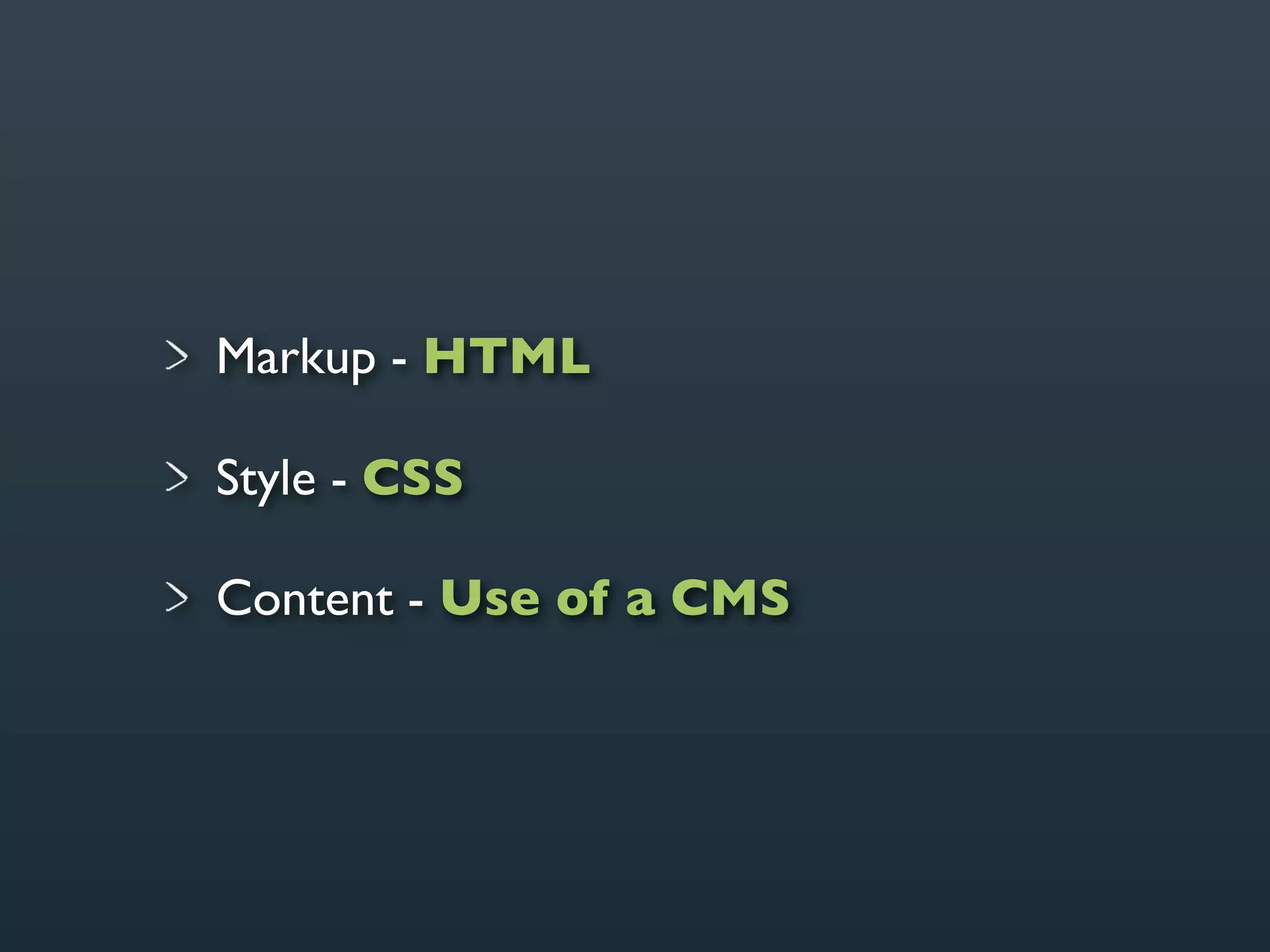
How a Site is
Broken Down
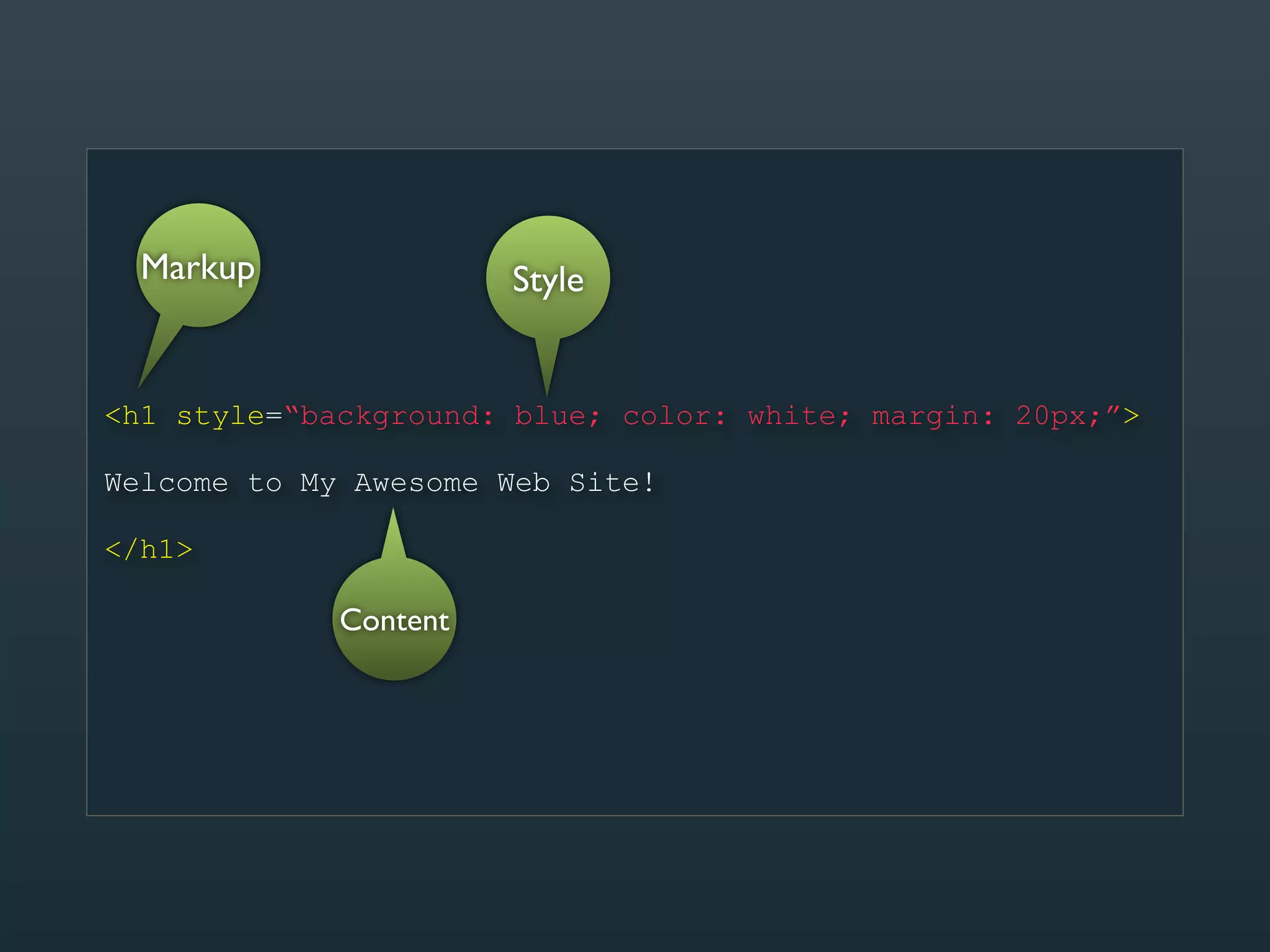
Markup - HTML

Style - CSS

Content - Use of a CMS
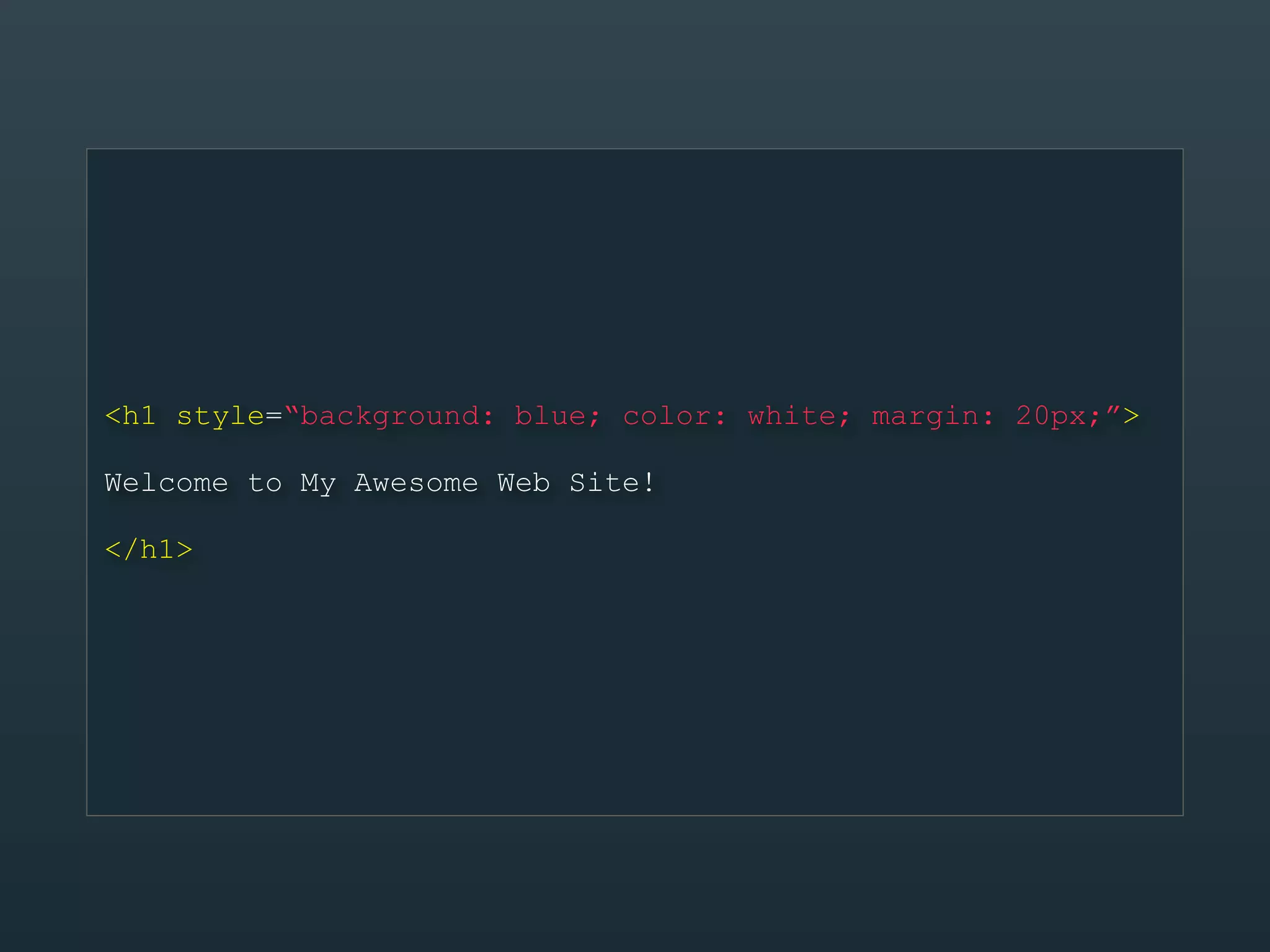
<h1 style=“background: blue; color: white; margin: 20px;”>

Welcome to My Awesome Web Site!

</h1>
Markup               Style


<h1 style=“background: blue; color: white; margin: 20px;”>

Welcome to My Awesome Web Site!

</h1>

             Content
<h1 class=“header”>

{title}

</h1>
Markup
                 CSS


<h1 class=“header”>

{title}
           CMS
</h1>
Markup
                 CSS


<h1 class=“header”>

{title}
           CMS
</h1>
Examples of a CMS
“WordPress is web software you can use to
create a beautiful website or blog. We like to
say that WordPress is both free and priceless
at the same time.”

                              -- WordPress.org
Why WordPress?
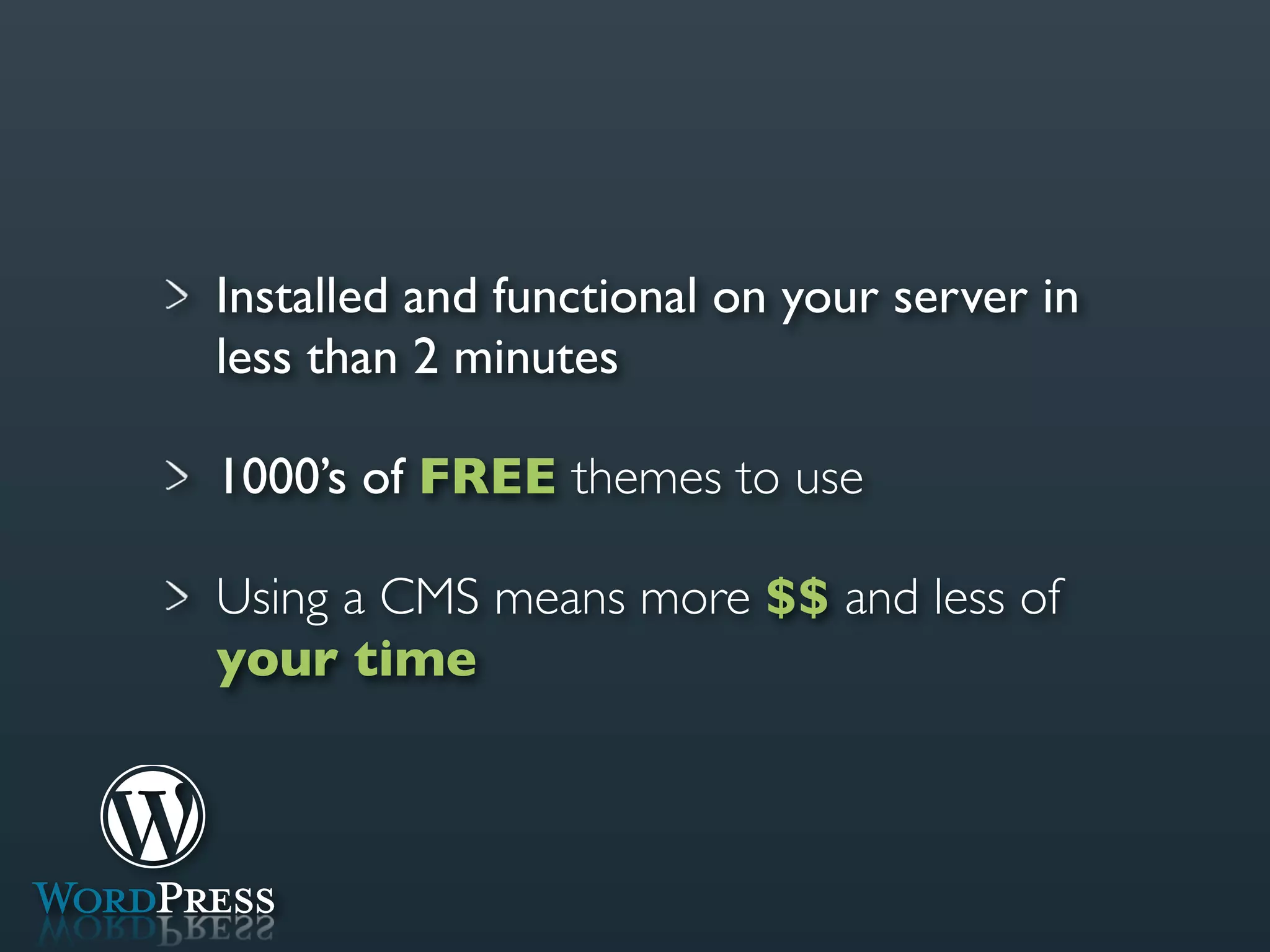
Installed and functional on your server in
less than 2 minutes
Installed and functional on your server in
less than 2 minutes

1000’s of FREE themes to use
Installed and functional on your server in
less than 2 minutes

1000’s of FREE themes to use

Using a CMS means more $$ and less of
your time
Example
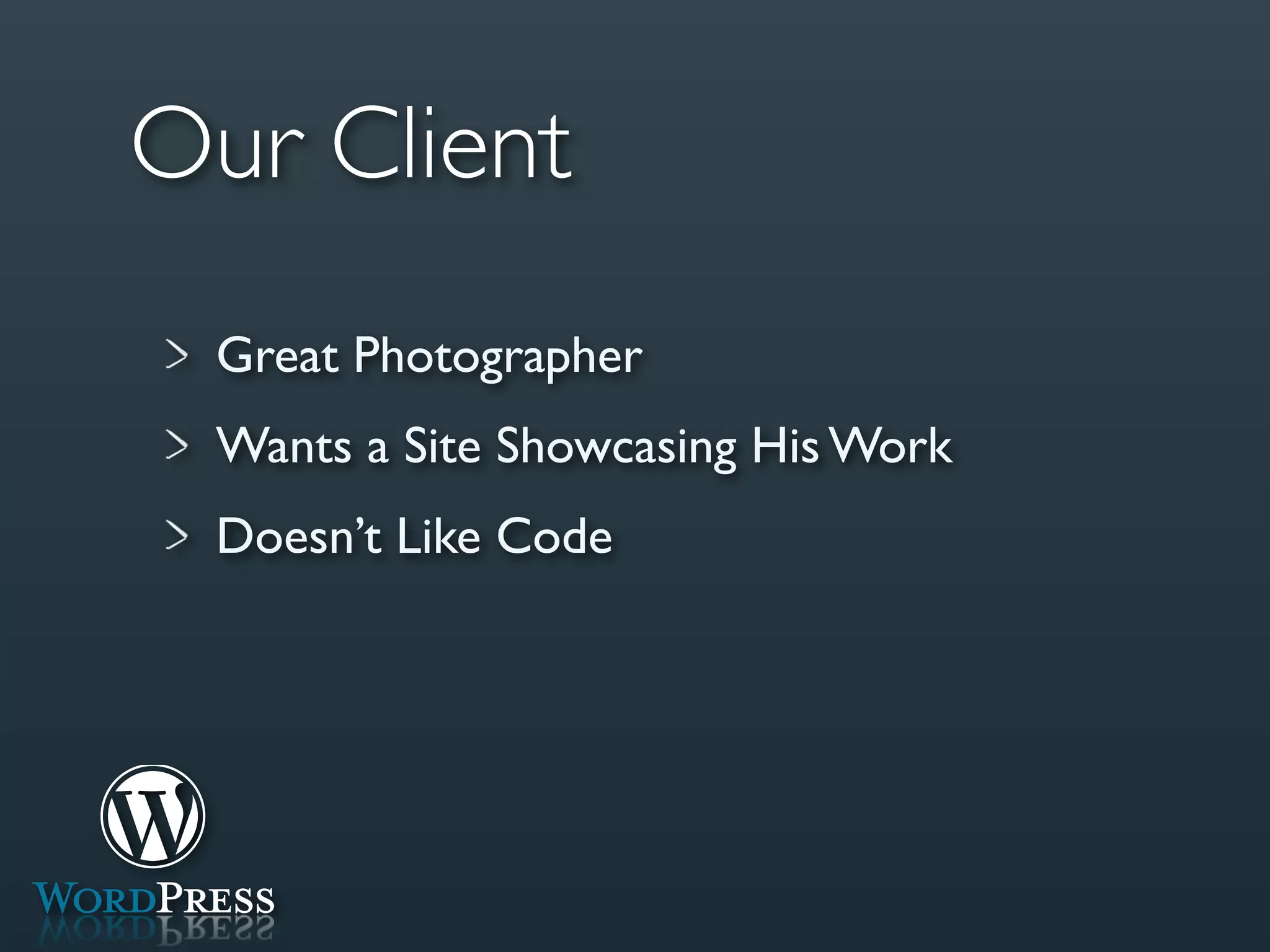
Our Client
 Great Photographer
 Wants a Site Showcasing His Work
 Doesn’t Like Code
Doug
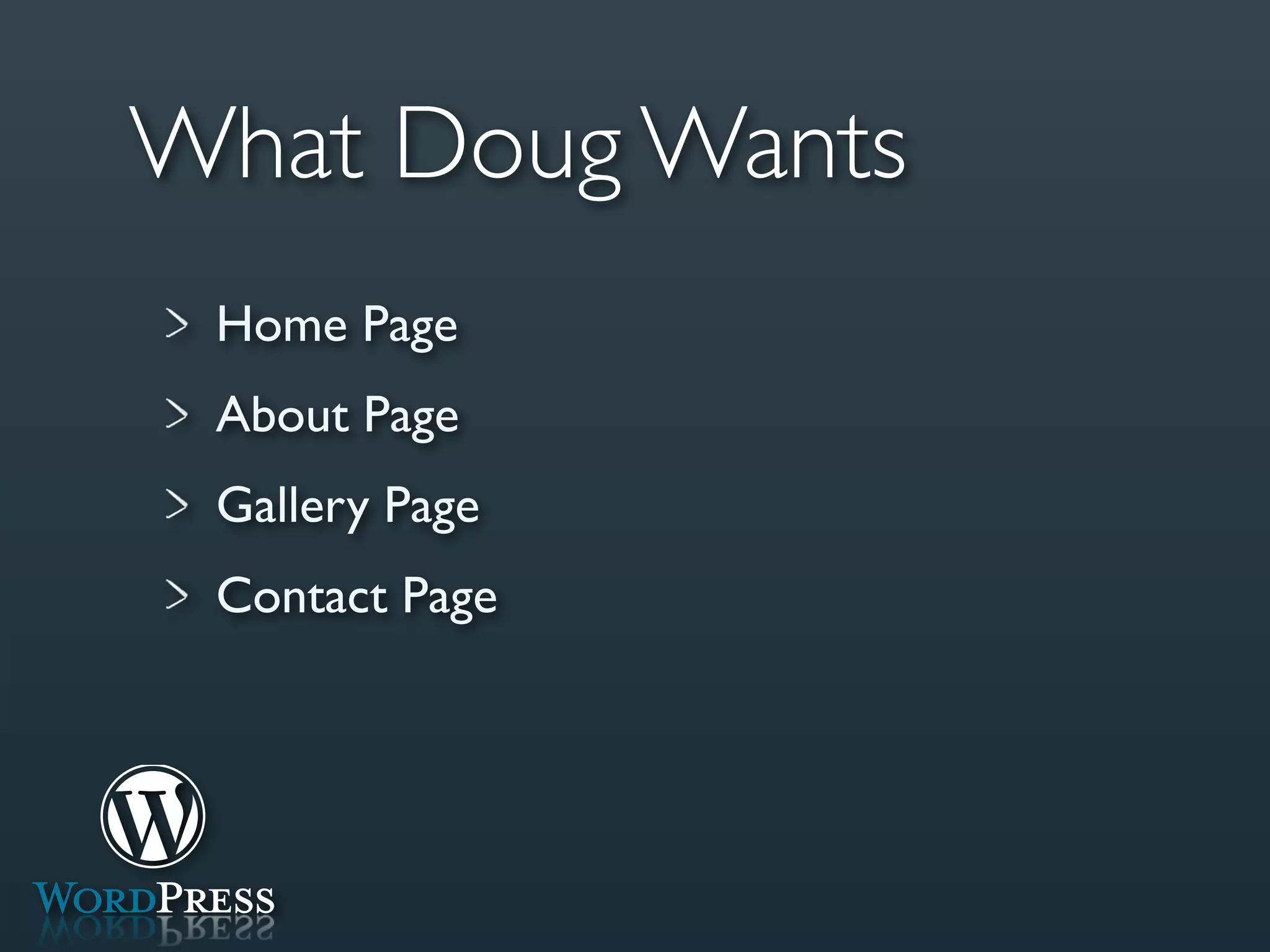
What Doug Wants
 Home Page
 About Page
 Gallery Page
 Contact Page
Step 1
Find Your Theme
If All Else Fails...
Search Google for Free WordPress Themes
Step 2
Setup WordPress
Step 3
Tweak to Your Needs
Setting Up Full Site in
1 Minute and 25 Seconds
Managing Content in
   WordPress
Finished Product
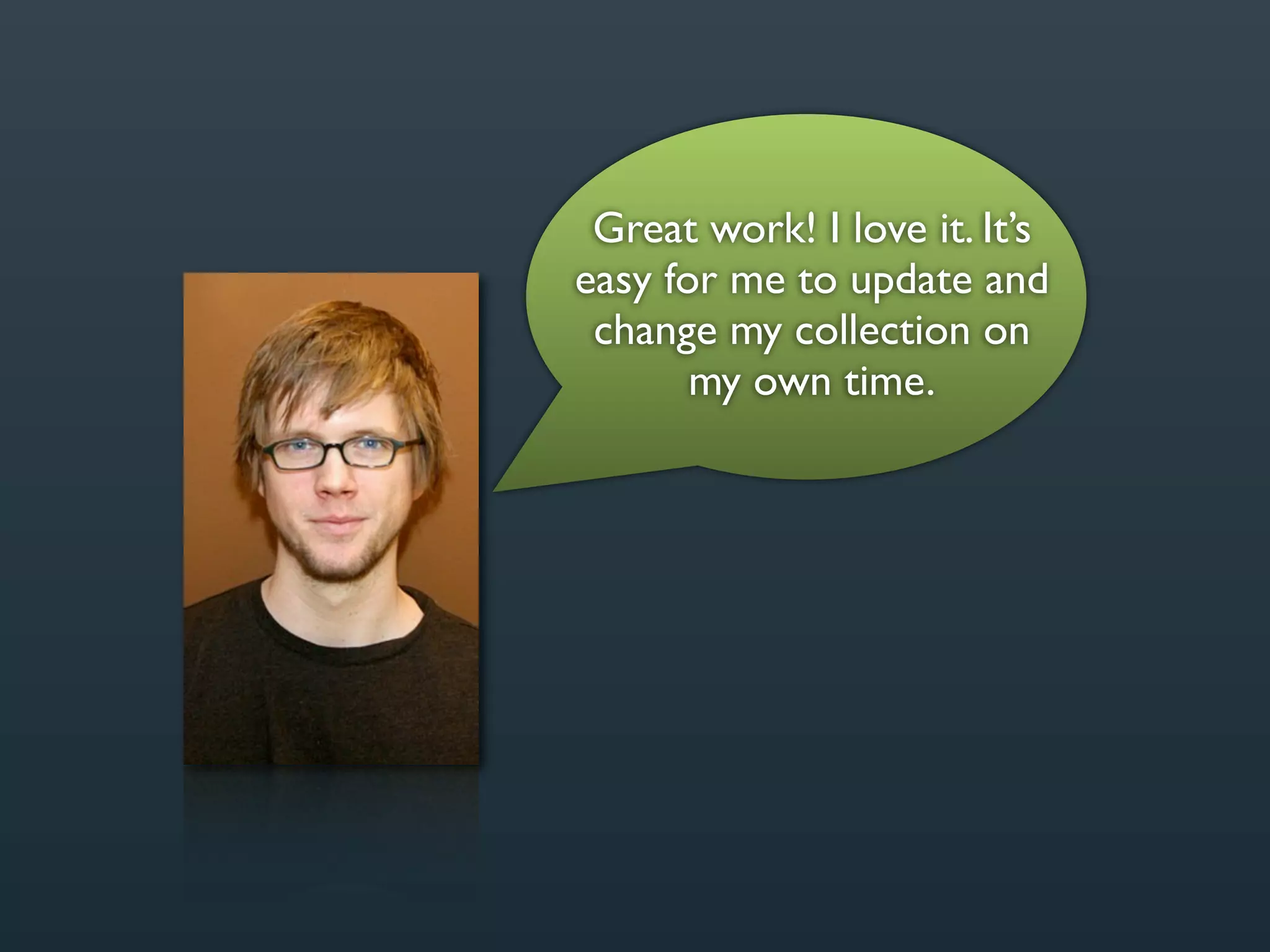
Great work! I love it. It’s
easy for me to update and
 change my collection on
       my own time.
What We Learned
Very Minimal Work Needed On Our End

You Can Charge $200 - $300

Happy Client = More Work
“Its flexibility allows you to build a website
that not only fulfills your needs and creative
vision today, but will grow and scale as your
business needs change in the future.”

                      -- ExpressionEngine.com
ExpressionEngine is a Great
  Learning Environment
“But the code is not going
  to make sense to me.”
ExpressionEngine’s
Syntax is Like English
Setting the Scene
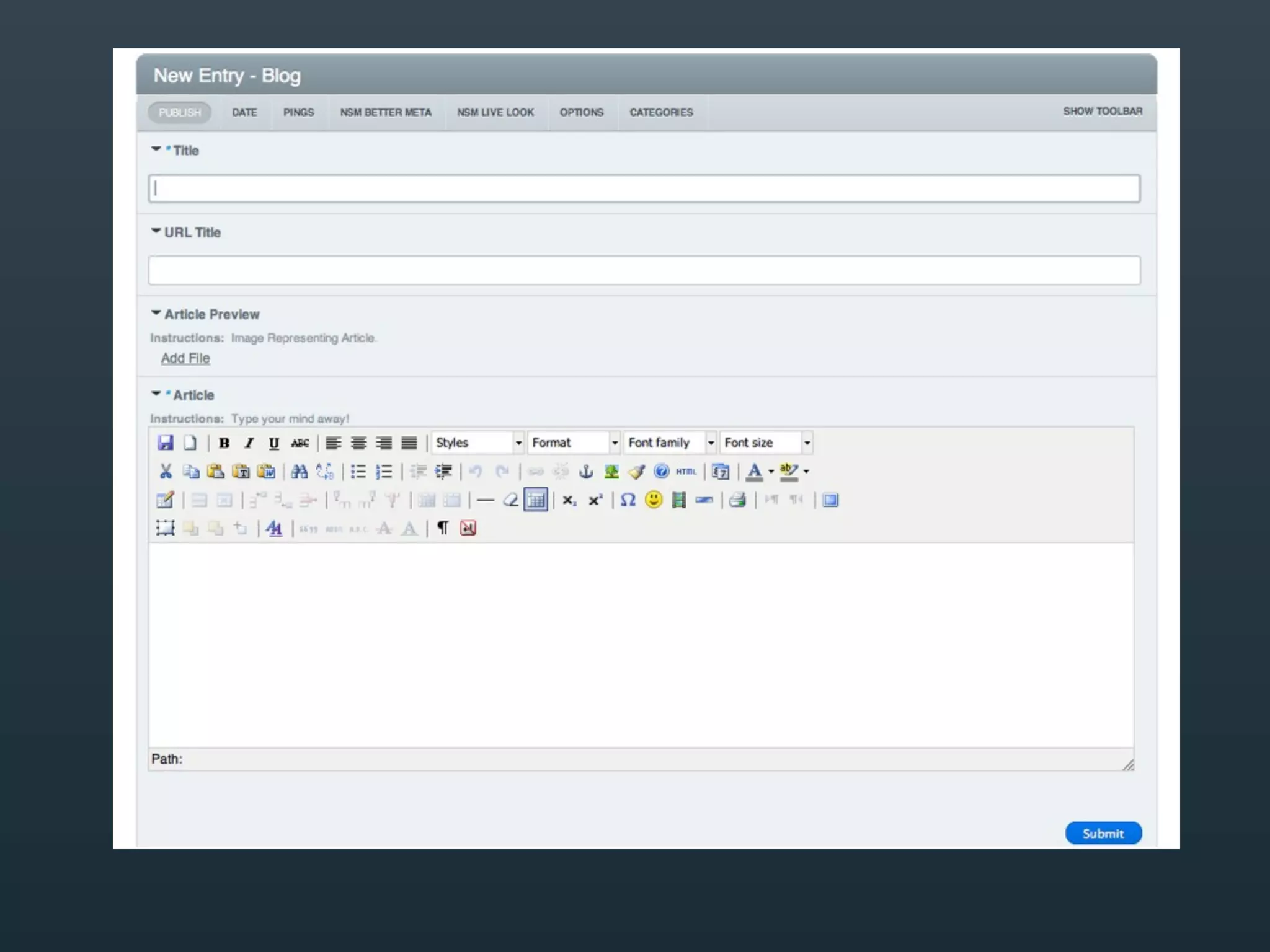
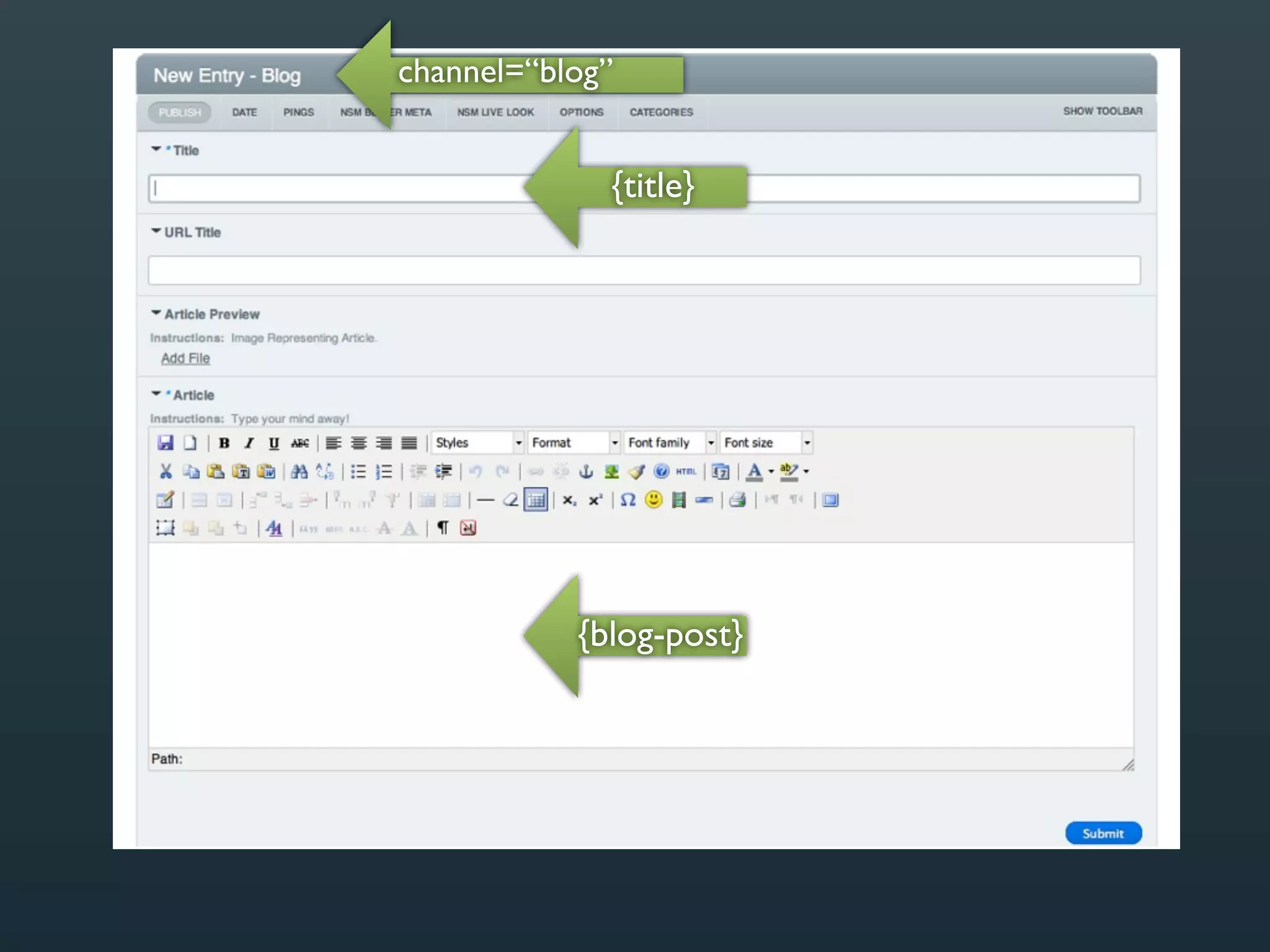
Display 5 Blog Posts on Blog Page
Title

Blog Post

Author
You Tell ExpressionEngine What Each
  Field Should Be Referred To As
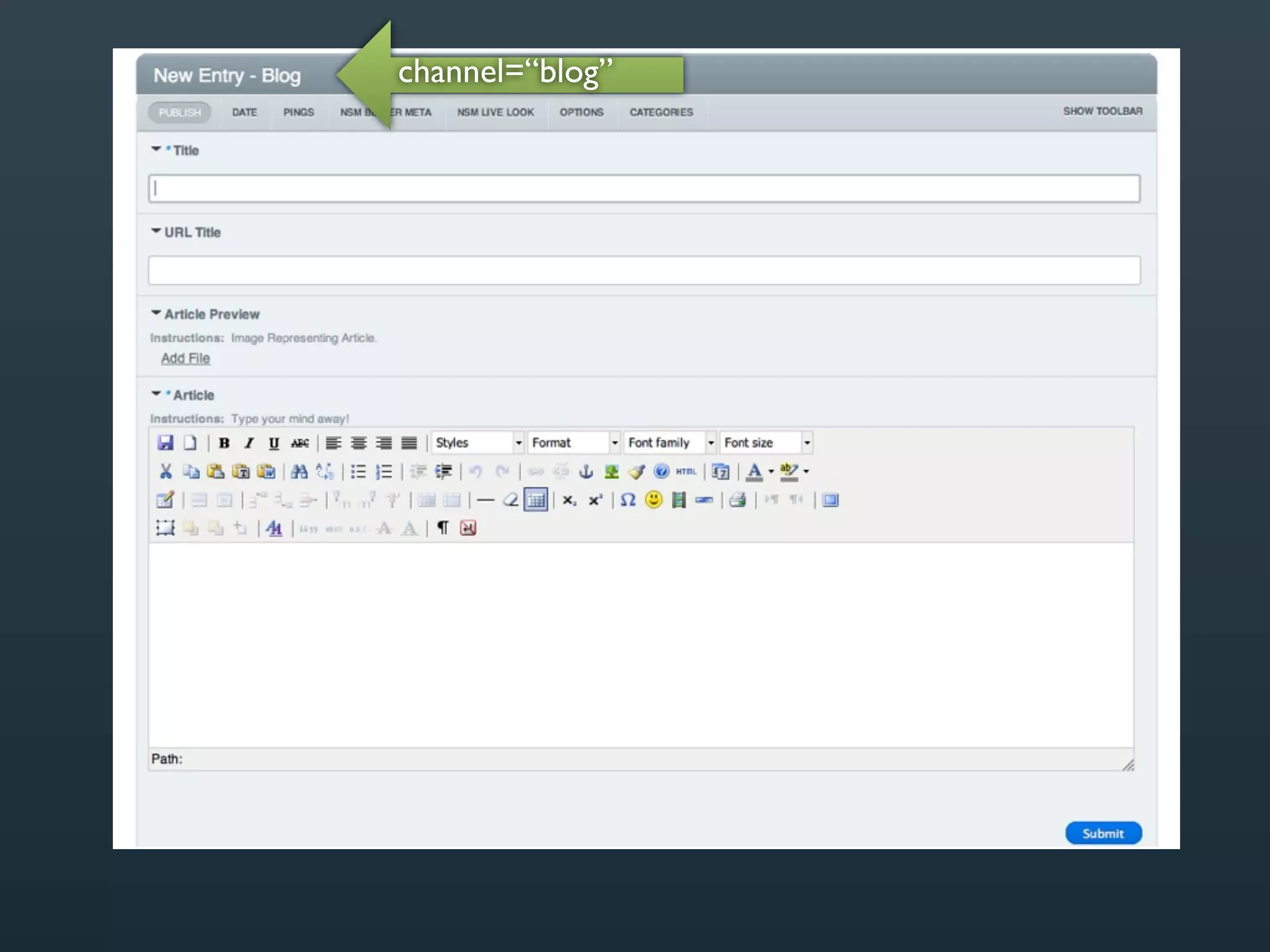
channel=“blog”
channel=“blog”


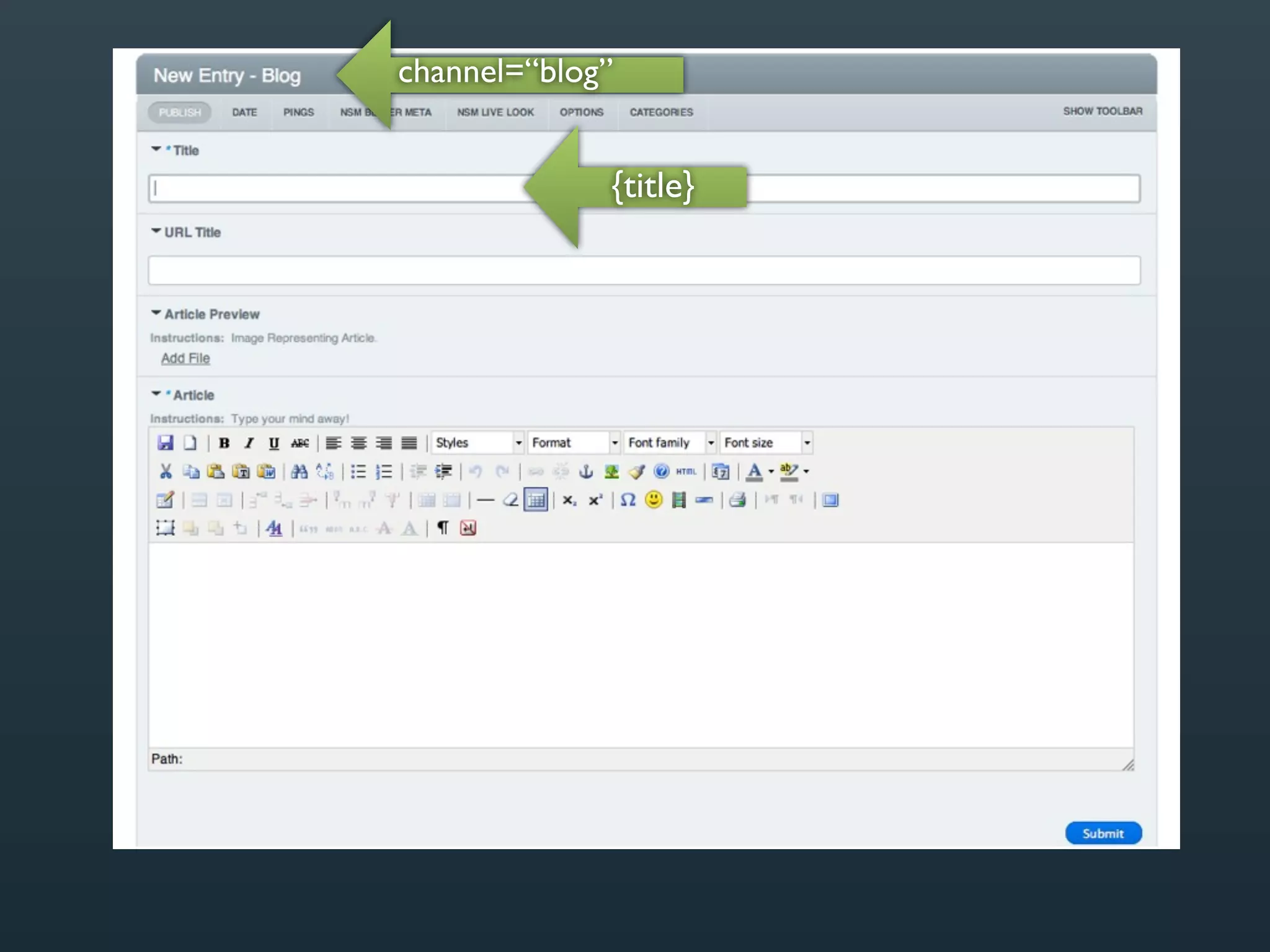
             {title}
channel=“blog”


             {title}


           {blog-post}
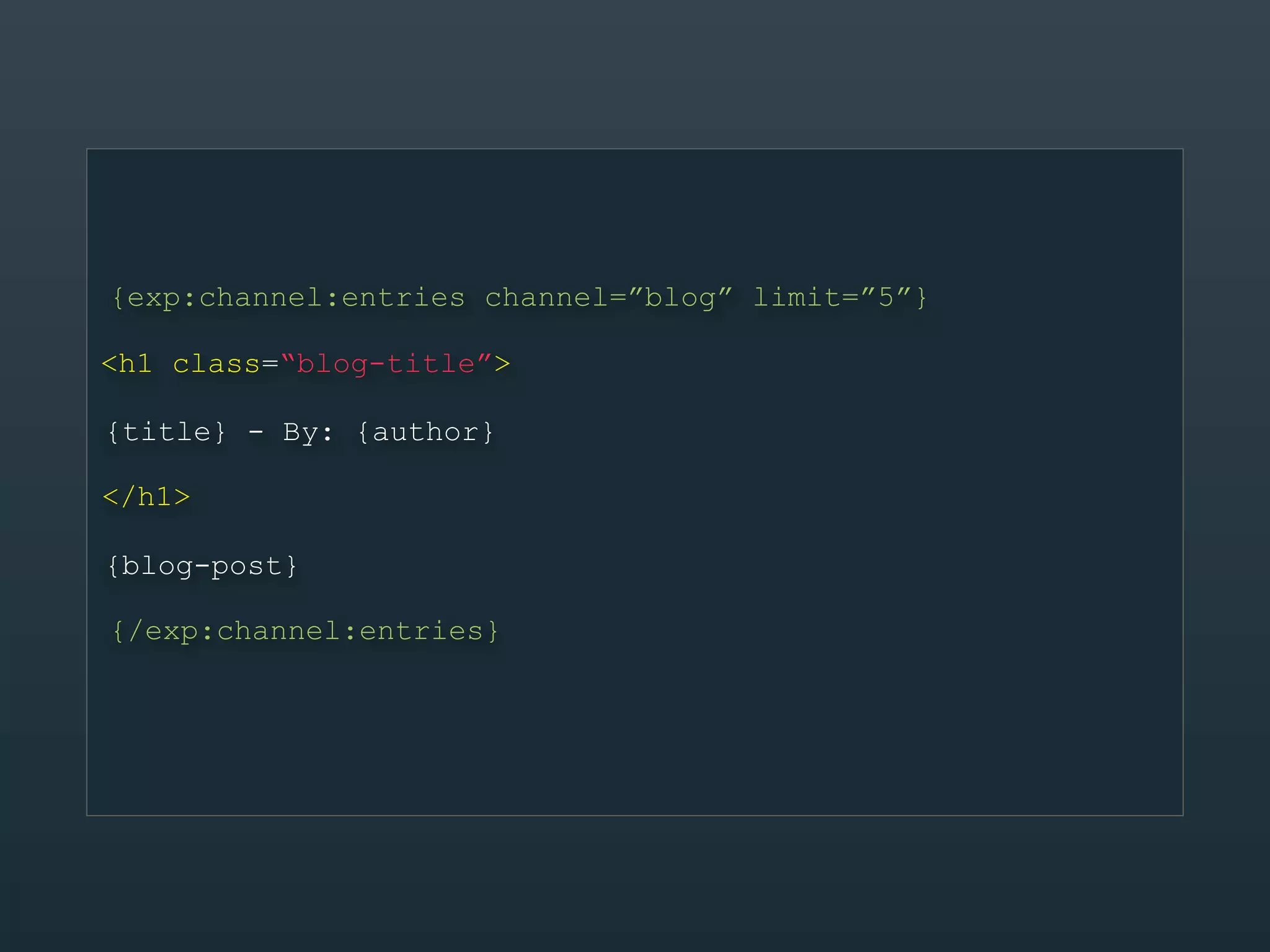
{exp:channel:entries channel=”blog” limit=”5”}

<h1 class=“blog-title”>

{title} - By: {author}

</h1>

{blog-post}

{/exp:channel:entries}
{exp:channel:entries channel=”blog” limit=”5”}

<h1 class=“blog-title”>

{title} - By: {author}

</h1>

{blog-post}

{/exp:channel:entries}
Markup      Style
{exp:channel:entries channel=”blog” limit=”5”}

<h1 class=“blog-title”>

{title} - By: {author}

</h1>                        CMS

{blog-post}

{/exp:channel:entries}
Markup      Style
{exp:channel:entries channel=”blog” limit=”5”}

<h1 class=“blog-title”>

{title} - By: {author}

</h1>                        CMS

{blog-post}

{/exp:channel:entries}
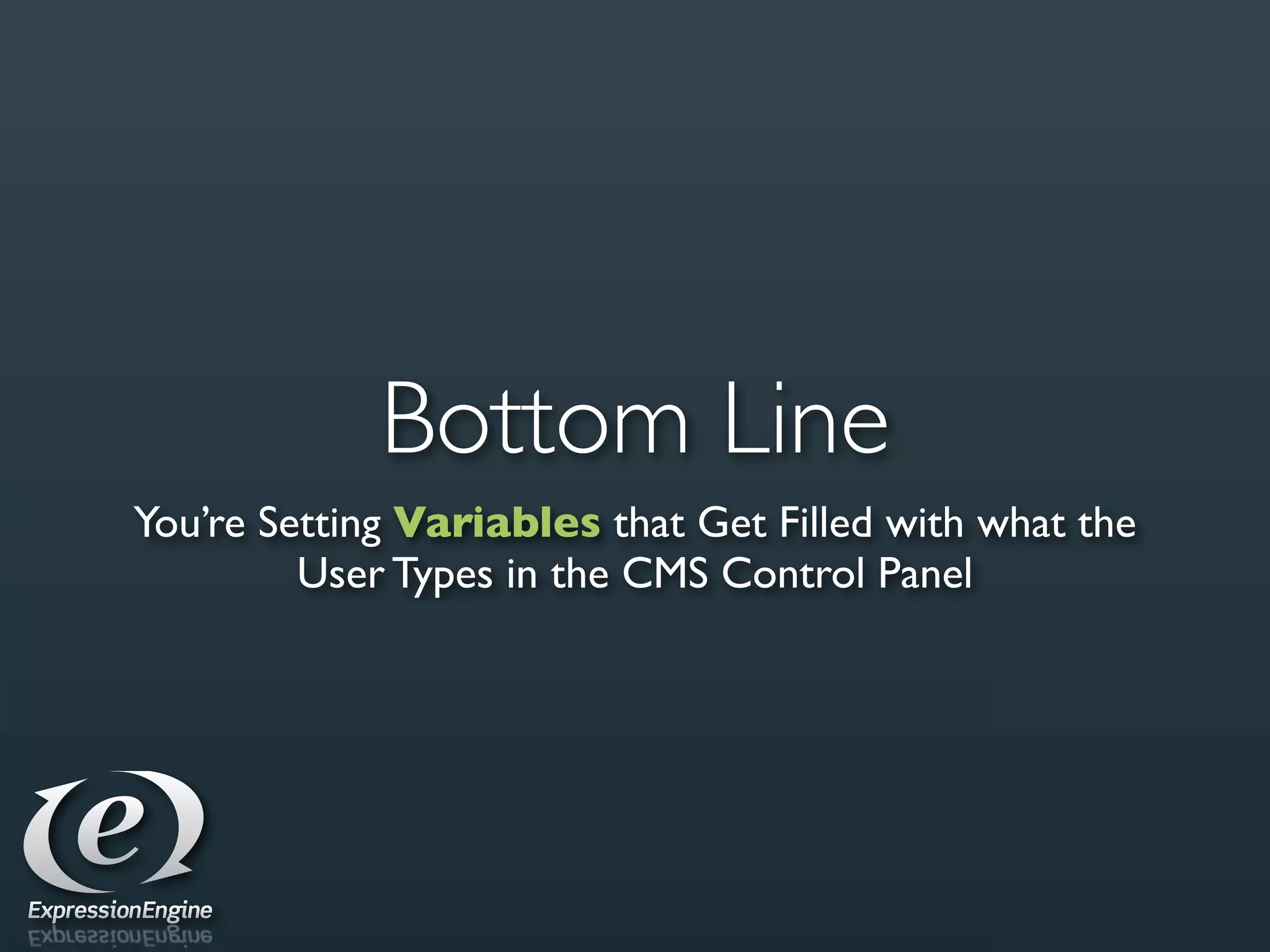
Bottom Line
You’re Setting Variables that Get Filled with what the
         User Types in the CMS Control Panel
What We Learned
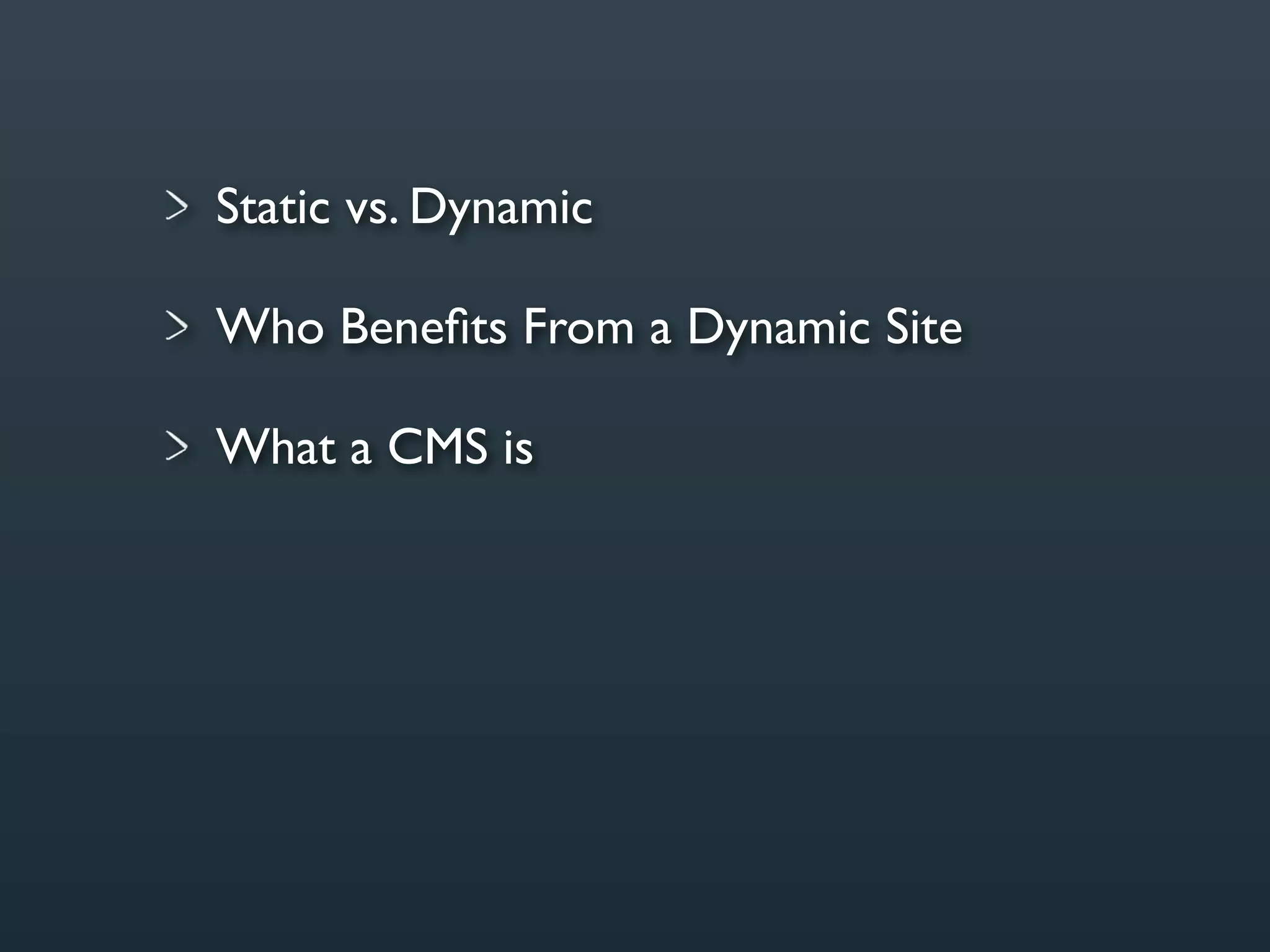
Static vs. Dynamic
Static vs. Dynamic

Who Benefits From a Dynamic Site
Static vs. Dynamic

Who Benefits From a Dynamic Site

What a CMS is
Static vs. Dynamic

Who Benefits From a Dynamic Site

What a CMS is

Realistic Scenario Using WordPress
Static vs. Dynamic

Who Benefits From a Dynamic Site

What a CMS is

Realistic Scenario Using WordPress

Easy-to-Understand Code Using
ExpressionEngine
Thank You

The World of Dynamic Sites