
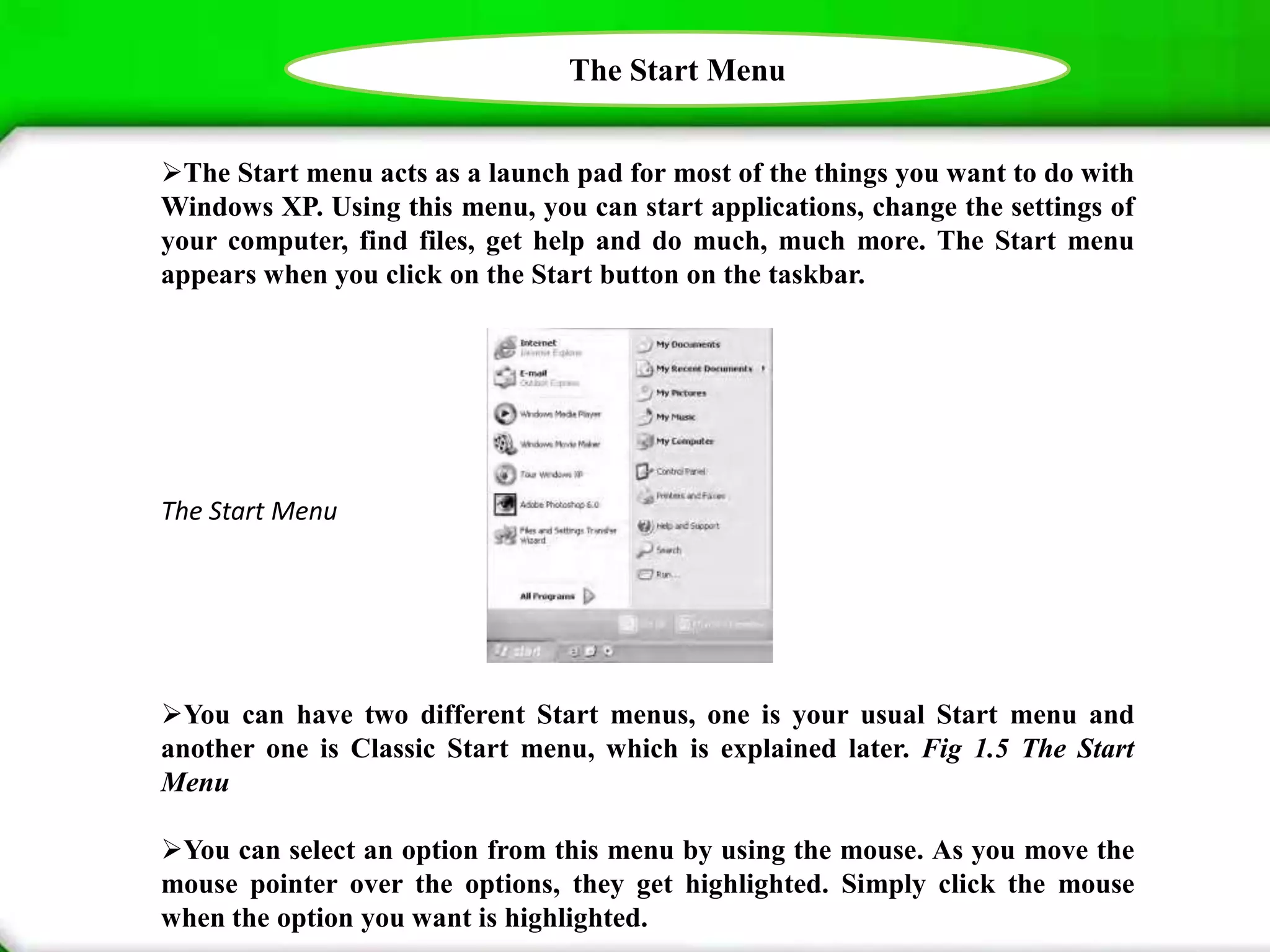

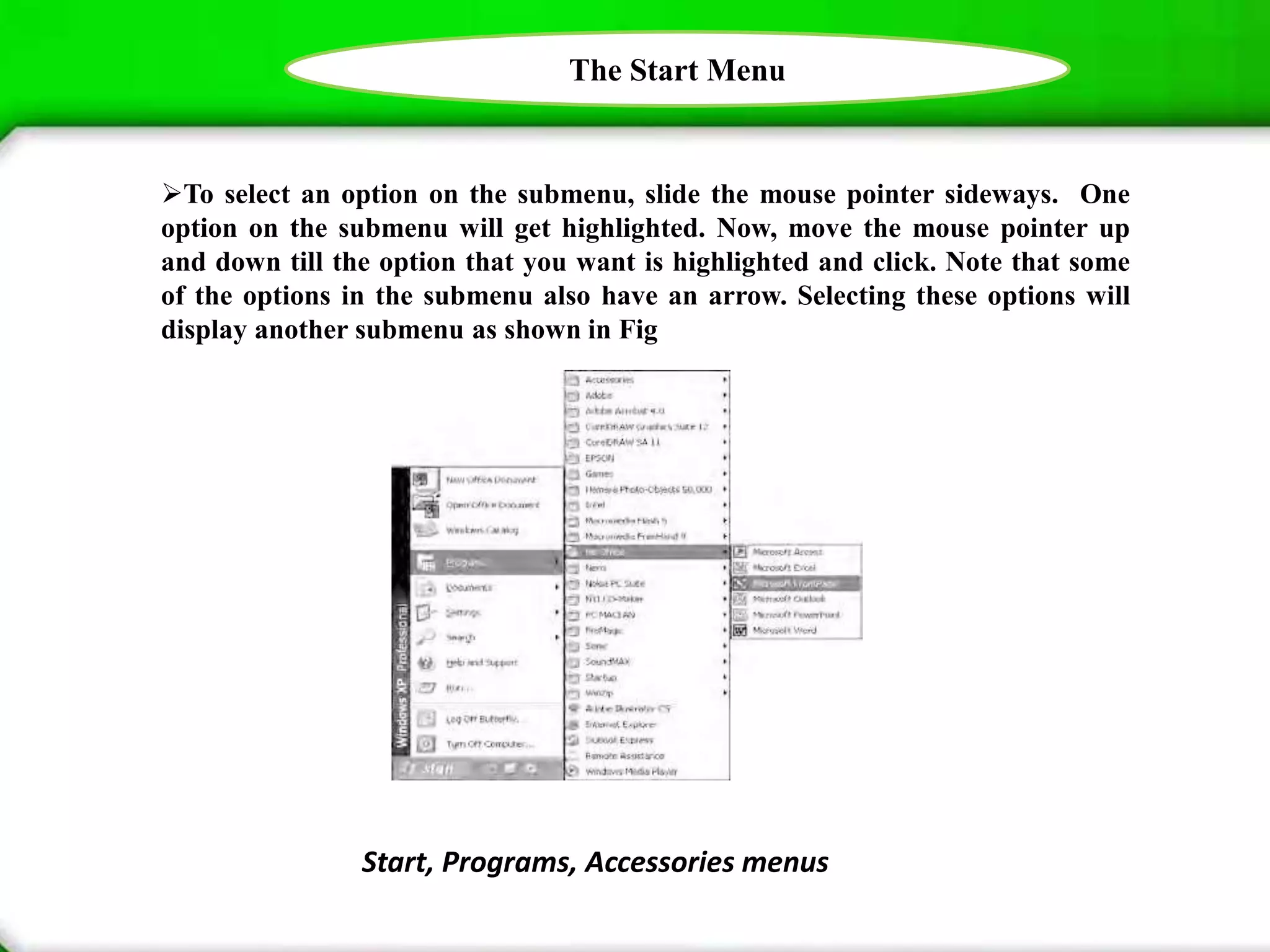


The document discusses the Start Menu in Windows XP, noting that it acts as a launch pad for applications, settings, files, and help. It explains that the Start Menu appears when clicking the Start button and options can be selected using the mouse by highlighting them. Submenus are also present under some options like "All Programs" and are accessed by moving the mouse pointer sideways to another level.


