The Recipe for a
Dynamite Nonprofit
WordPress Website
Andy Stitt

WordPress consultant for nonprofits

Deliberate Media Solutions
Why WordPress for
nonprofits?
• Solid software that doesn’t cost a fortune
• Community generous with time and resources
• Large library of plugins
#1 goal of any nonprofit
website
It must help the organization meet its mission
Nonprofit employee/board member: I want the website
to have X, Y, and Z pages on it.
You: Good. How does this help you meet your mission?
Caveat: if it doesn’t directly help you meet your mission
but makes one of your major donors happy, then it
helps you meet your mission :)
Different kinds of nonprofits
and their missions
• Cause-based - serving people around a cause, i.e.
social justice, clean water, access to healthcare
• Membership associations - serving their members
and chapters
• Schools - serving their students
The importance of
storytelling on your website
• Telling stories of how your organization has impacted
lives
• Individuals telling stories about how their lives were
changed
• Stories where the donor is the hero, i.e. “here’s how
your gift made a difference”
Storytelling on your
WordPress website
• Use Posts and Pages to tell stories
• Media Library for pictures
• Easy to embed videos within Posts and Pages
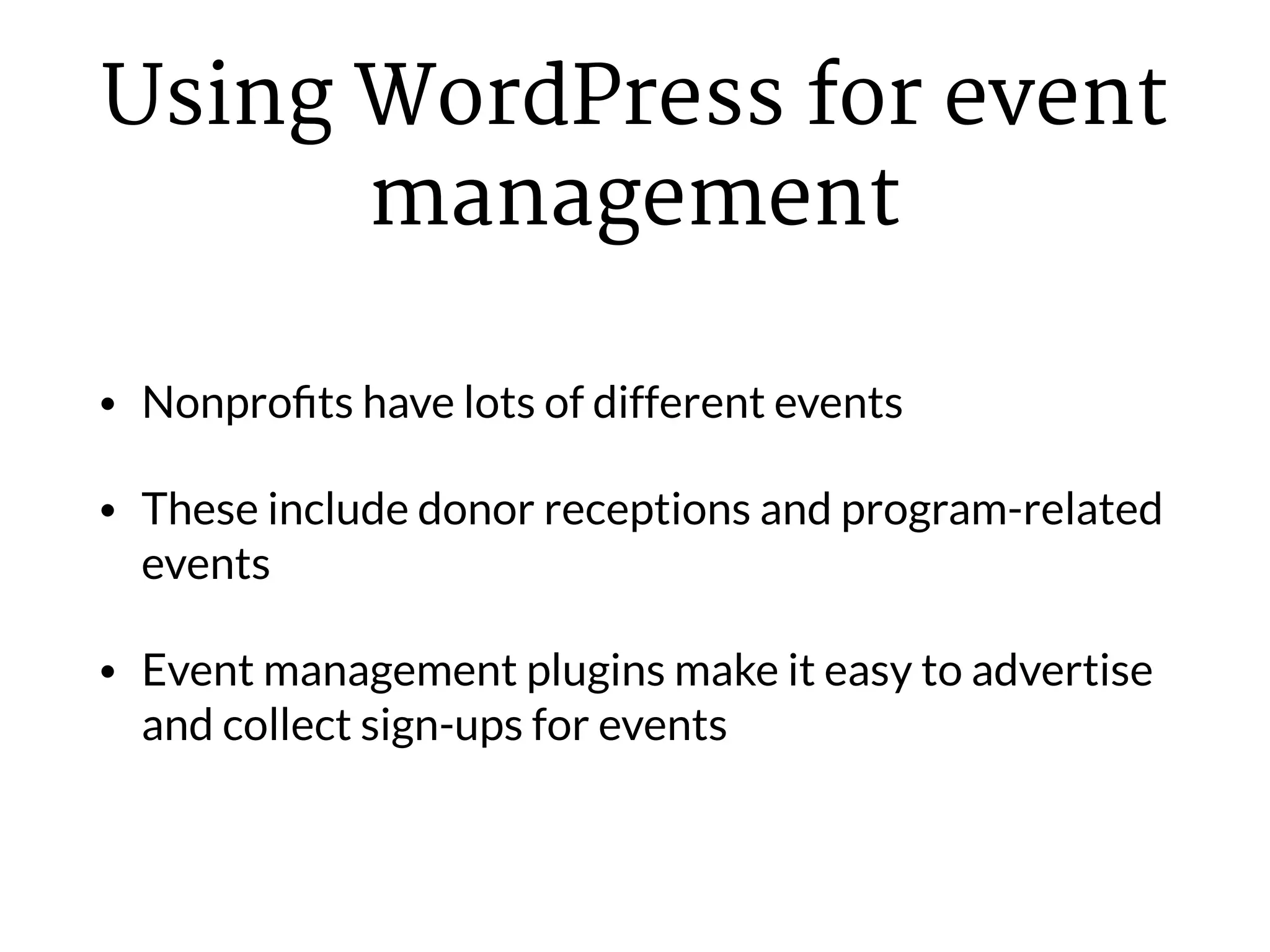
Using WordPress for event
management
• Nonprofits have lots of different events
• These include donor receptions and program-related
events
• Event management plugins make it easy to advertise
and collect sign-ups for events
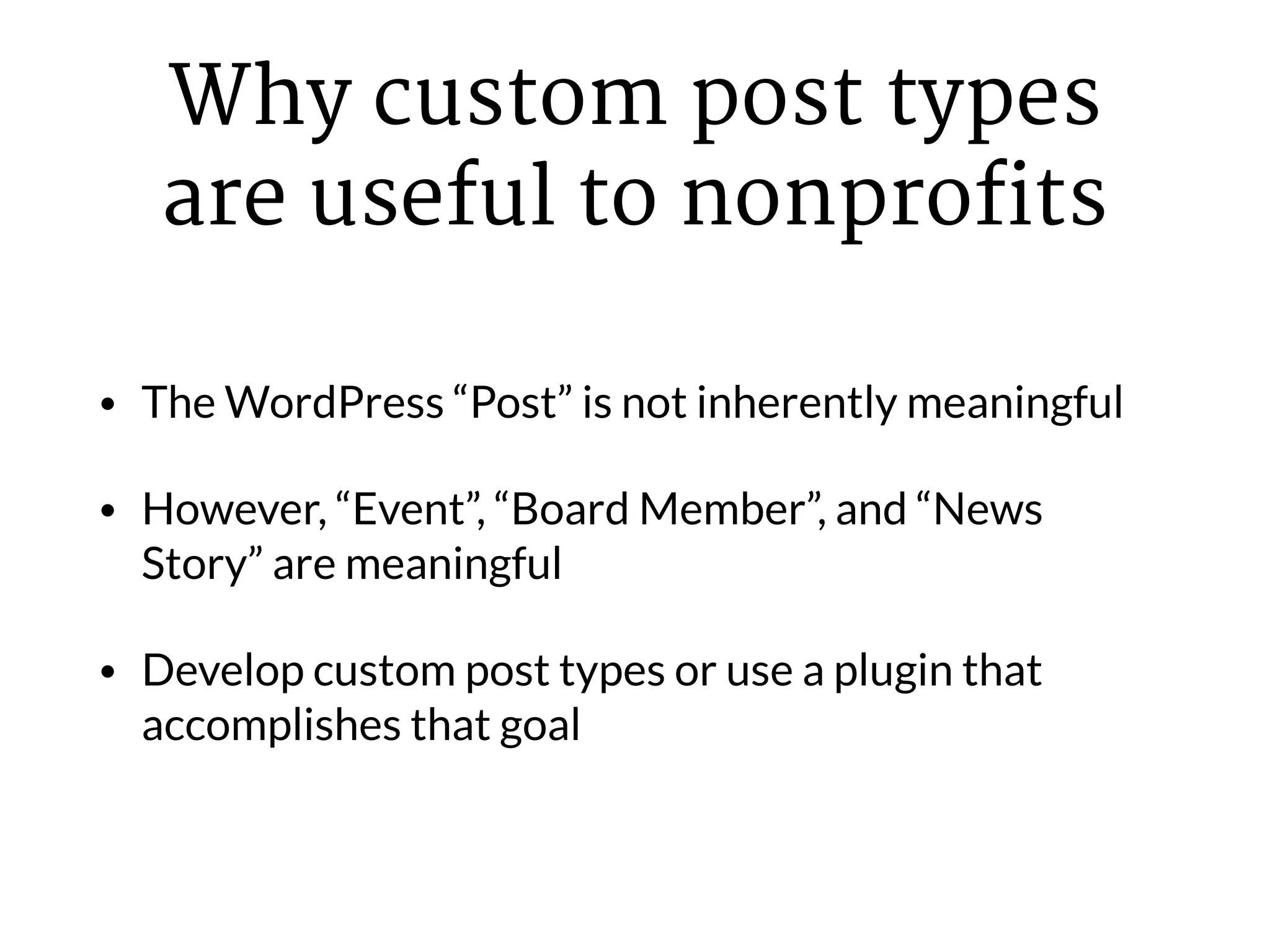
Why custom post types
are useful to nonprofits
• The WordPress “Post” is not inherently meaningful
• However, “Event”, “Board Member”, and “News
Story” are meaningful
• Develop custom post types or use a plugin that
accomplishes that goal
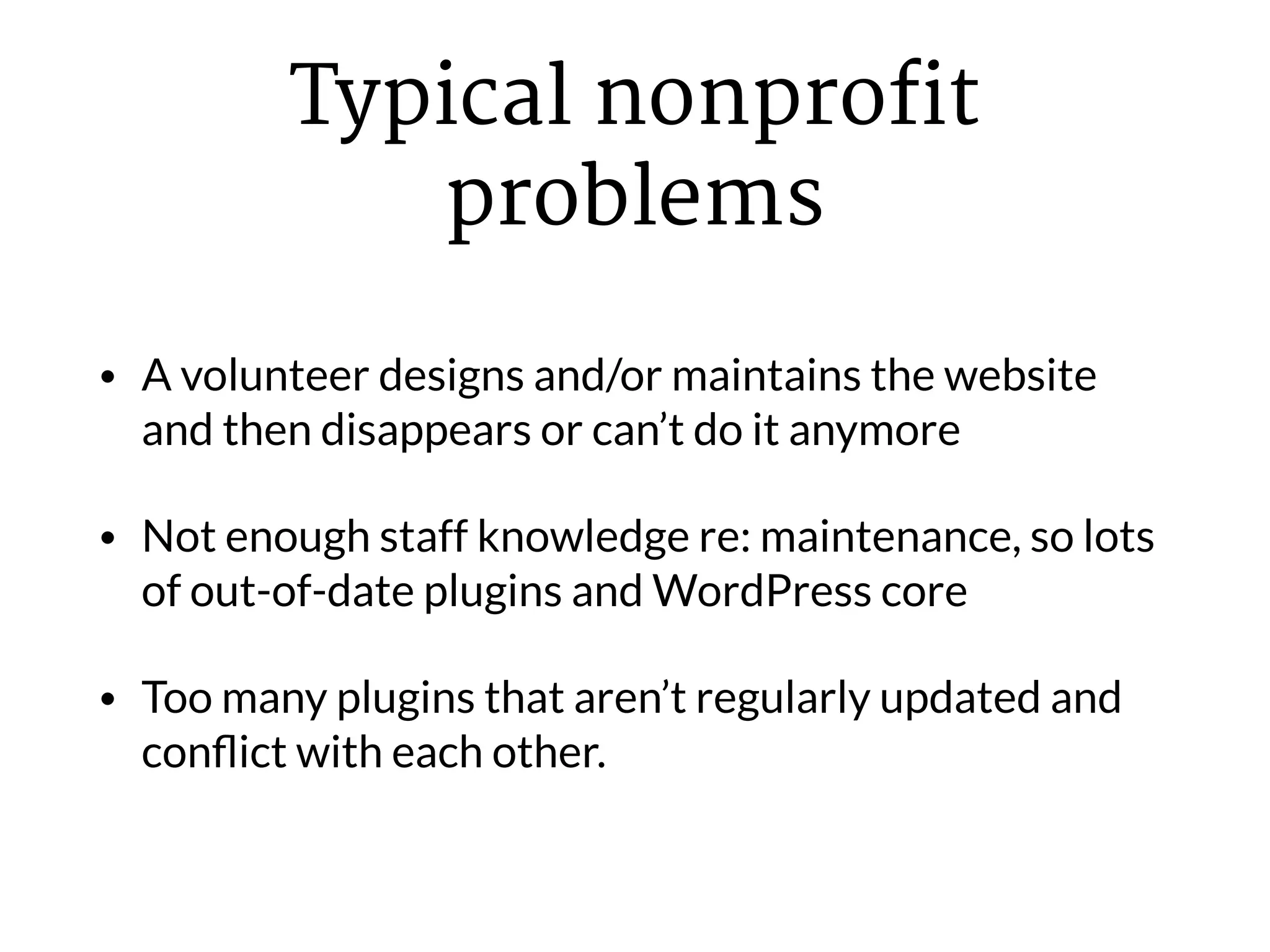
Typical nonprofit
problems
• A volunteer designs and/or maintains the website
and then disappears or can’t do it anymore
• Not enough staff knowledge re: maintenance, so lots
of out-of-date plugins and WordPress core
• Too many plugins that aren’t regularly updated and
conflict with each other.
Solution to all three
problems
Hire someone who knows what they’re doing
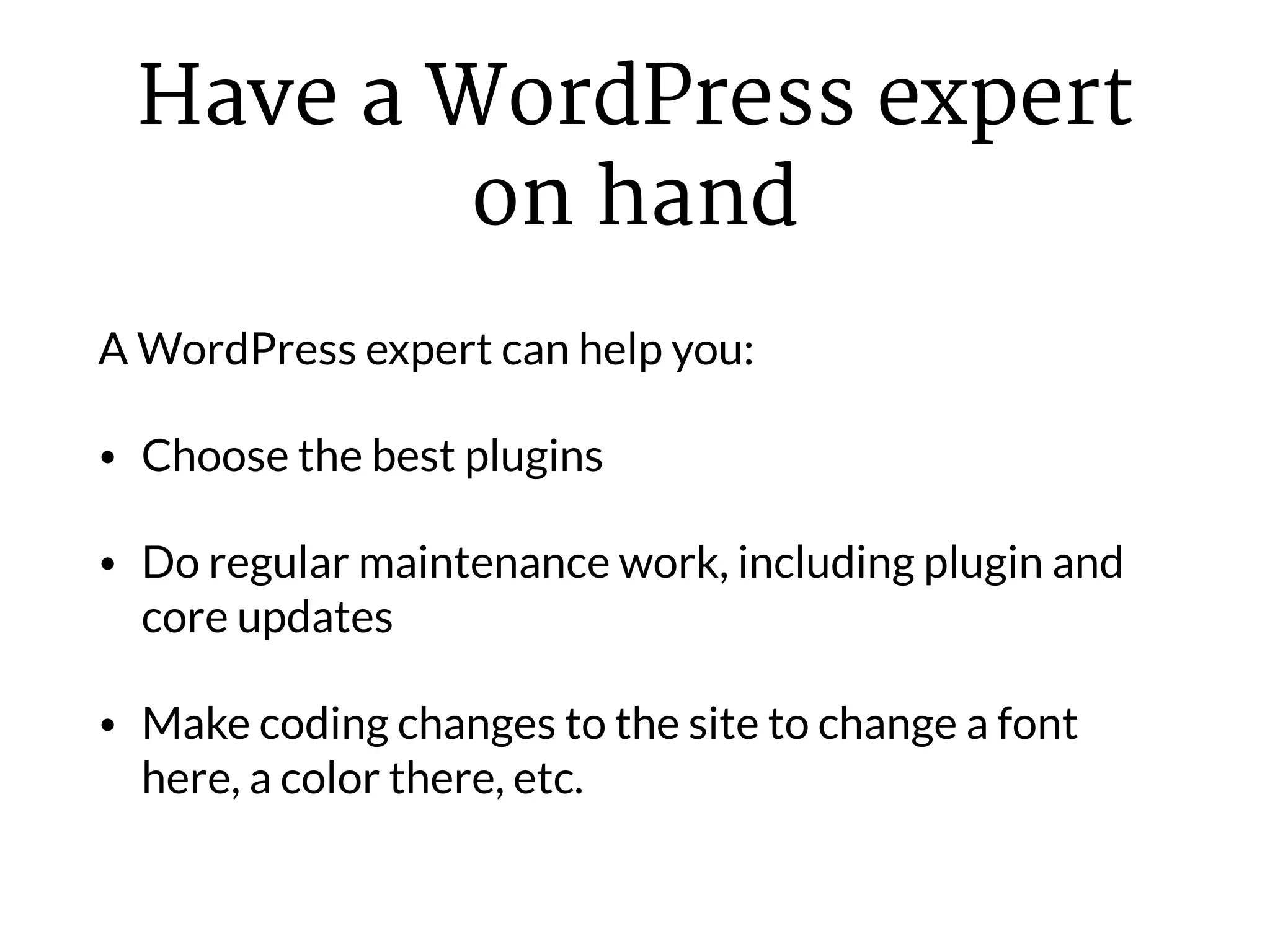
Have a WordPress expert
on hand
A WordPress expert can help you:
• Choose the best plugins
• Do regular maintenance work, including plugin and
core updates
• Make coding changes to the site to change a font
here, a color there, etc.
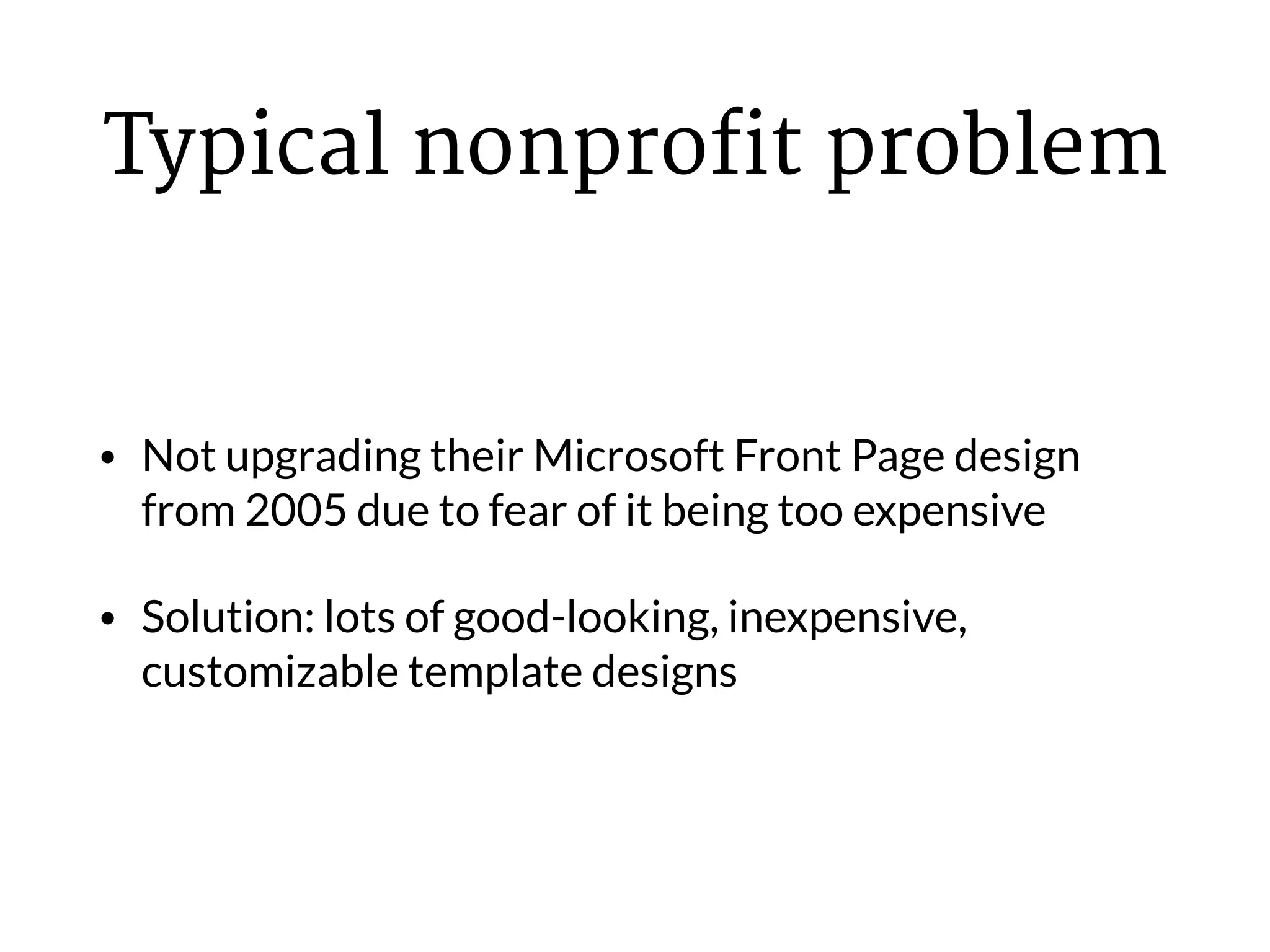
Typical nonprofit problem
• Not upgrading their Microsoft Front Page design
from 2005 due to fear of it being too expensive
• Solution: lots of good-looking, inexpensive,
customizable template designs
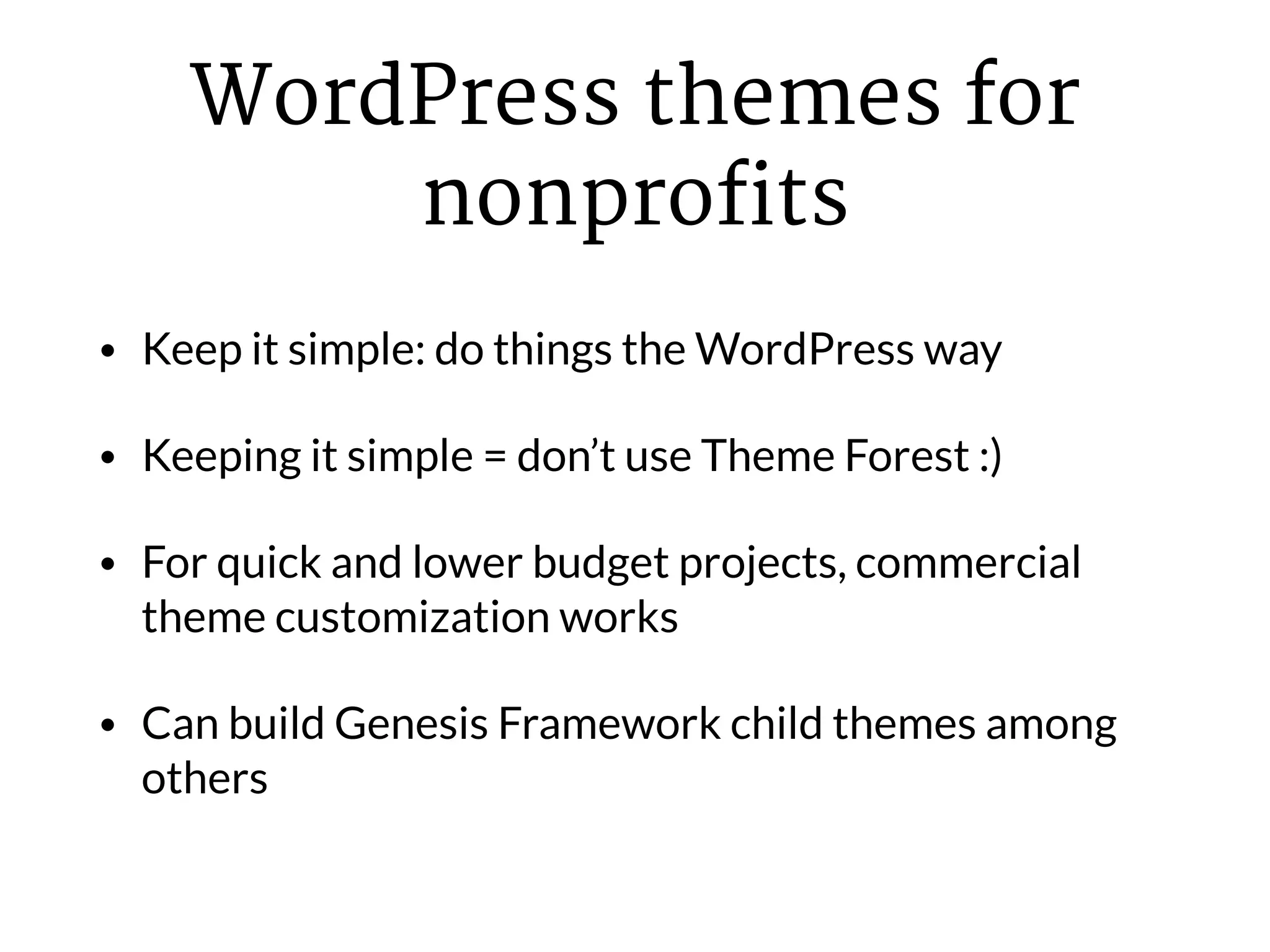
WordPress themes for
nonprofits
• Keep it simple: do things the WordPress way
• Keeping it simple = don’t use Theme Forest :)
• For quick and lower budget projects, commercial
theme customization works
• Can build Genesis Framework child themes among
others
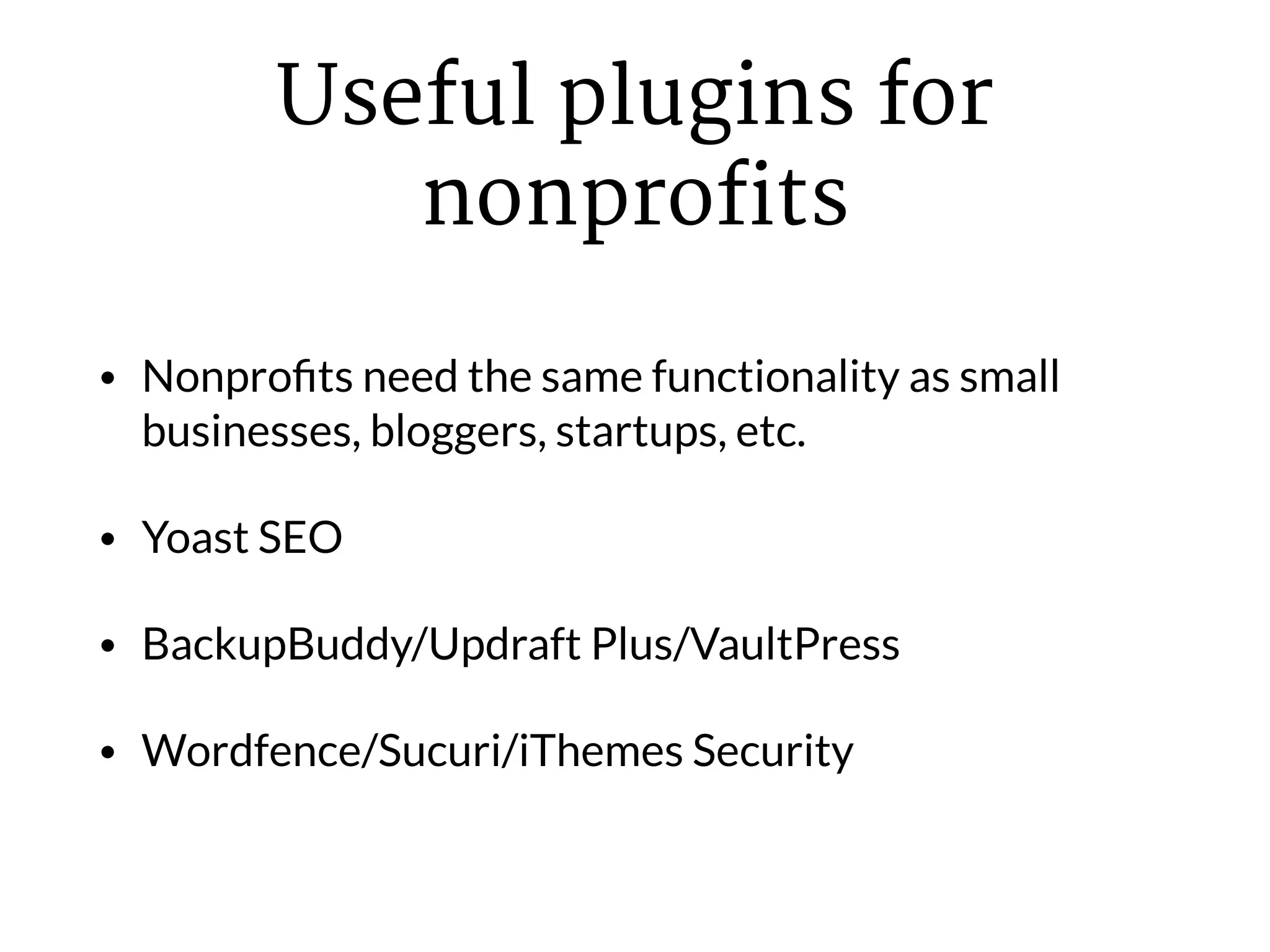
Useful plugins for
nonprofits
• Nonprofits need the same functionality as small
businesses, bloggers, startups, etc.
• Yoast SEO
• BackupBuddy/Updraft Plus/VaultPress
• Wordfence/Sucuri/iThemes Security
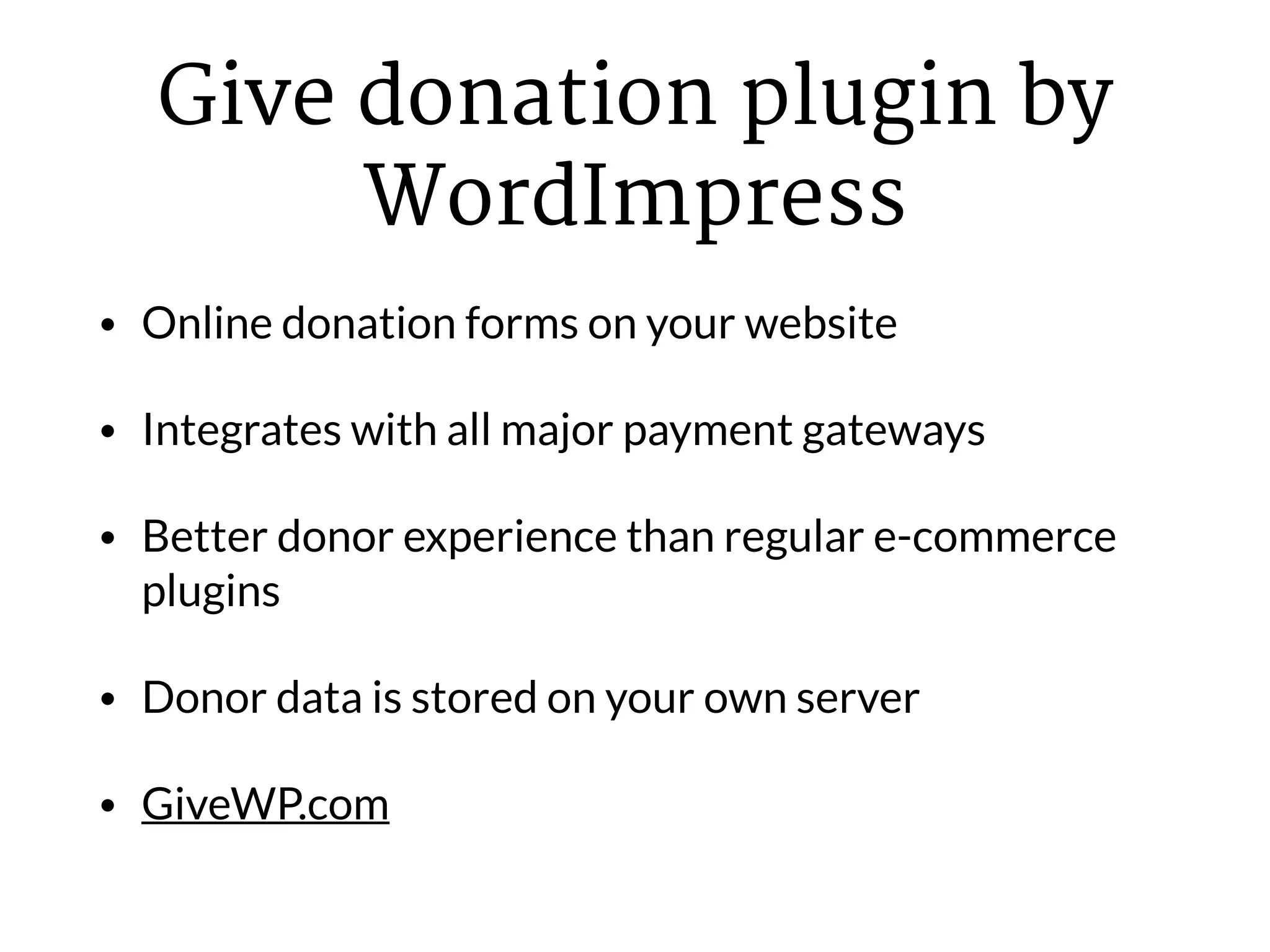
Give donation plugin by
WordImpress
• Online donation forms on your website
• Integrates with all major payment gateways
• Better donor experience than regular e-commerce
plugins
• Donor data is stored on your own server
• GiveWP.com
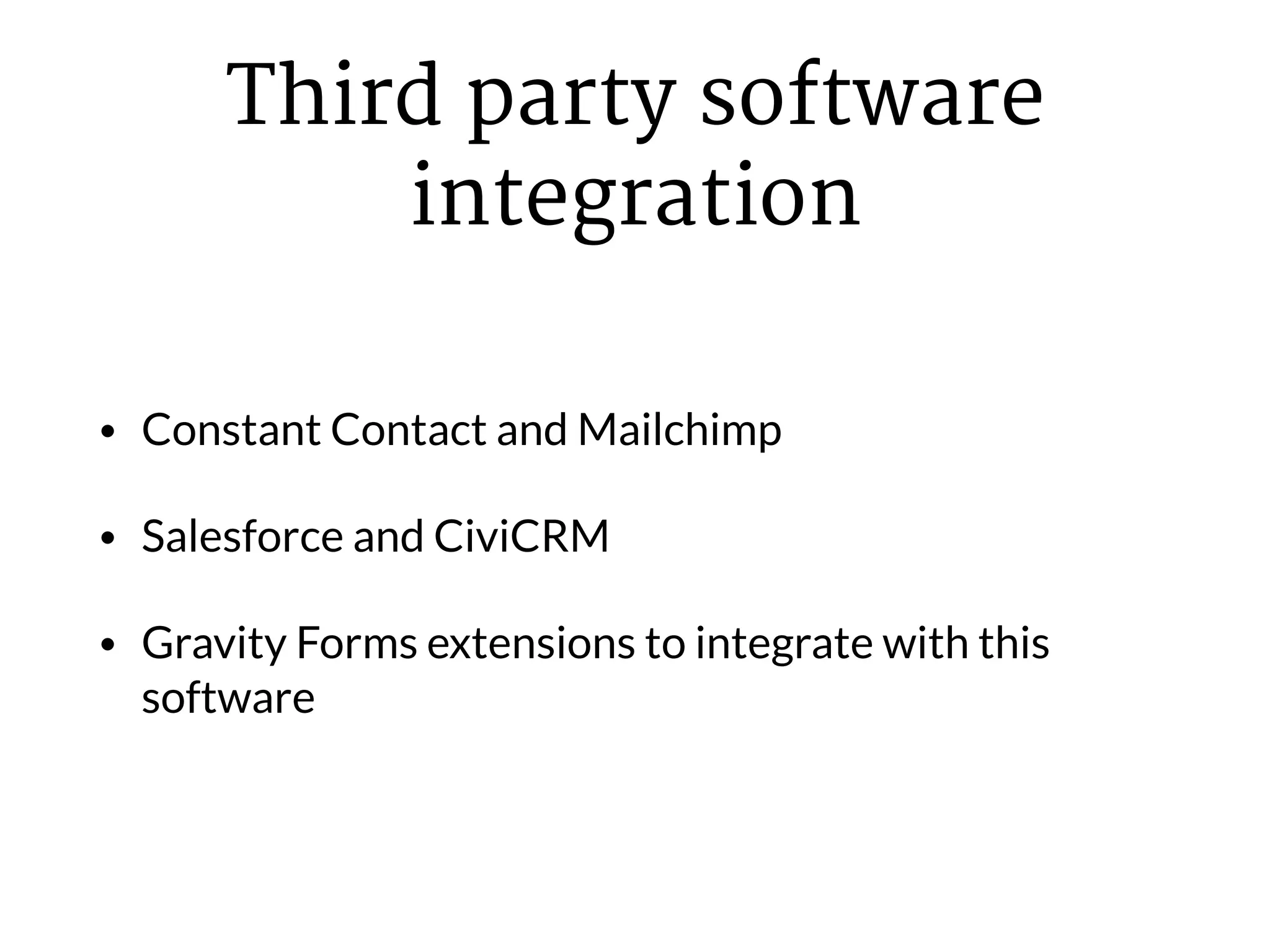
Third party software
integration
• Constant Contact and Mailchimp
• Salesforce and CiviCRM
• Gravity Forms extensions to integrate with this
software
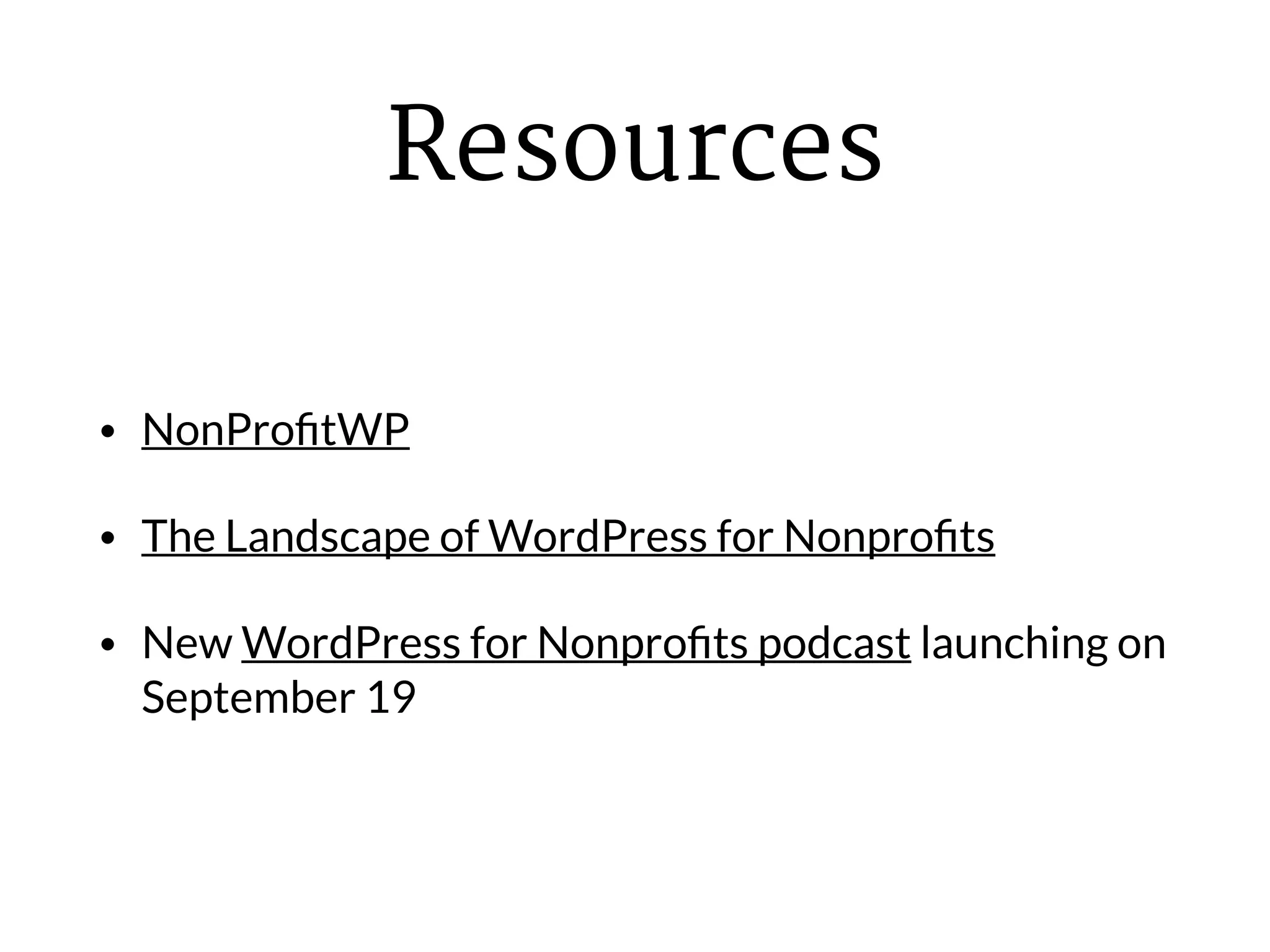
Resources
• NonProfitWP
• The Landscape of WordPress for Nonprofits
• New WordPress for Nonprofits podcast launching on
September 19
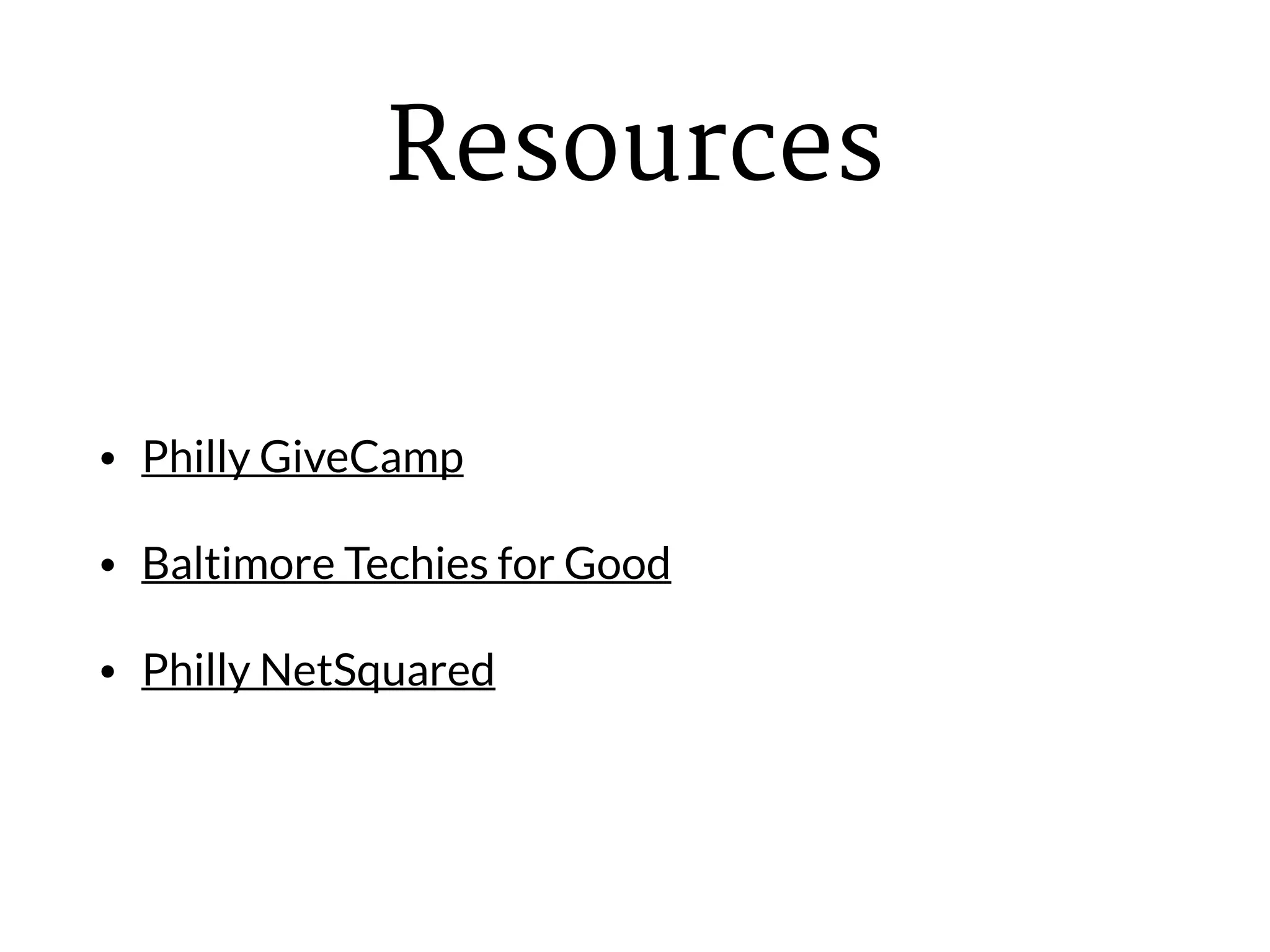
Resources
• Philly GiveCamp
• Baltimore Techies for Good
• Philly NetSquared
My Own Projects
• Math Corps Philly
• Neuroblastoma Children’s Cancer Society (in
progress)
• Jazz With Aloha
Stay in touch
• Twitter: @andywpdev
• LinkedIn: http://www.linkedin.com/in/andrewstitt
• Email: andy@andystitt.com
• deliberatemediasolutions.com

The Recipe for a Dynamite Nonprofit WordPress Website

  • 1.
    The Recipe fora Dynamite Nonprofit WordPress Website Andy Stitt WordPress consultant for nonprofits Deliberate Media Solutions
  • 2.
    Why WordPress for nonprofits? •Solid software that doesn’t cost a fortune • Community generous with time and resources • Large library of plugins
  • 3.
    #1 goal ofany nonprofit website It must help the organization meet its mission
  • 4.
    Nonprofit employee/board member:I want the website to have X, Y, and Z pages on it. You: Good. How does this help you meet your mission?
  • 5.
    Caveat: if itdoesn’t directly help you meet your mission but makes one of your major donors happy, then it helps you meet your mission :)
  • 6.
    Different kinds ofnonprofits and their missions • Cause-based - serving people around a cause, i.e. social justice, clean water, access to healthcare • Membership associations - serving their members and chapters • Schools - serving their students
  • 7.
    The importance of storytellingon your website • Telling stories of how your organization has impacted lives • Individuals telling stories about how their lives were changed • Stories where the donor is the hero, i.e. “here’s how your gift made a difference”
  • 8.
    Storytelling on your WordPresswebsite • Use Posts and Pages to tell stories • Media Library for pictures • Easy to embed videos within Posts and Pages
  • 9.
    Using WordPress forevent management • Nonprofits have lots of different events • These include donor receptions and program-related events • Event management plugins make it easy to advertise and collect sign-ups for events
  • 10.
    Why custom posttypes are useful to nonprofits • The WordPress “Post” is not inherently meaningful • However, “Event”, “Board Member”, and “News Story” are meaningful • Develop custom post types or use a plugin that accomplishes that goal
  • 11.
    Typical nonprofit problems • Avolunteer designs and/or maintains the website and then disappears or can’t do it anymore • Not enough staff knowledge re: maintenance, so lots of out-of-date plugins and WordPress core • Too many plugins that aren’t regularly updated and conflict with each other.
  • 12.
    Solution to allthree problems Hire someone who knows what they’re doing
  • 13.
    Have a WordPressexpert on hand A WordPress expert can help you: • Choose the best plugins • Do regular maintenance work, including plugin and core updates • Make coding changes to the site to change a font here, a color there, etc.
  • 14.
    Typical nonprofit problem •Not upgrading their Microsoft Front Page design from 2005 due to fear of it being too expensive • Solution: lots of good-looking, inexpensive, customizable template designs
  • 15.
    WordPress themes for nonprofits •Keep it simple: do things the WordPress way • Keeping it simple = don’t use Theme Forest :) • For quick and lower budget projects, commercial theme customization works • Can build Genesis Framework child themes among others
  • 16.
    Useful plugins for nonprofits •Nonprofits need the same functionality as small businesses, bloggers, startups, etc. • Yoast SEO • BackupBuddy/Updraft Plus/VaultPress • Wordfence/Sucuri/iThemes Security
  • 17.
    Give donation pluginby WordImpress • Online donation forms on your website • Integrates with all major payment gateways • Better donor experience than regular e-commerce plugins • Donor data is stored on your own server • GiveWP.com
  • 18.
    Third party software integration •Constant Contact and Mailchimp • Salesforce and CiviCRM • Gravity Forms extensions to integrate with this software
  • 19.
    Resources • NonProfitWP • TheLandscape of WordPress for Nonprofits • New WordPress for Nonprofits podcast launching on September 19
  • 20.
    Resources • Philly GiveCamp •Baltimore Techies for Good • Philly NetSquared
  • 21.
    My Own Projects •Math Corps Philly • Neuroblastoma Children’s Cancer Society (in progress) • Jazz With Aloha
  • 22.
    Stay in touch •Twitter: @andywpdev • LinkedIn: http://www.linkedin.com/in/andrewstitt • Email: andy@andystitt.com • deliberatemediasolutions.com