wordpress for nonprofits
11/14/19
JESSI SHANK / MARIANNE FENG
ten-forward.com/workshops/wordpress.docx
.pdf
.pages
.gdoc
- WordPress Settings Overview
- Plugins: start to finish
- When?
- How?
- Which one?
- Our hot takes
- Security best practices
- Backups
- Questions/Workshop time!
<agenda>
2/ /
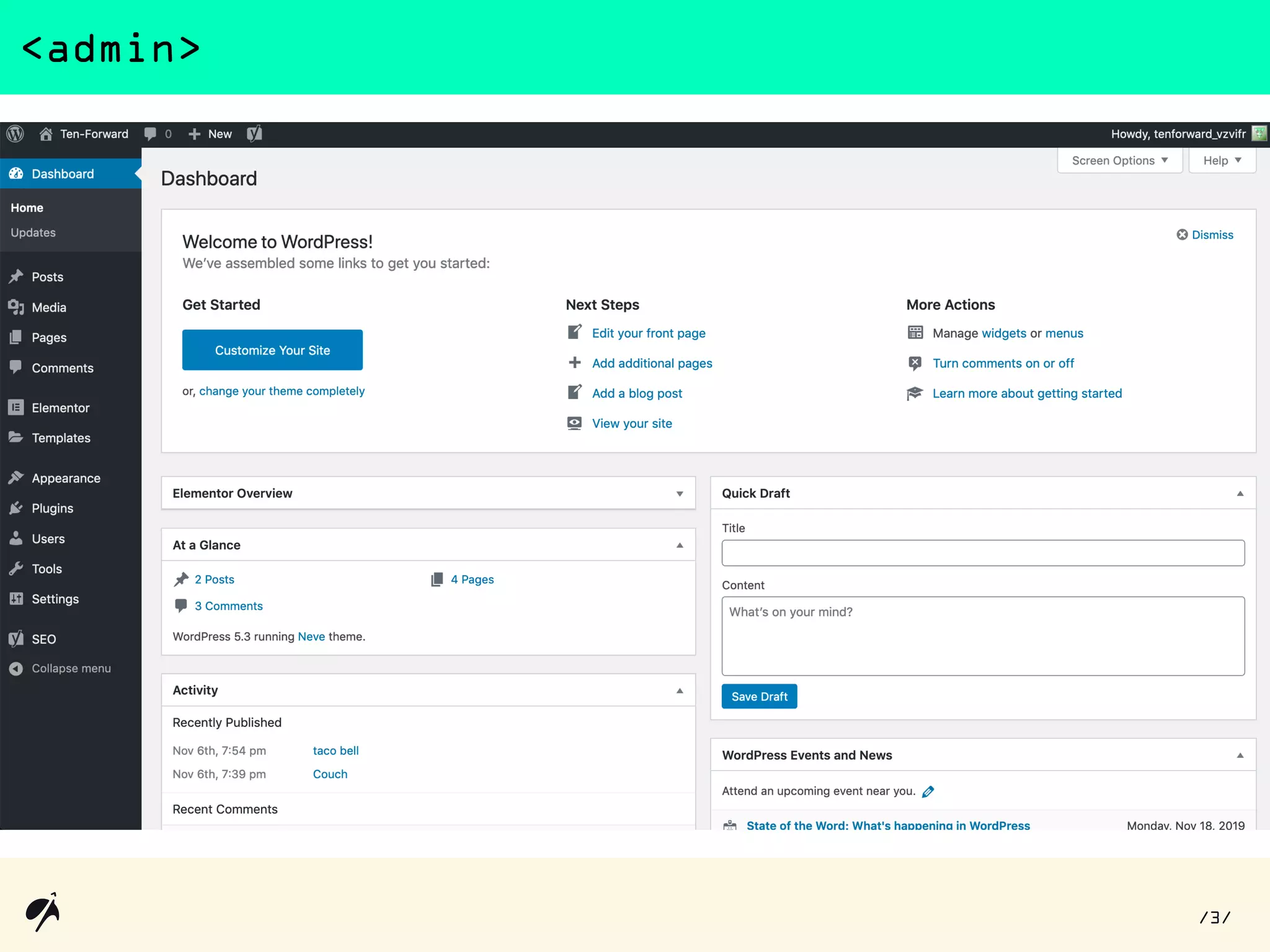
<admin>
3/ /
Plugins
<plugins>
4/ /
- Specific use cases
- Who is going to be using this?
- What are they going to use it for?
- What can’t they do?
- Budget
- Write it down!
<plugins//when>
5/ /
Finding potential plugins
<plugins//how>
And now, a demo
6/ /
<plugins//which one> free vs paid
7/ /
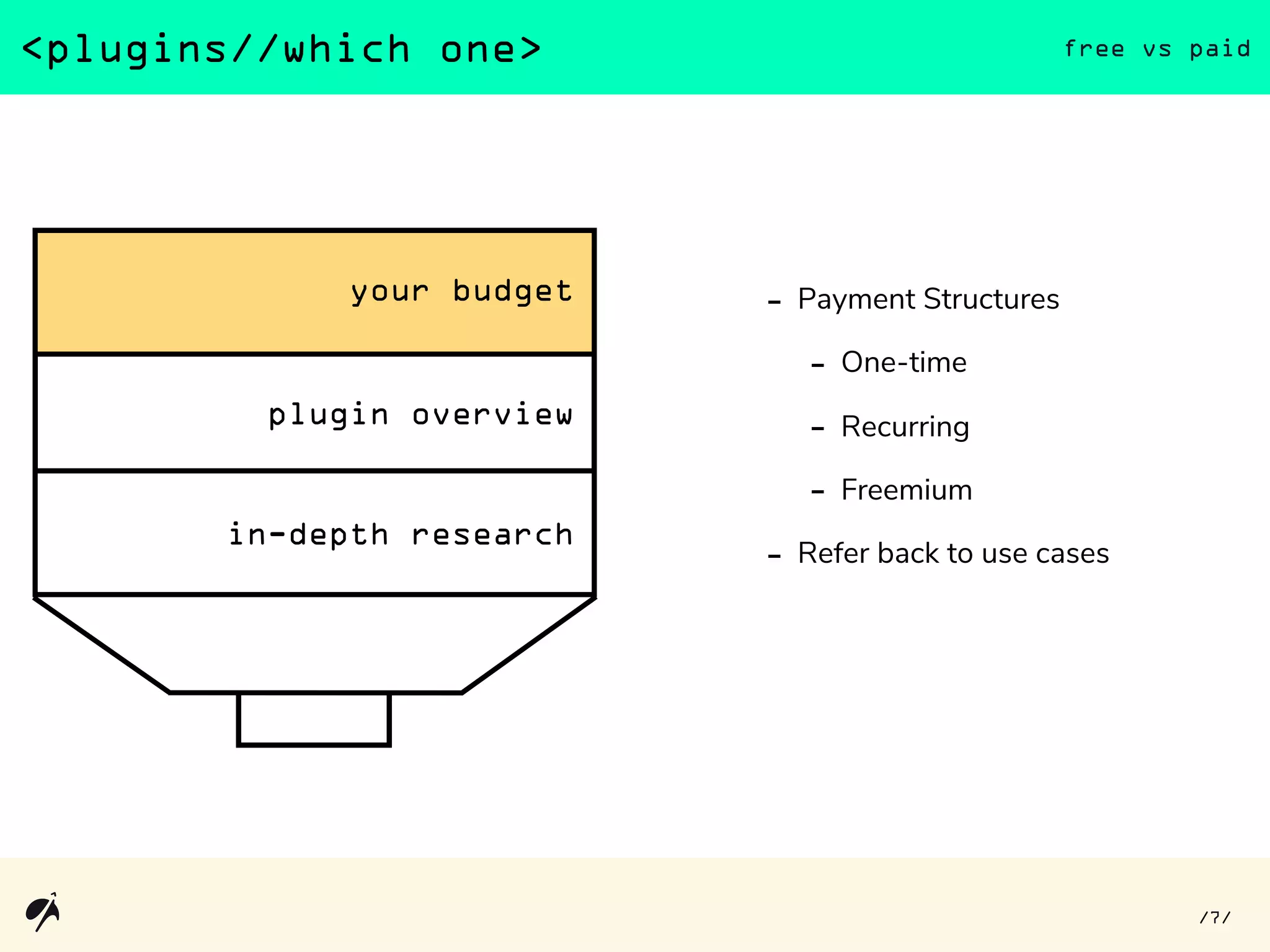
- Payment Structures
- One-time
- Recurring
- Freemium
- Refer back to use cases
<plugins//which one> plugin overview page
8/ /
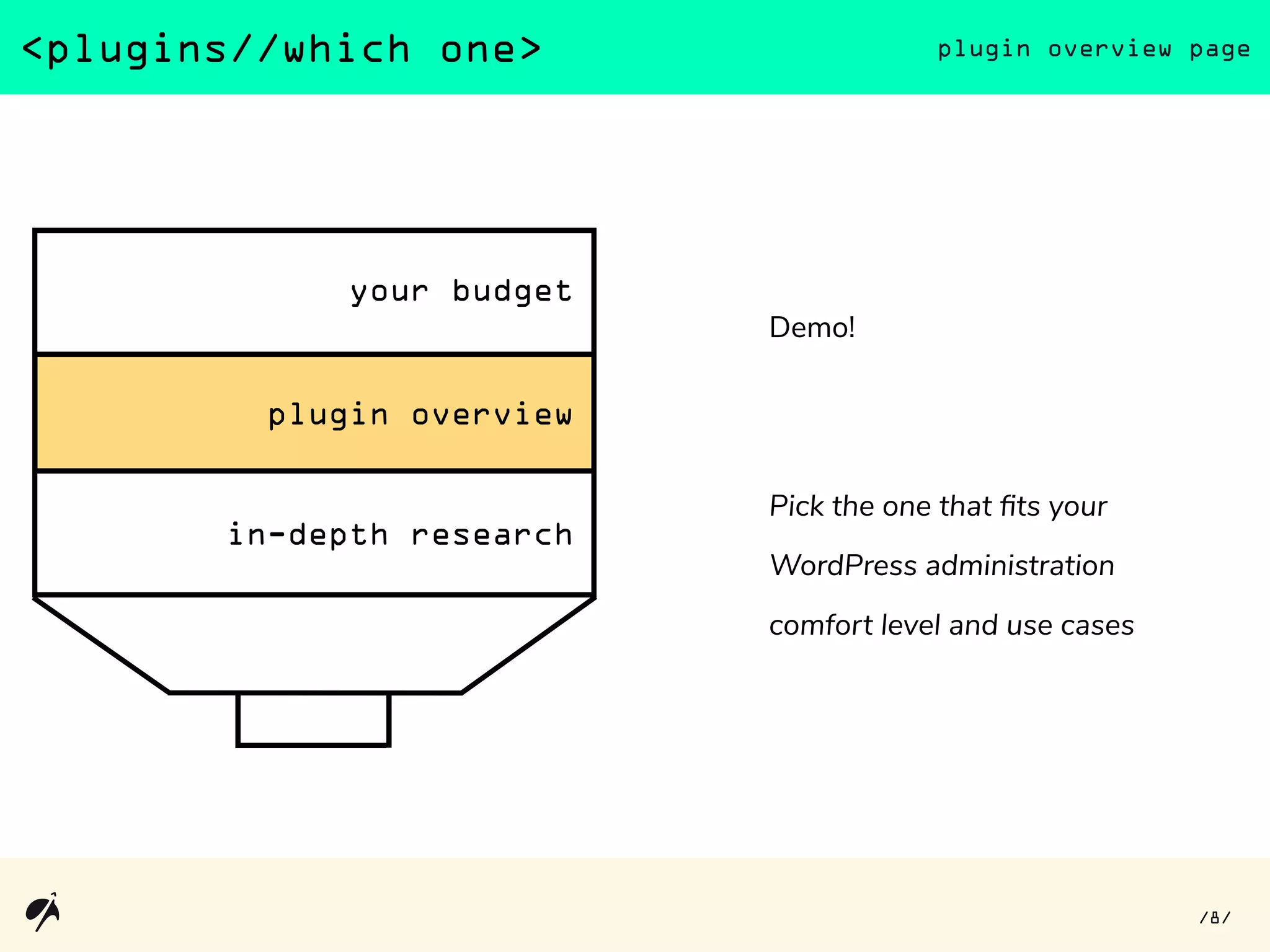
Demo!
Pick the one that fits your
WordPress administration
comfort level and use cases
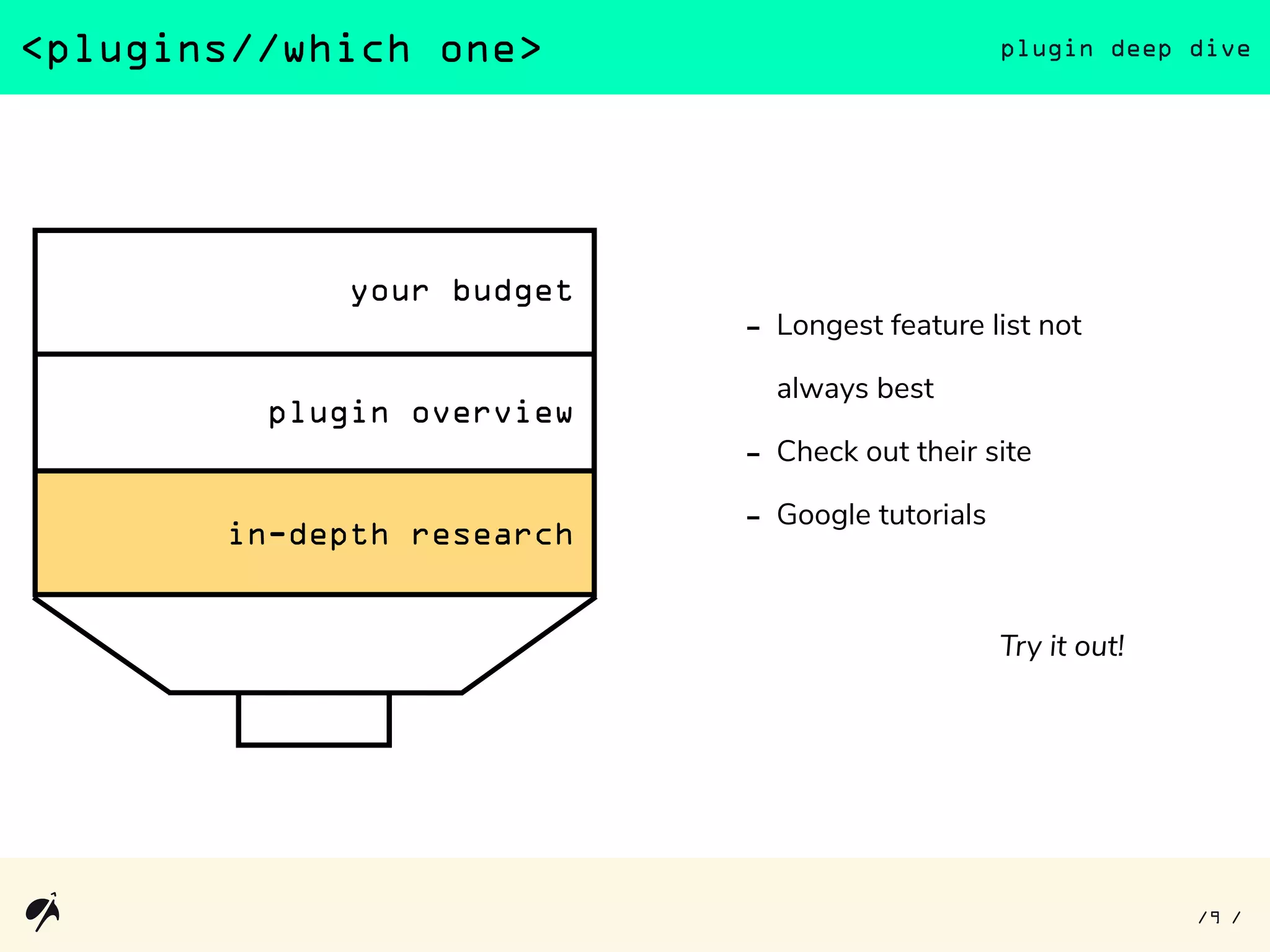
<plugins//which one> plugin deep dive
9/ /
- Longest feature list not
always best
- Check out their site
- Google tutorials
Try it out!
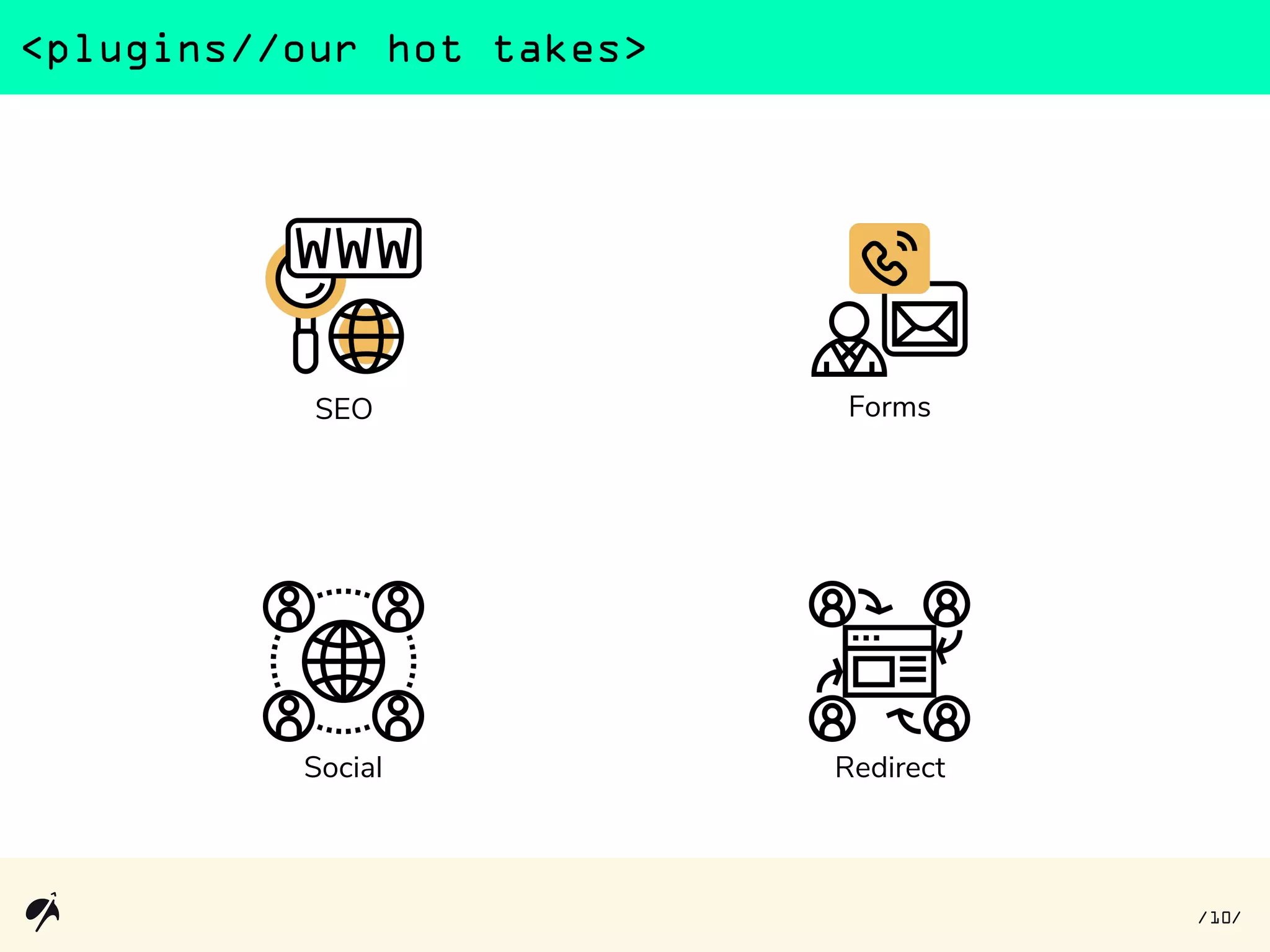
<plugins//our hot takes>
SEO
Social Redirect
Forms
10/ /
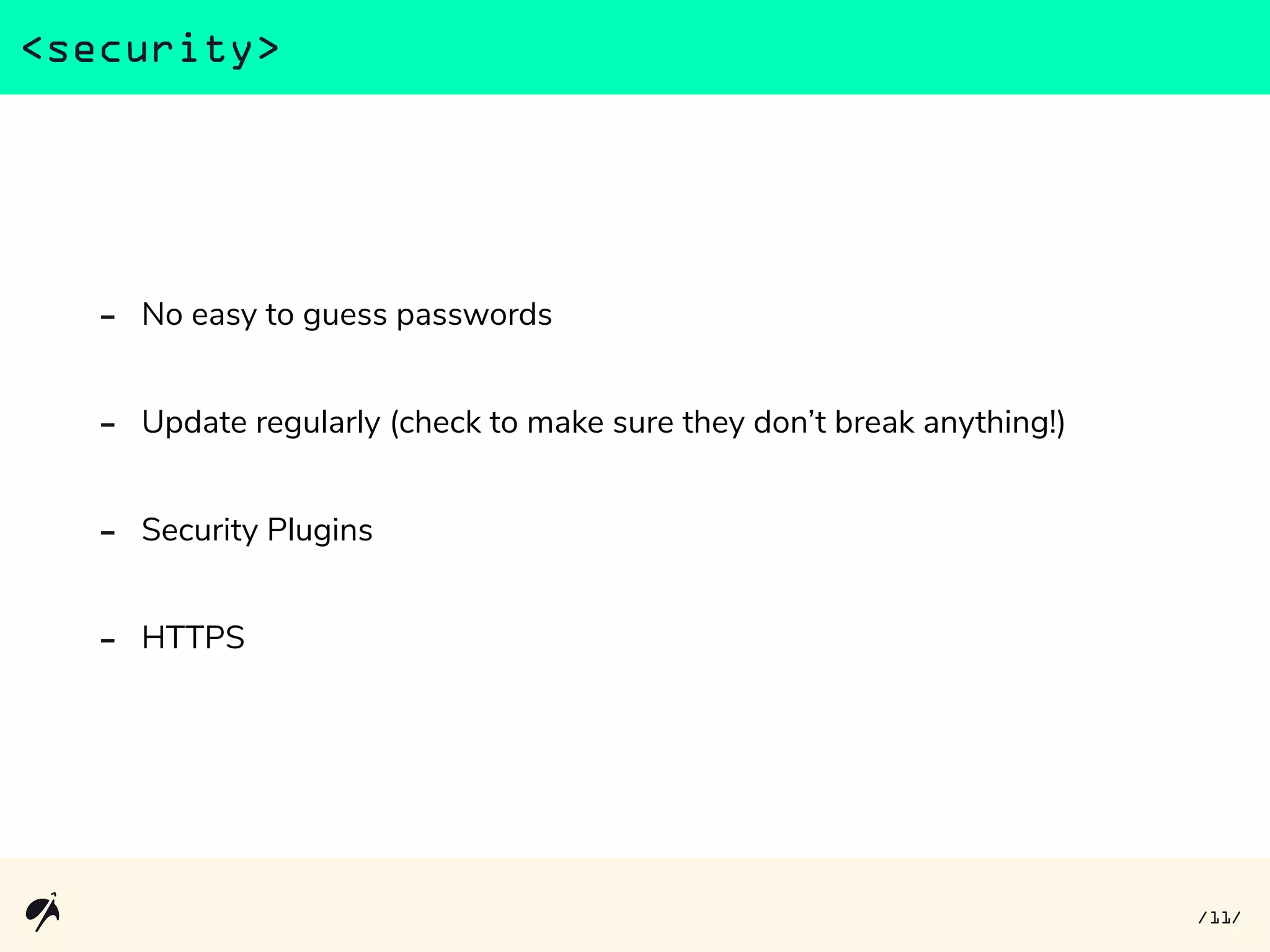
- No easy to guess passwords
- Update regularly (check to make sure they don’t break anything!)
- Security Plugins
- HTTPS
<security>
11/ /
<backups>
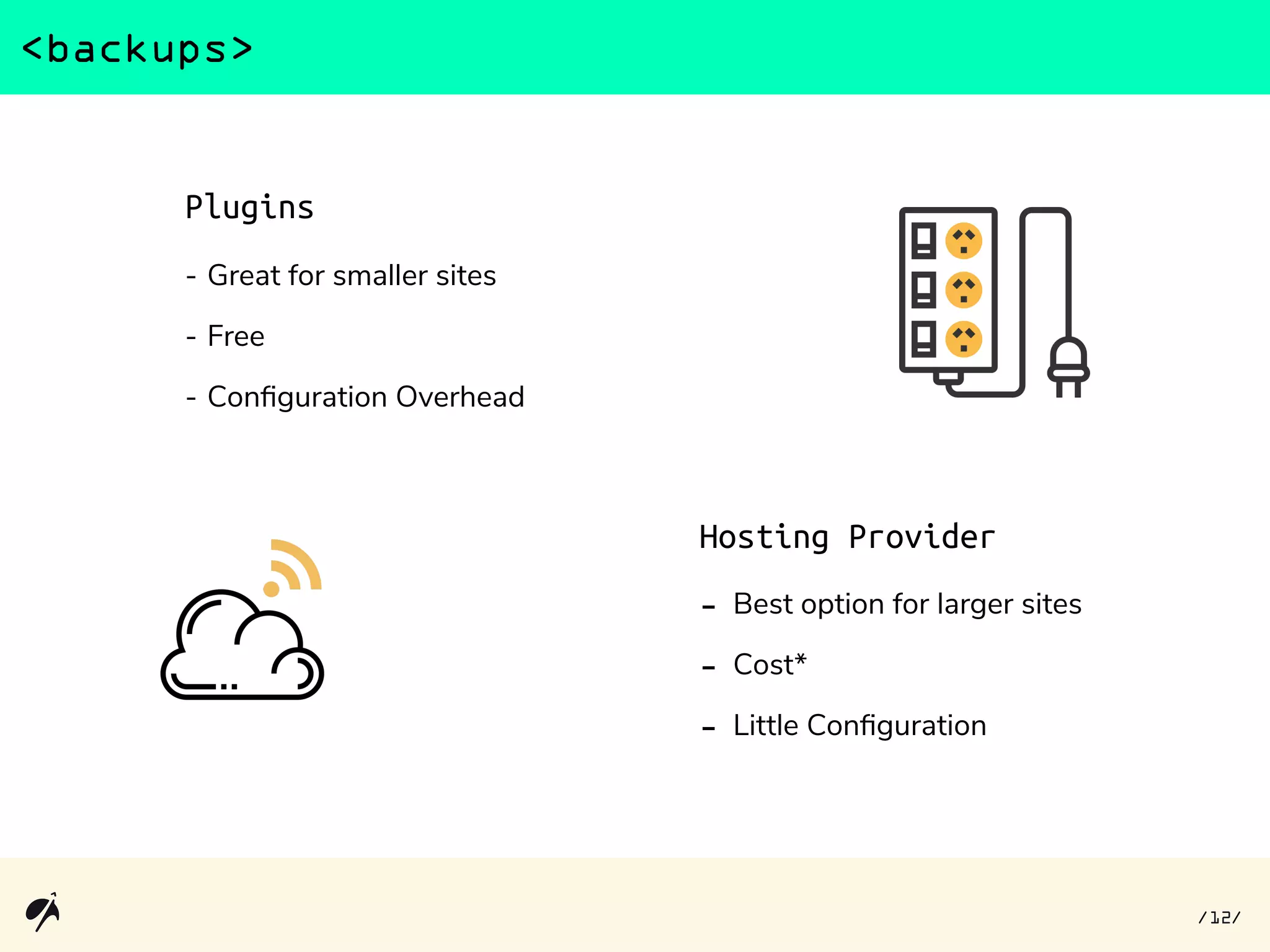
Hosting Provider
- Best option for larger sites
- Cost*
- Little Configuration
Plugins
- Great for smaller sites
- Free
- Configuration Overhead
12/ /
questions?
thanks!
icons made by Eucalyp and retrieved from flaticon
ten-forward.com
WordPress
data wrangling
systems integration
calendly.com/ten-forward/15min

501 Talks Tech: WordPress for Nonprofits