












THE FEATURES OF

HIGHLY EFFECTIVE
FORMS
Aaron Gustafson
@AaronGustafson
slideshare.net/AaronGustafson
IConsider the
conversation
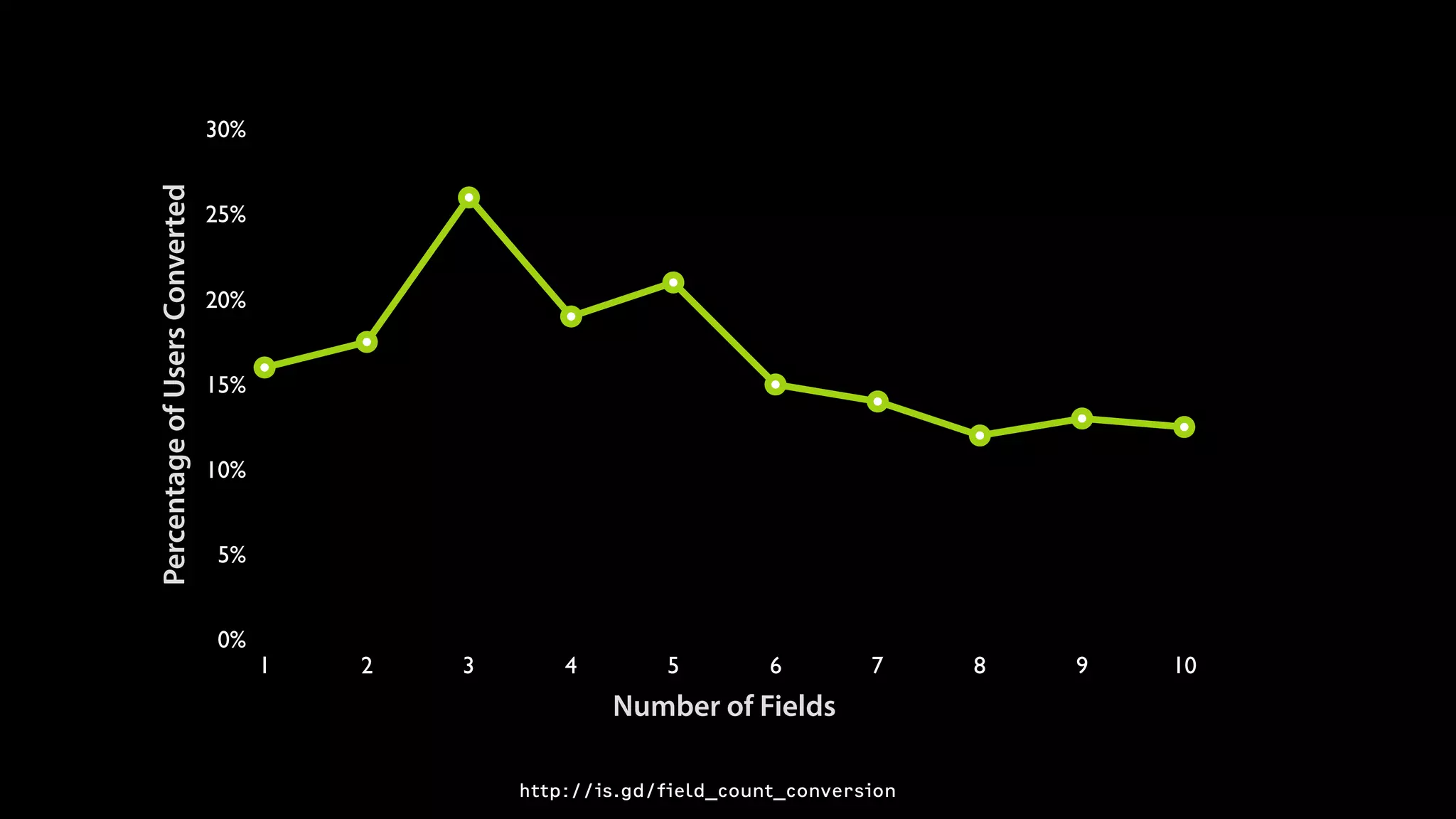
Make every field
fight for its place in
your forms.
PercentageofUsersConverted
0%
5%
10%
15%
20%
25%
30%
Number of Fields
1 2 3 4 5 6 7 8 9 10
http://is.gd/field_count_conversion
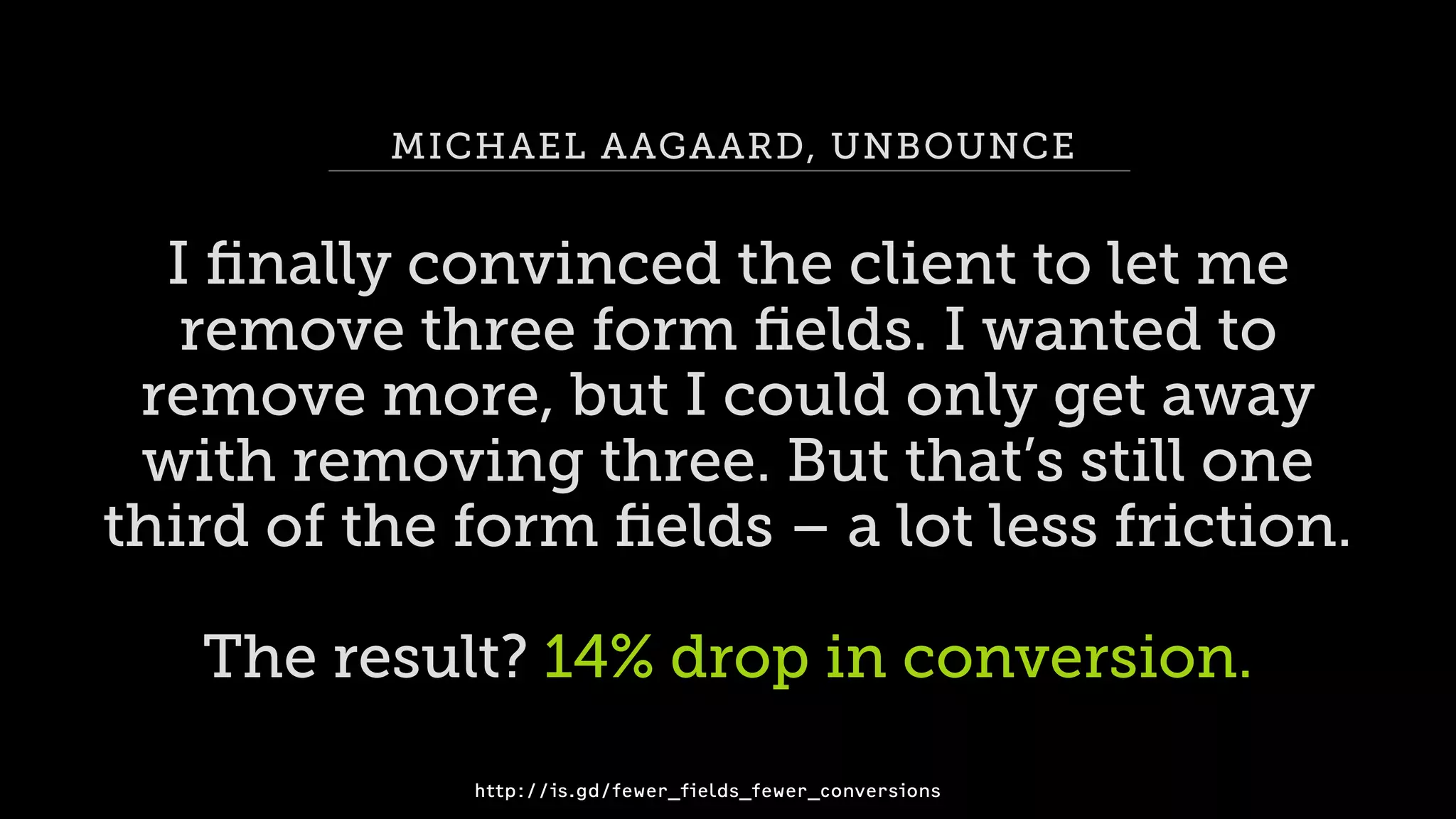
MICHAEL AAGAARD, UNBOUNCE
I finally convinced the client to let me
remove three form fields. I wanted to

remove more, but I could only get away 

with removing three. But that’s still one 

third of the form fields – a lot less friction.
The result? 14% drop in conversion.
http://is.gd/fewer_fields_fewer_conversions
Prepare for
pushback.
IIChoose your

words carefully
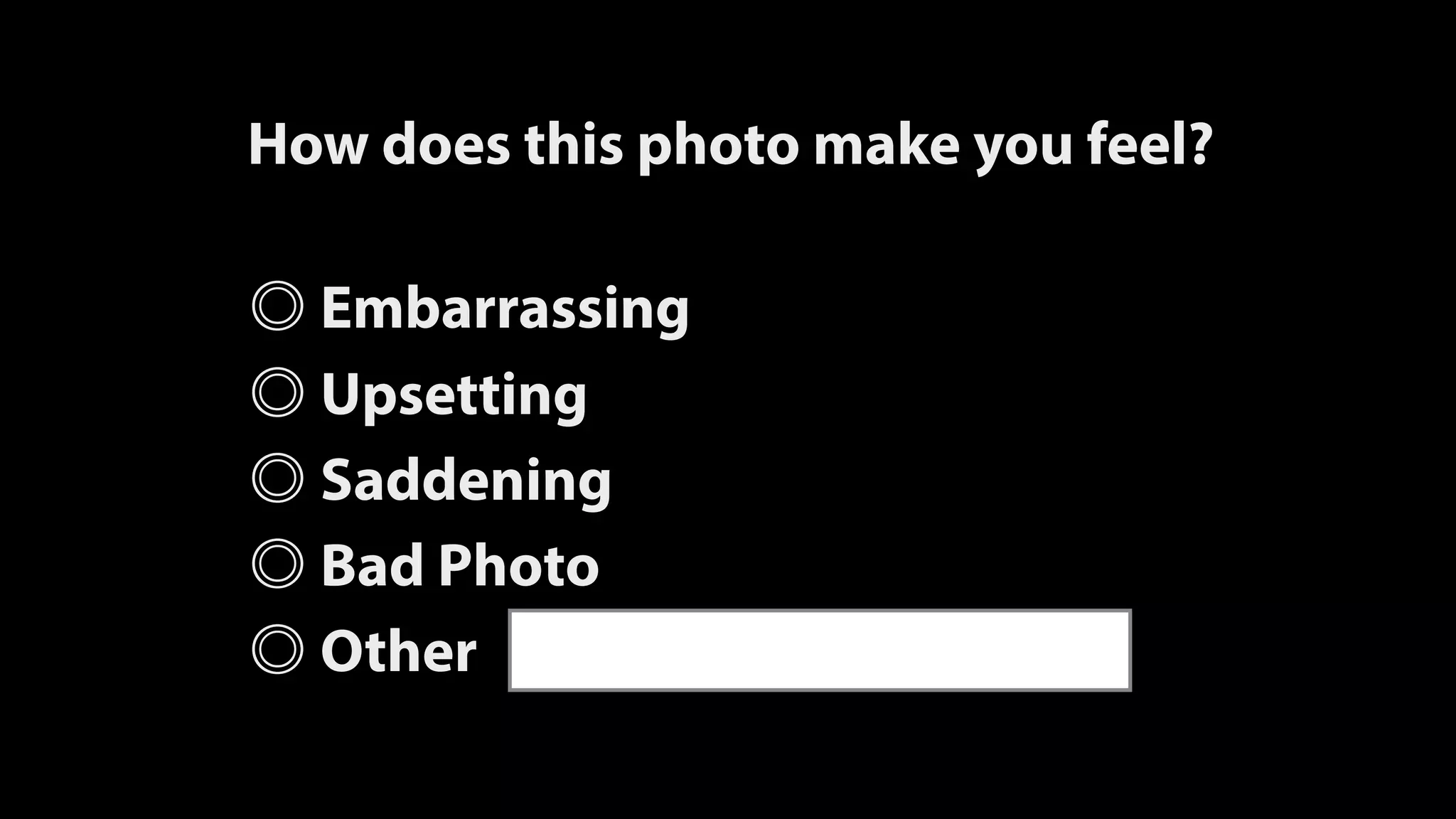
How does this photo make you feel?
Embarrassing
Upsetting
Saddening
Bad Photo
Other
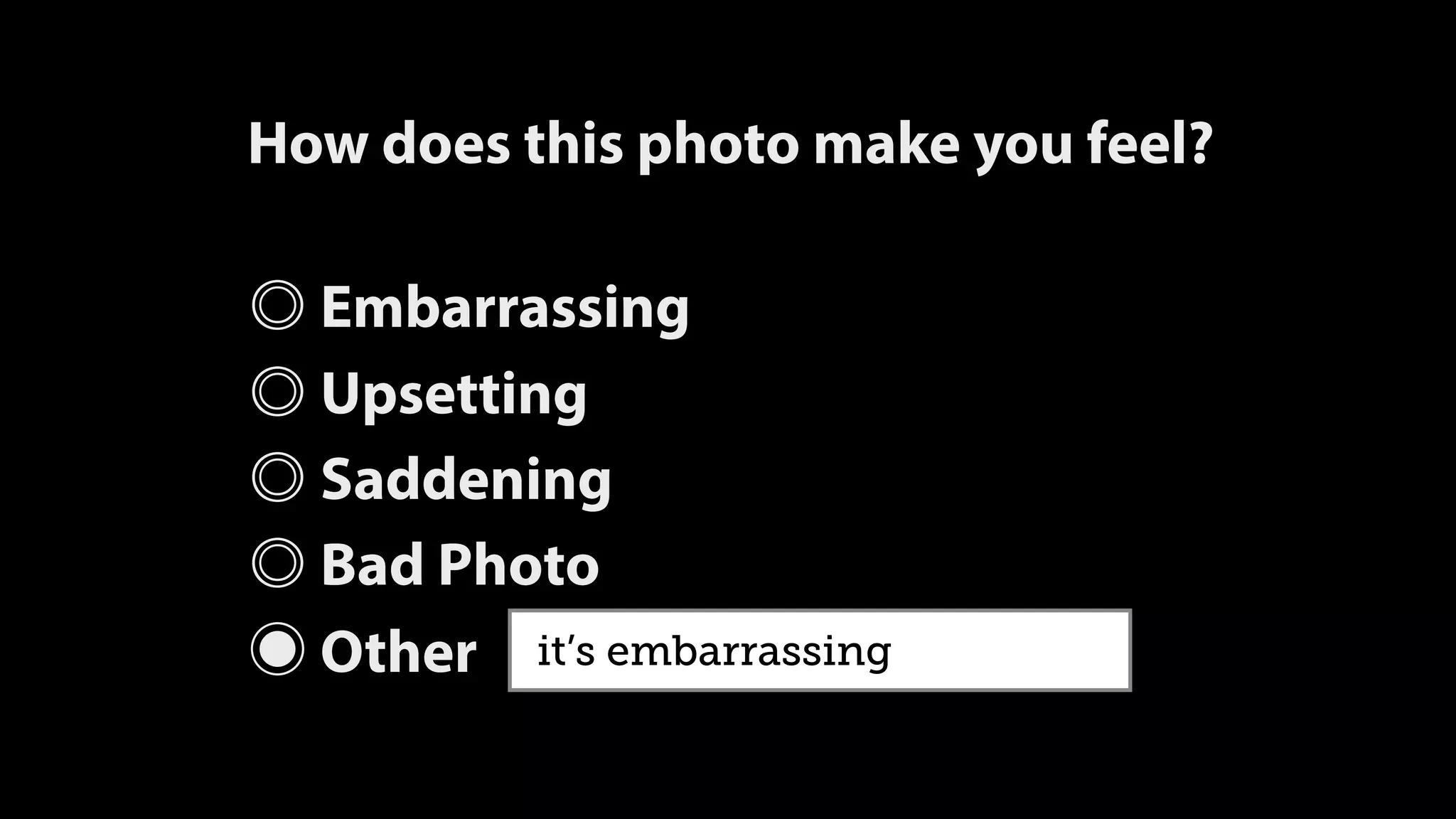
How does this photo make you feel?
Embarrassing
Upsetting
Saddening
Bad Photo
◉ Other it’s embarrassing
Please describe the photo
It’s embarrassing
It’s a bad photo of me
It makes me sad
Talk to your users
like they talk

to one another.
Ask higher value
questions.
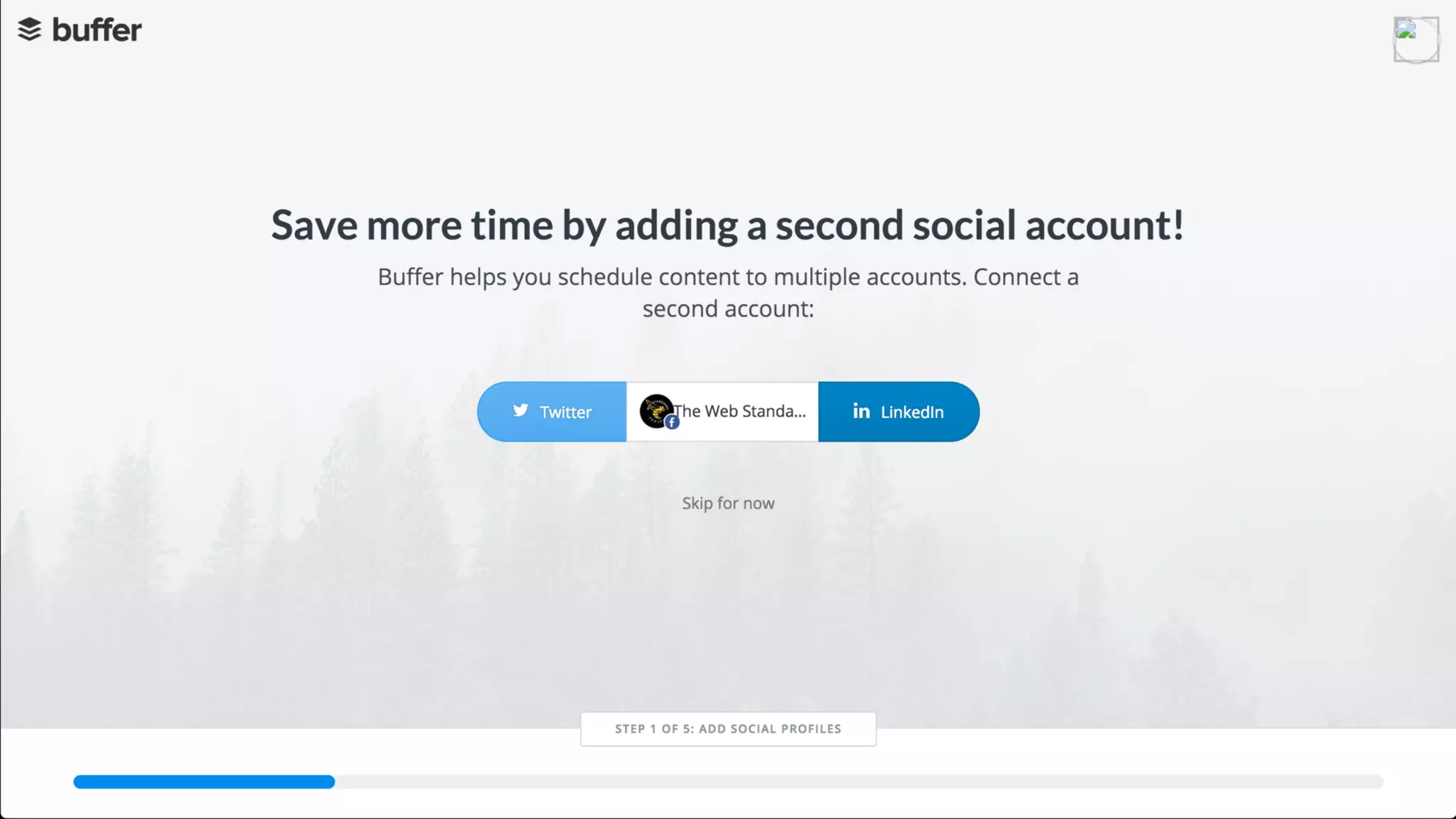
Make it clear users
need to respond
“What’s your first name?”
“Without your first name, I won’t

know how to address you.

Could you please provide it?”
“Reserve your spot”
IIIMake good

markup choices
Label every field
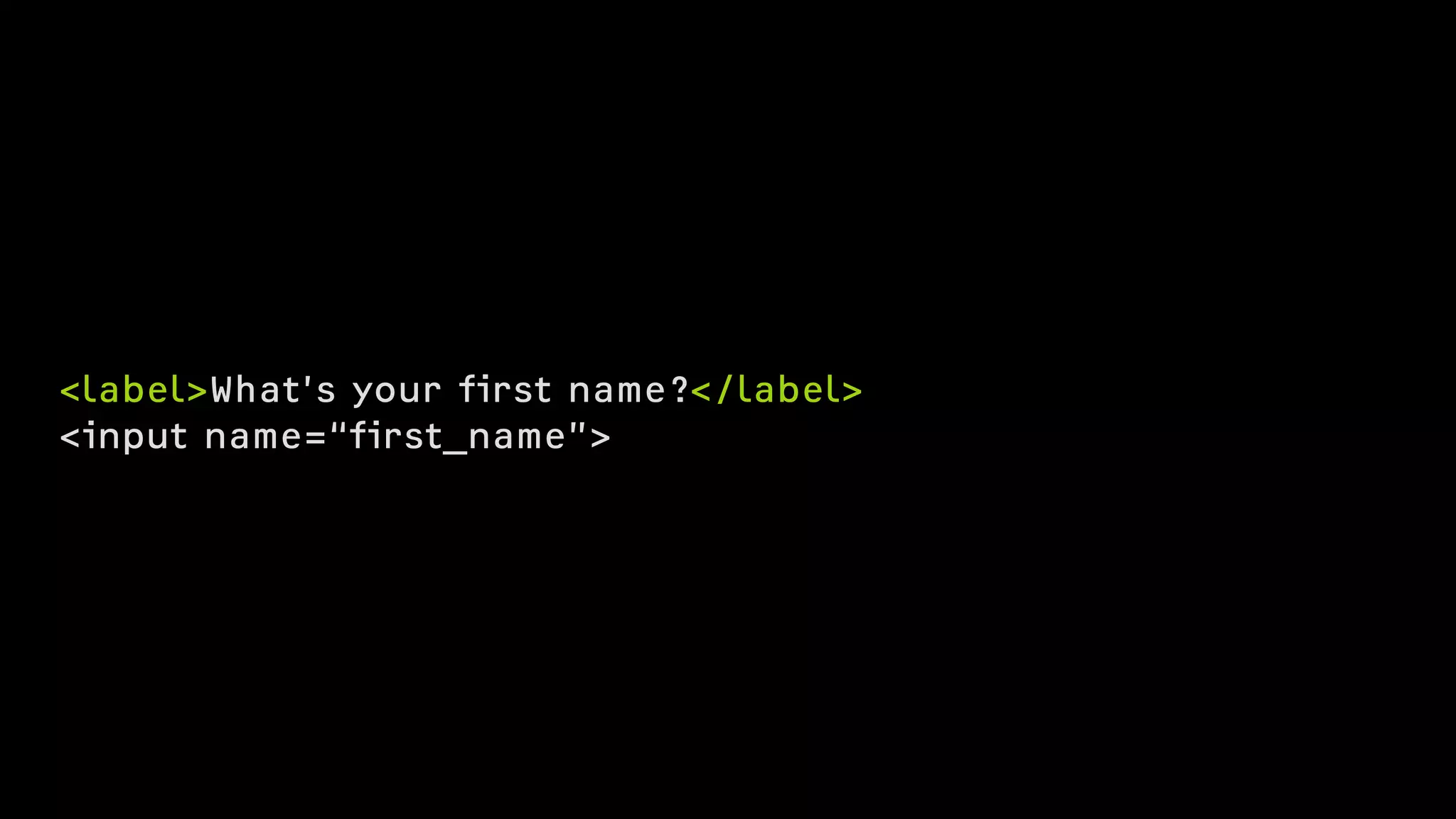
What’s your first name?
<input name=“first_name”>
<label>What’s your first name?</label>
<input name=“first_name”>
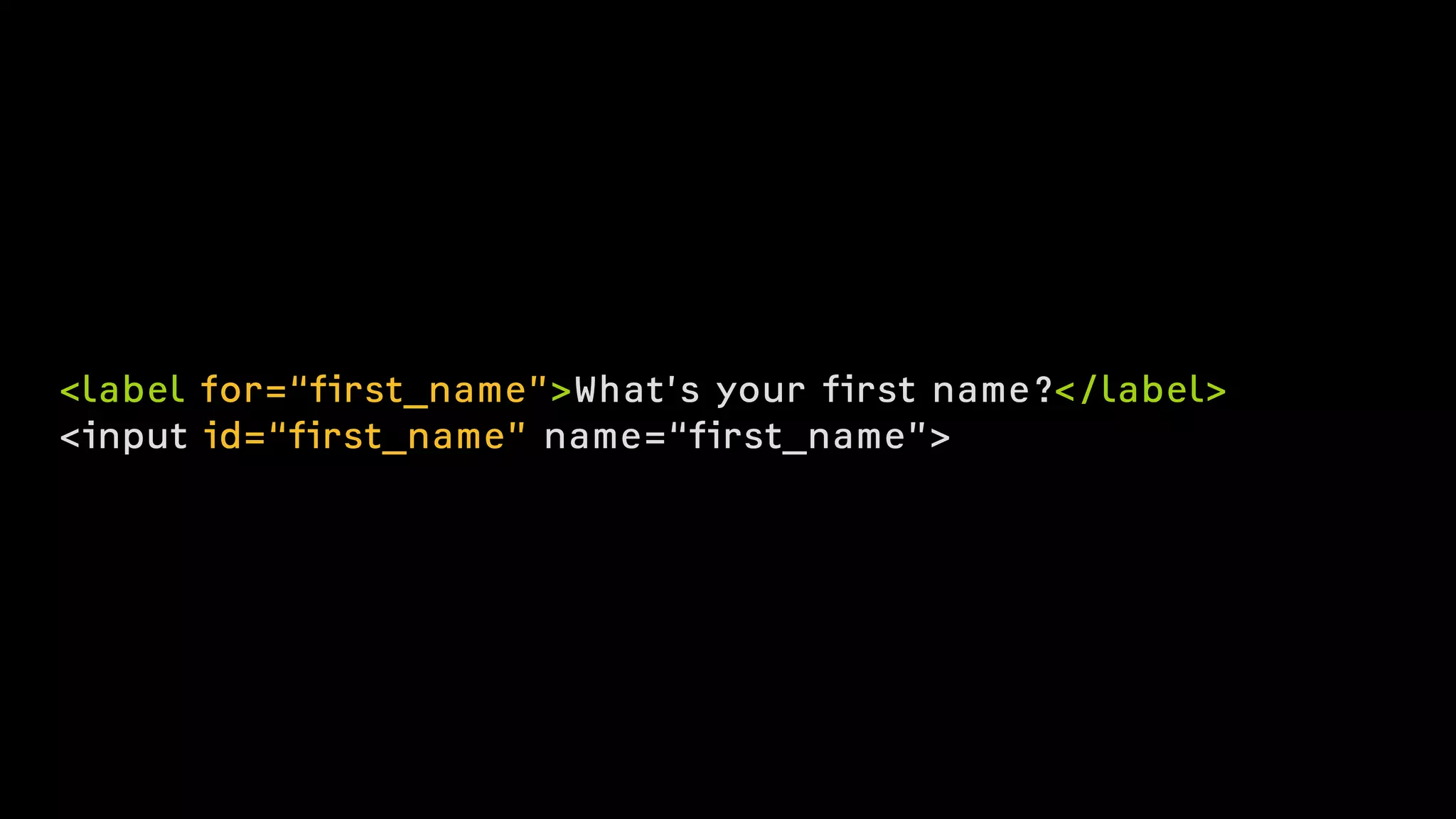
<label for=“first_name”>What’s your first name?</label>
<input id=“first_name” name=“first_name”>
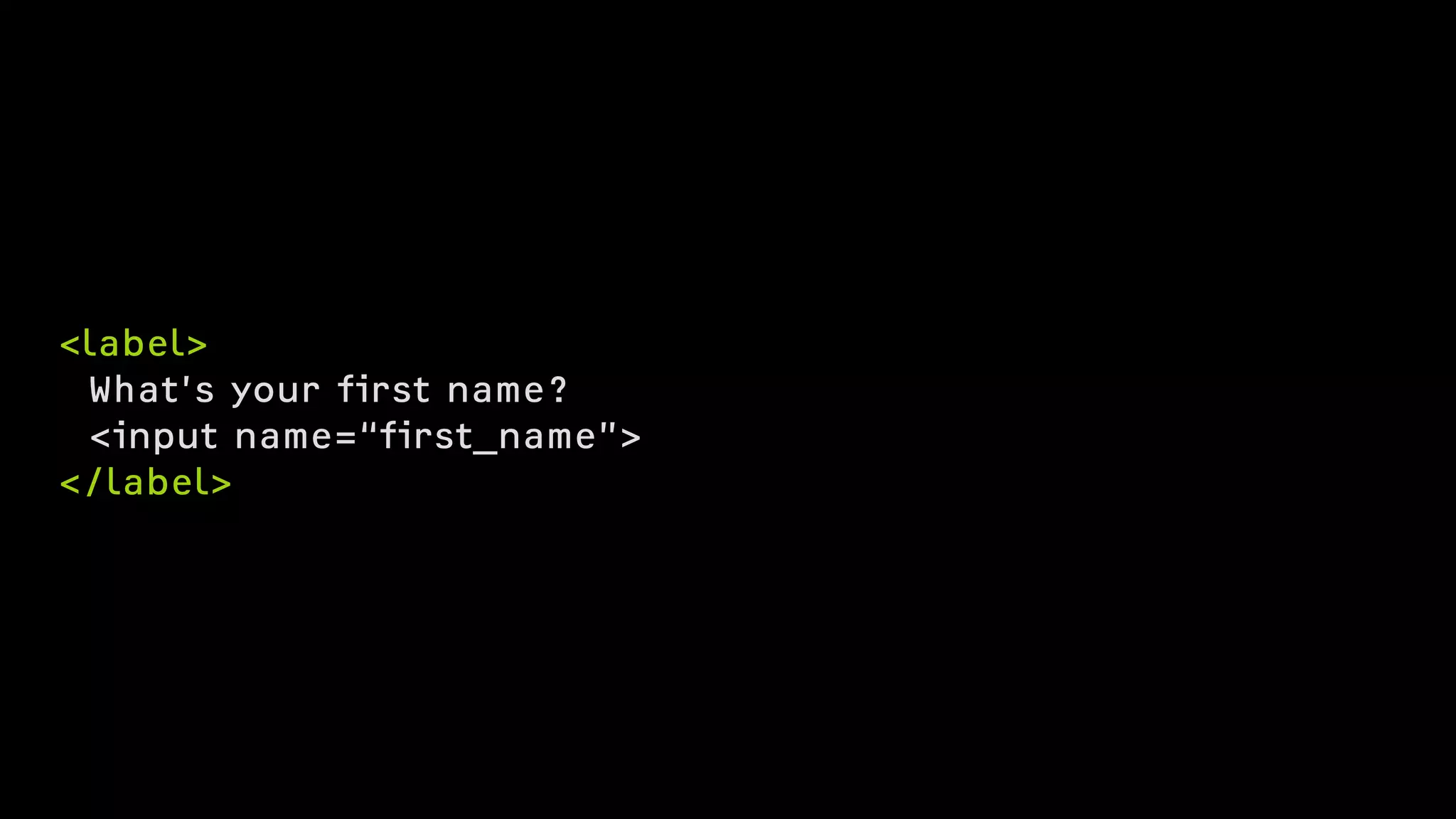
<label>
What’s your first name?
<input name=“first_name”>
</label>
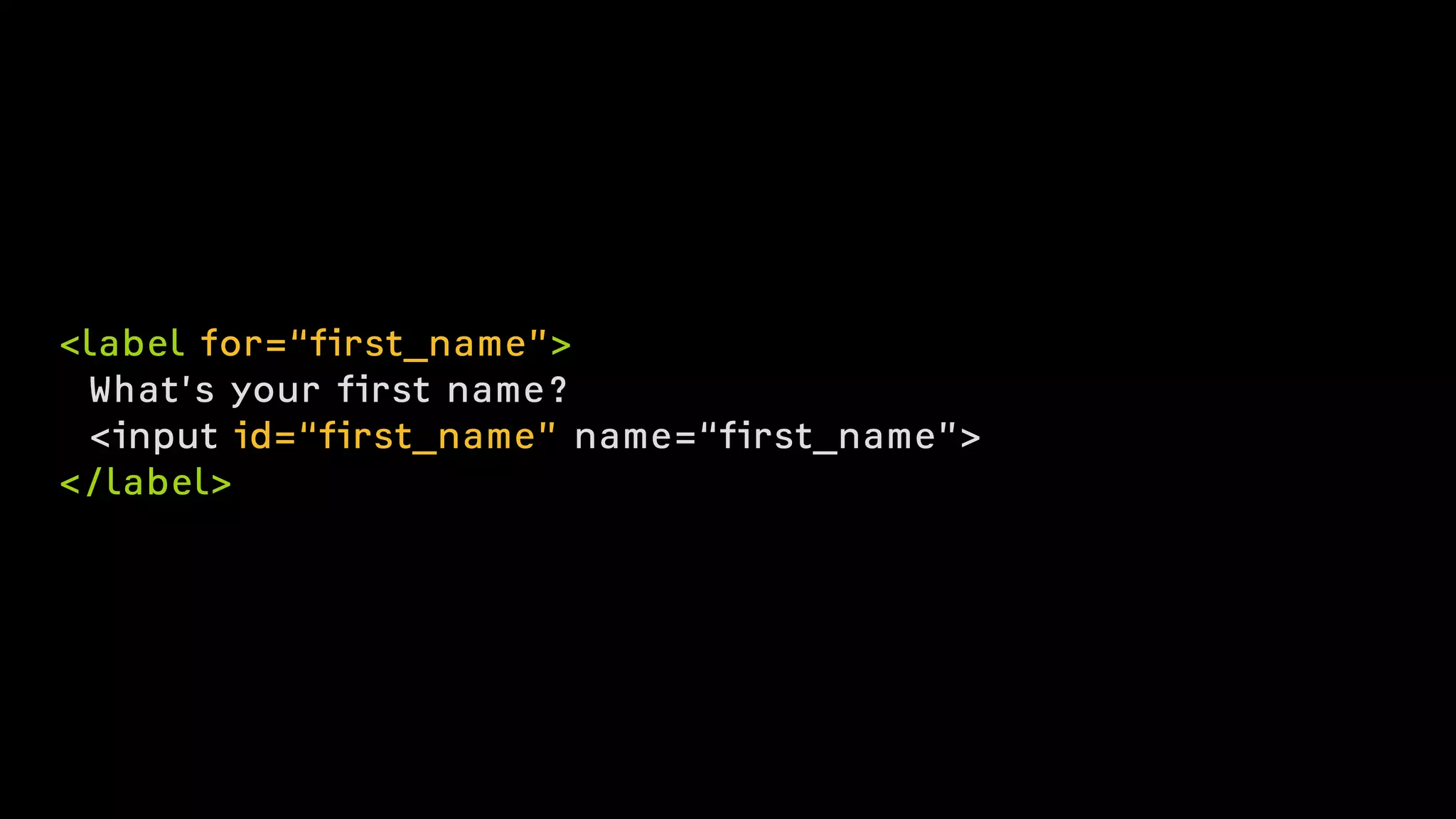
<label for=“first_name”>
What’s your first name?
<input id=“first_name” name=“first_name”>
</label>
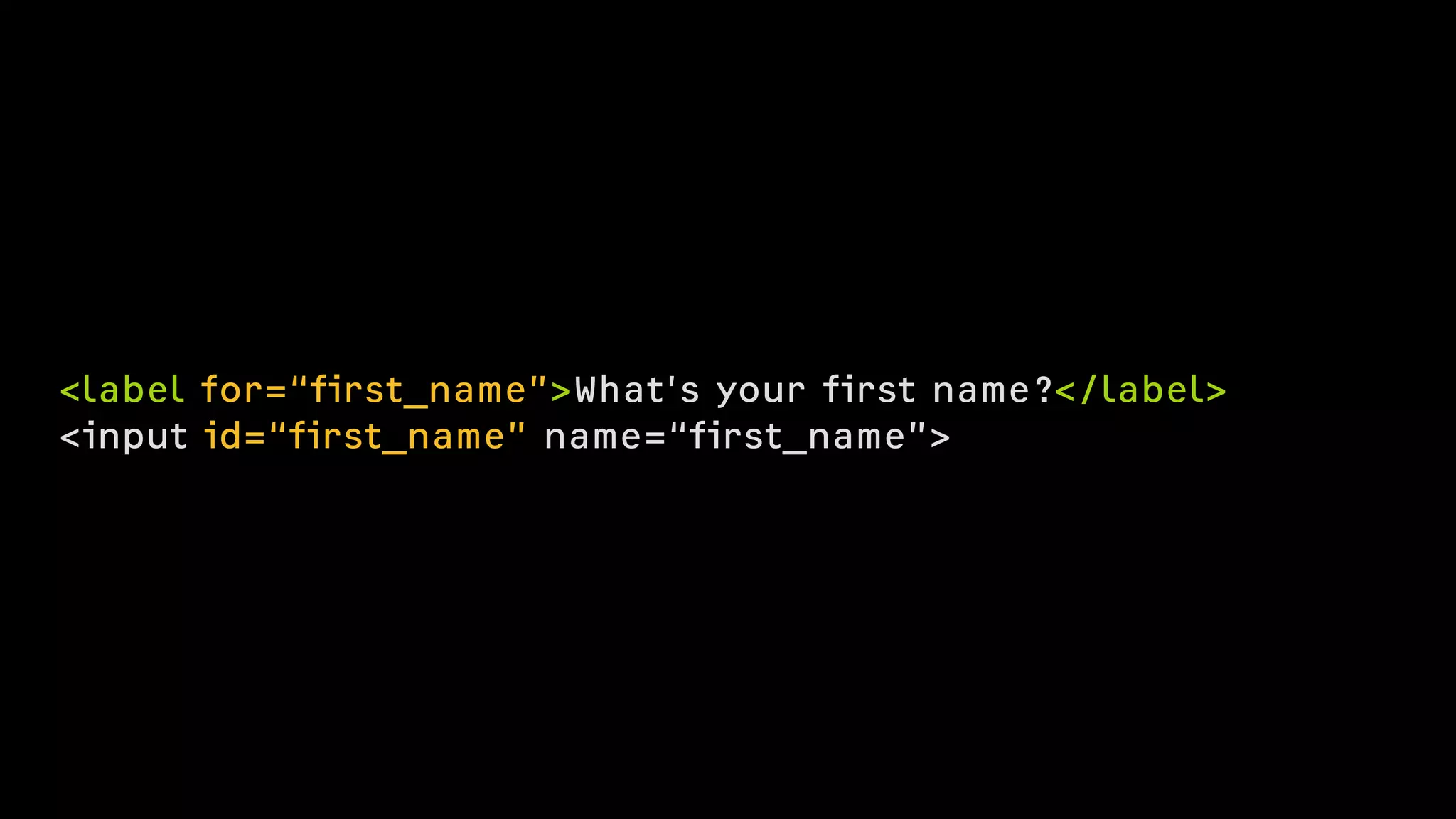
<label for=“first_name”>What’s your first name?</label>
<input id=“first_name” name=“first_name”>
Use real buttons
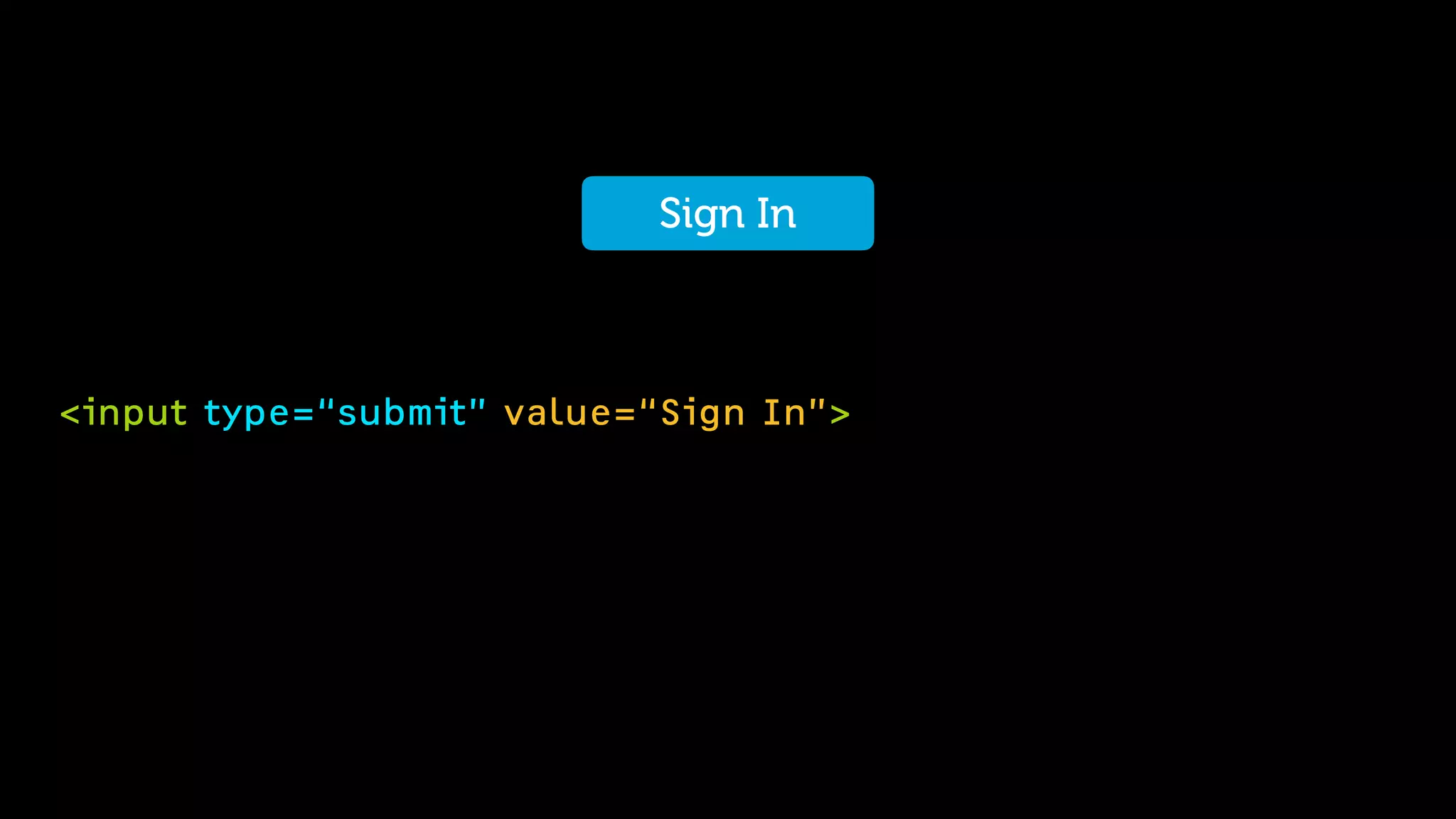
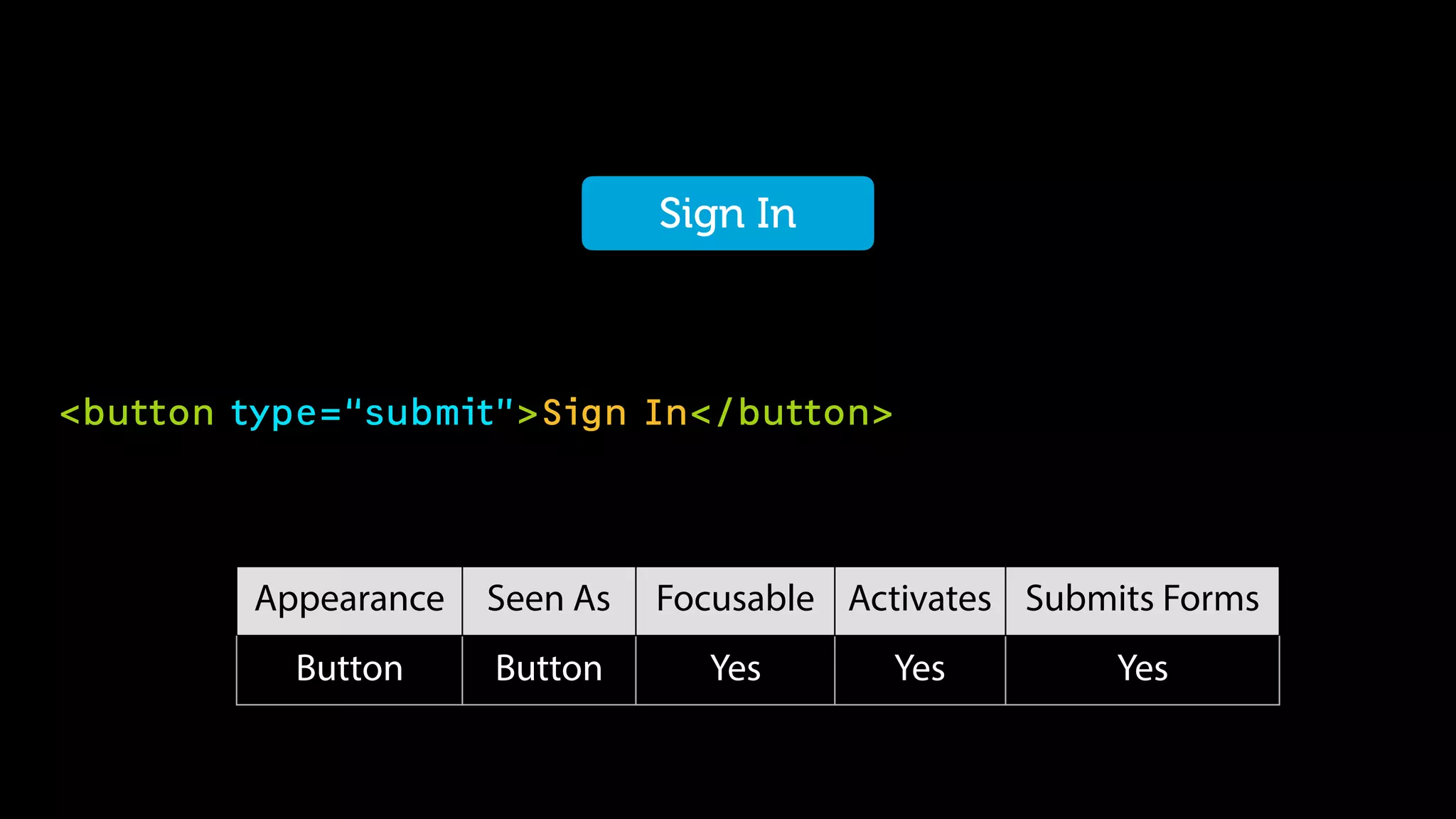
Sign In
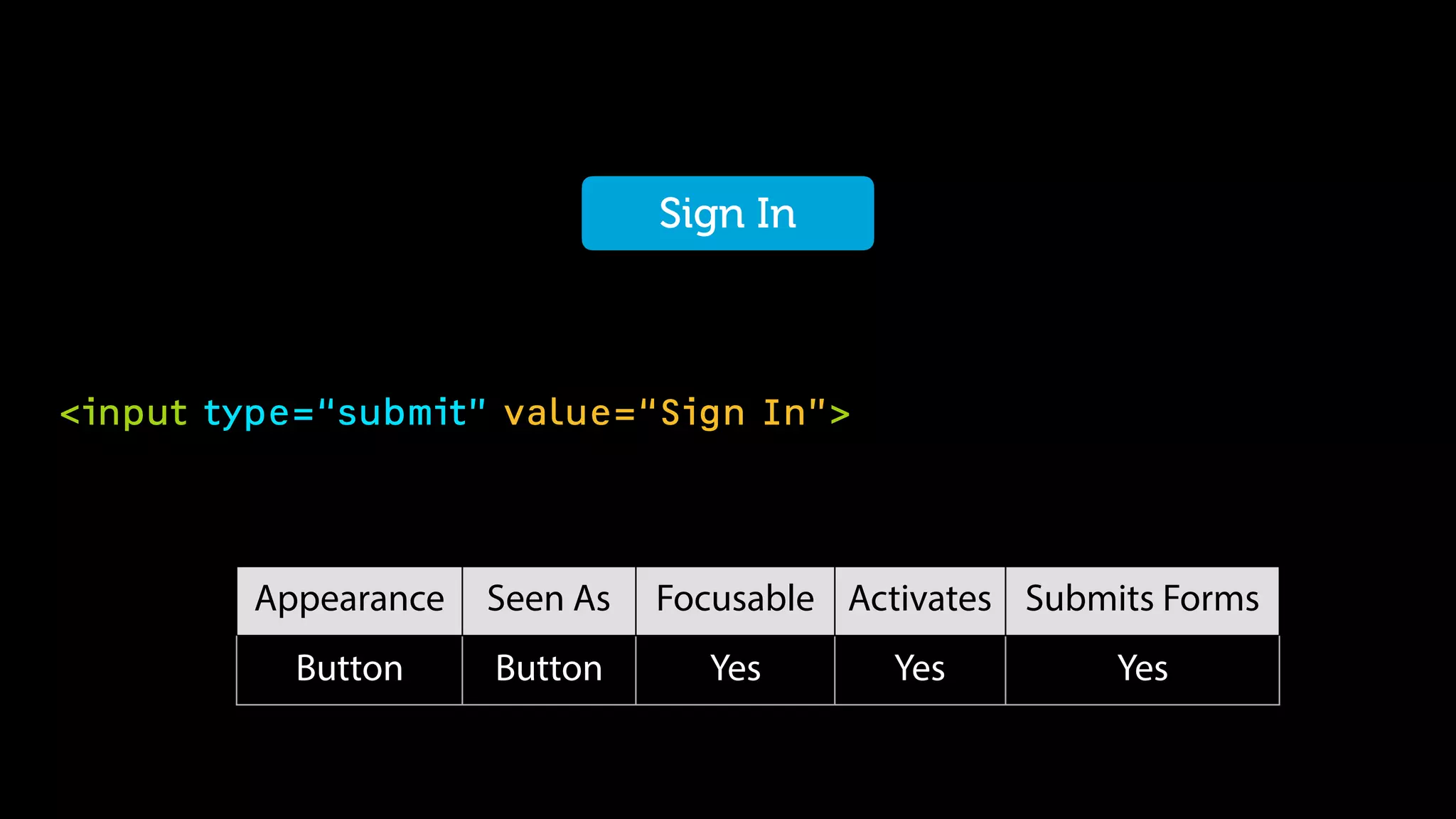
<input type=“submit” value=“Sign In”>
Sign In
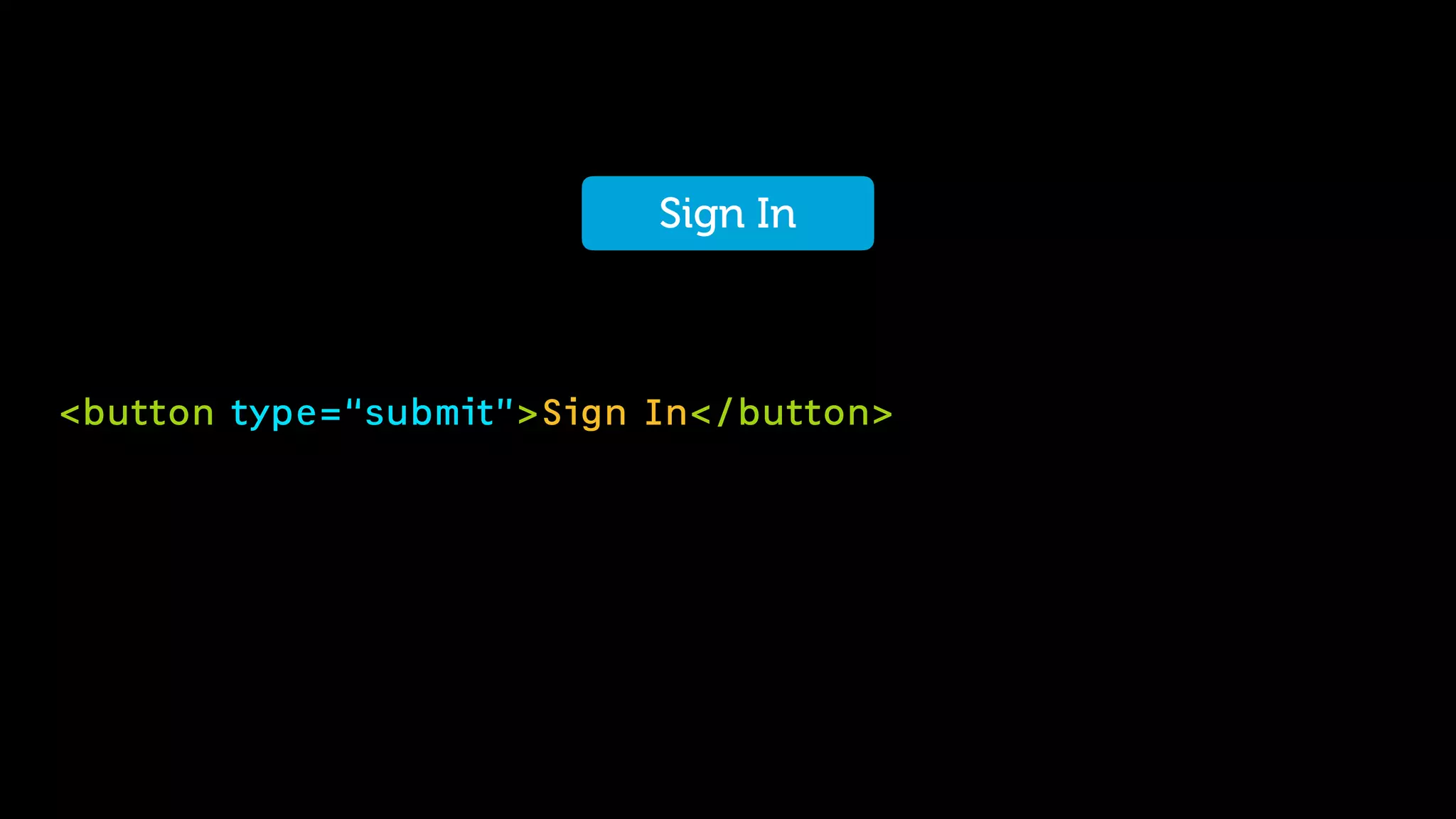
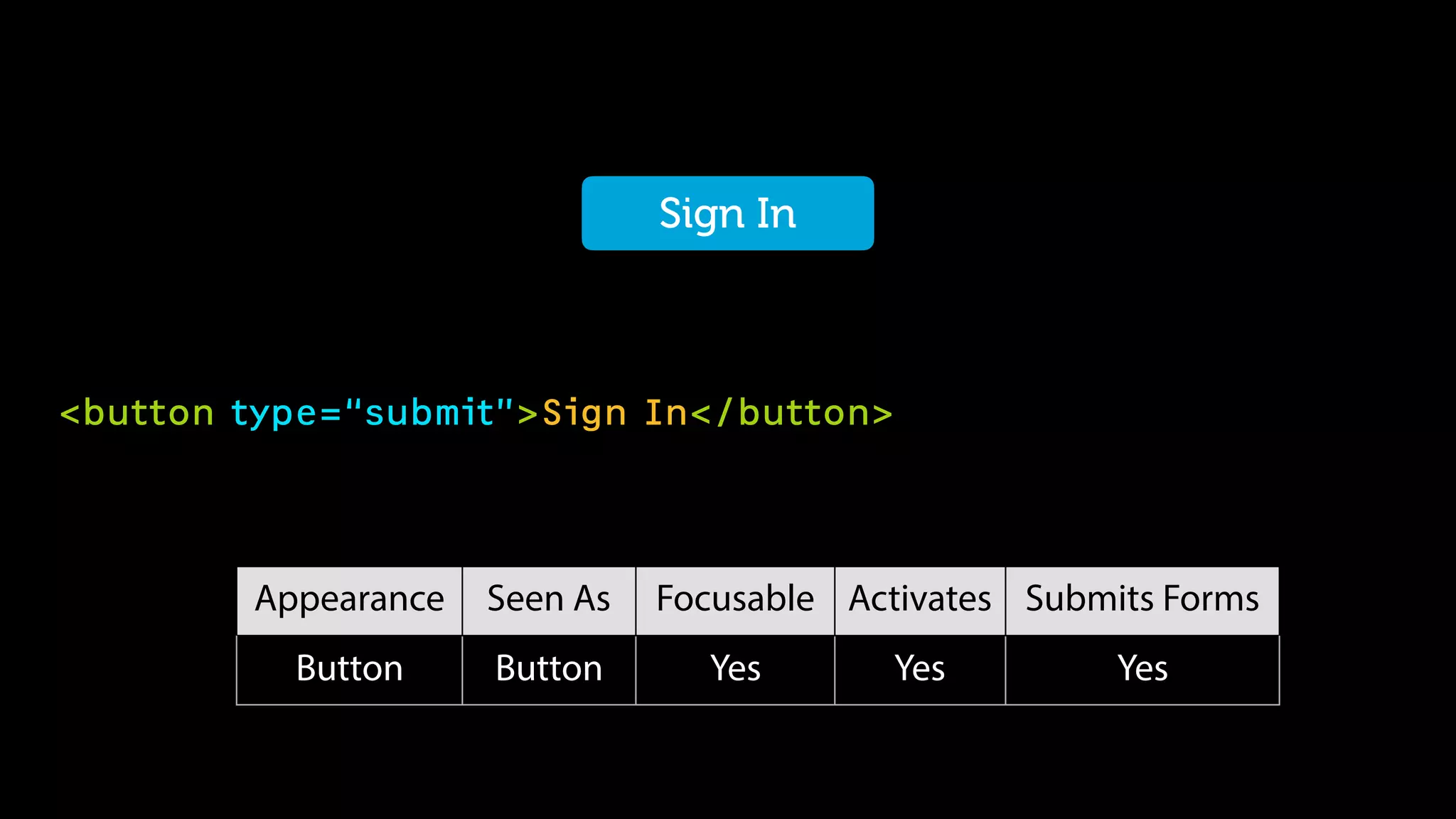
<button type=“submit”>Sign In</button>
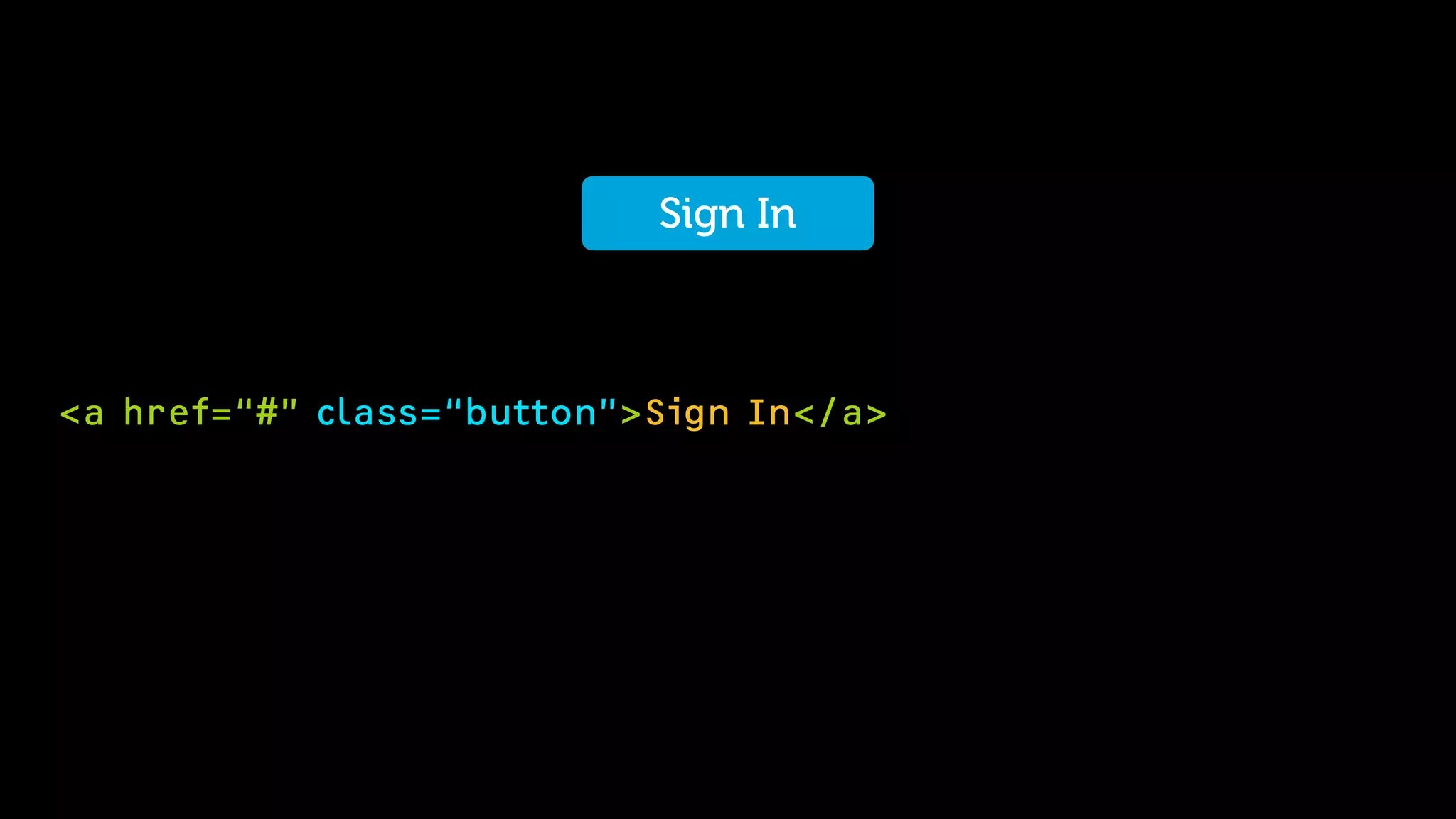
Sign In
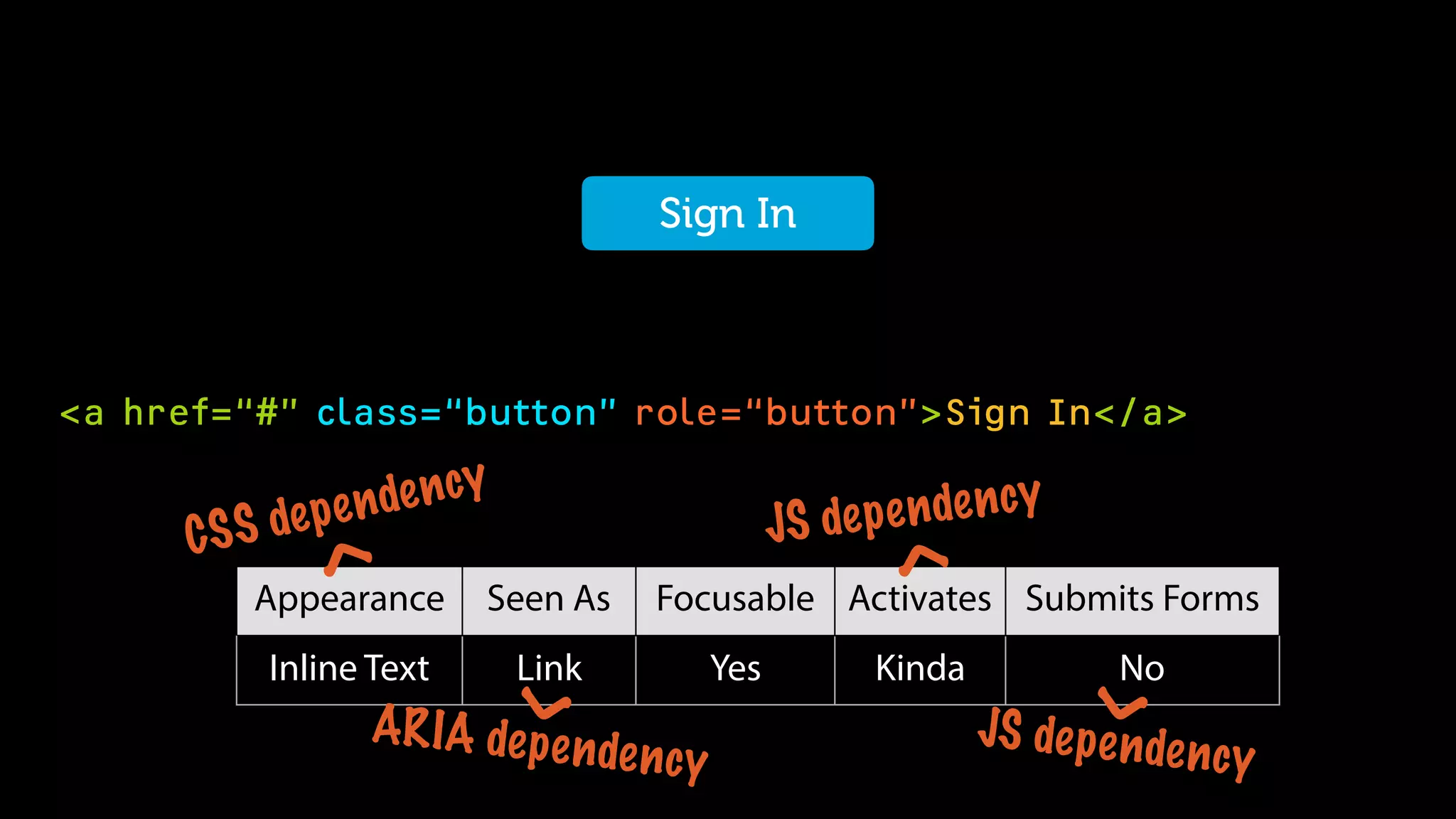
<a href=“#” class=“button”>Sign In</a>
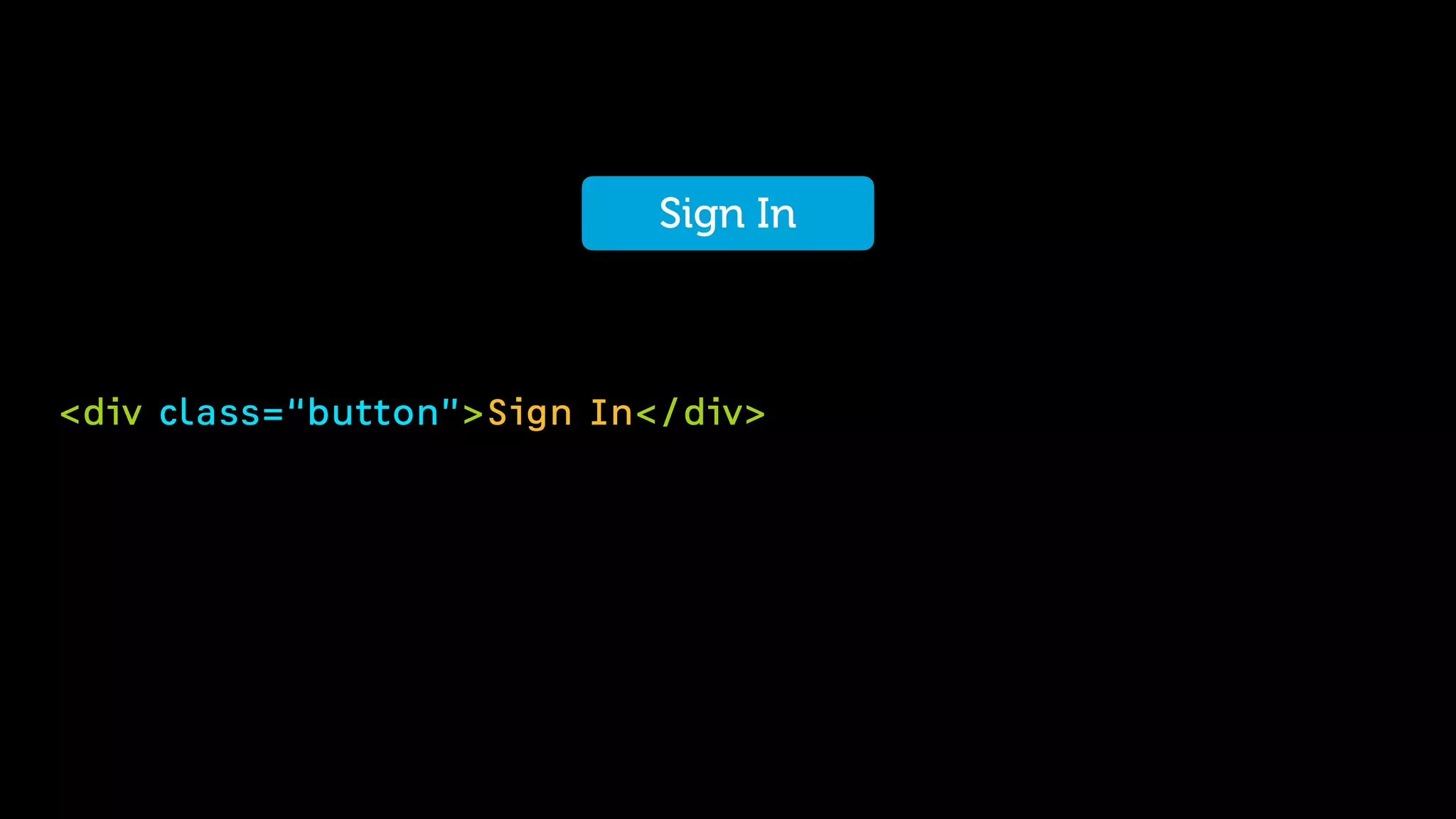
Sign In
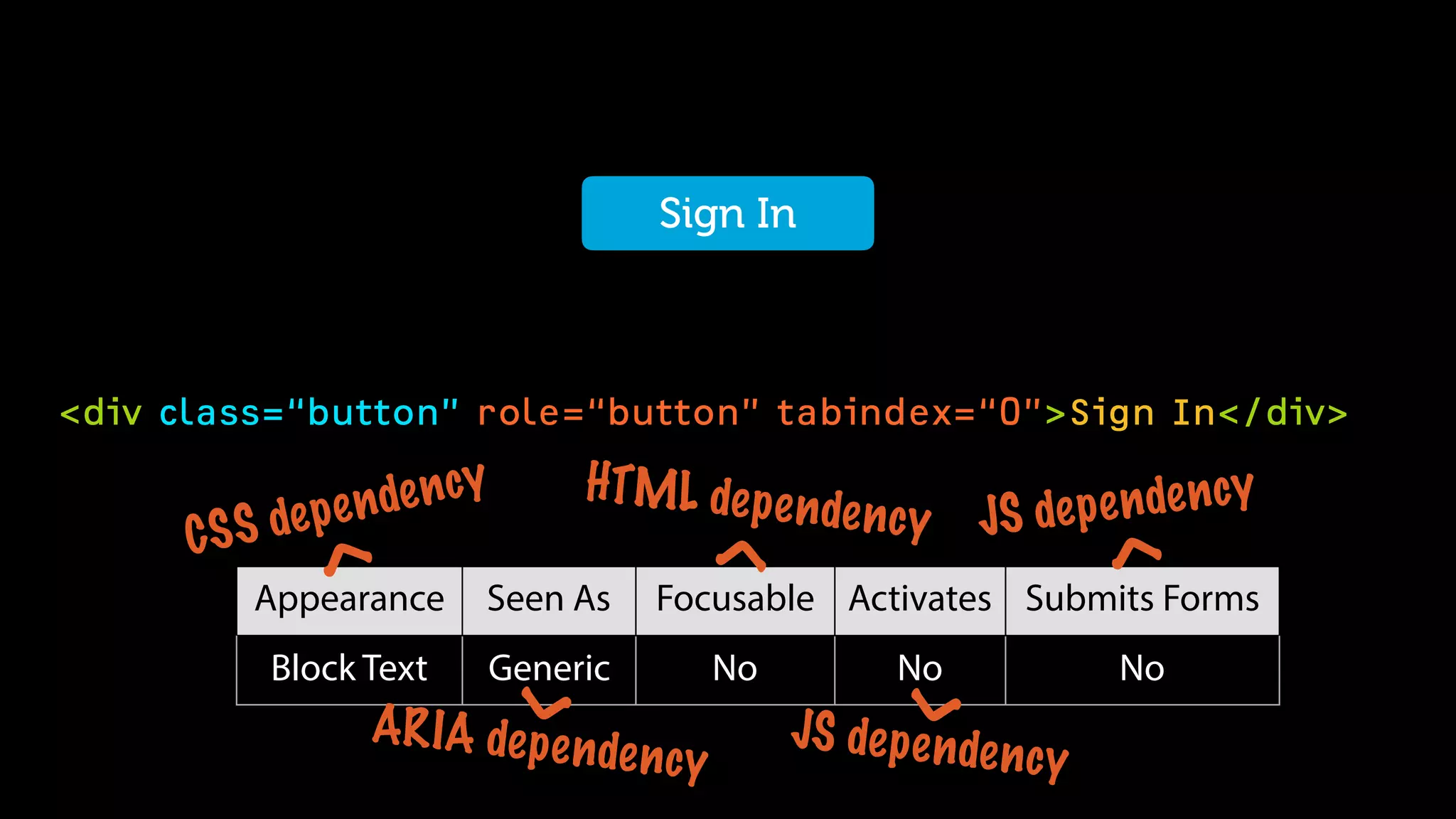
<div class=“button”>Sign In</div>
Sign InSign In
<input type=“submit” value=“Sign In”>
Sign In
Appearance Seen As Focusable Activates Submits Forms
Button Button Yes Yes Yes
<button type=“submit”>Sign In</button>
Sign In
Appearance Seen As Focusable Activates Submits Forms
Button Button Yes Yes Yes
<a href=“#” class=“button” role=“button”>Sign In</a>
Sign In
Appearance Seen As Focusable Activates Submits Forms
Inline Text Link Yes Kinda No
JS dependency
<
JS dependency
<
ARIA dependency
<CSS dependency
<
<div class=“button” role=“button” tabindex=“0”>Sign In</div>
Sign InSign In
Appearance Seen As Focusable Activates Submits Forms
Block Text Generic No No No
JS dependency
<
JS dependency
<
ARIA dependency
<CSS dependency
<
HTML dependency
<
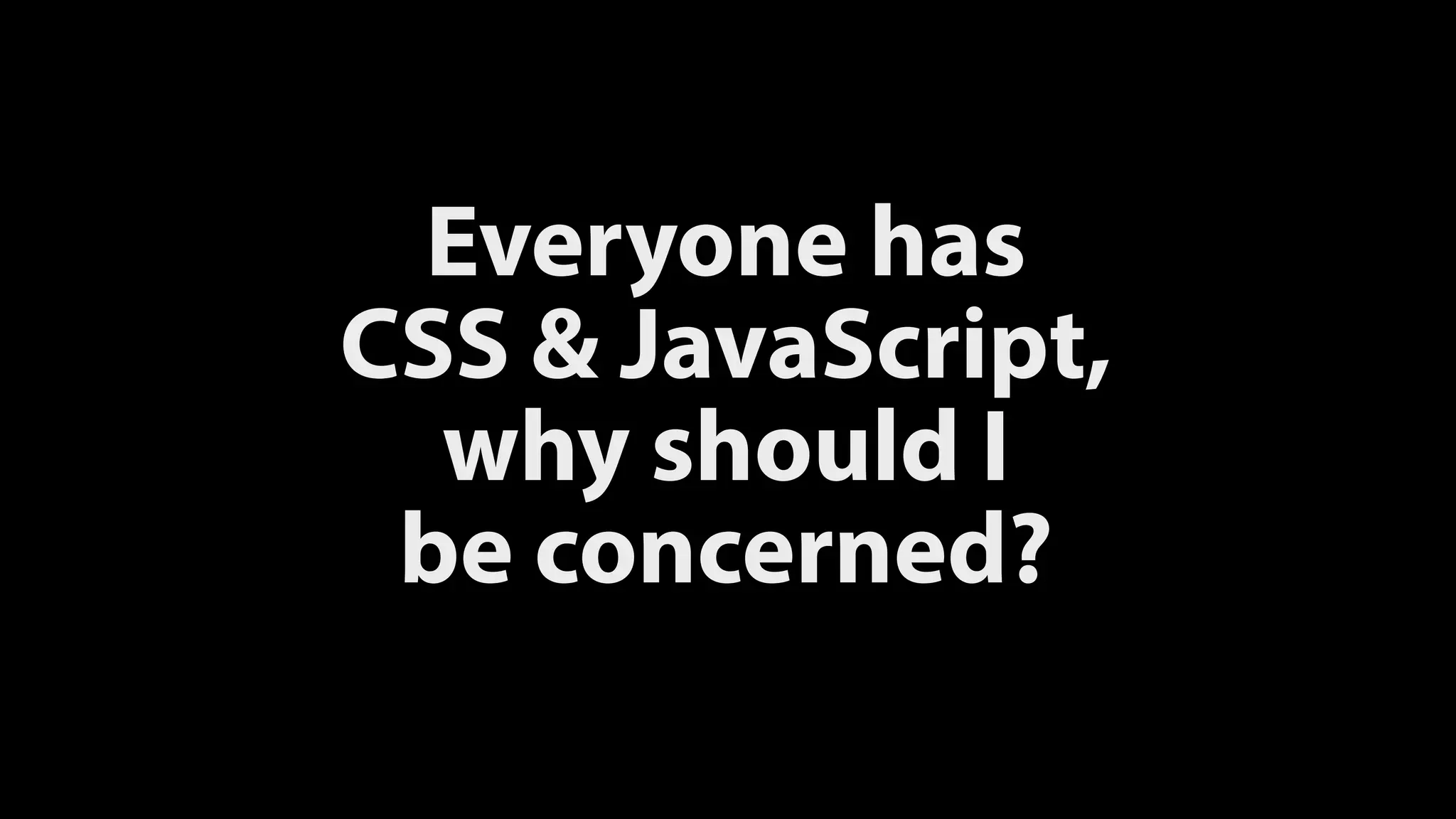
Everyone has

CSS & JavaScript,

why should I

be concerned?
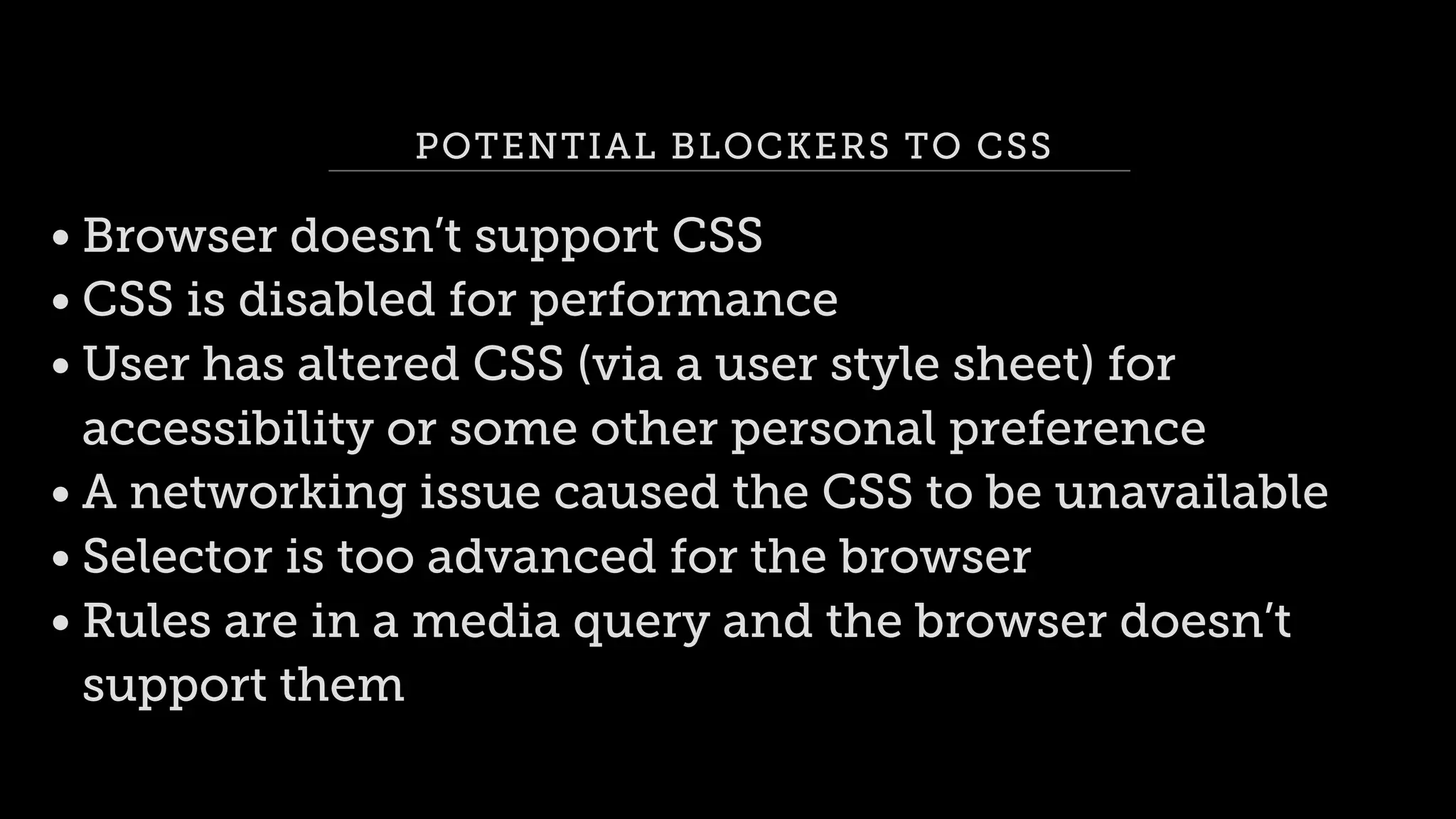
POTENTIAL BLOCKERS TO CSS
• Browser doesn’t support CSS
• CSS is disabled for performance
• User has altered CSS (via a user style sheet) for
accessibility or some other personal preference
• A networking issue caused the CSS to be unavailable
• Selector is too advanced for the browser
• Rules are in a media query and the browser doesn’t
support them
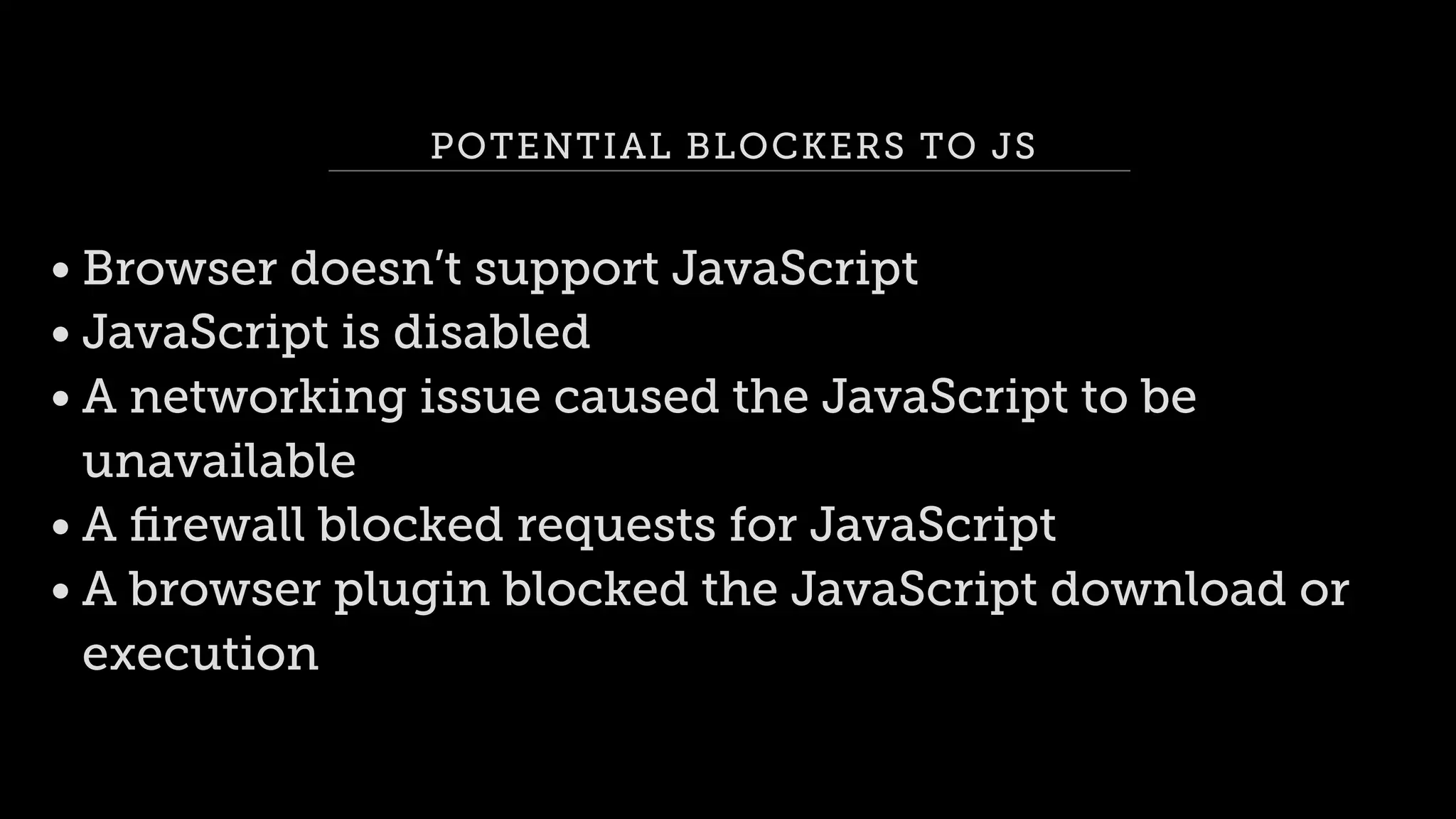
POTENTIAL BLOCKERS TO JS
• Browser doesn’t support JavaScript
• JavaScript is disabled
• A networking issue caused the JavaScript to be
unavailable
• A firewall blocked requests for JavaScript
• A browser plugin blocked the JavaScript download or
execution
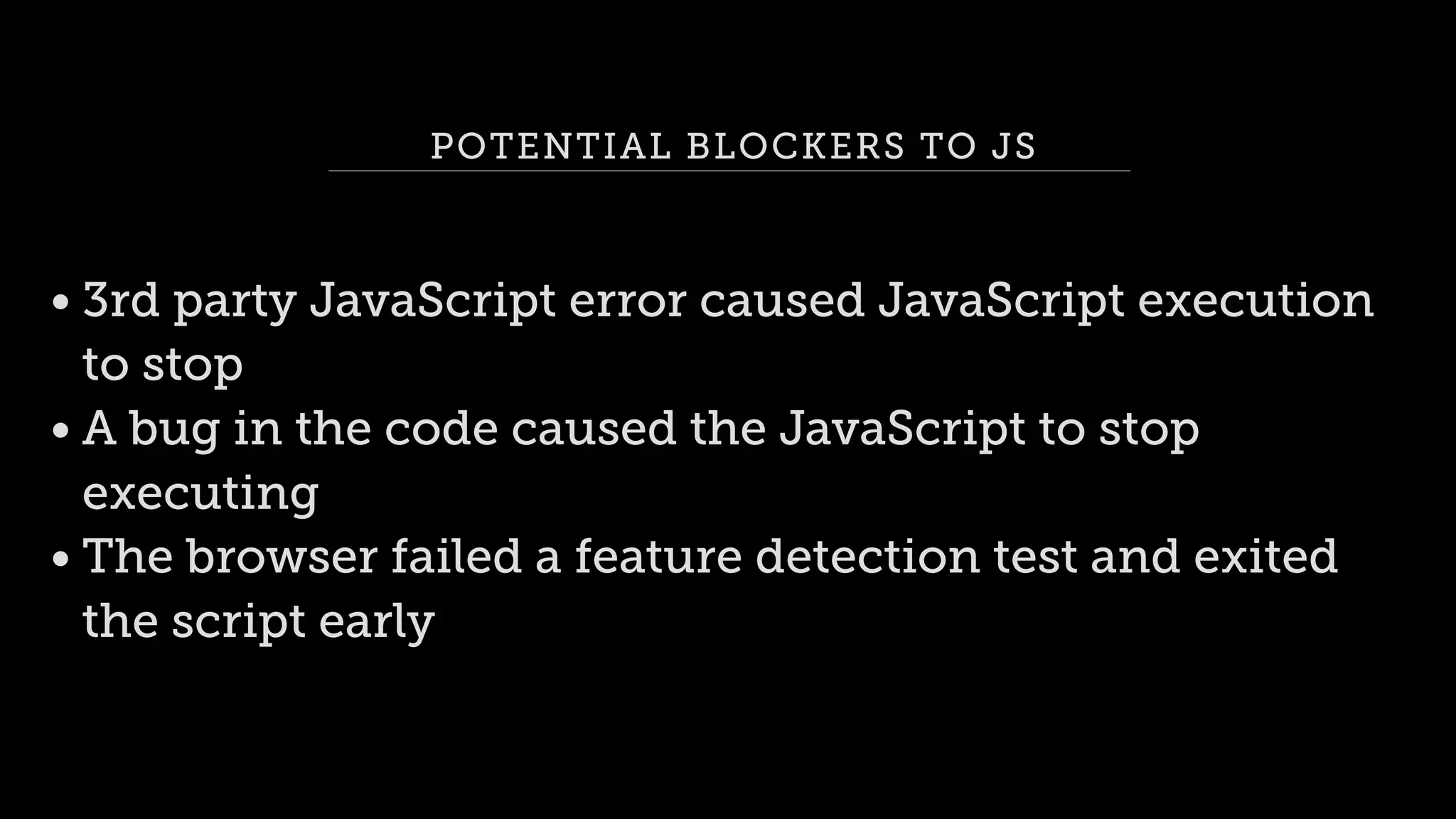
POTENTIAL BLOCKERS TO JS
• 3rd party JavaScript error caused JavaScript execution
to stop
• A bug in the code caused the JavaScript to stop
executing
• The browser failed a feature detection test and exited
the script early
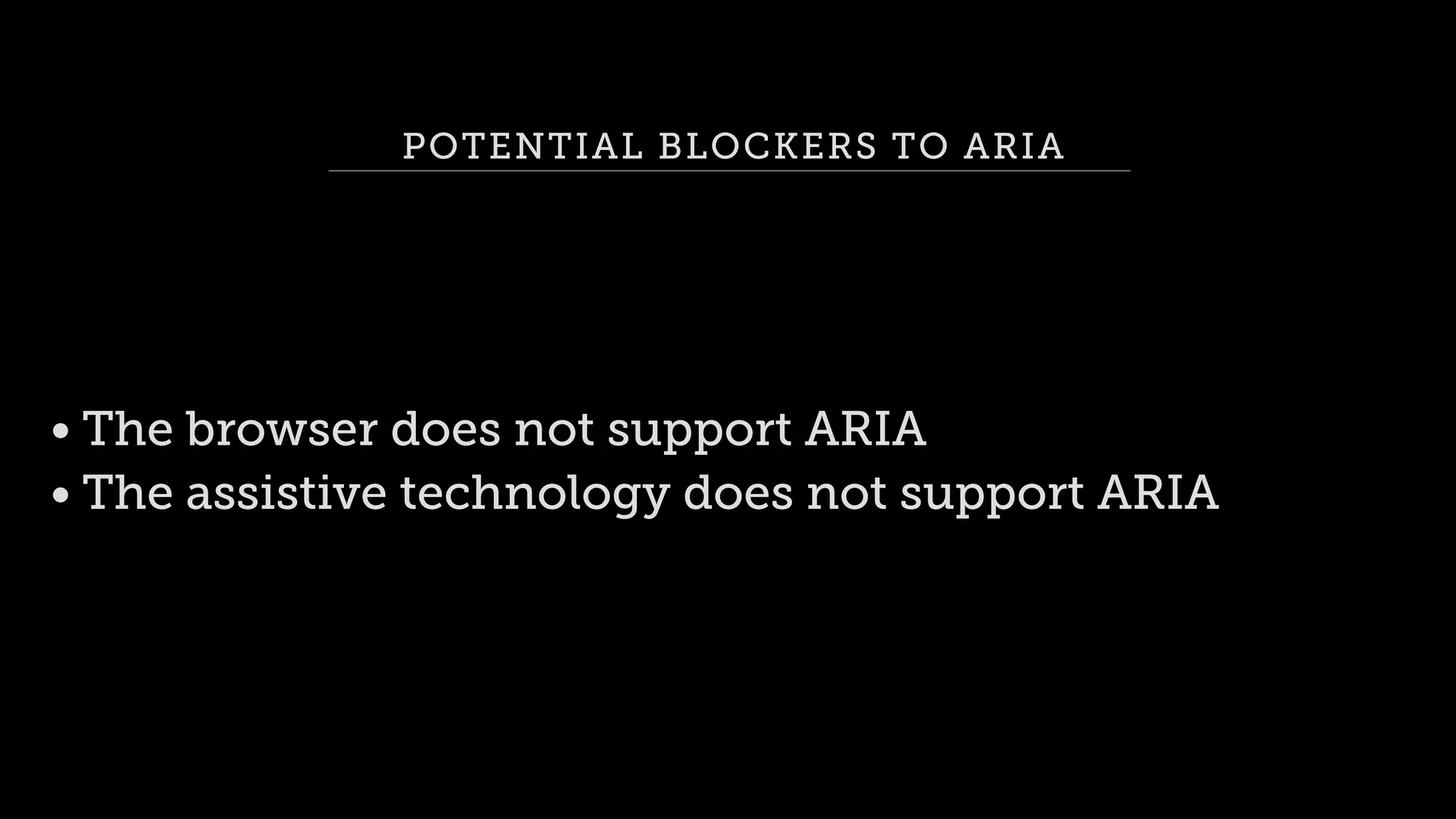
POTENTIAL BLOCKERS TO ARIA
• The browser does not support ARIA
• The assistive technology does not support ARIA
<button type=“submit”>Sign In</button>
Sign In
Appearance Seen As Focusable Activates Submits Forms
Button Button Yes Yes Yes
Use the right

field type
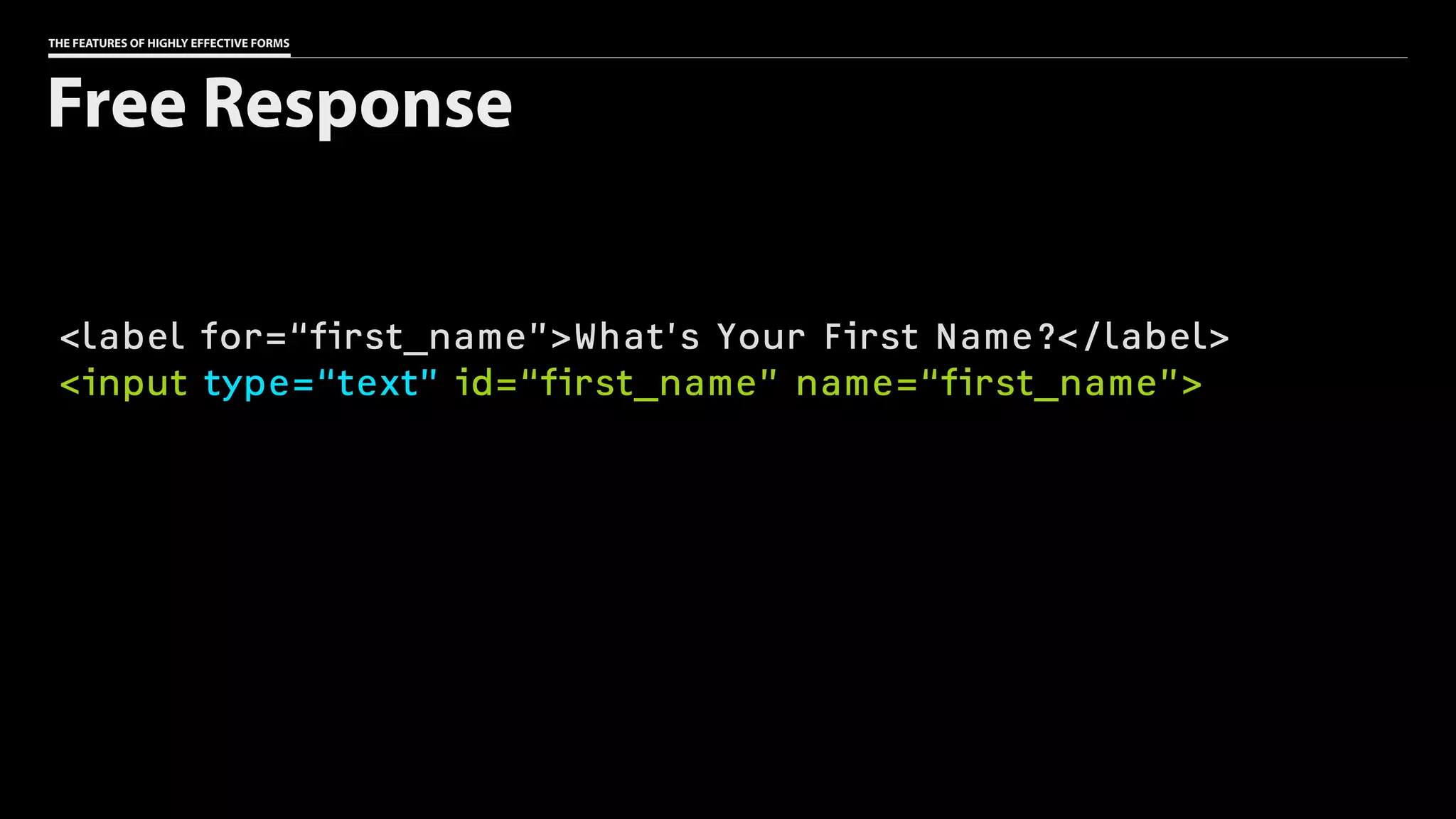
THE FEATURES OF HIGHLY EFFECTIVE FORMS
<label for=“first_name”>What’s Your First Name?</label>
<input type=“text” id=“first_name” name=“first_name”>
Free Response
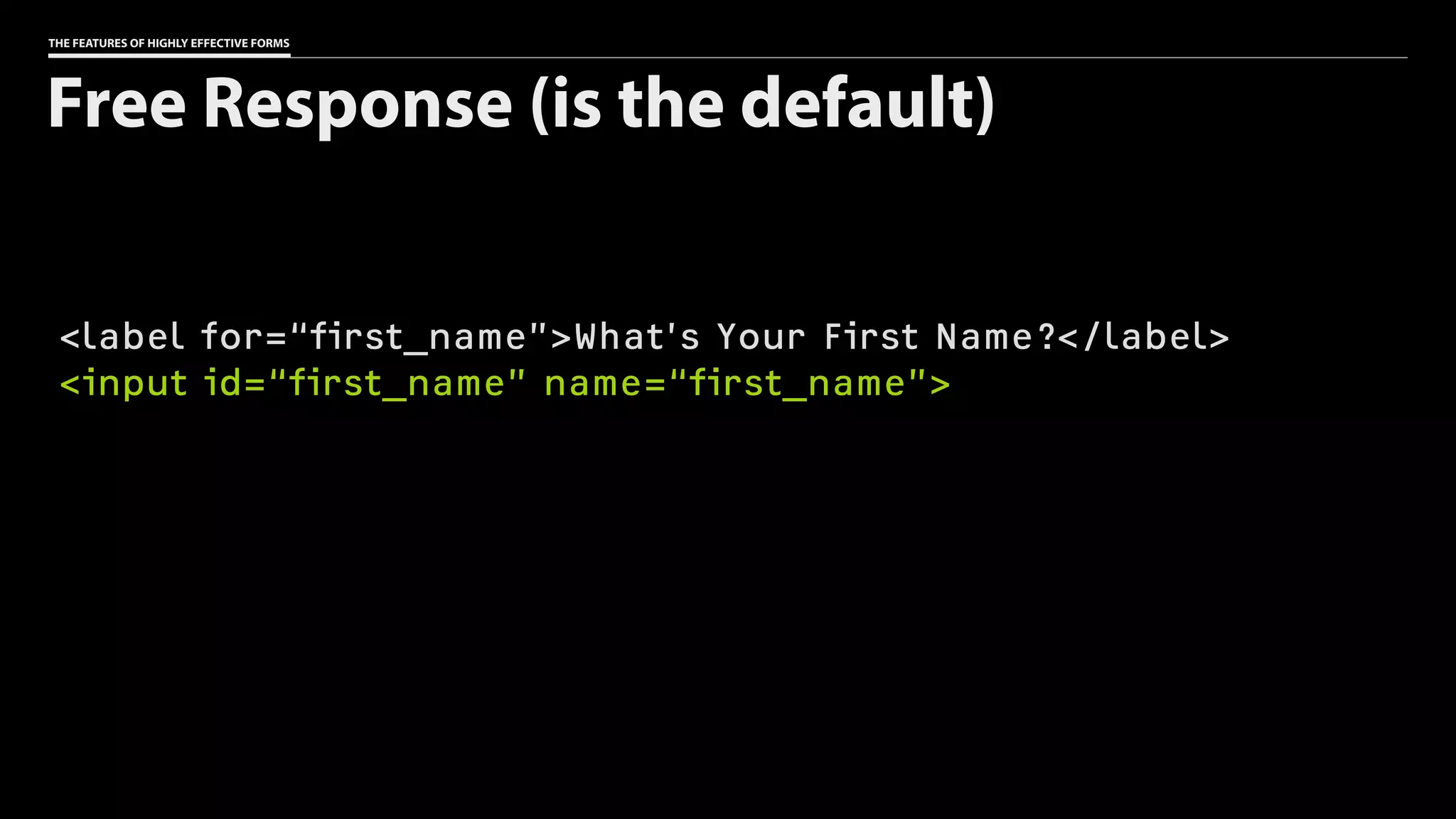
THE FEATURES OF HIGHLY EFFECTIVE FORMS
<label for=“first_name”>What’s Your First Name?</label>
<input id=“first_name” name=“first_name”>
Free Response (is the default)
THE FEATURES OF HIGHLY EFFECTIVE FORMS
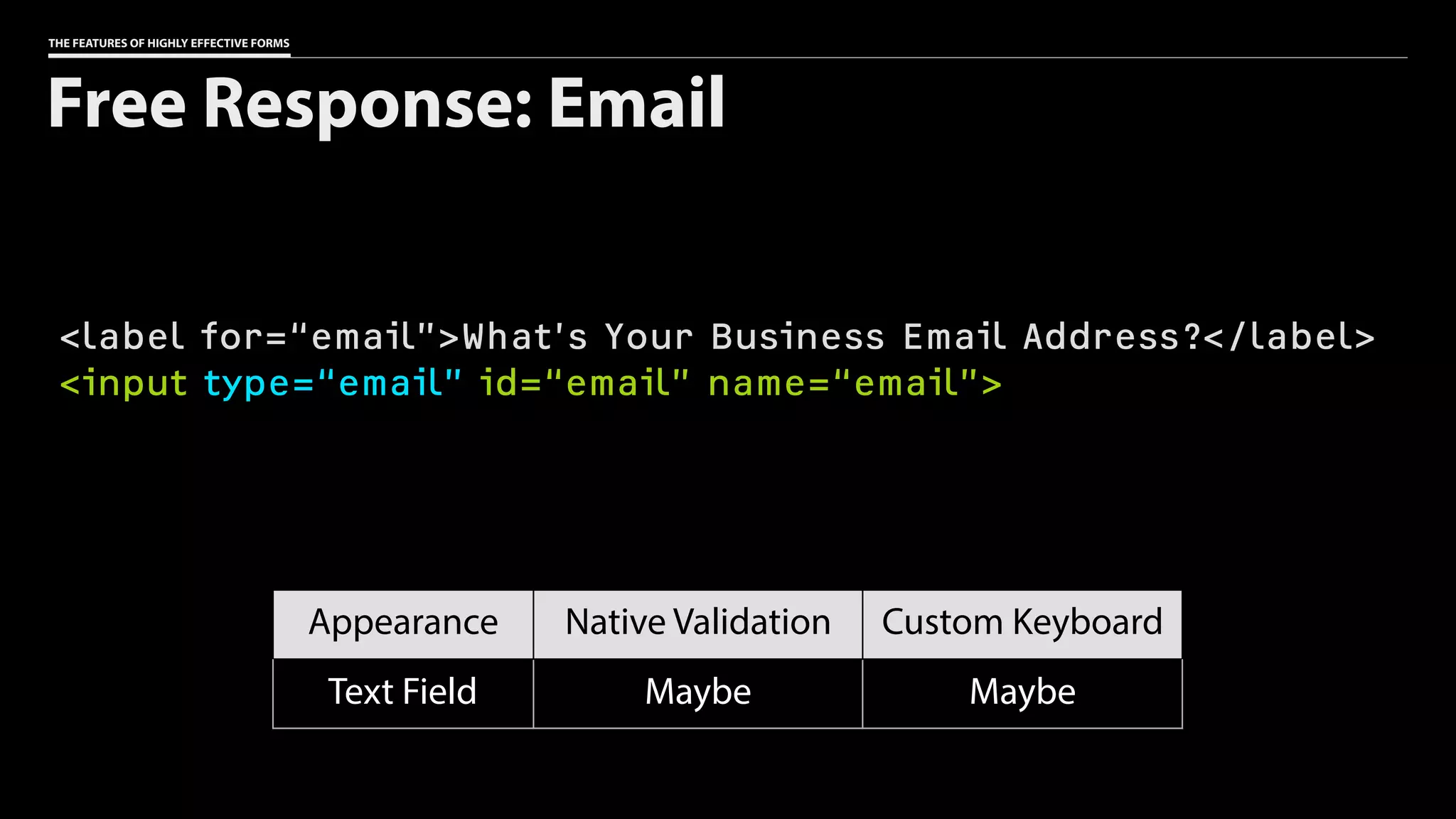
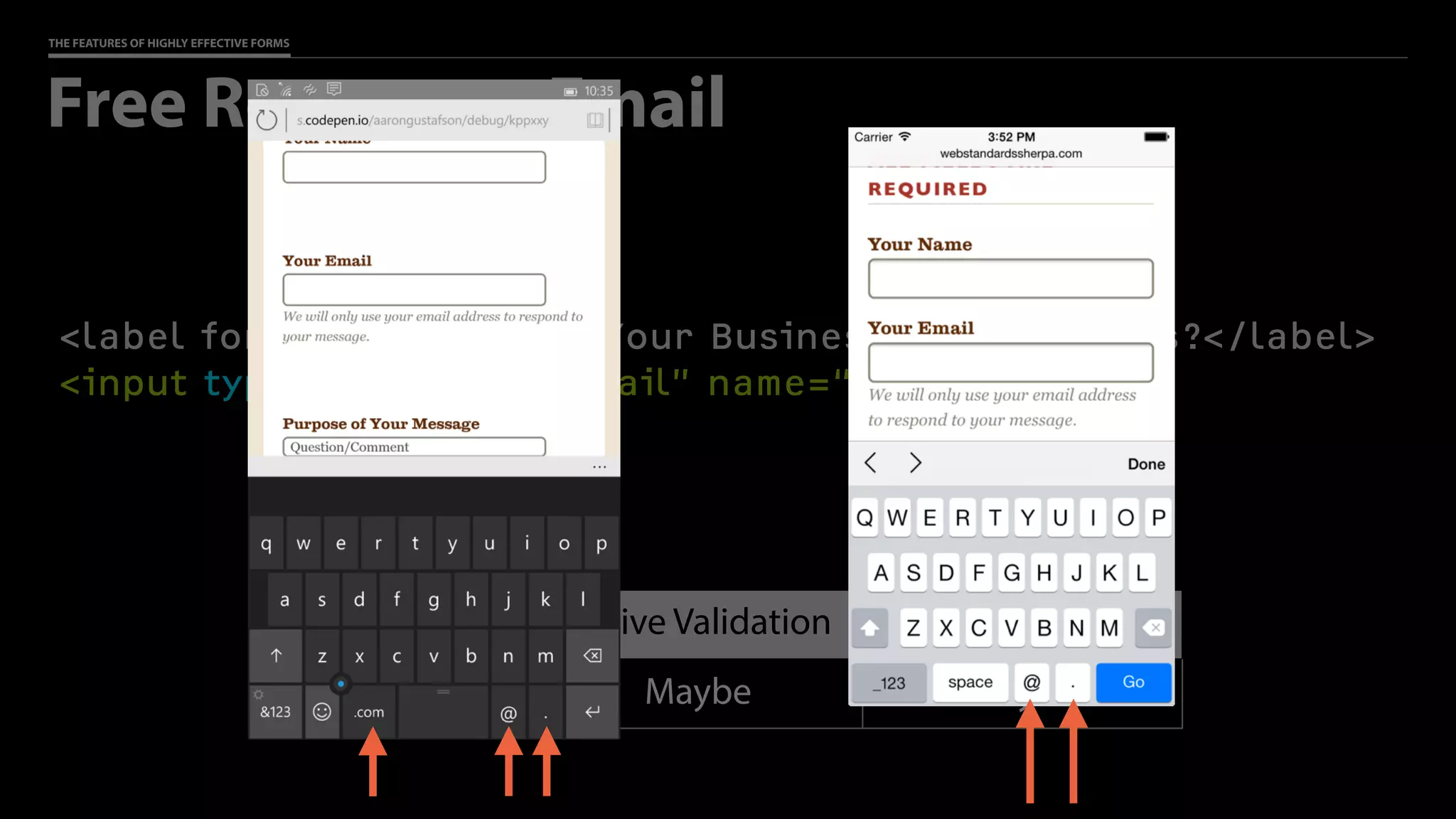
<label for=“email”>What’s Your Business Email Address?</label>
<input type=“email” id=“email” name=“email”>
Free Response: Email
Appearance Native Validation Custom Keyboard
Text Field Maybe Maybe
THE FEATURES OF HIGHLY EFFECTIVE FORMS
<label for=“email”>What’s Your Business Email Address?</label>
<input type=“email” id=“email” name=“email”>
Free Response: Email
Appearance Native Validation Custom Keyboard
Text Field Maybe Maybe
Browsers ignore
what they don’t
understand
Progressive
Enhancement
THE FEATURES OF HIGHLY EFFECTIVE FORMS
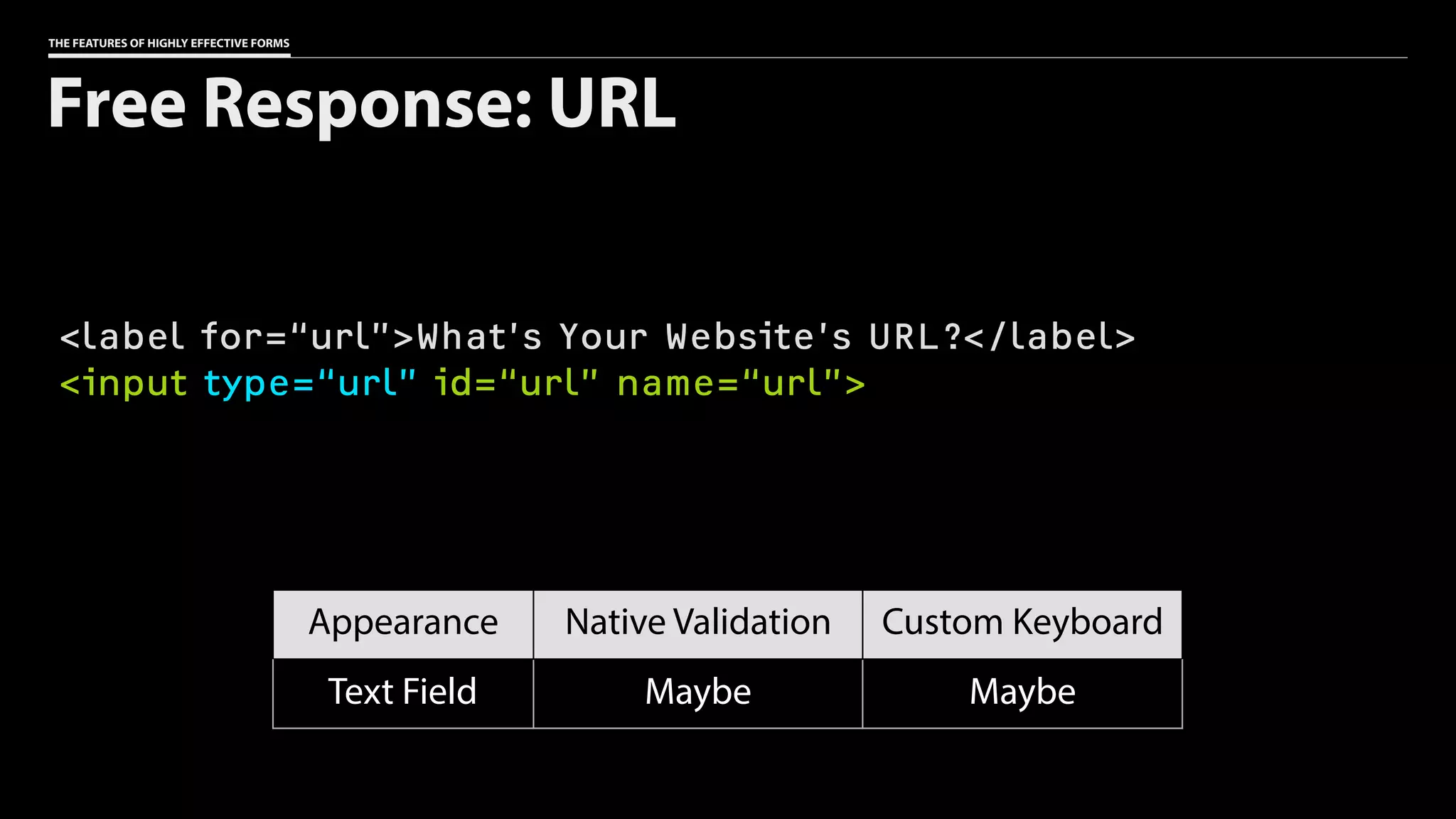
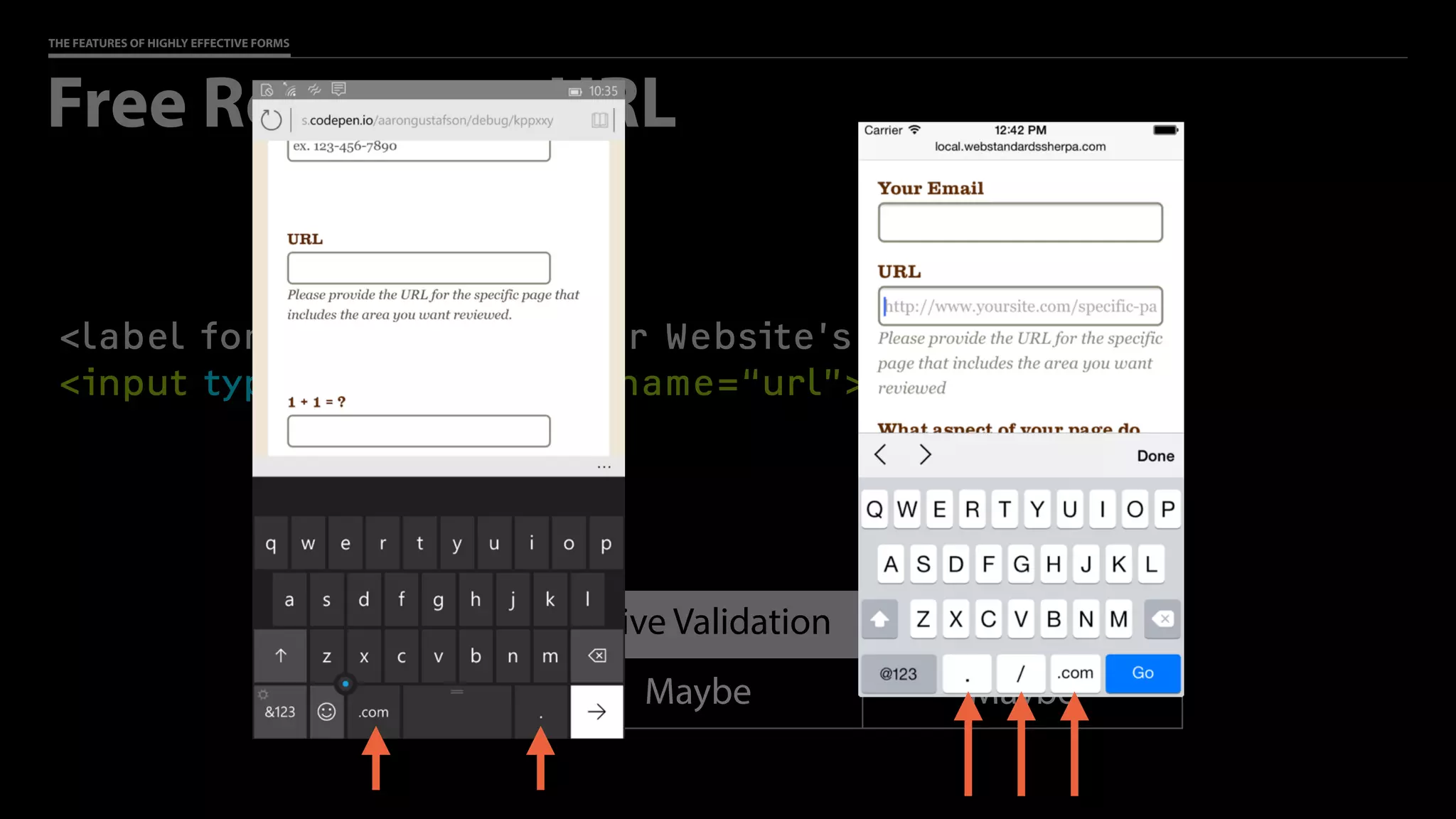
<label for=“url”>What’s Your Website’s URL?</label>
<input type=“url” id=“url” name=“url”>
Free Response: URL
Appearance Native Validation Custom Keyboard
Text Field Maybe Maybe
THE FEATURES OF HIGHLY EFFECTIVE FORMS
<label for=“url”>What’s Your Website’s URL?</label>
<input type=“url” id=“url” name=“url”>
Free Response: URL
Appearance Native Validation Custom Keyboard
Text Field Maybe Maybe
THE FEATURES OF HIGHLY EFFECTIVE FORMS
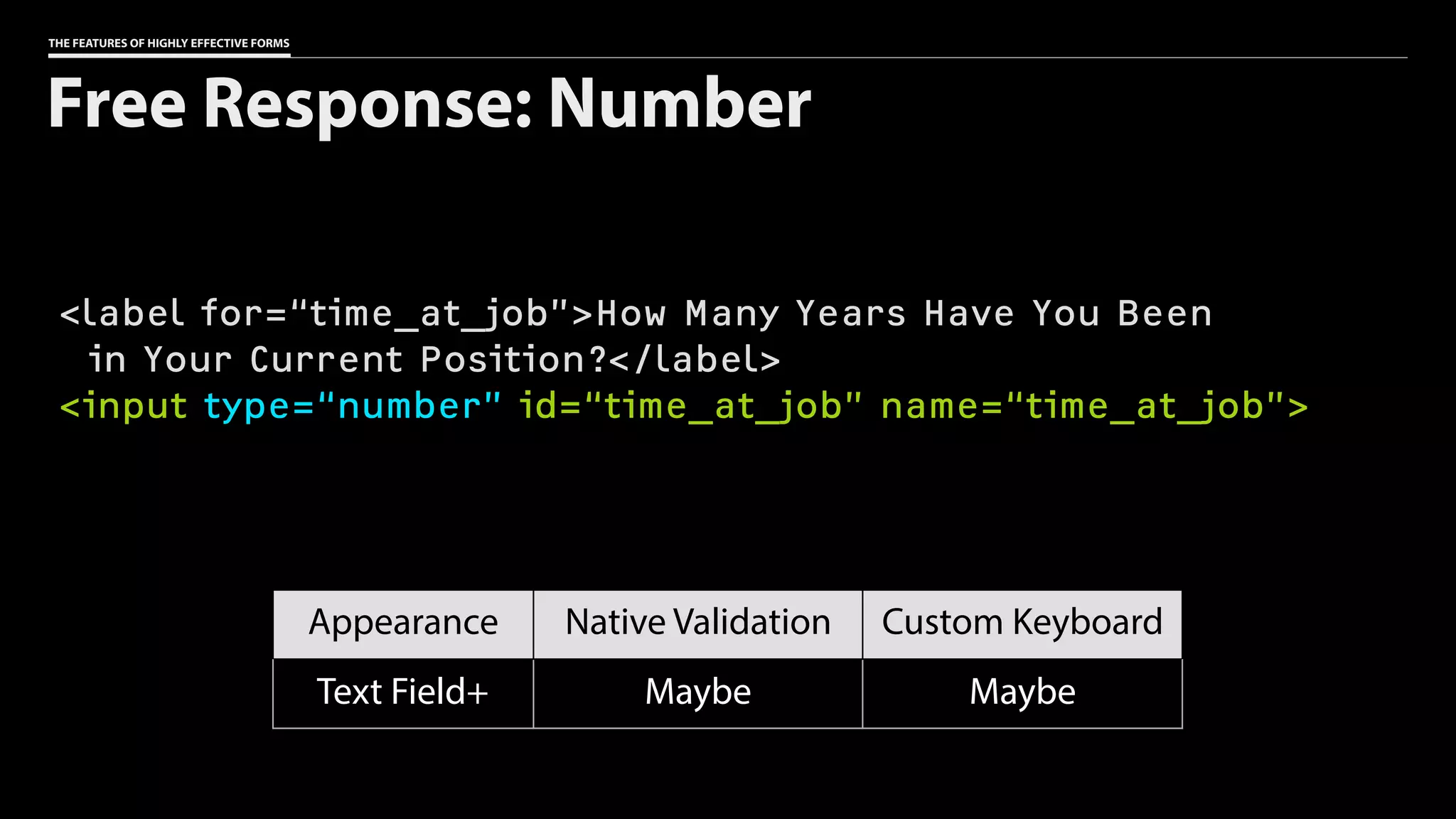
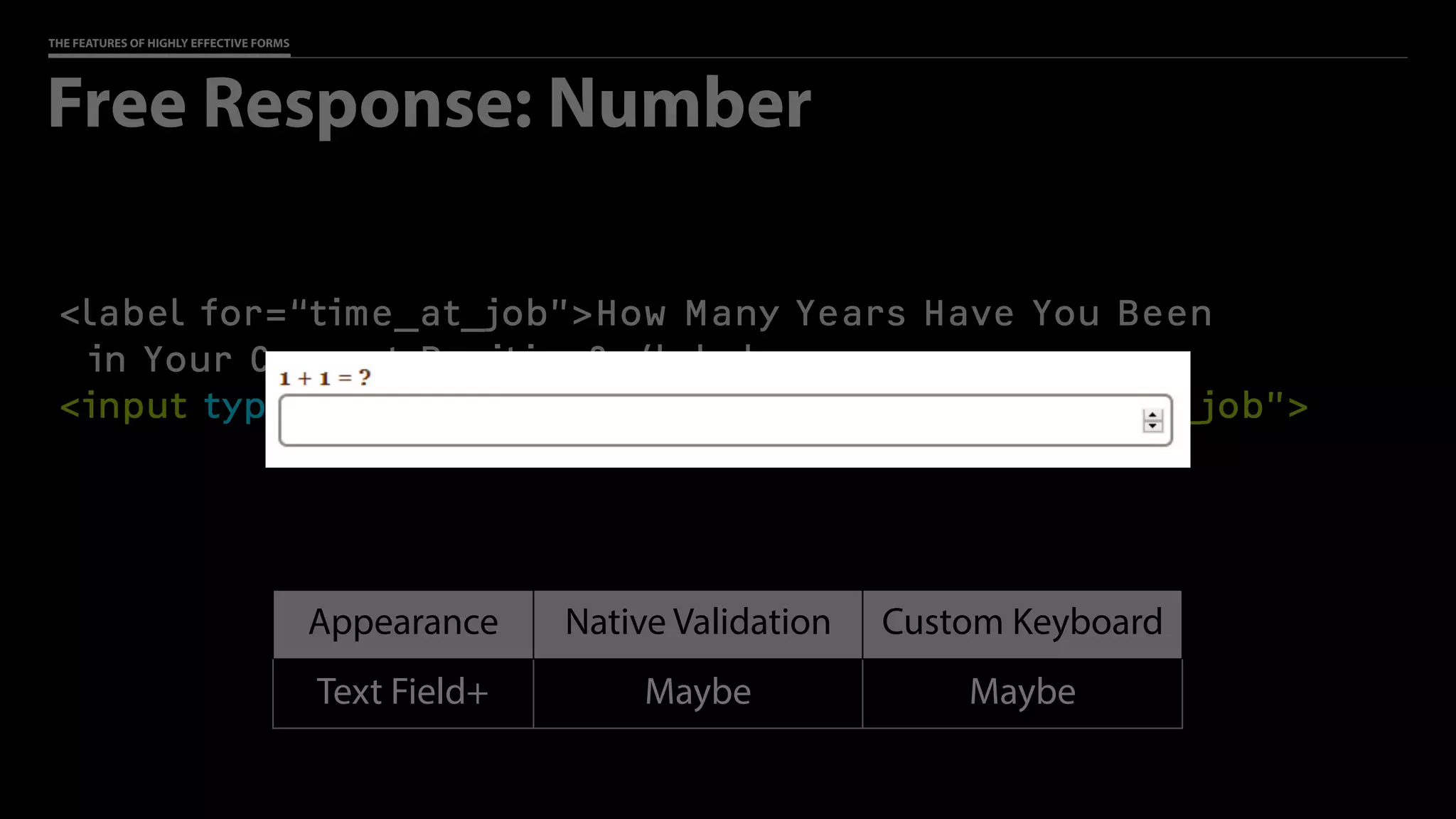
<label for=“time_at_job”>How Many Years Have You Been

in Your Current Position?</label>
<input type=“number” id=“time_at_job” name=“time_at_job”>
Free Response: Number
Appearance Native Validation Custom Keyboard
Text Field+ Maybe Maybe
THE FEATURES OF HIGHLY EFFECTIVE FORMS
<label for=“time_at_job”>How Many Years Have You Been

in Your Current Position?</label>
<input type=“number” id=“time_at_job” name=“time_at_job”>
Free Response: Number
Appearance Native Validation Custom Keyboard
Text Field+ Maybe Maybe
THE FEATURES OF HIGHLY EFFECTIVE FORMS
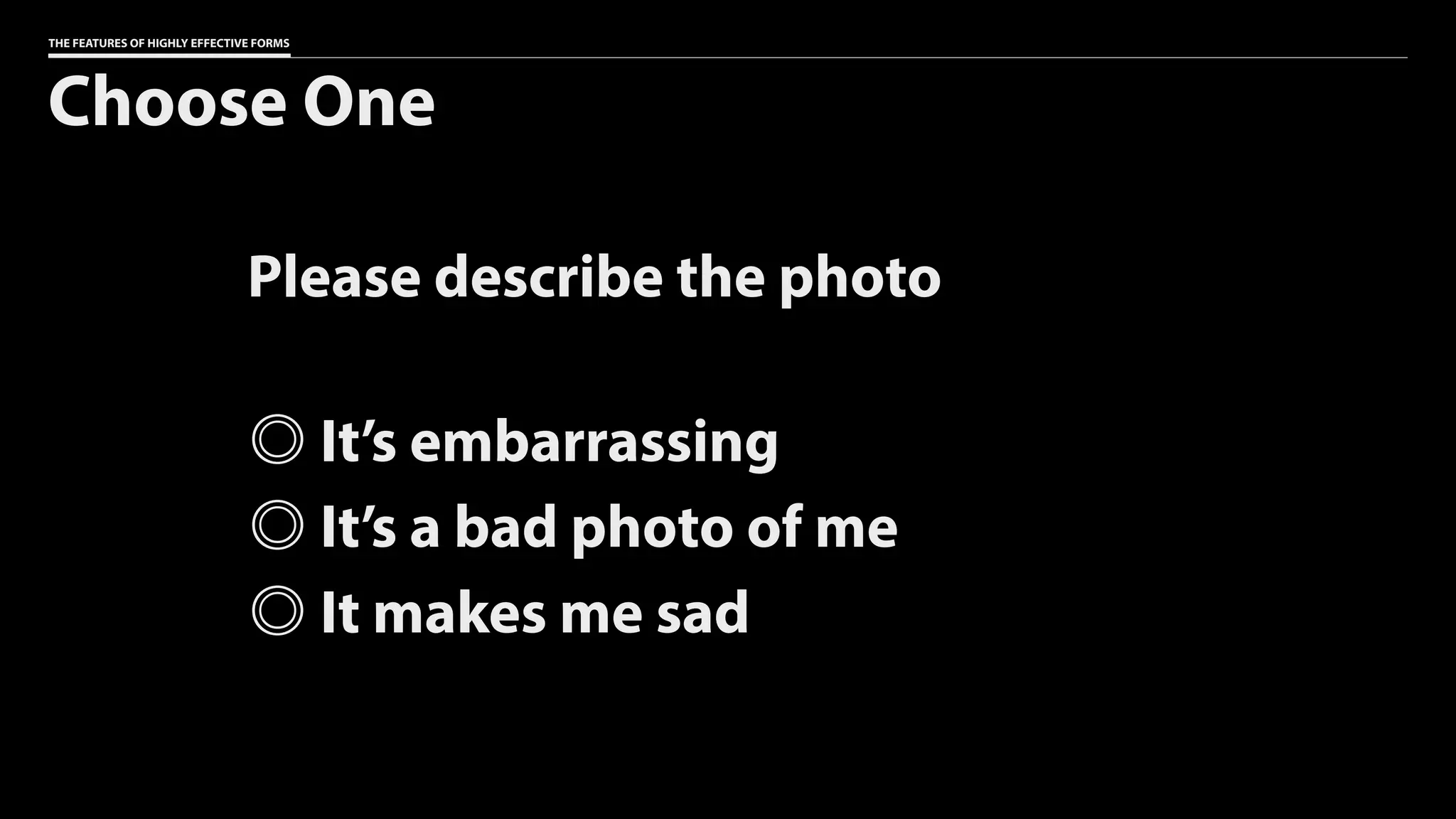
Choose One
Please describe the photo
It’s embarrassing
It’s a bad photo of me
It makes me sad
THE FEATURES OF HIGHLY EFFECTIVE FORMS
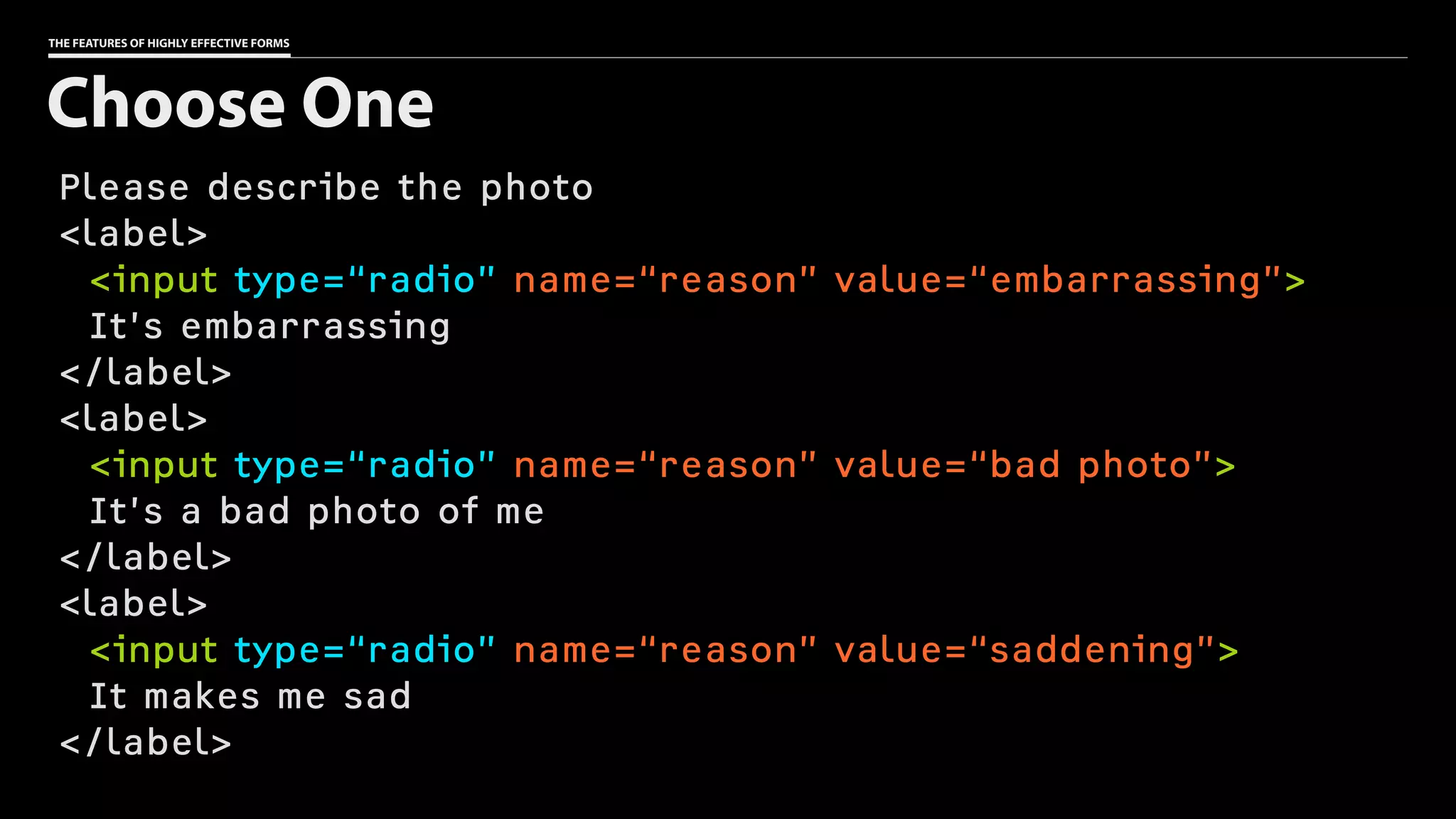
Please describe the photo
<label>
<input type=“radio” name=“reason” value=“embarrassing”>
It’s embarrassing
</label>
<label>
<input type=“radio” name=“reason” value=“bad photo”>
It’s a bad photo of me
</label>
<label>
<input type=“radio” name=“reason” value=“saddening”>
It makes me sad
</label>
Choose One
THE FEATURES OF HIGHLY EFFECTIVE FORMS
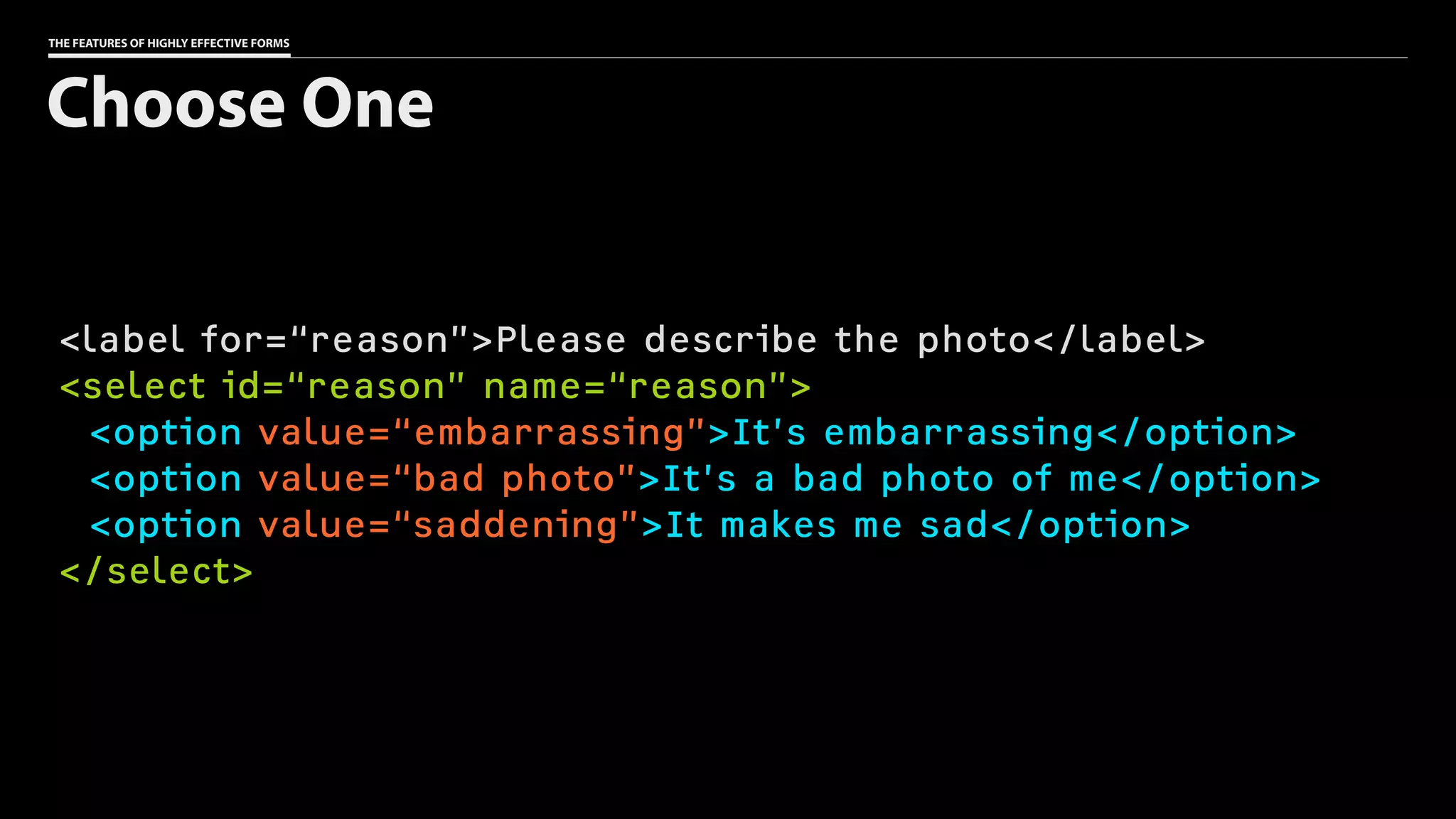
<label for=“reason”>Please describe the photo</label>
<select id=“reason” name=“reason”>
<option value=“embarrassing”>It’s embarrassing</option>
<option value=“bad photo”>It’s a bad photo of me</option>
<option value=“saddening”>It makes me sad</option>
</select>
Choose One
THE FEATURES OF HIGHLY EFFECTIVE FORMS
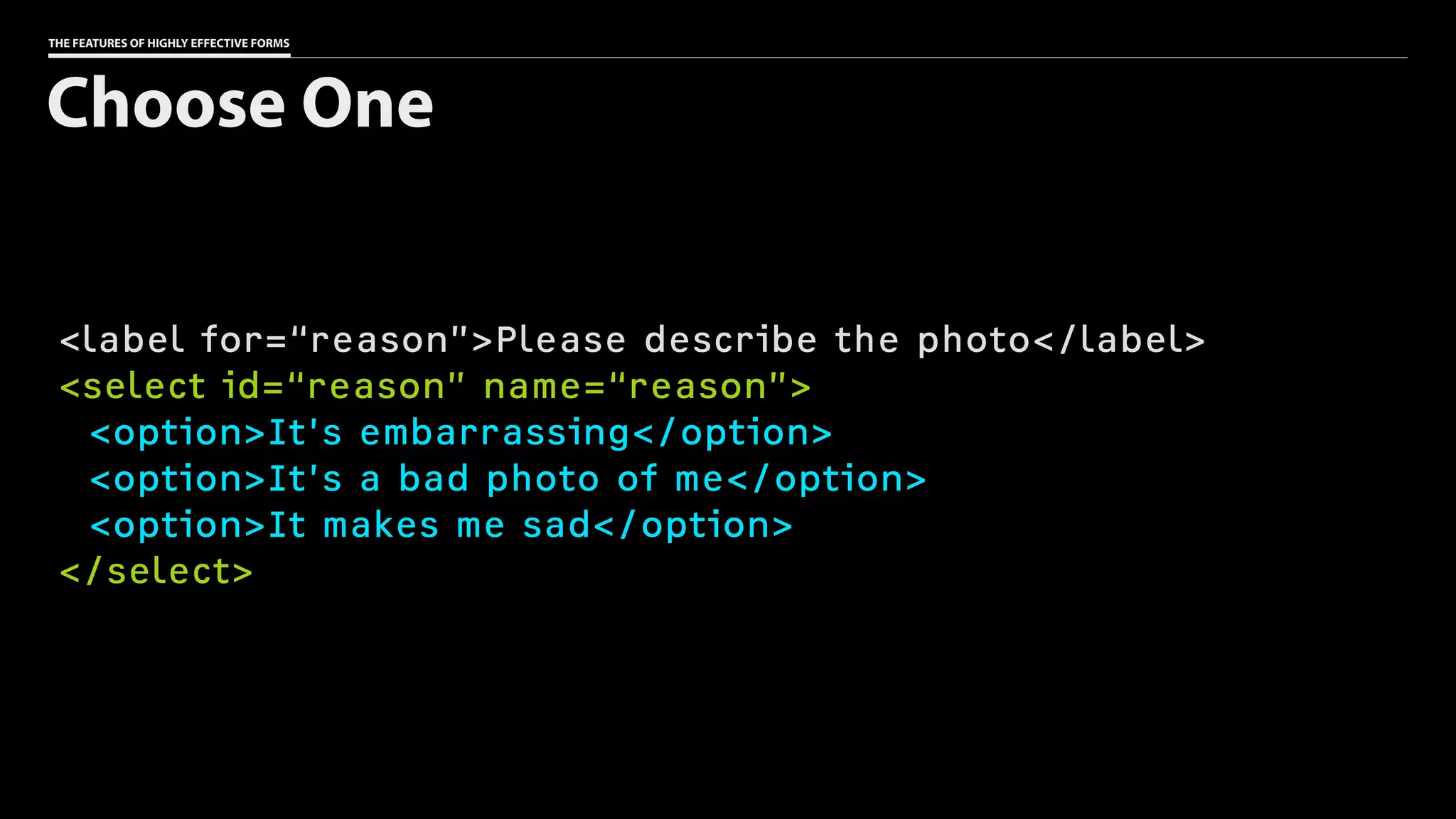
<label for=“reason”>Please describe the photo</label>
<select id=“reason” name=“reason”>
<option>It’s embarrassing</option>
<option>It’s a bad photo of me</option>
<option>It makes me sad</option>
</select>
Choose One
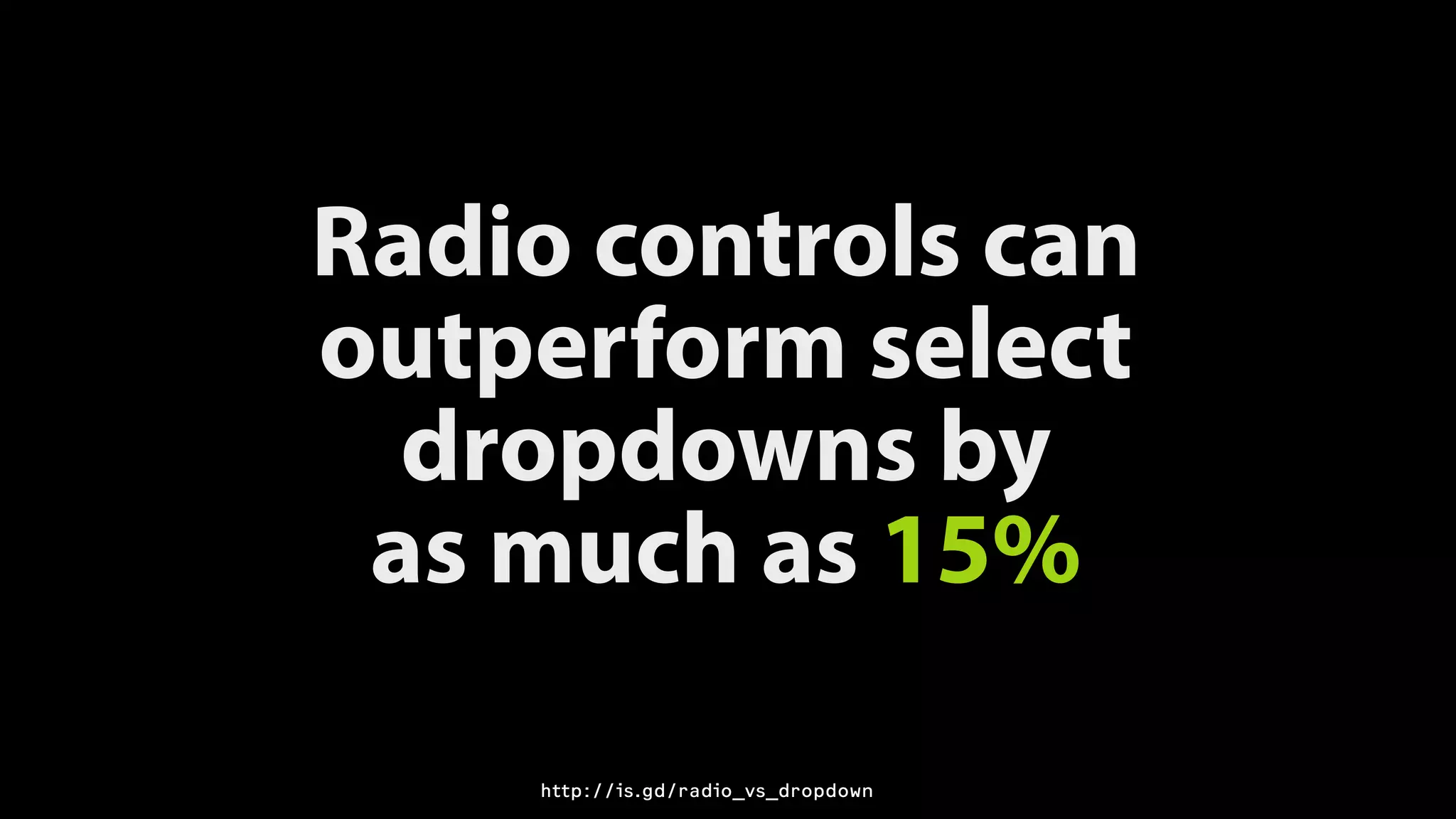
Radio controls can
outperform select
dropdowns by

as much as 15%
http://is.gd/radio_vs_dropdown
THE FEATURES OF HIGHLY EFFECTIVE FORMS
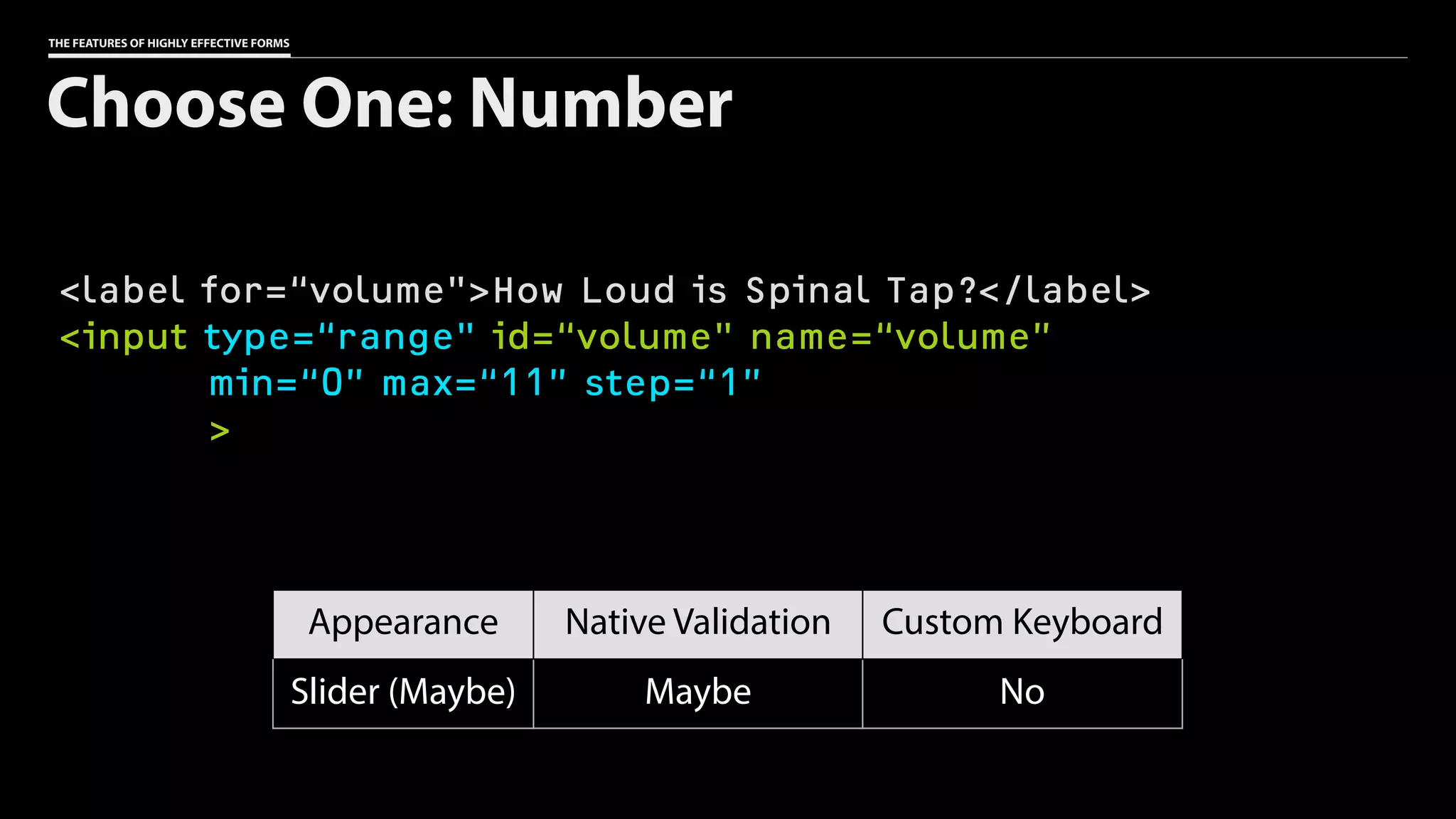
<label for=“volume">How Loud is Spinal Tap?</label>
<input type=“range" id=“volume" name=“volume”
min=“0” max=“11” step=“1”
>
Choose One: Number
Appearance Native Validation Custom Keyboard
Slider (Maybe) Maybe No
THE FEATURES OF HIGHLY EFFECTIVE FORMS
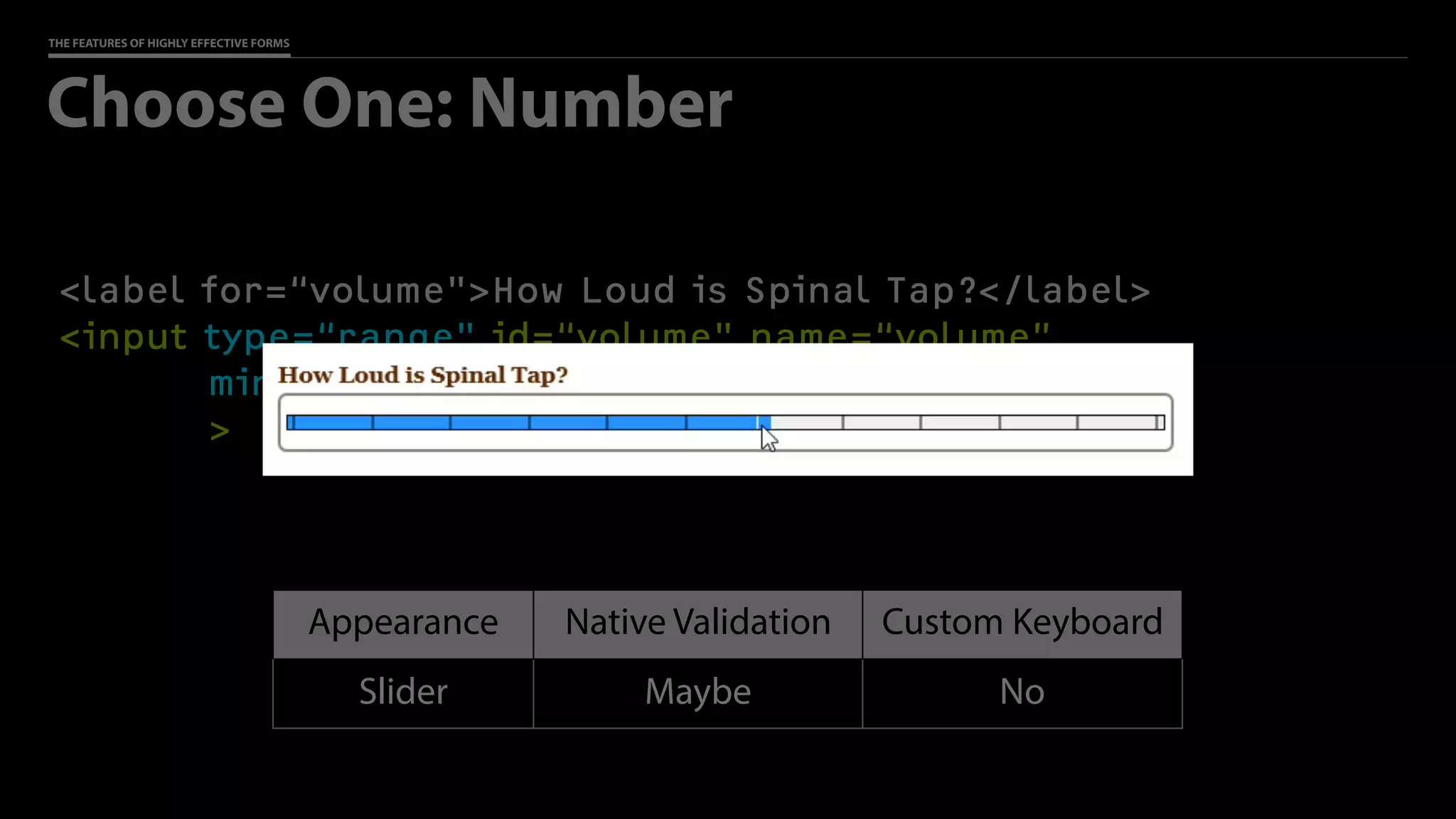
<label for=“volume">How Loud is Spinal Tap?</label>
<input type=“range" id=“volume" name=“volume”
min=“0” max=“11” step=“1”
>
Choose One: Number
Appearance Native Validation Custom Keyboard
Slider Maybe No
THE FEATURES OF HIGHLY EFFECTIVE FORMS
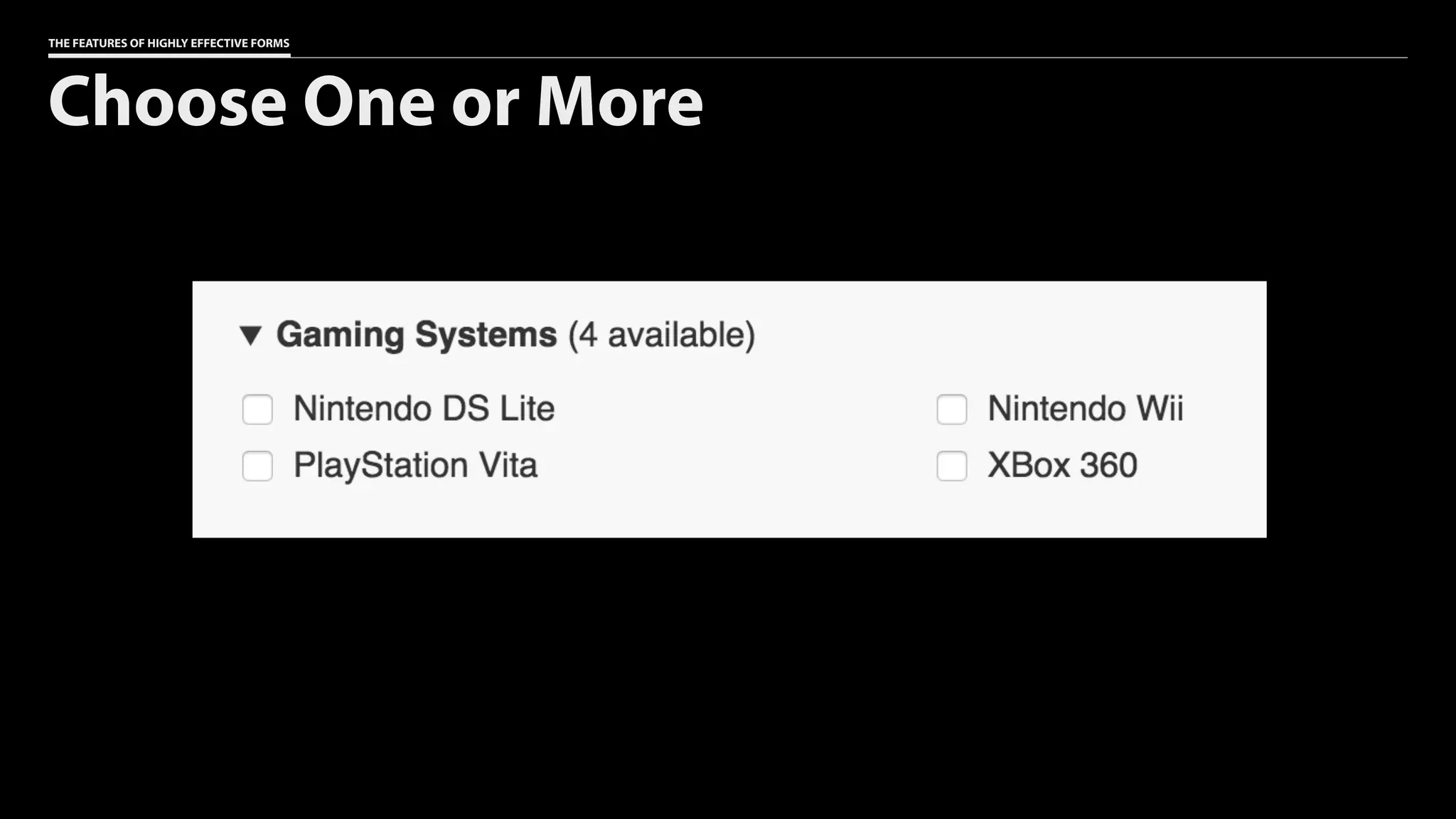
Choose One or More
THE FEATURES OF HIGHLY EFFECTIVE FORMS
Gaming Systems (4 available)
<label>
<input type=“checkbox” name=“reserve[]” value=“DS Lite”>
Nintendo DS Lite
</label>
<label>
<input type=“checkbox” name=“reserve[]” value=“Wii”>
Nintendo Wii
</label>
<label>
<input type=“checkbox” name=“reserve[]” value=“Vita”>
PlayStation Vita
</label>
Choose One or More
THE FEATURES OF HIGHLY EFFECTIVE FORMS
<label for=“gaming”>Gaming Systems (4 available)</label>
<select id=“gaming” name=“reserve[]” multiple>
<option value=“DS Lite”>Nintendo DS Lite</option>
<option value=“Wii”>Nintendo Wii</option>
<option value=“Vita”>PlayStation Vita</option>
<option value=“360”>Xbox 360</option>
</select>
Choose One or More
THE FEATURES OF HIGHLY EFFECTIVE FORMS
<label for=“gaming”>Gaming Systems (4 available)</label>
<select id=“gaming” name=“reserve[]” multiple>
<option value=“DS Lite”>Nintendo DS Lite</option>
<option value=“Wii”>Nintendo Wii</option>
<option value=“Vita”>PlayStation Vita</option>
<option value=“360”>Xbox 360</option>
</select>
Choose One or More
THE FEATURES OF HIGHLY EFFECTIVE FORMS
Gaming Systems (4 available)
<label>
<input type=“checkbox” name=“reserve[]” value=“DS Lite”>
Nintendo DS Lite
</label>
<label>
<input type=“checkbox” name=“reserve[]” value=“Wii”>
Nintendo Wii
</label>
<label>
<input type=“checkbox” name=“reserve[]” value=“Vita”>
PlayStation Vita
</label>
Choose One or More
Group related fields.
THE FEATURES OF HIGHLY EFFECTIVE FORMS
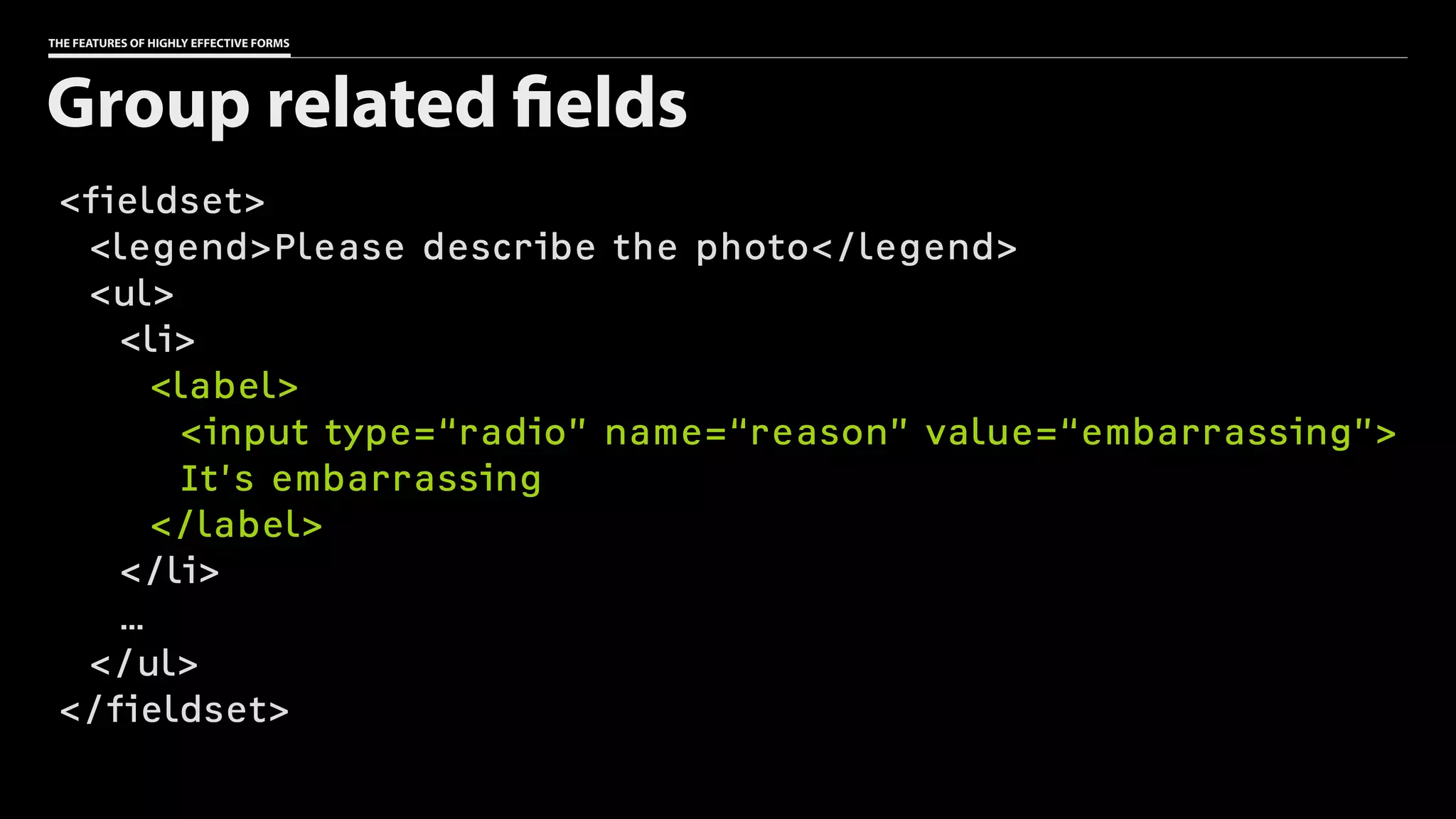
<fieldset>
<legend>Please describe the photo</legend>
<ul>
<li>
<label>
<input type=“radio” name=“reason” value=“embarrassing”>
It’s embarrassing
</label>
</li>
…
</ul>
</fieldset>
Group related fields
THE FEATURES OF HIGHLY EFFECTIVE FORMS
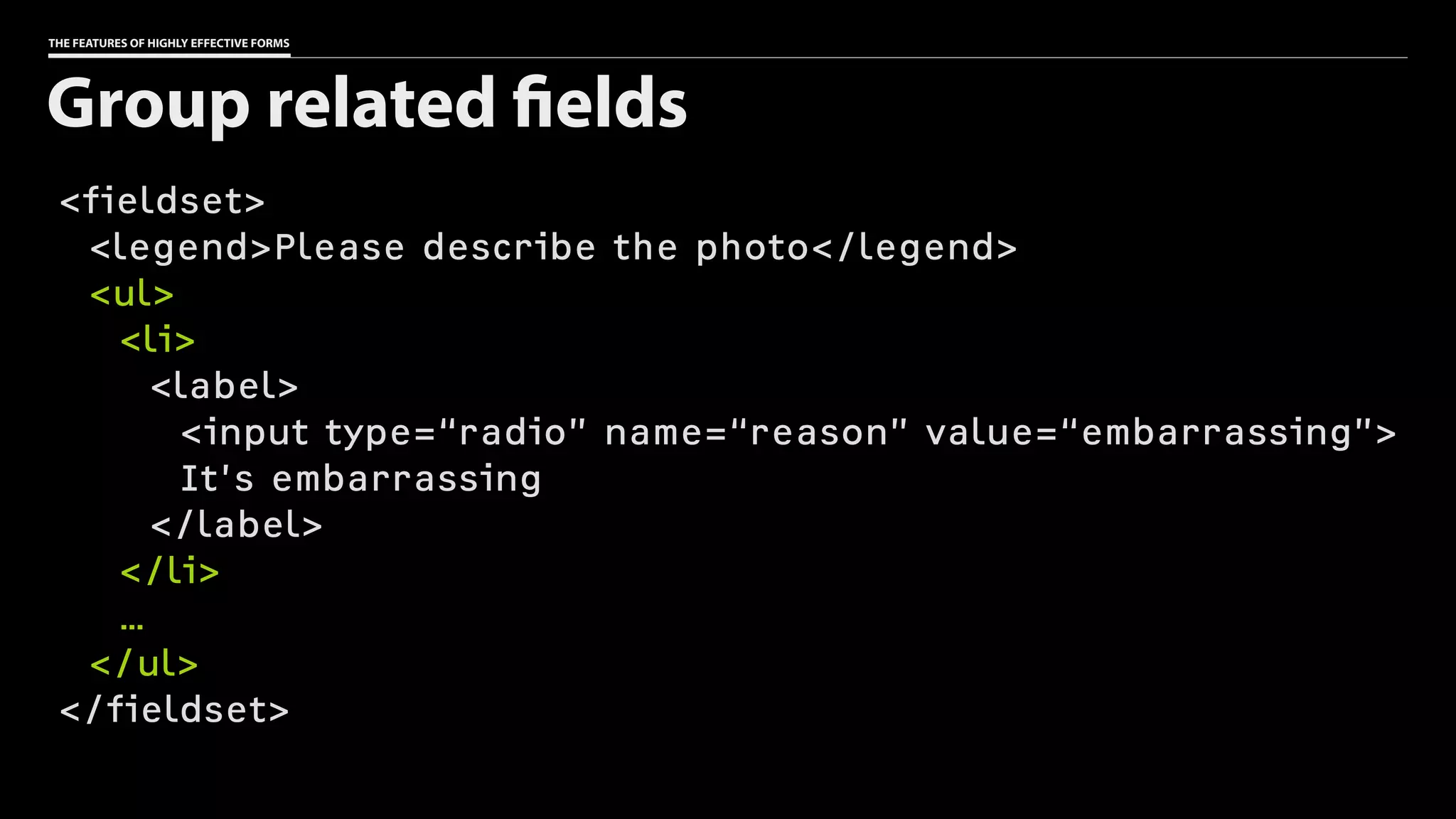
<fieldset>
<legend>Please describe the photo</legend>
<ul>
<li>
<label>
<input type=“radio” name=“reason” value=“embarrassing”>
It’s embarrassing
</label>
</li>
…
</ul>
</fieldset>
Group related fields
THE FEATURES OF HIGHLY EFFECTIVE FORMS
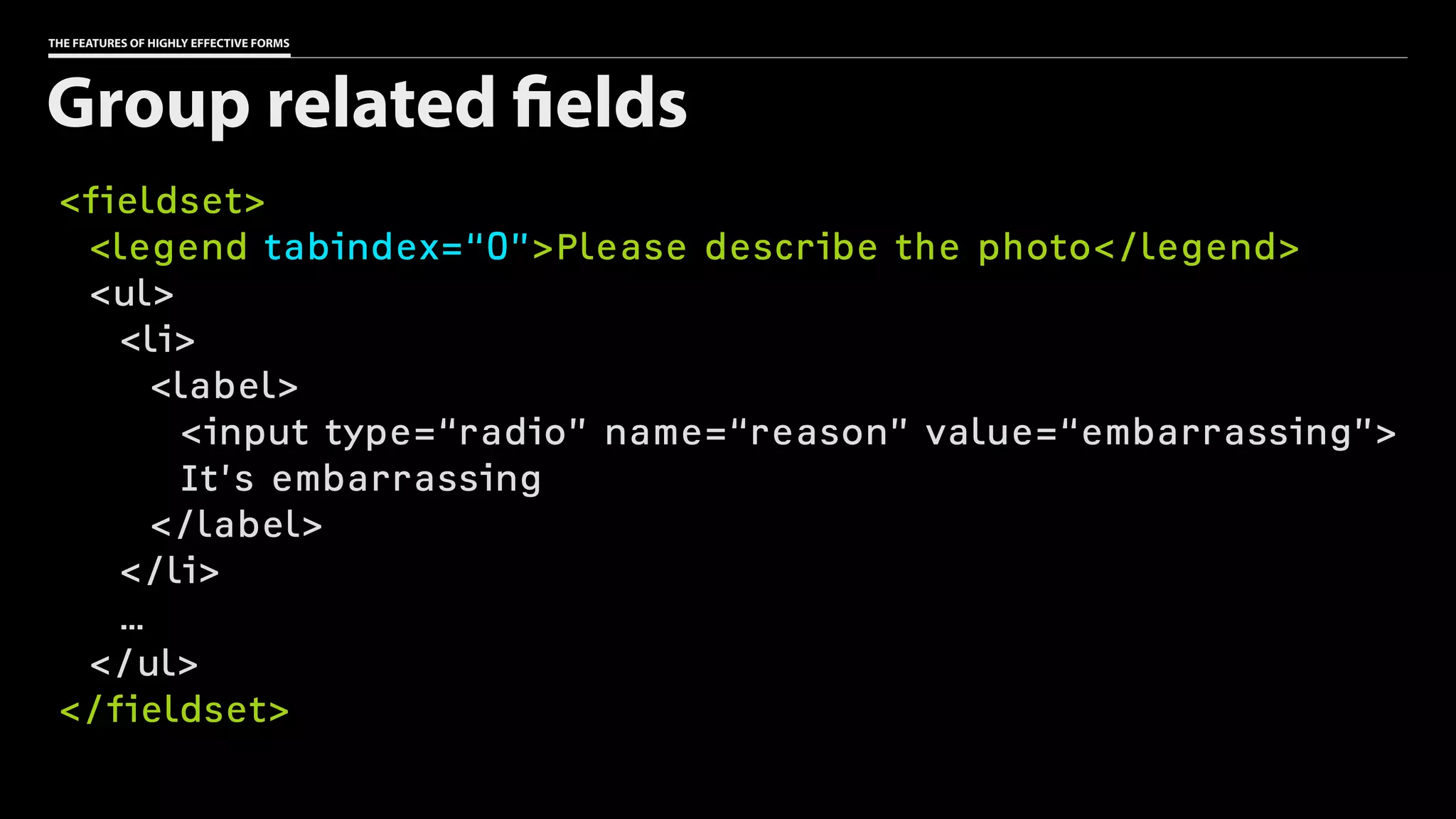
<fieldset>
<legend tabindex=“0”>Please describe the photo</legend>
<ul>
<li>
<label>
<input type=“radio” name=“reason” value=“embarrassing”>
It’s embarrassing
</label>
</li>
…
</ul>
</fieldset>
Group related fields
Don’t introduce
unnecessary
complexity.
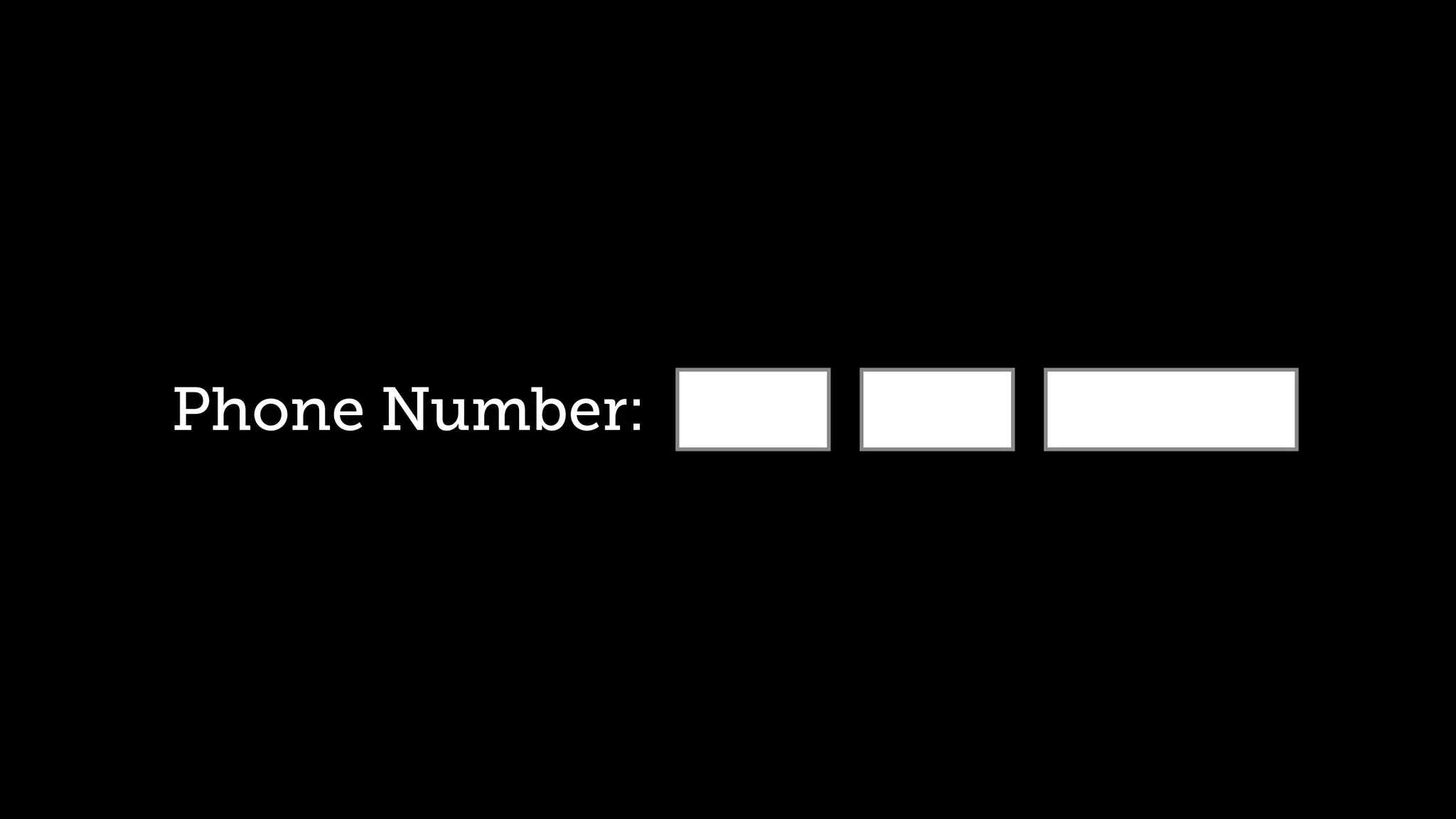
Phone Number:
THE FEATURES OF HIGHLY EFFECTIVE FORMS
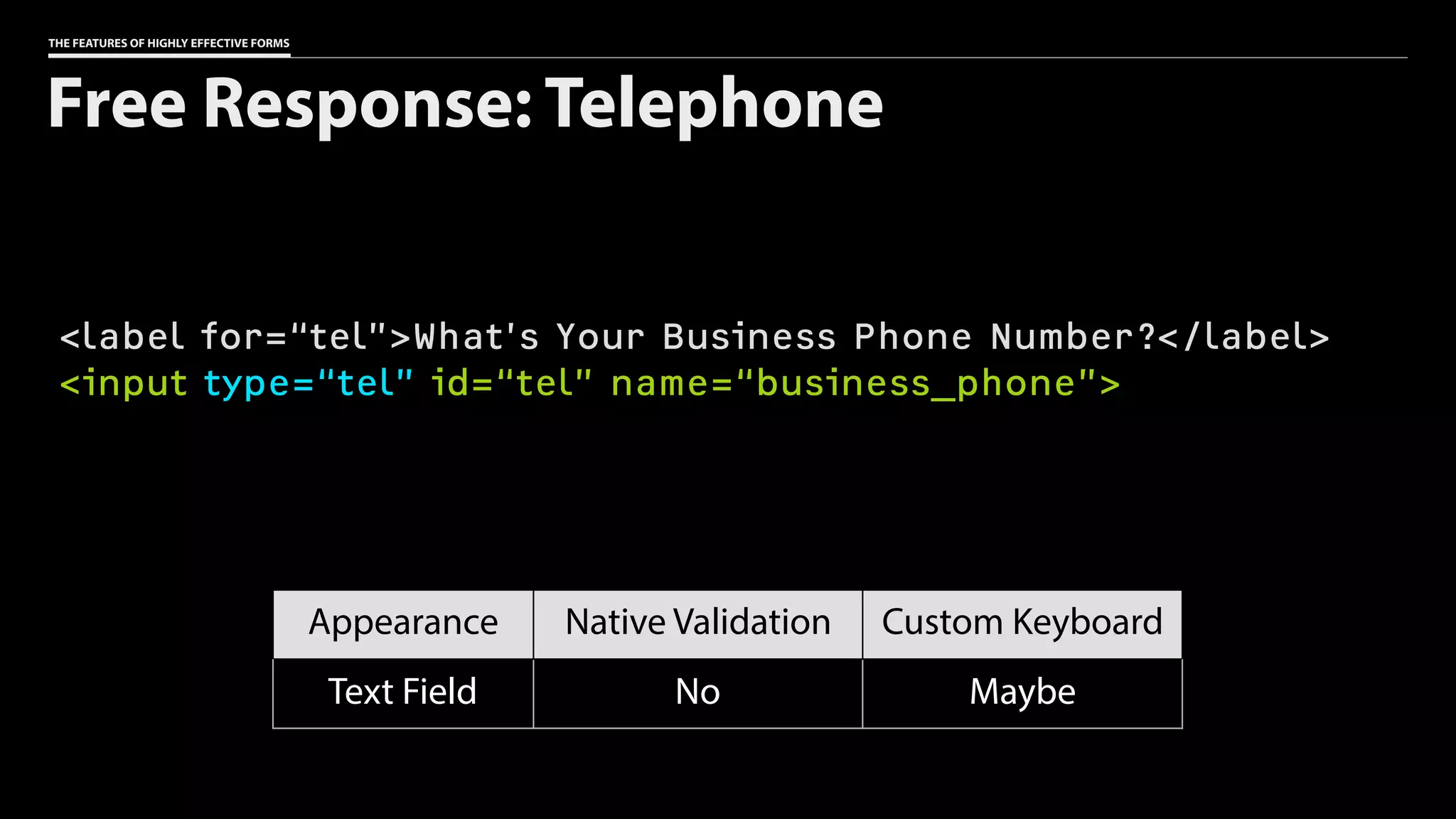
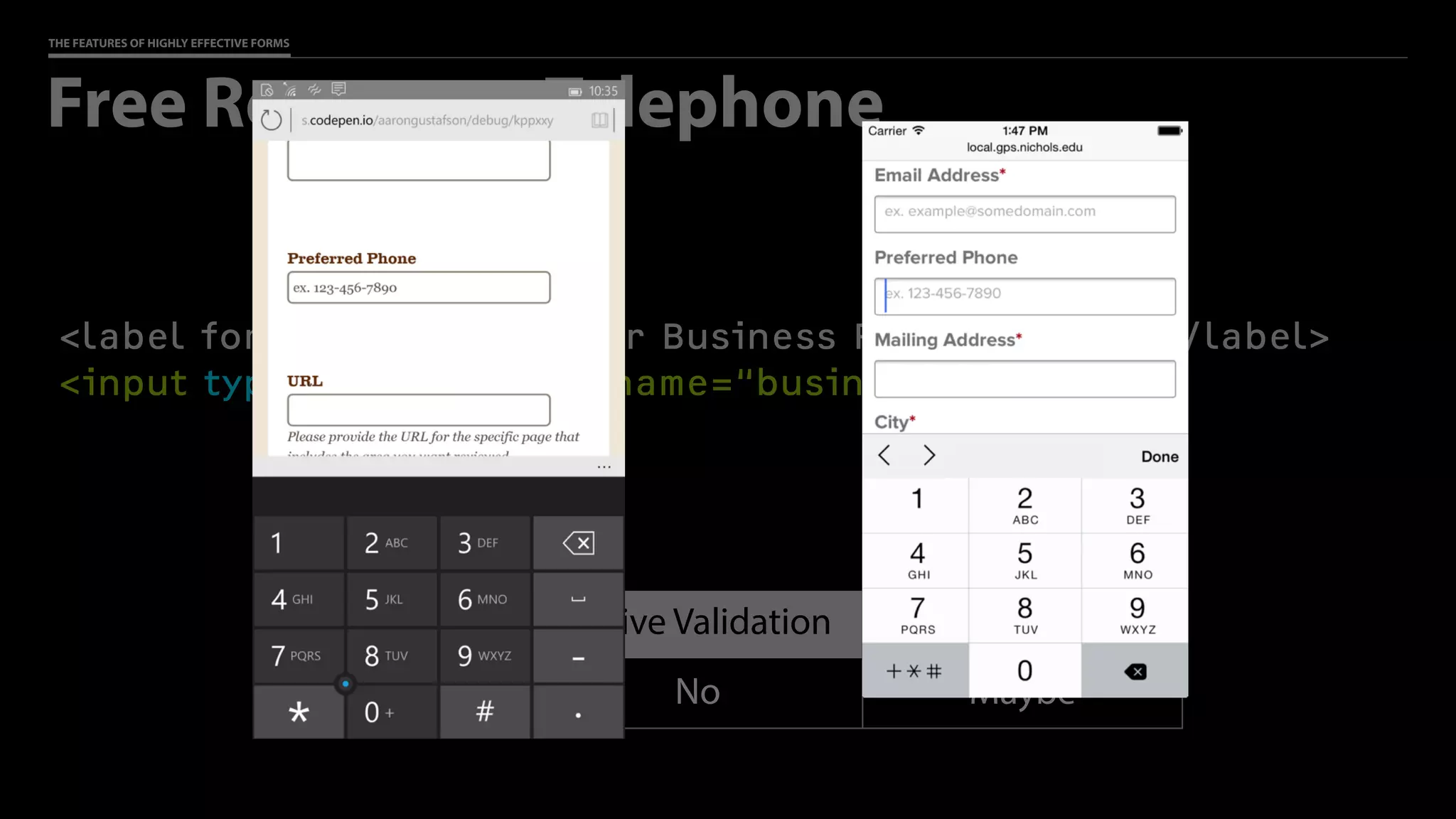
<label for=“tel”>What’s Your Business Phone Number?</label>
<input type=“tel” id=“tel” name=“business_phone”>
Free Response: Telephone
Appearance Native Validation Custom Keyboard
Text Field No Maybe
THE FEATURES OF HIGHLY EFFECTIVE FORMS
<label for=“tel”>What’s Your Business Phone Number?</label>
<input type=“tel” id=“tel” name=“business_phone”>
Free Response: Telephone
Appearance Native Validation Custom Keyboard
Text Field No Maybe
We should work
harder so our users
don’t have to.
THE FEATURES OF HIGHLY EFFECTIVE FORMS
Structured Data: Dates & Times
๏ input[type=date]
๏ input[type=datetime] (global)
๏ input[type=datetime-local] (local)
๏ input[type=month] (year & month)
๏ input[type=week] (year & week)
๏ input[type=time]
120
THE FEATURES OF HIGHLY EFFECTIVE FORMS
Structured Data: Dates & Times
๏ input[type=date]
๏ input[type=datetime] (global)
๏ input[type=datetime-local] (local)
๏ input[type=month] (year & month)
๏ input[type=week] (year & week)
๏ input[type=time]
121
THE FEATURES OF HIGHLY EFFECTIVE FORMS
Structured Data: Dates & Times
๏ input[type=date]
๏ input[type=datetime] (global)
๏ input[type=datetime-local] (local)
๏ input[type=month] (year & month)
๏ input[type=week] (year & week)
๏ input[type=time]
122
THE FEATURES OF HIGHLY EFFECTIVE FORMS
Structured Data: Dates & Times
๏ input[type=date]
๏ input[type=datetime] (global)
๏ input[type=datetime-local] (local)
๏ input[type=month] (year & month)
๏ input[type=week] (year & week)
๏ input[type=time]
123
THE FEATURES OF HIGHLY EFFECTIVE FORMS
Structured Data: Dates & Times
๏ input[type=date]
๏ input[type=datetime] (global)
๏ input[type=datetime-local] (local)
๏ input[type=month] (year & month)
๏ input[type=week] (year & week)
๏ input[type=time]
124
THE FEATURES OF HIGHLY EFFECTIVE FORMS
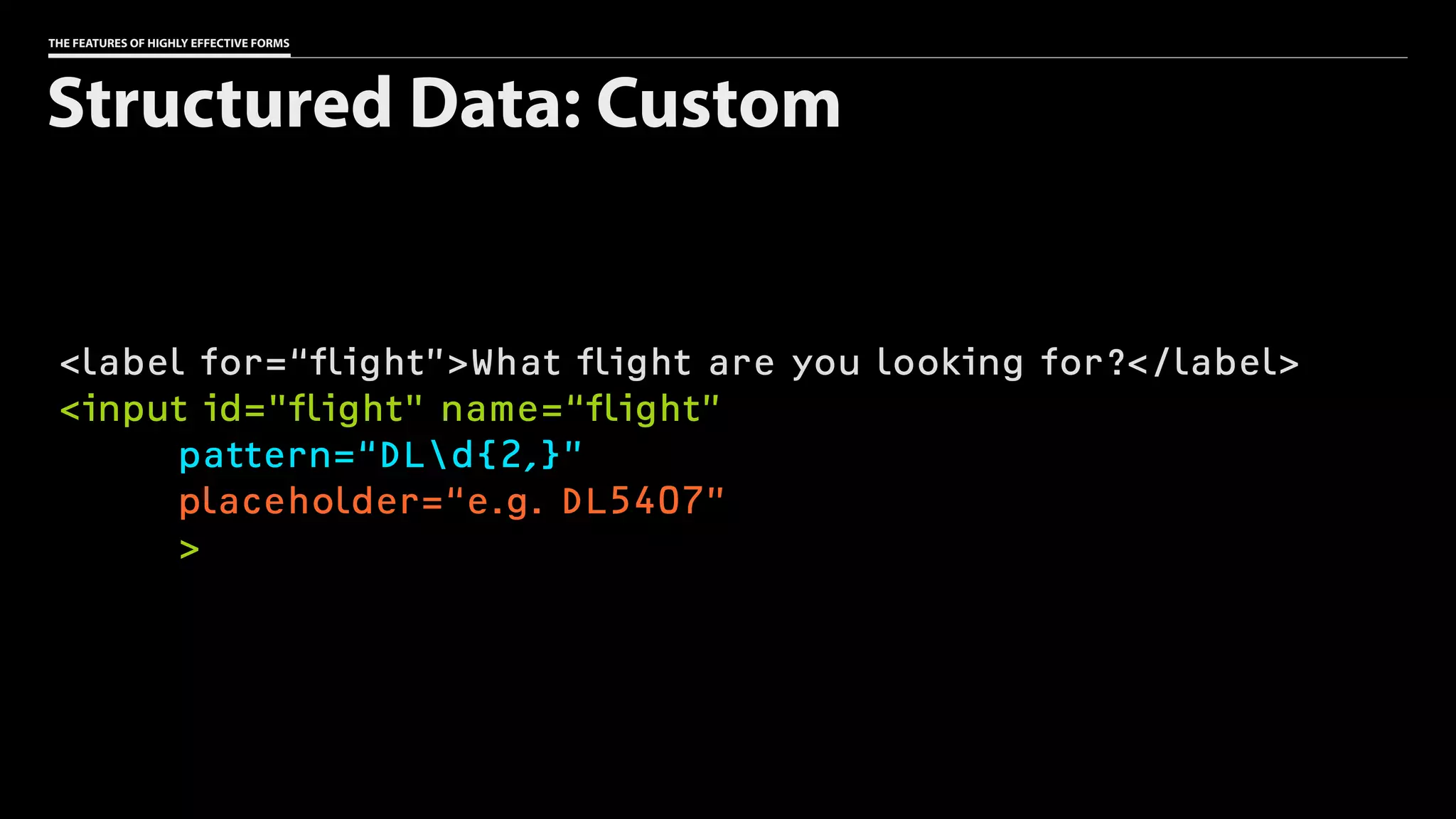
<label for=“flight”>What flight are you looking for?</label>
<input id="flight" name=“flight”
pattern=“DLd{2,}”
placeholder=“e.g. DL5407”
>
Structured Data: Custom
IVLay out fields

with purpose
THE FEATURES OF HIGHLY EFFECTIVE FORMS
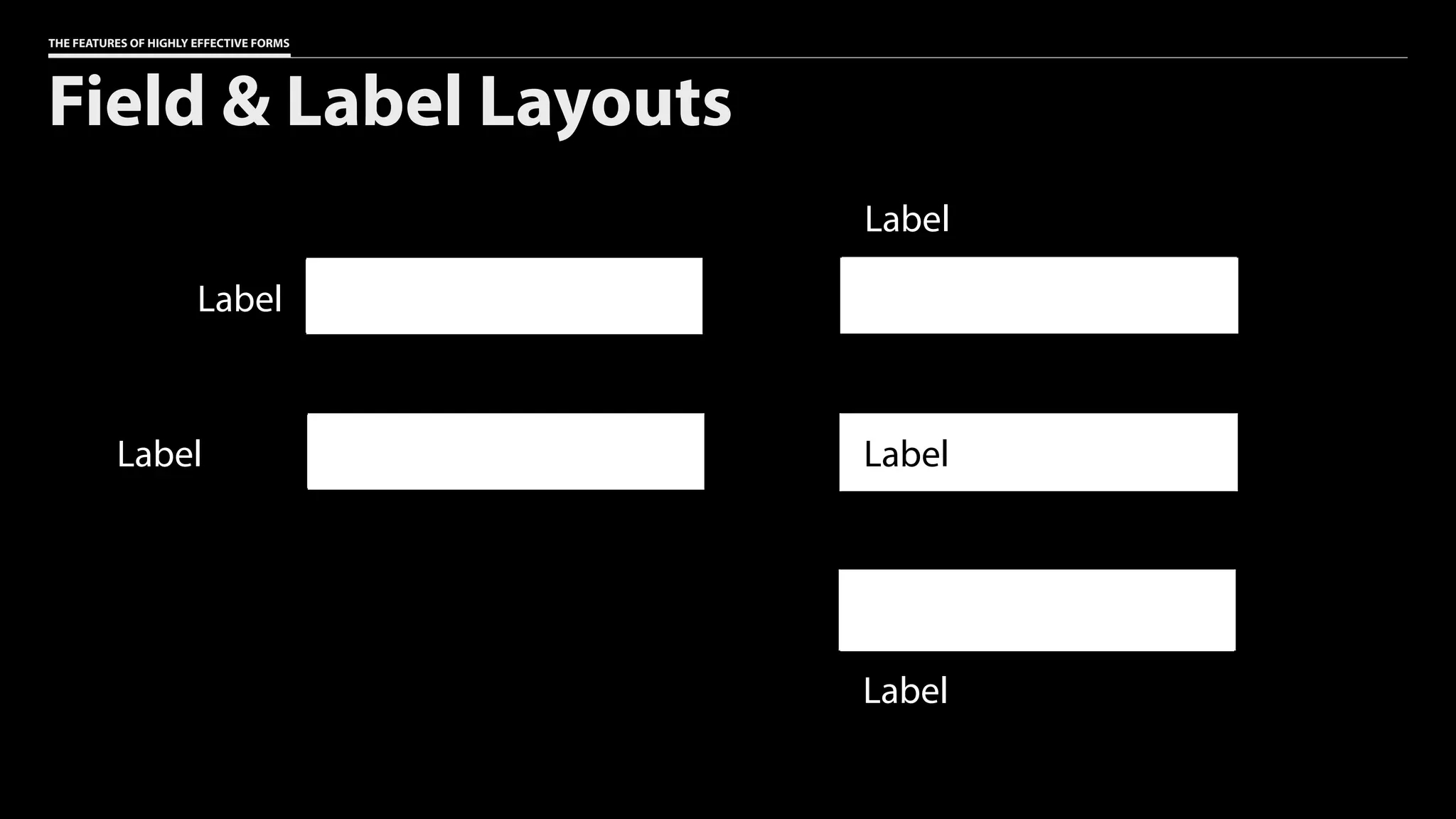
Field & Label Layouts
Label
Label
Label
Label
Label
THE FEATURES OF HIGHLY EFFECTIVE FORMS
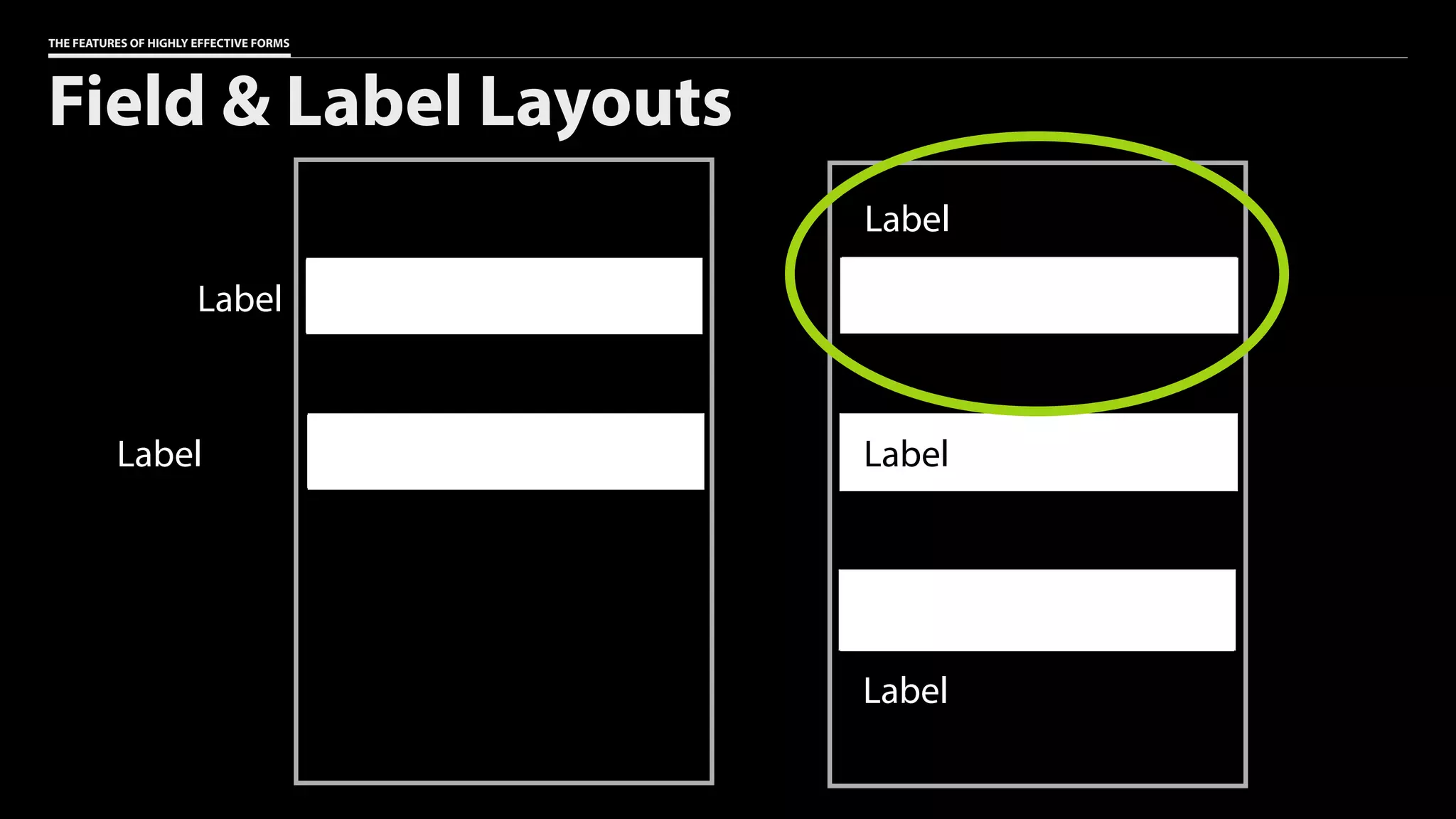
Field & Label Layouts
Label
Label
Label
Label
Label
THE FEATURES OF HIGHLY EFFECTIVE FORMS
Field & Label Layouts
Label
Label
Label
Label
Label
THE FEATURES OF HIGHLY EFFECTIVE FORMS
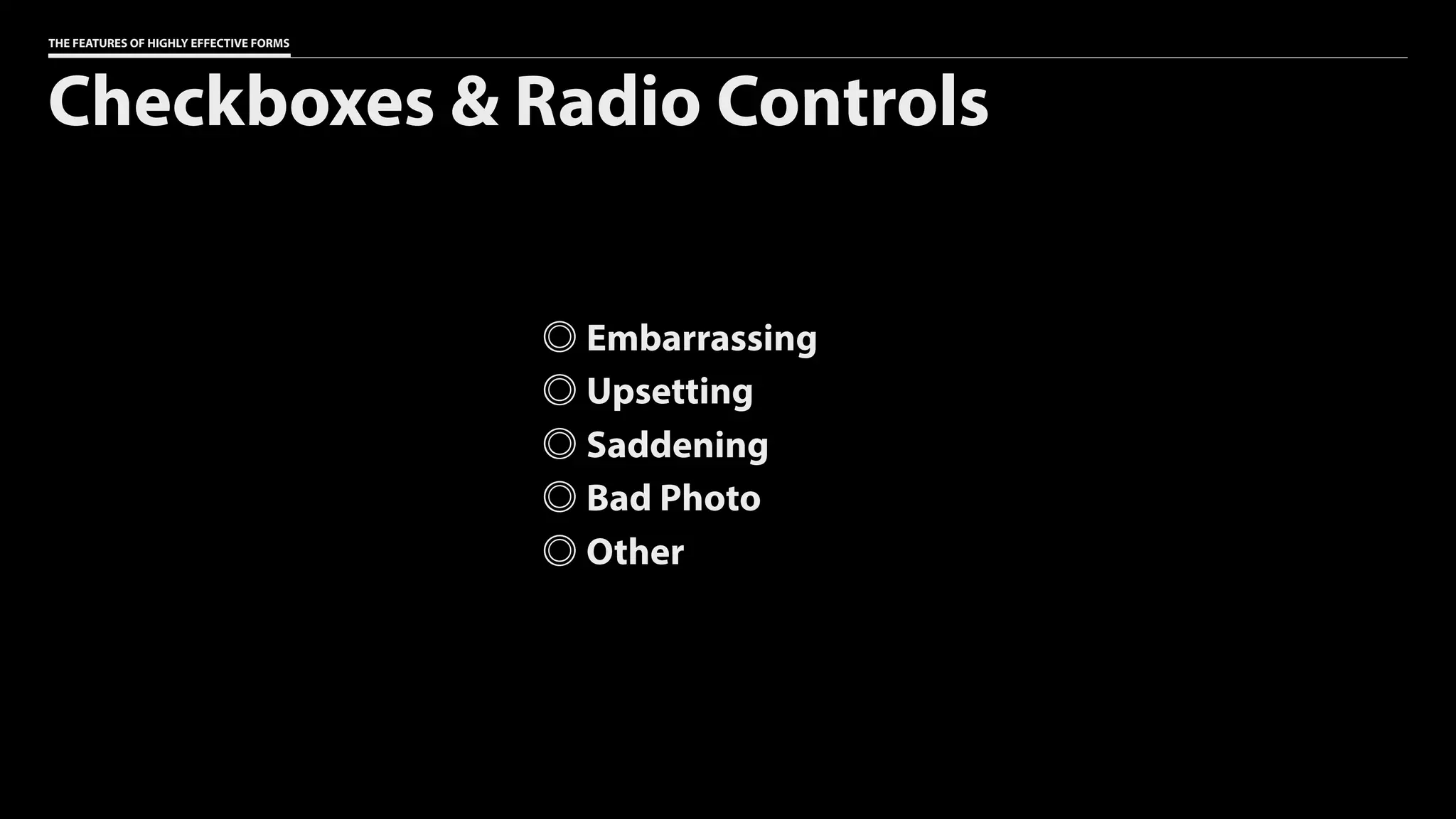
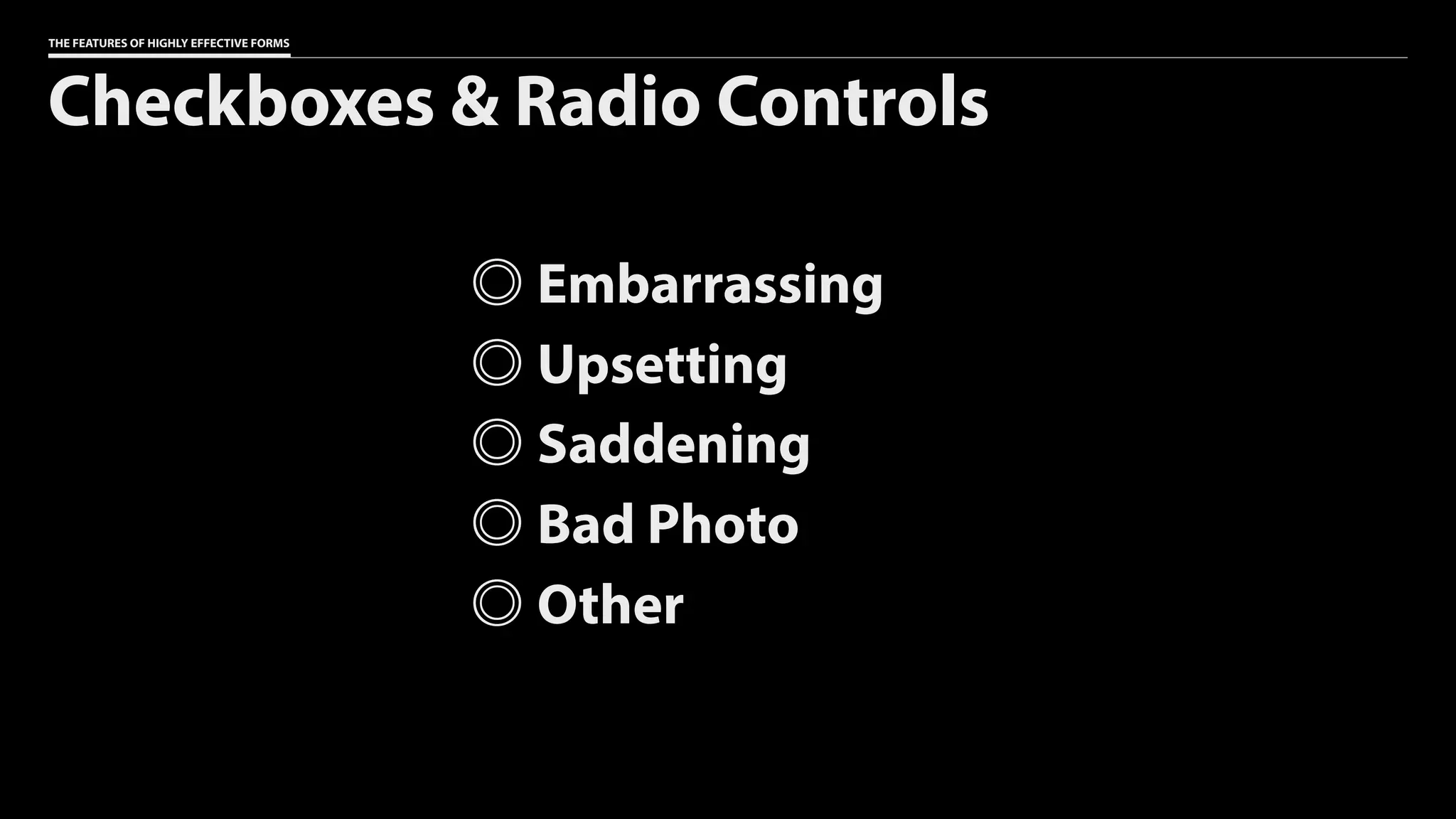
Checkboxes & Radio Controls
Embarrassing
Upsetting
Saddening
Bad Photo
Other
THE FEATURES OF HIGHLY EFFECTIVE FORMS
Checkboxes & Radio Controls
Embarrassing
Upsetting
Saddening
Bad Photo
Other
THE FEATURES OF HIGHLY EFFECTIVE FORMS
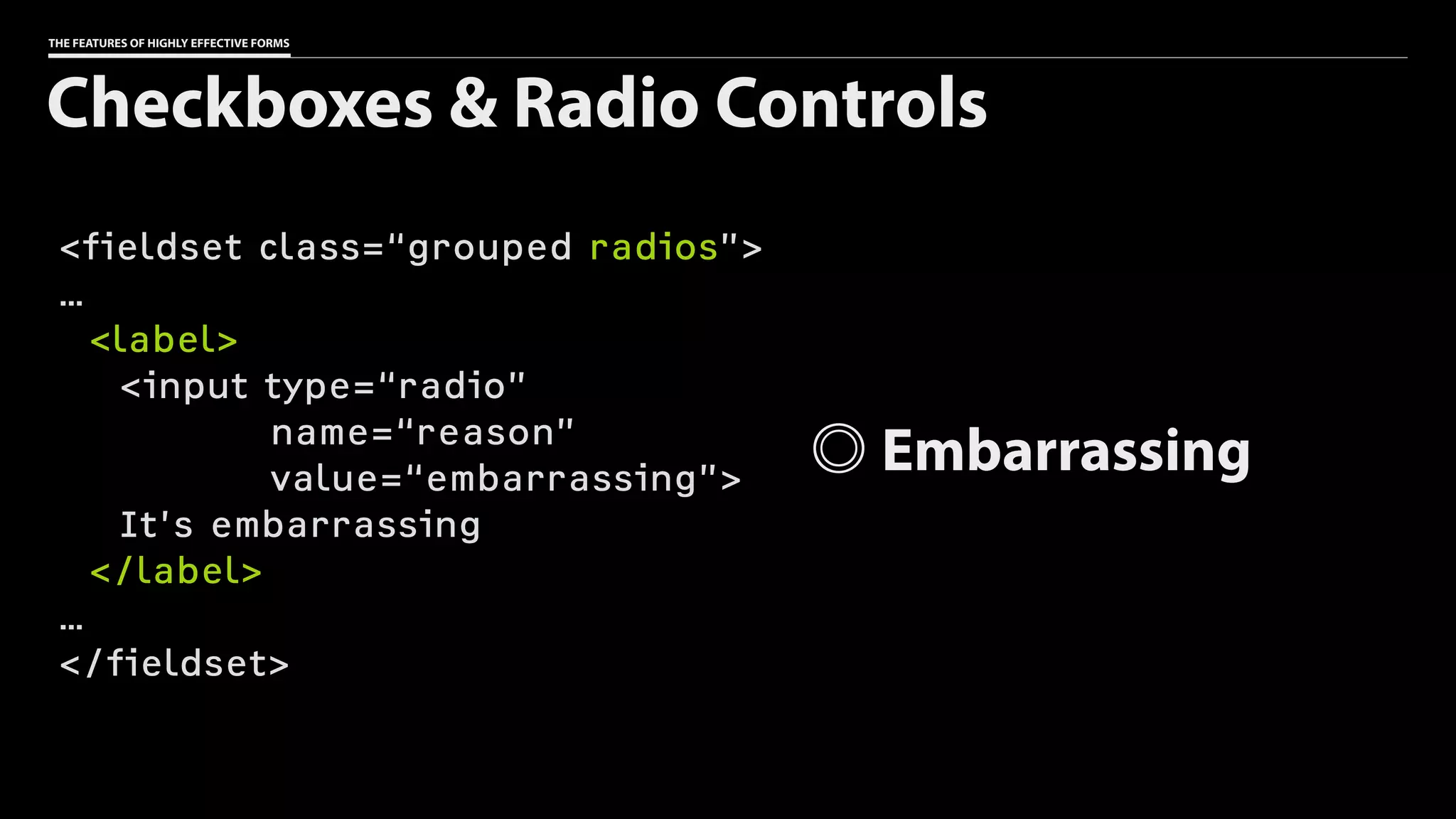
<fieldset class=“grouped radios”>
…
<label>
<input type=“radio”
name=“reason”
value=“embarrassing”>
It’s embarrassing
</label>
…
</fieldset>
Checkboxes & Radio Controls
Embarrassing
THE FEATURES OF HIGHLY EFFECTIVE FORMS
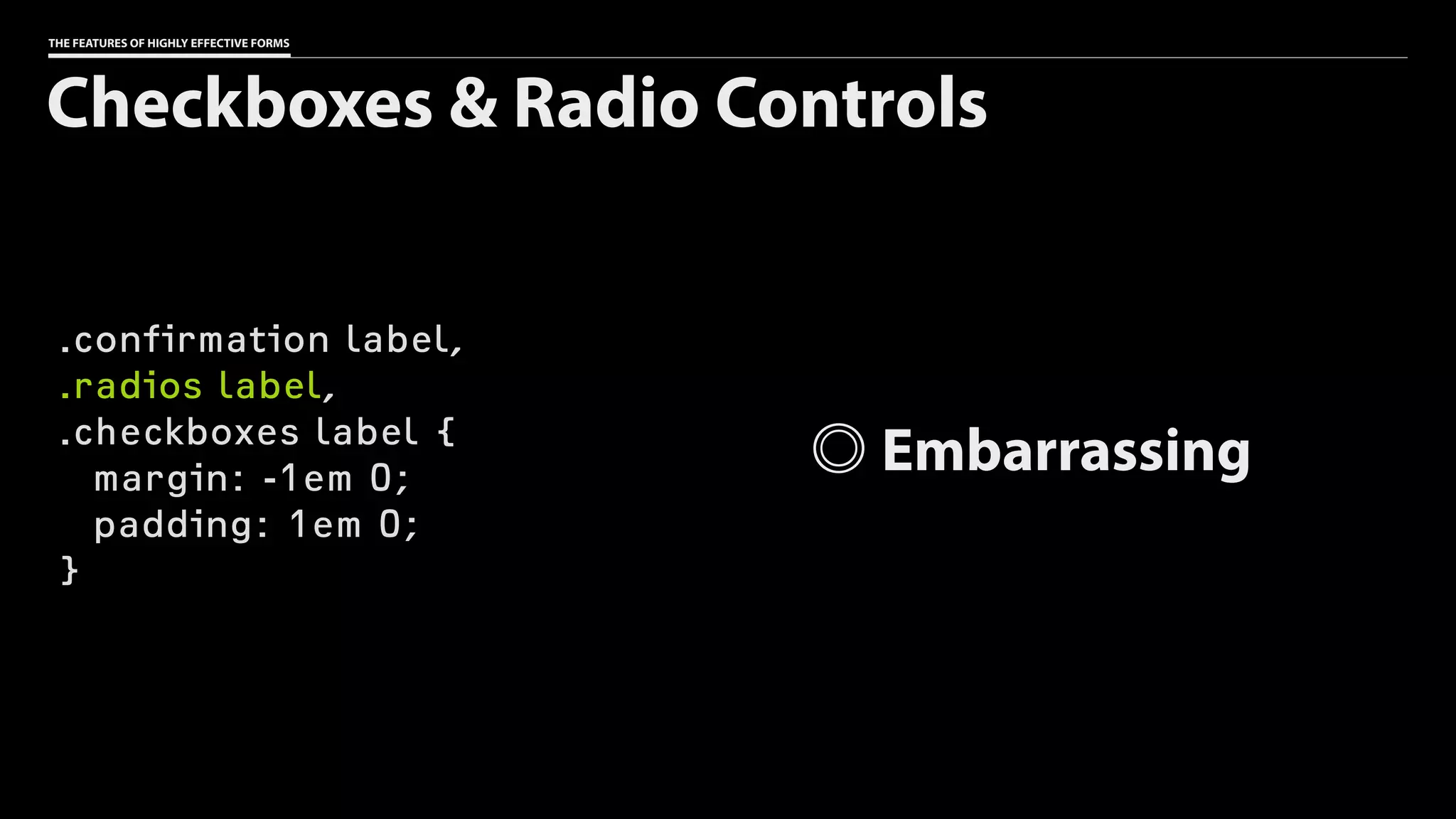
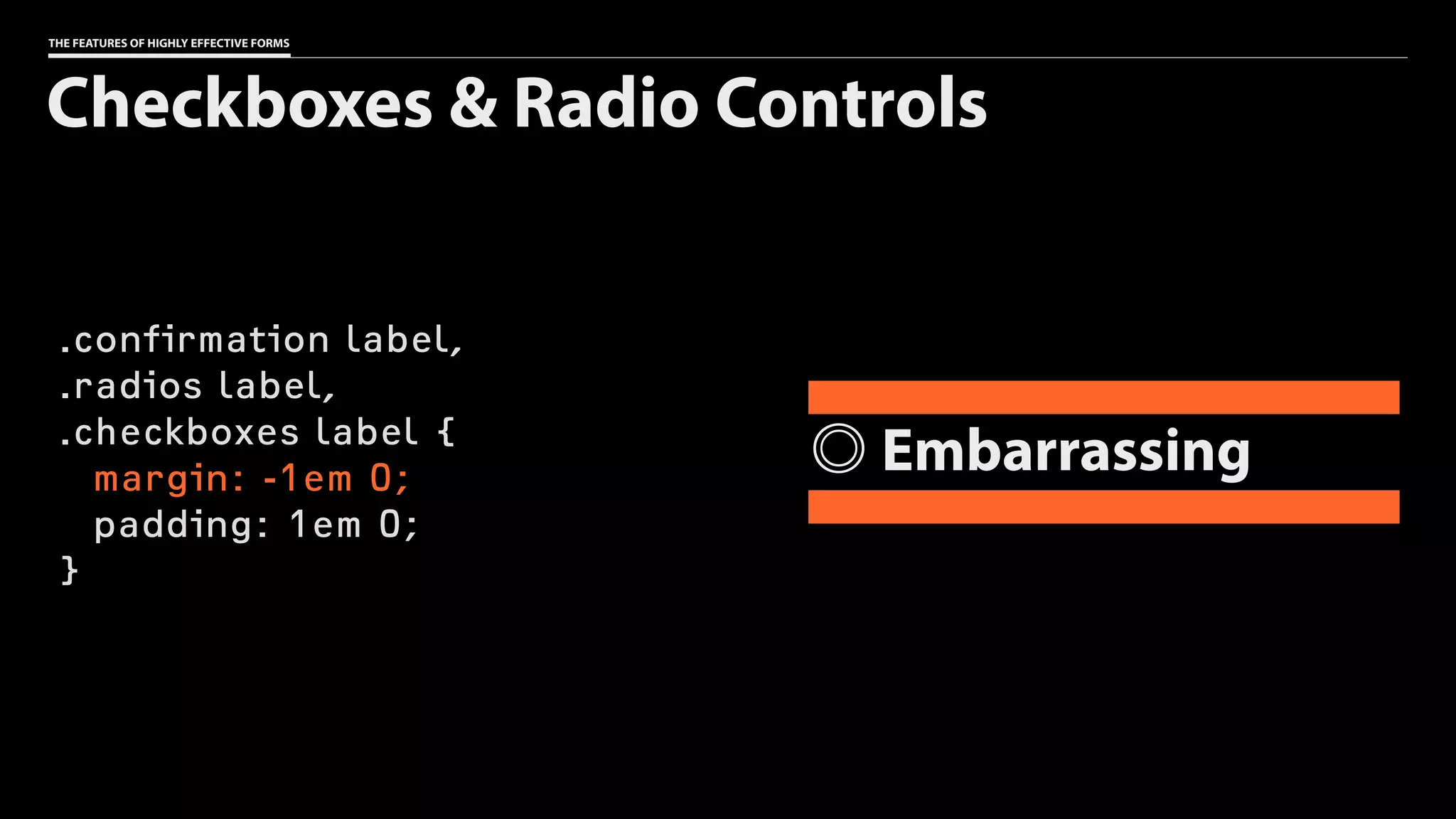
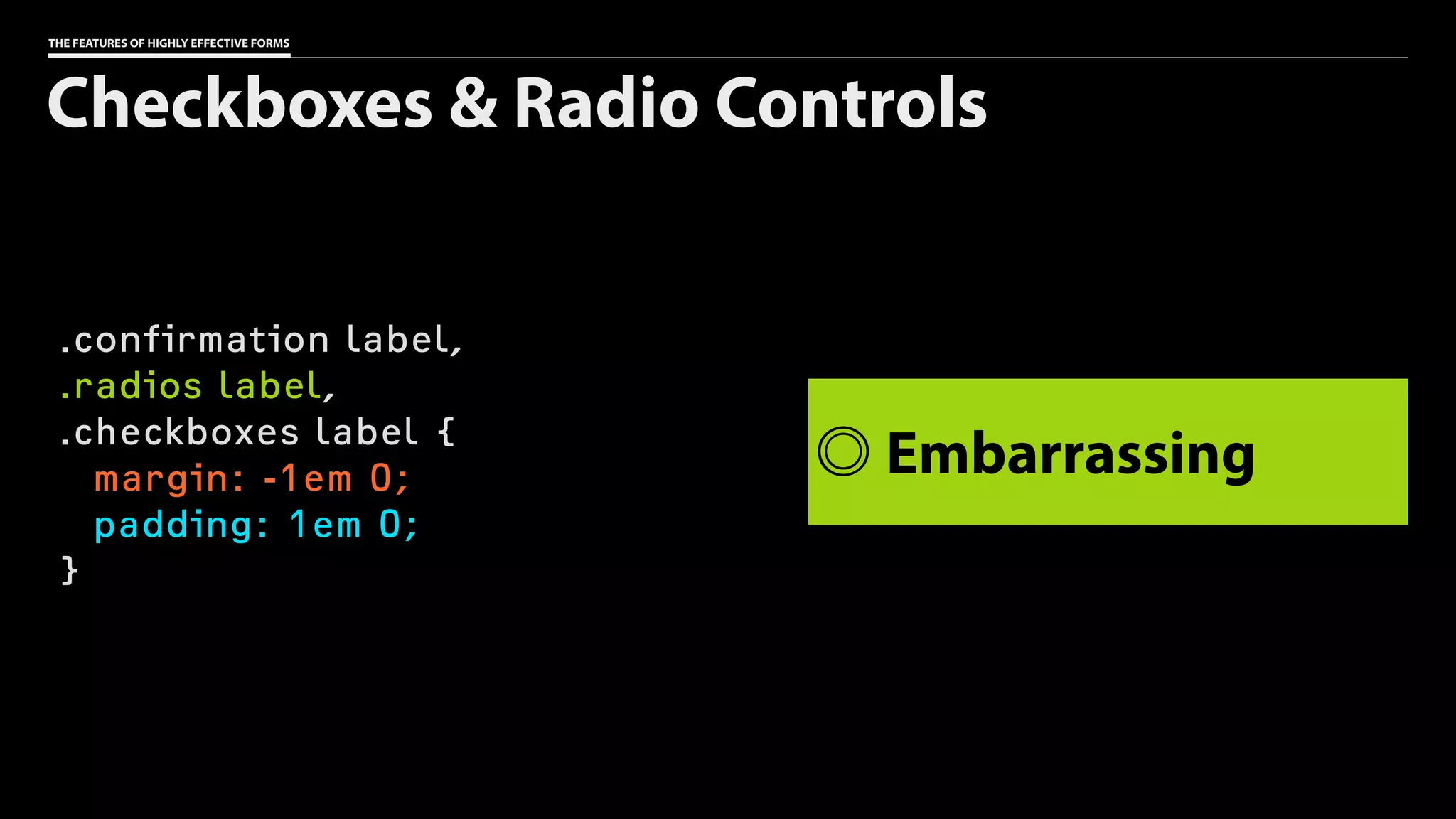
.confirmation label,
.radios label,
.checkboxes label {
margin: -1em 0;
padding: 1em 0;
}
Checkboxes & Radio Controls
Embarrassing
THE FEATURES OF HIGHLY EFFECTIVE FORMS
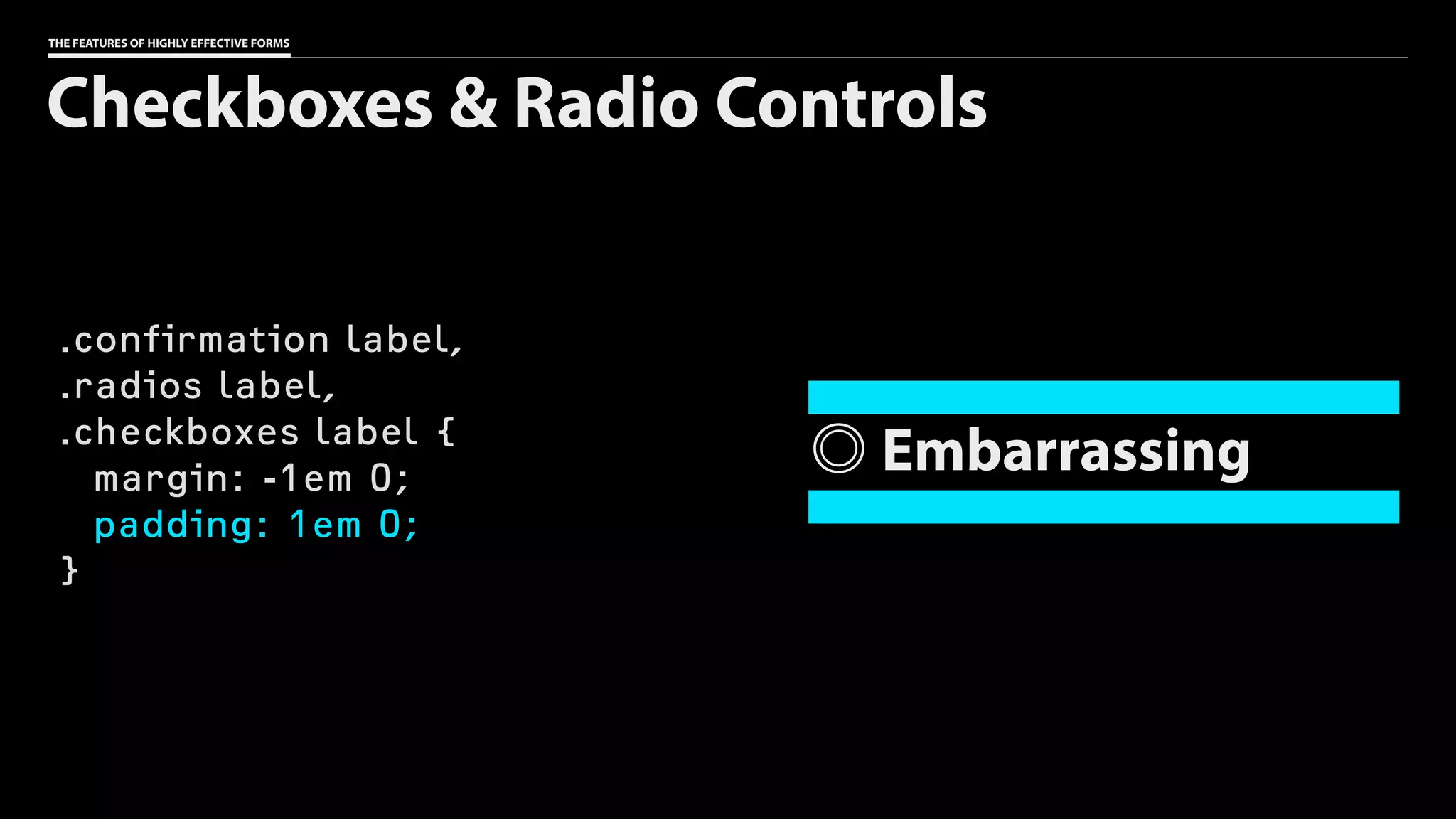
.confirmation label,
.radios label,
.checkboxes label {
margin: -1em 0;
padding: 1em 0;
}
Checkboxes & Radio Controls
Embarrassing
THE FEATURES OF HIGHLY EFFECTIVE FORMS
.confirmation label,
.radios label,
.checkboxes label {
margin: -1em 0;
padding: 1em 0;
}
Checkboxes & Radio Controls
Embarrassing
THE FEATURES OF HIGHLY EFFECTIVE FORMS
.confirmation label,
.radios label,
.checkboxes label {
margin: -1em 0;
padding: 1em 0;
}
Checkboxes & Radio Controls
Embarrassing
Don’t fall into the
custom control trap.
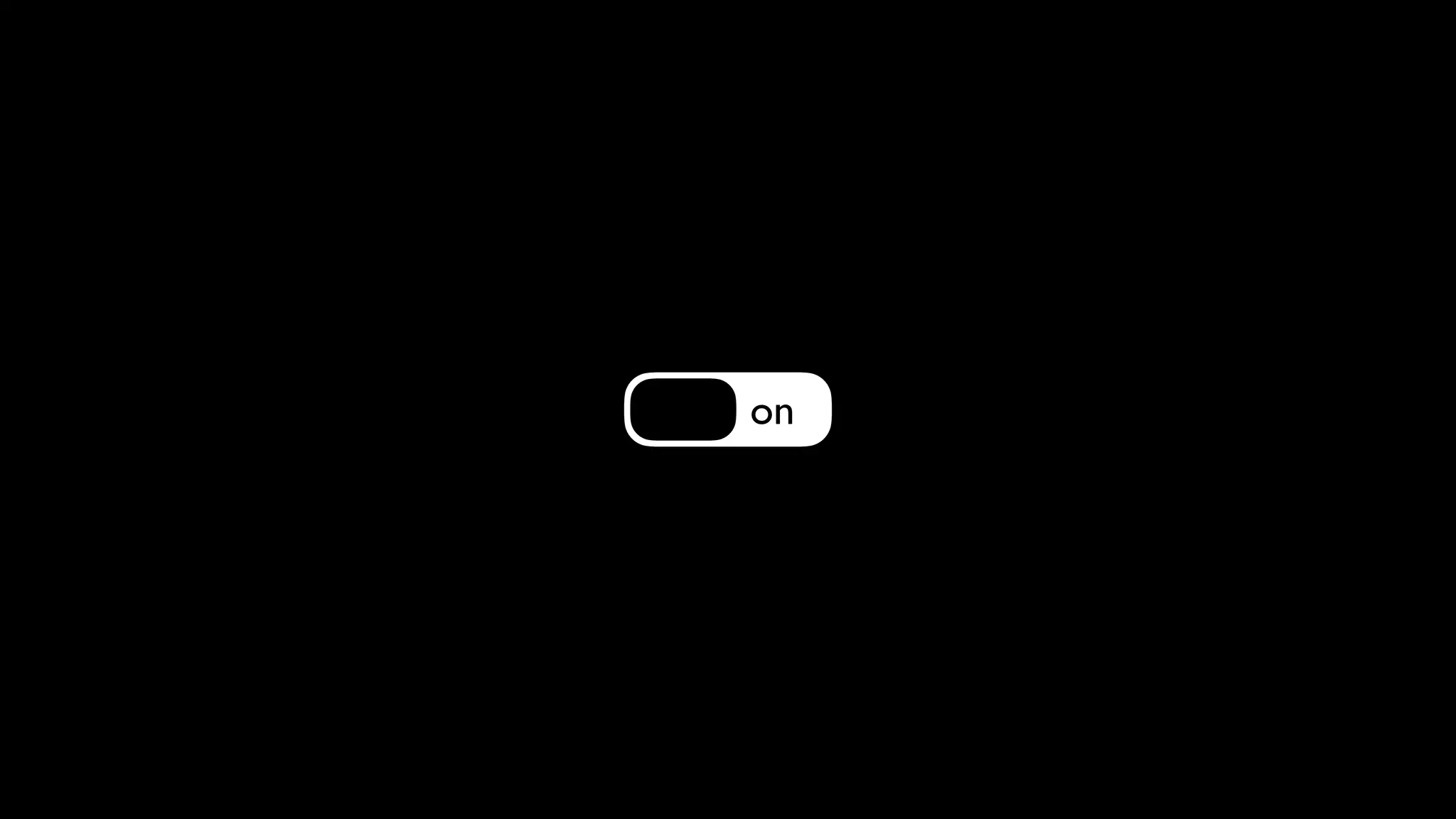
on
VHelps users avoid
(and fix) errors
Let users know when
a field is required.
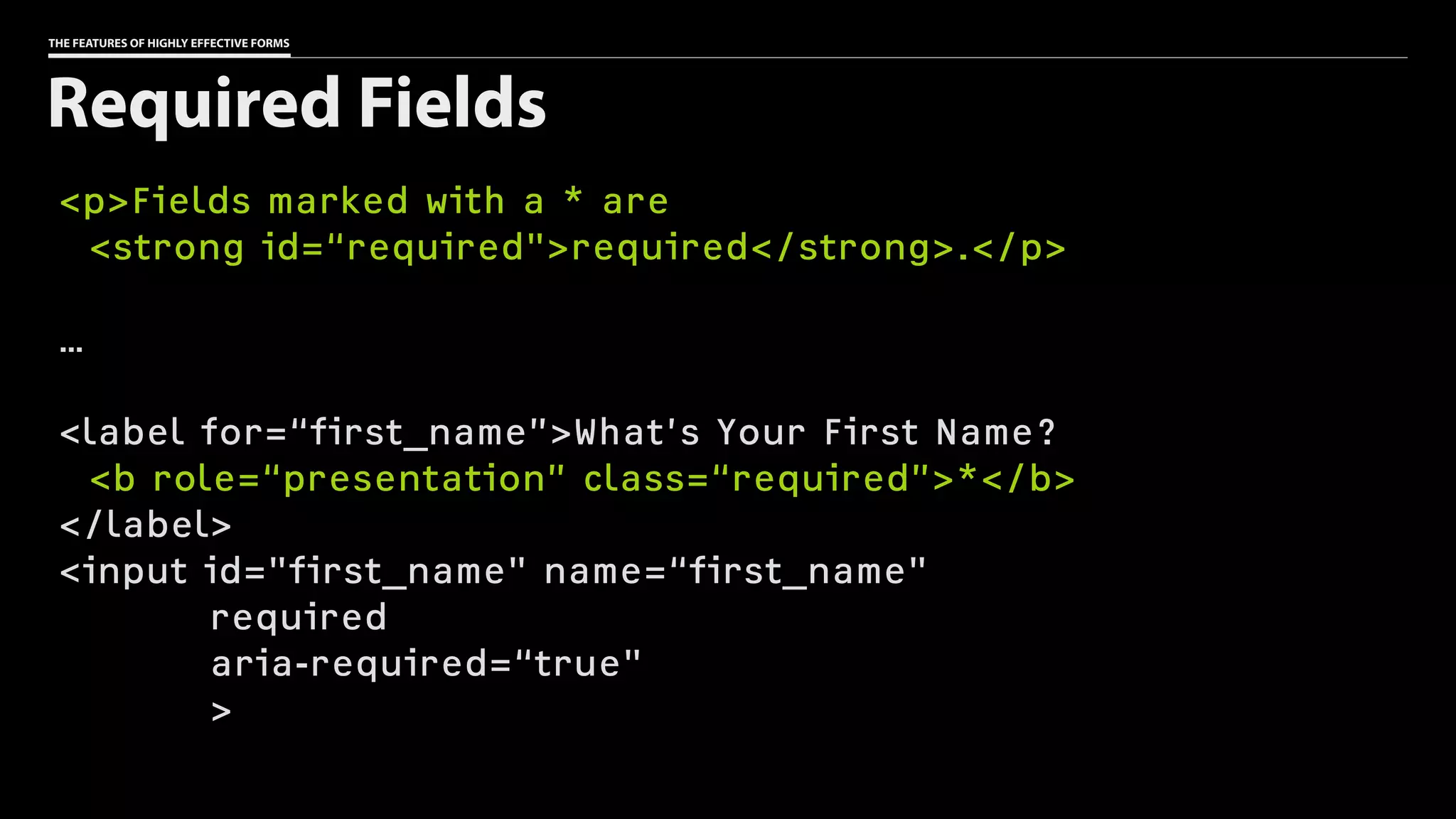
THE FEATURES OF HIGHLY EFFECTIVE FORMS
<p>Fields marked with a * are
<strong id=“required">required</strong>.</p>
…
<label for=“first_name”>What’s Your First Name?
<b role=“presentation” class=“required”>*</b>
</label>
<input id="first_name" name=“first_name"
required
aria-required=“true"
>
Required Fields
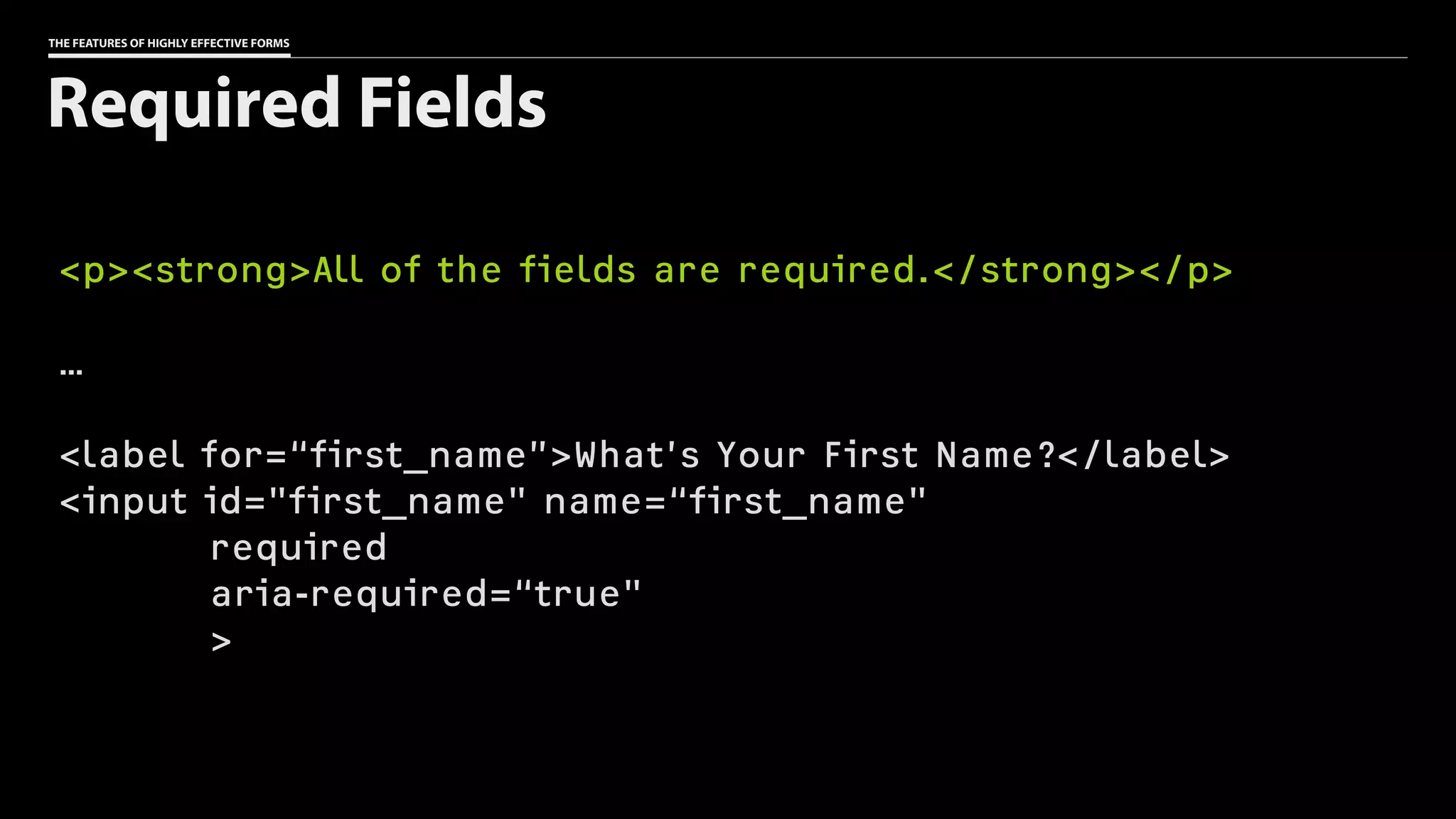
THE FEATURES OF HIGHLY EFFECTIVE FORMS
<p><strong>All of the fields are required.</strong></p>
…
<label for=“first_name”>What’s Your First Name?</label>
<input id="first_name" name=“first_name"
required
aria-required=“true"
>
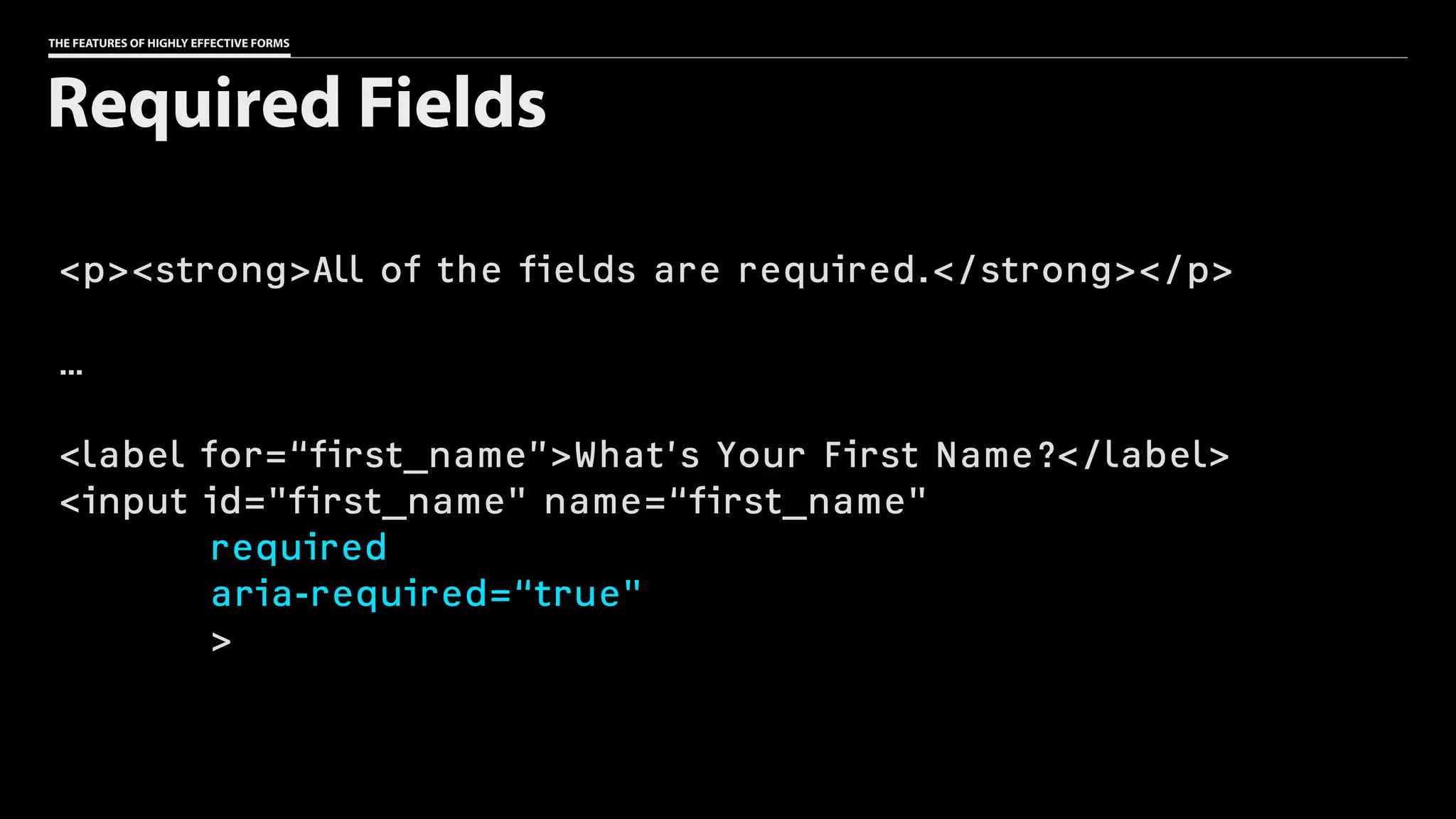
Required Fields
THE FEATURES OF HIGHLY EFFECTIVE FORMS
<p><strong>All of the fields are required.</strong></p>
…
<label for=“first_name”>What’s Your First Name?</label>
<input id="first_name" name=“first_name"
required
aria-required=“true"
>
Required Fields
Provide useful hints
as to the type of
response you’re
expecting.
THE FEATURES OF HIGHLY EFFECTIVE FORMS
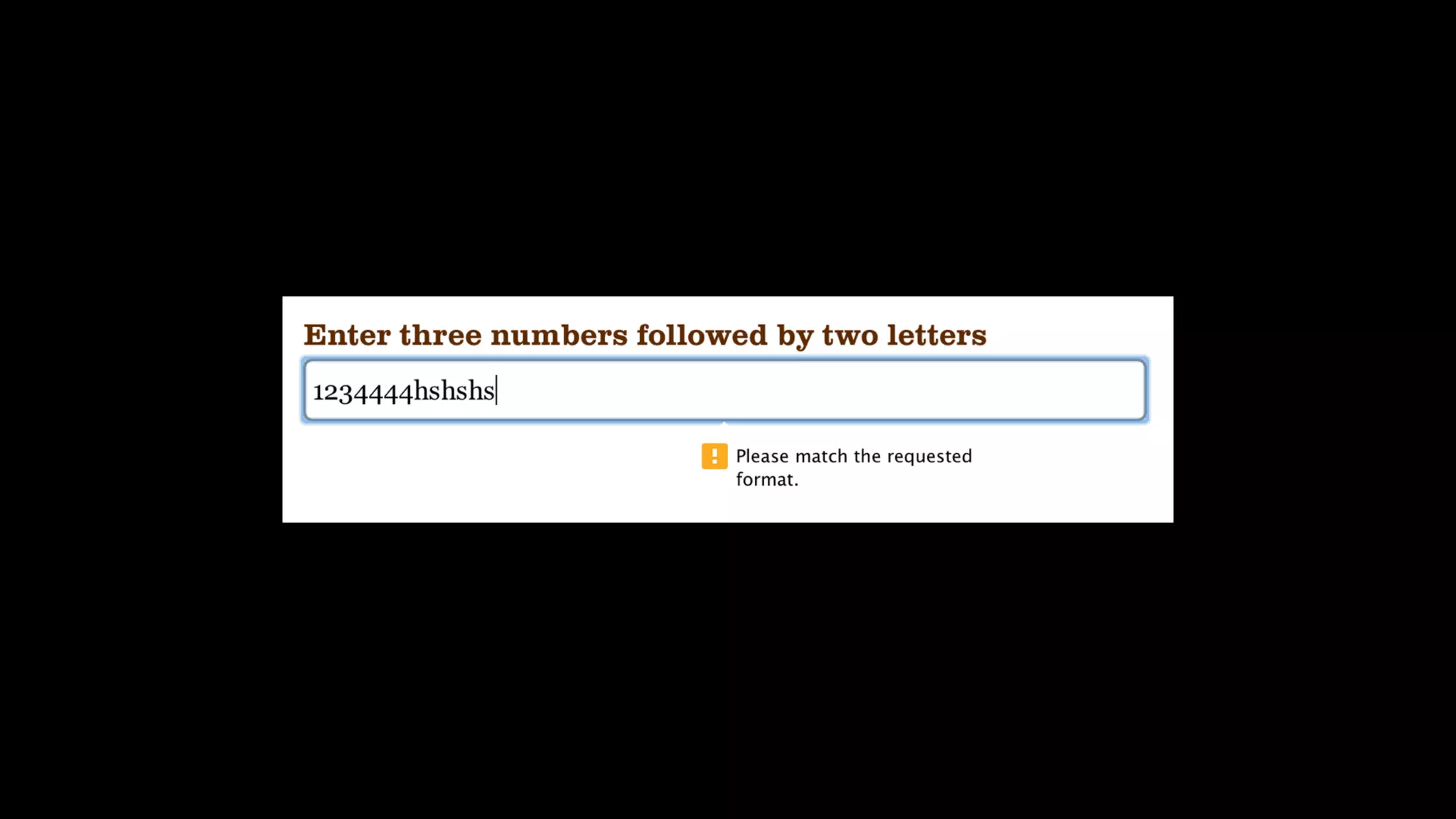
<label for=“pattern”>Enter three numbers followed by

two letters</label>
<input id="pattern" name=“pattern”
pattern=“d{3}[a-zA-Z]{2}”
placeholder=“e.g. 123ab”
>
Suggesting a response
(The placeholder is not

a substitute for a label.)
Validate

in the browser.
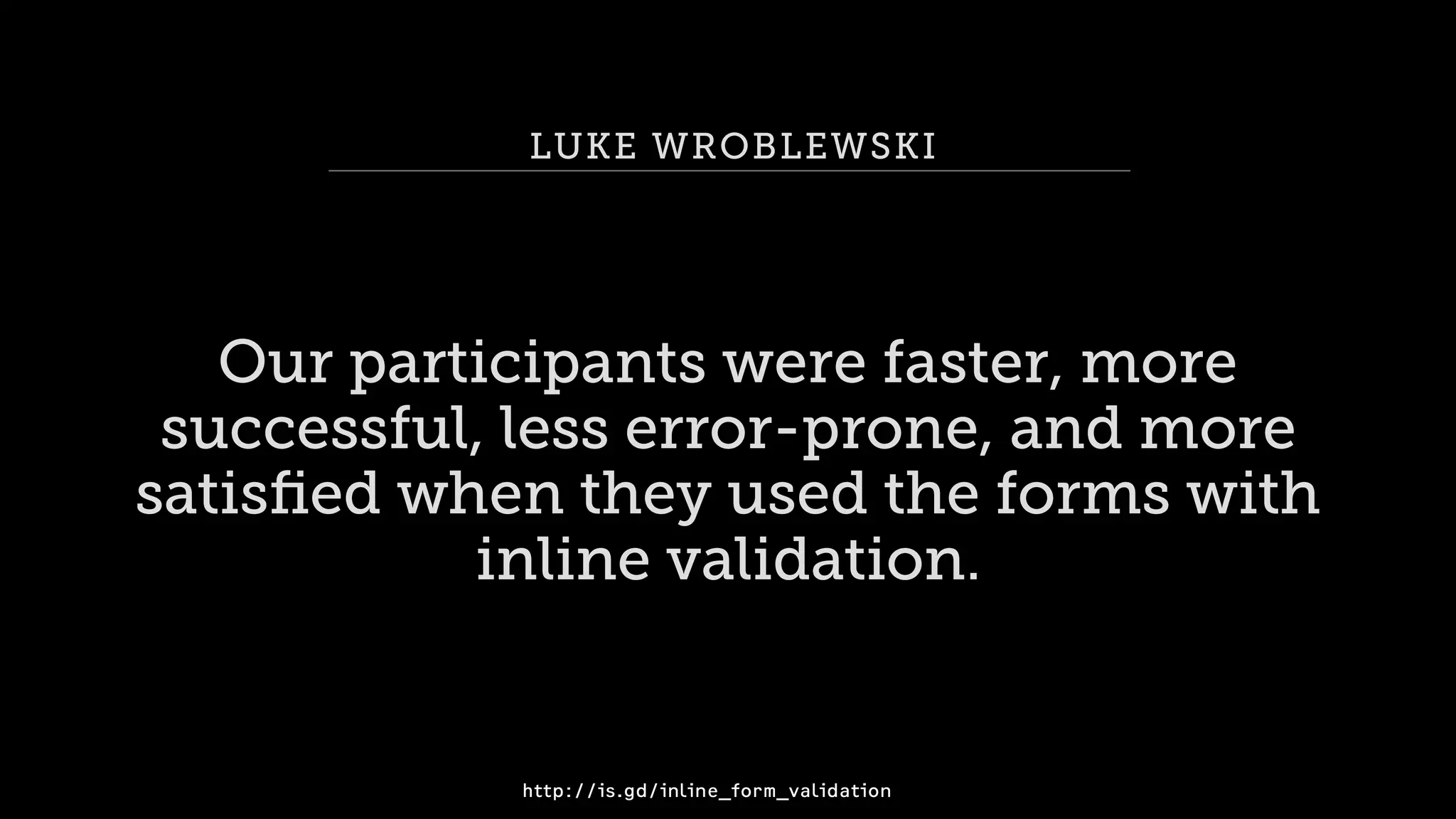
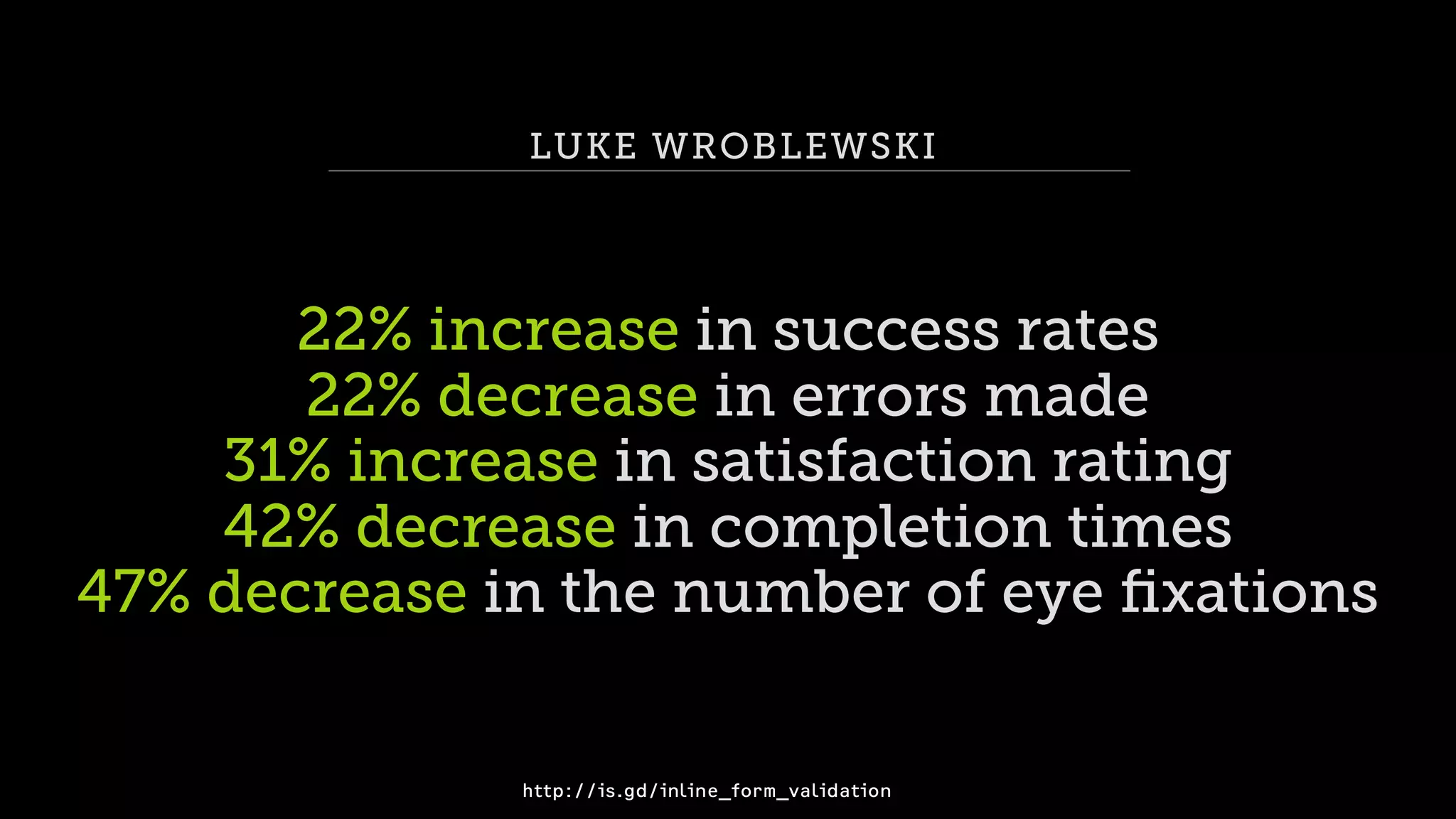
LUKE WROBLEWSKI
Our participants were faster, more
successful, less error-prone, and more
satisfied when they used the forms with
inline validation.
http://is.gd/inline_form_validation
LUKE WROBLEWSKI
22% increase in success rates
22% decrease in errors made
31% increase in satisfaction rating
42% decrease in completion times
47% decrease in the number of eye fixations
http://is.gd/inline_form_validation
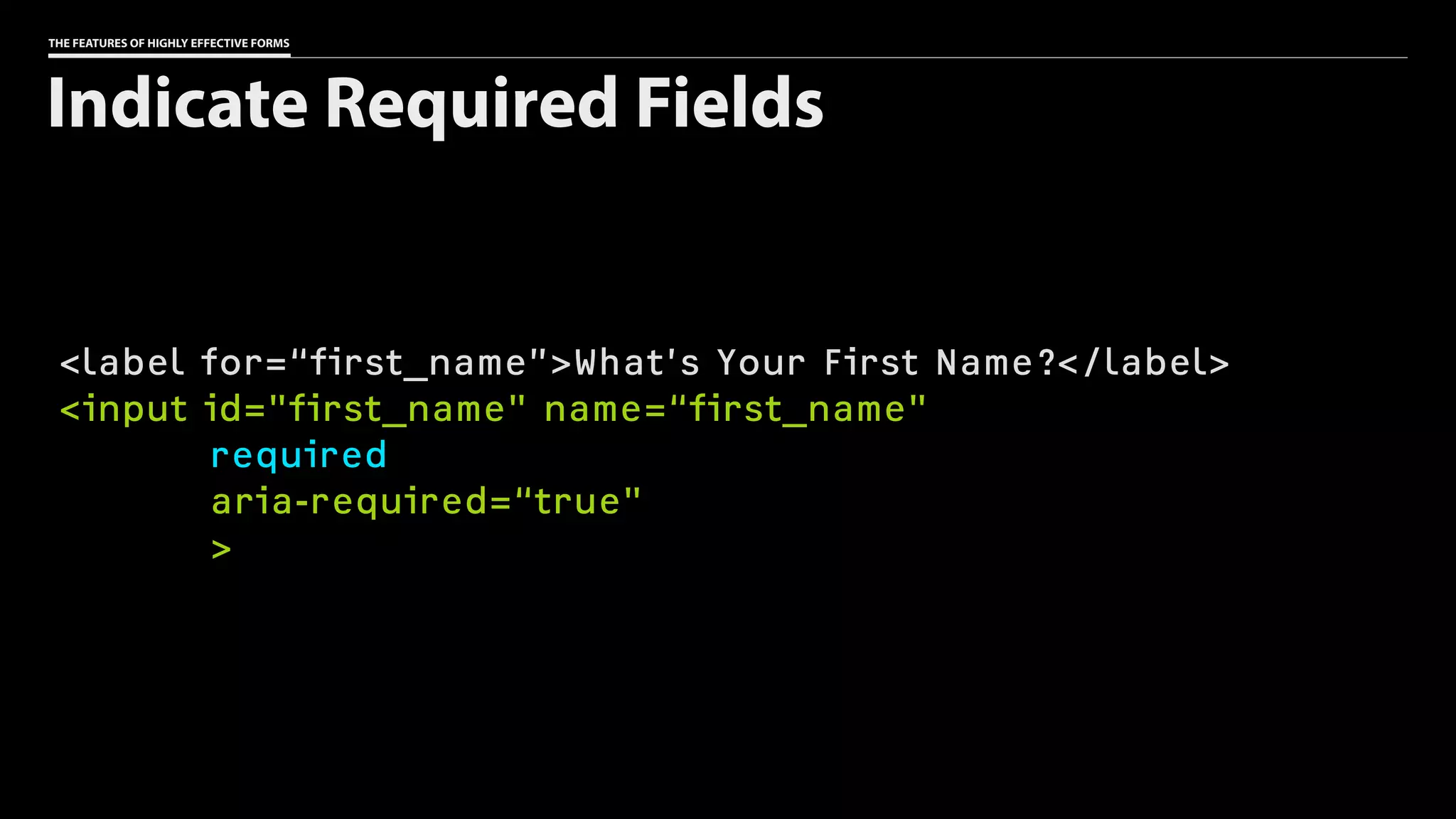
THE FEATURES OF HIGHLY EFFECTIVE FORMS
<label for=“first_name”>What’s Your First Name?</label>
<input id="first_name" name=“first_name"
required
aria-required=“true"
>
Indicate Required Fields
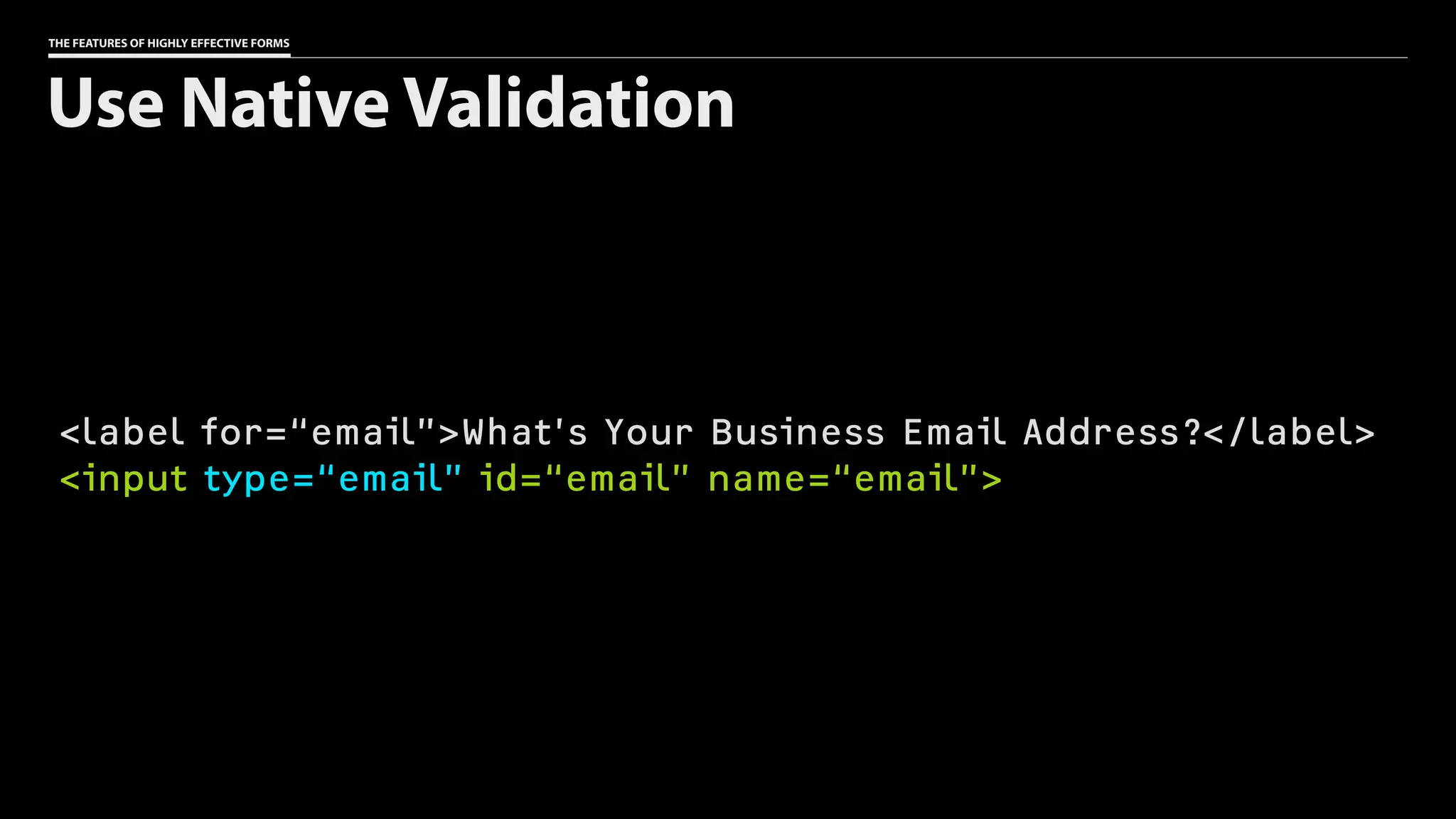
THE FEATURES OF HIGHLY EFFECTIVE FORMS
<label for=“email”>What’s Your Business Email Address?</label>
<input type=“email” id=“email” name=“email”>
Use Native Validation
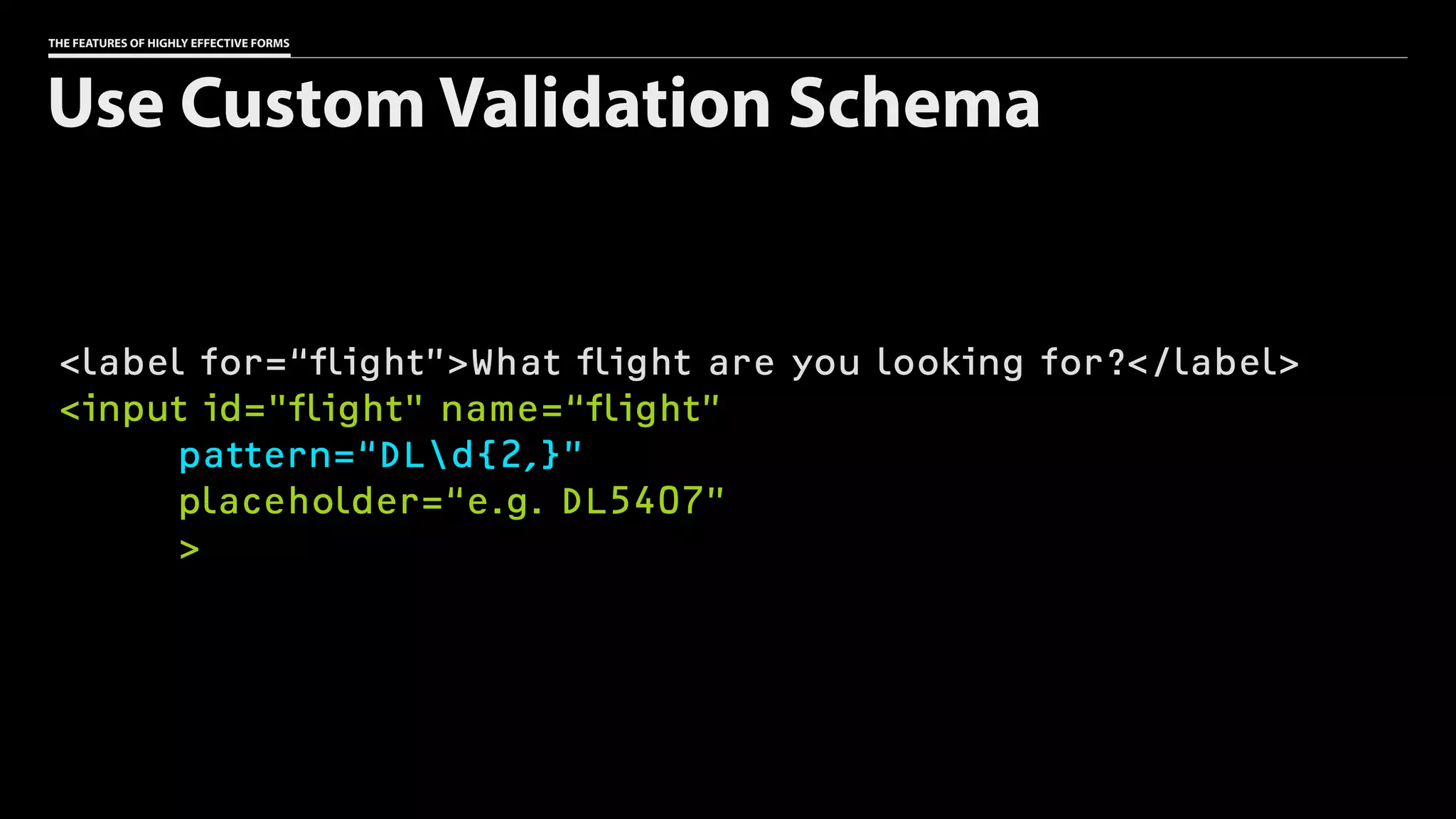
THE FEATURES OF HIGHLY EFFECTIVE FORMS
<label for=“flight”>What flight are you looking for?</label>
<input id="flight" name=“flight”
pattern=“DLd{2,}”
placeholder=“e.g. DL5407”
>
Use Custom Validation Schema
THE FEATURES OF HIGHLY EFFECTIVE FORMS
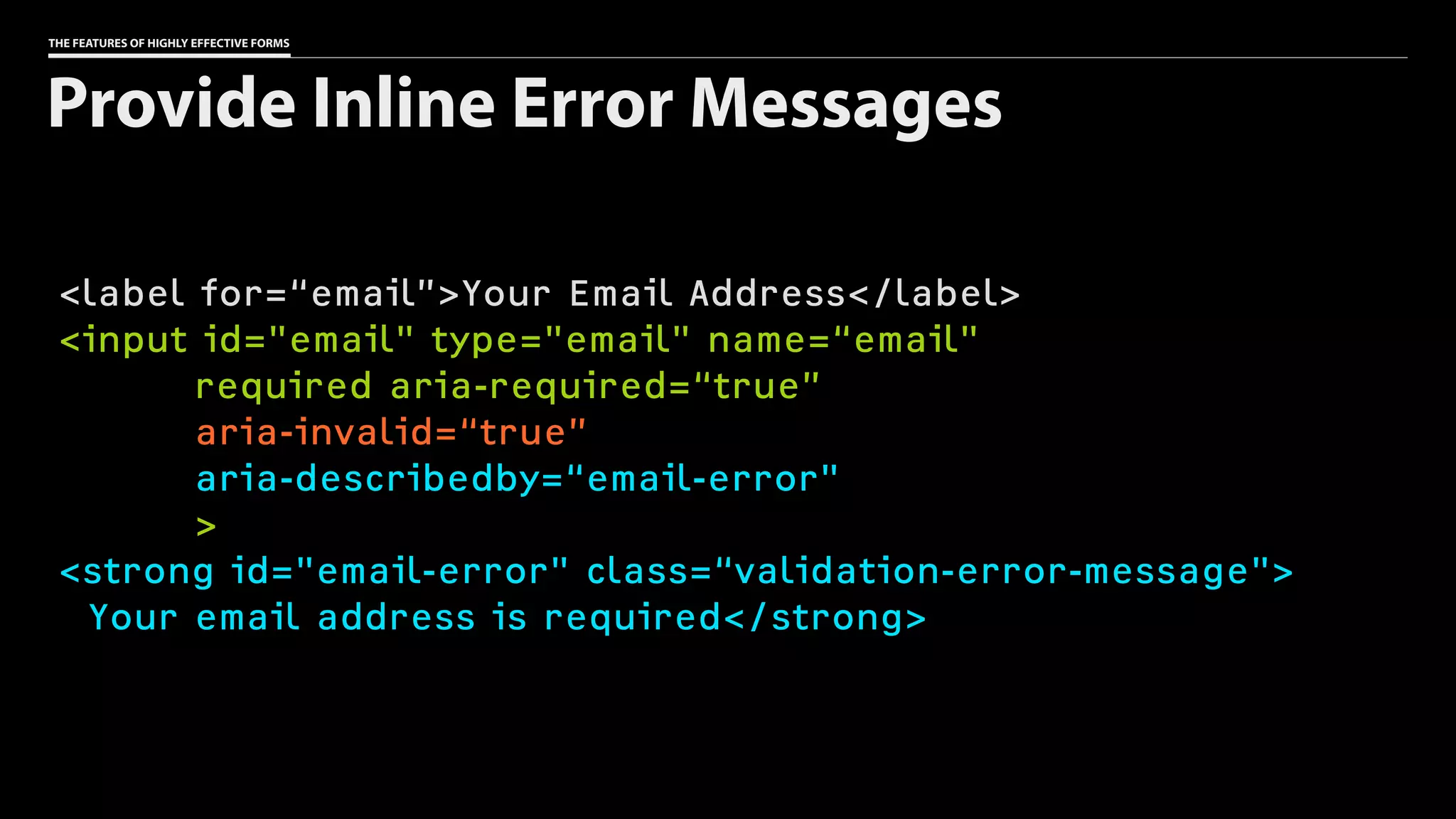
<label for=“email”>Your Email Address</label>
<input id="email" type="email" name=“email"
required aria-required=“true”
aria-invalid=“true”
aria-describedby=“email-error"
>
<strong id="email-error" class=“validation-error-message">
Your email address is required</strong>
Provide Inline Error Messages
Validate

on the server.
<input type=“hidden” name=“price” value=“399.99”>
<input type=“hidden” name=“price” value=“1”>
Never trust

the client.
Summarize

server-side errors.
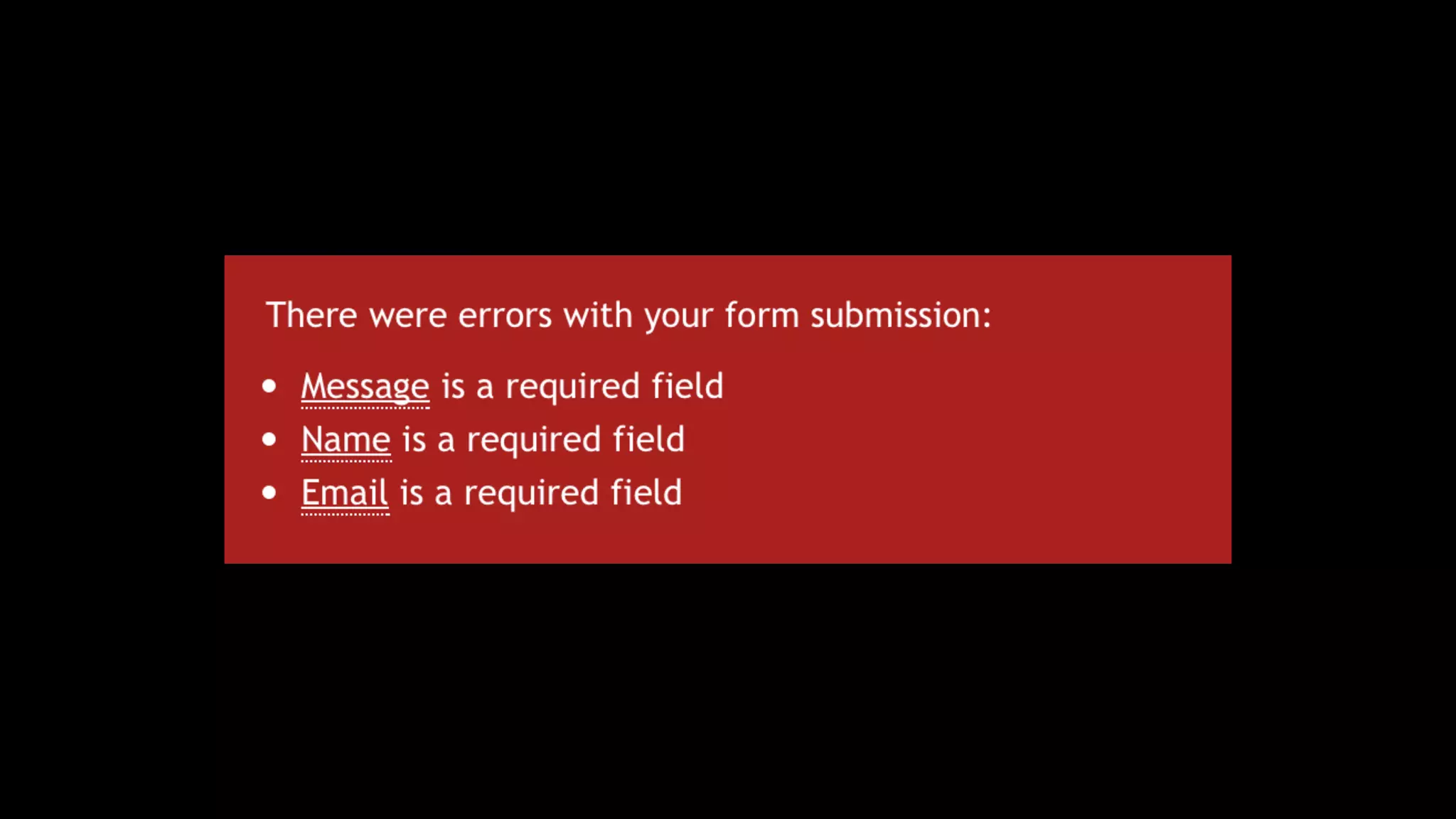
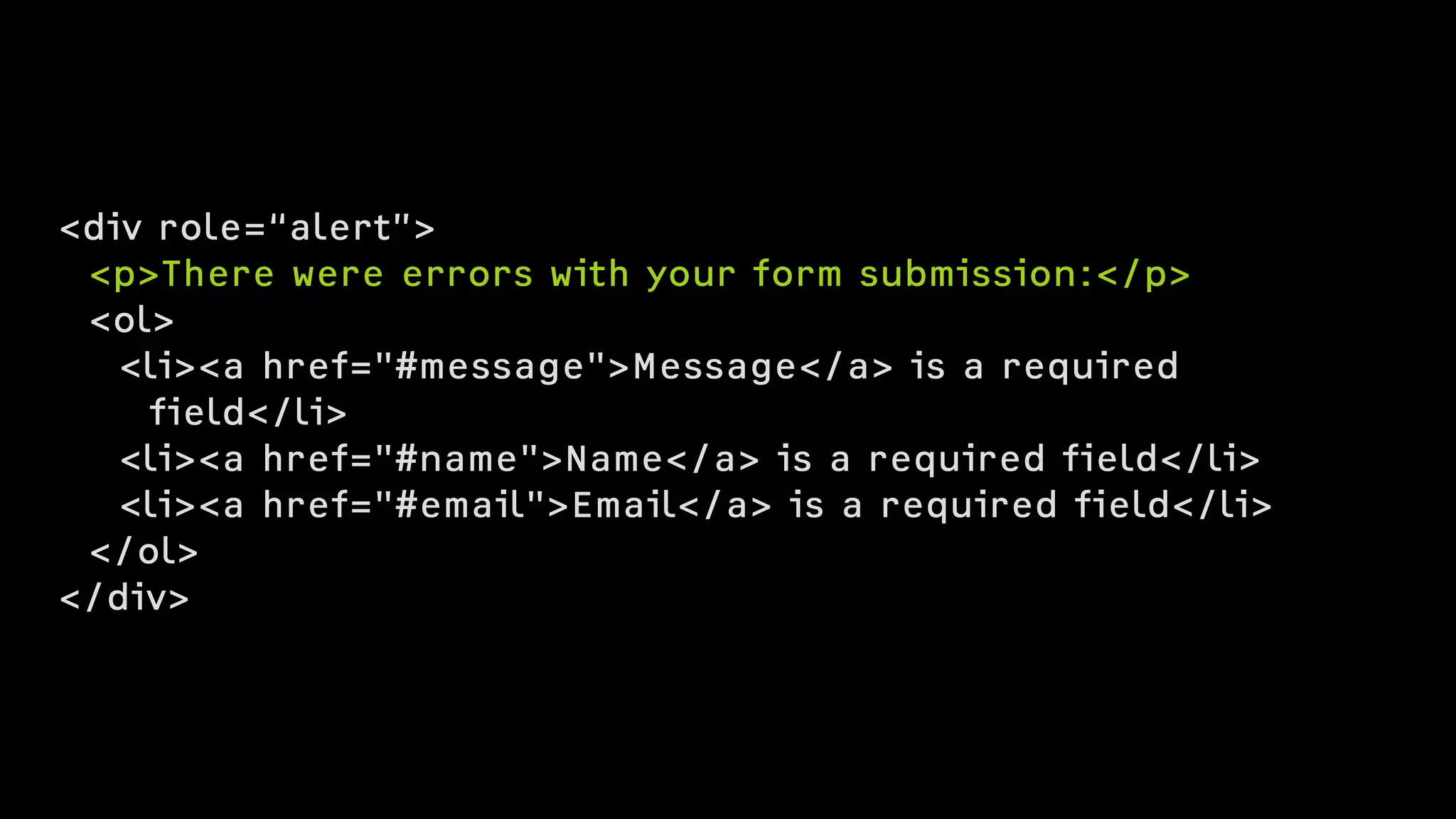
<div role=“alert”>
<p>There were errors with your form submission:</p>
<ol>
<li><a href="#message">Message</a> is a required 

field</li>
<li><a href="#name">Name</a> is a required field</li>
<li><a href="#email">Email</a> is a required field</li>
</ol>
</div>
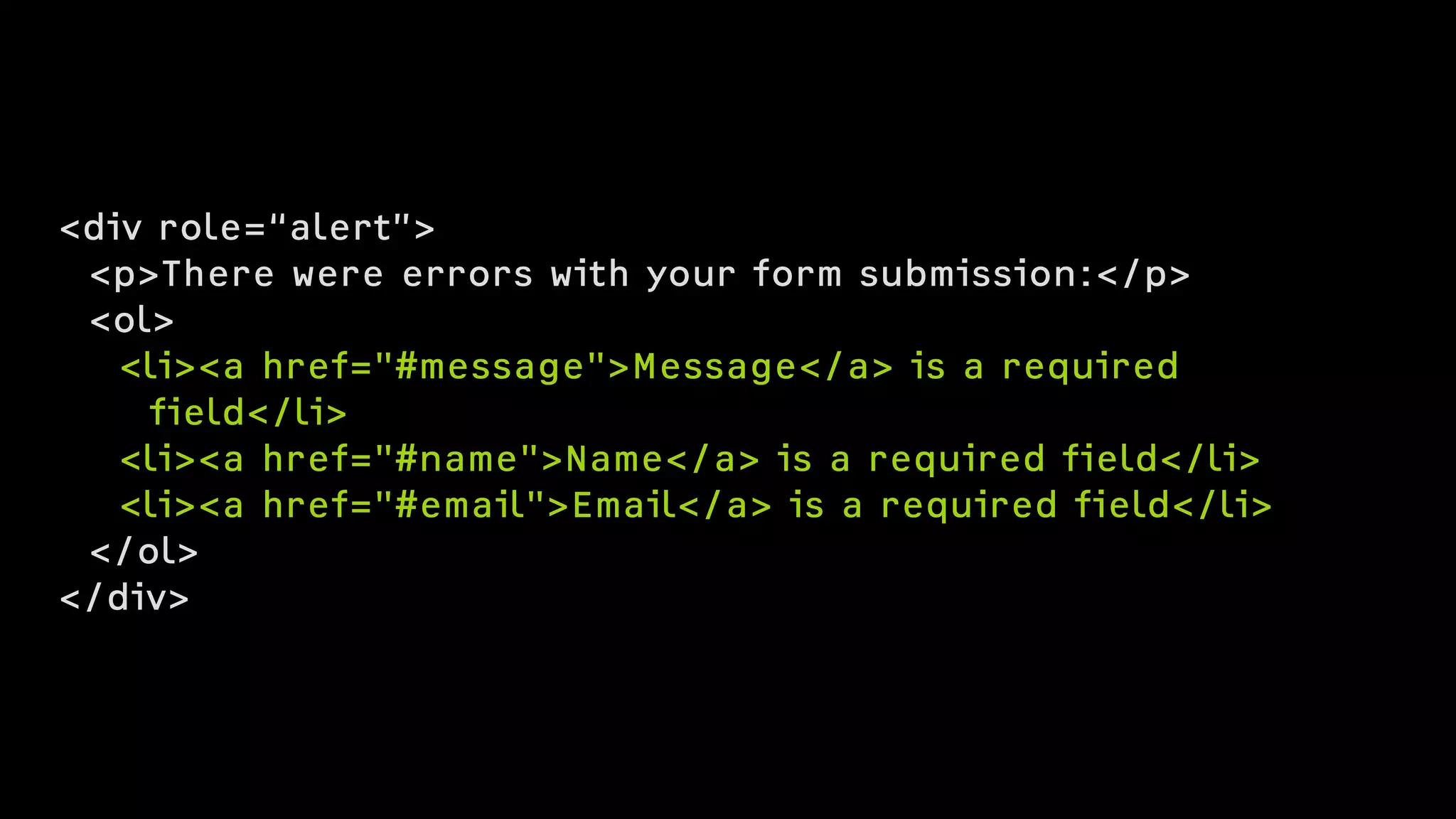
<div role=“alert”>
<p>There were errors with your form submission:</p>
<ol>
<li><a href="#message">Message</a> is a required 

field</li>
<li><a href="#name">Name</a> is a required field</li>
<li><a href="#email">Email</a> is a required field</li>
</ol>
</div>
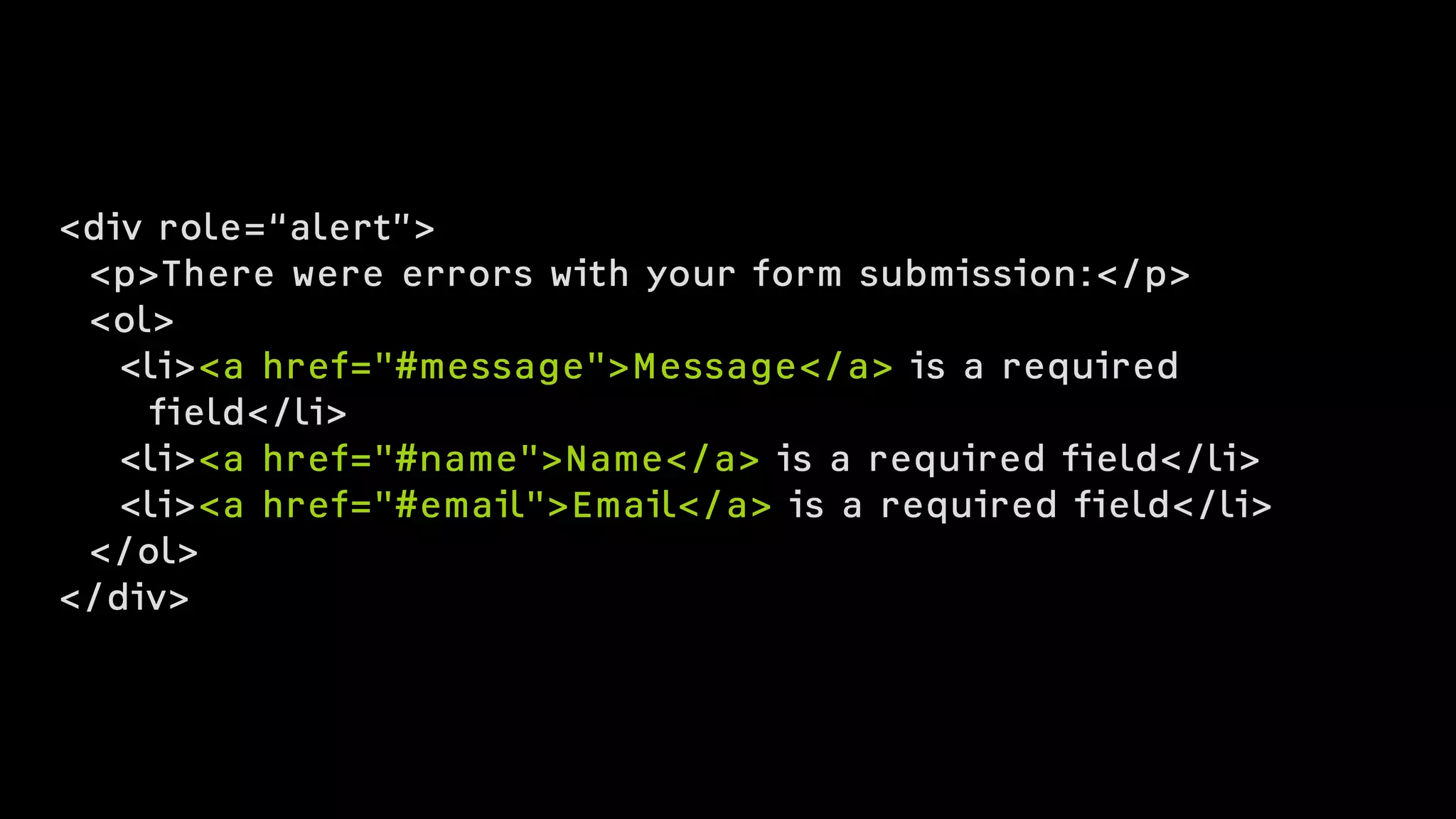
<div role=“alert”>
<p>There were errors with your form submission:</p>
<ol>
<li><a href="#message">Message</a> is a required 

field</li>
<li><a href="#name">Name</a> is a required field</li>
<li><a href="#email">Email</a> is a required field</li>
</ol>
</div>
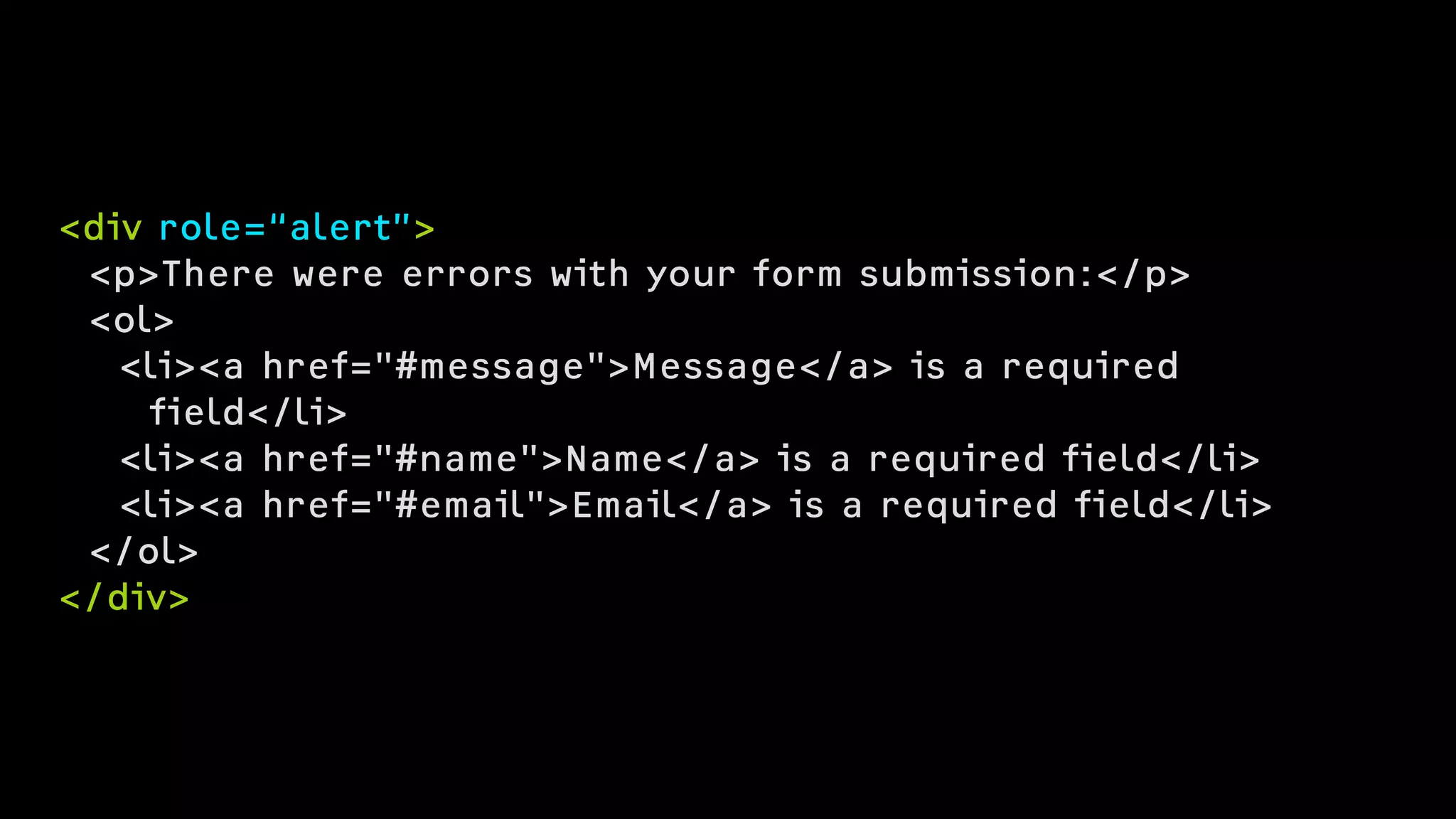
<div role=“alert”>
<p>There were errors with your form submission:</p>
<ol>
<li><a href="#message">Message</a> is a required 

field</li>
<li><a href="#name">Name</a> is a required field</li>
<li><a href="#email">Email</a> is a required field</li>
</ol>
</div>
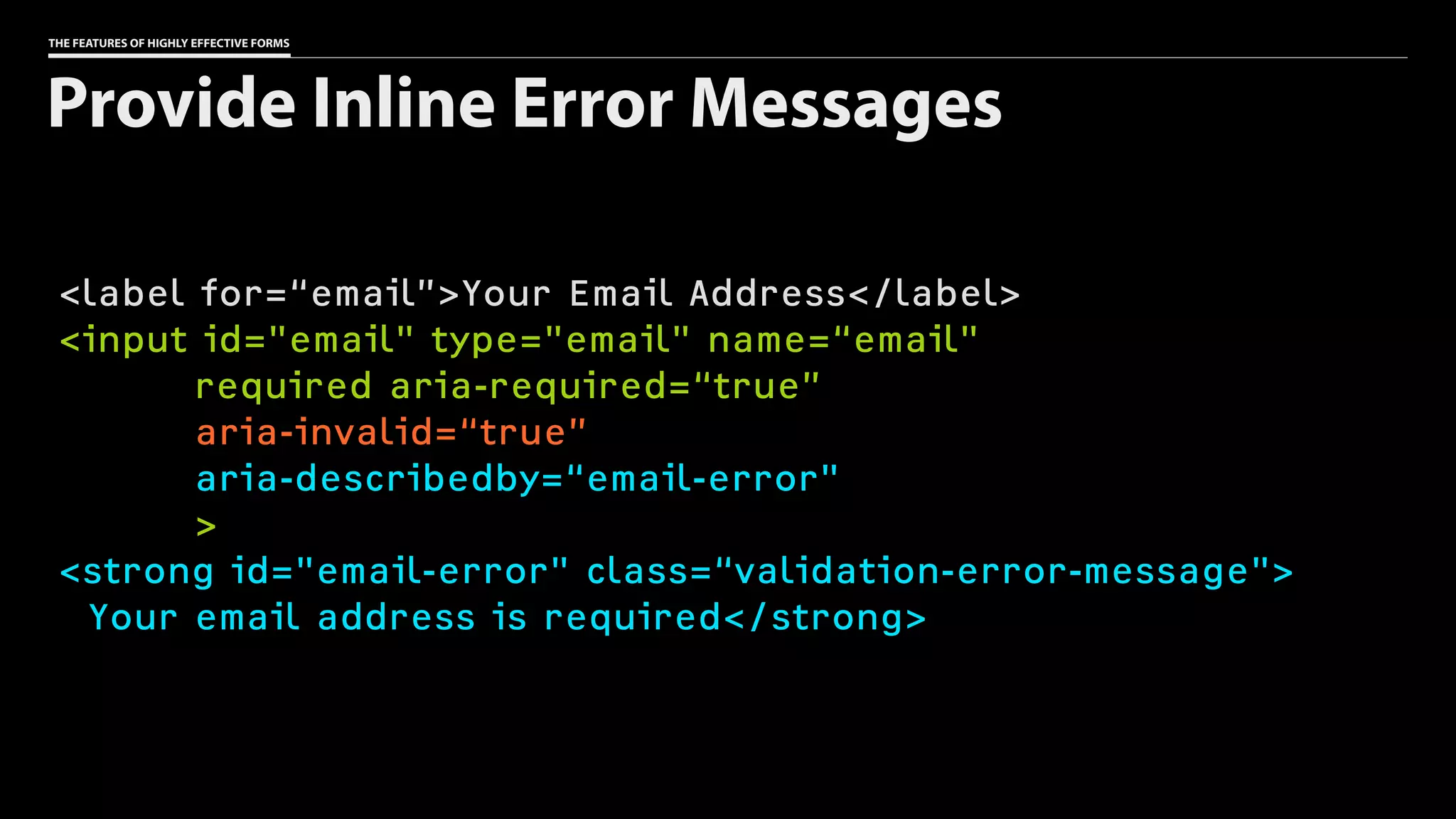
THE FEATURES OF HIGHLY EFFECTIVE FORMS
<label for=“email”>Your Email Address</label>
<input id="email" type="email" name=“email"
required aria-required=“true”
aria-invalid=“true”
aria-describedby=“email-error"
>
<strong id="email-error" class=“validation-error-message">
Your email address is required</strong>
Provide Inline Error Messages
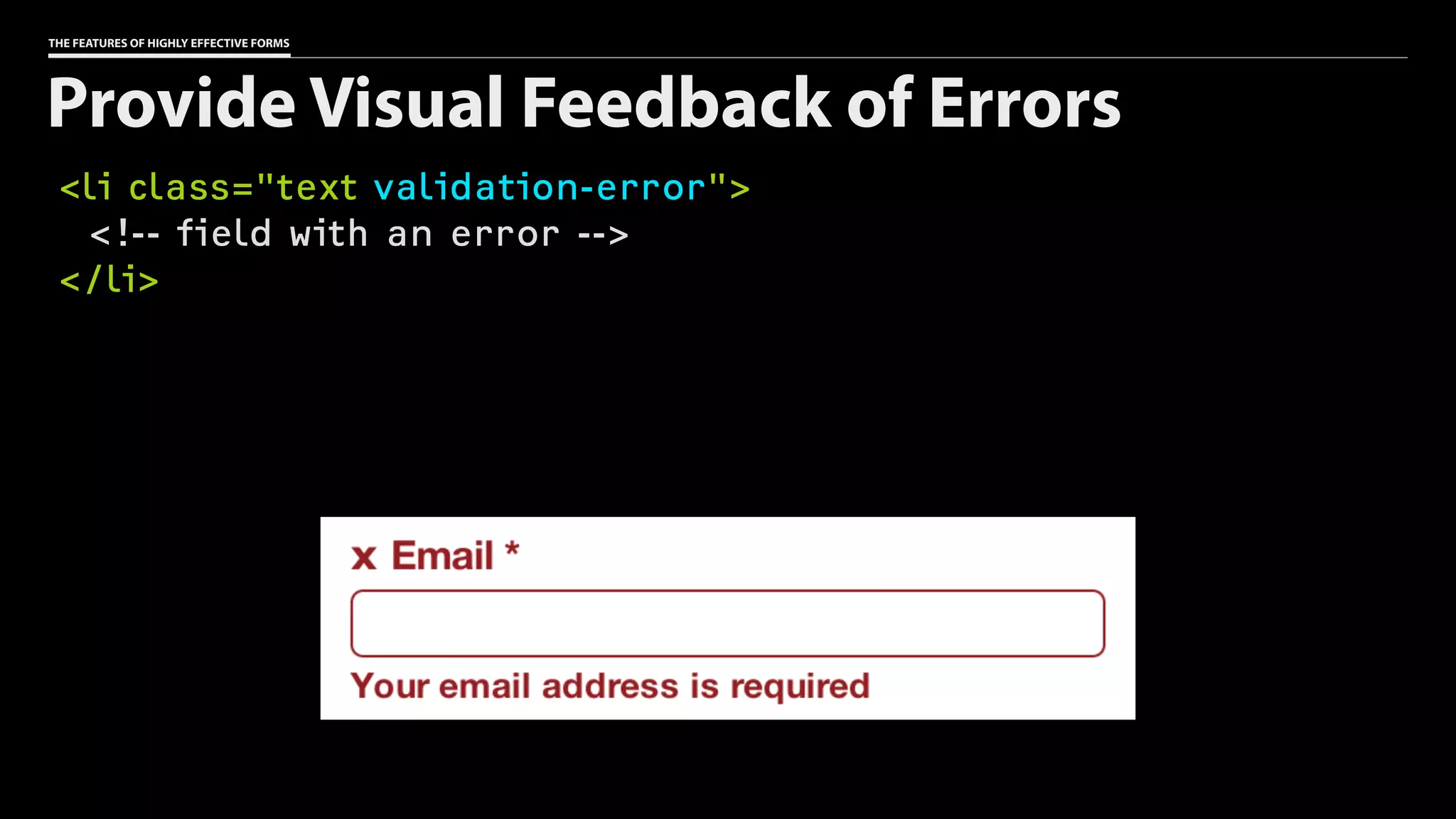
THE FEATURES OF HIGHLY EFFECTIVE FORMS
<li class="text validation-error">
<!-- field with an error -->
</li>
Provide Visual Feedback of Errors
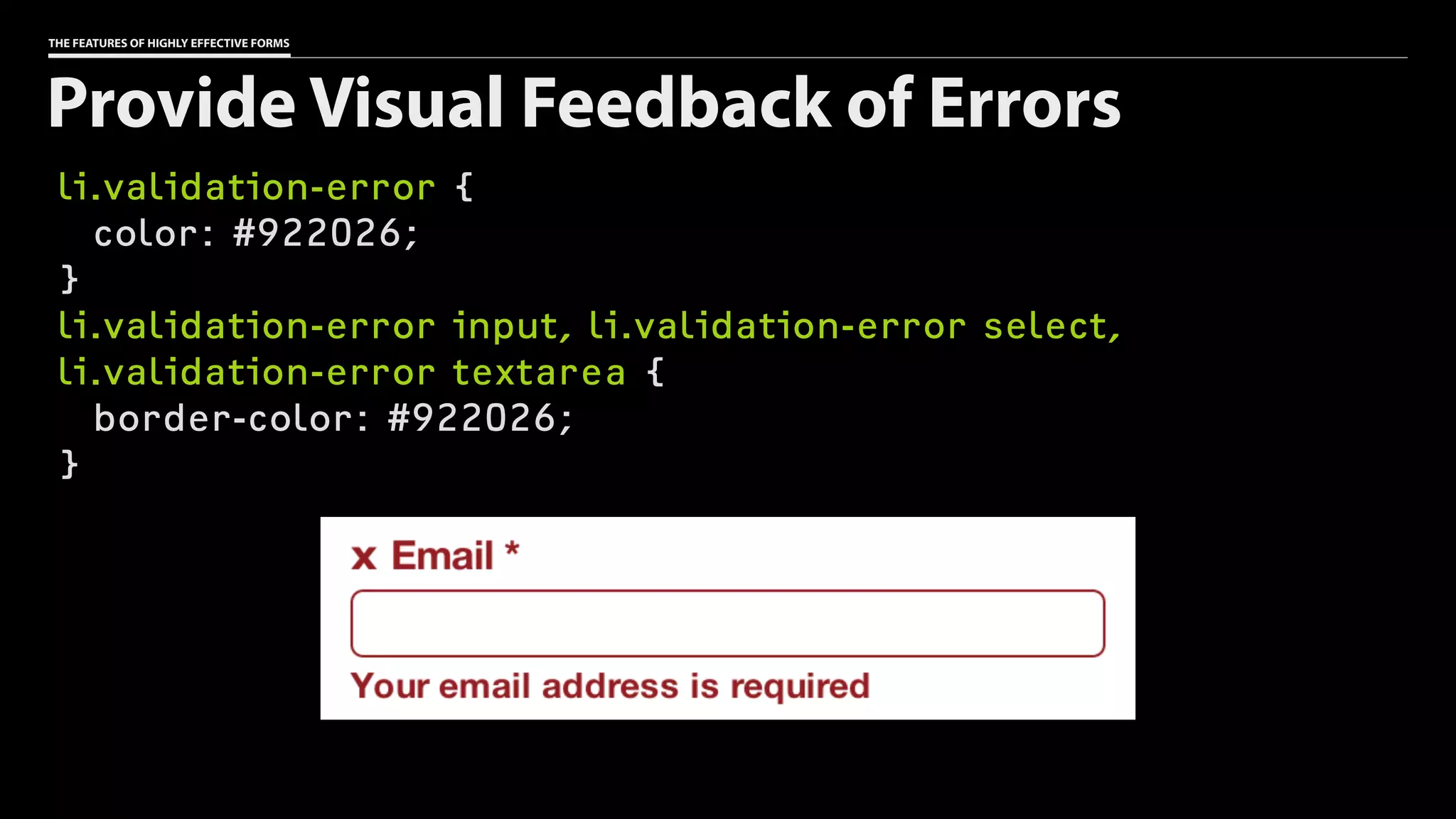
THE FEATURES OF HIGHLY EFFECTIVE FORMS
li.validation-error {
color: #922026;
}
li.validation-error input, li.validation-error select,
li.validation-error textarea {
border-color: #922026;
}
Provide Visual Feedback of Errors
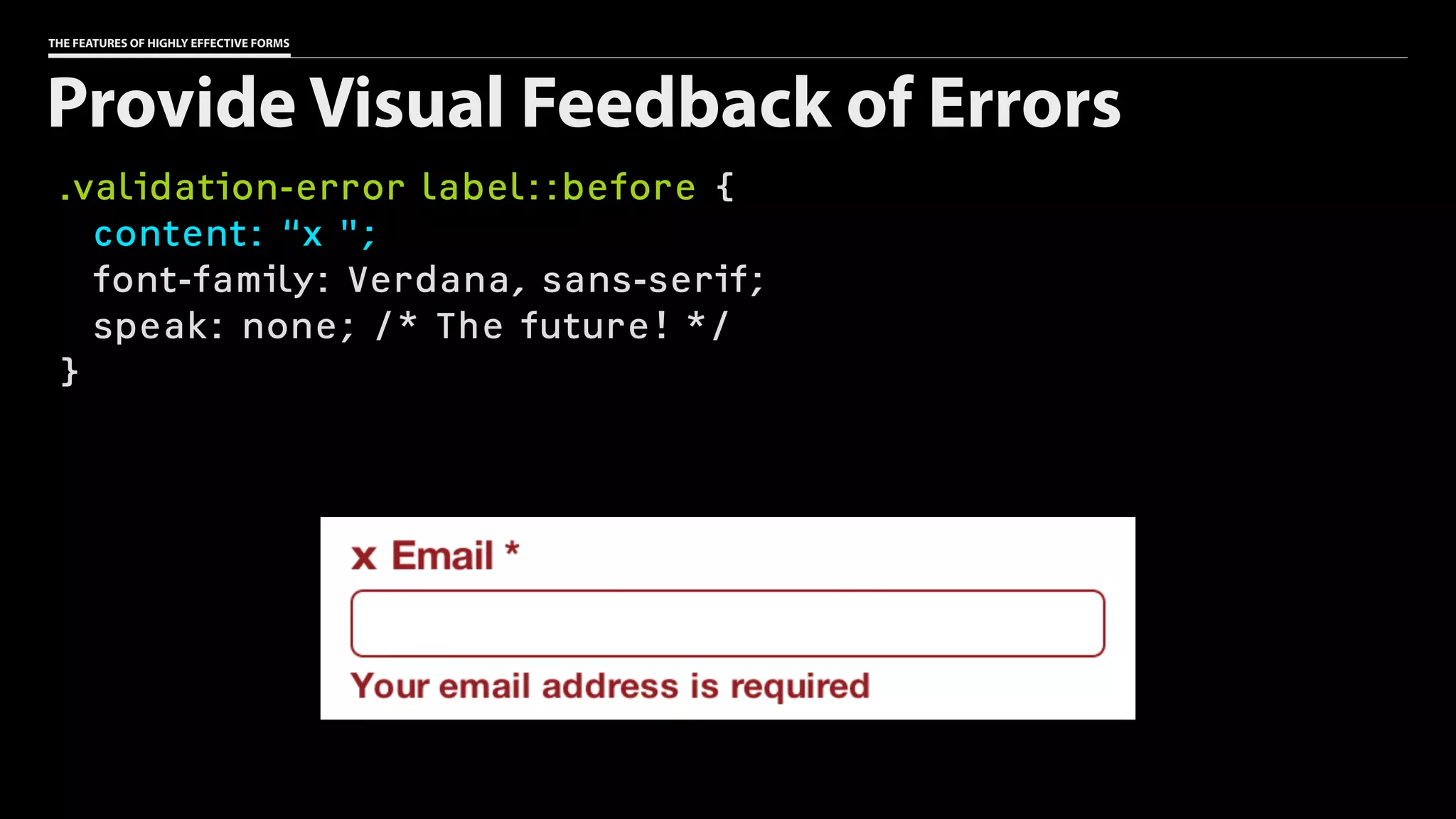
THE FEATURES OF HIGHLY EFFECTIVE FORMS
.validation-error label::before {
content: “x ";
font-family: Verdana, sans-serif;
speak: none; /* The future! */
}
Provide Visual Feedback of Errors
THE FEATURES OF HIGHLY EFFECTIVE FORMS
The Features of Highly Effective Forms
๏ Consider the conversation
๏ Choose your words carefully
๏ Make good markup choices
๏ Lay out fields with purpose
๏ Help users avoid (and fix) errors
173
THE FEATURES OF HIGHLY EFFECTIVE FORMS
The Features of Highly Effective Forms
๏ Consider the conversation
๏ Choose your words carefully
๏ Make good markup choices
๏ Lay out fields with purpose
๏ Help users avoid (and fix) errors
174
THE FEATURES OF HIGHLY EFFECTIVE FORMS
The Features of Highly Effective Forms
๏ Consider the conversation
๏ Choose your words carefully
๏ Make good markup choices
๏ Lay out fields with purpose
๏ Help users avoid (and fix) errors
175
THE FEATURES OF HIGHLY EFFECTIVE FORMS
The Features of Highly Effective Forms
๏ Consider the conversation
๏ Choose your words carefully
๏ Make good markup choices
๏ Lay out fields with purpose
๏ Help users avoid (and fix) errors
176
THE FEATURES OF HIGHLY EFFECTIVE FORMS
The Features of Highly Effective Forms
๏ Consider the conversation
๏ Choose your words carefully
๏ Make good markup choices
๏ Lay out fields with purpose
๏ Help users avoid (and fix) errors
177
THE FEATURES OF HIGHLY EFFECTIVE FORMS
Further Reading
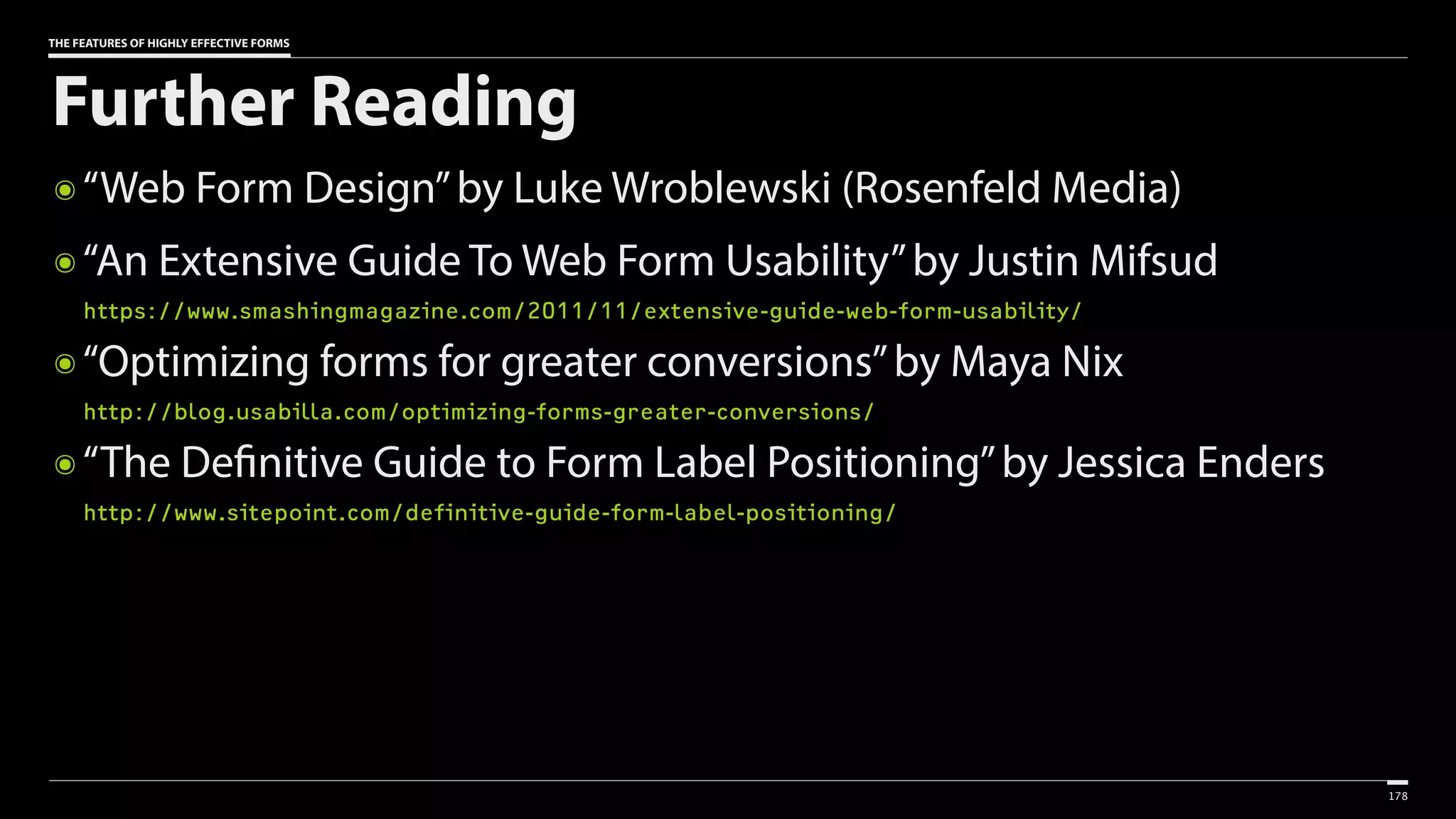
๏ “Web Form Design”by Luke Wroblewski (Rosenfeld Media)
๏ “An Extensive Guide To Web Form Usability”by Justin Mifsud

https://www.smashingmagazine.com/2011/11/extensive-guide-web-form-usability/
๏ “Optimizing forms for greater conversions”by Maya Nix

http://blog.usabilla.com/optimizing-forms-greater-conversions/
๏ “The Definitive Guide to Form Label Positioning”by Jessica Enders

http://www.sitepoint.com/definitive-guide-form-label-positioning/
178
Thank you!
@AaronGustafson
aaron-gustafson.com
slideshare.net/AaronGustafson

The Features of Highly Effective Forms [An Event Apart Nashville 2016]

  • 1.
    THE FEATURES OF
 HIGHLYEFFECTIVE FORMS Aaron Gustafson @AaronGustafson slideshare.net/AaronGustafson
  • 2.
  • 9.
    Make every field fightfor its place in your forms.
  • 10.
    PercentageofUsersConverted 0% 5% 10% 15% 20% 25% 30% Number of Fields 12 3 4 5 6 7 8 9 10 http://is.gd/field_count_conversion
  • 11.
    MICHAEL AAGAARD, UNBOUNCE Ifinally convinced the client to let me remove three form fields. I wanted to
 remove more, but I could only get away 
 with removing three. But that’s still one 
 third of the form fields – a lot less friction. The result? 14% drop in conversion. http://is.gd/fewer_fields_fewer_conversions
  • 12.
  • 17.
  • 20.
    How does thisphoto make you feel? Embarrassing Upsetting Saddening Bad Photo Other
  • 21.
    How does thisphoto make you feel? Embarrassing Upsetting Saddening Bad Photo ◉ Other it’s embarrassing
  • 22.
    Please describe thephoto It’s embarrassing It’s a bad photo of me It makes me sad
  • 23.
    Talk to yourusers like they talk
 to one another.
  • 24.
  • 25.
    Make it clearusers need to respond
  • 26.
  • 27.
    “Without your firstname, I won’t
 know how to address you.
 Could you please provide it?”
  • 28.
  • 29.
  • 30.
  • 31.
    What’s your firstname? <input name=“first_name”>
  • 32.
    <label>What’s your firstname?</label> <input name=“first_name”>
  • 33.
    <label for=“first_name”>What’s yourfirst name?</label> <input id=“first_name” name=“first_name”>
  • 34.
    <label> What’s your firstname? <input name=“first_name”> </label>
  • 35.
    <label for=“first_name”> What’s yourfirst name? <input id=“first_name” name=“first_name”> </label>
  • 36.
    <label for=“first_name”>What’s yourfirst name?</label> <input id=“first_name” name=“first_name”>
  • 37.
  • 38.
  • 39.
  • 40.
  • 41.
  • 42.
  • 43.
    <input type=“submit” value=“SignIn”> Sign In Appearance Seen As Focusable Activates Submits Forms Button Button Yes Yes Yes
  • 44.
    <button type=“submit”>Sign In</button> SignIn Appearance Seen As Focusable Activates Submits Forms Button Button Yes Yes Yes
  • 45.
    <a href=“#” class=“button”role=“button”>Sign In</a> Sign In Appearance Seen As Focusable Activates Submits Forms Inline Text Link Yes Kinda No JS dependency < JS dependency < ARIA dependency <CSS dependency <
  • 46.
    <div class=“button” role=“button”tabindex=“0”>Sign In</div> Sign InSign In Appearance Seen As Focusable Activates Submits Forms Block Text Generic No No No JS dependency < JS dependency < ARIA dependency <CSS dependency < HTML dependency <
  • 47.
    Everyone has
 CSS &JavaScript,
 why should I
 be concerned?
  • 48.
    POTENTIAL BLOCKERS TOCSS • Browser doesn’t support CSS • CSS is disabled for performance • User has altered CSS (via a user style sheet) for accessibility or some other personal preference • A networking issue caused the CSS to be unavailable • Selector is too advanced for the browser • Rules are in a media query and the browser doesn’t support them
  • 49.
    POTENTIAL BLOCKERS TOJS • Browser doesn’t support JavaScript • JavaScript is disabled • A networking issue caused the JavaScript to be unavailable • A firewall blocked requests for JavaScript • A browser plugin blocked the JavaScript download or execution
  • 50.
    POTENTIAL BLOCKERS TOJS • 3rd party JavaScript error caused JavaScript execution to stop • A bug in the code caused the JavaScript to stop executing • The browser failed a feature detection test and exited the script early
  • 51.
    POTENTIAL BLOCKERS TOARIA • The browser does not support ARIA • The assistive technology does not support ARIA
  • 52.
    <button type=“submit”>Sign In</button> SignIn Appearance Seen As Focusable Activates Submits Forms Button Button Yes Yes Yes
  • 53.
  • 54.
    THE FEATURES OFHIGHLY EFFECTIVE FORMS <label for=“first_name”>What’s Your First Name?</label> <input type=“text” id=“first_name” name=“first_name”> Free Response
  • 55.
    THE FEATURES OFHIGHLY EFFECTIVE FORMS <label for=“first_name”>What’s Your First Name?</label> <input id=“first_name” name=“first_name”> Free Response (is the default)
  • 56.
    THE FEATURES OFHIGHLY EFFECTIVE FORMS <label for=“email”>What’s Your Business Email Address?</label> <input type=“email” id=“email” name=“email”> Free Response: Email Appearance Native Validation Custom Keyboard Text Field Maybe Maybe
  • 57.
    THE FEATURES OFHIGHLY EFFECTIVE FORMS <label for=“email”>What’s Your Business Email Address?</label> <input type=“email” id=“email” name=“email”> Free Response: Email Appearance Native Validation Custom Keyboard Text Field Maybe Maybe
  • 58.
    Browsers ignore what theydon’t understand
  • 59.
  • 60.
    THE FEATURES OFHIGHLY EFFECTIVE FORMS <label for=“url”>What’s Your Website’s URL?</label> <input type=“url” id=“url” name=“url”> Free Response: URL Appearance Native Validation Custom Keyboard Text Field Maybe Maybe
  • 61.
    THE FEATURES OFHIGHLY EFFECTIVE FORMS <label for=“url”>What’s Your Website’s URL?</label> <input type=“url” id=“url” name=“url”> Free Response: URL Appearance Native Validation Custom Keyboard Text Field Maybe Maybe
  • 62.
    THE FEATURES OFHIGHLY EFFECTIVE FORMS <label for=“time_at_job”>How Many Years Have You Been
 in Your Current Position?</label> <input type=“number” id=“time_at_job” name=“time_at_job”> Free Response: Number Appearance Native Validation Custom Keyboard Text Field+ Maybe Maybe
  • 63.
    THE FEATURES OFHIGHLY EFFECTIVE FORMS <label for=“time_at_job”>How Many Years Have You Been
 in Your Current Position?</label> <input type=“number” id=“time_at_job” name=“time_at_job”> Free Response: Number Appearance Native Validation Custom Keyboard Text Field+ Maybe Maybe
  • 64.
    THE FEATURES OFHIGHLY EFFECTIVE FORMS Choose One Please describe the photo It’s embarrassing It’s a bad photo of me It makes me sad
  • 65.
    THE FEATURES OFHIGHLY EFFECTIVE FORMS Please describe the photo <label> <input type=“radio” name=“reason” value=“embarrassing”> It’s embarrassing </label> <label> <input type=“radio” name=“reason” value=“bad photo”> It’s a bad photo of me </label> <label> <input type=“radio” name=“reason” value=“saddening”> It makes me sad </label> Choose One
  • 66.
    THE FEATURES OFHIGHLY EFFECTIVE FORMS <label for=“reason”>Please describe the photo</label> <select id=“reason” name=“reason”> <option value=“embarrassing”>It’s embarrassing</option> <option value=“bad photo”>It’s a bad photo of me</option> <option value=“saddening”>It makes me sad</option> </select> Choose One
  • 67.
    THE FEATURES OFHIGHLY EFFECTIVE FORMS <label for=“reason”>Please describe the photo</label> <select id=“reason” name=“reason”> <option>It’s embarrassing</option> <option>It’s a bad photo of me</option> <option>It makes me sad</option> </select> Choose One
  • 68.
    Radio controls can outperformselect dropdowns by
 as much as 15% http://is.gd/radio_vs_dropdown
  • 69.
    THE FEATURES OFHIGHLY EFFECTIVE FORMS <label for=“volume">How Loud is Spinal Tap?</label> <input type=“range" id=“volume" name=“volume” min=“0” max=“11” step=“1” > Choose One: Number Appearance Native Validation Custom Keyboard Slider (Maybe) Maybe No
  • 70.
    THE FEATURES OFHIGHLY EFFECTIVE FORMS <label for=“volume">How Loud is Spinal Tap?</label> <input type=“range" id=“volume" name=“volume” min=“0” max=“11” step=“1” > Choose One: Number Appearance Native Validation Custom Keyboard Slider Maybe No
  • 71.
    THE FEATURES OFHIGHLY EFFECTIVE FORMS Choose One or More
  • 72.
    THE FEATURES OFHIGHLY EFFECTIVE FORMS Gaming Systems (4 available) <label> <input type=“checkbox” name=“reserve[]” value=“DS Lite”> Nintendo DS Lite </label> <label> <input type=“checkbox” name=“reserve[]” value=“Wii”> Nintendo Wii </label> <label> <input type=“checkbox” name=“reserve[]” value=“Vita”> PlayStation Vita </label> Choose One or More
  • 73.
    THE FEATURES OFHIGHLY EFFECTIVE FORMS <label for=“gaming”>Gaming Systems (4 available)</label> <select id=“gaming” name=“reserve[]” multiple> <option value=“DS Lite”>Nintendo DS Lite</option> <option value=“Wii”>Nintendo Wii</option> <option value=“Vita”>PlayStation Vita</option> <option value=“360”>Xbox 360</option> </select> Choose One or More
  • 74.
    THE FEATURES OFHIGHLY EFFECTIVE FORMS <label for=“gaming”>Gaming Systems (4 available)</label> <select id=“gaming” name=“reserve[]” multiple> <option value=“DS Lite”>Nintendo DS Lite</option> <option value=“Wii”>Nintendo Wii</option> <option value=“Vita”>PlayStation Vita</option> <option value=“360”>Xbox 360</option> </select> Choose One or More
  • 75.
    THE FEATURES OFHIGHLY EFFECTIVE FORMS Gaming Systems (4 available) <label> <input type=“checkbox” name=“reserve[]” value=“DS Lite”> Nintendo DS Lite </label> <label> <input type=“checkbox” name=“reserve[]” value=“Wii”> Nintendo Wii </label> <label> <input type=“checkbox” name=“reserve[]” value=“Vita”> PlayStation Vita </label> Choose One or More
  • 76.
  • 77.
    THE FEATURES OFHIGHLY EFFECTIVE FORMS <fieldset> <legend>Please describe the photo</legend> <ul> <li> <label> <input type=“radio” name=“reason” value=“embarrassing”> It’s embarrassing </label> </li> … </ul> </fieldset> Group related fields
  • 78.
    THE FEATURES OFHIGHLY EFFECTIVE FORMS <fieldset> <legend>Please describe the photo</legend> <ul> <li> <label> <input type=“radio” name=“reason” value=“embarrassing”> It’s embarrassing </label> </li> … </ul> </fieldset> Group related fields
  • 79.
    THE FEATURES OFHIGHLY EFFECTIVE FORMS <fieldset> <legend tabindex=“0”>Please describe the photo</legend> <ul> <li> <label> <input type=“radio” name=“reason” value=“embarrassing”> It’s embarrassing </label> </li> … </ul> </fieldset> Group related fields
  • 81.
  • 82.
  • 83.
    THE FEATURES OFHIGHLY EFFECTIVE FORMS <label for=“tel”>What’s Your Business Phone Number?</label> <input type=“tel” id=“tel” name=“business_phone”> Free Response: Telephone Appearance Native Validation Custom Keyboard Text Field No Maybe
  • 84.
    THE FEATURES OFHIGHLY EFFECTIVE FORMS <label for=“tel”>What’s Your Business Phone Number?</label> <input type=“tel” id=“tel” name=“business_phone”> Free Response: Telephone Appearance Native Validation Custom Keyboard Text Field No Maybe
  • 85.
    We should work harderso our users don’t have to.
  • 86.
    THE FEATURES OFHIGHLY EFFECTIVE FORMS Structured Data: Dates & Times ๏ input[type=date] ๏ input[type=datetime] (global) ๏ input[type=datetime-local] (local) ๏ input[type=month] (year & month) ๏ input[type=week] (year & week) ๏ input[type=time] 120
  • 87.
    THE FEATURES OFHIGHLY EFFECTIVE FORMS Structured Data: Dates & Times ๏ input[type=date] ๏ input[type=datetime] (global) ๏ input[type=datetime-local] (local) ๏ input[type=month] (year & month) ๏ input[type=week] (year & week) ๏ input[type=time] 121
  • 88.
    THE FEATURES OFHIGHLY EFFECTIVE FORMS Structured Data: Dates & Times ๏ input[type=date] ๏ input[type=datetime] (global) ๏ input[type=datetime-local] (local) ๏ input[type=month] (year & month) ๏ input[type=week] (year & week) ๏ input[type=time] 122
  • 89.
    THE FEATURES OFHIGHLY EFFECTIVE FORMS Structured Data: Dates & Times ๏ input[type=date] ๏ input[type=datetime] (global) ๏ input[type=datetime-local] (local) ๏ input[type=month] (year & month) ๏ input[type=week] (year & week) ๏ input[type=time] 123
  • 90.
    THE FEATURES OFHIGHLY EFFECTIVE FORMS Structured Data: Dates & Times ๏ input[type=date] ๏ input[type=datetime] (global) ๏ input[type=datetime-local] (local) ๏ input[type=month] (year & month) ๏ input[type=week] (year & week) ๏ input[type=time] 124
  • 91.
    THE FEATURES OFHIGHLY EFFECTIVE FORMS <label for=“flight”>What flight are you looking for?</label> <input id="flight" name=“flight” pattern=“DLd{2,}” placeholder=“e.g. DL5407” > Structured Data: Custom
  • 92.
  • 93.
    THE FEATURES OFHIGHLY EFFECTIVE FORMS Field & Label Layouts Label Label Label Label Label
  • 94.
    THE FEATURES OFHIGHLY EFFECTIVE FORMS Field & Label Layouts Label Label Label Label Label
  • 95.
    THE FEATURES OFHIGHLY EFFECTIVE FORMS Field & Label Layouts Label Label Label Label Label
  • 96.
    THE FEATURES OFHIGHLY EFFECTIVE FORMS Checkboxes & Radio Controls Embarrassing Upsetting Saddening Bad Photo Other
  • 97.
    THE FEATURES OFHIGHLY EFFECTIVE FORMS Checkboxes & Radio Controls Embarrassing Upsetting Saddening Bad Photo Other
  • 98.
    THE FEATURES OFHIGHLY EFFECTIVE FORMS <fieldset class=“grouped radios”> … <label> <input type=“radio” name=“reason” value=“embarrassing”> It’s embarrassing </label> … </fieldset> Checkboxes & Radio Controls Embarrassing
  • 99.
    THE FEATURES OFHIGHLY EFFECTIVE FORMS .confirmation label, .radios label, .checkboxes label { margin: -1em 0; padding: 1em 0; } Checkboxes & Radio Controls Embarrassing
  • 100.
    THE FEATURES OFHIGHLY EFFECTIVE FORMS .confirmation label, .radios label, .checkboxes label { margin: -1em 0; padding: 1em 0; } Checkboxes & Radio Controls Embarrassing
  • 101.
    THE FEATURES OFHIGHLY EFFECTIVE FORMS .confirmation label, .radios label, .checkboxes label { margin: -1em 0; padding: 1em 0; } Checkboxes & Radio Controls Embarrassing
  • 102.
    THE FEATURES OFHIGHLY EFFECTIVE FORMS .confirmation label, .radios label, .checkboxes label { margin: -1em 0; padding: 1em 0; } Checkboxes & Radio Controls Embarrassing
  • 103.
    Don’t fall intothe custom control trap.
  • 104.
  • 106.
  • 107.
    Let users knowwhen a field is required.
  • 108.
    THE FEATURES OFHIGHLY EFFECTIVE FORMS <p>Fields marked with a * are <strong id=“required">required</strong>.</p> … <label for=“first_name”>What’s Your First Name? <b role=“presentation” class=“required”>*</b> </label> <input id="first_name" name=“first_name" required aria-required=“true" > Required Fields
  • 109.
    THE FEATURES OFHIGHLY EFFECTIVE FORMS <p><strong>All of the fields are required.</strong></p> … <label for=“first_name”>What’s Your First Name?</label> <input id="first_name" name=“first_name" required aria-required=“true" > Required Fields
  • 110.
    THE FEATURES OFHIGHLY EFFECTIVE FORMS <p><strong>All of the fields are required.</strong></p> … <label for=“first_name”>What’s Your First Name?</label> <input id="first_name" name=“first_name" required aria-required=“true" > Required Fields
  • 111.
    Provide useful hints asto the type of response you’re expecting.
  • 112.
    THE FEATURES OFHIGHLY EFFECTIVE FORMS <label for=“pattern”>Enter three numbers followed by
 two letters</label> <input id="pattern" name=“pattern” pattern=“d{3}[a-zA-Z]{2}” placeholder=“e.g. 123ab” > Suggesting a response
  • 113.
    (The placeholder isnot
 a substitute for a label.)
  • 114.
  • 115.
    LUKE WROBLEWSKI Our participantswere faster, more successful, less error-prone, and more satisfied when they used the forms with inline validation. http://is.gd/inline_form_validation
  • 116.
    LUKE WROBLEWSKI 22% increasein success rates 22% decrease in errors made 31% increase in satisfaction rating 42% decrease in completion times 47% decrease in the number of eye fixations http://is.gd/inline_form_validation
  • 117.
    THE FEATURES OFHIGHLY EFFECTIVE FORMS <label for=“first_name”>What’s Your First Name?</label> <input id="first_name" name=“first_name" required aria-required=“true" > Indicate Required Fields
  • 118.
    THE FEATURES OFHIGHLY EFFECTIVE FORMS <label for=“email”>What’s Your Business Email Address?</label> <input type=“email” id=“email” name=“email”> Use Native Validation
  • 119.
    THE FEATURES OFHIGHLY EFFECTIVE FORMS <label for=“flight”>What flight are you looking for?</label> <input id="flight" name=“flight” pattern=“DLd{2,}” placeholder=“e.g. DL5407” > Use Custom Validation Schema
  • 121.
    THE FEATURES OFHIGHLY EFFECTIVE FORMS <label for=“email”>Your Email Address</label> <input id="email" type="email" name=“email" required aria-required=“true” aria-invalid=“true” aria-describedby=“email-error" > <strong id="email-error" class=“validation-error-message"> Your email address is required</strong> Provide Inline Error Messages
  • 122.
  • 124.
  • 125.
  • 126.
  • 127.
  • 129.
    <div role=“alert”> <p>There wereerrors with your form submission:</p> <ol> <li><a href="#message">Message</a> is a required 
 field</li> <li><a href="#name">Name</a> is a required field</li> <li><a href="#email">Email</a> is a required field</li> </ol> </div>
  • 130.
    <div role=“alert”> <p>There wereerrors with your form submission:</p> <ol> <li><a href="#message">Message</a> is a required 
 field</li> <li><a href="#name">Name</a> is a required field</li> <li><a href="#email">Email</a> is a required field</li> </ol> </div>
  • 131.
    <div role=“alert”> <p>There wereerrors with your form submission:</p> <ol> <li><a href="#message">Message</a> is a required 
 field</li> <li><a href="#name">Name</a> is a required field</li> <li><a href="#email">Email</a> is a required field</li> </ol> </div>
  • 132.
    <div role=“alert”> <p>There wereerrors with your form submission:</p> <ol> <li><a href="#message">Message</a> is a required 
 field</li> <li><a href="#name">Name</a> is a required field</li> <li><a href="#email">Email</a> is a required field</li> </ol> </div>
  • 133.
    THE FEATURES OFHIGHLY EFFECTIVE FORMS <label for=“email”>Your Email Address</label> <input id="email" type="email" name=“email" required aria-required=“true” aria-invalid=“true” aria-describedby=“email-error" > <strong id="email-error" class=“validation-error-message"> Your email address is required</strong> Provide Inline Error Messages
  • 134.
    THE FEATURES OFHIGHLY EFFECTIVE FORMS <li class="text validation-error"> <!-- field with an error --> </li> Provide Visual Feedback of Errors
  • 135.
    THE FEATURES OFHIGHLY EFFECTIVE FORMS li.validation-error { color: #922026; } li.validation-error input, li.validation-error select, li.validation-error textarea { border-color: #922026; } Provide Visual Feedback of Errors
  • 136.
    THE FEATURES OFHIGHLY EFFECTIVE FORMS .validation-error label::before { content: “x "; font-family: Verdana, sans-serif; speak: none; /* The future! */ } Provide Visual Feedback of Errors
  • 137.
    THE FEATURES OFHIGHLY EFFECTIVE FORMS The Features of Highly Effective Forms ๏ Consider the conversation ๏ Choose your words carefully ๏ Make good markup choices ๏ Lay out fields with purpose ๏ Help users avoid (and fix) errors 173
  • 138.
    THE FEATURES OFHIGHLY EFFECTIVE FORMS The Features of Highly Effective Forms ๏ Consider the conversation ๏ Choose your words carefully ๏ Make good markup choices ๏ Lay out fields with purpose ๏ Help users avoid (and fix) errors 174
  • 139.
    THE FEATURES OFHIGHLY EFFECTIVE FORMS The Features of Highly Effective Forms ๏ Consider the conversation ๏ Choose your words carefully ๏ Make good markup choices ๏ Lay out fields with purpose ๏ Help users avoid (and fix) errors 175
  • 140.
    THE FEATURES OFHIGHLY EFFECTIVE FORMS The Features of Highly Effective Forms ๏ Consider the conversation ๏ Choose your words carefully ๏ Make good markup choices ๏ Lay out fields with purpose ๏ Help users avoid (and fix) errors 176
  • 141.
    THE FEATURES OFHIGHLY EFFECTIVE FORMS The Features of Highly Effective Forms ๏ Consider the conversation ๏ Choose your words carefully ๏ Make good markup choices ๏ Lay out fields with purpose ๏ Help users avoid (and fix) errors 177
  • 142.
    THE FEATURES OFHIGHLY EFFECTIVE FORMS Further Reading ๏ “Web Form Design”by Luke Wroblewski (Rosenfeld Media) ๏ “An Extensive Guide To Web Form Usability”by Justin Mifsud
 https://www.smashingmagazine.com/2011/11/extensive-guide-web-form-usability/ ๏ “Optimizing forms for greater conversions”by Maya Nix
 http://blog.usabilla.com/optimizing-forms-greater-conversions/ ๏ “The Definitive Guide to Form Label Positioning”by Jessica Enders
 http://www.sitepoint.com/definitive-guide-form-label-positioning/ 178
  • 143.